Large Hard Drives
Large Hard Drive options offer a reliable solution for those who need ample space to store photos, videos, documents, and more. Whether expanding storage for a desktop, backing up important files, or organizing a growing media collection, these drives help keep data secure and easily accessible. Explore a wide selection of Large Hard Drive models designed to support both personal and professional needs, making it simple to find the right fit for any setup.
Sort
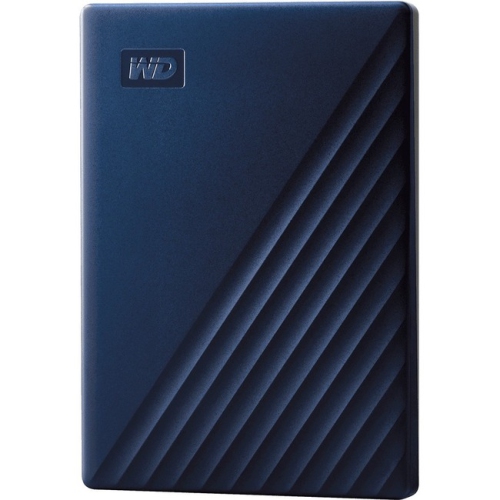
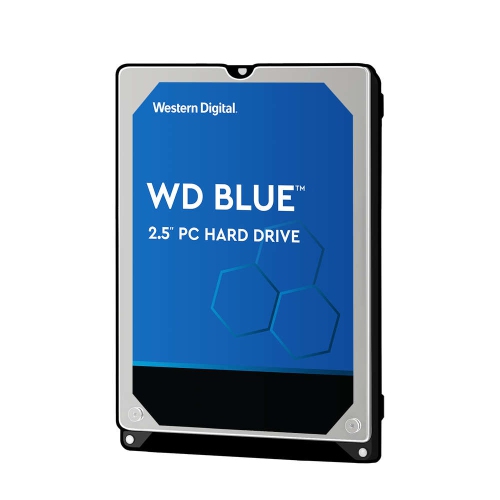
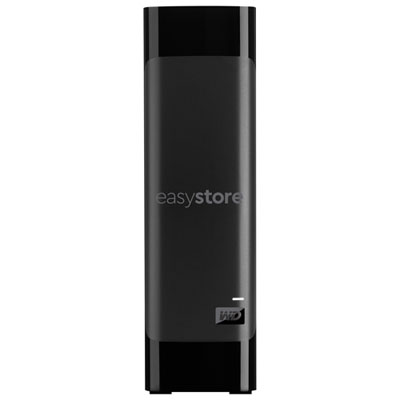
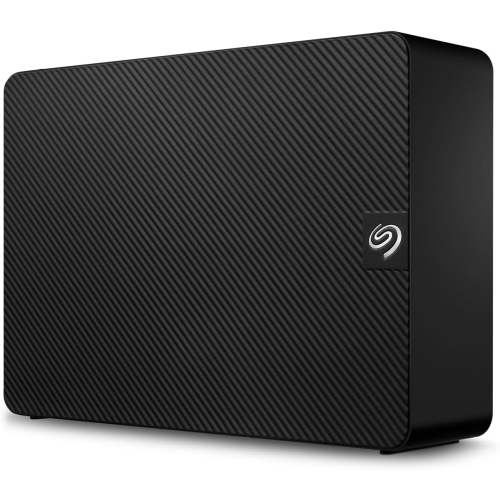
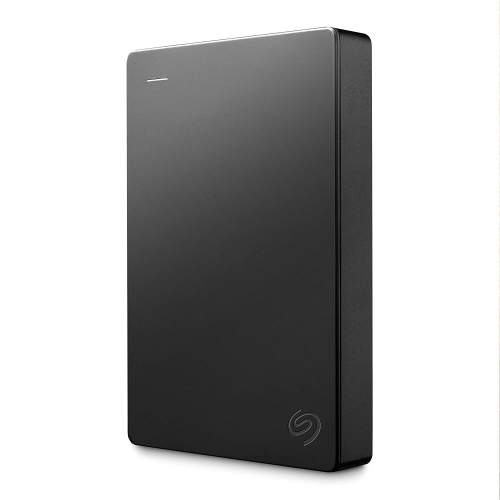
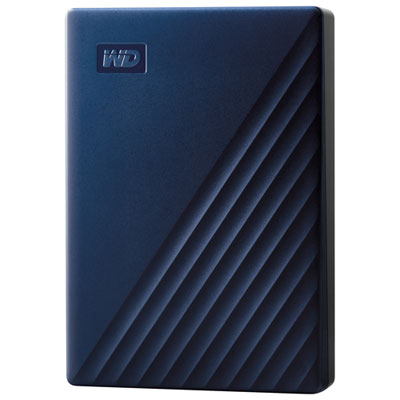
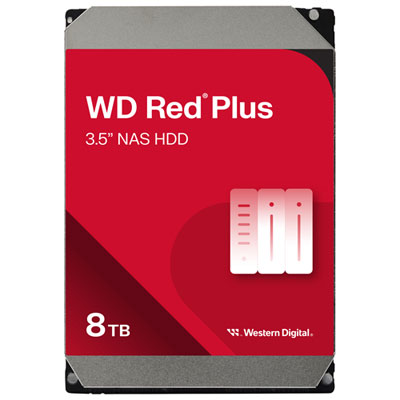
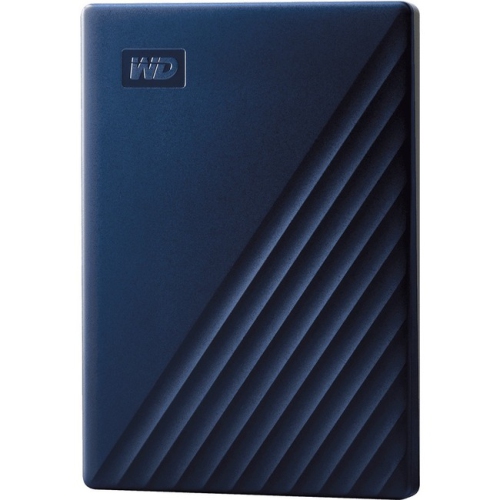
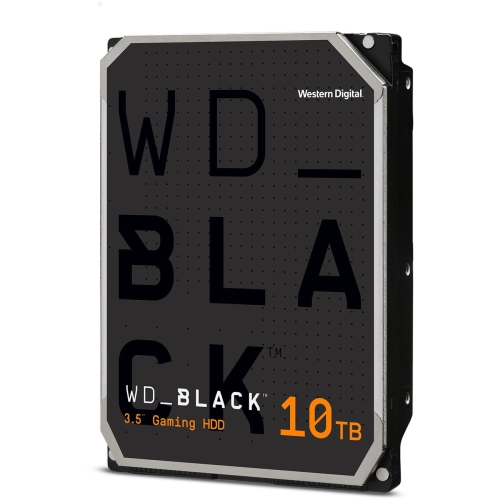
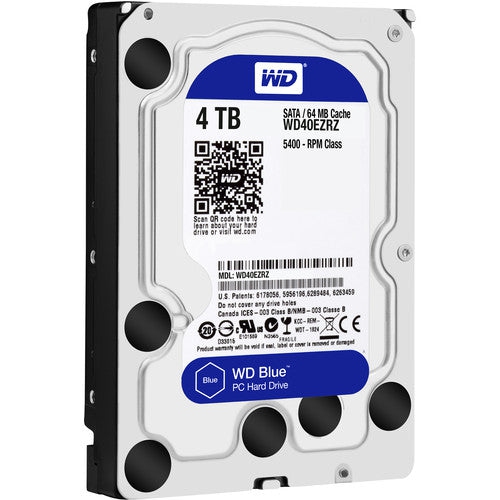
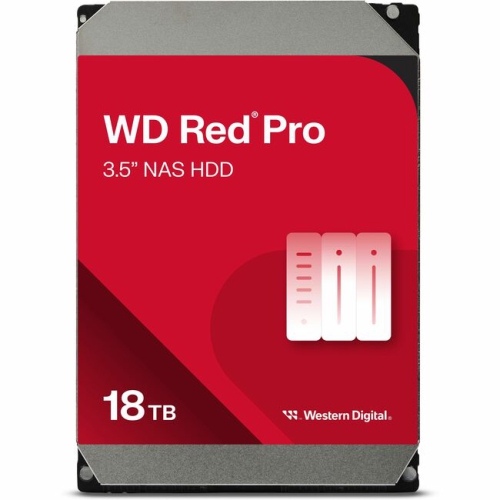
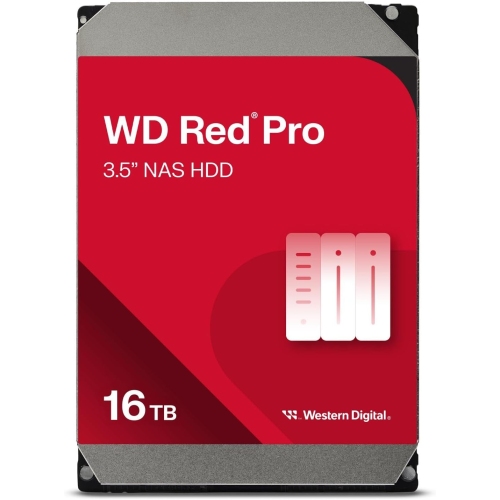
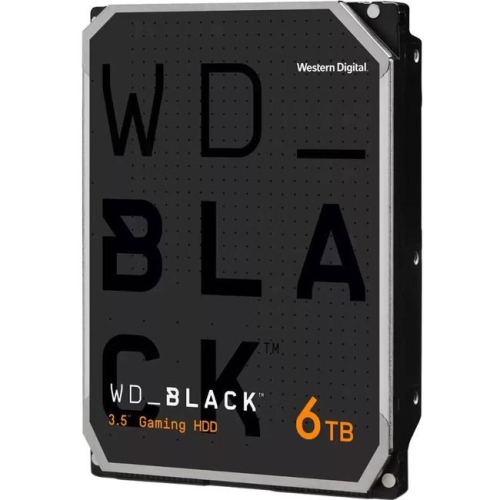
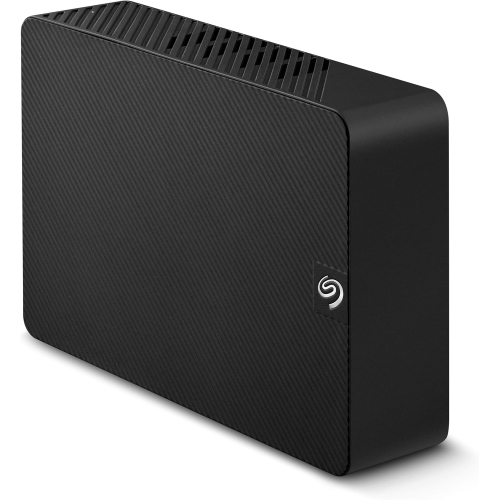
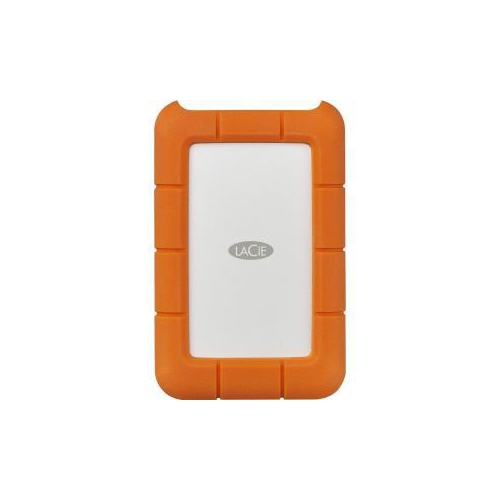
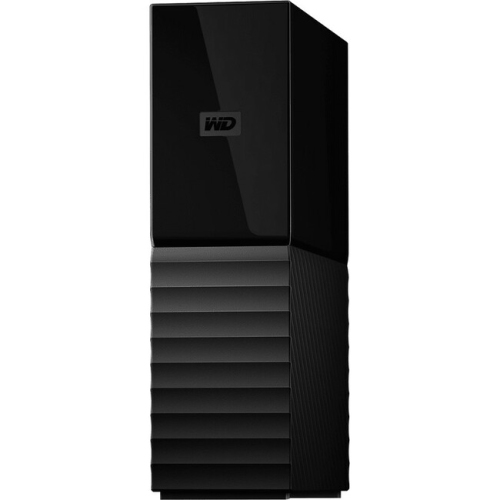
More room for the files your computer can’t hold
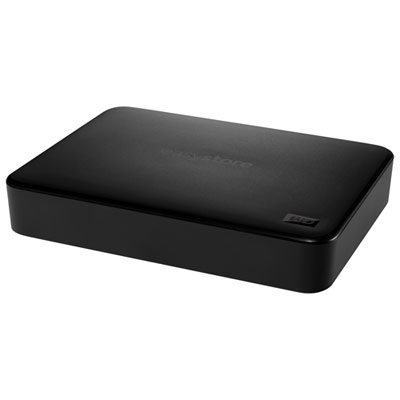
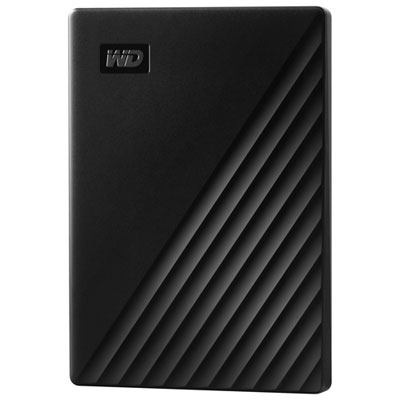
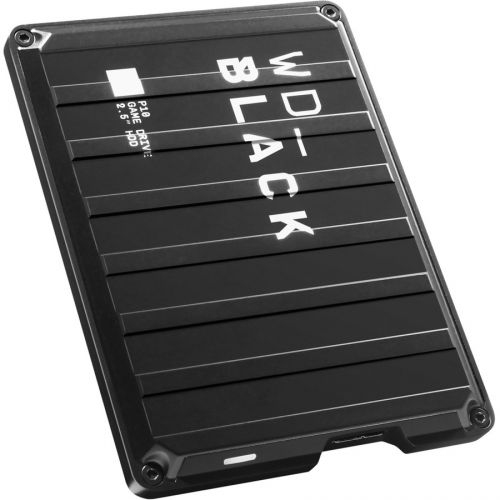
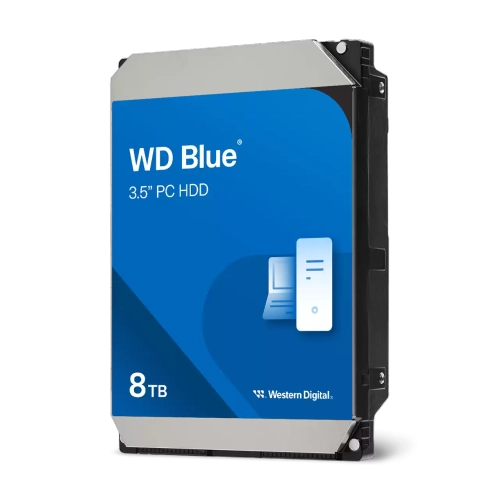
Large hard drives provide high-capacity storage for files that can quickly outgrow a computer’s built-in drive, from family photo libraries and video projects to game installations and business records. Capacities of 6TB and above are common in this category, with some internal and enterprise hard disk drives reaching 30TB or more. The right capacity depends on the format and intended use: a desktop external drive can hold a substantial home archive, an internal drive can expand a compatible computer, and a network-attached storage drive can support shared access through a NAS enclosure. Portable hard drives place greater emphasis on easy transport and generally offer less capacity than larger desktop and internal models. For a photographer, extra space means keeping original image files alongside edited versions rather than clearing folders after every shoot. For a household, it can mean gathering years of phone videos, scanned documents, and music into an organized library. Video creators may need room for source footage, working files, and finished exports, each of which can occupy considerable space. Capacity planning also includes room for future files and multiple backup versions, not just the amount stored today. A drive labelled 10TB uses decimal units; software that reports capacity using binary units may display a smaller number, even before formatting and system files take up space. Large hard drives use spinning magnetic platters, so they are particularly suited to storing substantial collections where capacity matters more than instant access to every file. Solid-state storage can be faster for active applications and demanding editing tasks, while an HDD can hold the larger library behind those activities. The High Capacity Drives collection brings together storage options for expanding these kinds of digital collections, whether the goal is a dedicated backup destination, additional desktop storage, or a central place for shared files.
Physical format and connection type shape how a large hard drive fits into everyday use. Desktop external hard drives typically contain a 3.5-inch mechanism inside a protective enclosure and require a separate power adapter, making them well suited to a stable spot beside a computer. Portable external hard drives often use a smaller 2.5-inch mechanism and draw power through their USB connection, reducing the number of cables needed when moving between locations. Internal drives need a compatible drive bay, data connection, and power connection; many desktop HDDs use SATA, while some enterprise models use interfaces that ordinary home computers cannot connect to directly. An external drive’s connector also needs to match the computer or an appropriate adapter. USB-C describes the connector shape, not a guaranteed transfer speed, and the drive mechanism, USB standard, cable, and computer port all affect actual performance. Copying a folder of large video files can behave very differently from transferring thousands of small documents, even when the total size is similar. Rotational speed, cache, and recording technology can influence responsiveness and sustained transfers. Conventional magnetic recording, or CMR, is often preferred for frequent rewriting and many NAS workloads, while shingled magnetic recording, or SMR, can suit some less write-intensive storage tasks; the enclosure or NAS manufacturer’s compatibility requirements remain important. NAS-rated drives are designed for shared storage systems and typically support continuous operation and workloads involving multiple users. Enterprise drives are intended for demanding storage systems, but their interface, operating requirements, and compatibility still need to suit the equipment receiving them. A home office storing invoices has different needs from a media server supplying several video streams, and neither automatically needs the same configuration as a workstation handling frequent large transfers. Drive noise and vibration can also matter when the storage sits on a desk within arm’s reach rather than in a separate equipment area.
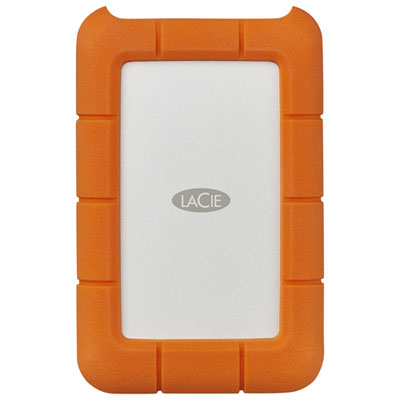
Careful handling and a dependable backup arrangement help protect the files stored on a large hard drive. An external enclosure may be made from plastic, metal, or a combination of materials, but its outer shell does not make the spinning mechanism inside immune to knocks or falls. A stable surface, unobstructed ventilation, and cables positioned away from snagging are useful for a desktop setup. Portable drives benefit from a fitted protective case during transport and should be disconnected safely before being packed away. Rugged housings may offer added protection, although resistance to drops, dust, or water depends on the stated rating rather than appearance alone. Cleaning generally involves disconnecting the drive and wiping the exterior with a soft, dry cloth, without introducing moisture into ports or openings. For internal models, secure mounting and careful handling help prevent unnecessary movement and connector damage. Storage capacity itself is not a substitute for backup: moving the only copy of a photo library from a laptop to an external drive changes its location but does not create a second copy. A stronger arrangement keeps multiple copies, with at least one stored separately from the main computer and another location considered for especially important files. RAID can help certain multi-drive systems continue operating after a drive failure, but it does not replace a separate backup against accidental deletion, theft, or damaged files. Encryption can help protect sensitive records if a drive is lost, provided recovery information is kept somewhere safe. Compatibility with the operating system and chosen file system matters as well, especially when a drive will move between different computers; reformatting can erase existing contents. Automatic backup software, sensible folder names, and occasional checks that saved files can be restored make a large archive easier to maintain. For a student with growing project folders, a family historian digitizing albums, or a creator finishing a lengthy video project, a large hard drive can be a practical gift when its connections and storage format match the recipient’s setup. Its usefulness comes from having enough room for meaningful files, a connection that works with the intended equipment, and a routine that keeps those files protected and accessible.
Physical format and connection type shape how a large hard drive fits into everyday use. Desktop external hard drives typically contain a 3.5-inch mechanism inside a protective enclosure and require a separate power adapter, making them well suited to a stable spot beside a computer. Portable external hard drives often use a smaller 2.5-inch mechanism and draw power through their USB connection, reducing the number of cables needed when moving between locations. Internal drives need a compatible drive bay, data connection, and power connection; many desktop HDDs use SATA, while some enterprise models use interfaces that ordinary home computers cannot connect to directly. An external drive’s connector also needs to match the computer or an appropriate adapter. USB-C describes the connector shape, not a guaranteed transfer speed, and the drive mechanism, USB standard, cable, and computer port all affect actual performance. Copying a folder of large video files can behave very differently from transferring thousands of small documents, even when the total size is similar. Rotational speed, cache, and recording technology can influence responsiveness and sustained transfers. Conventional magnetic recording, or CMR, is often preferred for frequent rewriting and many NAS workloads, while shingled magnetic recording, or SMR, can suit some less write-intensive storage tasks; the enclosure or NAS manufacturer’s compatibility requirements remain important. NAS-rated drives are designed for shared storage systems and typically support continuous operation and workloads involving multiple users. Enterprise drives are intended for demanding storage systems, but their interface, operating requirements, and compatibility still need to suit the equipment receiving them. A home office storing invoices has different needs from a media server supplying several video streams, and neither automatically needs the same configuration as a workstation handling frequent large transfers. Drive noise and vibration can also matter when the storage sits on a desk within arm’s reach rather than in a separate equipment area.
Careful handling and a dependable backup arrangement help protect the files stored on a large hard drive. An external enclosure may be made from plastic, metal, or a combination of materials, but its outer shell does not make the spinning mechanism inside immune to knocks or falls. A stable surface, unobstructed ventilation, and cables positioned away from snagging are useful for a desktop setup. Portable drives benefit from a fitted protective case during transport and should be disconnected safely before being packed away. Rugged housings may offer added protection, although resistance to drops, dust, or water depends on the stated rating rather than appearance alone. Cleaning generally involves disconnecting the drive and wiping the exterior with a soft, dry cloth, without introducing moisture into ports or openings. For internal models, secure mounting and careful handling help prevent unnecessary movement and connector damage. Storage capacity itself is not a substitute for backup: moving the only copy of a photo library from a laptop to an external drive changes its location but does not create a second copy. A stronger arrangement keeps multiple copies, with at least one stored separately from the main computer and another location considered for especially important files. RAID can help certain multi-drive systems continue operating after a drive failure, but it does not replace a separate backup against accidental deletion, theft, or damaged files. Encryption can help protect sensitive records if a drive is lost, provided recovery information is kept somewhere safe. Compatibility with the operating system and chosen file system matters as well, especially when a drive will move between different computers; reformatting can erase existing contents. Automatic backup software, sensible folder names, and occasional checks that saved files can be restored make a large archive easier to maintain. For a student with growing project folders, a family historian digitizing albums, or a creator finishing a lengthy video project, a large hard drive can be a practical gift when its connections and storage format match the recipient’s setup. Its usefulness comes from having enough room for meaningful files, a connection that works with the intended equipment, and a routine that keeps those files protected and accessible.
Top selling and popular products
-
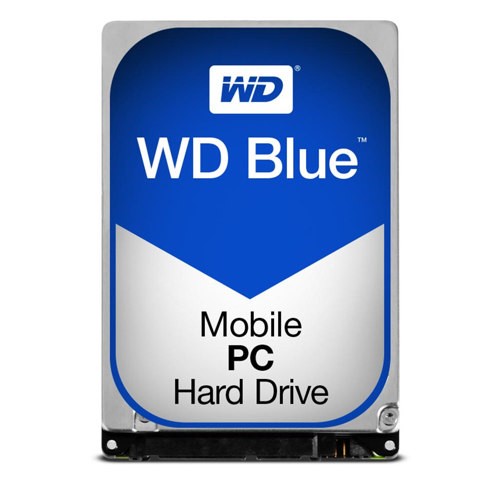 Your price for this item is $247.68
-
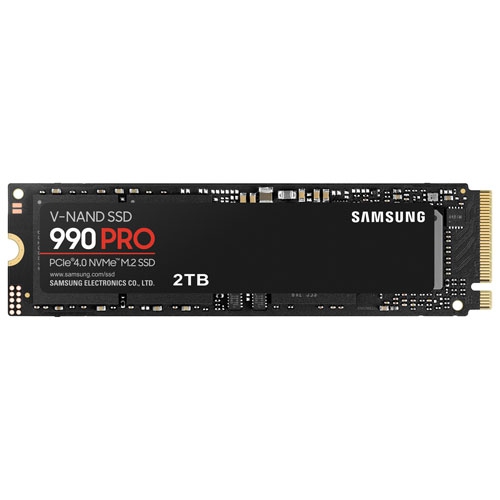 Your price for this item is $639.99
-
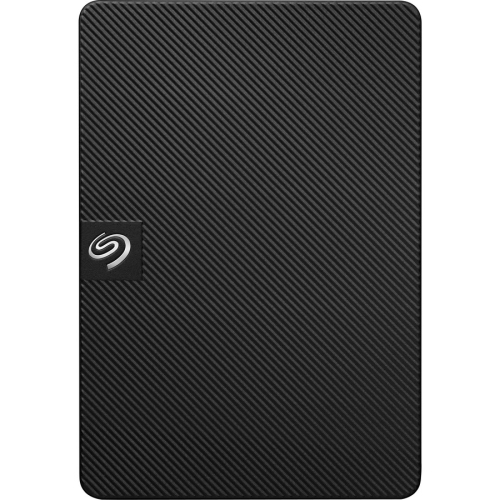 Your price for this item is $259.99
-
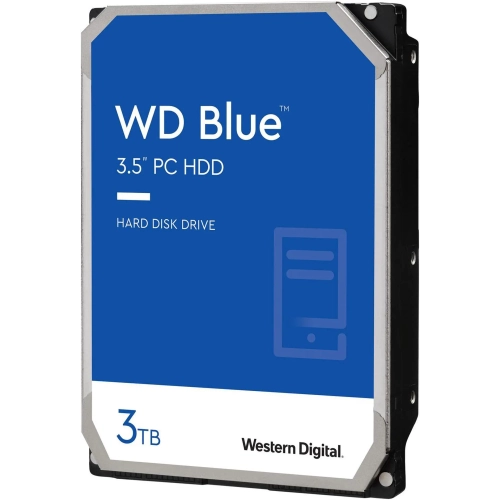 Your price for this item is $259.99
-
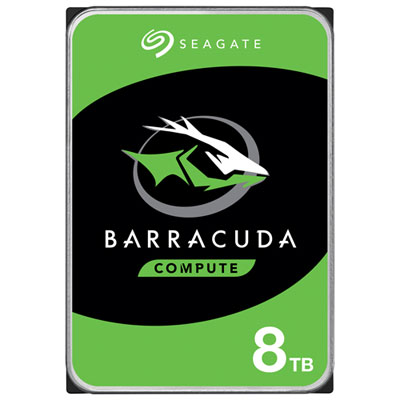 Your price for this item is $389.99
-
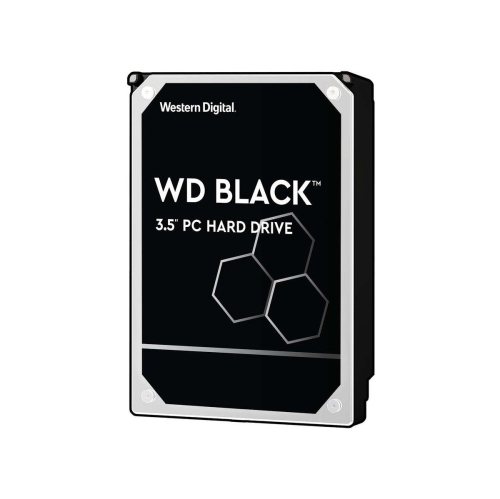 Your price for this item is $489.99
-
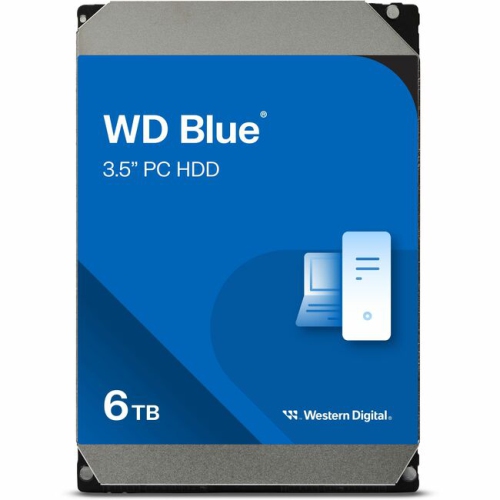 Your price for this item is $419.99
-
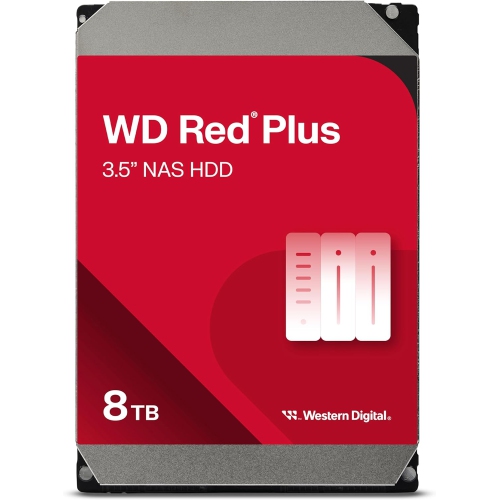 Your price for this item is $584.99
Discover more categories related to Large Hard Drives
Top Collections:
Pokemon Centers, Best Budget Office Chairs, Kindle Devices, Best Cameras for Sports Photography, Pokémon 30th Celebration Cards, Best Laptops for Writers, Canon G7X Cameras, iPhone 15 Apple, Best Cell Phones Under $300, Apple iPhones 16
Some products may be subject to Environmental Handling Fees
(EHF) depending on your province.
Learn more about EHFs.