Least Expensive Macbook
Looking for a budget-friendly option to power up your digital world? Look no further! Our least expensive Macbook selection offers an array of sleek and high-performing laptops that won't break the bank. Whether you're a student on a tight budget, a professional in need of a reliable work companion, or simply someone who wants to experience the world of Mac without splurging, we've got you covered. With top-notch features and impressive performance, these affordable Macbooks prove that quality doesn't always come with a hefty price tag. So, dive into our collection and find the perfect match for your needs and budget today!
Sort

What to consider beyond the lowest MacBook price
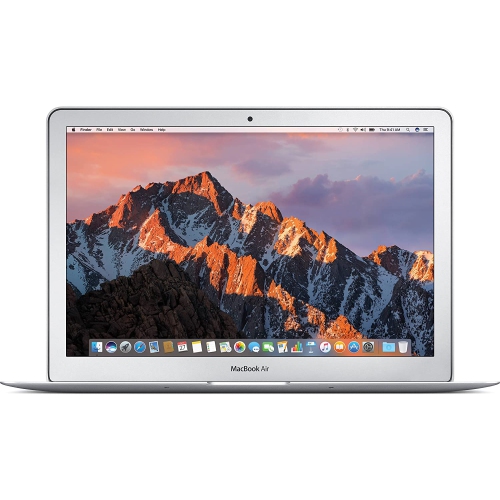
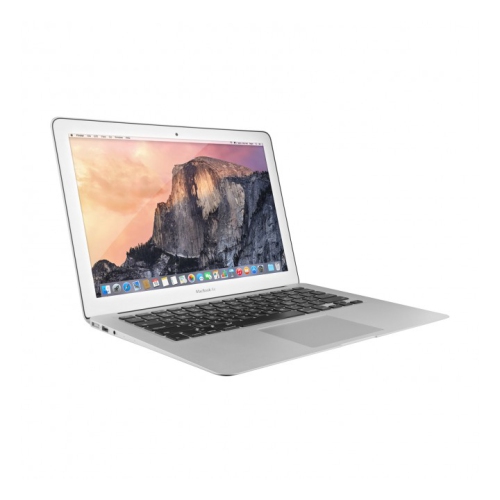
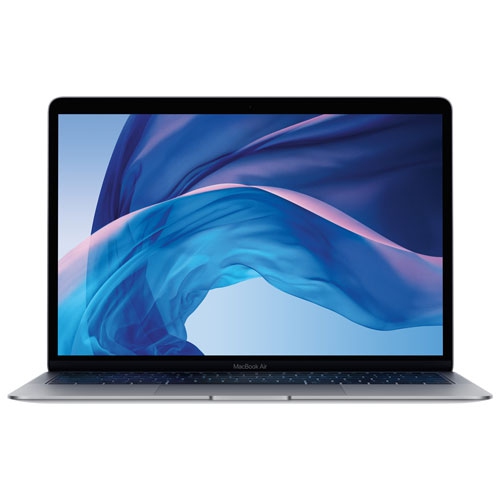
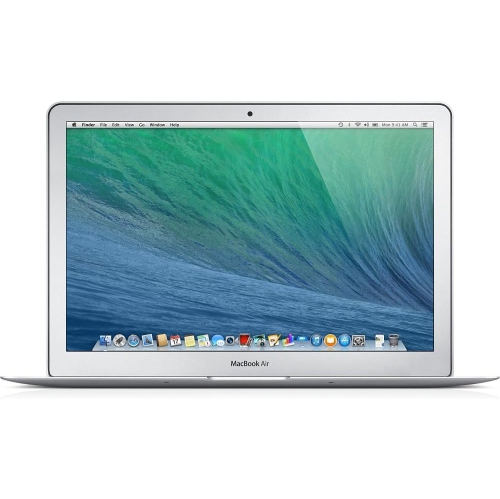
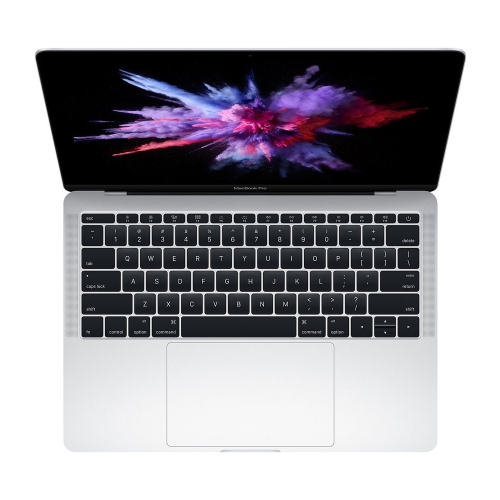
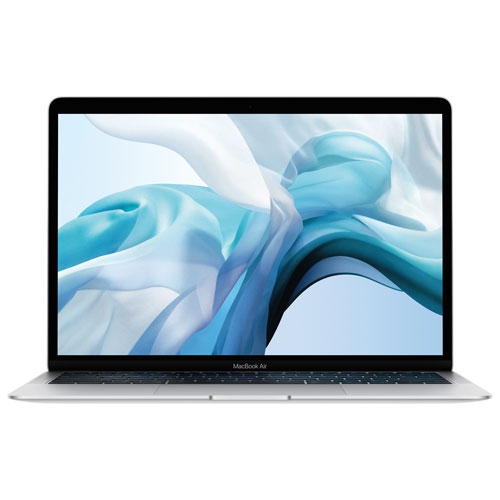
Finding the least expensive MacBook is about more than choosing the lowest number on a price tag. A budget-friendly laptop should still match the way you plan to work, study, create, or relax. For many shoppers, an entry-level MacBook is a practical choice for everyday tasks such as browsing the web, writing documents, managing email, attending video calls, streaming shows, organizing photos, and keeping up with school or office work. Its compact design can slip easily into a backpack or tote, making it useful for moving between home, class, a shared workspace, and the kitchen table. A lightweight laptop can also be a thoughtful gift for a student starting a new programme, a family member who needs a dependable computer for everyday communication, or someone replacing an older machine that has begun to slow down. Before comparing prices, consider the screen size, memory, storage capacity, battery expectations, keyboard comfort, and the software you use most often. A smaller screen may be easier to carry, while a larger display can make spreadsheets, research, photo editing, and side-by-side documents more comfortable. More memory can help when many browser tabs and applications are open together, while additional storage is useful for large photo libraries, downloaded media, creative projects, and files that need to remain available offline. Paying attention to these details helps ensure that the least expensive option is also a sensible long-term fit rather than a laptop that feels restrictive after a few weeks.
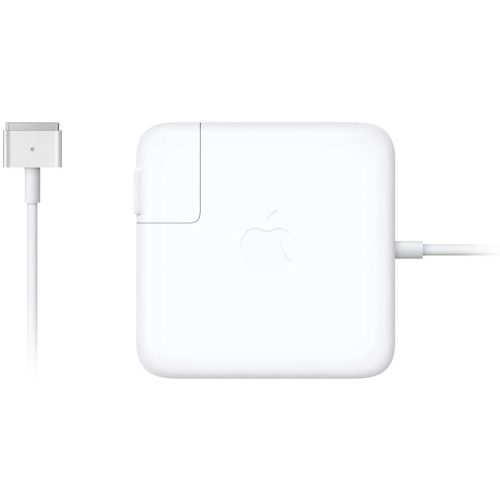
Price comparisons can include brand-new, open-box, and certified refurbished laptops, each with different advantages and conditions. A new MacBook generally offers the clearest out-of-box experience, the latest available configuration within a given price range, and the reassurance of a full manufacturer warranty subject to its terms. Open-box products may have been returned or displayed and can provide savings while retaining many of the features shoppers want, although packaging or included accessories may vary. Certified refurbished options can offer even greater value, particularly for shoppers who are comfortable choosing an earlier generation with dependable everyday performance. When reviewing a refurbished or open-box listing, check the condition description, warranty coverage, return policy, battery information when provided, included charger, storage capacity, and keyboard layout. These points matter because a lower purchase price can lose its appeal if an essential accessory must be replaced or the available storage is too limited. Students and educators may also find education pricing through eligible programmes, so it is worth checking the requirements before making a final comparison. For shoppers focused on schoolwork, the recommendations in Affordable MacBook For Students can provide helpful context around portability, performance, and value. Families buying a laptop as a gift should also think about setup: a protective sleeve, wireless mouse, external drive, or USB-C hub may make the new computer more convenient from the first day, though compatibility should be confirmed before adding accessories to the budget.
The least expensive MacBook can be well suited to students, remote workers, travellers, retirees, and casual home users who want a straightforward computer for familiar tasks. A student may use it to take notes in a lecture, research an assignment at the library, join a group call, and submit coursework from a dorm room or home office. A remote worker may rely on it for calendars, presentations, messaging, cloud documents, and video meetings, while a traveller may appreciate a slim design and battery that supports work during a train journey, at an airport, or from a quiet corner of a café. At home, it can serve as a shared family computer for online forms, recipes, banking, photo organization, and entertainment during the cooler months. Users who edit high-resolution video, build complex three-dimensional projects, run demanding professional applications, or connect several high-performance displays may need to compare technical requirements carefully before selecting an entry-level configuration. For everyone else, a sensibly chosen lower-cost model can provide a comfortable balance of portability, speed, and everyday usability. Look beyond the initial price to consider the total setup, available warranty, return terms, software needs, and how much room the computer leaves for future files and applications. Comparing these factors across new, open-box, and certified refurbished listings makes it easier to recognize genuine value and choose a MacBook that feels dependable through school terms, busy workdays, family visits, and everyday use.
Price comparisons can include brand-new, open-box, and certified refurbished laptops, each with different advantages and conditions. A new MacBook generally offers the clearest out-of-box experience, the latest available configuration within a given price range, and the reassurance of a full manufacturer warranty subject to its terms. Open-box products may have been returned or displayed and can provide savings while retaining many of the features shoppers want, although packaging or included accessories may vary. Certified refurbished options can offer even greater value, particularly for shoppers who are comfortable choosing an earlier generation with dependable everyday performance. When reviewing a refurbished or open-box listing, check the condition description, warranty coverage, return policy, battery information when provided, included charger, storage capacity, and keyboard layout. These points matter because a lower purchase price can lose its appeal if an essential accessory must be replaced or the available storage is too limited. Students and educators may also find education pricing through eligible programmes, so it is worth checking the requirements before making a final comparison. For shoppers focused on schoolwork, the recommendations in Affordable MacBook For Students can provide helpful context around portability, performance, and value. Families buying a laptop as a gift should also think about setup: a protective sleeve, wireless mouse, external drive, or USB-C hub may make the new computer more convenient from the first day, though compatibility should be confirmed before adding accessories to the budget.
The least expensive MacBook can be well suited to students, remote workers, travellers, retirees, and casual home users who want a straightforward computer for familiar tasks. A student may use it to take notes in a lecture, research an assignment at the library, join a group call, and submit coursework from a dorm room or home office. A remote worker may rely on it for calendars, presentations, messaging, cloud documents, and video meetings, while a traveller may appreciate a slim design and battery that supports work during a train journey, at an airport, or from a quiet corner of a café. At home, it can serve as a shared family computer for online forms, recipes, banking, photo organization, and entertainment during the cooler months. Users who edit high-resolution video, build complex three-dimensional projects, run demanding professional applications, or connect several high-performance displays may need to compare technical requirements carefully before selecting an entry-level configuration. For everyone else, a sensibly chosen lower-cost model can provide a comfortable balance of portability, speed, and everyday usability. Look beyond the initial price to consider the total setup, available warranty, return terms, software needs, and how much room the computer leaves for future files and applications. Comparing these factors across new, open-box, and certified refurbished listings makes it easier to recognize genuine value and choose a MacBook that feels dependable through school terms, busy workdays, family visits, and everyday use.
Top selling and popular products
-
 Your price for this item is $699.77
 -
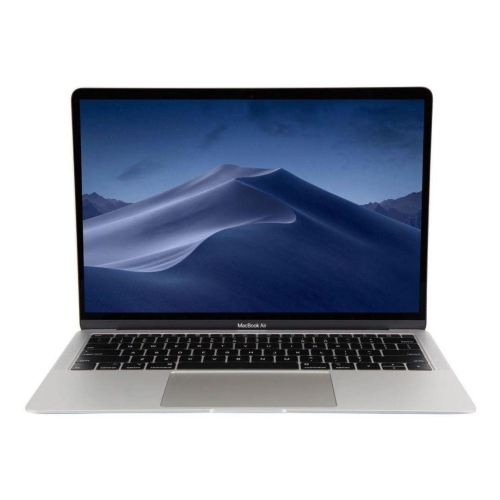 Your price for this item is $499
 -
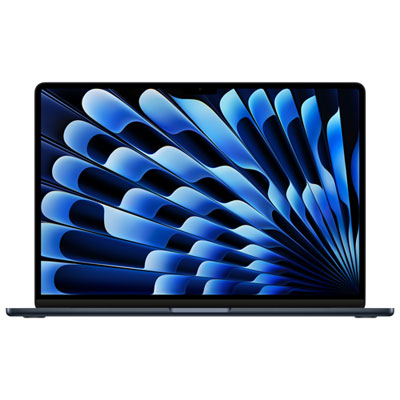 Your price for this item is $1599.95
 -
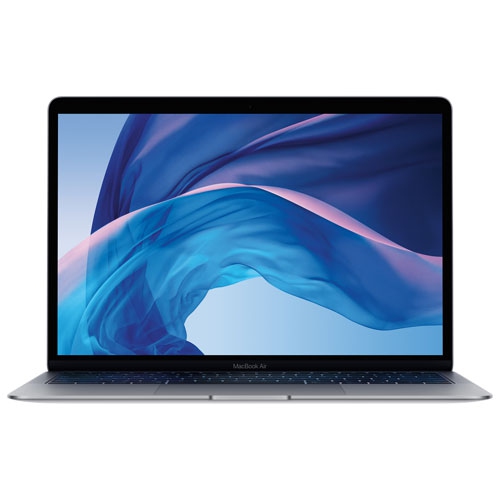 Your price for this item is $699.77
 -
 Your price for this item is $1789.99
 -
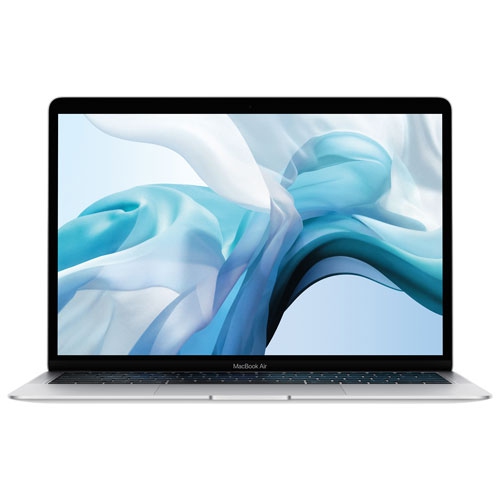 Your price for this item is $699.99
 -
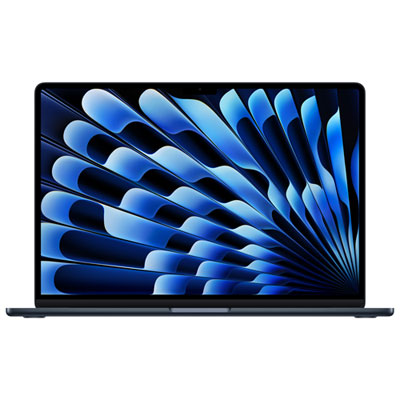 Your price for this item is $2089.99
 -
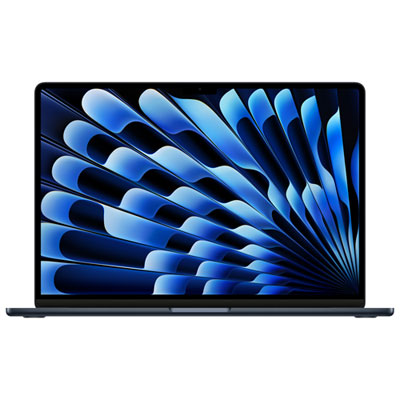 Your price for this item is $1649.95
Discover more categories related to Least Expensive Macbook
Top Collections:
Pokemon Centers, Budget 4K TVs, Kindle Devices, Canon G7X Cameras, Apple iPhones 16, iPhone 15 Apple, Laptops for Business Work, Flip Phones, Xiaomi Phones, Refurbished Apple Laptops
Some products may be subject to Environmental Handling Fees
(EHF) depending on your province.
Learn more about EHFs.