Lenovo Portable Monitors
Enhance your productivity and entertainment experience with a Lenovo Portable Monitor. Designed for versatility and convenience, these monitors offer seamless connectivity whether you're working on the go, presenting in meetings, or expanding your screen space at home. Discover a range of options to suit your needs, making it easy to set up a flexible workspace wherever you are. Explore the selection of Lenovo Portable Monitors and find the perfect solution to keep you connected and efficient.
Sort
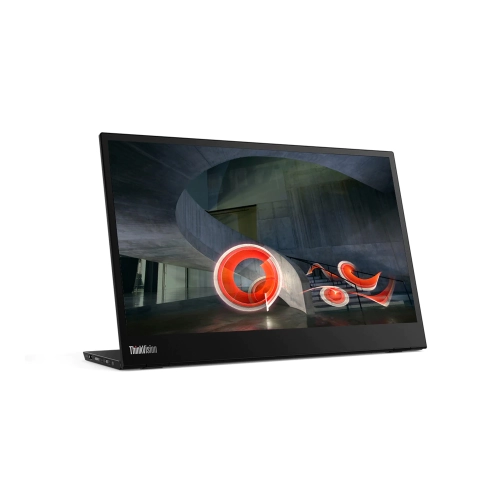
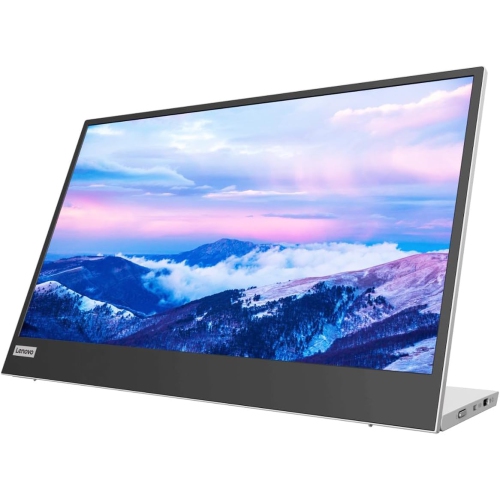
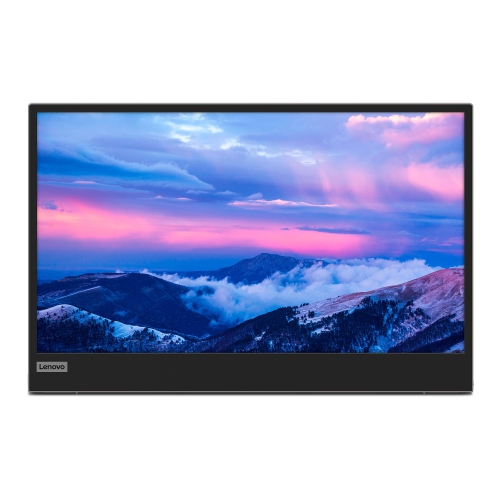

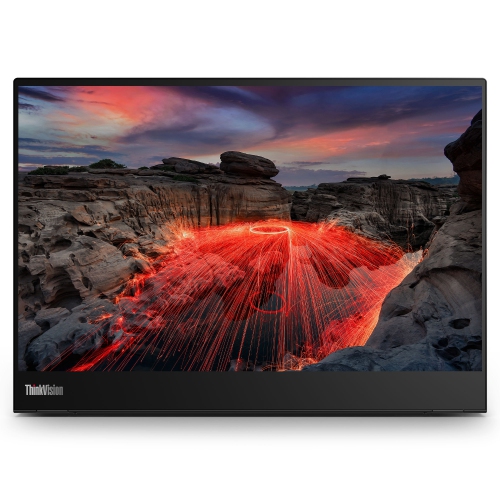
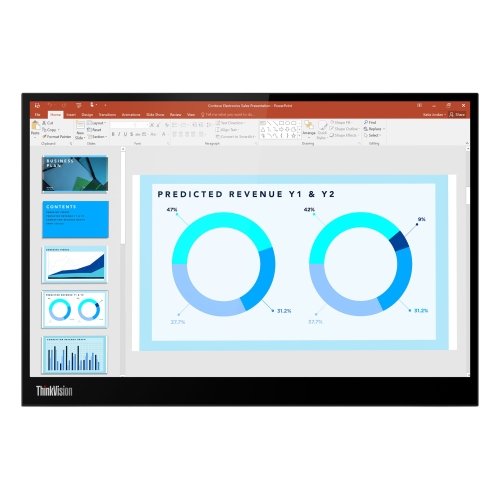
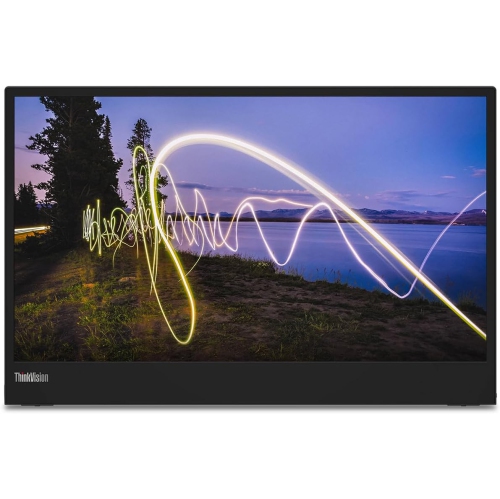
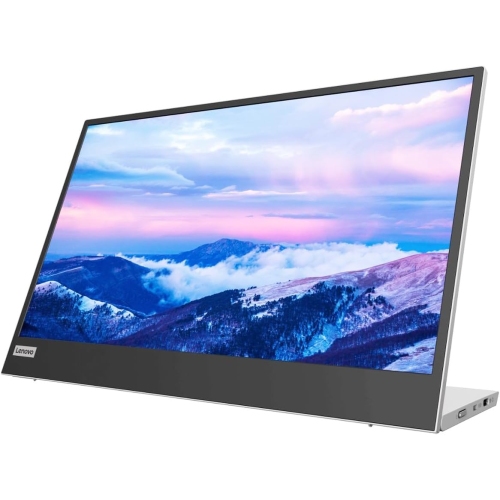
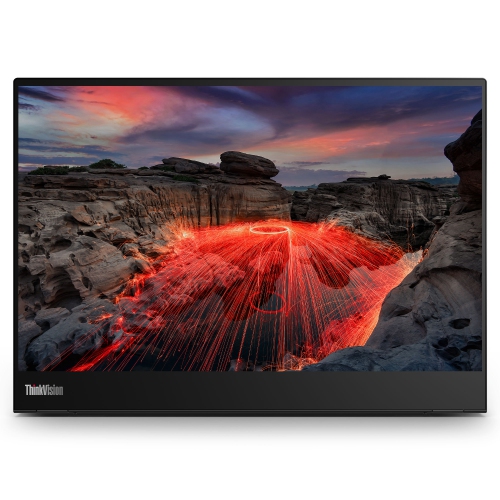
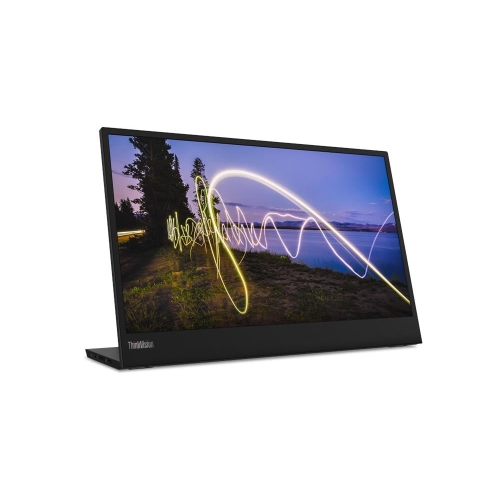
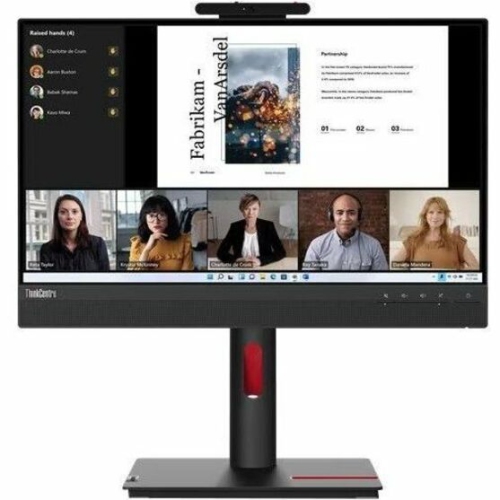
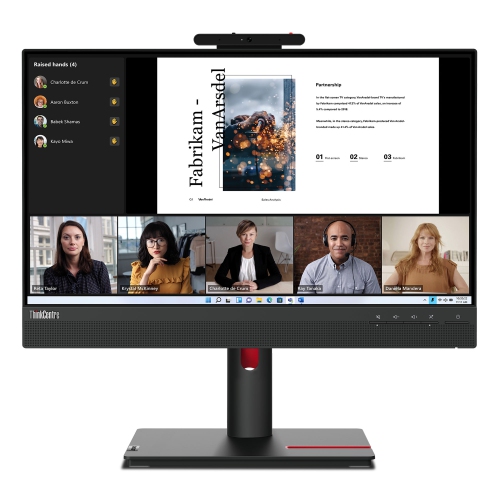
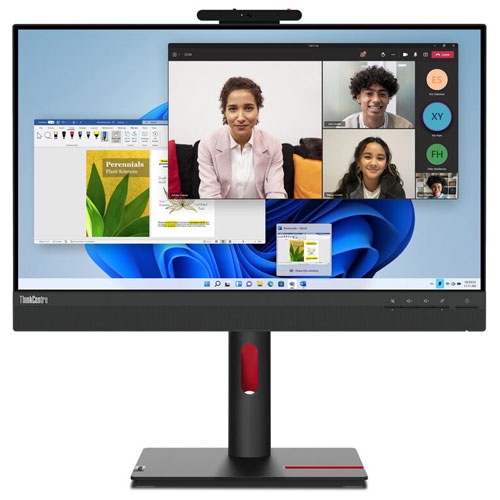


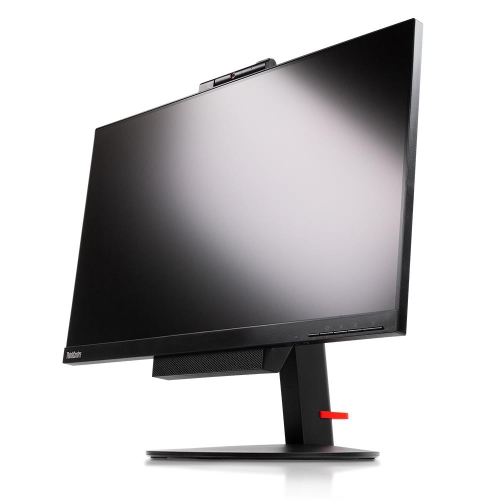
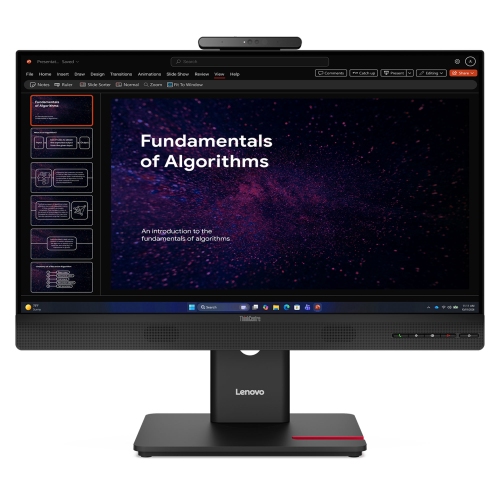
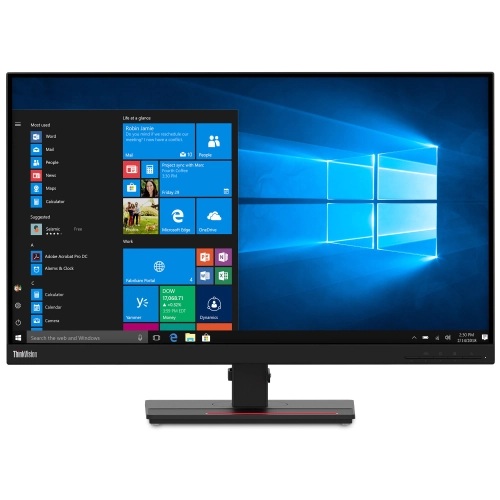
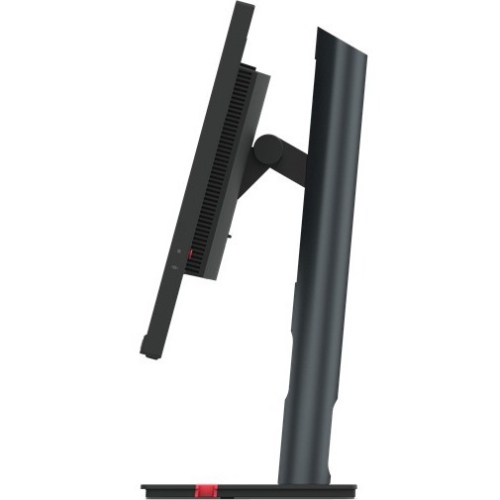
More screen space wherever your work takes you
Portable monitors add usable screen space to a laptop without requiring a permanent desk setup. Slim enough to carry between a home office, a shared workspace, and a client meeting, these displays make it easier to keep reference material visible while working in another application. A spreadsheet can sit beside an email draft, research notes can stay open next to an assignment, and presentation slides can remain separate from the controls used to deliver them. Extending the desktop gives each screen its own content, while mirroring shows the same image on both displays for a small presentation or a conversation across a table. The right size depends on both the work and the space around it. A display close to the height of a laptop screen can create a more balanced arrangement, while a larger panel offers extra room for detailed documents but needs more space in a bag and on a tabletop. Screen resolution also affects that balance: sharper text and finer detail are useful, although higher resolutions may require scaling to keep menus and labels comfortable to read. Aspect ratio influences how the space feels in practice, with taller proportions offering more vertical room for documents and wider proportions suiting side-by-side windows or video. Panel technology, brightness, and surface finish shape the viewing experience, too. Wide viewing angles help when the screen sits slightly off-centre or is shared with another person, while a matte finish can reduce distracting reflections from overhead lights. Colour accuracy deserves attention for photography, illustration, and design work, particularly when images move between the laptop and the external display. A portable screen is useful for reviewing layouts and making adjustments away from a desk, but colour-sensitive work benefits from checking calibration options and the display’s stated colour coverage rather than relying on appearance alone.
Connections are central to how neatly a portable monitor fits into a daily routine. A compatible USB-C connection may carry video and power through one cable, reducing the number of leads spread across a small desk. The connector’s shape alone does not establish compatibility, however: the source device must support video output through that port, commonly through DisplayPort Alt Mode, and the cable must support the required signal. For shoppers comparing connection options, USB C Portable Monitors bring together a display category suited to many modern laptop setups, with compatibility still depending on the computer, cable, and monitor specifications. Power requirements matter just as much as video support. Some configurations draw enough power from the laptop to run directly, while others need a separate power connection, particularly when the source device cannot supply sufficient power. Running an external display from a laptop can also shorten the time between charges. Pass-through charging, where supported, can simplify a setup, but its usefulness depends on the monitor’s power delivery capabilities and the connected charger. An HDMI input offers another route for compatible computers and other video sources, though a separate power cable is generally needed. Port placement can make a noticeable difference on a narrow surface: side-facing connections may be easier to reach, but cables need enough clearance to avoid pressing against a wall or another device. Cable length should allow a comfortable screen position without pulling on the connectors. Touch capability is another feature that depends on the complete setup, including operating system support and the connection used; it should not be assumed from the presence of USB-C. Built-in speakers, headphone connections, and on-screen controls also vary. For meetings and shared spaces, a headset may provide a more practical audio arrangement than small display speakers, while accessible brightness controls make it easier to match the portable screen to the laptop beside it.
The physical design determines how comfortably a portable monitor moves from bag to desk and back again. Low weight is helpful for commuting, but the stand, protective cover, and cables contribute to the total load as well. A rigid casing can help protect the panel during ordinary handling, while a padded sleeve keeps the screen away from keys, chargers, and other hard objects inside a bag. Metal and plastic housings each appear in portable display designs; build quality, reinforced corners, and a secure stand are more useful indicators of everyday practicality than material alone. An adjustable stand helps position the screen at a readable angle, and a stable base matters when typing causes a lightweight table to move. Portrait orientation, when supported by the stand and display settings, can be particularly useful for long documents, code, or reference pages. On a shared desk, aligning the screens at a similar viewing height can reduce repeated head movement, although a portable display may need a suitable riser to reach that position. Care is straightforward but worth making part of the packing routine. Disconnect cables before moving the screen, avoid lifting it by its stand unless the design permits it, and keep pressure off the panel when closing a bag. A soft, clean microfibre cloth is suitable for routine dust removal; any cleaning solution should follow the manufacturer’s directions and should not be sprayed directly onto the display. Portable monitors suit students working between study spaces, professionals who travel between offices, and people whose home workspace needs to be cleared at the end of the day. They can also make a thoughtful gift for someone who regularly works from a laptop, provided the recipient’s connections and carrying needs are known. The most useful addition is not necessarily the largest screen, but one that opens easily, sits securely, and gives everyday tasks enough room without making the setup cumbersome.
Top selling and popular products
-
 Your price for this item is $783.68
-
 Your price for this item is $299
-
 Your price for this item is $469
-
 Your price for this item is $94.99
-
 Your price for this item is $177.99
-
 Your price for this item is $229.99
-
 Your price for this item is $1138.68
-
 Your price for this item is $355.68
Discover more categories related to Lenovo Portable Monitors
Top Collections:
Best Black Friday Deals This Year, Best Black Friday Deals On Electronics, Kindle Devices, Best Black Friday Deals On Apple Products, Best Budget Office Chairs, Best Cameras for Sports Photography, Dyson Airwrap, Canon G7X Cameras, Best Laptops for Writers, Samsung Galaxy Phones
Some products may be subject to Environmental Handling Fees
(EHF) depending on your province.
Learn more about EHFs.