Asus Portable Monitors
Enhance your productivity and entertainment experience wherever you go with an Asus Portable Monitor. Designed for versatility and convenience, these monitors are ideal for expanding your workspace or enjoying your favorite content on the move. Whether you need a second screen for work, gaming, or streaming, an Asus Portable Monitor offers a flexible solution that fits seamlessly into any lifestyle. Discover a range of options to suit your needs and make the most out of every moment, whether at home, in the office, or on the road.
Sort
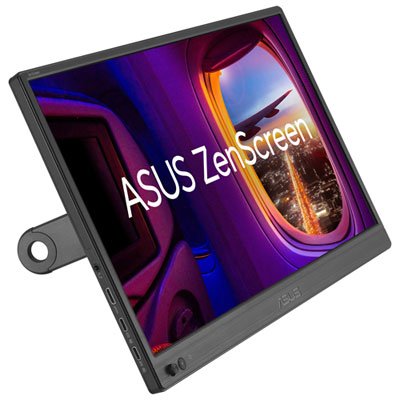
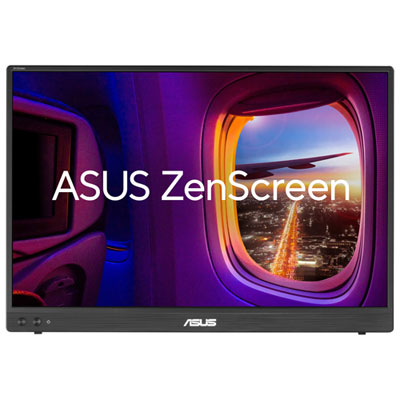
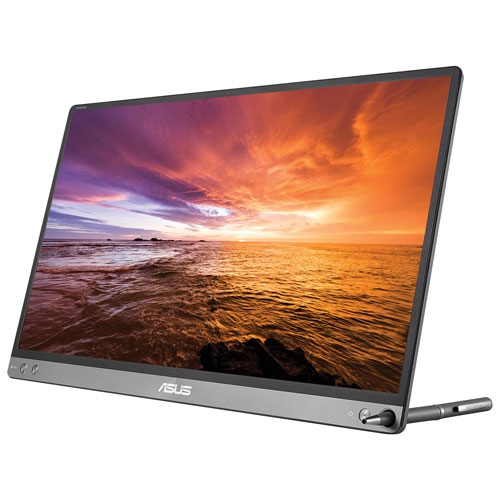
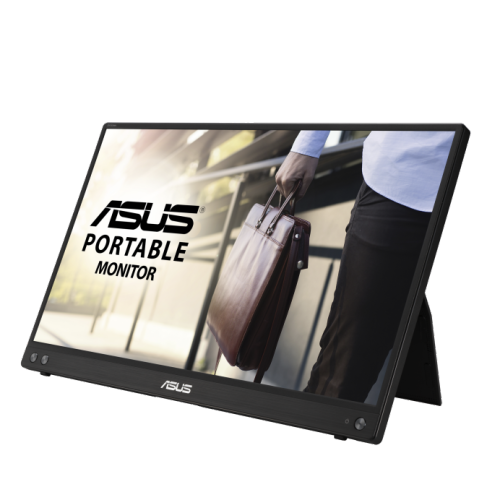

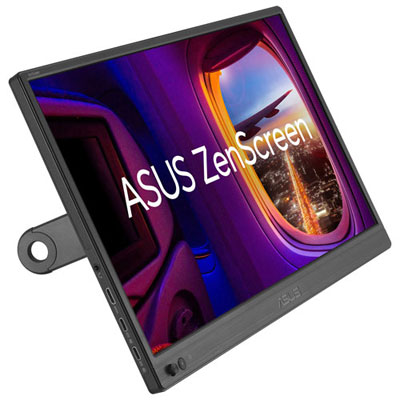
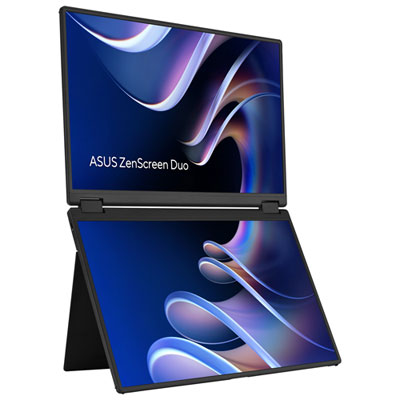
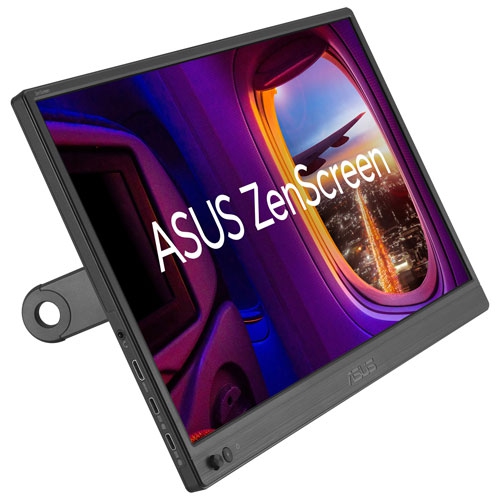
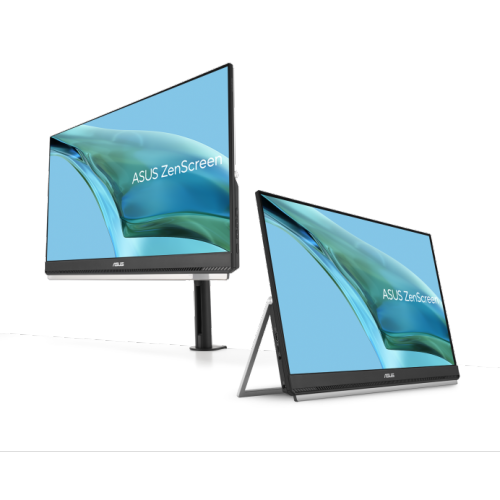
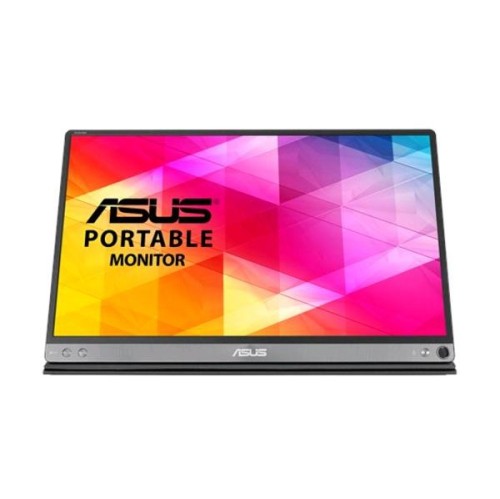
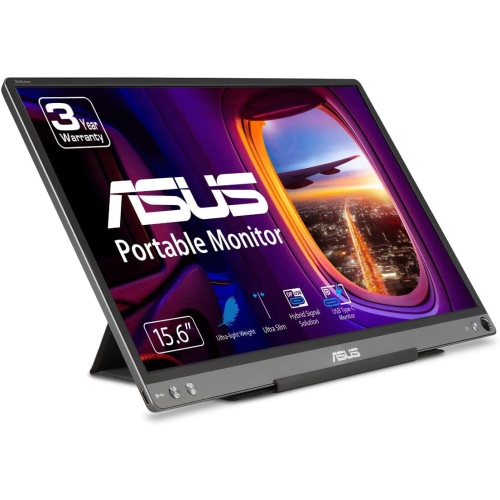
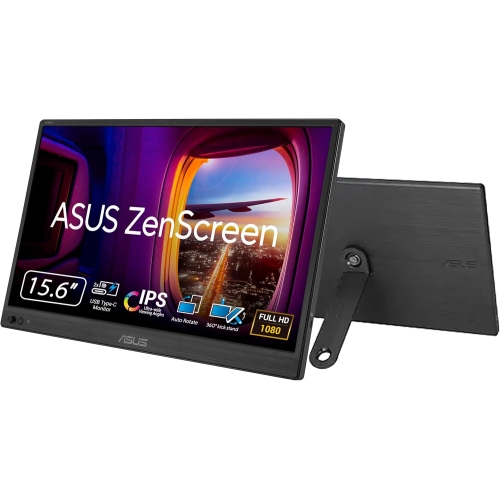
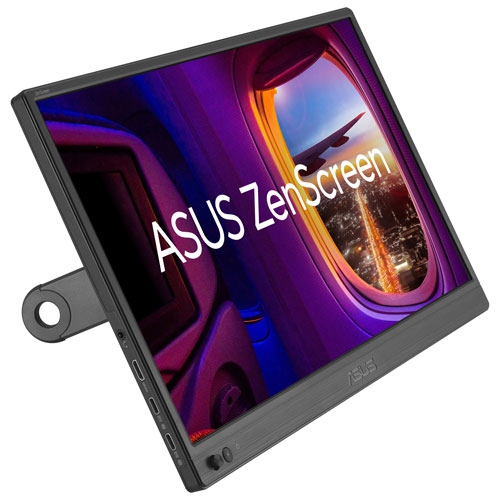
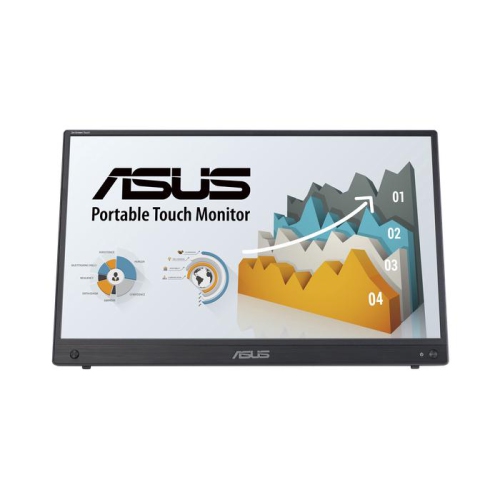
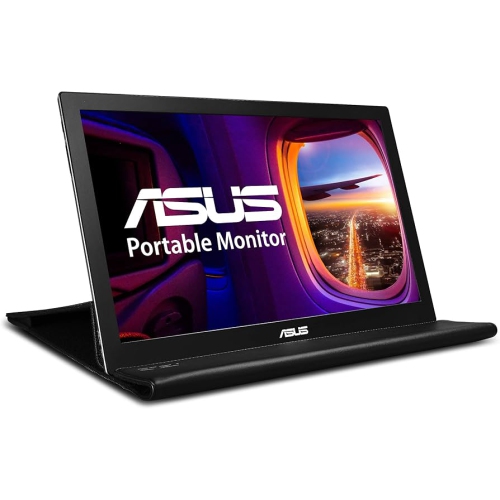
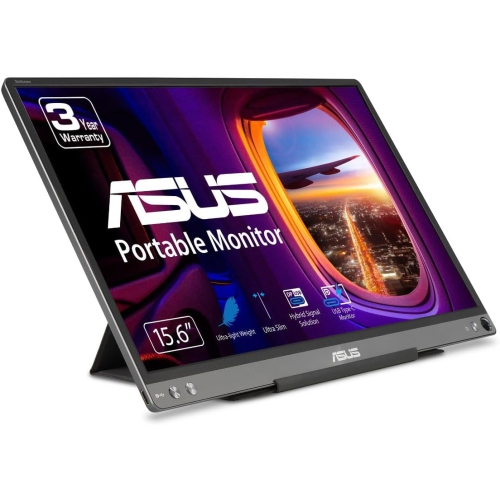
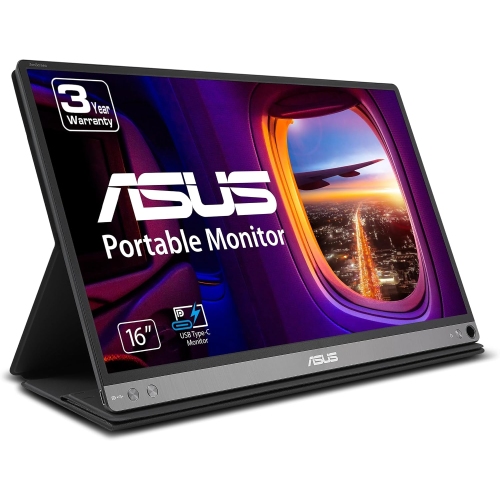
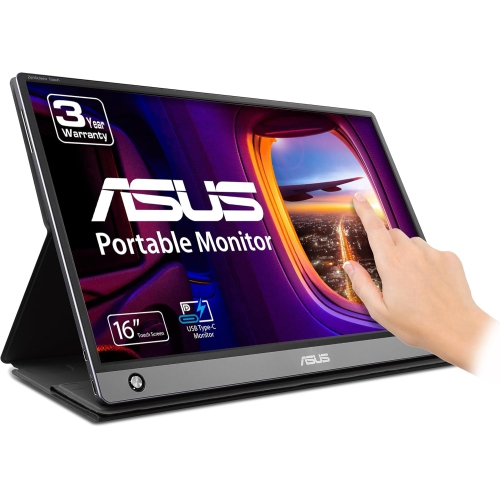
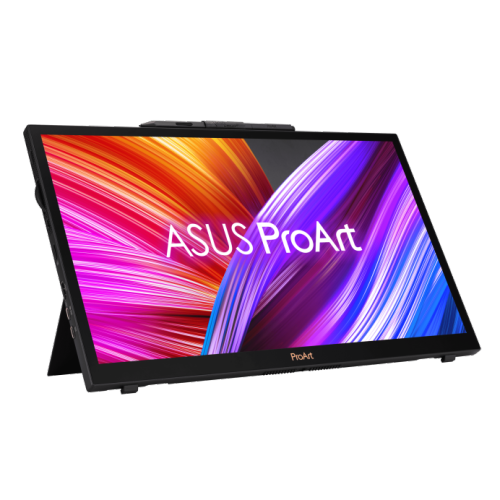
More screen space without a permanent desk setup
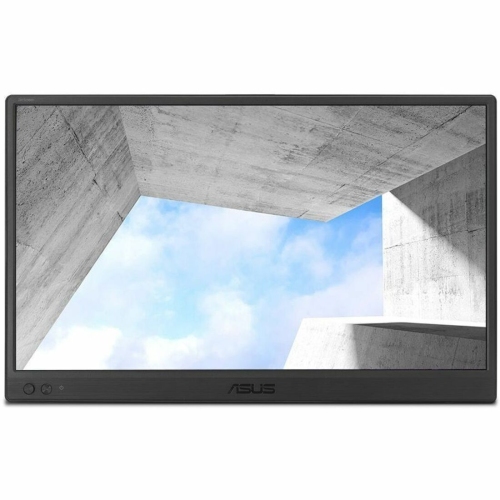
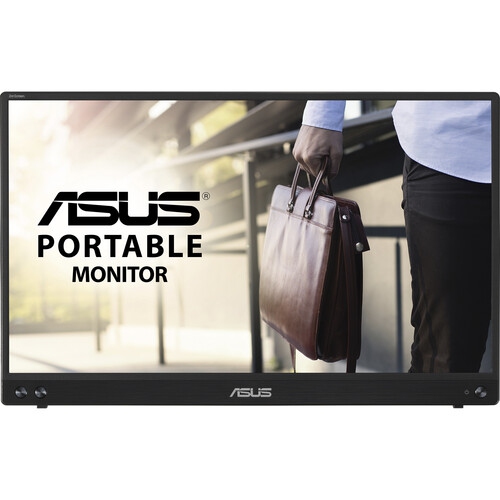
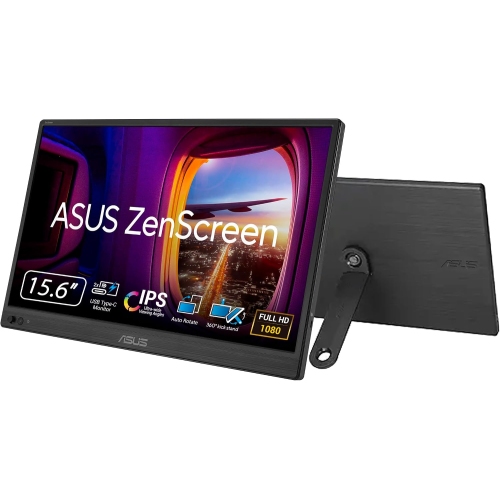
Portable monitors add a useful extra screen without turning a temporary workspace into a permanent desk setup. They can sit beside a laptop for spreadsheets and email, keep reference material visible during an online class, or display presentation notes while the main screen handles a video call. For someone working between home, an office, and shared workspaces, a slim display makes it easier to keep a familiar layout wherever there is room to sit down. Screen size shapes that experience: a 15.6-inch display provides a generous viewing area in a familiar laptop-sized format, while a 16-inch display with a taller aspect ratio can leave more room for documents and browser windows. Full HD, or 1920 × 1080 resolution, is well suited to everyday productivity, streaming, and general use. A 1920 × 1200 display uses a 16:10 aspect ratio, adding vertical space that can be useful when reading reports or editing a long document. Resolution and screen size work together to determine how sharp text appears, while operating system scaling lets users adjust the size of menus and interface elements. IPS panels are valued for wide viewing angles, particularly when a screen is positioned slightly to one side or shared with another person across a table. Anti-glare finishes help soften reflections from nearby lighting, although screen placement and brightness still influence visibility. Colour accuracy matters more for photo editing and design than for keeping a calendar open, so colour coverage and calibration information are useful distinctions within the category. For everyday multitasking, a comfortable text size and a stable viewing position often matter more than the highest resolution. Flicker-reduction features and low blue light modes, where included, provide additional display settings to suit individual preferences. The practical benefit is straightforward: a document can remain open on one screen while edits happen on the other, reducing the need to repeatedly switch between windows. That extra space can be equally useful for a student reviewing lecture slides, a business traveller preparing a presentation, or a remote worker keeping messages separate from the task at hand.
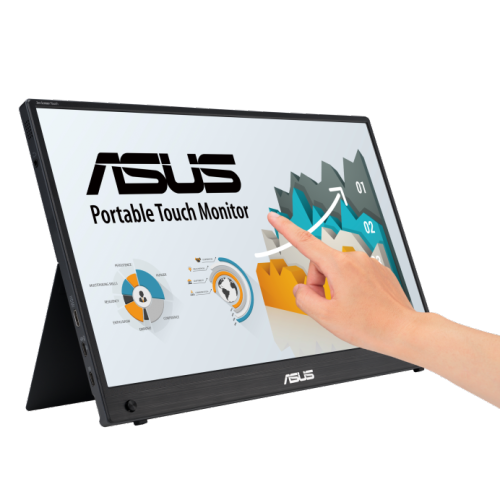
Connections determine how easily a portable monitor fits into an existing setup. USB-C can carry both video and power through a single cable, but the connector shape alone does not confirm compatibility. The connected device needs a port that supports a suitable video output, such as DisplayPort Alt Mode, and enough power for the display. A charge-only cable will not provide the same function as a cable designed to carry video. HDMI and mini-HDMI inputs provide another connection option for compatible laptops, desktops, and gaming devices, though an HDMI connection typically needs separate USB power for the monitor. Where a display includes power pass-through, its supported charging capacity and power adapter requirements determine whether it can also help power the connected laptop. Battery-equipped designs can reduce reliance on a nearby outlet, but operating time depends on brightness, usage, and the display’s specifications. Phones and tablets require particular attention to video output support; a USB-C port does not automatically mean that a mobile device can send an image to an external screen. The device’s software also determines whether it mirrors the existing display or creates a separate workspace. Physical placement is just as important as the connection. A built-in kickstand can make setup quick, while a folding cover may serve as both a protective layer and a support. Adjustable angles help position the screen beside a laptop without forcing an awkward viewing posture. Portrait orientation can suit coding, long articles, and document review, but rotation may involve operating system settings rather than automatic detection. Tripod or other mounting support, where specified, creates further placement options. Touch functionality also varies by display and operating system, and may require an additional connection or compatible software. For gaming, refresh rate, response time, and supported input resolution affect the experience more directly than portability alone. Sound deserves attention too: built-in speakers are not universal, and headphones or the connected device’s speakers may remain part of the setup.
A portable monitor’s construction affects how comfortable it is to carry and how confidently it can be used away from a regular desk. Plastic housings can keep weight manageable, while metal components may add rigidity; the overall design, hinge quality, and protection around the panel matter more than a single material description. Thin bezels can keep the footprint compact, but the dimensions of the whole display, including its stand or cover, determine whether it fits into a bag. A screen that slides neatly into a laptop compartment still needs protection from pressure, loose chargers, and other objects that could press against the panel. A padded sleeve or protective case helps separate it from everyday travel essentials, while a secure cable connection reduces strain on ports during use. The complete carrying setup includes the display, stand, cables, and any required power adapter, so the screen’s weight alone does not tell the whole story. On a desk, a stable support and sufficient space for cables make the arrangement easier to live with, especially when a laptop and external keyboard are already sharing a small surface. Care is generally simple: a clean, soft microfibre cloth removes light dust and fingerprints, and any cleaning solution should follow the manufacturer’s instructions rather than being sprayed directly onto the screen. Ports and hinges benefit from gentle handling, with cables disconnected before the monitor is packed away. Durability also depends on how the display is transported; a protective cover cannot prevent damage from a heavily compressed bag or a fall. As a gift, a portable monitor can be a thoughtful choice for a student, frequent traveller, or someone who regularly works from a laptop, provided the connection requirements match the device they use. It can also suit a household where one person needs extra screen space during the day but wants the table clear afterwards. For a broader comparison with displays designed for a permanent workstation, explore Best ASUS Monitors. The most useful portable setup balances readable screen space, straightforward connections, and a carrying format that fits naturally into daily routines.
Top selling and popular products
-
 Your price for this item is $783.68
-
 Your price for this item is $299
-
 Your price for this item is $469
-
 Your price for this item is $94.99
-
 Your price for this item is $177.99
-
 Your price for this item is $229.99
-
 Your price for this item is $1138.68
-
 Your price for this item is $355.68
Discover more categories related to Asus Portable Monitors
Top Collections:
Best Black Friday Deals This Year, Best Black Friday Deals On Electronics, Kindle Devices, Dyson Airwrap, Best Cameras for Sports Photography, Best Budget Office Chairs, Canon G7X Cameras, PS5 Pro Consoles, Best Black Friday Deals On Apple Products, XBOX One S Consoles
Some products may be subject to Environmental Handling Fees
(EHF) depending on your province.
Learn more about EHFs.