Lenovo Tab 12
Discover a new level of convenience and entertainment with the Lenovo Tab 12. Designed to fit seamlessly into your everyday routine, this versatile tablet is ideal for work, play, and everything in between. Whether you’re catching up on emails, streaming your favorite shows, or staying connected on the go, the Lenovo Tab 12 delivers a smooth and enjoyable experience. Explore a range of options to find the perfect fit for your lifestyle.
Sort
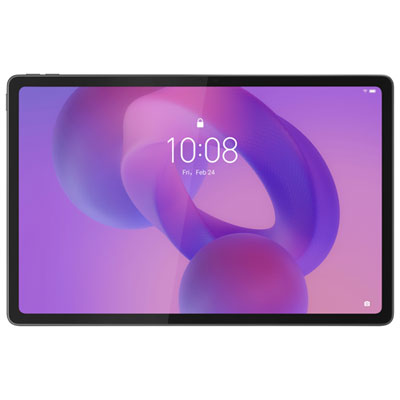
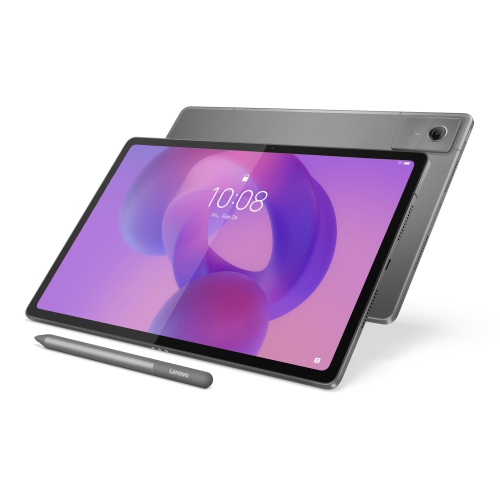
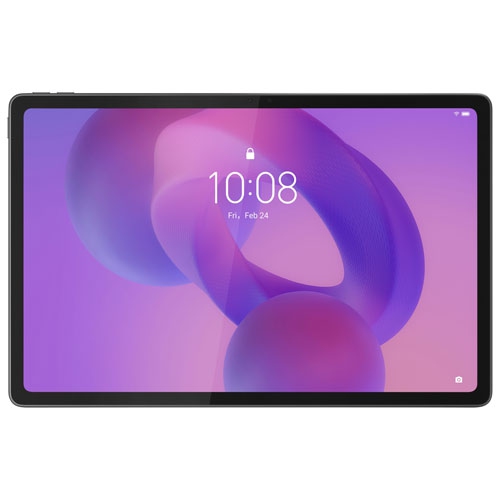
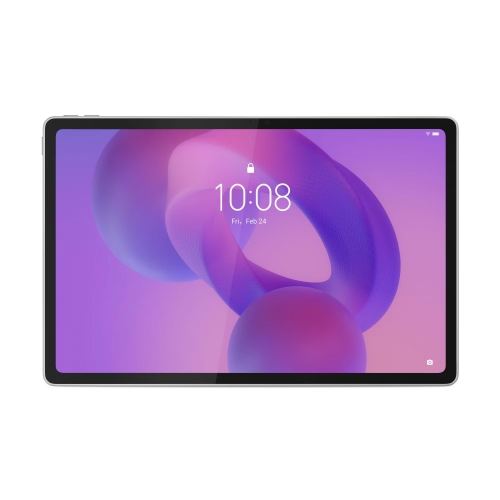
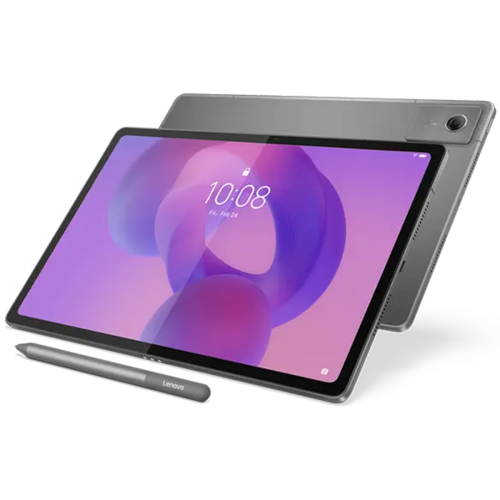
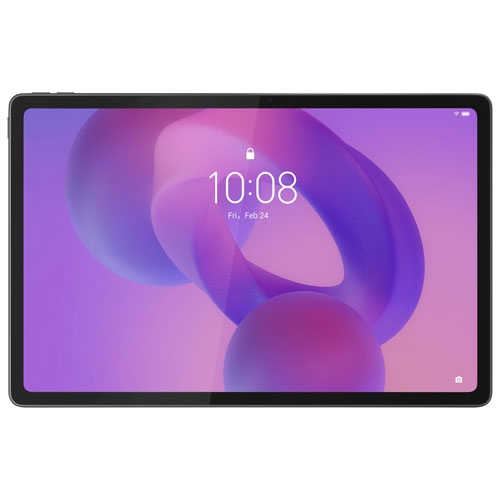

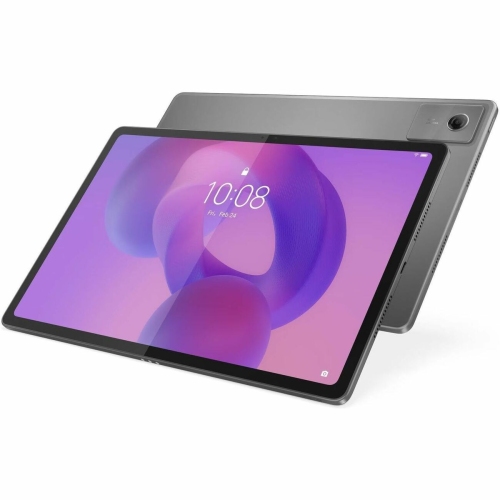
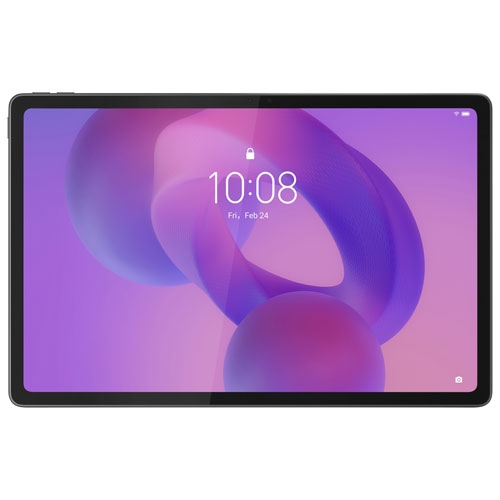
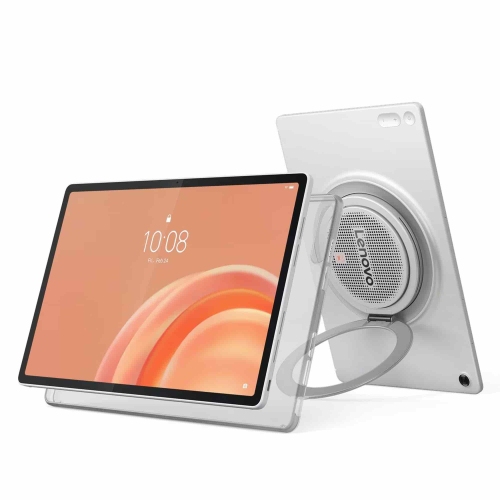
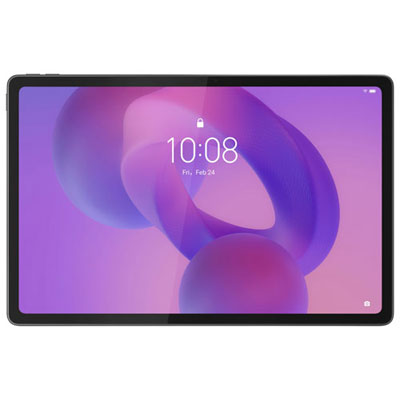
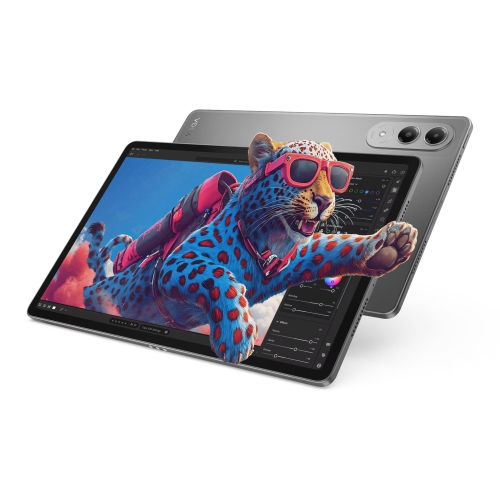
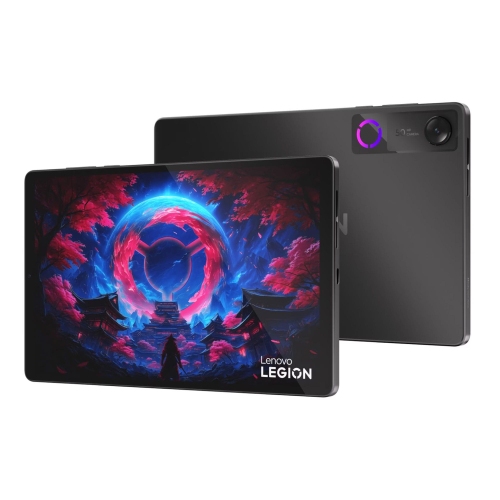
More screen space for reading and handwritten notes
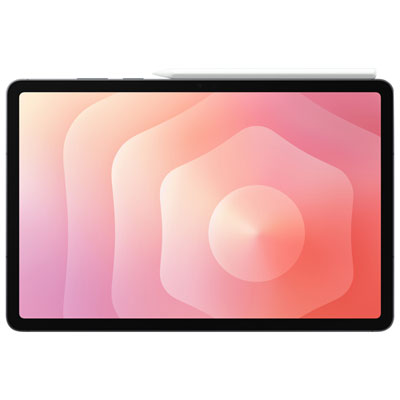
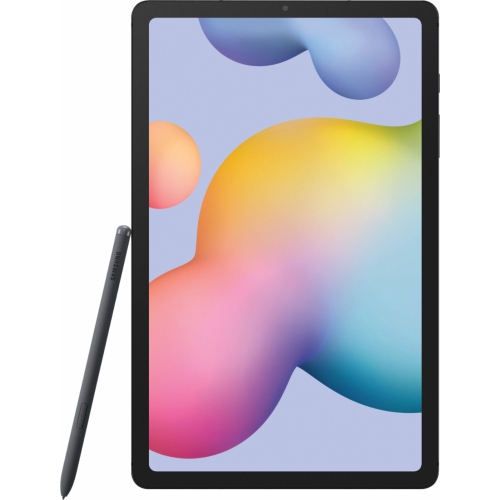
Large-screen Android tablets in the 12-inch class bring more room to everyday reading, streaming, note-taking, and light productivity without taking up the space of a traditional laptop. The appeal is easy to picture: a full page of a digital magazine with less zooming, a recipe that stays readable on a kitchen countertop, or a video lesson displayed beside a page of notes. Screen sizes within this general category can extend beyond 12 inches, including 12.7-inch displays with 3K resolution. That combination of viewing area and pixel detail can make small text, diagrams, and photographs easier to examine, although brightness, colour reproduction, and the quality of the original content also affect the experience. Display measurements run diagonally, so the screen size alone does not describe the tablet’s full width, height, or weight. A larger display feels especially useful when the tablet rests on a desk, table, or adjustable stand; prolonged handheld reading may make weight and balance more noticeable. Students can use the extra space for annotated course readings, while home users might prefer it for video calls, digital sheet music, or following a drawing tutorial. For entertainment, the wider canvas gives films and games room to breathe, with speaker placement and headphone connectivity contributing to how comfortably the tablet fits into a shared household. Split-screen features, where supported by the software and individual apps, can place reference material alongside a document or conversation. This is helpful for tasks such as checking travel details while drafting an itinerary, but it does not make every mobile app behave like desktop software. A large-screen tablet is best understood as a portable touchscreen device with its own strengths: quick access to apps, flexible viewing positions, and a spacious surface for content and handwriting. Whether it complements a computer or handles most daily tasks depends on the apps, files, and accessories involved.
The hardware inside a large-screen tablet matters as much as the display, particularly when several activities overlap. Opening a textbook, joining a video call, and switching to handwritten notes places different demands on a device than watching a downloaded film. Processor capability and memory influence responsiveness, while internal storage determines how much room remains for apps, documents, photos, and offline entertainment. Expandable storage, where supported, can add space for certain files, but it does not necessarily replace internal storage for every app or function. Reliable Wi-Fi helps with streaming, cloud documents, and online meetings; cellular connectivity is a separate feature and should not be assumed. Battery life also varies with screen brightness, wireless activity, app demands, and accessory use, so a quoted runtime may differ from a day filled with video calls or gaming. Charging speed depends on the tablet’s supported charging standard, the cable, and the power adapter. For writing and drawing, an active stylus can turn the display into a surface for lecture notes, sketches, and document annotations, provided the tablet supports that particular pen. Pressure sensitivity, palm rejection, charging methods, and attachment options are model-dependent rather than automatic features of every touchscreen. A keyboard case can make longer messages and document editing more comfortable, while a separate stand offers greater freedom to position the screen at a useful angle. Accessory compatibility is especially important with similarly named tablets: a case needs to match the exact dimensions, camera opening, buttons, and charging port, not simply the approximate screen size. Pens and keyboards may be sold separately, and wireless accessories can have their own charging needs. For work or study, file compatibility, software subscriptions, and support for essential apps deserve the same attention as physical specifications. Some tasks remain better suited to a laptop, particularly when they require specialized desktop programs, extensive spreadsheet tools, or connections that a tablet does not support.
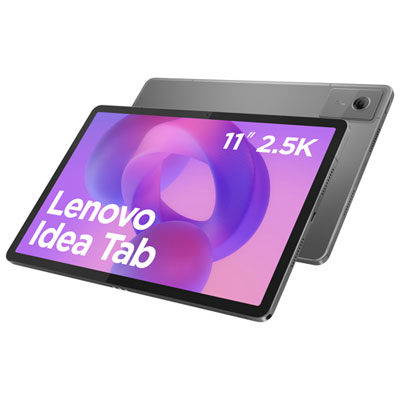
Daily comfort and careful handling help a large-screen tablet fit into a home, classroom, or travel routine. Depending on the model, the casing may use metal, plastic, or a combination of materials, each with a different feel, finish, and weight. A slim metal back can feel substantial in the hand, but no casing material makes a tablet immune to dents, scratches, or damage from a fall. A fitted cover adds grip and protects surfaces during ordinary handling, while a padded compartment keeps the screen away from loose keys and other hard objects in a bag. Covers with folding stands are useful for viewing, though the stability and angle matter when tapping the screen or typing. Screen protectors can add a replaceable layer against everyday marks, with finish and thickness affecting glare, touch feel, or pen use. Routine care is straightforward: a soft, lint-free cloth lifts fingerprints, and any cleaning method should follow the device manufacturer’s directions. Liquid should not be sprayed directly onto the tablet, and charging ports need protection from moisture and debris. Water resistance should never be assumed unless a specific rating is stated. Shared use introduces practical considerations beyond physical protection, including separate profiles where supported, parental controls, app permissions, and secure sign-in. Headphones can make lessons or entertainment less disruptive, while a stable stand frees both hands for cooking, crafting, or following instructions. As a gift, a large-screen tablet can suit a student who annotates readings, an enthusiastic digital reader, or someone who enjoys video calls and films on a more generous display. The most useful accompanying accessories depend on that person’s habits rather than the screen size alone. For a smaller-screen point of comparison, the Lenovo Tab 11 category offers another way to consider the balance between display space and portability. Overall dimensions, supported software, accessory fit, and everyday handling determine how naturally a tablet becomes part of a routine.
Top selling and popular products
-
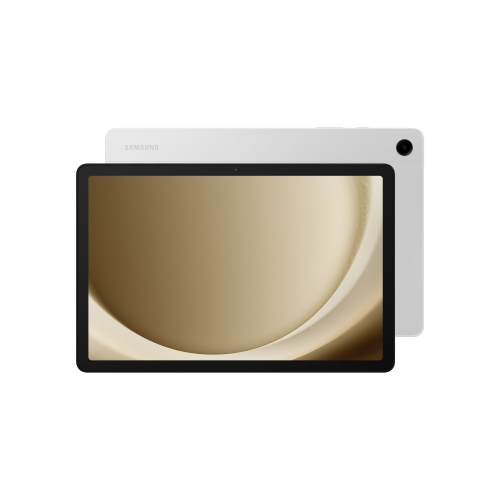 Your price for this item is $499.99
-
 Your price for this item is $1749.99
-
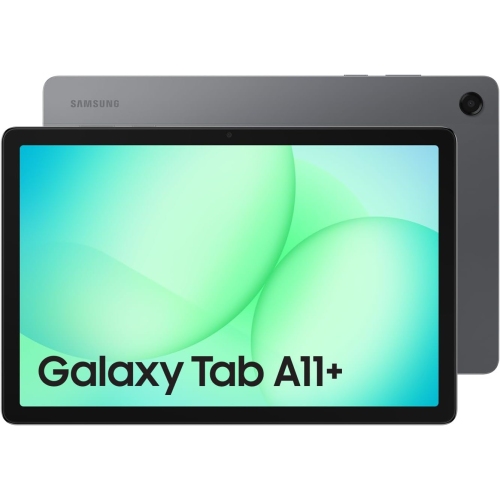 Your price for this item is $394.99
-
 Your price for this item is $579.99
-
 Your price for this item is $979.99
-
 Your price for this item is $579.99
-
 Your price for this item is $1099.99
-
 Your price for this item is $699.99
Discover more categories related to Lenovo Tab 12
Top Collections:
Best Black Friday Deals This Year, Best Black Friday Deals On Electronics, Kindle Devices, Best Black Friday Deals On Apple Products, Best Budget Office Chairs, Best Cameras for Sports Photography, Dyson Airwrap, Canon G7X Cameras, Best Laptops for Writers, Samsung Galaxy Phones
Some products may be subject to Environmental Handling Fees
(EHF) depending on your province.
Learn more about EHFs.