Lenovo Tablet Cases
Protect your device and showcase your style with a Lenovo tablet case designed to fit your needs. Whether you’re looking for added durability, a sleek look, or enhanced functionality, there’s a wide selection of options to keep your tablet secure at home, at work, or on the go. Find the perfect Lenovo tablet case to complement your device and help you get the most out of every use.
Sort
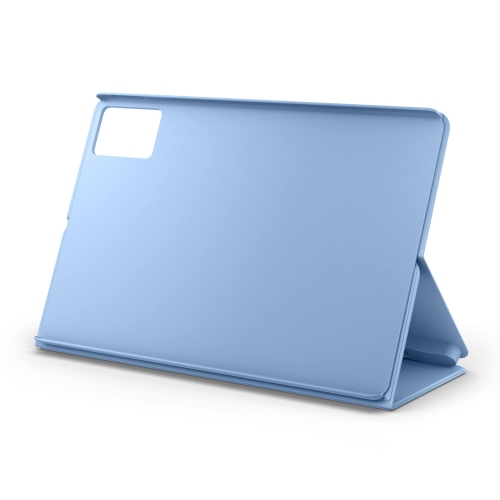
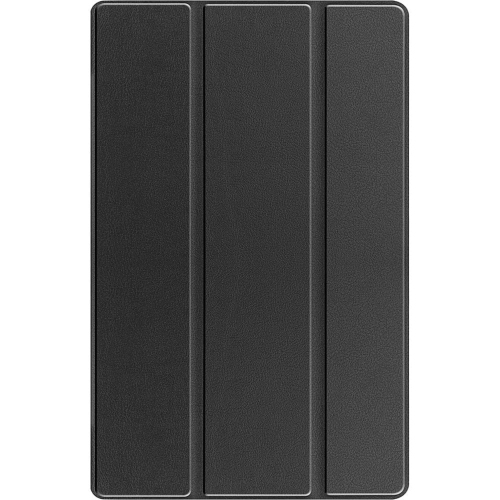
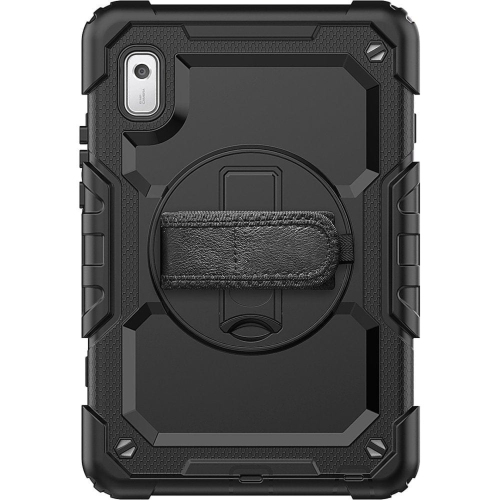
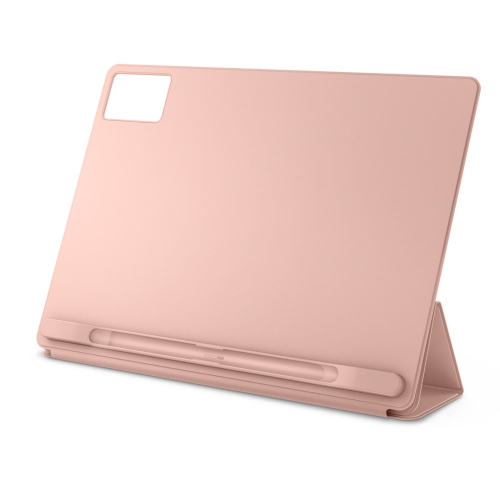
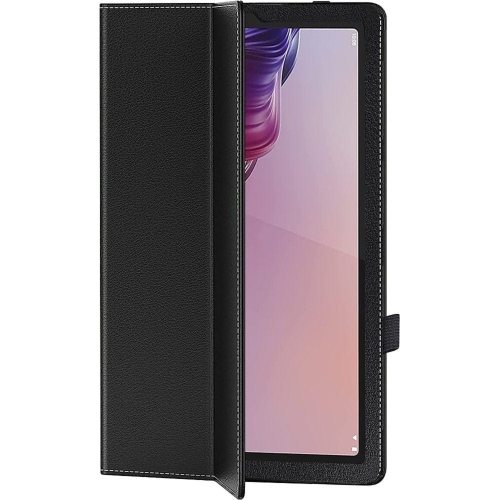
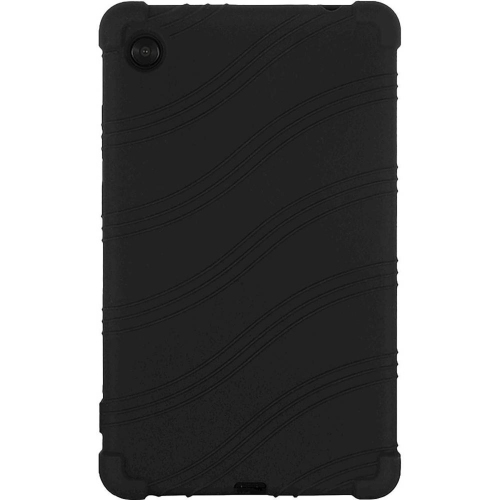
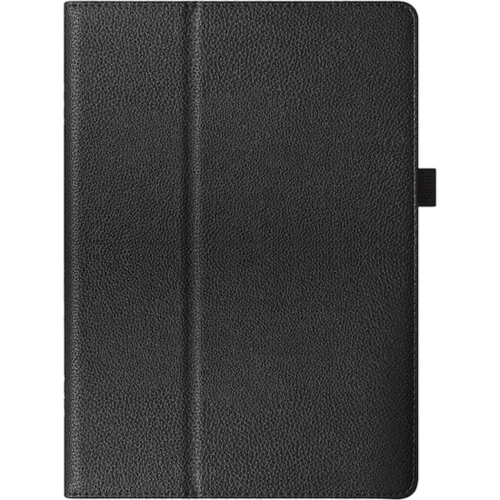
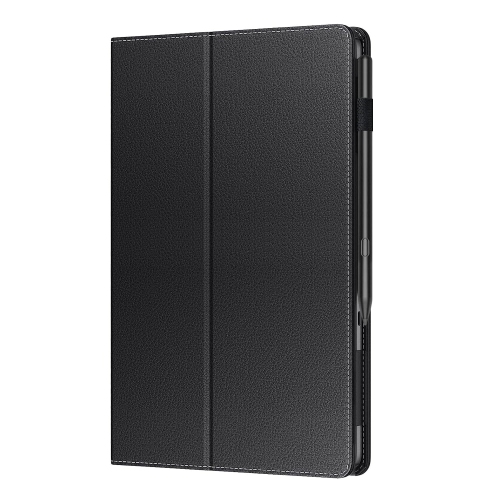
Protective designs for reading, travel, work, and everyday use
Lenovo tablet cases provide a practical way to protect a tablet while making it more comfortable to carry, hold, and use throughout the day. A tablet can travel from a kitchen counter to a school bag, office desk, sofa, or bedside table in a matter of minutes, and a well-fitted case helps guard against the scuffs, fingerprints, bumps, and minor drops that can happen during those transitions. When shopping for a Lenovo tablet case, start by checking the exact tablet model and screen size. Cases are shaped around the device’s dimensions, camera placement, buttons, speakers, charging port, and other openings, so a case made for one tablet may not fit another, even when the tablets look similar. Product listings commonly identify compatible model names or numbers, making this the most important detail to confirm before ordering. It is also worth considering how the tablet is used. A slim folio or flip cover can be a good choice for reading, video calls, web browsing, and carrying the tablet between rooms, while a rugged shell may be better suited to busy households, travel, commuting, or shared use by children. Look for a secure frame, raised edges around the display, a covered or reinforced back, and materials that are easy to grip. Some cases combine a firm outer panel with a softer interior to help cushion the tablet and reduce the chance of cosmetic damage when it is placed on a desk or slipped into a bag. A case does not make a tablet indestructible, but the right design can add a useful layer of everyday protection without making the device difficult to use.
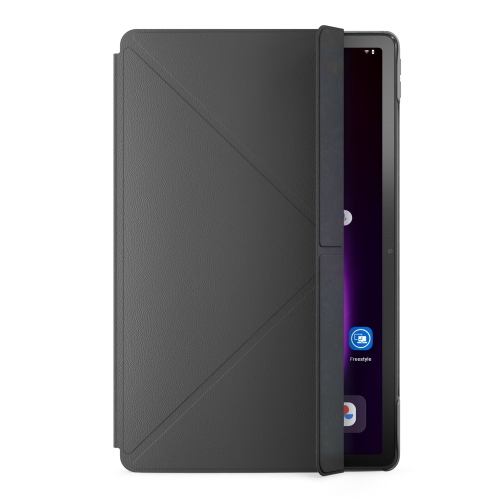
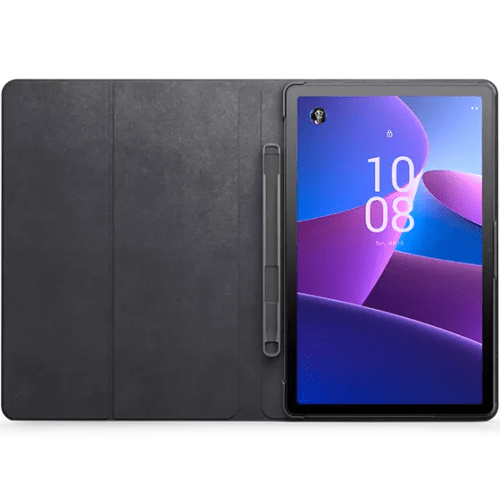
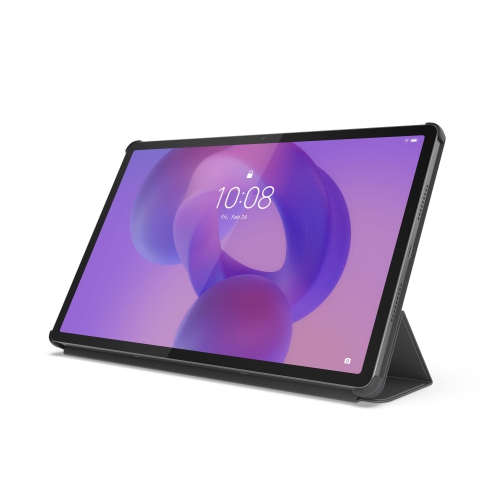
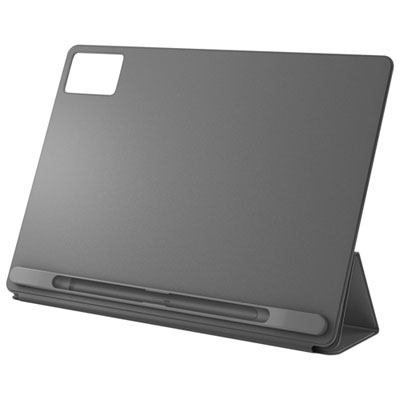
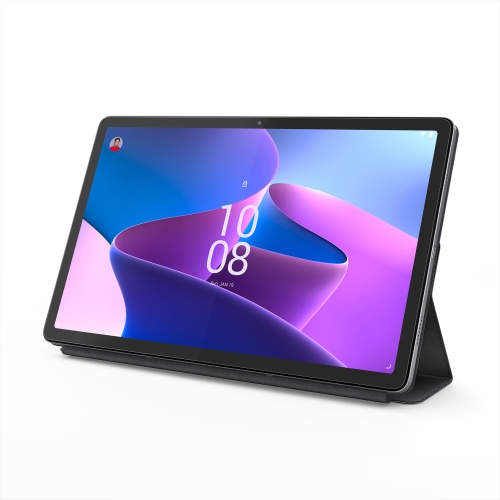
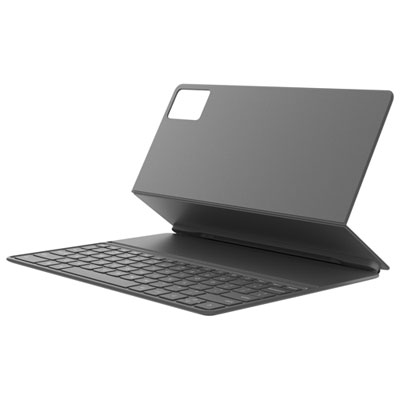
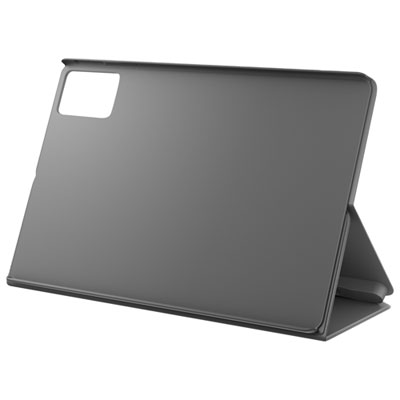
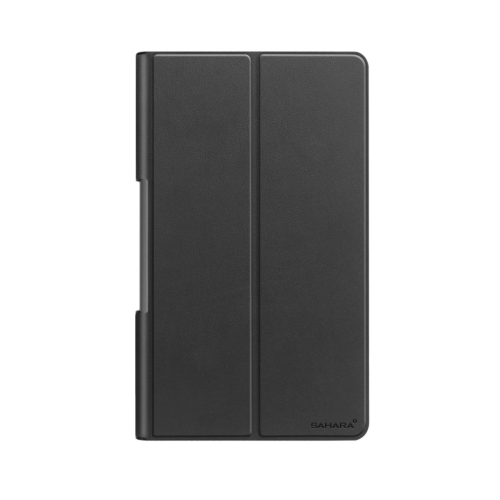
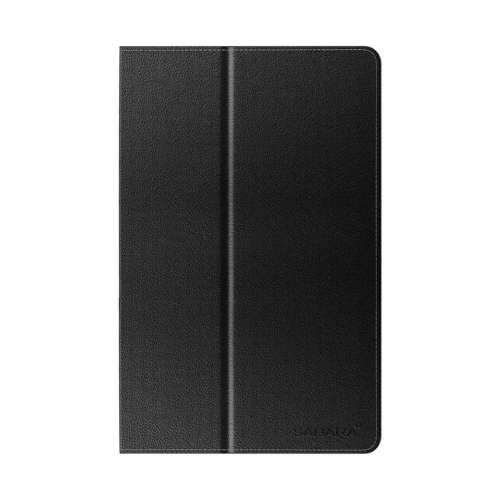
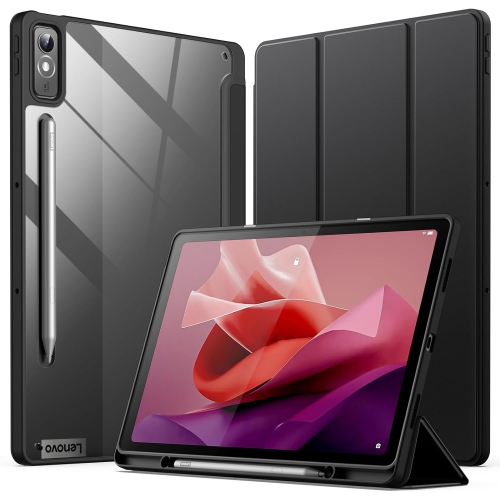
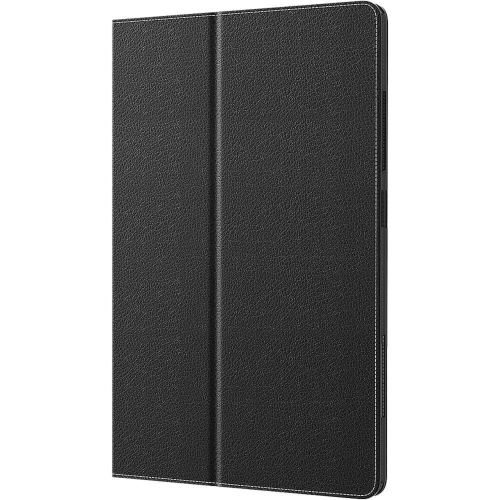
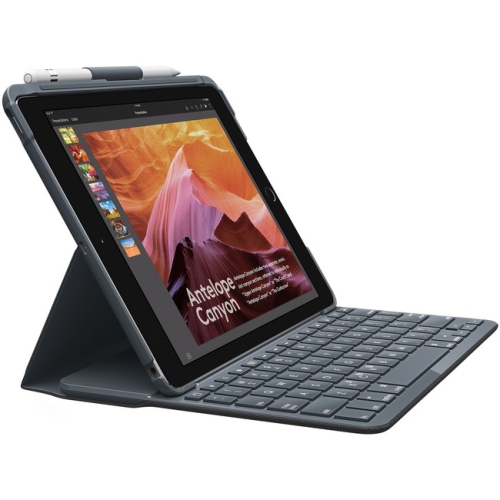
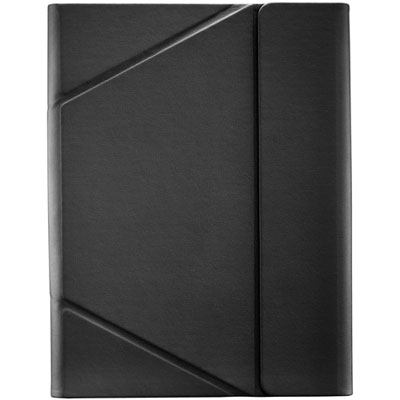
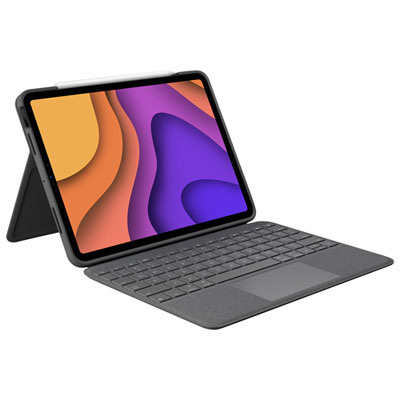
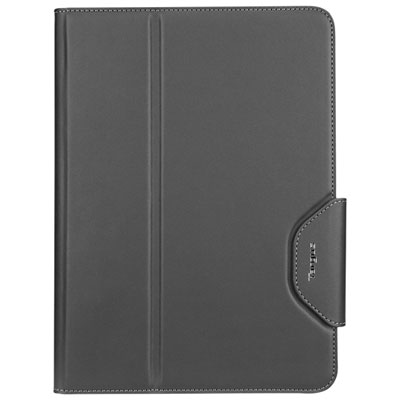
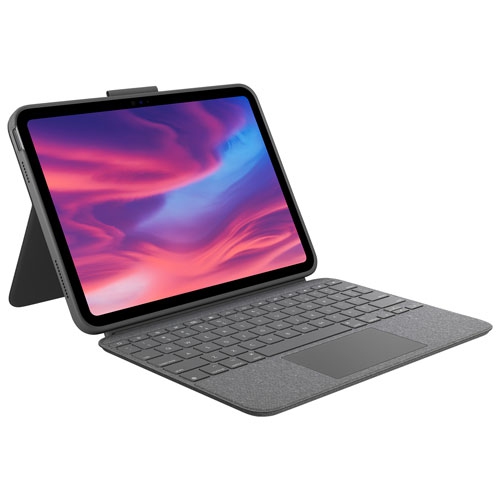
Folio and flip cases are popular because they combine protection with convenient viewing positions. Their folding front covers can help shield the screen when the tablet is stored, then fold into a stand for hands-free use in landscape orientation. This is useful for following a recipe while cooking, watching a programme during a quiet evening, joining a video call, or keeping a child occupied during a longer journey. A trifold design may offer more than one viewing angle, allowing the tablet to sit upright for viewing or at a lower angle for typing and drawing. Some covers include an automatic wake and sleep function, which can turn the display on when the cover opens and put it to sleep when the cover closes; compatibility can vary, so this feature should be confirmed for the specific tablet. Other helpful details may include a magnetic closure, a built-in pen holder, precise cutouts for charging and speakers, and access to the tablet’s controls without removing it from the case. A pen holder is especially useful for students, artists, note-takers, and anyone who uses a stylus and wants to keep it with the tablet rather than searching through a backpack. For people who type regularly, a keyboard case or a folio paired with a compact Bluetooth keyboard can create a more productive setup for email, light document work, planning, and school assignments. This arrangement can be convenient in a small apartment, on a café table, or at a shared family workspace, although a separate keyboard may need its own charging and storage space. When choosing a stand case, pay attention to how stable it feels at the intended angle, particularly if the tablet will be tapped frequently or used on a soft surface such as a bed or lap.
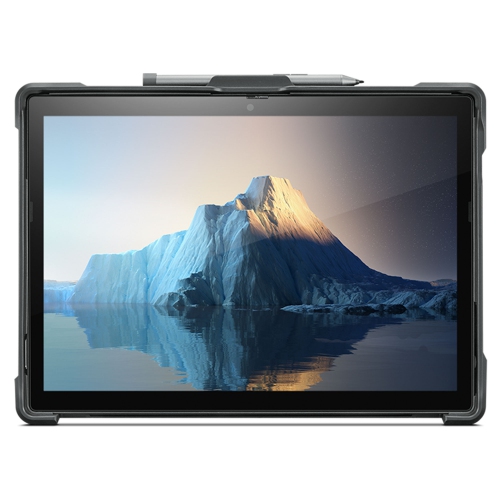
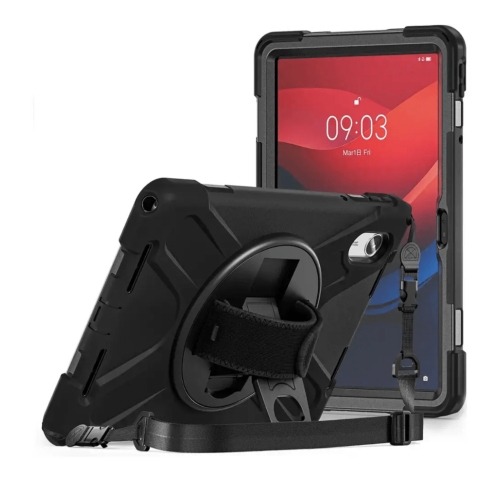
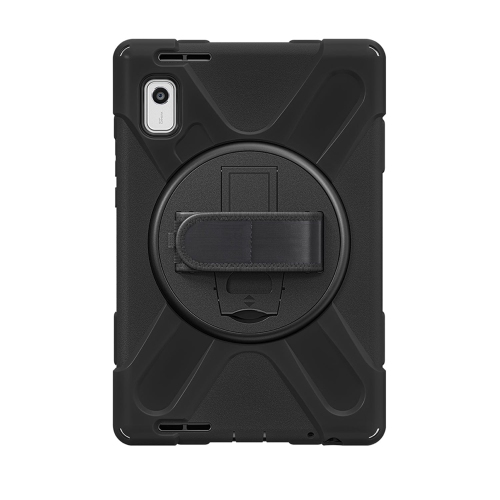
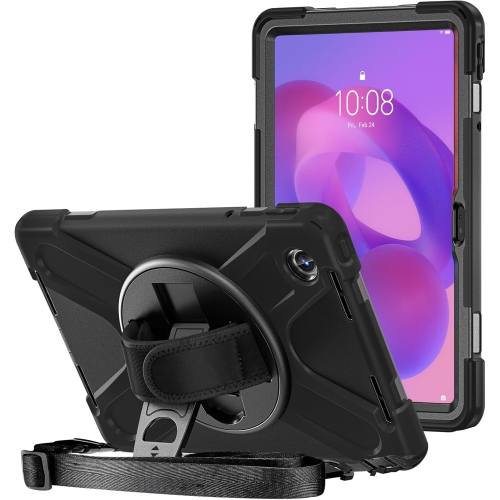
A rugged Lenovo tablet case is designed with a different priority: added coverage and impact resistance for more demanding routines. These cases may use a hard outer frame, flexible silicone or rubber-like edges, reinforced corners, or a textured finish that is easier to hold with one hand. They can be helpful for families, students moving between classes, travellers, field workers, and anyone who tends to use a tablet in active spaces rather than at a stationary desk. A handle can make carrying easier, and some handles fold into a stand for viewing, though it is important to make sure the handle does not block ports or make the tablet awkward to balance. A heavier protective case can add bulk, so compare its dimensions with the tablet compartment in a backpack or sleeve before purchasing. For lighter everyday use, a slim case may be more comfortable to hold for long reading sessions and easier to slide into a tote or briefcase. Colour and finish are personal considerations as well: a smooth folio can offer a polished look for work or school, while a textured shell may feel more secure in smaller hands. Lenovo tablet cases can also make thoughtful gifts for students, remote workers, travellers, grandparents, and families who use a tablet for entertainment, learning, recipes, video calls, or keeping children engaged during travel. During the warmer months and through cooler seasons, a protective case helps make a tablet easier to bring along for visits, road trips, indoor activities, and everyday errands. Before making a selection, confirm model compatibility, check whether the case supports the features you use most, and balance protection, weight, stand functionality, storage, and ease of access. If you are comparing options for other Android tablets, explore Android Tablet Cases for additional styles and compatible designs.
Folio and flip cases are popular because they combine protection with convenient viewing positions. Their folding front covers can help shield the screen when the tablet is stored, then fold into a stand for hands-free use in landscape orientation. This is useful for following a recipe while cooking, watching a programme during a quiet evening, joining a video call, or keeping a child occupied during a longer journey. A trifold design may offer more than one viewing angle, allowing the tablet to sit upright for viewing or at a lower angle for typing and drawing. Some covers include an automatic wake and sleep function, which can turn the display on when the cover opens and put it to sleep when the cover closes; compatibility can vary, so this feature should be confirmed for the specific tablet. Other helpful details may include a magnetic closure, a built-in pen holder, precise cutouts for charging and speakers, and access to the tablet’s controls without removing it from the case. A pen holder is especially useful for students, artists, note-takers, and anyone who uses a stylus and wants to keep it with the tablet rather than searching through a backpack. For people who type regularly, a keyboard case or a folio paired with a compact Bluetooth keyboard can create a more productive setup for email, light document work, planning, and school assignments. This arrangement can be convenient in a small apartment, on a café table, or at a shared family workspace, although a separate keyboard may need its own charging and storage space. When choosing a stand case, pay attention to how stable it feels at the intended angle, particularly if the tablet will be tapped frequently or used on a soft surface such as a bed or lap.
A rugged Lenovo tablet case is designed with a different priority: added coverage and impact resistance for more demanding routines. These cases may use a hard outer frame, flexible silicone or rubber-like edges, reinforced corners, or a textured finish that is easier to hold with one hand. They can be helpful for families, students moving between classes, travellers, field workers, and anyone who tends to use a tablet in active spaces rather than at a stationary desk. A handle can make carrying easier, and some handles fold into a stand for viewing, though it is important to make sure the handle does not block ports or make the tablet awkward to balance. A heavier protective case can add bulk, so compare its dimensions with the tablet compartment in a backpack or sleeve before purchasing. For lighter everyday use, a slim case may be more comfortable to hold for long reading sessions and easier to slide into a tote or briefcase. Colour and finish are personal considerations as well: a smooth folio can offer a polished look for work or school, while a textured shell may feel more secure in smaller hands. Lenovo tablet cases can also make thoughtful gifts for students, remote workers, travellers, grandparents, and families who use a tablet for entertainment, learning, recipes, video calls, or keeping children engaged during travel. During the warmer months and through cooler seasons, a protective case helps make a tablet easier to bring along for visits, road trips, indoor activities, and everyday errands. Before making a selection, confirm model compatibility, check whether the case supports the features you use most, and balance protection, weight, stand functionality, storage, and ease of access. If you are comparing options for other Android tablets, explore Android Tablet Cases for additional styles and compatible designs.
Top selling and popular products
-
 Your price for this item is $152.47
 -
 Your price for this item is $44.99
 -
 Your price for this item is $229.99
 -
 Your price for this item is $62.99
 -
 Your price for this item is $187.47
 -
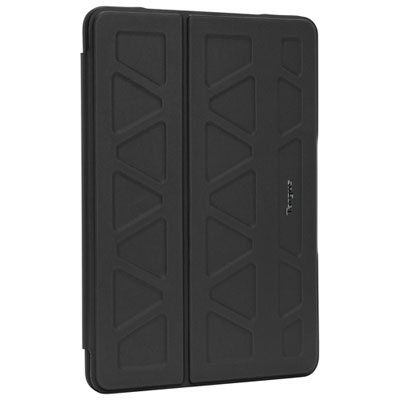 Your price for this item is $41.98
 -
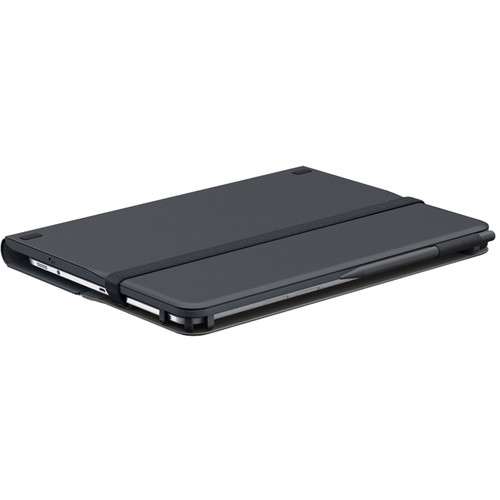 Your price for this item is $115.68
 -
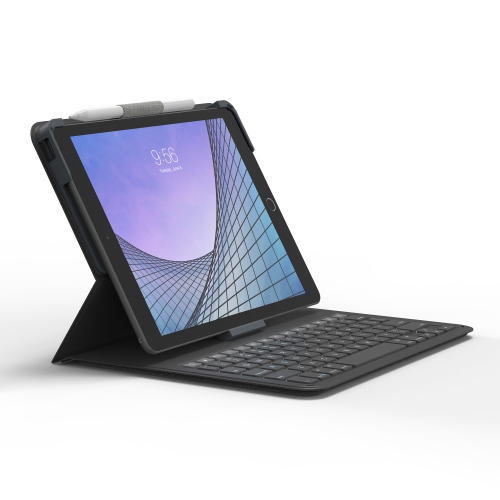 Your price for this item is $69.99
Discover more categories related to Lenovo Tablet Cases

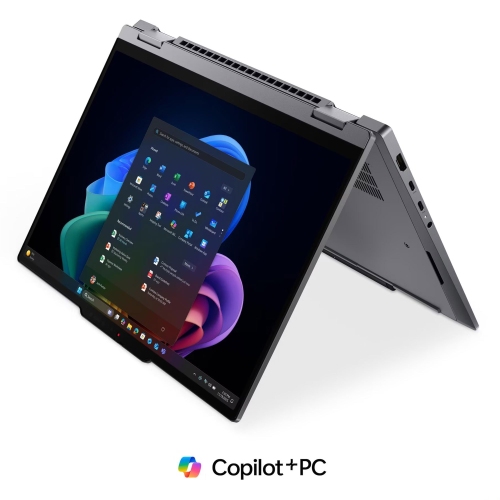
Top Collections:
Pokemon Centers, Kindle Devices, Best Cameras for Sports Photography, Pokémon 30th Celebration Cards, Apple iPhones 16, Canon G7X Cameras, iPhone 15 Apple, Flip Phones, Samsung Galaxy Phones, Alarm Clock
Some products may be subject to Environmental Handling Fees
(EHF) depending on your province.
Learn more about EHFs.