Lenovo X9
Discover the Lenovo X9, designed to elevate your daily experience with advanced performance and a sleek design. Perfect for both work and play, the Lenovo X9 offers versatility and reliability to keep you productive and entertained. Browse the latest selection of Lenovo X9 options to find the ideal fit for your needs, whether you're upgrading your home office or looking for a dependable companion on the go.
Sort
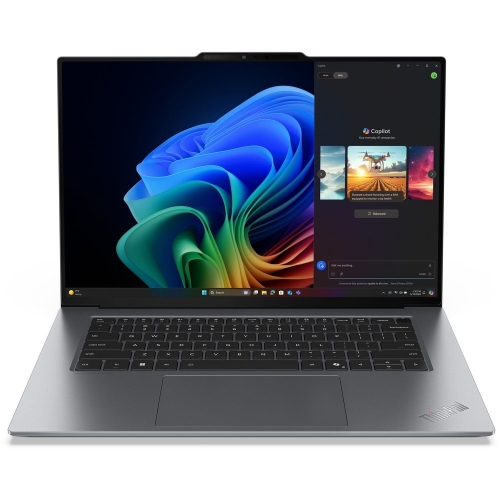

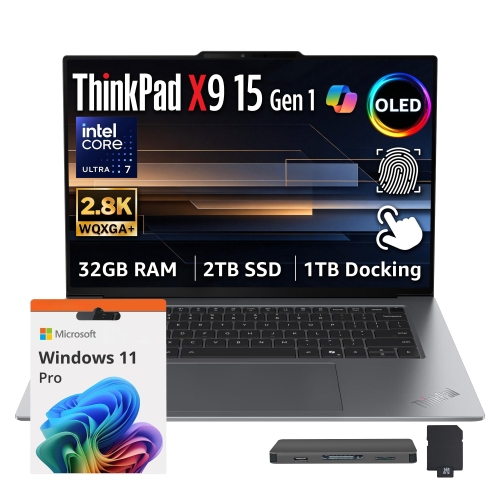
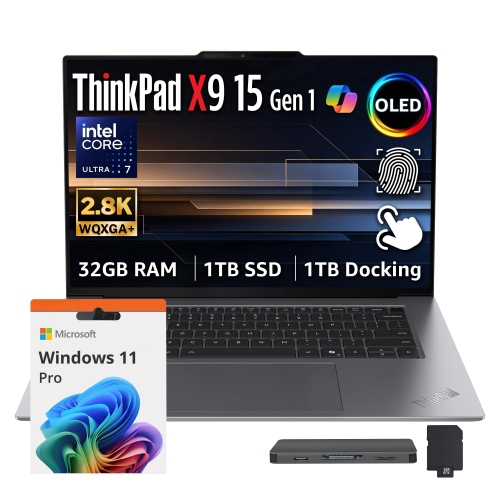
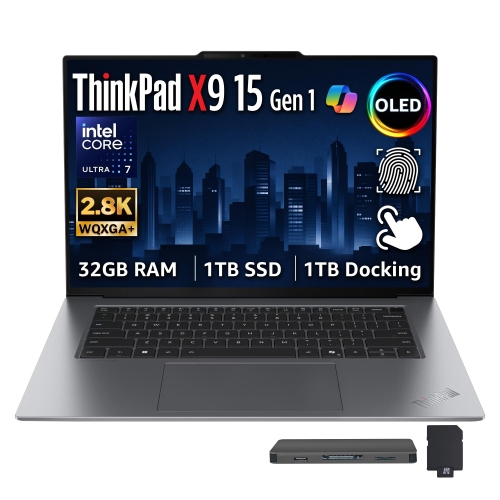
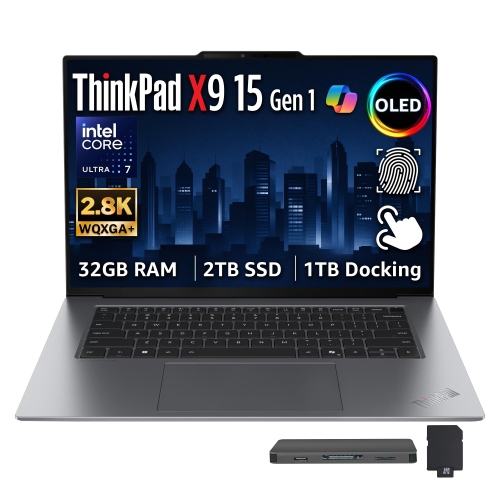
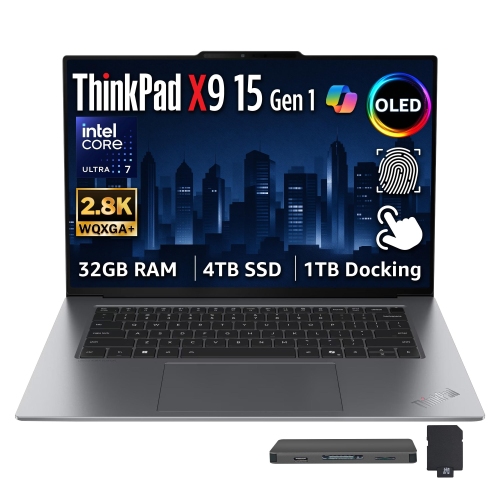
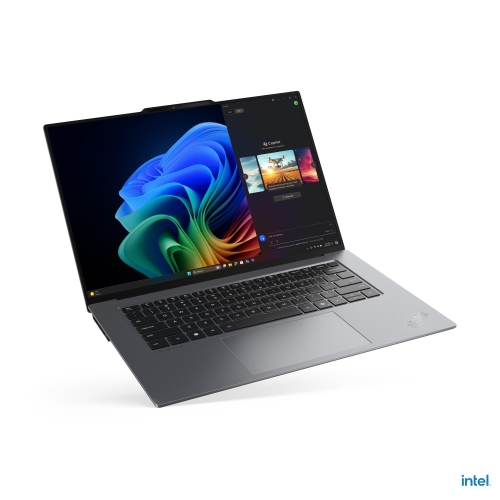
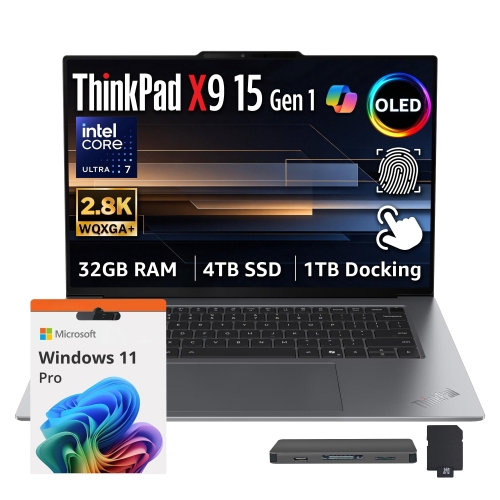
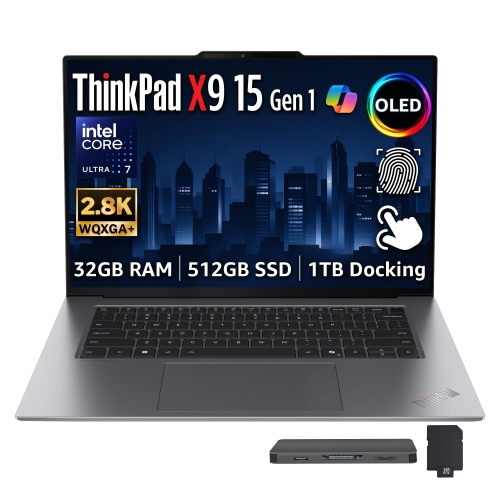


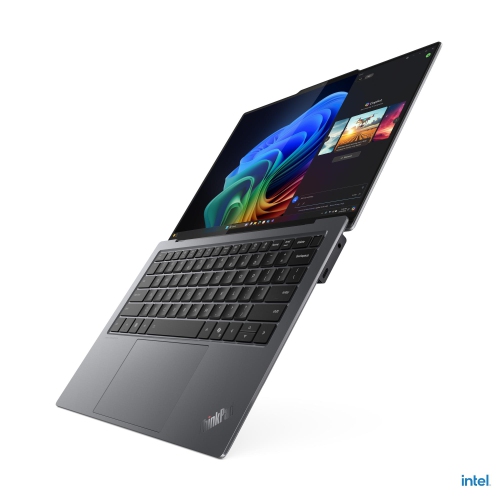
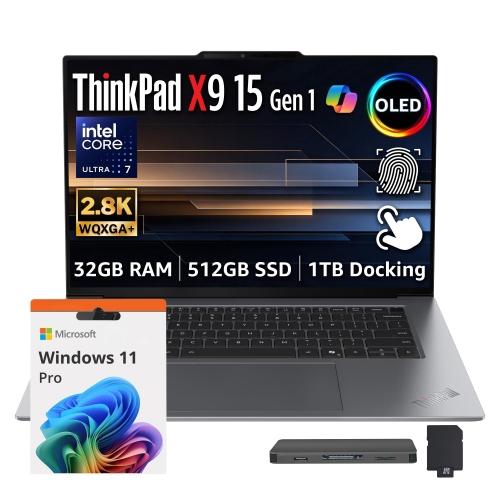
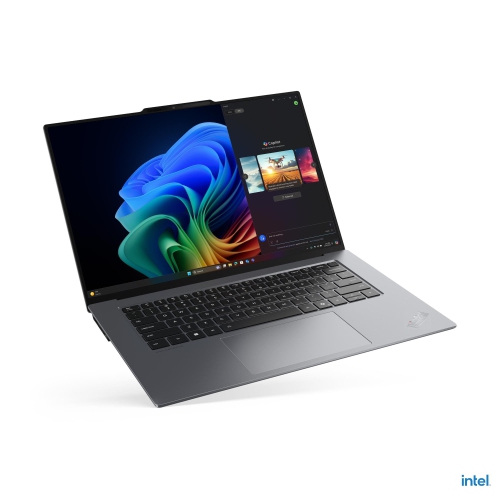
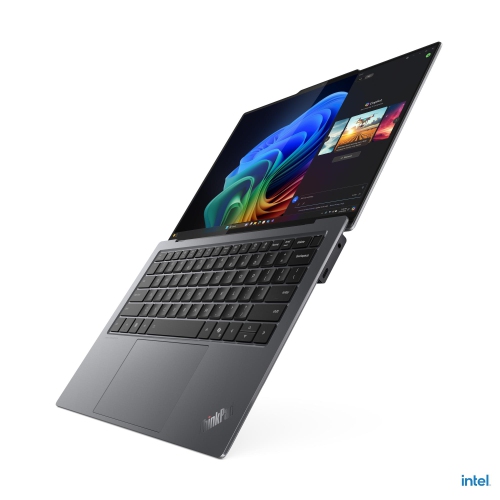


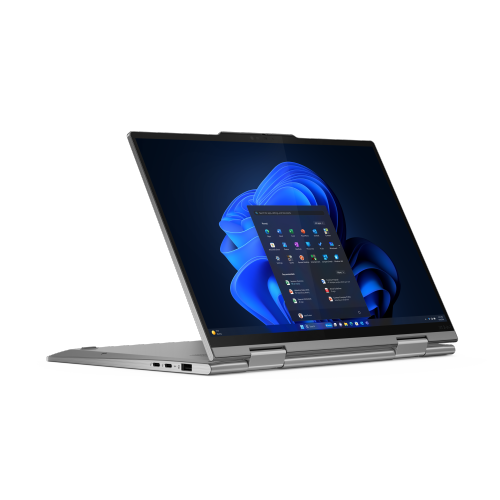
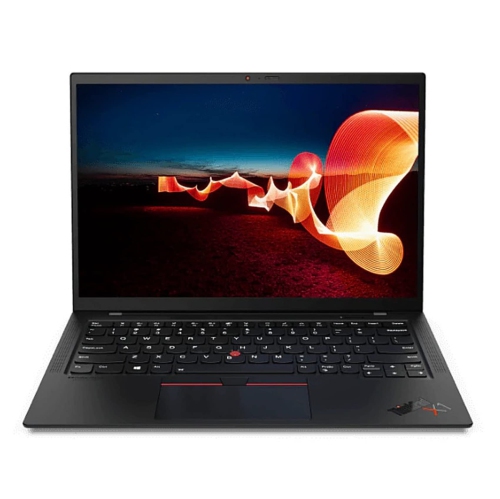
How ultra-thin business laptops balance portability and performance
Ultra-thin business laptops are designed for professionals who need a full notebook computer that moves easily between a desk, a meeting room, and a carry-on bag. Their appeal lies in combining a lightweight build with the keyboard, display, and processing capability needed for everyday work. They suit consultants reviewing documents between appointments, students balancing research with presentations, and remote workers moving between a home office and shared workspaces. A slim profile makes a laptop easier to carry, but the experience also depends on how well its hardware matches the workload. Processor performance matters when working through large spreadsheets, compiling code, or running several demanding applications together. For email, browser-based tools, document editing, and video meetings, a responsive system with sufficient memory can matter more than specifications aimed at intensive graphics work. AI-capable laptops may include a dedicated neural processing unit, which handles certain supported tasks separately from the main processor and graphics hardware. Depending on the software, those tasks can include background effects during calls, audio processing, and other on-device features. The presence of that hardware does not mean every AI function works offline; application requirements, account access, and internet connectivity still vary. Memory capacity deserves attention because some thin laptop designs do not allow it to be expanded after purchase. A busy workday with presentation software, a video call, and dozens of browser tabs places different demands on a computer than a single writing application. Solid-state storage contributes to quick start-up and file access, while capacity determines how much room remains for applications, project folders, and locally saved media. Cloud storage can complement internal storage, but travellers and anyone handling large files may still benefit from keeping important documents accessible without a connection. For detailed animation, complex three-dimensional modelling, or other graphics-heavy work, dedicated graphics capability may be more important than the smallest possible chassis. The strongest fit is a configuration that supports daily tasks comfortably without adding unnecessary size or complexity.
The display and keyboard shape how a portable business laptop feels throughout the day. A compact screen makes it easier to work on a narrow café table or an aircraft tray, while a larger screen gives spreadsheets, side-by-side documents, and presentation layouts more breathing room. Resolution affects the clarity of text and fine detail, but screen finish, brightness, and scaling settings also influence readability. Glossy displays can show reflections from overhead lights, while matte finishes can make those reflections less distracting. Where an OLED panel is included, deep blacks and strong contrast can make photographs and video look especially vivid; accurate colour work still depends on the panel’s specifications, settings, and calibration. Touch support is a separate feature rather than an automatic part of a premium display, and a conventional laptop hinge does not provide the same flexibility as a convertible design. Keyboard layout matters just as much for someone drafting reports or entering figures for hours at a time. Key spacing, travel, backlighting, and the placement of navigation keys all affect comfort and familiarity. A spacious touchpad can make gestures and document navigation easier when a separate mouse is impractical. For video meetings, camera quality, microphone performance, and speaker clarity help determine how well conversations carry across a busy room. Features such as a physical camera shutter or supported biometric sign-in can add convenience, although security also relies on software updates, account settings, and workplace policies. Materials contribute to portability and feel: aluminium chassis designs can provide a rigid structure without the bulk of a heavier enclosure, but any slim computer still needs protection against drops and pressure inside a packed bag. Hinges, lid stiffness, and the fit of the base are worth considering alongside appearance. A well-fitting padded sleeve keeps the laptop separate from keys, chargers, and other objects that could mark its finish. Screen and chassis care are generally straightforward: a clean microfibre cloth, gentle handling, and cleaning methods consistent with the manufacturer’s directions help preserve the surfaces without risking damage from excessive moisture.
Connectivity, power, and desk setup complete the picture for a laptop that needs to work in more than one place. A minimal selection of ports can help keep a chassis thin, but it may also make an adapter or docking station part of the daily routine. USB-C connectors can support different combinations of charging, data transfer, and display output, so connector shape alone does not establish compatibility. External monitor support, dock requirements, and charger wattage all depend on the computer’s specifications. For a desk with a keyboard, mouse, monitor, and wired network connection, a compatible dock can simplify the transition from carrying the laptop to using it as a primary workstation. Away from the desk, Wi-Fi performance depends on both the laptop and the network equipment, while wireless accessories need compatible connection support. Battery life varies with display brightness, workload, wireless activity, and power settings. A day spent editing documents will not draw power in the same way as continuous video meetings or demanding calculations, and published battery figures reflect particular testing conditions rather than a guarantee for every routine. Charger size and charging support therefore matter alongside the battery itself, especially for people who regularly carry their equipment. Long-term ownership also involves practical details such as warranty coverage, repair options, and access to replacement components. Workplace users may need to confirm that a laptop meets organizational requirements for device management, authentication, and approved software. Students may need compatibility with course applications or examination tools. Shoppers comparing notebook and tablet formats can also explore Lenovo Tablet X1, with attention to how keyboard support, touch input, and accessory compatibility affect everyday tasks. For a conventional notebook workflow, the priorities remain concrete: comfortable typing, a readable screen, dependable application performance, and a carrying weight that feels manageable with the charger and accessories included. Those details determine whether a thin business laptop feels equally capable during a quick meeting, a long writing session, and a full day away from the desk.
The display and keyboard shape how a portable business laptop feels throughout the day. A compact screen makes it easier to work on a narrow café table or an aircraft tray, while a larger screen gives spreadsheets, side-by-side documents, and presentation layouts more breathing room. Resolution affects the clarity of text and fine detail, but screen finish, brightness, and scaling settings also influence readability. Glossy displays can show reflections from overhead lights, while matte finishes can make those reflections less distracting. Where an OLED panel is included, deep blacks and strong contrast can make photographs and video look especially vivid; accurate colour work still depends on the panel’s specifications, settings, and calibration. Touch support is a separate feature rather than an automatic part of a premium display, and a conventional laptop hinge does not provide the same flexibility as a convertible design. Keyboard layout matters just as much for someone drafting reports or entering figures for hours at a time. Key spacing, travel, backlighting, and the placement of navigation keys all affect comfort and familiarity. A spacious touchpad can make gestures and document navigation easier when a separate mouse is impractical. For video meetings, camera quality, microphone performance, and speaker clarity help determine how well conversations carry across a busy room. Features such as a physical camera shutter or supported biometric sign-in can add convenience, although security also relies on software updates, account settings, and workplace policies. Materials contribute to portability and feel: aluminium chassis designs can provide a rigid structure without the bulk of a heavier enclosure, but any slim computer still needs protection against drops and pressure inside a packed bag. Hinges, lid stiffness, and the fit of the base are worth considering alongside appearance. A well-fitting padded sleeve keeps the laptop separate from keys, chargers, and other objects that could mark its finish. Screen and chassis care are generally straightforward: a clean microfibre cloth, gentle handling, and cleaning methods consistent with the manufacturer’s directions help preserve the surfaces without risking damage from excessive moisture.
Connectivity, power, and desk setup complete the picture for a laptop that needs to work in more than one place. A minimal selection of ports can help keep a chassis thin, but it may also make an adapter or docking station part of the daily routine. USB-C connectors can support different combinations of charging, data transfer, and display output, so connector shape alone does not establish compatibility. External monitor support, dock requirements, and charger wattage all depend on the computer’s specifications. For a desk with a keyboard, mouse, monitor, and wired network connection, a compatible dock can simplify the transition from carrying the laptop to using it as a primary workstation. Away from the desk, Wi-Fi performance depends on both the laptop and the network equipment, while wireless accessories need compatible connection support. Battery life varies with display brightness, workload, wireless activity, and power settings. A day spent editing documents will not draw power in the same way as continuous video meetings or demanding calculations, and published battery figures reflect particular testing conditions rather than a guarantee for every routine. Charger size and charging support therefore matter alongside the battery itself, especially for people who regularly carry their equipment. Long-term ownership also involves practical details such as warranty coverage, repair options, and access to replacement components. Workplace users may need to confirm that a laptop meets organizational requirements for device management, authentication, and approved software. Students may need compatibility with course applications or examination tools. Shoppers comparing notebook and tablet formats can also explore Lenovo Tablet X1, with attention to how keyboard support, touch input, and accessory compatibility affect everyday tasks. For a conventional notebook workflow, the priorities remain concrete: comfortable typing, a readable screen, dependable application performance, and a carrying weight that feels manageable with the charger and accessories included. Those details determine whether a thin business laptop feels equally capable during a quick meeting, a long writing session, and a full day away from the desk.
Top selling and popular products
-
 Your price for this item is $449
-
 Your price for this item is $3099
-
 Your price for this item is $449.99
-
 Your price for this item is $664.05
-
 Your price for this item is $869.99
-
 Your price for this item is $2960.48
-
 Your price for this item is $489.7
-
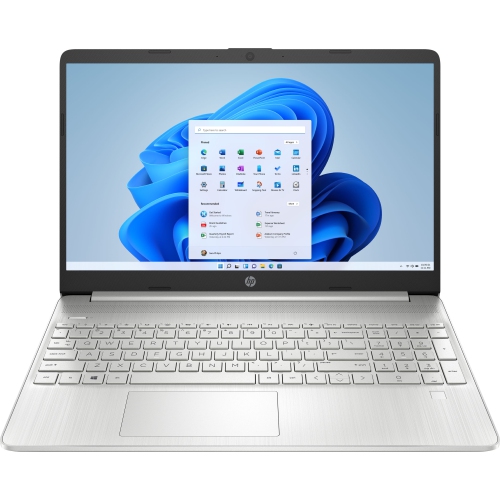 Your price for this item is $829
Discover more categories related to Lenovo X9

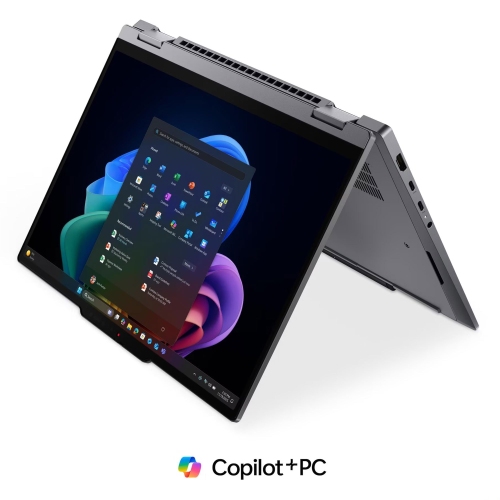

Top Collections:
Pokemon Centers, Best Black Friday Deals This Year, Best Black Friday Deals On Electronics, Kindle Devices, Best Budget Office Chairs, Best Black Friday Deals On Apple Products, Best Cameras for Sports Photography, Pokémon 30th Celebration Cards, Dyson Airwrap, Canon G7X Cameras
Some products may be subject to Environmental Handling Fees
(EHF) depending on your province.
Learn more about EHFs.