Lenovo M9
Discover the versatility and convenience of the Lenovo M9, designed to enhance your everyday tasks and entertainment. Whether you’re looking for a reliable device for work, study, or leisure, the Lenovo M9 offers impressive performance in a sleek, portable design. Explore a range of options to find the perfect fit for your needs and enjoy seamless connectivity wherever you go. Elevate your digital experience with the Lenovo M9 available at Best Buy.
Sort



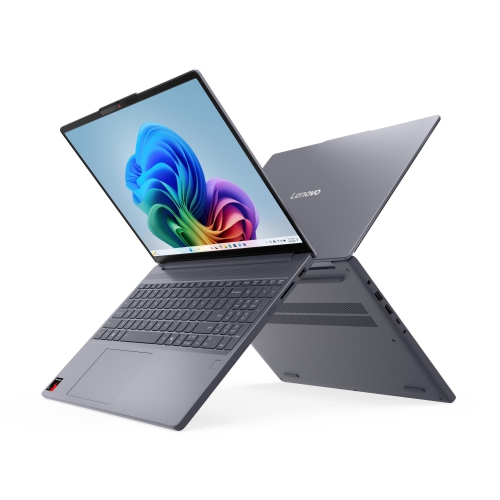


More room for reading without the extra bulk
Compact 9-inch tablets bring everyday entertainment, reading, and web browsing into a size that is comfortable to carry from room to room. Their appeal lies in the balance between a phone and a larger tablet: there is more space for book text, recipes, photos, and video, without as much bulk in a bag or on a bedside table. A smaller tablet can be a natural companion for someone who enjoys watching an episode with headphones, catching up on the news over breakfast, or keeping a digital library close at hand. The screen size also suits casual games, puzzles, language practice, and short learning activities where touch controls feel more direct than a keyboard and mouse. For these uses, comfortable handling matters just as much as a list of technical specifications. A slim profile, manageable weight, and gently rounded edges can make a difference during a longer reading session, particularly when the device is held rather than supported on a table. Screen proportions affect the experience, too: a rectangular display gives video room to stretch out in landscape orientation, while portrait orientation feels familiar for articles and books. Text-size controls and adjustable brightness help tailor the display to different readers, although a compact screen will still show less of a document at once than a larger one. For children, a tablet can provide a shared space for age-appropriate stories and learning apps, with adult supervision and suitable account settings. For adults, it can serve as a dedicated entertainment device that leaves a phone free for calls and messages. It can also make a thoughtful gift for someone whose main interests are reading, streaming, and staying in touch, especially when their needs do not call for a full computer. The strongest fit is everyday, focused use rather than complex work spread across several applications.
The experience of using a compact tablet depends on how its display, processor, memory, and storage work together. An HD-resolution screen can suit video, casual browsing, and illustrated reading, while viewing angles influence how comfortably a picture can be shared with someone sitting nearby. Very small text and detailed spreadsheets are more demanding, so display size and resolution deserve attention when reading dense documents is a priority. A processor designed for everyday tasks is generally better matched to opening a recipe, playing a video, or enjoying a simple game than to advanced editing or graphics-heavy gaming. RAM and storage play different roles: RAM helps keep active apps ready to use, while internal storage holds downloaded apps, photos, and files. With modest RAM, switching between several demanding apps may involve pauses or reloading. Expandable storage, when supported, can provide space for compatible media and documents, but a memory card does not increase RAM or guarantee that every app can be moved off internal storage. Audio connections also shape daily use. Built-in stereo speakers are convenient for a video at the kitchen table, while a headphone connection or compatible wireless headphones allow more private listening in a shared room. Wi-Fi is central to streaming, downloads, and video calls; a Wi-Fi-only tablet needs a suitable network connection for online features. Downloaded books and supported offline video can be useful away from that connection. Battery-life estimates are best understood as testing-based figures rather than fixed promises, since brightness, sound level, wireless activity, and the apps in use all affect runtime. Camera expectations should remain practical as well: a basic front camera can handle casual calls, but good lighting helps. For longer writing sessions, desktop software, and keyboard-first work, Lenovo X9 provides a related laptop option to explore.
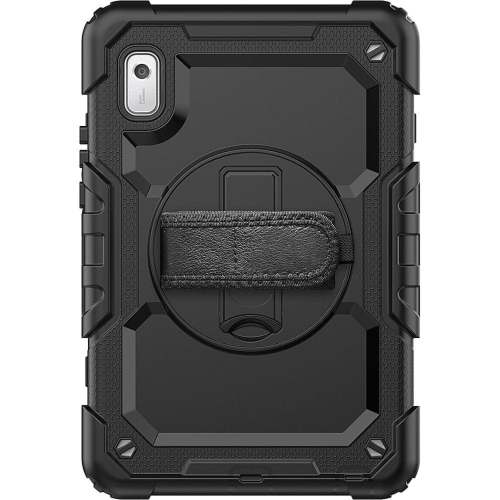
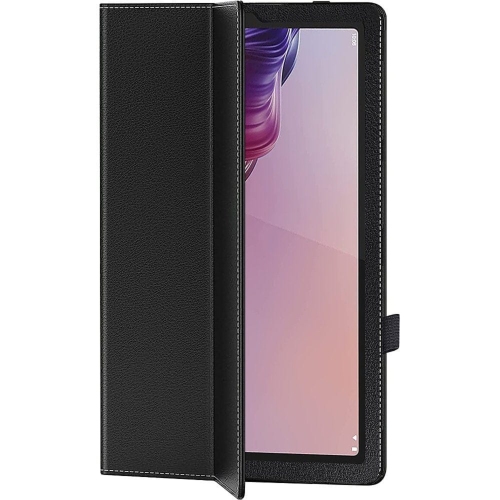
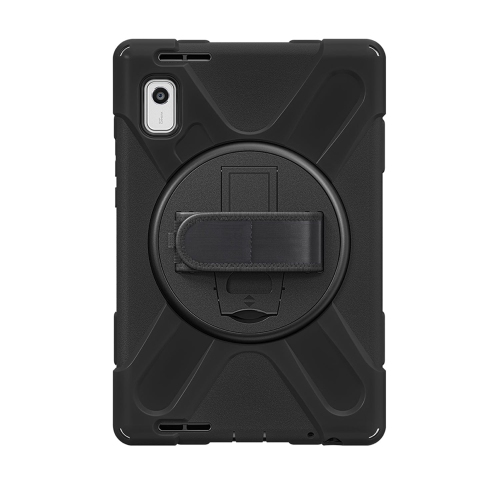
Materials, protective accessories, and regular care help determine how comfortably a small tablet fits into daily routines. A metal-backed body can feel firm and smooth in the hand, while the glass display benefits from protection against contact with keys, bag hardware, and gritty surfaces. A fitted case adds grip and helps cushion everyday bumps, although no ordinary case makes a device immune to damage. Fit is especially important on compact tablets: the case should match the exact model so that cameras, speakers, buttons, and charging connections remain clear. A folding cover or stable stand can make hands-free viewing more comfortable, whether the tablet is displaying a cooking video on a counter or supporting a call from a desk. Screen protectors also need the correct dimensions and cut-outs; compatibility with one screen size alone does not guarantee a proper fit. For cleaning, a soft, dry microfibre cloth is a sensible starting point for fingerprints, with any further cleaning carried out according to the device maker’s directions. Liquids should not be sprayed directly onto the screen or allowed into openings, and a tablet used around food is better kept away from spills and steam. Charging habits deserve similar attention: a compatible charger and an undamaged cable help keep the connection secure, while a clear, ventilated resting place avoids trapping heat beneath cushions or bedding. Software care matters alongside physical care. Operating-system version, security-update support, and app requirements can affect which services run properly over time, particularly on an older device. For a shared family tablet, separate profiles where supported, screen locks, purchase permissions, and age-appropriate controls help keep everyday use organized. Accessibility settings such as larger text, display adjustments, and spoken content can make the device more comfortable for different users. Together, these details distinguish a tablet that simply fits in a bag from one that fits the person carrying it: easy to hold, straightforward to use, and well matched to the reading, viewing, and light everyday tasks it is meant to handle.
The experience of using a compact tablet depends on how its display, processor, memory, and storage work together. An HD-resolution screen can suit video, casual browsing, and illustrated reading, while viewing angles influence how comfortably a picture can be shared with someone sitting nearby. Very small text and detailed spreadsheets are more demanding, so display size and resolution deserve attention when reading dense documents is a priority. A processor designed for everyday tasks is generally better matched to opening a recipe, playing a video, or enjoying a simple game than to advanced editing or graphics-heavy gaming. RAM and storage play different roles: RAM helps keep active apps ready to use, while internal storage holds downloaded apps, photos, and files. With modest RAM, switching between several demanding apps may involve pauses or reloading. Expandable storage, when supported, can provide space for compatible media and documents, but a memory card does not increase RAM or guarantee that every app can be moved off internal storage. Audio connections also shape daily use. Built-in stereo speakers are convenient for a video at the kitchen table, while a headphone connection or compatible wireless headphones allow more private listening in a shared room. Wi-Fi is central to streaming, downloads, and video calls; a Wi-Fi-only tablet needs a suitable network connection for online features. Downloaded books and supported offline video can be useful away from that connection. Battery-life estimates are best understood as testing-based figures rather than fixed promises, since brightness, sound level, wireless activity, and the apps in use all affect runtime. Camera expectations should remain practical as well: a basic front camera can handle casual calls, but good lighting helps. For longer writing sessions, desktop software, and keyboard-first work, Lenovo X9 provides a related laptop option to explore.
Materials, protective accessories, and regular care help determine how comfortably a small tablet fits into daily routines. A metal-backed body can feel firm and smooth in the hand, while the glass display benefits from protection against contact with keys, bag hardware, and gritty surfaces. A fitted case adds grip and helps cushion everyday bumps, although no ordinary case makes a device immune to damage. Fit is especially important on compact tablets: the case should match the exact model so that cameras, speakers, buttons, and charging connections remain clear. A folding cover or stable stand can make hands-free viewing more comfortable, whether the tablet is displaying a cooking video on a counter or supporting a call from a desk. Screen protectors also need the correct dimensions and cut-outs; compatibility with one screen size alone does not guarantee a proper fit. For cleaning, a soft, dry microfibre cloth is a sensible starting point for fingerprints, with any further cleaning carried out according to the device maker’s directions. Liquids should not be sprayed directly onto the screen or allowed into openings, and a tablet used around food is better kept away from spills and steam. Charging habits deserve similar attention: a compatible charger and an undamaged cable help keep the connection secure, while a clear, ventilated resting place avoids trapping heat beneath cushions or bedding. Software care matters alongside physical care. Operating-system version, security-update support, and app requirements can affect which services run properly over time, particularly on an older device. For a shared family tablet, separate profiles where supported, screen locks, purchase permissions, and age-appropriate controls help keep everyday use organized. Accessibility settings such as larger text, display adjustments, and spoken content can make the device more comfortable for different users. Together, these details distinguish a tablet that simply fits in a bag from one that fits the person carrying it: easy to hold, straightforward to use, and well matched to the reading, viewing, and light everyday tasks it is meant to handle.
Top selling and popular products
-
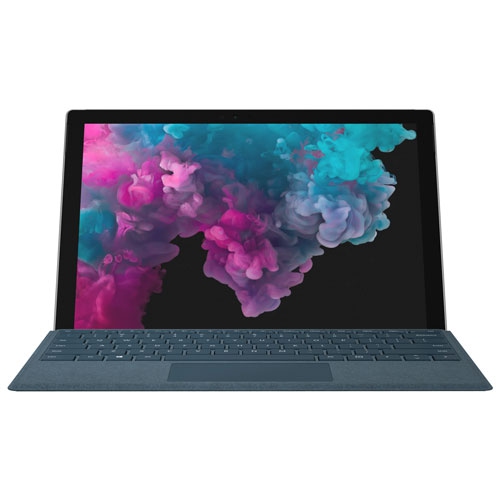 Your price for this item is $380
-
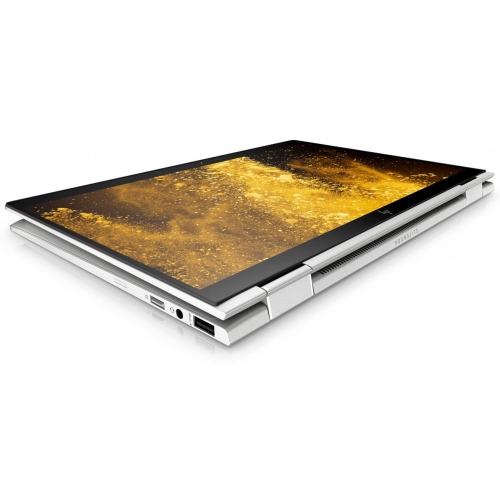 Your price for this item is $1099
-
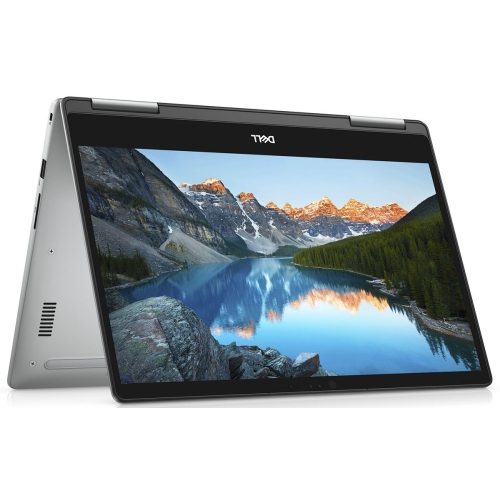 Your price for this item is $629.95
-
 Your price for this item is $1549.97
-
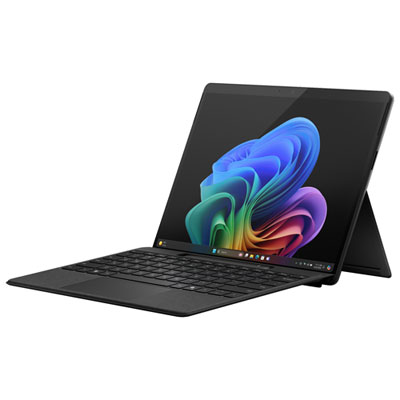 Your price for this item is $1849.99
-
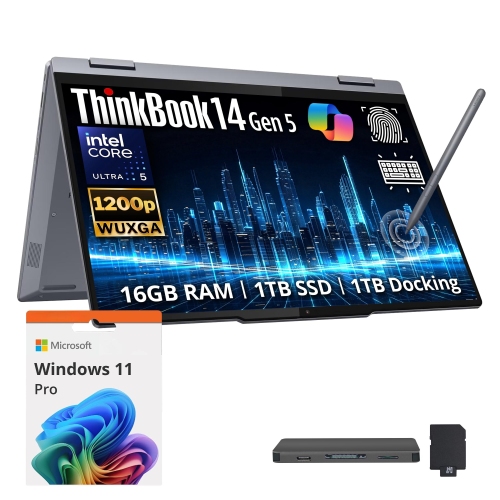 Your price for this item is $1899
-
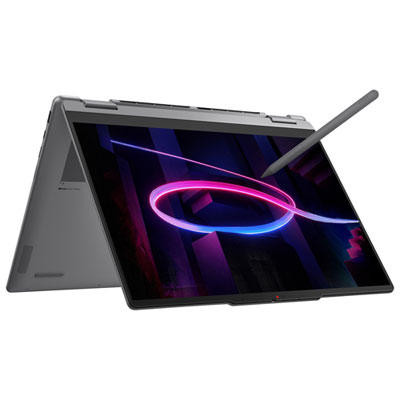 Your price for this item is $1999.99
-
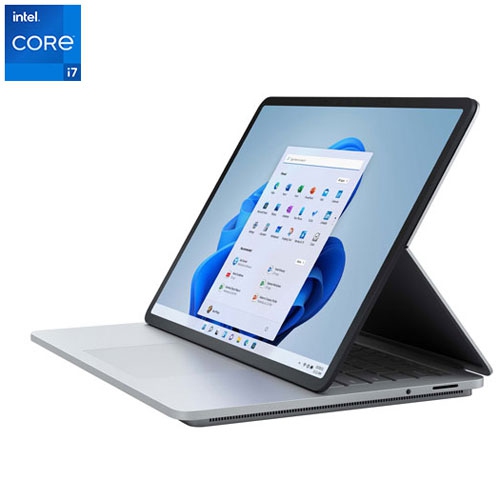 Your price for this item is $1499
Discover more categories related to Lenovo M9


Top Collections:
Pokemon Centers, Best Black Friday Deals This Year, Best Black Friday Deals On Electronics, Kindle Devices, Best Budget Office Chairs, Best Black Friday Deals On Apple Products, Best Cameras for Sports Photography, Pokémon 30th Celebration Cards, Dyson Airwrap, Canon G7X Cameras
Some products may be subject to Environmental Handling Fees
(EHF) depending on your province.
Learn more about EHFs.