Lenovo M8
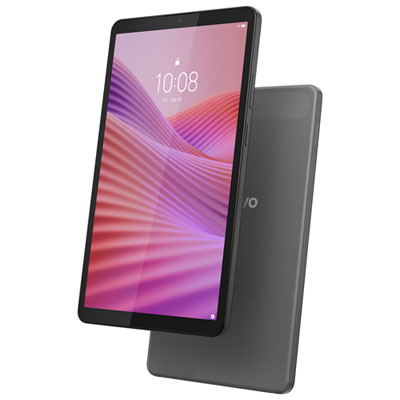
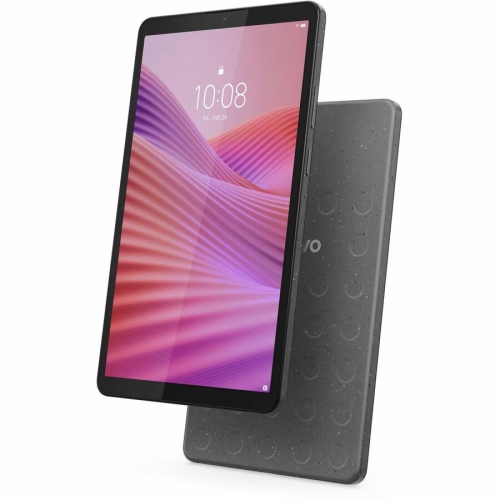
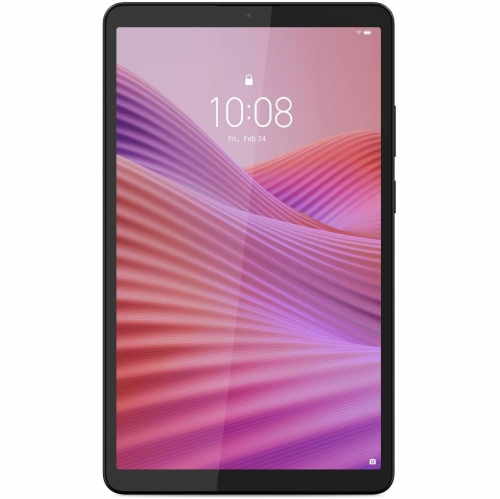
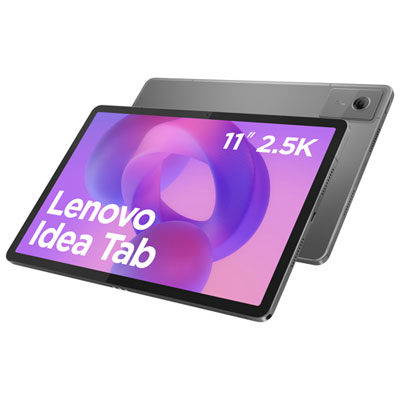
Discover the Lenovo M8, a versatile tablet designed to fit seamlessly into your daily routine. Whether you're catching up on emails, streaming your favorite shows, or exploring new apps, the Lenovo M8 offers a user-friendly experience for work and play. With a sleek design and reliable performance, it's an excellent choice for anyone seeking convenience and connectivity in one compact device. Explore the available options and find the Lenovo M8 that suits your needs at Best Buy.
Sort




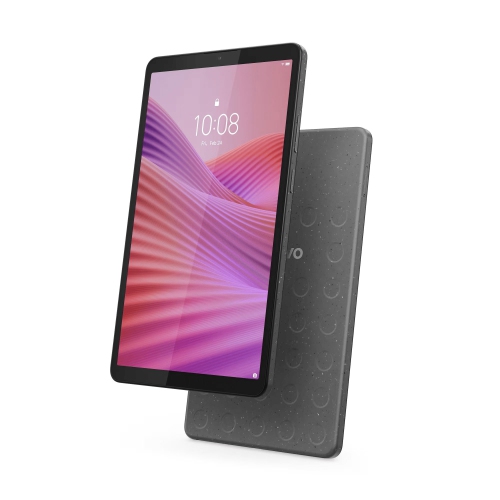
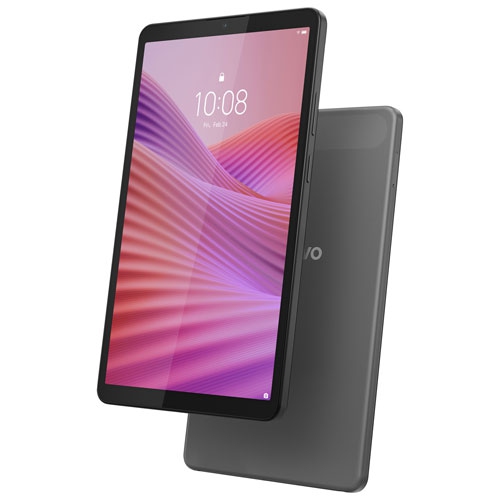
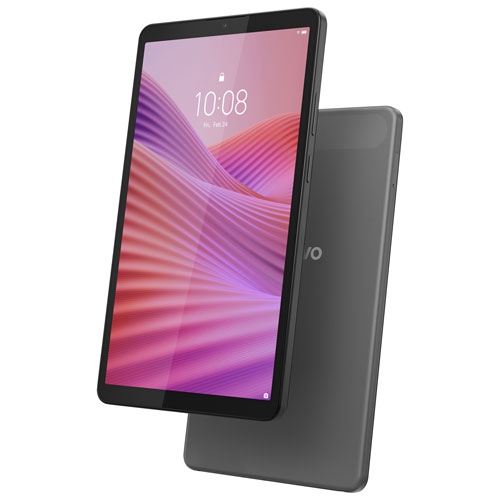
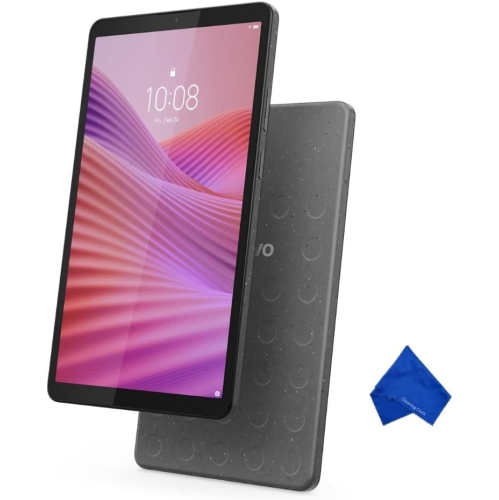

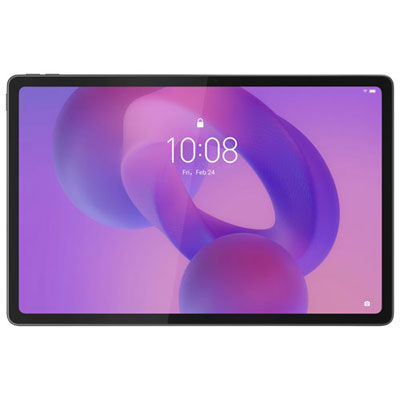
A compact screen for everyday reading and entertainment
Compact 8-inch Android tablets offer a convenient way to read, stream video, browse websites, and keep everyday apps close at hand without carrying a larger screen. This entry-level tablet format is well suited to lighter activities: following a recipe at the kitchen table, reading a few chapters on a train journey, checking email from the sofa, or giving a child a separate screen for age-appropriate entertainment. An 8-inch display provides more room than a typical phone while remaining small enough to slip into a day bag. That balance makes compact tablets appealing as shared household devices or as a second screen reserved for reading and entertainment. Performance depends on the processor, memory, software version, and demands of the apps being used. Basic browsing and video playback place different demands on a tablet than graphically detailed games, video editing, or frequent switching between several apps. Entry-level hardware generally makes more sense for the former than the latter, and a straightforward routine with fewer apps open can help keep everyday use manageable. Display resolution also matters, particularly for readers who spend time with small text or people who watch videos with subtitles. Screen size alone does not indicate how sharp text will appear. Storage is another practical consideration because the operating system and preinstalled software use part of the stated capacity, leaving less room for downloaded books, photos, videos, and apps. Expandable storage, where supported, can provide extra space for compatible files, although it does not necessarily replace internal storage for every app. For travel and commuting, downloaded content can be useful when a reliable connection is unavailable, provided the relevant app supports offline access. The overall appeal is a screen that feels easy to pick up for one task rather than a device intended to replace every function of a laptop.
The physical details of a compact tablet influence how comfortably it fits into daily life. Weight, thickness, edge shape, and the texture of the back can make a noticeable difference during a long reading session or when a tablet is held in one hand. Plastic and metal housings have different finishes and handling characteristics, but neither material alone establishes how well a device will withstand a fall. A fitted protective case can add grip and help shield the corners, while a folio-style cover may also provide a stand for watching videos or following instructions at a desk. Case compatibility depends on the exact model and generation: similar screen measurements do not guarantee matching camera positions, button placement, charging ports, or overall dimensions. A screen protector likewise needs the correct fit, especially around the front camera and any sensors. Routine care is straightforward, with a clean, soft microfibre cloth suitable for removing fingerprints from the display; cleaning liquids and methods should follow the device manufacturer’s directions. Tablets also benefit from being kept away from spills, loose objects that could scratch the screen, and pressure from tightly packed bags. For comfortable viewing, a stand that holds the screen at a useful angle can be more practical than propping it against a mug or stack of books. Connectivity deserves equal attention. A Wi-Fi connection supports streaming, downloads, and online communication, while cellular connectivity should only be assumed when it is specifically included in the model’s specifications. Charging connections, headphone support, and wireless accessory compatibility can also differ. Battery endurance varies with screen brightness, wireless activity, app use, and battery condition, so a quoted maximum should not be treated as a promise for every routine. For video calls, camera placement, microphone quality, and a stable stand all contribute to a more comfortable experience. These everyday details often matter as much as a headline specification when a tablet is used regularly around the home.
For families, a small tablet can serve several distinct purposes without needing to become an unrestricted personal device. A child might use it for an illustrated story or a simple learning activity, while another household member uses it later for music, recipes, or casual browsing. Parental controls and supervised account features, where supported, can help manage app access, purchases, and screen time, but the available settings depend on the software and account setup. A protective case does not make a tablet childproof, and age-appropriate supervision remains important. For students, this size can be useful for reading short documents, reviewing notes, or checking a learning portal, although lengthy assignments and detailed spreadsheets are generally more comfortable on a larger display with a keyboard. People who prefer larger text may appreciate adjustable font and display settings; increasing those settings also reduces how much information fits on the screen at once. Accessibility features, including screen reading and caption options, vary by software version and app, making compatibility relevant to anyone who relies on them. A compact tablet can also be a thoughtful gift for someone who wants a dedicated reading or entertainment screen, especially when the intended activities are clear. Familiarity with Android, access to a suitable Wi-Fi connection, and any help needed with account setup can all influence how readily the recipient settles into using it. Software support matters beyond the initial setup: operating system compatibility, security updates, and app requirements can affect usefulness over time, particularly across different tablet generations. Households considering a tablet alongside a computer can also explore the Lenovo X9 page as a separate computing option. For compact tablets themselves, the strongest fit is usually a clearly defined everyday role—an easy-to-carry reading screen, a shared streaming device, or a simple companion for lighter online activities—with expectations matched to the hardware rather than to the capabilities of a full-sized computer.
The physical details of a compact tablet influence how comfortably it fits into daily life. Weight, thickness, edge shape, and the texture of the back can make a noticeable difference during a long reading session or when a tablet is held in one hand. Plastic and metal housings have different finishes and handling characteristics, but neither material alone establishes how well a device will withstand a fall. A fitted protective case can add grip and help shield the corners, while a folio-style cover may also provide a stand for watching videos or following instructions at a desk. Case compatibility depends on the exact model and generation: similar screen measurements do not guarantee matching camera positions, button placement, charging ports, or overall dimensions. A screen protector likewise needs the correct fit, especially around the front camera and any sensors. Routine care is straightforward, with a clean, soft microfibre cloth suitable for removing fingerprints from the display; cleaning liquids and methods should follow the device manufacturer’s directions. Tablets also benefit from being kept away from spills, loose objects that could scratch the screen, and pressure from tightly packed bags. For comfortable viewing, a stand that holds the screen at a useful angle can be more practical than propping it against a mug or stack of books. Connectivity deserves equal attention. A Wi-Fi connection supports streaming, downloads, and online communication, while cellular connectivity should only be assumed when it is specifically included in the model’s specifications. Charging connections, headphone support, and wireless accessory compatibility can also differ. Battery endurance varies with screen brightness, wireless activity, app use, and battery condition, so a quoted maximum should not be treated as a promise for every routine. For video calls, camera placement, microphone quality, and a stable stand all contribute to a more comfortable experience. These everyday details often matter as much as a headline specification when a tablet is used regularly around the home.
For families, a small tablet can serve several distinct purposes without needing to become an unrestricted personal device. A child might use it for an illustrated story or a simple learning activity, while another household member uses it later for music, recipes, or casual browsing. Parental controls and supervised account features, where supported, can help manage app access, purchases, and screen time, but the available settings depend on the software and account setup. A protective case does not make a tablet childproof, and age-appropriate supervision remains important. For students, this size can be useful for reading short documents, reviewing notes, or checking a learning portal, although lengthy assignments and detailed spreadsheets are generally more comfortable on a larger display with a keyboard. People who prefer larger text may appreciate adjustable font and display settings; increasing those settings also reduces how much information fits on the screen at once. Accessibility features, including screen reading and caption options, vary by software version and app, making compatibility relevant to anyone who relies on them. A compact tablet can also be a thoughtful gift for someone who wants a dedicated reading or entertainment screen, especially when the intended activities are clear. Familiarity with Android, access to a suitable Wi-Fi connection, and any help needed with account setup can all influence how readily the recipient settles into using it. Software support matters beyond the initial setup: operating system compatibility, security updates, and app requirements can affect usefulness over time, particularly across different tablet generations. Households considering a tablet alongside a computer can also explore the Lenovo X9 page as a separate computing option. For compact tablets themselves, the strongest fit is usually a clearly defined everyday role—an easy-to-carry reading screen, a shared streaming device, or a simple companion for lighter online activities—with expectations matched to the hardware rather than to the capabilities of a full-sized computer.
Top selling and popular products
-
 Your price for this item is $499.99
-
 Your price for this item is $399.99
-
 Your price for this item is $979.99
-
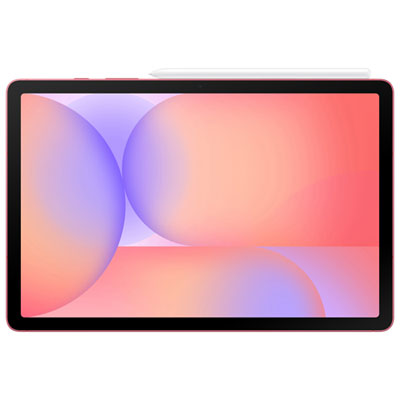 Your price for this item is $399.99
-
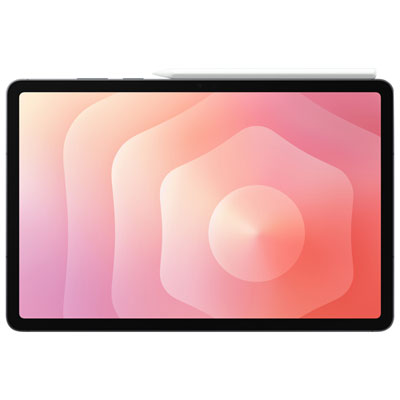 Your price for this item is $1399.99
-
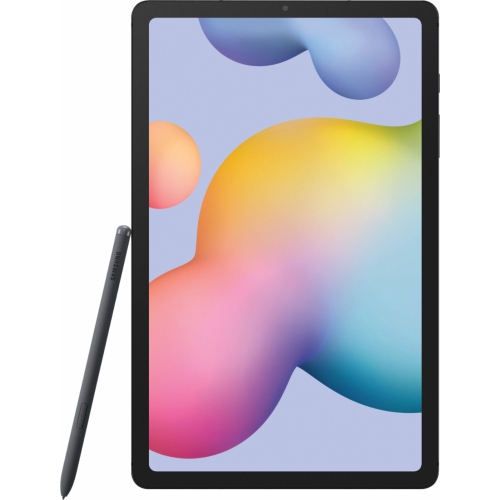 Your price for this item is $699.99
-
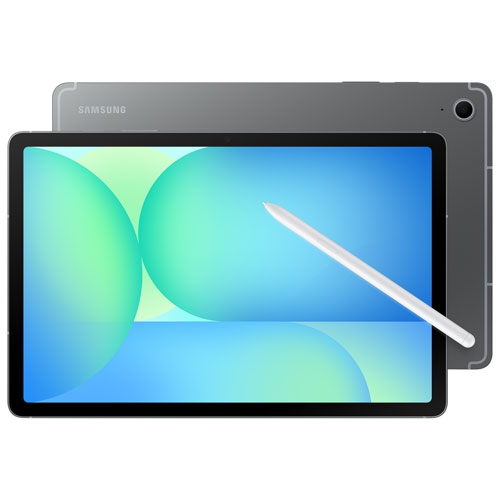 Your price for this item is $624.95
-
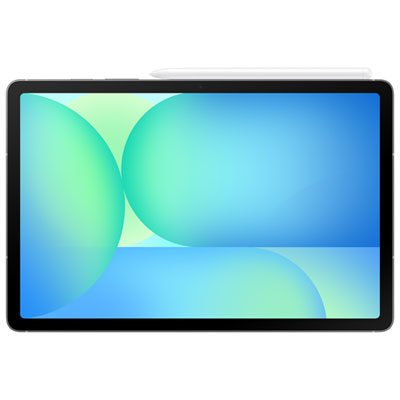 Your price for this item is $929.99
Discover more categories related to Lenovo M8
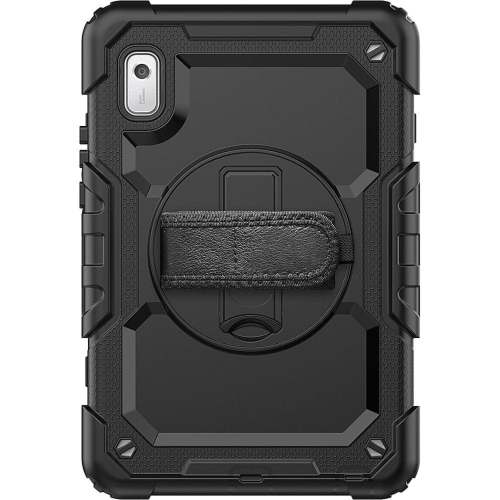


Top Collections:
Pokemon Centers, Best Black Friday Deals This Year, Best Black Friday Deals On Electronics, Kindle Devices, Best Budget Office Chairs, Best Black Friday Deals On Apple Products, Best Cameras for Sports Photography, Pokémon 30th Celebration Cards, Dyson Airwrap, Canon G7X Cameras
Some products may be subject to Environmental Handling Fees
(EHF) depending on your province.
Learn more about EHFs.