Lightweight Tablets for Reading
Lightweight tablets for reading offer a convenient and portable way to enjoy your favorite books, magazines, and articles wherever you go. Designed with comfort in mind, these tablets are easy to hold for long periods, making them ideal for avid readers. Explore a variety of options that combine sleek designs with user-friendly interfaces, perfect for turning every reading session into a pleasure. Find the best lightweight tablets for reading that suit your lifestyle and preferences.
Sort
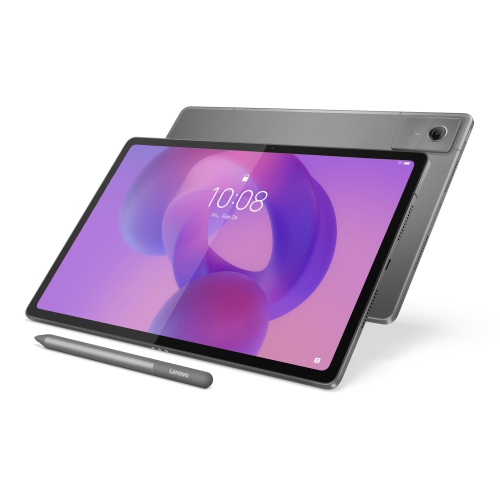
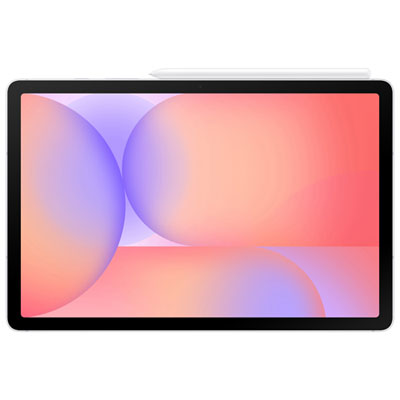
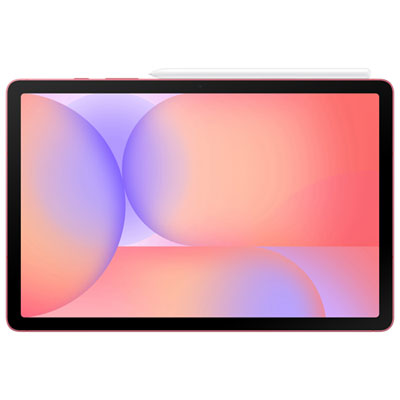
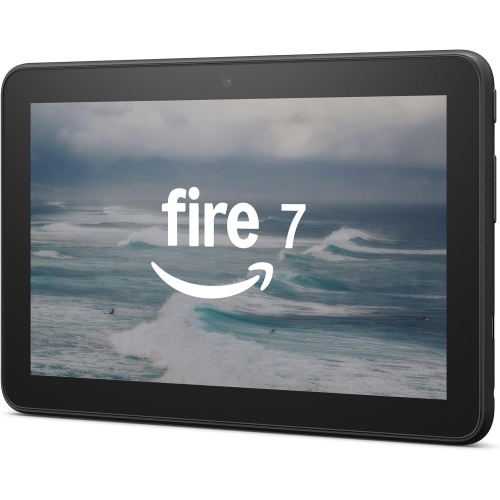
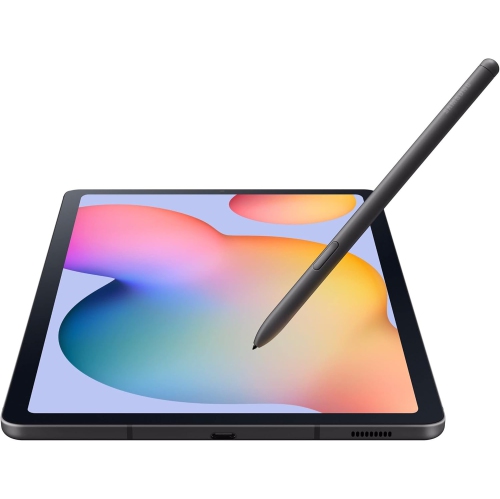
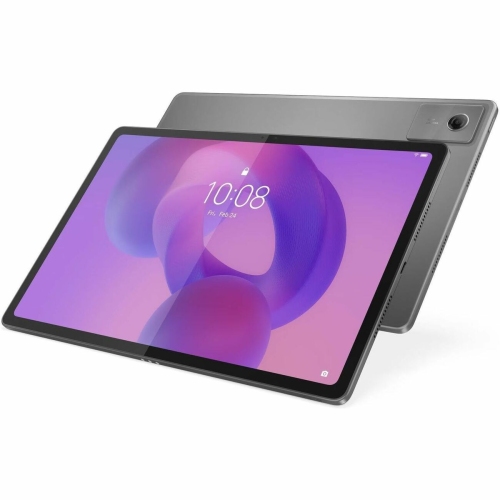
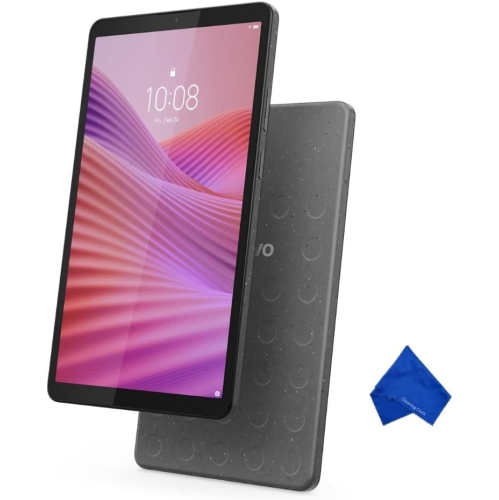
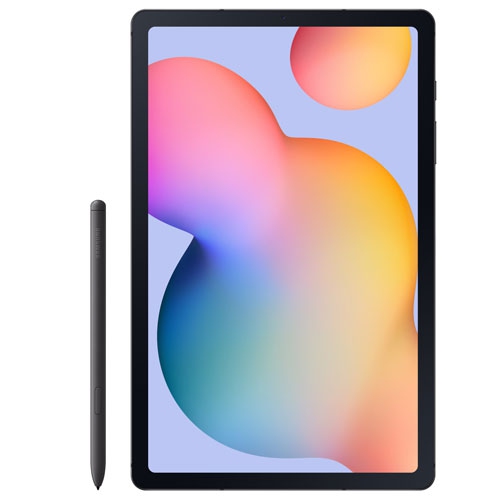

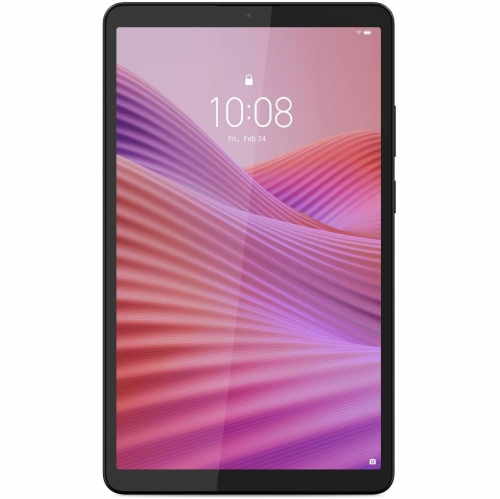
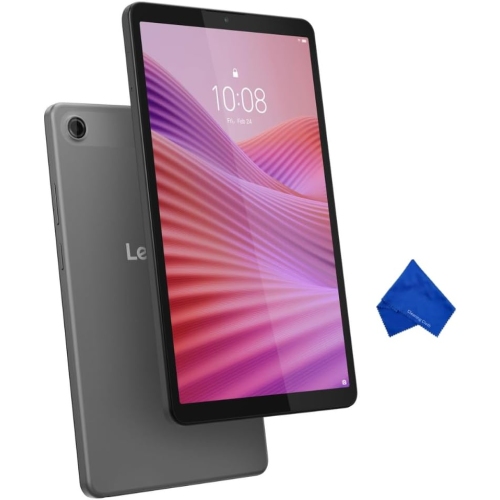
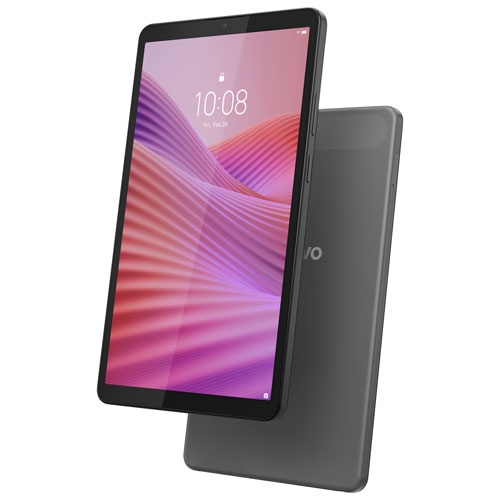
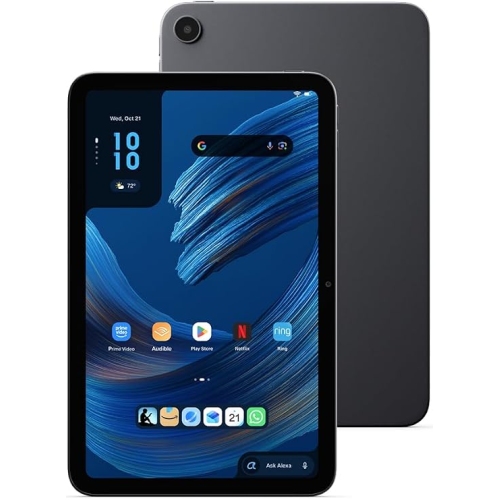
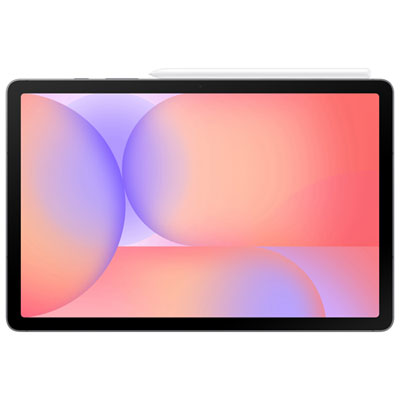
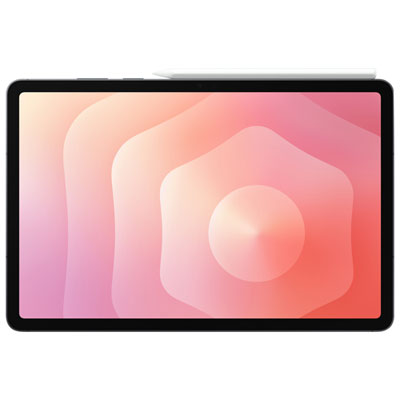
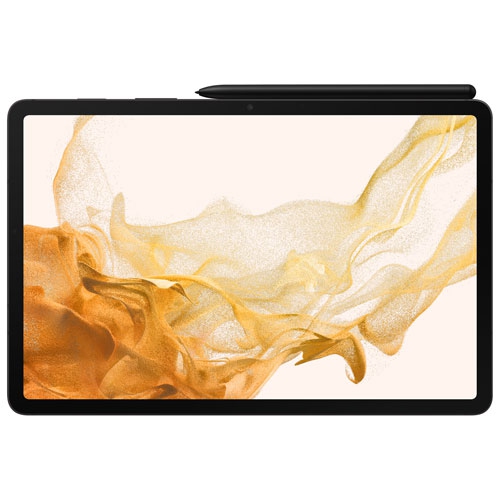
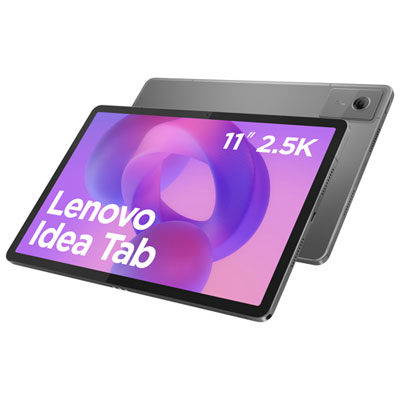
Comfortable reading takes more than a lighter tablet
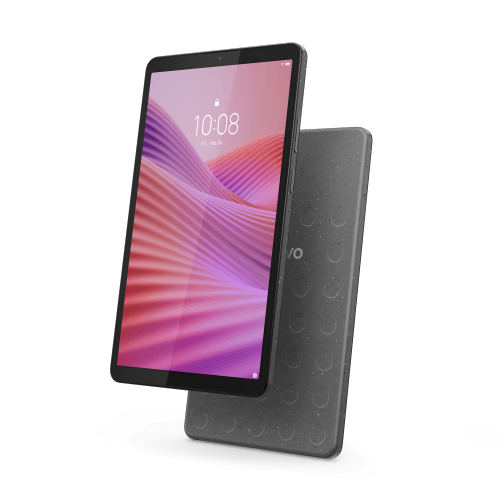
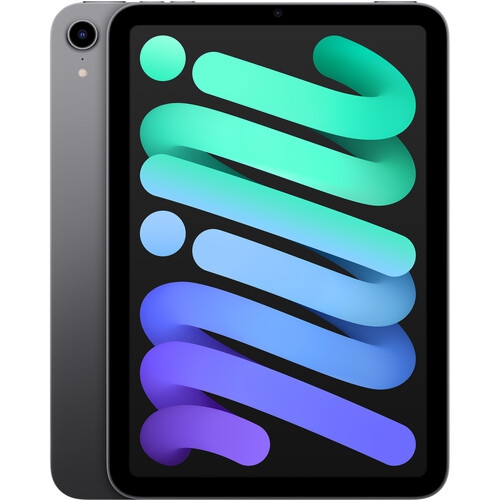
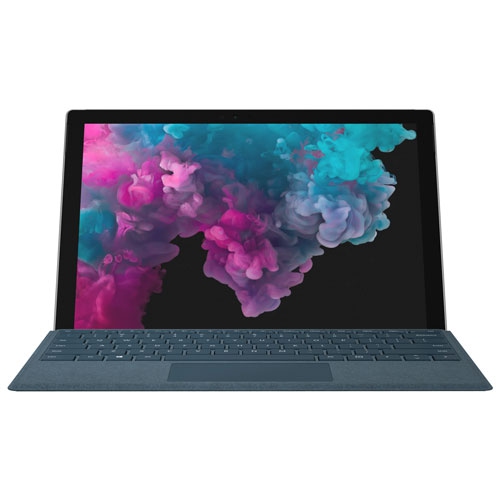
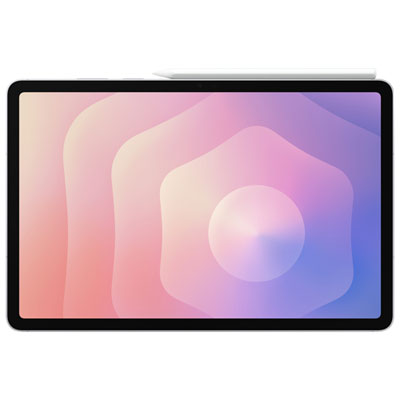
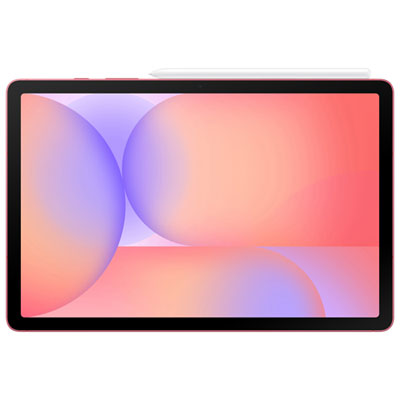
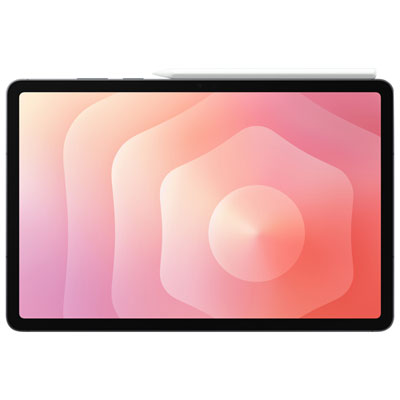
Lightweight tablets for reading combine a portable design with clear text, responsive page turns, and access to digital books, magazines, and documents. Their appeal is easy to appreciate halfway through a chapter on the bus or while settling into a favourite chair: less weight means less to support in the hands. Comfort depends on more than the number on a specification sheet, though. The width of the device, the shape of its edges, and the balance of its weight all influence how it feels during a longer reading session. A narrow tablet may be easier to hold in one hand, while a slightly larger screen can accommodate bigger type without requiring a page turn every few lines. Compact tablets with screens around 7 to 9 inches often suit novels and everyday travel, although the overall dimensions depend on the size of the bezel surrounding the display. Larger screens give illustrated books, magazines, comics, and full-page documents more breathing room, with less need to zoom in and move around the page. Portrait orientation feels familiar for books, while landscape orientation can suit wider layouts or two-page views where the reading app supports them. A little space around the screen can also provide a useful place to rest a thumb without covering text. Smooth metal bodies and moulded plastic backs offer different textures, and neither material alone determines how comfortable a tablet will be to hold. A slim case can improve grip, but its weight becomes part of the reading experience too. The most practical fit is a tablet that remains comfortable with its everyday cover attached and slips easily into the bag it will travel in. That balance matters to commuters, students, frequent travellers, and anyone who prefers carrying a digital library rather than several printed books.
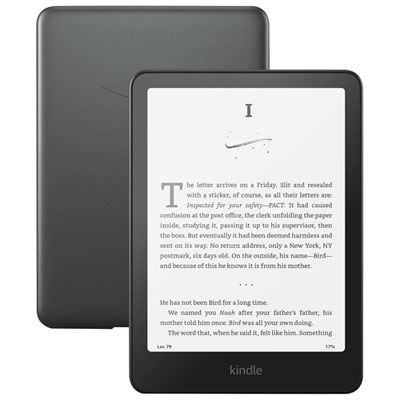
Screen quality shapes the reading experience just as much as portability. Sharp text helps small lettering remain distinct, while adjustable font sizes and line spacing allow compatible books to be arranged around individual preferences. These adjustments are especially useful for readers who want larger print without changing devices. Full-colour LCD and OLED tablets suit a broad mix of material, including picture books, graphic novels, illustrated reference books, and articles with photographs. Screen brightness, reflections, and viewing angles all affect how easily that content can be read in different indoor lighting. A glossy display may show reflections from an overhead light or a nearby window; a matte screen treatment can soften reflections, although its effect on text clarity varies. Automatic brightness adjustment can be convenient when moving between rooms, while manual controls offer a more consistent setting. Warmer colour settings and dark display modes provide additional choices, but their availability and appearance depend on both the tablet and the app. Electronic paper reading devices are a separate option for readers whose main priority is books rather than general tablet use. Their reflective displays use surrounding light, and many include an adjustable front light, but app support, colour reproduction, and page-refresh behaviour differ from conventional tablets. For a multipurpose reading tablet, the software matters as much as the screen. Support for preferred bookstore, library, audiobook, and document apps determines which parts of a digital collection can be accessed. Public library borrowing depends on the library’s service, an eligible account, and device compatibility; support should not be assumed across every reading app. Reflowable book formats generally allow text to resize, whereas fixed-layout pages and scanned PDFs may still require zooming. Bookmarks, highlighting, dictionary tools, and searchable notes can be useful for coursework or book-club discussions. Text-to-speech, screen readers, and other accessibility features may also help, with support varying by app, file format, and content permissions.
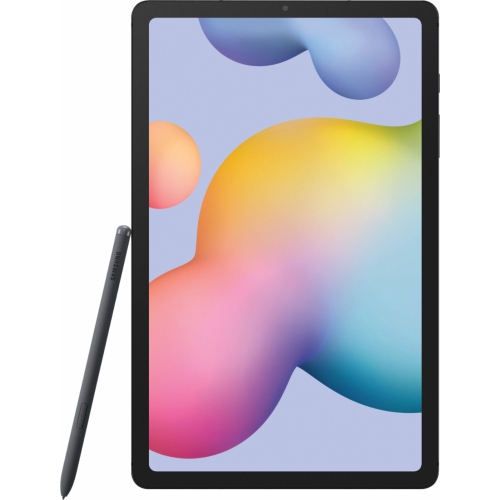
Battery life and storage become particularly noticeable when a tablet is used away from a charger. Reading downloaded text with moderate screen brightness generally uses less power than streaming video, gaming, or keeping several demanding apps active, so a single battery-life figure cannot describe every routine. Wireless connections, background activity, display settings, and battery age also affect the time between charges. Offline downloads let compatible books remain accessible without Wi-Fi, although borrowed titles may have lending deadlines and some services require occasional account checks. Text-based books usually occupy much less storage than illustrated publications, audiobooks, or downloaded films. Room for a growing library is useful, but expandable storage, where supported, may not work with every app’s downloads. For readers who annotate documents, compatible stylus support can make handwritten notes convenient, though the pen and app need to support the intended functions. A stand or folding cover can take the weight off the hands during reading at a desk, and an adjustable position helps keep the screen at a comfortable angle. Durable ownership also comes down to everyday handling. A protective sleeve separates the screen from keys and other objects in a bag, while a case with raised edges can offer some protection against knocks without making the device impact-proof. Water resistance is a specific rated feature, not a standard quality of lightweight tablets, and any stated limits still apply. Routine care is straightforward: a soft, lint-free cloth helps remove fingerprints, and cleaning should follow the device maker’s directions without spraying liquid directly onto the screen. For a birthday, graduation, or another gift-giving occasion, a reading tablet can suit an avid reader, a student managing course materials, or someone who values adjustable text. Familiar controls and compatibility with an existing book collection often matter more than extra features. The Tablets for Reading Books page offers a broader view of devices for different reading habits.
Top selling and popular products
-
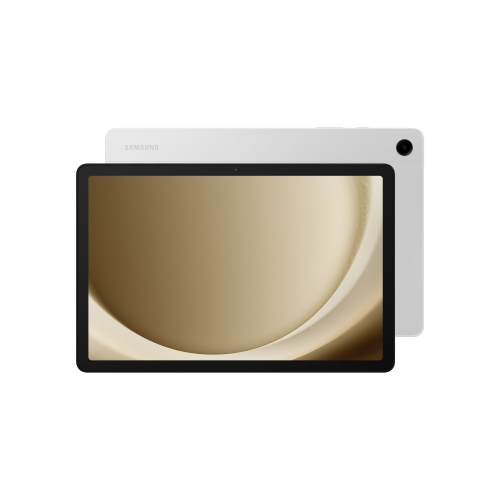 Your price for this item is $499.99
-
 Your price for this item is $1749.99
-
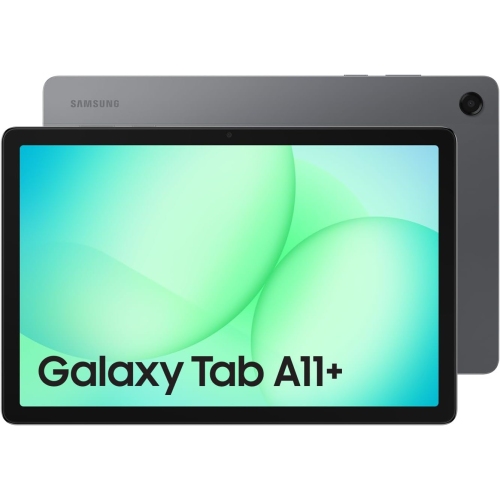 Your price for this item is $394.99
-
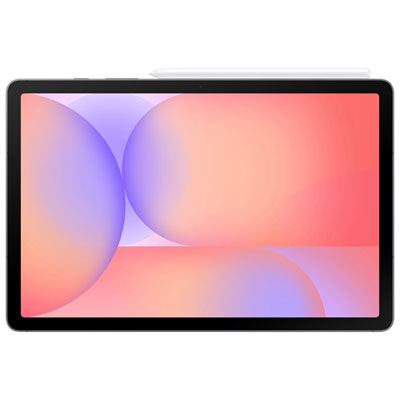 Your price for this item is $579.99
-
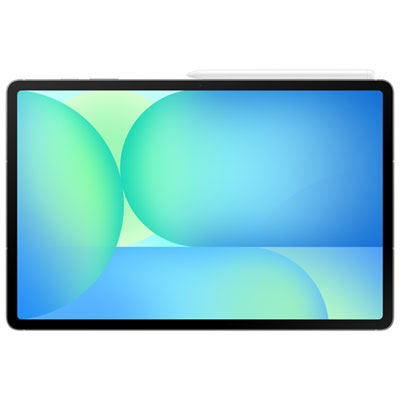 Your price for this item is $979.99
-
 Your price for this item is $579.99
-
 Your price for this item is $1099.99
-
 Your price for this item is $699.99
Discover more categories related to Lightweight Tablets for Reading

Top Collections:
Best Black Friday Deals This Year, Best Black Friday Deals On Electronics, Kindle Devices, Best Black Friday Deals On Apple Products, Best Budget Office Chairs, Best Cameras for Sports Photography, Dyson Airwrap, Canon G7X Cameras, Best Laptops for Writers, Samsung Galaxy Phones
Some products may be subject to Environmental Handling Fees
(EHF) depending on your province.
Learn more about EHFs.