Tablets for Reading Books
Tablets for Reading Books offer a convenient and versatile way to enjoy your favorite titles anywhere you go. With lightweight designs and easy portability, these tablets make it simple to carry an entire library in your bag or backpack. Whether you prefer novels, magazines, or graphic novels, Tablets for Reading Books provide a comfortable reading experience with features that cater to book lovers of all ages. Discover the perfect tablet to enhance your reading routine and keep your collection at your fingertips.
Sort





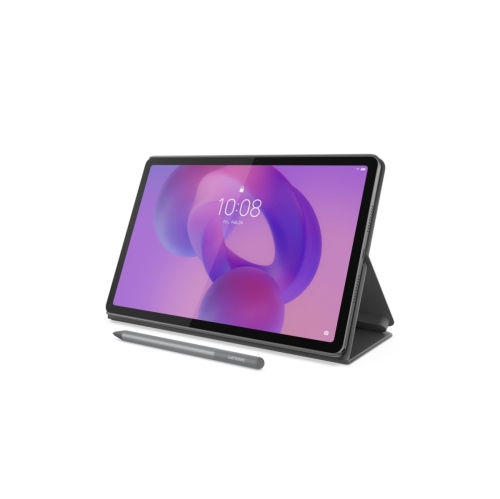

Reading comfort depends on more than screen size
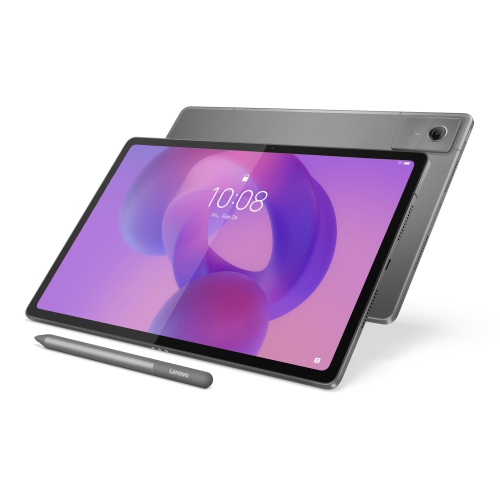
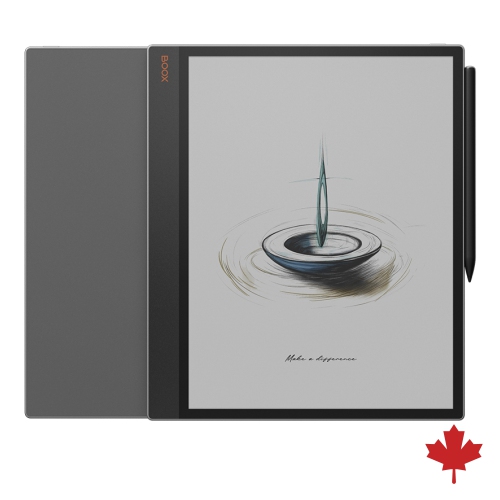
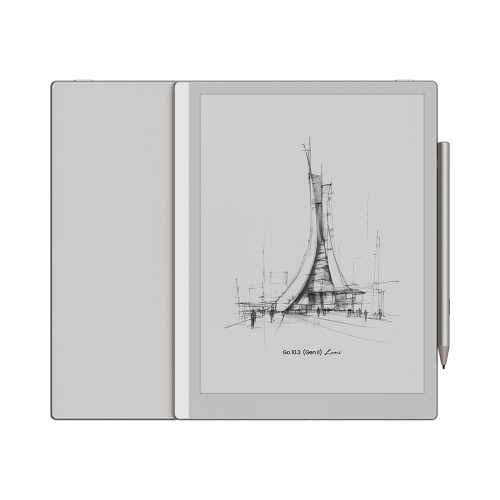
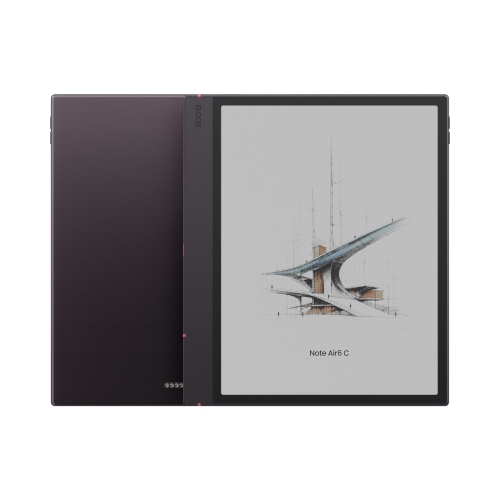
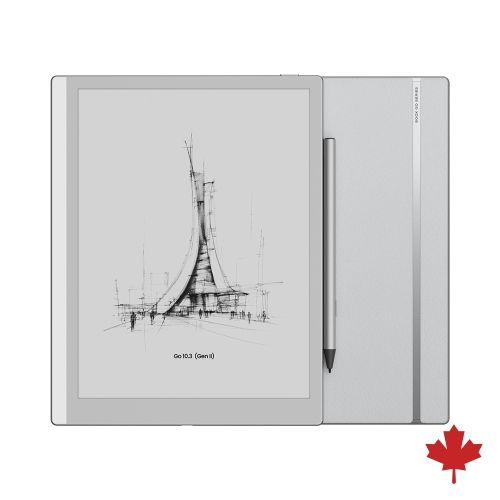
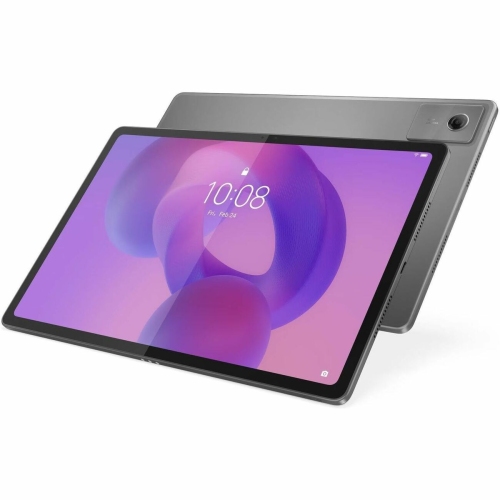
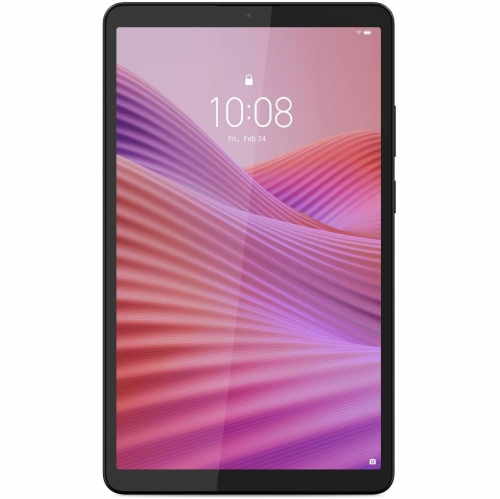
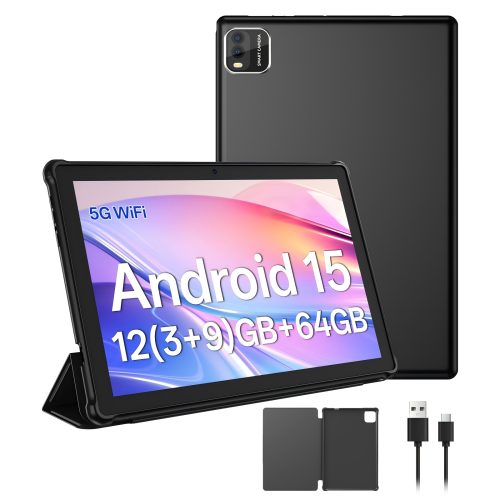
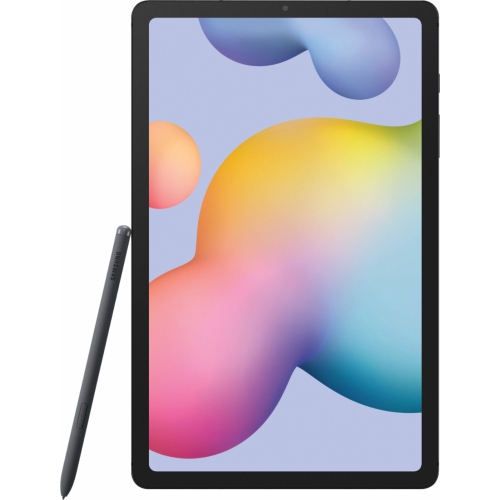
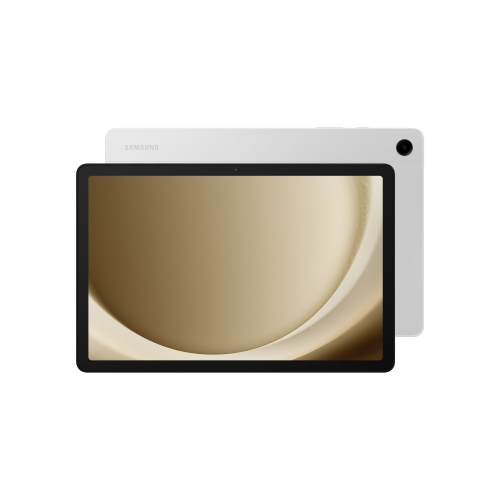
Tablets for reading books combine a clear display, adjustable text, and access to reading apps in a device that can also handle everyday tasks. They suit readers who want novels, biographies, magazines, comics, and illustrated books close at hand without carrying a separate volume for every mood. A compact tablet can fit into a commuter bag and feel manageable when held in one hand, while a larger screen gives graphic novels, maps, and full-page illustrations more room. Screen size alone does not determine reading comfort: weight, balance, text sharpness, and the shape of the edges all affect how a tablet feels during a long chapter. High-resolution displays keep small lettering well defined, and adjustable brightness helps match the screen to the light in a room. Colour screens are particularly useful for picture books, cookbooks, and comics, where illustrations carry as much meaning as the text. Many reading apps offer font choices, adjustable spacing, margins, and different page colours, although these controls depend on the book’s format. A reflowable novel can usually accommodate larger type without requiring side-to-side scrolling; a scanned book or fixed-layout document may instead need zooming. LCD and OLED tablets offer colour, responsive navigation, and broad app support, while dedicated electronic-paper readers serve a different purpose, emphasizing a paper-like display and typically longer intervals between charges. For someone who moves between reading, web browsing, video calls, and streaming, a multipurpose tablet keeps those activities on one device. Battery life varies with the display, brightness, wireless connections, and other activity, so reading a downloaded novel may use power differently from watching videos or browsing image-heavy pages. A comfortable setup also matters: resting the tablet on a stand or a cushion can take its weight off the hands, and changing position between chapters can make extended reading more pleasant. The most suitable balance depends on whether books are the tablet’s main purpose or one part of a wider daily routine.
Access to books is just as important as the screen itself. A tablet’s operating system determines which reading apps it can run, and compatibility matters for anyone with an existing digital library. Books purchased through one service do not necessarily open in another, even when both services work on tablets. EPUB and PDF are common formats, but support for them, along with any copying or access restrictions, varies by app and publisher. Public-library borrowing can also be part of tablet reading, provided the local library’s lending service supports the device and the required app. Borrowed titles generally have lending periods, and some services require an internet connection for downloading or account verification. Once a book has been downloaded, many apps allow offline reading, which is useful on a train, during travel, or anywhere Wi-Fi is unreliable. Storage needs depend on the material: text-only novels generally take up much less space than richly illustrated books, scanned documents, or audiobooks. A reader keeping a handful of novels on the device has different needs from someone carrying a large collection of comics and narrated books. Expandable storage, where supported, can add flexibility, though some apps restrict where downloads are stored. Account-based syncing may keep bookmarks, notes, and reading positions aligned across compatible devices, making it easier to continue a chapter on a different screen. For students using tablets for reading digital textbooks, a larger display, reliable document handling, and compatible annotation tools can be especially helpful. Split-screen support on suitable tablets allows a passage to remain visible beside notes, while a compatible stylus can make marking diagrams or writing in margins feel more direct. These functions depend on both the tablet and the app; a stylus is not automatically supported by every touchscreen. Search, dictionaries, highlighting, and text-to-speech can also add value, with availability shaped by the app, language, and permissions attached to each book.
The physical design of a reading tablet becomes more noticeable with daily use. Metal housings can feel rigid and substantial, while plastic designs may offer a lighter feel; durability depends on the complete construction rather than the outer material alone. A slim device is easy to slip into a bag, but a slightly thicker edge or a textured case may provide a more secure grip. Case fit needs to match the tablet’s exact dimensions and button, speaker, and camera positions, not simply its advertised screen size. A folio cover can protect the display in transit and fold into a stand for reading at a table, while a hand strap may help someone hold the device without gripping its edges tightly. Any case adds weight, which matters when reading in bed or holding the screen at eye level. Water resistance is model-specific and should not be assumed, particularly around drinks or a kitchen counter where a recipe is open. Routine care is straightforward: use a soft, lint-free cloth, follow the manufacturer’s cleaning directions, and avoid spraying liquid directly onto the screen. Keeping grit out of a cover and away from the display can help reduce scratches, while careful handling of the charging port helps protect a frequently used connection. Accessibility features deserve attention as well. Larger interface text, screen magnification, spoken content, and compatible headphones can make a tablet useful to readers with different preferences and needs, although individual apps may not support every feature equally. For children, separate profiles and parental controls, where offered, can help adults manage reading apps and other activities on a shared device. Tablets can also make thoughtful gifts for avid readers, students, frequent travellers, or relatives who appreciate adjustable print. The recipient’s existing book accounts, preferred screen size, and confidence with touchscreen controls are more useful starting points than appearance alone. For a household sharing one device, distinct profiles and straightforward charging arrangements can help keep reading sessions simple, whether the next book is a short bedtime story or a novel that takes several evenings to finish.
Access to books is just as important as the screen itself. A tablet’s operating system determines which reading apps it can run, and compatibility matters for anyone with an existing digital library. Books purchased through one service do not necessarily open in another, even when both services work on tablets. EPUB and PDF are common formats, but support for them, along with any copying or access restrictions, varies by app and publisher. Public-library borrowing can also be part of tablet reading, provided the local library’s lending service supports the device and the required app. Borrowed titles generally have lending periods, and some services require an internet connection for downloading or account verification. Once a book has been downloaded, many apps allow offline reading, which is useful on a train, during travel, or anywhere Wi-Fi is unreliable. Storage needs depend on the material: text-only novels generally take up much less space than richly illustrated books, scanned documents, or audiobooks. A reader keeping a handful of novels on the device has different needs from someone carrying a large collection of comics and narrated books. Expandable storage, where supported, can add flexibility, though some apps restrict where downloads are stored. Account-based syncing may keep bookmarks, notes, and reading positions aligned across compatible devices, making it easier to continue a chapter on a different screen. For students using tablets for reading digital textbooks, a larger display, reliable document handling, and compatible annotation tools can be especially helpful. Split-screen support on suitable tablets allows a passage to remain visible beside notes, while a compatible stylus can make marking diagrams or writing in margins feel more direct. These functions depend on both the tablet and the app; a stylus is not automatically supported by every touchscreen. Search, dictionaries, highlighting, and text-to-speech can also add value, with availability shaped by the app, language, and permissions attached to each book.
The physical design of a reading tablet becomes more noticeable with daily use. Metal housings can feel rigid and substantial, while plastic designs may offer a lighter feel; durability depends on the complete construction rather than the outer material alone. A slim device is easy to slip into a bag, but a slightly thicker edge or a textured case may provide a more secure grip. Case fit needs to match the tablet’s exact dimensions and button, speaker, and camera positions, not simply its advertised screen size. A folio cover can protect the display in transit and fold into a stand for reading at a table, while a hand strap may help someone hold the device without gripping its edges tightly. Any case adds weight, which matters when reading in bed or holding the screen at eye level. Water resistance is model-specific and should not be assumed, particularly around drinks or a kitchen counter where a recipe is open. Routine care is straightforward: use a soft, lint-free cloth, follow the manufacturer’s cleaning directions, and avoid spraying liquid directly onto the screen. Keeping grit out of a cover and away from the display can help reduce scratches, while careful handling of the charging port helps protect a frequently used connection. Accessibility features deserve attention as well. Larger interface text, screen magnification, spoken content, and compatible headphones can make a tablet useful to readers with different preferences and needs, although individual apps may not support every feature equally. For children, separate profiles and parental controls, where offered, can help adults manage reading apps and other activities on a shared device. Tablets can also make thoughtful gifts for avid readers, students, frequent travellers, or relatives who appreciate adjustable print. The recipient’s existing book accounts, preferred screen size, and confidence with touchscreen controls are more useful starting points than appearance alone. For a household sharing one device, distinct profiles and straightforward charging arrangements can help keep reading sessions simple, whether the next book is a short bedtime story or a novel that takes several evenings to finish.
Top selling and popular products
-
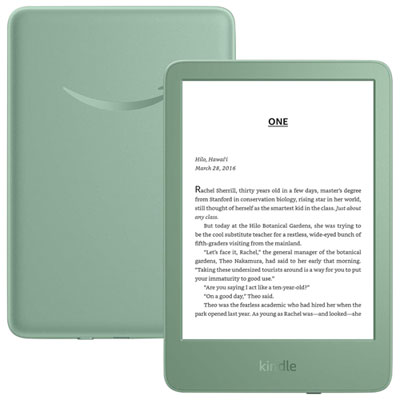 Your price for this item is $189.99
-
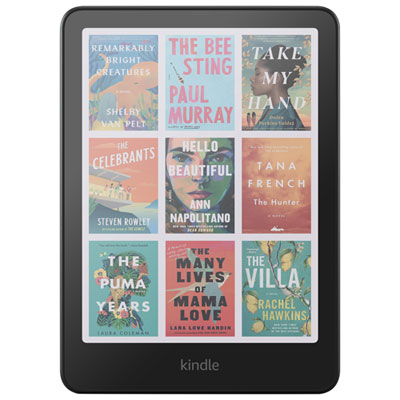 Your price for this item is $399.99
-
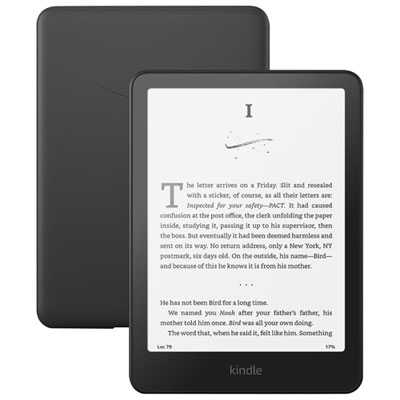 Your price for this item is $279.99
-
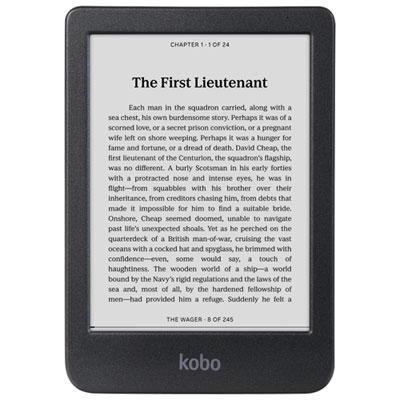 Your price for this item is $179.99
-
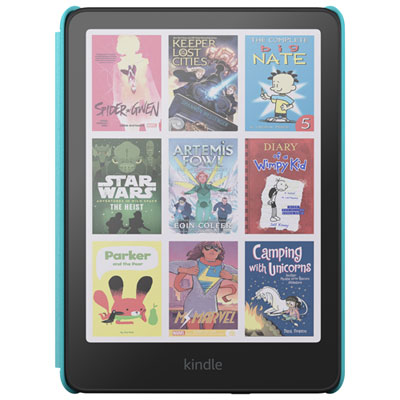 Your price for this item is $349.99
-
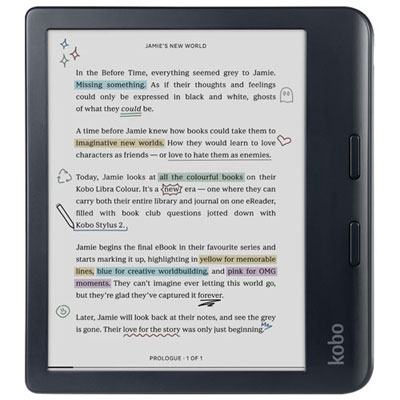 Your price for this item is $289.99
-
 Your price for this item is $329.99
-
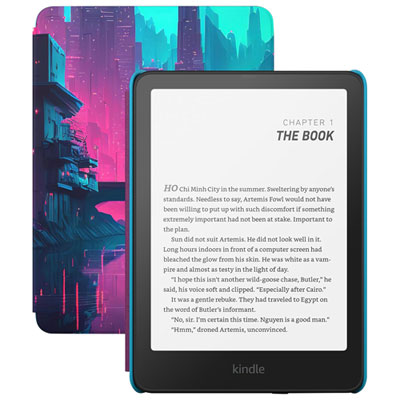 Your price for this item is $299.99
Discover more categories related to Tablets for Reading Books
Top Collections:
Pokemon Centers, Pokémon 30th Celebration Cards, Best Budget Office Chairs, Kindle Devices, Best Cameras for Sports Photography, Canon G7X Cameras, Best Black Friday Deals On Electronics, Best Laptops for Writers, iPhone 15 Apple, Jackery Power Stations
Some products may be subject to Environmental Handling Fees
(EHF) depending on your province.
Learn more about EHFs.