Line Interactive UPS
Line interactive UPS systems are essential for safeguarding your electronic devices against power surges, outages, and fluctuations. These uninterruptible power supply units offer reliable protection by providing battery backup power during emergencies, ensuring that your valuable electronics remain safe and operational. Whether you need to protect your computer, home entertainment system, or networking equipment, line interactive UPS is a smart investment to keep your devices running smoothly and prevent data loss or damage. Explore our selection of line interactive UPS systems to find the right solution for your needs.
Sort
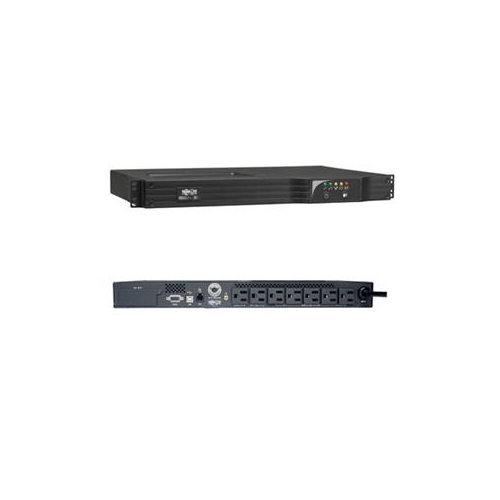
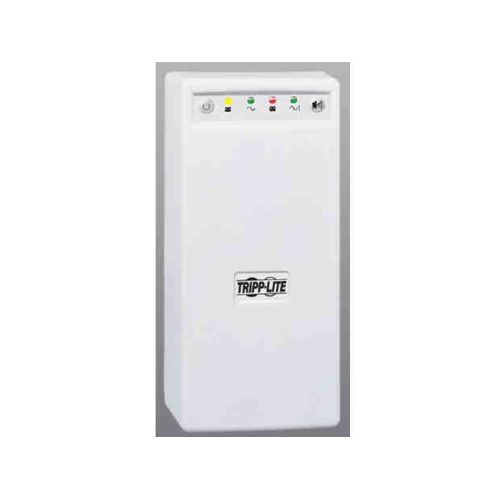
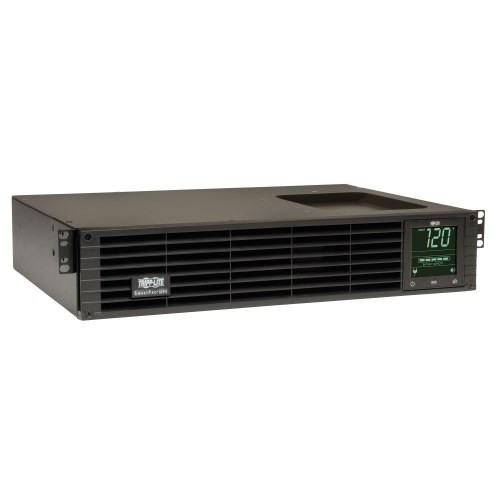
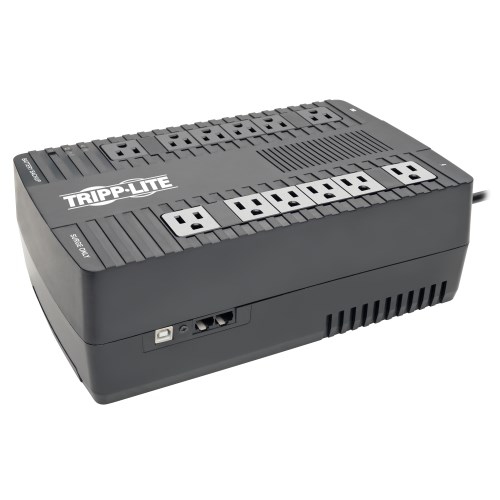
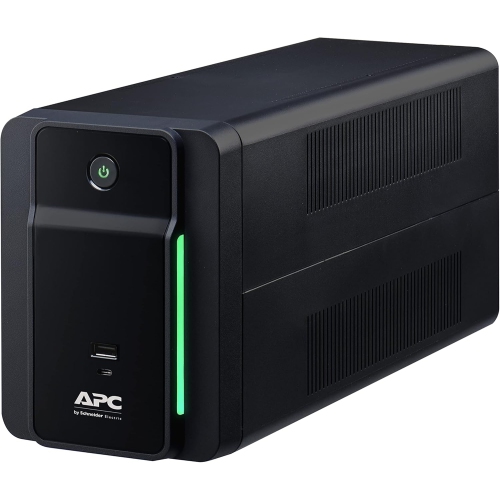
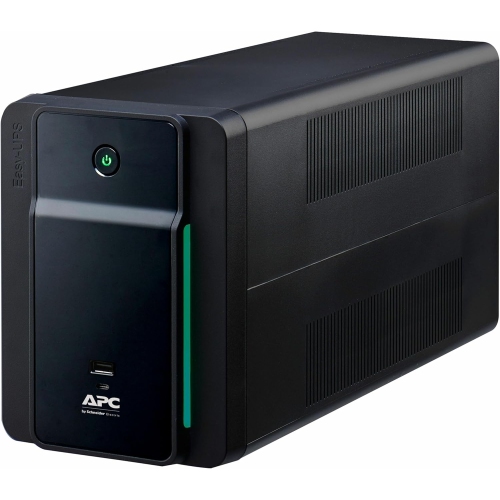
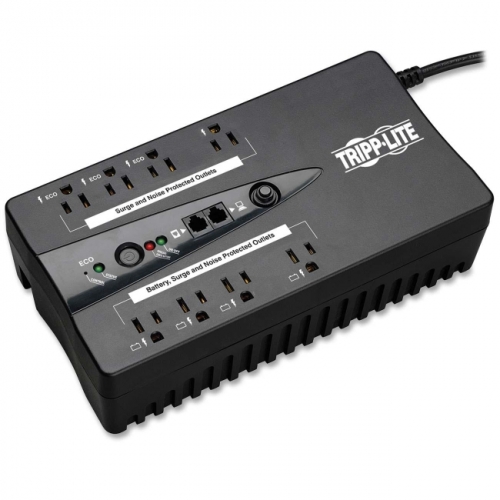
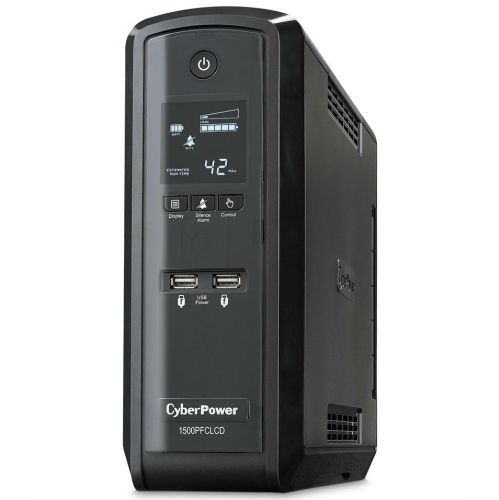
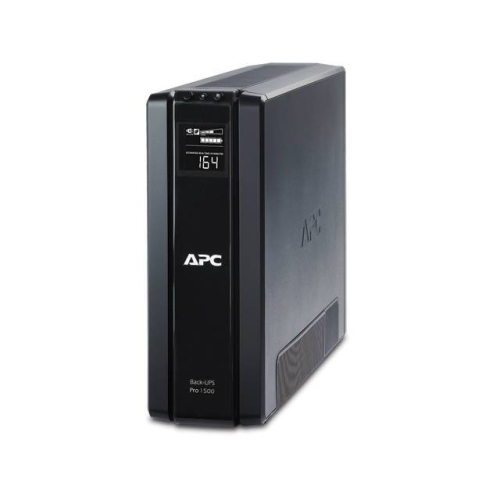
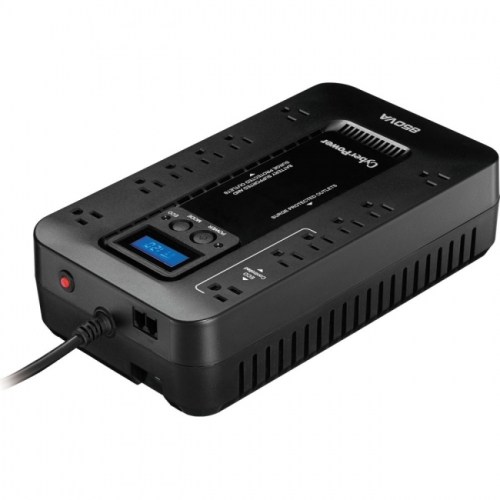
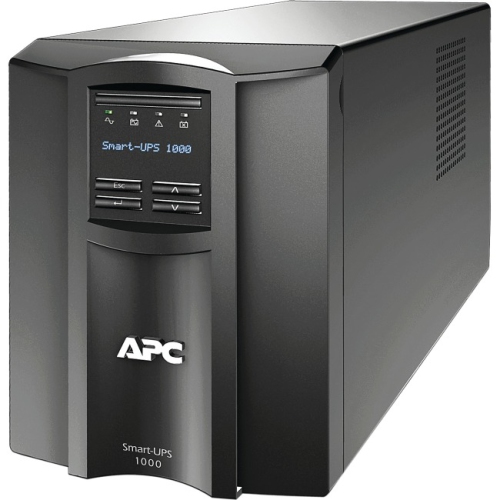
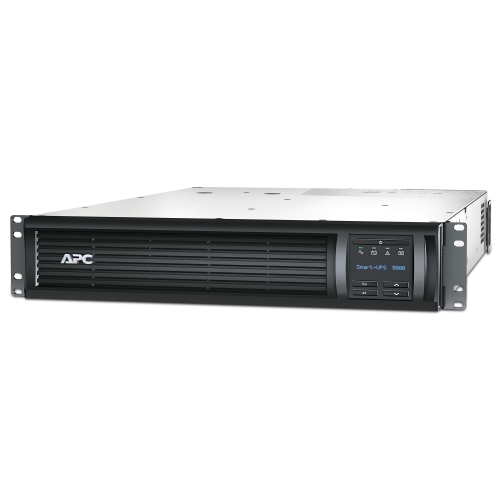
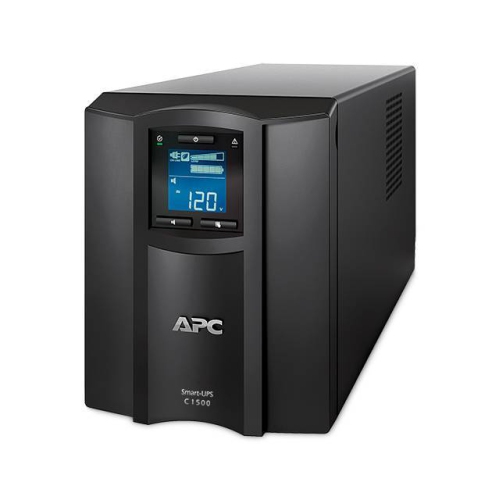
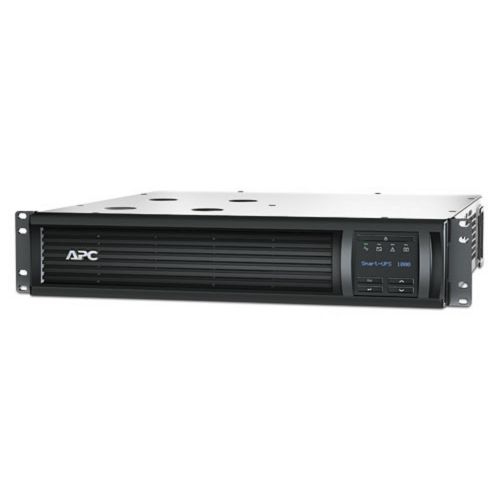
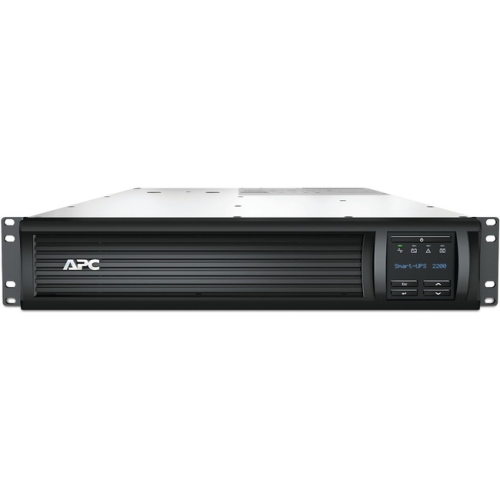
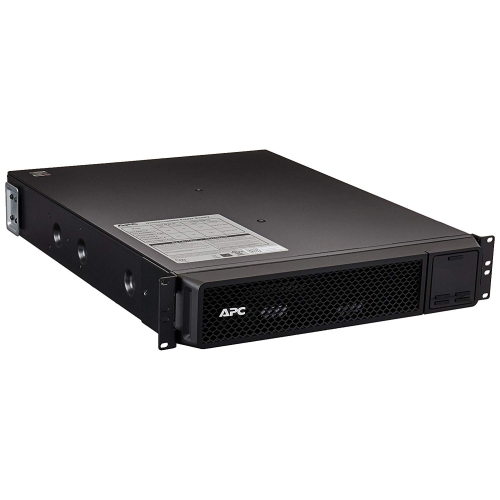
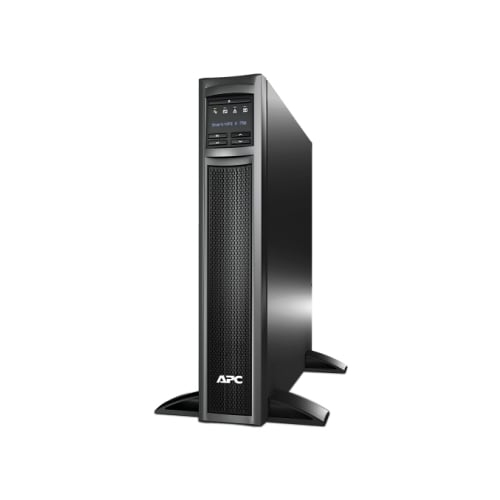

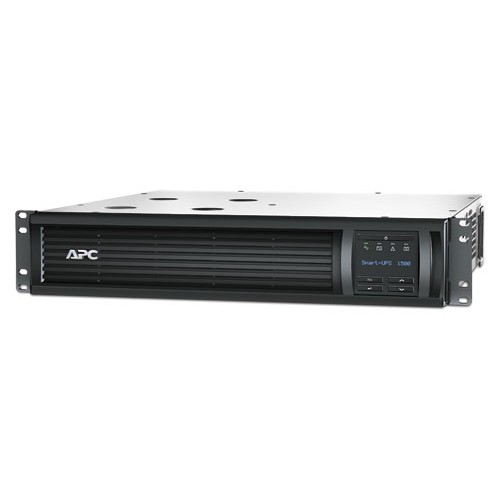
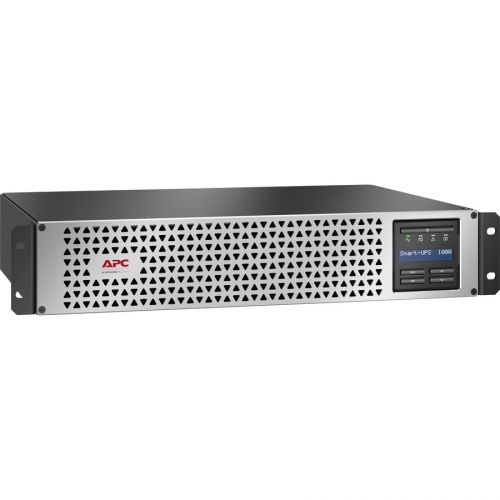
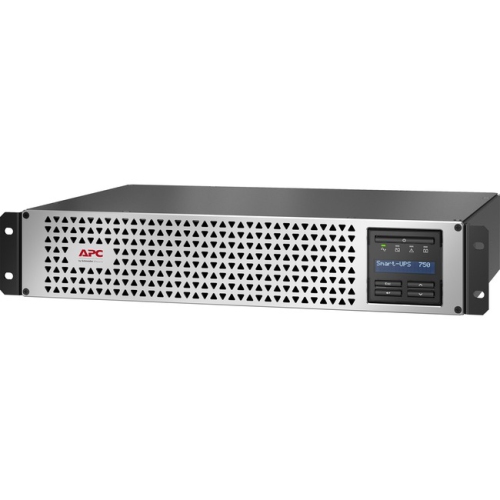
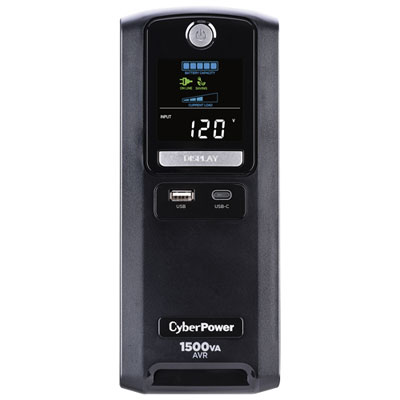
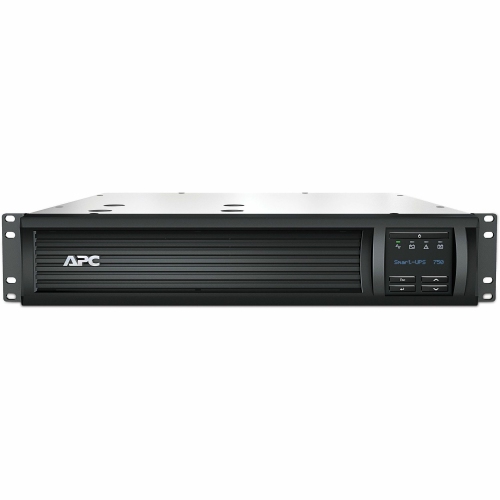
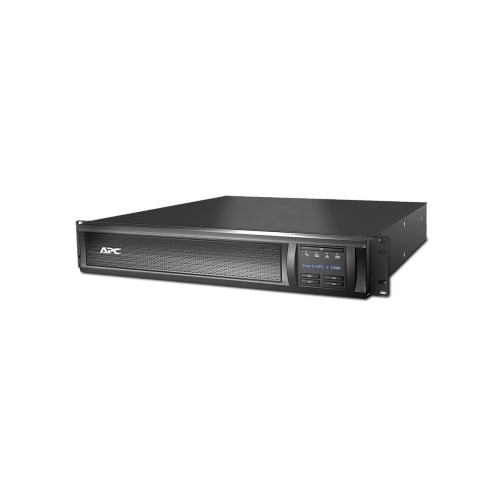
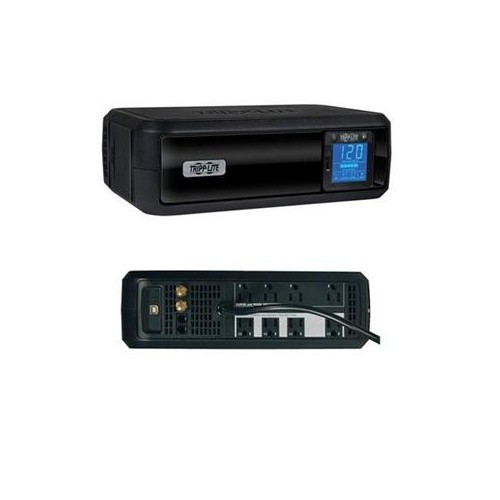
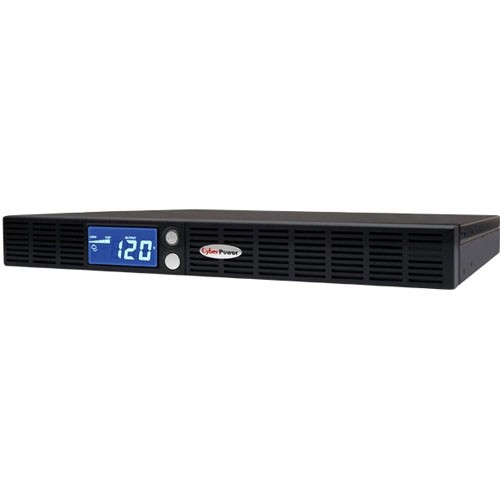
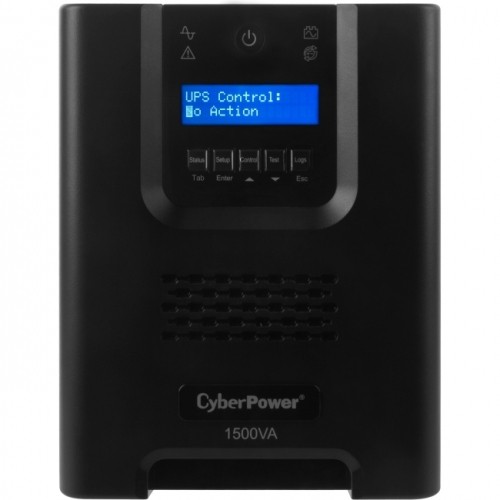
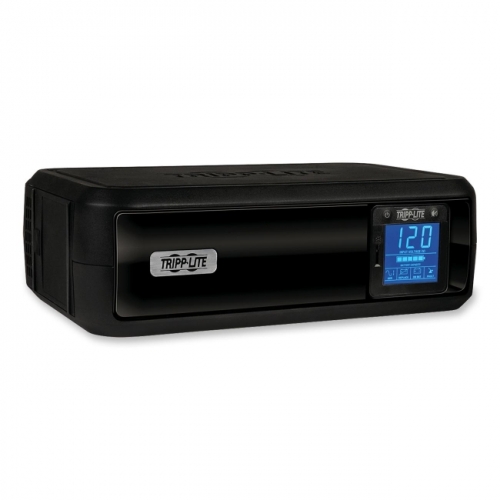
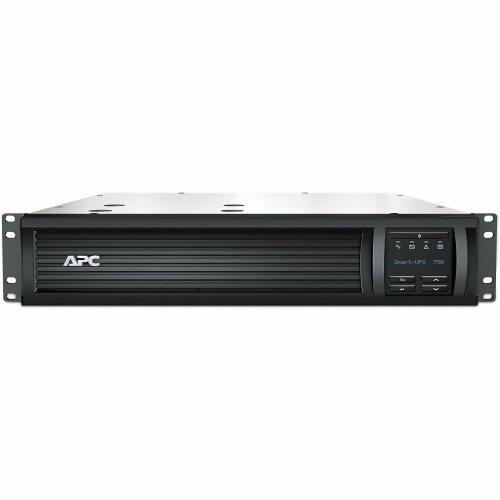
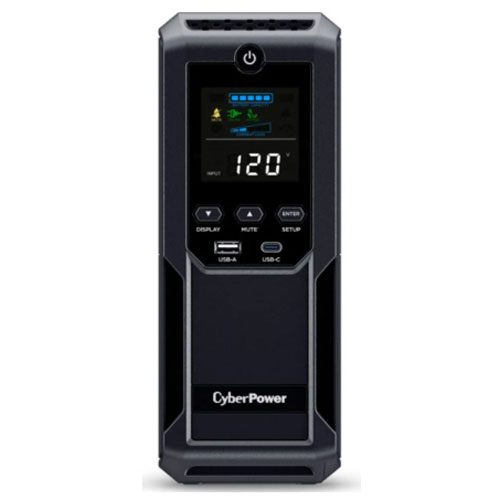
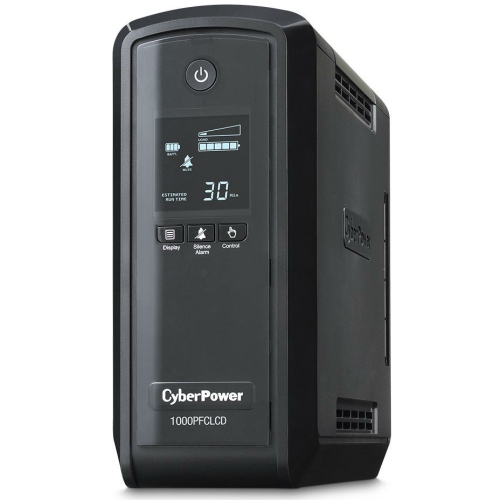
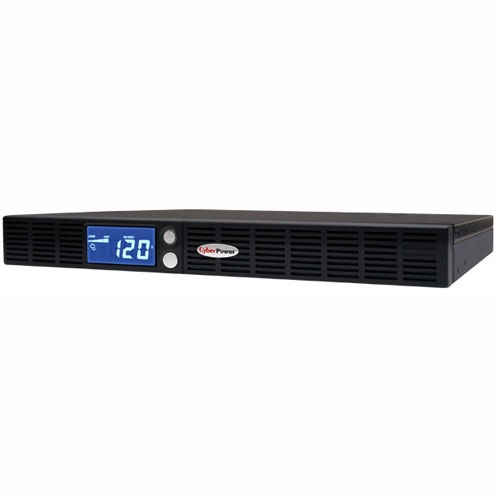
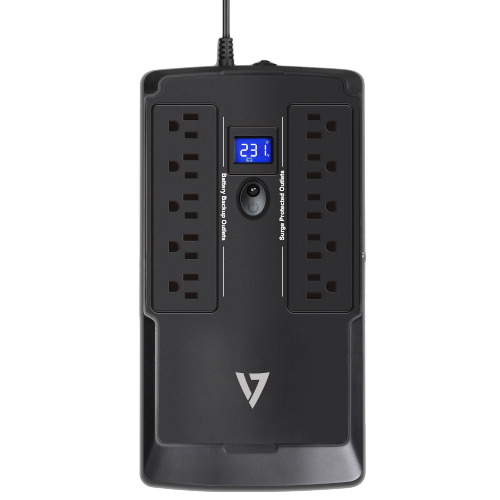
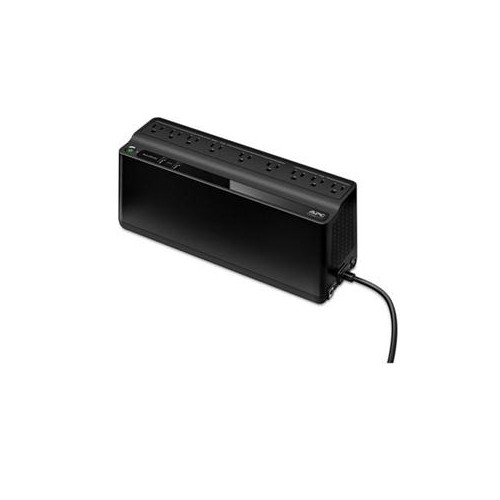
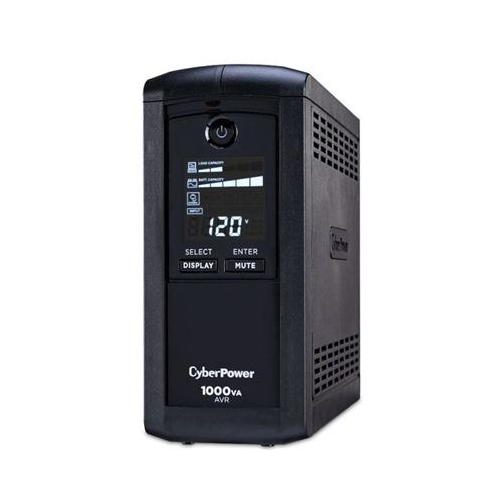
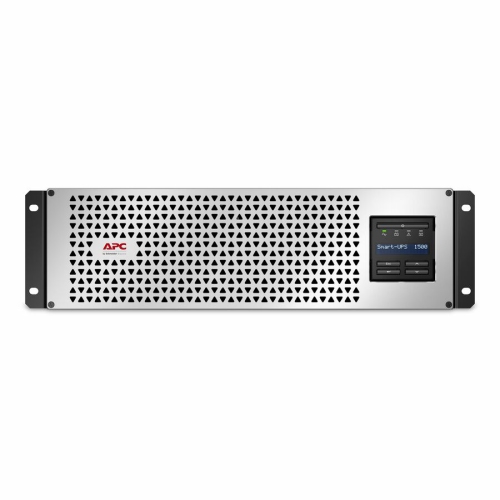
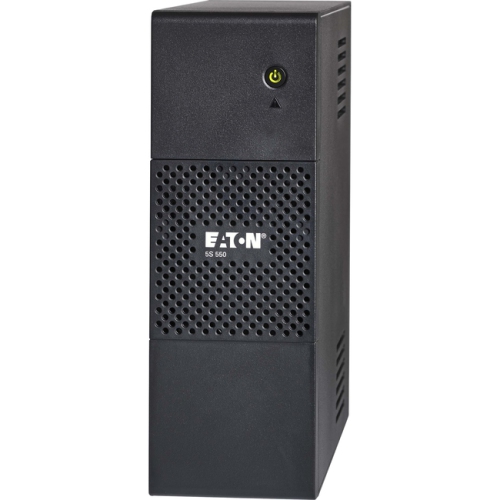
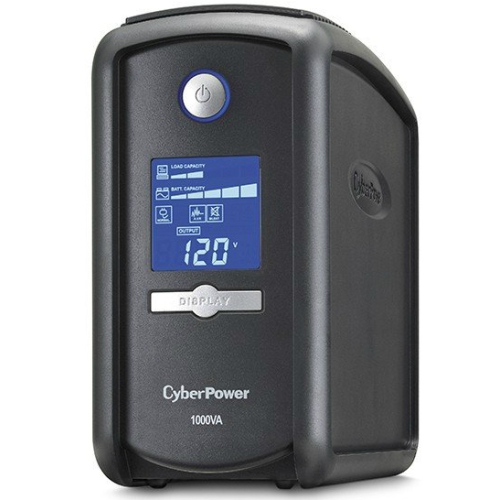
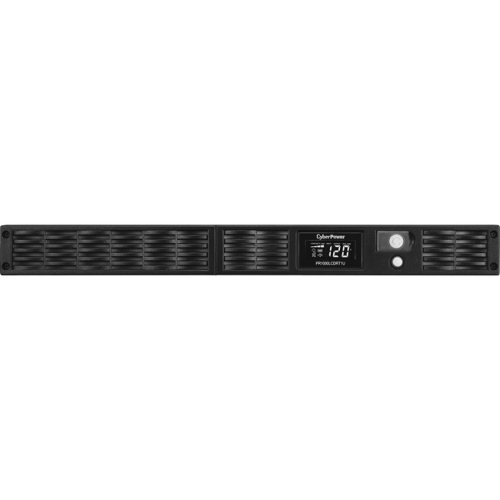
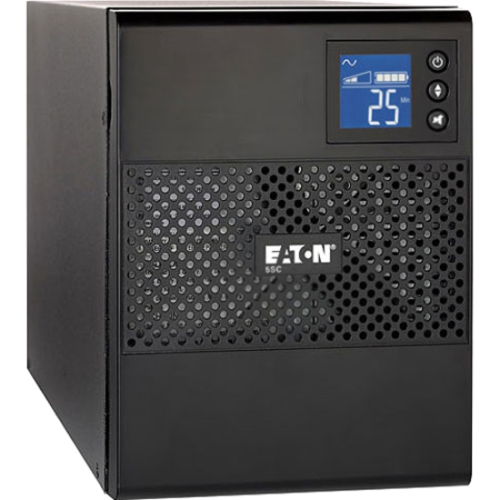
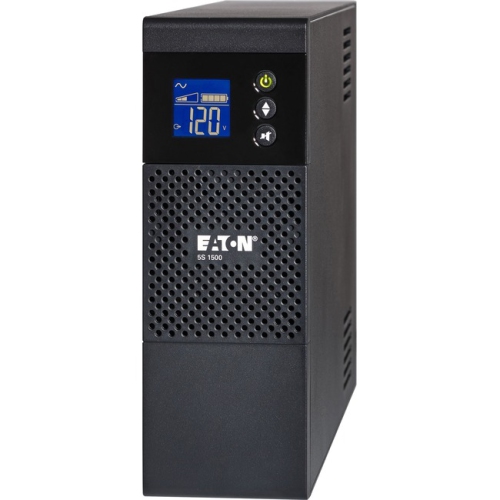
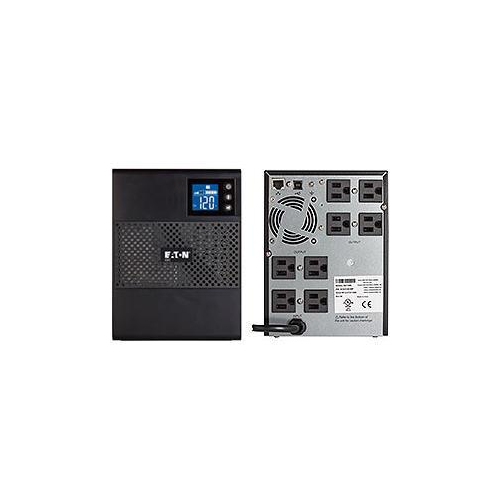
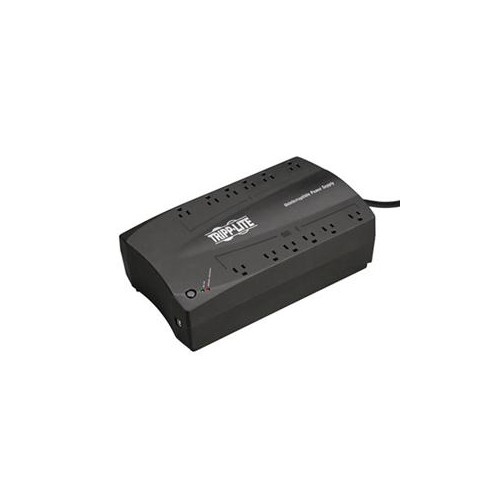

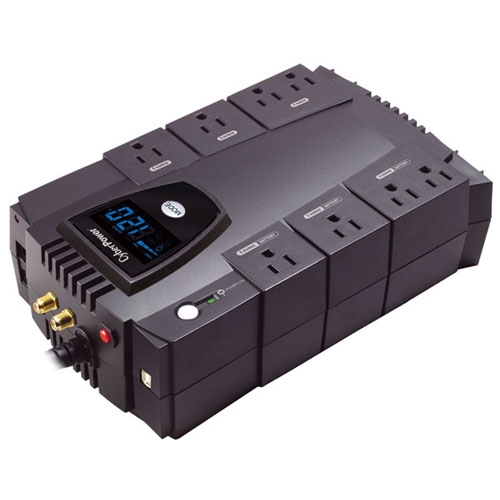
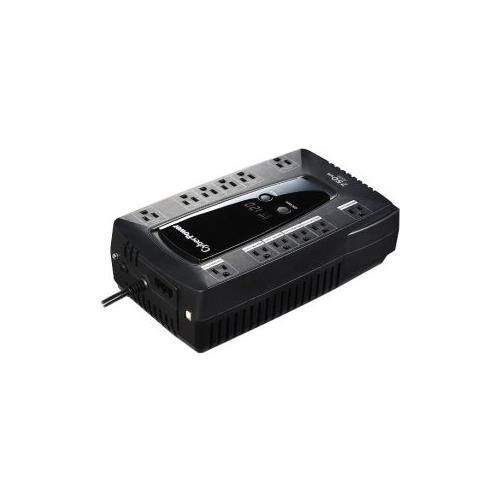
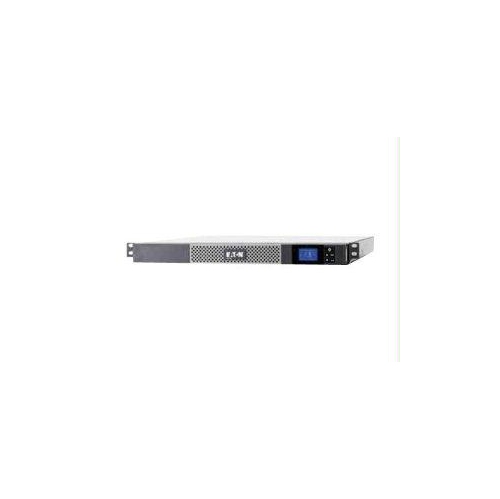
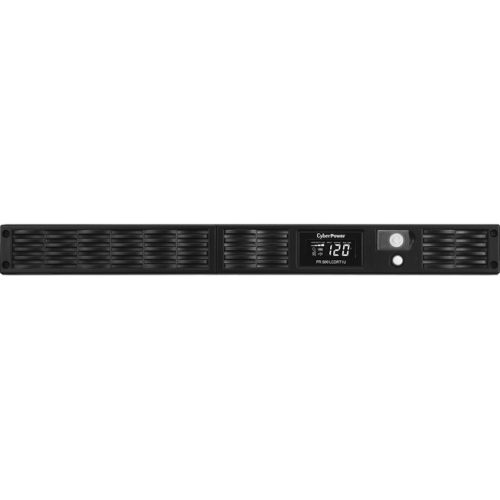
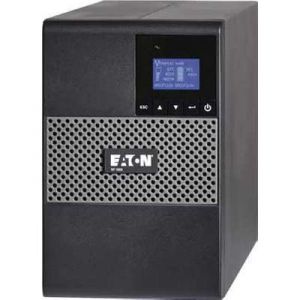
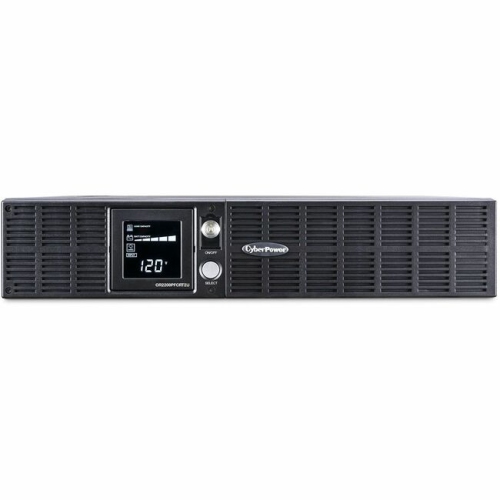
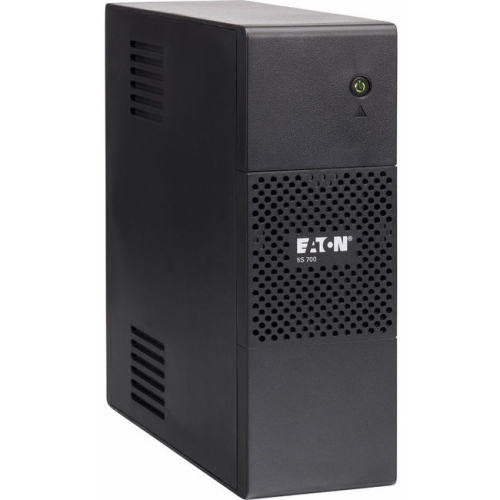
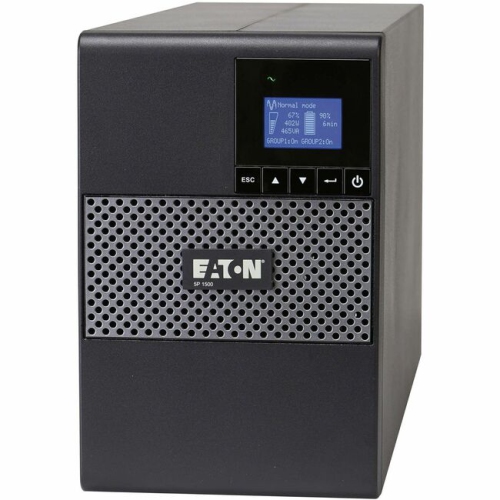
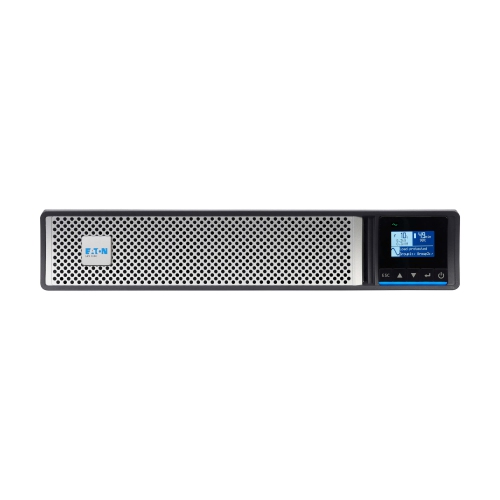
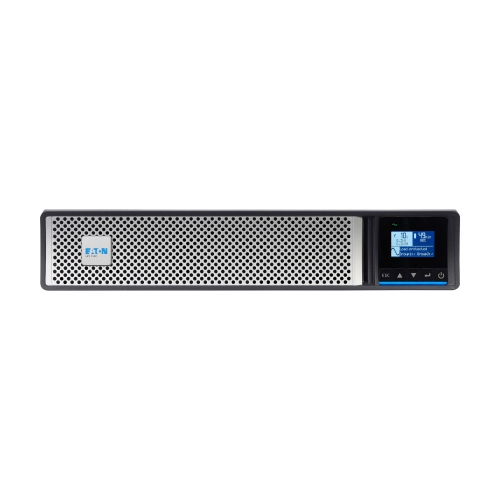
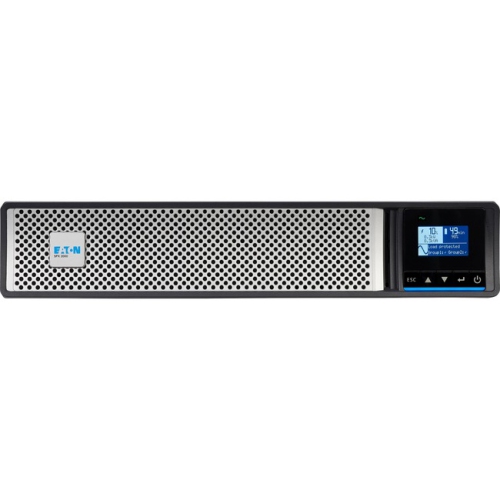
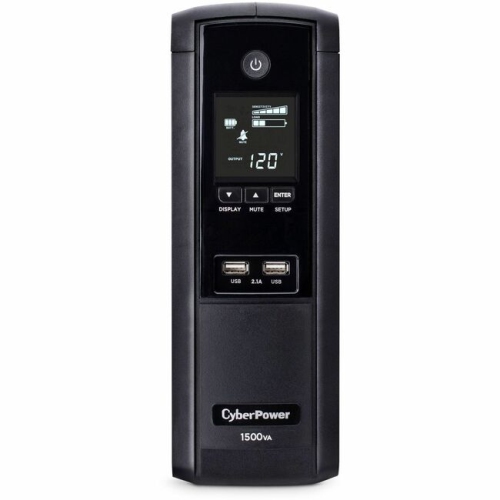
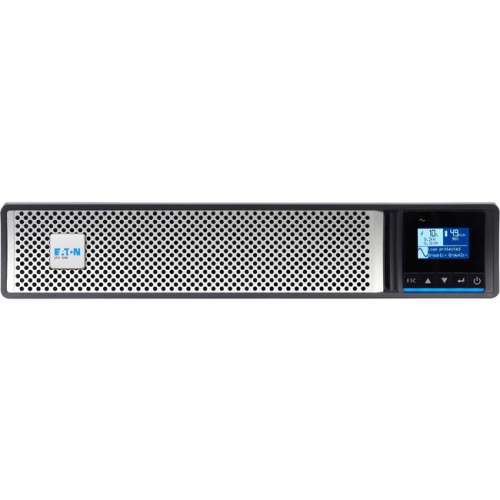
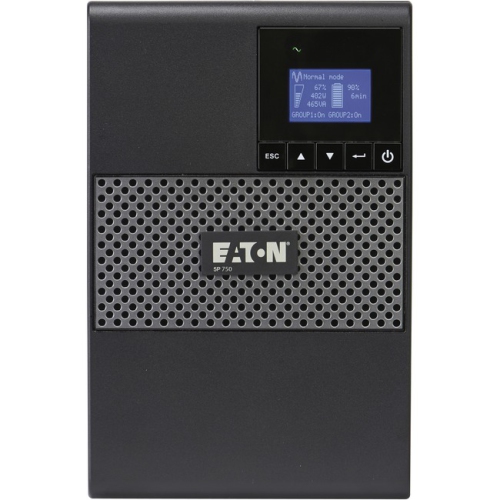
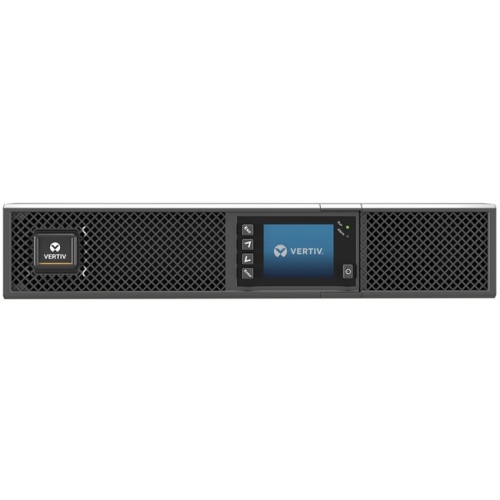
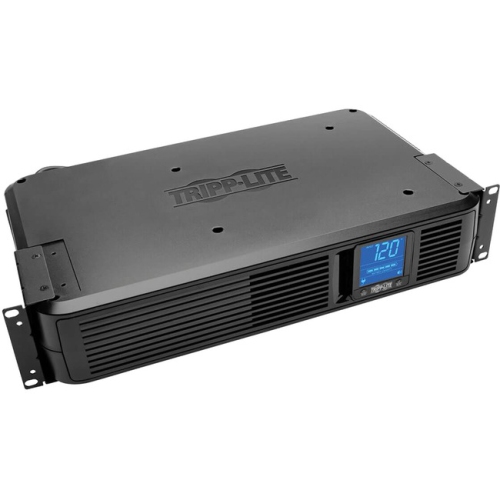
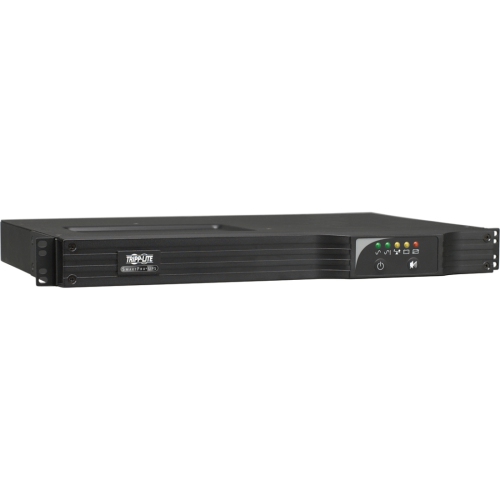
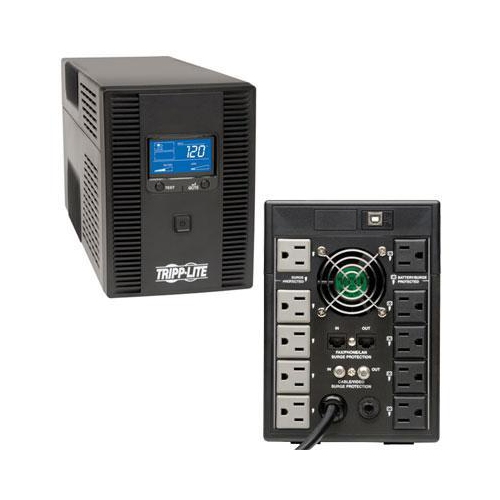
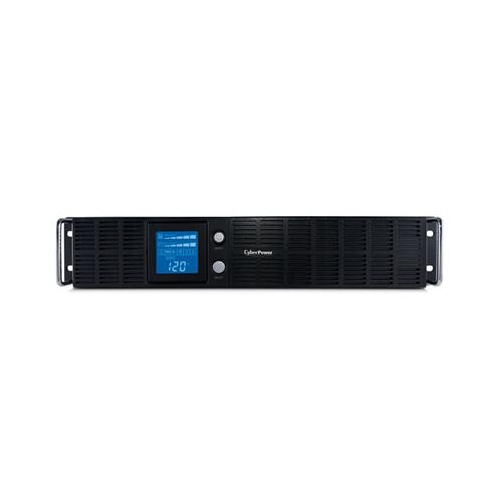

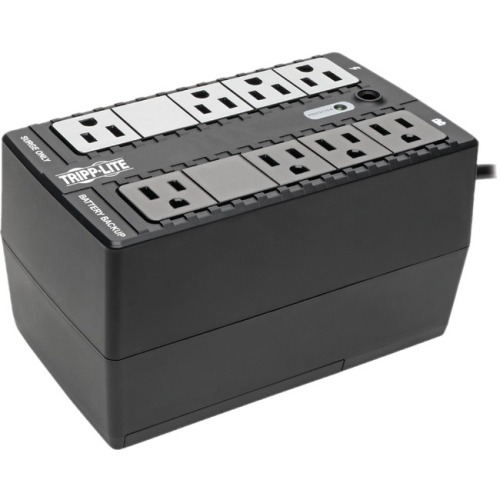
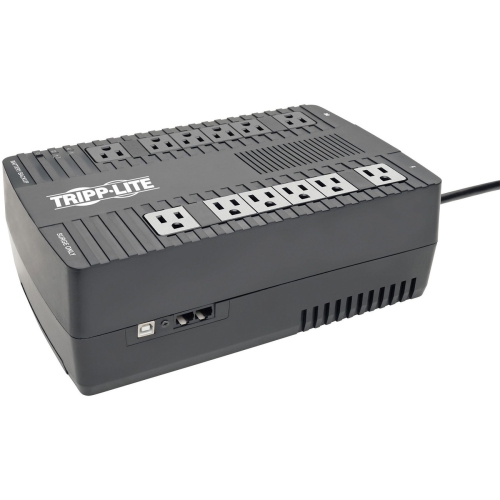
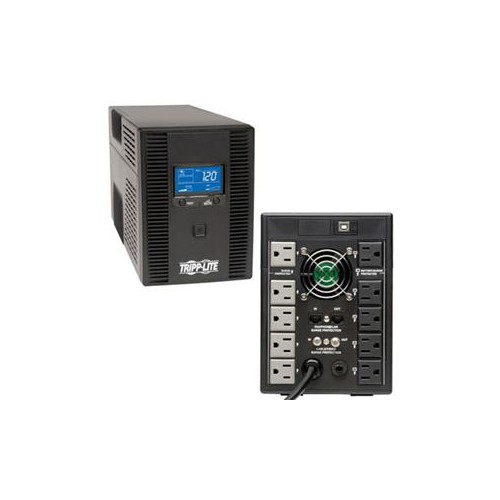
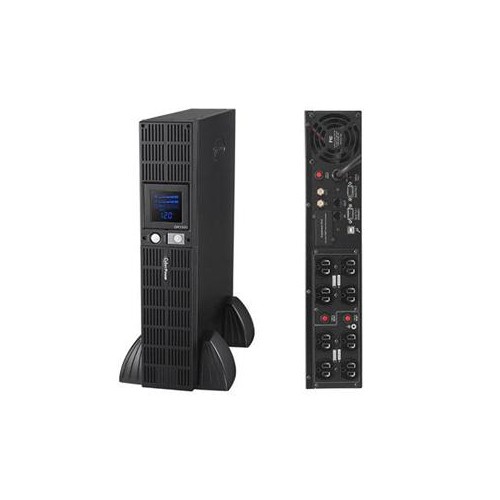
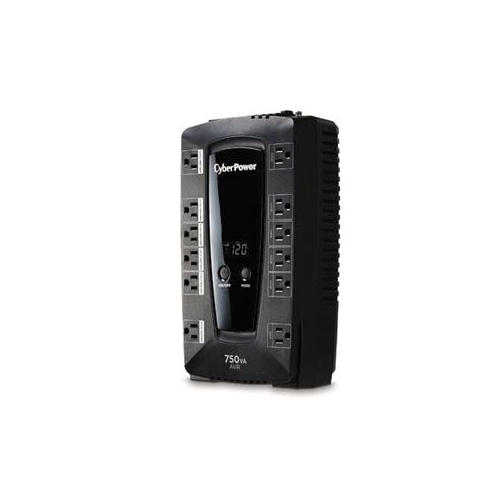
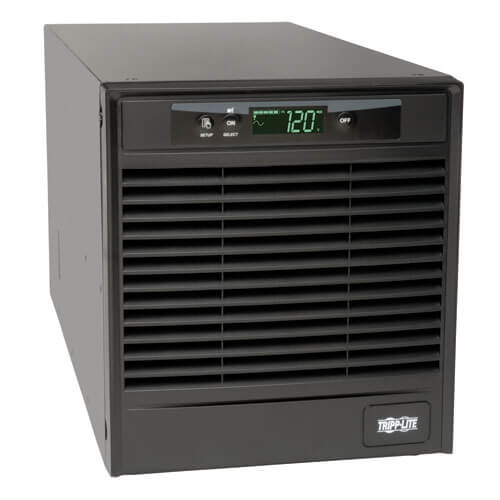
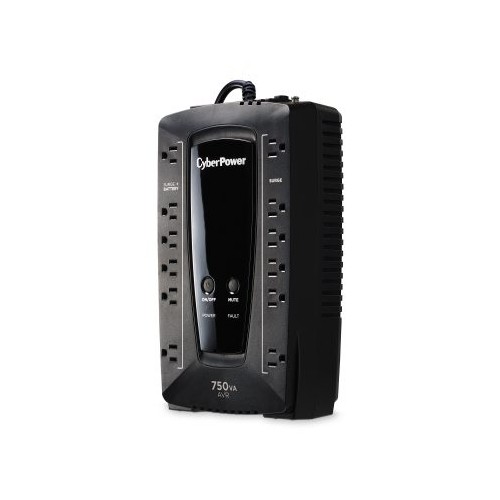
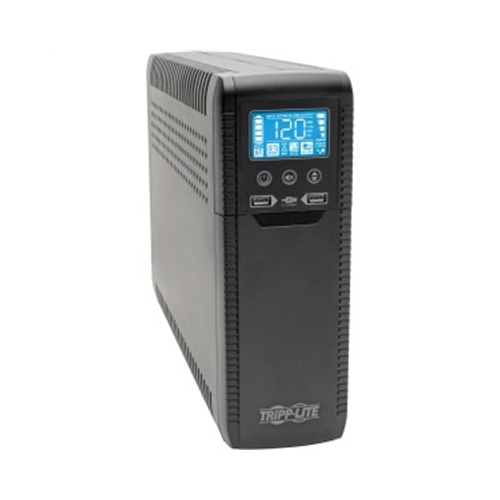
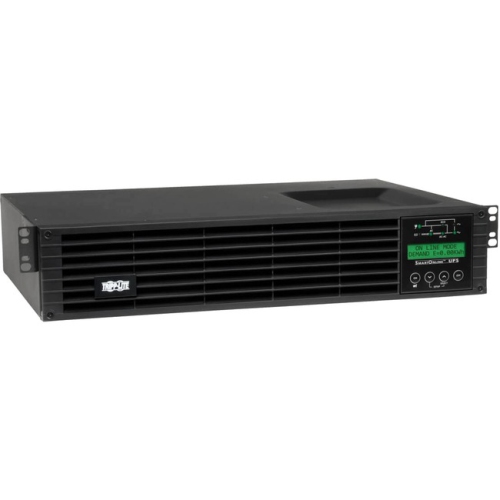
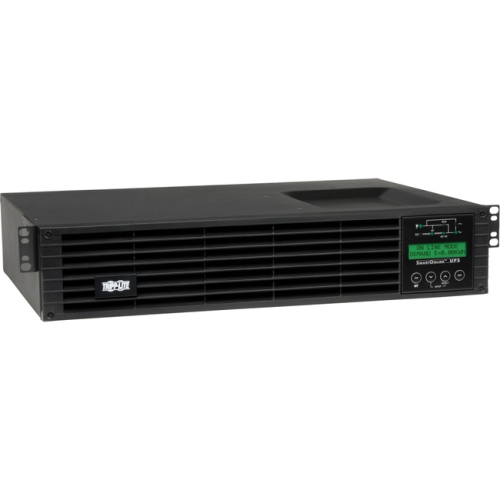
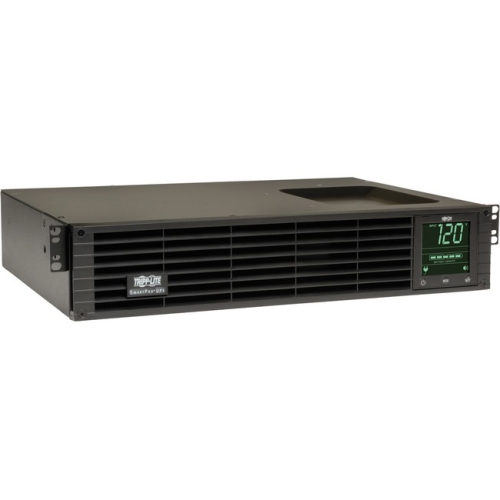
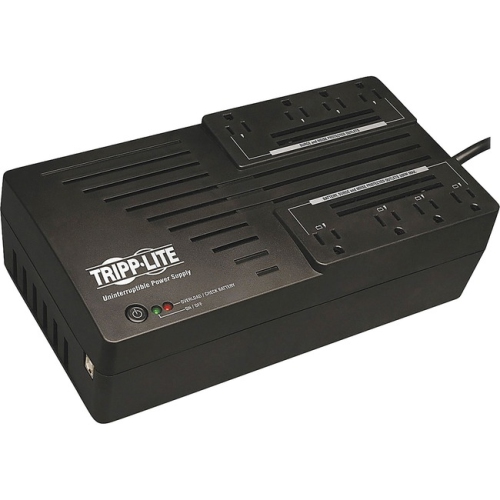
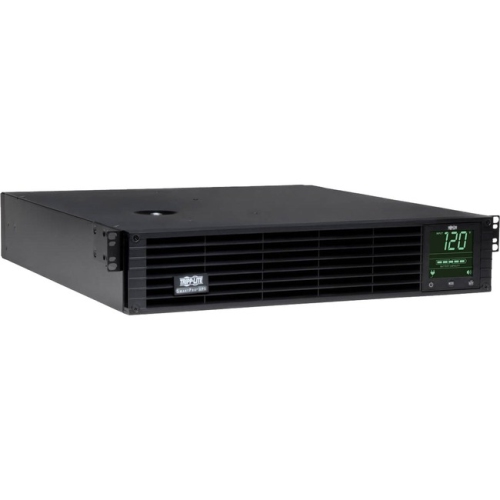
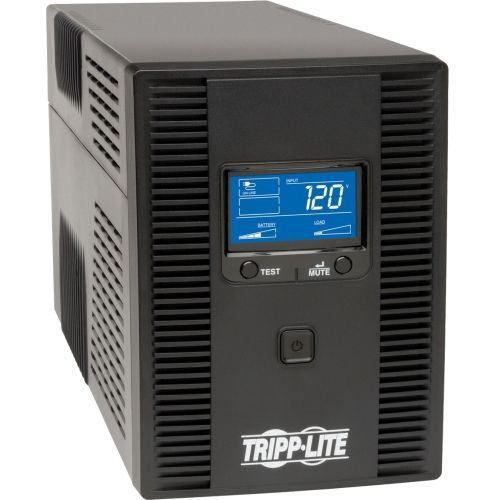
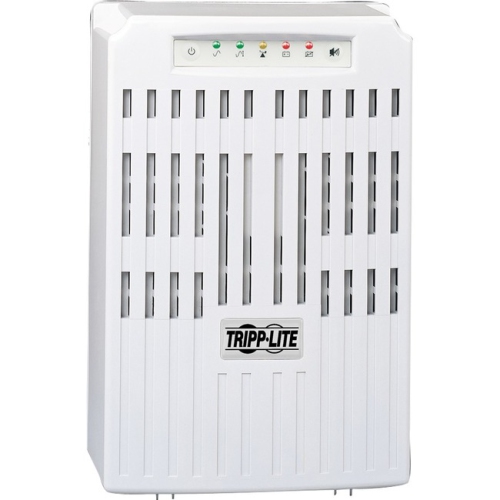
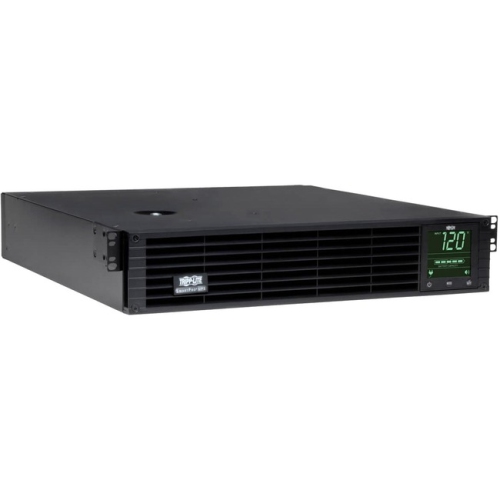
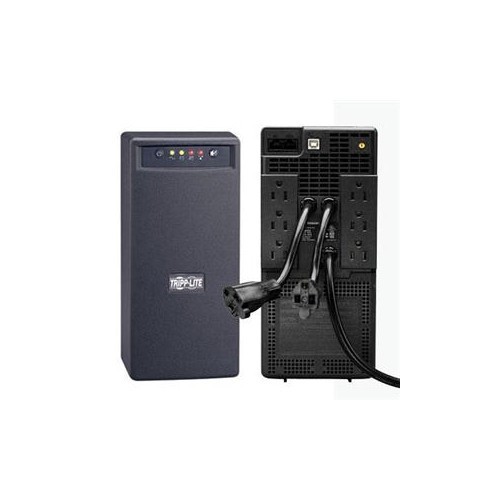
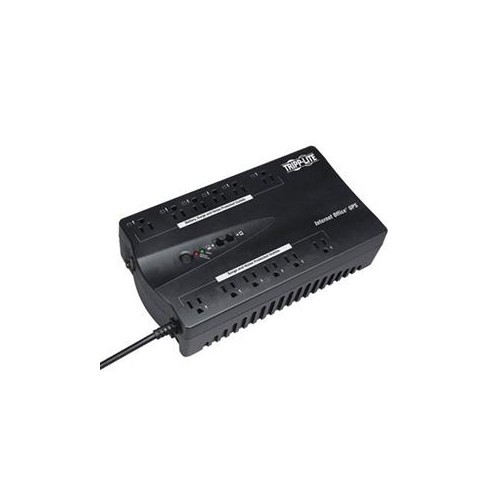
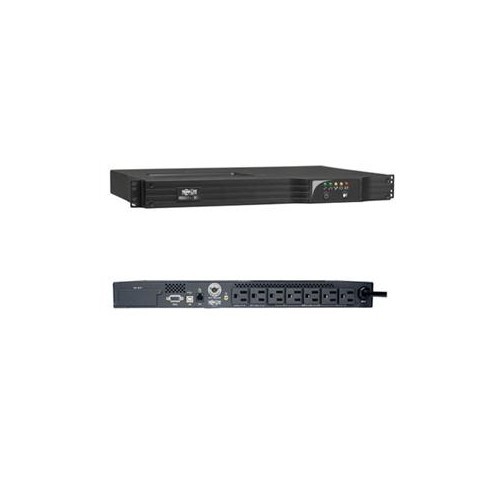
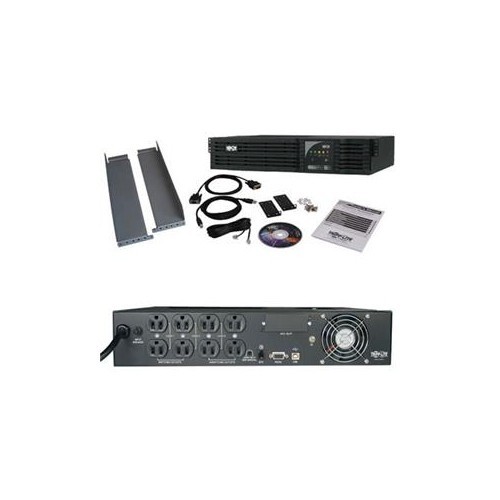
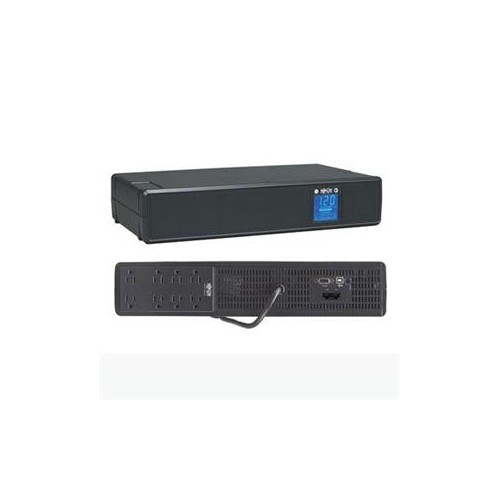
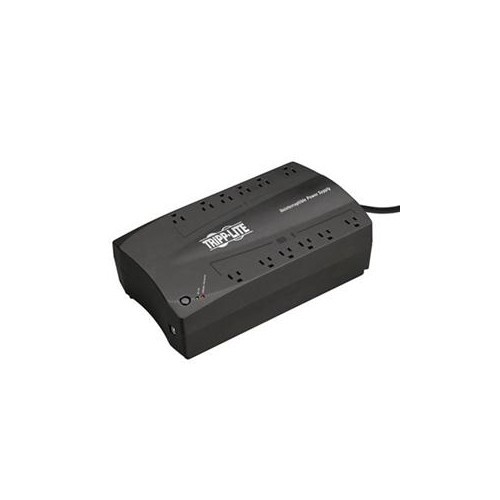
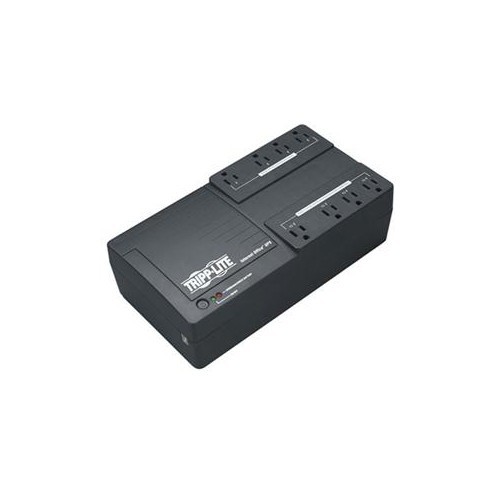
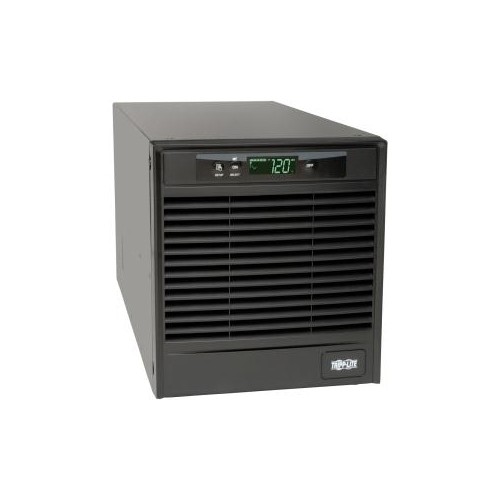
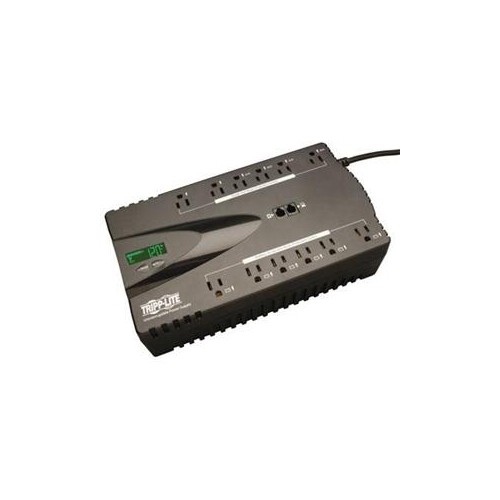
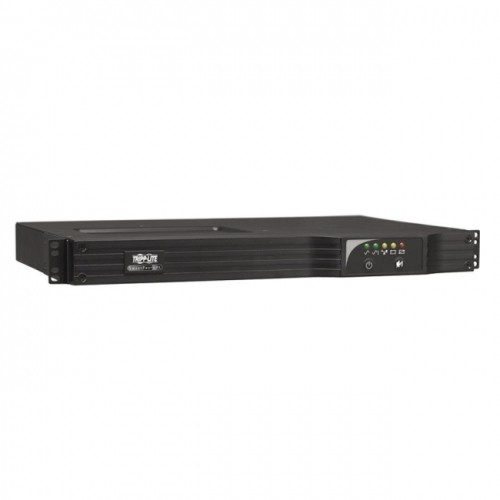
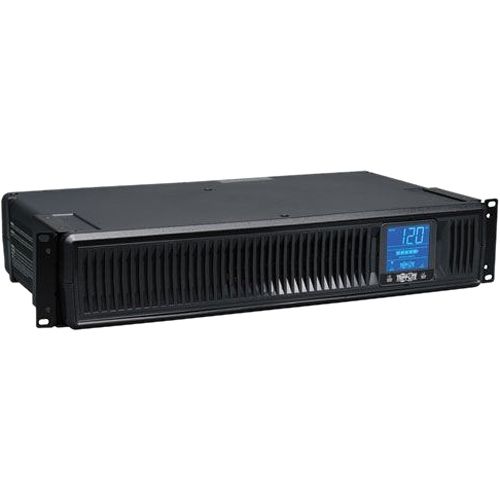
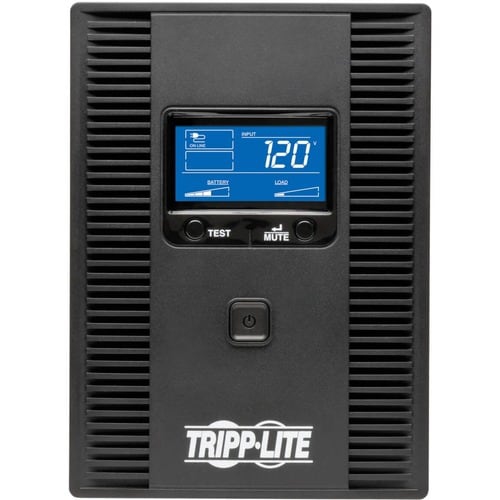
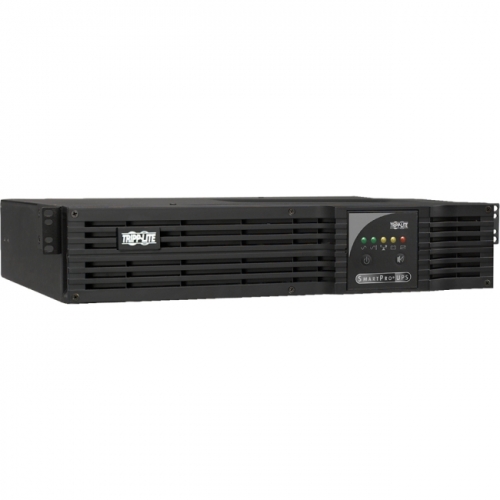
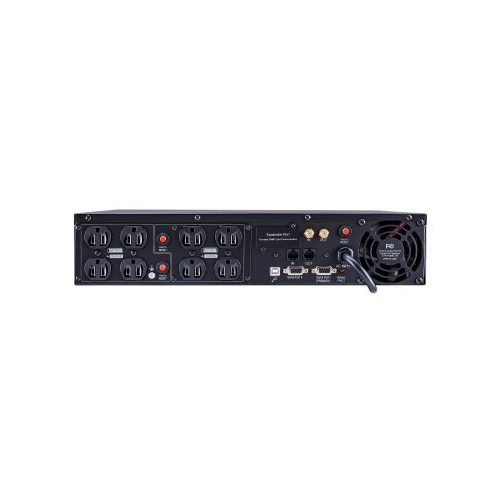
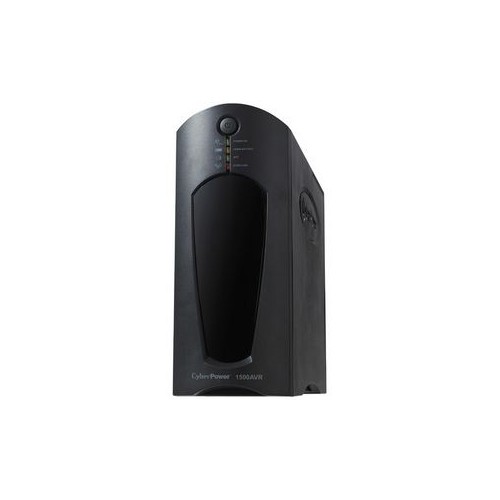
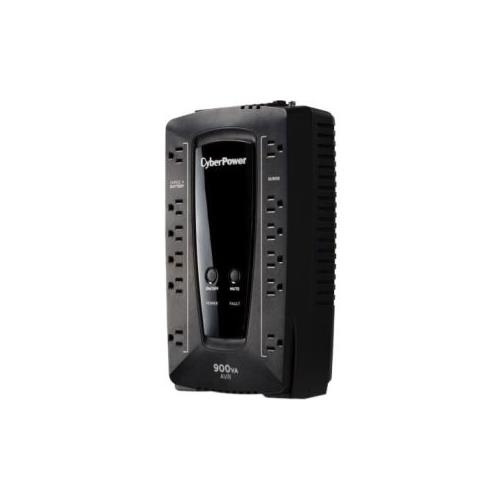
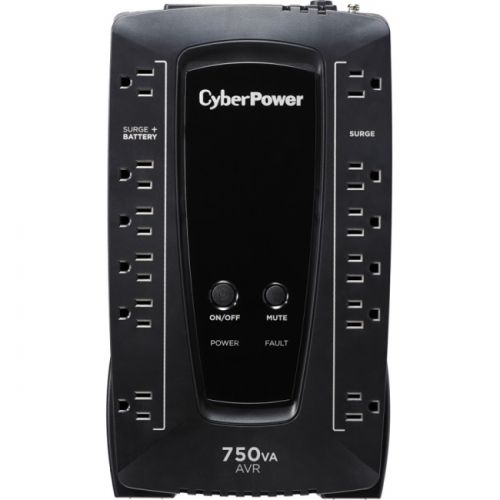

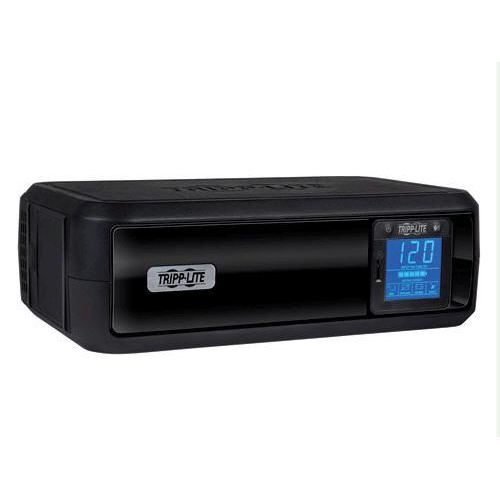
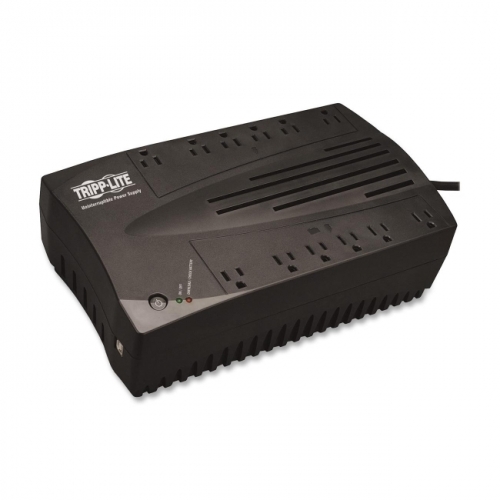
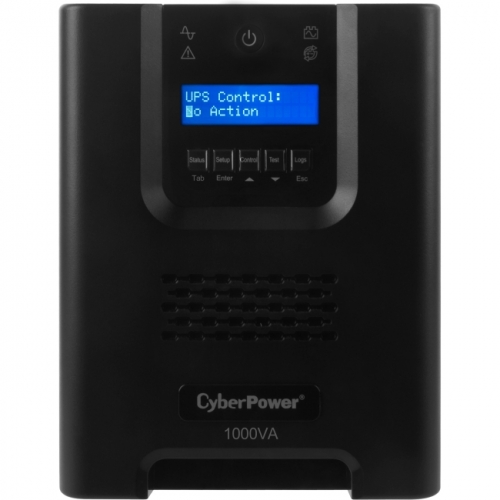
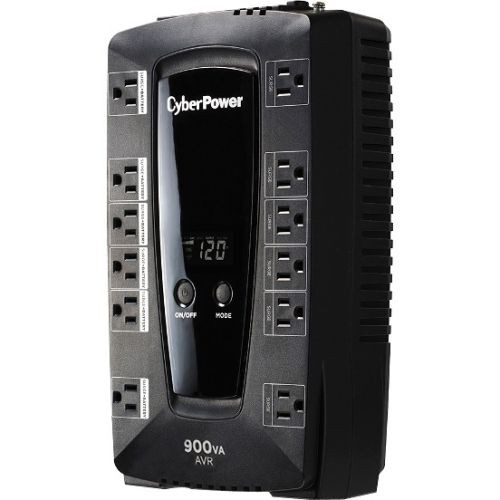
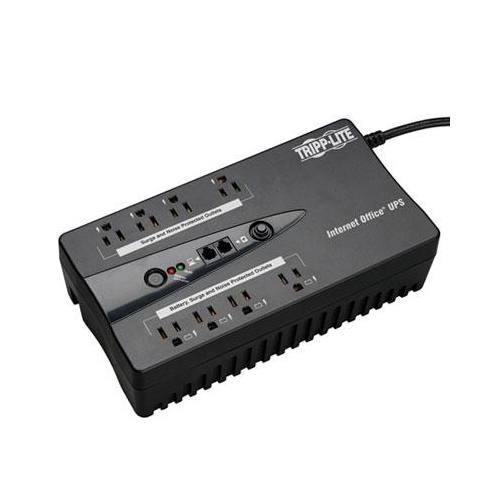
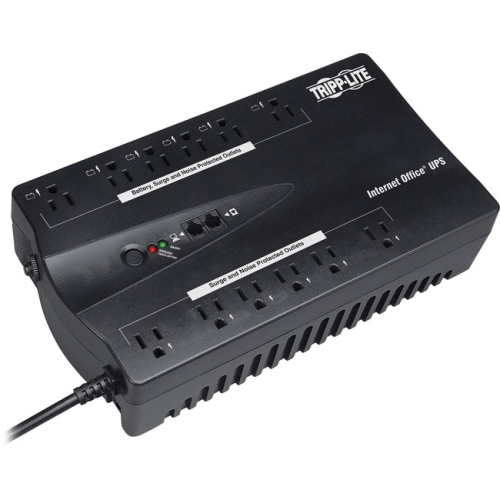
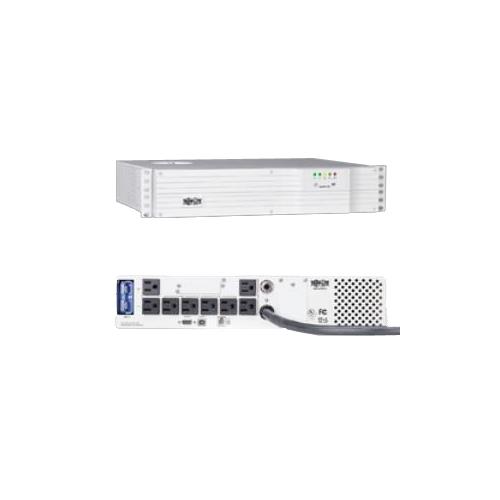
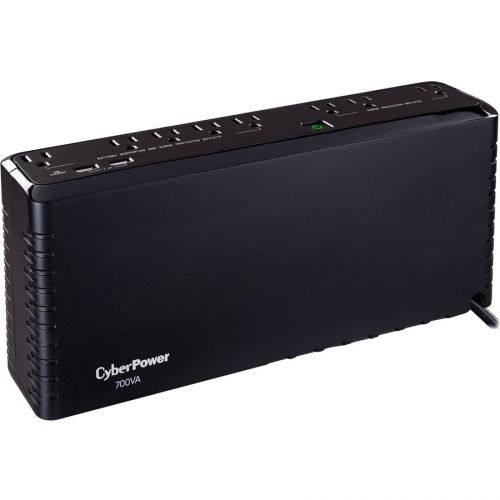
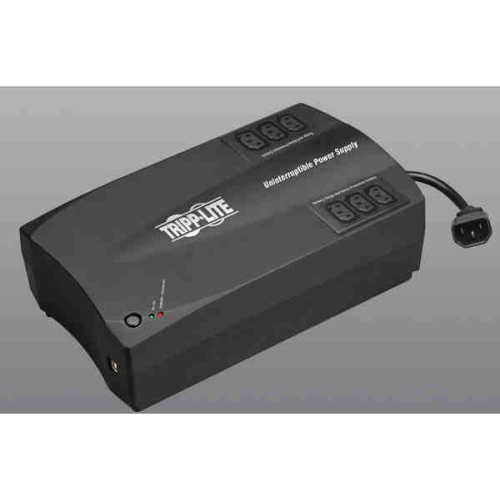
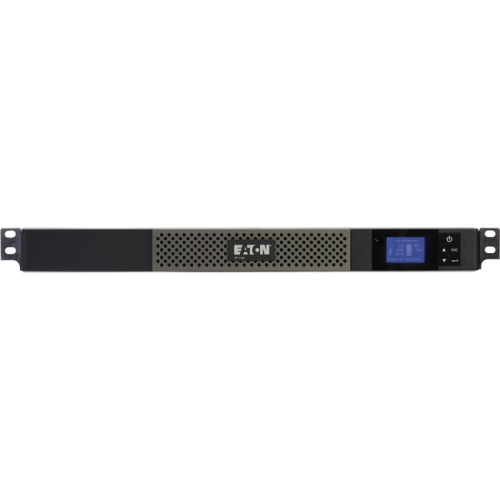
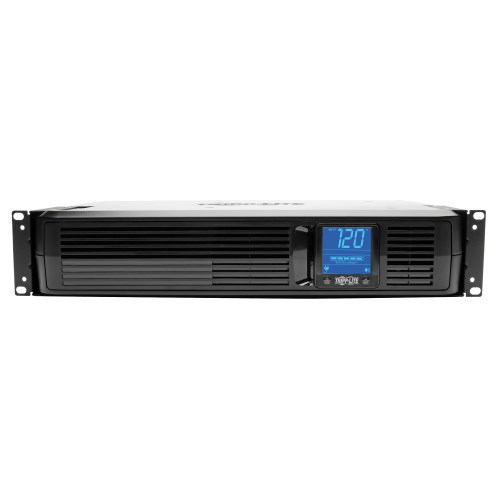
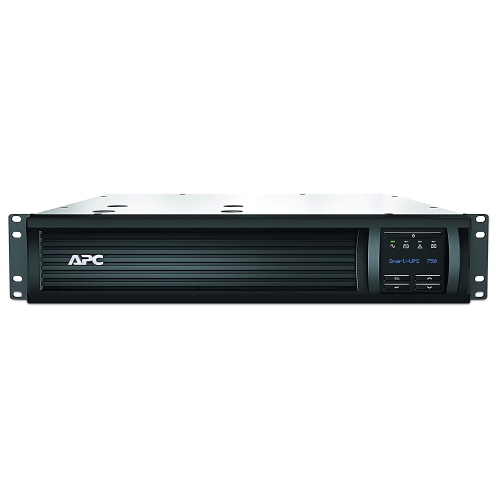
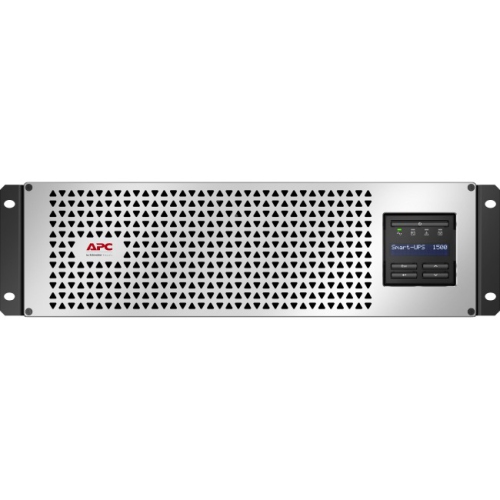
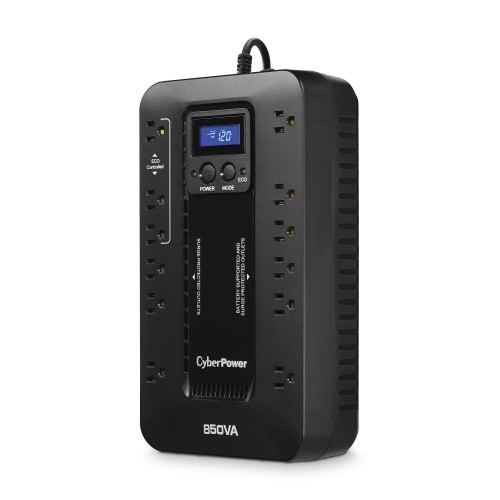
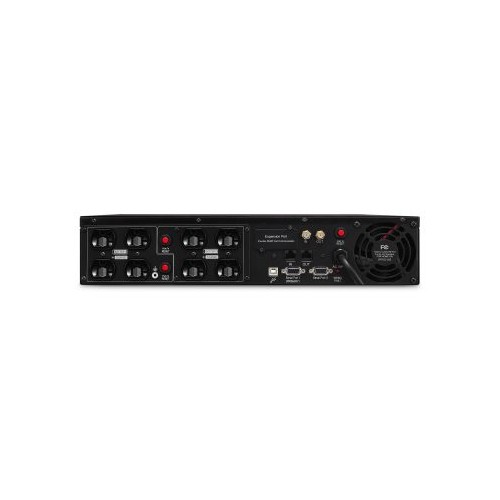
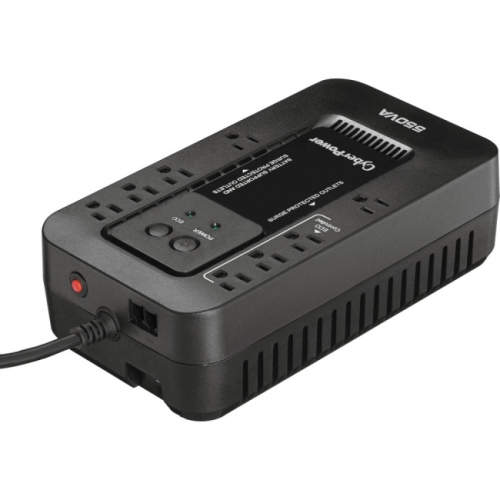
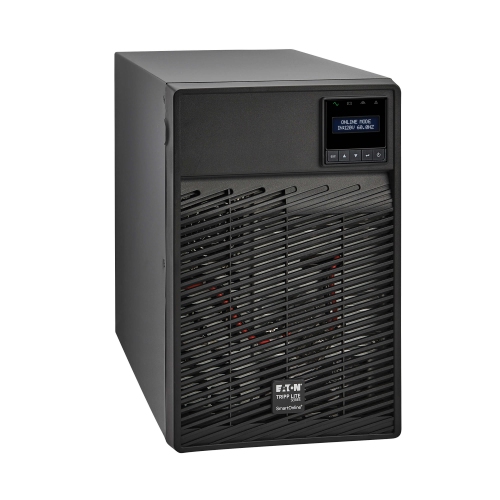

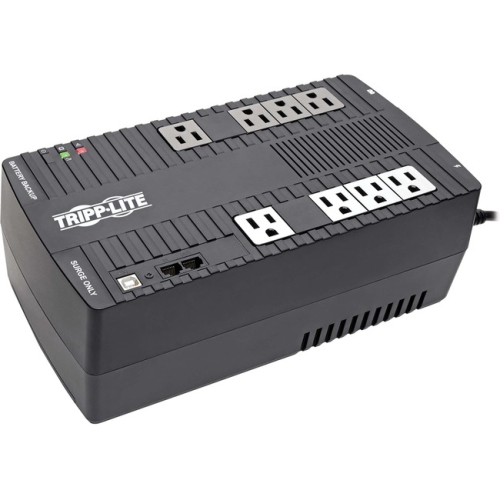
Practical protection for everyday electronics during power interruptions
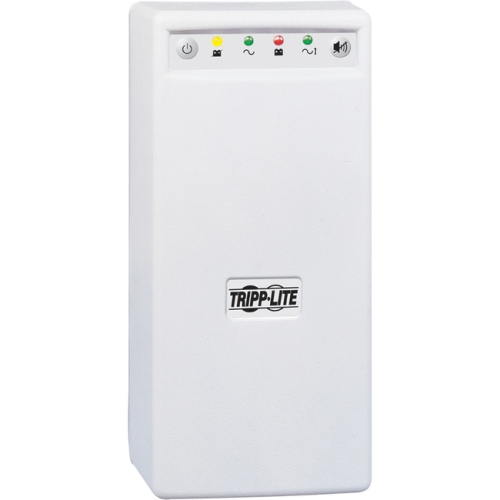
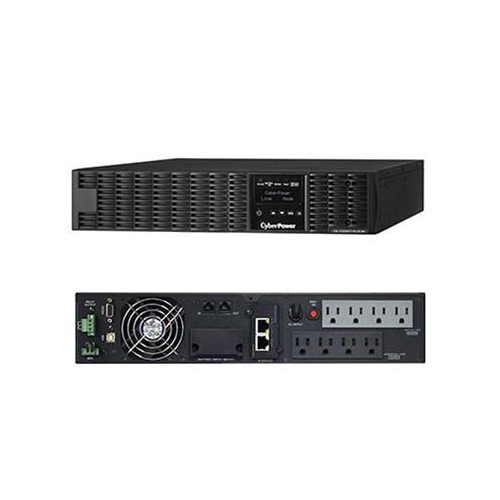
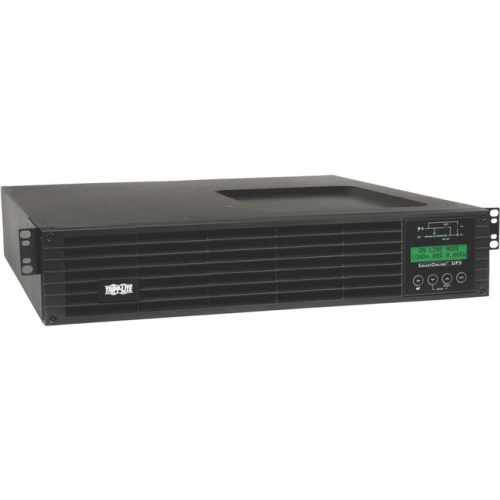
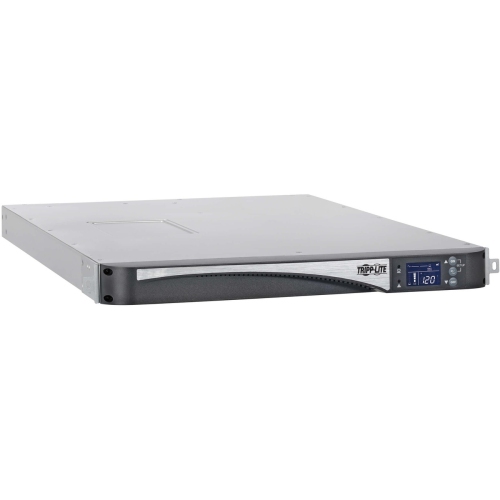
A line-interactive UPS (Uninterruptible Power Supply) provides a practical layer of protection for computers, networking equipment, home offices and other electronics that need more than a basic power bar. It connects to a wall outlet and normally sends utility power through to connected devices while keeping its internal battery charged. When the incoming voltage drops below a safe level or rises above it, the unit’s automatic voltage regulator (AVR) adjusts the power without switching to battery operation. This helps preserve battery capacity during the small sags and surges that can occur when appliances start up, electrical demand changes or severe weather affects local service. If the power fails completely, the UPS detects the interruption and transfers the connected equipment to battery power, typically within a few milliseconds. That brief transfer time is designed to keep compatible devices running long enough to save work, close applications properly or remain available until power returns. For a broader selection of backup power options, explore Uninterruptible Power Supplies UPS. Line-interactive models sit between standby UPS systems and online, double-conversion systems in both operation and protection. They offer more voltage correction than a basic standby unit while generally costing less than an online model, making them a useful fit for many everyday workstations, entertainment spaces and small-scale technology setups.
Choosing the right line-interactive UPS starts with identifying what you want to keep powered and how those devices behave during an outage. A desktop computer, monitor, modem, router and external storage drive may all need to stay connected, but their combined power draw can vary considerably. Check the UPS output rating, usually expressed in volt-amperes (VA) and watts, and choose a capacity that exceeds the total demand of the equipment you plan to connect. Leaving some headroom can help the UPS operate comfortably and may make it easier to add another compatible device later. Runtime is also important. A smaller load may remain powered for much longer than a full load, so published runtime estimates should be considered alongside the equipment’s actual consumption. Battery-backed outlets are intended for devices that need protection and temporary power, while surge-protected-only outlets may be better suited to accessories that do not need to remain on during an outage. Look for features that match the setup, such as audible alerts, a display showing load and battery status, USB charging ports, replaceable batteries, automatic shutdown software and data or telephone line protection where appropriate. A UPS is not intended to run high-draw appliances such as heaters, kettles or printers with large startup demands unless the manufacturer specifically confirms compatibility. It is best used with electronics that benefit from an orderly shutdown and a stable supply of power. Keep the unit in a dry, ventilated location with room around its housing, and connect it directly to a properly grounded wall outlet rather than plugging it into another surge protector or UPS.
Line-interactive UPS systems are commonly used with desktop computers and gaming setups, where a sudden outage could interrupt a project, corrupt an unsaved file or end a long session without warning. They can also support home offices by keeping a modem and router operating while there is time to save documents, send a final message or finish a video meeting. For a home lab, a line-interactive unit may help protect a network switch, storage device or compact server from voltage fluctuations and short interruptions. Small businesses often use this type of UPS for point-of-sale equipment, workstations, communications hardware and other essential electronics that cannot simply stop when the lights go out. It can be especially helpful during periods when storms, heavy rain, strong winds or changing electrical demand make brief interruptions more likely. A line-interactive UPS may also be a thoughtful gift for someone setting up a first home office, building a gaming station, working remotely or managing a collection of valuable digital equipment. It is less about adding another accessory to a desk and more about creating a calm buffer between an unpredictable power supply and the work that matters on the other side. Before purchasing, consider the number and type of outlets, the total wattage of the connected devices, the expected runtime, the available space and whether the UPS will need to communicate with a computer for automatic shutdown. Also remember that batteries are consumable components and may eventually require replacement according to usage, operating conditions and the manufacturer’s guidance. With the right capacity and sensible connections, a line-interactive UPS can help maintain power through brief interruptions, correct everyday voltage irregularities and give people valuable time to protect their files and equipment when a complete outage occurs.
Choosing the right line-interactive UPS starts with identifying what you want to keep powered and how those devices behave during an outage. A desktop computer, monitor, modem, router and external storage drive may all need to stay connected, but their combined power draw can vary considerably. Check the UPS output rating, usually expressed in volt-amperes (VA) and watts, and choose a capacity that exceeds the total demand of the equipment you plan to connect. Leaving some headroom can help the UPS operate comfortably and may make it easier to add another compatible device later. Runtime is also important. A smaller load may remain powered for much longer than a full load, so published runtime estimates should be considered alongside the equipment’s actual consumption. Battery-backed outlets are intended for devices that need protection and temporary power, while surge-protected-only outlets may be better suited to accessories that do not need to remain on during an outage. Look for features that match the setup, such as audible alerts, a display showing load and battery status, USB charging ports, replaceable batteries, automatic shutdown software and data or telephone line protection where appropriate. A UPS is not intended to run high-draw appliances such as heaters, kettles or printers with large startup demands unless the manufacturer specifically confirms compatibility. It is best used with electronics that benefit from an orderly shutdown and a stable supply of power. Keep the unit in a dry, ventilated location with room around its housing, and connect it directly to a properly grounded wall outlet rather than plugging it into another surge protector or UPS.
Line-interactive UPS systems are commonly used with desktop computers and gaming setups, where a sudden outage could interrupt a project, corrupt an unsaved file or end a long session without warning. They can also support home offices by keeping a modem and router operating while there is time to save documents, send a final message or finish a video meeting. For a home lab, a line-interactive unit may help protect a network switch, storage device or compact server from voltage fluctuations and short interruptions. Small businesses often use this type of UPS for point-of-sale equipment, workstations, communications hardware and other essential electronics that cannot simply stop when the lights go out. It can be especially helpful during periods when storms, heavy rain, strong winds or changing electrical demand make brief interruptions more likely. A line-interactive UPS may also be a thoughtful gift for someone setting up a first home office, building a gaming station, working remotely or managing a collection of valuable digital equipment. It is less about adding another accessory to a desk and more about creating a calm buffer between an unpredictable power supply and the work that matters on the other side. Before purchasing, consider the number and type of outlets, the total wattage of the connected devices, the expected runtime, the available space and whether the UPS will need to communicate with a computer for automatic shutdown. Also remember that batteries are consumable components and may eventually require replacement according to usage, operating conditions and the manufacturer’s guidance. With the right capacity and sensible connections, a line-interactive UPS can help maintain power through brief interruptions, correct everyday voltage irregularities and give people valuable time to protect their files and equipment when a complete outage occurs.
Top selling and popular products
-
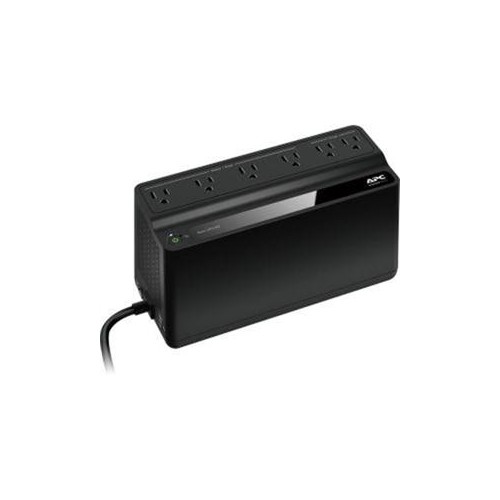 Your price for this item is $106.68
 -
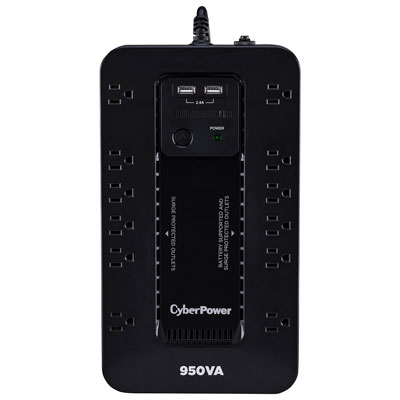 Your price for this item is $149.99
 -
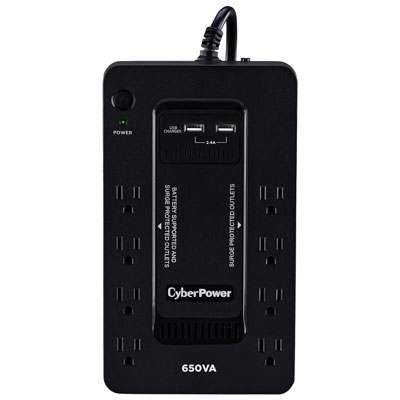 Your price for this item is $99.99
 -
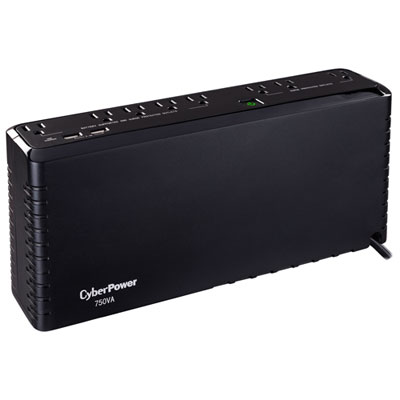 Your price for this item is $119.99
 -
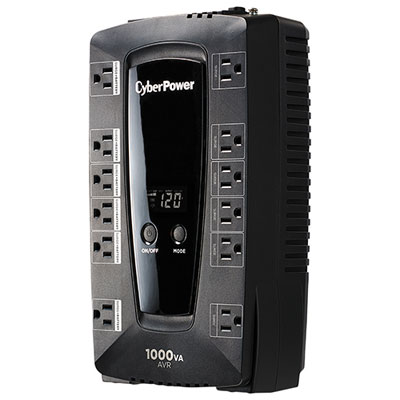 Your price for this item is $149.99
 -
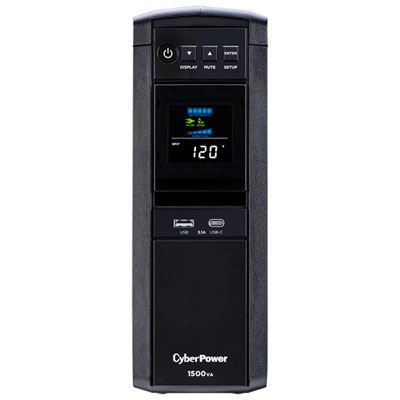 Your price for this item is $299.99
 -
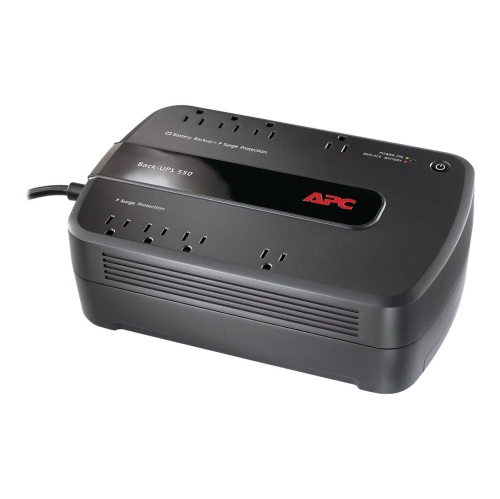 Your price for this item is $170.99
 -
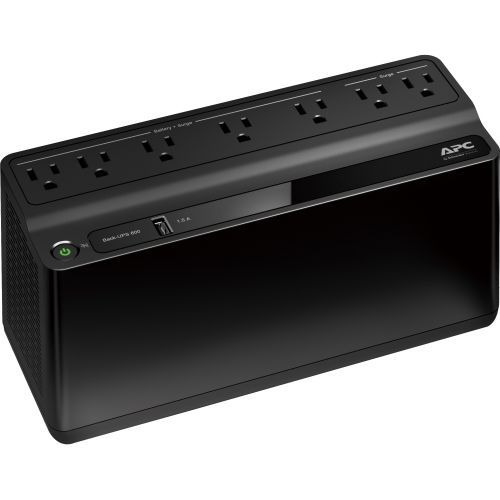 Your price for this item is $171.53
Discover more categories related to Line Interactive UPS
Top Collections:
Pokemon Centers, Kindle Devices, Best Budget Office Chairs, Apple iPhones 16, Best Laptops for Writers, iPhone 15 Apple, Canon G7X Cameras, Refurbished Apple Laptops, Alarm Clock, Motorola Razr Phones
Some products may be subject to Environmental Handling Fees
(EHF) depending on your province.
Learn more about EHFs.