Uninterruptible Power Supplies UPS
Uninterruptible Power Supplies UPS are essential for keeping your devices powered during unexpected outages and voltage fluctuations. Whether you need reliable backup for your home office, entertainment system, or business setup, these units help protect your valuable electronics and maintain productivity. Explore a wide selection of Uninterruptible Power Supplies UPS to find the right solution that fits your power management needs.
Sort
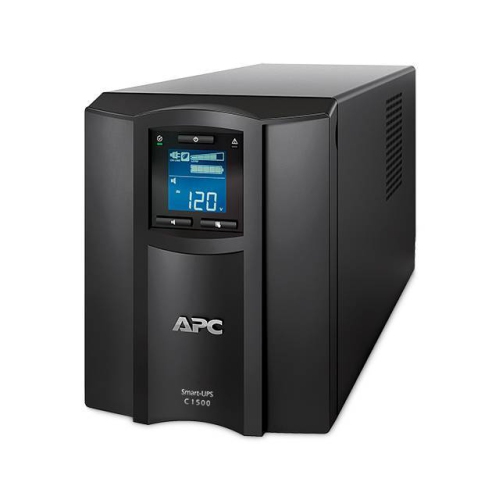
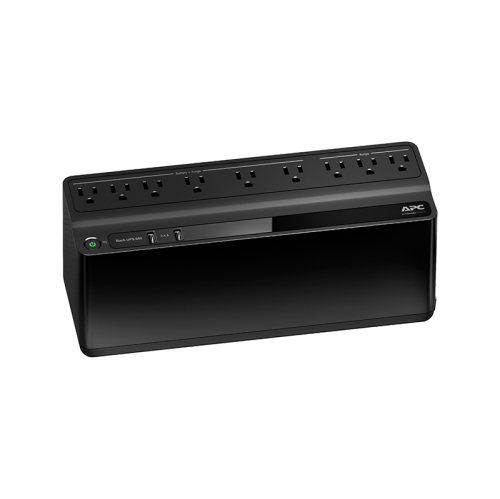
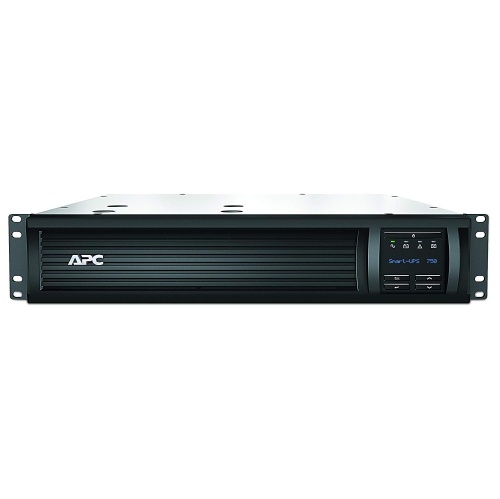
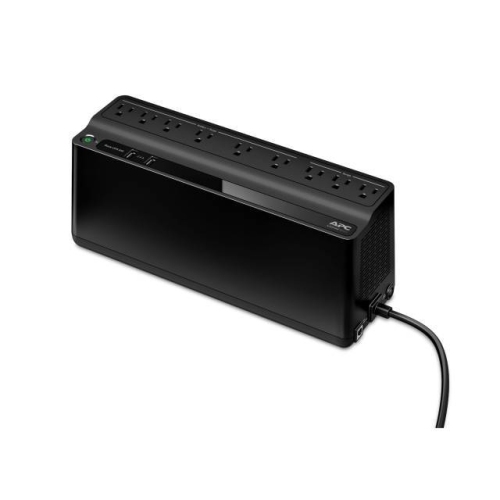
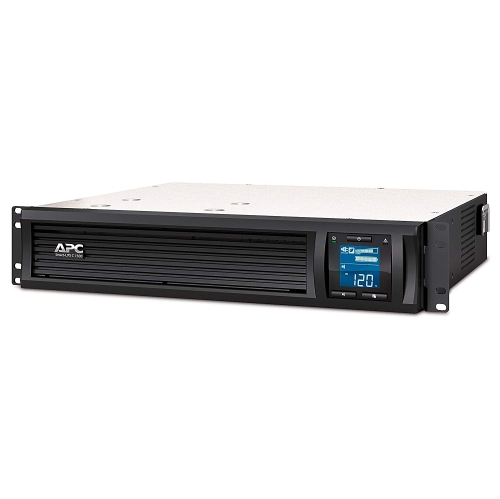
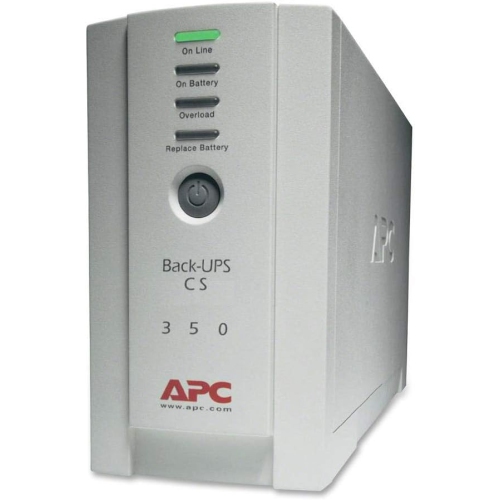
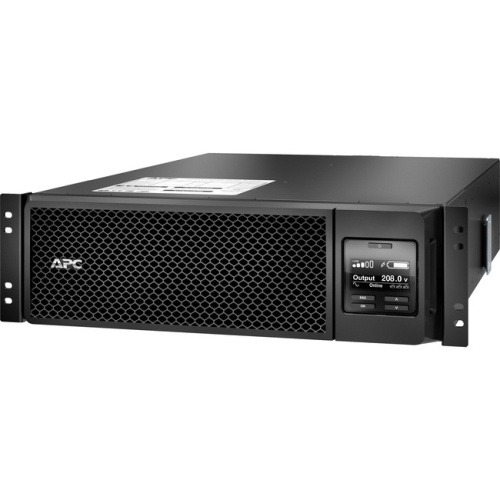
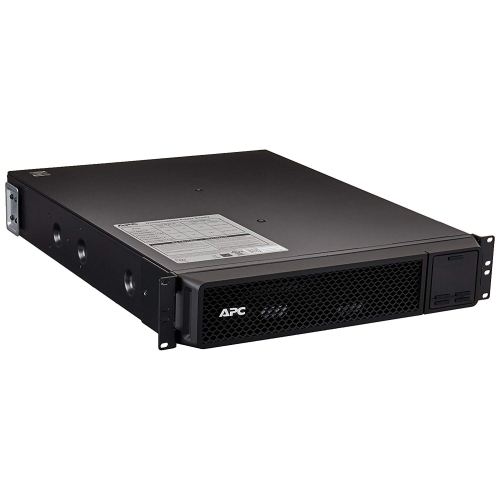
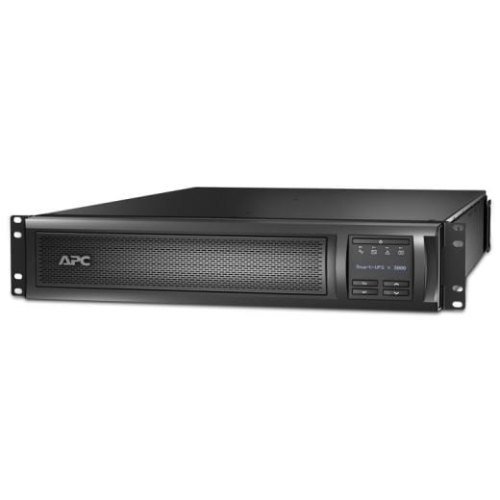
Backup power buys time when the lights go out
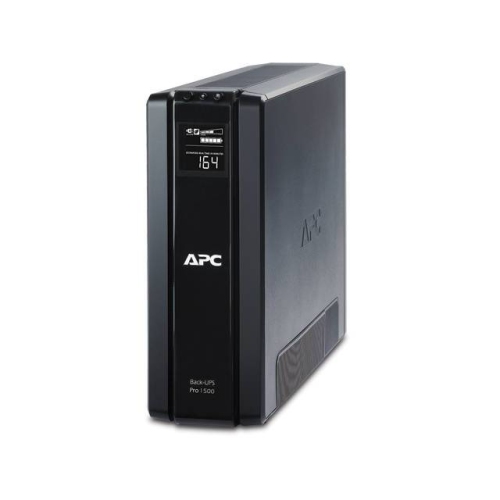
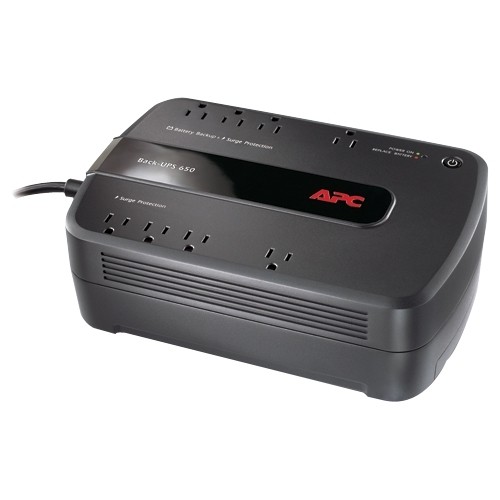
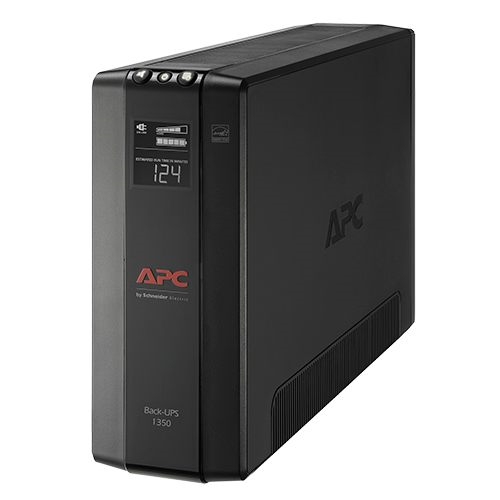
An uninterruptible power supply (UPS) is a battery backup system that automatically supplies temporary power to connected electronics when the main electrical supply fails. It gives a desktop computer time to save an open document, helps keep a home network running through a brief interruption, and allows compatible equipment to shut down properly rather than losing power abruptly. That makes uninterruptible power supplies useful in home offices, gaming setups, small businesses, and workspaces where an unexpected restart can interrupt a task or leave files unsaved. Backup power is usually measured in minutes rather than hours, with the actual duration depending on the battery capacity and the electrical load. A computer and monitor will generally use more power than a modem and Wi-Fi router, so the same UPS can provide very different runtimes in different setups. Keeping networking equipment powered may preserve a connection during a local outage, but internet access still depends on the service provider’s equipment remaining operational. Battery backup and surge protection also serve different purposes: backup power supports connected devices when electricity is interrupted, while surge protection helps limit certain sudden voltage spikes. A UPS With Surge Protection brings these functions together, although no device can guarantee protection against every electrical event. Outlet arrangements matter because some units include both battery-backed outlets and surge-only outlets. Equipment connected to a surge-only outlet will not stay powered during an outage. For a typical desk setup, the computer, essential monitor, and networking equipment are often the priorities for battery support, while non-essential accessories can remain outside the backup load. A UPS is not a substitute for saving files regularly or maintaining separate data backups, but it provides a useful buffer between an electrical interruption and a sudden shutdown. For someone working through a lengthy upload, managing business records, or finishing a project, that short window can make a meaningful difference.
The right UPS capacity depends on both the equipment connected to it and the amount of time that equipment needs to remain powered. UPS ratings commonly include volt-amperes, shown as VA, and watts, shown as W; both limits matter, and a larger VA number alone does not establish how long a system will run. The combined power requirements of the connected devices must stay within the unit’s supported ratings, with room for normal changes in demand. A desktop computer under a heavy processing load can draw substantially more power than it does while idle, and adding another monitor changes the total again. Manufacturer runtime charts are particularly useful because they show estimated battery duration at different loads rather than suggesting one runtime applies to every setup. Battery age, condition, and connected equipment can affect those estimates. For a workstation, enough time for an orderly shutdown may be the main goal; for networking equipment, a longer period of low-power operation may be more useful. The type of UPS also affects how it handles incoming power. Standby designs switch to battery when the supply falls outside supported conditions. Line-interactive designs typically add automatic voltage regulation, which can correct some voltage fluctuations without drawing on the battery. Online double-conversion designs continuously convert incoming power and supply connected equipment through an inverter, offering a different level of power conditioning for more demanding applications. Output waveform is another compatibility detail, particularly for computers with certain active power factor correction power supplies or other sensitive electronics. Pure sine wave output may be appropriate where the equipment manufacturer specifies it. High-draw appliances, heaters, and laser printers generally do not belong on ordinary computer UPS battery outlets unless the UPS manufacturer explicitly supports that use. These loads can exceed capacity or sharply reduce runtime. Matching the UPS to the actual equipment, rather than simply choosing the highest headline rating, helps balance electrical compatibility, backup duration, physical size, and everyday usability.
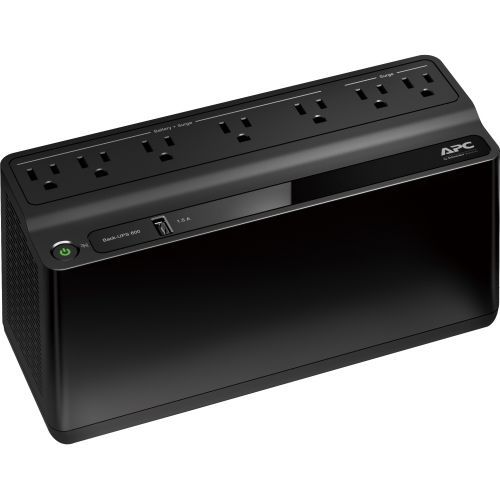
Physical fit and ongoing care are just as important as electrical specifications. Compact UPS housings often use moulded plastic, while larger tower and rackmount designs may use metal enclosures suited to their intended installation. The battery accounts for much of the weight, so dimensions and weight deserve attention before placing a unit beneath a desk, on a shelf, or in an equipment rack. Ventilation openings need clear space, and the UPS should sit on a stable, dry surface with access to its outlets and controls. A grounded wall outlet and installation that follows the manufacturer’s directions are important; power strips, extension cords, and additional surge protectors should not be added unless expressly permitted. Outlet spacing can affect how easily bulky power adapters fit, while cord length influences placement without stretching cables across a walkway. Displays, status lights, and audible alarms provide different ways to check battery condition, remaining runtime, or an overload. Fan noise and alarm controls may also matter in a quiet workspace, particularly where the unit sits close to a desk. Some UPS systems support a USB data connection or network management features that allow compatible software to monitor power conditions and initiate an orderly shutdown. Compatibility with the computer’s operating system and the required connection hardware should be confirmed rather than assumed. Batteries gradually lose capacity, even when outages are infrequent, so a unit that once supported a workstation for several minutes may eventually provide less time. Built-in self-tests and battery replacement alerts can help identify declining performance. User-replaceable batteries can extend the useful life of a compatible UPS, provided the replacement matches the manufacturer’s requirements and the instructions are followed carefully. Keeping vents free of dust, avoiding excess heat and moisture, and periodically reviewing the connected load support dependable operation. A well-matched UPS becomes a practical part of the workspace: unobtrusive during normal use, with enough capacity and the right connections to make an unexpected power interruption easier to manage.
Top selling and popular products
-
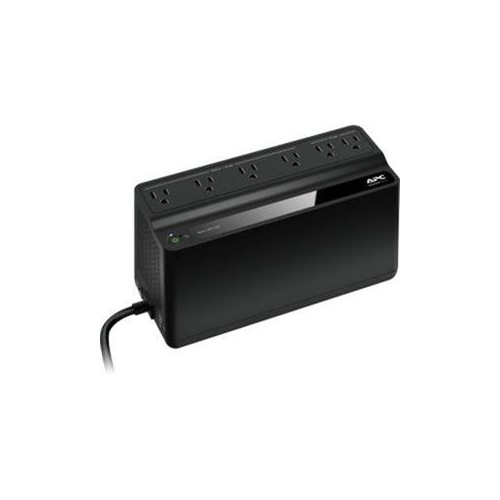 Your price for this item is $105.68
-
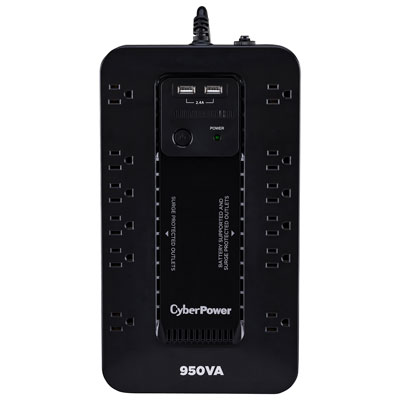 Your price for this item is $149.99
-
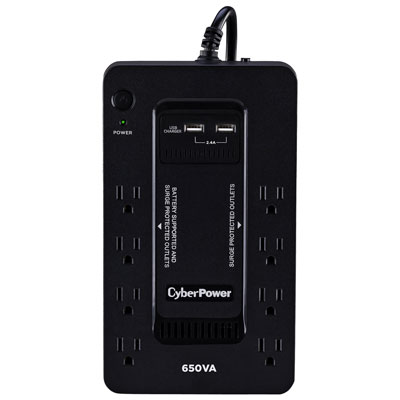 Your price for this item is $99.99
-
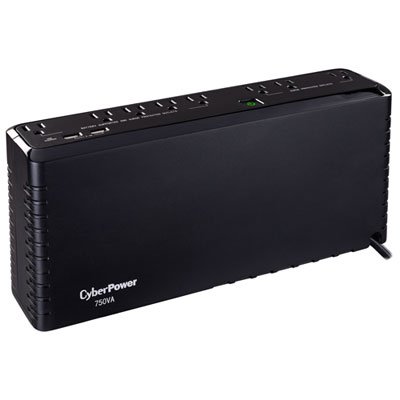 Your price for this item is $119.99
-
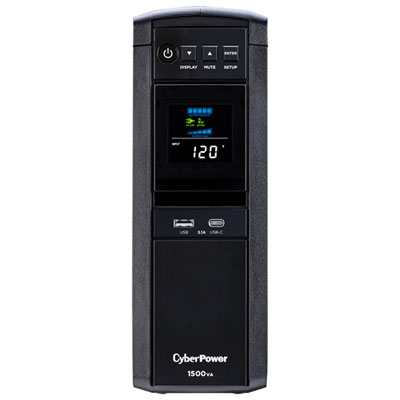 Your price for this item is $299.99
-
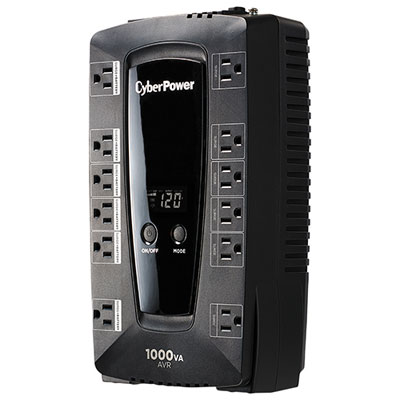 Your price for this item is $149.99
-
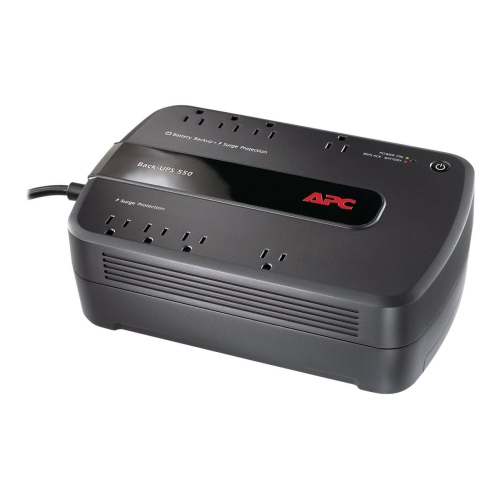 Your price for this item is $170.99
-
 Your price for this item is $175.56
Discover more categories related to Uninterruptible Power Supplies UPS

Top Collections:
Best Black Friday Deals This Year, Best Black Friday Deals On Electronics, Kindle Devices, Pokemon Centers, Best Black Friday Deals On Apple Products, Best Cameras for Sports Photography, Dyson Airwrap, Pokémon 30th Celebration Cards, Apple iPhone 17 Pro, Canon G7X Cameras
Some products may be subject to Environmental Handling Fees
(EHF) depending on your province.
Learn more about EHFs.