Mac Accessories
Enhance your Mac experience with a curated selection of top-notch accessories designed to elevate your productivity, style, and convenience. From sleek and functional cases to high-speed storage solutions, this collection of Mac accessories offers a range of options to suit every need. Whether you're looking to personalize your setup, boost performance, or simply protect your device, these carefully chosen accessories are sure to complement your Mac and enhance its capabilities.
Sort
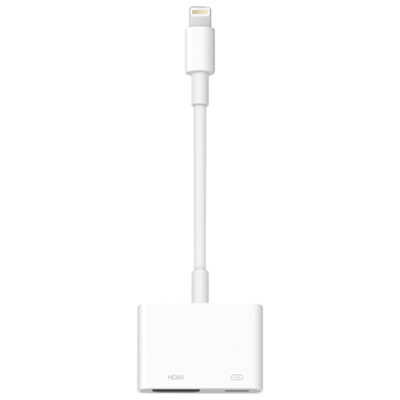
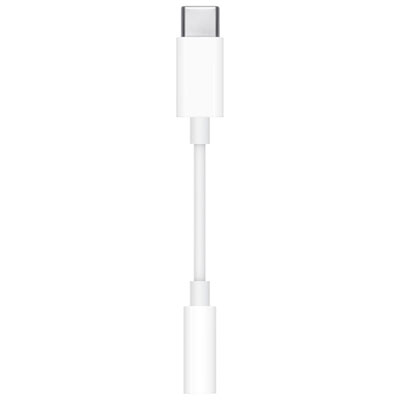

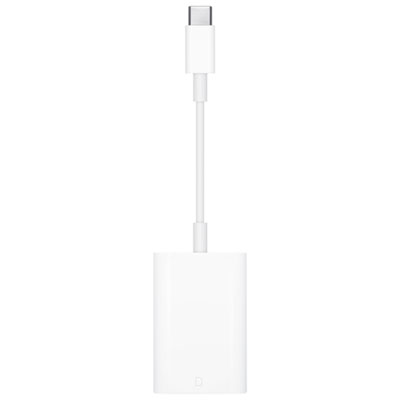
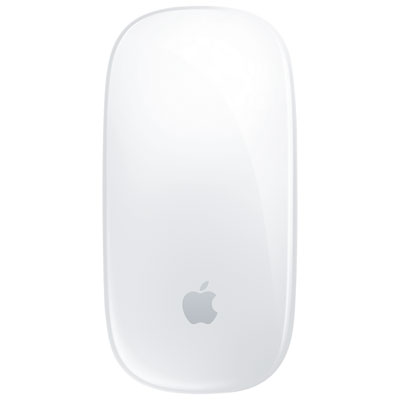
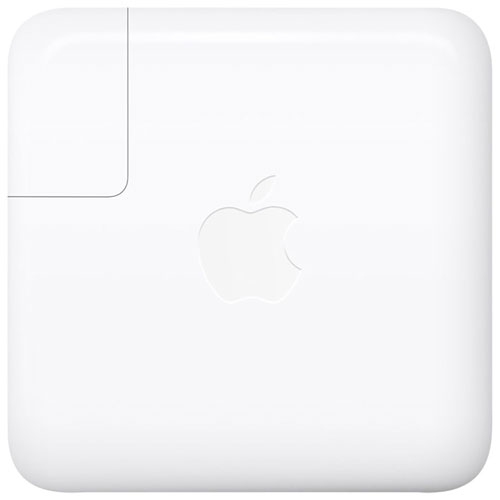
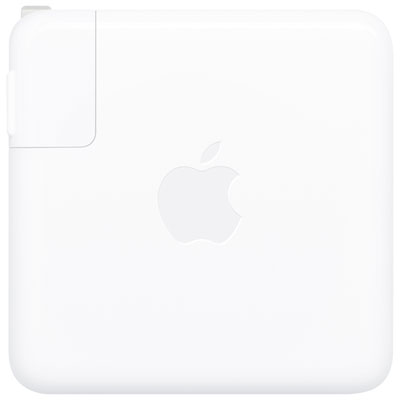

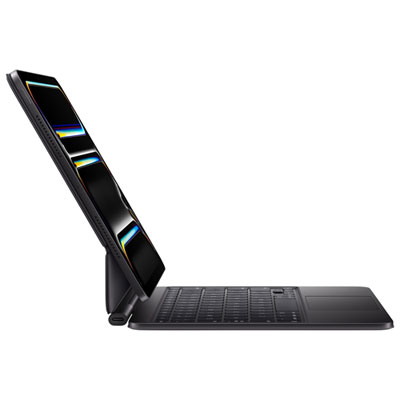
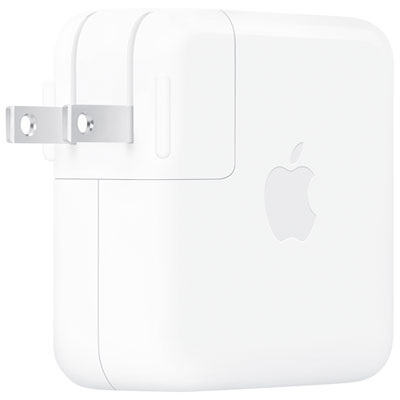
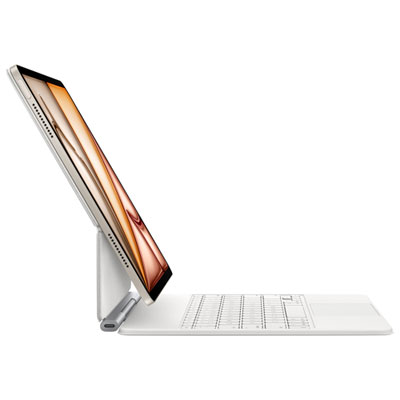
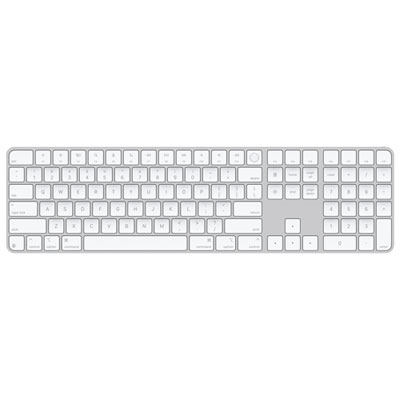
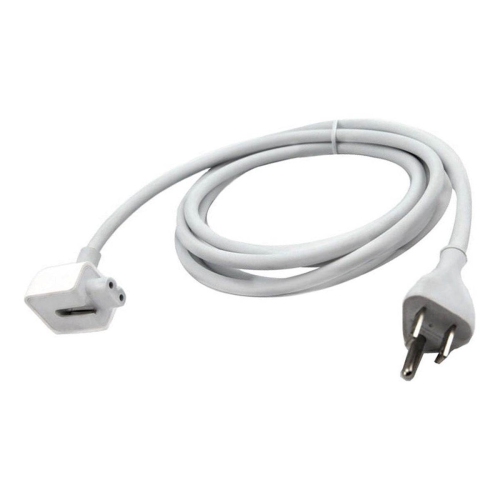
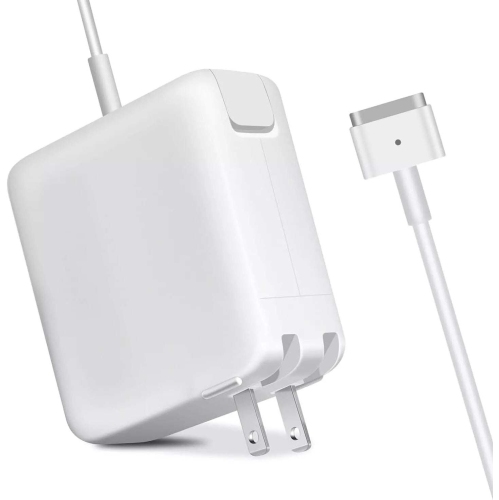
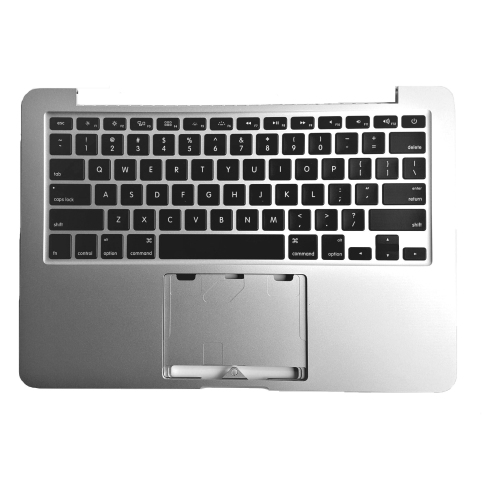
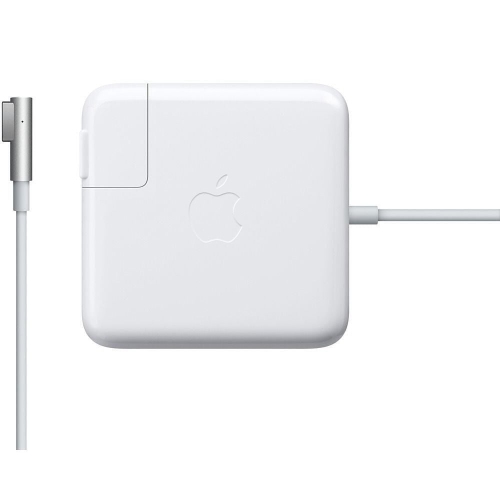

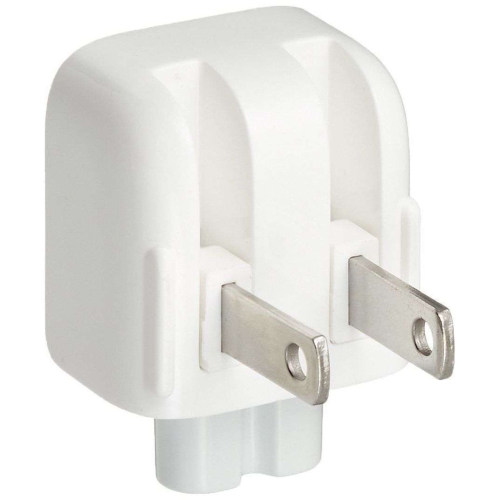

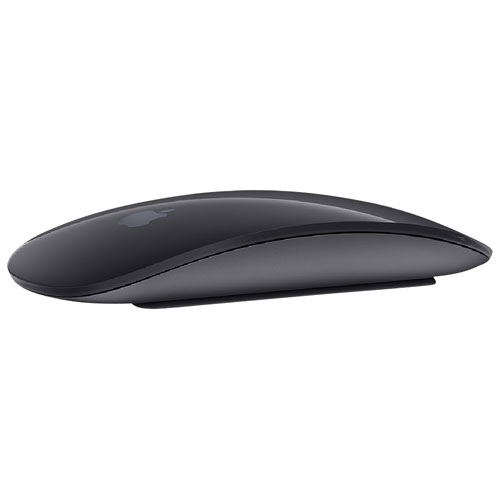
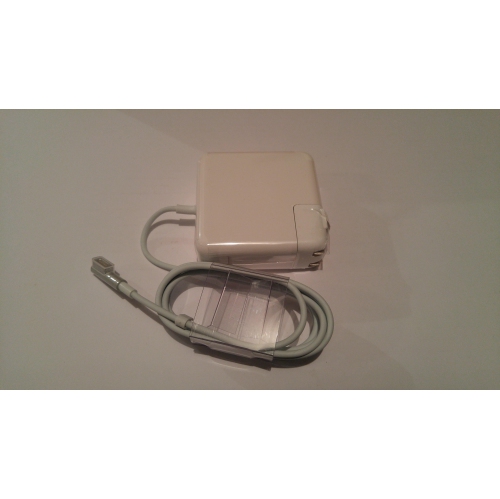

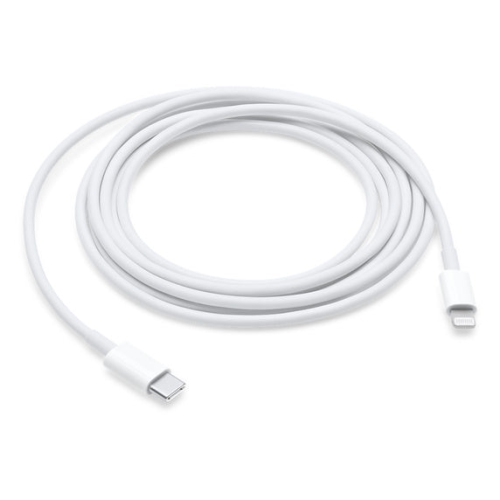
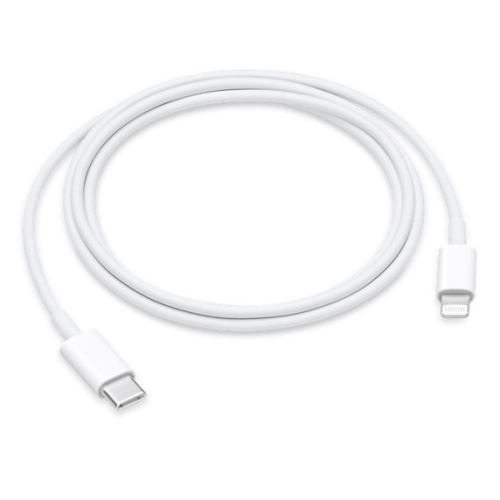
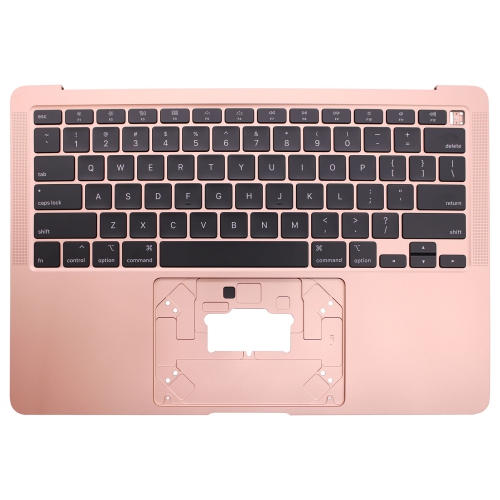
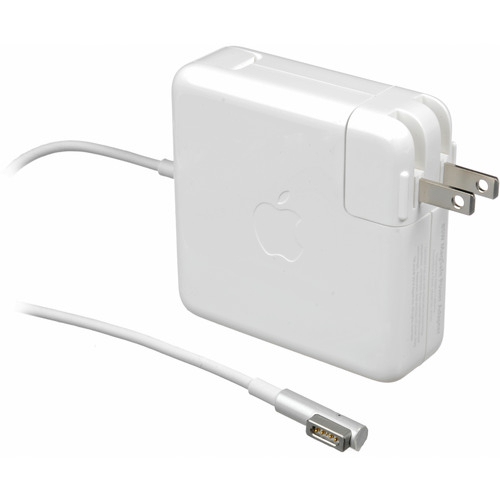

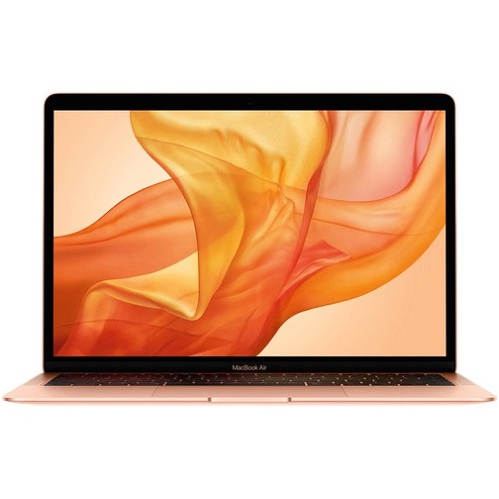

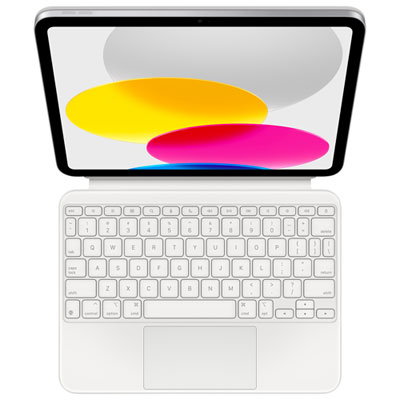
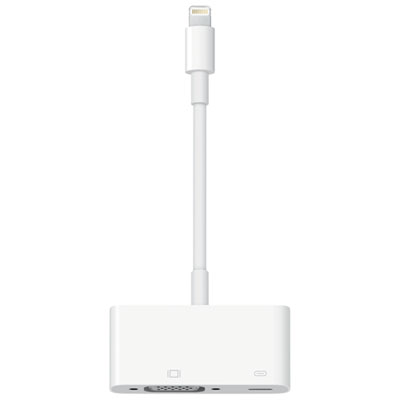
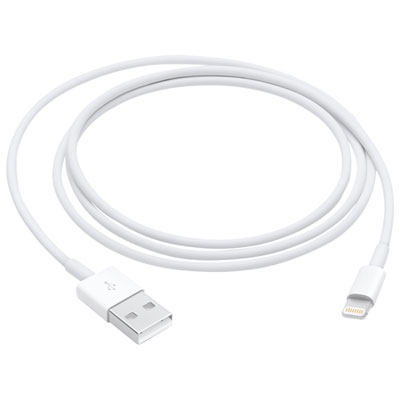
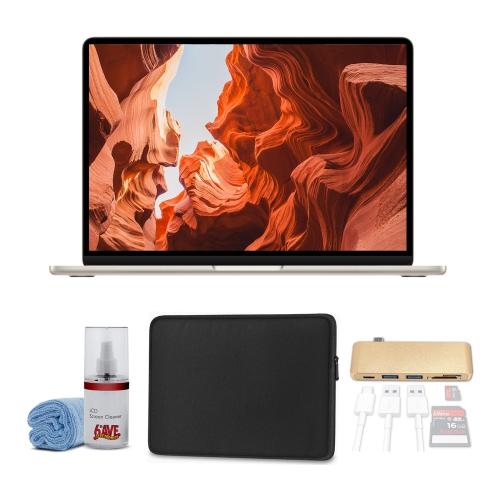
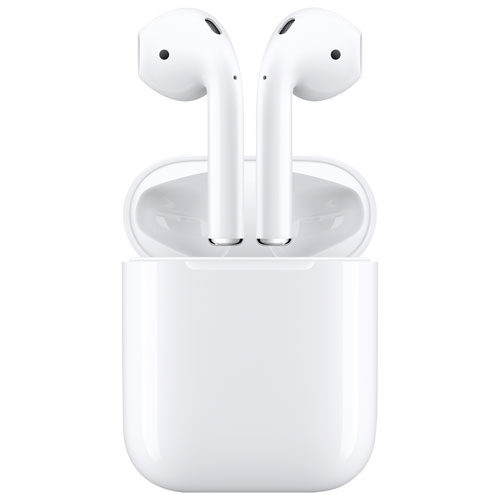
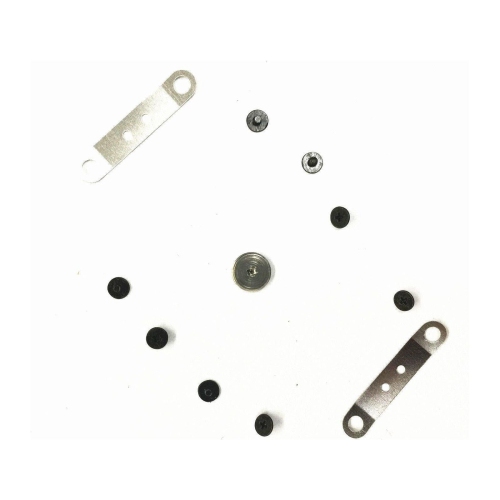
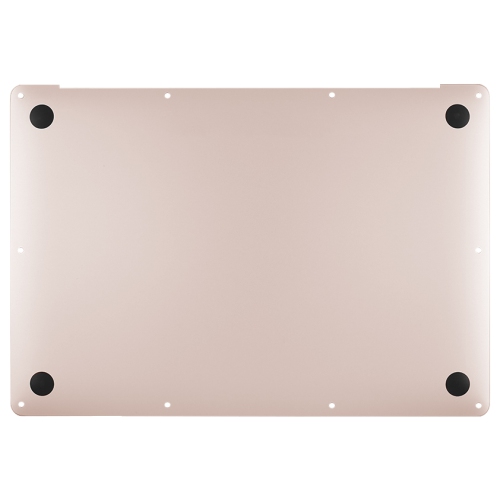
Practical upgrades for more comfortable, connected Mac workspaces
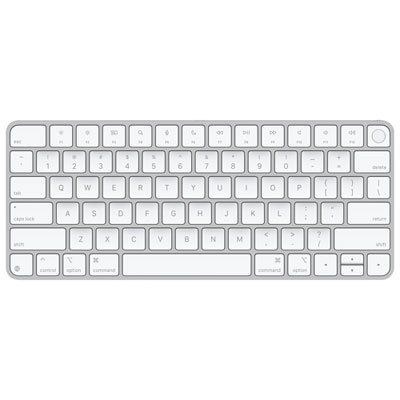
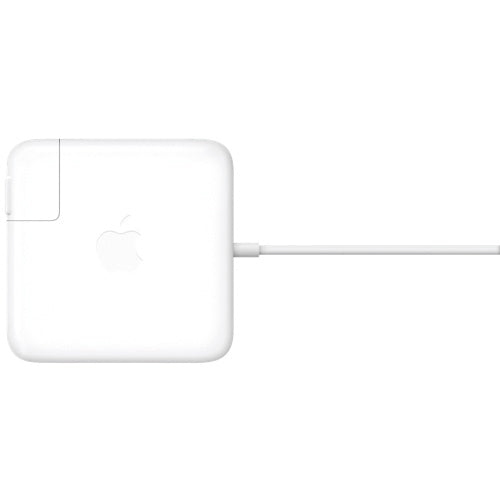
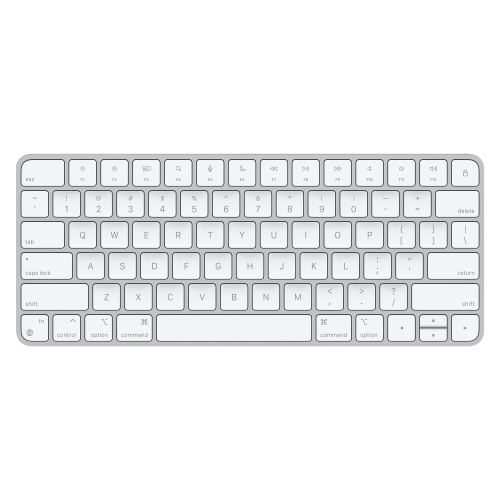
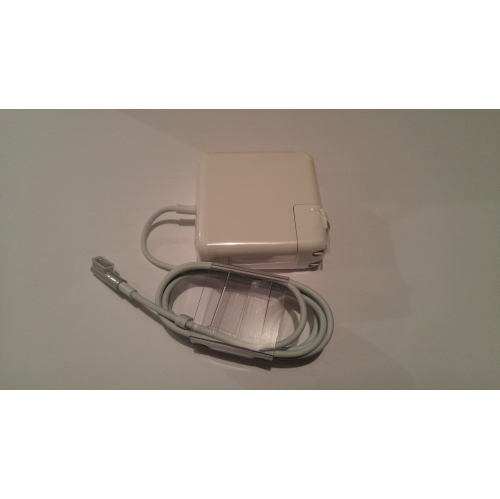
Mac accessories can make a familiar computer feel more comfortable, capable, and personal, whether it sits on a home office desk, a student’s workspace, or the kitchen table between family activities. The right additions can help create a cleaner setup, improve day-to-day comfort, and make it easier to move between work, study, creativity, and entertainment. A protective case or sleeve can add peace of mind when a computer travels between rooms, classrooms, cafés, and offices, while a stand can raise the screen to a more natural viewing height and help keep the workspace feeling open. A separate keyboard and mouse can be useful for longer sessions, particularly for people who spend their days writing, managing spreadsheets, attending video calls, or editing content. For those who prefer a more flexible workstation, a docking solution or multi-port adapter can make it simpler to connect displays, storage, networking equipment, and other everyday peripherals without repeatedly reaching behind a desk. Browse MacBook Accessories to find options that complement a Mac setup and suit different routines, spaces, and levels of use.
When choosing accessories, start with the way the computer is used rather than selecting pieces based only on appearance. Someone who carries a computer throughout the day may value a lightweight sleeve, a compact charger, cable management, and a travel-friendly input device, while a person who works mainly from a fixed desk may benefit from a larger keyboard, an ergonomic mouse, a stand, and a reliable connection hub. Check compatibility carefully, including the computer’s available ports, connection type, operating system support, and the number and type of displays or devices that need to be connected. It is also worth considering cable length, power requirements, desk space, and whether an accessory needs to be packed away regularly. A well-chosen hub can be especially practical for people who connect several devices at once, but the right choice depends on the ports and performance required. Storage accessories may help photographers, students, designers, and home users keep important files close at hand, while display accessories can make room for more comfortable multitasking. For video calls, a stable stand and thoughtful positioning can improve the camera angle and reduce the temptation to hunch over the screen. Small details, such as a soft-touch surface, an adjustable angle, a quiet key feel, or a tidy charging arrangement, can have an outsized effect on how pleasant a workspace feels during a long afternoon.
Mac accessories can also make thoughtful gifts for students beginning a new term, remote workers refreshing a home office, recent graduates setting up their first professional workspace, or creative people who enjoy making their computer area feel distinctly their own. A useful accessory does not need to be complicated: a protective cover can suit someone who travels, a stand can help a family member create a more comfortable desk, and a compact adapter can be handy for presentations, shared workspaces, or connecting to a television. During the cooler months, when more time may be spent working, studying, or relaxing indoors, a comfortable setup can make a desk feel like a welcoming part of the home rather than a temporary surface. Consider the recipient’s habits, the size of their workspace, and the accessories they already own before choosing something new. A person with a minimalist desk may prefer one versatile addition that reduces clutter, while someone who enjoys a fully equipped setup may appreciate accessories that support charging, connectivity, audio, storage, or ergonomic positioning. Coordinating finishes and keeping cables organised can bring a calm, polished look to the area, but practical fit should always come first. With the right combination of accessories, a Mac can adapt smoothly to everyday tasks, creative projects, travel, learning, and downtime.
When choosing accessories, start with the way the computer is used rather than selecting pieces based only on appearance. Someone who carries a computer throughout the day may value a lightweight sleeve, a compact charger, cable management, and a travel-friendly input device, while a person who works mainly from a fixed desk may benefit from a larger keyboard, an ergonomic mouse, a stand, and a reliable connection hub. Check compatibility carefully, including the computer’s available ports, connection type, operating system support, and the number and type of displays or devices that need to be connected. It is also worth considering cable length, power requirements, desk space, and whether an accessory needs to be packed away regularly. A well-chosen hub can be especially practical for people who connect several devices at once, but the right choice depends on the ports and performance required. Storage accessories may help photographers, students, designers, and home users keep important files close at hand, while display accessories can make room for more comfortable multitasking. For video calls, a stable stand and thoughtful positioning can improve the camera angle and reduce the temptation to hunch over the screen. Small details, such as a soft-touch surface, an adjustable angle, a quiet key feel, or a tidy charging arrangement, can have an outsized effect on how pleasant a workspace feels during a long afternoon.
Mac accessories can also make thoughtful gifts for students beginning a new term, remote workers refreshing a home office, recent graduates setting up their first professional workspace, or creative people who enjoy making their computer area feel distinctly their own. A useful accessory does not need to be complicated: a protective cover can suit someone who travels, a stand can help a family member create a more comfortable desk, and a compact adapter can be handy for presentations, shared workspaces, or connecting to a television. During the cooler months, when more time may be spent working, studying, or relaxing indoors, a comfortable setup can make a desk feel like a welcoming part of the home rather than a temporary surface. Consider the recipient’s habits, the size of their workspace, and the accessories they already own before choosing something new. A person with a minimalist desk may prefer one versatile addition that reduces clutter, while someone who enjoys a fully equipped setup may appreciate accessories that support charging, connectivity, audio, storage, or ergonomic positioning. Coordinating finishes and keeping cables organised can bring a calm, polished look to the area, but practical fit should always come first. With the right combination of accessories, a Mac can adapt smoothly to everyday tasks, creative projects, travel, learning, and downtime.
Top selling and popular products
-
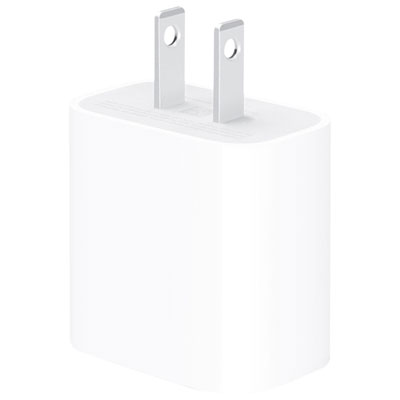 Your price for this item is $24.99
 -
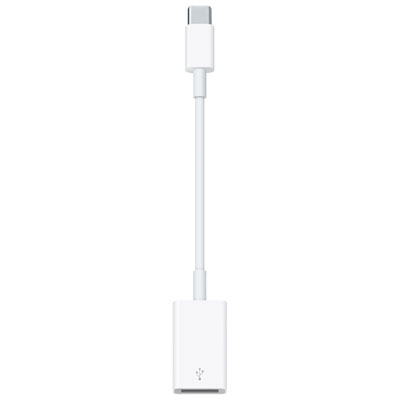 Your price for this item is $25
 -
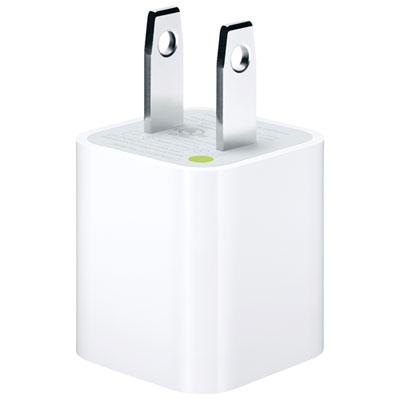 Your price for this item is $9.97
 -
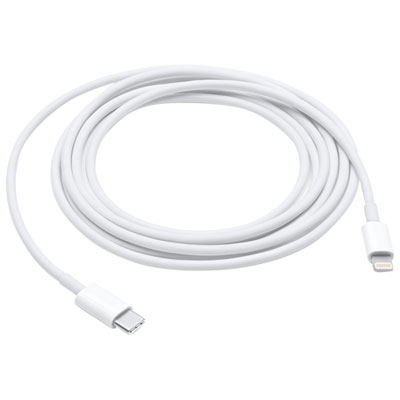 Your price for this item is $38.99
 -
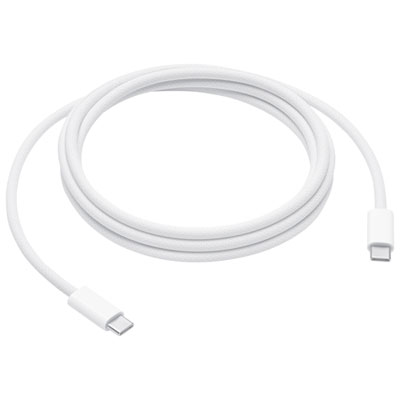 Your price for this item is $34.99
 -
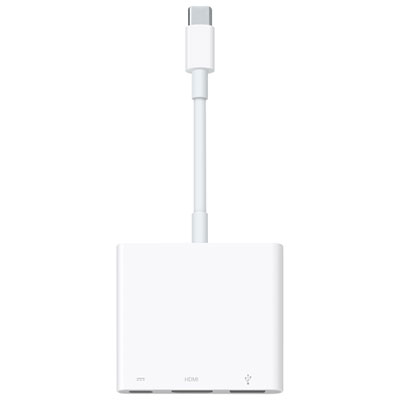 Your price for this item is $85
 -
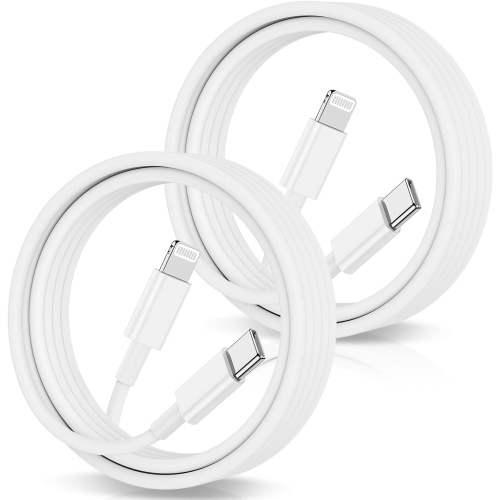 Your price for this item is $24.99
 -
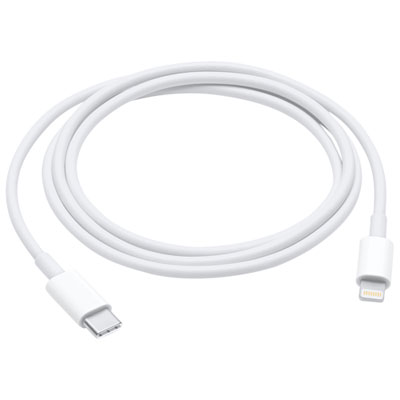 Your price for this item is $24.99
Discover more categories related to Mac Accessories

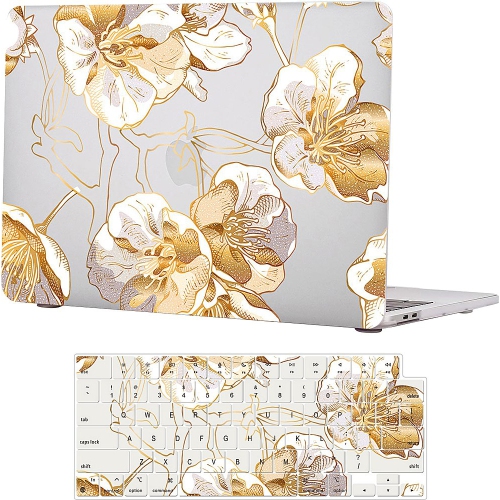
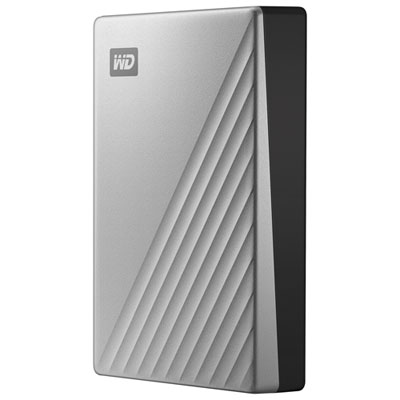
Top Collections:
Pokemon Centers, Kindle Devices, Best Budget Office Chairs, Apple iPhones 16, Best Laptops for Writers, iPhone 15 Apple, Canon G7X Cameras, Refurbished Apple Laptops, Alarm Clock, Motorola Razr Phones
Some products may be subject to Environmental Handling Fees
(EHF) depending on your province.
Learn more about EHFs.