MacBook Accessories
Enhance your device with a wide selection of MacBook accessories designed to complement your daily routine. Whether you’re looking to boost productivity, protect your investment, or add convenience to your workspace, you’ll find options that fit every need and style. Discover the latest MacBook accessories to help you get the most from your laptop, whether you're at home, in the office, or on the go.
Sort

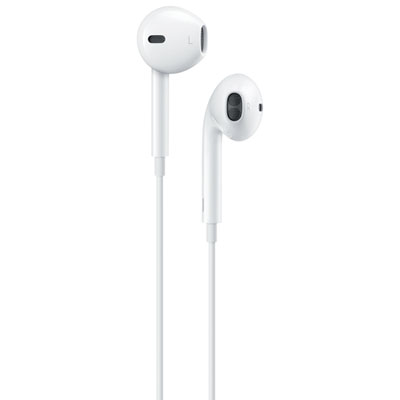

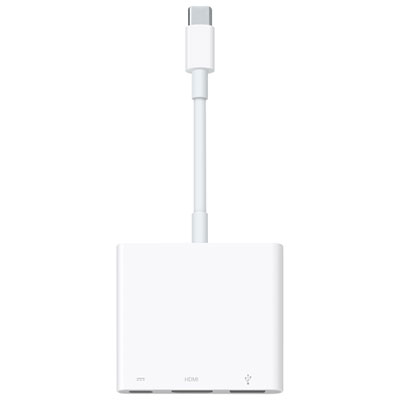
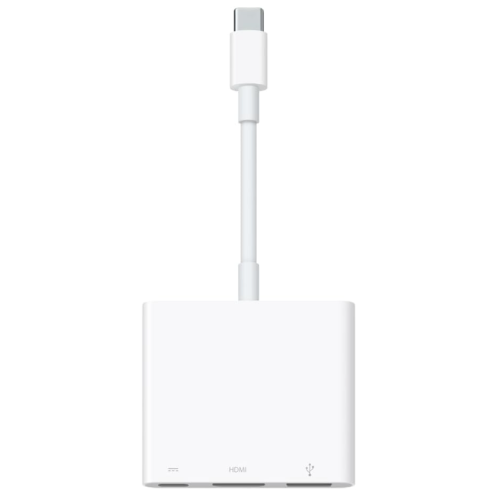

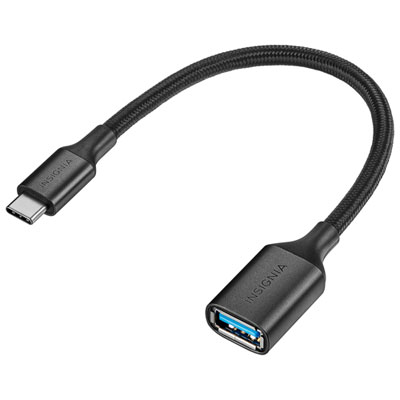


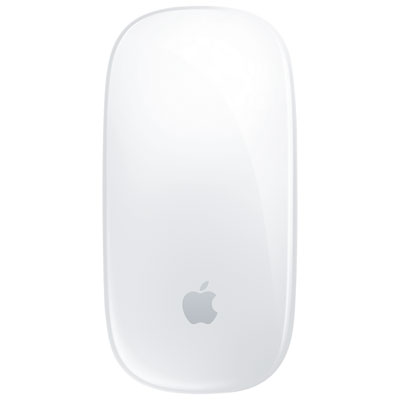
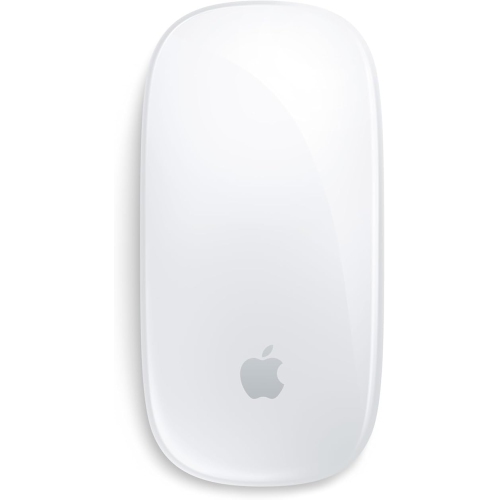
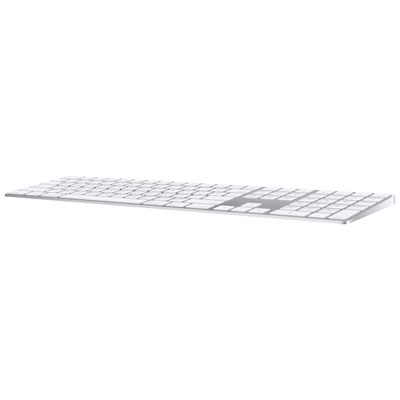
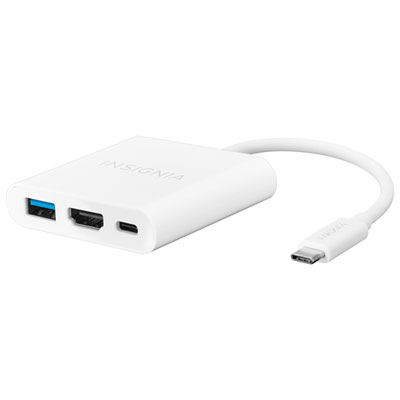
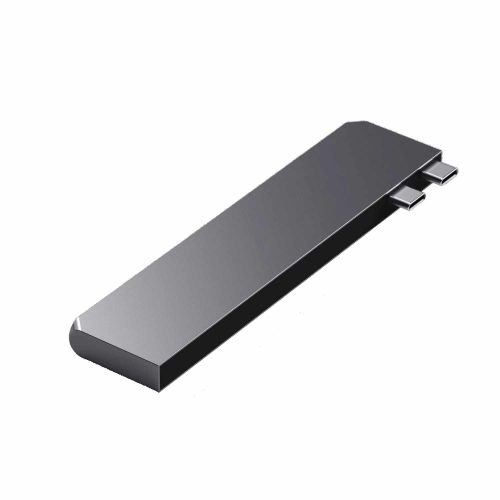
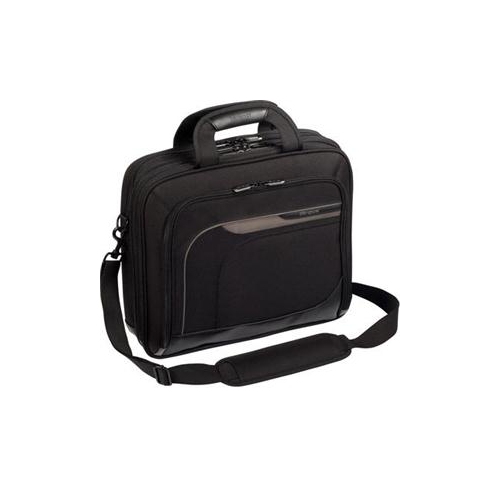
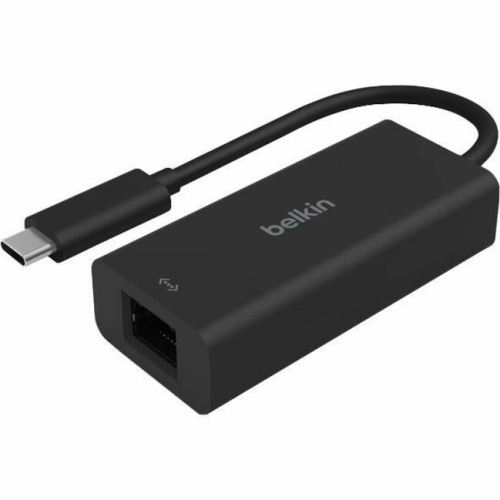
The right fit for your MacBook and your routine
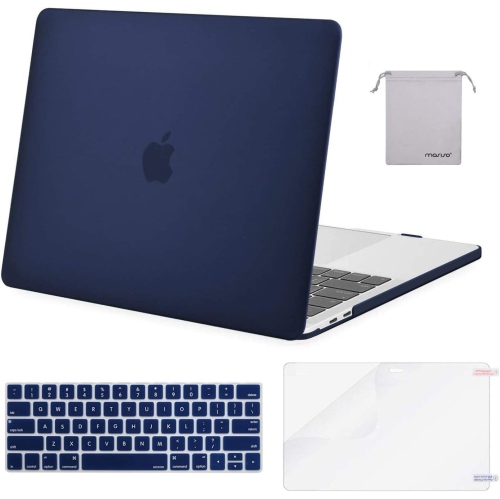
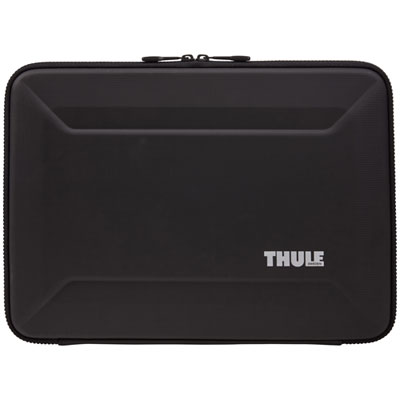
MacBook accessories add protection, connections, charging options, and everyday comfort to a laptop setup. Common accessory types include USB-C hubs, docking stations, protective sleeves, fitted cases, laptop stands, external keyboards, mice, and portable storage. Each serves a different purpose: a hub connects peripherals, a sleeve cushions a laptop in transit, and a stand raises the screen for a more comfortable viewing position when paired with a separate keyboard and mouse. The most useful combination depends on how and where the laptop is used. A student moving between lectures may value a lightweight sleeve and a compact adapter, while someone working at a permanent desk may prefer a dock that connects a monitor, keyboard, and other peripherals through one cable. Compatibility starts with the laptop’s exact model, generation, dimensions, and port specifications, rather than its screen size alone. Two laptops with the same stated screen size can have different body shapes, port layouts, or charging requirements. This matters particularly for snap-on cases, which need correctly positioned openings and a precise fit around the base and lid. Protective sleeves offer more flexibility, but their internal measurements should still leave enough room for the laptop without allowing it to slide around excessively. Padded corners, soft linings, and covered zipper edges can help protect against everyday bumps and scratches. Woven fabric, felt, neoprene, and leather each have a different texture and care routine; a structured sleeve holds its shape, while a softer pouch slips easily into a larger bag. Water-resistant fabric can help with minor splashes, but it does not make a sleeve waterproof. A separate pocket for cables keeps connectors from rubbing against the laptop’s finish, provided the pocket is not packed tightly against the screen. For commuting, study sessions, or carrying a laptop between meeting rooms, secure closures and comfortable handles can matter just as much as colour or appearance.
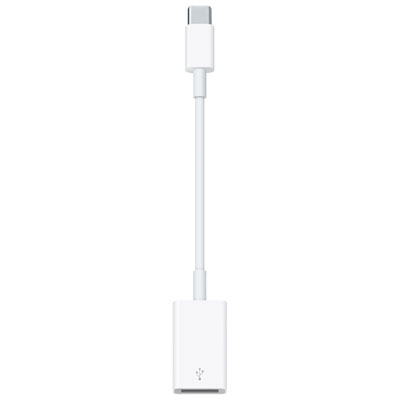
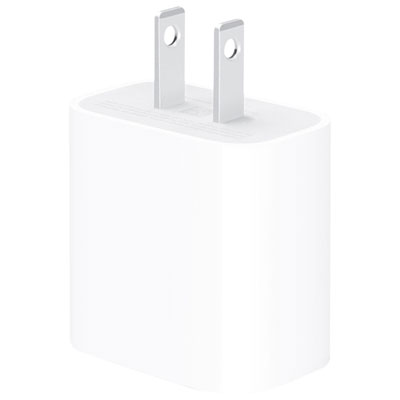
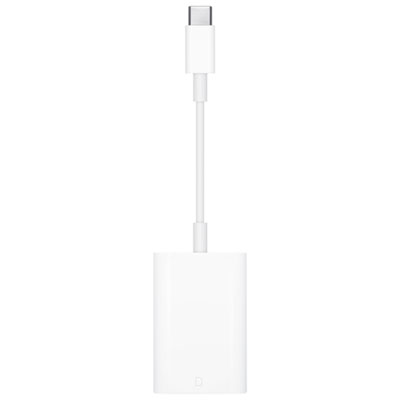
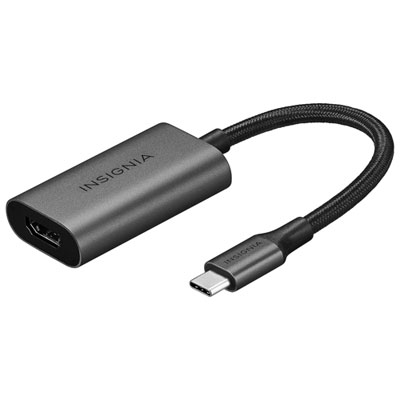
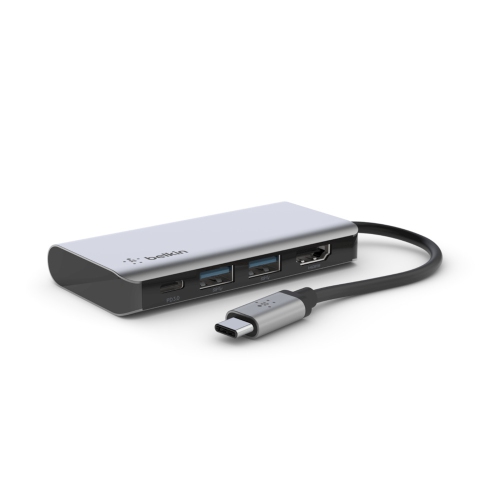
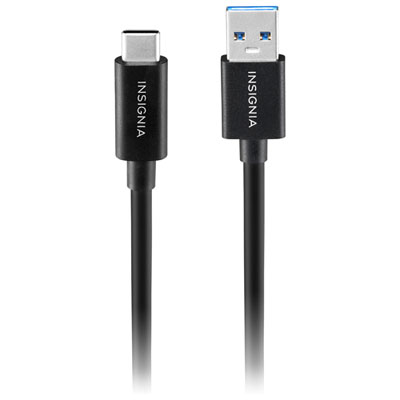
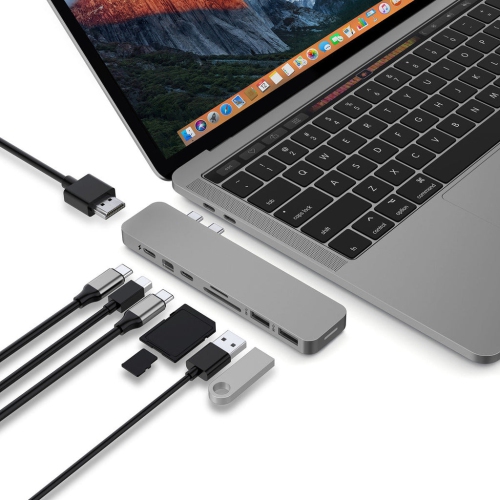
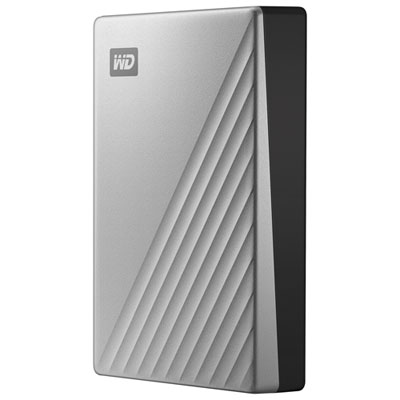
Connectivity and power accessories support the work that happens around the laptop, from presenting slides on a larger screen to transferring photographs from a memory card. A USB-C hub typically provides a portable selection of ports, while a docking station often suits a desk with several connected devices. Depending on its specifications, either may offer USB-A connections, HDMI, DisplayPort, Ethernet, memory card slots, or charging pass-through. The connector’s shape does not tell the whole story: USB-C cables and ports can differ in their data speeds, video capabilities, and supported charging power. A cable designed mainly for charging may not carry a video signal, and a hub with several ports may share bandwidth among connected devices. External display support also depends on the laptop’s hardware, software, and the dock’s technology. Two video outputs on a dock do not automatically mean that every laptop can run two independent external displays through it. Resolution and refresh-rate support matter for anyone who wants sharp text, smooth motion, or a larger workspace for detailed projects. Charging accessories deserve the same attention to specifications. A compatible charger needs to support the laptop’s charging requirements, and its cable must be rated for the intended power level. Compact gallium nitride chargers can be convenient for a bag or shared workspace, while multi-port chargers may power a laptop and smaller devices together. Their total output is often divided between ports, so connecting another device can change the power supplied to the laptop. Pass-through hubs may also reserve some incoming power for their own operation. Portable solid-state drives provide space for project files, photo libraries, and transfers between compatible computers; actual transfer speeds depend on the drive, cable, and connection. For important files, separate backups remain valuable even when an external drive is used every day. Short cables keep a desk tidy, longer ones offer placement flexibility, and a small cable pouch makes adapters easier to find without leaving them loose at the bottom of a bag.
Desk accessories shape how a laptop fits into a working space, whether that space is a dedicated office or one end of a dining table. A laptop stand can bring the display closer to eye level, but raising the built-in keyboard also changes the typing position, which is why an external keyboard and mouse usually make a raised setup more practical. Fixed stands offer a simple, stable platform, while adjustable designs provide more control over height and angle. Aluminium construction can provide rigidity, and padded contact points help prevent slipping and scratches. Foldable stands are easier to carry, though their weight limits, hinge stability, and support surfaces still need to suit the laptop. Clear space around ventilation openings remains important with any stand or fitted case. Keyboard preferences vary with the work: a compact layout leaves more room for a mouse, while a number pad is useful for spreadsheets and frequent data entry. Key spacing, travel, sound, and familiar shortcut support can all affect daily comfort. Mouse size and shape are similarly personal, with hand position, grip style, and desk space influencing the fit. Bluetooth connections reduce the need for a separate receiver, while receiver-based accessories require a compatible port or adapter. Desk mats provide a consistent surface for pointing devices and help protect the tabletop, and cable clips keep frequently used leads within reach. For another view of accessories suited to a particular laptop family, Cool Macbook Pro Accessories offers a related collection to explore. Durability often comes down to small construction details: reinforced cable ends, smoothly operating zippers, firm stand hinges, and secure case clips. Routine care includes wiping accessories according to their material-specific instructions, keeping moisture away from connectors, and checking sleeves for grit that could mark the laptop’s surface. Accessories can also make thoughtful gifts for students, remote workers, and creative professionals when their laptop model and habits are known. A well-fitted sleeve supports daily travel, while a stable stand or comfortable input device can make a familiar desk more pleasant to use.
Connectivity and power accessories support the work that happens around the laptop, from presenting slides on a larger screen to transferring photographs from a memory card. A USB-C hub typically provides a portable selection of ports, while a docking station often suits a desk with several connected devices. Depending on its specifications, either may offer USB-A connections, HDMI, DisplayPort, Ethernet, memory card slots, or charging pass-through. The connector’s shape does not tell the whole story: USB-C cables and ports can differ in their data speeds, video capabilities, and supported charging power. A cable designed mainly for charging may not carry a video signal, and a hub with several ports may share bandwidth among connected devices. External display support also depends on the laptop’s hardware, software, and the dock’s technology. Two video outputs on a dock do not automatically mean that every laptop can run two independent external displays through it. Resolution and refresh-rate support matter for anyone who wants sharp text, smooth motion, or a larger workspace for detailed projects. Charging accessories deserve the same attention to specifications. A compatible charger needs to support the laptop’s charging requirements, and its cable must be rated for the intended power level. Compact gallium nitride chargers can be convenient for a bag or shared workspace, while multi-port chargers may power a laptop and smaller devices together. Their total output is often divided between ports, so connecting another device can change the power supplied to the laptop. Pass-through hubs may also reserve some incoming power for their own operation. Portable solid-state drives provide space for project files, photo libraries, and transfers between compatible computers; actual transfer speeds depend on the drive, cable, and connection. For important files, separate backups remain valuable even when an external drive is used every day. Short cables keep a desk tidy, longer ones offer placement flexibility, and a small cable pouch makes adapters easier to find without leaving them loose at the bottom of a bag.
Desk accessories shape how a laptop fits into a working space, whether that space is a dedicated office or one end of a dining table. A laptop stand can bring the display closer to eye level, but raising the built-in keyboard also changes the typing position, which is why an external keyboard and mouse usually make a raised setup more practical. Fixed stands offer a simple, stable platform, while adjustable designs provide more control over height and angle. Aluminium construction can provide rigidity, and padded contact points help prevent slipping and scratches. Foldable stands are easier to carry, though their weight limits, hinge stability, and support surfaces still need to suit the laptop. Clear space around ventilation openings remains important with any stand or fitted case. Keyboard preferences vary with the work: a compact layout leaves more room for a mouse, while a number pad is useful for spreadsheets and frequent data entry. Key spacing, travel, sound, and familiar shortcut support can all affect daily comfort. Mouse size and shape are similarly personal, with hand position, grip style, and desk space influencing the fit. Bluetooth connections reduce the need for a separate receiver, while receiver-based accessories require a compatible port or adapter. Desk mats provide a consistent surface for pointing devices and help protect the tabletop, and cable clips keep frequently used leads within reach. For another view of accessories suited to a particular laptop family, Cool Macbook Pro Accessories offers a related collection to explore. Durability often comes down to small construction details: reinforced cable ends, smoothly operating zippers, firm stand hinges, and secure case clips. Routine care includes wiping accessories according to their material-specific instructions, keeping moisture away from connectors, and checking sleeves for grit that could mark the laptop’s surface. Accessories can also make thoughtful gifts for students, remote workers, and creative professionals when their laptop model and habits are known. A well-fitted sleeve supports daily travel, while a stable stand or comfortable input device can make a familiar desk more pleasant to use.
Top selling and popular products
-
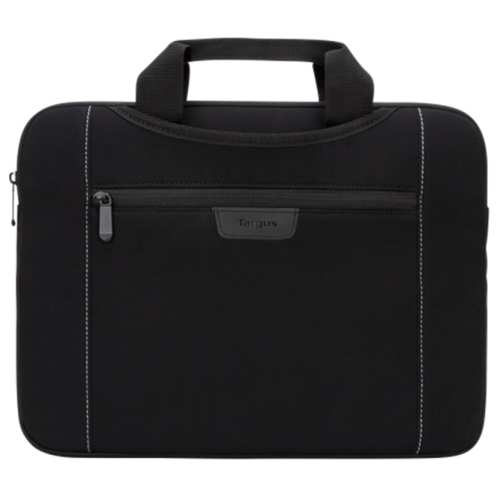 Your price for this item is $43.68
 -
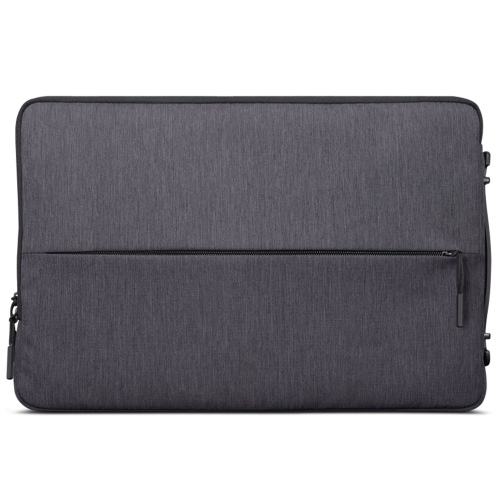 Your price for this item is $18.99
 -
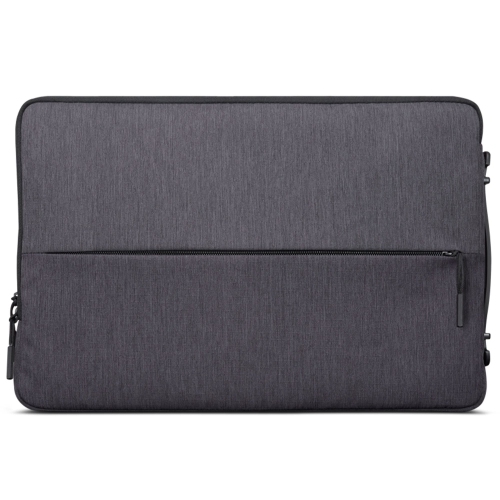 Your price for this item is $22.99
 -
 Your price for this item is $37
 -
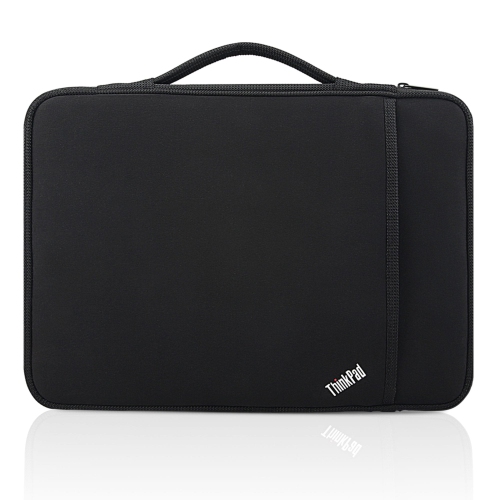 Your price for this item is $43.68
 -
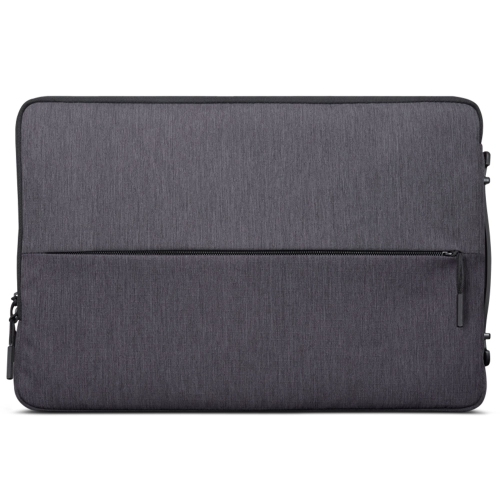 Your price for this item is $23.99
 -
 Your price for this item is $64.99
 -
 Your price for this item is $134.95
Discover more categories related to MacBook Accessories

Top Collections:
Pokemon Centers, Kindle Devices, Best Budget Office Chairs, Apple iPhones 16, Best Laptops for Writers, iPhone 15 Apple, Canon G7X Cameras, Refurbished Apple Laptops, Alarm Clock, Motorola Razr Phones
Some products may be subject to Environmental Handling Fees
(EHF) depending on your province.
Learn more about EHFs.