Macbook Air Covers
Protect your device in style with a macbook air cover designed to keep your laptop looking great wherever you go. Whether you're heading to class, the office, or a coffee shop, a reliable cover helps shield your MacBook Air from everyday bumps and scratches. Explore a variety of colors, designs, and materials to find the perfect fit for your personal taste and lifestyle. Shop the latest options and give your MacBook Air the protection it deserves.
Sort







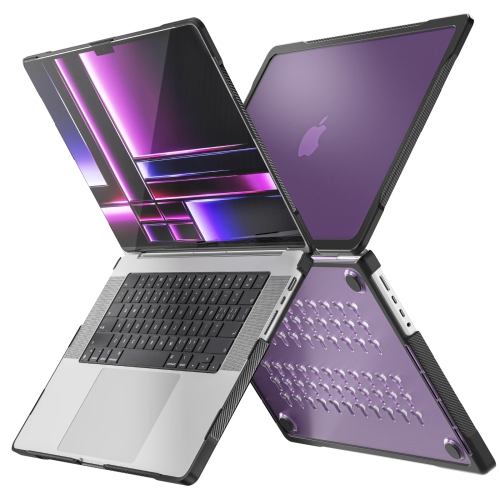


How shells and sleeves protect your laptop differently
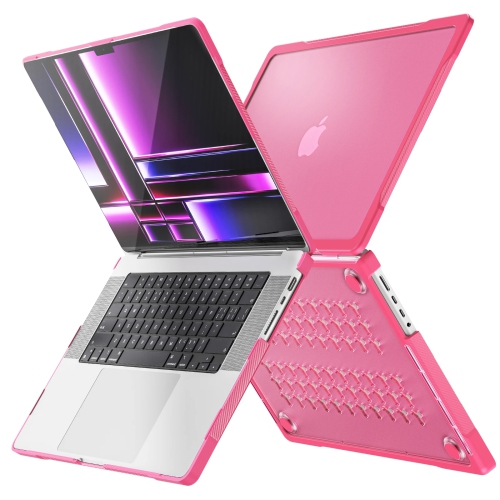
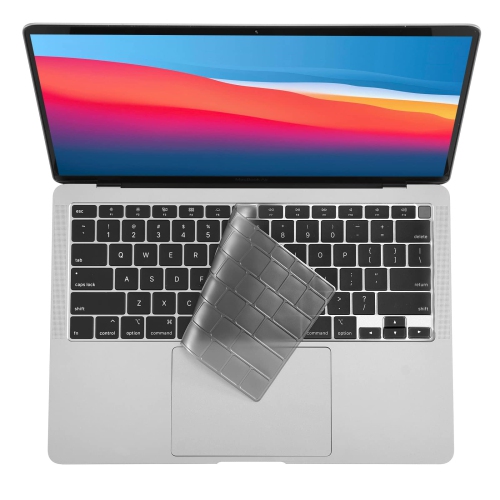
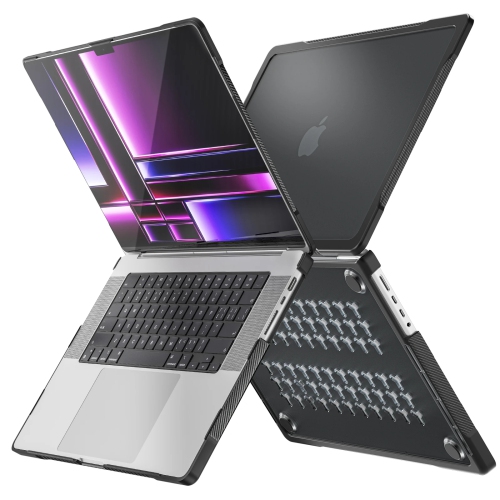
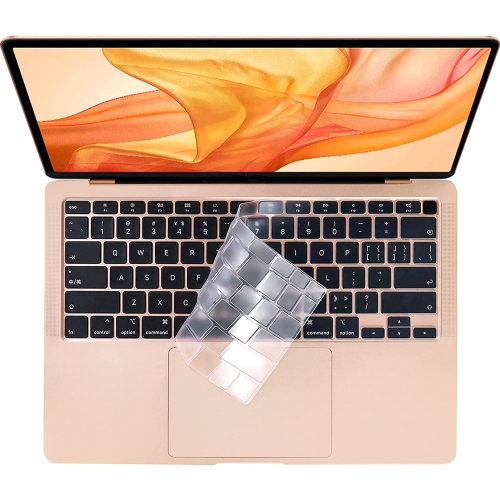
MacBook Air covers help protect the outside of a laptop from everyday scratches, scuffs and contact with other belongings, while adding a finish that suits its owner’s style. The main options include fitted hard-shell covers that attach to the computer and sleeves that hold it between uses. A fitted shell usually covers the lid and underside, leaving the keyboard, trackpad and screen accessible while the laptop is open. A sleeve surrounds the closed computer for carrying or storage and is normally removed before use. These formats serve different purposes: a shell provides surface coverage while moving between desks, while a padded sleeve adds separation from notebooks, charging cables and other contents in a bag. Fit is especially important because laptops with the same screen size can have different body dimensions, corner shapes, port layouts and hinge designs. Compatibility should match the exact model and generation, rather than relying only on a screen measurement or a photograph. Model details in the computer’s system information can help distinguish versions that look similar at a glance. For the larger size, MacBook Air 15 inch covers provide a more focused category to explore, although compatibility still depends on the individual cover’s specifications. A properly matched shell should attach without force, keep ports accessible and allow the display to open and close without rubbing or resistance. Its edges should sit evenly rather than bowing away from the laptop or pressing against the display. Sleeve sizing needs a slightly different approach: internal dimensions matter more than external measurements, and extra room may be necessary when the computer already has a fitted shell. A snug sleeve limits movement, but an overly tight opening can make packing awkward or put pressure on the corners. For a laptop that travels from a kitchen table to a lecture hall or shared office, these details make the difference between protection that fits naturally into the routine and a cover that gets in the way.
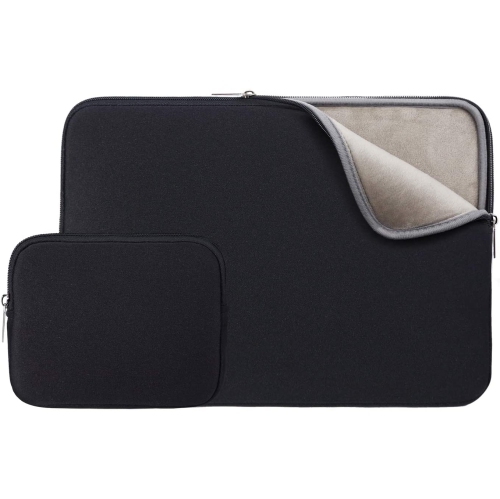
Materials influence how a cover feels in the hand, how much bulk it adds and how it handles repeated use. Rigid polycarbonate shells offer a structured outer layer that helps shield the laptop’s finish from light abrasion. Flexible materials, including thermoplastic polyurethane, may appear around edges or corners, where a little give can make attachment and removal easier. Neither material alone establishes how well a cover will perform in a fall; construction, coverage and any documented testing are more useful indicators than thickness or appearance. Clear finishes leave the laptop’s original colour visible, while opaque colours and printed patterns create a more distinct look. Matte and textured surfaces can make fingerprints less noticeable or offer a less slippery feel, although the texture and coating determine the result. A glossy cover has a smooth finish but may show fine marks more readily under direct light. Sleeves offer another range of materials and construction details. Woven fabric, felt, neoprene and leather or leather-look finishes each have a different balance of structure, softness and care requirements. The lining matters as much as the outside: a smooth interior without exposed hardware helps reduce rubbing against the laptop’s finish. Padding around the perimeter can separate the corners from nearby objects, while reinforced seams help the sleeve hold its shape through frequent packing. Zippers, magnetic closures and fold-over flaps also change the experience of everyday use. A zipper with a protective inner strip can help keep its teeth away from the computer, and a wide opening makes removal easier on a crowded desk. An accessory pocket can be convenient for a cable or small adapter, but tightly packing bulky accessories against the laptop may create unwanted pressure. Water-resistant fabric can offer limited protection from incidental splashes when specified by the manufacturer; it should not be confused with a waterproof enclosure or treated as permission to carry liquids alongside the computer.
The most useful MacBook Air cover is one that matches how the laptop is handled, carried and put away. Students moving between classrooms may appreciate a slim shell that stays attached during note-taking, paired with a sleeve that separates the computer from books in a backpack. Someone working between home and an office may prefer a plain finish and a padded sleeve that slides easily into a briefcase. For frequent travel, the combined dimensions of the laptop, shell and sleeve need to fit the intended bag compartment without forcing the zipper closed. A cover can also be a thoughtful gift for someone starting a course, taking on a new role or using a laptop for creative projects, provided the exact computer model is known. Colour and pattern make the gift personal, but accurate fit remains the essential detail. Day-to-day care helps both the cover and the computer stay in good condition. Dust or grit caught beneath a fitted shell can rub against the finish, so occasional removal and cleaning according to the manufacturer’s directions is worthwhile. The laptop should be placed on a clean, stable surface while the cover is detached, and clips should be released gently rather than pulled abruptly. A soft cloth is often suitable for surface dust, while stains and spills require care appropriate to the material; harsh cleaners and abrasive pads can damage coatings or finishes. Fabric sleeves should be completely dry before the computer goes back inside, and loose debris should be cleared from seams and pockets. Cracked clips, distorted edges or worn closures are signs that a cover may no longer hold securely. Added thickness and weight also deserve attention, particularly around the lid and hinge. A cover should never need force to stay attached or interfere with normal movement. Keeping the fit comfortable, the interior clean and expectations realistic allows a cover to provide useful everyday protection without making a lightweight laptop cumbersome to carry.
Materials influence how a cover feels in the hand, how much bulk it adds and how it handles repeated use. Rigid polycarbonate shells offer a structured outer layer that helps shield the laptop’s finish from light abrasion. Flexible materials, including thermoplastic polyurethane, may appear around edges or corners, where a little give can make attachment and removal easier. Neither material alone establishes how well a cover will perform in a fall; construction, coverage and any documented testing are more useful indicators than thickness or appearance. Clear finishes leave the laptop’s original colour visible, while opaque colours and printed patterns create a more distinct look. Matte and textured surfaces can make fingerprints less noticeable or offer a less slippery feel, although the texture and coating determine the result. A glossy cover has a smooth finish but may show fine marks more readily under direct light. Sleeves offer another range of materials and construction details. Woven fabric, felt, neoprene and leather or leather-look finishes each have a different balance of structure, softness and care requirements. The lining matters as much as the outside: a smooth interior without exposed hardware helps reduce rubbing against the laptop’s finish. Padding around the perimeter can separate the corners from nearby objects, while reinforced seams help the sleeve hold its shape through frequent packing. Zippers, magnetic closures and fold-over flaps also change the experience of everyday use. A zipper with a protective inner strip can help keep its teeth away from the computer, and a wide opening makes removal easier on a crowded desk. An accessory pocket can be convenient for a cable or small adapter, but tightly packing bulky accessories against the laptop may create unwanted pressure. Water-resistant fabric can offer limited protection from incidental splashes when specified by the manufacturer; it should not be confused with a waterproof enclosure or treated as permission to carry liquids alongside the computer.
The most useful MacBook Air cover is one that matches how the laptop is handled, carried and put away. Students moving between classrooms may appreciate a slim shell that stays attached during note-taking, paired with a sleeve that separates the computer from books in a backpack. Someone working between home and an office may prefer a plain finish and a padded sleeve that slides easily into a briefcase. For frequent travel, the combined dimensions of the laptop, shell and sleeve need to fit the intended bag compartment without forcing the zipper closed. A cover can also be a thoughtful gift for someone starting a course, taking on a new role or using a laptop for creative projects, provided the exact computer model is known. Colour and pattern make the gift personal, but accurate fit remains the essential detail. Day-to-day care helps both the cover and the computer stay in good condition. Dust or grit caught beneath a fitted shell can rub against the finish, so occasional removal and cleaning according to the manufacturer’s directions is worthwhile. The laptop should be placed on a clean, stable surface while the cover is detached, and clips should be released gently rather than pulled abruptly. A soft cloth is often suitable for surface dust, while stains and spills require care appropriate to the material; harsh cleaners and abrasive pads can damage coatings or finishes. Fabric sleeves should be completely dry before the computer goes back inside, and loose debris should be cleared from seams and pockets. Cracked clips, distorted edges or worn closures are signs that a cover may no longer hold securely. Added thickness and weight also deserve attention, particularly around the lid and hinge. A cover should never need force to stay attached or interfere with normal movement. Keeping the fit comfortable, the interior clean and expectations realistic allows a cover to provide useful everyday protection without making a lightweight laptop cumbersome to carry.
Top selling and popular products
-
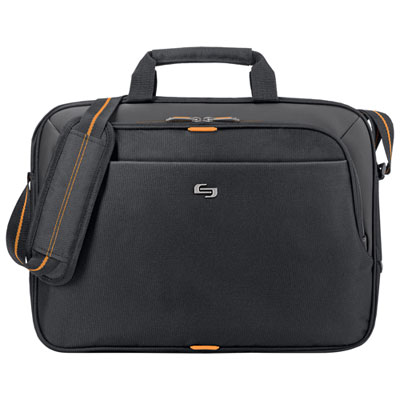 Your price for this item is $59.99
-
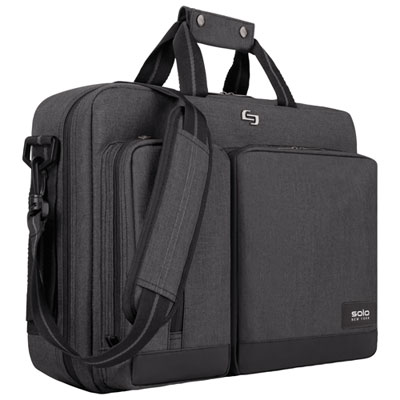 Your price for this item is $119.99
-
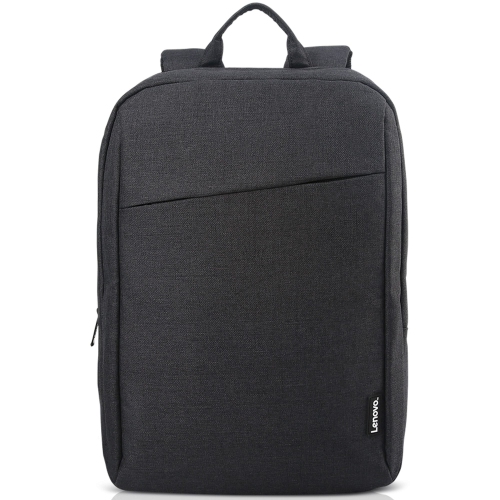 Your price for this item is $44.68
-
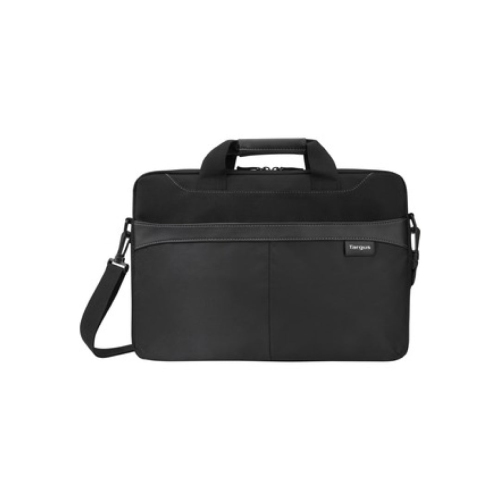 Your price for this item is $42.99
-
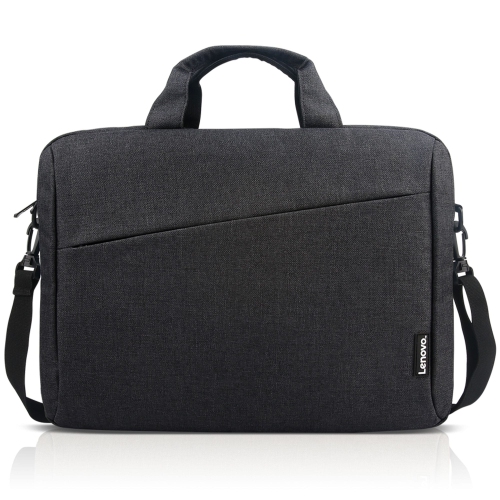 Your price for this item is $28.99
-
 Your price for this item is $83.99
-
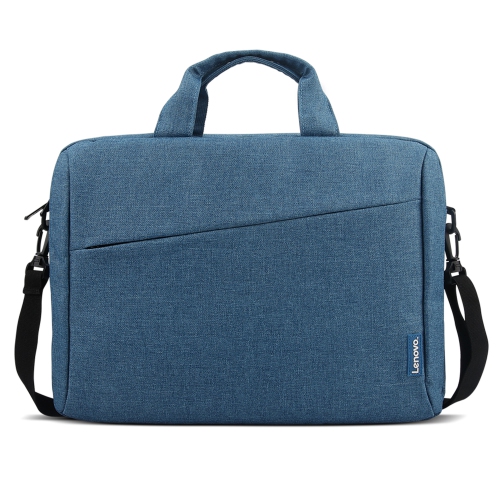 Your price for this item is $21.99
-
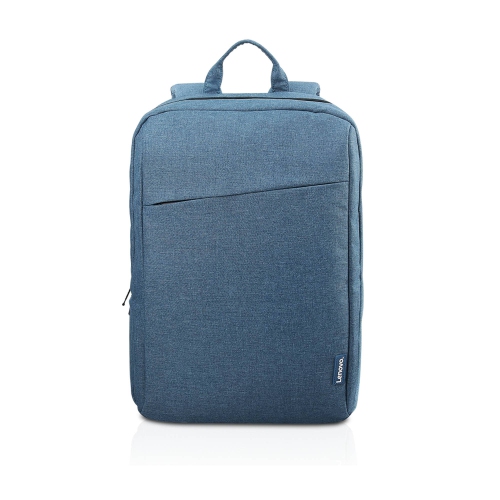 Your price for this item is $18.89
Discover more categories related to Macbook Air Covers
Top Collections:
Best Black Friday Deals This Year, Best Black Friday Deals On Electronics, Kindle Devices, Pokemon Centers, Best Black Friday Deals On Apple Products, Best Cameras for Sports Photography, Dyson Airwrap, Pokémon 30th Celebration Cards, Apple iPhone 17 Pro, Canon G7X Cameras
Some products may be subject to Environmental Handling Fees
(EHF) depending on your province.
Learn more about EHFs.