Macbook Air M2 Accessories
Enhance your Macbook Air M2 experience with a wide range of accessories designed to elevate your productivity and style. From sleek protective cases to versatile docking stations, this collection offers everything you need to customize and optimize your device. Whether you're a student, professional, or creative, these accessories are crafted to enhance your daily workflow and make every task a breeze. Discover the perfect complement to your Macbook Air M2 and unlock its full potential with these must-have accessories.
Sort




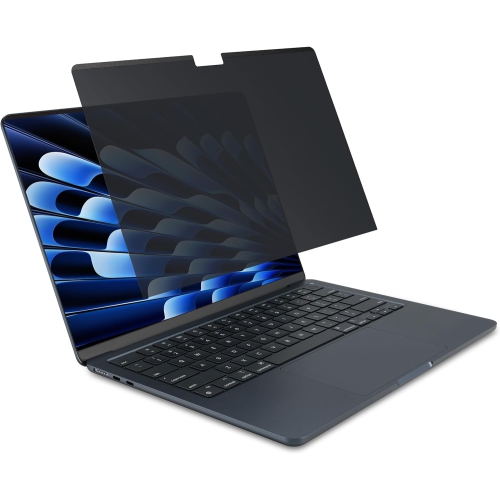


![DOLAER USB C Cable 6.6Ft [60W/3A], Type C to C Cord Fast Charging for Macbook Pro, Macbook Air, New Ipad Pro 12.9/11, Air 5Th/ 4Th, Mini 6, Samsung](https://multimedia.bbycastatic.ca/multimedia/products/500x500/165/16580/16580604.jpeg)
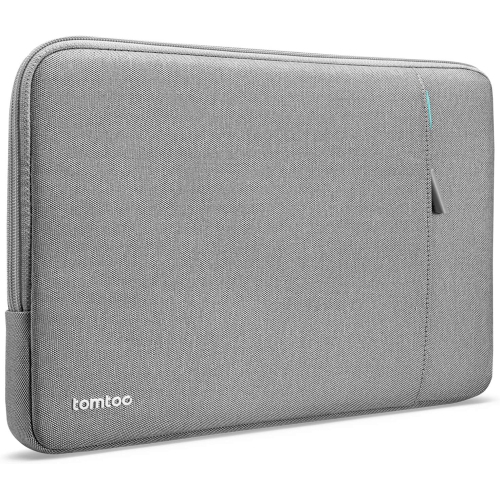
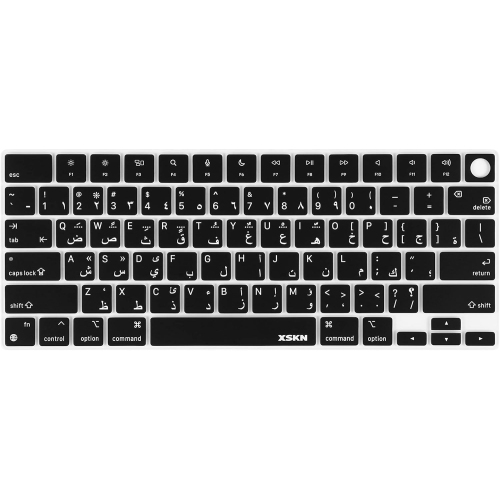
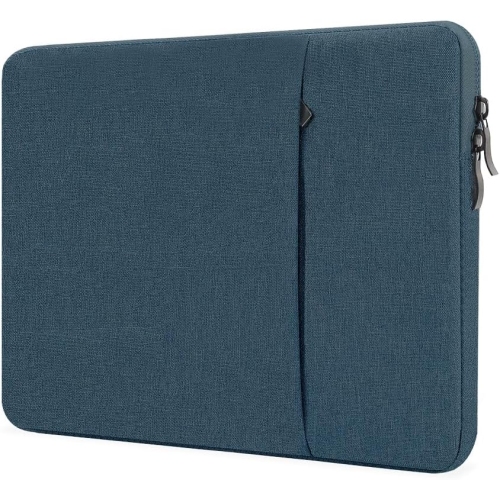
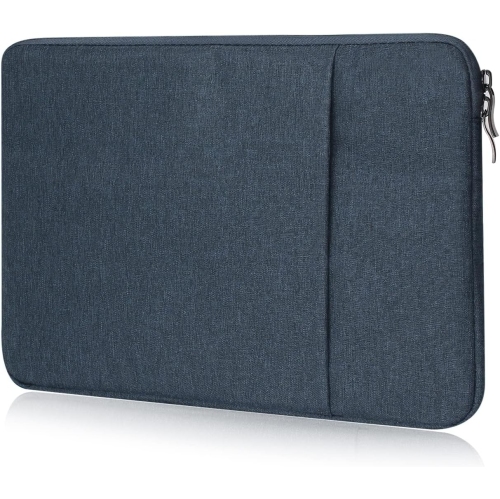


From travel protection to a more comfortable workstation
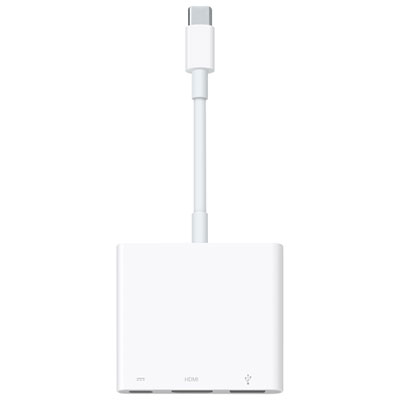
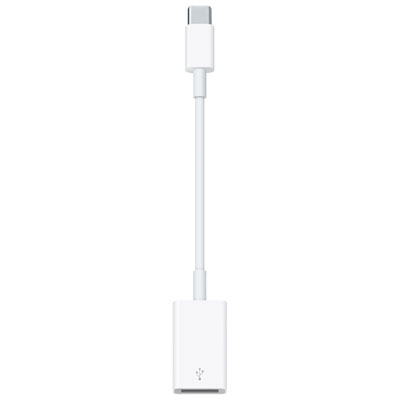
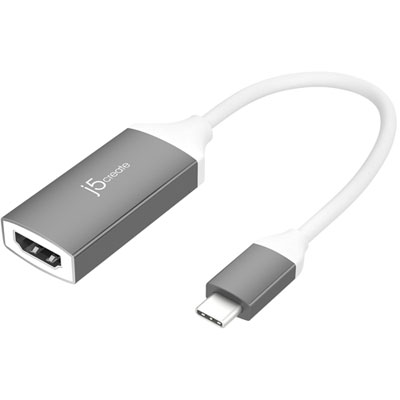
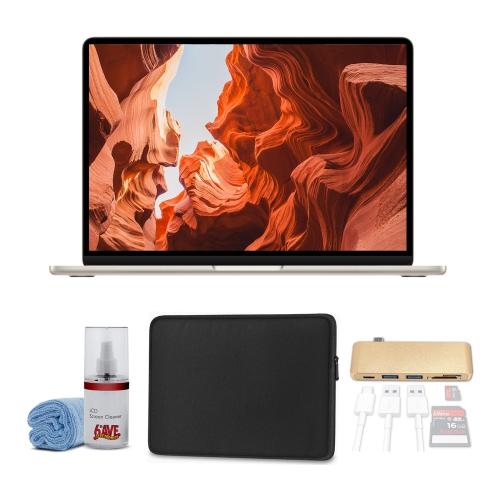
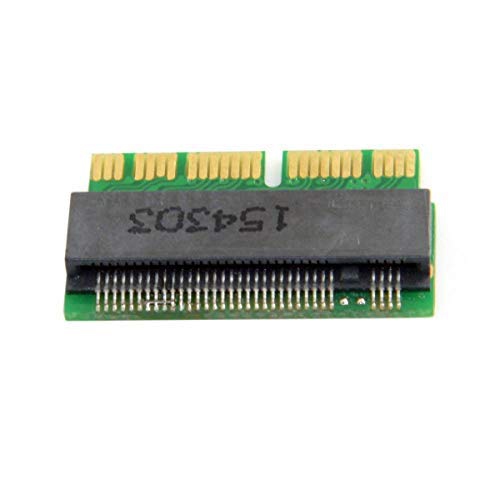
MacBook Air M2 accessories can make a lightweight laptop more comfortable to carry, easier to connect and better suited to the way you work, study or create. The right additions depend on where the computer is used most often. Someone moving between a home office, classroom and café may value a slim sleeve, compact charging setup and a multi-port USB-C hub, while a person who works mainly at a desk may prefer a laptop stand, external keyboard and wireless mouse. Since the MacBook Air M2 has a streamlined selection of built-in connections, a USB-C hub or adapter can be especially useful for bringing familiar ports to your setup. Look for the connections you use regularly, such as USB-A for older accessories, HDMI for an external display, an SD card slot for photography equipment, or additional USB-C ports for charging and data transfer. A compact design is convenient for travel, but a larger hub may offer more connections for a permanent workstation. Check that the hub supports the type of display resolution, memory card and transfer speed you need, and consider whether it allows pass-through charging so you can power the laptop while other accessories are connected. Keeping the hub, charging cable and any small adapters together in a pouch can also prevent the familiar scramble through a backpack when you need to present, upload files or connect to a projector.
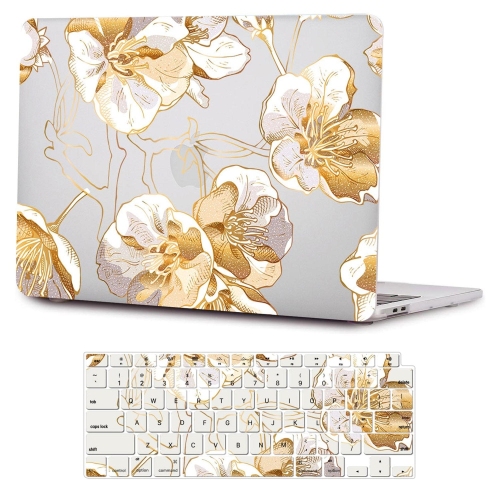
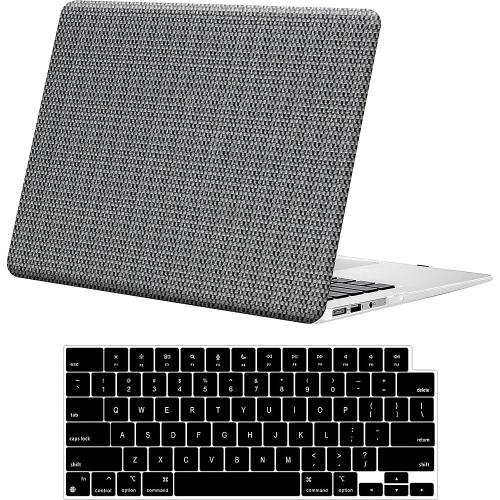
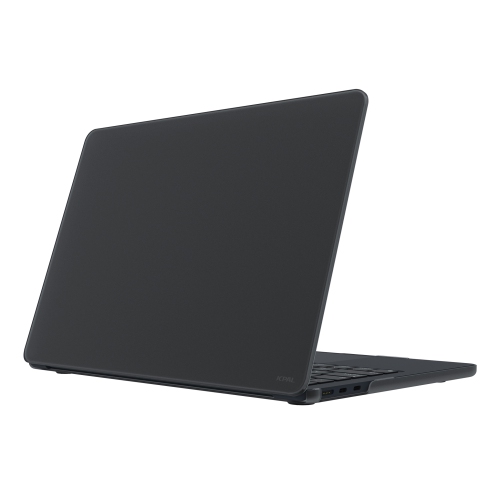
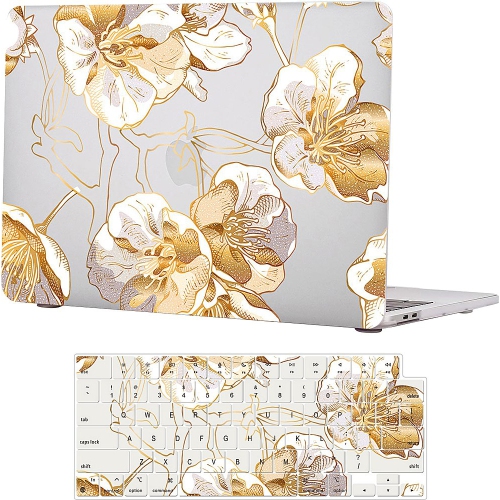
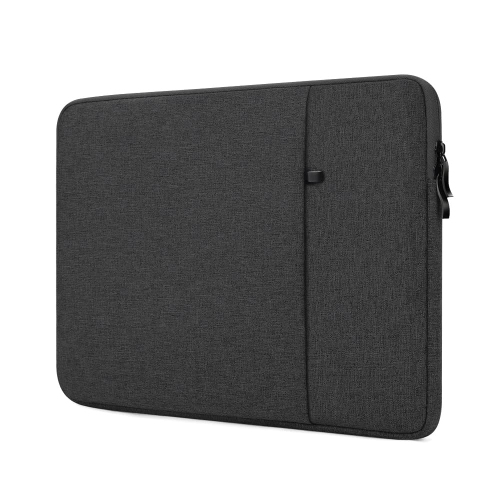
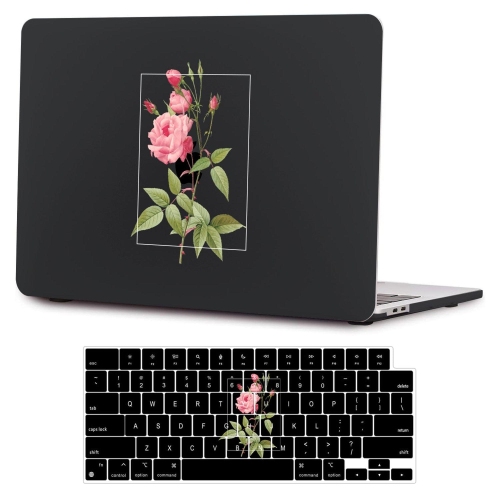
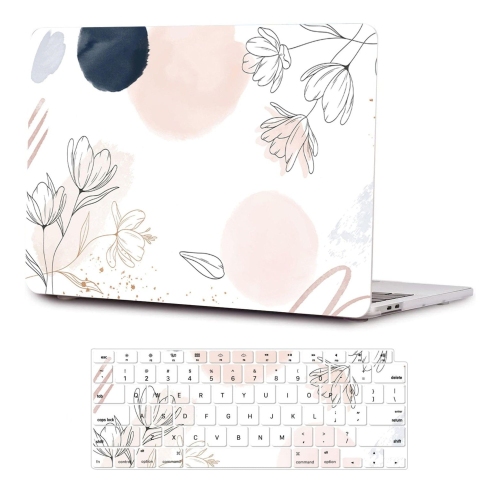
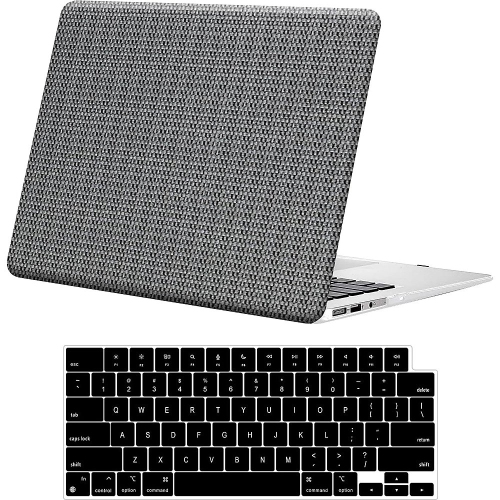
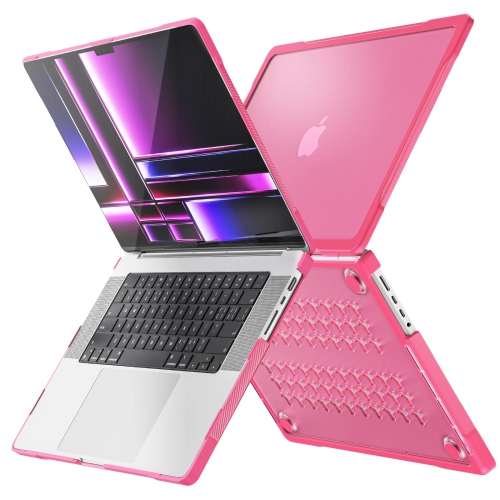
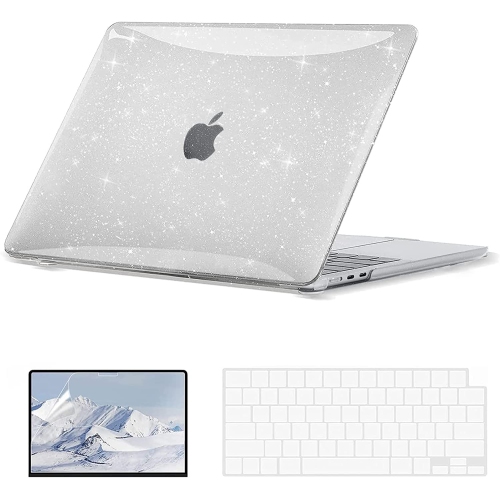
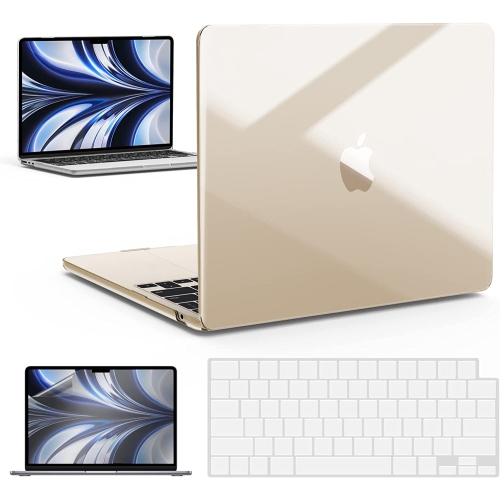
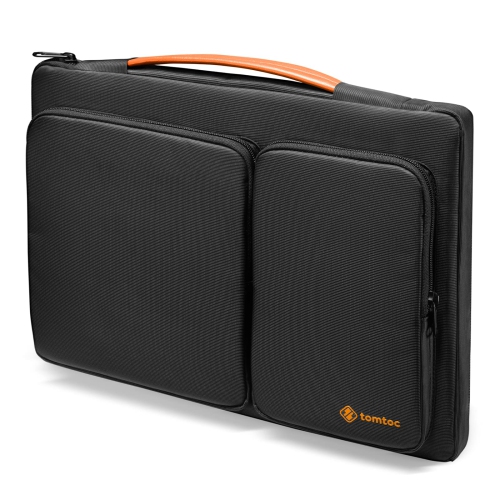
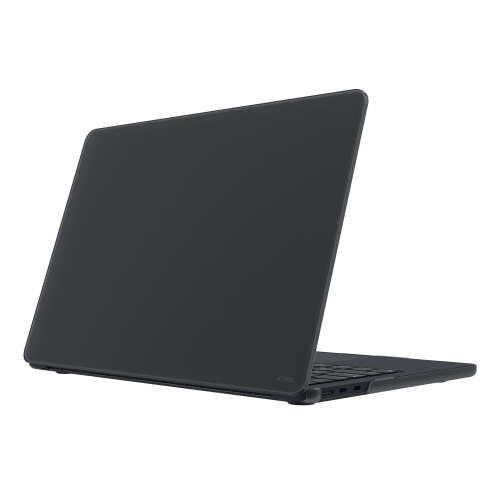
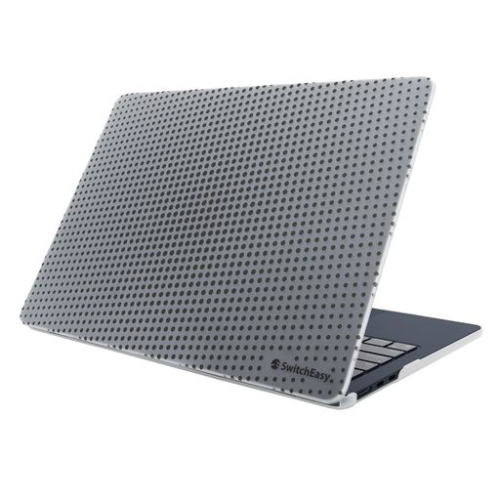
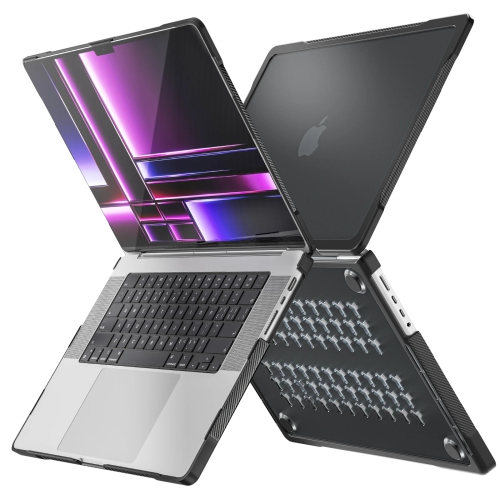
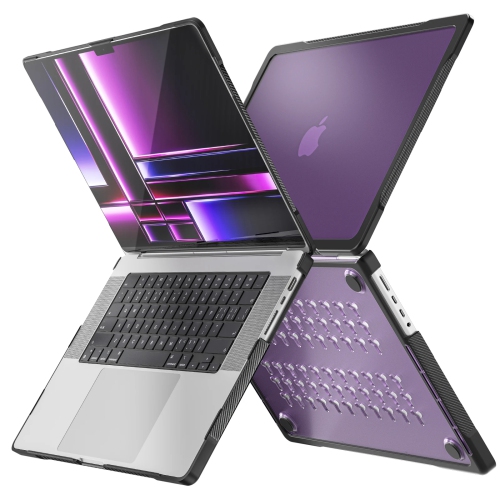
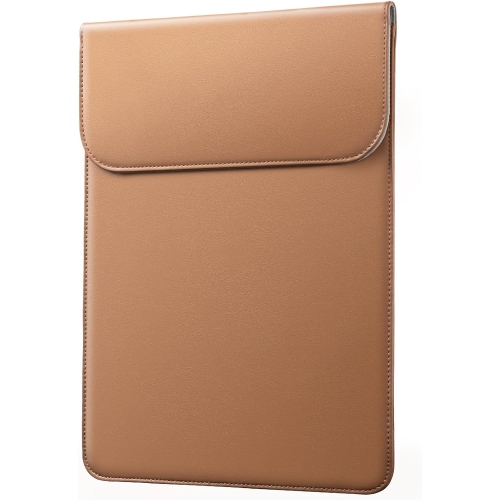
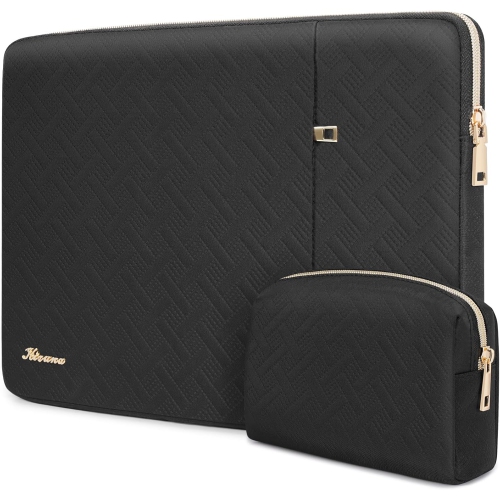
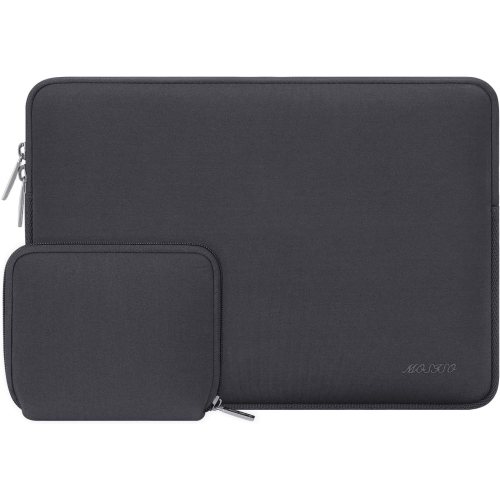
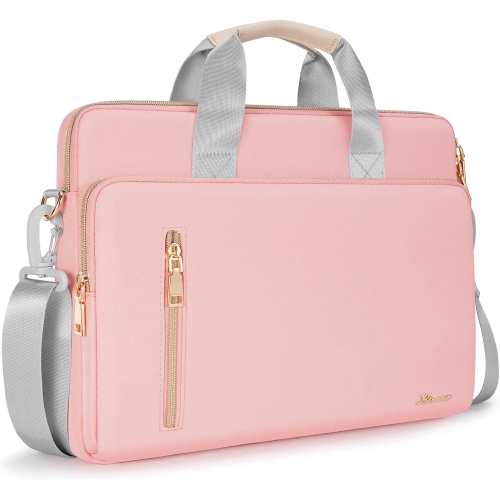
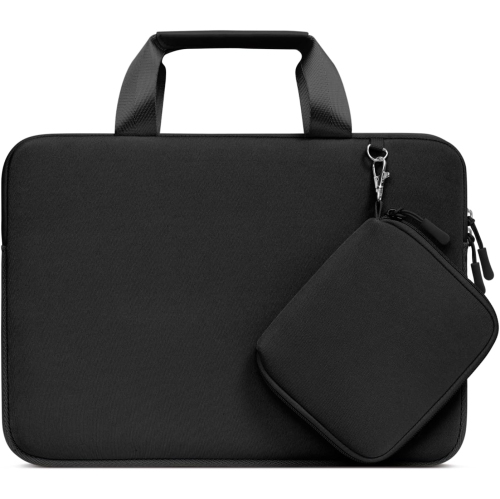
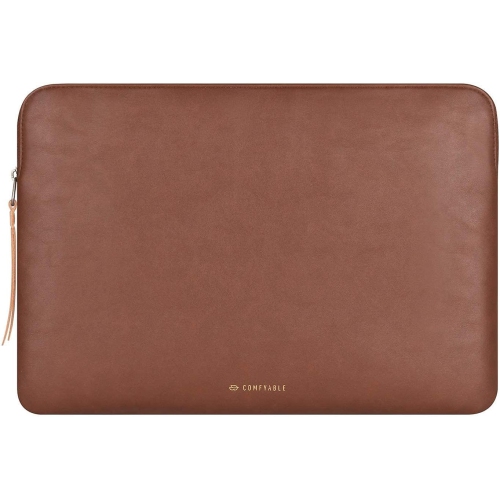
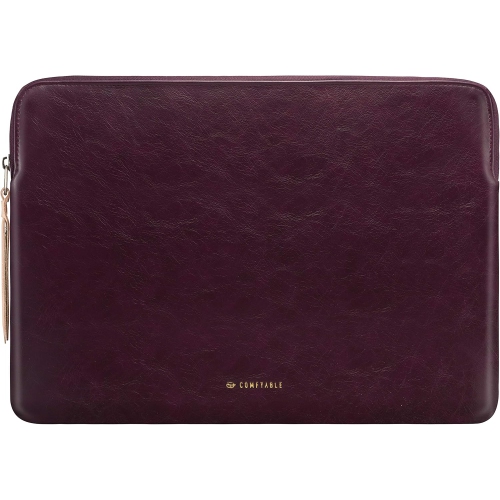
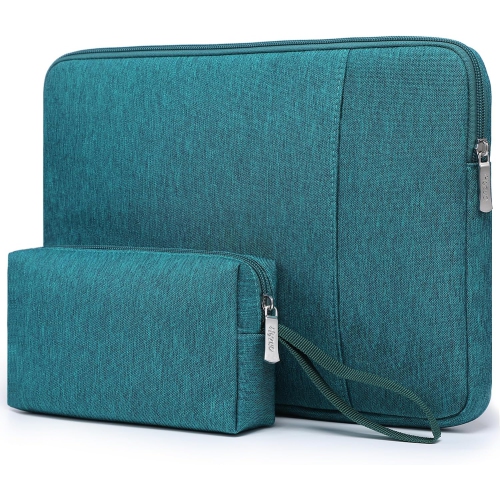
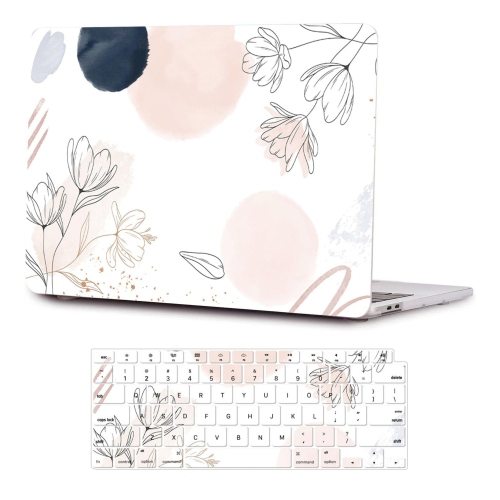
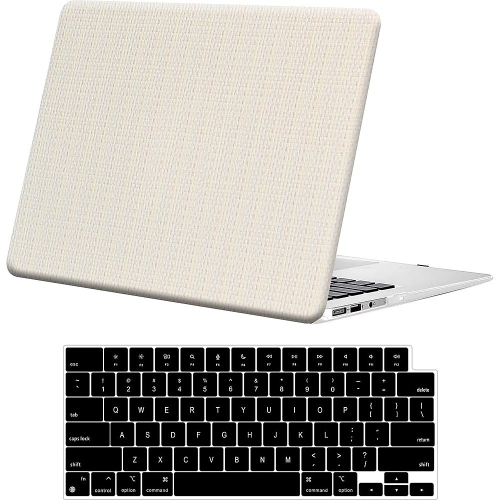
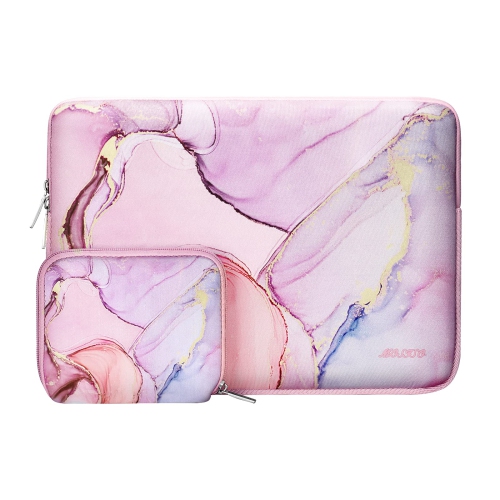
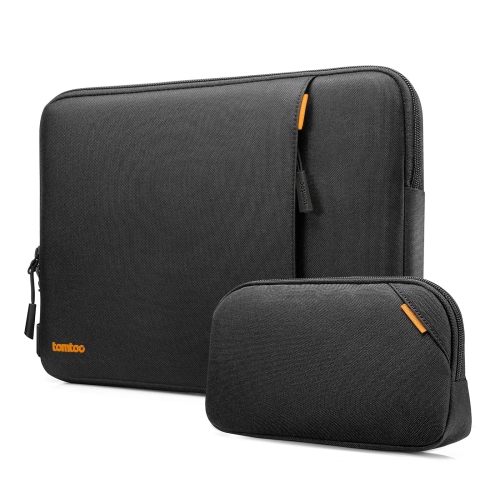
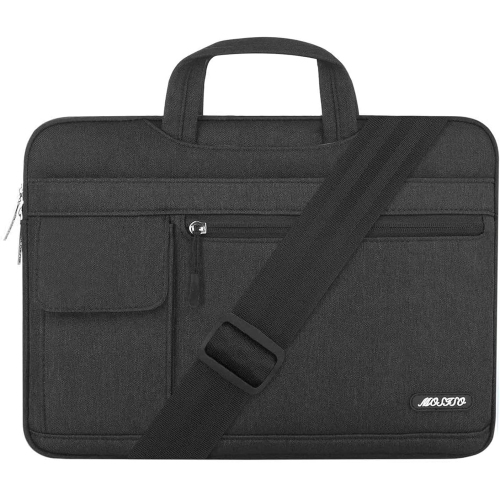
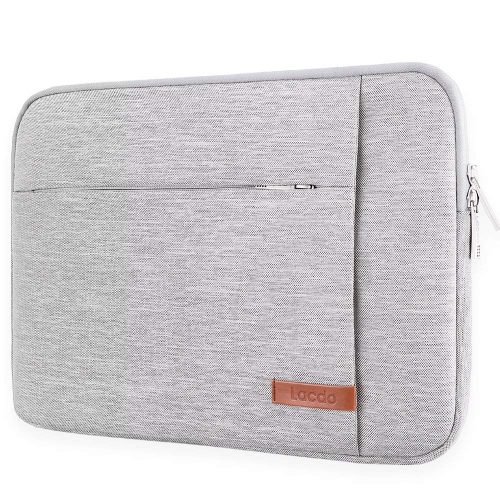
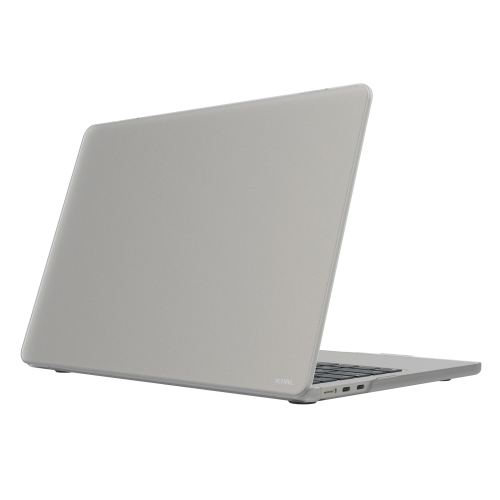
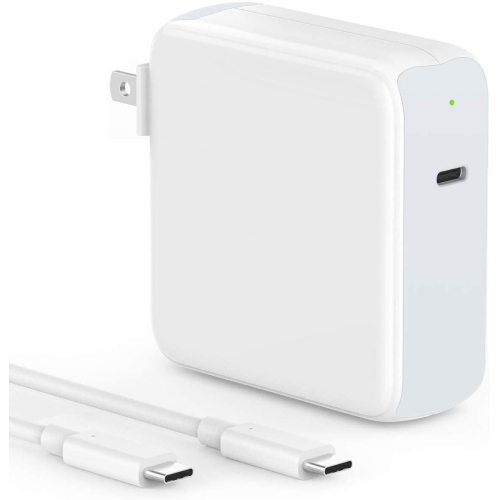
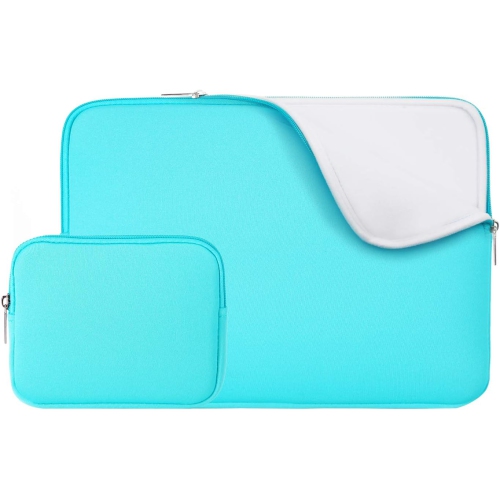
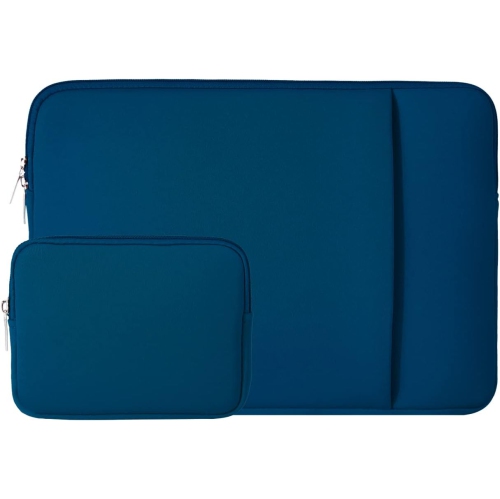
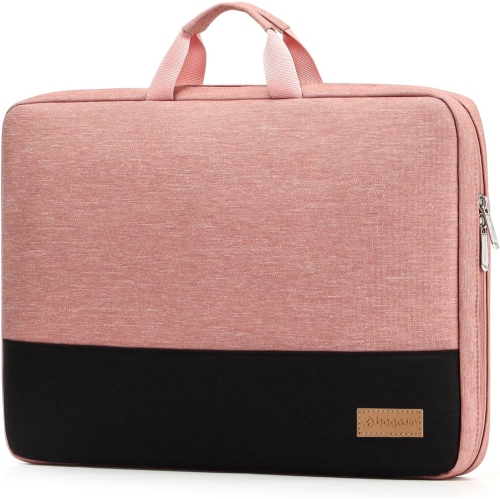
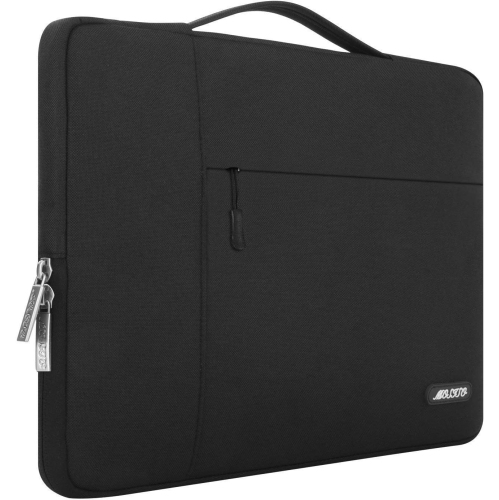
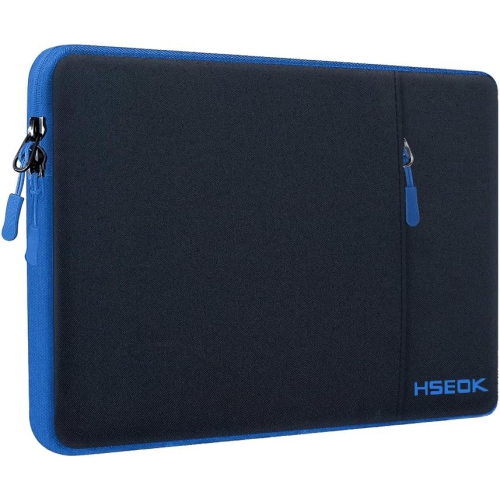
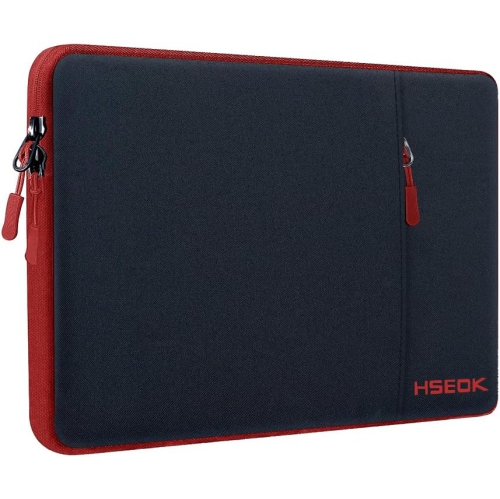
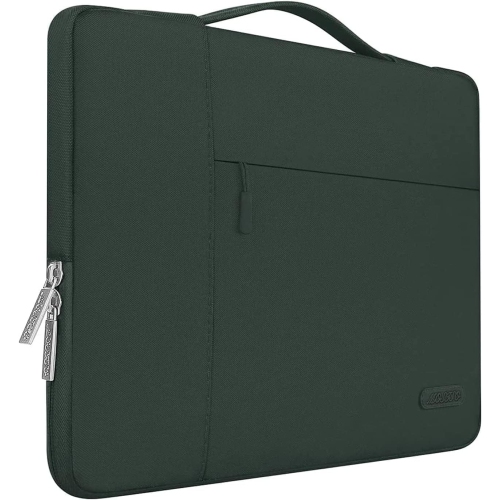
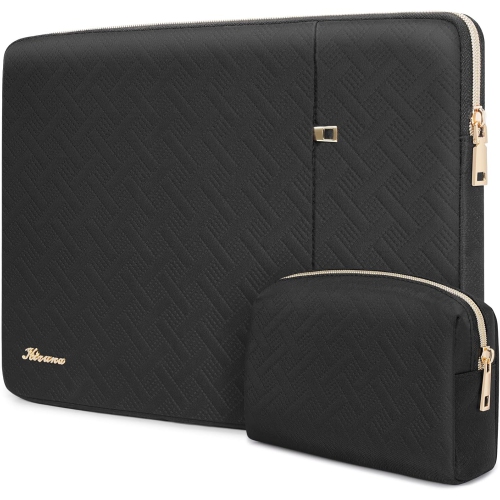
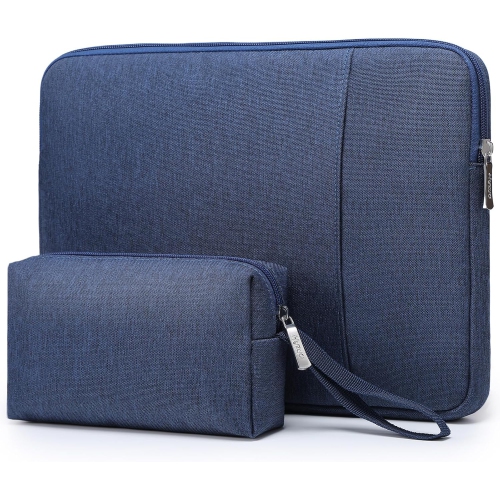
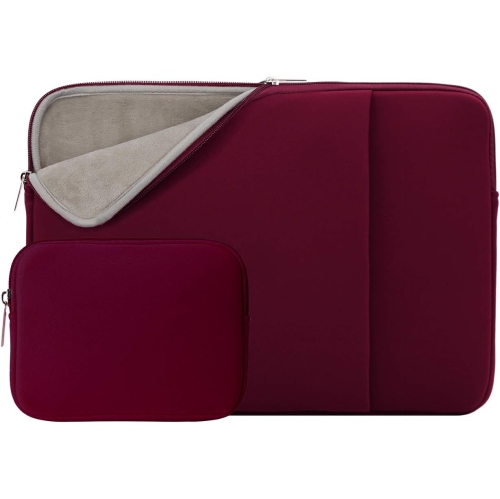
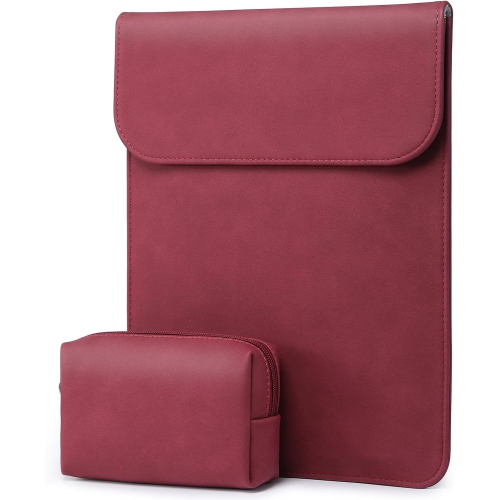
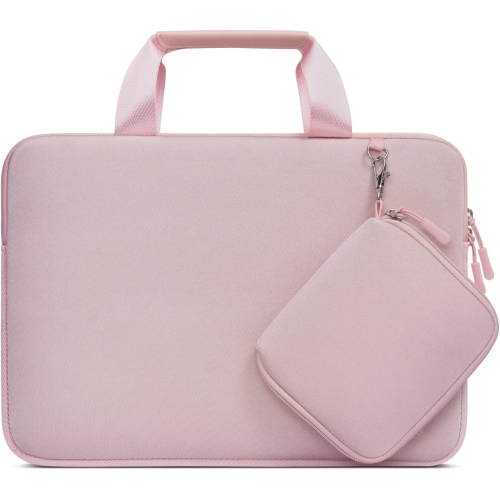
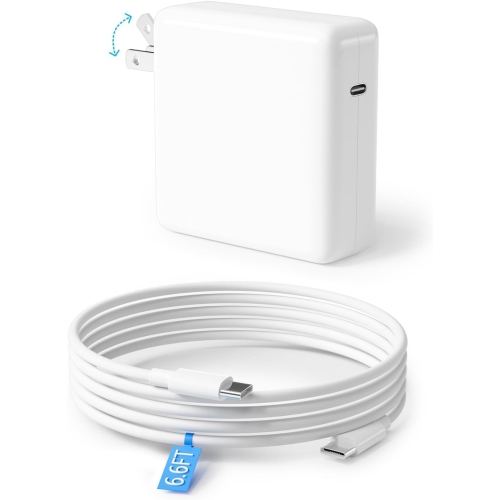
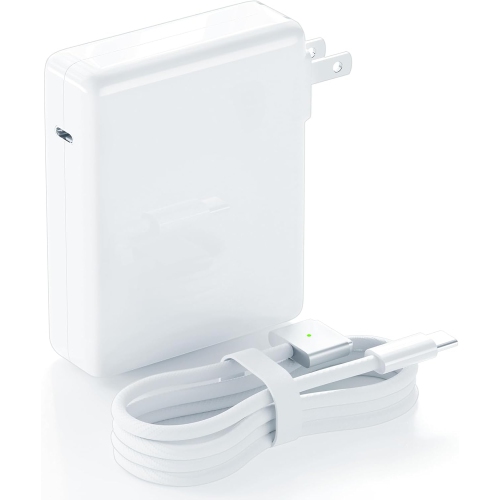
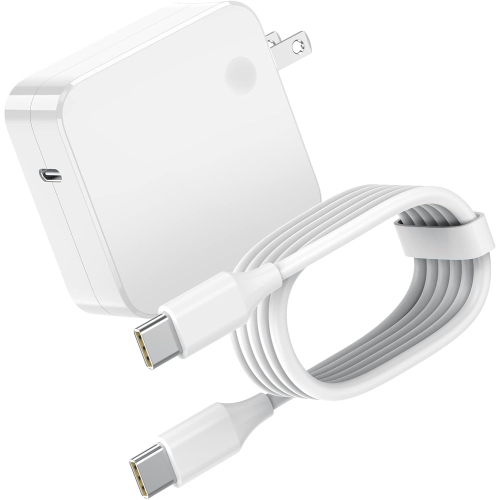
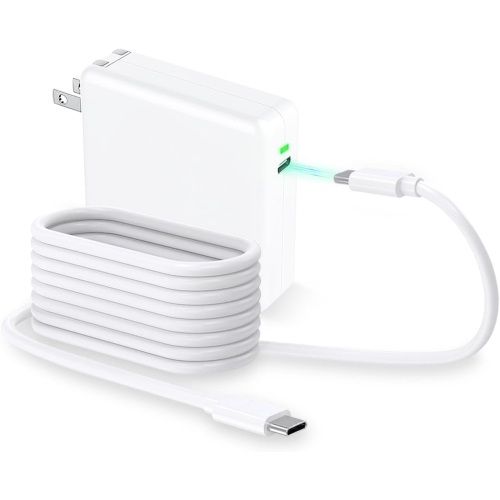
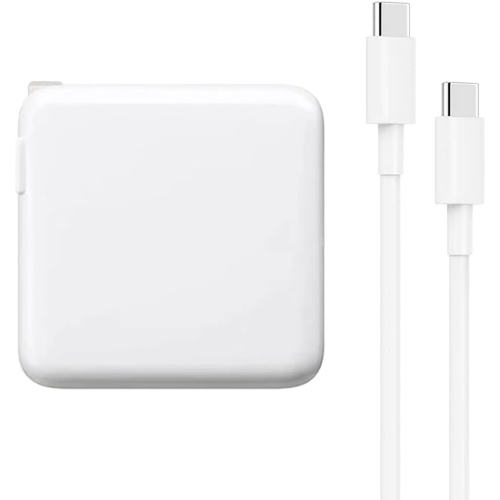
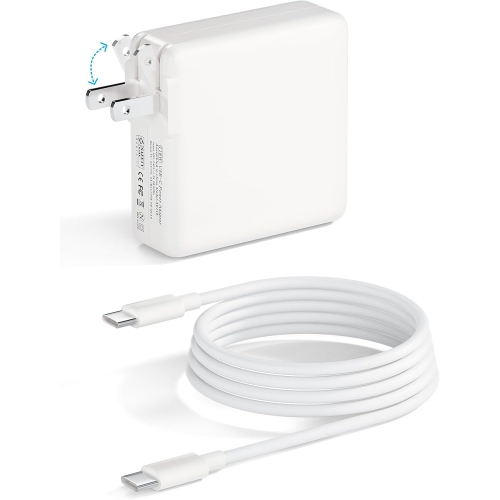
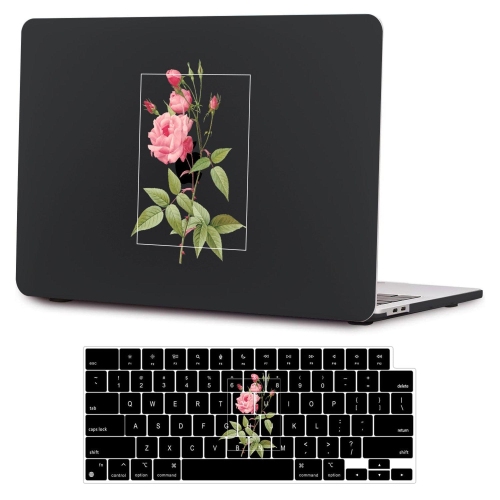
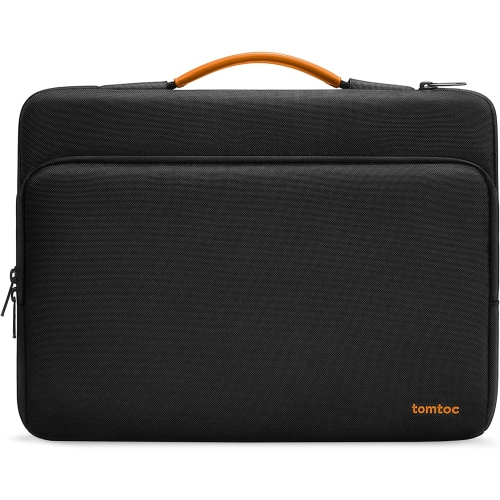
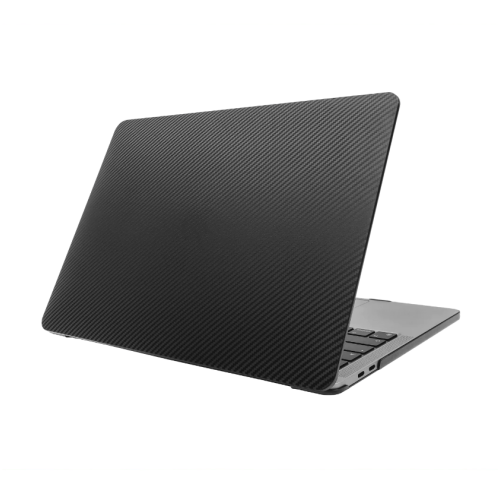
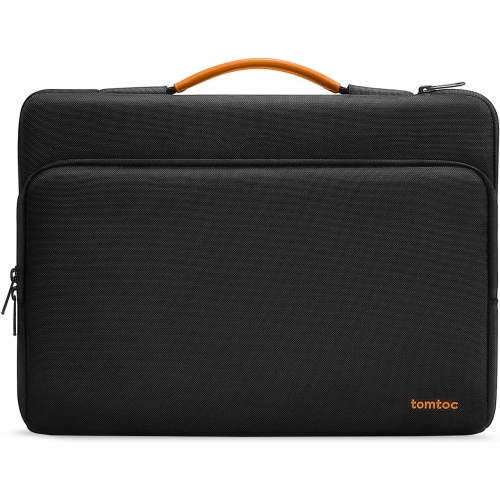
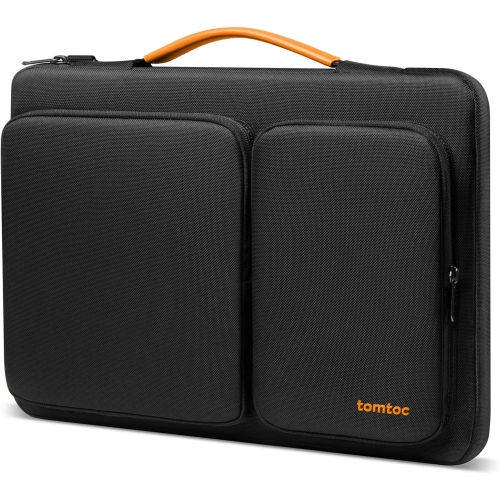
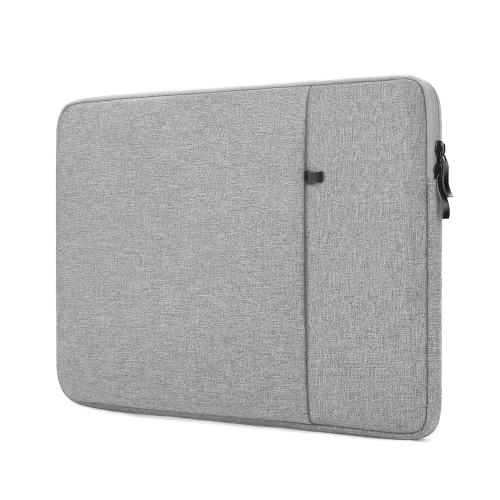
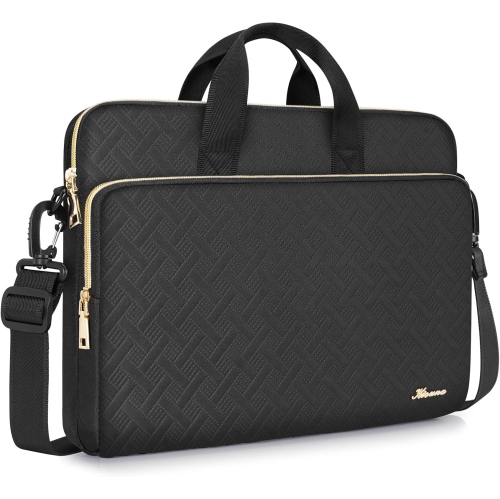
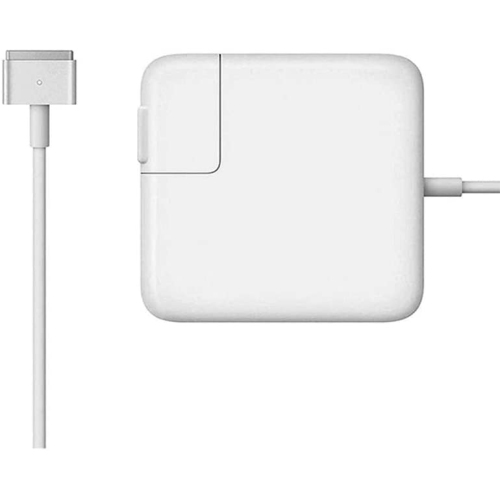
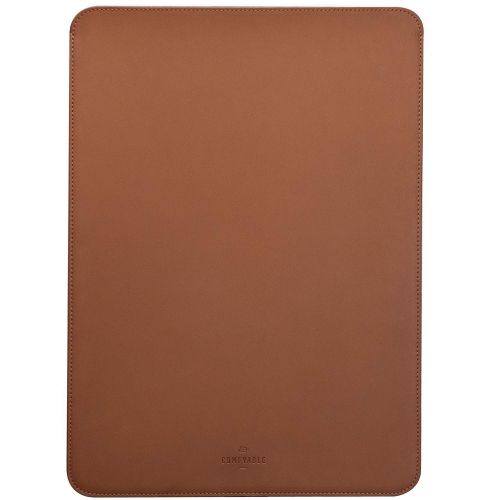
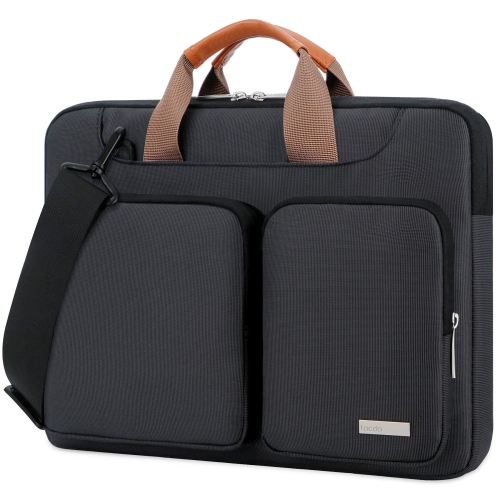
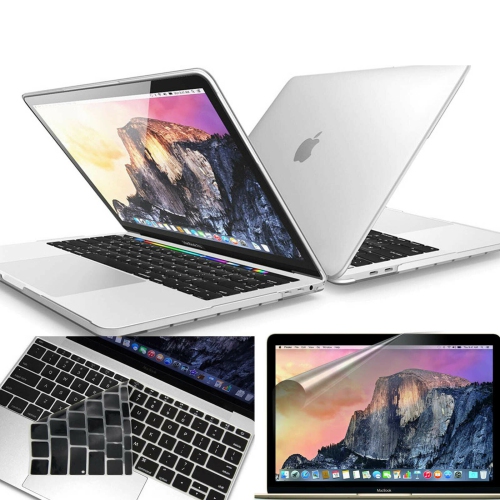
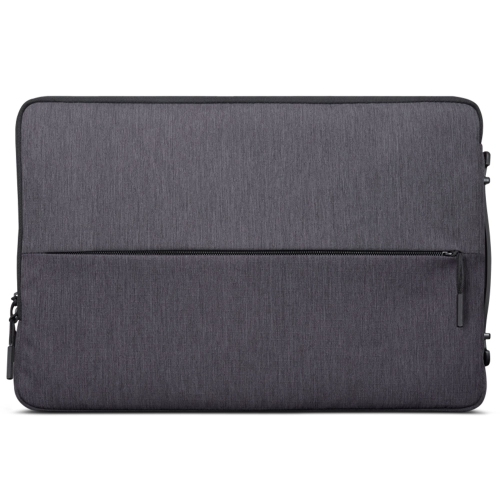
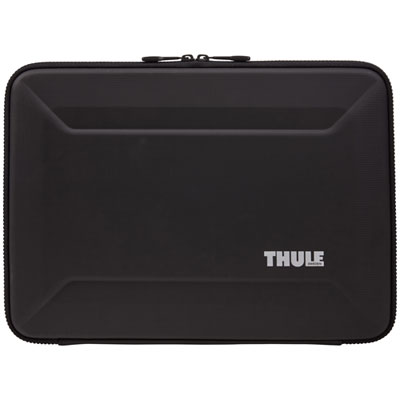
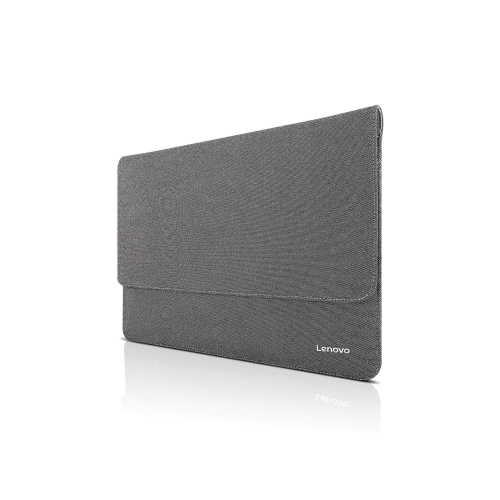
Charging accessories are another practical way to tailor a MacBook Air M2 to daily routines. A USB-C power adapter with suitable wattage can help keep the laptop ready for work, video calls and study sessions, while a spare cable can remain in a travel bag, office or living room rather than moving from place to place. When choosing a charger, confirm that it provides enough power for the computer and any connected devices, and look for a cable length that suits the intended space: a shorter cable keeps a desk tidy, while a longer one can be helpful beside a sofa or in a hotel room. A protective sleeve is useful for anyone who carries a laptop between locations, whether that means commuting on public transit, heading to lectures or packing for a weekend away. Choose a snug, padded design with a secure closure and enough room for the laptop without allowing it to slide around. A separate compartment can hold a charger, hub or documents, although an overfilled sleeve may place unnecessary pressure on the computer. For added protection when the laptop travels inside a larger bag, a backpack or messenger bag with a dedicated padded compartment can help reduce contact with books, keys and other daily essentials. Shoppers comparing laptop protection may also wish to explore MacBook Air M2 Cases to find an option suited to their preferred balance of coverage, weight and access to ports.
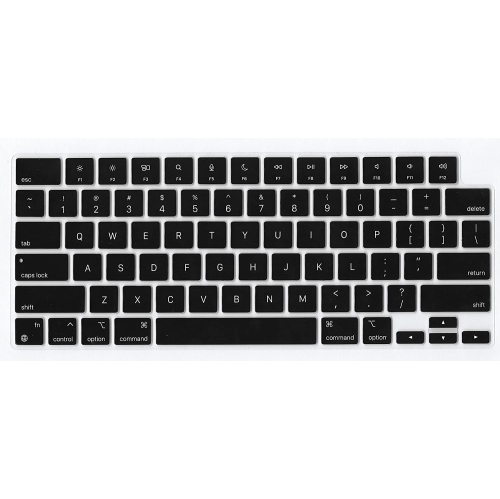
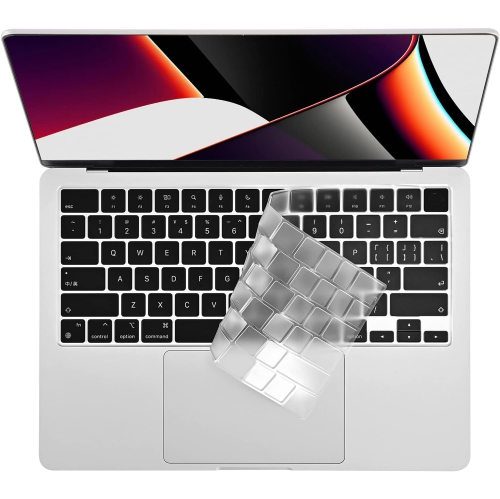
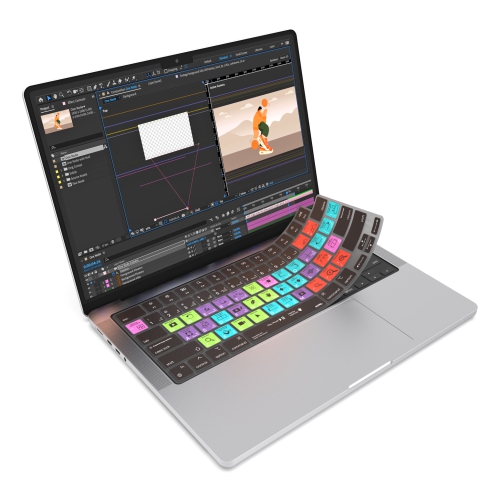
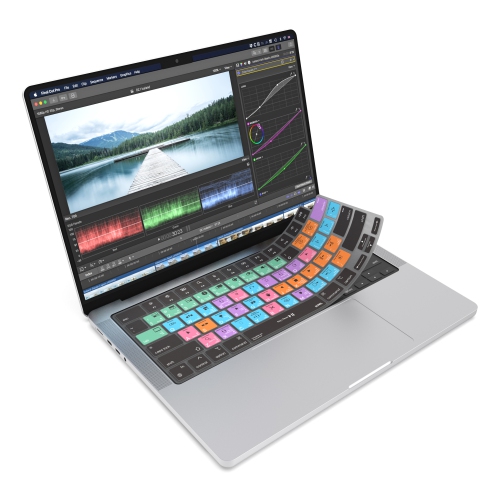
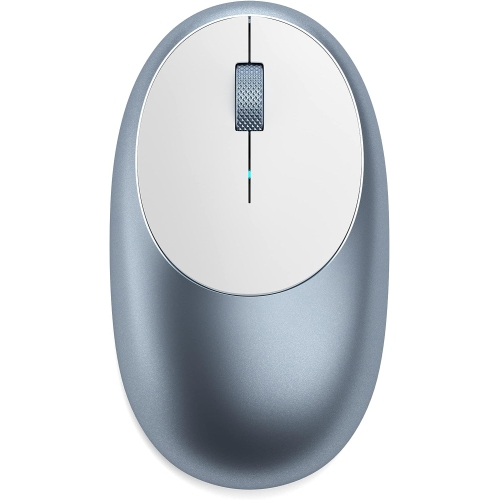
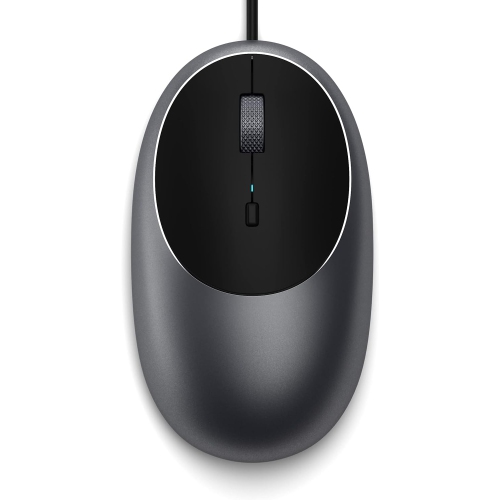
For longer work sessions, accessories that improve posture and control can make a noticeable difference. A laptop stand raises the screen closer to eye level, which can create a more natural viewing position when paired with an external keyboard and mouse. Choose a stable stand with a broad enough base for the laptop and a surface that helps prevent sliding or scratches. A folding design is convenient for shared workspaces and travel, while a more substantial stand can suit a dedicated desk. An external Bluetooth mouse may feel more precise for spreadsheets, design work, navigation and extended editing, particularly for people who prefer a traditional pointer over a trackpad. Consider its shape, size, button layout and battery or charging method, as comfort becomes more important during a full day of use. An external keyboard can complete a desktop arrangement and give users more flexibility in positioning the screen, while a monitor connection can create additional room for documents, research or creative projects. These accessories can be thoughtful gifts for a student starting a new course, a remote worker refining a home office, a photographer managing files or a family member preparing for travel during the cooler months. They are also easy to choose as practical additions because each one solves a clear everyday need without changing the laptop itself. Before buying, check compatibility with macOS, Bluetooth or USB-C requirements, display support and the physical dimensions of the MacBook Air M2. A well-matched collection of accessories should feel simple to use, easy to store and ready to support the moments when the laptop moves from a kitchen table to a meeting room, library desk or quiet corner at home.
Charging accessories are another practical way to tailor a MacBook Air M2 to daily routines. A USB-C power adapter with suitable wattage can help keep the laptop ready for work, video calls and study sessions, while a spare cable can remain in a travel bag, office or living room rather than moving from place to place. When choosing a charger, confirm that it provides enough power for the computer and any connected devices, and look for a cable length that suits the intended space: a shorter cable keeps a desk tidy, while a longer one can be helpful beside a sofa or in a hotel room. A protective sleeve is useful for anyone who carries a laptop between locations, whether that means commuting on public transit, heading to lectures or packing for a weekend away. Choose a snug, padded design with a secure closure and enough room for the laptop without allowing it to slide around. A separate compartment can hold a charger, hub or documents, although an overfilled sleeve may place unnecessary pressure on the computer. For added protection when the laptop travels inside a larger bag, a backpack or messenger bag with a dedicated padded compartment can help reduce contact with books, keys and other daily essentials. Shoppers comparing laptop protection may also wish to explore MacBook Air M2 Cases to find an option suited to their preferred balance of coverage, weight and access to ports.
For longer work sessions, accessories that improve posture and control can make a noticeable difference. A laptop stand raises the screen closer to eye level, which can create a more natural viewing position when paired with an external keyboard and mouse. Choose a stable stand with a broad enough base for the laptop and a surface that helps prevent sliding or scratches. A folding design is convenient for shared workspaces and travel, while a more substantial stand can suit a dedicated desk. An external Bluetooth mouse may feel more precise for spreadsheets, design work, navigation and extended editing, particularly for people who prefer a traditional pointer over a trackpad. Consider its shape, size, button layout and battery or charging method, as comfort becomes more important during a full day of use. An external keyboard can complete a desktop arrangement and give users more flexibility in positioning the screen, while a monitor connection can create additional room for documents, research or creative projects. These accessories can be thoughtful gifts for a student starting a new course, a remote worker refining a home office, a photographer managing files or a family member preparing for travel during the cooler months. They are also easy to choose as practical additions because each one solves a clear everyday need without changing the laptop itself. Before buying, check compatibility with macOS, Bluetooth or USB-C requirements, display support and the physical dimensions of the MacBook Air M2. A well-matched collection of accessories should feel simple to use, easy to store and ready to support the moments when the laptop moves from a kitchen table to a meeting room, library desk or quiet corner at home.
Top selling and popular products
-
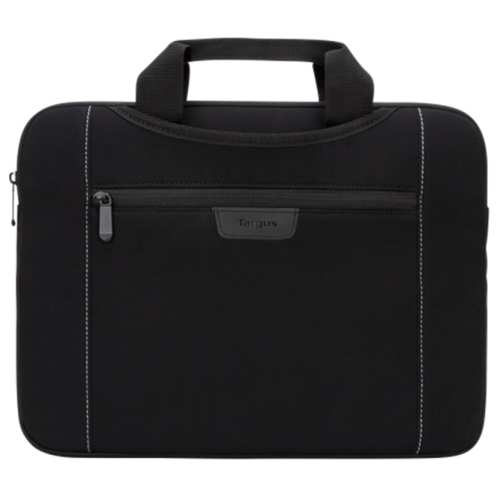 Your price for this item is $43.68
 -
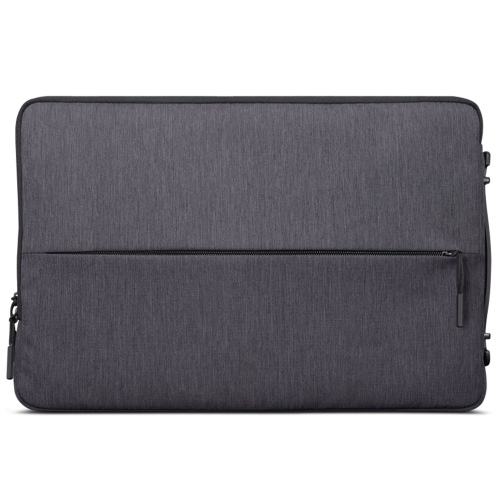 Your price for this item is $18.99
 -
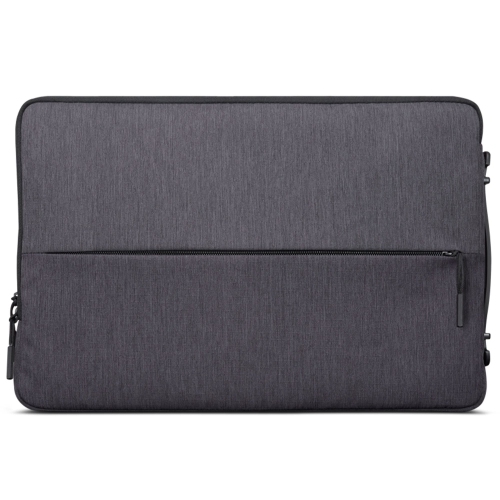 Your price for this item is $22.99
 -
 Your price for this item is $37
 -
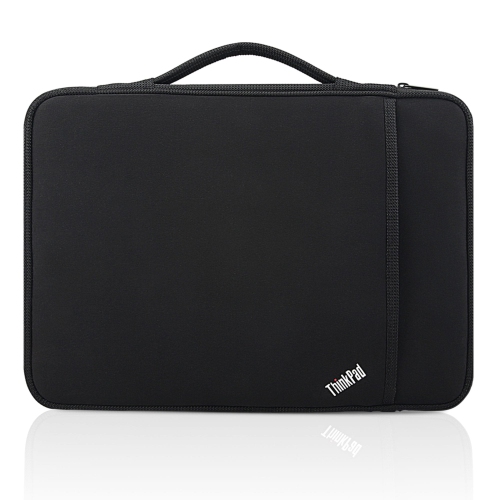 Your price for this item is $43.68
 -
 Your price for this item is $23.99
 -
 Your price for this item is $64.99
 -
 Your price for this item is $134.95
Discover more categories related to Macbook Air M2 Accessories

Top Collections:
Pokemon Centers, Kindle Devices, Best Budget Office Chairs, Apple iPhones 16, Best Laptops for Writers, iPhone 15 Apple, Canon G7X Cameras, Refurbished Apple Laptops, Alarm Clock, Motorola Razr Phones
Some products may be subject to Environmental Handling Fees
(EHF) depending on your province.
Learn more about EHFs.