Mechanical Keyboards for Mac
Enhance your typing experience with our selection of mechanical keyboards designed specifically for Mac users. Say goodbye to mushy keys and hello to tactile precision as you explore a variety of options that cater to your typing needs. Whether you're a gamer, coder, or simply looking to elevate your daily productivity, these mechanical keyboards offer durability, responsiveness, and customizable features to enhance your overall computing experience. Elevate your workspace with a mechanical keyboard that not only complements your Mac setup aesthetically but also delivers top-notch performance for all your typing tasks.
Sort



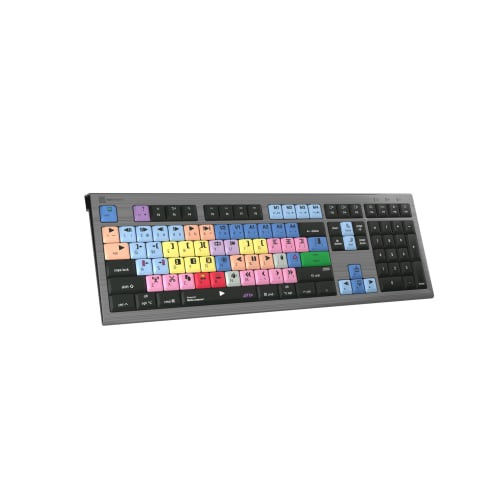


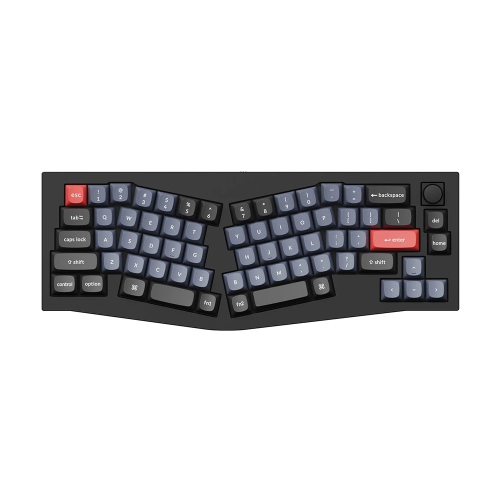
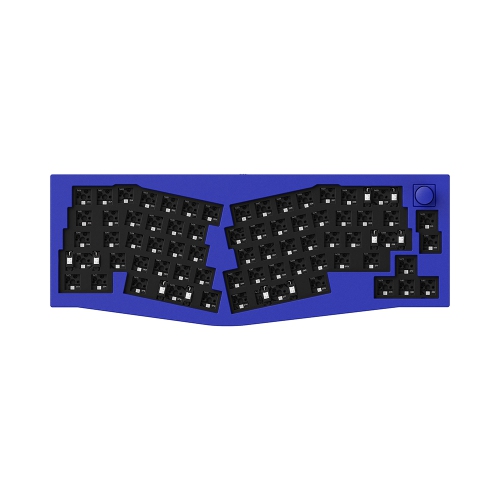
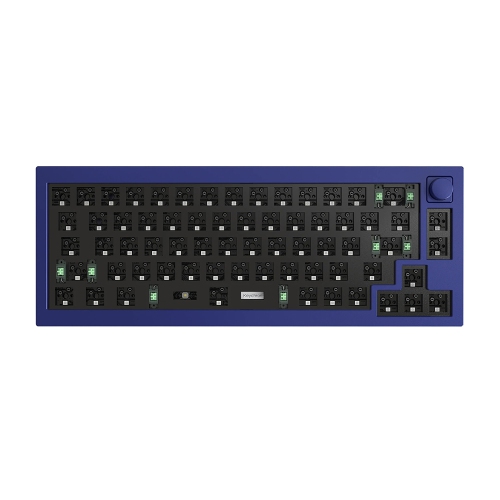



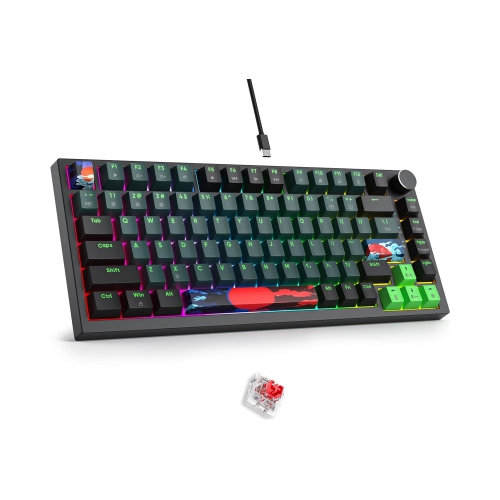
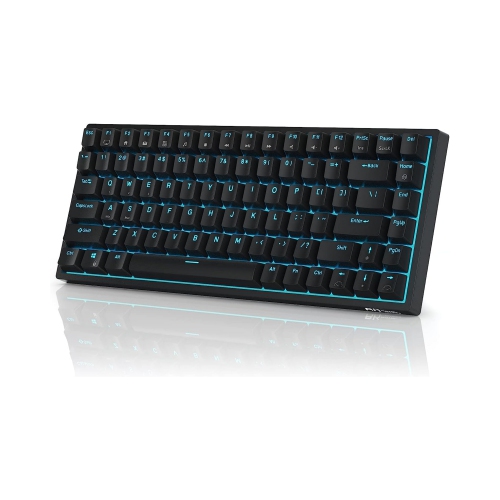
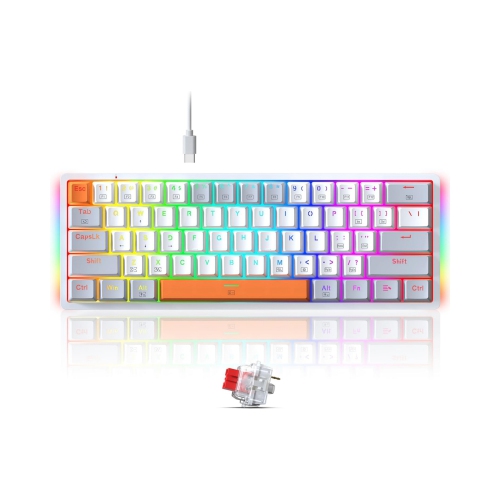
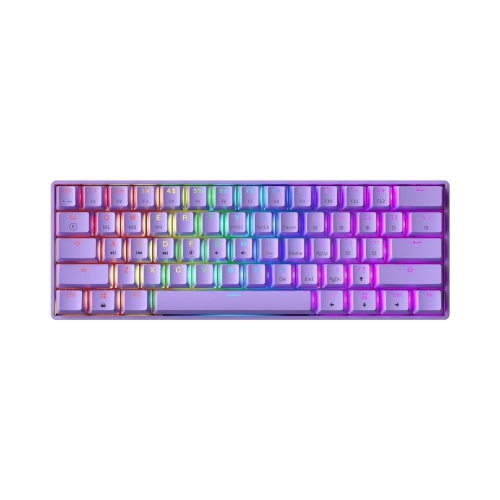

Mac compatibility, switch feel and layout shape every keystroke
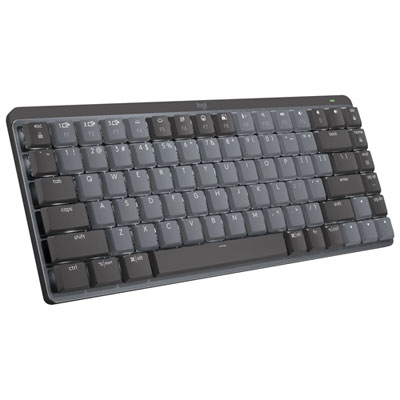
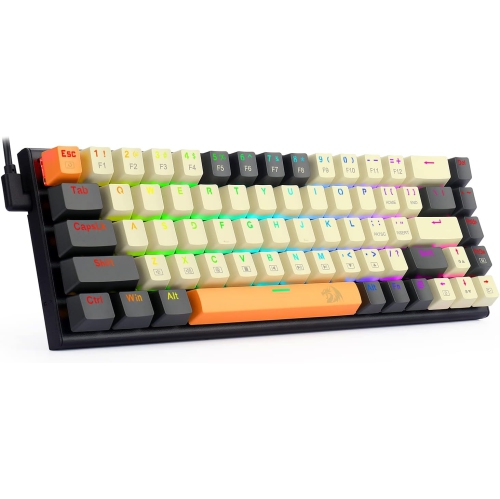
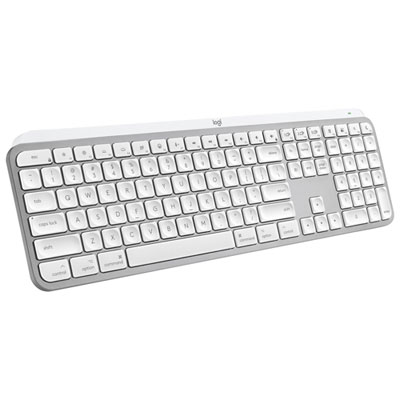
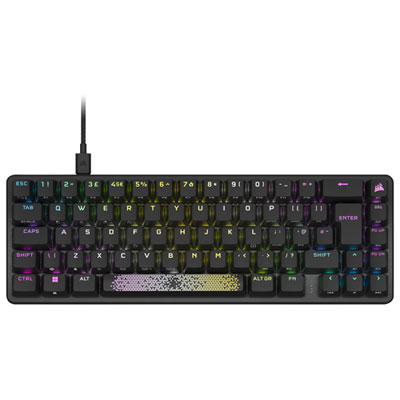
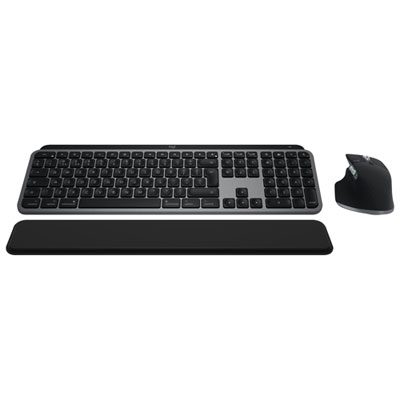
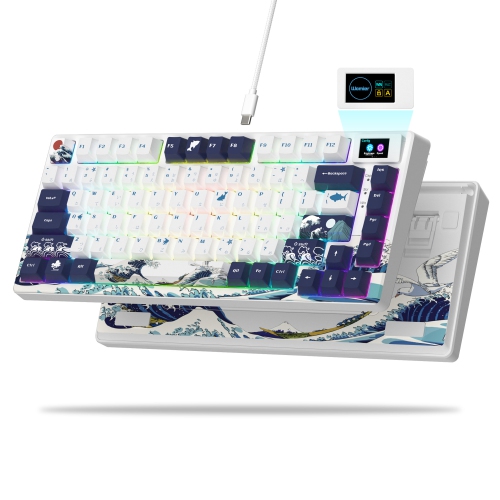
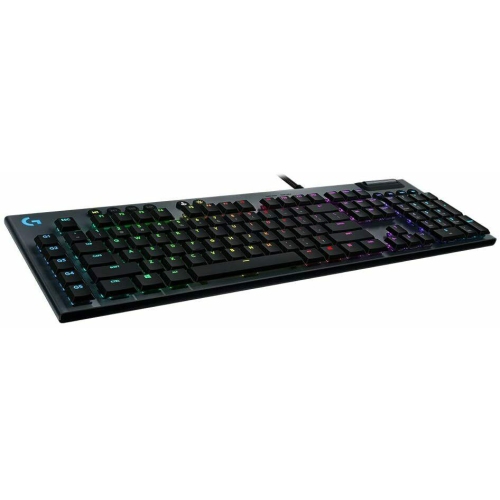
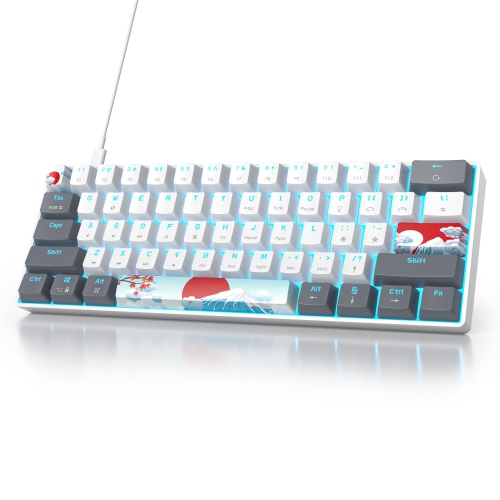
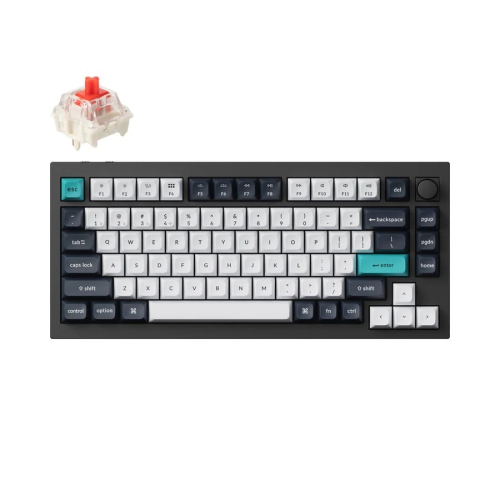
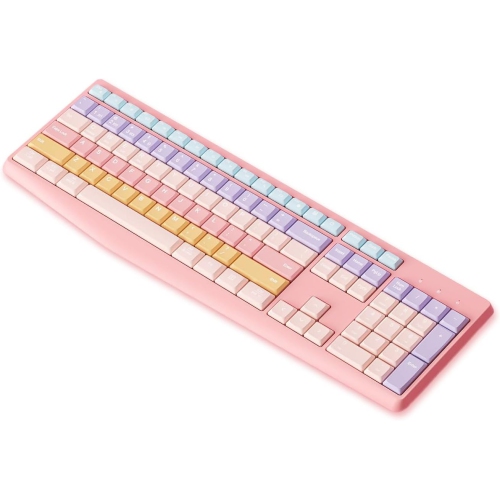
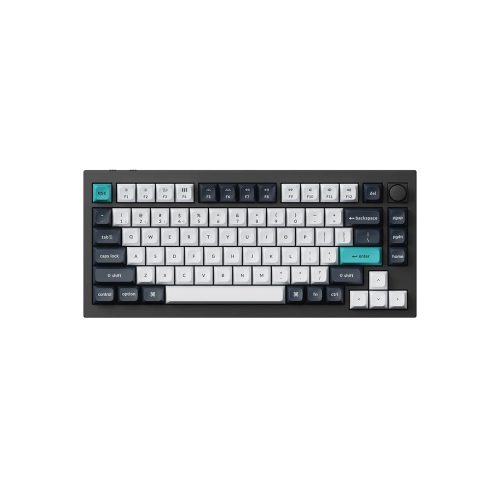
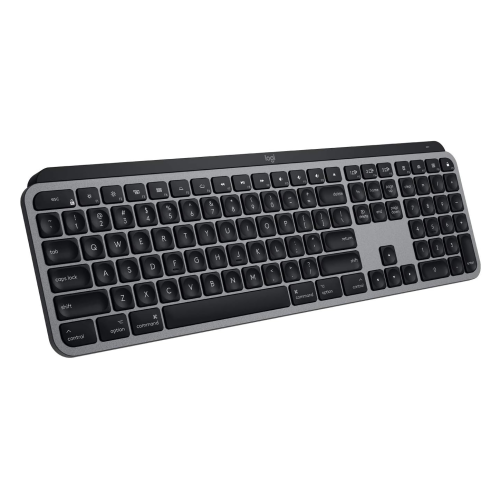
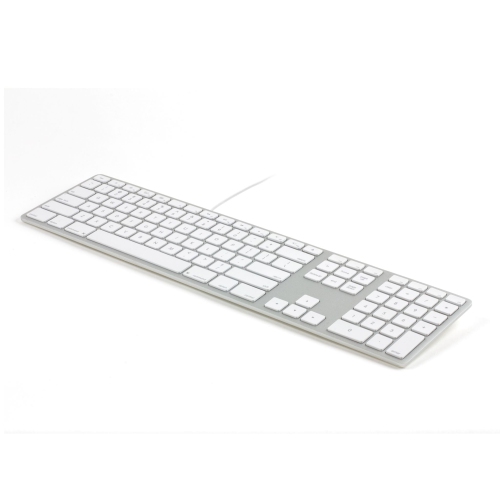
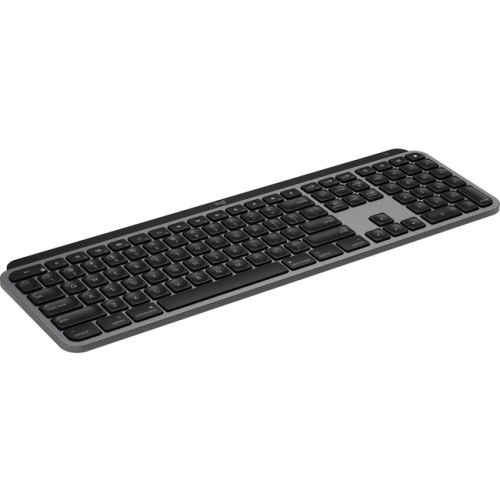
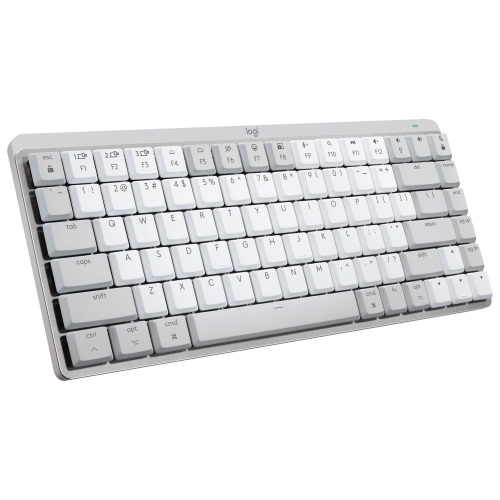
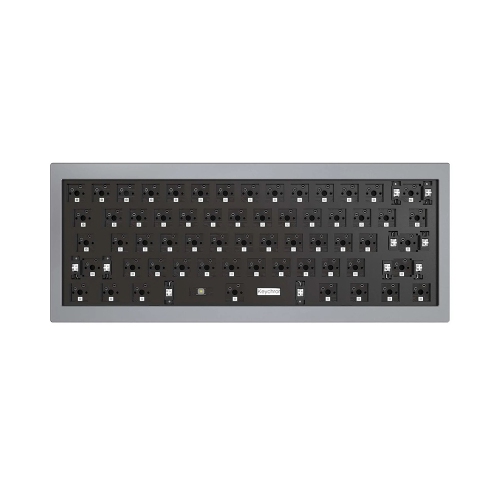
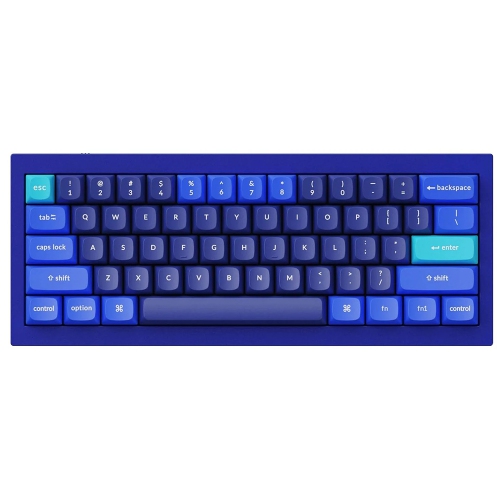
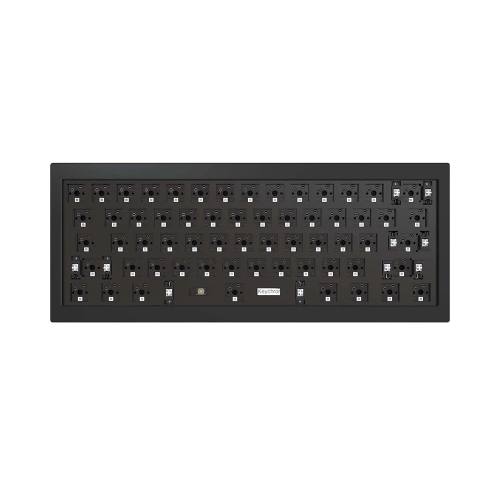
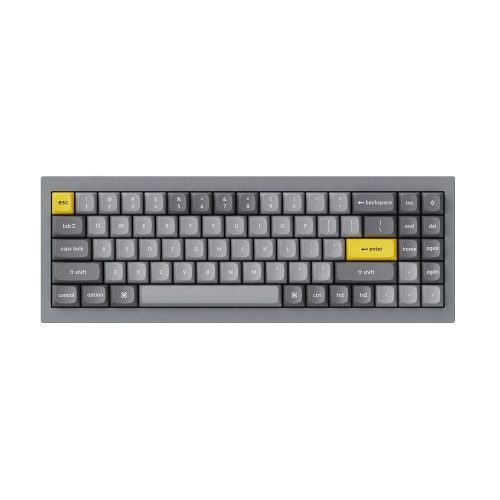
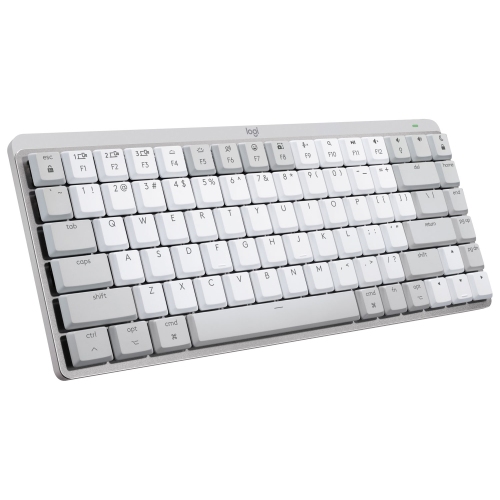
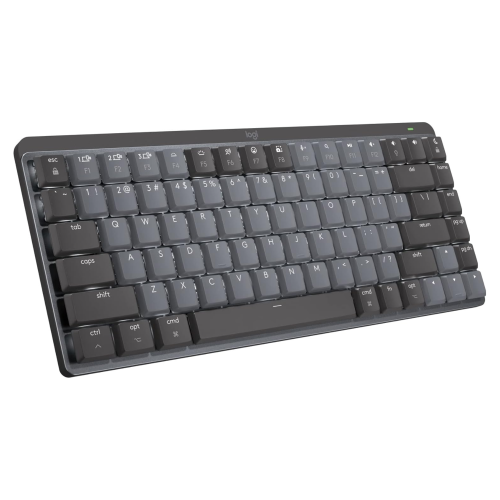
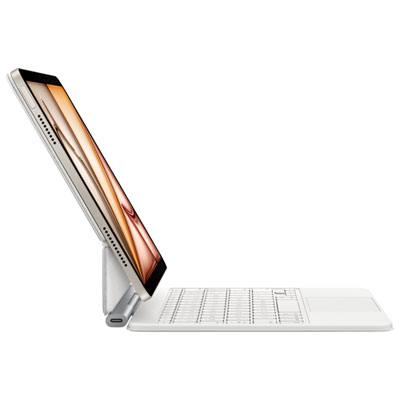
Mechanical keyboards for Mac bring a more deliberate, tactile feel to everyday typing, whether you are drafting documents, responding to messages, editing photos, writing code, or moving between several creative applications. Unlike the flat, integrated keyboard on a laptop, a mechanical keyboard uses individual switches beneath each key to register every press. The result can feel crisp and responsive, with a satisfying amount of movement and feedback beneath your fingers. Some switches produce a pronounced click, while others offer a quieter, smoother or softly tactile experience that suits a shared office or open living space. When browsing mechanical keyboards for Mac, look for a model that clearly supports macOS and includes familiar Mac keys such as Command and Option, along with shortcut legends that match the way you work. Some keyboards include a Mac mode or a switch that lets you move between Mac and Windows layouts, which is useful for households with more than one computer. Compatibility with a MacBook, iMac or Mac mini may also depend on the connection method. Bluetooth provides a tidy wireless setup for a desk with fewer cables, while a USB-C connection can offer dependable plug-and-play use and consistent performance. Keyboards with more than one connection option are particularly practical for people who move between a Mac, tablet and other devices during the day.
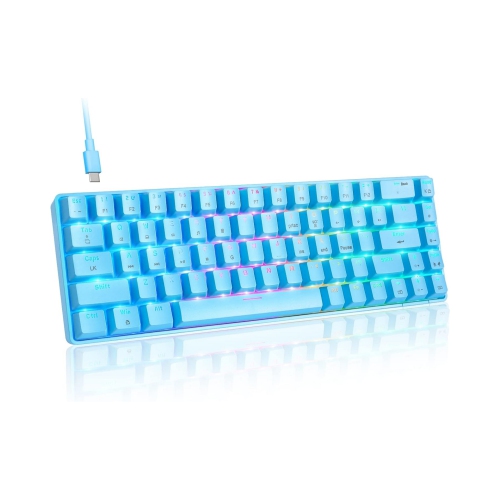
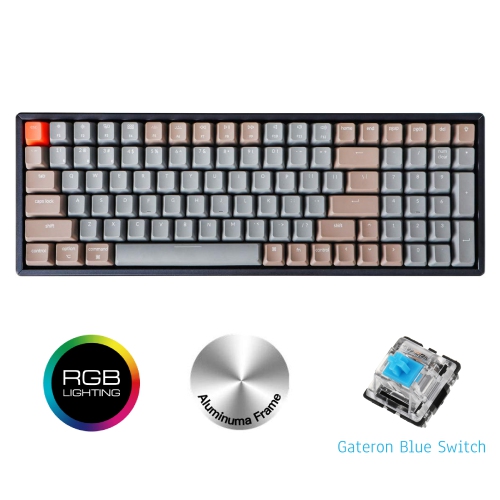
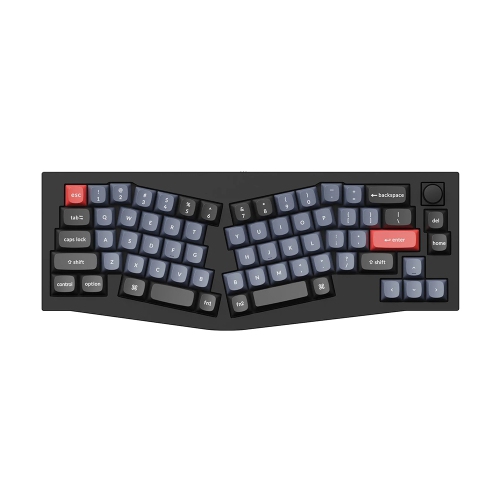
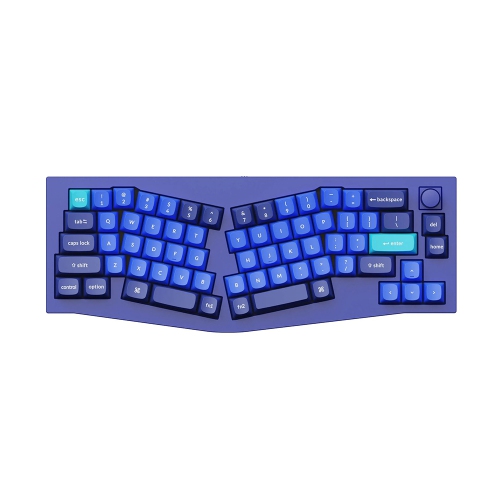
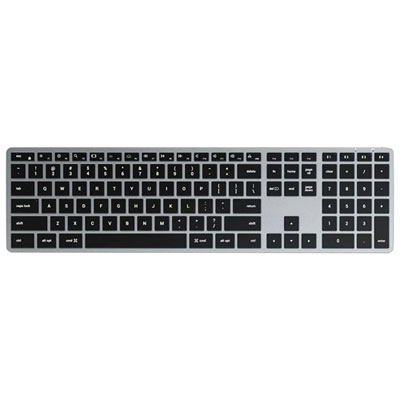
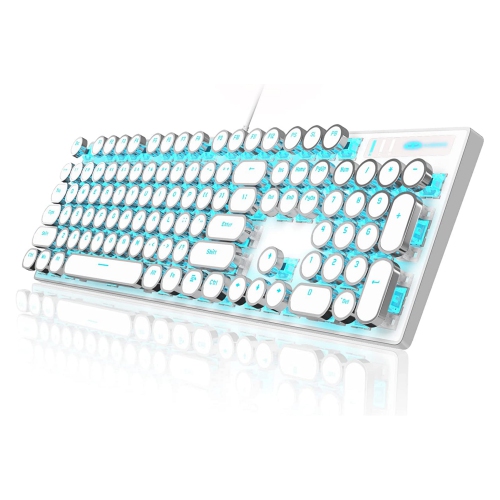
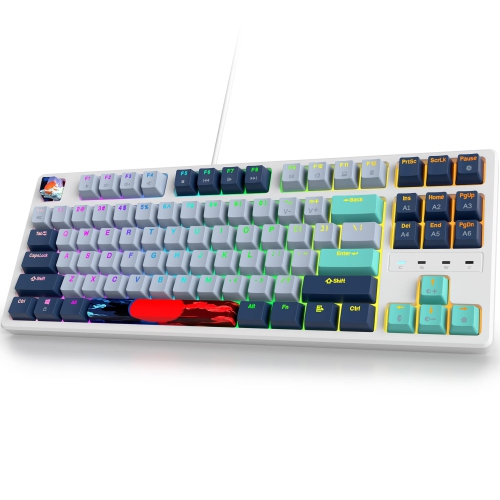
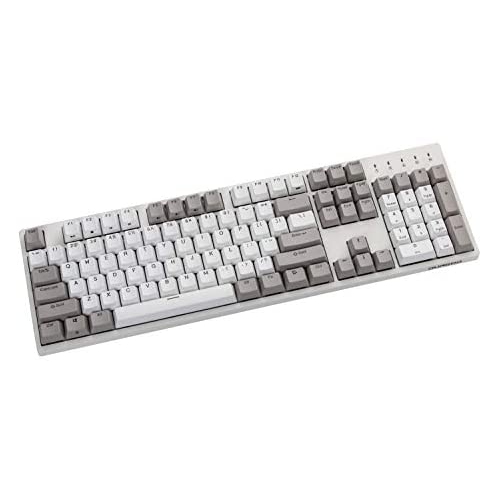
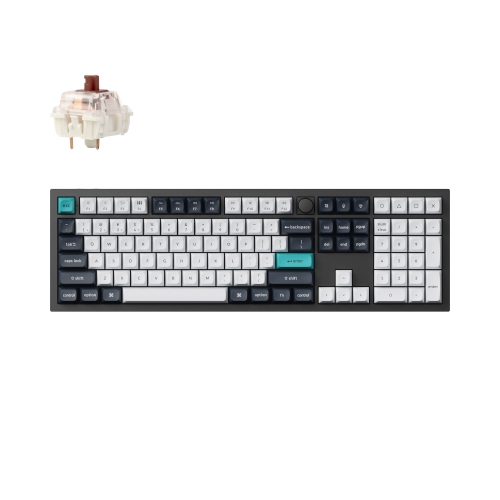
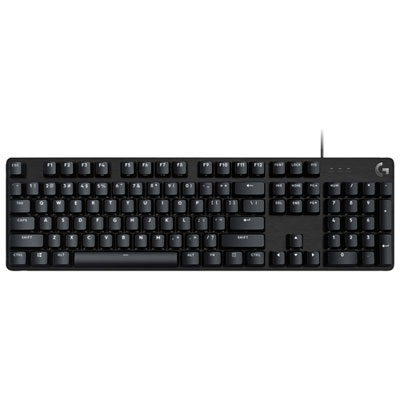
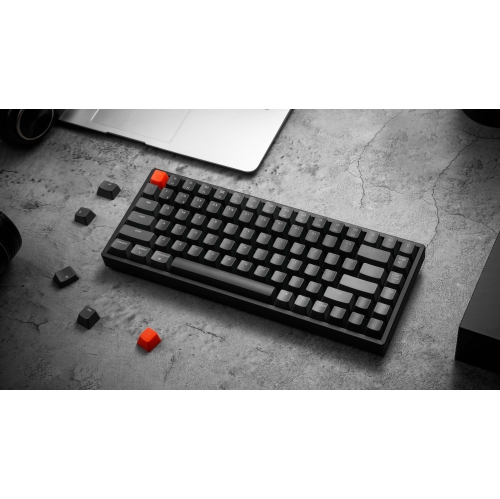
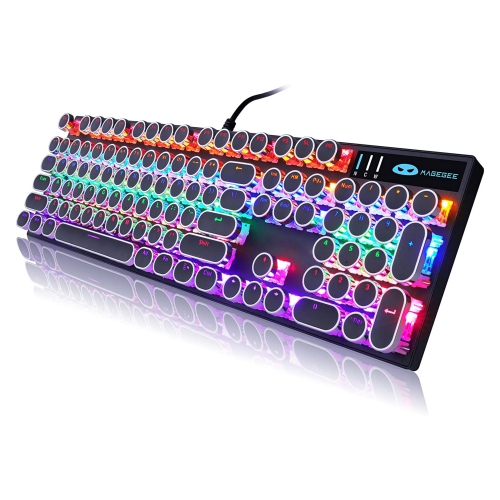
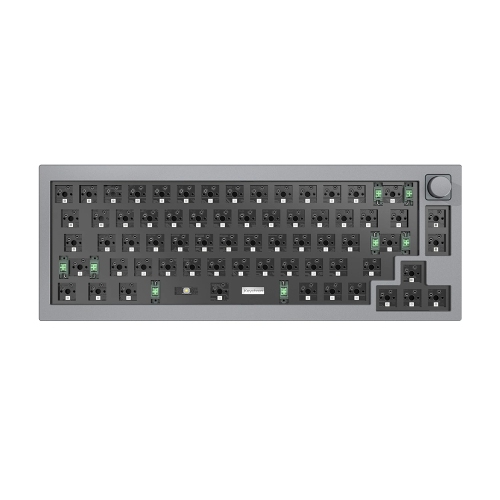
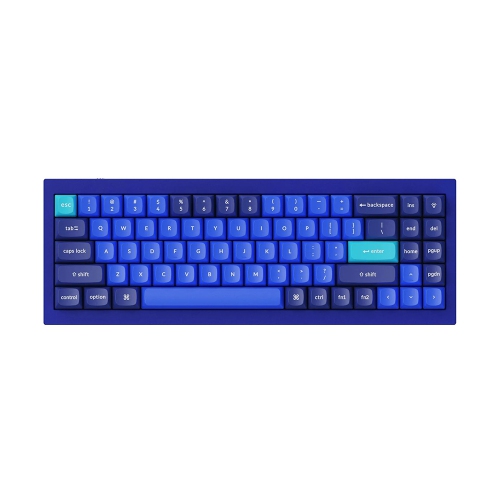
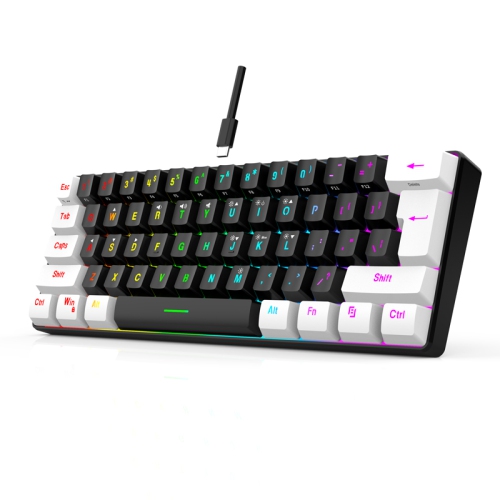
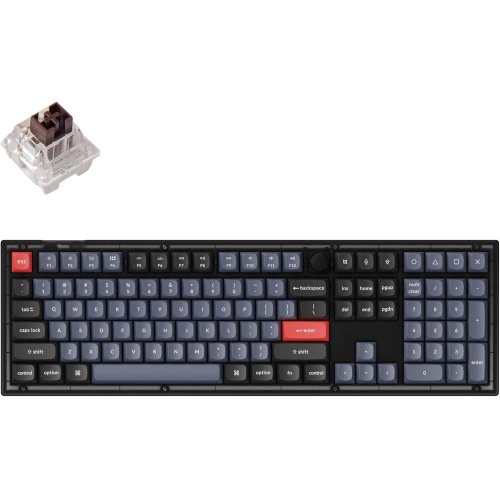
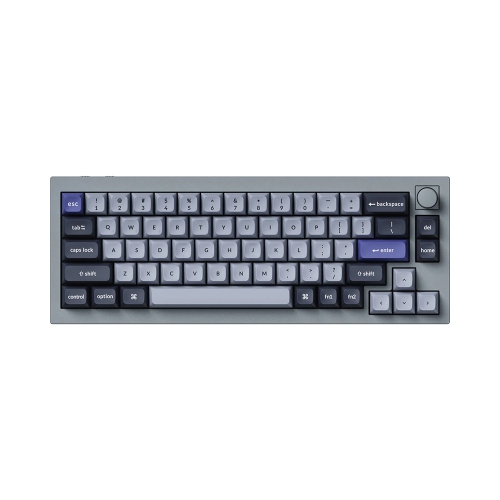
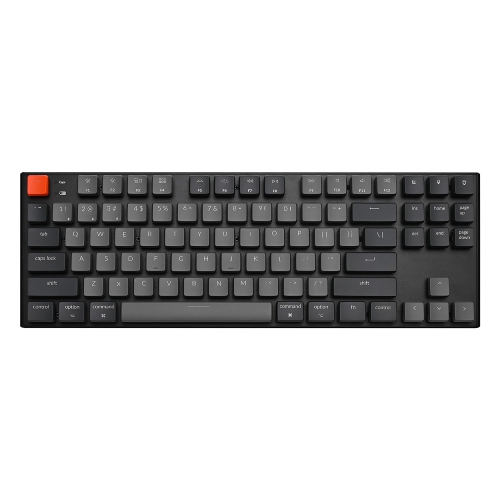
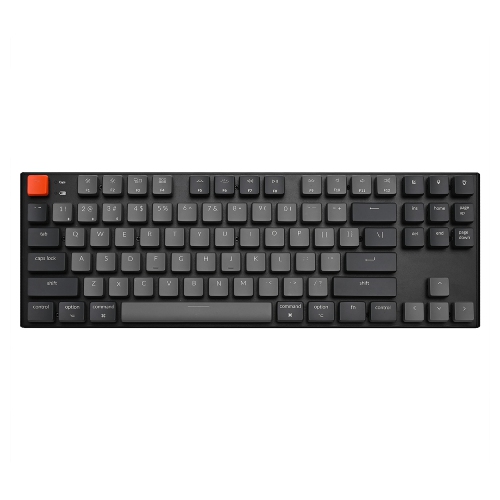
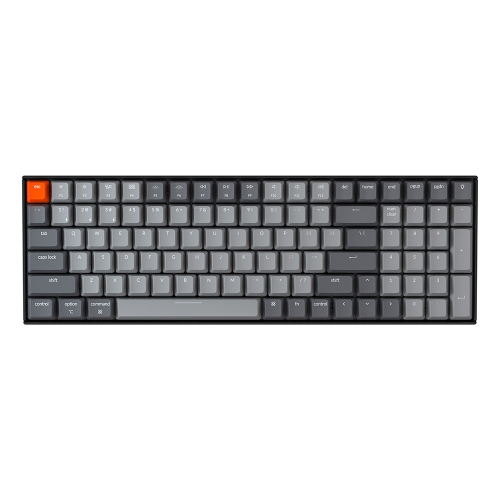
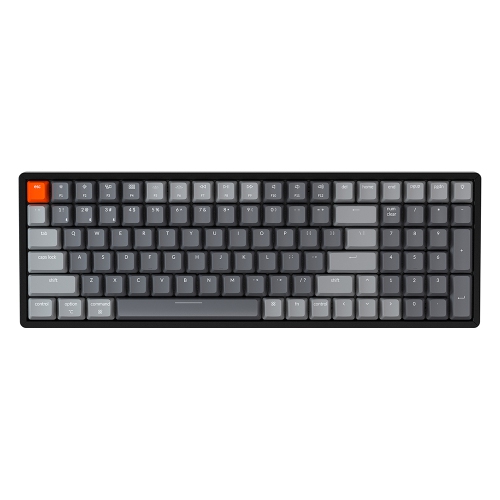
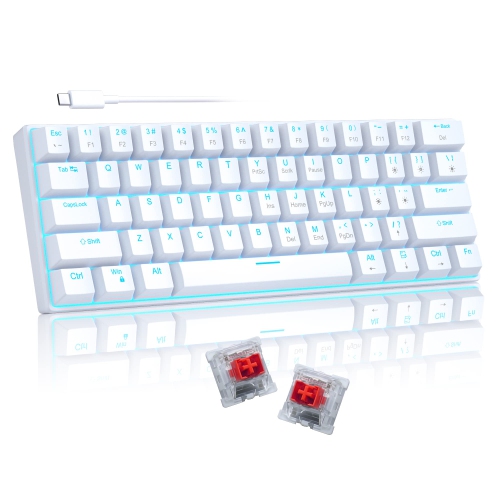
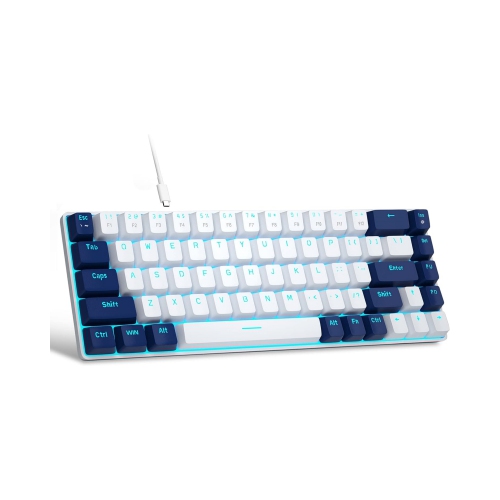
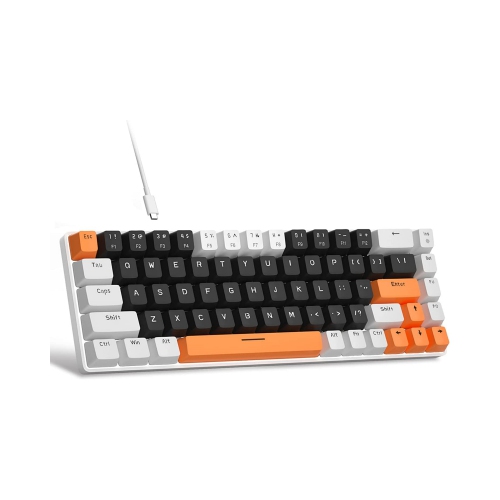
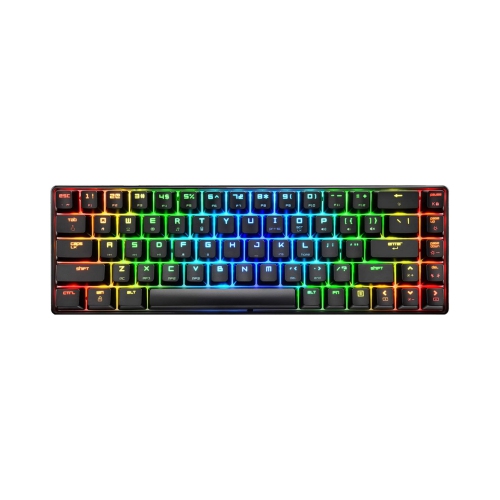
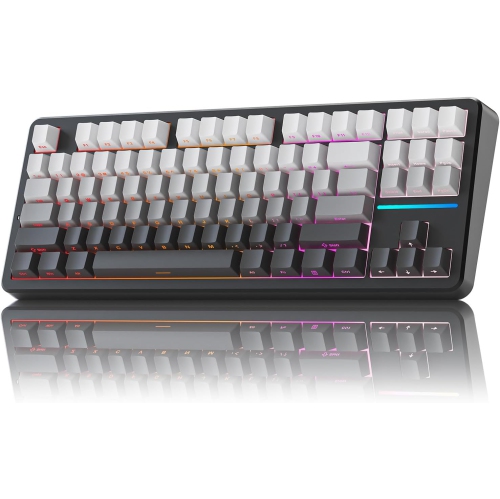
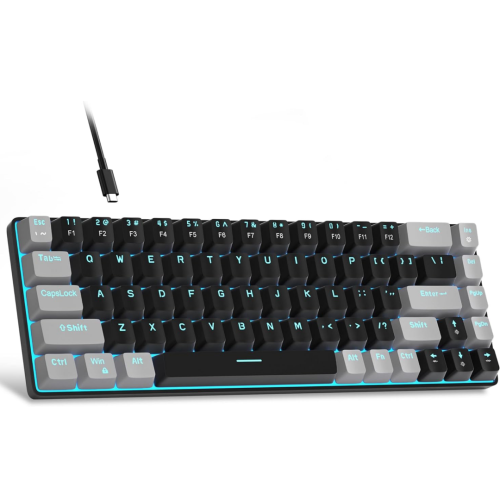
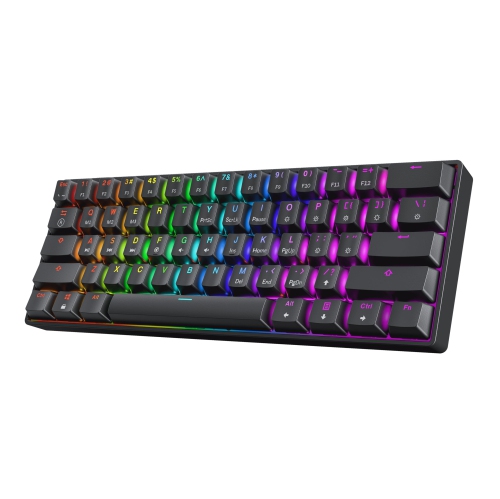
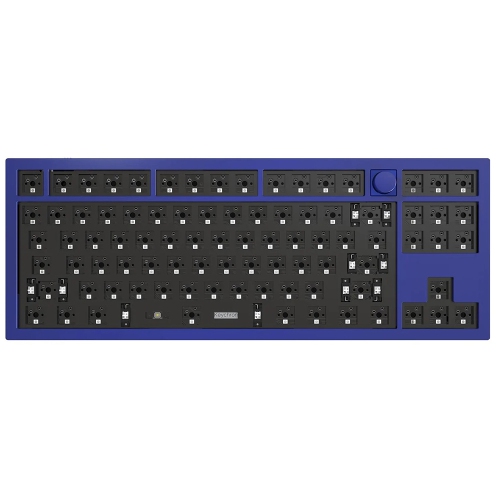
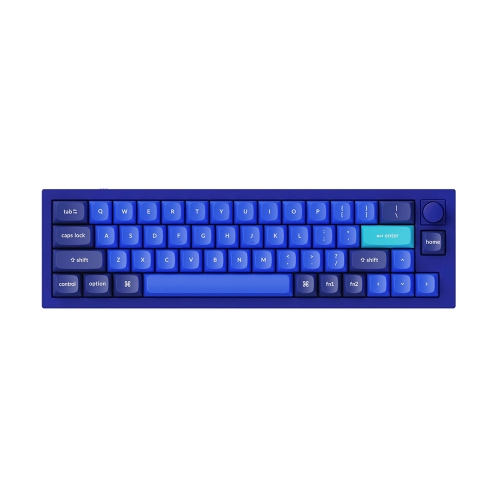
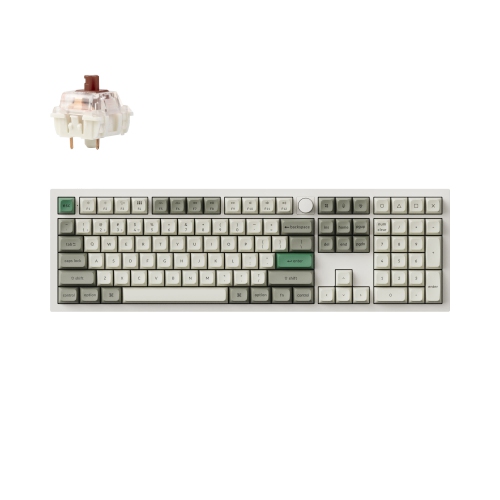
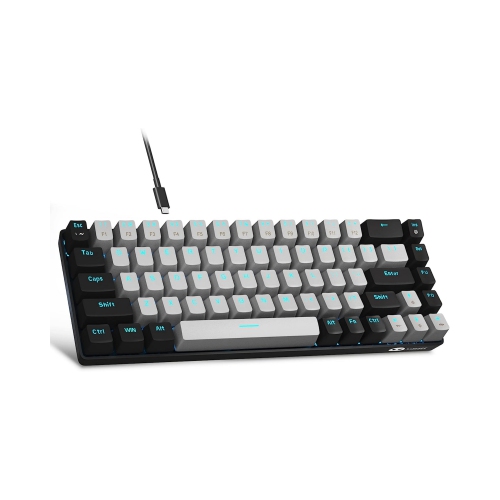
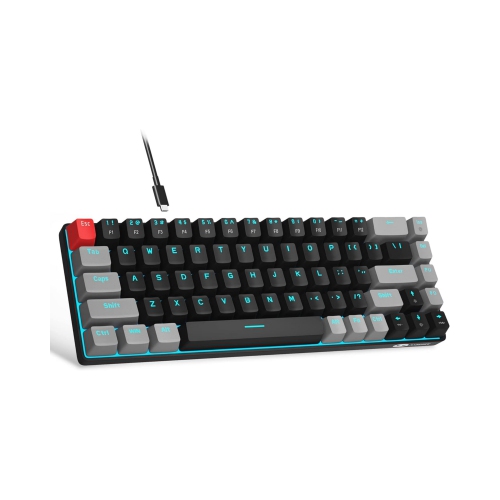
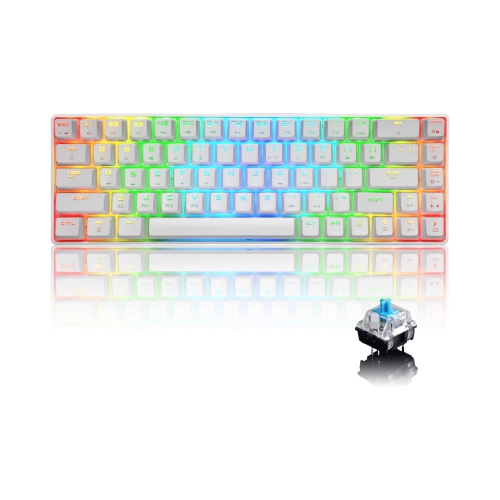
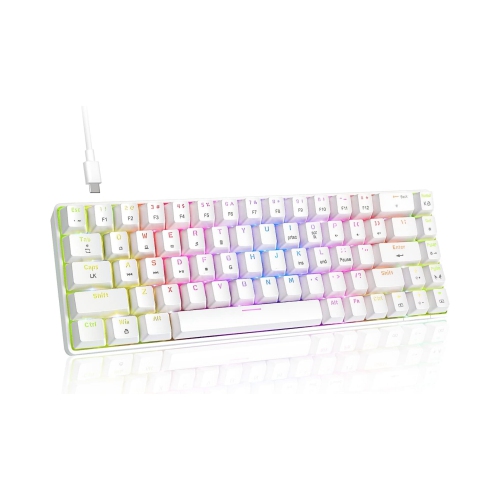
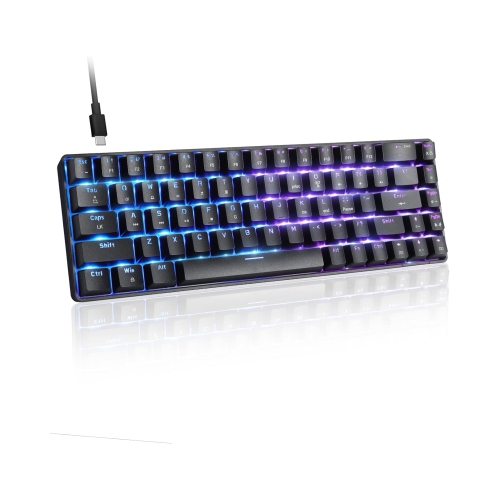
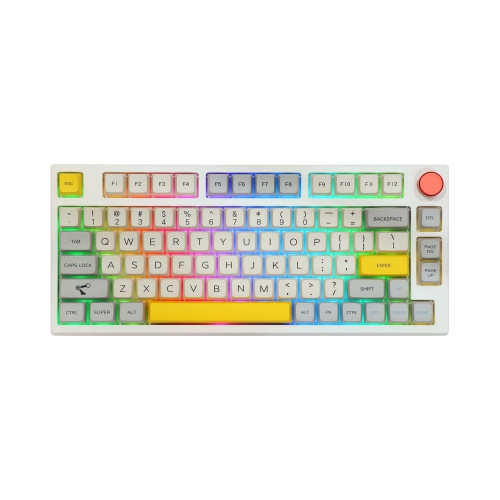
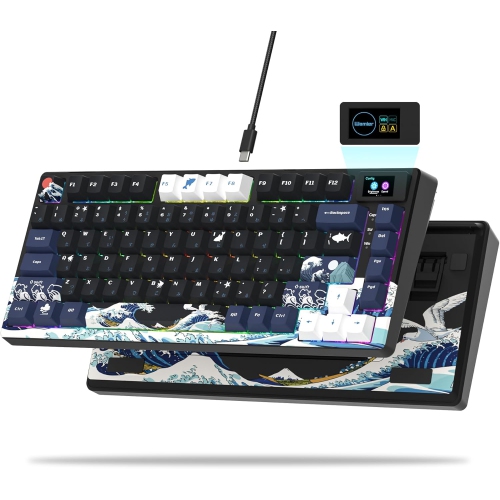
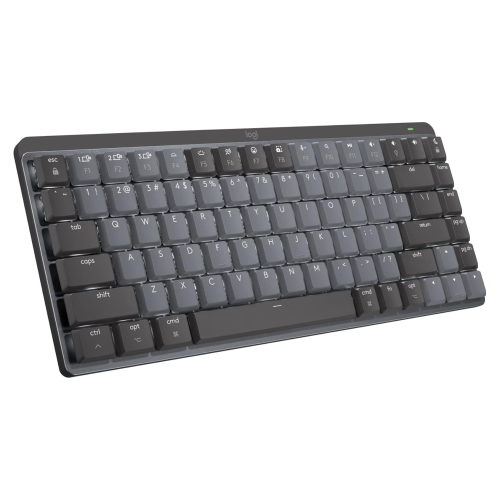
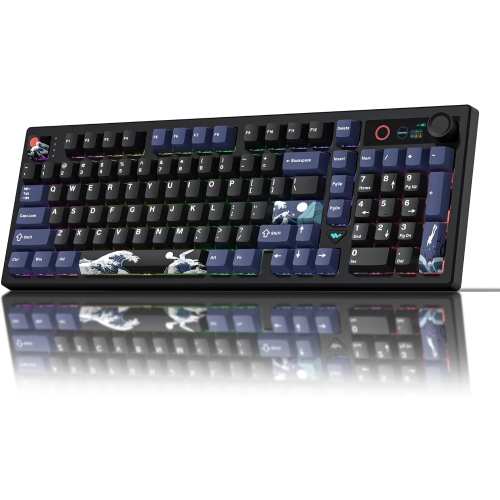
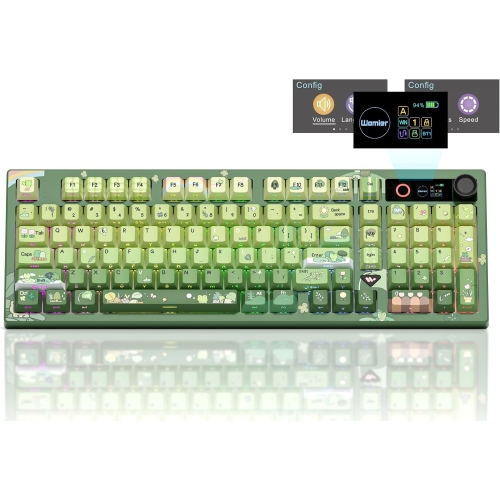
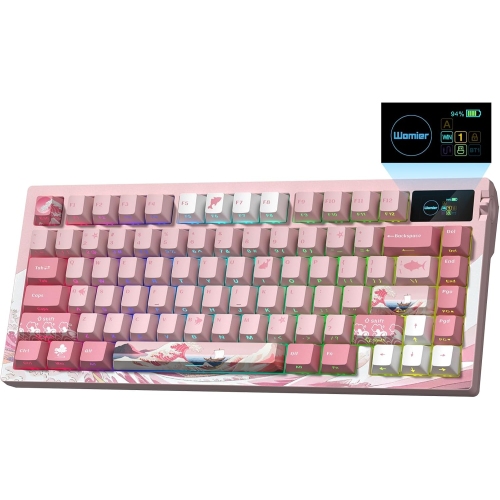
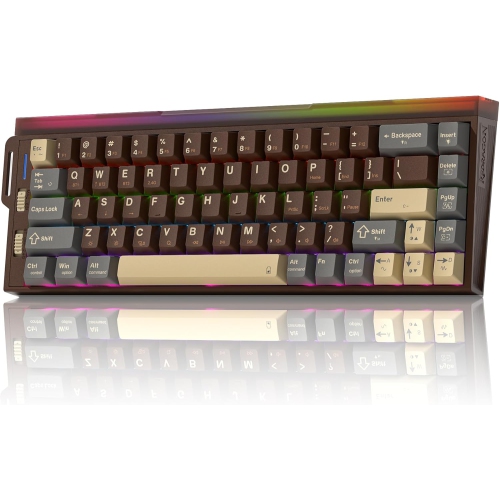
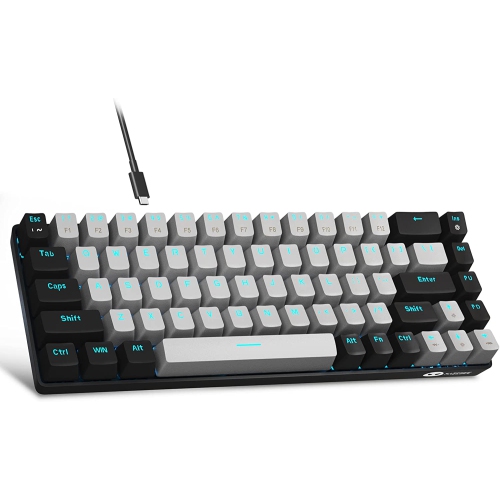
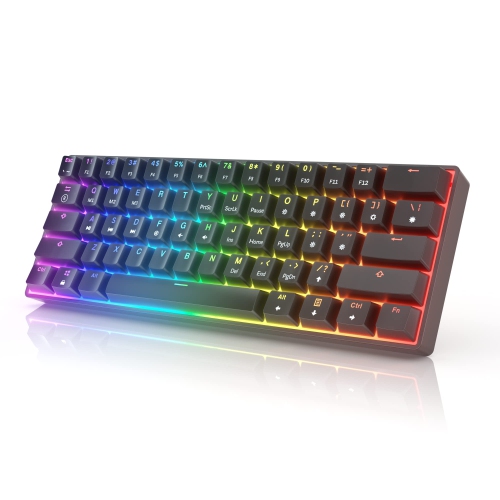
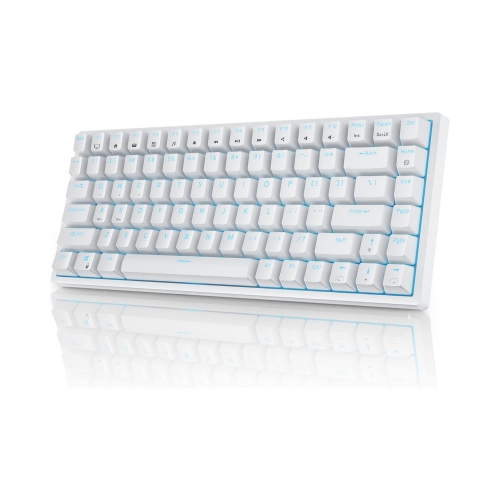
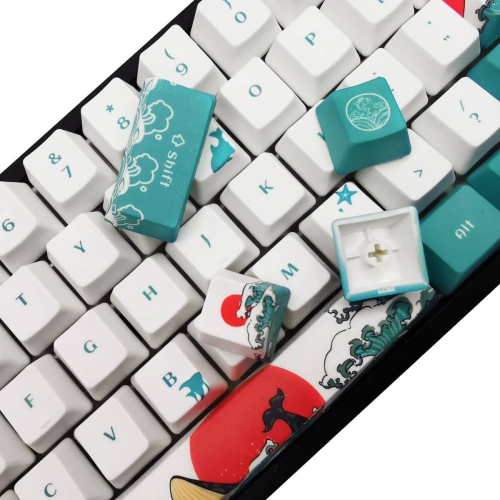
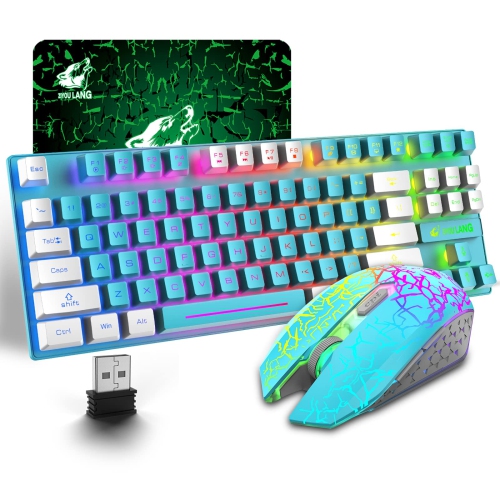
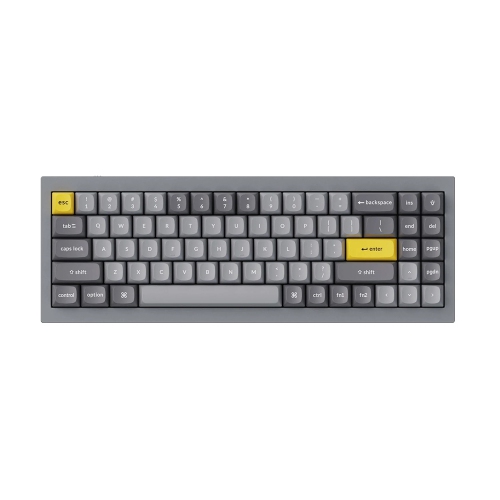
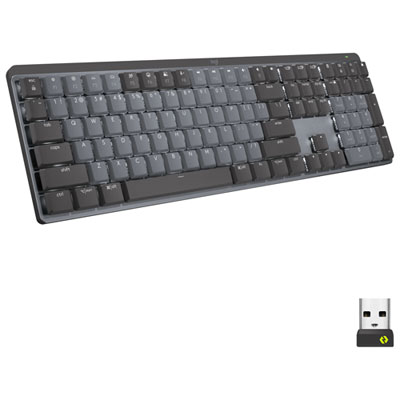
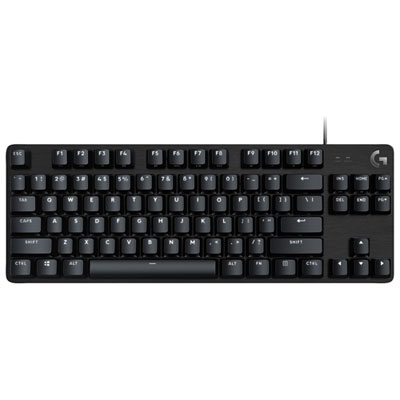
The physical layout has a noticeable effect on comfort and productivity. A full-size keyboard includes a dedicated number pad, making it a natural fit for spreadsheets, accounting, inventory work and frequent data entry. A tenkeyless layout removes the number pad while keeping the function row, arrow keys and navigation controls, leaving more room for a mouse and allowing your hands to stay closer together. Compact 75%, 65% and similar layouts reduce the footprint further, which can suit smaller desks, flexible workspaces or anyone who prefers a clean arrangement with only the most frequently used keys within easy reach. Low-profile mechanical keyboards sit closer to the desk and can feel familiar to people who enjoy the slim shape of a laptop keyboard, while standard-height designs provide deeper key travel and a more traditional mechanical typing sensation. Pay attention to the included keycaps, too. Mac-specific legends make shortcuts easier to recognize, especially when switching from a conventional PC keyboard, and durable materials can help the lettering stay clear through long typing sessions. Adjustable backlighting can make individual keys easier to find during an evening work session or a gaming break in a softly lit room. Single-colour illumination keeps the appearance understated, while customizable RGB lighting lets users adjust colours, effects and brightness to suit a desk setup. A detachable cable, built-in feet and a sturdy frame can also make a difference in daily use, particularly for people who regularly rearrange their workspace or carry a keyboard between rooms.
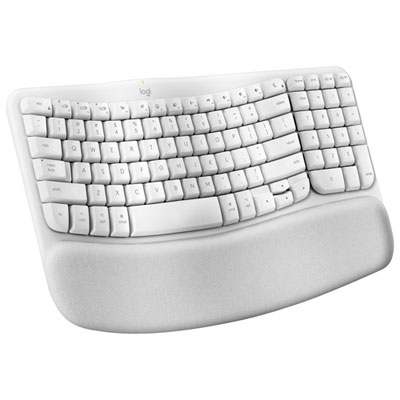
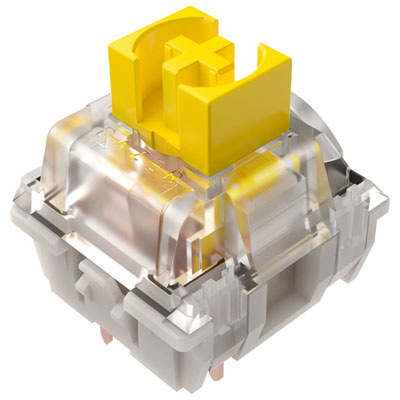
Switch choice is one of the most personal considerations when selecting mechanical keyboards for Mac. Linear switches move smoothly from the top of the key to the bottom, making them popular with users who prefer an uninterrupted press and a quick, fluid rhythm. Tactile switches provide a small bump during the keystroke, which can help users sense when a key has registered without bottoming out every press. Clicky switches add an audible sound as well as tactile feedback, creating the classic mechanical keyboard character that many enthusiasts enjoy. Sound levels vary by switch, keycap and typing style, so a quieter design may be more suitable for video calls, libraries or a room shared with family. Hot-swappable models allow compatible switches to be changed without soldering, giving beginners and experienced enthusiasts room to refine the feel over time. Some also support programmable keys, layers or remapped shortcuts through configuration software, which can streamline repetitive tasks in design programs, productivity apps and games. Mechanical keyboards for Mac can be a thoughtful gift for a student setting up a study space, a professional building a home office, a programmer who spends long hours at a desk or a creative person who appreciates tools with a distinct, hands-on feel. They can also be a useful upgrade for someone who enjoys the convenience of a MacBook but wants a more comfortable, full-featured typing surface when working at a desk. Users who place a high priority on wrist position and hand comfort may also want to explore Best Ergonomic Keyboards for Mac for additional design features that support a more relaxed setup. The right choice ultimately balances Mac compatibility, layout, switch feel, sound, connectivity and available desk space, creating a keyboard that feels natural from the first email of the day through the final task at night.
The physical layout has a noticeable effect on comfort and productivity. A full-size keyboard includes a dedicated number pad, making it a natural fit for spreadsheets, accounting, inventory work and frequent data entry. A tenkeyless layout removes the number pad while keeping the function row, arrow keys and navigation controls, leaving more room for a mouse and allowing your hands to stay closer together. Compact 75%, 65% and similar layouts reduce the footprint further, which can suit smaller desks, flexible workspaces or anyone who prefers a clean arrangement with only the most frequently used keys within easy reach. Low-profile mechanical keyboards sit closer to the desk and can feel familiar to people who enjoy the slim shape of a laptop keyboard, while standard-height designs provide deeper key travel and a more traditional mechanical typing sensation. Pay attention to the included keycaps, too. Mac-specific legends make shortcuts easier to recognize, especially when switching from a conventional PC keyboard, and durable materials can help the lettering stay clear through long typing sessions. Adjustable backlighting can make individual keys easier to find during an evening work session or a gaming break in a softly lit room. Single-colour illumination keeps the appearance understated, while customizable RGB lighting lets users adjust colours, effects and brightness to suit a desk setup. A detachable cable, built-in feet and a sturdy frame can also make a difference in daily use, particularly for people who regularly rearrange their workspace or carry a keyboard between rooms.
Switch choice is one of the most personal considerations when selecting mechanical keyboards for Mac. Linear switches move smoothly from the top of the key to the bottom, making them popular with users who prefer an uninterrupted press and a quick, fluid rhythm. Tactile switches provide a small bump during the keystroke, which can help users sense when a key has registered without bottoming out every press. Clicky switches add an audible sound as well as tactile feedback, creating the classic mechanical keyboard character that many enthusiasts enjoy. Sound levels vary by switch, keycap and typing style, so a quieter design may be more suitable for video calls, libraries or a room shared with family. Hot-swappable models allow compatible switches to be changed without soldering, giving beginners and experienced enthusiasts room to refine the feel over time. Some also support programmable keys, layers or remapped shortcuts through configuration software, which can streamline repetitive tasks in design programs, productivity apps and games. Mechanical keyboards for Mac can be a thoughtful gift for a student setting up a study space, a professional building a home office, a programmer who spends long hours at a desk or a creative person who appreciates tools with a distinct, hands-on feel. They can also be a useful upgrade for someone who enjoys the convenience of a MacBook but wants a more comfortable, full-featured typing surface when working at a desk. Users who place a high priority on wrist position and hand comfort may also want to explore Best Ergonomic Keyboards for Mac for additional design features that support a more relaxed setup. The right choice ultimately balances Mac compatibility, layout, switch feel, sound, connectivity and available desk space, creating a keyboard that feels natural from the first email of the day through the final task at night.
Top selling and popular products
-
 Your price for this item is $39.99
 -
 Your price for this item is $76.98
 -
 Your price for this item is $94.99
 -
 Your price for this item is $319.99
 -
 Your price for this item is $364.99
 -
 Your price for this item is $149.99
 -
 Your price for this item is $124
 -
 Your price for this item is $94.99
Discover more categories related to Mechanical Keyboards for Mac

Top Collections:
Pokemon Centers, Kindle Devices, Best Budget Office Chairs, Apple iPhones 16, Best Laptops for Writers, iPhone 15 Apple, Canon G7X Cameras, Refurbished Apple Laptops, Alarm Clock, Motorola Razr Phones
Some products may be subject to Environmental Handling Fees
(EHF) depending on your province.
Learn more about EHFs.