Best Ergonomic Keyboards for Mac
Find a more comfortable setup with the best ergonomic keyboards for Mac, ranked by user review ratings. Whether you’re typing through a busy workday or tackling a creative project, explore options with features such as split layouts, cushioned wrist rests, and adjustable typing angles. Compare Mac compatibility, connectivity, and key feel to find the right fit for your workspace and typing style.
What to look for in ergonomic keyboards for Mac
1. Mac Compatibility
2. Ergonomic Design
3. Connectivity
4. Typing Feel and Size
-
1
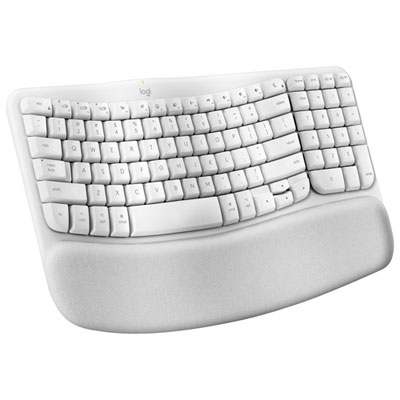
Logitech Wave Keys Wireless Ergonomic Full-Size Keyboard for Mac - Off-White
About this product
An ergonomic off-white wireless keyboard with a wavy keyframe, memory foam palm rest, and eco-friendly materials.
What customers like
(184)$89.99 Your price for this item is $89.99 -
2

Logitech ERGO K860 Bluetooth Ergonomic Keyboard with Integrated Palm-rest
About this product
An ergonomic Bluetooth keyboard with a split keyframe and cushioned palm rest for enhanced wrist comfort.
What customers like
(2,420)$199.99 Your price for this item is $199.99 -
3
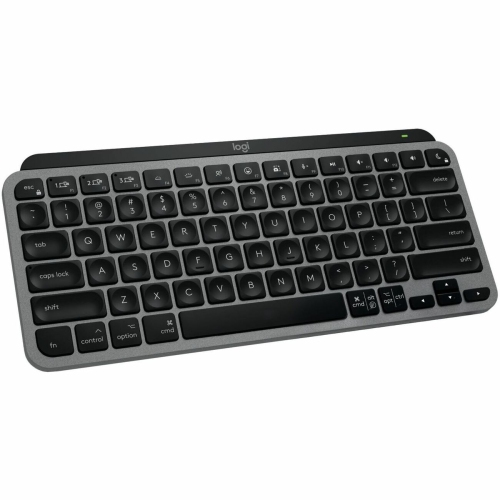
LOGITECH Master Bluetooth Wireless Ergonomic Keyboard - Space - English (920-012644) In Gray
About this product
A wireless ergonomic keyboard in space gray, designed for Mac devices with Bluetooth connectivity.
(17)$159.99 Your price for this item is $159.99 -
4
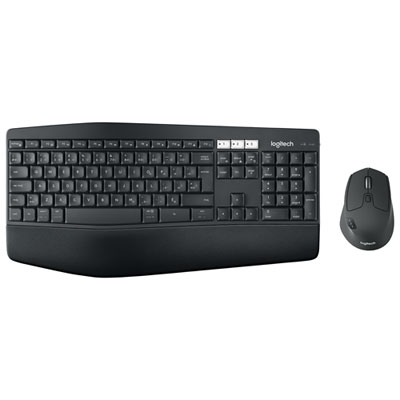
Logitech MK850 Bluetooth Optical Ergonomic Keyboard & Mouse Combo - French
About this product
An ergonomic French keyboard and mouse combo with Bluetooth connectivity and cushioned palm rest for comfort.
(5)$129.99 Your price for this item is $129.99 -
5
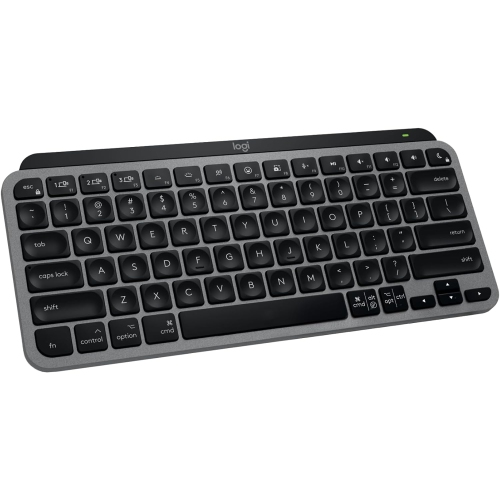
LOGITECH Mx Keys Mini for Mac- In Grey
About this product
A compact wireless keyboard in grey with backlit keys, Bluetooth connectivity, and USB-C charging for Mac devices.
(2)$79.00Your price for this item is $79SAVE $20 -
6

APPLE - Magic Keyboard (Mla22Ll/a)
About this product
A sleek wireless keyboard featuring a built-in rechargeable battery and enhanced scissor mechanism for precise typing.
What customers like
(3,087)$219.99 Your price for this item is $219.99 -
7
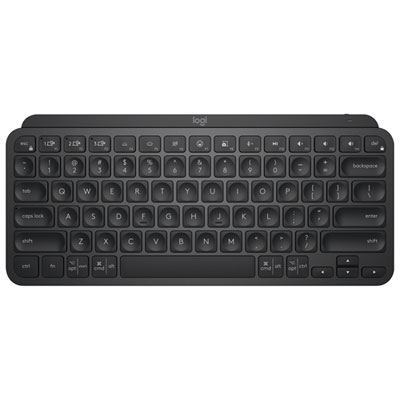
Logitech MX Keys Mini Bluetooth Backlit Ergonomic Keyboard - Black
About this product
A compact black Bluetooth keyboard with backlit, ergonomic design and tactile Perfect Stroke keys for comfortable typing.
What customers like
(693)$132.98Your price for this item is $132.98SAVE $17 -
8
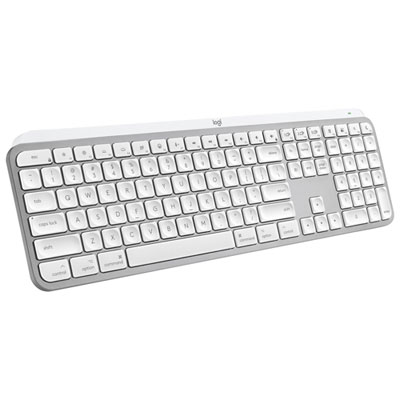
Logitech MX Keys S Wireless Backlit Keyboard for Mac/Ipad - Pale Grey - Only at Best Buy
About this product
A wireless backlit keyboard in pale grey, designed for Mac and iPad with customizable smart actions.
(17)$169.99 Your price for this item is $169.99 -
9

LOGITECH K400 Plus Wireless Touch Keyboard (920-007119)
About this product
A compact and slim wireless touch keyboard with comfortable keys, large touchpad, and media-friendly layout.
What customers like
(9,932)$49.72 Your price for this item is $49.72 -
10
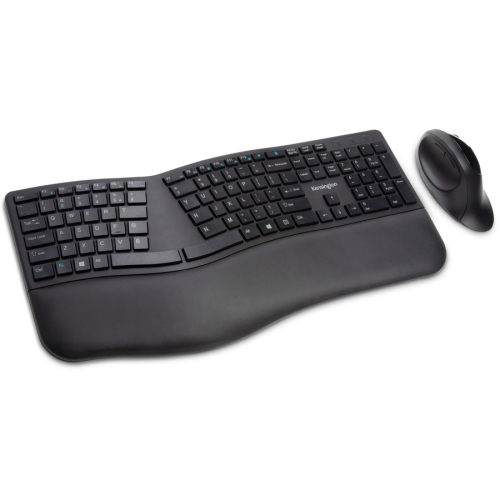
KENSINGTON Pro Fit Wireless Bluetooth Ergonomic Keyboard And Mouse - - (K75406Us) In Black
About this product
A wireless ergonomic keyboard and mouse set in black, compatible with PC and Mac via Bluetooth or RF.
(5)$80.99Your price for this item is $80.99SAVE $14
FAQ
Check for macOS compatibility, Command and Option keys, and support for Mac function-key shortcuts. Ergonomic designs may include split key layouts, curved key rows, or adjustable typing angles. If you want programmable keys, confirm that the keyboard’s customization software supports your version of macOS.
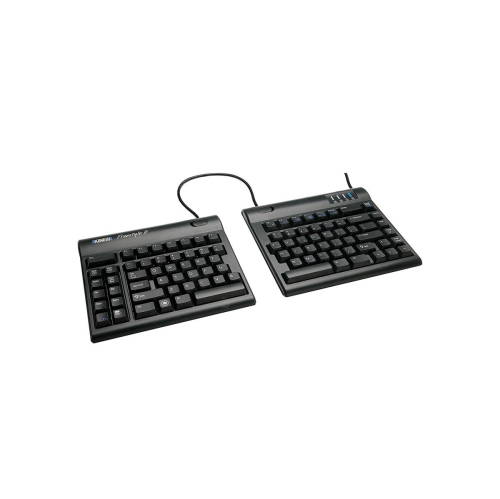
Split keyboards separate the keys into left and right sections, either within one frame or as two independent halves. Curved keyboards arrange the keys along a contoured layout, usually within a single frame. Some designs combine split key sections with a curved layout.
Common connection options include Bluetooth, a USB wireless receiver, and a wired USB connection. Bluetooth keyboards pair through macOS settings, while wired keyboards and wireless receivers require a compatible USB port or adapter. Some keyboards support multiple connection methods and switching between paired devices.
Many Mac-compatible keyboards with Windows labels support familiar macOS shortcuts, though the key labels and positions may differ. On many models, the Windows key acts as Command and Alt acts as Option. You can change modifier-key assignments in macOS settings, and some keyboards include a Mac mode.
Ergonomic keyboards may use membrane, scissor-switch, or mechanical key mechanisms. Mechanical options commonly include linear switches with a smooth press, tactile switches with a noticeable bump, and clicky switches with an audible click. Switch type affects typing feel and sound, while Mac compatibility depends on the keyboard’s hardware and software support.
Top selling and popular products
Discover more categories related to Best Ergonomic Keyboards for Mac
Some products may be subject to Environmental Handling Fees (EHF) depending on your province. Learn more about EHFs.