Mechanical Switch Keyboards
Unlock a world of precision and performance with mechanical switch keyboards, the ultimate choice for gamers, writers, and tech enthusiasts alike. These keyboards offer a tactile experience that enhances every keystroke, ensuring speed and accuracy whether you're in the heat of a gaming battle or crafting your next masterpiece. With a variety of switch types to cater to personal preferences, mechanical keyboards provide an unmatched level of customization and durability. Explore the perfect blend of form and function as you elevate your typing experience to new heights.
Sort
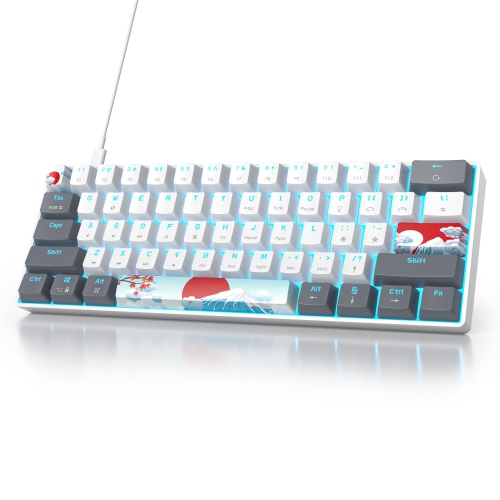
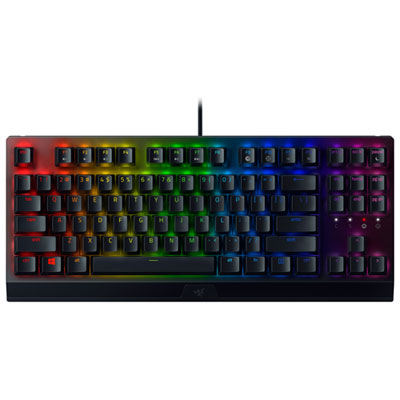
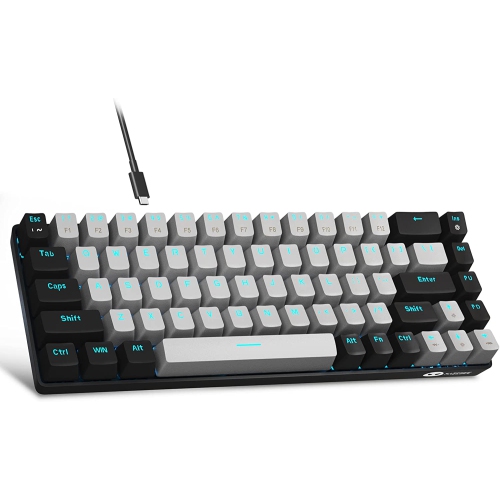
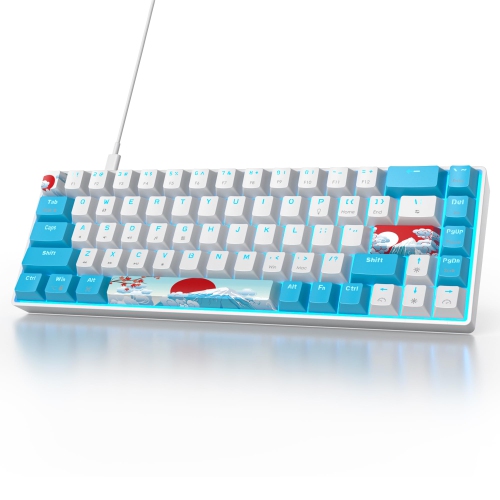
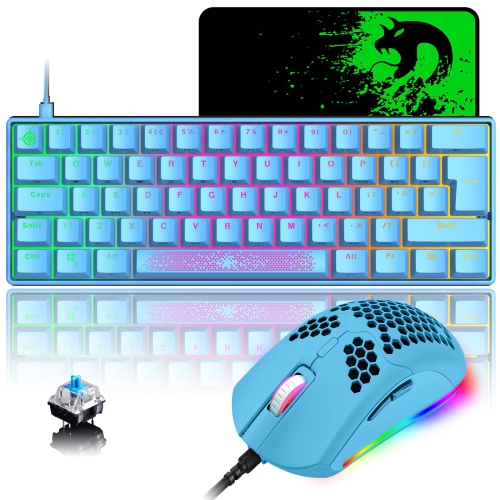

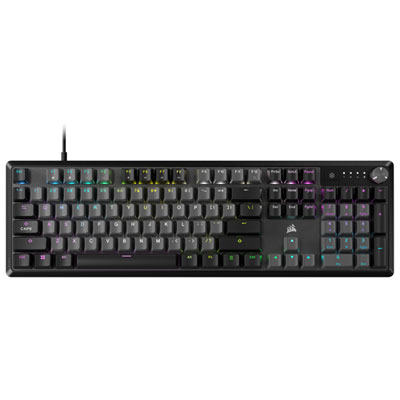
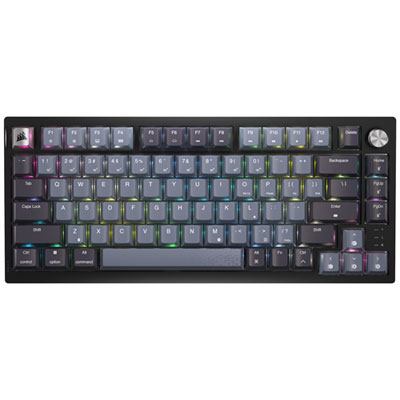
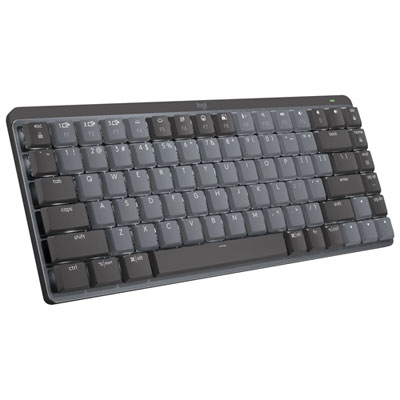

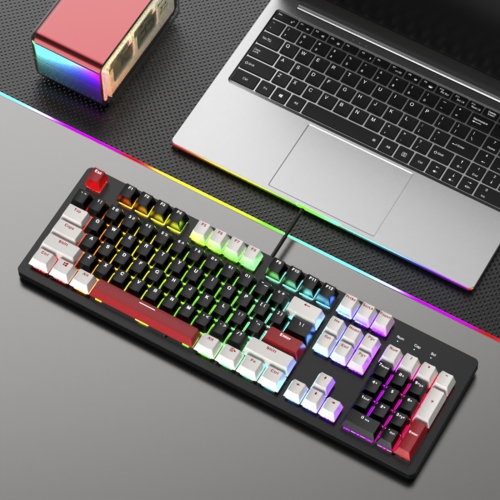
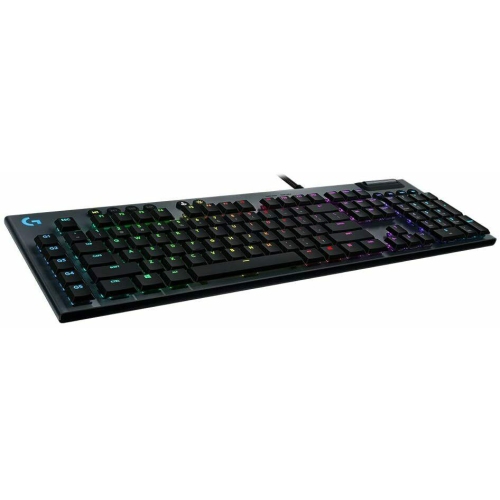
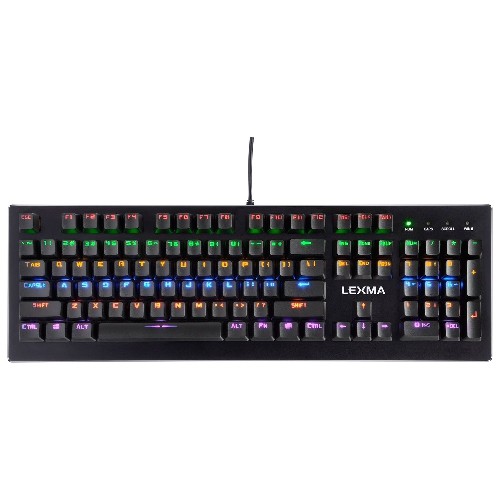
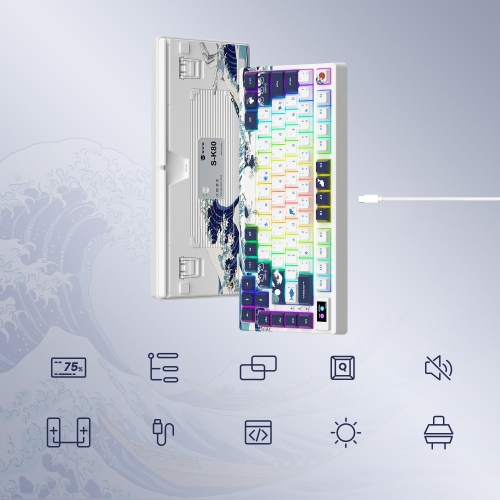
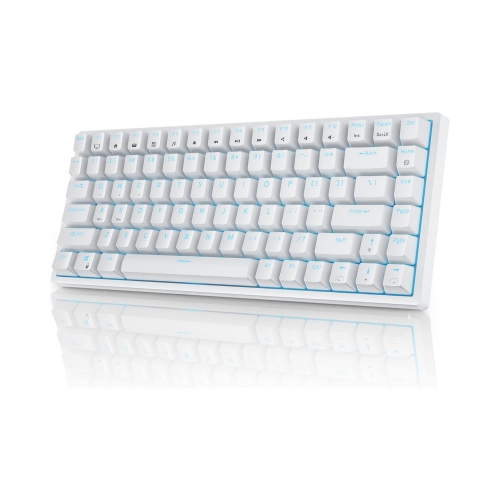
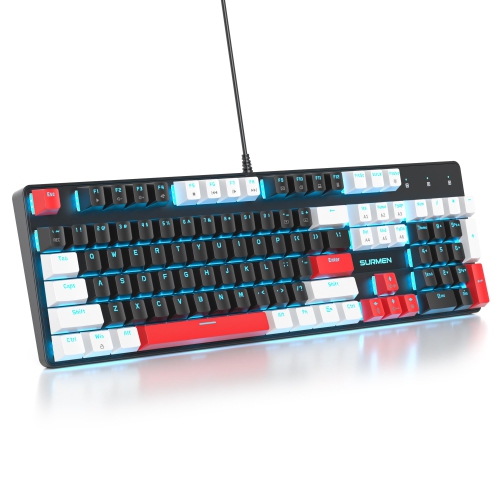
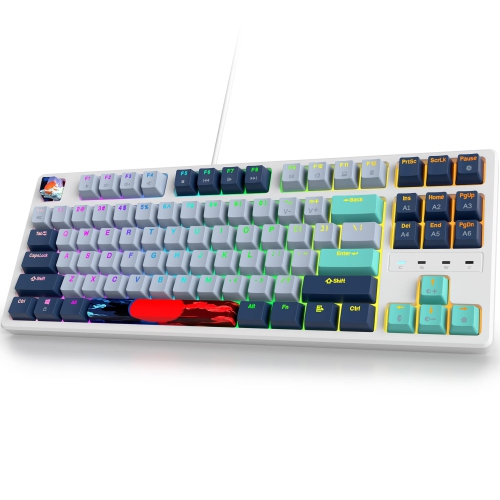
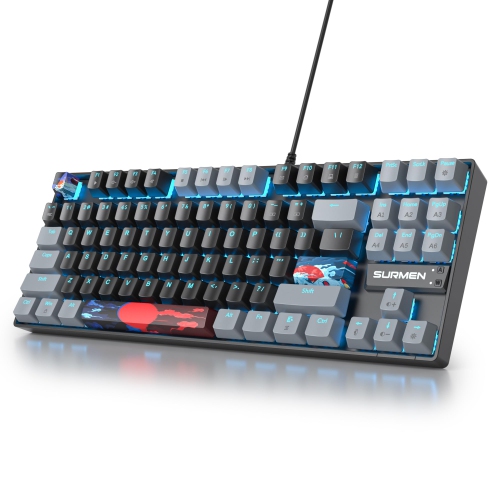

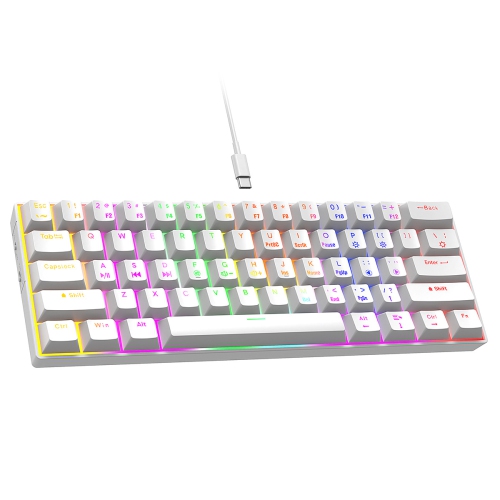
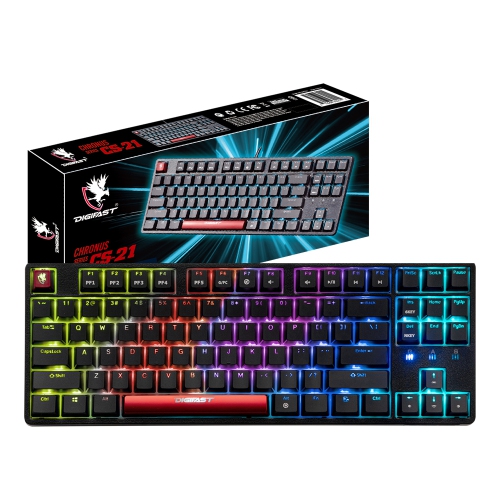
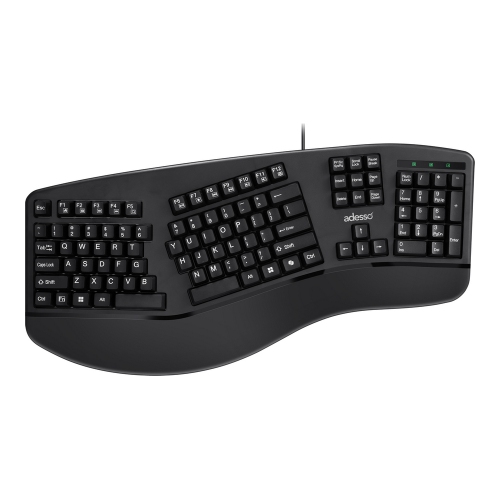
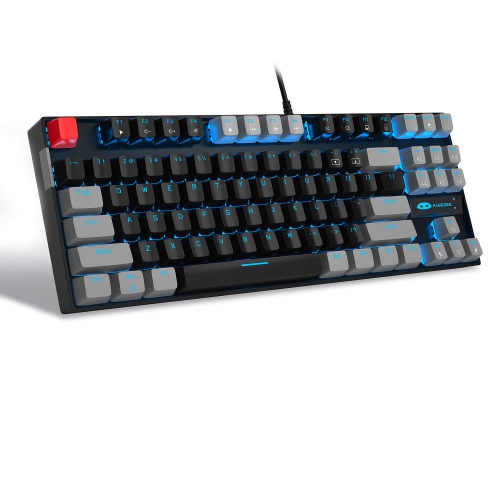
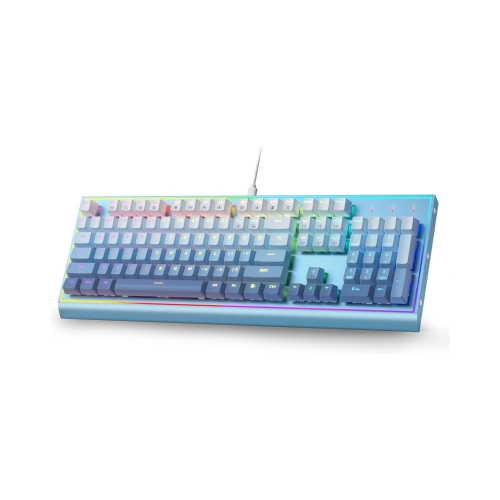
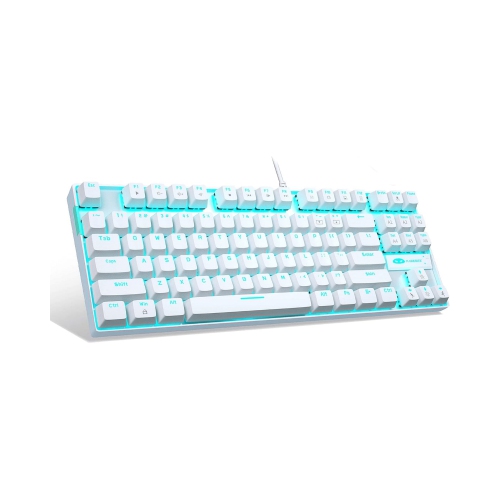
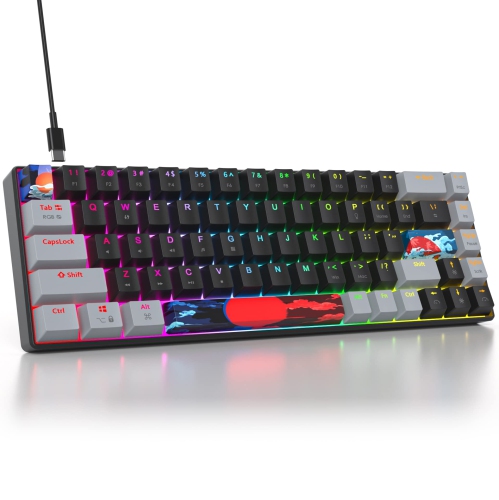
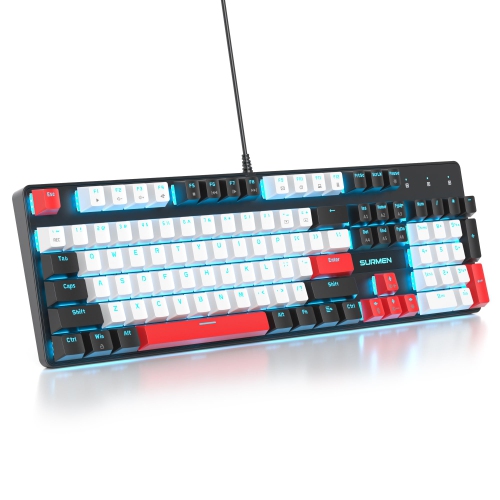




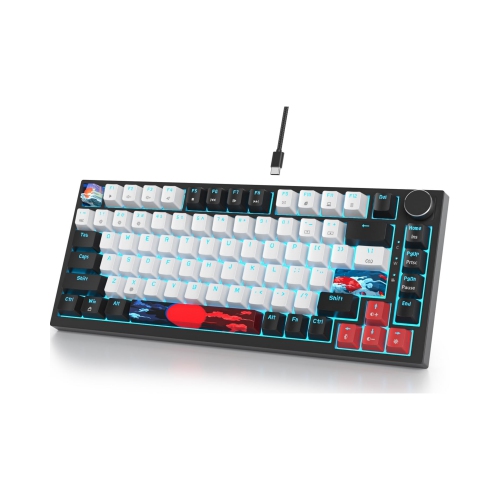
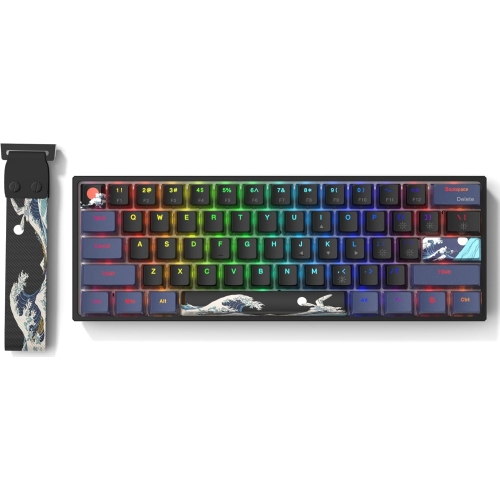
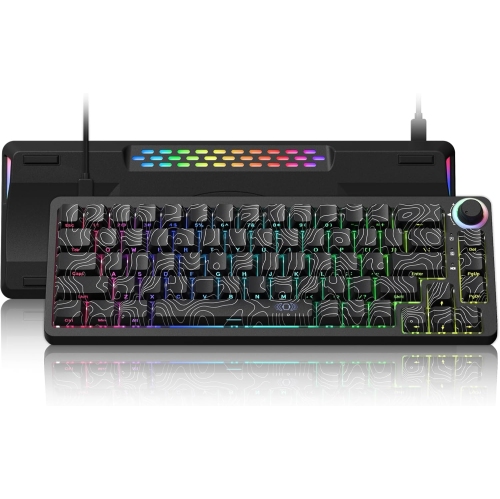
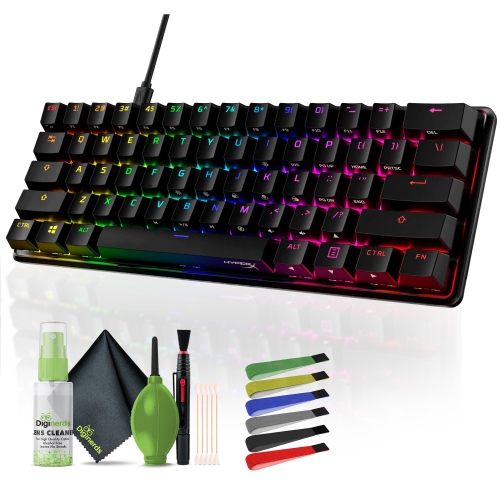
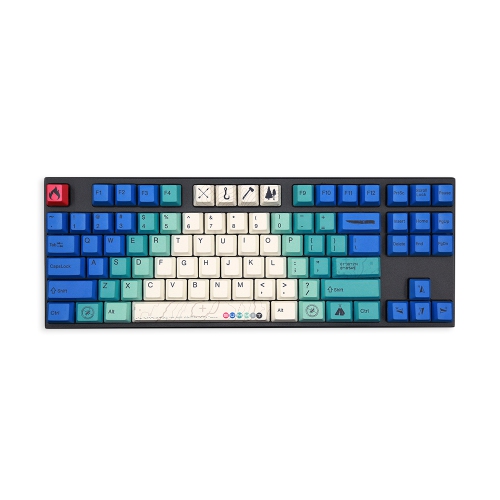
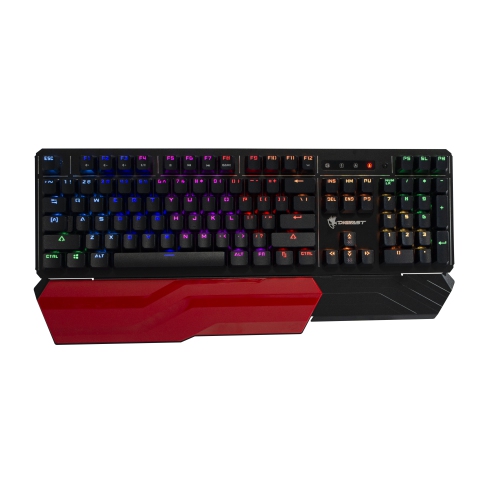
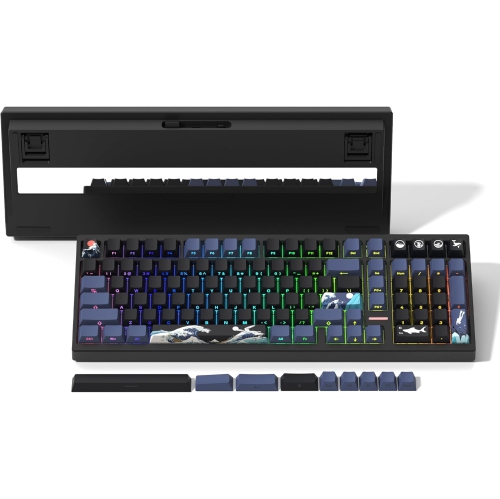
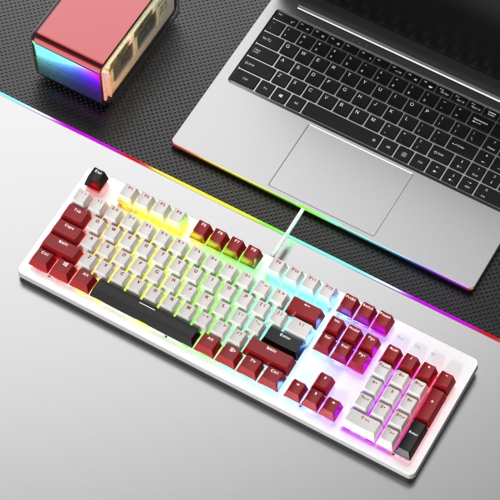
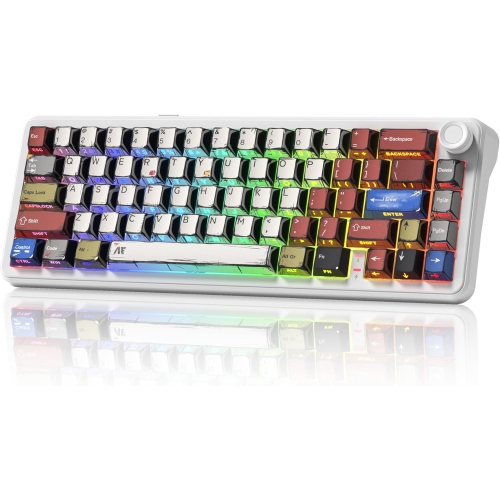
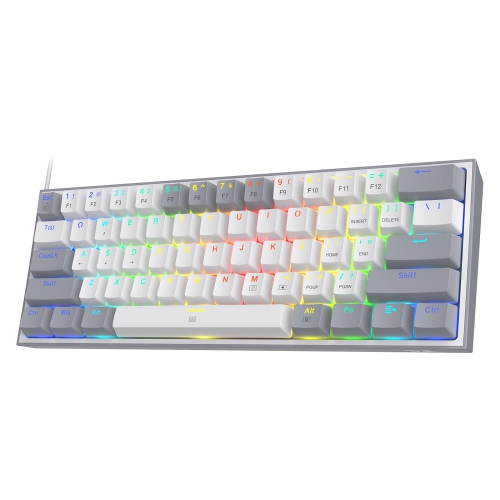
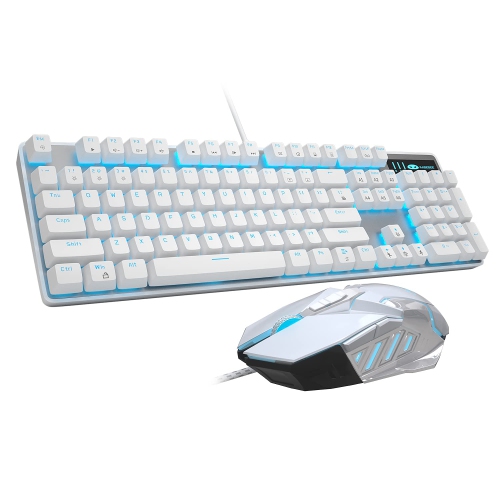
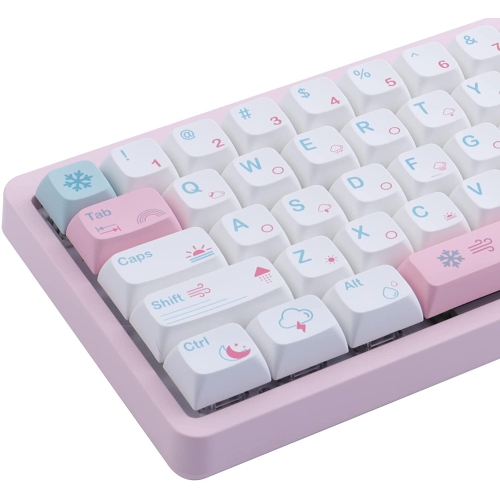
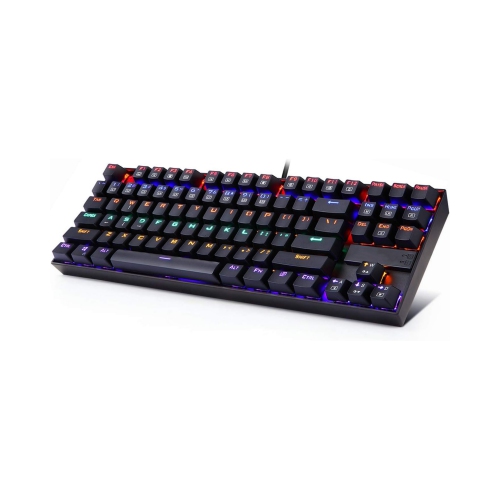
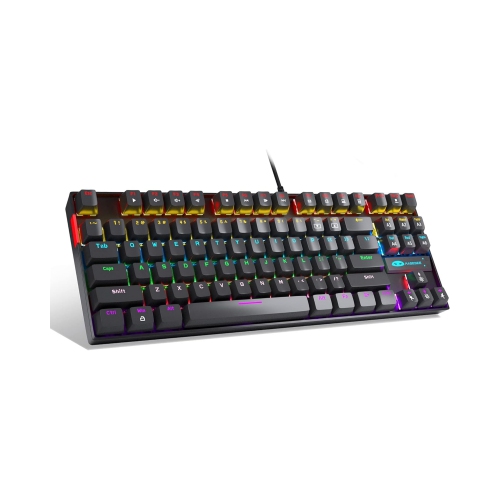
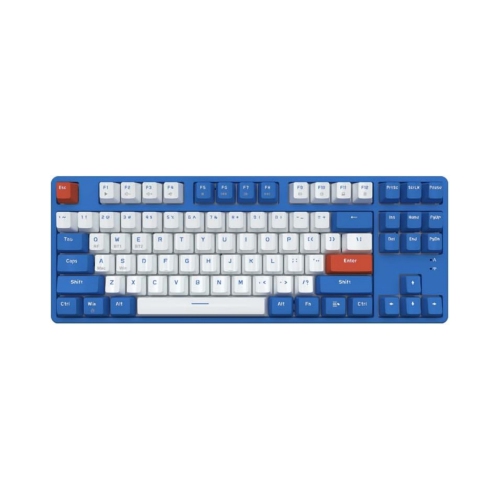

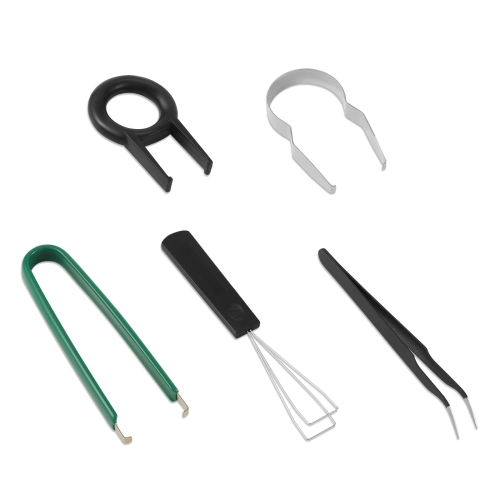
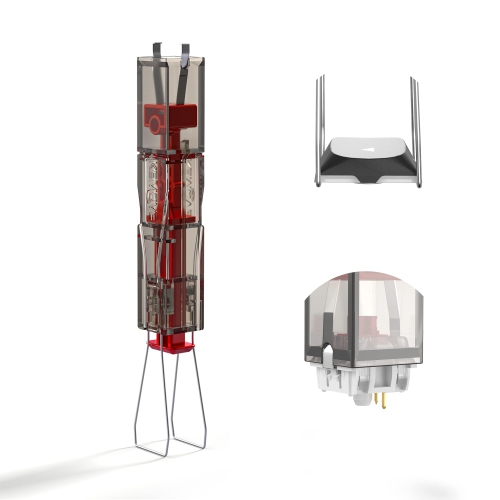
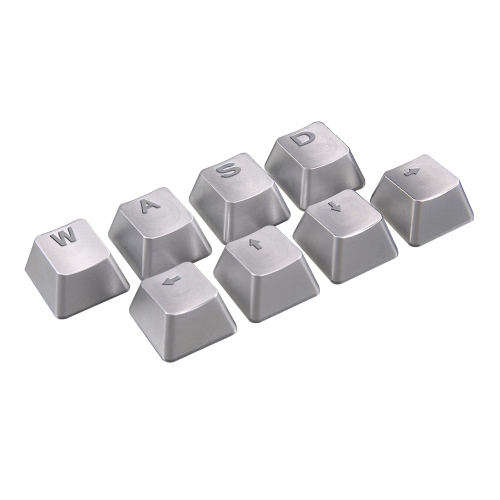
Switch feel, layout, sound, and features shape your setup
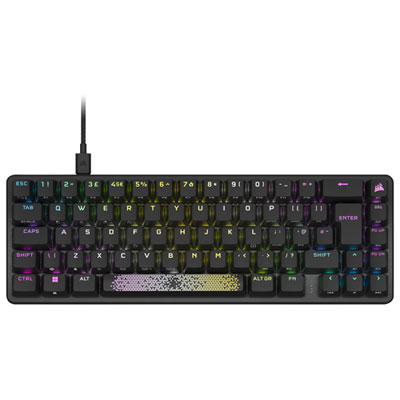
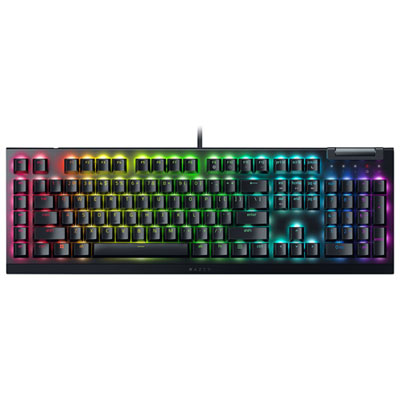
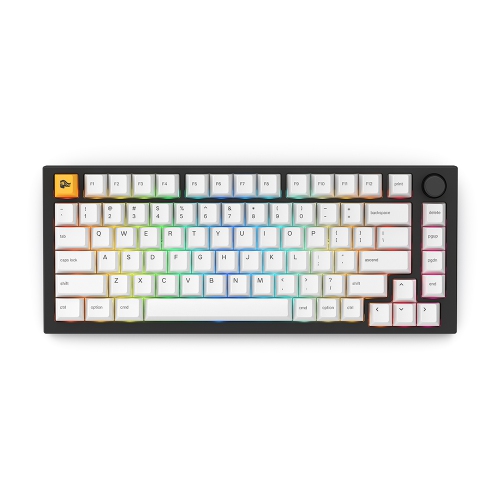
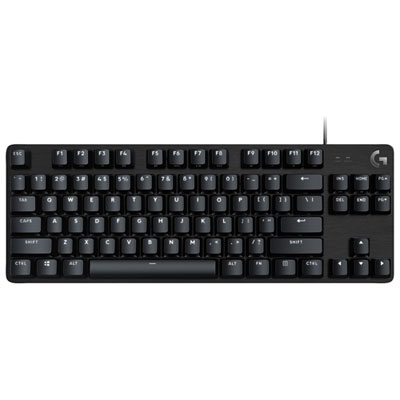
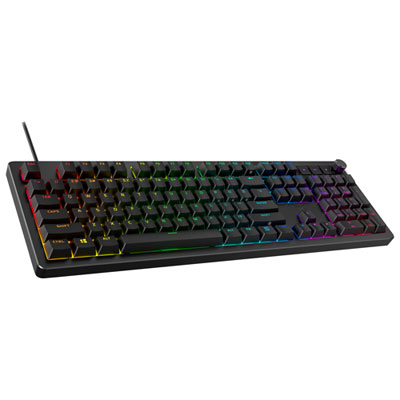
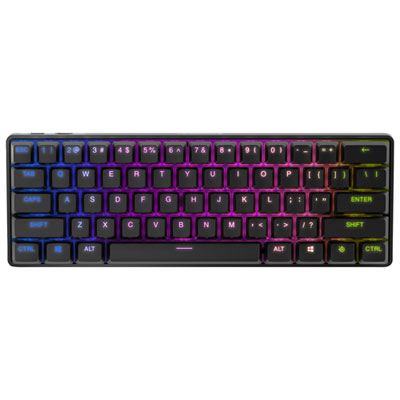
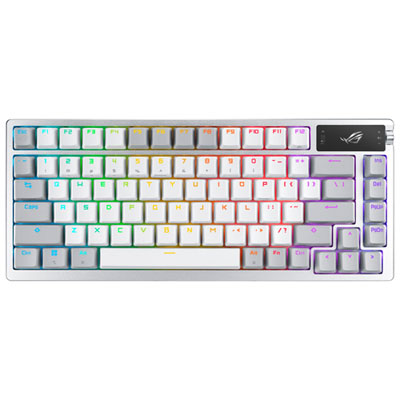
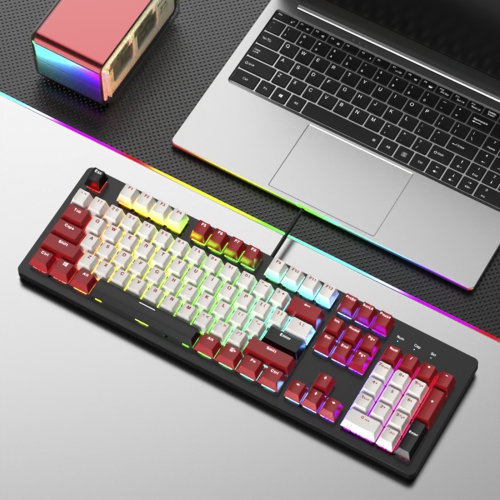
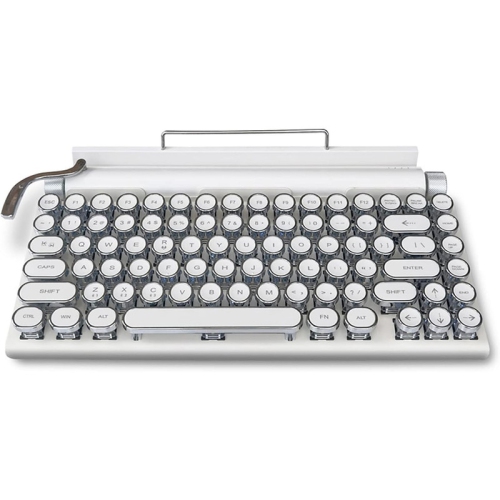
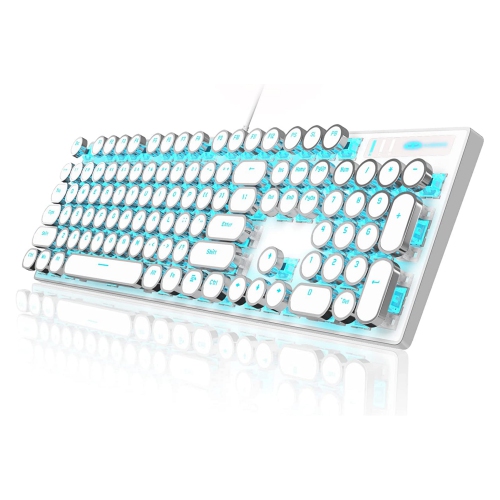
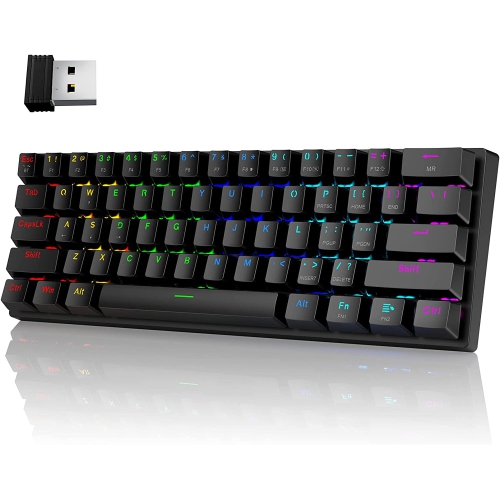
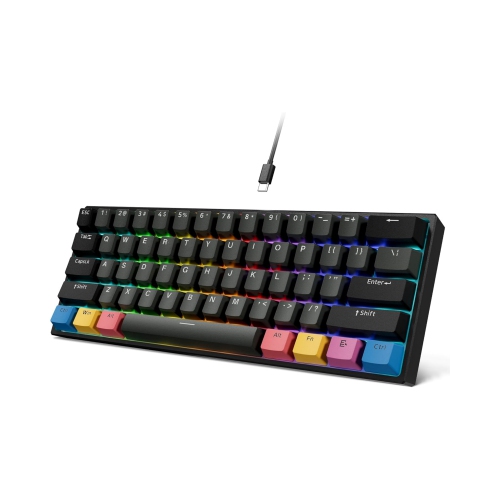
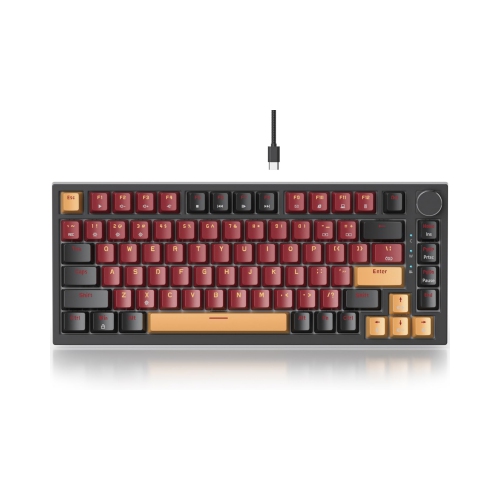
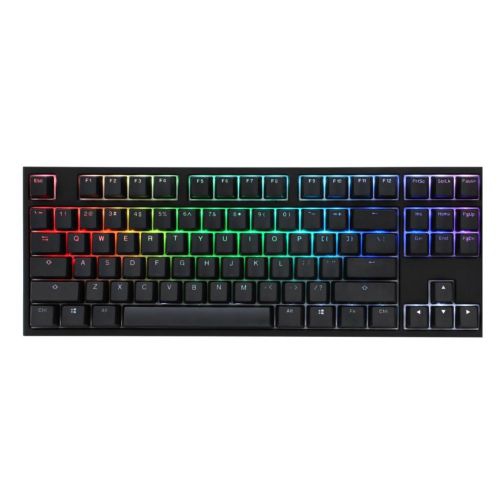
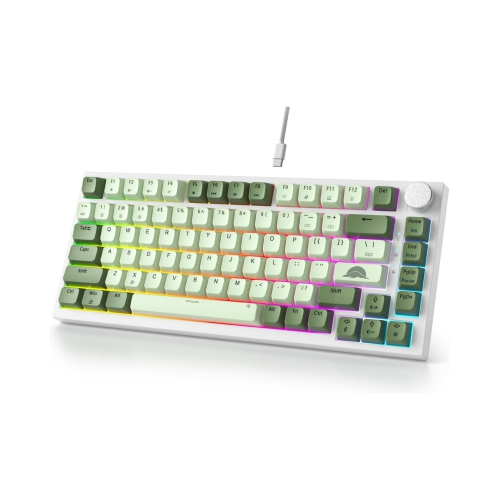
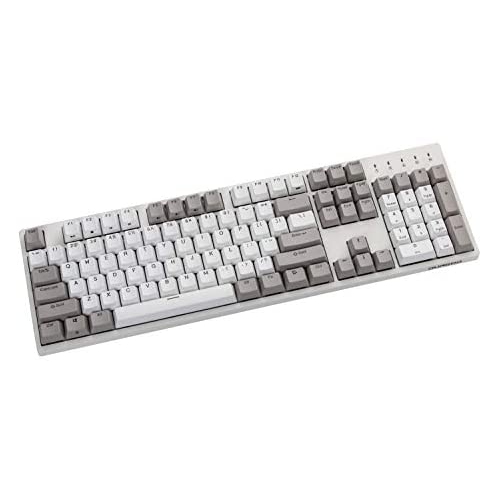
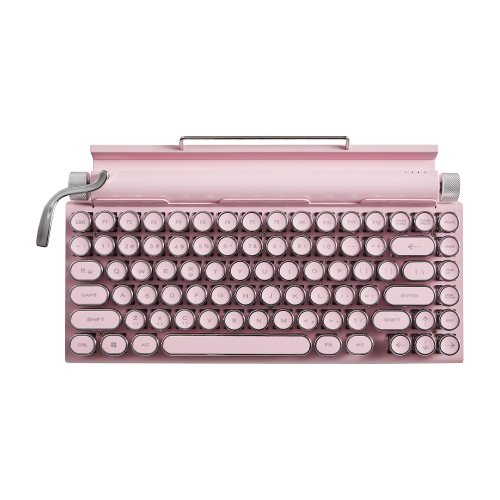
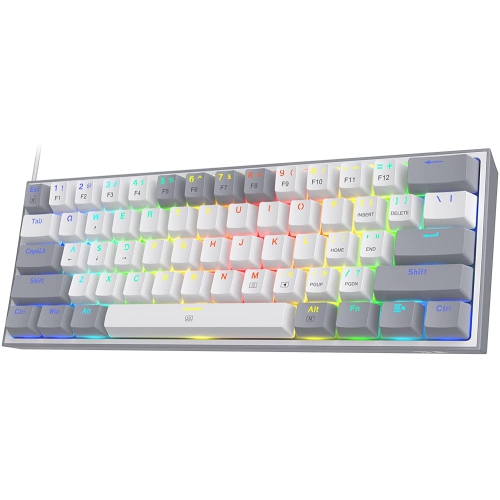
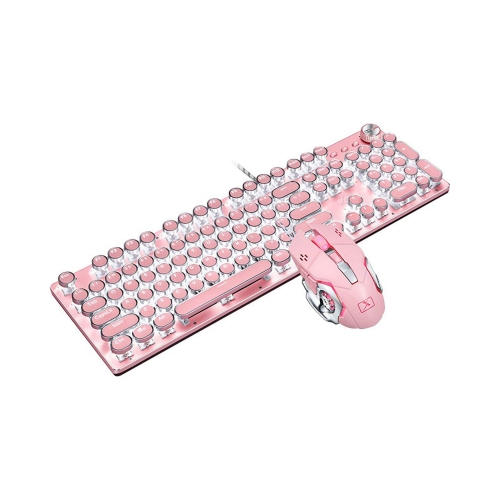
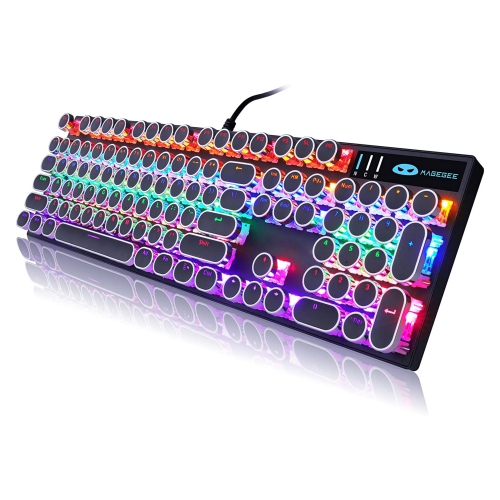
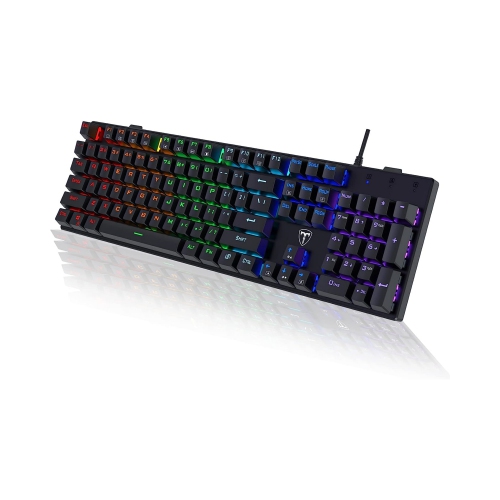
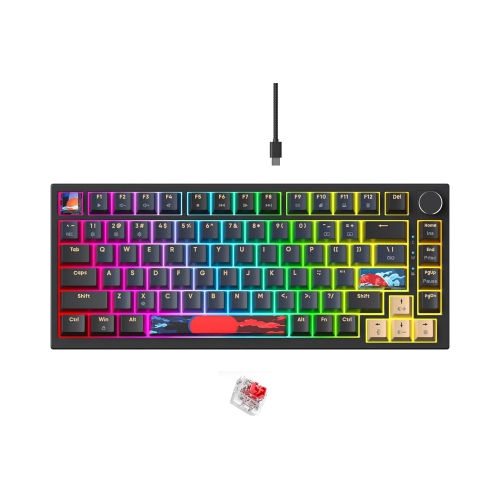
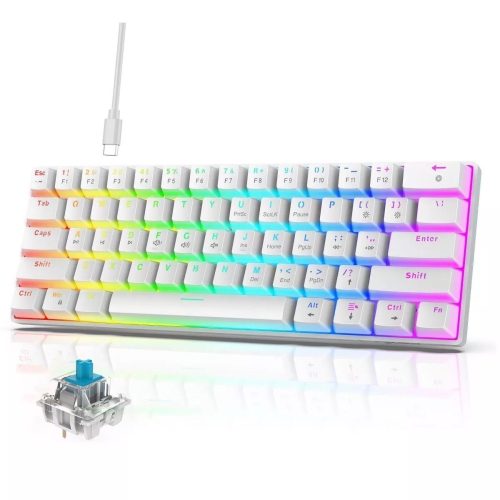
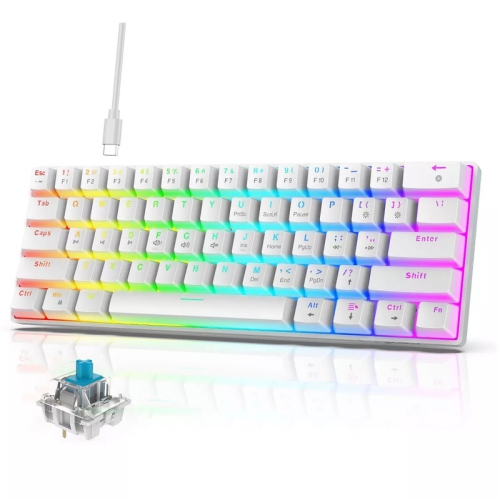
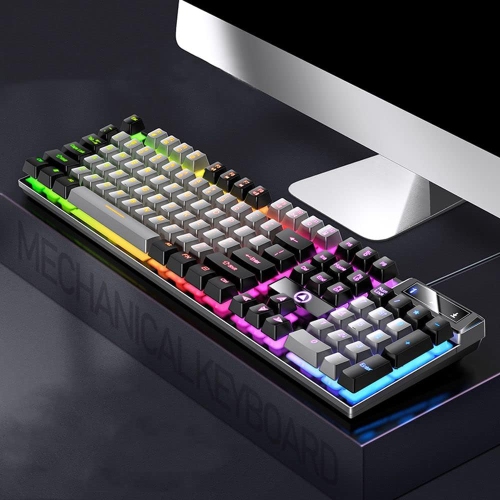
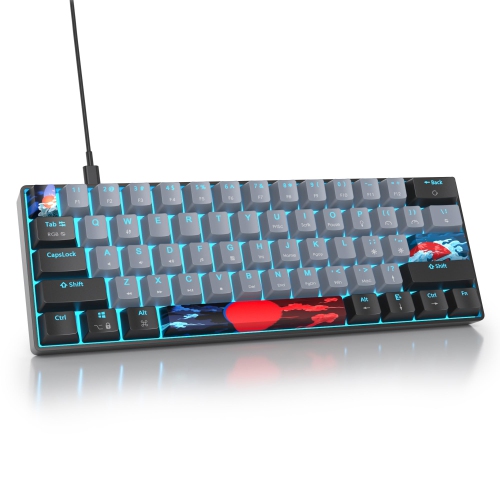
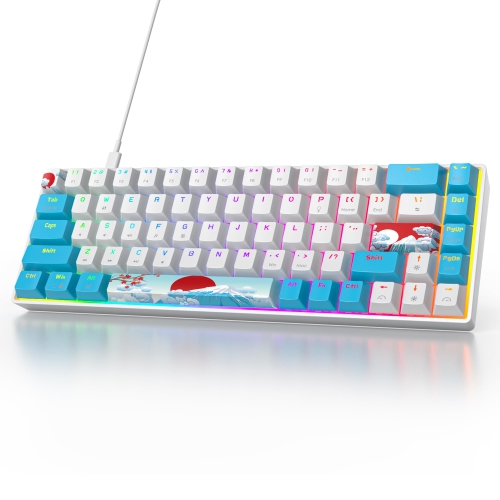
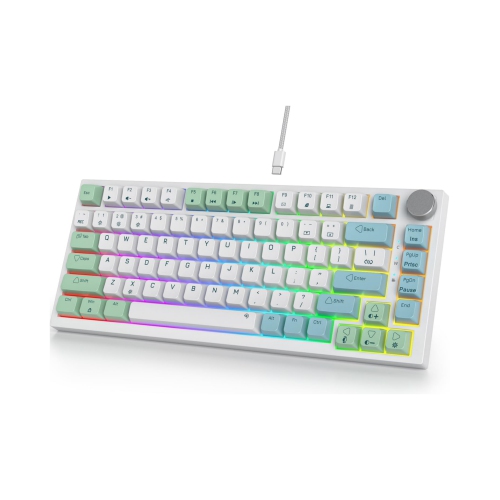
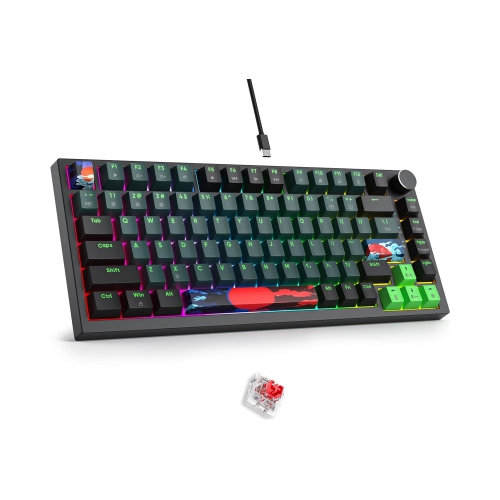
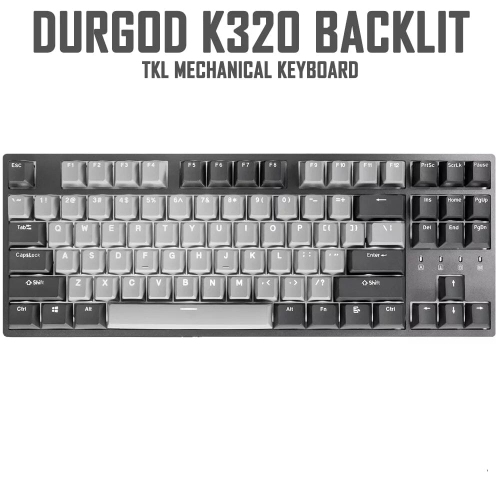
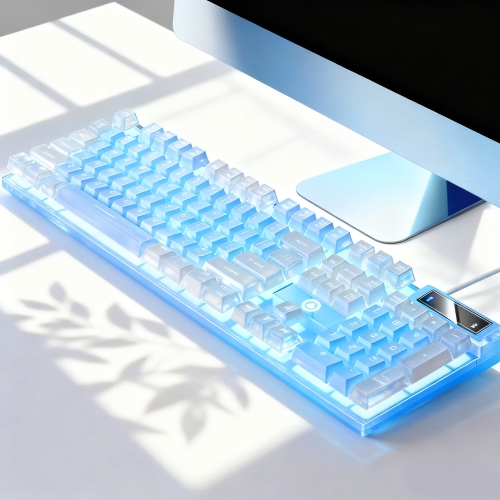
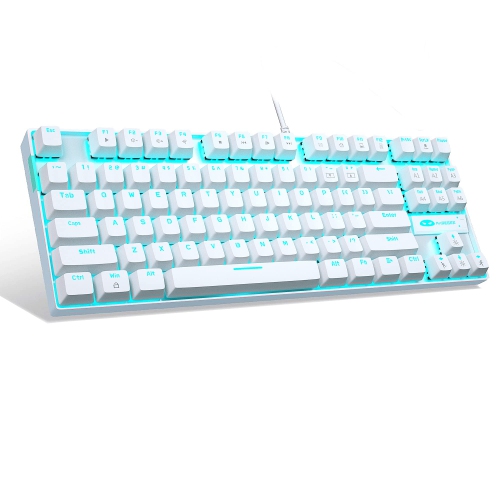
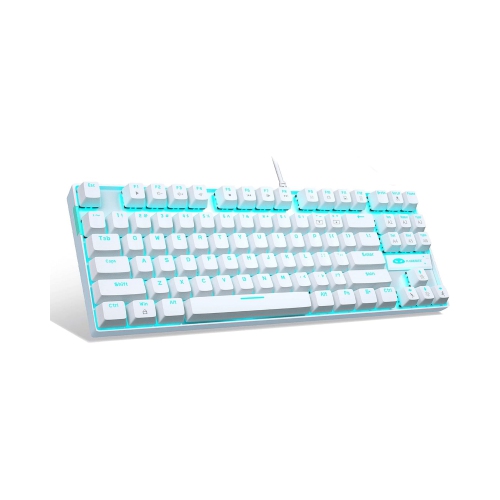
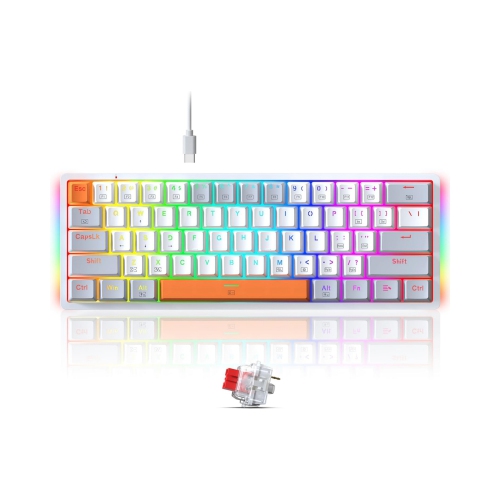
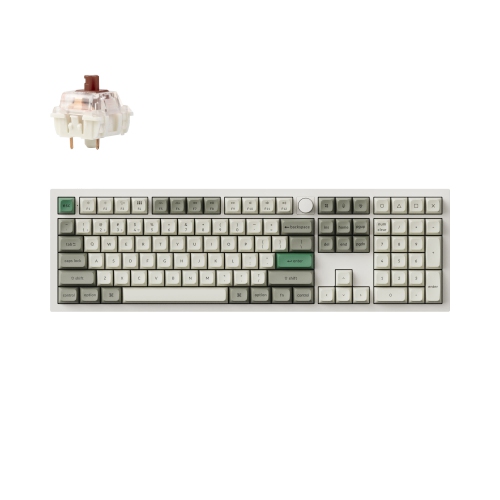
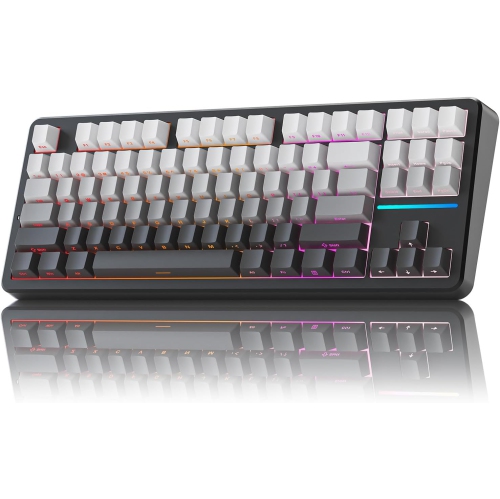
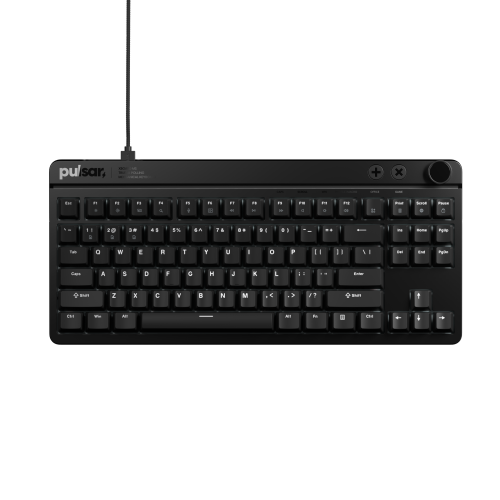
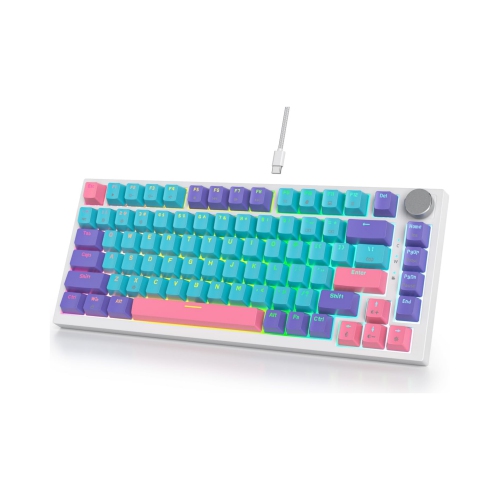
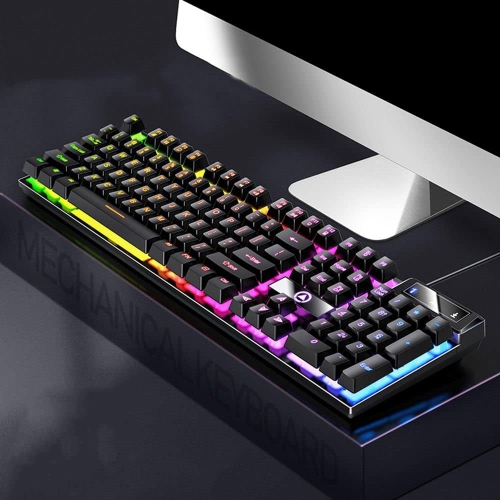
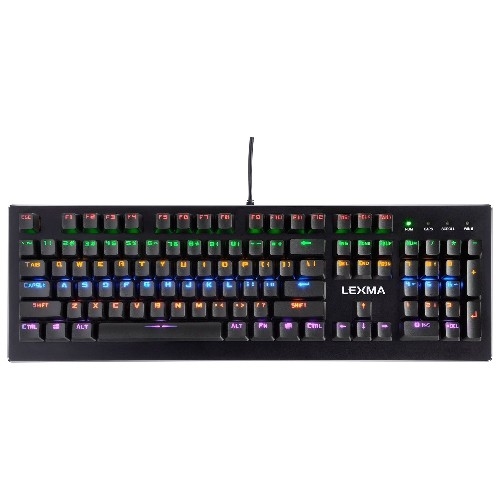
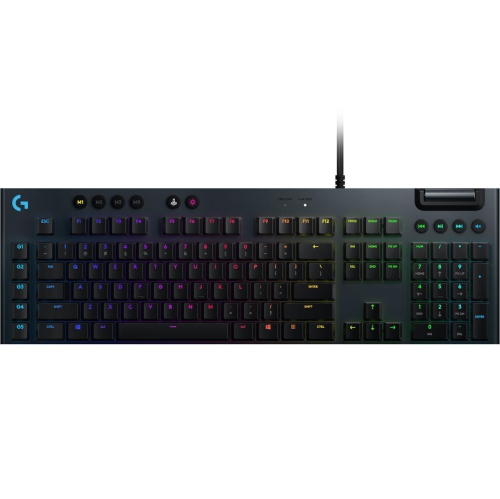
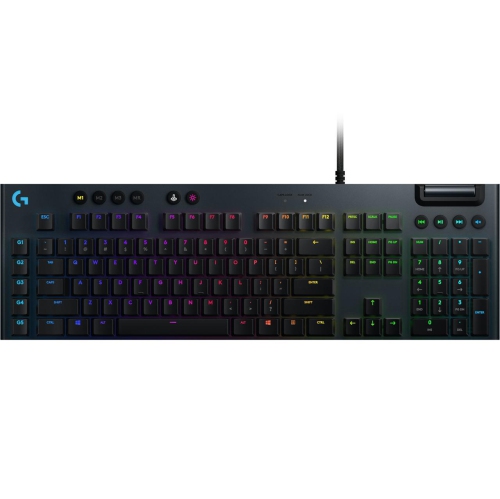
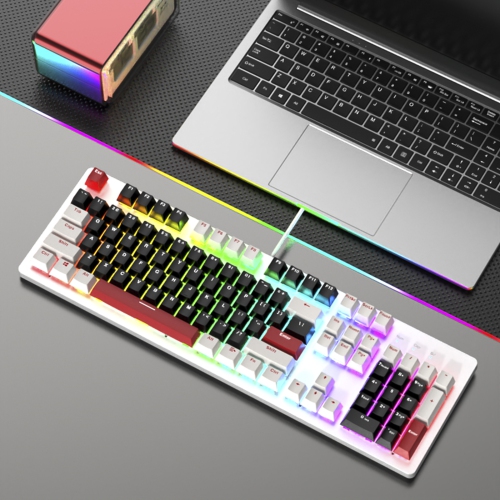
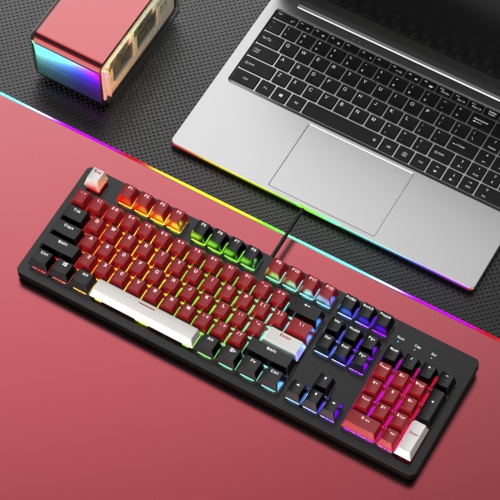
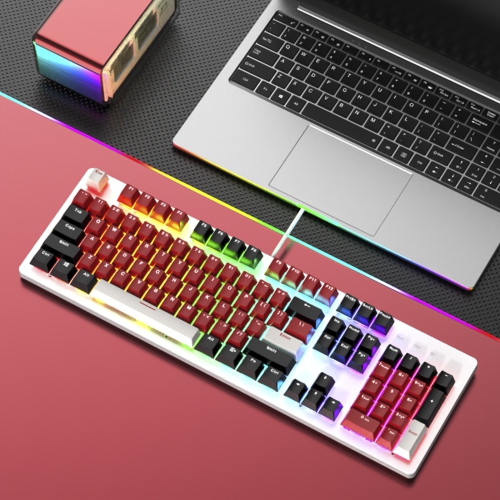
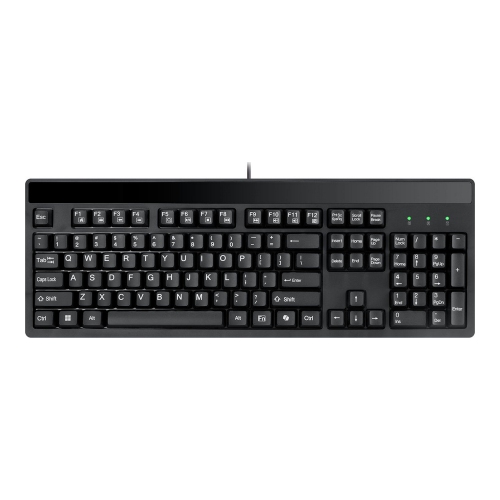
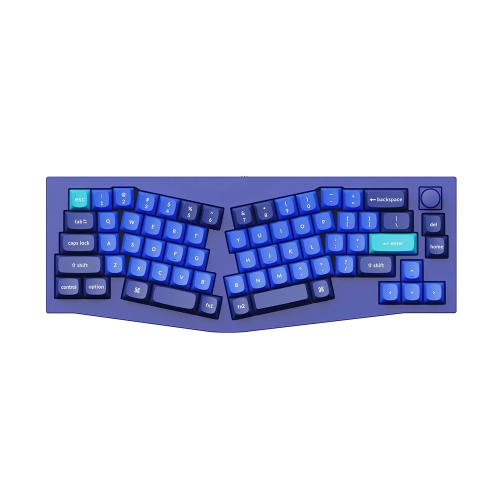
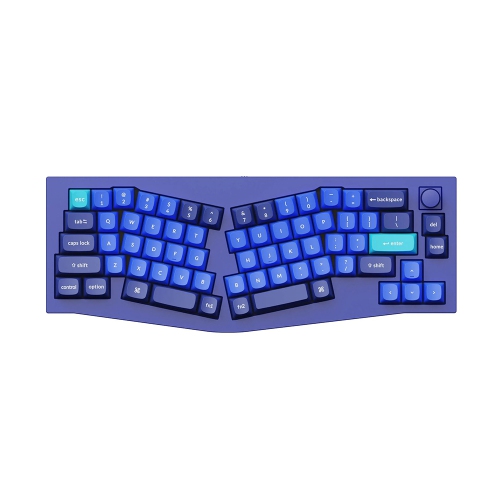
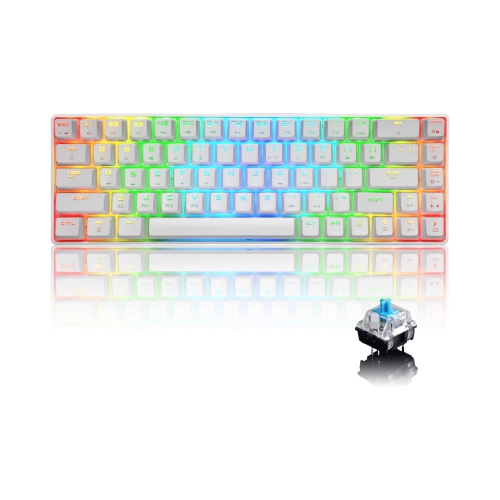
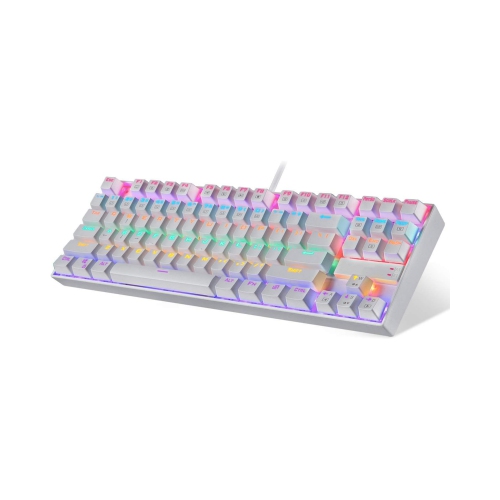
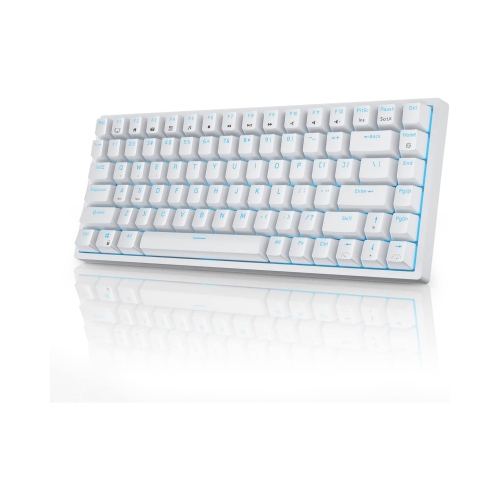
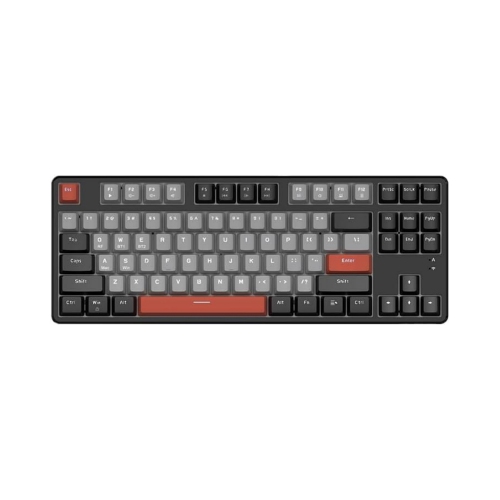
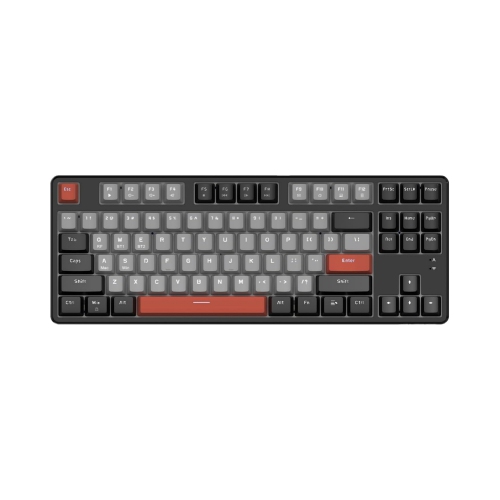
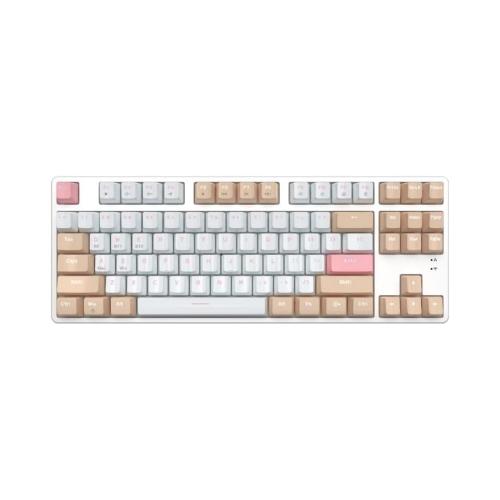
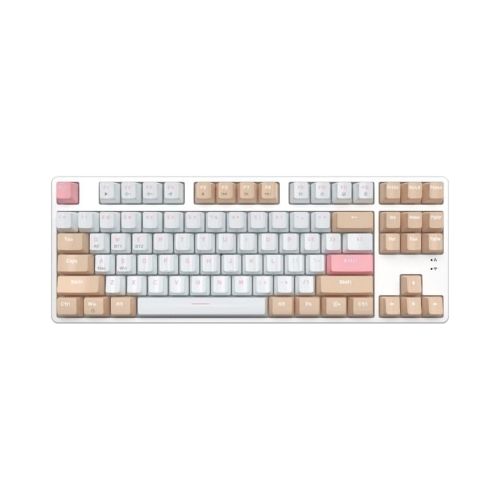
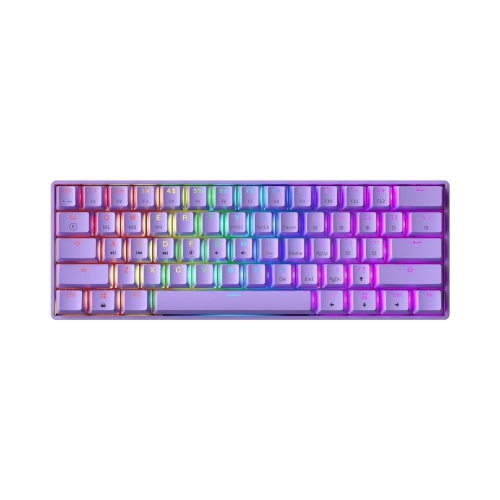
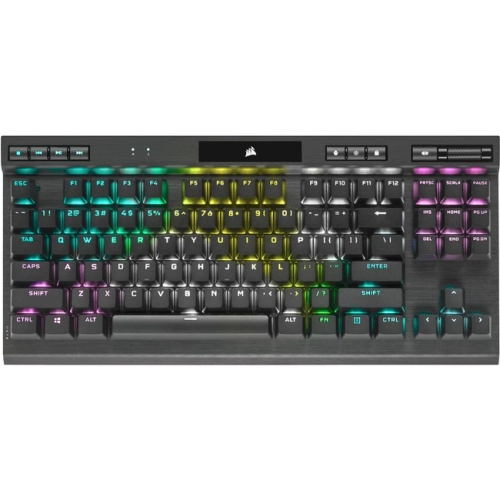
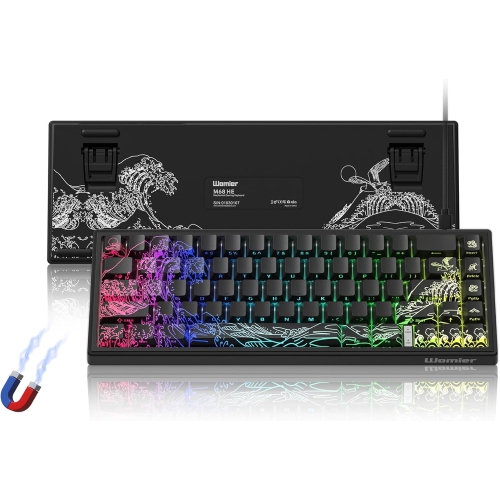
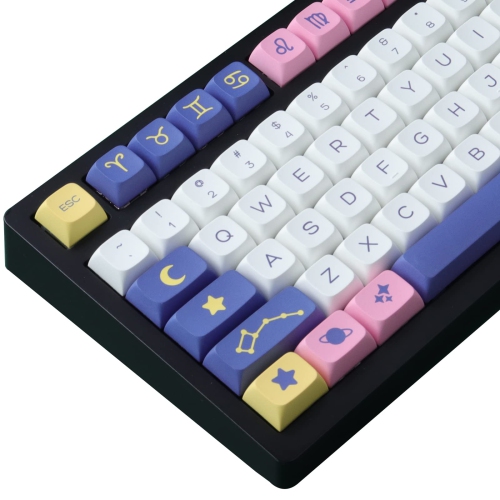
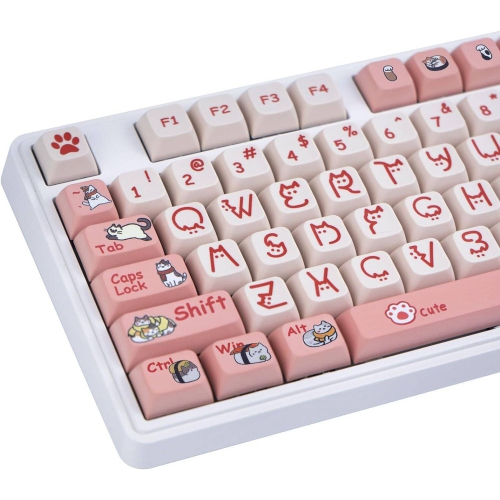
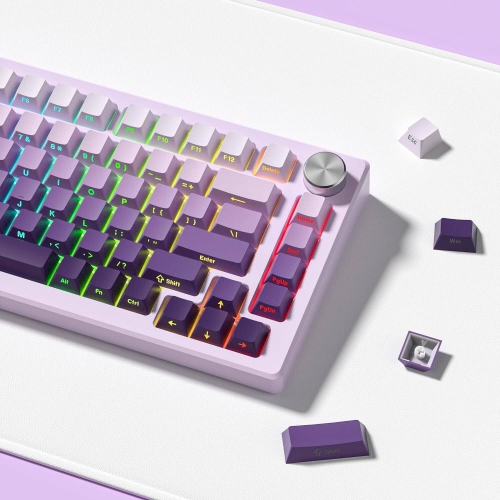
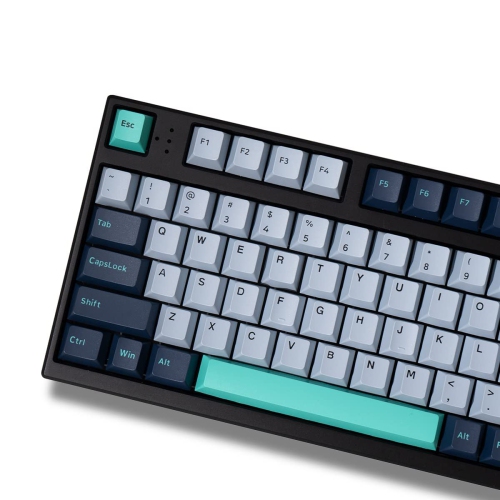
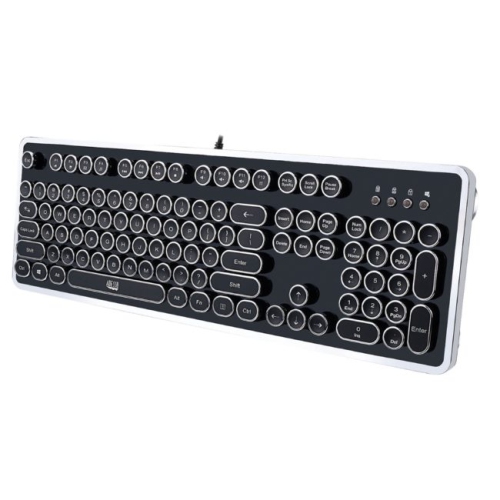
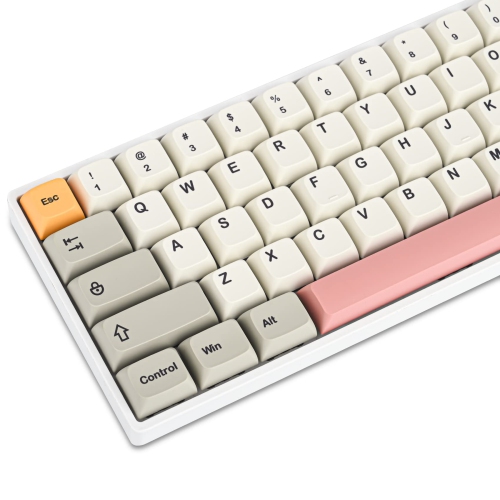
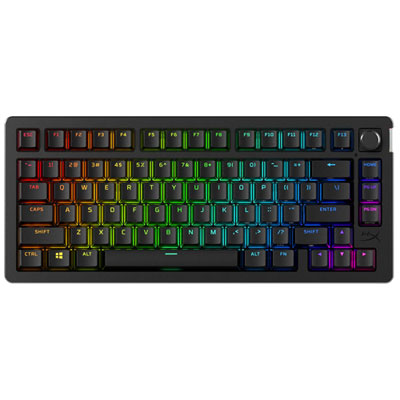
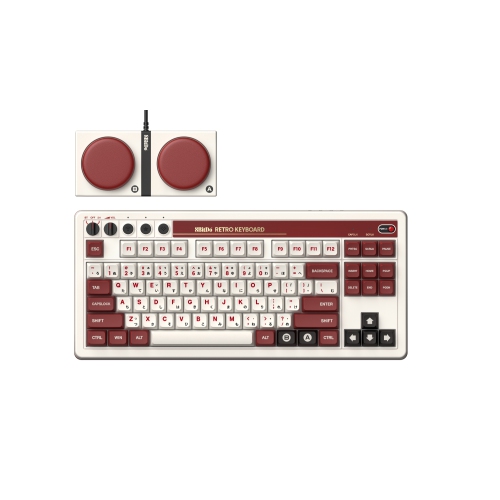
Mechanical switch keyboards use individual physical switches beneath the keycaps to register each keystroke. Unlike a membrane keyboard, which relies on a shared pressure layer, a mechanical design gives each key its own mechanism and metal contact points. This construction can provide a more distinct, consistent feel from one press to the next, whether you are writing reports, answering messages, editing documents, coding, or playing games. Mechanical switch keyboards are available in a wide range of sizes, layouts, connection types, and designs, so the right choice depends on how you plan to use the keyboard and what feels comfortable beneath your hands. Full-size models include a number pad and are useful for spreadsheets, accounting, inventory work, and frequent number entry, while tenkeyless designs remove the number pad to create more room for a mouse. Compact layouts can leave space for only the most frequently used keys, making them convenient for smaller desks or portable setups. Some keyboards use a familiar Canadian English layout, while others may have different key arrangements, so it is worth checking the listed layout before ordering, particularly if you rely on dedicated punctuation, navigation, or media keys. A mechanical switch keyboard can also bring personality to a home office, study area, or gaming station through its case shape, keycap profile, backlighting, and overall style. For a more nostalgic look, a retro-inspired design such as Retro Mechanical Keyboards can complement a classic desk setup while still offering modern keyboard features.
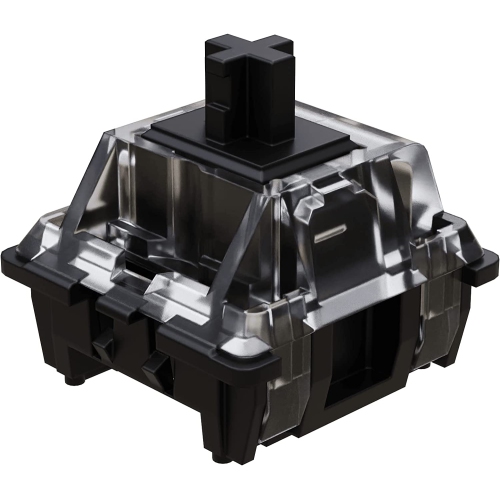
The switch is the part that most directly shapes the typing experience. Linear switches move smoothly from the top of the press to the bottom, without a tactile bump, and are often selected by people who prefer an uninterrupted motion for gaming or fast, even typing. Tactile switches have a noticeable bump partway through the key travel, providing physical feedback that can help you recognize when a key has actuated without pressing it all the way down. They are a popular middle ground for people who divide their time between office work, schoolwork, programming, and gaming. Clicky switches combine tactile feedback with a distinct audible click, which can make each press feel deliberate and satisfying. The sound can be enjoyable in a private room, but it may be distracting in a shared office, library, bedroom, or living space, especially during long typing sessions or late-night gaming. Switches also vary by actuation force, measured in grams, which describes how much pressure is generally needed to register a press. Lighter switches may feel quick and effortless, while heavier switches can reduce accidental presses for users who tend to rest their fingers on the keys. Travel distance describes how far a key moves before or after actuation and contributes to the overall rhythm of typing. There is no single switch type that suits every person; the best fit comes down to sound, pressure, feedback, hand comfort, and the tasks you perform most often. If possible, consider how your current keyboard feels after several pages of writing rather than judging only by the first few minutes. A switch that feels exciting for a short gaming session may feel tiring during a long workday, while a quieter, softer option may be easier to live with in a busy household.
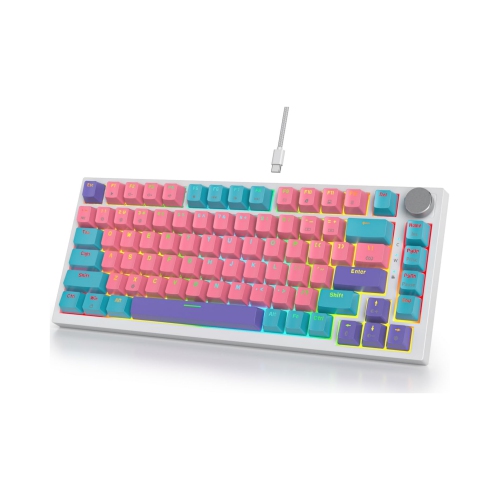
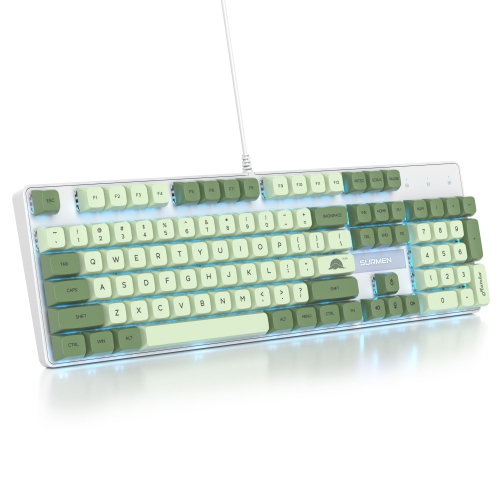
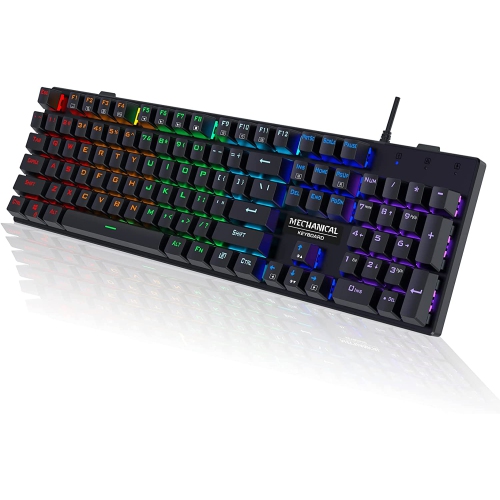
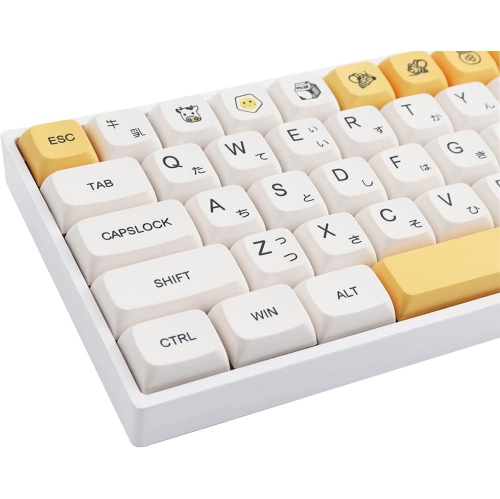
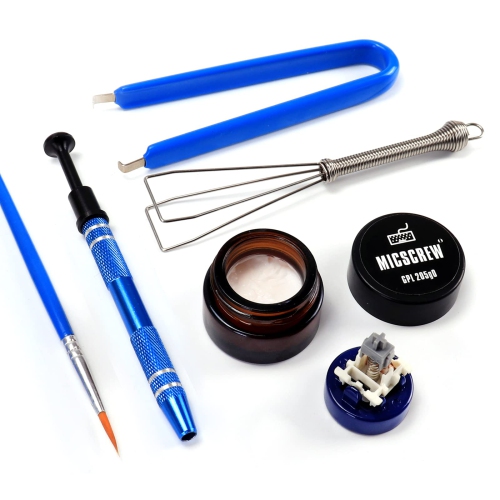
Other details can make a meaningful difference over time. Hot-swappable keyboards allow switches to be removed and replaced without soldering, making it easier to experiment with different switch styles or replace an individual switch if it develops a problem. This can be especially useful for enthusiasts, learners, and anyone still discovering whether linear, tactile, or clicky feedback suits them. Keycap material and shape affect the texture beneath your fingertips, and removable keycaps can make cleaning and customization more manageable. Look for a sturdy base, comfortable angle, and practical support features such as adjustable feet, a detachable cable, wrist support, or onboard controls for volume and lighting. Wired keyboards provide a direct connection and do not require battery charging, while wireless models can help reduce cable clutter and give a desk a cleaner appearance; wireless battery life, charging options, and connection compatibility are useful details to review. Lighting may improve visibility in a dim room, and programmable keys can place frequently used shortcuts, commands, or media controls close at hand. Mechanical switch keyboards can be a thoughtful gift for a student setting up a study area, a remote worker creating a more comfortable workstation, a programmer who spends hours at the keyboard, or a gamer refining a desktop setup. They can also suit someone who enjoys customizing everyday equipment and appreciates the solid, deliberate feel of a physical switch. During the cooler months, when more time may be spent indoors working, studying, gaming, or enjoying hobbies at a desk, a comfortable keyboard can become one of the most frequently used parts of a computer setup. Before choosing, compare the switch type, sound level, actuation force, layout, size, connection method, and available features so the keyboard fits both the user and the space where it will be used.
The switch is the part that most directly shapes the typing experience. Linear switches move smoothly from the top of the press to the bottom, without a tactile bump, and are often selected by people who prefer an uninterrupted motion for gaming or fast, even typing. Tactile switches have a noticeable bump partway through the key travel, providing physical feedback that can help you recognize when a key has actuated without pressing it all the way down. They are a popular middle ground for people who divide their time between office work, schoolwork, programming, and gaming. Clicky switches combine tactile feedback with a distinct audible click, which can make each press feel deliberate and satisfying. The sound can be enjoyable in a private room, but it may be distracting in a shared office, library, bedroom, or living space, especially during long typing sessions or late-night gaming. Switches also vary by actuation force, measured in grams, which describes how much pressure is generally needed to register a press. Lighter switches may feel quick and effortless, while heavier switches can reduce accidental presses for users who tend to rest their fingers on the keys. Travel distance describes how far a key moves before or after actuation and contributes to the overall rhythm of typing. There is no single switch type that suits every person; the best fit comes down to sound, pressure, feedback, hand comfort, and the tasks you perform most often. If possible, consider how your current keyboard feels after several pages of writing rather than judging only by the first few minutes. A switch that feels exciting for a short gaming session may feel tiring during a long workday, while a quieter, softer option may be easier to live with in a busy household.
Other details can make a meaningful difference over time. Hot-swappable keyboards allow switches to be removed and replaced without soldering, making it easier to experiment with different switch styles or replace an individual switch if it develops a problem. This can be especially useful for enthusiasts, learners, and anyone still discovering whether linear, tactile, or clicky feedback suits them. Keycap material and shape affect the texture beneath your fingertips, and removable keycaps can make cleaning and customization more manageable. Look for a sturdy base, comfortable angle, and practical support features such as adjustable feet, a detachable cable, wrist support, or onboard controls for volume and lighting. Wired keyboards provide a direct connection and do not require battery charging, while wireless models can help reduce cable clutter and give a desk a cleaner appearance; wireless battery life, charging options, and connection compatibility are useful details to review. Lighting may improve visibility in a dim room, and programmable keys can place frequently used shortcuts, commands, or media controls close at hand. Mechanical switch keyboards can be a thoughtful gift for a student setting up a study area, a remote worker creating a more comfortable workstation, a programmer who spends hours at the keyboard, or a gamer refining a desktop setup. They can also suit someone who enjoys customizing everyday equipment and appreciates the solid, deliberate feel of a physical switch. During the cooler months, when more time may be spent indoors working, studying, gaming, or enjoying hobbies at a desk, a comfortable keyboard can become one of the most frequently used parts of a computer setup. Before choosing, compare the switch type, sound level, actuation force, layout, size, connection method, and available features so the keyboard fits both the user and the space where it will be used.
Top selling and popular products
-
 Your price for this item is $39.99
 -
 Your price for this item is $76.98
 -
 Your price for this item is $94.99
 -
 Your price for this item is $319.99
 -
 Your price for this item is $364.99
 -
 Your price for this item is $149.99
 -
 Your price for this item is $124
 -
 Your price for this item is $94.99
Discover more categories related to Mechanical Switch Keyboards
Top Collections:
Pokemon Centers, Kindle Devices, Best Budget Office Chairs, Apple iPhones 16, Best Laptops for Writers, iPhone 15 Apple, Canon G7X Cameras, Refurbished Apple Laptops, Alarm Clock, Motorola Razr Phones
Some products may be subject to Environmental Handling Fees
(EHF) depending on your province.
Learn more about EHFs.