Mechanical Computer Keyboards
Mechanical keyboards are one of the popular choices for gamers and typists alike. These offer a more tactile, and responsive typing experience, as well as the ability to feel each keystroke. These keyboards are ergonomic and provide the best typing experience. Some have wireless and Bluetooth features. Here are some of the best choices for mechanical computer keyboards available today.
Sort

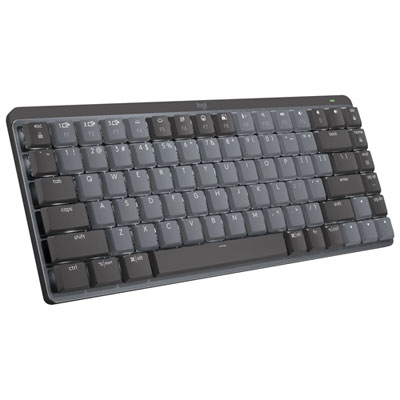
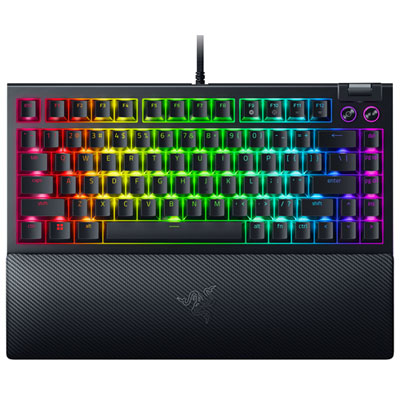
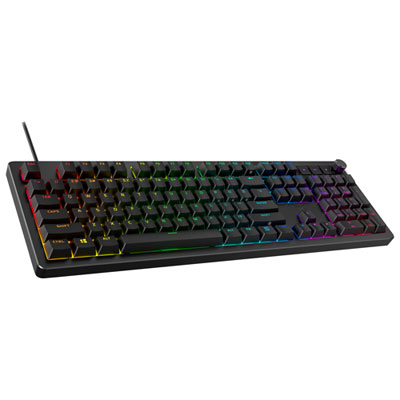
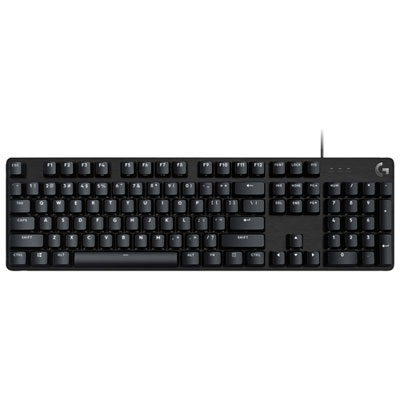
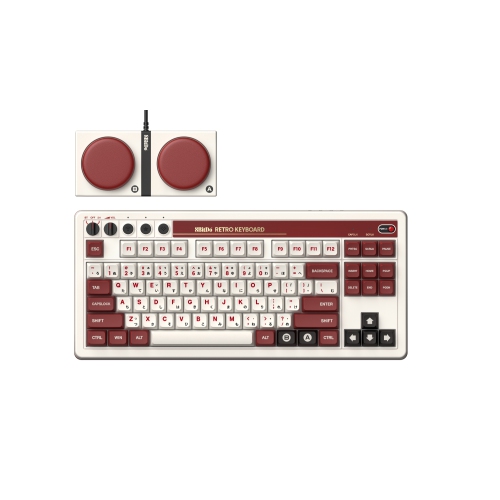
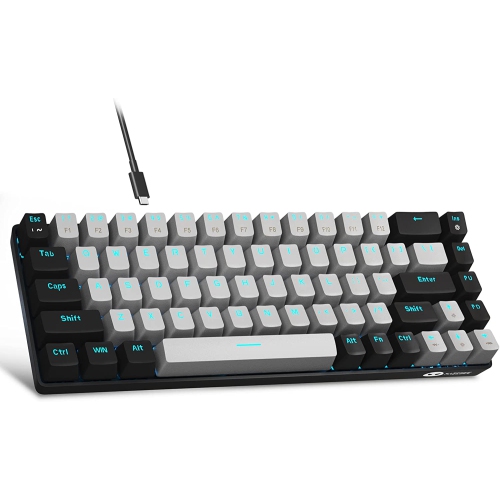
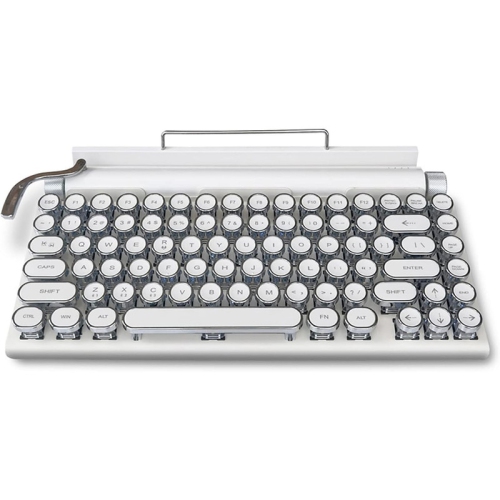
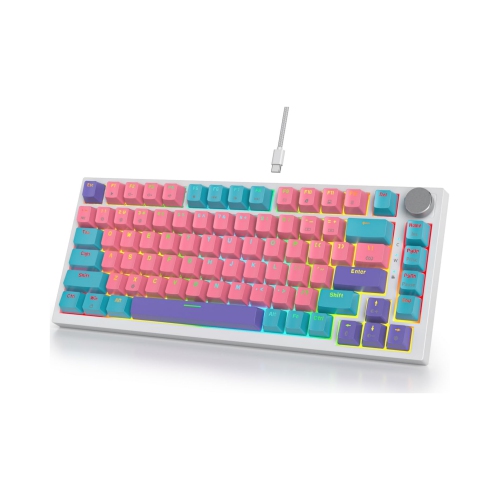
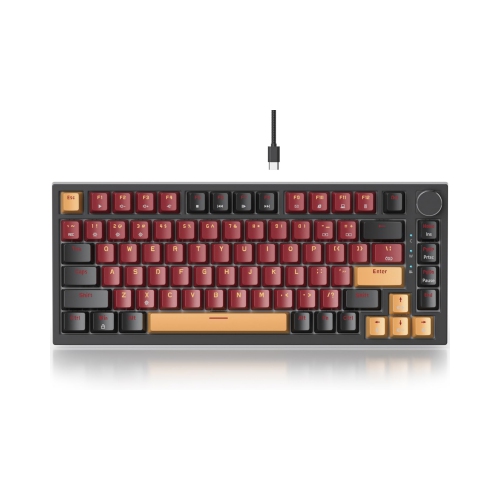
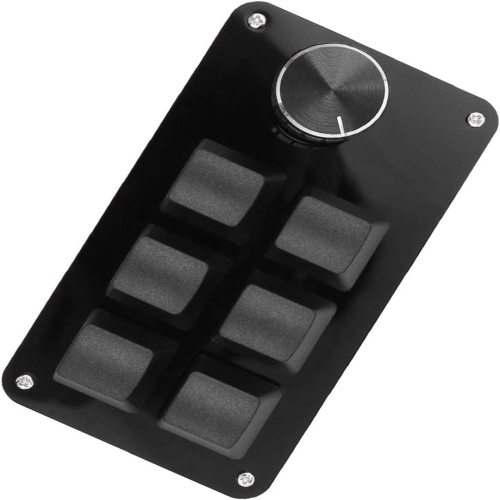

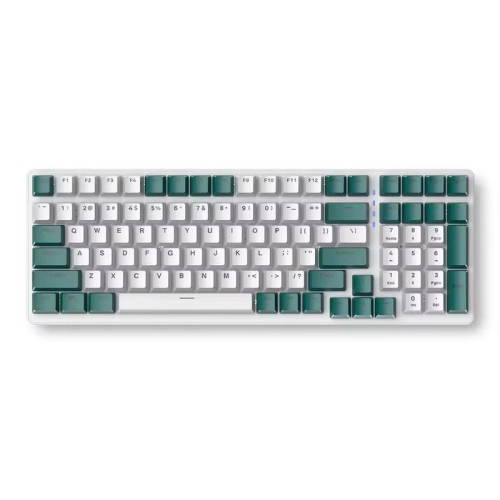
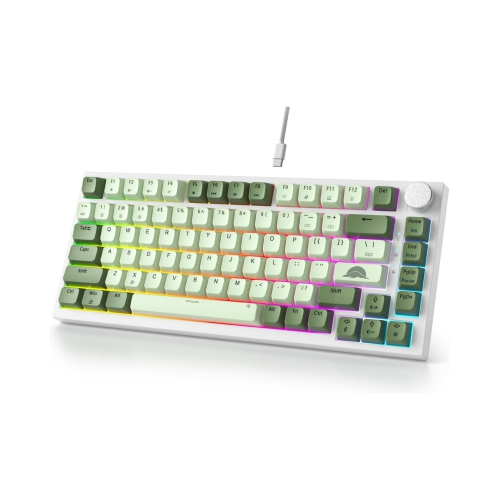
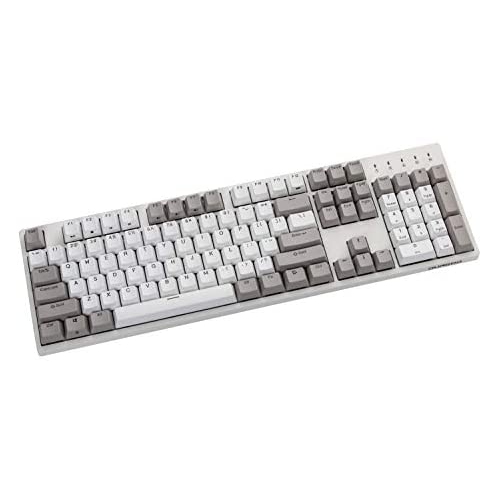
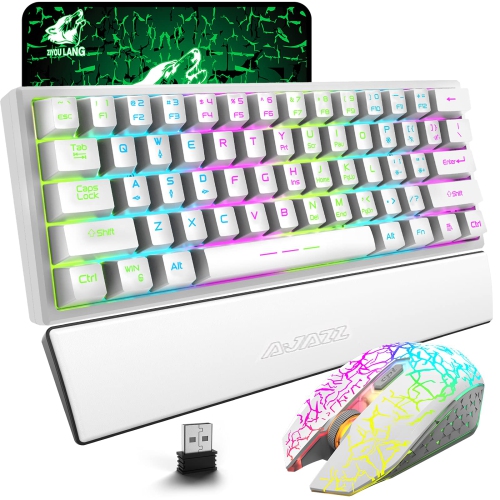
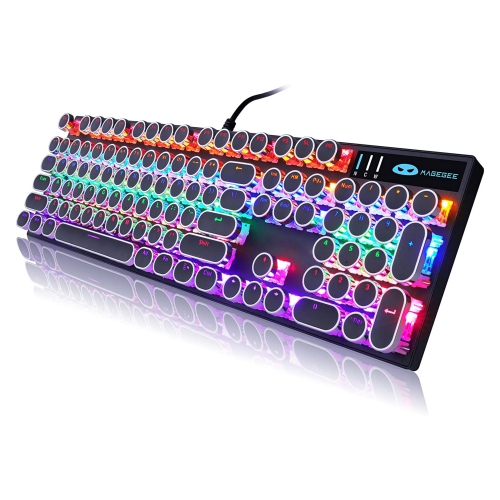
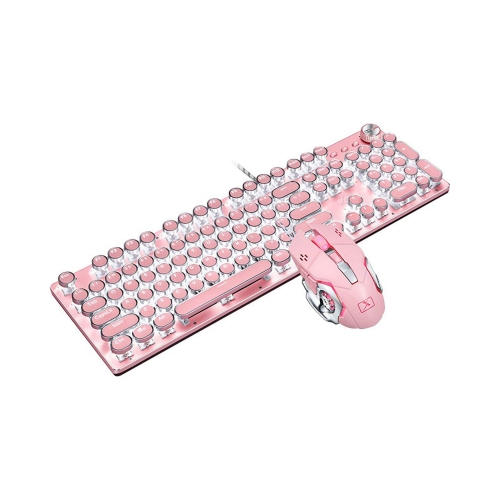
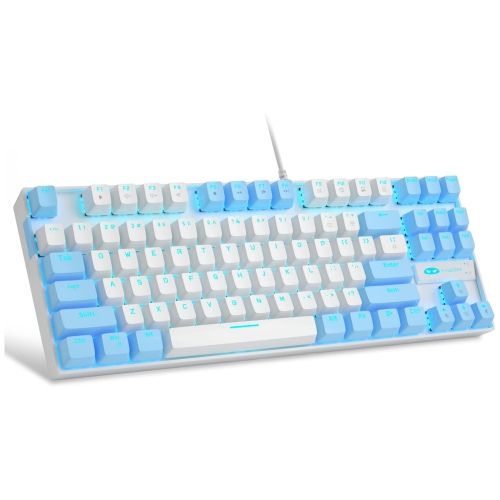
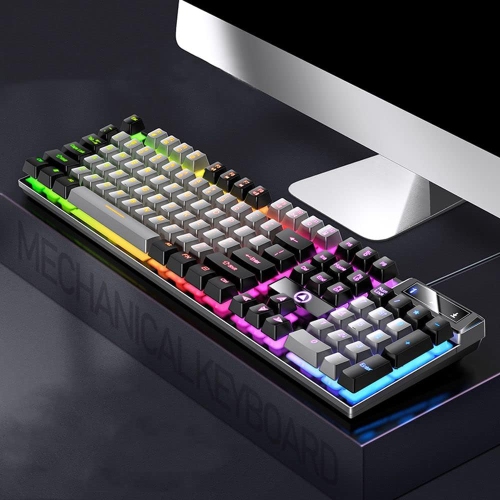
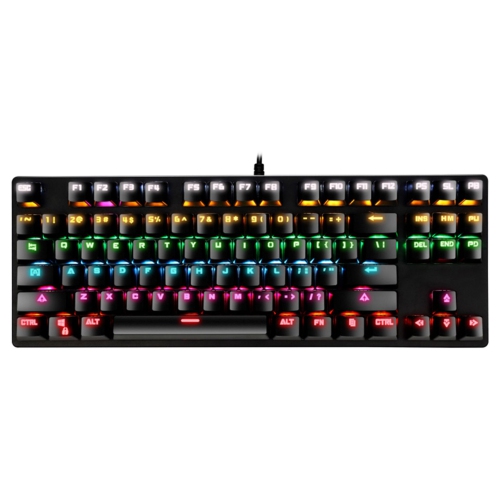
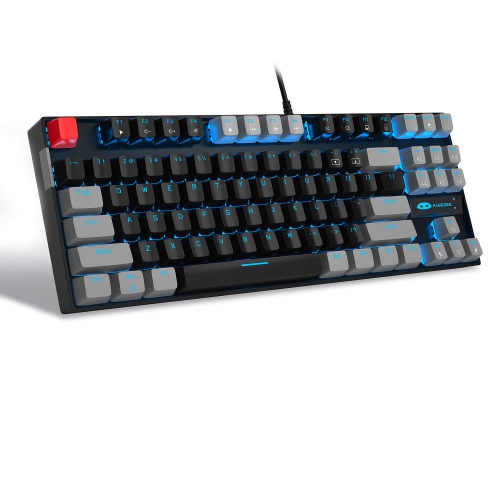
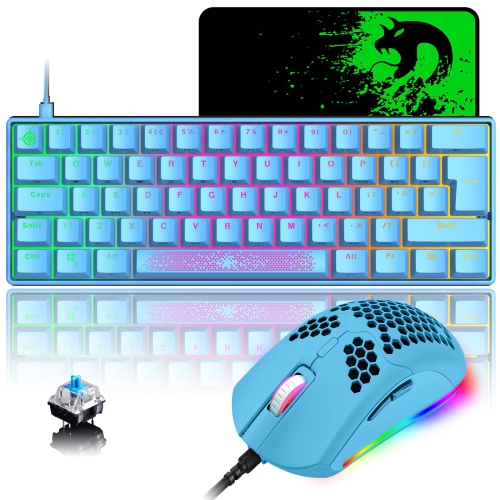

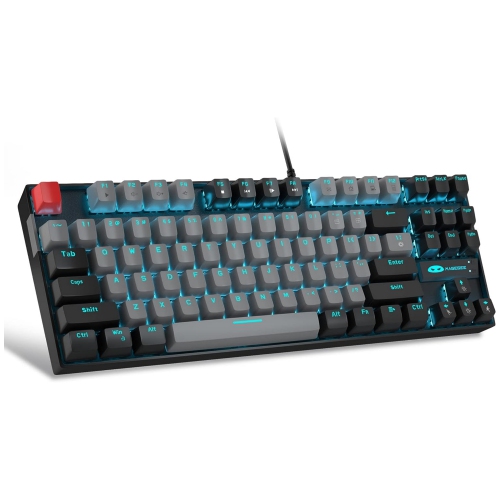
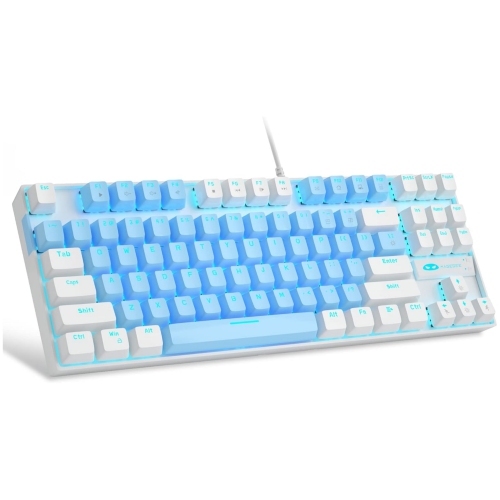
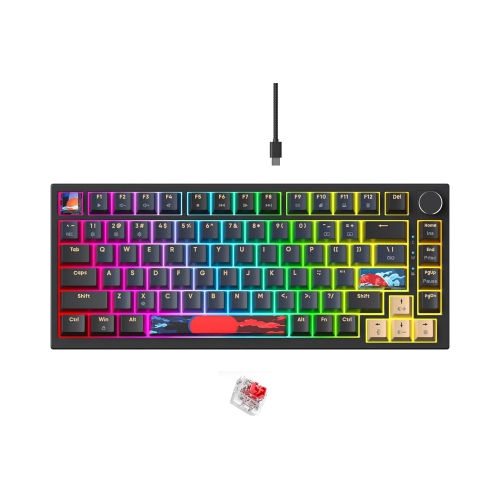
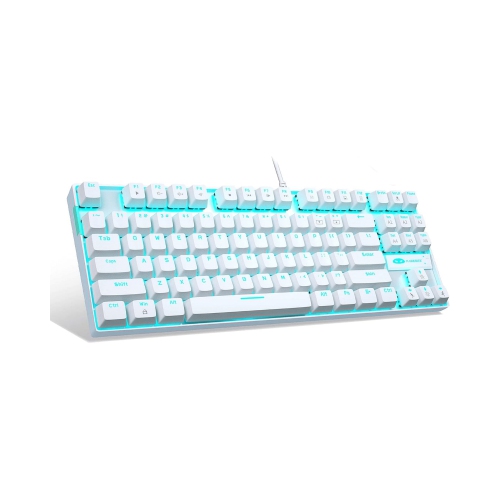
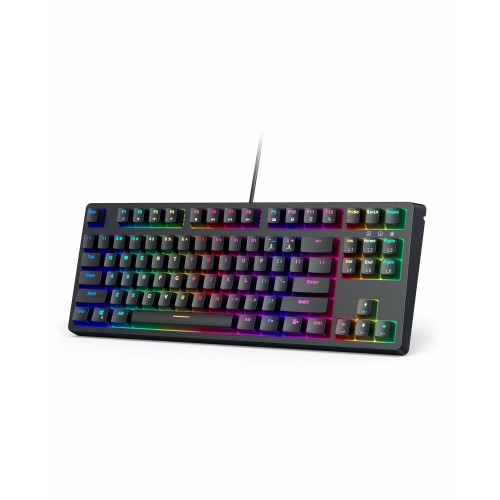
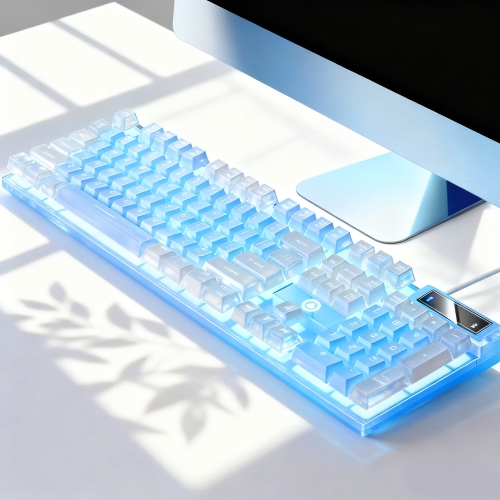
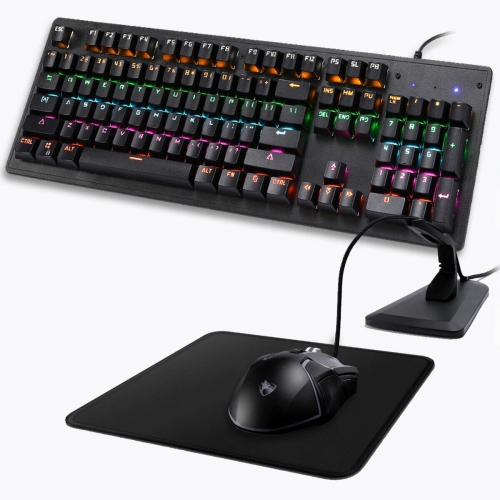

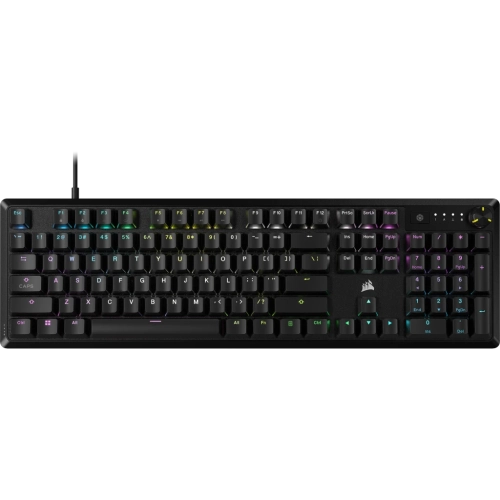

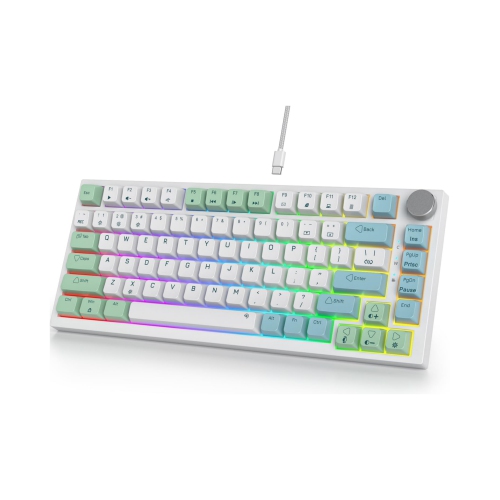


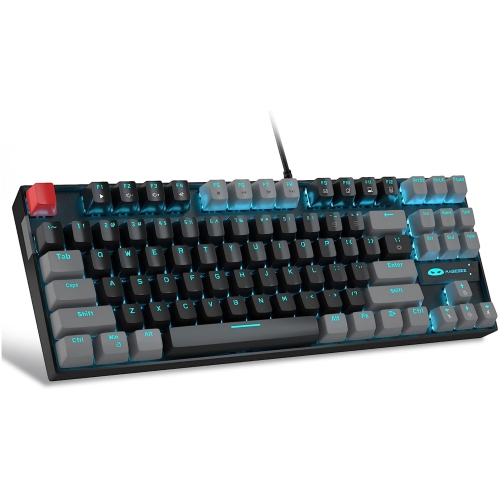
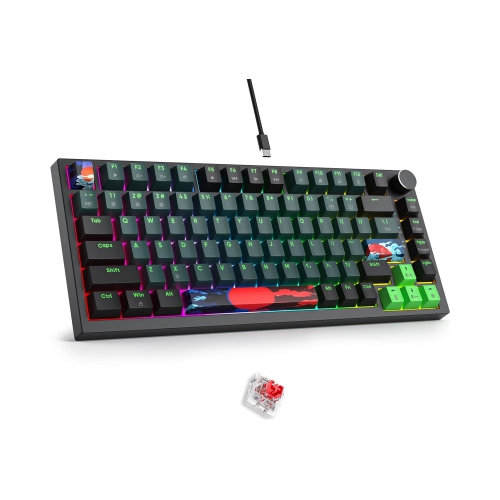
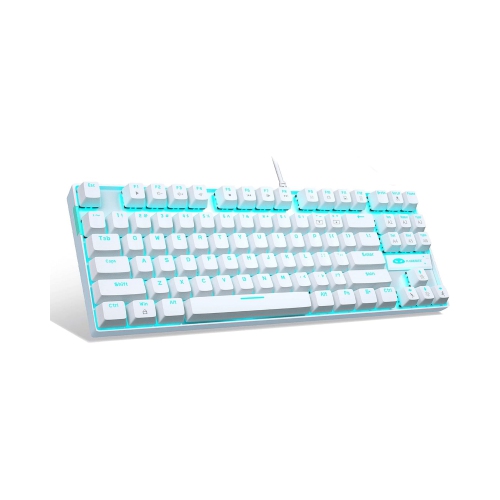
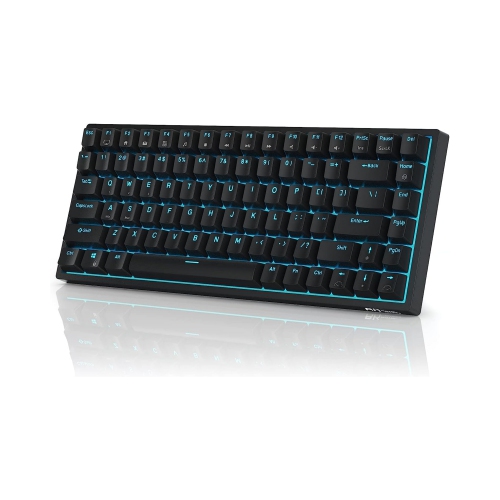
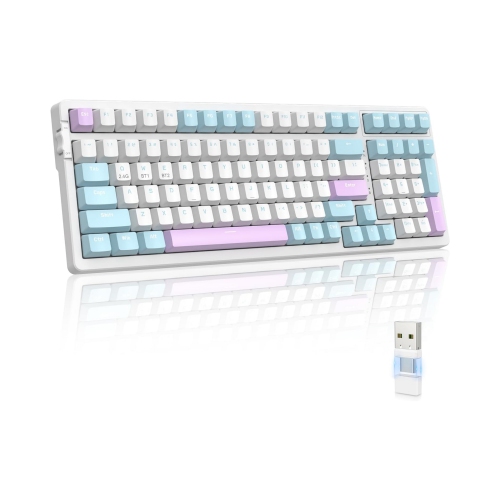
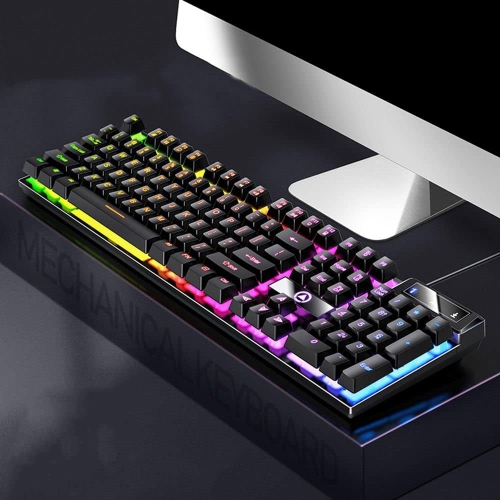
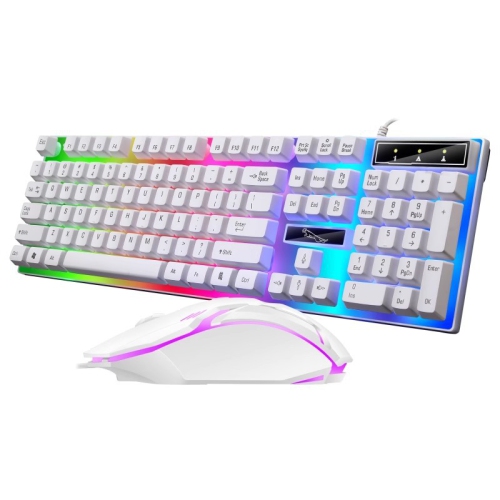
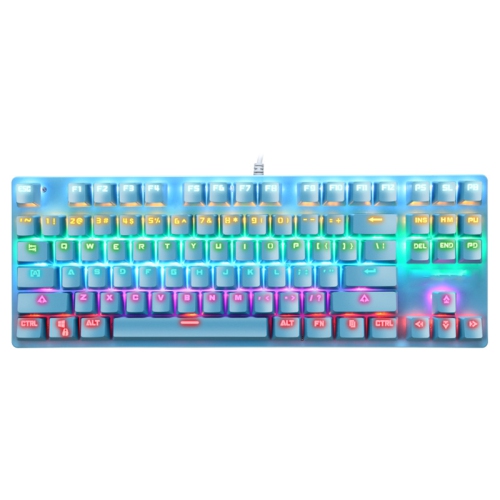
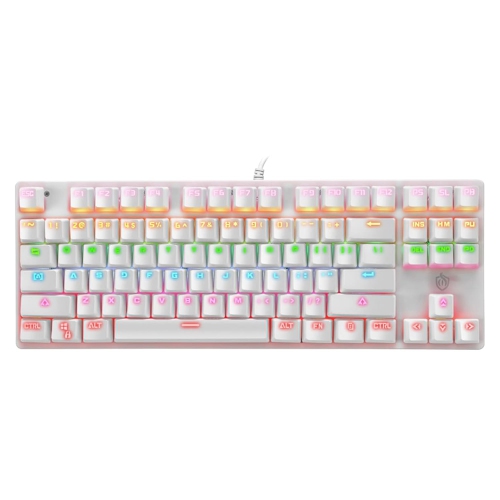
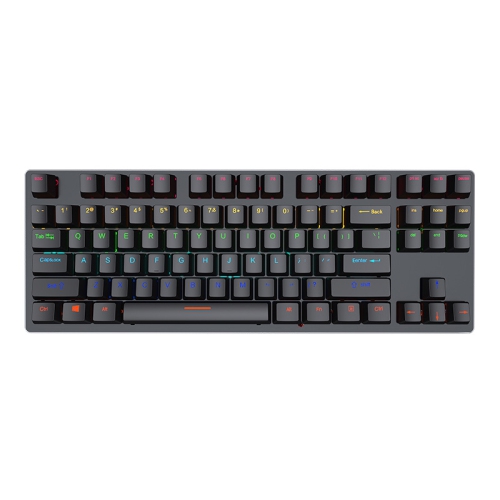
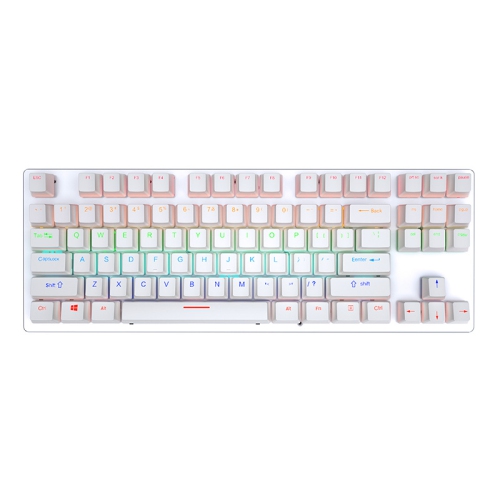
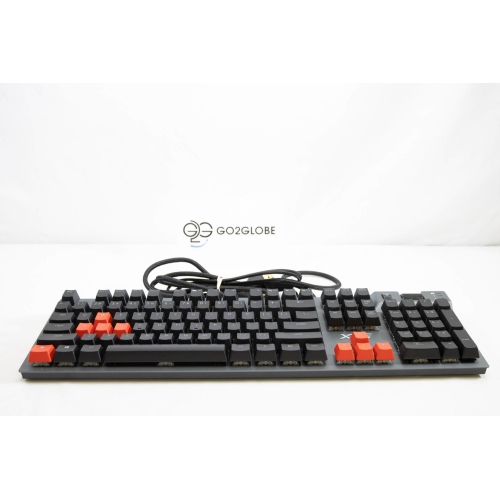
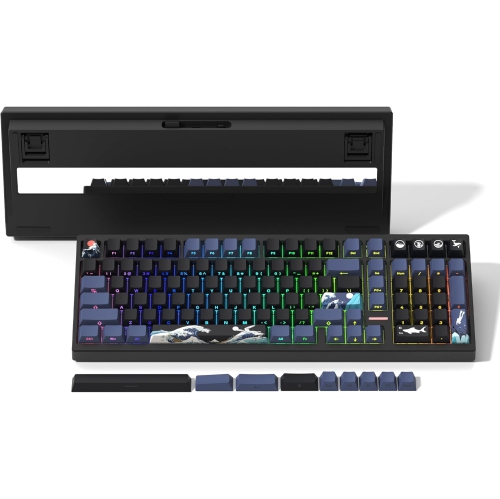
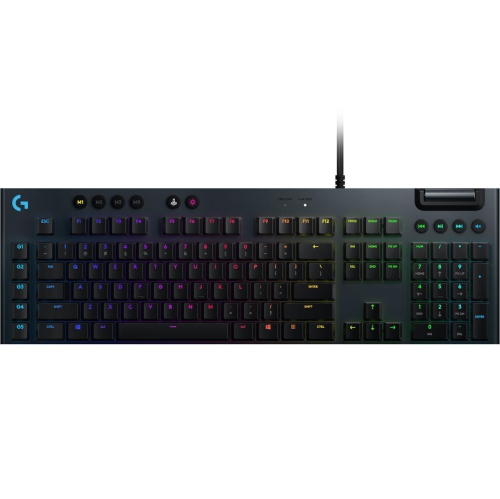
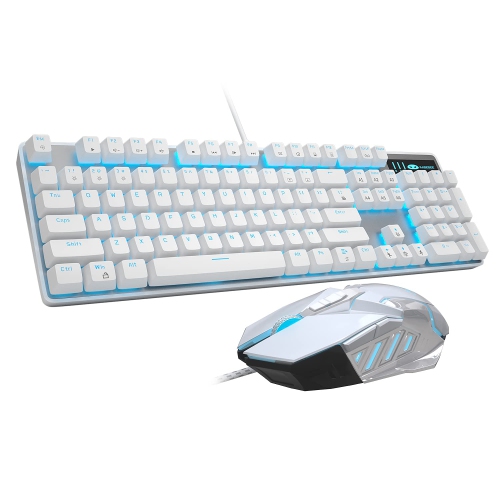
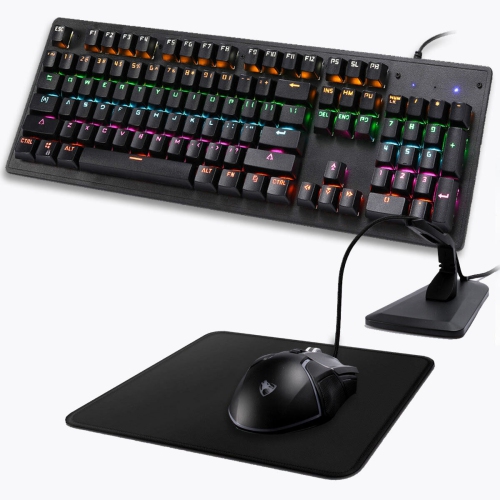
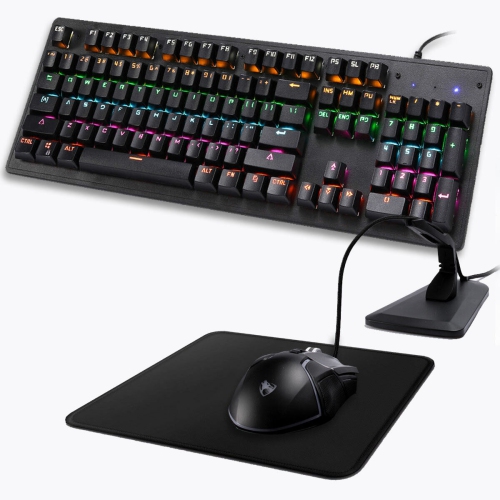
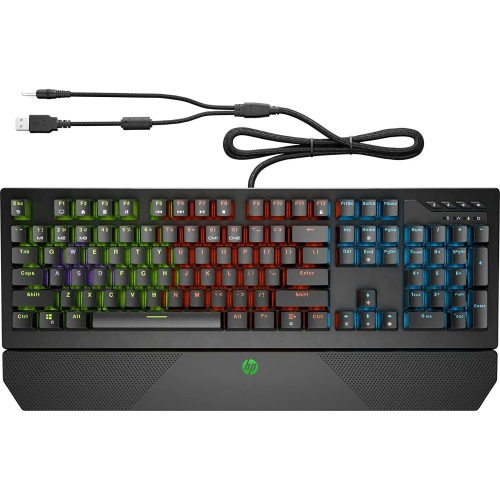
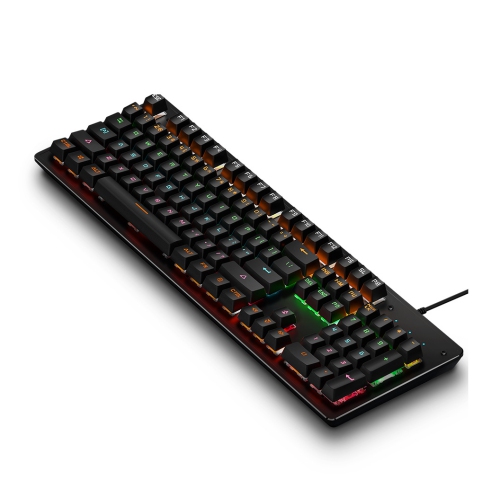
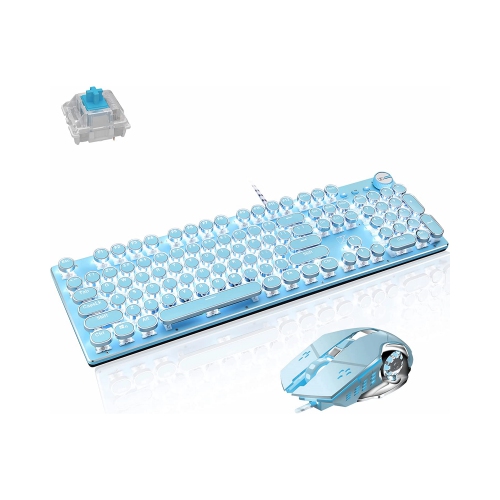
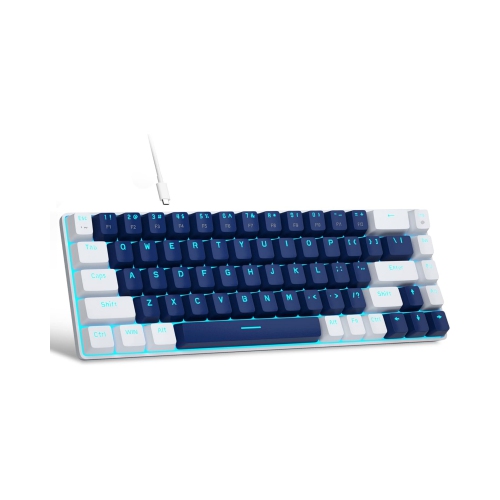
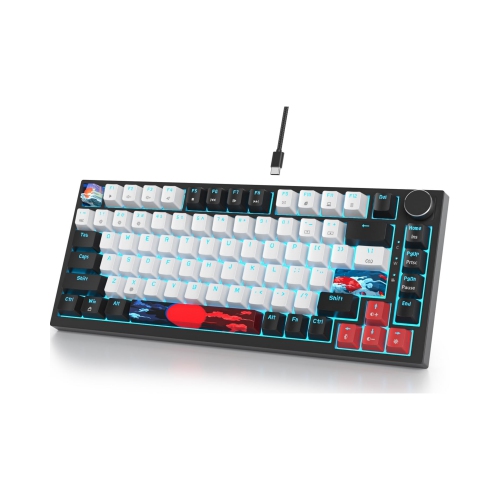
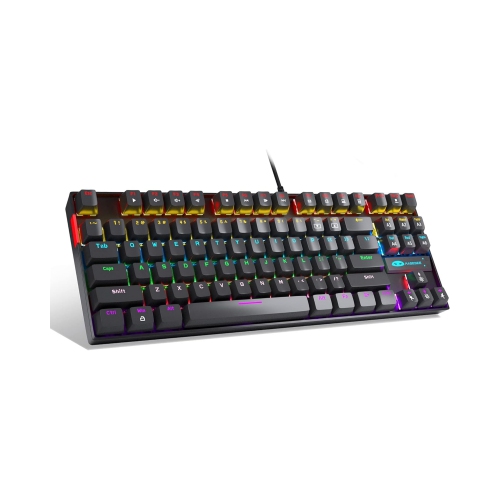
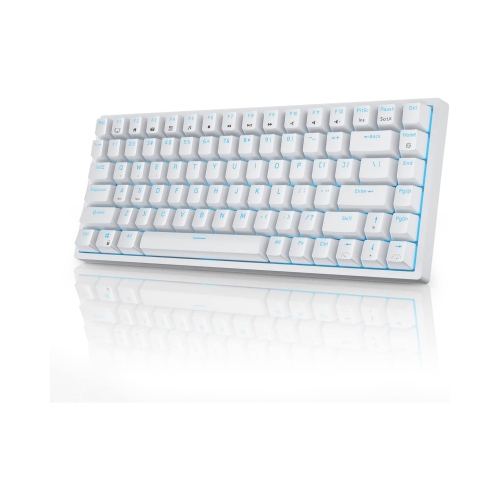
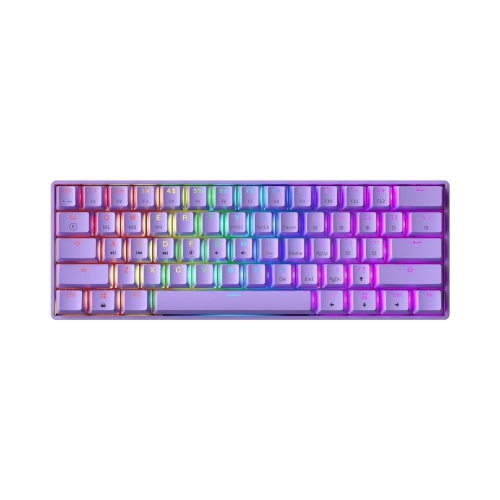
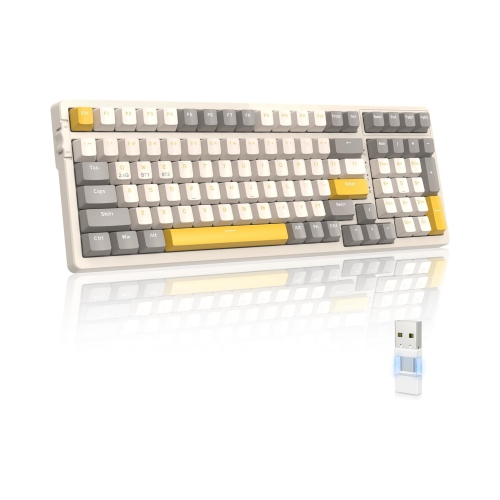

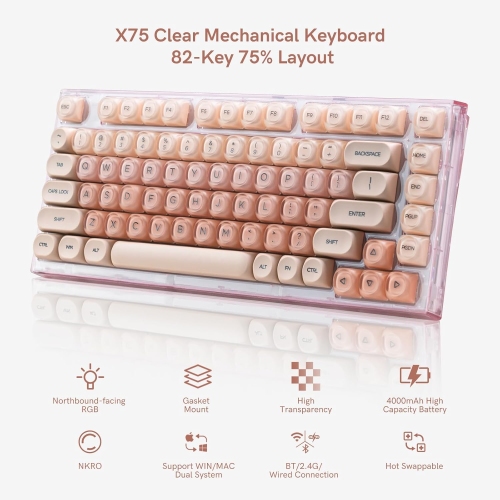
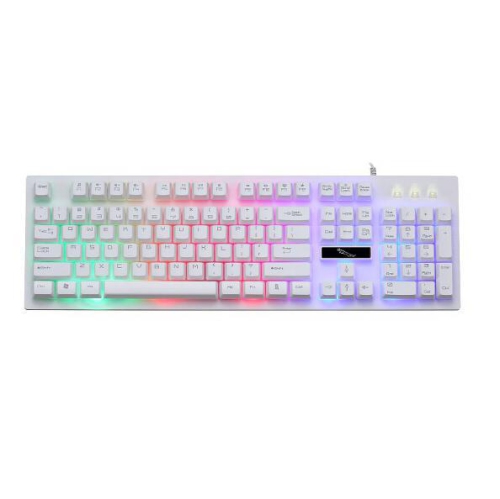
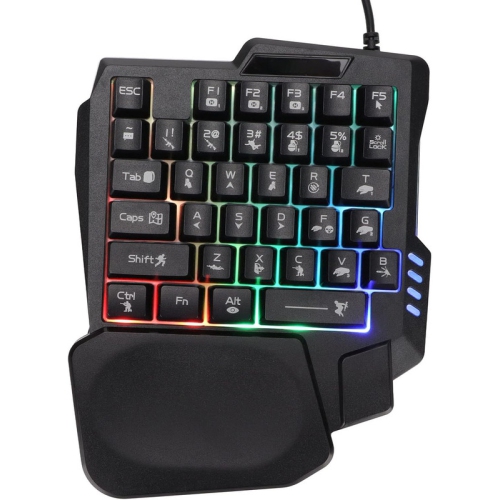
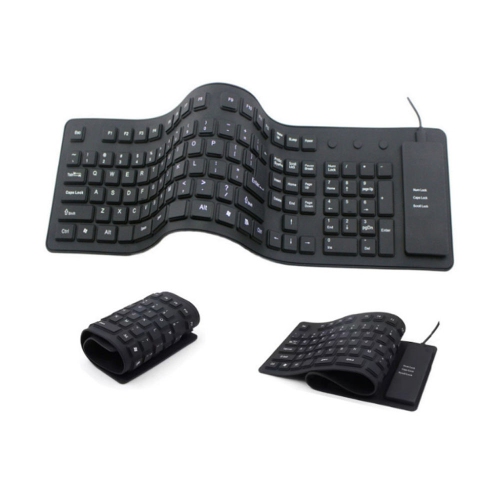
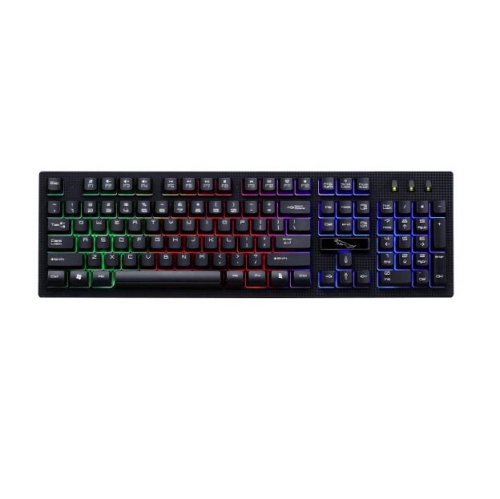
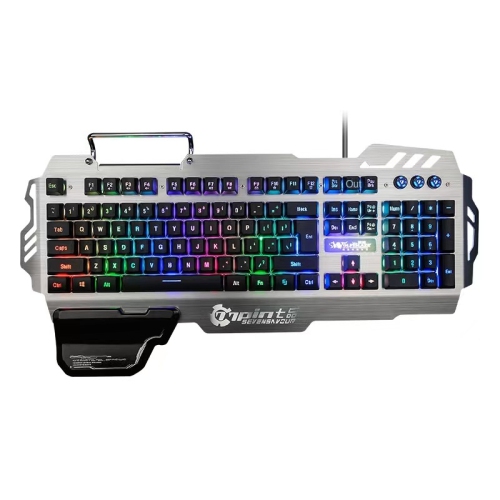
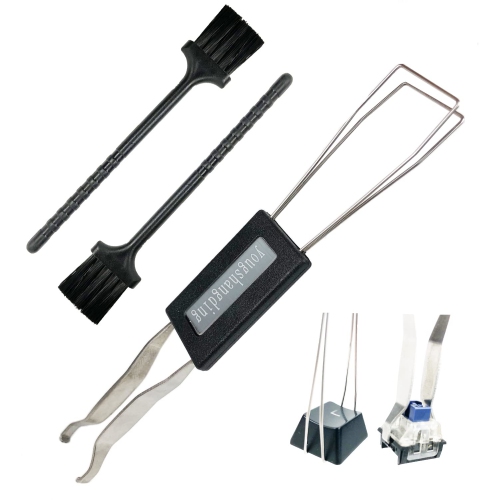
Switch feel, layouts, and features shape every keystroke
Mechanical computer keyboards use individual physical switches beneath each key rather than a single rubber membrane. When you press a key, its switch moves through a defined mechanism and sends the input to your computer, creating a more distinct and consistent typing experience. Many people choose them because the keys feel responsive, stable, and satisfying under the fingertips, whether they are writing documents, entering numbers, chatting with friends, coding, or playing games. The switch type has a major effect on the sound and feel. Linear switches, often associated with red or pink colour names, move smoothly from the top of the press to the bottom without a tactile bump or pronounced click. Their quick, uninterrupted motion can suit gaming and anyone who prefers a quiet, fluid keystroke. Tactile switches, commonly associated with brown colour names, provide a noticeable bump partway through the press. That feedback helps you feel when a key has registered without creating the sharp sound of a clicky design, making tactile keyboards a versatile option for shared offices, study areas, and everyday typing. Clicky switches, often associated with blue colour names, combine a tactile bump with a crisp audible click. They can make long typing sessions feel engaging and deliberate, although the sound may be distracting to people nearby. Keycap shape, actuation force, travel distance, stabilizers, and the keyboard’s internal construction can also influence the experience. A compact board may feel lively and easy to reposition, while a heavier design can stay firmly planted during an intense game or a fast-paced work session. If you are comparing different layouts and features, the Best Mechanical Keyboards collection can help you explore options suited to different desks, routines, and preferences.
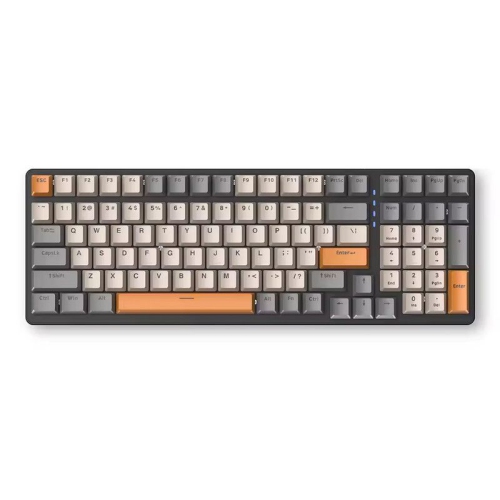
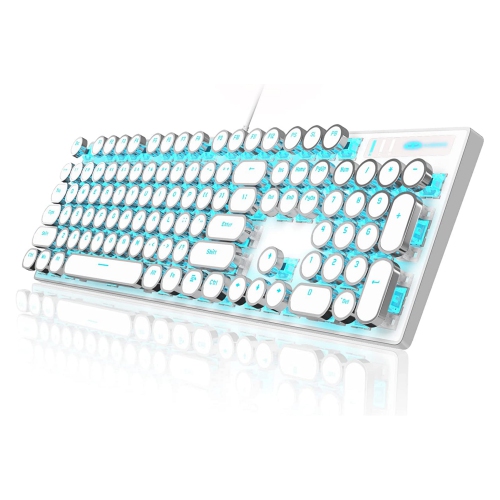
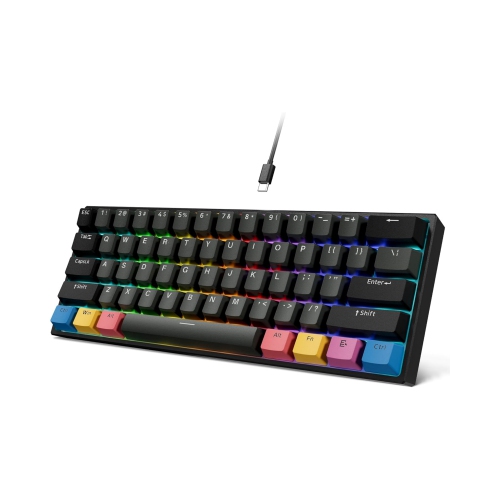
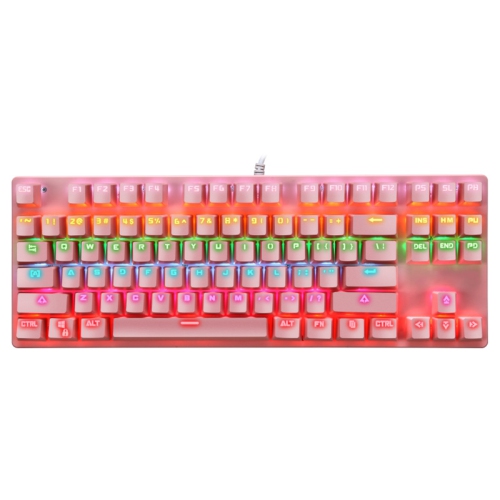
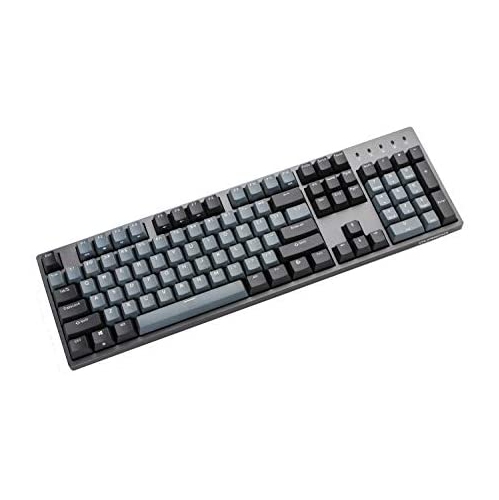
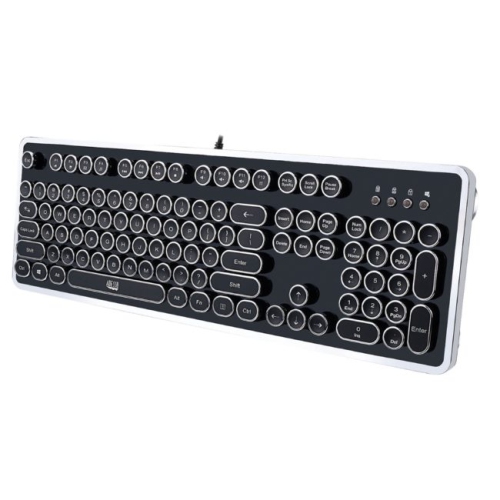
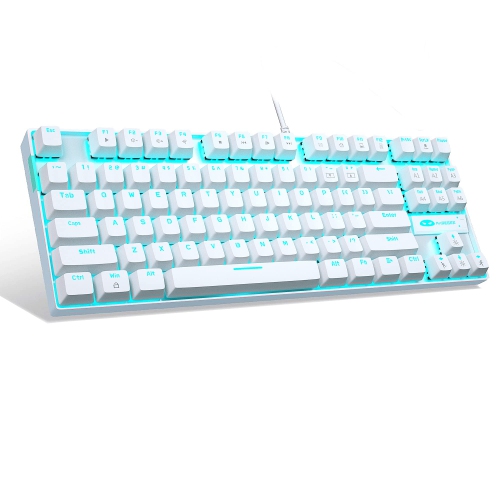
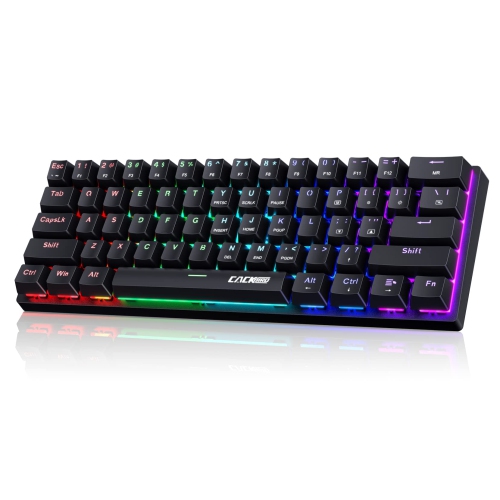
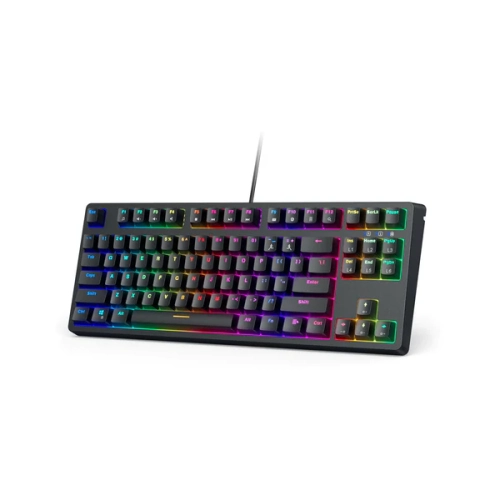
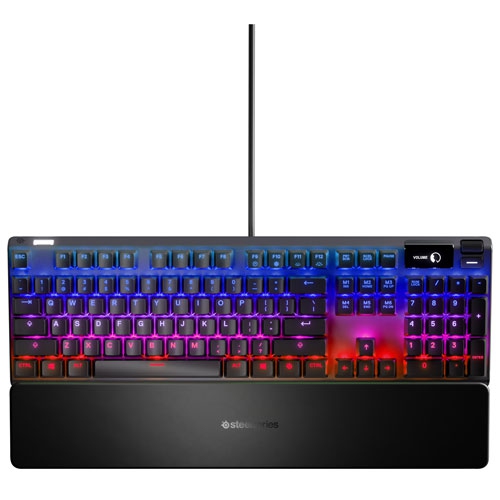
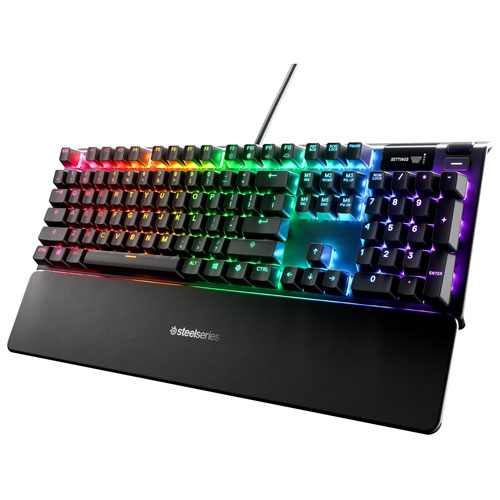
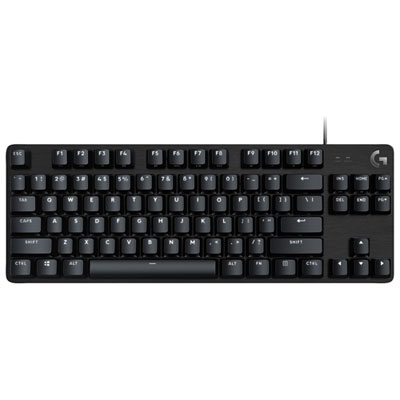
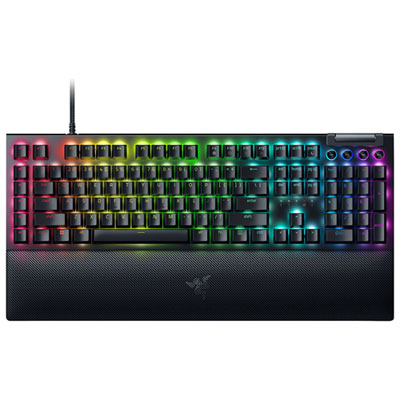
Mechanical keyboards are available in several sizes, and the right layout depends on the tasks you perform most often. A full-size or 100% keyboard includes the complete letter and function-key layout, navigation keys, arrow keys, and a dedicated number pad. This format is useful for accounting, spreadsheets, inventory work, data entry, and any activity that involves entering figures repeatedly with one hand. A tenkeyless, or TKL, keyboard removes the number pad while keeping the function row and navigation cluster, freeing up more room for a mouse and leaving extra space on a smaller desk. Compact layouts go further by reducing or rearranging keys, which can be helpful for minimalist workstations, portable gaming setups, and users who are comfortable with keyboard shortcuts. Smaller keyboards may require a short adjustment period because familiar keys can be layered behind function combinations or placed in a different arrangement. Wired keyboards connect through USB and provide a straightforward setup with no battery to charge, making them a dependable choice for a permanent desktop, gaming computer, or home office. Wireless models can reduce cable clutter and make it easier to switch between a computer, tablet, or compatible device; some support Bluetooth, a dedicated wireless receiver, or both. Battery life, connection range, charging method, and the ability to use the keyboard while connected by cable are worth checking before choosing. Backlighting can make legends easier to see in a dim room, while adjustable lighting effects may appeal to gamers and users who enjoy a more personalized desk. Features such as media controls, a volume dial, programmable keys, and onboard profiles can streamline daily tasks, but they are most useful when they match your routine rather than simply adding complexity.
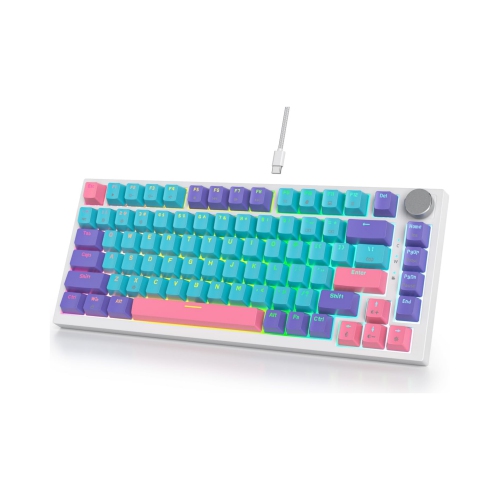
A hot-swappable mechanical keyboard allows compatible switches to be removed and replaced without soldering, which gives you more freedom to fine-tune the feel over time. You can use a smoother switch for frequently pressed movement keys, a tactile switch for writing, or a different combination if your needs change. Compatibility still matters: switch sockets, keycap stems, layout, and stabilizer sizes should all be checked before buying replacement parts. Standard keycaps are usually easy to personalize, while unusual compact layouts may limit the selection of compatible sets. The material and profile of the keycaps can affect texture, sound, and finger positioning, and a removable wrist rest may add comfort during extended sessions. Mechanical keyboards are generally more substantial than membrane models, and their deeper construction can make them heavier to carry or louder on a shared surface. A desk mat or keyboard dampening accessories may help soften the sound, while keeping the board free of crumbs and dust can support reliable key movement. These keyboards can make thoughtful gifts for PC gamers, students setting up a study space, writers, programmers, streamers, and anyone who spends many hours at a computer. For a gift, a versatile tactile model or a keyboard with adjustable connection options can be a practical choice when the recipient’s preferences are not known. Gamers may value responsive linear switches, anti-ghosting, n-key rollover, low-latency connectivity, and programmable controls, while office users may prioritize a quieter sound profile, comfortable key spacing, and a full-size layout. During the cooler months, when more time may be spent at a desk for work, study, gaming, or creative projects, a well-matched mechanical keyboard can make everyday computer use feel more comfortable and intentional. Consider the primary activity, available desk space, preferred sound, connection style, layout, and opportunities for customization so the keyboard fits naturally into the way you use your computer.
Mechanical keyboards are available in several sizes, and the right layout depends on the tasks you perform most often. A full-size or 100% keyboard includes the complete letter and function-key layout, navigation keys, arrow keys, and a dedicated number pad. This format is useful for accounting, spreadsheets, inventory work, data entry, and any activity that involves entering figures repeatedly with one hand. A tenkeyless, or TKL, keyboard removes the number pad while keeping the function row and navigation cluster, freeing up more room for a mouse and leaving extra space on a smaller desk. Compact layouts go further by reducing or rearranging keys, which can be helpful for minimalist workstations, portable gaming setups, and users who are comfortable with keyboard shortcuts. Smaller keyboards may require a short adjustment period because familiar keys can be layered behind function combinations or placed in a different arrangement. Wired keyboards connect through USB and provide a straightforward setup with no battery to charge, making them a dependable choice for a permanent desktop, gaming computer, or home office. Wireless models can reduce cable clutter and make it easier to switch between a computer, tablet, or compatible device; some support Bluetooth, a dedicated wireless receiver, or both. Battery life, connection range, charging method, and the ability to use the keyboard while connected by cable are worth checking before choosing. Backlighting can make legends easier to see in a dim room, while adjustable lighting effects may appeal to gamers and users who enjoy a more personalized desk. Features such as media controls, a volume dial, programmable keys, and onboard profiles can streamline daily tasks, but they are most useful when they match your routine rather than simply adding complexity.
A hot-swappable mechanical keyboard allows compatible switches to be removed and replaced without soldering, which gives you more freedom to fine-tune the feel over time. You can use a smoother switch for frequently pressed movement keys, a tactile switch for writing, or a different combination if your needs change. Compatibility still matters: switch sockets, keycap stems, layout, and stabilizer sizes should all be checked before buying replacement parts. Standard keycaps are usually easy to personalize, while unusual compact layouts may limit the selection of compatible sets. The material and profile of the keycaps can affect texture, sound, and finger positioning, and a removable wrist rest may add comfort during extended sessions. Mechanical keyboards are generally more substantial than membrane models, and their deeper construction can make them heavier to carry or louder on a shared surface. A desk mat or keyboard dampening accessories may help soften the sound, while keeping the board free of crumbs and dust can support reliable key movement. These keyboards can make thoughtful gifts for PC gamers, students setting up a study space, writers, programmers, streamers, and anyone who spends many hours at a computer. For a gift, a versatile tactile model or a keyboard with adjustable connection options can be a practical choice when the recipient’s preferences are not known. Gamers may value responsive linear switches, anti-ghosting, n-key rollover, low-latency connectivity, and programmable controls, while office users may prioritize a quieter sound profile, comfortable key spacing, and a full-size layout. During the cooler months, when more time may be spent at a desk for work, study, gaming, or creative projects, a well-matched mechanical keyboard can make everyday computer use feel more comfortable and intentional. Consider the primary activity, available desk space, preferred sound, connection style, layout, and opportunities for customization so the keyboard fits naturally into the way you use your computer.
Top selling and popular products
-
 Your price for this item is $39.99
 -
 Your price for this item is $76.98
 -
 Your price for this item is $94.99
 -
 Your price for this item is $319.99
 -
 Your price for this item is $364.99
 -
 Your price for this item is $149.99
 -
 Your price for this item is $124
 -
 Your price for this item is $94.99
Discover more categories related to Mechanical Computer Keyboards
Top Collections:
Pokemon Centers, Kindle Devices, Best Budget Office Chairs, Apple iPhones 16, Best Laptops for Writers, iPhone 15 Apple, Canon G7X Cameras, Refurbished Apple Laptops, Alarm Clock, Motorola Razr Phones
Some products may be subject to Environmental Handling Fees
(EHF) depending on your province.
Learn more about EHFs.