Retro Mechanical Keyboards
Looking to add a touch of nostalgia to your typing experience? Look no further than our collection of retro mechanical keyboards. These timeless pieces combine vintage aesthetics with modern functionality, offering a unique blend of style and performance. Whether you're a seasoned typist or a passionate gamer, these keyboards provide the perfect balance between classic design and cutting-edge technology. With their satisfying tactile feedback and durable construction, our retro mechanical keyboards are sure to elevate your typing game to a whole new level. Explore our selection today and discover the perfect keyboard to complement your personal style.
Sort
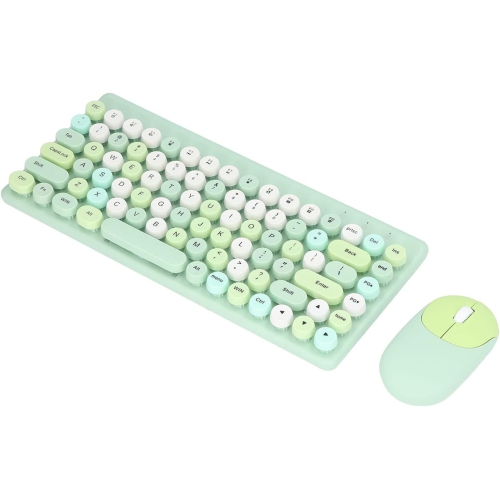
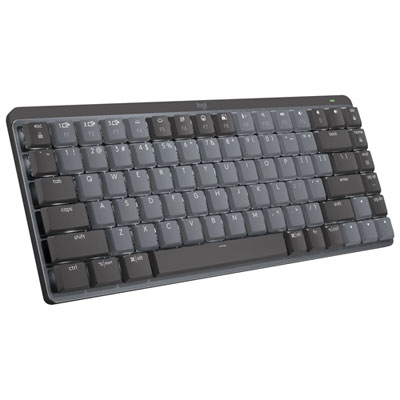
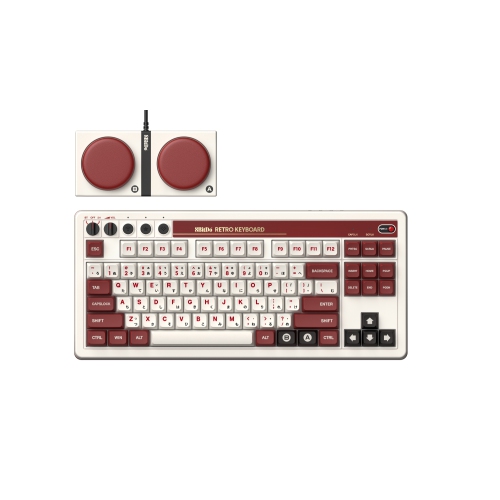
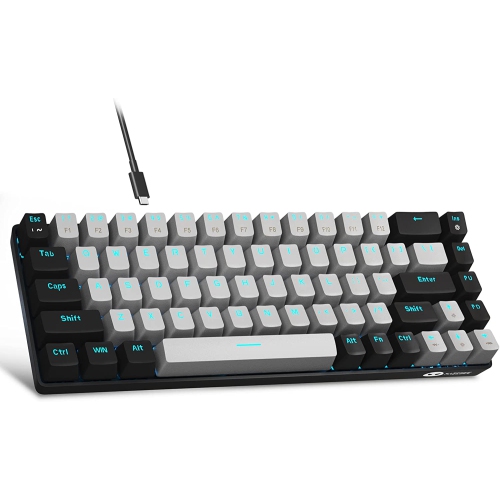
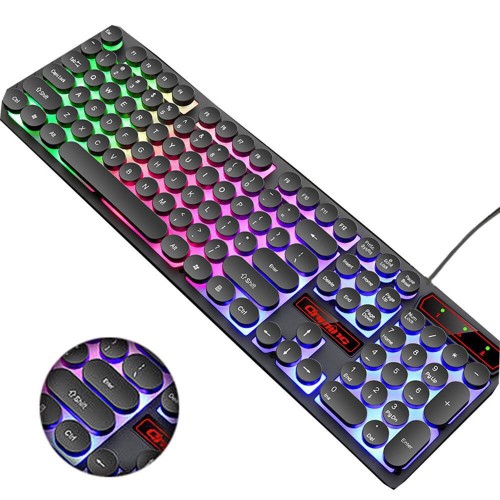
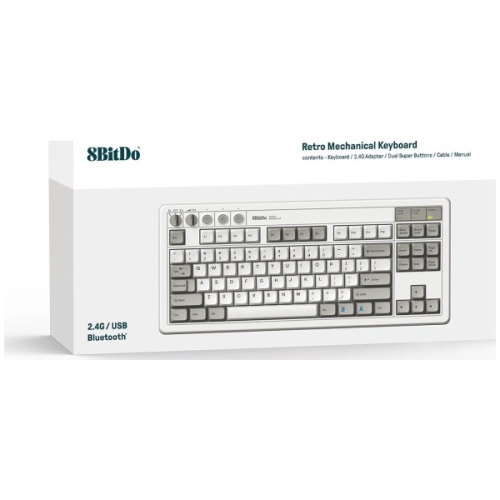
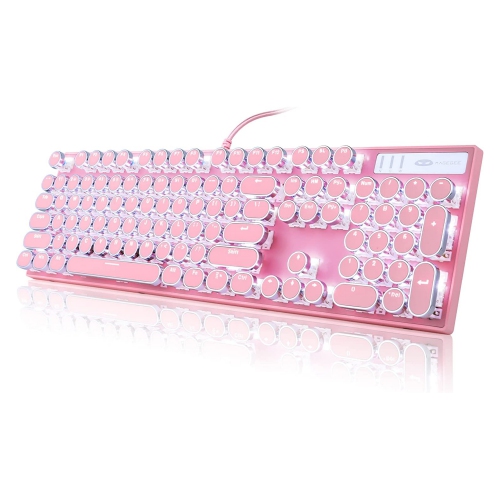
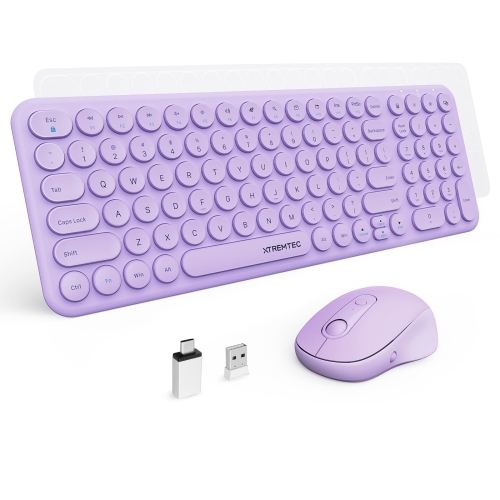
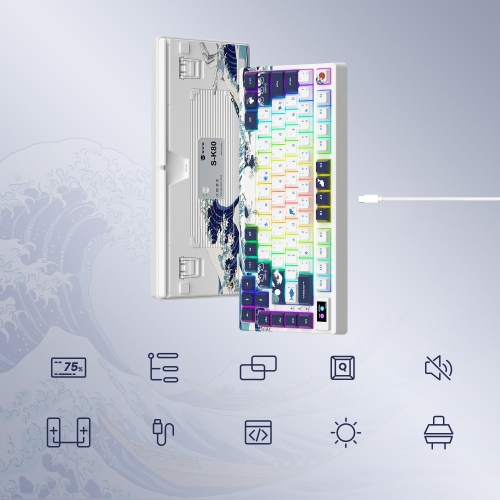
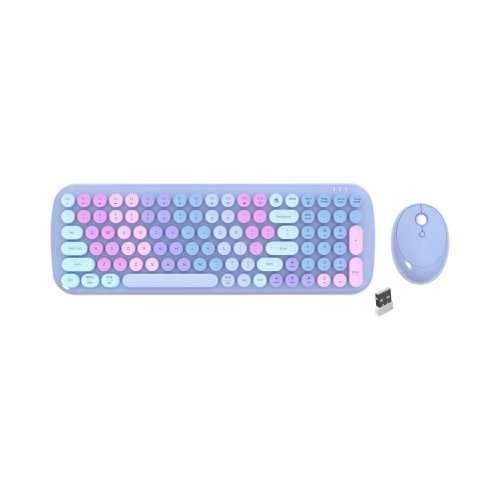
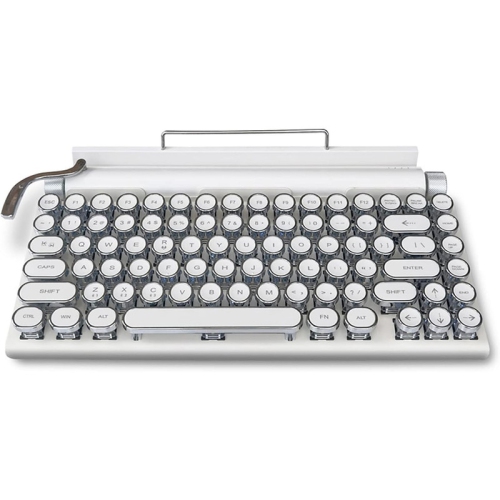
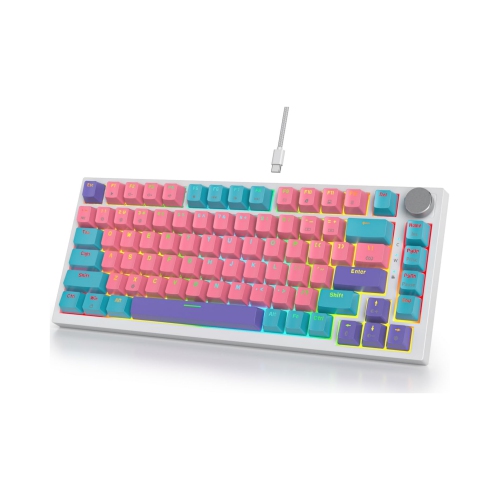


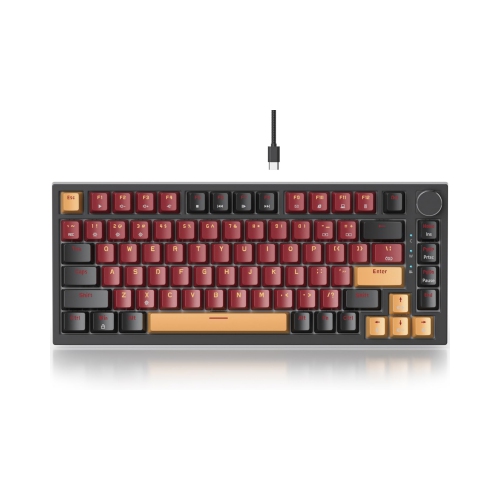
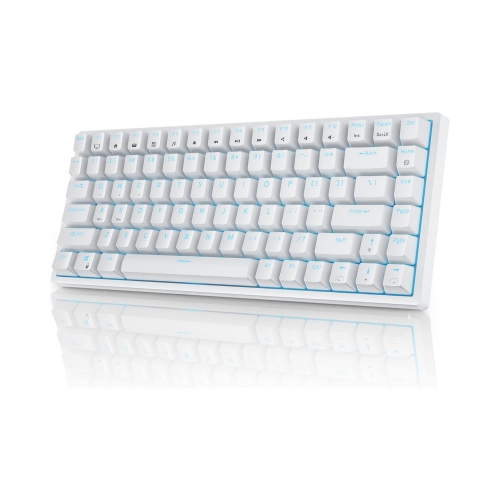
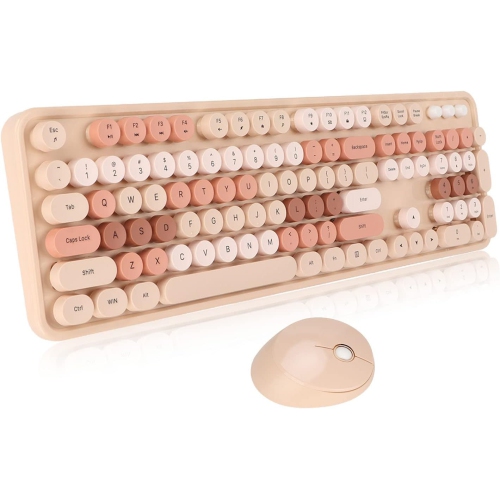
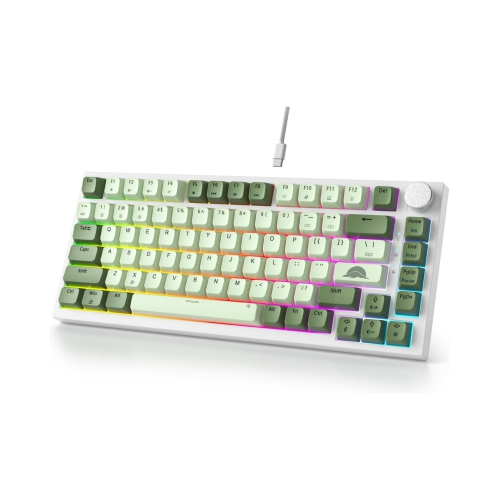
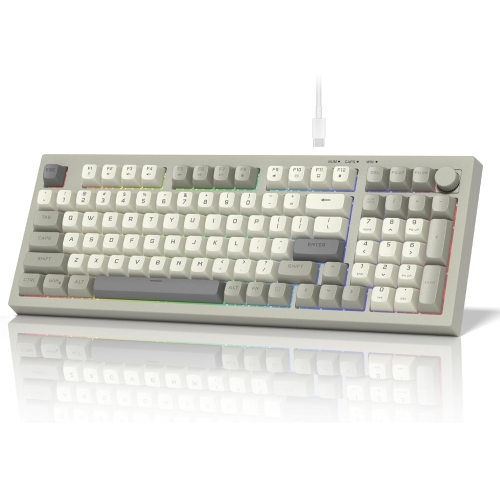
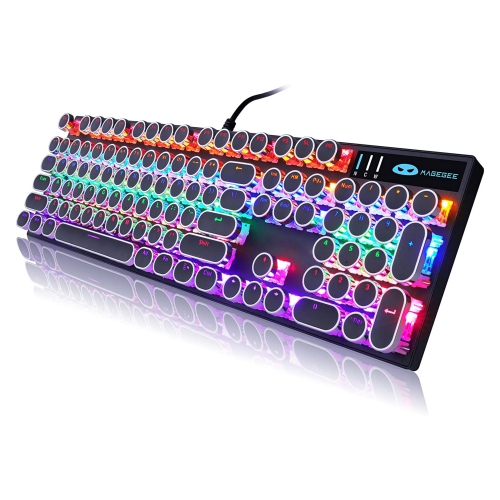
Classic styling meets modern switches, wireless pairing, and USB-C
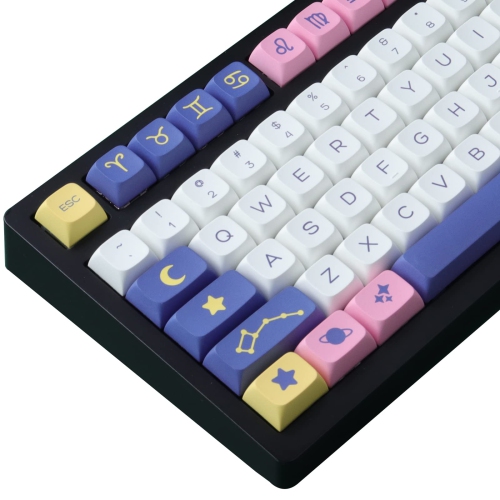
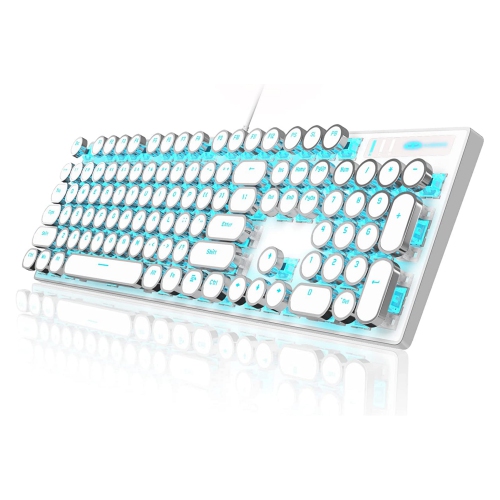
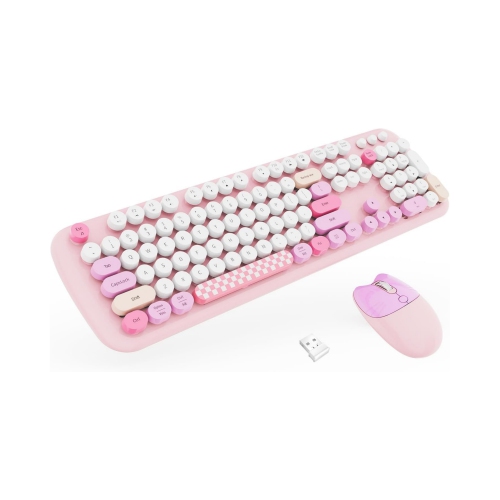
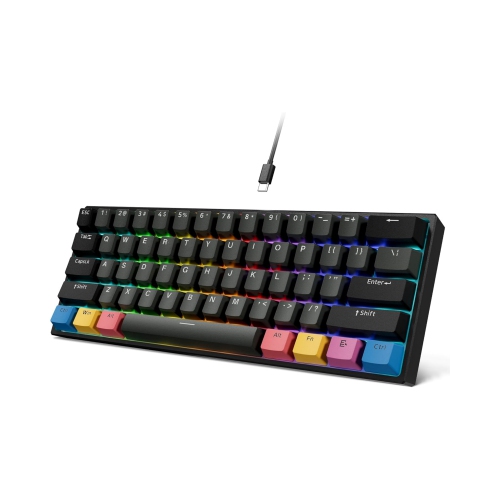
Retro mechanical keyboards bring together the character of classic computer hardware and the convenience of modern desktop accessories. Their design may recall the warm beige tones of early home computers, the bold two-colour styling of vintage gaming systems, or the rounded keys and satisfying proportions of a traditional typewriter. Underneath that nostalgic appearance, however, these keyboards are built for contemporary use, with mechanical switches, USB-C connections, wireless pairing, backlighting, and programmable controls available on many models. The result is a keyboard that feels distinctive on a desk without giving up the responsiveness expected from current technology. Mechanical switches register each press through an individual mechanism beneath the keycap, creating a more deliberate typing experience than a typical membrane keyboard. Tactile switches offer a noticeable bump as each key is pressed, linear switches provide a smooth and consistent motion, and clicky switches produce a sharper sound and pronounced feedback. Sound and feel vary significantly, so a keyboard that suits a quiet shared office may differ from one that feels at home in a lively gaming or creative space. If you enjoy the character of a mechanical board but want to compare a wider range of layouts and switch styles, explore Mechanical Switch Keyboards for additional options.
When choosing a retro mechanical keyboard, start with the layout because it affects both desk space and everyday comfort. A full-size layout includes the numeric keypad and is useful for spreadsheets, accounting, data entry, and anyone who frequently works with numbers. Tenkeyless keyboards remove the number pad while keeping the navigation cluster and function row, leaving more room for a mouse and creating a balanced fit for many home offices. Compact 75%, 65%, and similar layouts reduce the footprint further, which can be helpful on a smaller desk or beside a laptop, although some models combine functions behind shortcuts rather than providing dedicated keys. Typewriter-inspired boards often use round keycaps and decorative details, while classic computer-inspired designs tend to use rectangular keycaps, block lettering, and restrained two-tone colour schemes. Keycap material is another practical consideration. PBT keycaps are valued for their textured feel and resistance to the glossy appearance that can develop with heavy use, while ABS keycaps can provide a smooth surface and an especially convincing vintage look. Consider the height and shape of the keycaps as well, since sculpted profiles can guide your fingers between rows and may feel more natural during long typing sessions. A hot-swappable keyboard allows compatible switches to be changed without soldering, making it easier to adjust the sound or feel later. This can be a thoughtful feature for someone who is still discovering whether they prefer tactile, clicky, or linear switches, and it also makes a retro keyboard more adaptable as work and gaming habits change.
Connectivity and controls are just as important as appearance. Wired USB-C operation is a dependable choice for a fixed workstation, while Bluetooth can keep a desktop tidy and make it easier to move between a computer, tablet, or mobile device. Some wireless keyboards also include a 2.4GHz receiver for a direct connection that is well suited to gaming and other activities where consistent response matters. Check whether the keyboard can remember multiple devices, how it is recharged, and whether the operating system supports its configuration software. Programmable keys, macro support, and layers can place frequently used commands, media controls, or application shortcuts within easy reach. A compact board may be particularly useful for a programmer, writer, student, or home-office user who wants more room for a mouse, notebook, or drawing tablet. Backlighting can improve visibility during evening sessions, with many keyboards offering adjustable brightness or colour effects that complement their retro styling. For gaming, look for responsive switches, reliable wireless performance, and rollover features that help register several simultaneous key presses. For writing, focus on the switch sound, key stability, and comfort over extended periods. A retro mechanical keyboard can also make a memorable gift for a fan of classic gaming, vintage technology, home-office décor, or tactile stationery. It adds a personal touch to a study area, creative workspace, or family computer, especially when the recipient appreciates objects that make routine tasks feel more engaging. During the cooler months, when more time is often spent indoors at a desk, the gentle rhythm of mechanical keys can become part of a comfortable evening routine for journaling, gaming, learning, or catching up on correspondence. Before selecting one, compare the available layout, switch type, keycap profile, connectivity, compatibility, and overall dimensions so the board’s nostalgic style is matched by practical features that fit the way it will be used.
When choosing a retro mechanical keyboard, start with the layout because it affects both desk space and everyday comfort. A full-size layout includes the numeric keypad and is useful for spreadsheets, accounting, data entry, and anyone who frequently works with numbers. Tenkeyless keyboards remove the number pad while keeping the navigation cluster and function row, leaving more room for a mouse and creating a balanced fit for many home offices. Compact 75%, 65%, and similar layouts reduce the footprint further, which can be helpful on a smaller desk or beside a laptop, although some models combine functions behind shortcuts rather than providing dedicated keys. Typewriter-inspired boards often use round keycaps and decorative details, while classic computer-inspired designs tend to use rectangular keycaps, block lettering, and restrained two-tone colour schemes. Keycap material is another practical consideration. PBT keycaps are valued for their textured feel and resistance to the glossy appearance that can develop with heavy use, while ABS keycaps can provide a smooth surface and an especially convincing vintage look. Consider the height and shape of the keycaps as well, since sculpted profiles can guide your fingers between rows and may feel more natural during long typing sessions. A hot-swappable keyboard allows compatible switches to be changed without soldering, making it easier to adjust the sound or feel later. This can be a thoughtful feature for someone who is still discovering whether they prefer tactile, clicky, or linear switches, and it also makes a retro keyboard more adaptable as work and gaming habits change.
Connectivity and controls are just as important as appearance. Wired USB-C operation is a dependable choice for a fixed workstation, while Bluetooth can keep a desktop tidy and make it easier to move between a computer, tablet, or mobile device. Some wireless keyboards also include a 2.4GHz receiver for a direct connection that is well suited to gaming and other activities where consistent response matters. Check whether the keyboard can remember multiple devices, how it is recharged, and whether the operating system supports its configuration software. Programmable keys, macro support, and layers can place frequently used commands, media controls, or application shortcuts within easy reach. A compact board may be particularly useful for a programmer, writer, student, or home-office user who wants more room for a mouse, notebook, or drawing tablet. Backlighting can improve visibility during evening sessions, with many keyboards offering adjustable brightness or colour effects that complement their retro styling. For gaming, look for responsive switches, reliable wireless performance, and rollover features that help register several simultaneous key presses. For writing, focus on the switch sound, key stability, and comfort over extended periods. A retro mechanical keyboard can also make a memorable gift for a fan of classic gaming, vintage technology, home-office décor, or tactile stationery. It adds a personal touch to a study area, creative workspace, or family computer, especially when the recipient appreciates objects that make routine tasks feel more engaging. During the cooler months, when more time is often spent indoors at a desk, the gentle rhythm of mechanical keys can become part of a comfortable evening routine for journaling, gaming, learning, or catching up on correspondence. Before selecting one, compare the available layout, switch type, keycap profile, connectivity, compatibility, and overall dimensions so the board’s nostalgic style is matched by practical features that fit the way it will be used.
Top selling and popular products
-
 Your price for this item is $39.99
 -
 Your price for this item is $76.98
 -
 Your price for this item is $94.99
 -
 Your price for this item is $319.99
 -
 Your price for this item is $364.99
 -
 Your price for this item is $149.99
 -
 Your price for this item is $124
 -
 Your price for this item is $94.99
Discover more categories related to Retro Mechanical Keyboards
Top Collections:
Pokemon Centers, Kindle Devices, Best Budget Office Chairs, Apple iPhones 16, Best Laptops for Writers, iPhone 15 Apple, Canon G7X Cameras, Refurbished Apple Laptops, Alarm Clock, Motorola Razr Phones
Some products may be subject to Environmental Handling Fees
(EHF) depending on your province.
Learn more about EHFs.