Memory for Servers
Maximize your server’s efficiency and reliability with high-quality memory for servers. Whether you’re upgrading an existing system or building a new data centre, the right server memory is essential for smooth multitasking, enhanced performance, and seamless operation. Explore a wide selection of options designed to support demanding workloads and ensure your business or organization stays connected and productive. Find the perfect memory for servers to meet your capacity and speed requirements at Best Buy Canada.
Sort
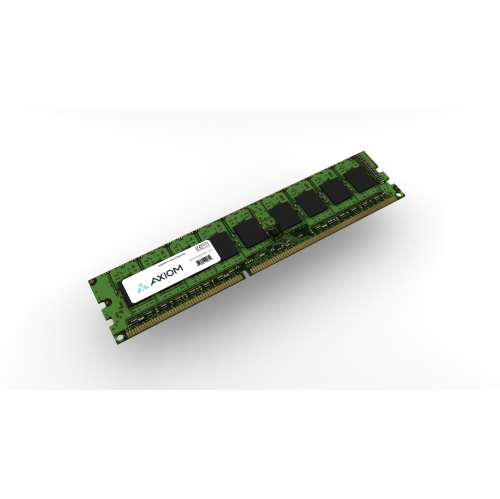
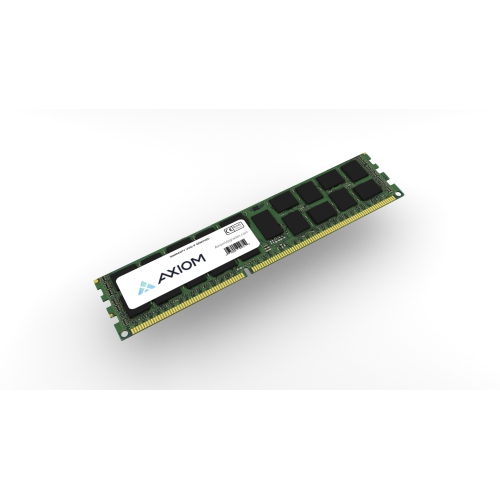
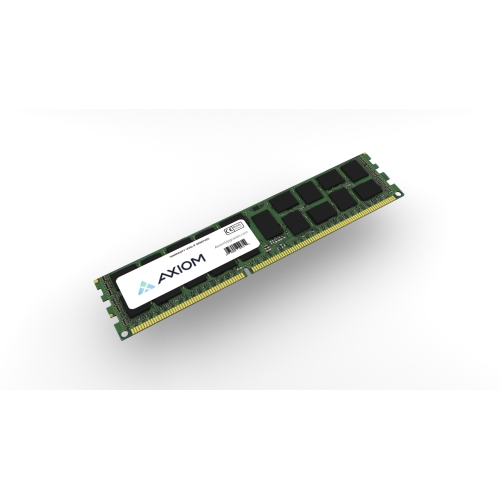
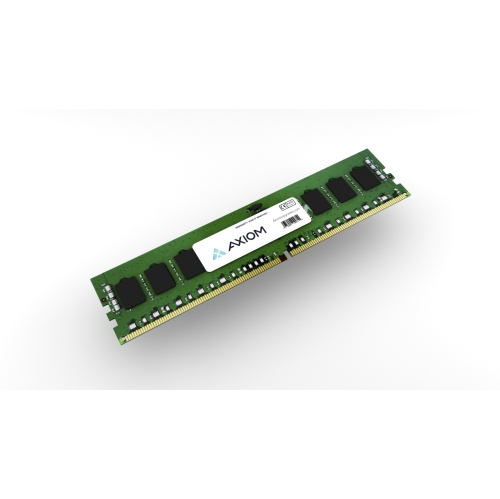
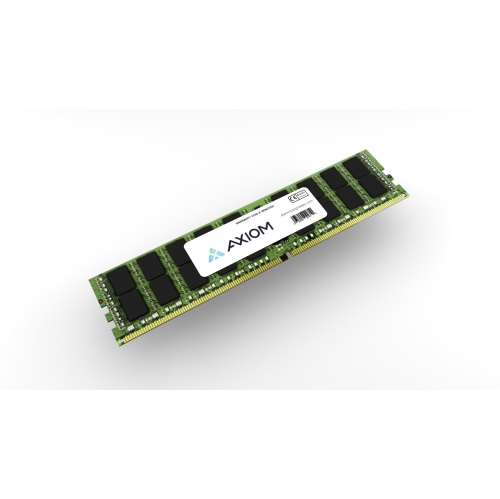


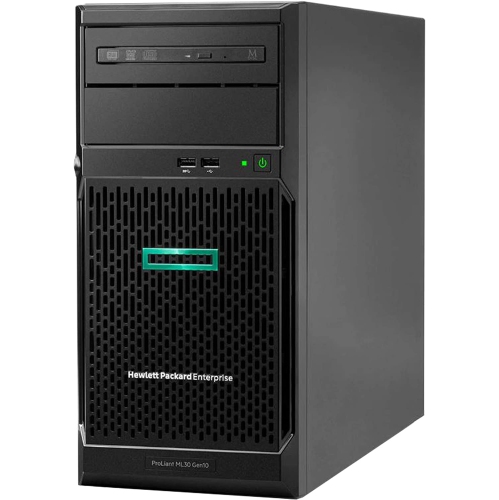
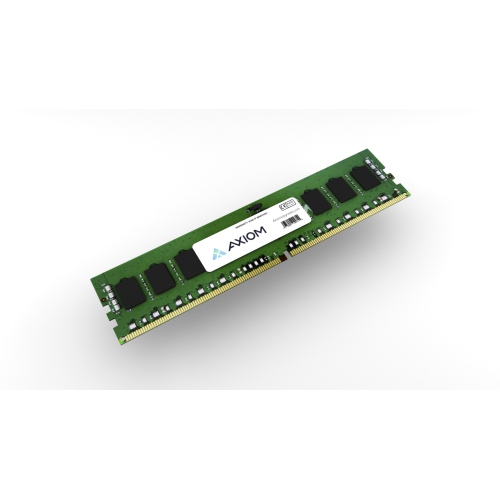
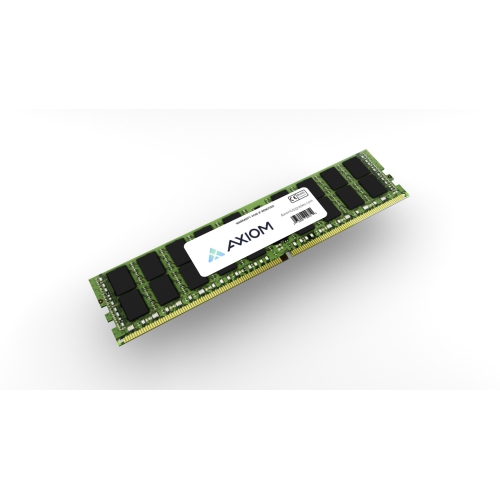
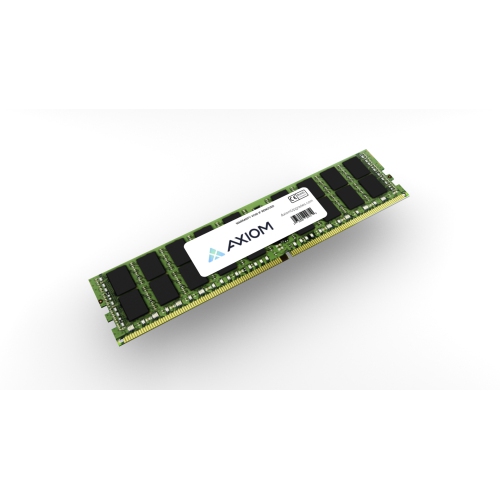
Understand ECC protection, capacity planning, and server memory compatibility
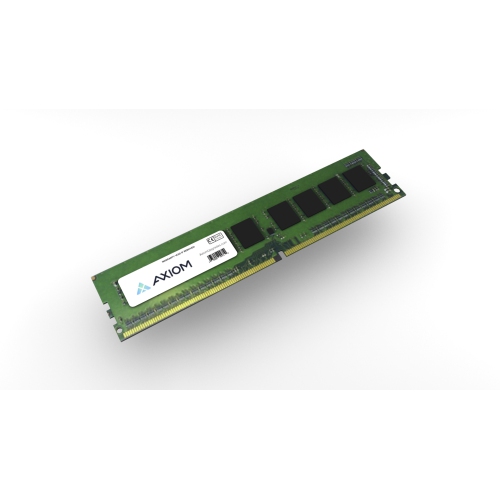
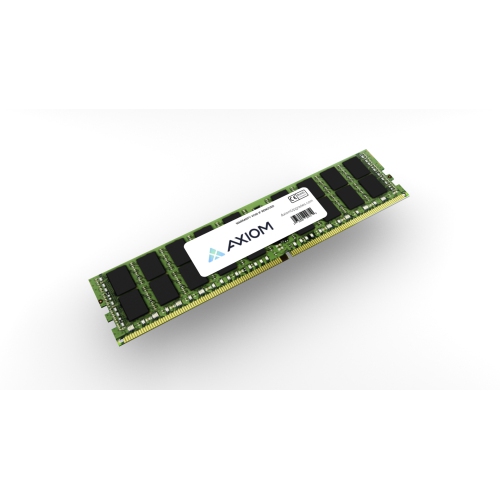
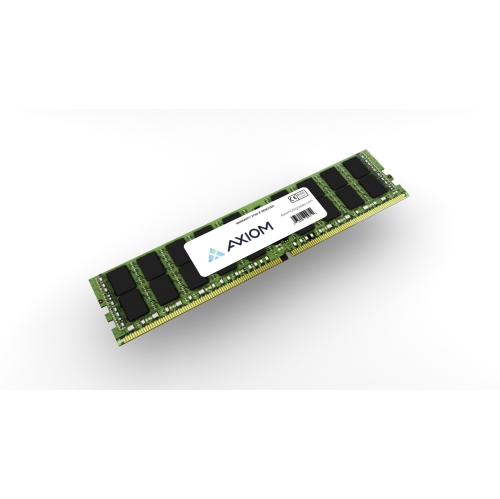
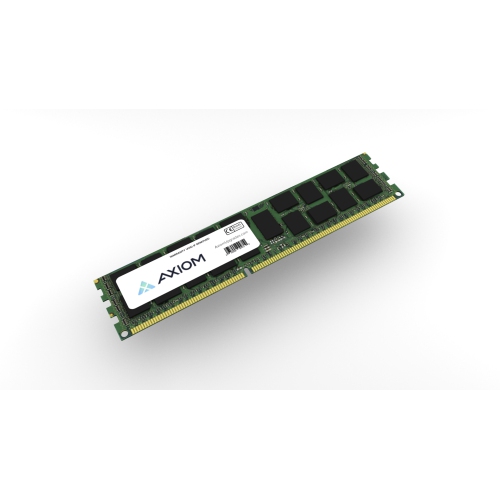
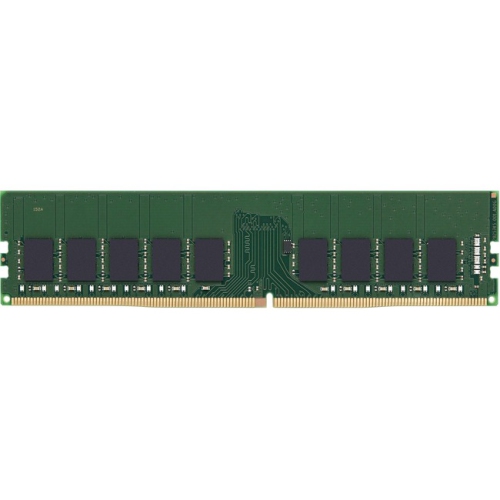
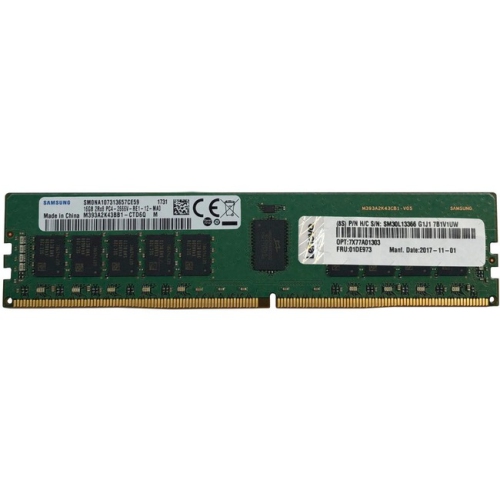
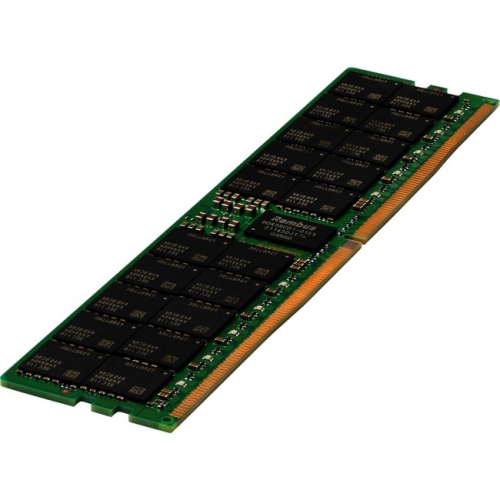
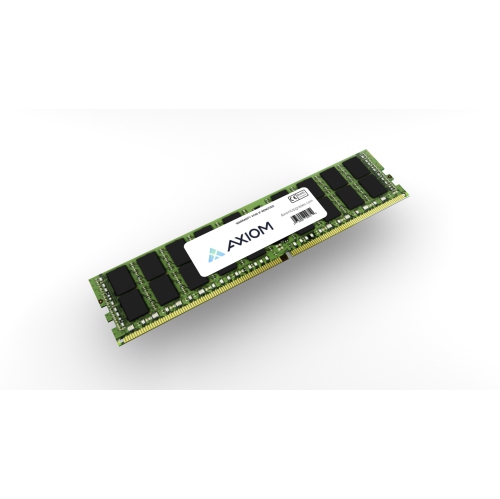
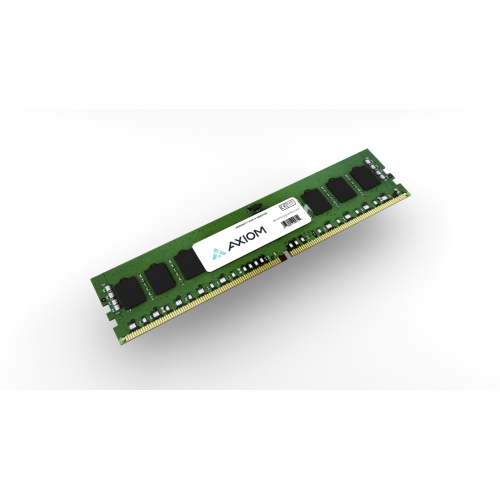
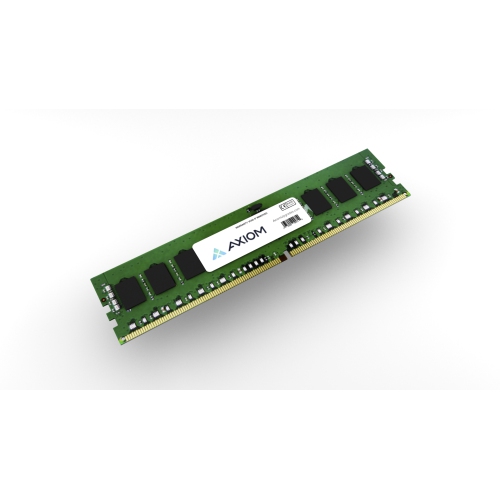
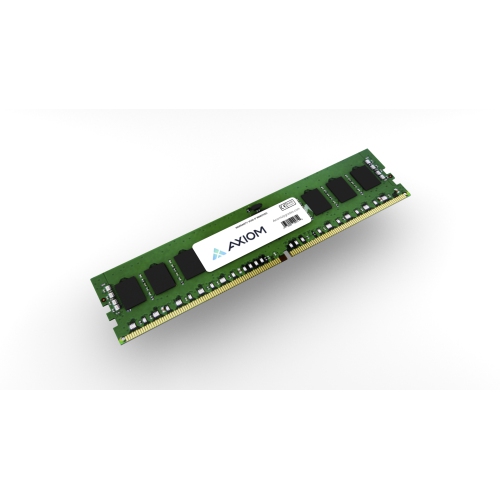
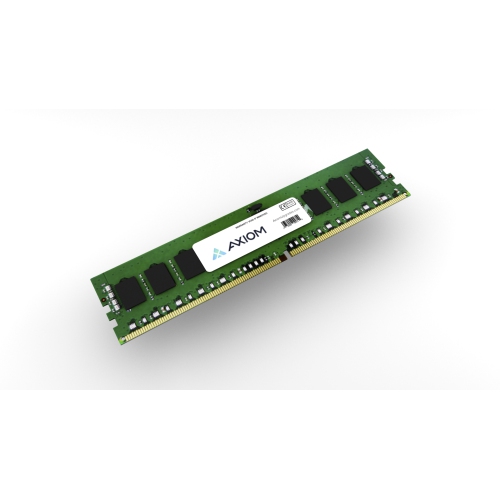
Memory for servers is the high-speed temporary workspace that allows a server to handle applications, databases, virtual machines, user accounts, and background services without relying constantly on slower storage. Unlike consumer desktop memory, server RAM is commonly designed with Error-Correcting Code (ECC), which can detect and correct certain single-bit data errors as they occur. That added protection is important in environments where a small memory error could interrupt a business application, corrupt a calculation, or cause an unexpected system restart. Server memory may be used by a small business hosting shared files, a home lab running several virtual machines, a development team testing software, or an organisation managing customer records and internal services. It can also help support web hosting, database workloads, video surveillance management, analytics, and other tasks that need dependable access to data. The right capacity depends on how the server is used: a basic file server may need far less RAM than a virtualisation host running several operating systems at once. More memory does not automatically make every server faster, but insufficient memory can lead to slow response times as the system moves active data to storage. When planning an upgrade, consider the server model, motherboard, processor, operating system, applications, number of users, and expected workload growth. Reviewing the manufacturer’s technical documentation is essential because server platforms often support only specific memory types, capacities, speeds, and configurations. Memory modules that look similar can have different electrical designs and may not work together, so matching the platform’s specifications is more important than choosing the largest capacity available.
Compatibility begins with the memory generation. DDR4 and DDR5 modules are not interchangeable, and a motherboard designed for one generation cannot normally accept the other. The server’s memory slots, processor memory controller, firmware, and supported module layout all affect which RAM can be installed. ECC memory may be available in several formats, including Registered DIMM (RDIMM), Load-Reduced DIMM (LRDIMM), and newer Multiplexed Rank DIMM (MRDIMM) designs for selected DDR5 platforms. RDIMM includes a register that helps reduce the electrical load placed on the memory controller, making it a common choice for dependable server configurations with substantial capacity. LRDIMM uses a buffer to reduce the load from the memory chips and can support very high capacities on compatible systems, while MRDIMM is intended for newer platforms that require exceptionally high memory bandwidth. These formats should not be mixed unless the server documentation specifically permits it. Capacity is another key consideration. Check the maximum supported memory per slot, maximum total memory, number of channels, supported ranks, and whether the system requires matched modules. Installing memory in balanced pairs or channel groups can help the server use its available bandwidth effectively, while filling only selected slots may limit performance or prevent the system from starting. Supported speeds can also vary according to the processor and the number of modules installed; memory rated for a higher speed may operate at a lower supported speed when paired with a particular server configuration. Before purchasing, record the exact server model or motherboard, existing module specifications, DDR generation, ECC type, capacity per module, and the total amount of RAM required. It is also helpful to check whether the server needs a particular voltage, rank arrangement, buffer design, or firmware version. These details are especially important when upgrading an older system, replacing a failed module, or expanding a server that must remain available for staff and customers.
A practical upgrade should begin with a clear capacity plan rather than a guess based only on the server’s current performance. Review memory usage during busy periods, identify whether virtual machines or applications are competing for available RAM, and leave room for future services when the platform supports expansion. A server that hosts several virtual machines may benefit from a generous memory reserve so that each guest system can remain responsive, while a database server may need enough RAM to keep frequently accessed information readily available. For a small office, adding compatible ECC memory can extend the useful life of an existing server and provide smoother file sharing, backup management, and business software access. In a home lab, extra capacity can make it easier to experiment with different operating systems, containers, network services, and testing environments without affecting everyday devices. Installation should be carried out with the server powered down and disconnected according to the manufacturer’s procedure. Handle modules by their edges, avoid touching the contacts, observe electrostatic discharge precautions, and install them in the slot order recommended for the platform. After installation, confirm that the full capacity is recognised in the firmware and operating system, then run the server’s built-in diagnostics or a suitable memory test. Monitoring tools can help identify corrected-error counts, temperature changes, or other signs that a module may need attention. It is wise to keep records of the original configuration, newly installed modules, and test results, particularly in a business environment where troubleshooting time matters. Reliable memory also works as part of a larger server setup: stable storage, adequate cooling, network connectivity, and suitable Server Power Supplies all contribute to consistent operation. Whether the goal is to increase virtual machine capacity, support more users, improve database performance, or replace a defective module, choosing server memory by exact compatibility and workload requirements helps create a dependable foundation for everyday computing.
Compatibility begins with the memory generation. DDR4 and DDR5 modules are not interchangeable, and a motherboard designed for one generation cannot normally accept the other. The server’s memory slots, processor memory controller, firmware, and supported module layout all affect which RAM can be installed. ECC memory may be available in several formats, including Registered DIMM (RDIMM), Load-Reduced DIMM (LRDIMM), and newer Multiplexed Rank DIMM (MRDIMM) designs for selected DDR5 platforms. RDIMM includes a register that helps reduce the electrical load placed on the memory controller, making it a common choice for dependable server configurations with substantial capacity. LRDIMM uses a buffer to reduce the load from the memory chips and can support very high capacities on compatible systems, while MRDIMM is intended for newer platforms that require exceptionally high memory bandwidth. These formats should not be mixed unless the server documentation specifically permits it. Capacity is another key consideration. Check the maximum supported memory per slot, maximum total memory, number of channels, supported ranks, and whether the system requires matched modules. Installing memory in balanced pairs or channel groups can help the server use its available bandwidth effectively, while filling only selected slots may limit performance or prevent the system from starting. Supported speeds can also vary according to the processor and the number of modules installed; memory rated for a higher speed may operate at a lower supported speed when paired with a particular server configuration. Before purchasing, record the exact server model or motherboard, existing module specifications, DDR generation, ECC type, capacity per module, and the total amount of RAM required. It is also helpful to check whether the server needs a particular voltage, rank arrangement, buffer design, or firmware version. These details are especially important when upgrading an older system, replacing a failed module, or expanding a server that must remain available for staff and customers.
A practical upgrade should begin with a clear capacity plan rather than a guess based only on the server’s current performance. Review memory usage during busy periods, identify whether virtual machines or applications are competing for available RAM, and leave room for future services when the platform supports expansion. A server that hosts several virtual machines may benefit from a generous memory reserve so that each guest system can remain responsive, while a database server may need enough RAM to keep frequently accessed information readily available. For a small office, adding compatible ECC memory can extend the useful life of an existing server and provide smoother file sharing, backup management, and business software access. In a home lab, extra capacity can make it easier to experiment with different operating systems, containers, network services, and testing environments without affecting everyday devices. Installation should be carried out with the server powered down and disconnected according to the manufacturer’s procedure. Handle modules by their edges, avoid touching the contacts, observe electrostatic discharge precautions, and install them in the slot order recommended for the platform. After installation, confirm that the full capacity is recognised in the firmware and operating system, then run the server’s built-in diagnostics or a suitable memory test. Monitoring tools can help identify corrected-error counts, temperature changes, or other signs that a module may need attention. It is wise to keep records of the original configuration, newly installed modules, and test results, particularly in a business environment where troubleshooting time matters. Reliable memory also works as part of a larger server setup: stable storage, adequate cooling, network connectivity, and suitable Server Power Supplies all contribute to consistent operation. Whether the goal is to increase virtual machine capacity, support more users, improve database performance, or replace a defective module, choosing server memory by exact compatibility and workload requirements helps create a dependable foundation for everyday computing.
Top selling and popular products
-
 Your price for this item is $626.99
 -
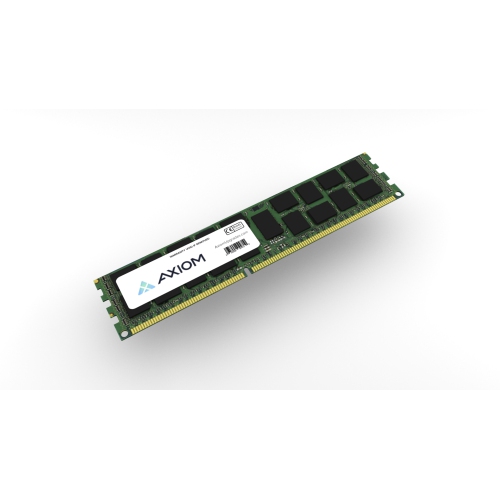 Your price for this item is $202.99
 -
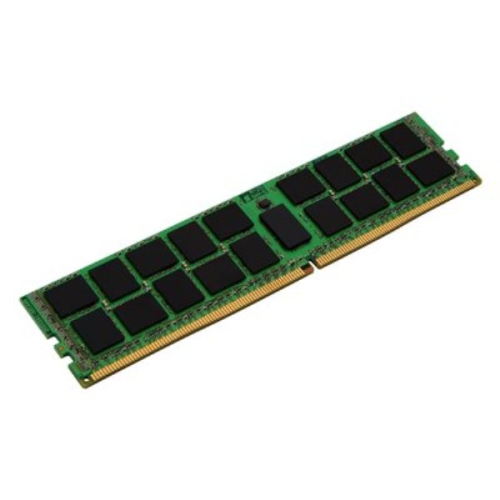 Your price for this item is $855.68
 -
 Your price for this item is $138.68
 -
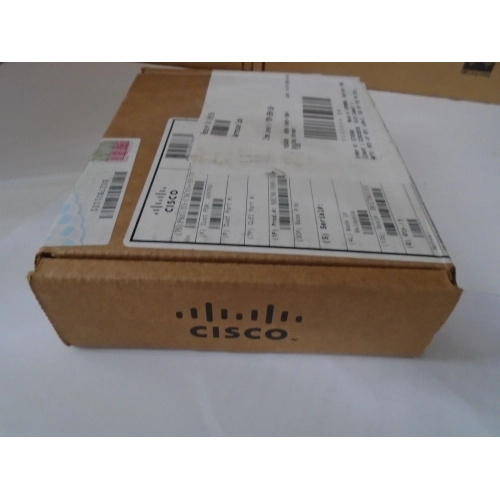 Your price for this item is $460
 -
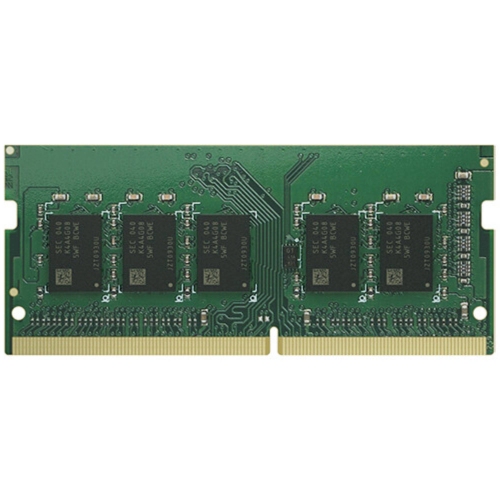 Your price for this item is $789.68
 -
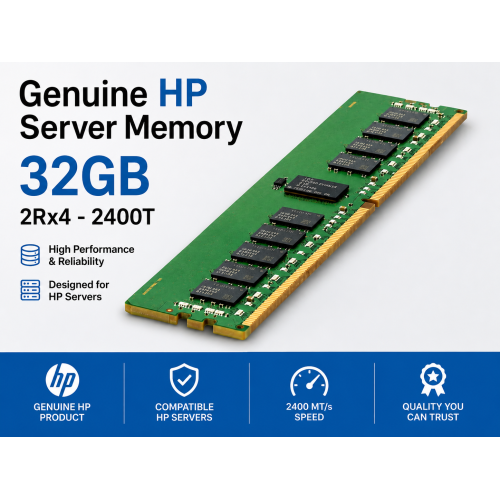 Your price for this item is $440.89
 -
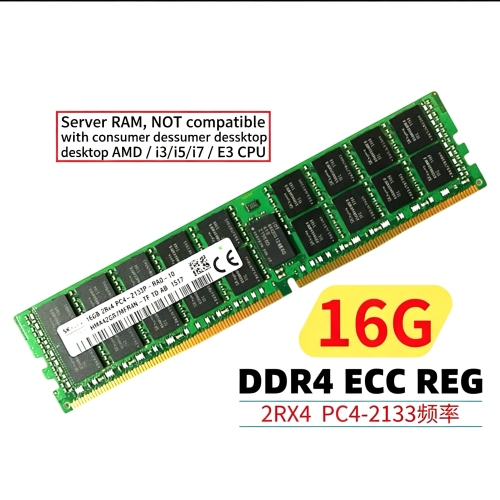 Your price for this item is $139.99
Discover more categories related to Memory for Servers
Top Collections:
Pokemon Centers, Kindle Devices, Best Budget Office Chairs, Apple iPhones 16, Samsung Galaxy Phones, Canon G7X Cameras, iPhone 15 Apple, Flip Phones, Best Laptops for Writers, Alarm Clock
Some products may be subject to Environmental Handling Fees
(EHF) depending on your province.
Learn more about EHFs.