Mic Under $200
If you're looking for a microphone to use for podcasting, YouTube videos, or even live to stream, you don't have to spend a lot of money. You can get a great microphone for under $200. Here are some of the best microphones for your budget.
Sort

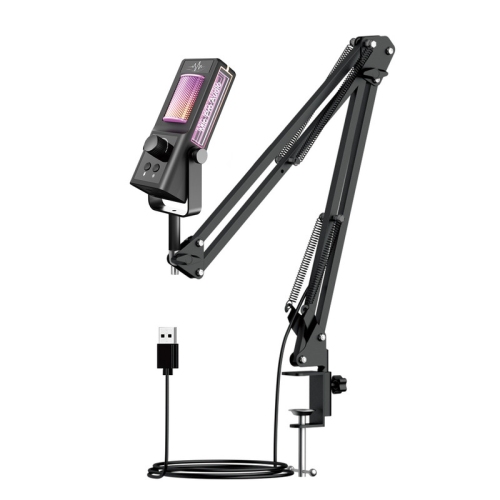
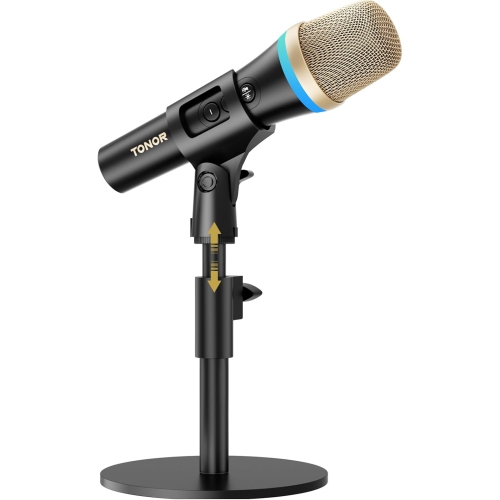
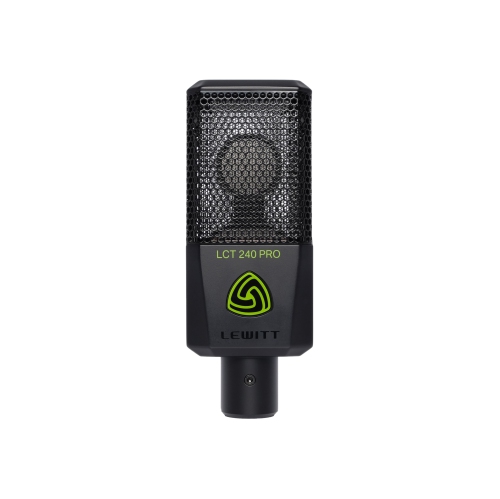
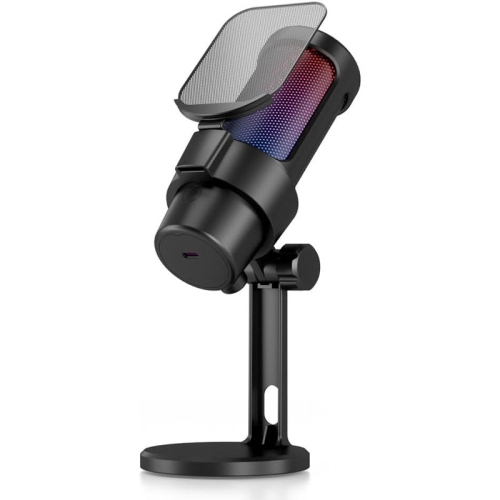
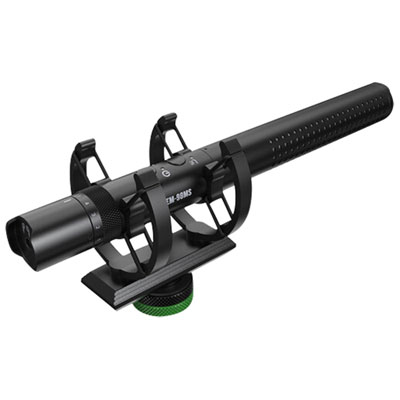
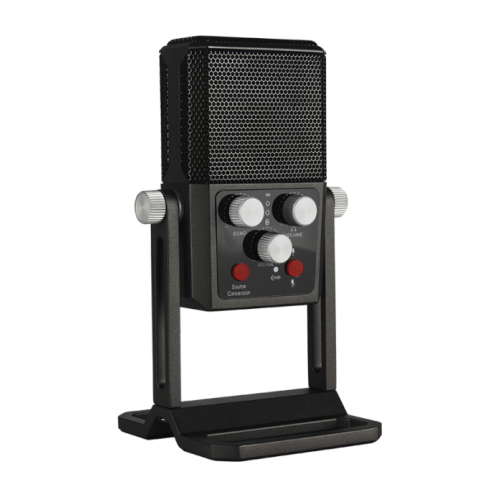
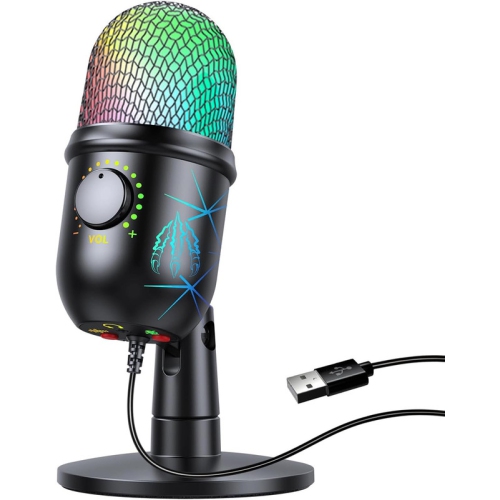
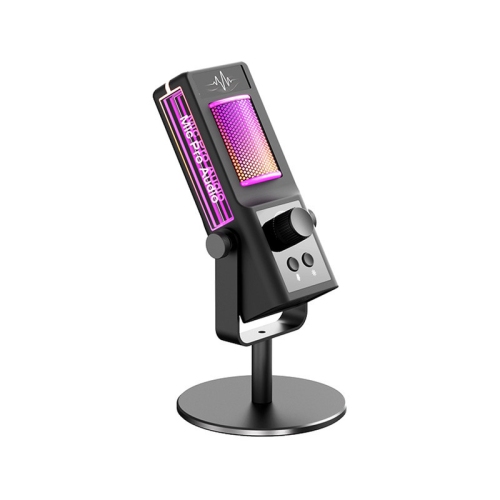
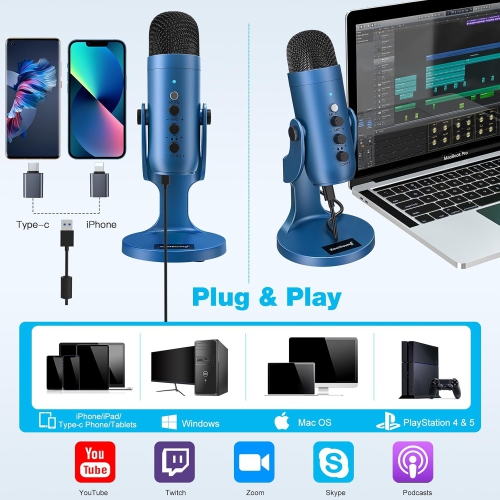
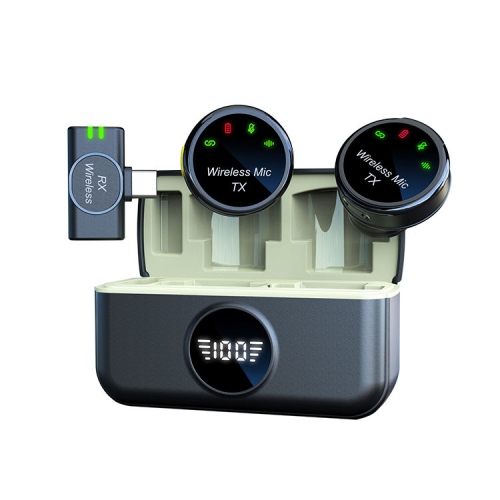
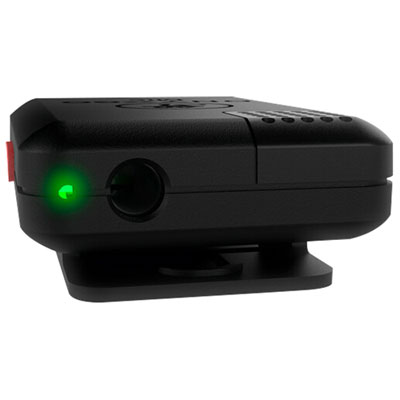
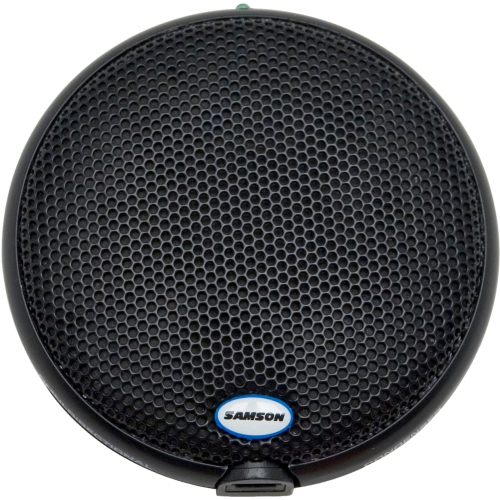


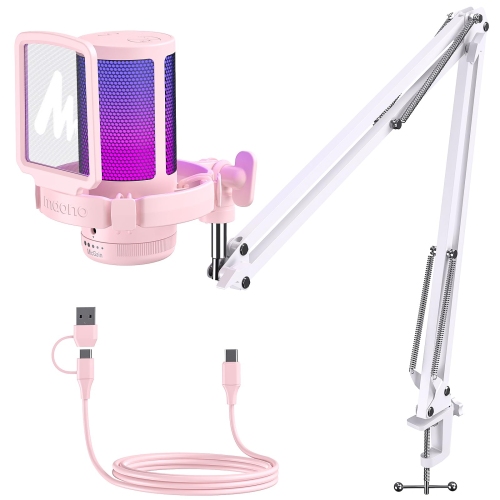
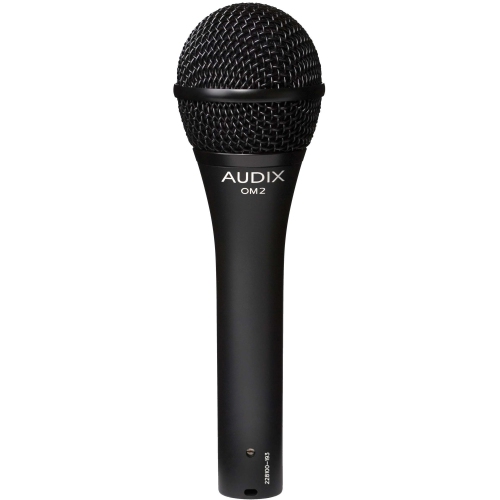
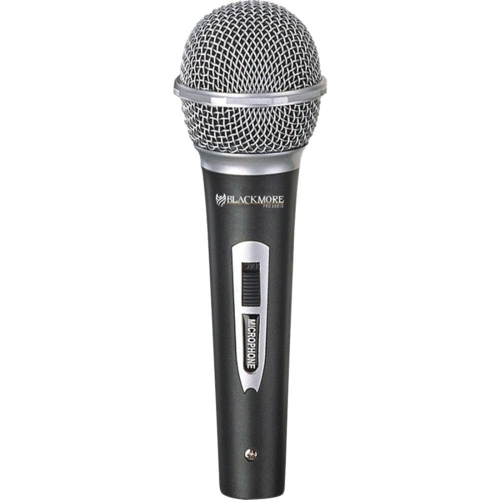
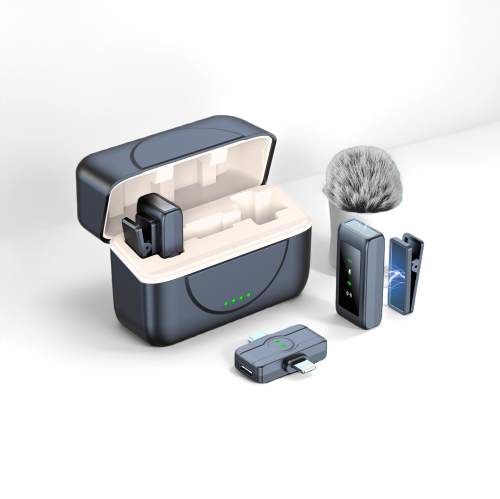
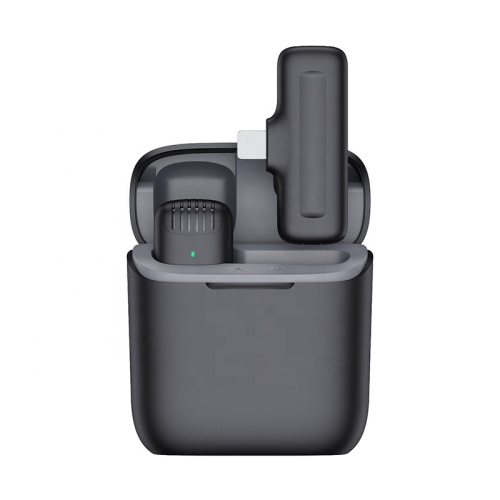
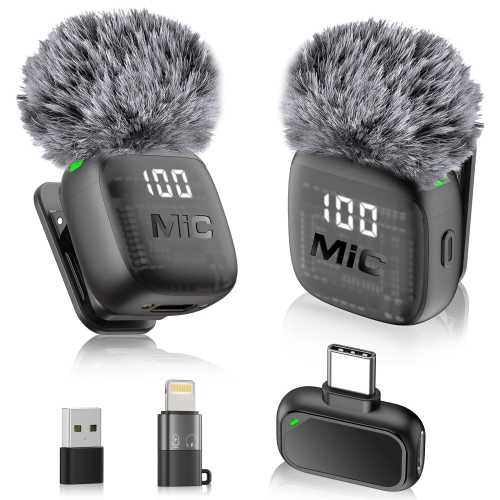
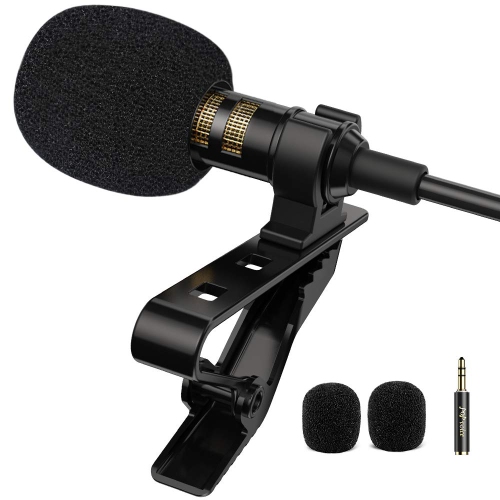
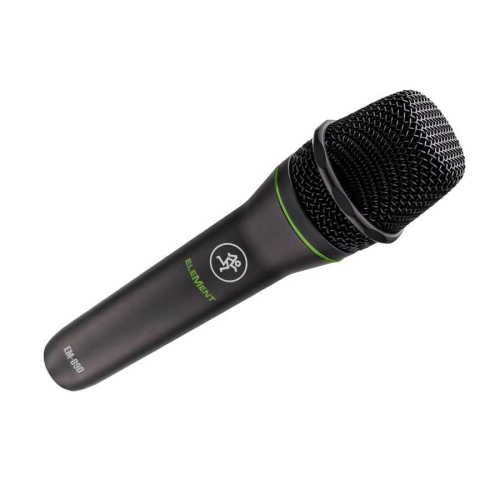
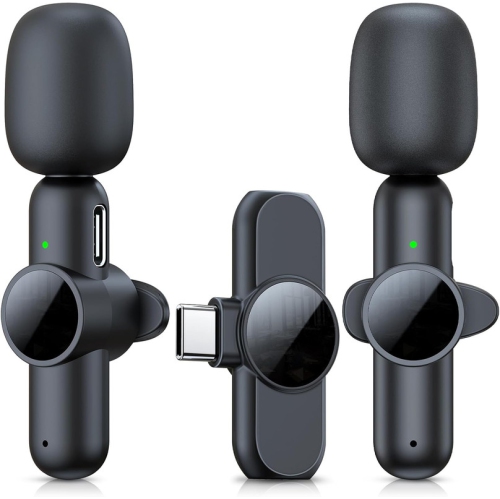
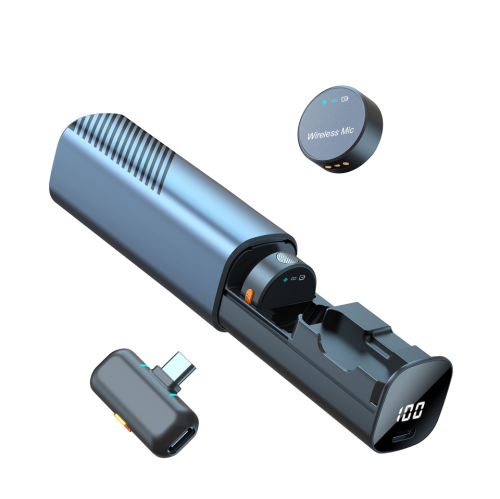
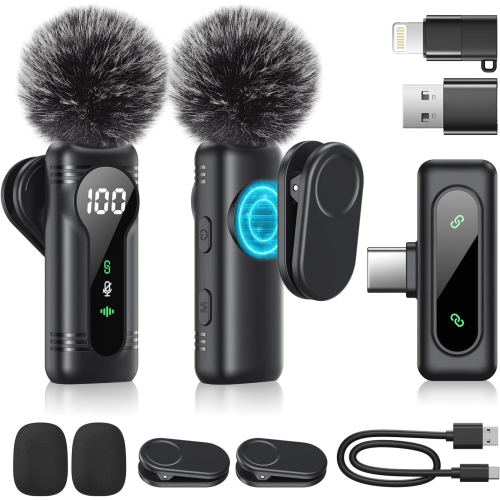
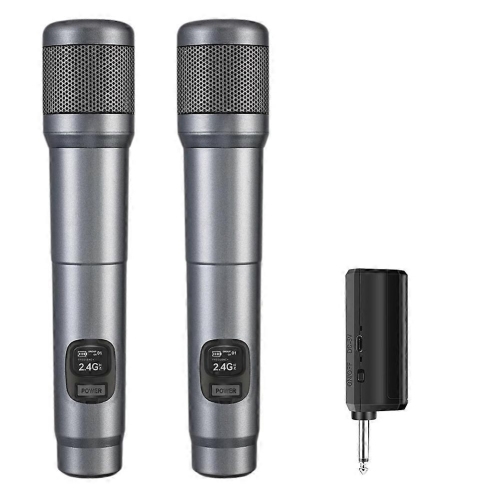

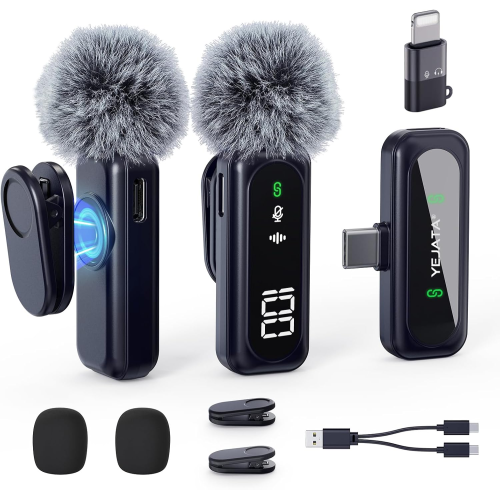
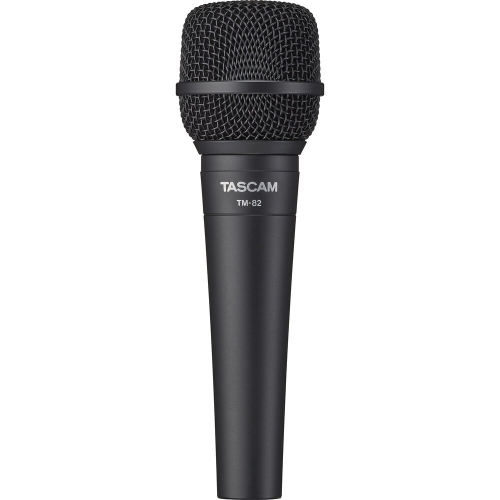
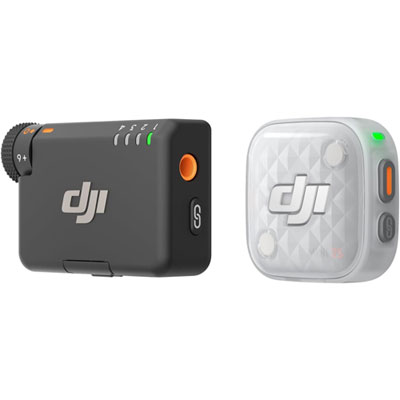
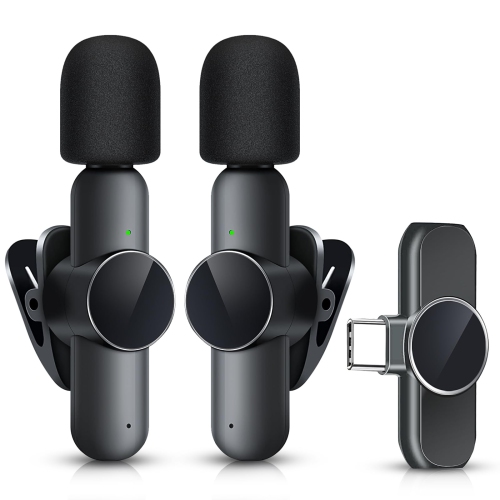
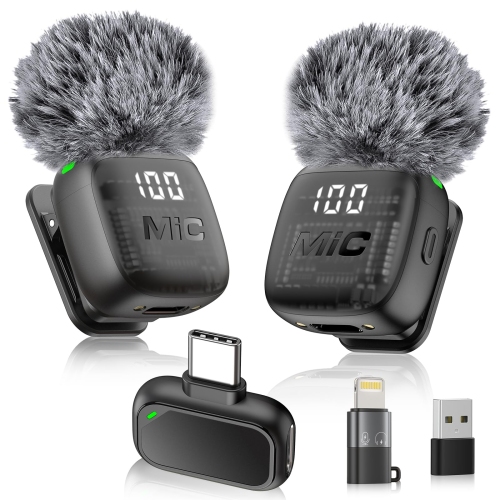
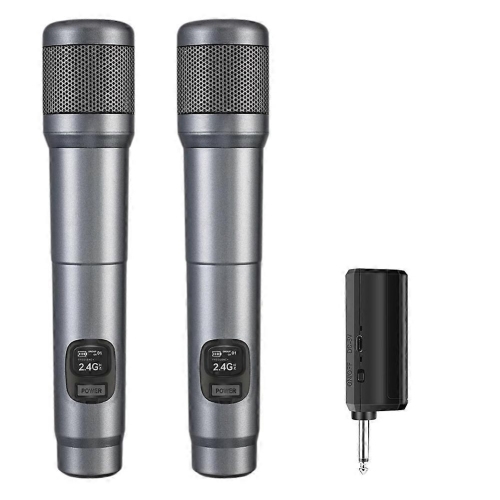
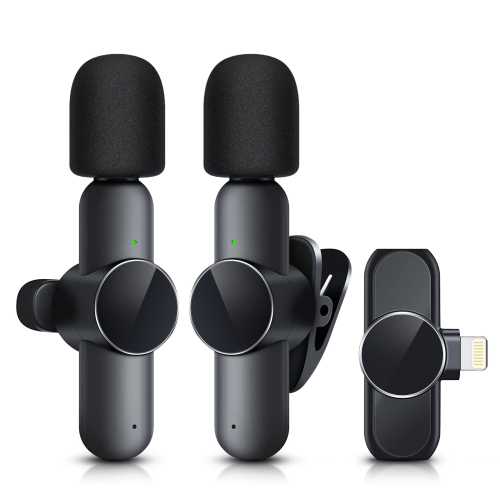
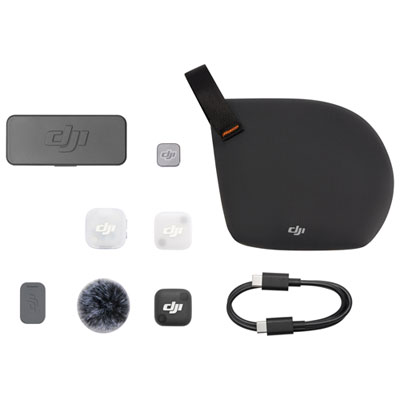
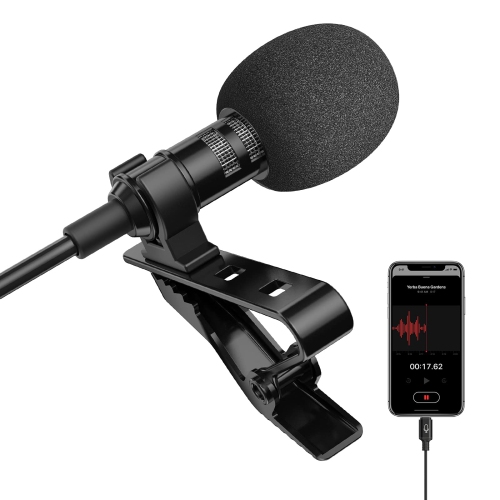
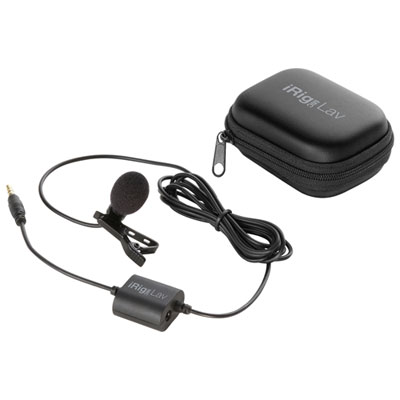
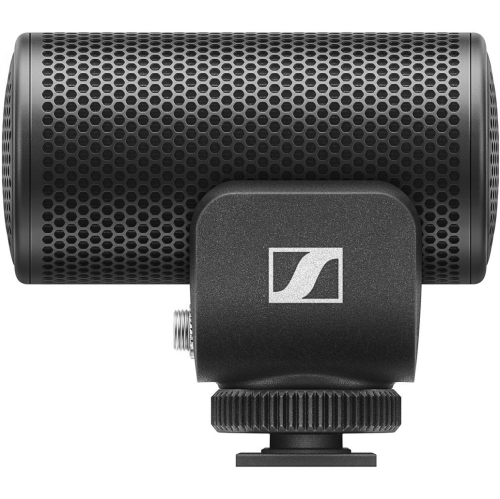
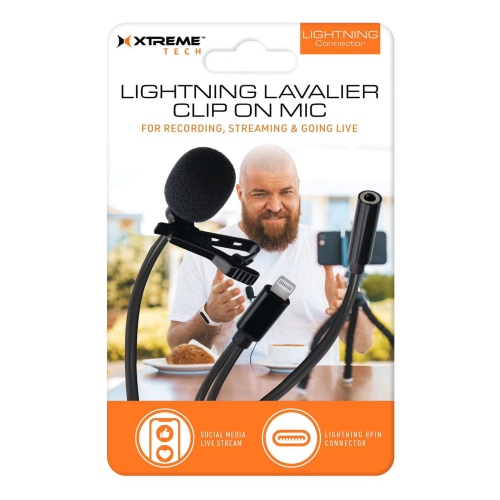
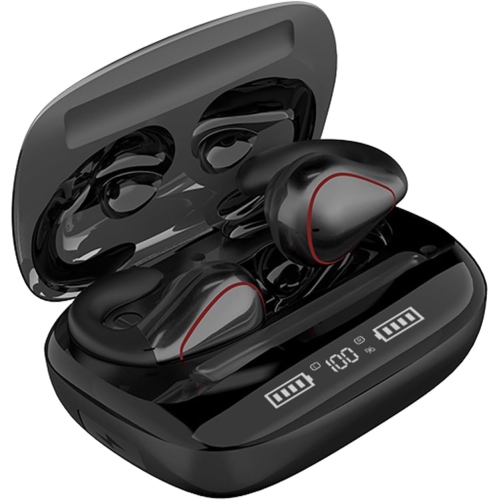
Why microphone type and placement matter for clear sound
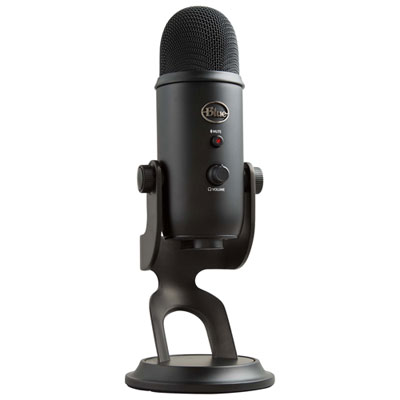
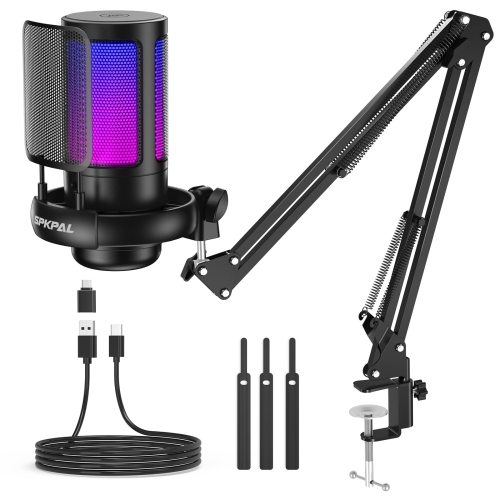
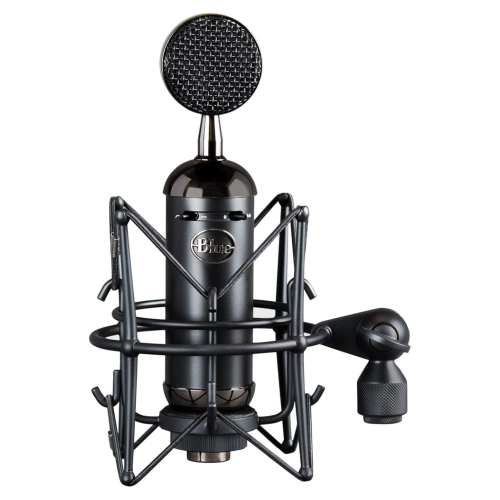
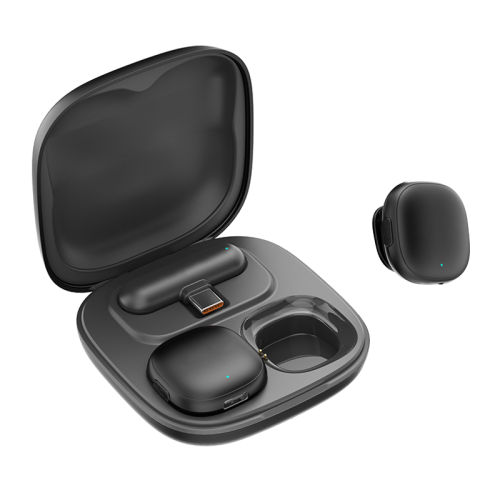
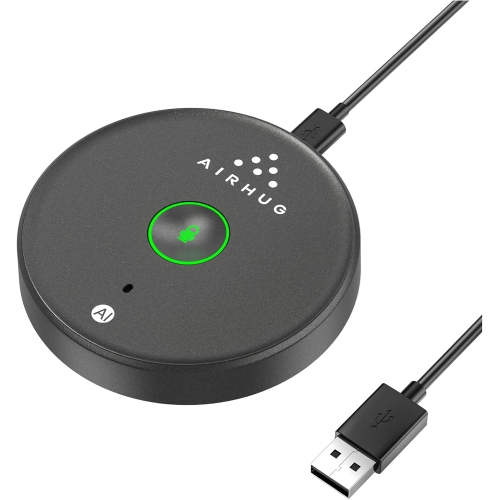
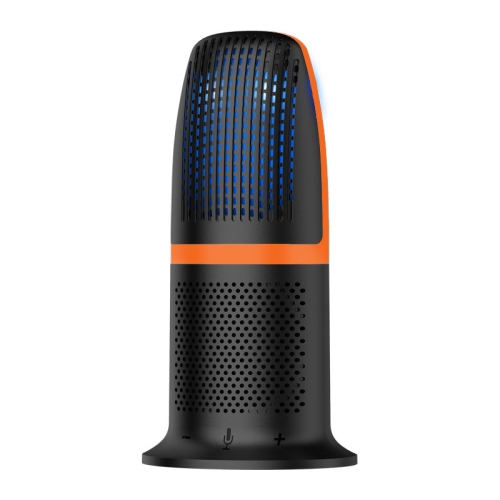
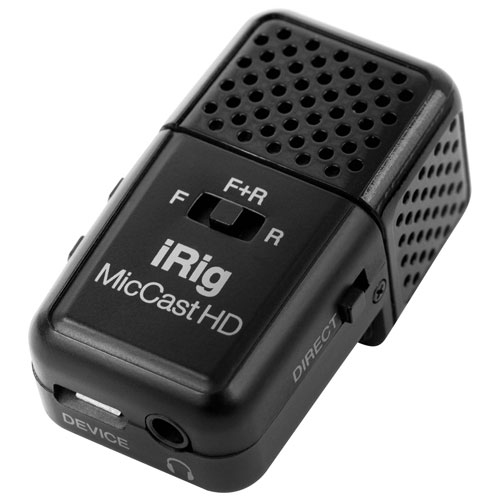
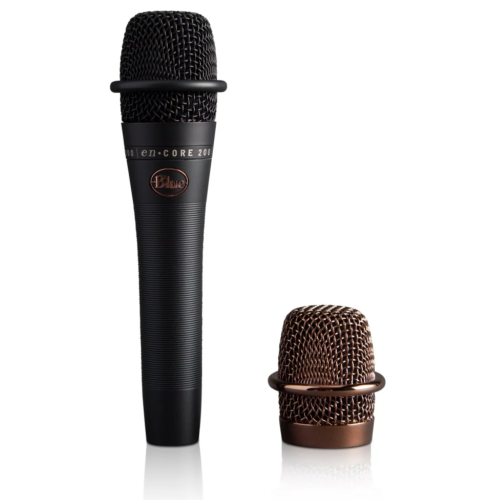
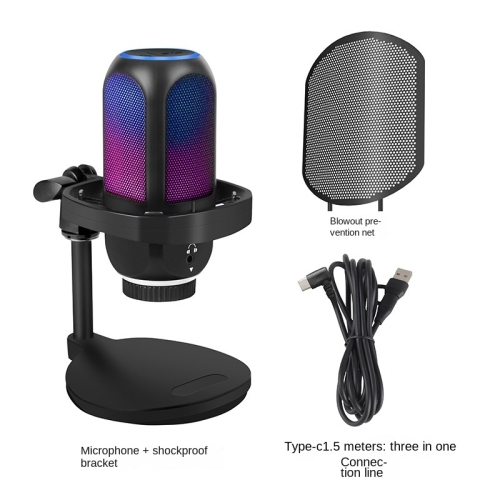
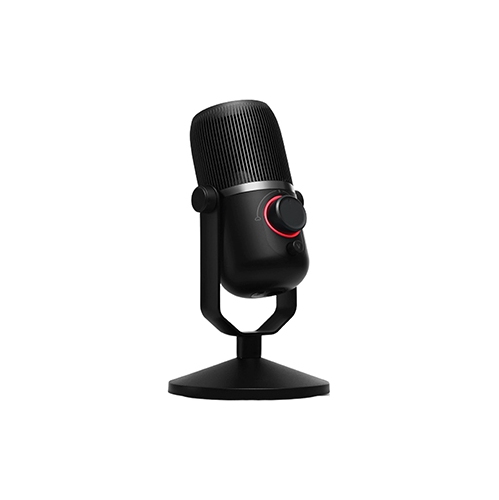
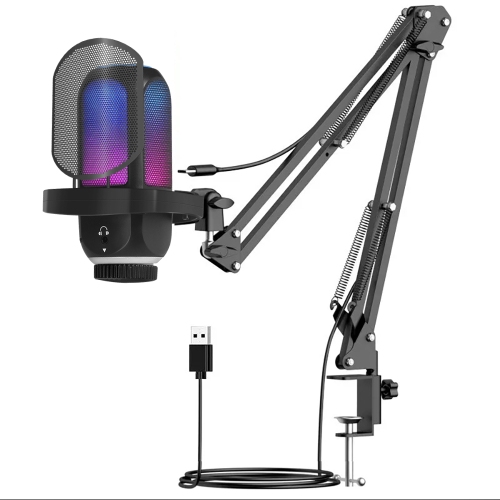
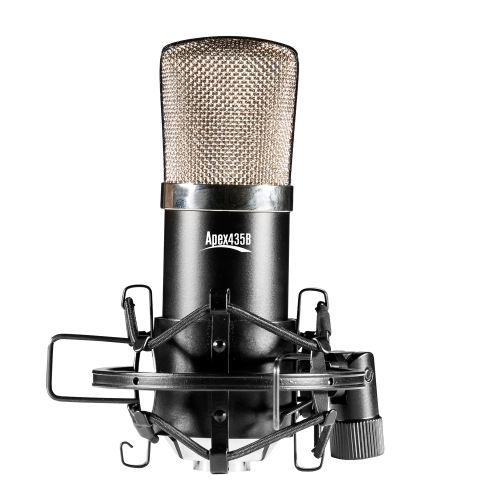
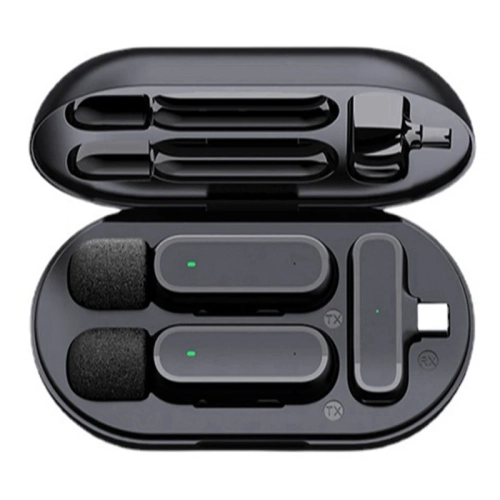
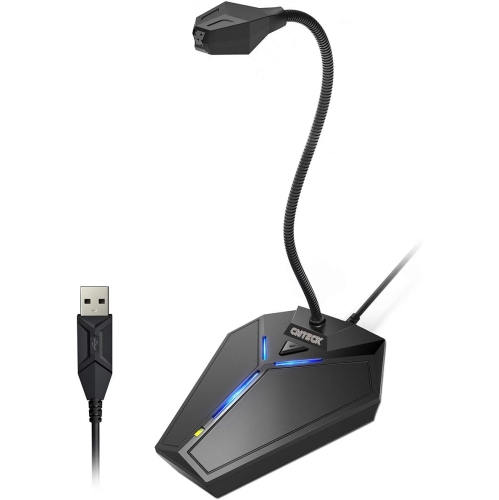
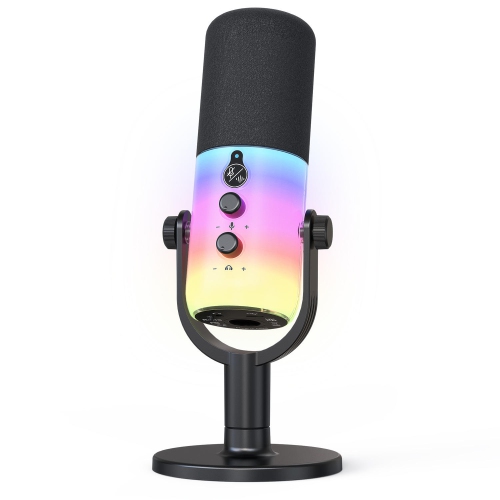
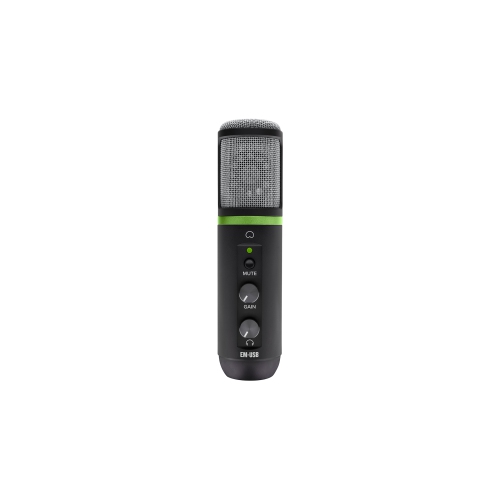
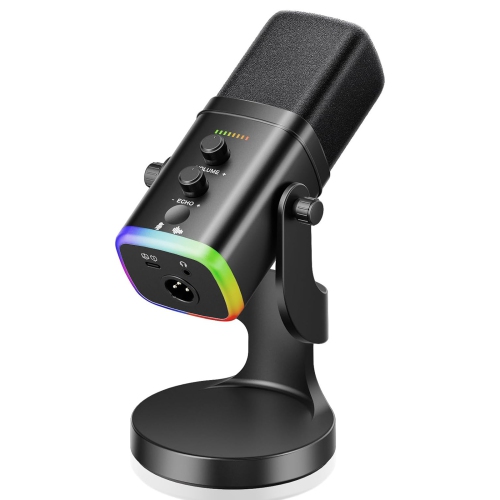
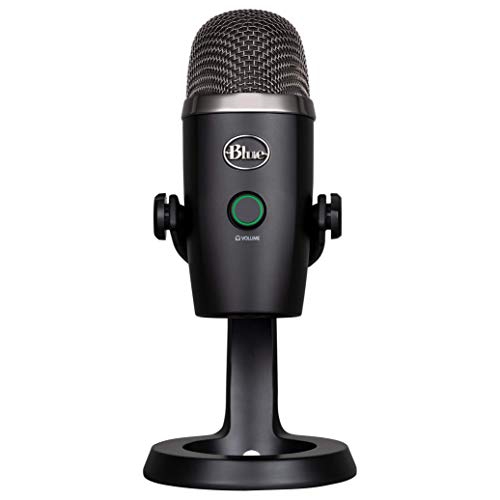
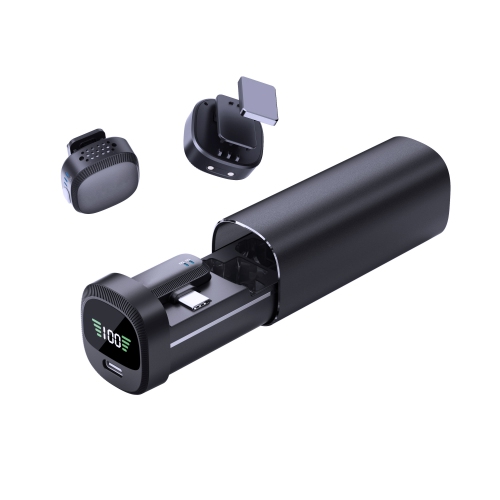
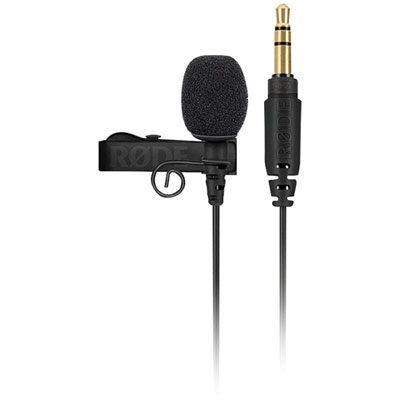
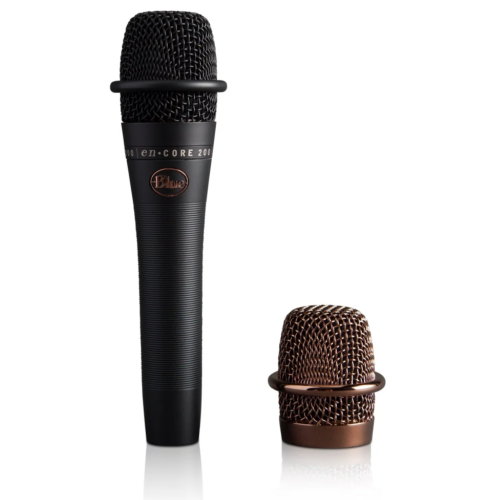
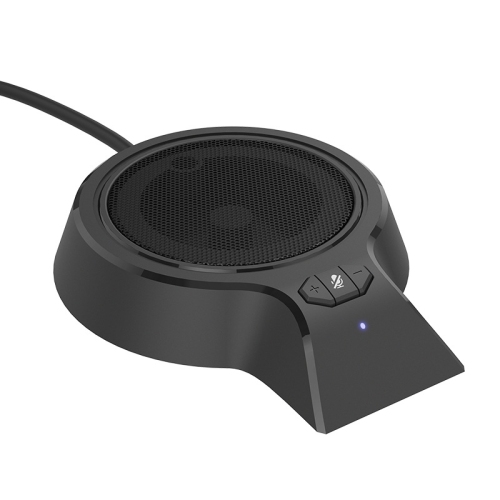
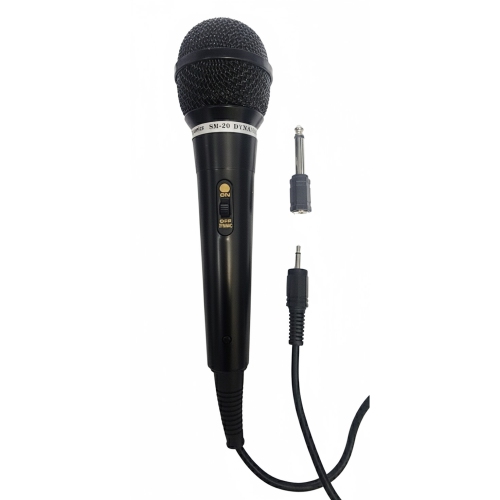
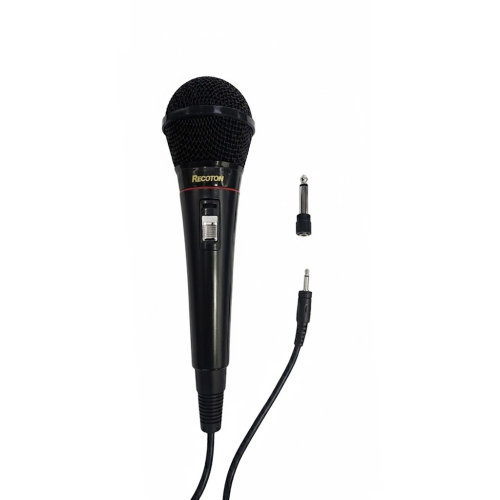
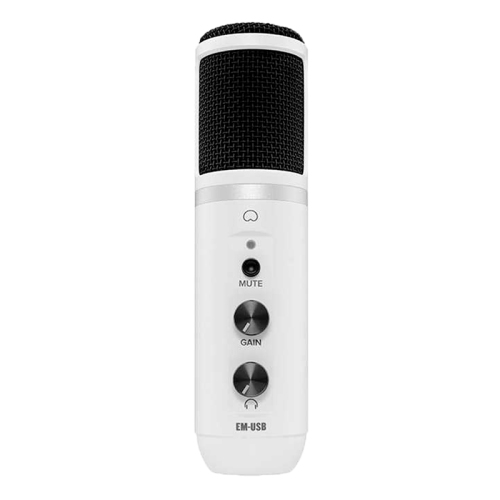
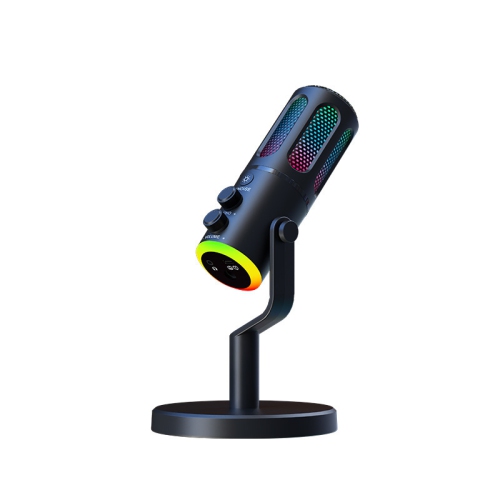
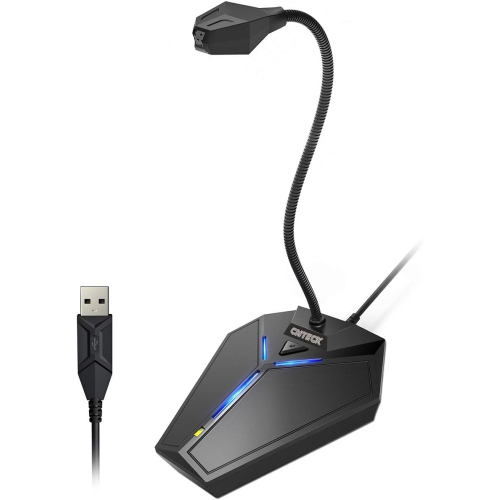
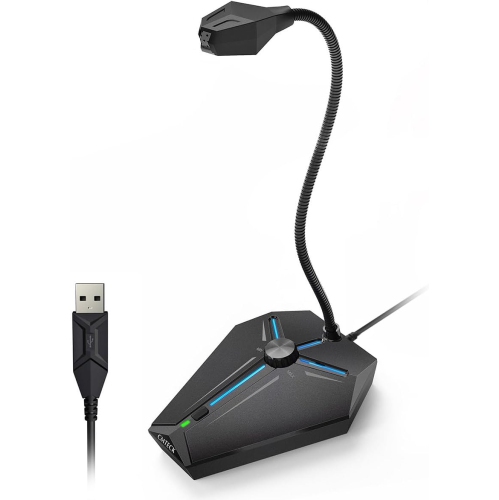
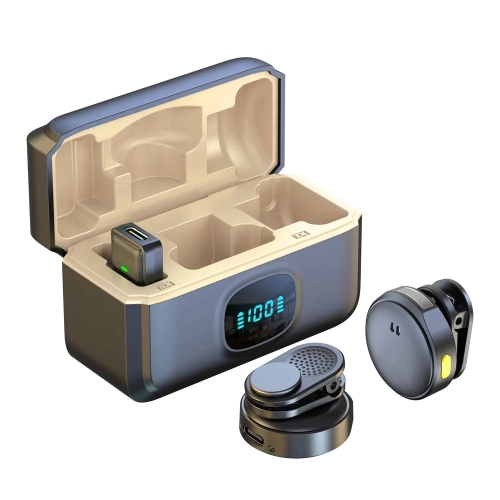
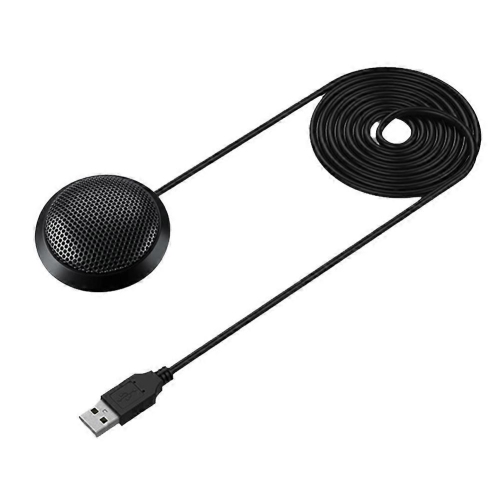
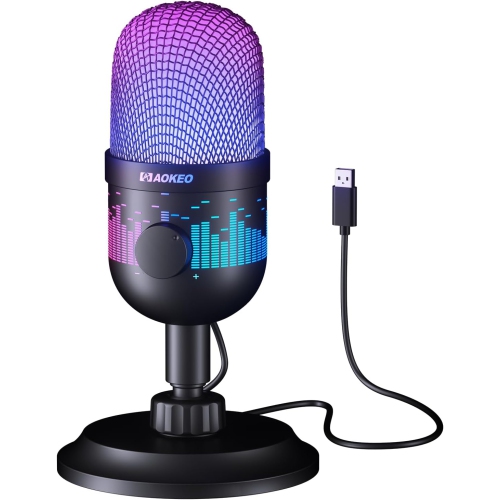
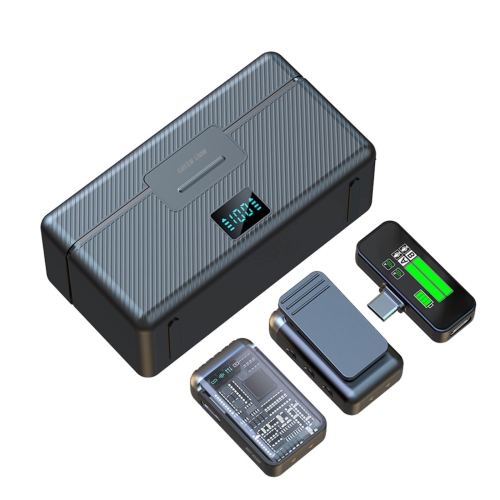
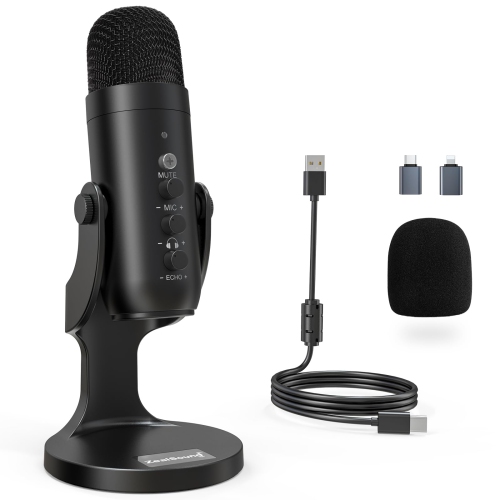
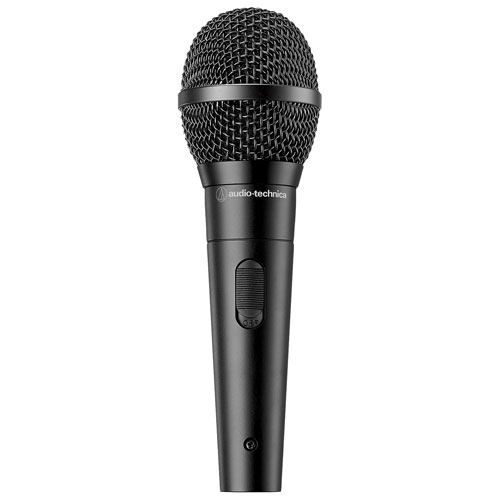
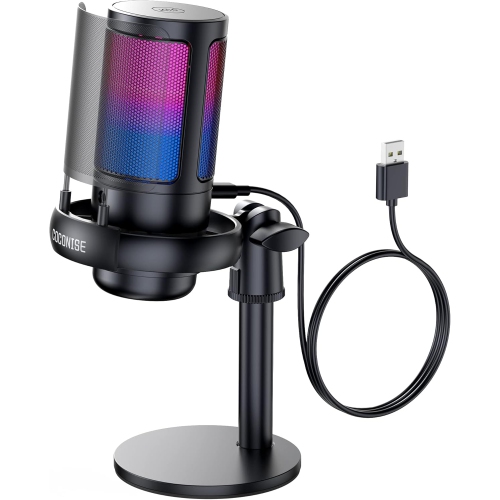
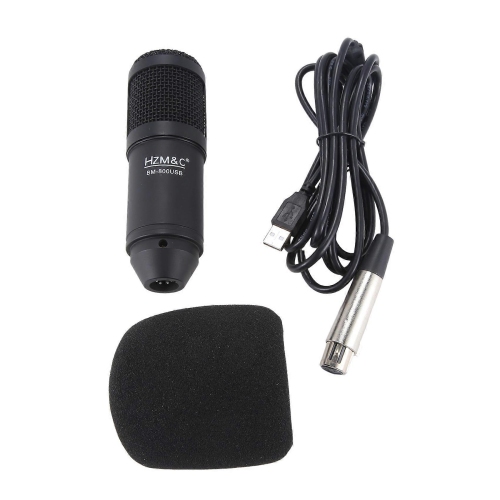
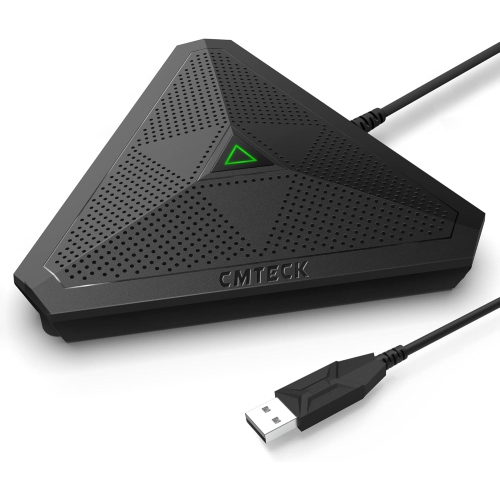
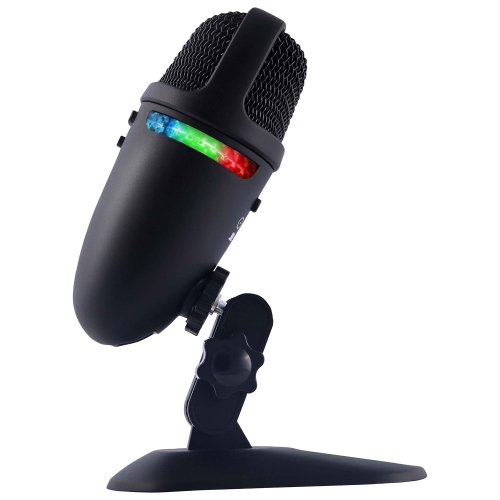
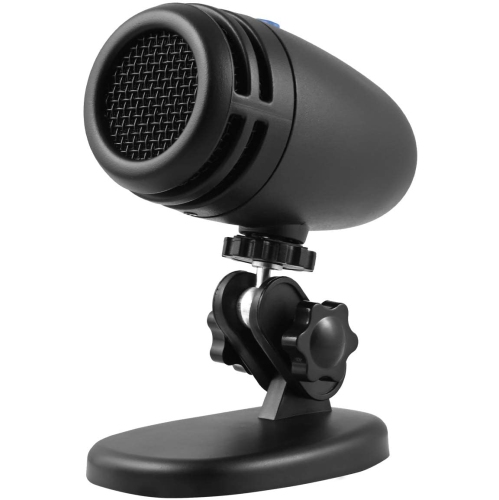
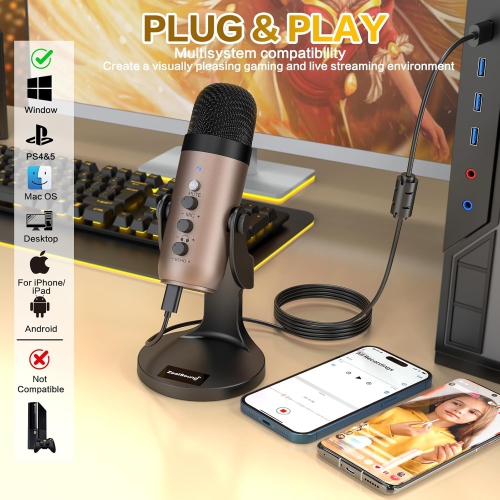
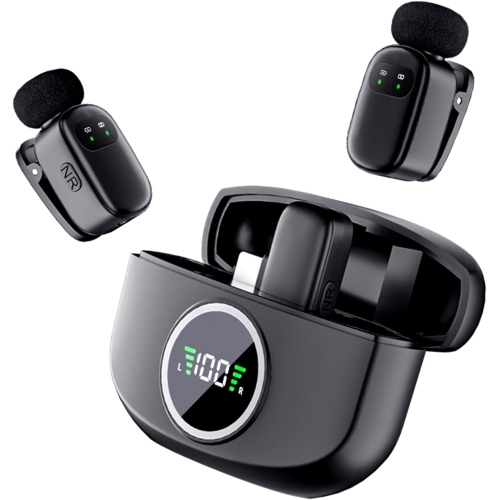
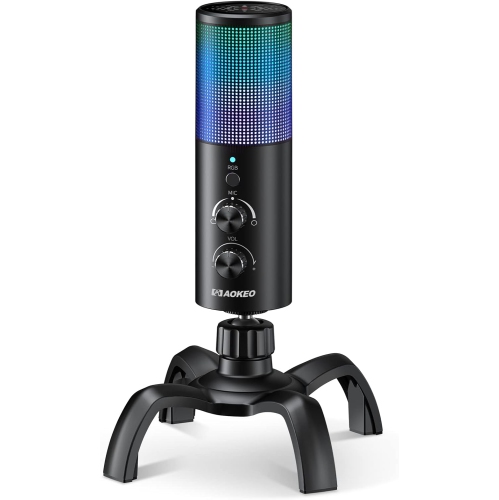
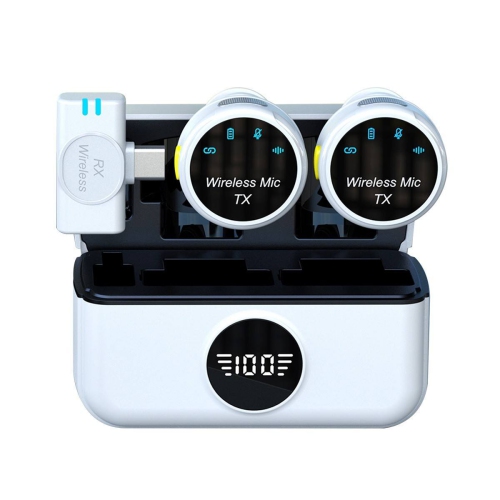
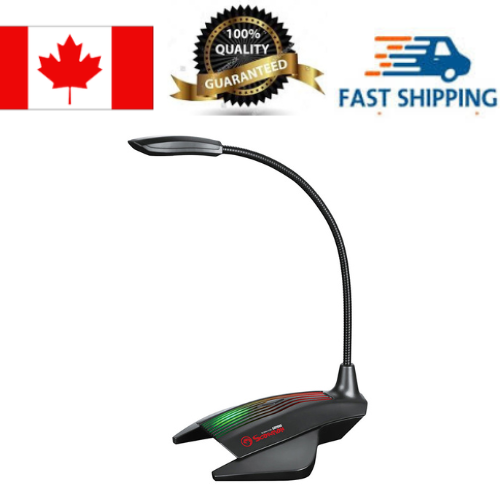
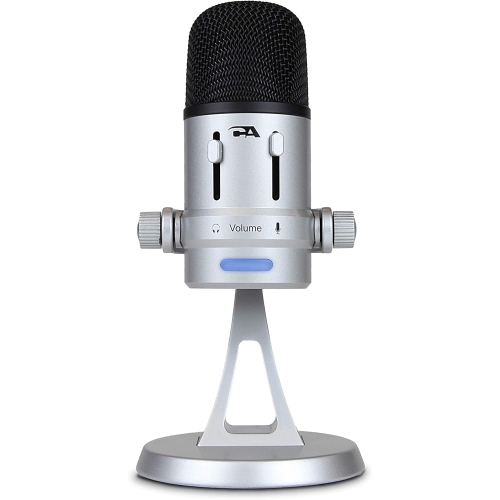
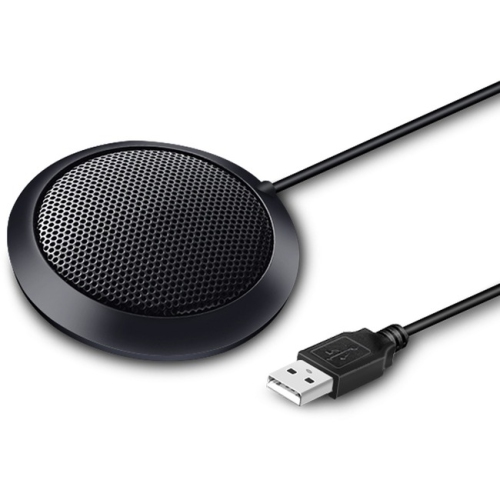
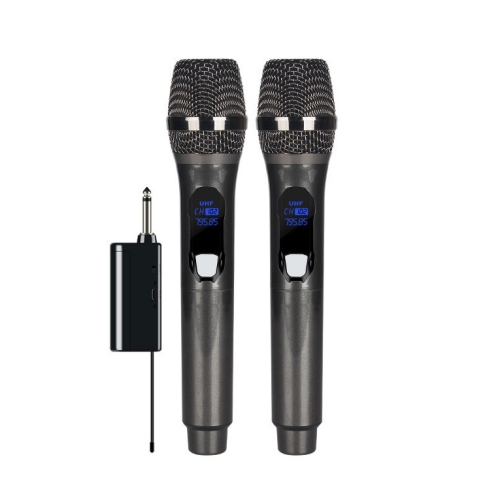
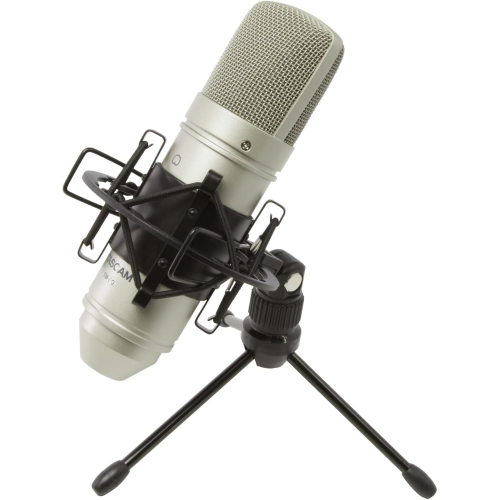
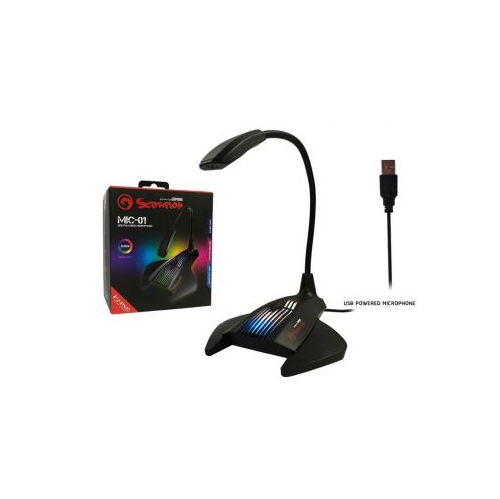
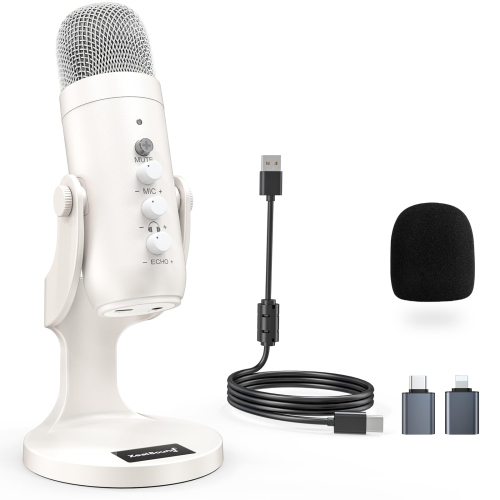
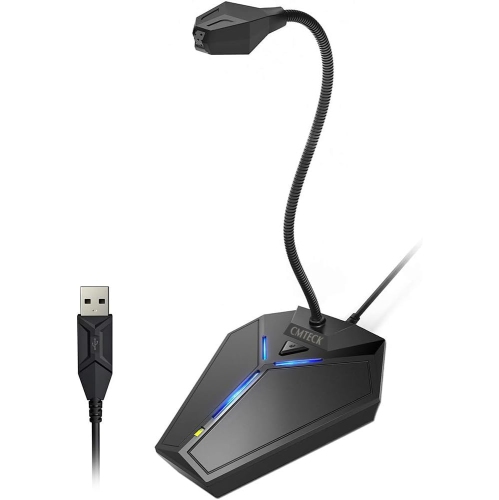
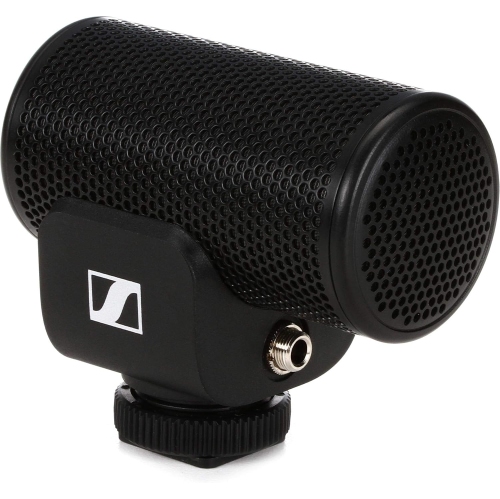
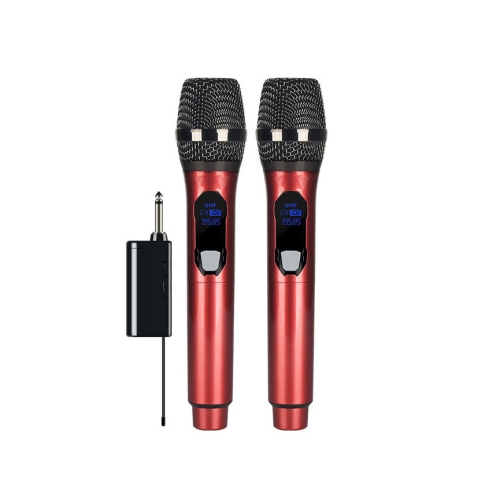
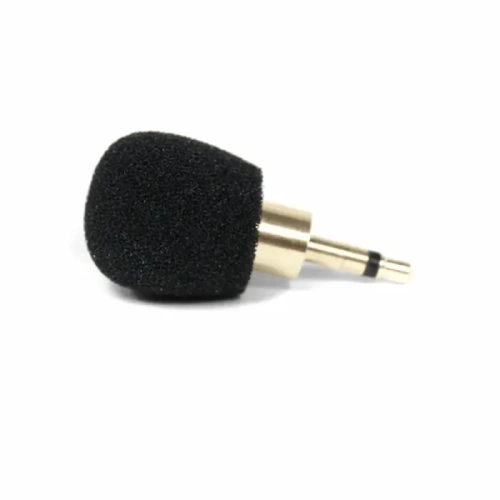
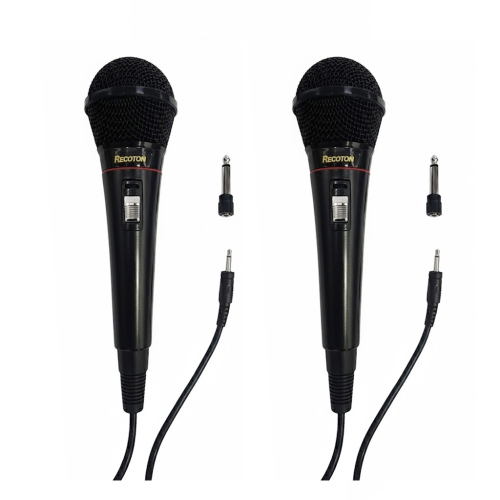
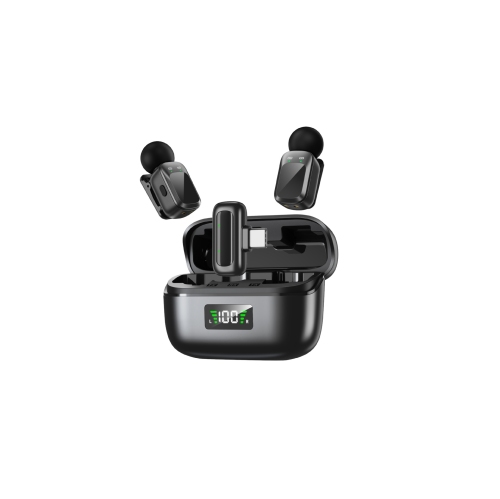
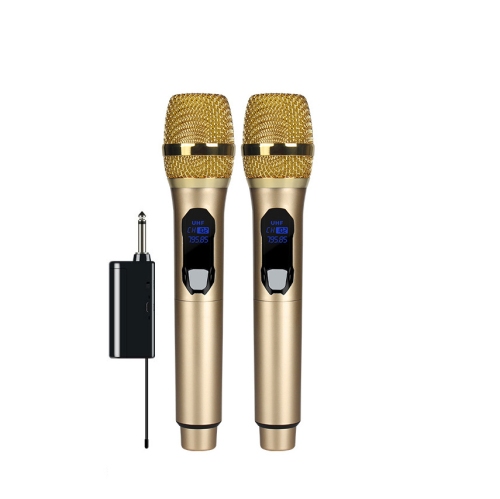
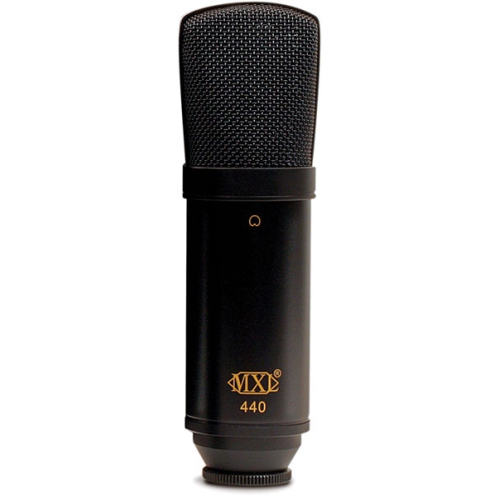
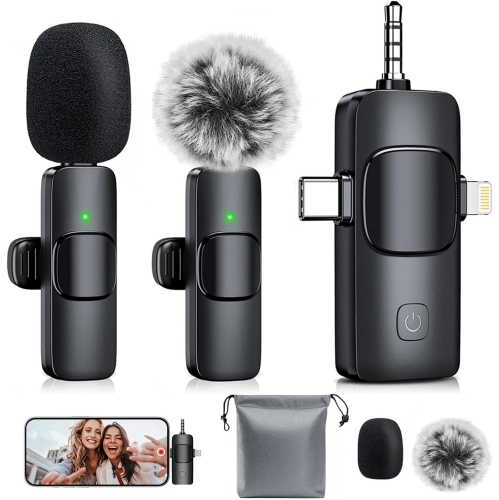
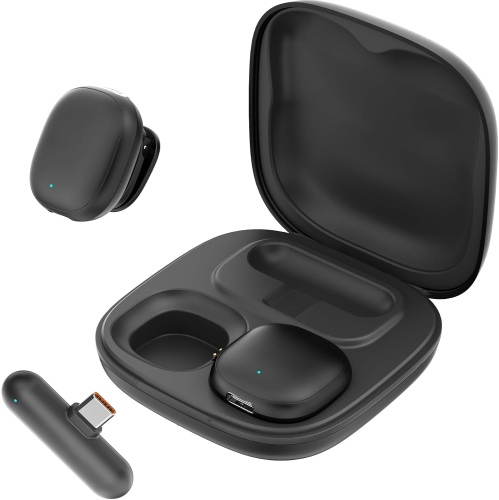
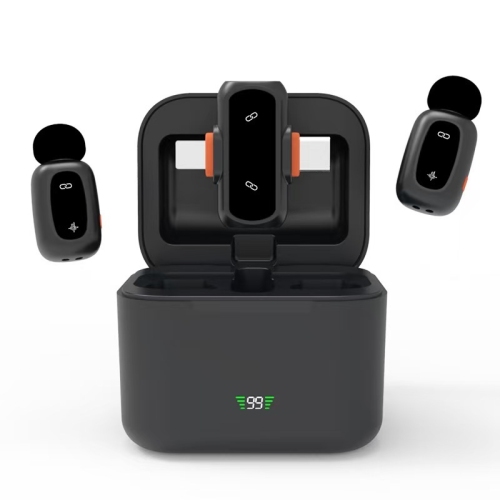
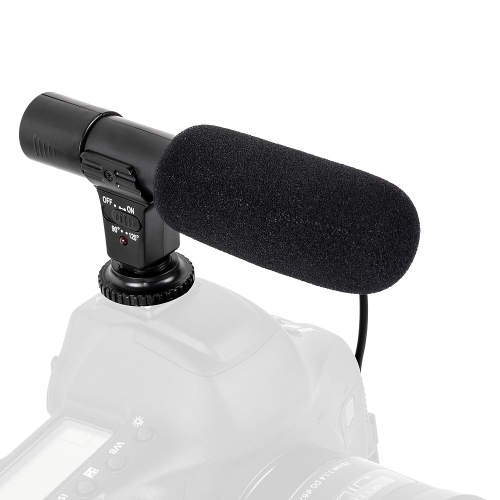
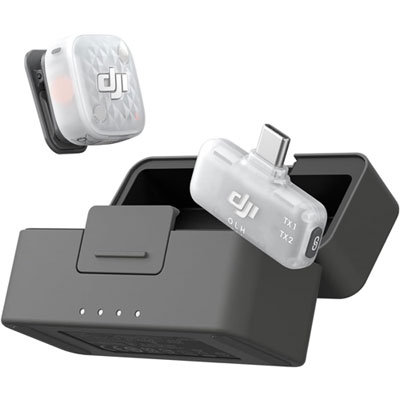
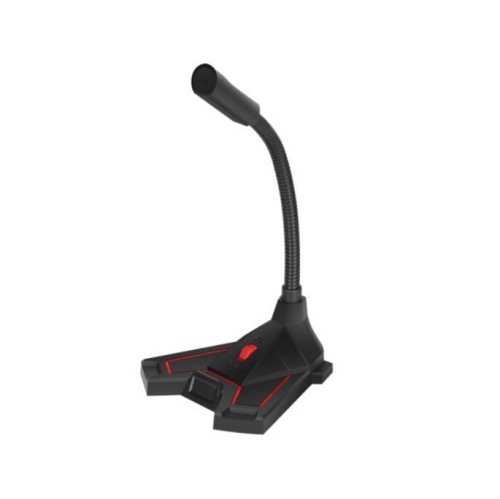
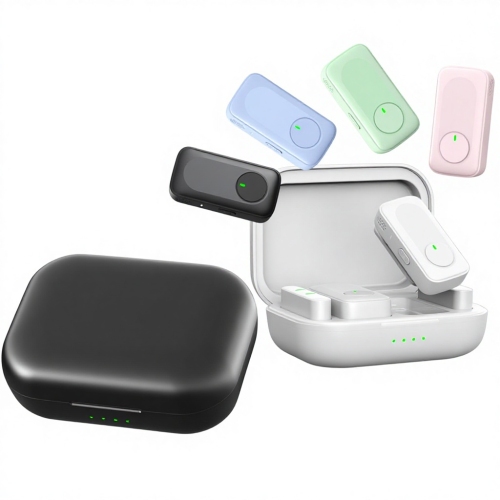
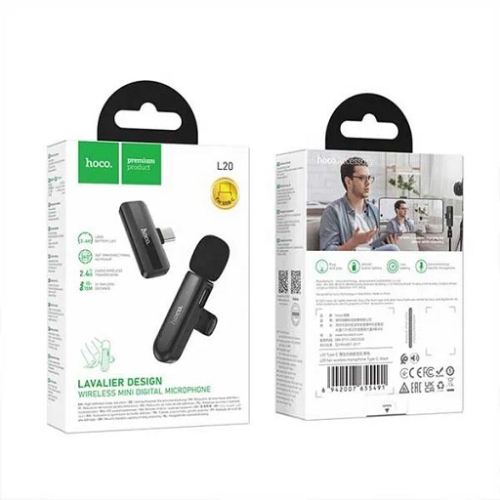
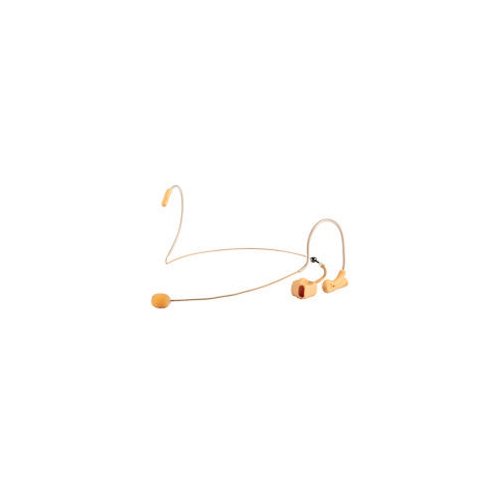
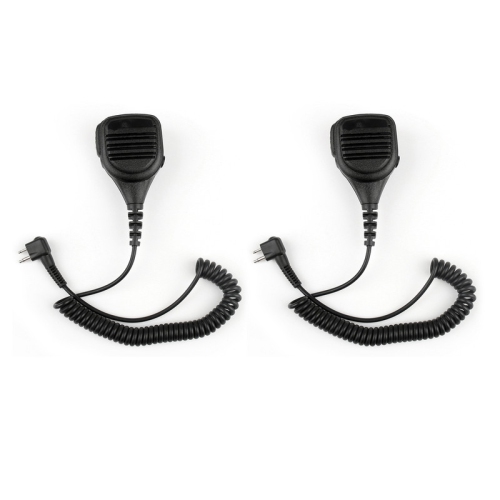
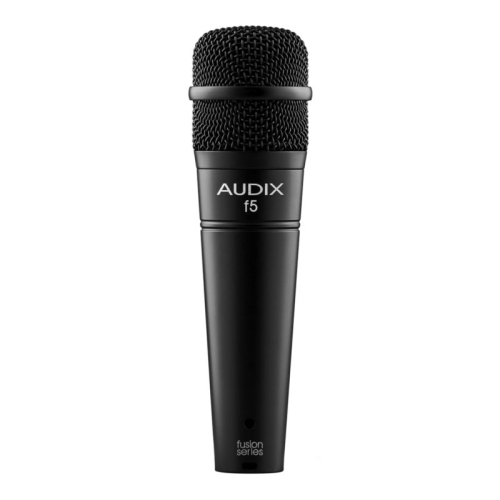
Microphones bring a voice or instrument into focus, whether the setting is a gaming desk, a podcast corner, a rehearsal space, or a home office. A dedicated microphone gives speakers more control over placement than a microphone built into a laptop, making it easier to keep speech clear and consistent during video calls, livestreams, and recorded presentations. The main differences between microphone types involve how they connect, how they capture sound, and the equipment they need. USB microphones connect directly to a compatible computer and include the circuitry needed to turn sound into digital audio. That makes them a practical fit for students delivering presentations, gamers chatting with teammates, and creators working from a single desk. XLR microphones connect through an audio interface, mixer, or other compatible audio equipment, allowing separate control over the microphone and the rest of the signal chain. They suit setups built around music production, multiple speakers, or live sound, although the microphone alone does not provide a direct computer connection. Some microphones offer both USB and XLR connections, providing flexibility as a workspace changes. Dynamic microphones are commonly used for close speech, singing, and amplified instruments, with many designs able to handle strong sound levels. Condenser microphones often capture subtle vocal textures and instrumental detail, making them useful for spoken narration, acoustic music, and carefully arranged desktop setups. Most XLR condenser microphones need phantom power from compatible equipment, while USB condensers receive power through their USB connection. Neither design guarantees a particular sound on its own: placement, pickup pattern, room acoustics, and input settings all contribute. For someone speaking beside a mechanical keyboard, keeping the microphone close to the mouth and away from the keys can matter more than an impressive specification. For a singer capturing a quiet passage, a stable stand and a room with fewer hard, reflective surfaces help preserve the nuances of the performance. The most suitable microphone is one whose connection, physical design, and sound-capture characteristics fit the task.
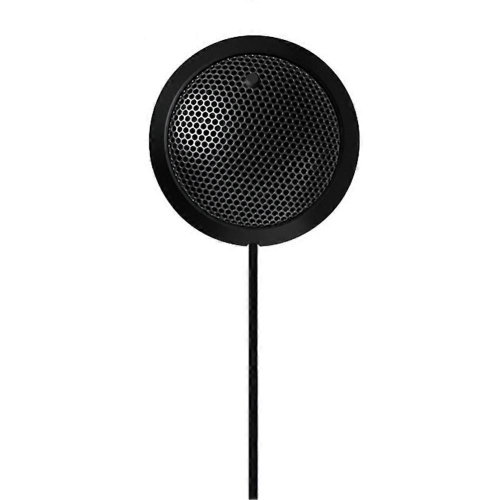
Pickup patterns describe where a microphone is most sensitive to sound, which helps explain why two microphones can behave differently in the same room. A cardioid pattern captures sound primarily from the front and reduces sensitivity behind the microphone, making it a common choice for solo podcasts, streaming, and vocals. An omnidirectional pattern captures sound from all around the capsule and can suit shared conversations or situations where room sound is part of the intended result. A bidirectional pattern captures sound from the front and back while reducing sensitivity at the sides, which can be useful for two people seated opposite each other. Selectable patterns provide flexibility, but microphone position still determines how evenly voices are captured. Two speakers sharing one microphone need to maintain suitable distances; separate microphones can give each person more independent control when used with compatible equipment. Orientation matters, too. Some microphones receive sound through the top of the grille, while others are designed to be addressed from the side. Speaking into the correct surface helps avoid thin or distant audio. A pop filter between the mouth and microphone softens the bursts of air that accompany letters such as “p” and “b,” while a suitable foam windscreen can reduce light air movement across the capsule. A shock mount helps isolate vibrations travelling through a stand, including bumps from typing or shifting a chair against the desk. These accessories serve different purposes and do not replace careful positioning. Many directional microphones also produce a fuller bass response at close range, known as the proximity effect. A small change in distance can therefore make a voice sound warmer or less boomy. For everyday speech, a comfortable position that stays consistent is often more useful than repeatedly changing settings. Curtains, upholstered furniture, and other soft furnishings can reduce reflections, whereas bare walls and an empty desktop may make speech sound more hollow. No pickup pattern completely removes unwanted noise, so nearby fans, keyboard placement, and the distance to other speakers remain relevant.
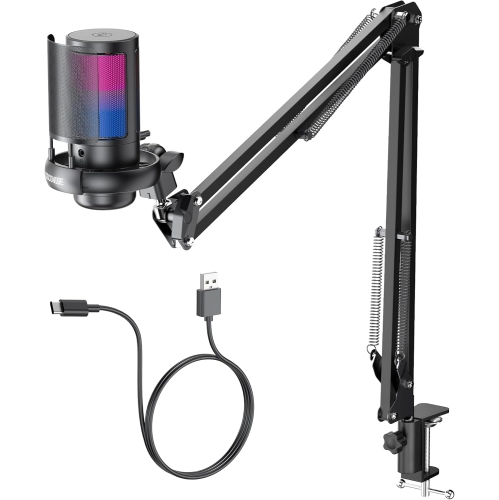
Physical construction and everyday controls influence how comfortably a microphone fits into a routine. Metal bodies and sturdy grilles can stand up well to regular handling, while lighter housings may be easier to carry between a desk and a practice space. Weight also affects stand compatibility: a boom arm needs the right load capacity and mounting thread to hold the microphone securely without sagging. On a compact desk, an arm can free space for a keyboard or drawing tablet, while a stable tabletop stand keeps a simple setup easy to move. Cable routing matters when a microphone is repositioned often, since a little slack near the connector helps prevent strain. Detachable cables are convenient for transport and replacement, but the connection type and device compatibility still need to match. A USB connector that physically fits does not necessarily guarantee support for every phone, tablet, or gaming console. Headphone monitoring is another useful distinction. A built-in headphone output with direct monitoring lets the speaker hear the microphone signal without the distracting delay that software monitoring can introduce. Where included, a gain control adjusts the incoming signal level, a headphone control changes listening volume, and a mute button makes it easier to pause audio during a call or broadcast. Clear status lights can help prevent an accidentally muted presentation, though their brightness may matter in a camera-facing setup. For care, a soft, dry cloth is generally suitable for wiping the exterior, with manufacturer directions taking priority for grilles and removable accessories. Moisture, cleaning sprays, and dust should be kept away from the capsule and connectors. A protective pouch or case helps prevent scratches during transport, and allowing a removable windscreen to dry fully after approved cleaning helps keep it ready for use. Microphones can make thoughtful gifts for an aspiring voice actor, a musician sharing demos, or a family member who hosts frequent online meetings, particularly when the connection matches equipment they already use. For another related selection, explore Mic Under $100. Across these uses, a microphone that is comfortable to position, straightforward to connect, and easy to maintain supports a smoother audio routine.
Pickup patterns describe where a microphone is most sensitive to sound, which helps explain why two microphones can behave differently in the same room. A cardioid pattern captures sound primarily from the front and reduces sensitivity behind the microphone, making it a common choice for solo podcasts, streaming, and vocals. An omnidirectional pattern captures sound from all around the capsule and can suit shared conversations or situations where room sound is part of the intended result. A bidirectional pattern captures sound from the front and back while reducing sensitivity at the sides, which can be useful for two people seated opposite each other. Selectable patterns provide flexibility, but microphone position still determines how evenly voices are captured. Two speakers sharing one microphone need to maintain suitable distances; separate microphones can give each person more independent control when used with compatible equipment. Orientation matters, too. Some microphones receive sound through the top of the grille, while others are designed to be addressed from the side. Speaking into the correct surface helps avoid thin or distant audio. A pop filter between the mouth and microphone softens the bursts of air that accompany letters such as “p” and “b,” while a suitable foam windscreen can reduce light air movement across the capsule. A shock mount helps isolate vibrations travelling through a stand, including bumps from typing or shifting a chair against the desk. These accessories serve different purposes and do not replace careful positioning. Many directional microphones also produce a fuller bass response at close range, known as the proximity effect. A small change in distance can therefore make a voice sound warmer or less boomy. For everyday speech, a comfortable position that stays consistent is often more useful than repeatedly changing settings. Curtains, upholstered furniture, and other soft furnishings can reduce reflections, whereas bare walls and an empty desktop may make speech sound more hollow. No pickup pattern completely removes unwanted noise, so nearby fans, keyboard placement, and the distance to other speakers remain relevant.
Physical construction and everyday controls influence how comfortably a microphone fits into a routine. Metal bodies and sturdy grilles can stand up well to regular handling, while lighter housings may be easier to carry between a desk and a practice space. Weight also affects stand compatibility: a boom arm needs the right load capacity and mounting thread to hold the microphone securely without sagging. On a compact desk, an arm can free space for a keyboard or drawing tablet, while a stable tabletop stand keeps a simple setup easy to move. Cable routing matters when a microphone is repositioned often, since a little slack near the connector helps prevent strain. Detachable cables are convenient for transport and replacement, but the connection type and device compatibility still need to match. A USB connector that physically fits does not necessarily guarantee support for every phone, tablet, or gaming console. Headphone monitoring is another useful distinction. A built-in headphone output with direct monitoring lets the speaker hear the microphone signal without the distracting delay that software monitoring can introduce. Where included, a gain control adjusts the incoming signal level, a headphone control changes listening volume, and a mute button makes it easier to pause audio during a call or broadcast. Clear status lights can help prevent an accidentally muted presentation, though their brightness may matter in a camera-facing setup. For care, a soft, dry cloth is generally suitable for wiping the exterior, with manufacturer directions taking priority for grilles and removable accessories. Moisture, cleaning sprays, and dust should be kept away from the capsule and connectors. A protective pouch or case helps prevent scratches during transport, and allowing a removable windscreen to dry fully after approved cleaning helps keep it ready for use. Microphones can make thoughtful gifts for an aspiring voice actor, a musician sharing demos, or a family member who hosts frequent online meetings, particularly when the connection matches equipment they already use. For another related selection, explore Mic Under $100. Across these uses, a microphone that is comfortable to position, straightforward to connect, and easy to maintain supports a smoother audio routine.
Top selling and popular products
-
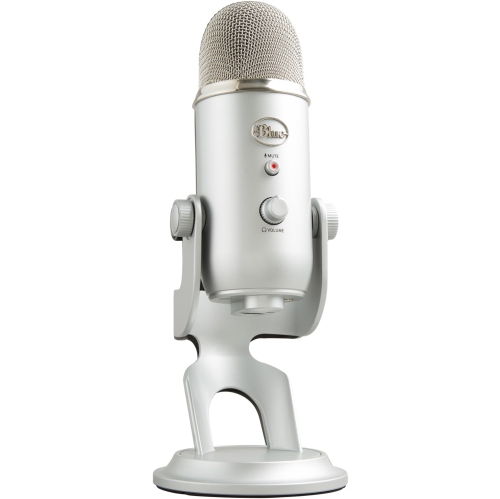 Your price for this item is $204.37
 -
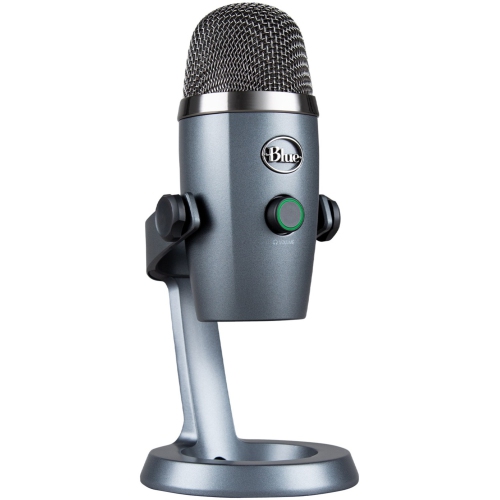 Your price for this item is $155.37
 -
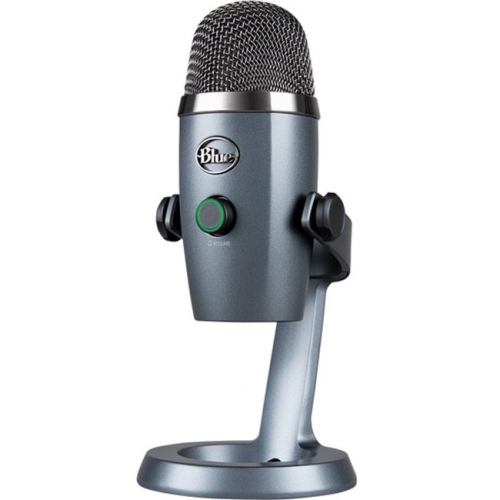 Your price for this item is $162.68
 -
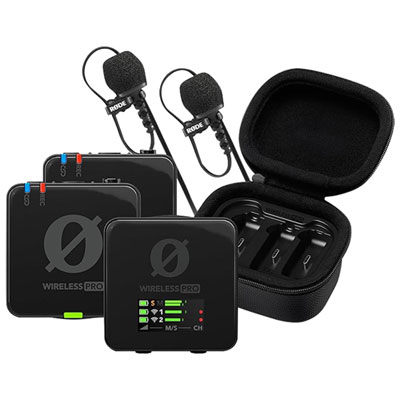 Your price for this item is $419.99
 -
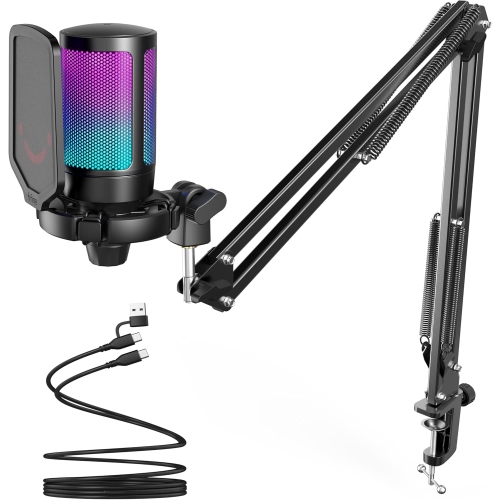 Your price for this item is $79.99
 -
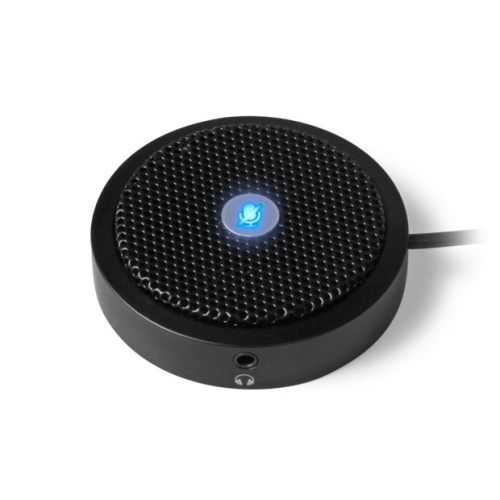 Your price for this item is $75.35
 -
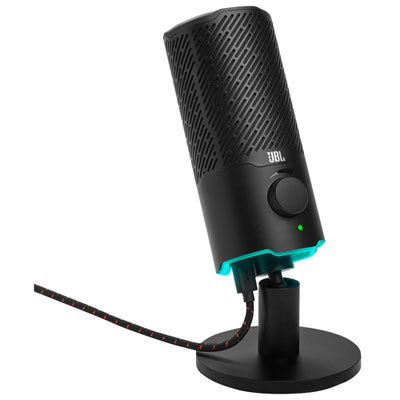 Your price for this item is $139.99
 -
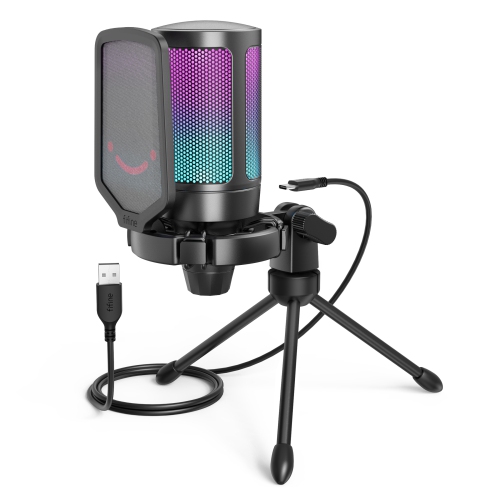 Your price for this item is $62.99
Discover more categories related to Mic Under $200
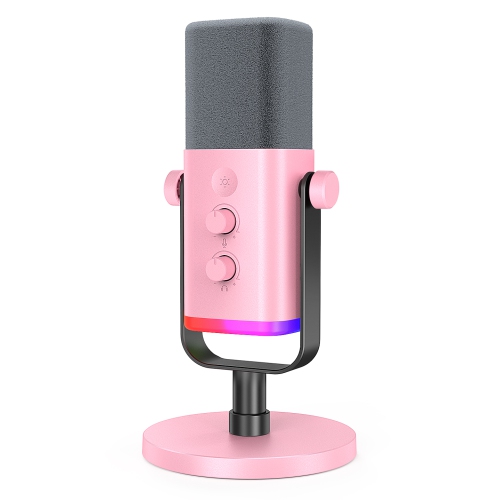
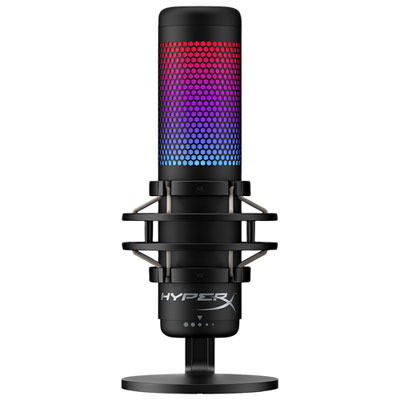
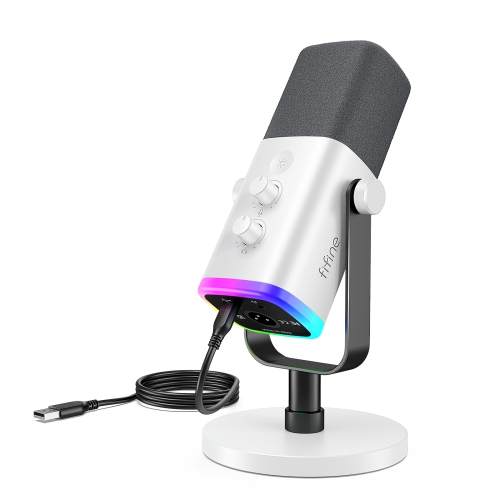
Top Collections:
Pokemon Centers, Best Cameras for Sports Photography, Kindle Devices, Samsung Galaxy Phones, Canon G7X Cameras, Pokémon 30th Celebration Cards, Refurbished Apple Laptops, iPhone 15 Apple, Laptops for Students, Budget Smartphones
Some products may be subject to Environmental Handling Fees
(EHF) depending on your province.
Learn more about EHFs.