Microsoft 365 Personnel
Unlock new levels of productivity and organization with Microsoft 365 Personnel. Whether you’re managing projects, collaborating with colleagues, or streamlining daily tasks, find the right tools to support your professional and personal goals. Explore flexible options designed to fit your unique needs and take advantage of seamless integration across devices. Empower your workflow and stay connected with Microsoft 365 Personnel solutions.
Sort

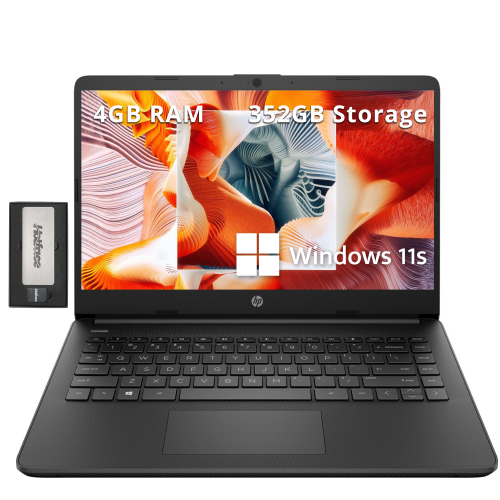




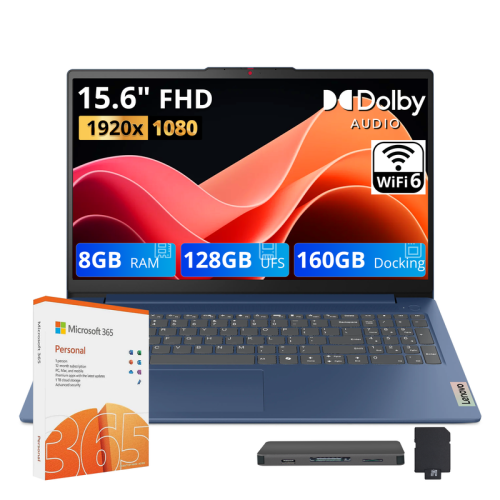
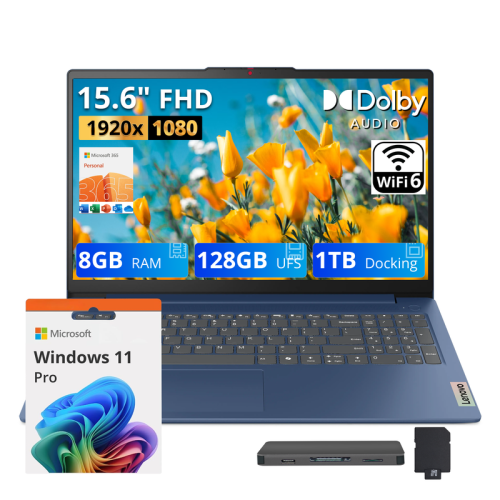

One personal workspace across your compatible devices
Personal productivity software subscriptions bring document creation, spreadsheets, presentations, email tools, and online file storage into a connected workspace for everyday tasks. Designed for an individual rather than a shared household or a team, this type of subscription suits students preparing assignments, job seekers updating résumés, and people keeping personal projects and paperwork organised. A typical evening might involve revising a cover letter on a laptop, checking a household spreadsheet on a phone, and opening a saved document on another computer without sending attachments back and forth. The appeal lies in having familiar tools that work together, with files accessible across compatible devices. Word-processing tools support everything from a simple letter to a lengthy report with headings, tables, page numbers, and references. Spreadsheets make it easier to sort information, compare figures, track expenses, or turn a collection of numbers into a readable chart. Presentation tools combine text, images, and speaker notes for class projects, volunteer meetings, and personal portfolios. Email and calendar features can help keep appointments, deadlines, and messages in one place, while digital notebooks provide room for lecture notes, project ideas, and lists that would otherwise be scattered across scraps of paper. These subscriptions are digital tools, so their suitability depends less on physical construction and more on account eligibility, device compatibility, included applications, and the way someone prefers to work. A person who regularly writes longer documents may value installed desktop applications and detailed formatting controls, while someone moving between a phone and a laptop may place greater importance on straightforward file access. Single-user licensing is also distinct from single-device use: an individual subscription may support several compatible devices without extending the licence to several people. That distinction matters for anyone using a personal computer at home and a mobile device while away. The strongest fit is a subscription whose applications, storage, and permitted use match the tasks its owner handles regularly.
Compatibility shapes the experience as much as the application list. Desktop, browser, and mobile versions can offer different layouts and capabilities, even when they open the same file types. A spreadsheet that is comfortable to review on a phone may be easier to build on a larger screen with a keyboard and mouse. Similarly, adjusting the spacing in a résumé or aligning images in a presentation usually benefits from the extra control available on a computer. Supported operating systems, required software versions, and installation permissions are therefore useful details when matching a subscription to an existing device. An older laptop may still serve well for basic writing, but compatibility should not be assumed simply because it can connect to the internet. On a school-issued or workplace-managed computer, account rules and administrator settings may also affect installation or access to personal files. Cloud storage adds another practical layer by keeping documents and photos associated with an account rather than only with one machine. A plan with 1 TB of storage provides substantial room for everyday documents alongside photo collections and larger project folders, although the number of files it holds depends on their size. Synchronisation can make a document saved on a laptop accessible from a compatible phone, provided the devices are signed in correctly and connected as required. Files needed during travel or in places with unreliable Wi-Fi may need to be downloaded or marked for offline access ahead of time. Some installed applications support offline work, while activation, synchronisation, updates, and certain connected features require internet access. For shared documents, viewing and editing permissions help distinguish between letting someone read a finished file and inviting them to make changes. A folder containing a rental application, for example, calls for more restricted access than a volunteer event schedule. Clear file names, sensible folders, and occasional checks of sharing settings help keep a digital workspace manageable as assignments, photographs, and personal records accumulate.
Subscription-based software also has an ongoing relationship with the account used to activate it. The subscription term, activation method, regional eligibility, and treatment of an existing subscription can affect how smoothly a digital licence fits into someone's setup. For someone already using related applications, keeping the intended account consistent helps avoid separating files and subscription access across different sign-ins. Continued access to paid features depends on the subscription terms, so a digital licence is different from software licensed through a one-time purchase. Regular application updates can deliver fixes and feature changes, although the features a person receives may vary by device, language, account, and plan. Where included, AI-assisted tools may help draft a starting paragraph, summarise material, or suggest ways to present information. Their usefulness is clearest in concrete tasks, such as turning rough notes into an initial outline, but generated text and calculations still need checking before they appear in an assignment, application, or important message. Security features also vary by subscription and should be understood alongside everyday account protection. Strong, unique passwords, multifactor authentication, and careful attention to unexpected sharing requests remain important when personal documents are stored online. File version history or restoration features, when included, may help after an accidental edit or deletion, but synchronised storage should not be treated as a substitute for every backup need. Copies of especially important records can provide another layer of reassurance. A personal software subscription can also make a practical gift for an eligible recipient starting a course, setting up a home study space, or replacing an ageing computer, provided the licence suits their devices and does not duplicate access they already have through school or work. Related software options can be explored through Microsoft Home and Office. Whether the daily routine involves polished documents, carefully maintained spreadsheets, or a growing library of notes and photos, personal productivity software is most useful when it makes those ordinary tasks easier to start, continue, and finish across the devices someone actually uses.
Compatibility shapes the experience as much as the application list. Desktop, browser, and mobile versions can offer different layouts and capabilities, even when they open the same file types. A spreadsheet that is comfortable to review on a phone may be easier to build on a larger screen with a keyboard and mouse. Similarly, adjusting the spacing in a résumé or aligning images in a presentation usually benefits from the extra control available on a computer. Supported operating systems, required software versions, and installation permissions are therefore useful details when matching a subscription to an existing device. An older laptop may still serve well for basic writing, but compatibility should not be assumed simply because it can connect to the internet. On a school-issued or workplace-managed computer, account rules and administrator settings may also affect installation or access to personal files. Cloud storage adds another practical layer by keeping documents and photos associated with an account rather than only with one machine. A plan with 1 TB of storage provides substantial room for everyday documents alongside photo collections and larger project folders, although the number of files it holds depends on their size. Synchronisation can make a document saved on a laptop accessible from a compatible phone, provided the devices are signed in correctly and connected as required. Files needed during travel or in places with unreliable Wi-Fi may need to be downloaded or marked for offline access ahead of time. Some installed applications support offline work, while activation, synchronisation, updates, and certain connected features require internet access. For shared documents, viewing and editing permissions help distinguish between letting someone read a finished file and inviting them to make changes. A folder containing a rental application, for example, calls for more restricted access than a volunteer event schedule. Clear file names, sensible folders, and occasional checks of sharing settings help keep a digital workspace manageable as assignments, photographs, and personal records accumulate.
Subscription-based software also has an ongoing relationship with the account used to activate it. The subscription term, activation method, regional eligibility, and treatment of an existing subscription can affect how smoothly a digital licence fits into someone's setup. For someone already using related applications, keeping the intended account consistent helps avoid separating files and subscription access across different sign-ins. Continued access to paid features depends on the subscription terms, so a digital licence is different from software licensed through a one-time purchase. Regular application updates can deliver fixes and feature changes, although the features a person receives may vary by device, language, account, and plan. Where included, AI-assisted tools may help draft a starting paragraph, summarise material, or suggest ways to present information. Their usefulness is clearest in concrete tasks, such as turning rough notes into an initial outline, but generated text and calculations still need checking before they appear in an assignment, application, or important message. Security features also vary by subscription and should be understood alongside everyday account protection. Strong, unique passwords, multifactor authentication, and careful attention to unexpected sharing requests remain important when personal documents are stored online. File version history or restoration features, when included, may help after an accidental edit or deletion, but synchronised storage should not be treated as a substitute for every backup need. Copies of especially important records can provide another layer of reassurance. A personal software subscription can also make a practical gift for an eligible recipient starting a course, setting up a home study space, or replacing an ageing computer, provided the licence suits their devices and does not duplicate access they already have through school or work. Related software options can be explored through Microsoft Home and Office. Whether the daily routine involves polished documents, carefully maintained spreadsheets, or a growing library of notes and photos, personal productivity software is most useful when it makes those ordinary tasks easier to start, continue, and finish across the devices someone actually uses.
Top selling and popular products
-
 Your price for this item is $449
 -
 Your price for this item is $3099
 -
 Your price for this item is $664.05
 -
 Your price for this item is $599.68
 -
 Your price for this item is $259
 -
 Your price for this item is $499.99
 -
 Your price for this item is $418.98
 -
 Your price for this item is $829
Discover more categories related to Microsoft 365 Personnel

Top Collections:
Pokemon Centers, Best Cameras for Sports Photography, Kindle Devices, Samsung Galaxy Phones, Canon G7X Cameras, Pokémon 30th Celebration Cards, Refurbished Apple Laptops, iPhone 15 Apple, Laptops for Students, Budget Smartphones
Some products may be subject to Environmental Handling Fees
(EHF) depending on your province.
Learn more about EHFs.