Office 365 Subscription
Enhance productivity and streamline your workflow with an Office 365 subscription. Whether you’re managing projects, collaborating with colleagues, or organizing personal tasks, Office 365 subscription options offer flexible solutions to meet your needs. Explore a range of plans designed to support both professional and personal goals, making it easy to stay connected and efficient wherever you are. Find the right Office 365 subscription to help you achieve more every day.
Sort
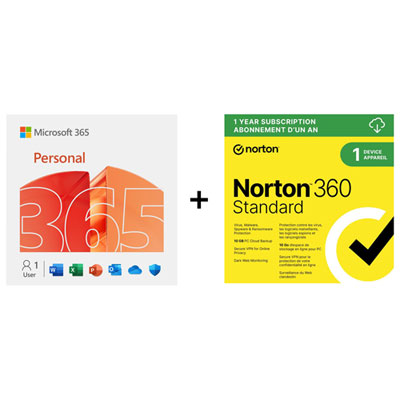
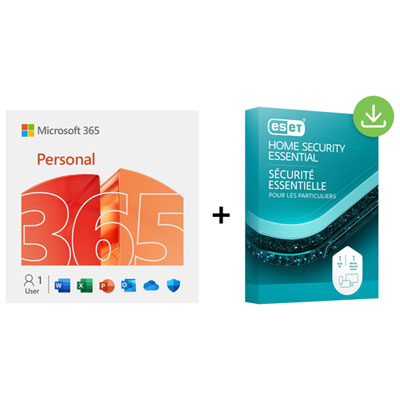
What your productivity subscription actually lets you do
An office productivity subscription provides time-based access to software and services for creating documents, working with spreadsheets, building presentations, and managing everyday information. Depending on the plan, it may combine installable desktop applications, browser-based tools, mobile access, and cloud file storage. The central distinction is between a subscription that remains active for a defined term and a one-time software licence with a different set of access and update conditions. Monthly and annual subscriptions describe the subscription term; the included applications, permitted users, and device limits depend on the particular plan. For individual needs, Microsoft 365 Personnel provides a related starting point for personal productivity subscriptions. Individual, household, and business subscriptions serve different purposes, even when their core applications look similar. A single-user licence suits someone preparing assignments, maintaining a personal budget, or keeping correspondence organized across a laptop and phone. A household subscription may allow several people to use separate accounts, giving each person their own files and settings rather than requiring everyone to share one sign-in. Business subscriptions can add organization-level features such as user administration, company email, or additional security controls, although these are not included in every plan. Larger organizations may also need enterprise licensing with more extensive management capabilities. A household sharing allowance is not the same as a business licence, and permission to install software on several devices does not necessarily mean several people are licensed to use it. These distinctions matter in practical situations: a student writing essays, a parent managing household paperwork, and a small business owner preparing client proposals may all need familiar document tools, but their account, sharing, and administration requirements differ. Subscription terms, permitted use, and included services establish what each person can actually do, making the licence details as important as the application list.
The everyday usefulness of a productivity subscription depends on how well its applications fit the devices and working habits involved. Someone who writes lengthy reports on a desktop computer may rely on detailed formatting, references, page layouts, and reliable printing. A person reviewing those same reports on a phone may mainly need clear reading, comments, and quick corrections. Browser-based applications are convenient when moving between computers, while installed applications can offer more extensive features and support certain tasks without a continuous internet connection. Desktop, browser, and mobile versions are not always identical, so a familiar application name does not guarantee the same functions on every device. Operating system requirements, supported versions, processor specifications, and storage needs all affect compatibility. Advanced spreadsheet functions, add-ins, automation, and specialist document features deserve particular attention when files move between different systems. For example, a basic household spending sheet places different demands on software than a workbook containing linked data, complex formulas, and automated reporting. Cloud storage adds another layer of convenience by keeping files connected to an account rather than a single computer. A presentation started at a desk can be reviewed elsewhere, and a shared document can reduce the confusion of several attachments with nearly identical filenames. Synchronization still depends on connection status, account settings, and supported file types. An offline edit may need to finish uploading before another device displays it, and simultaneous changes can sometimes require review. Shared access also differs from sending a copy: collaborators may be working on the same file rather than separate versions. For important documents, a separate backup remains useful because synchronization can carry accidental changes or deletions across devices. Although there are no physical materials to maintain, digital upkeep still matters. Supported software, sufficient device storage, regular updates, and an organized folder structure all help keep routine work dependable over time.
Account ownership and subscription management shape the experience long after the initial setup. Digital delivery commonly involves a redemption code or an account-based activation process, with the licence attached to the account used during setup. That connection matters when replacing a computer, reinstalling applications, or checking when a subscription term ends. The account holder, licensed user, and person managing payment may not always be the same person, particularly in a household or workplace. Clear ownership helps prevent a student's files from becoming tied to a parent's everyday sign-in, or business documents from depending on an employee's personal account. Where household sharing is supported, separate accounts help keep personal files distinct; sharing subscription benefits does not necessarily share the contents of each person's storage. In a business setting, administrative controls may govern account access, file sharing, and what happens when someone leaves the organization. Security habits remain important for every type of user. A strong, unique password and multi-factor authentication help protect access, while sharing permissions determine whether another person can view a document, comment on it, or make changes. A family schedule might need only a small group of viewers, whereas a client proposal may require tightly controlled editing access. Subscription management also includes understanding whether renewal is automatic, how cancellation works, and whether an existing subscription can be extended using a new code. Eligibility, region restrictions, and redemption conditions can differ, so a code is not automatically interchangeable with every account or plan. When a subscription ends, application functionality and storage entitlements may change; continued access to every feature should not be assumed. Keeping important files in accessible formats and maintaining independent copies supports a smoother transition if needs change. The most suitable subscription is one whose licensed users, applications, device support, storage, and account controls match the work it will support, whether that means finishing coursework, organizing household records, collaborating on a team project, or managing documents for a growing business.
The everyday usefulness of a productivity subscription depends on how well its applications fit the devices and working habits involved. Someone who writes lengthy reports on a desktop computer may rely on detailed formatting, references, page layouts, and reliable printing. A person reviewing those same reports on a phone may mainly need clear reading, comments, and quick corrections. Browser-based applications are convenient when moving between computers, while installed applications can offer more extensive features and support certain tasks without a continuous internet connection. Desktop, browser, and mobile versions are not always identical, so a familiar application name does not guarantee the same functions on every device. Operating system requirements, supported versions, processor specifications, and storage needs all affect compatibility. Advanced spreadsheet functions, add-ins, automation, and specialist document features deserve particular attention when files move between different systems. For example, a basic household spending sheet places different demands on software than a workbook containing linked data, complex formulas, and automated reporting. Cloud storage adds another layer of convenience by keeping files connected to an account rather than a single computer. A presentation started at a desk can be reviewed elsewhere, and a shared document can reduce the confusion of several attachments with nearly identical filenames. Synchronization still depends on connection status, account settings, and supported file types. An offline edit may need to finish uploading before another device displays it, and simultaneous changes can sometimes require review. Shared access also differs from sending a copy: collaborators may be working on the same file rather than separate versions. For important documents, a separate backup remains useful because synchronization can carry accidental changes or deletions across devices. Although there are no physical materials to maintain, digital upkeep still matters. Supported software, sufficient device storage, regular updates, and an organized folder structure all help keep routine work dependable over time.
Account ownership and subscription management shape the experience long after the initial setup. Digital delivery commonly involves a redemption code or an account-based activation process, with the licence attached to the account used during setup. That connection matters when replacing a computer, reinstalling applications, or checking when a subscription term ends. The account holder, licensed user, and person managing payment may not always be the same person, particularly in a household or workplace. Clear ownership helps prevent a student's files from becoming tied to a parent's everyday sign-in, or business documents from depending on an employee's personal account. Where household sharing is supported, separate accounts help keep personal files distinct; sharing subscription benefits does not necessarily share the contents of each person's storage. In a business setting, administrative controls may govern account access, file sharing, and what happens when someone leaves the organization. Security habits remain important for every type of user. A strong, unique password and multi-factor authentication help protect access, while sharing permissions determine whether another person can view a document, comment on it, or make changes. A family schedule might need only a small group of viewers, whereas a client proposal may require tightly controlled editing access. Subscription management also includes understanding whether renewal is automatic, how cancellation works, and whether an existing subscription can be extended using a new code. Eligibility, region restrictions, and redemption conditions can differ, so a code is not automatically interchangeable with every account or plan. When a subscription ends, application functionality and storage entitlements may change; continued access to every feature should not be assumed. Keeping important files in accessible formats and maintaining independent copies supports a smoother transition if needs change. The most suitable subscription is one whose licensed users, applications, device support, storage, and account controls match the work it will support, whether that means finishing coursework, organizing household records, collaborating on a team project, or managing documents for a growing business.
Top selling and popular products
-
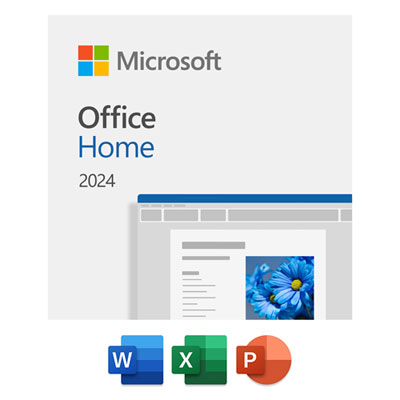 Your price for this item is $199.99
 -
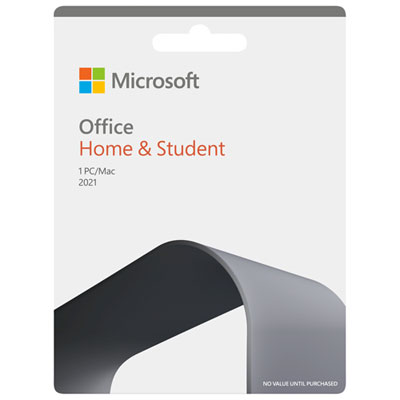 Your price for this item is $169.99
 -
 Your price for this item is $319.99
 -
 Your price for this item is $189.99
 -
 Your price for this item is $109.98
 -
 Your price for this item is $49.99
 -
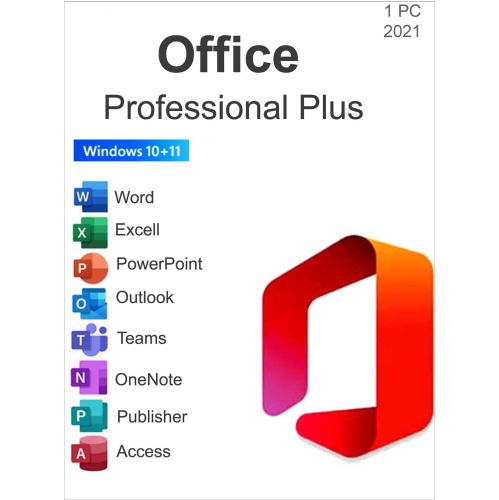 Your price for this item is $49.95
 -
 Your price for this item is $334.99
Discover more categories related to Office 365 Subscription
Top Collections:
Pokemon Centers, Best Cameras for Sports Photography, Kindle Devices, Samsung Galaxy Phones, Canon G7X Cameras, Pokémon 30th Celebration Cards, Refurbished Apple Laptops, iPhone 15 Apple, Laptops for Students, Budget Smartphones
Some products may be subject to Environmental Handling Fees
(EHF) depending on your province.
Learn more about EHFs.