Microsoft Keyboards
If you're looking for a keyboard that's both affordable and easy to use, then these wireless keyboards from Microsoft are a great choice. They come in different models and colors, so you can find one that fits your style. Whether you're looking for something to go with your laptop or desktop computer, or want a wireless keyboard for your iPad or Android tablet, there's a Microsoft wireless keyboard that will work for you. Here are some of the great options.
Sort
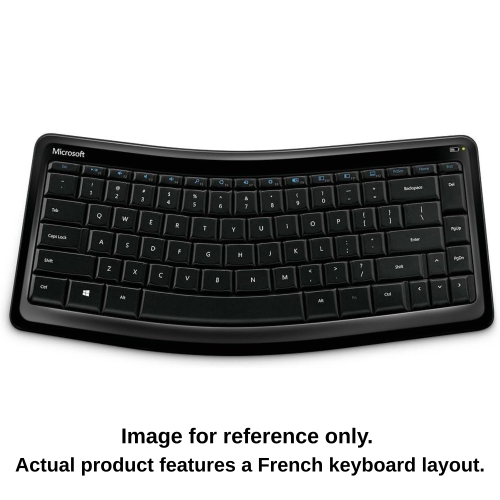
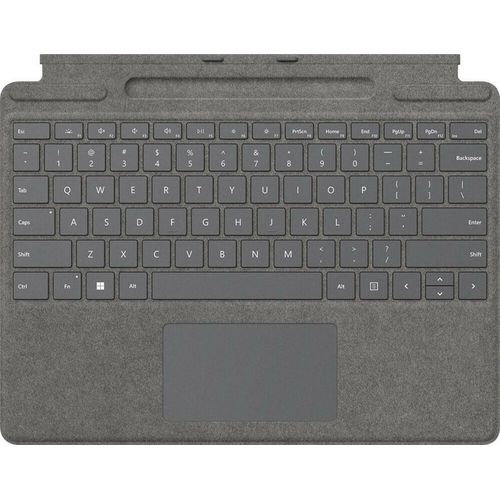
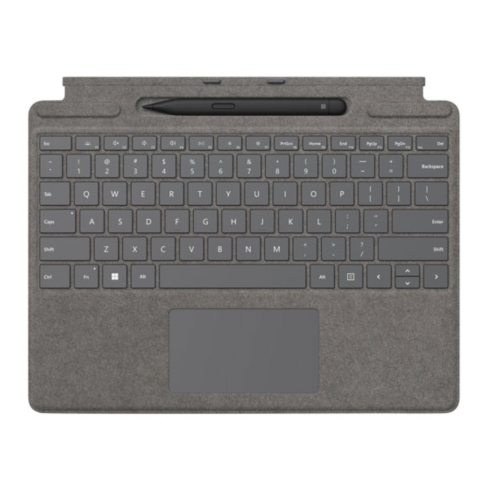
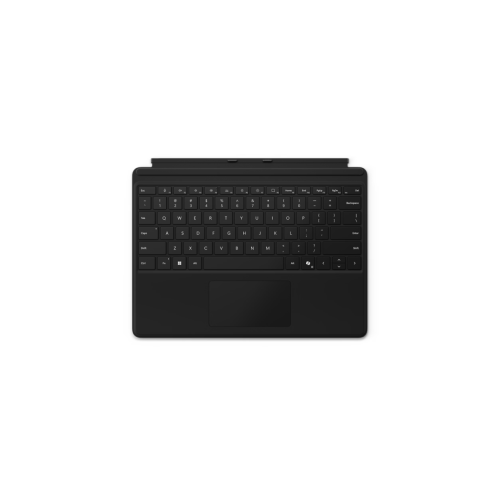
From tablet covers to comfortable desktop typing
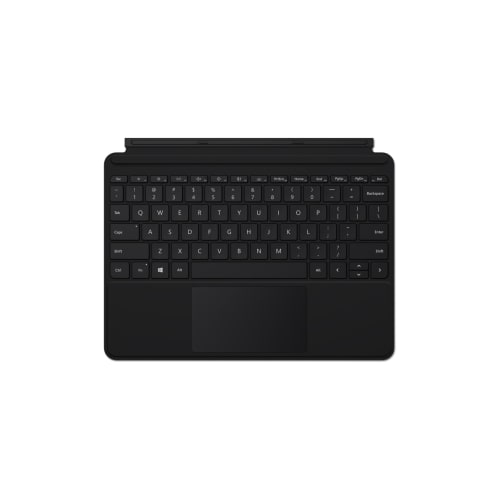
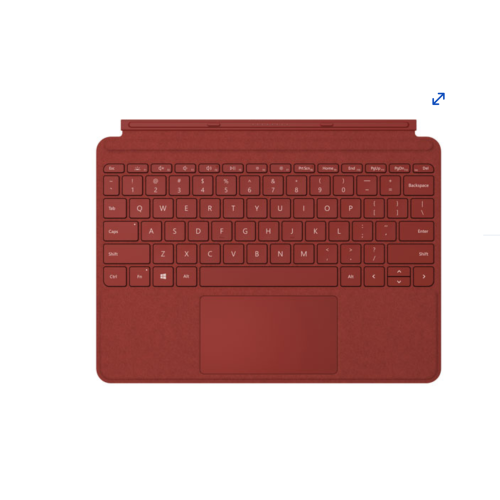
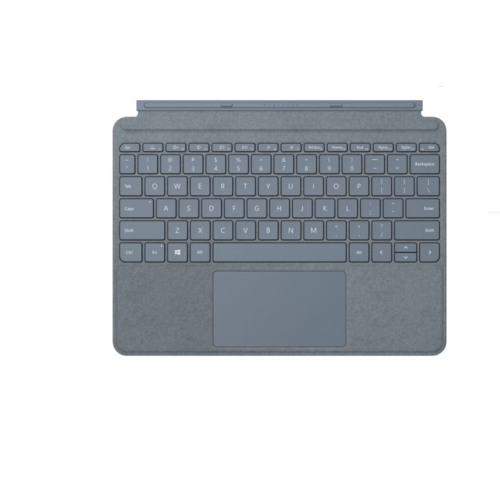
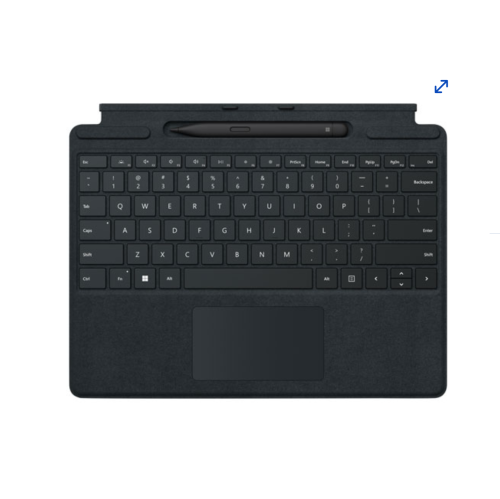
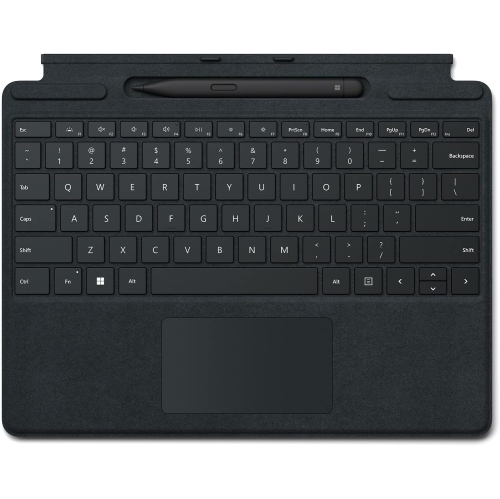
Microsoft keyboards are available in several formats to suit the way people work, study, create and connect with their devices. A compact keyboard cover can turn a compatible tablet into a more practical laptop-style workstation, making it easier to write reports, respond to messages or keep up with coursework while moving between rooms. These portable designs are made to travel neatly with a tablet and may include a large glass touchpad, a protective cover, built-in shortcut keys and a dedicated place to store or charge a compatible digital pen. They are especially useful for students, mobile professionals and anyone who prefers the flexibility of a tablet without giving up the comfort of a physical keyboard. Before choosing a portable model, check the exact tablet generation and screen size it supports, as keyboard covers are often designed for specific device families. Consider how frequently the keyboard will be attached and removed, whether you need backlighting for dim rooms, and whether the cover can be adjusted to provide a comfortable viewing angle on a desk, kitchen table or aircraft tray. A slim cover keyboard can also make a thoughtful gift for someone beginning a new course, setting up a home office or replacing a worn accessory for a favourite tablet. For help finding a compatible option, explore Keyboards for Microsoft Surface Pro. A portable keyboard is most useful when it complements the device already in hand, so pay close attention to connection type, key layout, language configuration and the location of commonly used function keys. Some models connect through dedicated contacts rather than Bluetooth, while others rely on wireless pairing and may need occasional charging. Checking these details before purchasing helps ensure that the keyboard feels like a natural extension of the device instead of an awkward add-on.
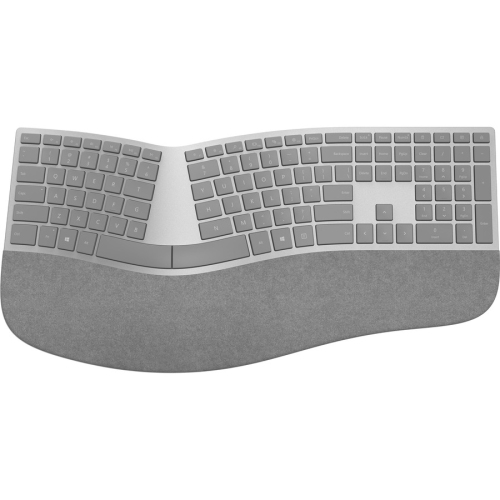
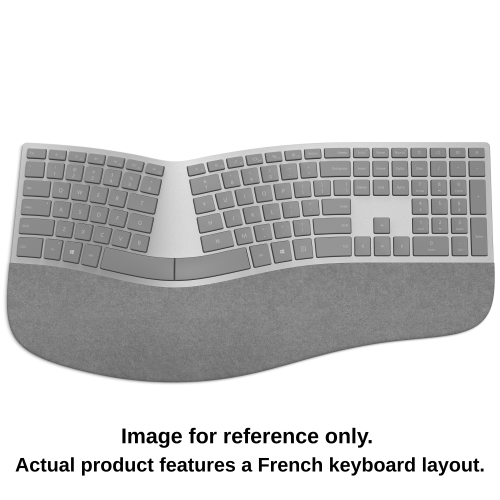
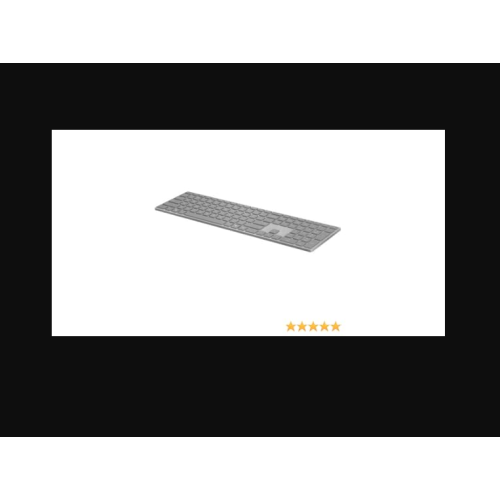
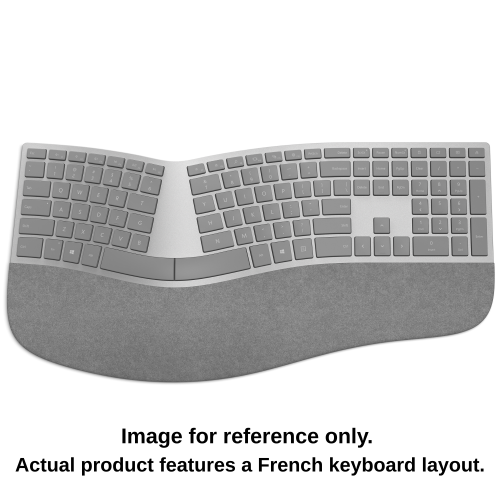
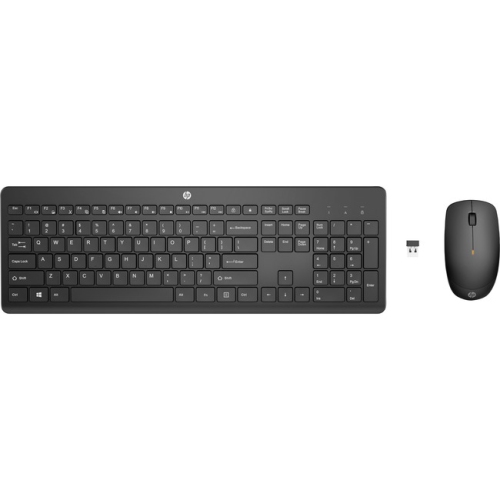
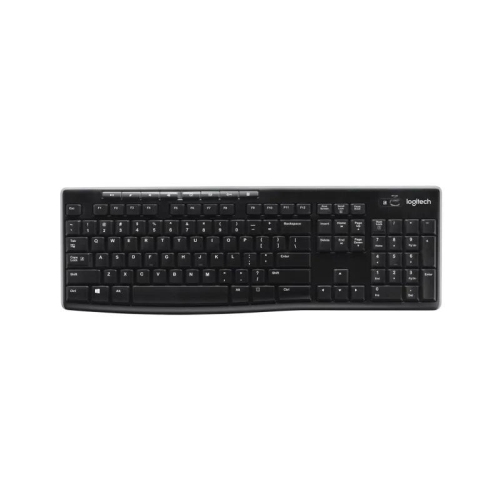
For a permanent desk, a full-size wireless keyboard can provide a more familiar typing experience, with generous spacing between keys, a separate number pad and quick-access controls for everyday tasks. This format suits home offices, shared workspaces, reception desks and study areas where there is room for a broader layout. The number pad is convenient for budgeting, invoicing, spreadsheets and data entry, while dedicated media or system shortcuts can reduce the need to reach for a mouse when adjusting volume, opening applications or managing calls. A wireless Bluetooth connection helps keep the desk uncluttered and can make it simple to switch between compatible computers and tablets, although connection range, battery life and device compatibility should be confirmed before purchase. A rechargeable model may be convenient for regular use, while replaceable batteries can be helpful for a keyboard kept in a family room, meeting space or travel bag. Build quality also affects the daily experience: a rigid top panel can keep the keyboard steady during quick bursts of typing, and a low-profile design may suit people who prefer a quieter, lighter key feel. Those who spend long hours writing, coding or entering information may prefer an ergonomic layout. Split key arrangements, a gently curved or natural arc shape and a cushioned palm rest can encourage a more neutral wrist position and provide extra support during extended sessions. Ergonomic keyboards can take a little time to adjust to, particularly if the keys are separated or angled differently from a conventional layout, but many users appreciate the change when their workday involves continuous typing. Keep the keyboard close enough that elbows remain relaxed, place the mouse at a similar height and take brief pauses to stretch the hands and shoulders. During the cooler months, when more work and study may happen indoors, a comfortable keyboard can make a home workstation feel more inviting, whether it is used for video calls, creative projects, gaming, household planning or catching up on correspondence. Choosing the right model ultimately comes down to the device it will connect to, the available desk space, the preferred typing position and the tasks it needs to handle. Compare portable covers, wireless desktop layouts and ergonomic designs to find a keyboard that fits naturally into the recipient’s routine and remains useful from the first keystroke through the end of a busy day.
For a permanent desk, a full-size wireless keyboard can provide a more familiar typing experience, with generous spacing between keys, a separate number pad and quick-access controls for everyday tasks. This format suits home offices, shared workspaces, reception desks and study areas where there is room for a broader layout. The number pad is convenient for budgeting, invoicing, spreadsheets and data entry, while dedicated media or system shortcuts can reduce the need to reach for a mouse when adjusting volume, opening applications or managing calls. A wireless Bluetooth connection helps keep the desk uncluttered and can make it simple to switch between compatible computers and tablets, although connection range, battery life and device compatibility should be confirmed before purchase. A rechargeable model may be convenient for regular use, while replaceable batteries can be helpful for a keyboard kept in a family room, meeting space or travel bag. Build quality also affects the daily experience: a rigid top panel can keep the keyboard steady during quick bursts of typing, and a low-profile design may suit people who prefer a quieter, lighter key feel. Those who spend long hours writing, coding or entering information may prefer an ergonomic layout. Split key arrangements, a gently curved or natural arc shape and a cushioned palm rest can encourage a more neutral wrist position and provide extra support during extended sessions. Ergonomic keyboards can take a little time to adjust to, particularly if the keys are separated or angled differently from a conventional layout, but many users appreciate the change when their workday involves continuous typing. Keep the keyboard close enough that elbows remain relaxed, place the mouse at a similar height and take brief pauses to stretch the hands and shoulders. During the cooler months, when more work and study may happen indoors, a comfortable keyboard can make a home workstation feel more inviting, whether it is used for video calls, creative projects, gaming, household planning or catching up on correspondence. Choosing the right model ultimately comes down to the device it will connect to, the available desk space, the preferred typing position and the tasks it needs to handle. Compare portable covers, wireless desktop layouts and ergonomic designs to find a keyboard that fits naturally into the recipient’s routine and remains useful from the first keystroke through the end of a busy day.
Top selling and popular products
-
 Your price for this item is $39.98
 -
 Your price for this item is $49.72
 -
 Your price for this item is $159
 -
 Your price for this item is $219.99
 -
 Your price for this item is $199.99
 -
 Your price for this item is $44.99
 -
 Your price for this item is $22.68
 -
 Your price for this item is $169.99
Discover more categories related to Microsoft Keyboards
Top Collections:
Pokemon Centers, Kindle Devices, Best Budget Office Chairs, Apple iPhones 16, Best Laptops for Writers, iPhone 15 Apple, Canon G7X Cameras, Refurbished Apple Laptops, Alarm Clock, Motorola Razr Phones
Some products may be subject to Environmental Handling Fees
(EHF) depending on your province.
Learn more about EHFs.