Keyboards for Windows
Looking for the perfect keyboard to enhance your Windows computing experience? Look no further! Our selection of keyboards for Windows offers a variety of features to suit your needs, whether you're a gamer, a professional typist, or simply looking for a reliable keyboard for everyday use. From ergonomic designs to customizable keys, find the ideal keyboard that will take your productivity and comfort to the next level.
Sort
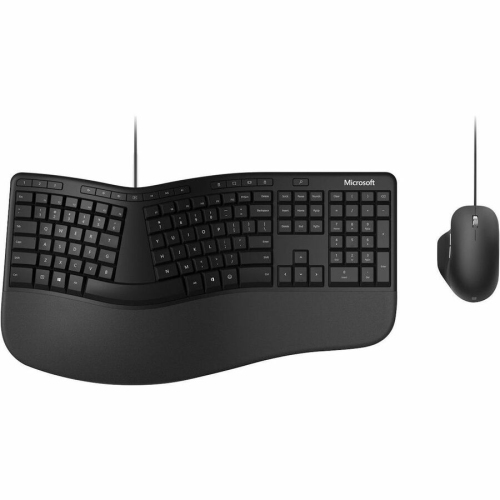







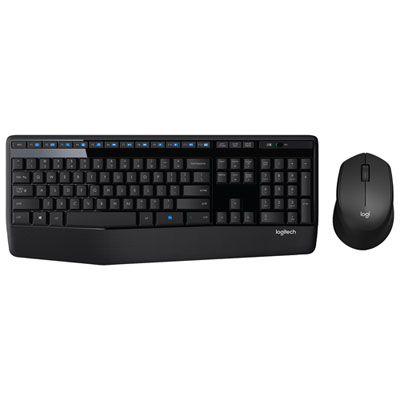
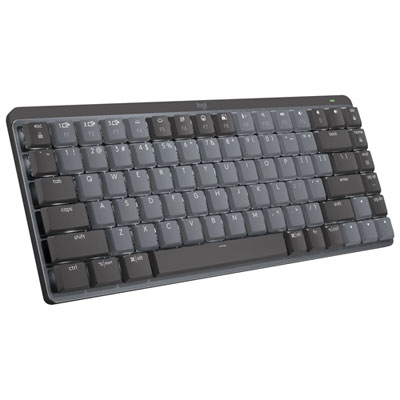
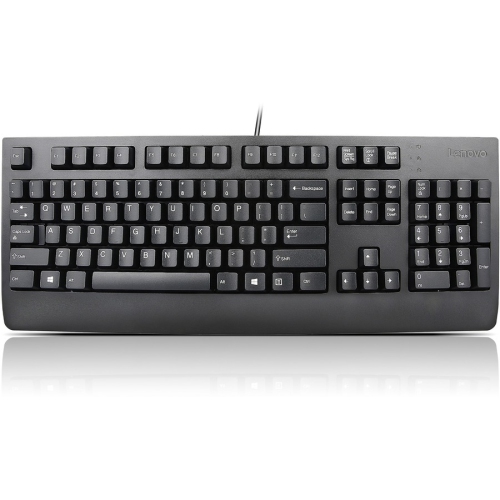

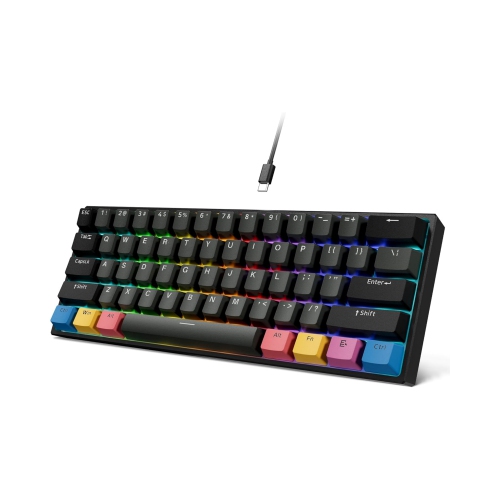
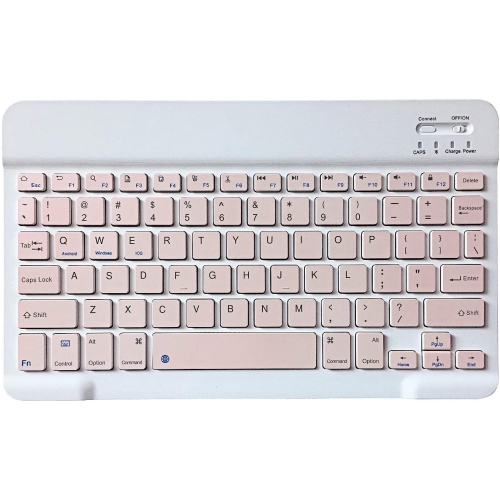
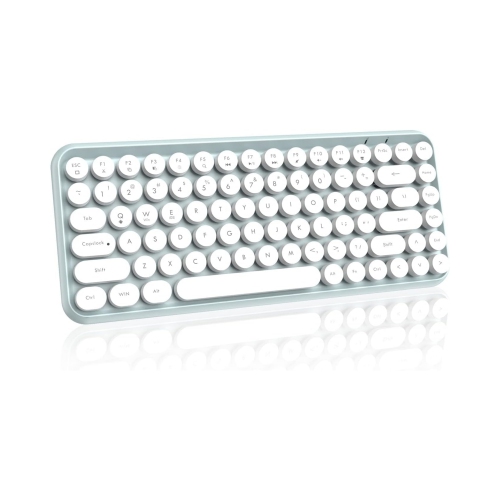
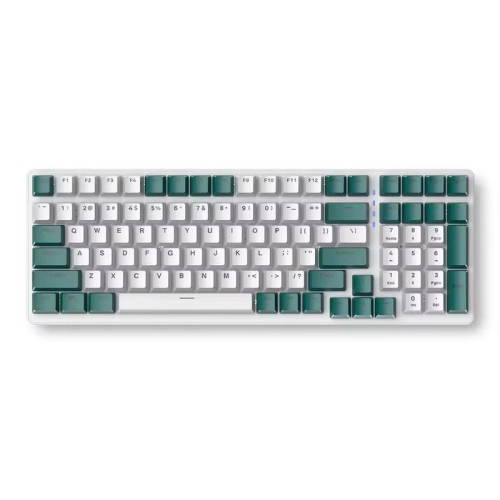

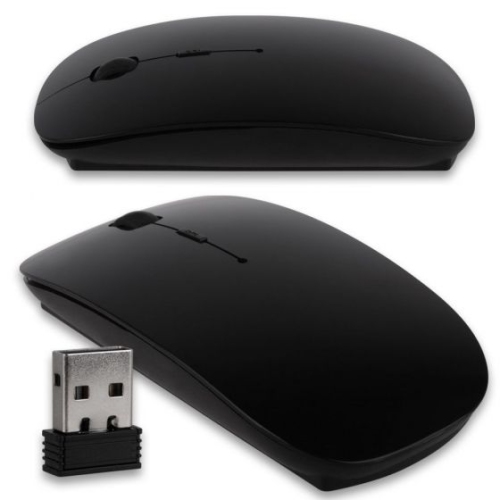
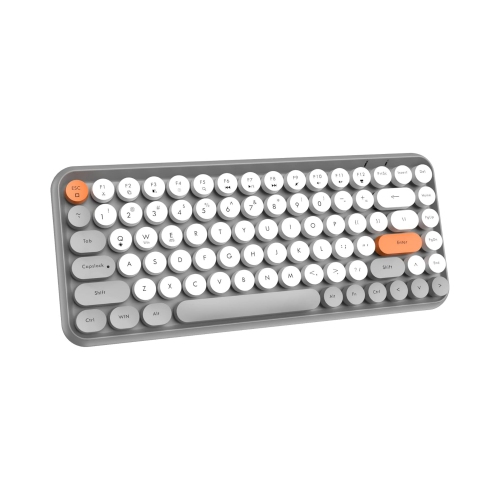
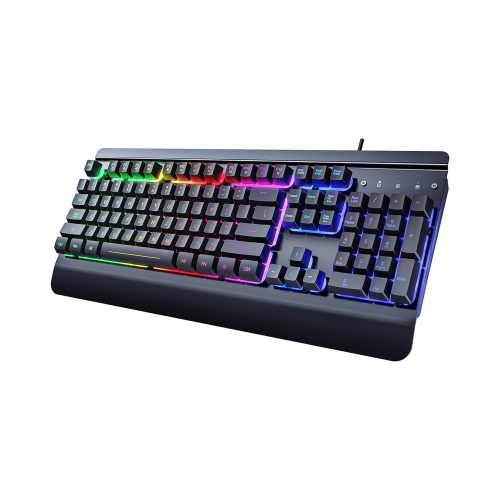

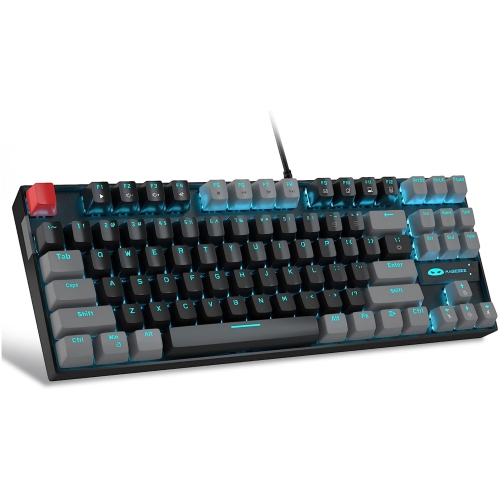
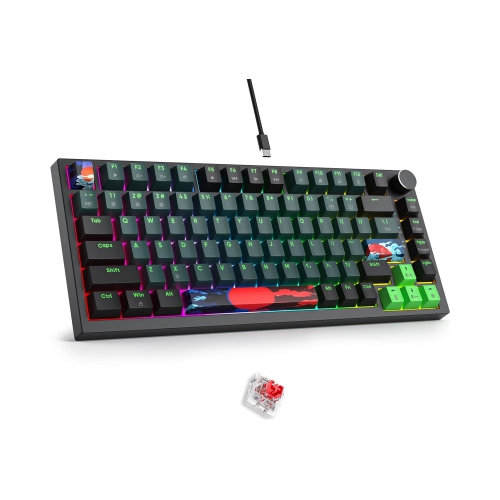
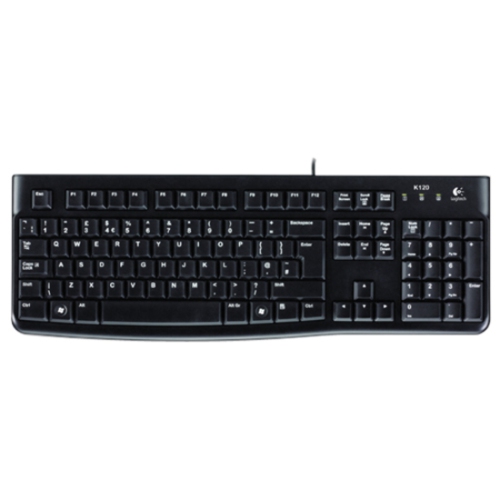
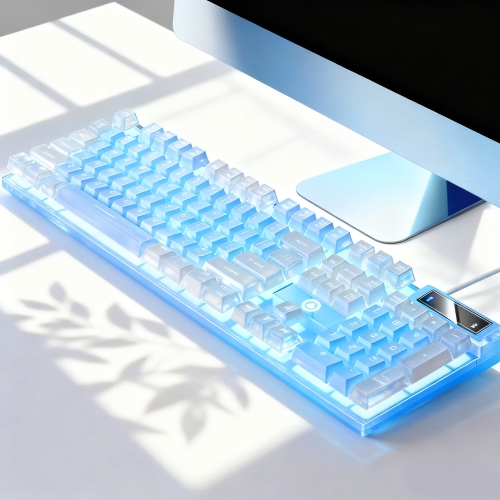

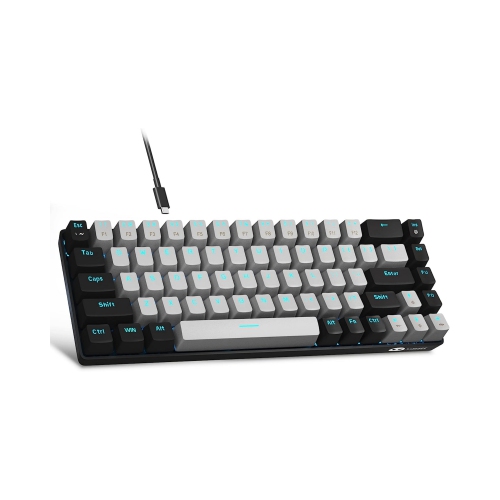
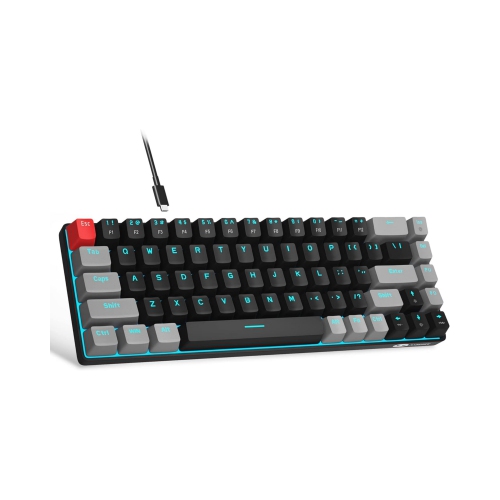
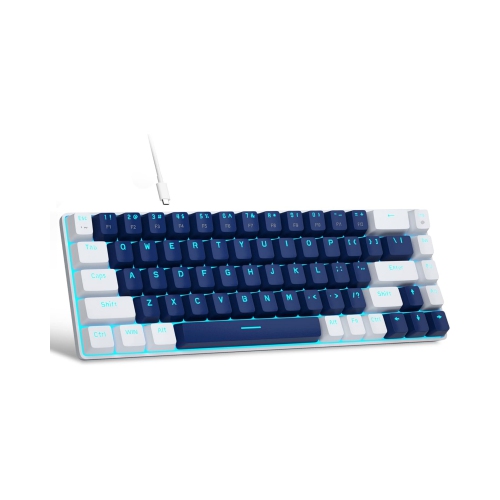
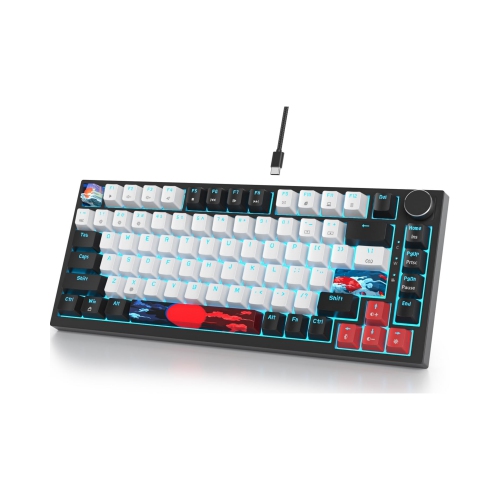

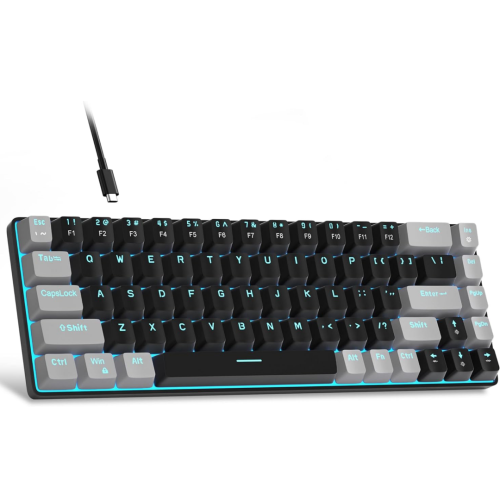
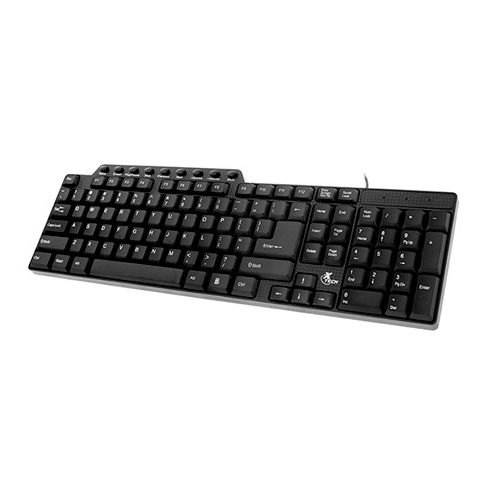
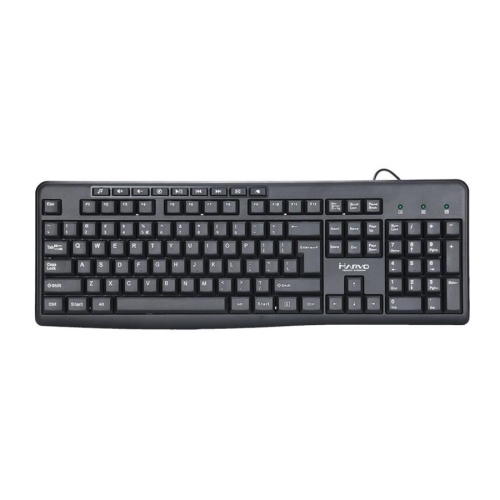
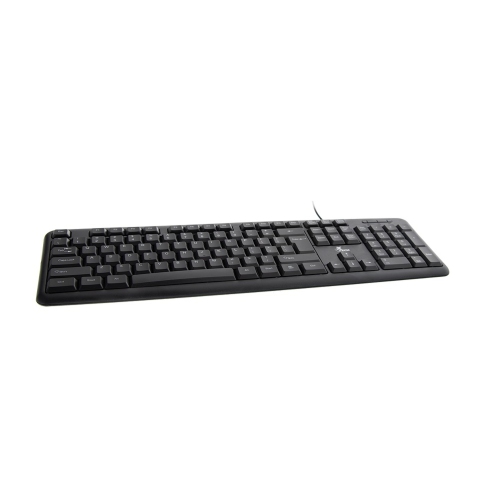


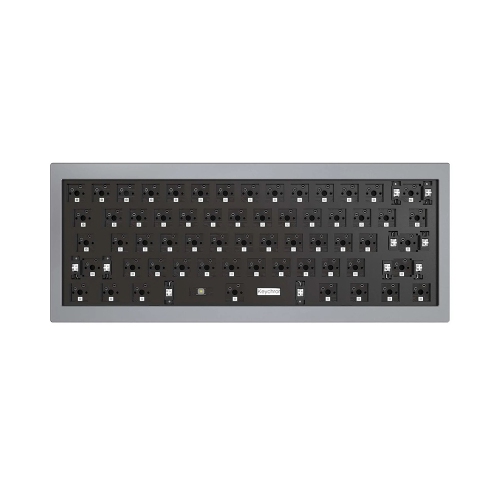
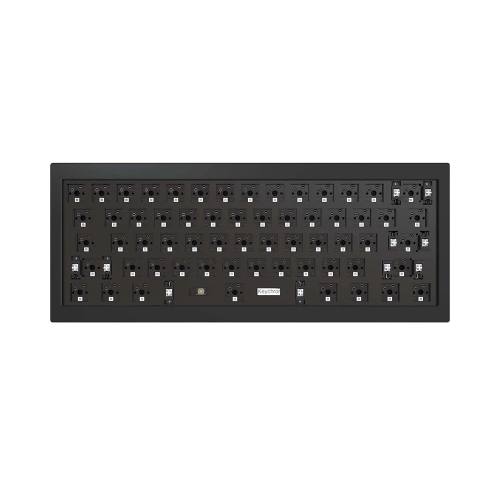
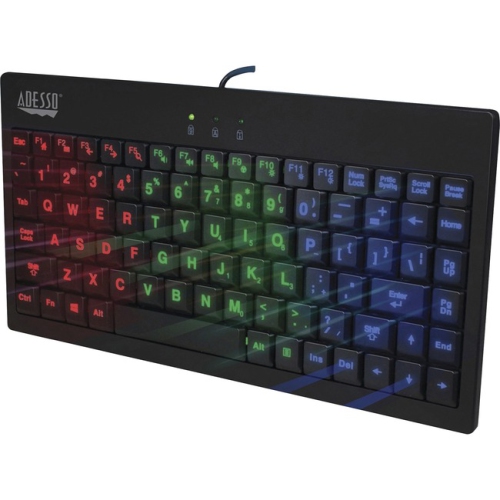
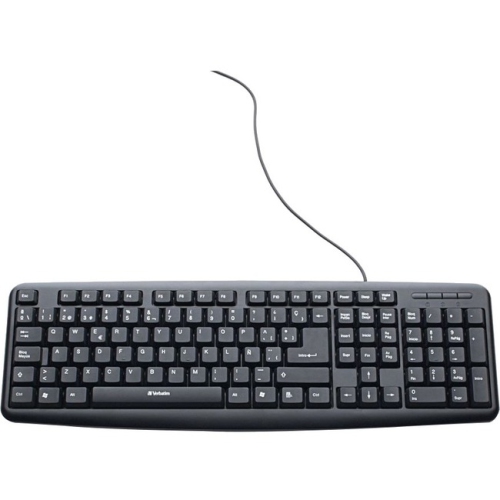







The features that shape a better Windows typing experience
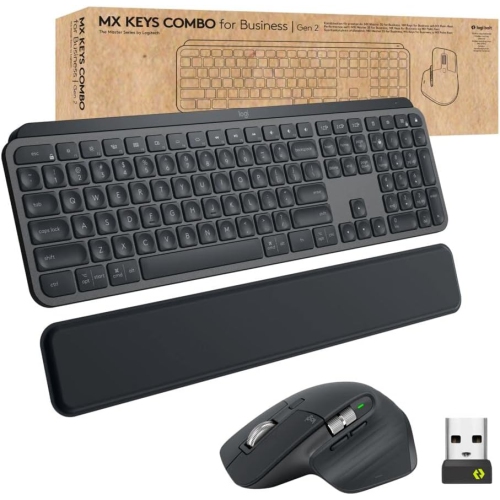
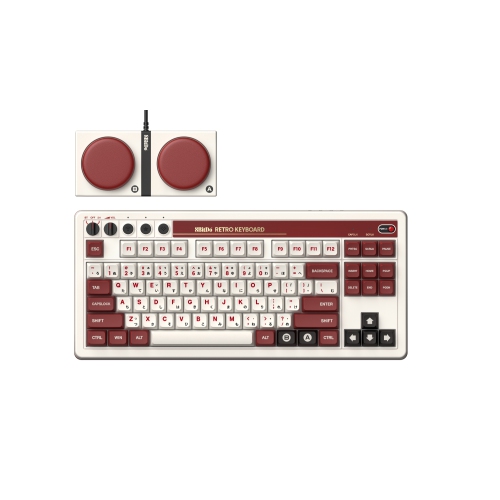
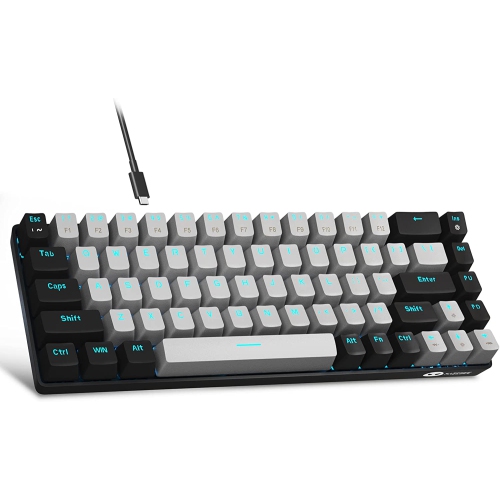
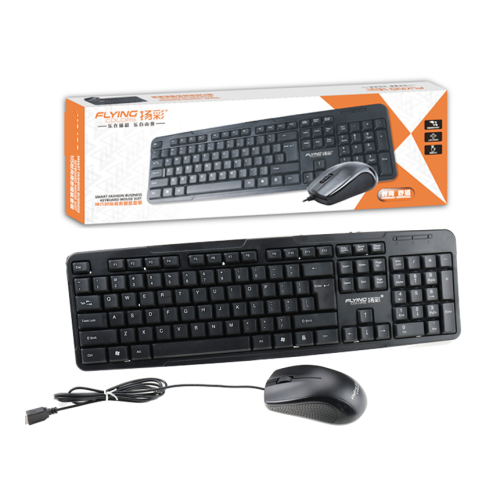
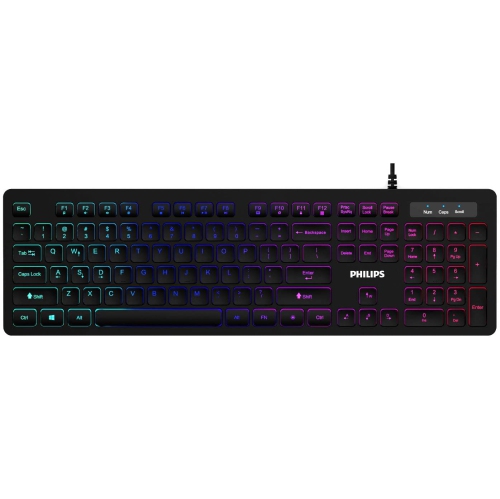
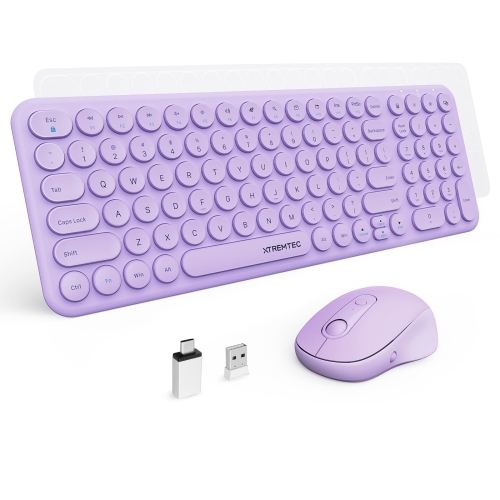
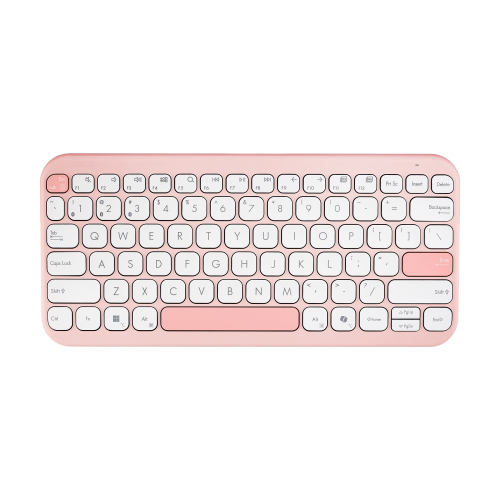
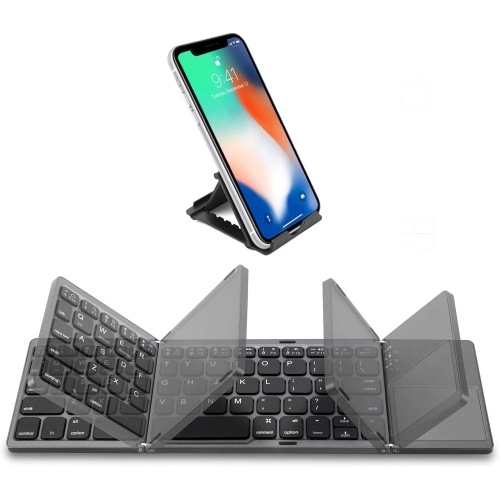
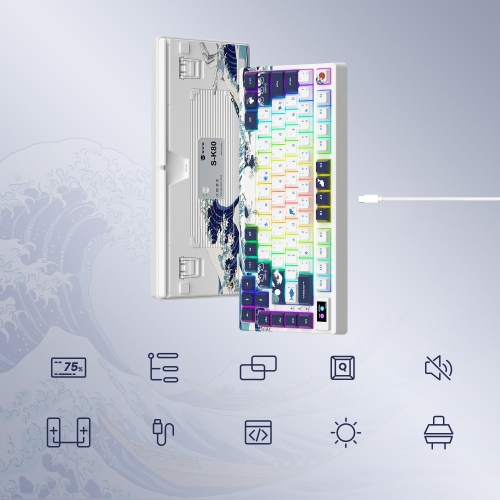
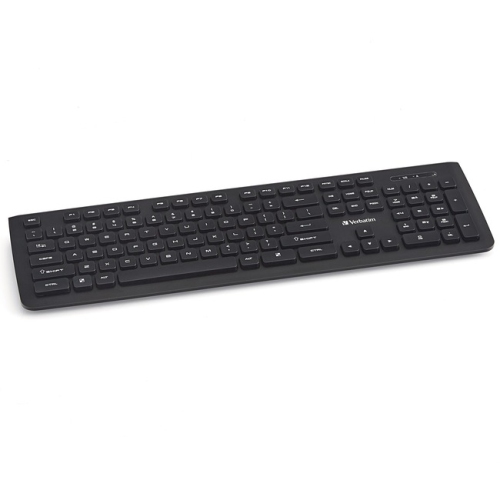
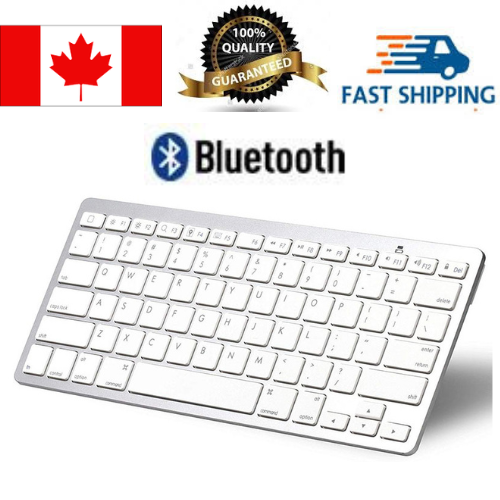
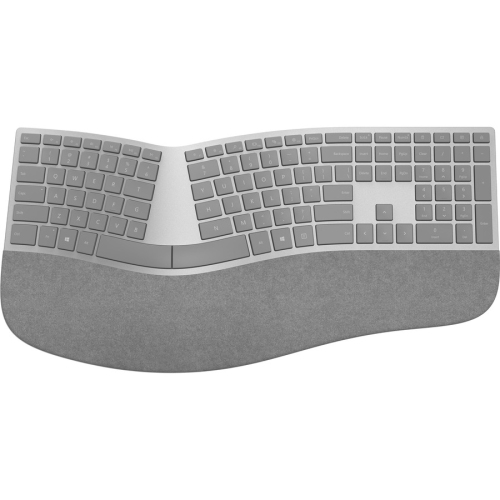
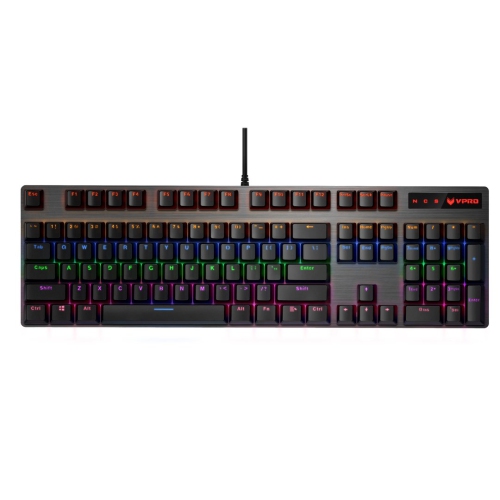
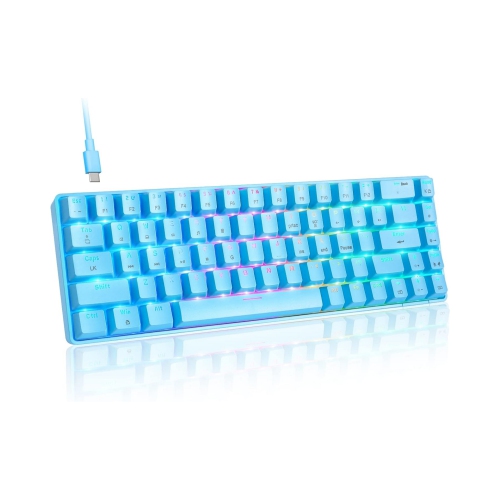
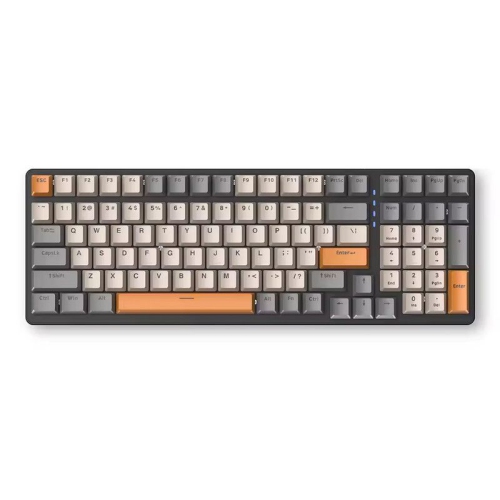
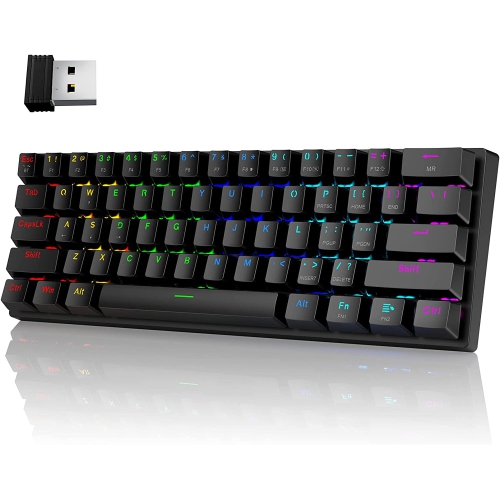
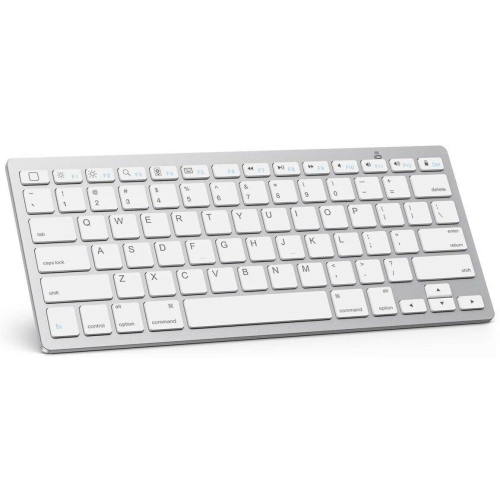
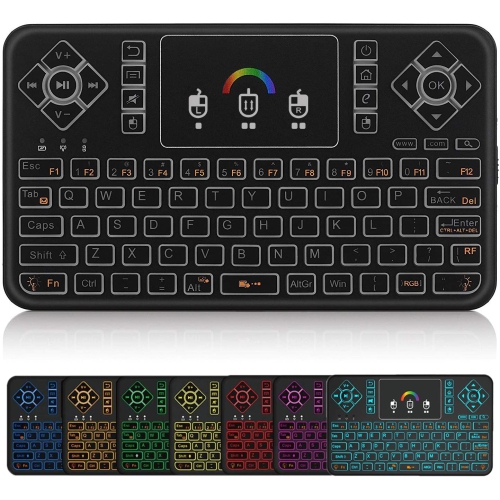
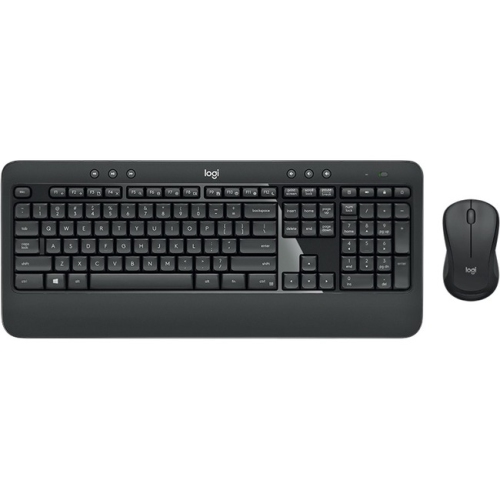
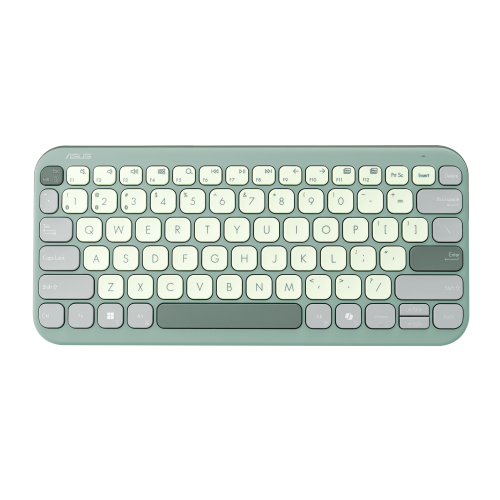
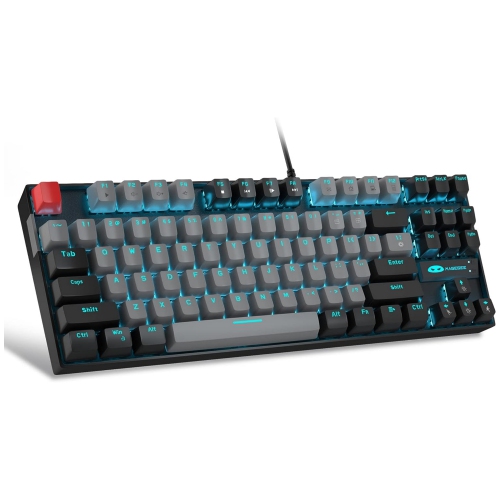
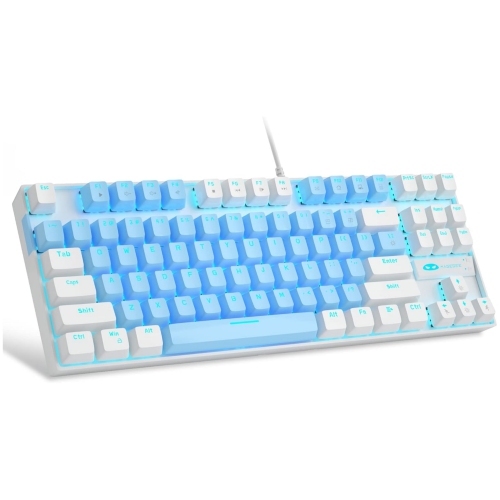
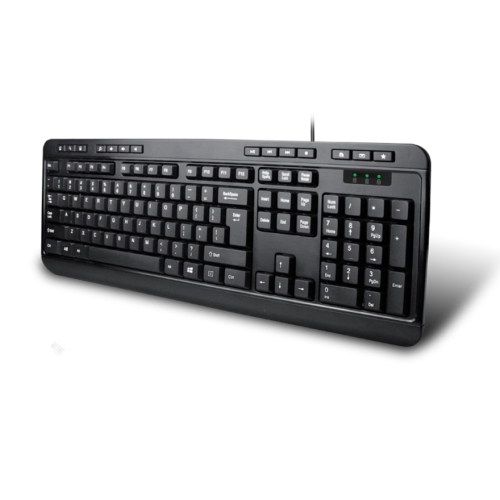
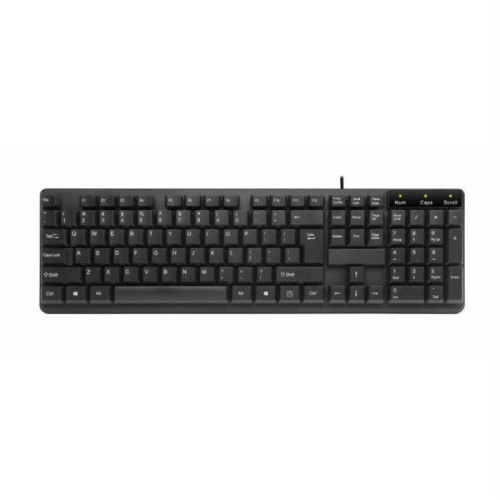
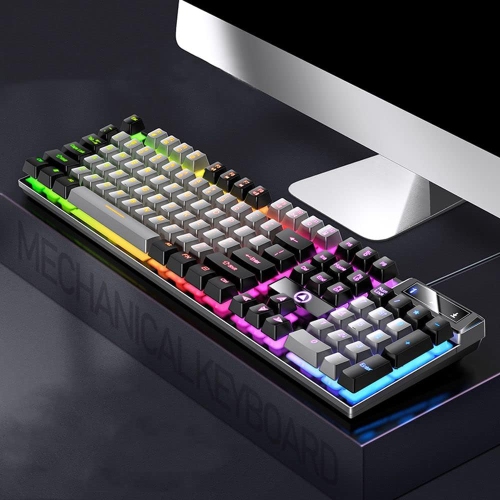
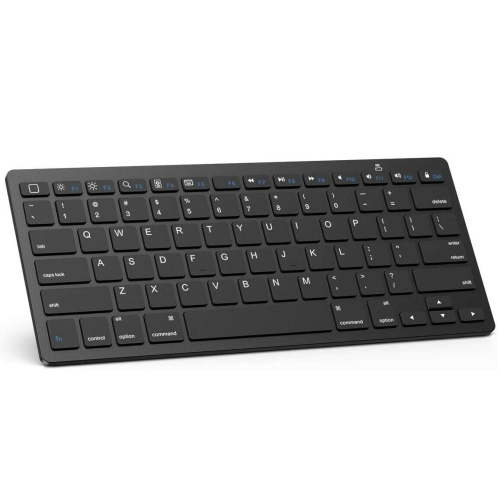
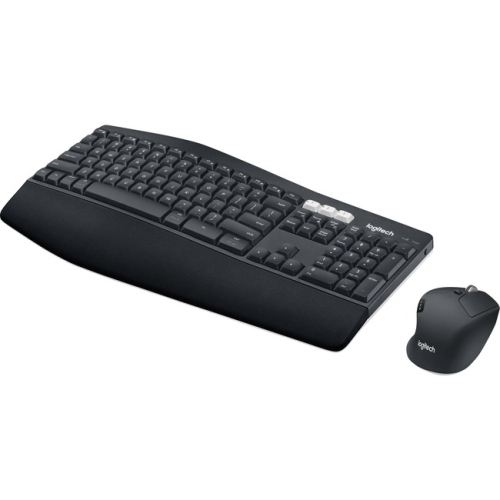
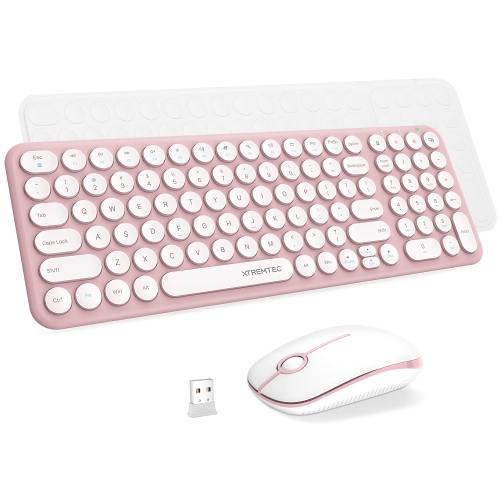
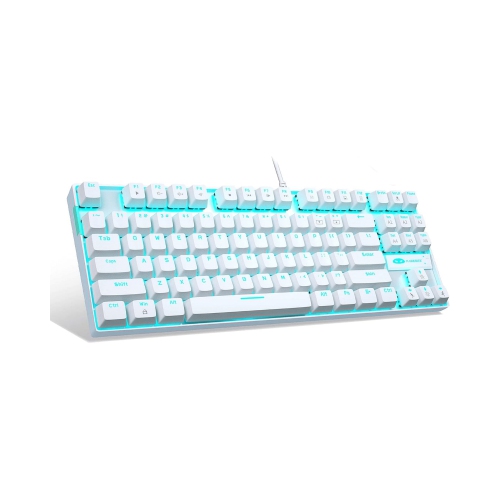
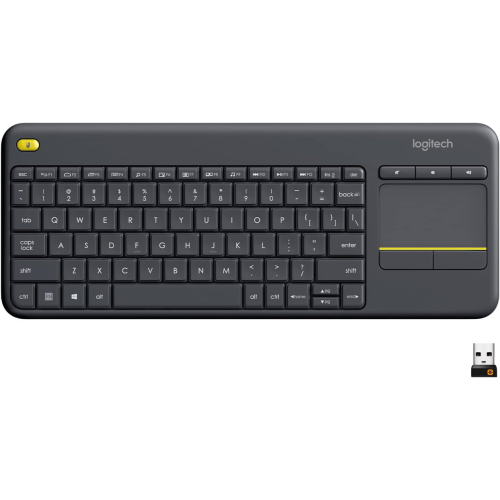
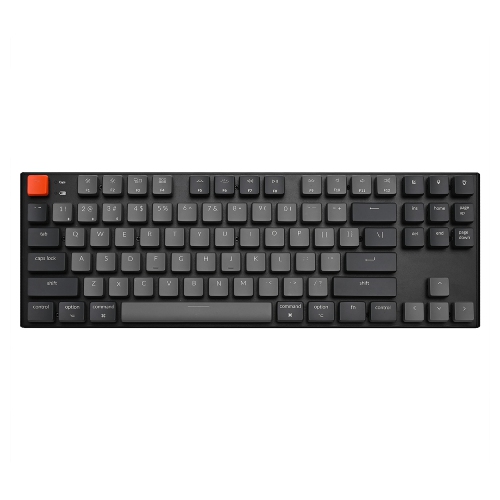
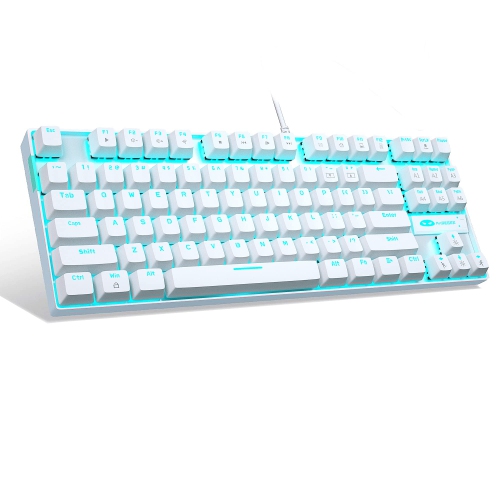
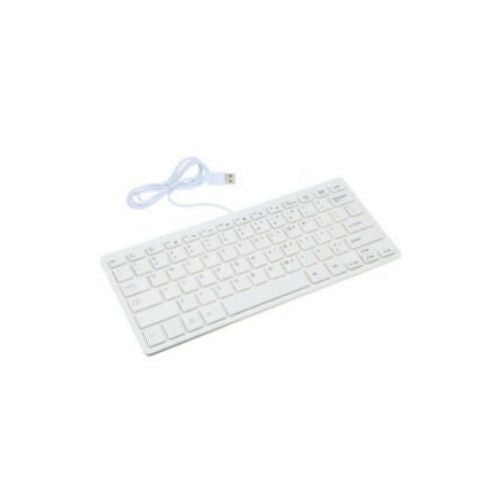
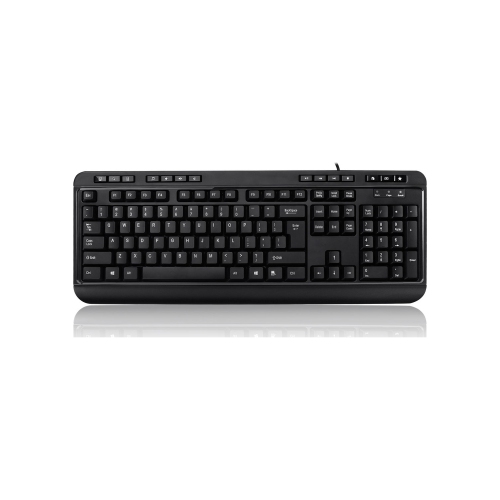
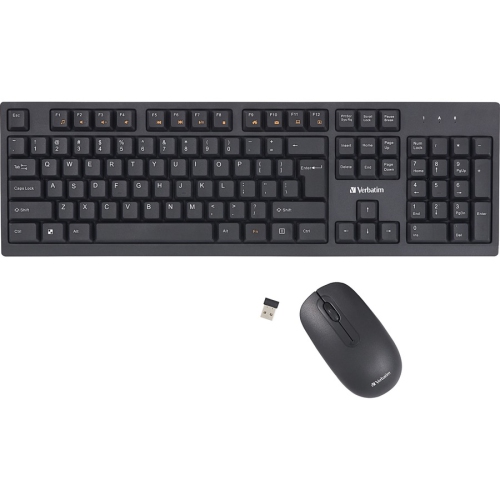
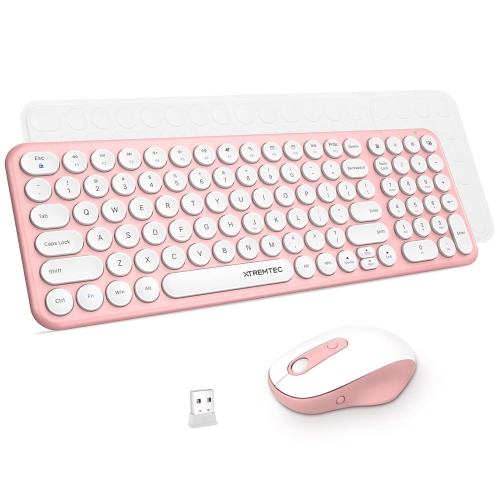
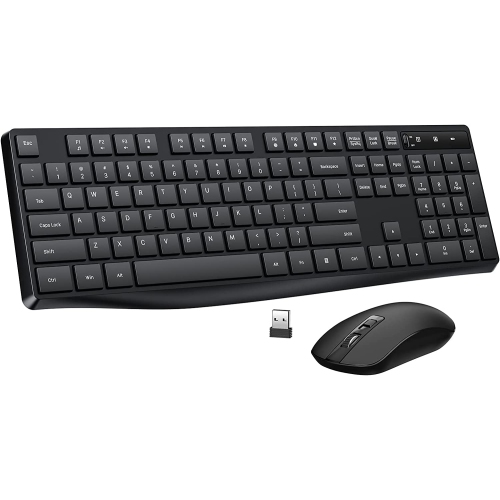
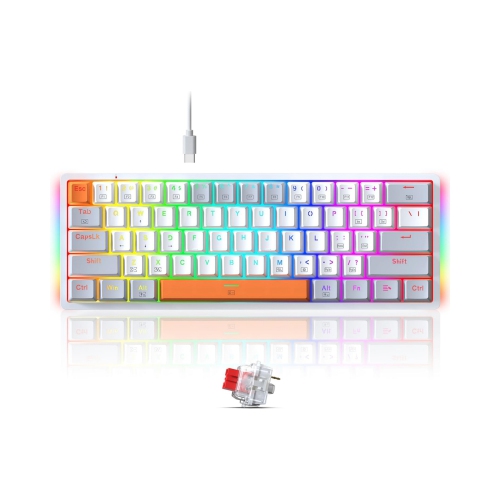
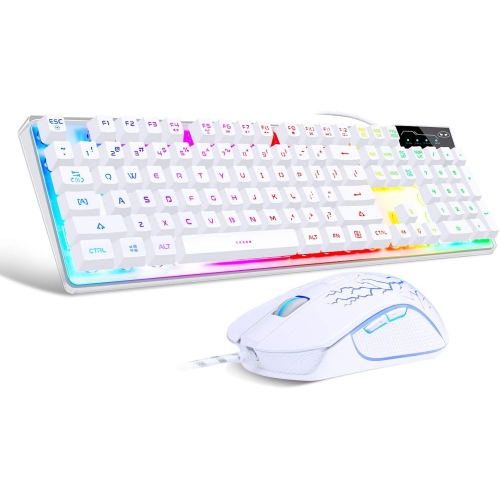
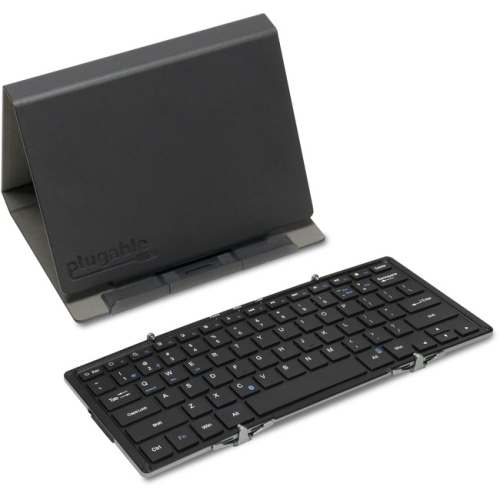
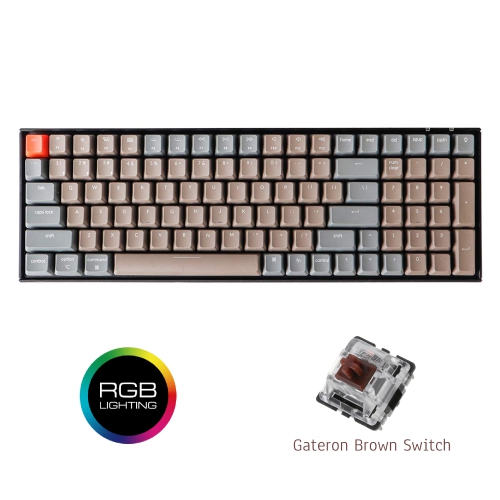
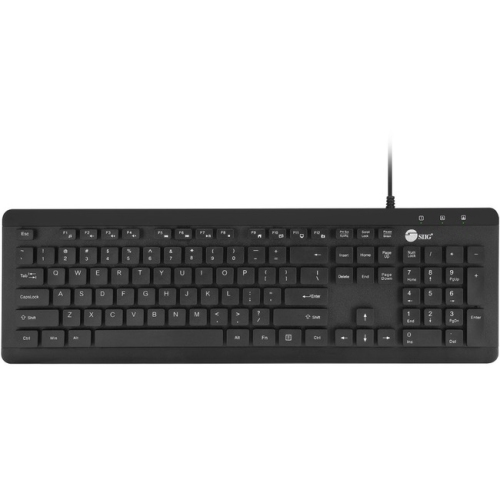
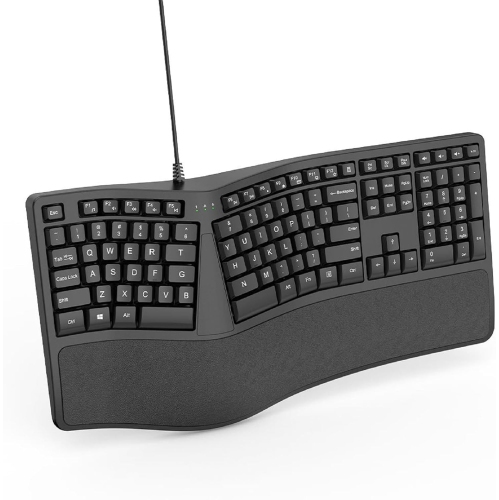
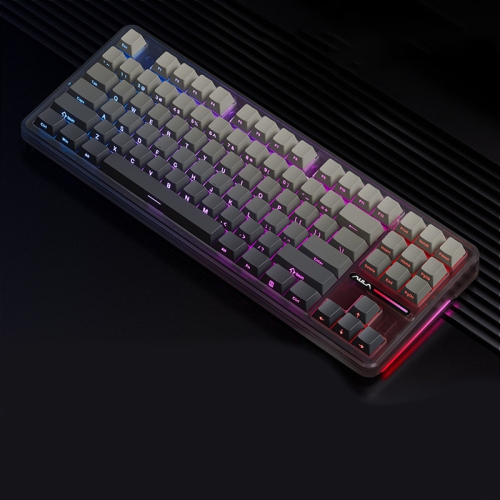
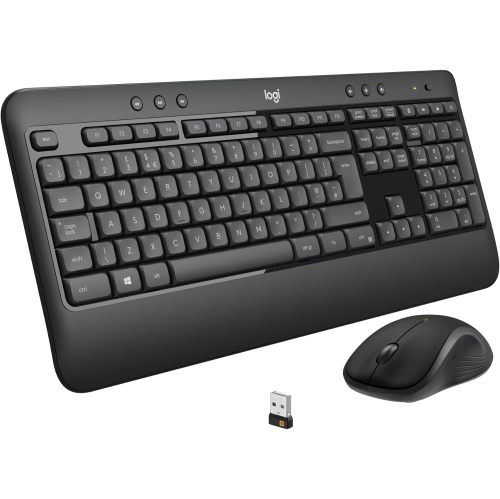
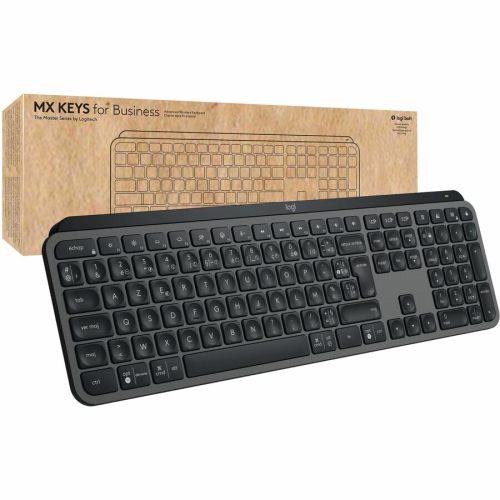
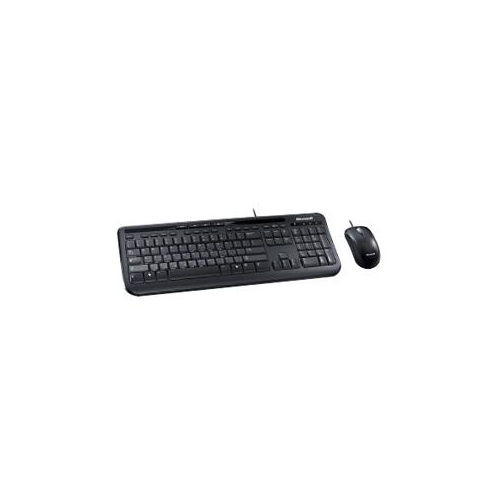
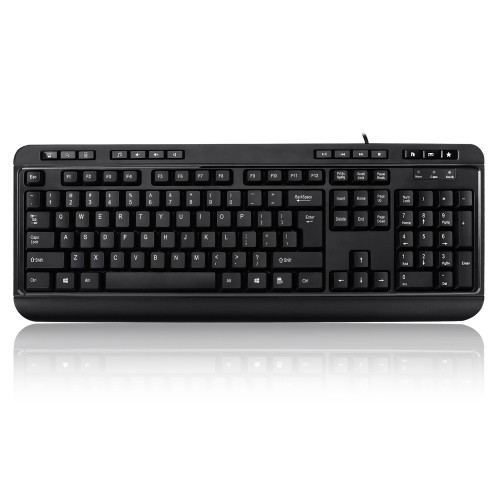
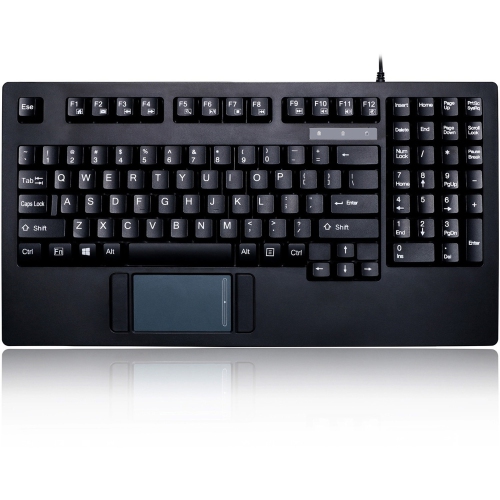
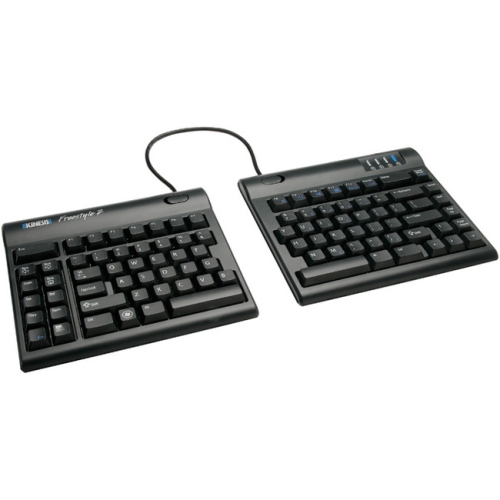
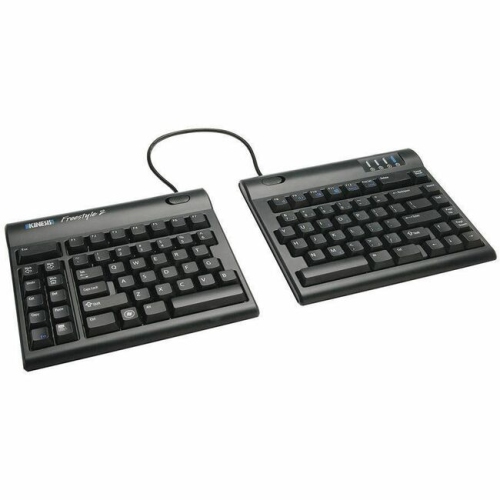
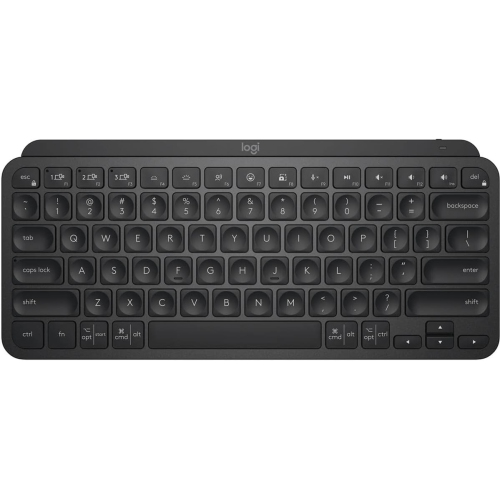
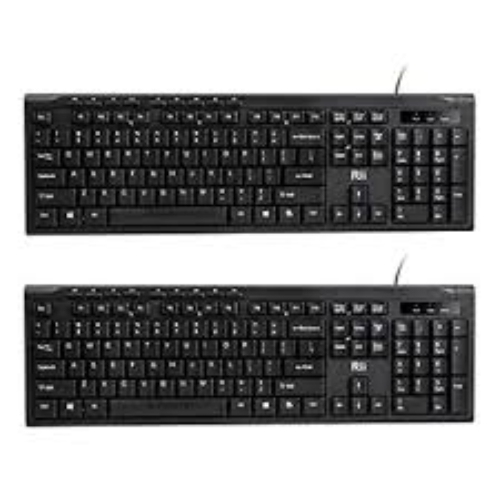
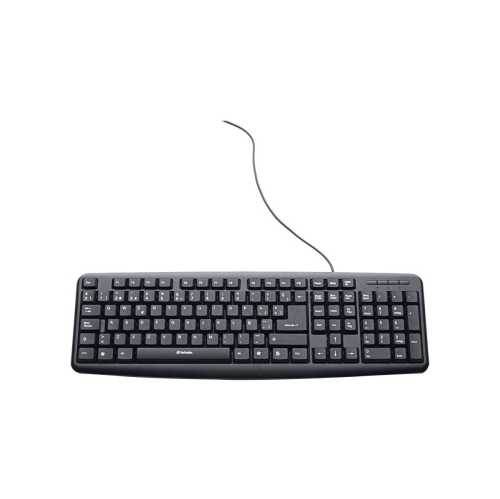
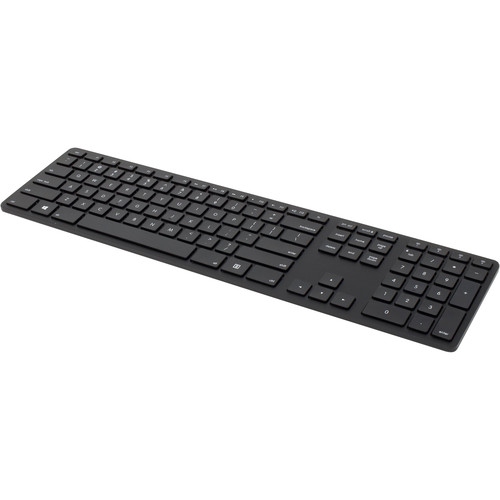
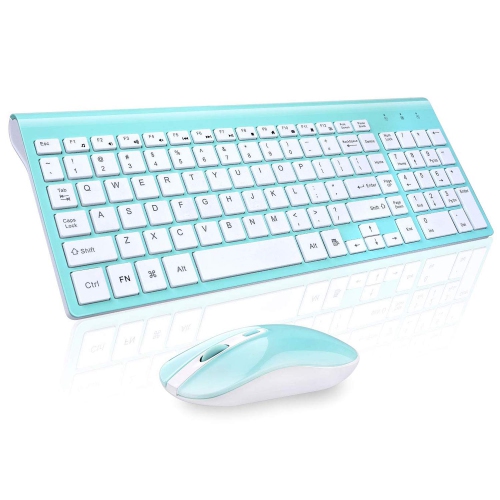
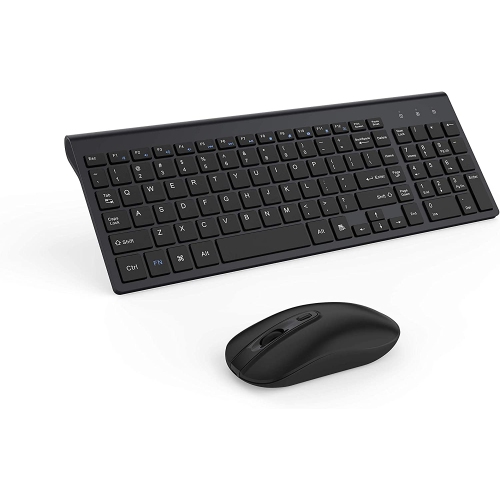
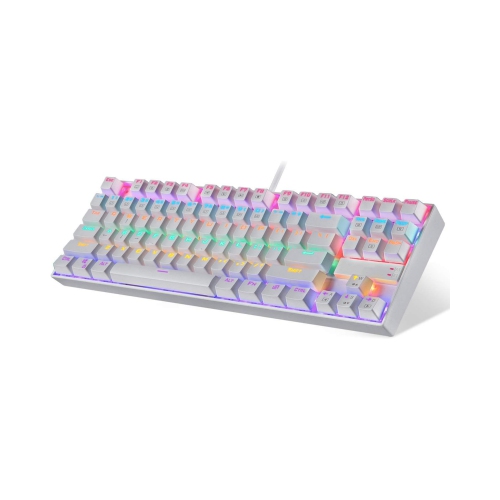
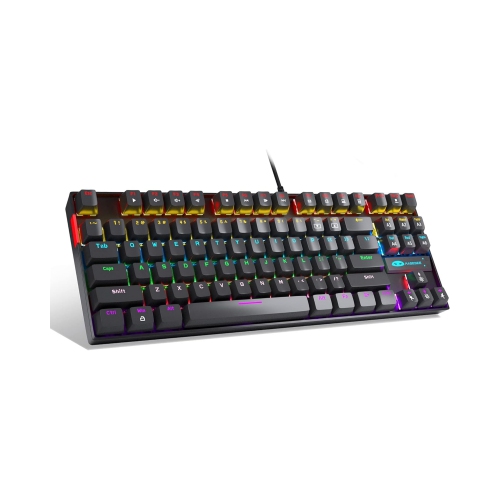
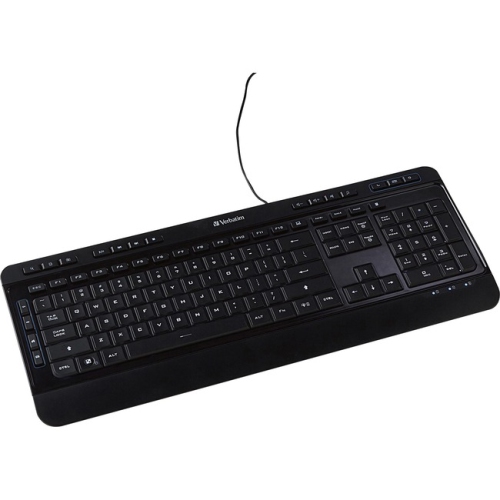
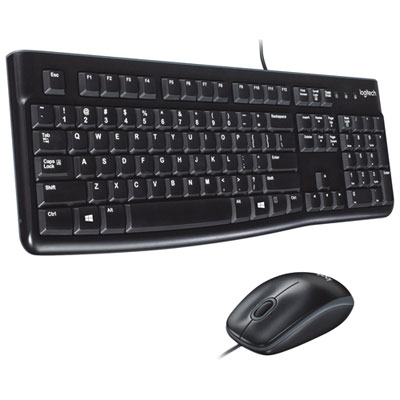
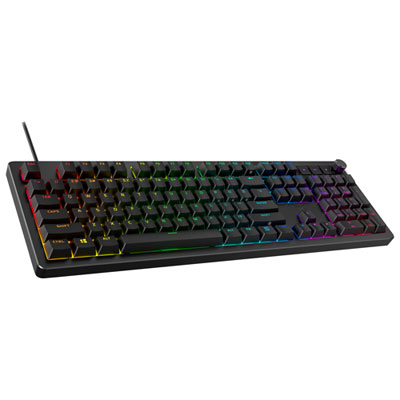
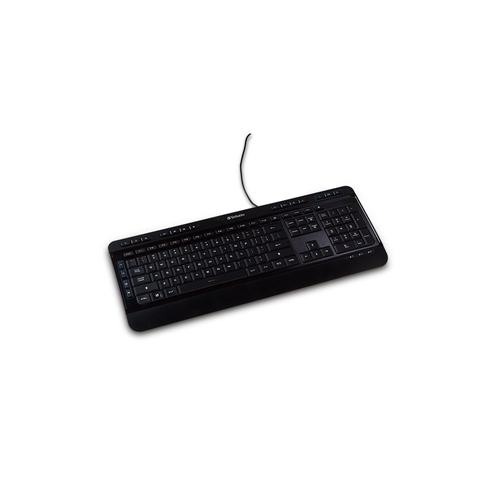
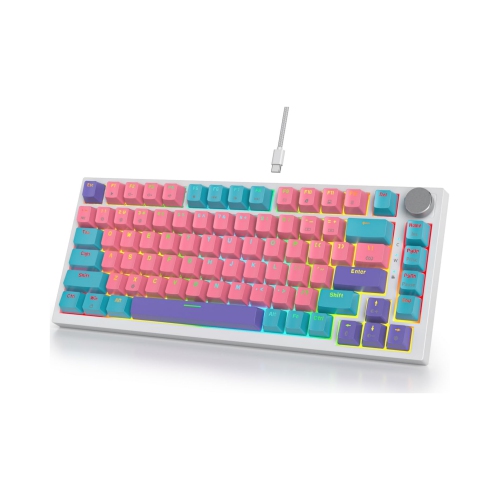
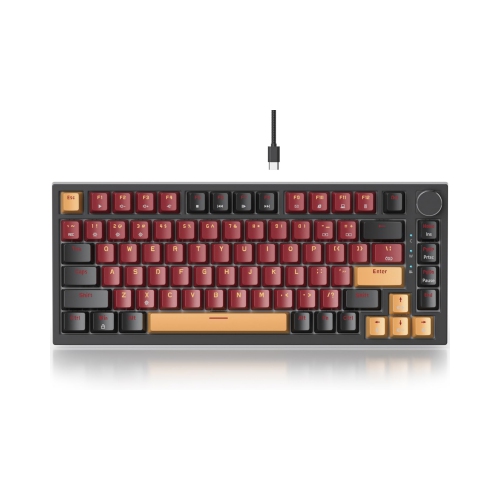
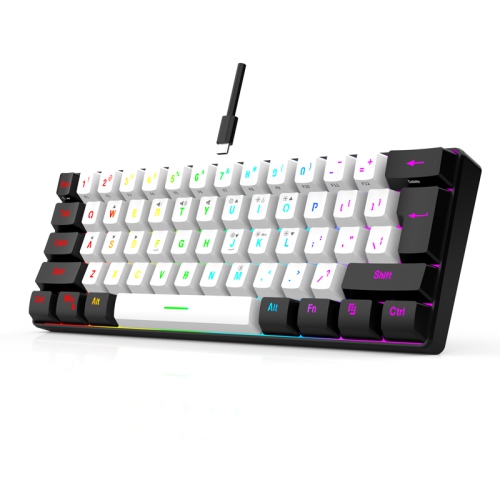
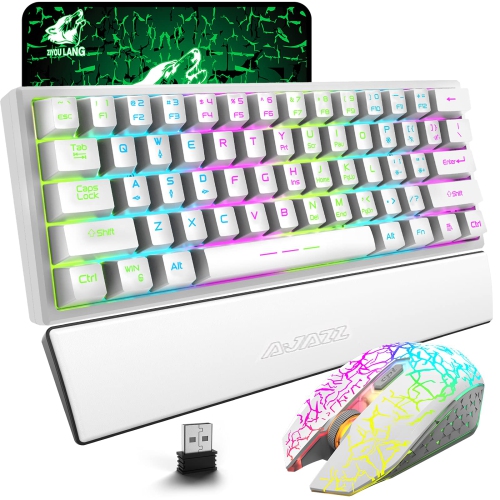
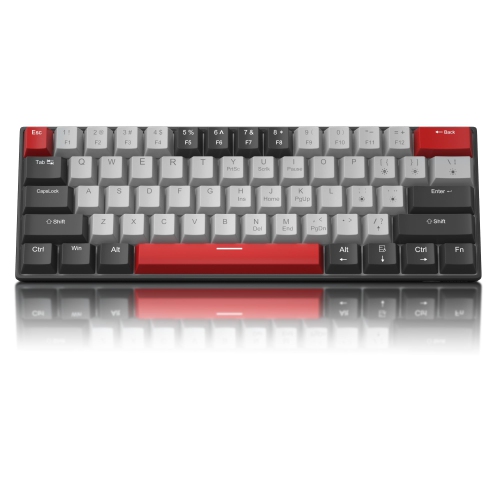
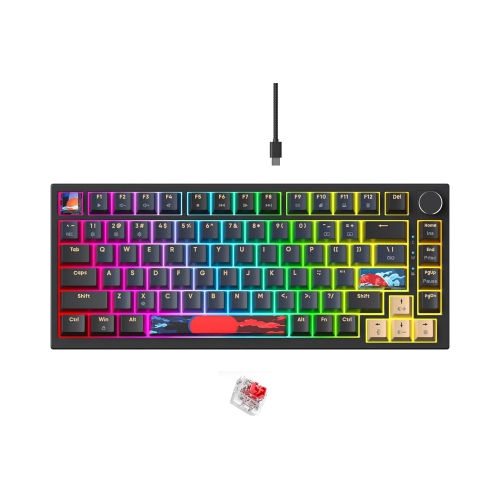
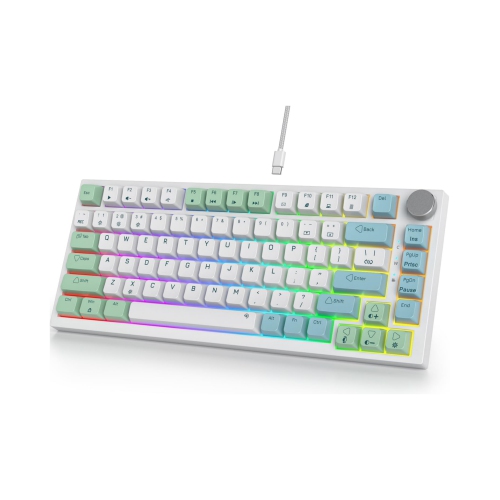
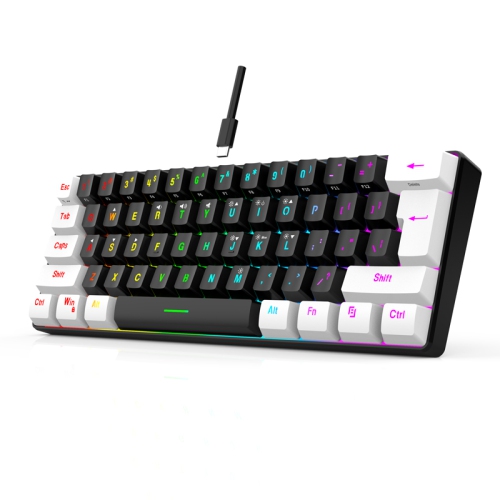
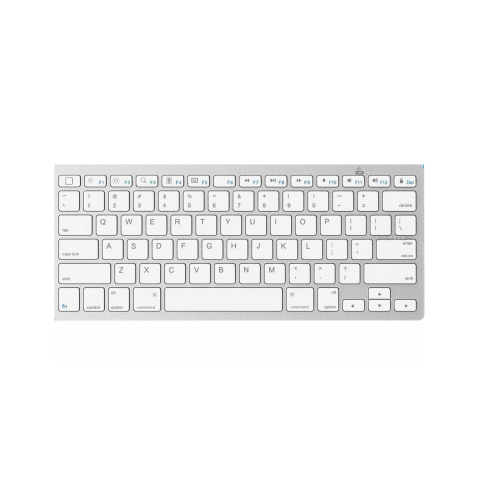
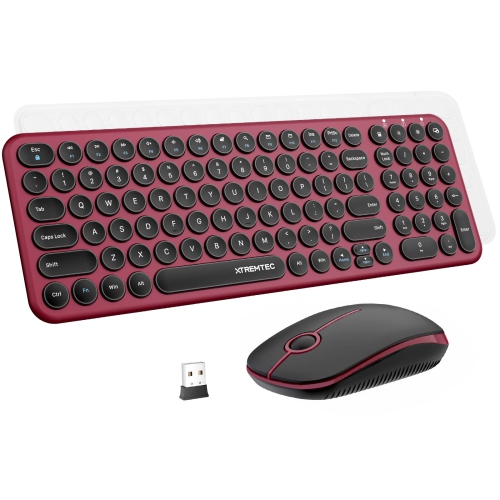
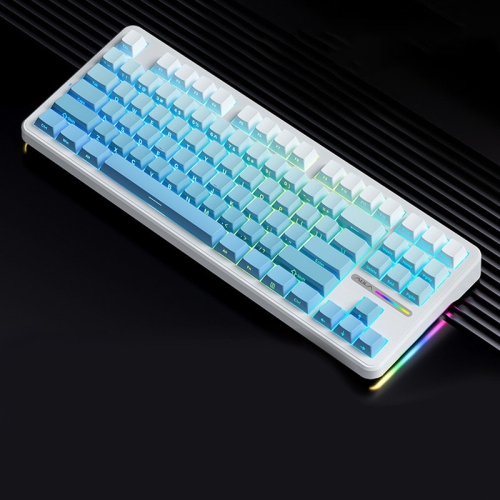
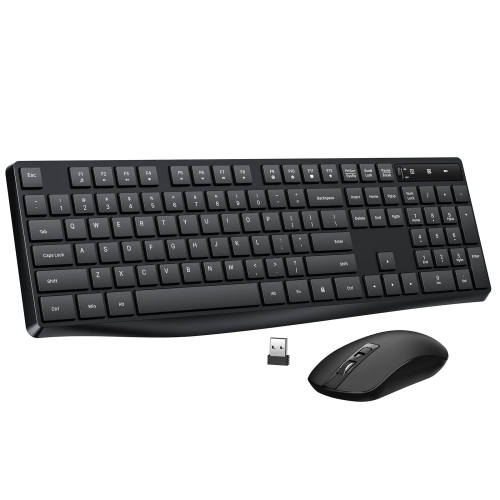
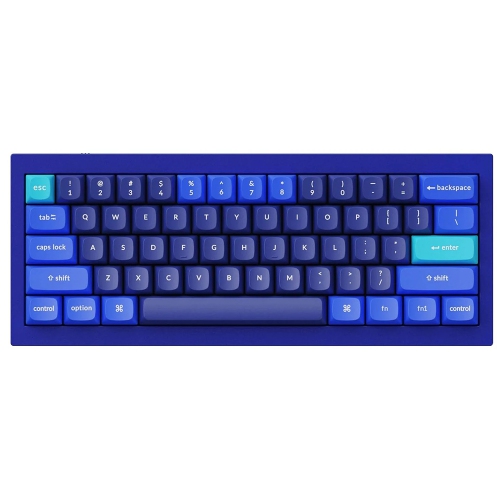
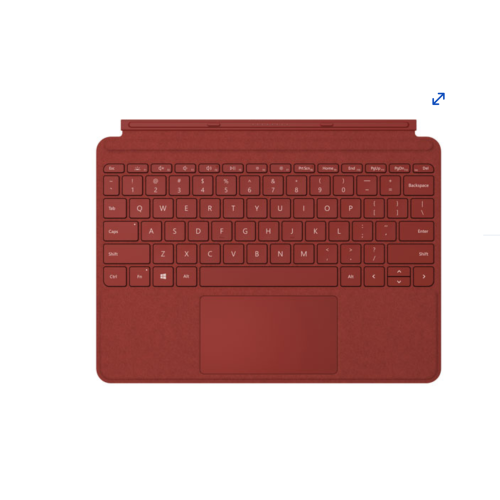
Keyboards for Windows are available in a wide range of layouts, connection types, and designs, making it easier to choose a comfortable match for a desktop computer, laptop workstation, gaming setup, or shared family computer. A physical keyboard can be used for everyday typing, email, online learning, office work, creative projects, coding, gaming, and navigating Windows menus. When selecting one, start by considering the layout you use most often. A full-size keyboard includes a number pad that can be helpful for spreadsheets, accounting, data entry, and frequent number work, while a compact or tenkeyless design leaves more room for a mouse and may be easier to fit on a smaller desk. Some keyboards include a dedicated Windows key, function-row shortcuts, media controls, volume adjustment, or quick access to frequently used system features. These details can make a noticeable difference during a long work session, especially when your hands can stay in a familiar position instead of reaching across the desk. Look for a key arrangement that feels intuitive, with clearly marked labels and a spacing style that suits your typing habits. If you are replacing a damaged or worn keyboard, matching the layout and connection type of your previous model can make the transition straightforward. If you are building a new setup, this is a good opportunity to choose the size, feel, and features that best support the way you use your Windows computer.
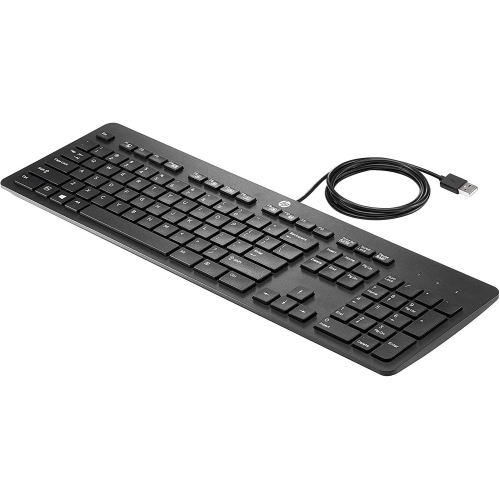
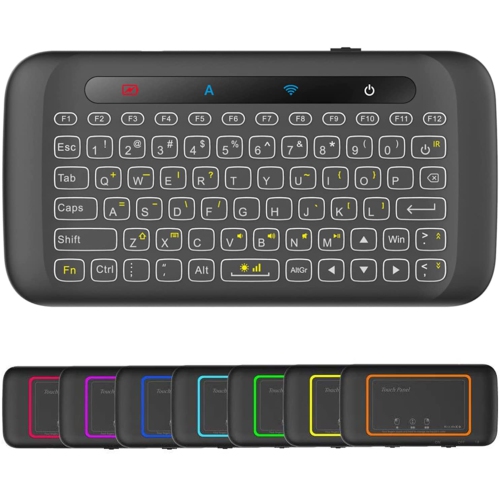
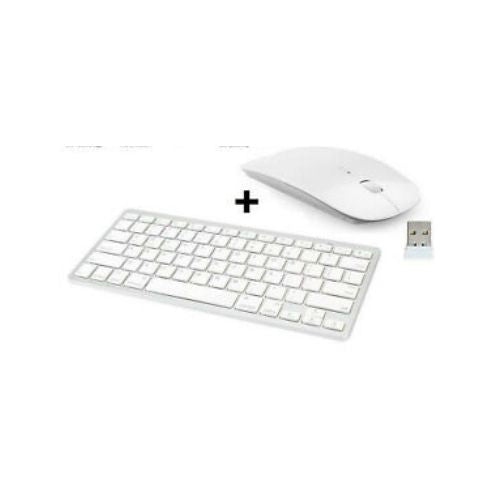
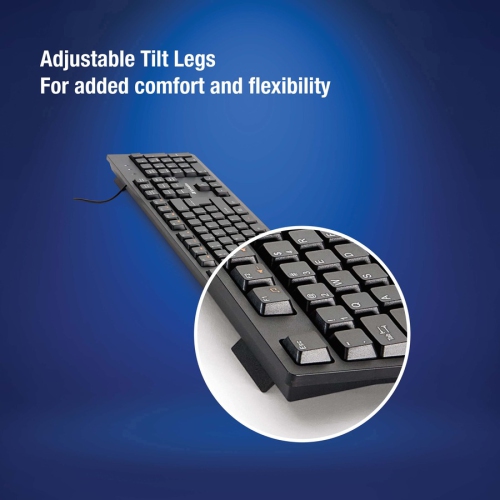
The way a keyboard connects to a computer is another important consideration. Wired keyboards connect through USB and are typically ready to use as soon as they are plugged in, which makes them a practical choice for home offices, school desks, reception areas, and gaming stations. They do not require separate wireless pairing, and their cable can be useful when a keyboard stays in one place. Wireless keyboards help keep a desk uncluttered and can be moved between a desk, kitchen counter, or living-room workstation with less cable management. Depending on the design, a wireless model may connect through a small USB receiver or Bluetooth, so check which connection your Windows computer supports before making a choice. Battery life, charging options, and the location of the power switch may also matter if you regularly move between workspaces. Key feel is highly personal: low-profile keys can offer a short, laptop-like stroke, while taller keys may provide more pronounced feedback. Quieter keys are well suited to shared rooms, study spaces, and late-evening work, whereas a more tactile feel can help some people type with greater confidence. Consider the amount of desk space available, whether you need a wrist rest or adjustable feet, and whether the keyboard will be used by one person or shared by several. For shoppers comparing a replacement with a new setup, browsing Compatible Keyboards can help narrow the selection to options designed to work with related computer equipment.
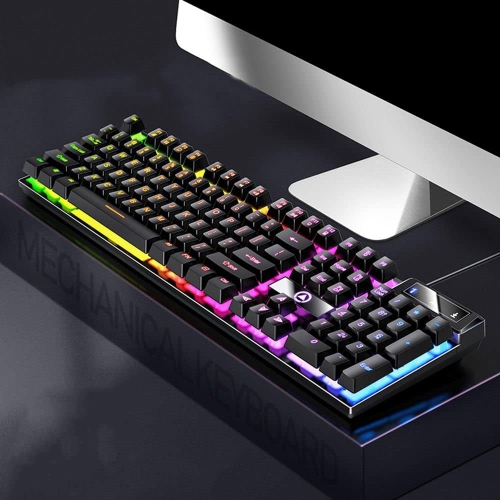
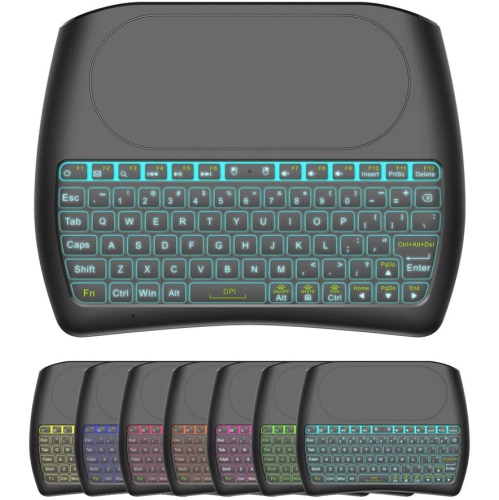
Keyboards for Windows can also be useful gifts for students, remote workers, first-time computer users, and anyone refreshing a home office before the cooler months encourage more time indoors. A straightforward wired keyboard may suit someone who wants a dependable replacement without extra setup, while a wireless keyboard can be a thoughtful choice for a person reorganizing a desk or connecting a computer to a monitor. Gamers and enthusiasts may prefer features such as customizable keys, backlighting, anti-ghosting support, or a compact layout that leaves additional room for mouse movement. For office and school use, comfort and practicality usually take priority over decorative features, particularly when the keyboard will be used for several hours at a time. Windows shortcuts can make physical keyboards even more useful. Pressing the Windows key with Control and O opens or closes the built-in On-Screen Keyboard, which can provide an alternative input method when a physical keyboard is unavailable or when accessibility support is needed. You can also press the Windows key and R, type “osk,” and select Enter to launch it, or find the On-Screen Keyboard through Windows search and Accessibility settings. These tools are separate from the physical keyboards listed on this page, but they can be helpful when troubleshooting, adjusting settings, or assisting another user. Before purchasing, confirm the operating system requirements, available USB or Bluetooth connections, keyboard language and layout, and any included accessories. A well-matched keyboard should feel natural from the first email or document, with dependable connectivity and controls that make everyday Windows use smoother.
The way a keyboard connects to a computer is another important consideration. Wired keyboards connect through USB and are typically ready to use as soon as they are plugged in, which makes them a practical choice for home offices, school desks, reception areas, and gaming stations. They do not require separate wireless pairing, and their cable can be useful when a keyboard stays in one place. Wireless keyboards help keep a desk uncluttered and can be moved between a desk, kitchen counter, or living-room workstation with less cable management. Depending on the design, a wireless model may connect through a small USB receiver or Bluetooth, so check which connection your Windows computer supports before making a choice. Battery life, charging options, and the location of the power switch may also matter if you regularly move between workspaces. Key feel is highly personal: low-profile keys can offer a short, laptop-like stroke, while taller keys may provide more pronounced feedback. Quieter keys are well suited to shared rooms, study spaces, and late-evening work, whereas a more tactile feel can help some people type with greater confidence. Consider the amount of desk space available, whether you need a wrist rest or adjustable feet, and whether the keyboard will be used by one person or shared by several. For shoppers comparing a replacement with a new setup, browsing Compatible Keyboards can help narrow the selection to options designed to work with related computer equipment.
Keyboards for Windows can also be useful gifts for students, remote workers, first-time computer users, and anyone refreshing a home office before the cooler months encourage more time indoors. A straightforward wired keyboard may suit someone who wants a dependable replacement without extra setup, while a wireless keyboard can be a thoughtful choice for a person reorganizing a desk or connecting a computer to a monitor. Gamers and enthusiasts may prefer features such as customizable keys, backlighting, anti-ghosting support, or a compact layout that leaves additional room for mouse movement. For office and school use, comfort and practicality usually take priority over decorative features, particularly when the keyboard will be used for several hours at a time. Windows shortcuts can make physical keyboards even more useful. Pressing the Windows key with Control and O opens or closes the built-in On-Screen Keyboard, which can provide an alternative input method when a physical keyboard is unavailable or when accessibility support is needed. You can also press the Windows key and R, type “osk,” and select Enter to launch it, or find the On-Screen Keyboard through Windows search and Accessibility settings. These tools are separate from the physical keyboards listed on this page, but they can be helpful when troubleshooting, adjusting settings, or assisting another user. Before purchasing, confirm the operating system requirements, available USB or Bluetooth connections, keyboard language and layout, and any included accessories. A well-matched keyboard should feel natural from the first email or document, with dependable connectivity and controls that make everyday Windows use smoother.
Top selling and popular products
-
 Your price for this item is $39.98
 -
 Your price for this item is $49.72
 -
 Your price for this item is $159
 -
 Your price for this item is $219.99
 -
 Your price for this item is $199.99
 -
 Your price for this item is $44.99
 -
 Your price for this item is $22.68
 -
 Your price for this item is $169.99
Discover more categories related to Keyboards for Windows
Top Collections:
Pokemon Centers, Kindle Devices, Best Budget Office Chairs, Apple iPhones 16, Best Laptops for Writers, iPhone 15 Apple, Canon G7X Cameras, Refurbished Apple Laptops, Alarm Clock, Motorola Razr Phones
Some products may be subject to Environmental Handling Fees
(EHF) depending on your province.
Learn more about EHFs.