Monitors for Lightroom
Achieve stunning photo edits and precise color accuracy with the right monitor for Lightroom. Whether you're a professional photographer or an enthusiastic hobbyist, finding a display that enhances your workflow is essential for editing in Adobe Lightroom. Explore a variety of monitors designed to deliver sharp visuals, vibrant colors, and smooth performance, helping you bring your creative vision to life with every project. Discover options that suit your workspace and editing needs, making it easier to perfect every detail in your images.
Sort
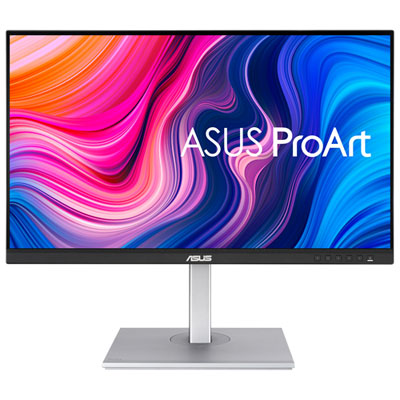
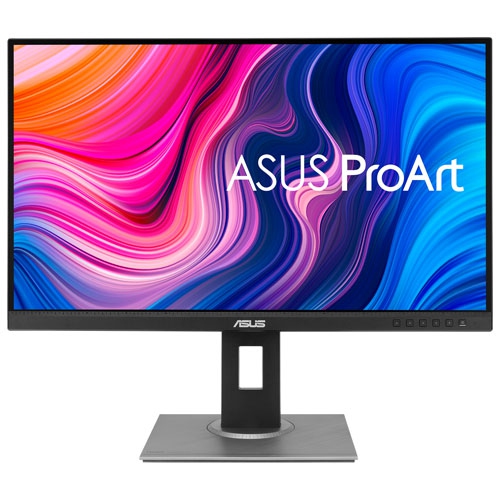
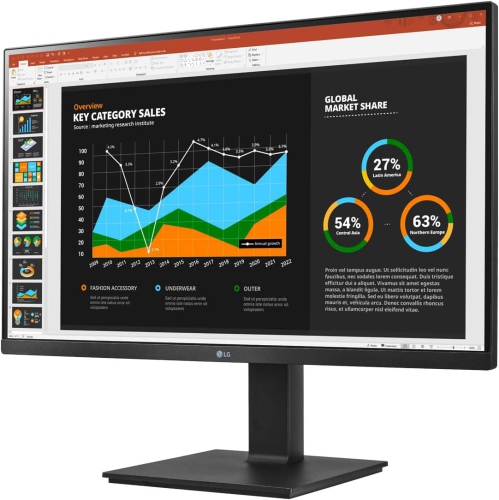
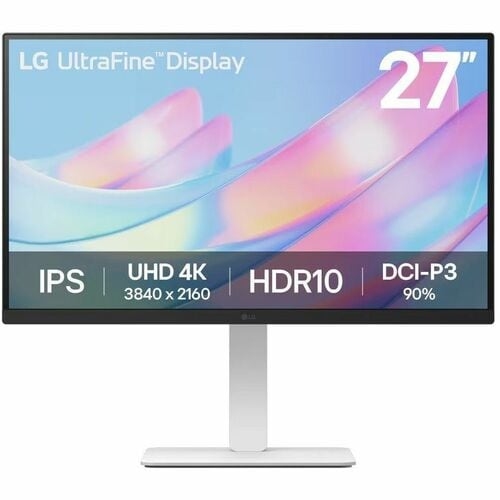
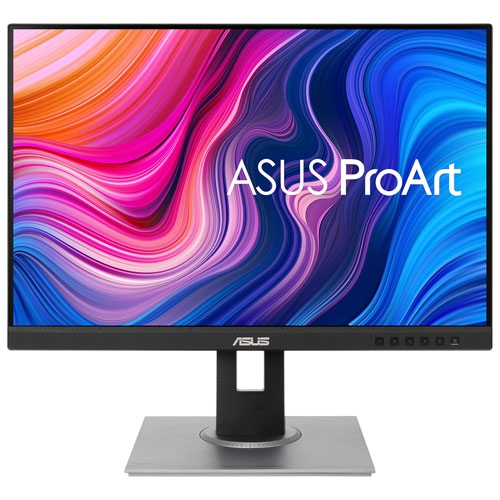
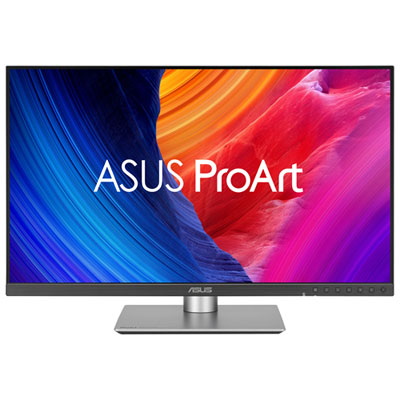
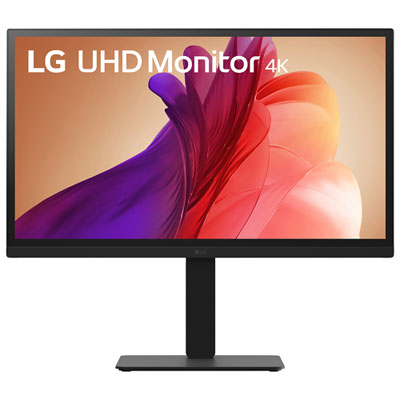

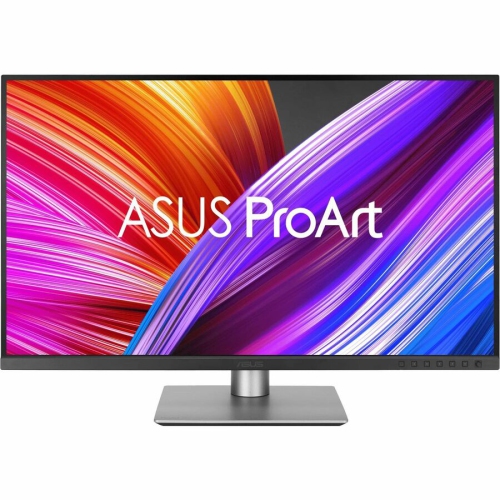
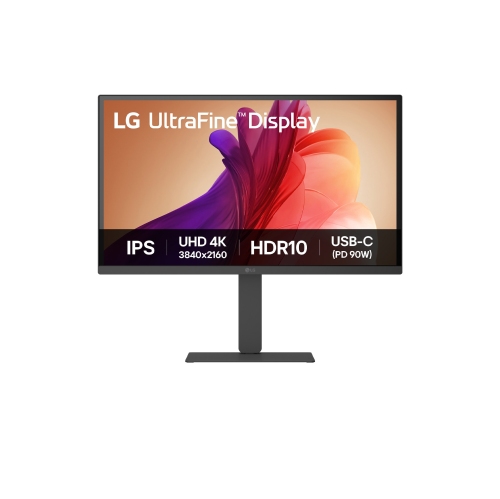

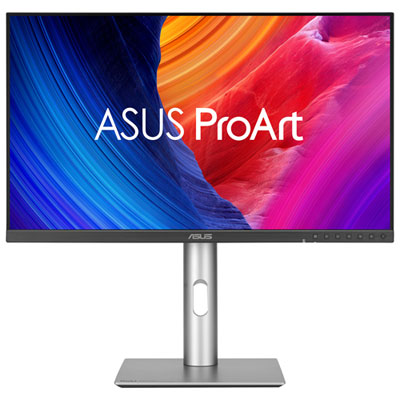
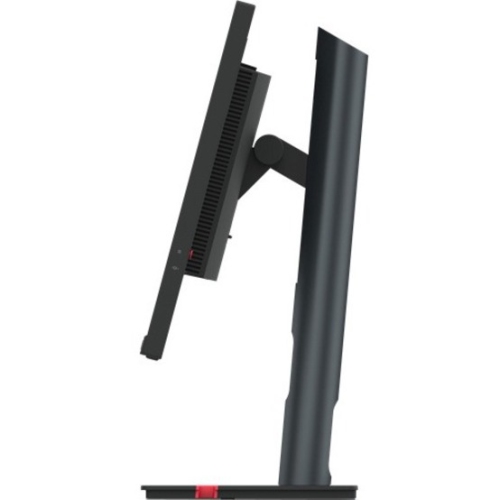
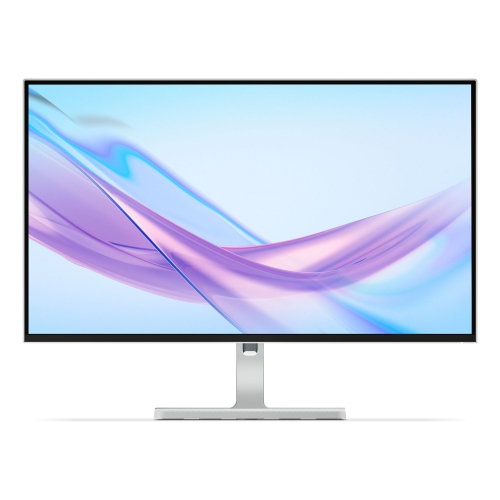

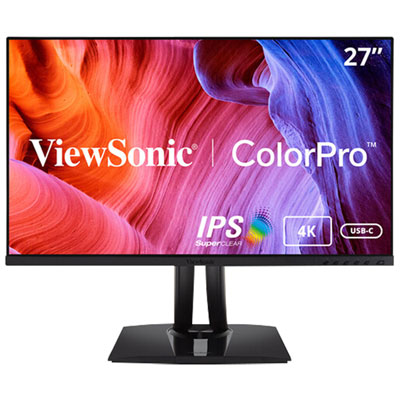
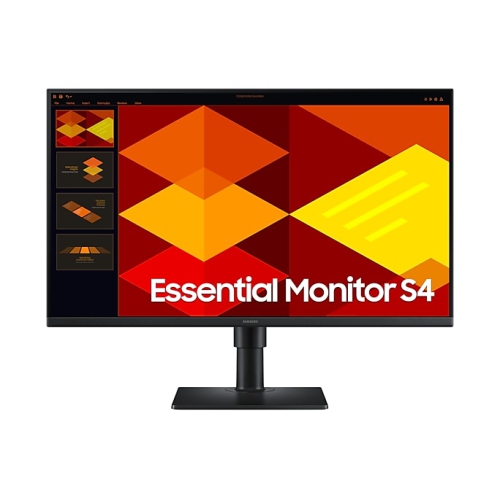
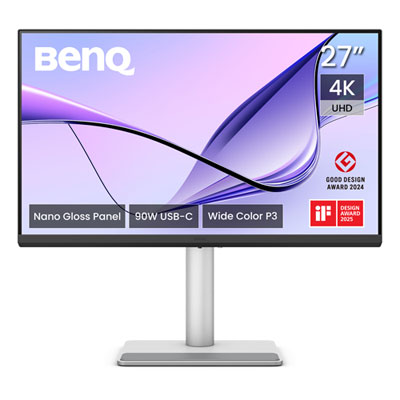
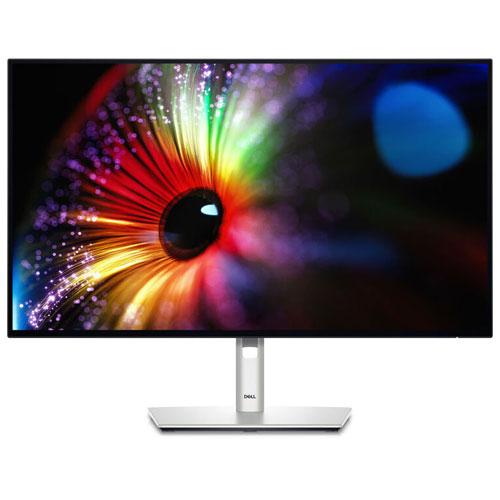
Monitors for Lightroom
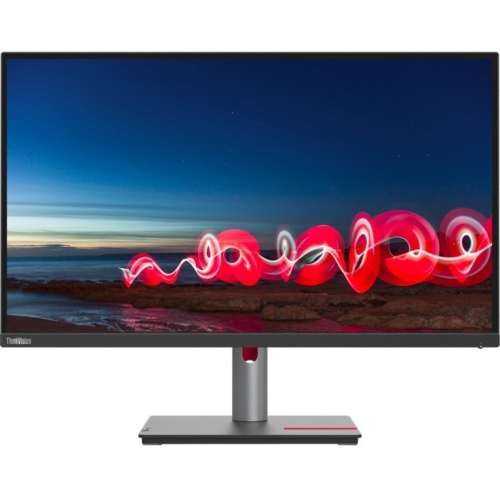
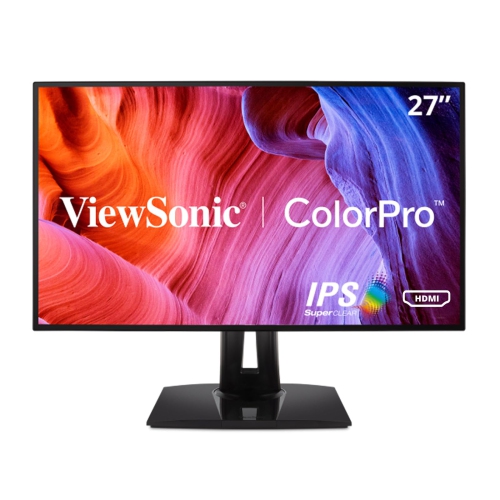
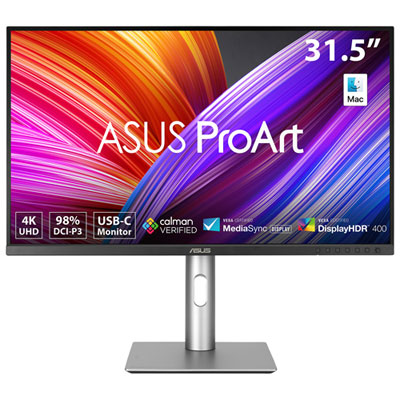
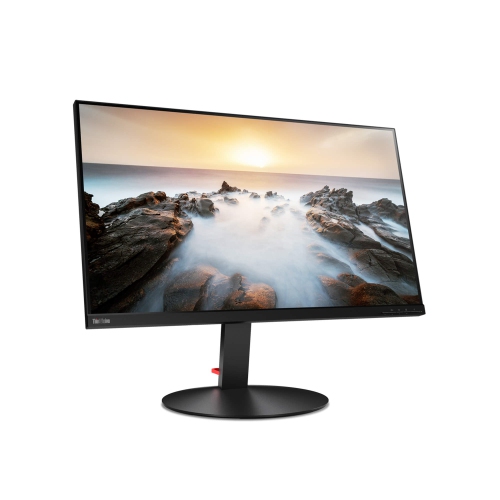
When it comes to selecting monitors for Lightroom, photographers and creative professionals know that the right display can make all the difference in achieving precise, true-to-life edits. The best monitors for photo editing are designed to deliver exceptional colour accuracy, wide colour gamuts, and high resolutions, making them ideal for anyone working with Adobe Lightroom or similar software. Whether you’re a professional photographer preparing images for clients, an avid hobbyist perfecting your portfolio, or even a student pursuing digital arts, investing in a monitor with a high-quality IPS or OLED panel ensures that your photos look just as vibrant on screen as they do in print. These panels offer excellent viewing angles and consistent colour reproduction, which is essential when fine-tuning shadows, highlights, and subtle gradients. Monitors in the 27-inch to 32-inch range are especially popular for Lightroom users, as they provide ample workspace for toolbars and side-by-side comparisons without feeling overwhelming on a typical desk. As outdoor shoots become more frequent with the arrival of warmer weather, the ability to return to a workspace equipped with a high-resolution, colour-accurate monitor is invaluable for reviewing and editing large batches of images from summer events, weddings, and travel adventures.
For those considering a monitor upgrade, several key features stand out as must-haves for Lightroom editing. Look for displays that offer at least 4K resolution for razor-sharp detail, especially when working with high-megapixel RAW files. Wide colour gamut support—such as 100% sRGB and high Adobe RGB or DCI-P3 coverage—ensures that every hue and tone is faithfully reproduced, which is crucial for tasks like skin tone correction and landscape editing. Many monitors also offer 10-bit colour depth (or 8-bit + FRC), which allows for smoother gradations and more nuanced transitions, reducing the risk of banding in skies or subtle backgrounds. Connectivity is another important consideration, with USB-C ports and power delivery simplifying cable management and making it easy to connect laptops or tablets in one step. A matte or anti-glare finish is often preferred for editing, as it minimizes distracting reflections from ambient light, whether you’re working in a sunlit room during the summer or under softer indoor lighting as the days grow shorter. Hardware calibration support is also a valuable feature, allowing you to maintain consistent colour accuracy over time—a vital detail for professionals who need their edits to look perfect across different devices and print formats.
Monitors tailored for Lightroom make thoughtful gifts for creative friends, family members, or colleagues who are passionate about photography or digital art. They’re also a smart upgrade for anyone setting up a home studio or looking to enhance their productivity as their editing workload increases throughout the year. If your interests extend beyond Lightroom and into broader creative work, you may also want to explore the selection of Monitors for Graphic Design, which are designed with similar performance standards in mind. Whether you’re editing portraits, landscapes, or commercial projects, a high-quality monitor helps ensure that your creative vision is realized with accuracy and confidence, season after season.
For those considering a monitor upgrade, several key features stand out as must-haves for Lightroom editing. Look for displays that offer at least 4K resolution for razor-sharp detail, especially when working with high-megapixel RAW files. Wide colour gamut support—such as 100% sRGB and high Adobe RGB or DCI-P3 coverage—ensures that every hue and tone is faithfully reproduced, which is crucial for tasks like skin tone correction and landscape editing. Many monitors also offer 10-bit colour depth (or 8-bit + FRC), which allows for smoother gradations and more nuanced transitions, reducing the risk of banding in skies or subtle backgrounds. Connectivity is another important consideration, with USB-C ports and power delivery simplifying cable management and making it easy to connect laptops or tablets in one step. A matte or anti-glare finish is often preferred for editing, as it minimizes distracting reflections from ambient light, whether you’re working in a sunlit room during the summer or under softer indoor lighting as the days grow shorter. Hardware calibration support is also a valuable feature, allowing you to maintain consistent colour accuracy over time—a vital detail for professionals who need their edits to look perfect across different devices and print formats.
Monitors tailored for Lightroom make thoughtful gifts for creative friends, family members, or colleagues who are passionate about photography or digital art. They’re also a smart upgrade for anyone setting up a home studio or looking to enhance their productivity as their editing workload increases throughout the year. If your interests extend beyond Lightroom and into broader creative work, you may also want to explore the selection of Monitors for Graphic Design, which are designed with similar performance standards in mind. Whether you’re editing portraits, landscapes, or commercial projects, a high-quality monitor helps ensure that your creative vision is realized with accuracy and confidence, season after season.
Top selling and popular products
-
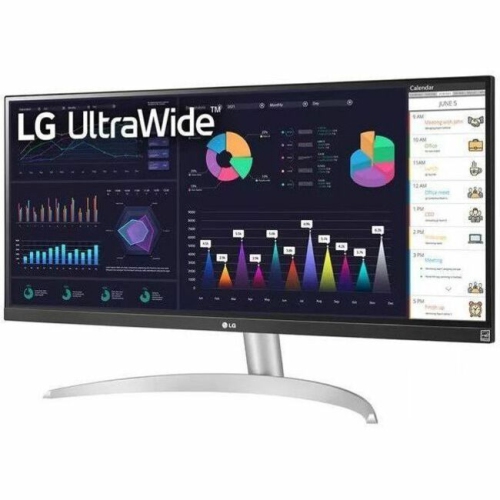 Your price for this item is $2217.68
 -
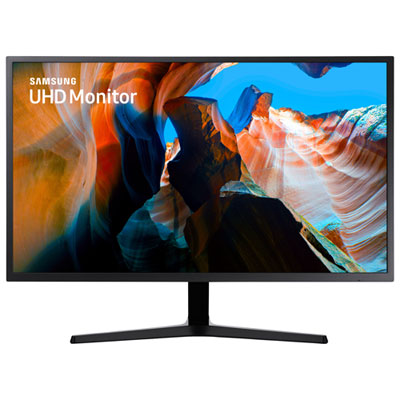 Your price for this item is $299.97
 -
 Your price for this item is $299
 -
 Your price for this item is $99.99
 -
 Your price for this item is $329.99
 -
 Your price for this item is $199.99
 -
 Your price for this item is $499
 -
 Your price for this item is $269.99
Discover more categories related to Monitors for Lightroom
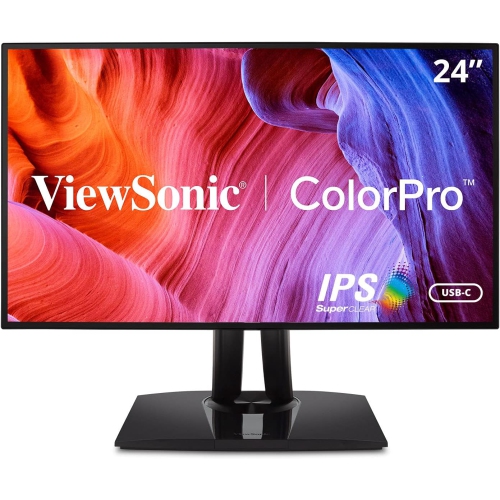
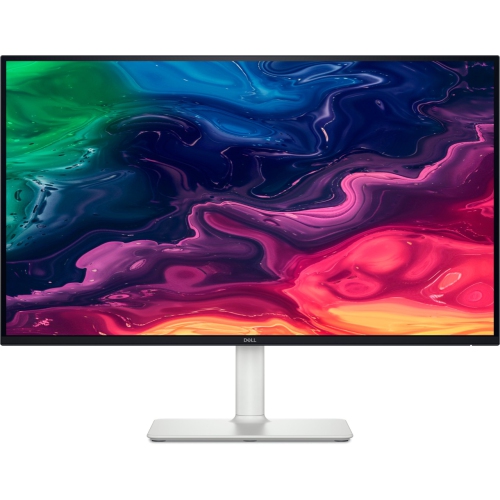
Top Collections:
Pokemon Centers, Kindle Devices, Budget Smartphones, Budget 4K TVs, Apple iPhones 16, Canon G7X Cameras, iPhone 15 Apple, Alarm Clock, Budget-Friendly Wireless Earbuds, iPhone 14 256GB
Some products may be subject to Environmental Handling Fees
(EHF) depending on your province.
Learn more about EHFs.