Monitors for Working From Home
If you work from home, you probably spend a lot of time on your computer. You might be working on a project for your business, writing an article for your website, or just surfing the Internet. A good monitor can make all the difference when it comes to getting work done. Here are some of our favorites.
Sort








![VIEWSONIC Omni 27" 1080P HD Led Gaming Monitor (Vx2718-P-Mhd) - Freesync Premium - 165Hz [Employee of bestbuy] Best monitor that is to buy in the market as of now](https://multimedia.bbycastatic.ca/multimedia/products/500x500/156/15611/15611278.jpeg)

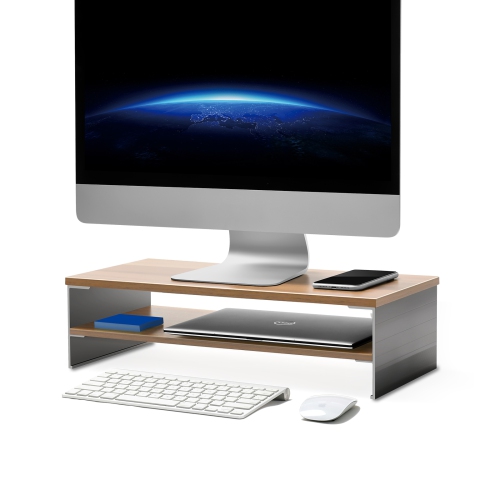
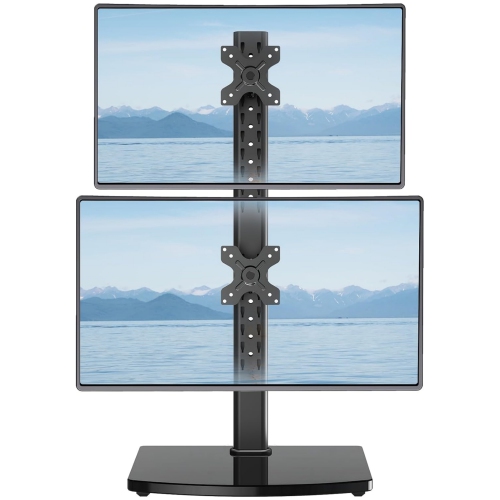
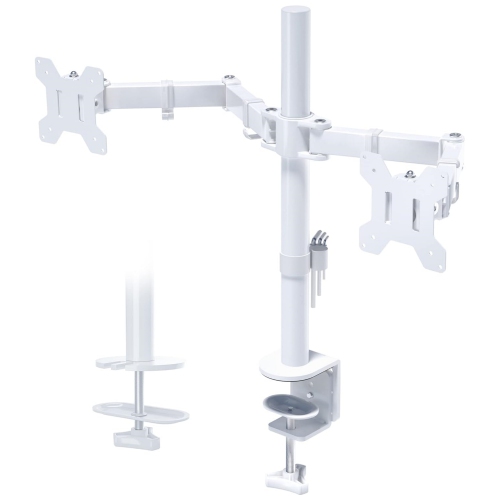
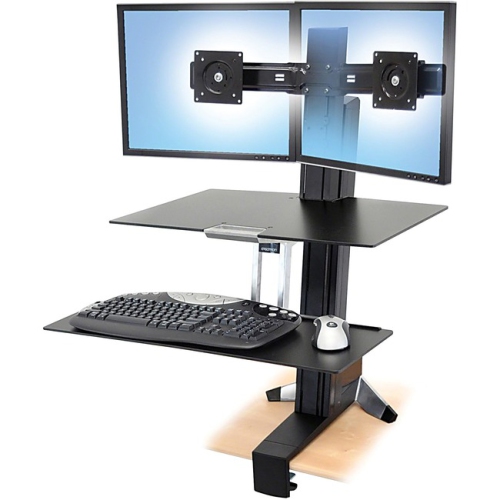
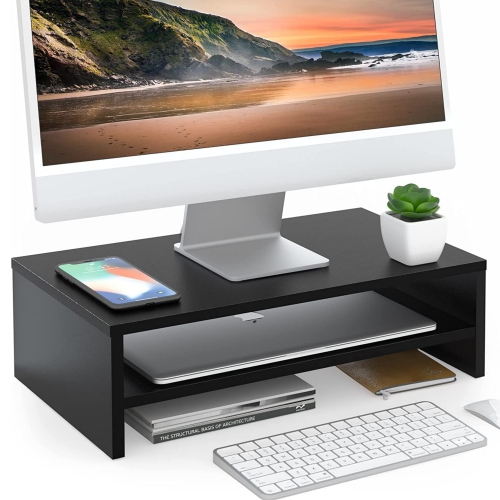
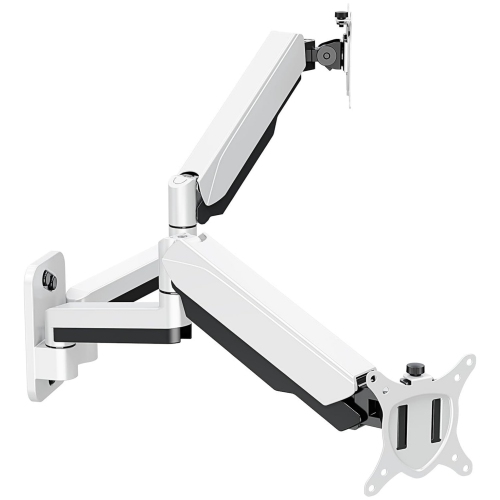
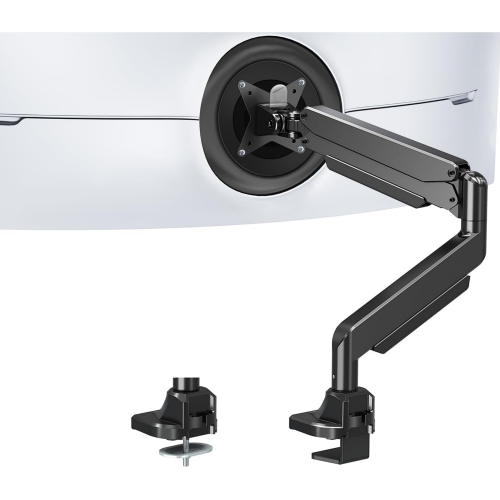
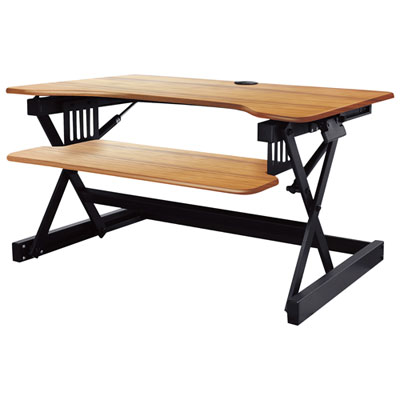

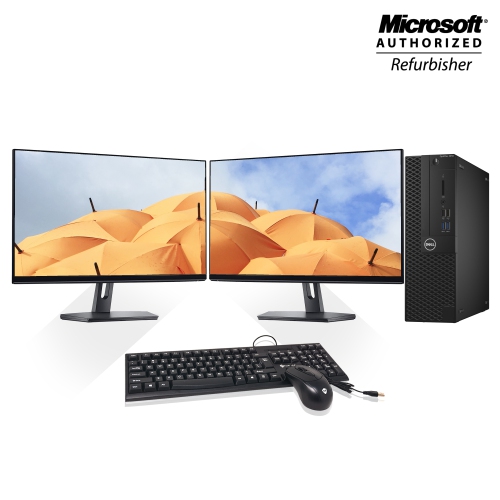



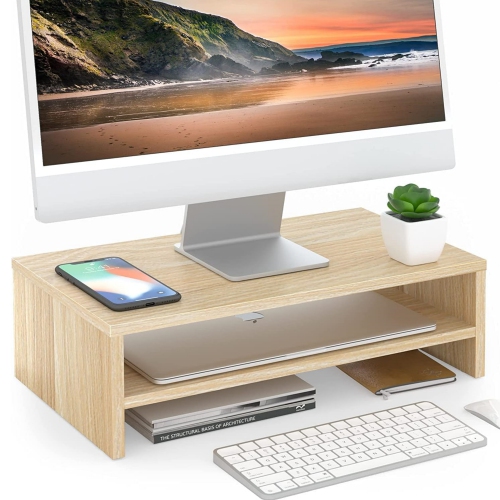
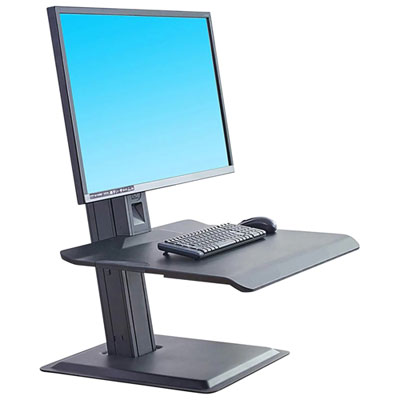
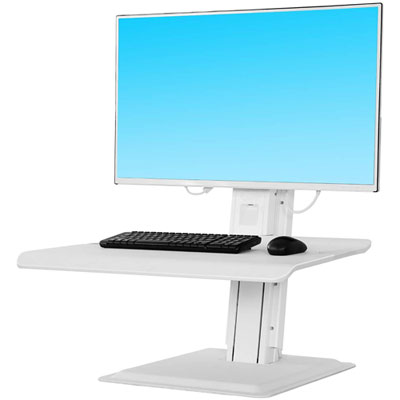
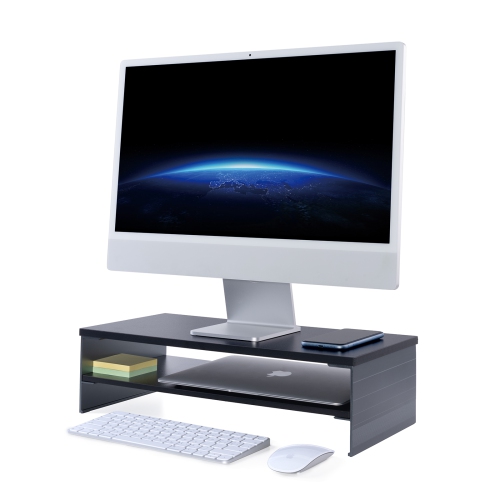
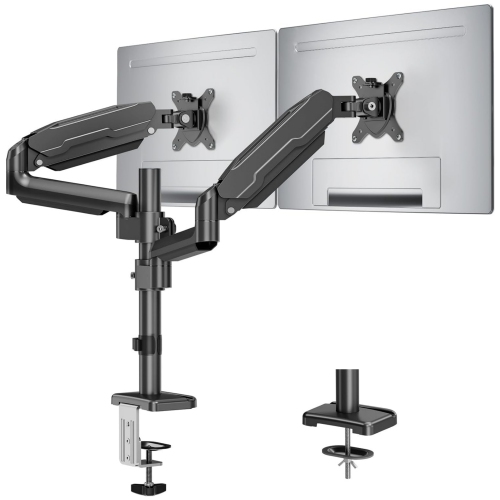
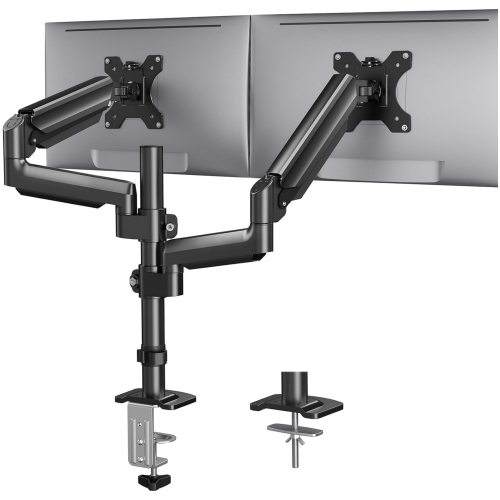
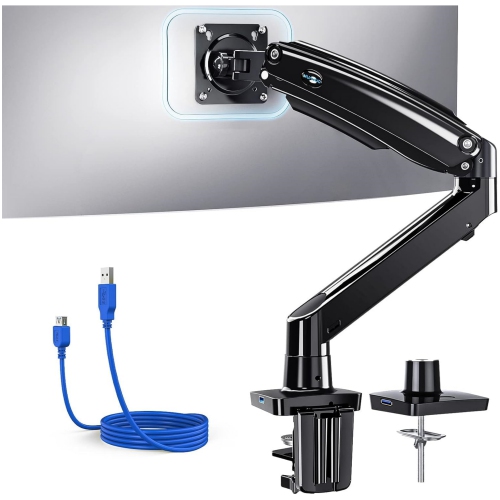
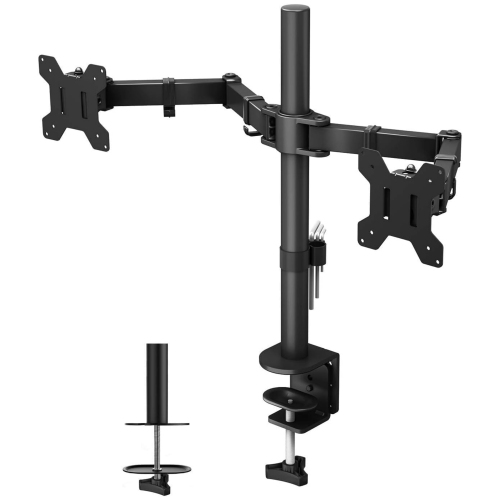
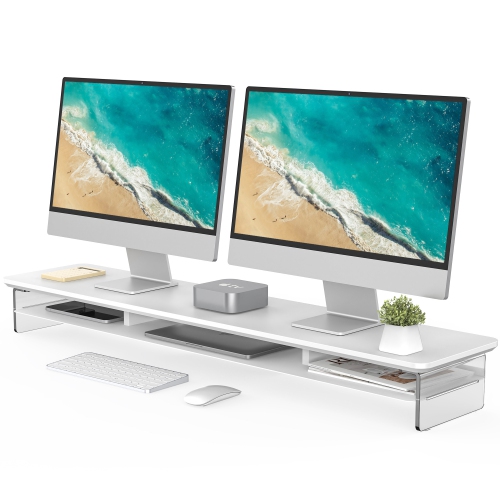
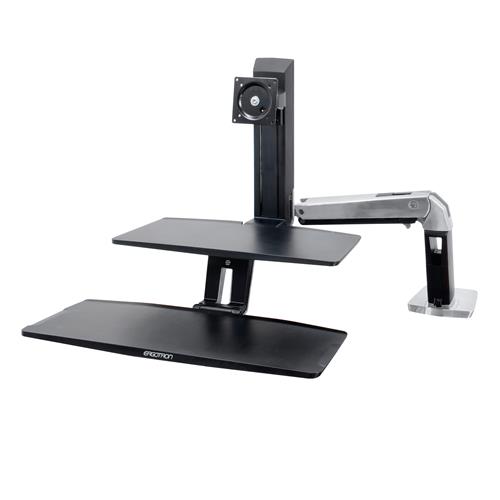
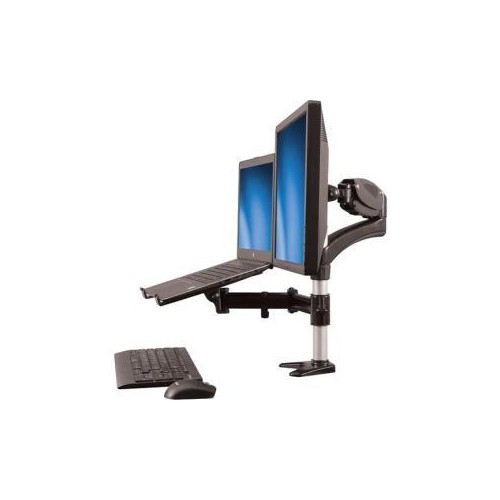
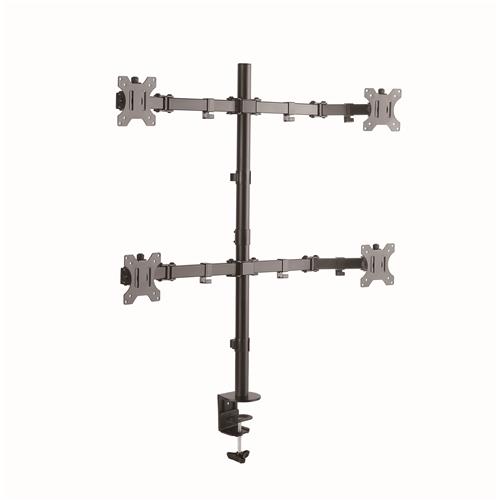
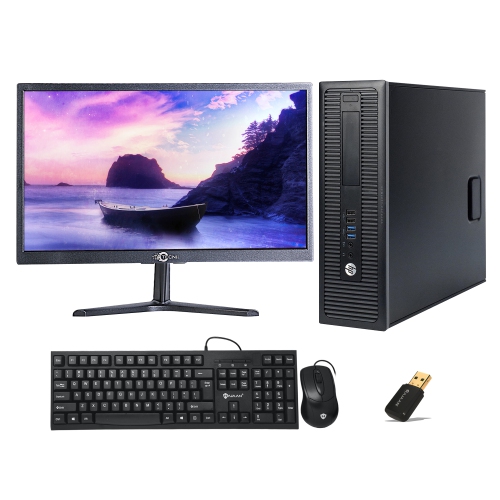
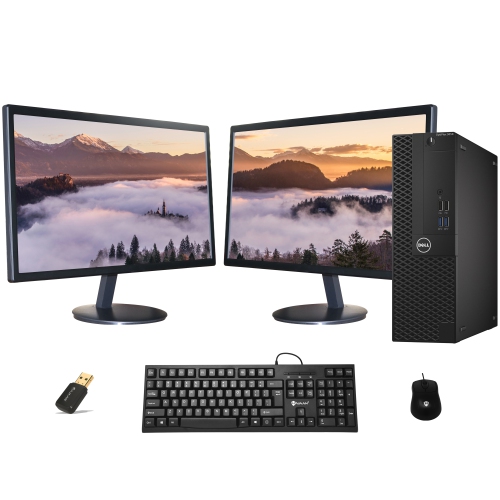

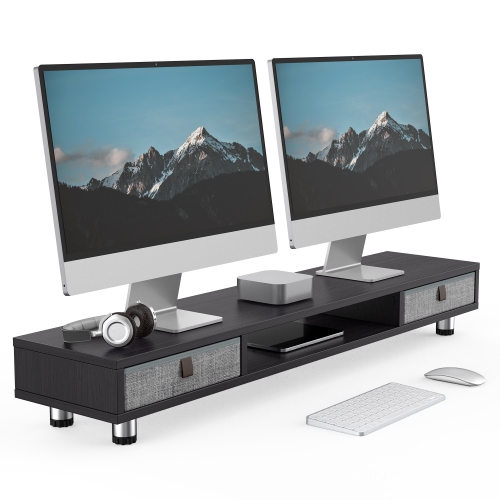
How screen size, connections, and ergonomics shape home work
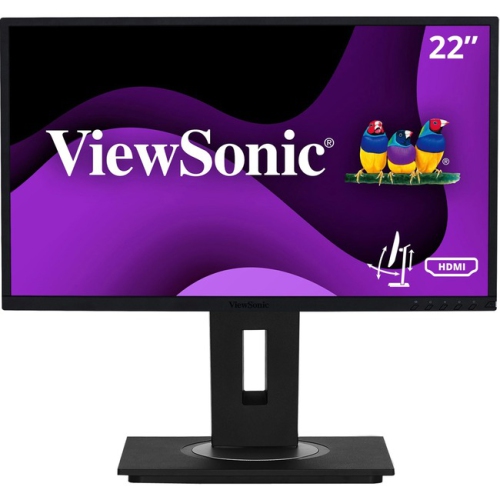
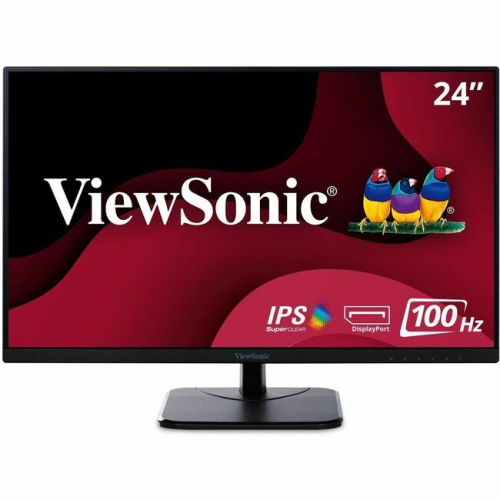
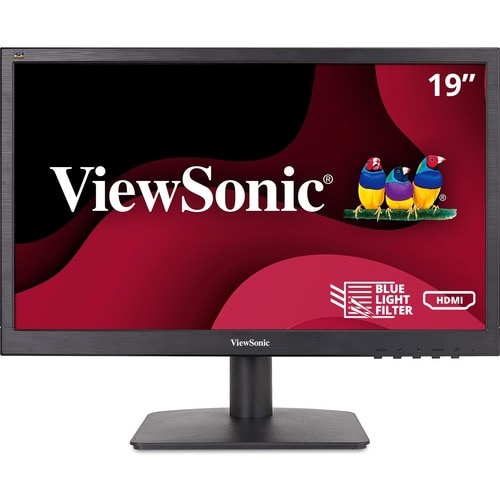
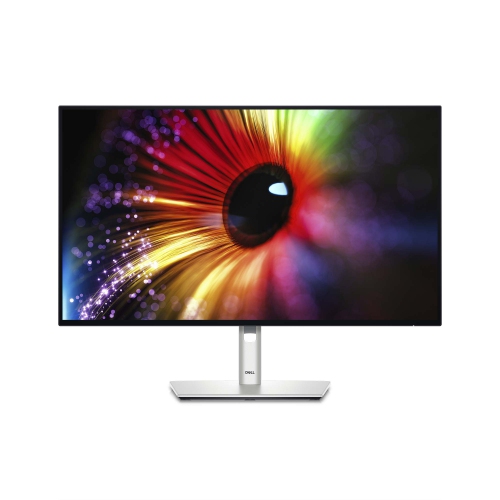
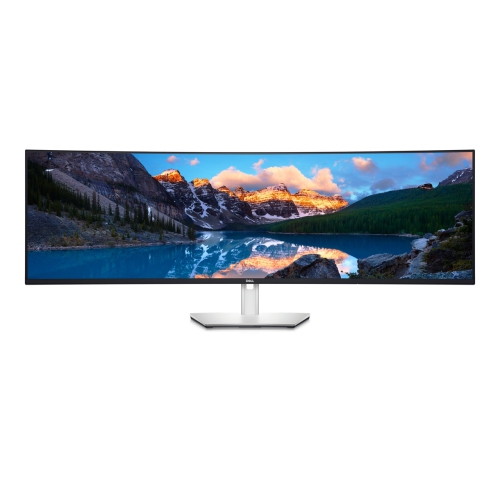
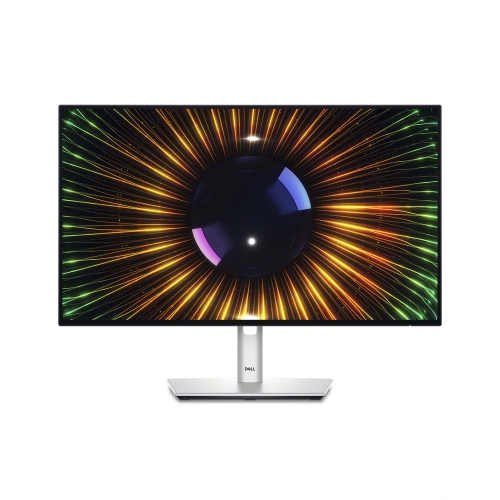
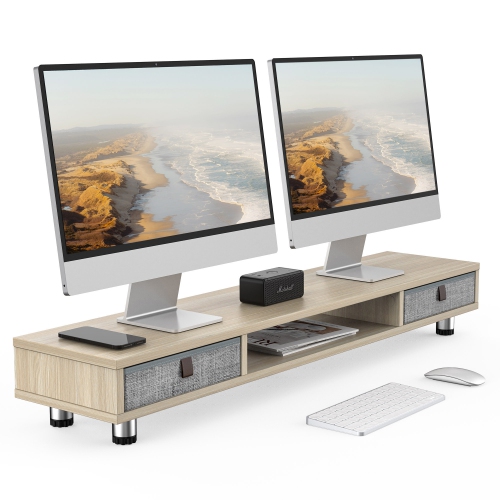
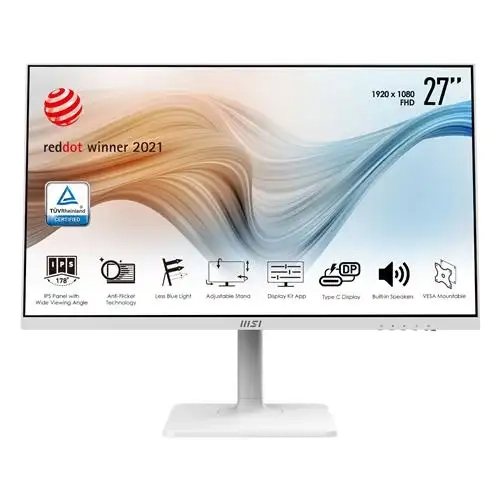
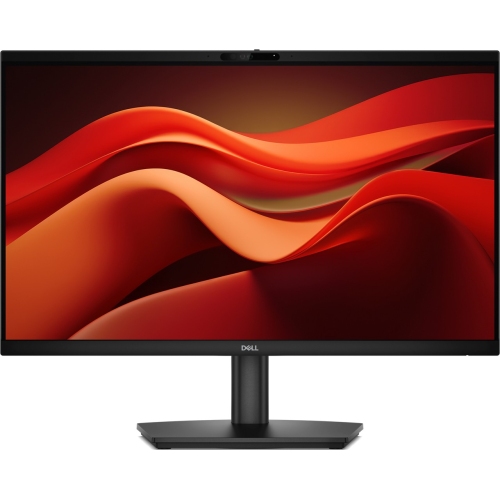
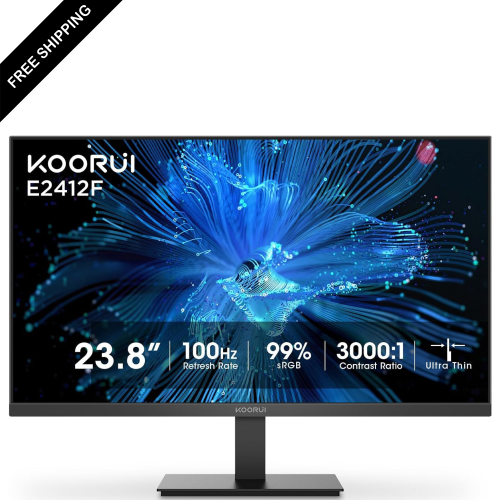
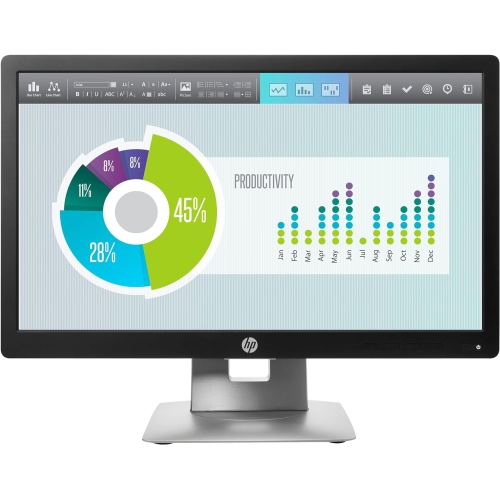
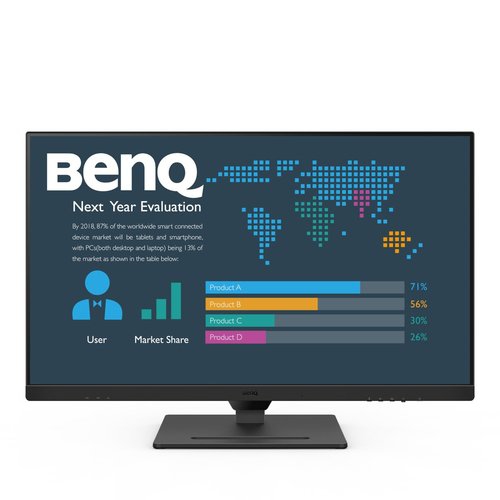
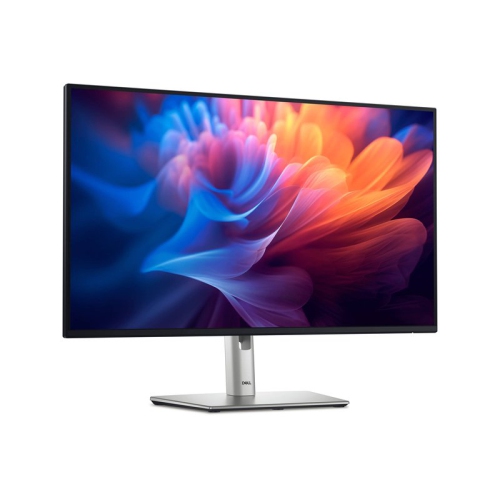
A monitor for working from home can make a familiar laptop setup feel more spacious, comfortable, and purposeful. Instead of stacking windows on a compact display, you can keep a video meeting open beside a document, compare figures in a spreadsheet, or view a presentation while taking notes without constantly switching between tabs. The right screen depends on the way your home office is used. A 24-inch or 27-inch monitor can fit neatly on a smaller desk and still provide plenty of room for email, web-based tools, documents, and video calls, while a 31-inch or larger display may suit people who work with wide spreadsheets, timelines, dashboards, design software, or multiple applications at once. Resolution also has a noticeable effect on everyday comfort. Full HD can be a practical choice for straightforward office tasks and smaller screens, while QHD provides sharper text and more working space on a mid-sized display. A 4K monitor can make fine details, dense spreadsheets, photographs, and creative work look especially crisp on a larger screen. Consider the viewing distance and available desk space along with the resolution; a screen that is too large for a shallow desk may leave you turning your head more than you would like. For many people, a monitor becomes the visual centre of the workday, from the first cup of coffee and morning messages to the final check of a calendar or project file, so a clear, appropriately sized display can have an impact far beyond its appearance.
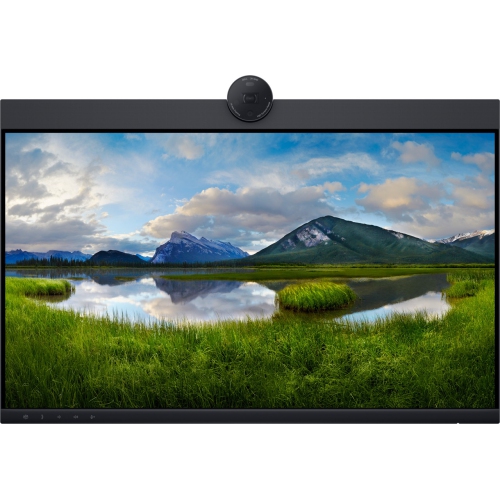
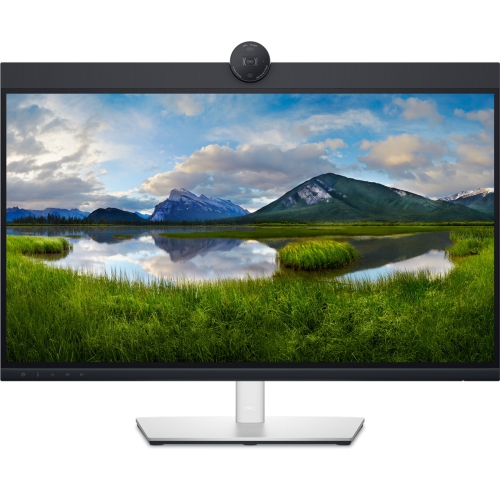
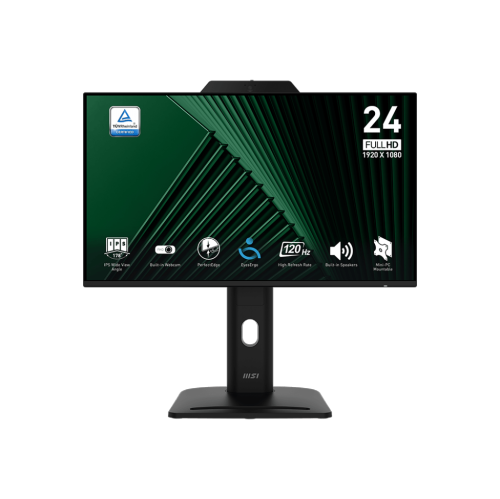
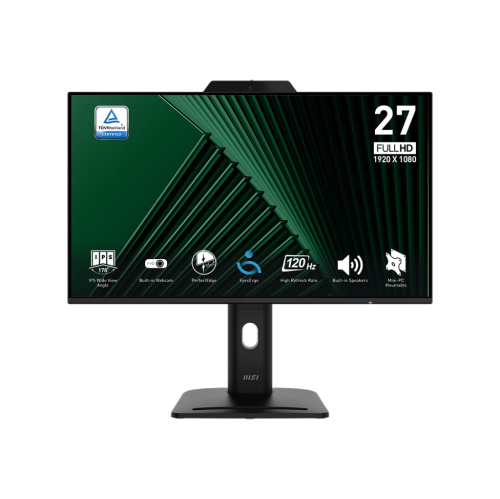
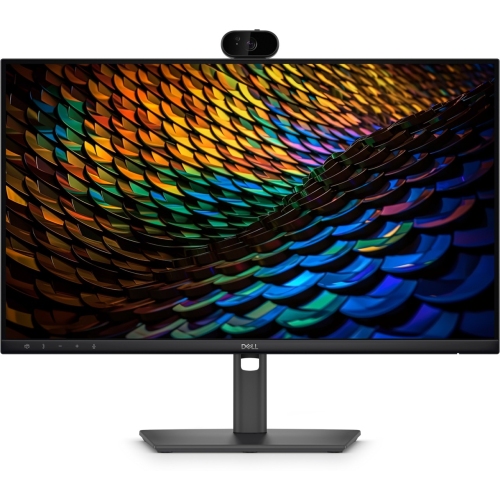
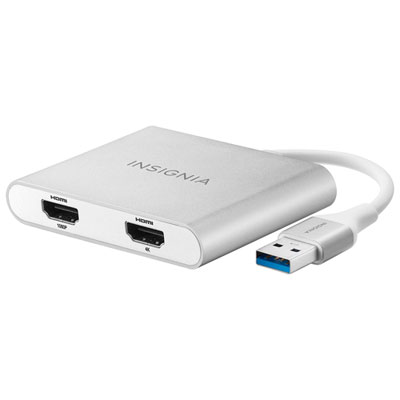
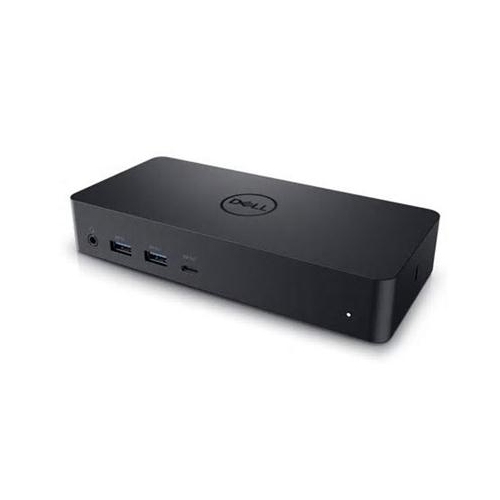
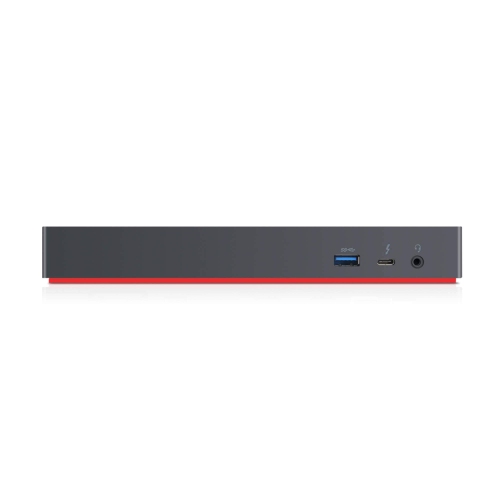
Connectivity is another important consideration, particularly when your home office moves between a laptop, desktop computer, tablet, or work device. HDMI and DisplayPort are common choices for sending video to a monitor, while USB-C can reduce cable clutter when the display supports video, data, and laptop charging through one connection. Some USB-C and Thunderbolt monitors can act as a convenient hub, allowing accessories such as a keyboard, mouse, storage drive, or wired network connection to remain attached to the display rather than the laptop. This can make a daily routine much smoother: connect one cable when you sit down, and disconnect it when you need to carry your computer to another room. Check the connection standards and power-delivery requirements of your laptop before choosing a monitor, since not every USB-C port supports display output or provides enough power for every computer. Built-in speakers, a headphone connection, and an integrated webcam can also help keep a desk uncluttered, although the quality and features vary between displays. A monitor with a built-in hub may be especially useful for hybrid workers who alternate between a dedicated home office and other work locations. If you already use a docking station, confirm which ports it offers and whether you need a second cable for charging. Those details are easy to overlook when a desk is being assembled, but they become very noticeable when cables begin spreading across the surface like loose threads. For more products suited to flexible home and remote setups, browse Monitor For Remote Work Environments.
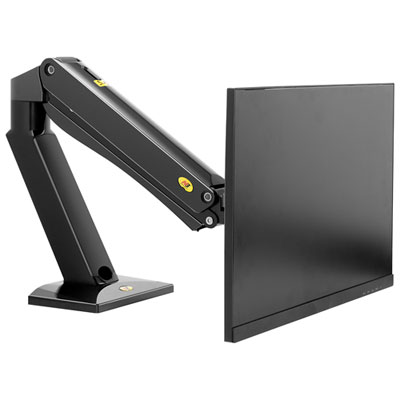
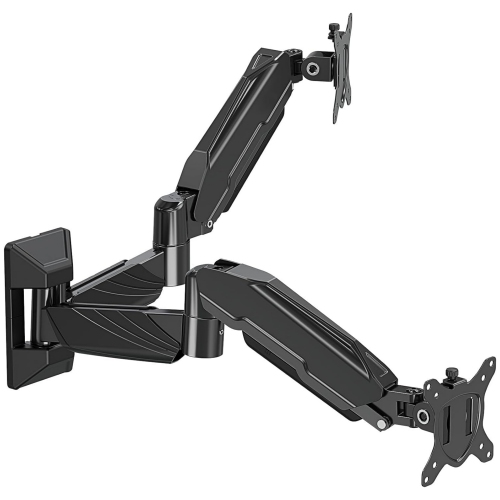
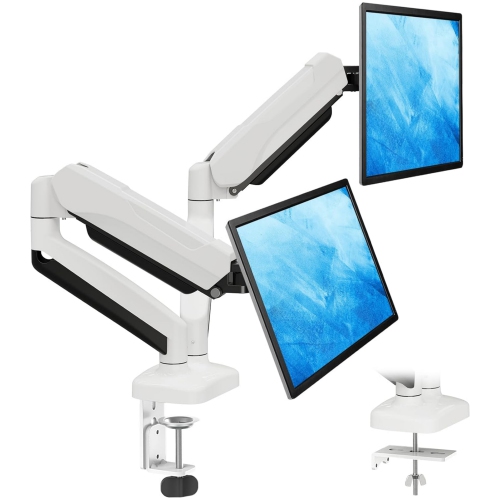
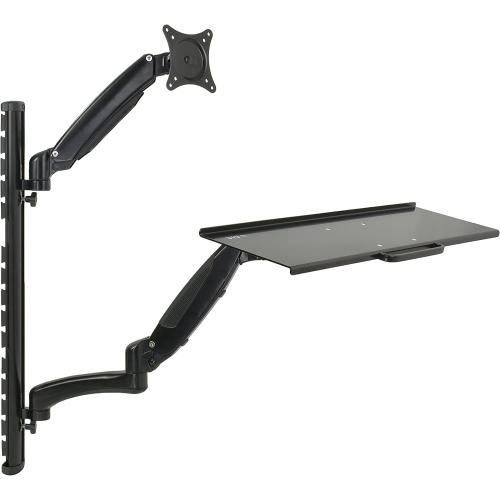
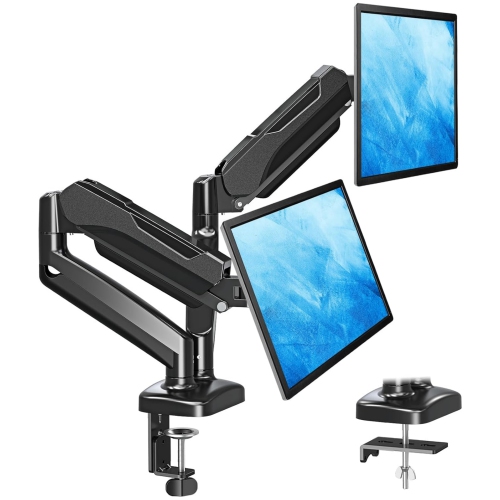
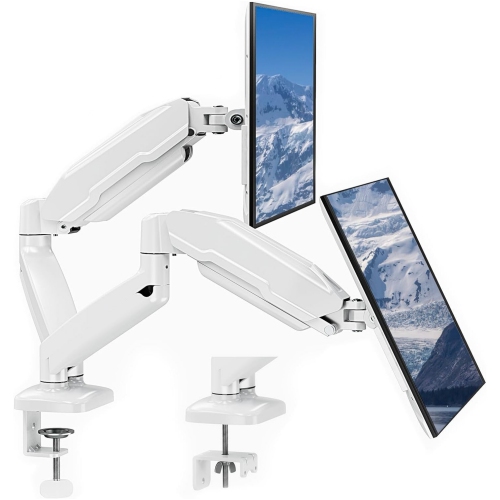
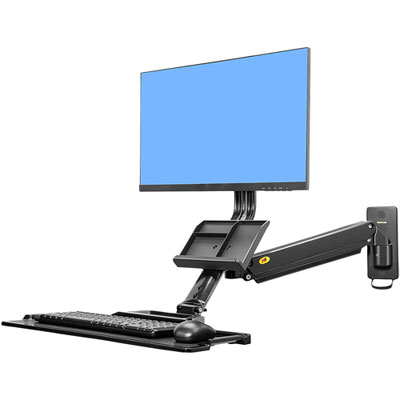
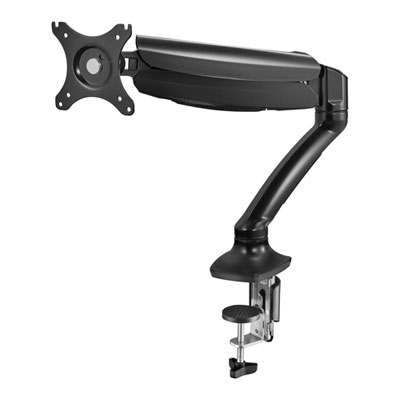
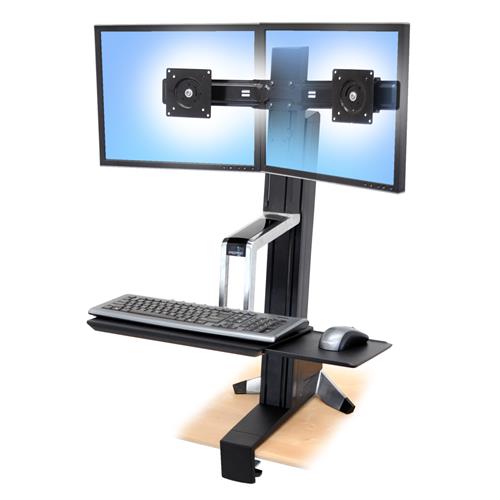
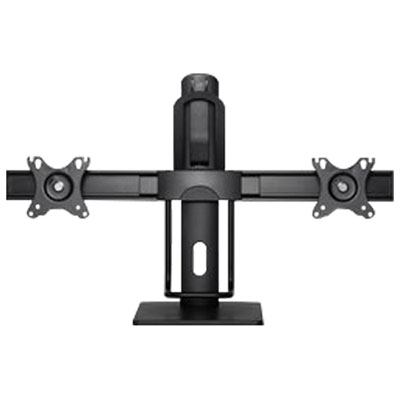
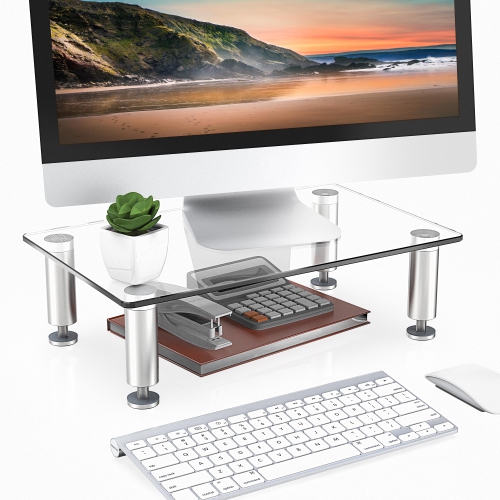
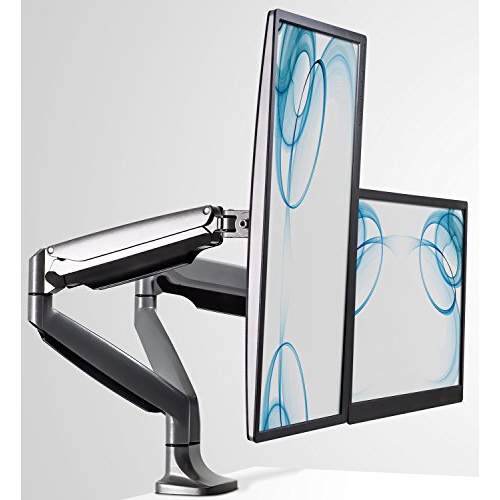
Ergonomics can be just as valuable as screen size or resolution during long stretches at a desk. Look for a stand that allows height adjustment, tilt, swivel, and, where useful, portrait orientation. Raising the screen so the top edge sits around eye level can help you maintain a more natural posture, while tilting it slightly can reduce reflections from a nearby window or lamp. If the included stand has limited movement, VESA compatibility makes it possible to use a monitor arm or wall mount, provided the mounting hardware and desk are suitable. A matte or anti-glare finish may be helpful in a bright room, and flicker-reduction and low-blue-light modes can offer added comfort for people who spend much of the day reading. These features do not replace sensible habits such as adjusting room lighting, taking regular breaks, and positioning the monitor at a comfortable distance, but they can make the workspace feel easier on the eyes. A faster refresh rate is not essential for ordinary office work, though it can make scrolling, moving windows, and cursor motion appear smoother; it may be particularly appealing if the same computer is used for entertainment after work. A monitor can also be a thoughtful gift for a student attending online classes, a family member setting up a home business, or someone moving into a new apartment with a small desk. Before buying, measure the desktop, check the computer’s available ports, consider whether speakers or a webcam are needed, and think about the applications used most often. A well-matched display should support the whole rhythm of working from home, whether that means reviewing contracts in a quiet corner, joining calls from a kitchen table, editing creative projects during the cooler months, or keeping a growing list of tasks visible without crowding the rest of the workspace.
Connectivity is another important consideration, particularly when your home office moves between a laptop, desktop computer, tablet, or work device. HDMI and DisplayPort are common choices for sending video to a monitor, while USB-C can reduce cable clutter when the display supports video, data, and laptop charging through one connection. Some USB-C and Thunderbolt monitors can act as a convenient hub, allowing accessories such as a keyboard, mouse, storage drive, or wired network connection to remain attached to the display rather than the laptop. This can make a daily routine much smoother: connect one cable when you sit down, and disconnect it when you need to carry your computer to another room. Check the connection standards and power-delivery requirements of your laptop before choosing a monitor, since not every USB-C port supports display output or provides enough power for every computer. Built-in speakers, a headphone connection, and an integrated webcam can also help keep a desk uncluttered, although the quality and features vary between displays. A monitor with a built-in hub may be especially useful for hybrid workers who alternate between a dedicated home office and other work locations. If you already use a docking station, confirm which ports it offers and whether you need a second cable for charging. Those details are easy to overlook when a desk is being assembled, but they become very noticeable when cables begin spreading across the surface like loose threads. For more products suited to flexible home and remote setups, browse Monitor For Remote Work Environments.
Ergonomics can be just as valuable as screen size or resolution during long stretches at a desk. Look for a stand that allows height adjustment, tilt, swivel, and, where useful, portrait orientation. Raising the screen so the top edge sits around eye level can help you maintain a more natural posture, while tilting it slightly can reduce reflections from a nearby window or lamp. If the included stand has limited movement, VESA compatibility makes it possible to use a monitor arm or wall mount, provided the mounting hardware and desk are suitable. A matte or anti-glare finish may be helpful in a bright room, and flicker-reduction and low-blue-light modes can offer added comfort for people who spend much of the day reading. These features do not replace sensible habits such as adjusting room lighting, taking regular breaks, and positioning the monitor at a comfortable distance, but they can make the workspace feel easier on the eyes. A faster refresh rate is not essential for ordinary office work, though it can make scrolling, moving windows, and cursor motion appear smoother; it may be particularly appealing if the same computer is used for entertainment after work. A monitor can also be a thoughtful gift for a student attending online classes, a family member setting up a home business, or someone moving into a new apartment with a small desk. Before buying, measure the desktop, check the computer’s available ports, consider whether speakers or a webcam are needed, and think about the applications used most often. A well-matched display should support the whole rhythm of working from home, whether that means reviewing contracts in a quiet corner, joining calls from a kitchen table, editing creative projects during the cooler months, or keeping a growing list of tasks visible without crowding the rest of the workspace.
Top selling and popular products
-
 Your price for this item is $34.95
 -
 Your price for this item is $129.99
 -
 Your price for this item is $69.99
 -
 Your price for this item is $69.99
 -
 Your price for this item is $99.99
 -
 Your price for this item is $124
 -
 Your price for this item is $256.68
 -
 Your price for this item is $300
Discover more categories related to Monitors for Working From Home


Top Collections:
Pokemon Centers, Kindle Devices, Best Budget Office Chairs, Apple iPhones 16, Best Laptops for Writers, iPhone 15 Apple, Canon G7X Cameras, Refurbished Apple Laptops, Alarm Clock, Motorola Razr Phones
Some products may be subject to Environmental Handling Fees
(EHF) depending on your province.
Learn more about EHFs.