Monitor For Home Office Productivity
Upgrade your workspace with the right monitor for home office productivity. Whether you’re setting up a dedicated office or optimizing a multifunctional space, choosing the ideal display can make everyday tasks more comfortable and efficient. Explore a wide range of monitors designed to help you stay organized, focused, and ready to tackle any project from the comfort of your home. Find the perfect monitor for home office productivity to support your workflow and enhance your daily routine.

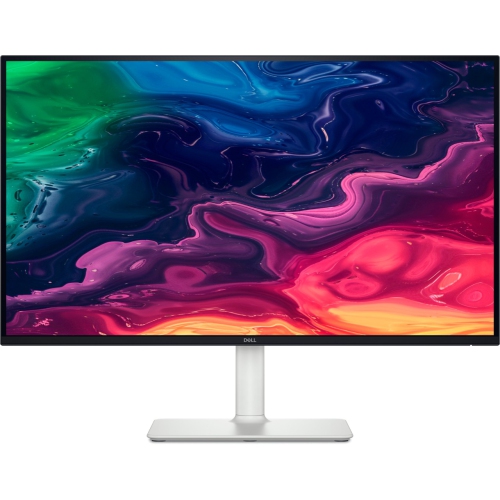
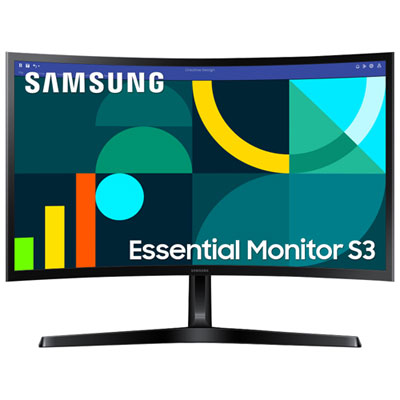
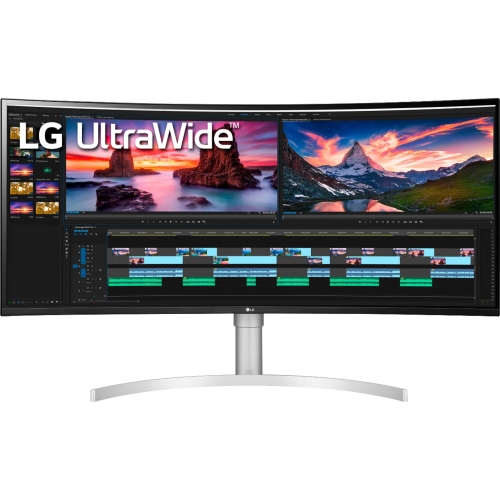

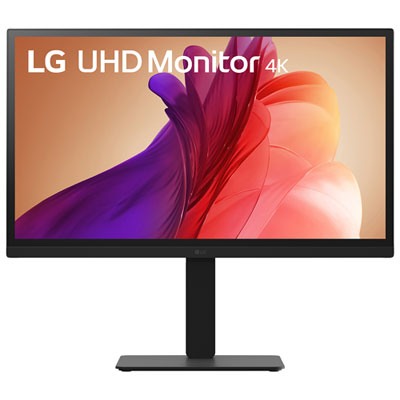
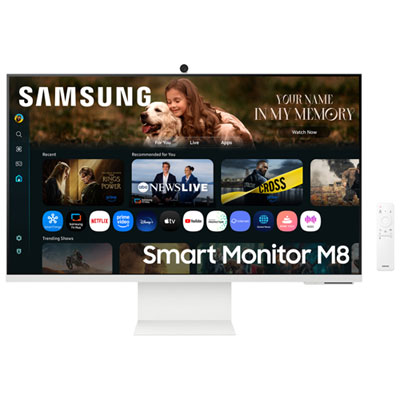
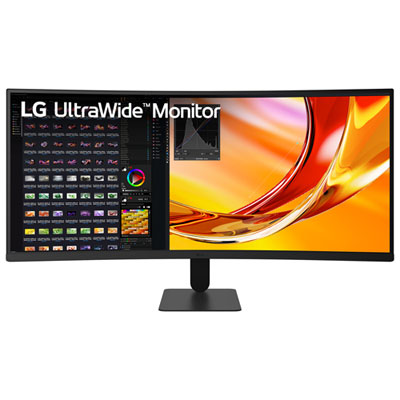
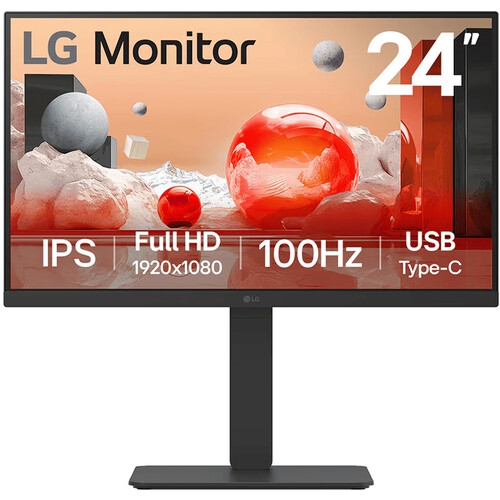
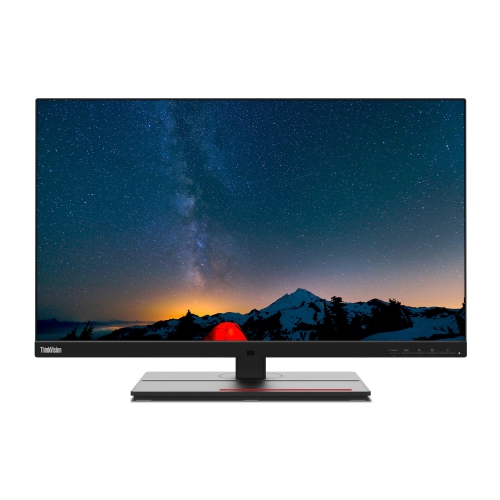
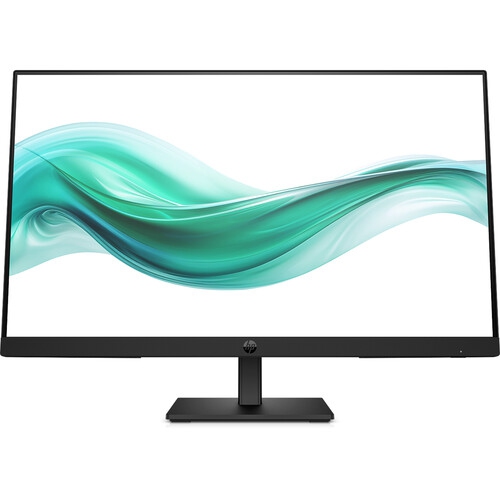
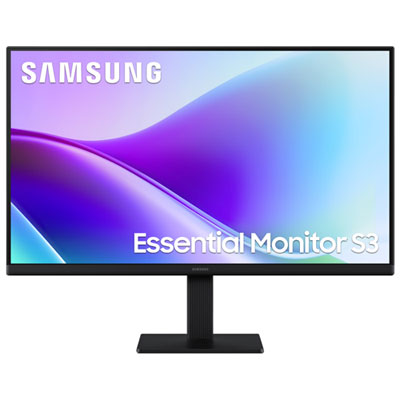
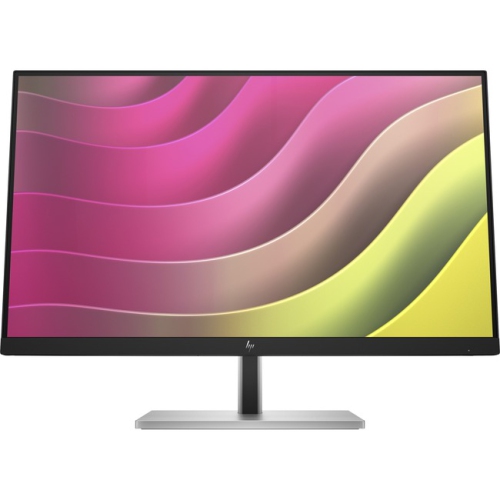
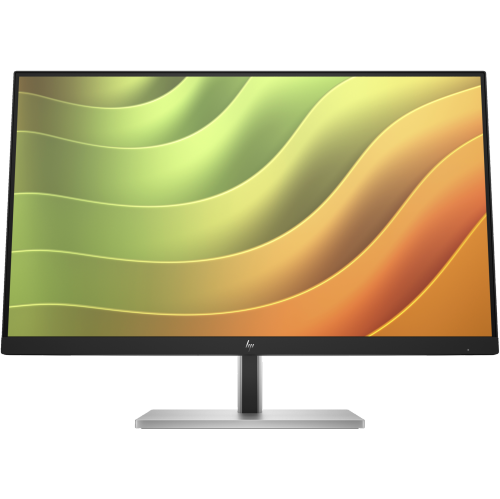
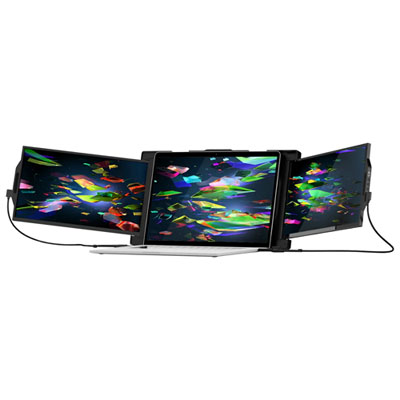
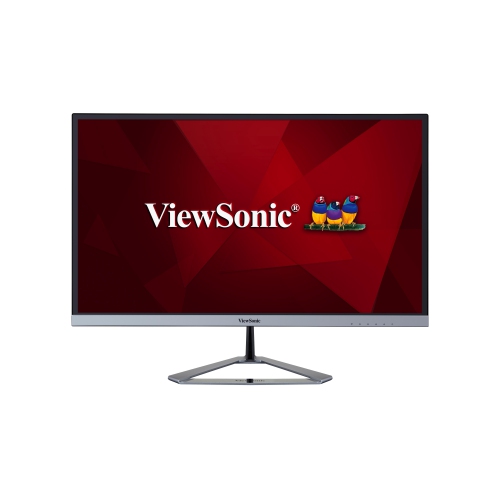

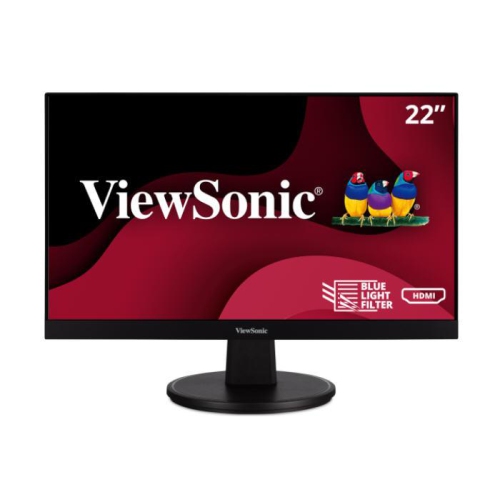
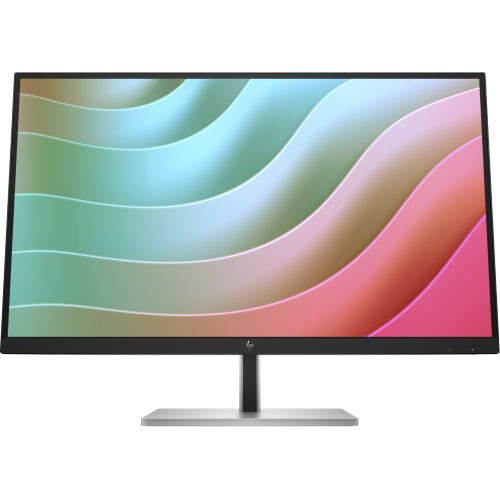
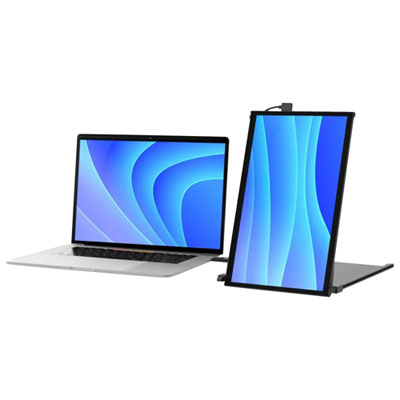
Comfort and screen space for focused home office work
A monitor for home office productivity can be a thoughtful gift for students heading into a new school year, professionals upgrading their home setup, or anyone embarking on a remote work journey. It’s a practical choice for parents who need to balance their own work with helping kids on virtual learning platforms, or for creative individuals who benefit from extra screen space for design, editing, or research. Even casual users who enjoy streaming, browsing, or connecting with friends online will notice the difference a quality monitor brings to everyday activities. When shopping for a new monitor, consider screen size, resolution, refresh rate, and ergonomic adjustments to match your specific needs and space constraints. Those with limited room may prefer a compact model with a slim profile, while others might prioritize built-in speakers, USB-C connectivity, or integrated webcam features for seamless video conferencing. As you explore your options, you’ll find that monitors tailored for productivity can help you stay organized and comfortable, no matter how your workday evolves from mid-summer into the cooler months. For a curated selection designed to meet the demands of remote work, visit the Monitors for Working From Home page and discover the right fit for your home office setup.
FAQ
What features should I look for in a monitor for home office productivity?
When choosing a monitor for home office productivity, consider features like high resolution (such as Full HD or 4K), adjustable stands for ergonomic comfort, multiple connectivity options (HDMI, DisplayPort, USB-C), and built-in blue light filters to reduce eye strain during long work sessions.
How does screen refresh rate impact productivity on a home office monitor?
While higher refresh rates are often associated with gaming, a monitor with at least a 60Hz refresh rate can provide smoother scrolling and reduce motion blur when working with documents or spreadsheets, enhancing overall productivity.
Are curved monitors beneficial for home office use?
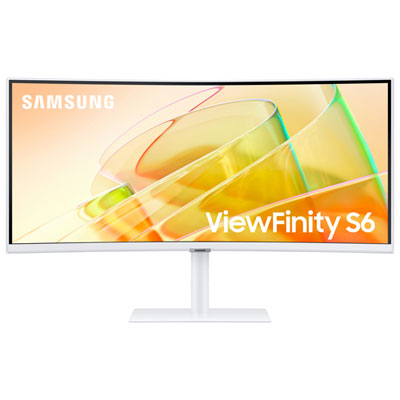
Curved monitors can offer a more immersive viewing experience and help reduce distortion at the edges of the screen. This can be especially helpful when multitasking with multiple windows or working with large spreadsheets.
What is the advantage of having multiple input ports on a home office monitor?
Multiple input ports allow you to connect various devices, such as laptops, desktops, and docking stations, without constantly switching cables. This flexibility can streamline your workflow and make it easier to switch between tasks.
Can I use a monitor with built-in speakers for video calls and meetings?
Yes, many monitors come with integrated speakers that are suitable for video calls and virtual meetings. However, for higher audio quality or privacy, you may still prefer using dedicated headphones or external speakers.
Top selling and popular products
-
 Your price for this item is $2237.68
-
 Your price for this item is $320.68
-
 Your price for this item is $469
-
 Your price for this item is $149.99
-
 Your price for this item is $265.99
-
 Your price for this item is $229.99
-
 Your price for this item is $1138.68
-
 Your price for this item is $355.68