Monitor Triple
Monitor Triple setups are designed to elevate your workspace, gaming station, or creative studio by providing an expansive viewing area. Whether you're looking to boost productivity, enhance your entertainment experience, or streamline multitasking, a Monitor Triple configuration offers the versatility and visual impact you need. Explore a wide selection of options to find the ideal solution for your home or office setup.
Sort
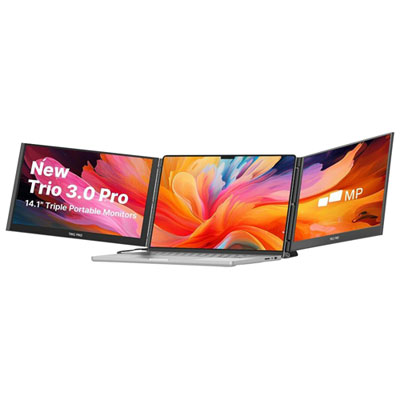
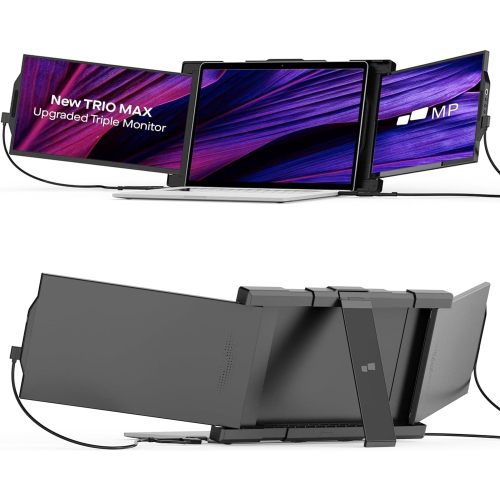
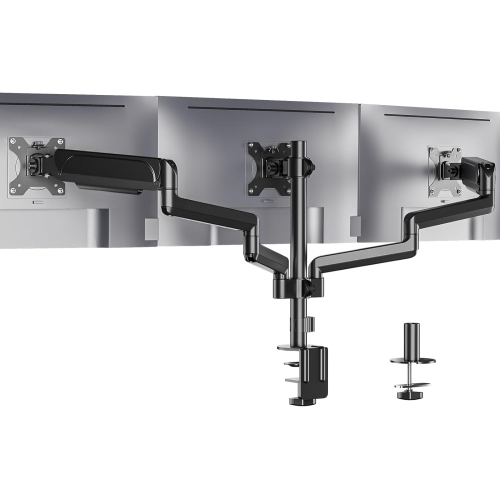
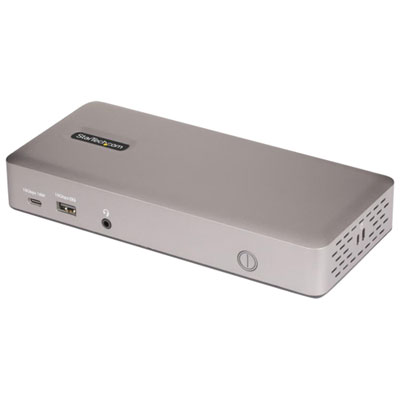
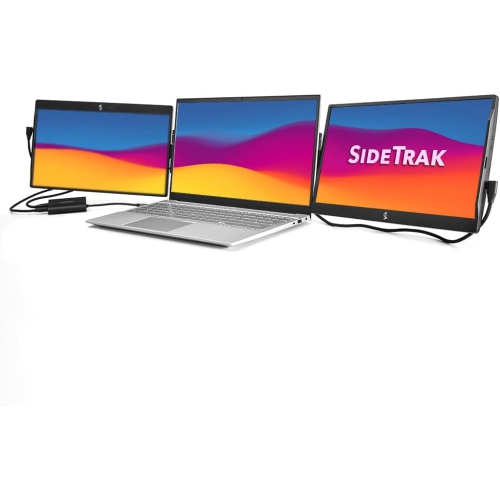
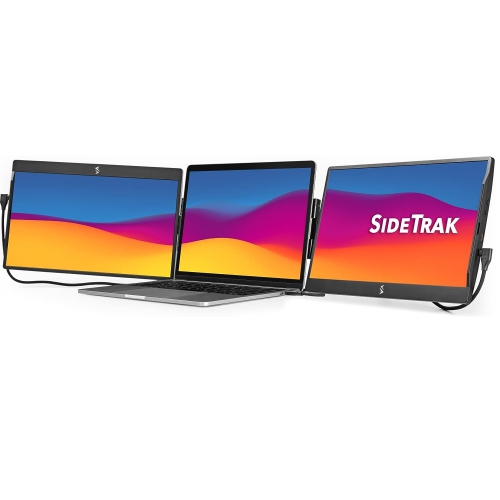
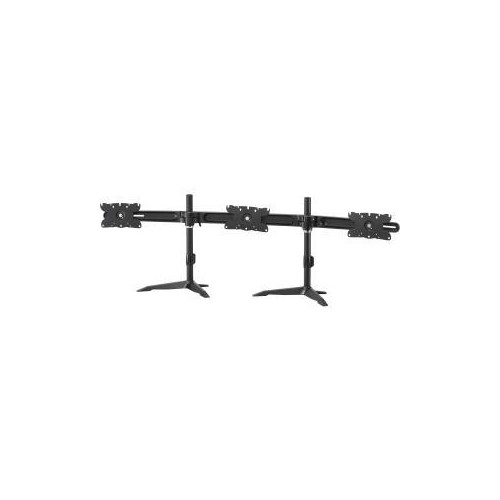
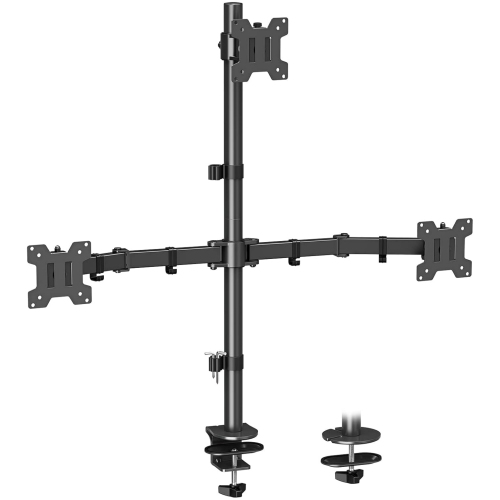
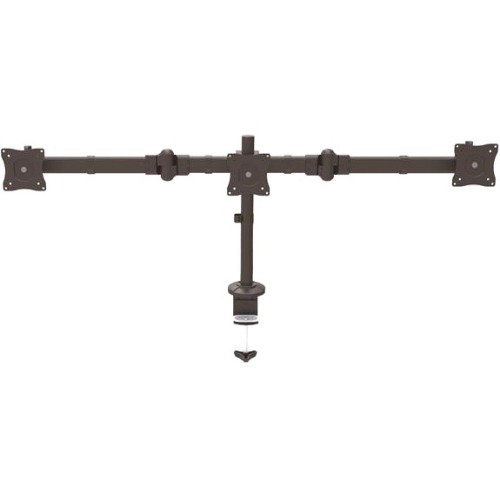
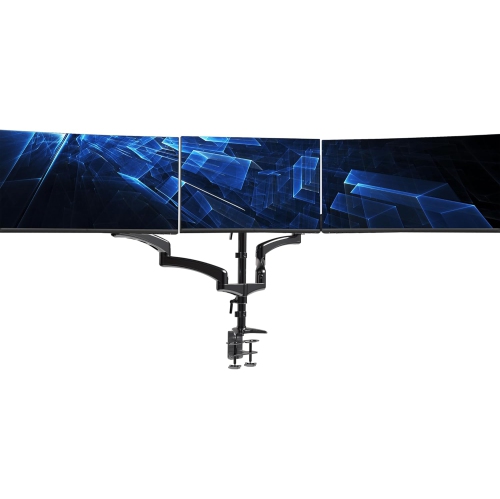
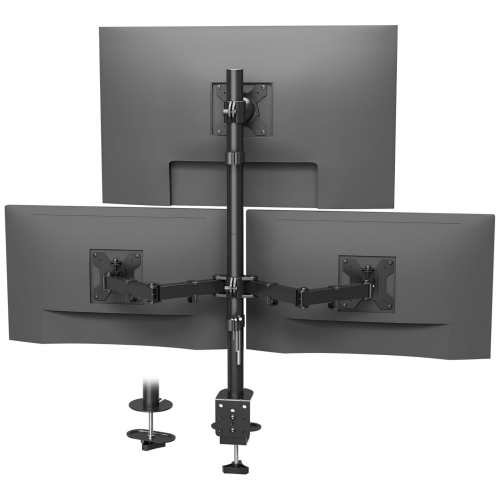
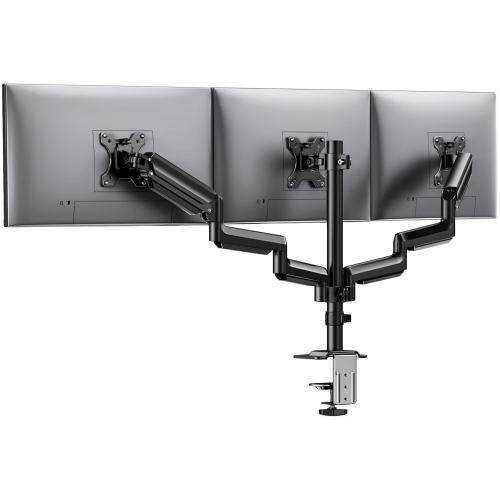
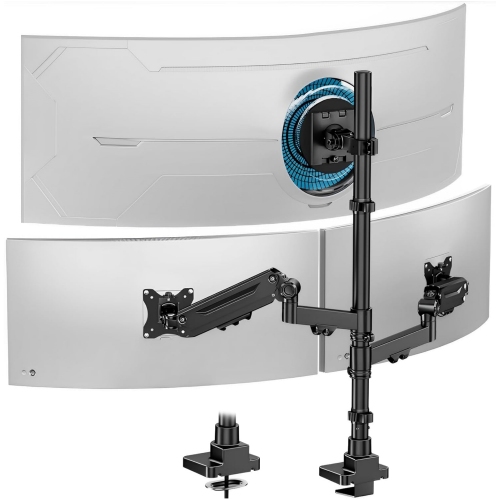
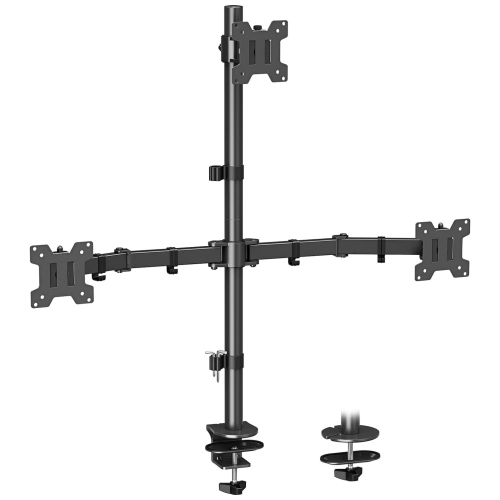
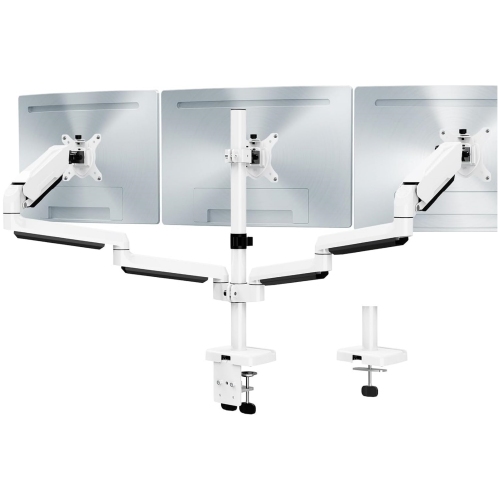
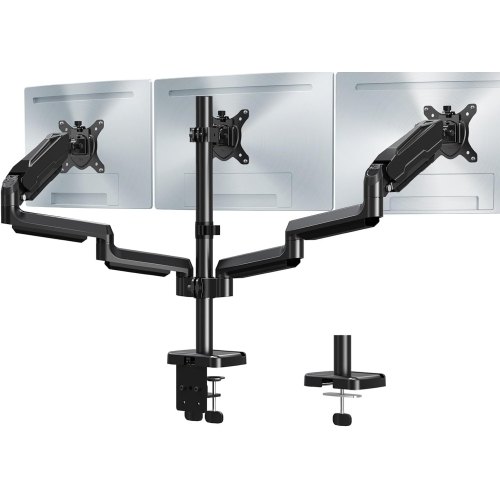
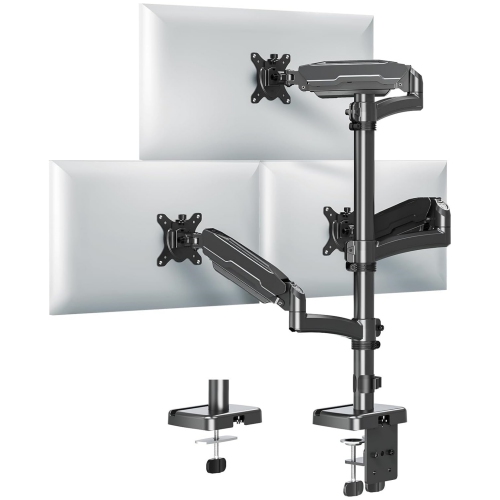
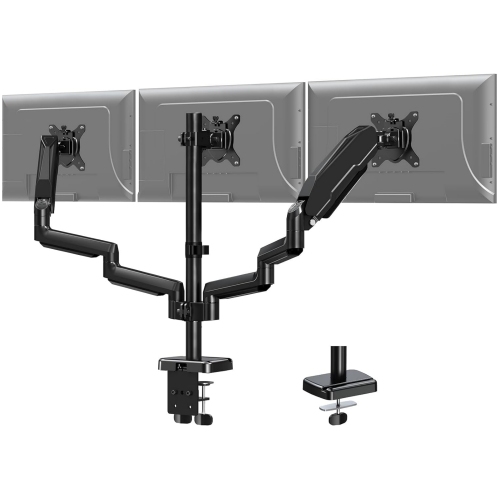
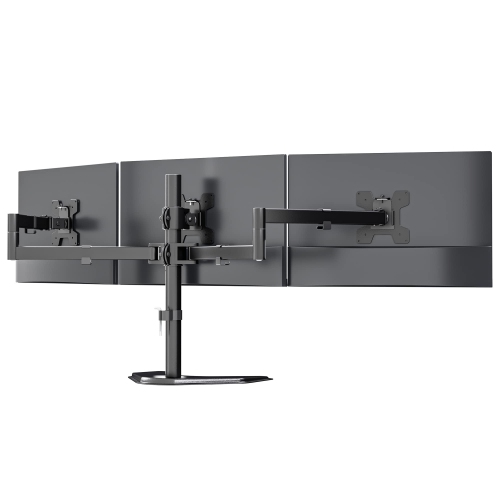
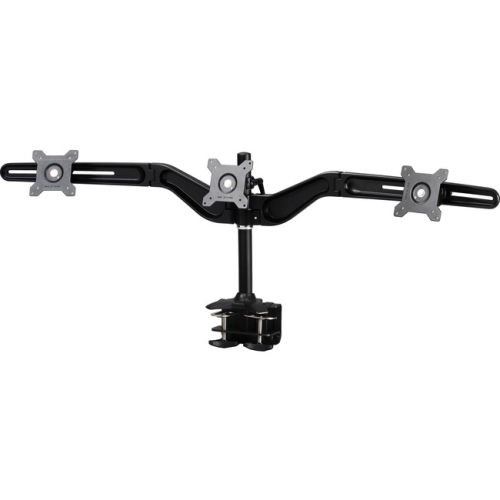
A panoramic workspace that keeps everything within reach
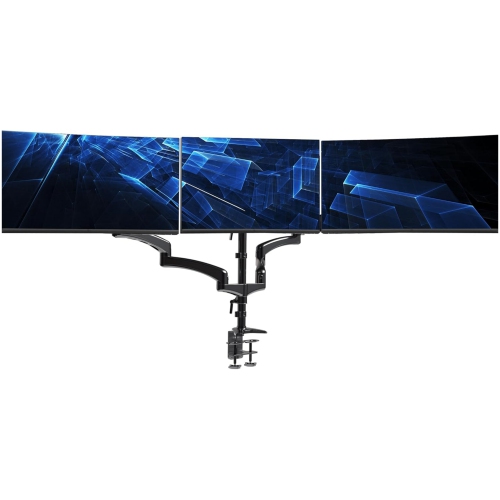
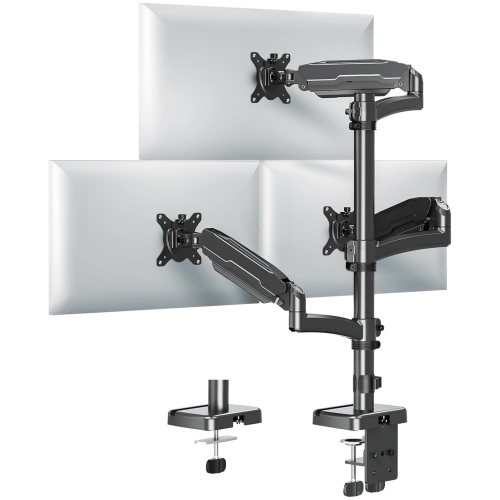
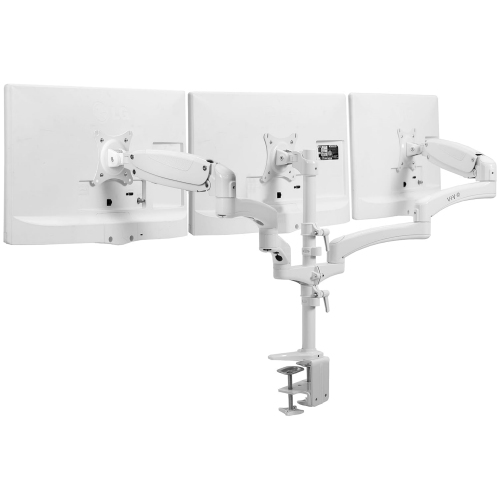
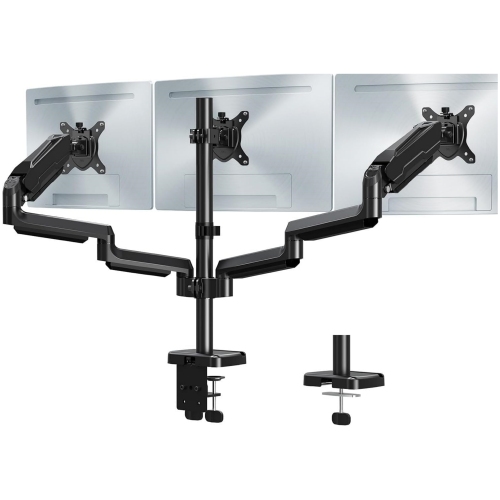
A triple monitor setup transforms the way you engage with your digital world, opening up a panoramic workspace that’s both immersive and practical. Whether you’re a professional seeking the ultimate multitasking station, a gamer striving for an edge, or someone who simply loves a seamless workflow, a triple monitor configuration can make a profound difference. Picture settling in on a brisk January morning, coffee in hand, as you power up your workstation to see three vivid screens spanning across your desk. The extra screen real estate allows you to keep reference materials open while working on a project, monitor data feeds, or participate in virtual meetings—without constantly switching between tabs. For creatives, designers, and video editors, the ability to spread timelines, toolbars, and preview windows across multiple displays streamlines the creative process. Meanwhile, gamers can experience an enveloping field of view, pulling them deeper into their favourite titles with an almost cinematic effect. For those working from home or managing complex tasks, a triple monitor setup can help keep everything organized and accessible, reducing eye strain and boosting productivity.
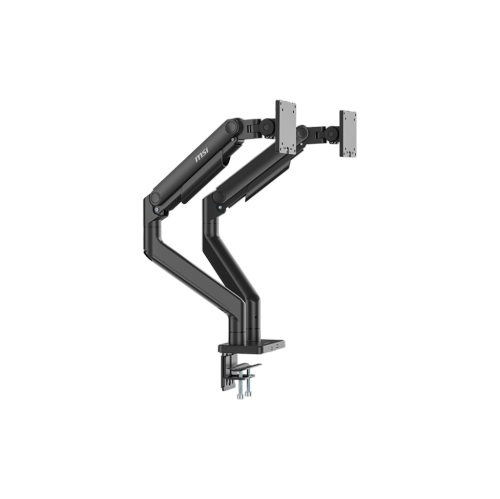
When considering a triple monitor setup, there are several factors to keep in mind to ensure you get the most out of your investment. Desk space is a primary consideration; triple monitors require a sturdy surface with enough depth and width to accommodate the screens and stands or a reliable mounting solution. Cable management becomes more important, especially if you’re aiming for a clean, clutter-free look. Adjustable monitor arms can help position each screen at the ideal height and angle, making long hours at your desk more comfortable. Connection options are another key detail—ensure your computer or docking station supports multiple displays, and check for compatibility with your graphics card. Refresh rates, resolution, and panel type can all influence your experience, particularly for those who value crisp visuals and smooth motion, such as gamers and graphic designers. For many, a triple monitor setup is a thoughtful gift—perfect for students diving into research projects, professionals upgrading their home office, or anyone passionate about gaming or content creation. The start of the year is an excellent time to refresh your workspace, and a triple monitor arrangement can set the tone for a productive and enjoyable season.
If you’re exploring different ways to enhance your setup, it’s worth considering alternatives like dual screen configurations, which can offer many of the same benefits in a more compact form. For those with limited space or different workflow needs, you can learn more by visiting the Monitor Dual Screen page. No matter which route you take, investing in a multi-monitor setup can redefine how you approach work, study, and play, making everyday tasks smoother and more engaging. The versatility of triple monitors extends beyond the office—streaming, editing, coding, and even day-to-day browsing become more intuitive and enjoyable. With the right planning and accessories, your workspace can become a hub of efficiency and inspiration, ready to support your goals through the winter months and beyond.
When considering a triple monitor setup, there are several factors to keep in mind to ensure you get the most out of your investment. Desk space is a primary consideration; triple monitors require a sturdy surface with enough depth and width to accommodate the screens and stands or a reliable mounting solution. Cable management becomes more important, especially if you’re aiming for a clean, clutter-free look. Adjustable monitor arms can help position each screen at the ideal height and angle, making long hours at your desk more comfortable. Connection options are another key detail—ensure your computer or docking station supports multiple displays, and check for compatibility with your graphics card. Refresh rates, resolution, and panel type can all influence your experience, particularly for those who value crisp visuals and smooth motion, such as gamers and graphic designers. For many, a triple monitor setup is a thoughtful gift—perfect for students diving into research projects, professionals upgrading their home office, or anyone passionate about gaming or content creation. The start of the year is an excellent time to refresh your workspace, and a triple monitor arrangement can set the tone for a productive and enjoyable season.
If you’re exploring different ways to enhance your setup, it’s worth considering alternatives like dual screen configurations, which can offer many of the same benefits in a more compact form. For those with limited space or different workflow needs, you can learn more by visiting the Monitor Dual Screen page. No matter which route you take, investing in a multi-monitor setup can redefine how you approach work, study, and play, making everyday tasks smoother and more engaging. The versatility of triple monitors extends beyond the office—streaming, editing, coding, and even day-to-day browsing become more intuitive and enjoyable. With the right planning and accessories, your workspace can become a hub of efficiency and inspiration, ready to support your goals through the winter months and beyond.
Top selling and popular products
-
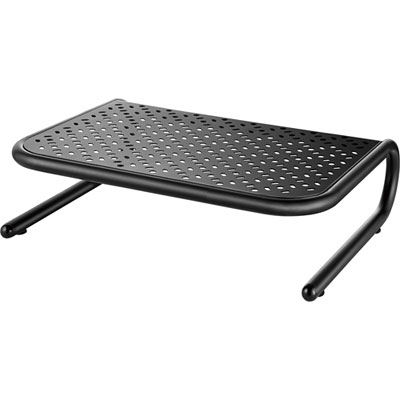 Your price for this item is $34.95
 -
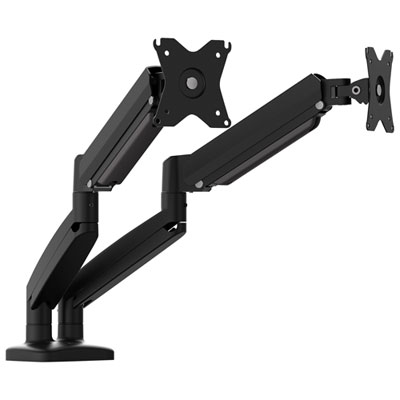 Your price for this item is $149.99
 -
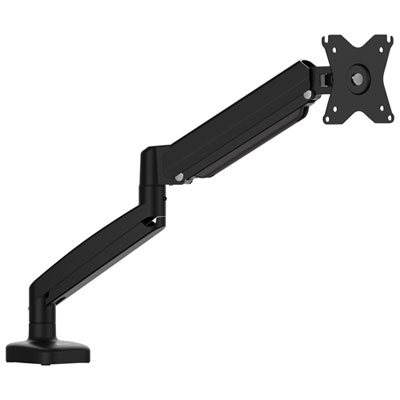 Your price for this item is $79.99
 -
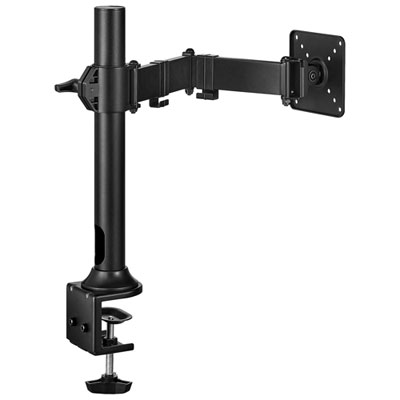 Your price for this item is $69.99
 -
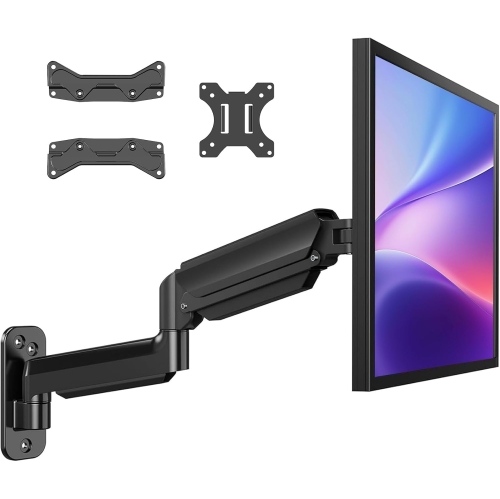 Your price for this item is $144.49
 -
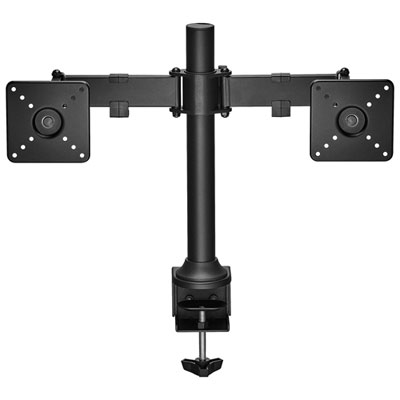 Your price for this item is $69.99
 -
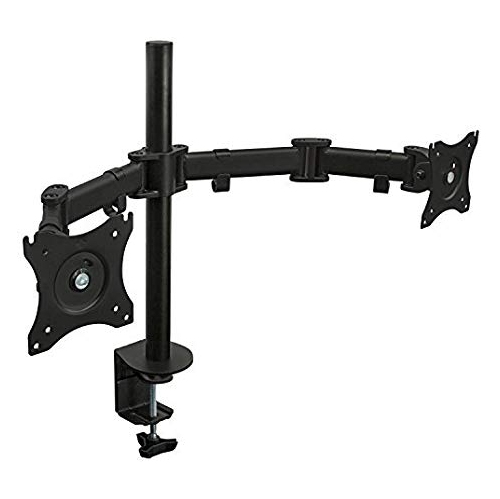 Your price for this item is $123.5
 -
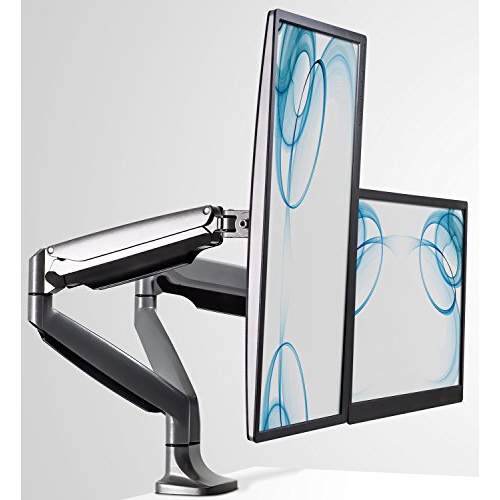 Your price for this item is $254.68
Discover more categories related to Monitor Triple
Top Collections:
Pokemon Centers, Kindle Devices, Best Budget Office Chairs, Canon G7X Cameras, Apple iPhones 16, Samsung Galaxy Phones, Refurbished Apple Laptops, Laptops for Students, iPhone 15 Apple, Budget Smartphones
Some products may be subject to Environmental Handling Fees
(EHF) depending on your province.
Learn more about EHFs.