Monitor Dual Screens
Monitor Dual Screen setups are the perfect solution for boosting productivity and creating a seamless workspace at home or in the office. Whether you're managing multiple tasks, editing content, or enjoying immersive entertainment, a Monitor Dual Screen arrangement offers enhanced versatility and convenience. Explore a wide range of options designed to help you multitask efficiently and make the most of your digital experience. Find the ideal Monitor Dual Screen setup to match your needs and elevate your workflow.
Sort



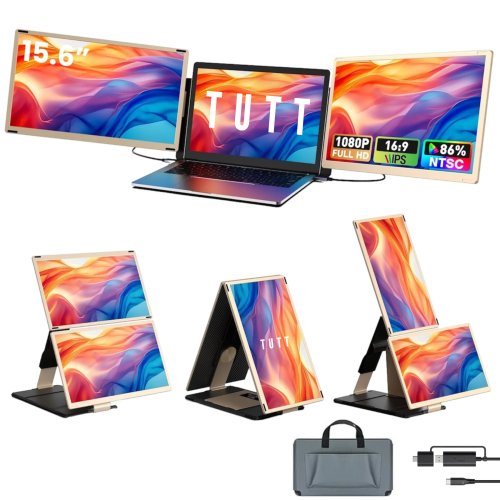
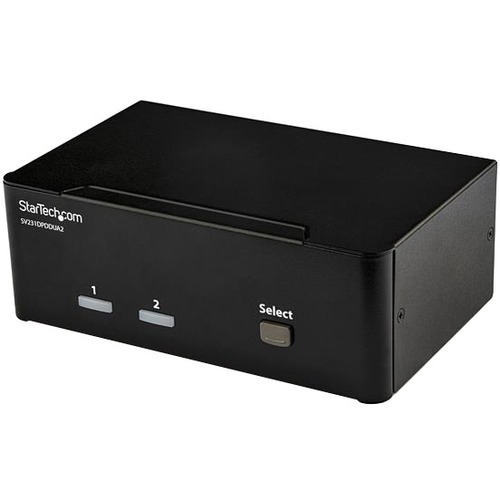
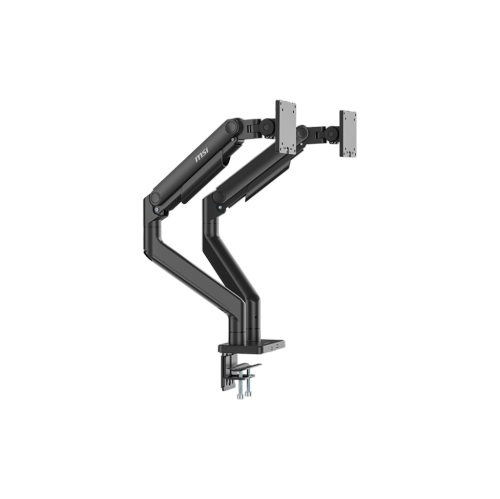
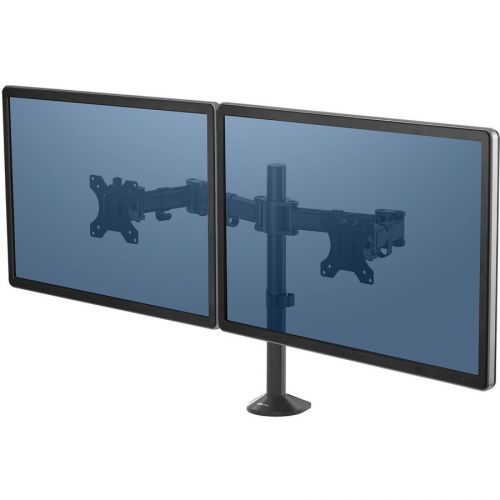

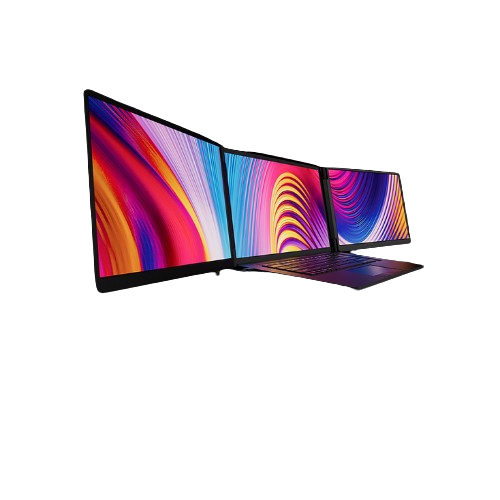
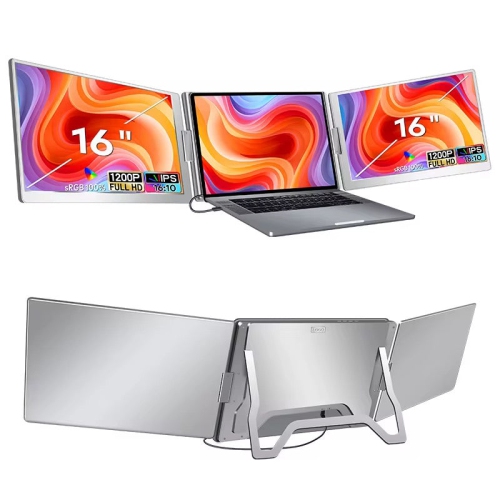
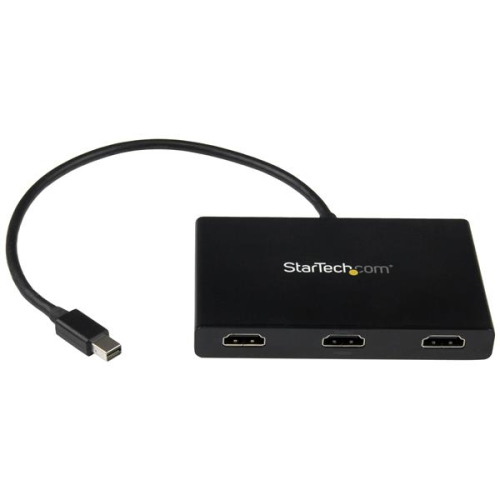
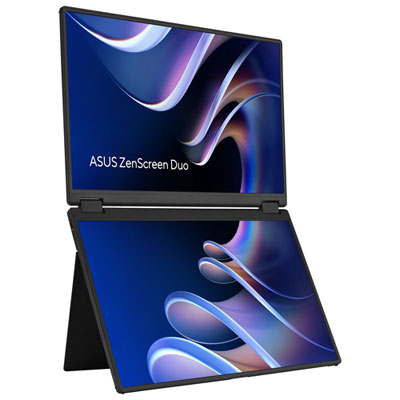
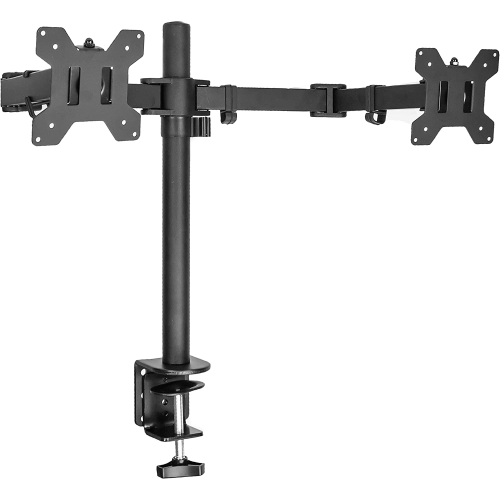
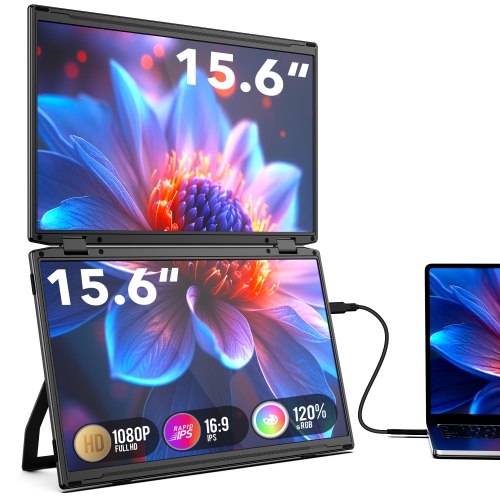

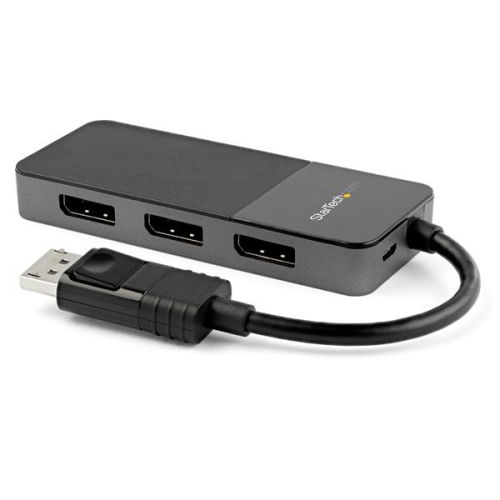
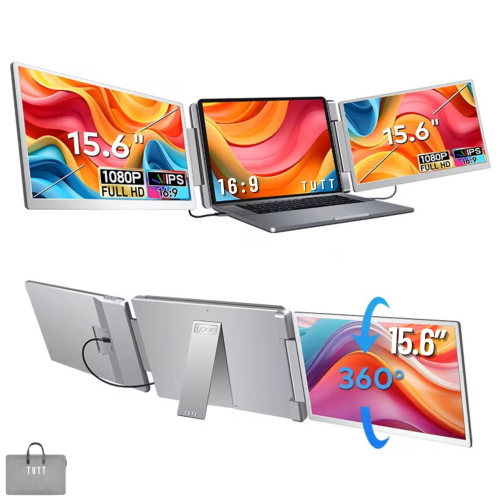
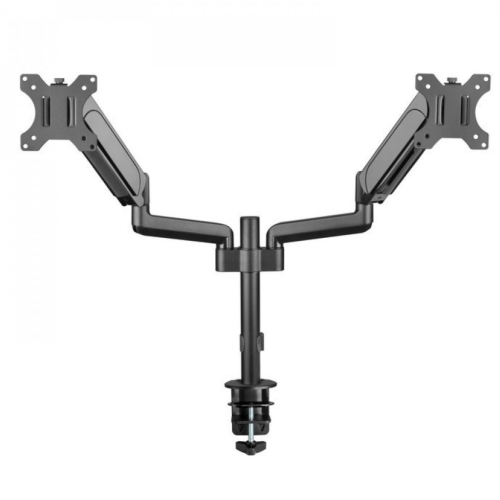

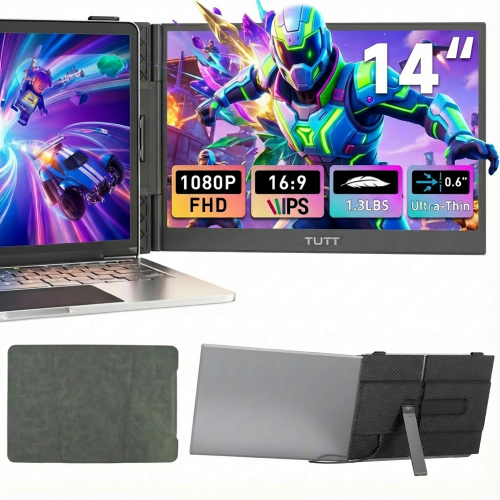
Twice the screen space for smoother everyday multitasking
A dual monitor setup transforms the way you work, create, and play by giving you twice the screen space, allowing for seamless multitasking and a more organized digital environment. Whether you’re a professional working from home, a student managing assignments, or a creative enthusiast editing photos and videos, the benefits of a dual screen monitor arrangement are immediately apparent. With two monitors side by side, you can keep reference materials open on one display while working on the other, compare documents with ease, or extend your workspace for more immersive gaming and streaming experiences. As the weather warms and routines shift—perhaps with new projects at work, summer study sessions, or even a home office refresh—now is an ideal time to consider the advantages of best buy dual monitors. Many users find that a dual monitor setup makes collaboration simpler, enabling video calls and shared documents to remain visible while continuing other tasks without interruption.
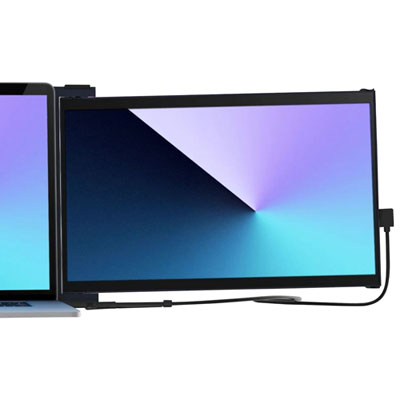
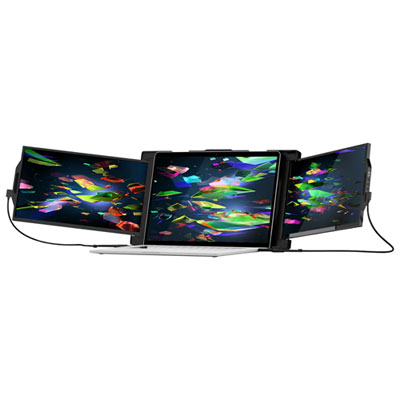
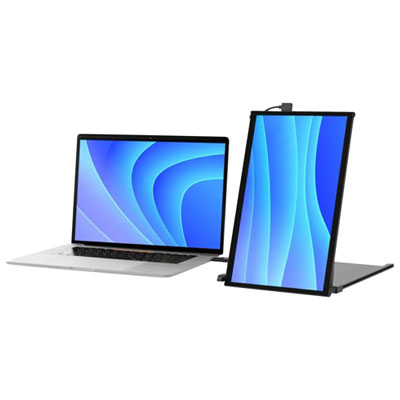
When exploring best buy dual monitor options, there are several factors to consider to ensure the configuration meets your unique needs. Screen size is a key decision; 24-inch and 27-inch models are especially popular, striking a balance between generous viewing area and manageable desk footprint. Resolution also plays a significant role—Full HD (1080p) is a solid choice for everyday productivity, while higher resolutions such as Quad HD (1440p) or even 4K offer sharper detail for design work, detailed spreadsheets, or immersive entertainment. Connectivity is another important consideration. Many dual monitors can be connected using HDMI, DisplayPort, or USB-C, so it’s worth checking the ports available on your computer or docking station to ensure compatibility and easy setup. Adjustable stands and dual monitor mounts can help you tailor the height, tilt, and orientation for ergonomic comfort, making extended sessions more enjoyable. For those with limited space or who value flexibility, portable dual screen monitor solutions are also available, providing extra display area that can be set up or packed away as needed.
Dual monitors make a thoughtful gift for students heading into a new school term, professionals upgrading their home office, or anyone looking to enhance their computing experience. They’re particularly appreciated by gamers wanting a broader field of view, remote workers juggling multiple applications, and creators who benefit from having palettes and timelines visible alongside their main project. The versatility of a dual monitor setup means it can adapt to a range of tasks and lifestyles, from tracking summer sports scores while working to keeping an eye on social feeds during a virtual event. Setting up your dual monitors is straightforward—most operating systems offer simple display settings to extend your desktop and arrange your screens for a smooth, uninterrupted workflow. Whether you’re optimizing productivity, enjoying entertainment, or simply making everyday computing more comfortable, shopping for best buy dual monitors can open up new possibilities and help you make the most of your time at your desk.
When exploring best buy dual monitor options, there are several factors to consider to ensure the configuration meets your unique needs. Screen size is a key decision; 24-inch and 27-inch models are especially popular, striking a balance between generous viewing area and manageable desk footprint. Resolution also plays a significant role—Full HD (1080p) is a solid choice for everyday productivity, while higher resolutions such as Quad HD (1440p) or even 4K offer sharper detail for design work, detailed spreadsheets, or immersive entertainment. Connectivity is another important consideration. Many dual monitors can be connected using HDMI, DisplayPort, or USB-C, so it’s worth checking the ports available on your computer or docking station to ensure compatibility and easy setup. Adjustable stands and dual monitor mounts can help you tailor the height, tilt, and orientation for ergonomic comfort, making extended sessions more enjoyable. For those with limited space or who value flexibility, portable dual screen monitor solutions are also available, providing extra display area that can be set up or packed away as needed.
Dual monitors make a thoughtful gift for students heading into a new school term, professionals upgrading their home office, or anyone looking to enhance their computing experience. They’re particularly appreciated by gamers wanting a broader field of view, remote workers juggling multiple applications, and creators who benefit from having palettes and timelines visible alongside their main project. The versatility of a dual monitor setup means it can adapt to a range of tasks and lifestyles, from tracking summer sports scores while working to keeping an eye on social feeds during a virtual event. Setting up your dual monitors is straightforward—most operating systems offer simple display settings to extend your desktop and arrange your screens for a smooth, uninterrupted workflow. Whether you’re optimizing productivity, enjoying entertainment, or simply making everyday computing more comfortable, shopping for best buy dual monitors can open up new possibilities and help you make the most of your time at your desk.
Top selling and popular products
-
 Your price for this item is $299
 -
 Your price for this item is $599
 -
 Your price for this item is $94.99
 -
 Your price for this item is $329.99
 -
 Your price for this item is $499
 -
 Your price for this item is $265.99
 -
 Your price for this item is $1299.97
 -
 Your price for this item is $249.99
Discover more categories related to Monitor Dual Screens



Top Collections:
Pokemon Centers, Kindle Devices, Best Budget Office Chairs, Apple iPhones 16, Best Laptops for Writers, iPhone 15 Apple, Canon G7X Cameras, Refurbished Apple Laptops, Alarm Clock, Motorola Razr Phones
Some products may be subject to Environmental Handling Fees
(EHF) depending on your province.
Learn more about EHFs.