Mice With Free Scrolling Wheel
Discover the convenience and efficiency of a Mouse With Free Scrolling Wheel, designed to enhance your computing experience whether you're working, gaming, or browsing. These mice offer smooth navigation and precision control, making it easier to move through documents, web pages, and applications. With a variety of styles and designs available, you can find the perfect fit for your setup. Explore options that cater to different preferences and needs, ensuring comfort and productivity every time you use your Mouse With Free Scrolling Wheel.
Sort
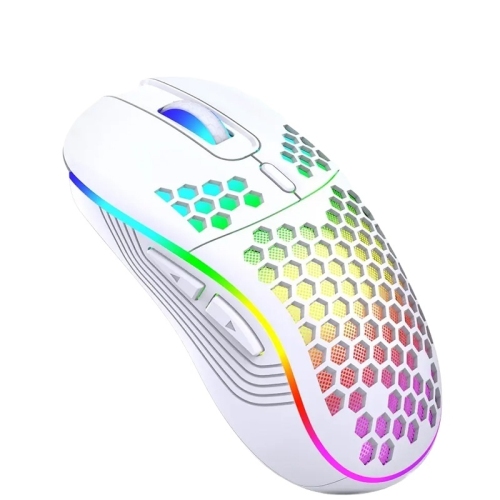
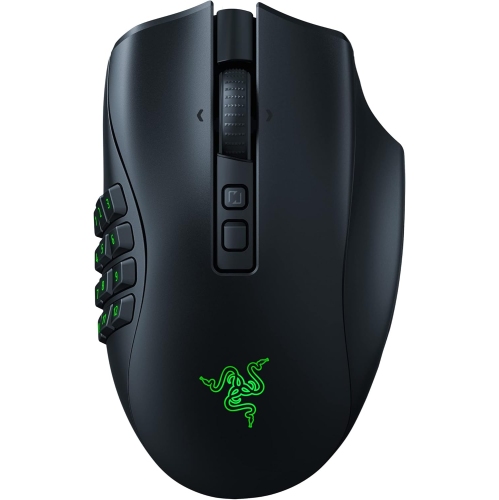
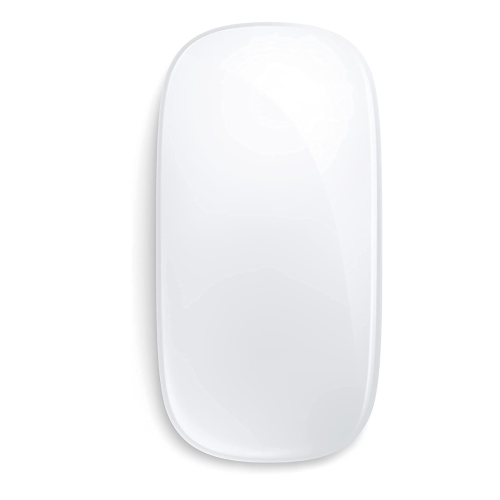
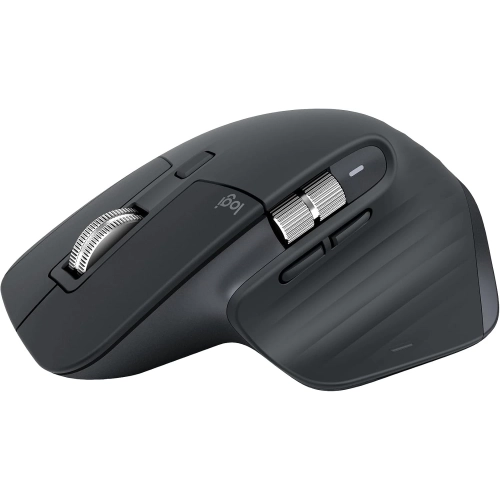
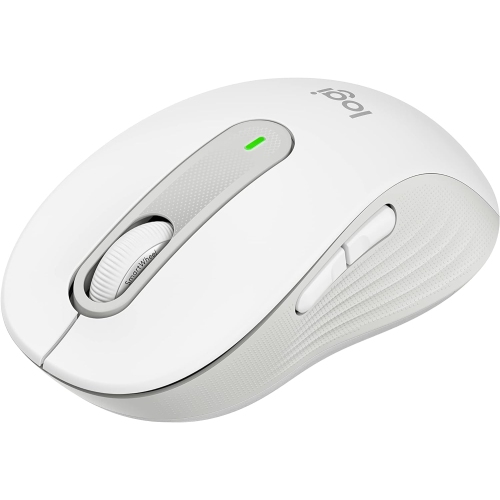
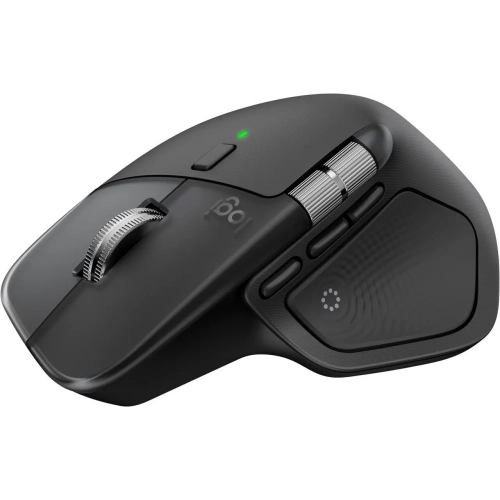
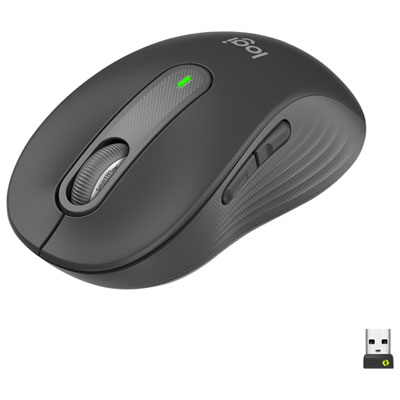
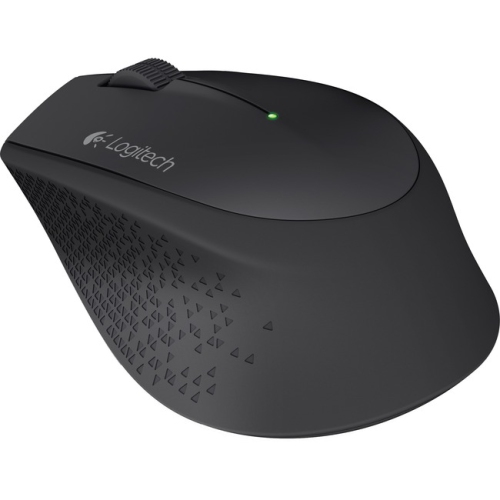
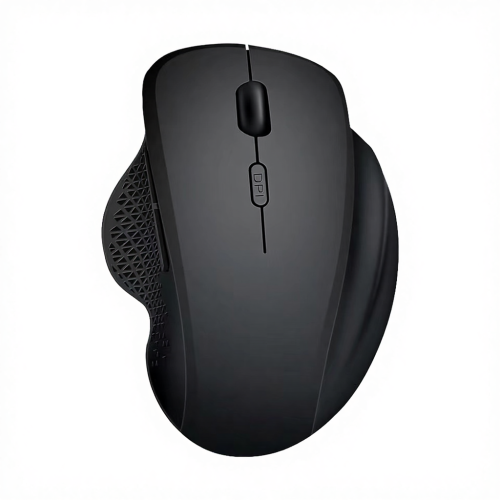
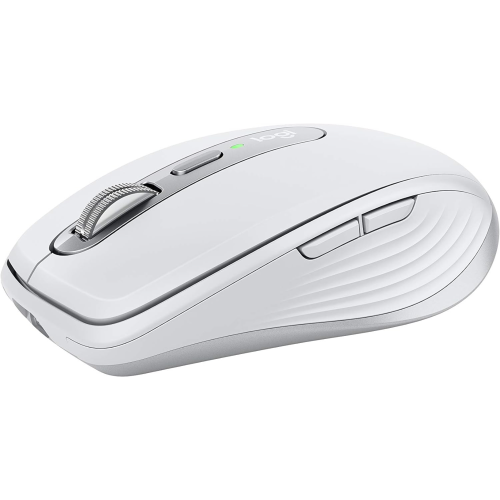
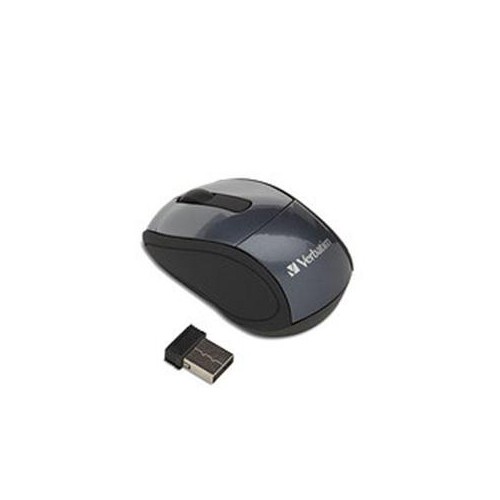
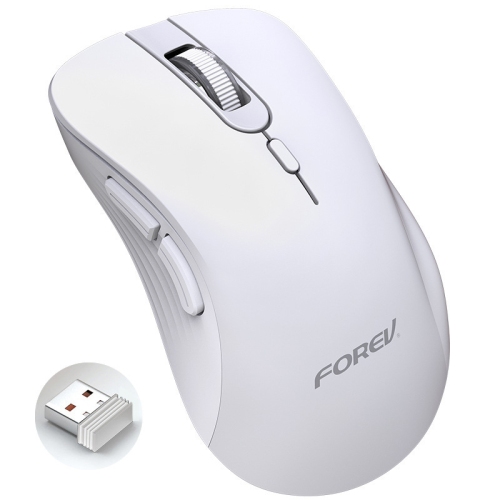
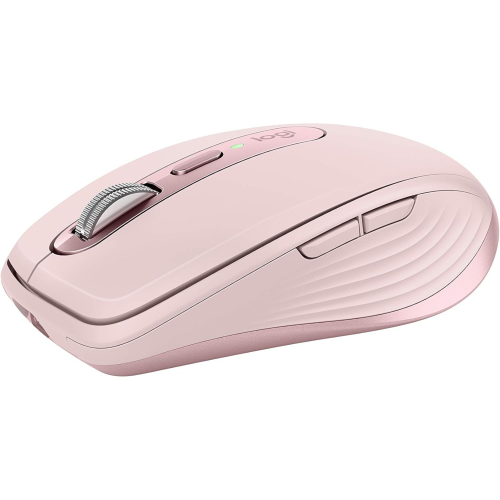
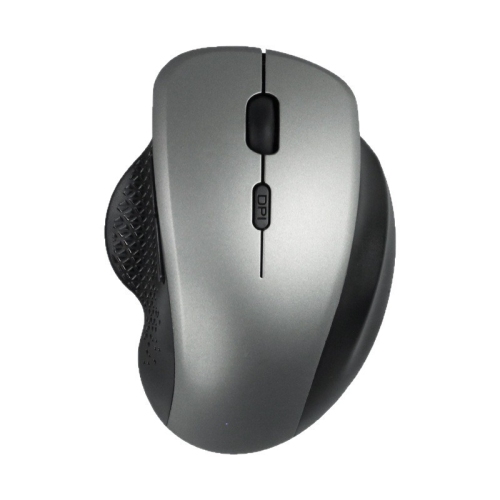
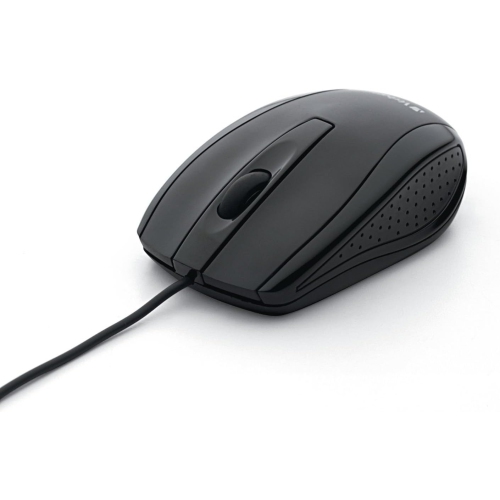
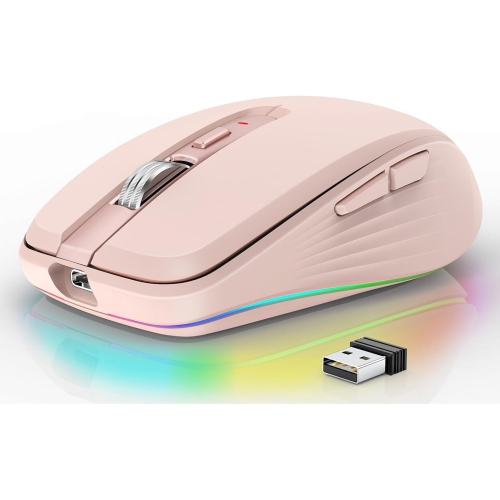
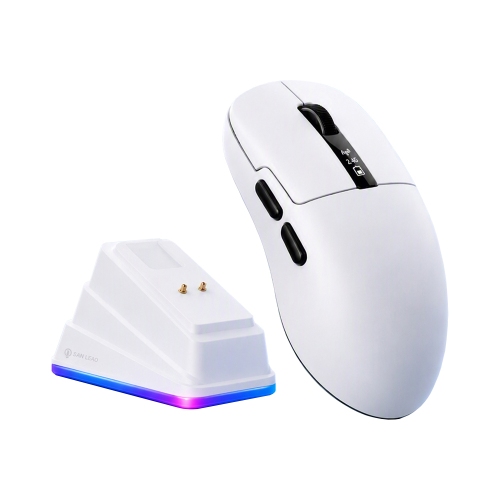
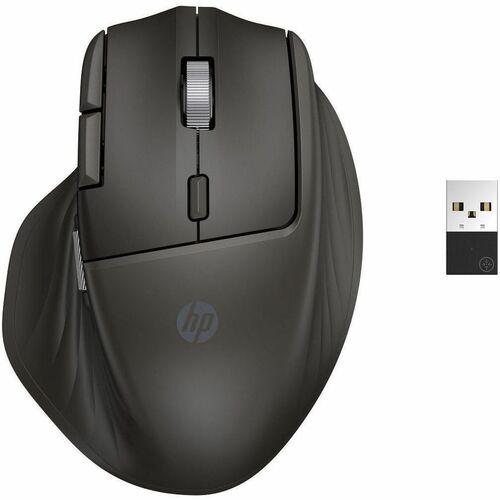
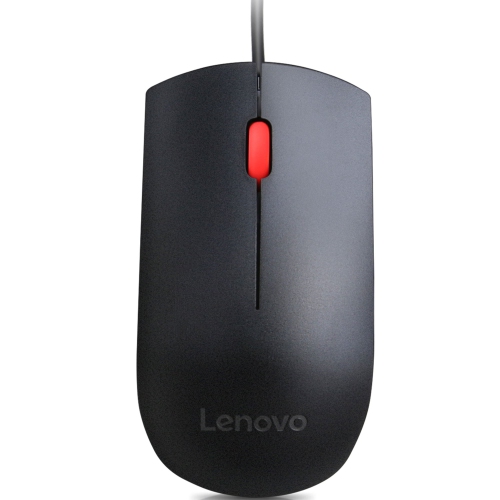
Fast scrolling meets precise control in long documents
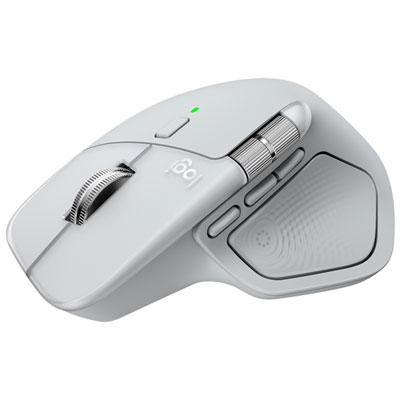
Mice with a free-scrolling wheel let the wheel spin with little resistance, so a single flick can carry you through a long document, spreadsheet, or web page without repeated finger movements. Often described as free-spin or hyper-fast scrolling, this feature is different from a conventional notched wheel, which moves through distinct steps as it turns. A free-spinning wheel continues rotating on its own momentum until it slows down or you stop it with a fingertip; it does not spin indefinitely. Many mice with this feature offer both free-scrolling and stepped modes, with a button, wheel press, or automatic mechanism controlling the change, depending on the design. That flexibility suits tasks that alternate between covering distance and landing on a particular line. Someone reviewing a lengthy report can glide past familiar sections, then return to stepped scrolling to examine a table. A student moving through lecture notes, an accountant navigating rows of figures, or a researcher scanning reference material may appreciate the same balance of speed and control. The wheel’s physical movement and the distance travelled on screen are related but not identical: application behaviour, operating system settings, and scrolling preferences also affect the result. Smooth scrolling alone does not necessarily mean a mouse has a free-spinning wheel, since software can soften movement from a standard wheel too. The defining feature is the wheel’s ability to rotate freely rather than remain in a notched mode. Some designs add horizontal scrolling through a tilting main wheel or a separate thumb wheel, which can be helpful for wide worksheets and editing timelines, but those controls are separate features rather than a given. For everyday browsing and document work, a wheel that is easy to start, stop, and switch between modes can matter more than a long list of extra buttons. A light flick should feel manageable, while a deliberate stop should let you settle near the passage or row you want to read.
The mouse’s shape deserves as much attention as its scrolling mechanism, especially when it will share the desk with a keyboard for hours at a time. A taller body may support more of the palm, while a lower profile can suit someone who steers mainly with their fingertips. Overall length, width, weight, and the position of the wheel influence whether scrolling feels natural or requires an awkward reach. Right-handed sculpted shapes, more symmetrical bodies, and left-handed designs serve different preferences, so hand size and the way the mouse is held are useful considerations. Thumb rests and textured side panels can add support or grip, although a pronounced contour will not feel equally comfortable to everyone. Materials also affect daily handling. Hard plastic shells are generally straightforward to wipe clean, rubberized sections can feel secure under the fingers, and metal wheel surfaces may provide a firm, textured contact point. Comfort depends on the complete shape and finish rather than any one material. For a shared workspace, click sound and wheel noise are worth considering separately; a free-scrolling mechanism does not automatically make the buttons quiet. Connectivity shapes the setup as well. A wired mouse avoids battery management, while a wireless mouse can leave more room around a notebook, drawing tablet, or paperwork. Wireless designs may connect through Bluetooth, a USB receiver, or both, with connection options varying by model. Port type, operating system support, and access to any required customization software should match the computer being used. Some mice can switch between multiple paired devices, which is useful when moving from a work laptop to a personal desktop. Rechargeable and replaceable-battery designs involve different routines, and charging connections or battery access can affect day-to-day convenience. Adjustable pointer sensitivity is another separate consideration: it controls cursor movement, not how freely the wheel turns. A comfortable balance between pointer speed and scrolling speed helps keep a large monitor, compact laptop screen, or multi-display desk feeling predictable.
Intended use helps put these details in perspective. For office work and study, a free-scrolling wheel is particularly useful when documents are much longer than a single screen. It can make reviewing a manuscript, finding an older message in a lengthy conversation, or moving through a catalogue feel less repetitive. For creative work, horizontal controls and programmable buttons may be helpful alongside the main wheel, provided the relevant applications support them. Gaming calls for a different balance: a wheel with selectable stepped scrolling can offer distinct inputs for actions such as changing tools or equipment, while free-spin mode remains useful outside the game. Wheel mode, button placement, weight, and connection performance should be considered together rather than treating rapid scrolling as a substitute for other gaming features. Software-supported button assignments can place frequently used commands within reach, but the number of buttons matters less than whether they can be pressed comfortably without accidental inputs. The related Mice With Scroll Button collection offers a broader look at mice with scroll controls; a clickable wheel on its own does not confirm free-spin capability. Care is usually simple: follow the manufacturer’s cleaning directions, wipe contact surfaces with an appropriate cloth, and keep crumbs and dust away from the wheel opening and sensor. Avoid spraying liquid directly into the mouse or forcing the wheel mechanism. A clean, suitable work surface also helps the mouse glide consistently, while a protective pouch can reduce knocks when it travels in a laptop bag. Over time, the wheel should remain easy to stop, mode changes should feel consistent, and buttons should respond without unintended presses. As a gift, this type of mouse can suit someone who regularly works through dense reading material or large spreadsheets, especially when their preferred hand, computer connections, and grip style are known. The most useful fit brings together controlled scrolling, a comfortable shape, and controls that make sense for the tasks performed every day.
Top selling and popular products
-
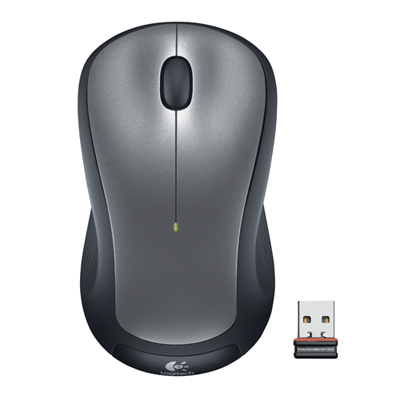 Your price for this item is $29.99
-
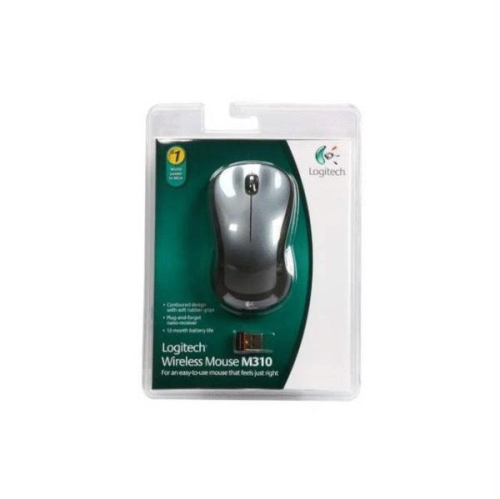 Your price for this item is $50.44
-
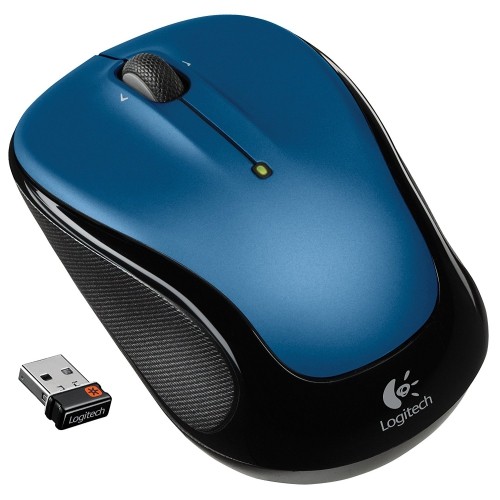 Your price for this item is $39.99
-
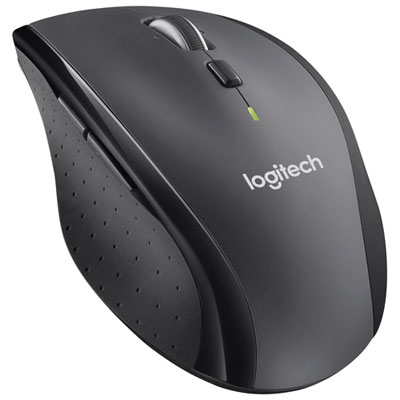 Your price for this item is $49.99
-
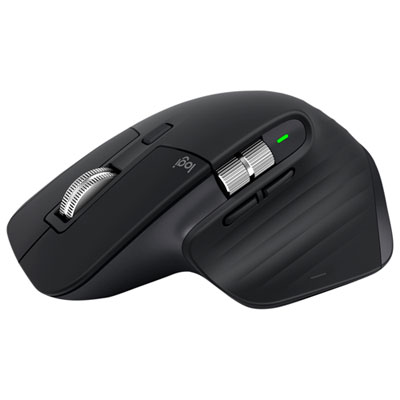 Your price for this item is $159.97
-
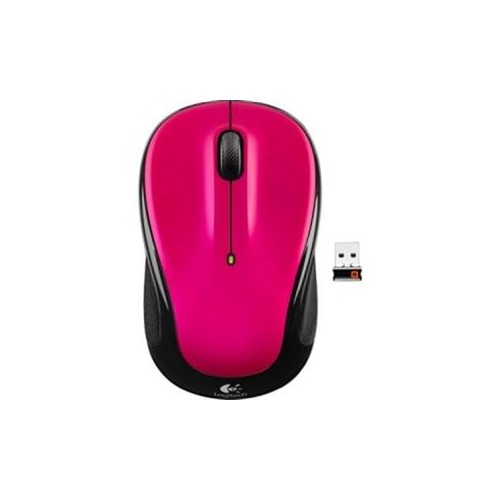 Your price for this item is $64.68
-
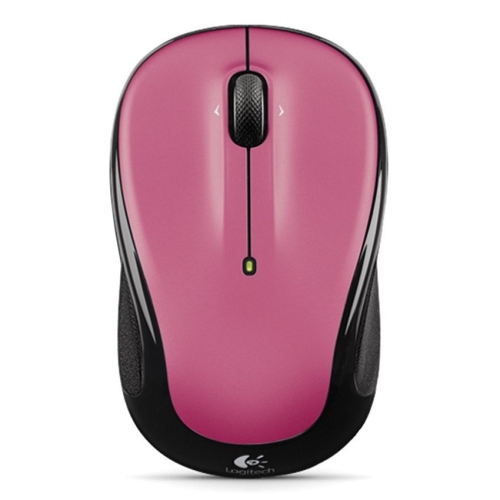 Your price for this item is $48.68
-
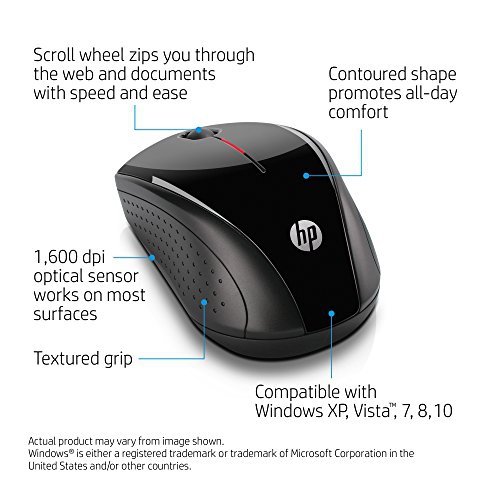 Your price for this item is $31
Discover more categories related to Mice With Free Scrolling Wheel
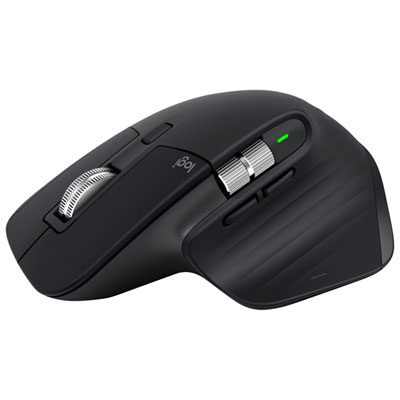
Top Collections:
Best Black Friday Deals This Year, Best Black Friday Deals On Electronics, Kindle Devices, Pokemon Centers, Best Black Friday Deals On Apple Products, Best Cameras for Sports Photography, Dyson Airwrap, Pokémon 30th Celebration Cards, Apple iPhone 17 Pro, Canon G7X Cameras
Some products may be subject to Environmental Handling Fees
(EHF) depending on your province.
Learn more about EHFs.