MSI Desktops
Explore the impressive selection of MSI Desktop options designed to elevate your computing experience. Whether you're searching for a system to handle demanding tasks, immersive gaming, or everyday productivity, MSI Desktop models offer a variety of choices to suit your needs. Find the perfect blend of performance and reliability to power through work, play, and everything in between. Discover the latest MSI Desktop solutions and take your setup to the next level.
Sort
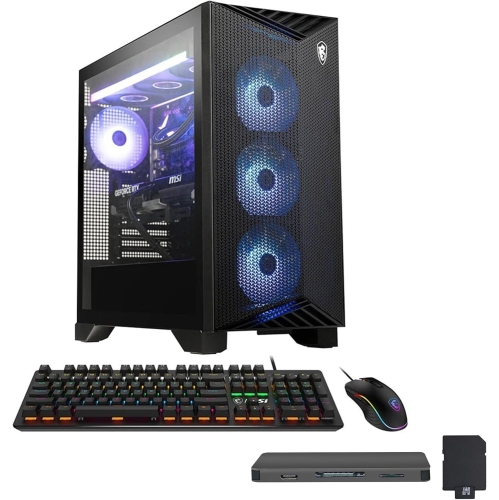
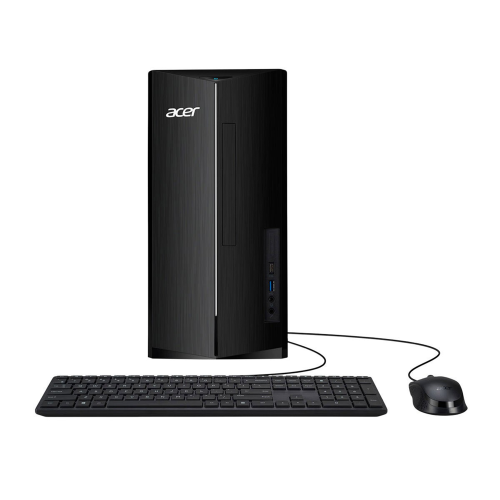
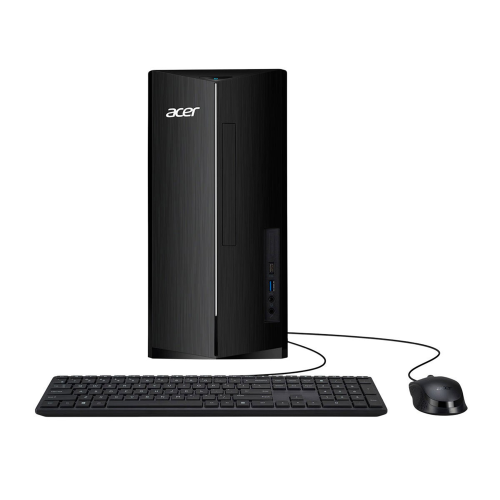
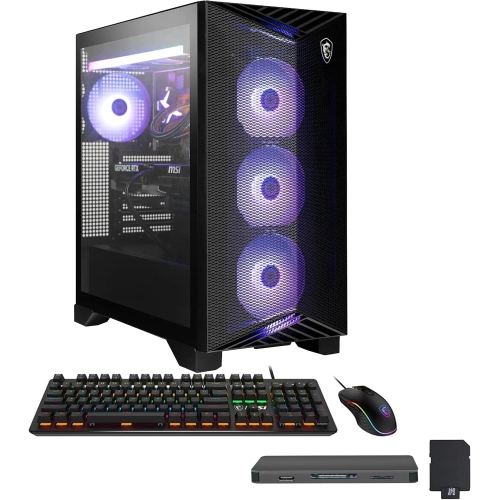
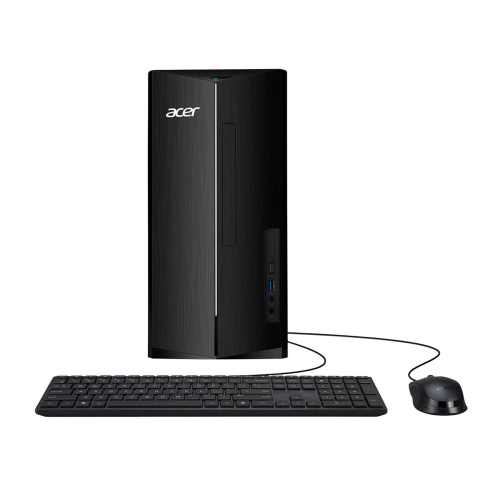
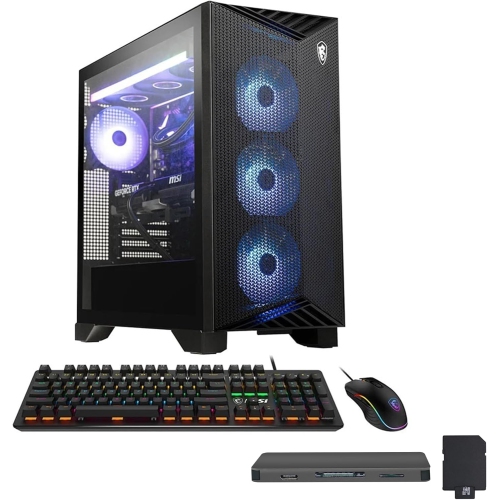
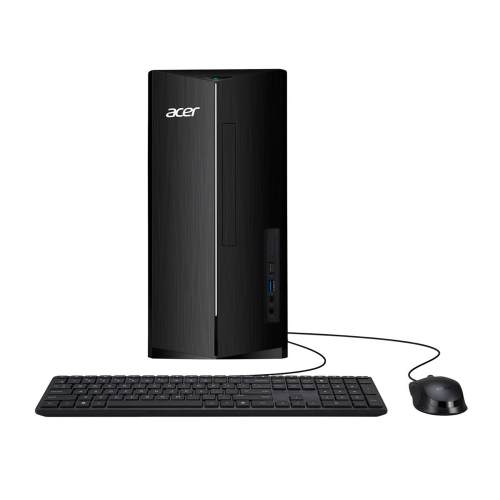
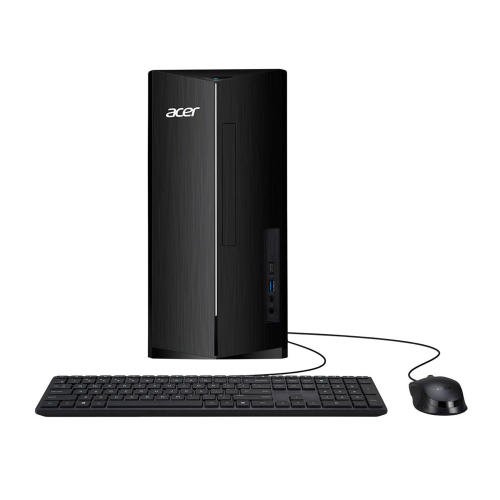
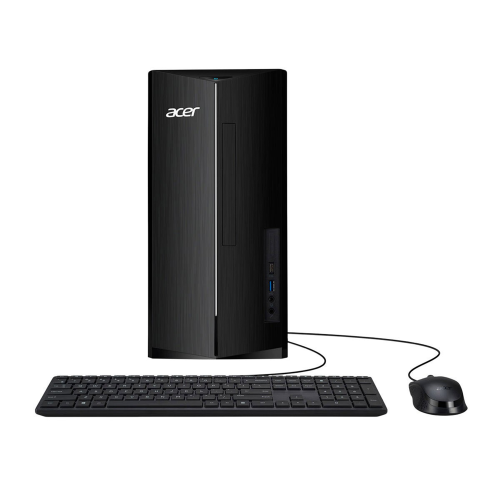
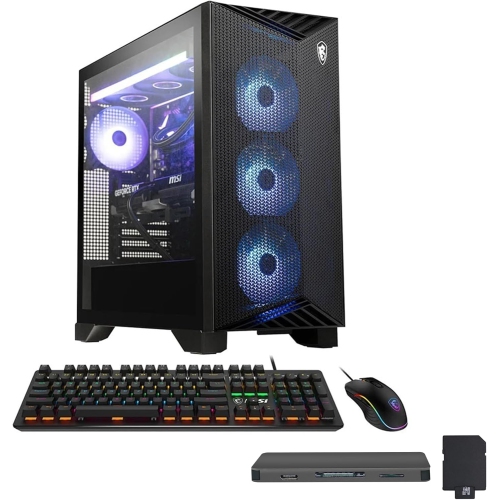
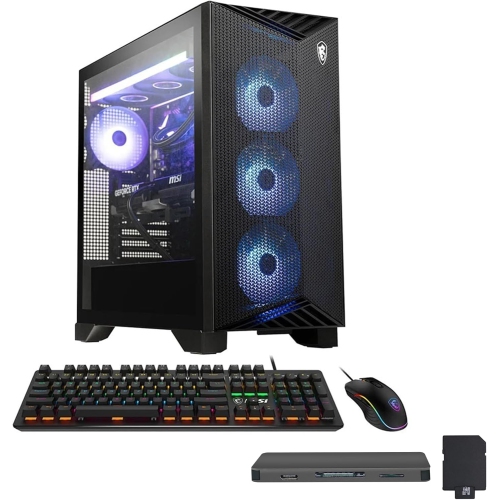
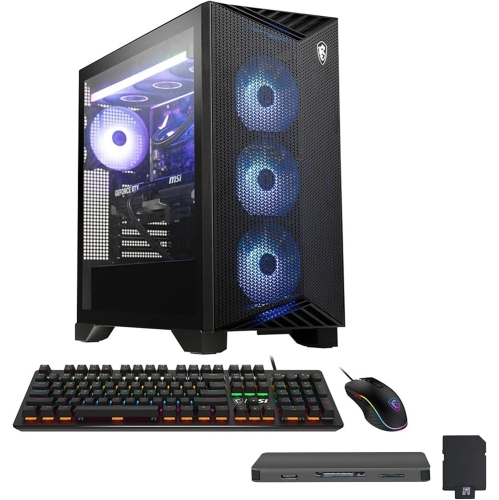
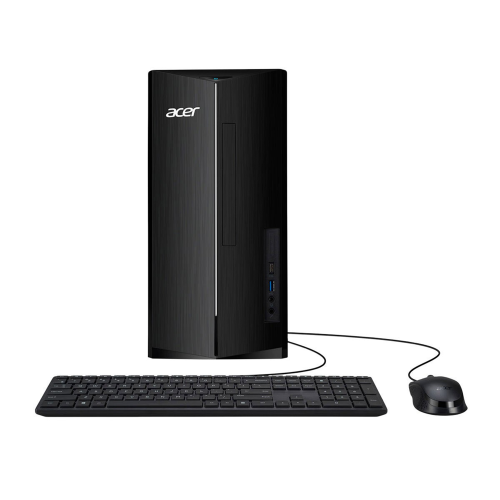
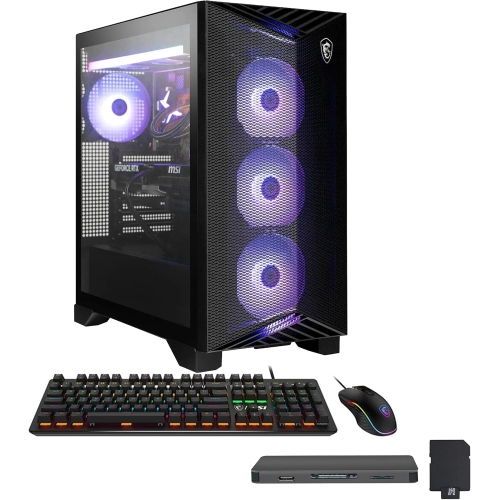
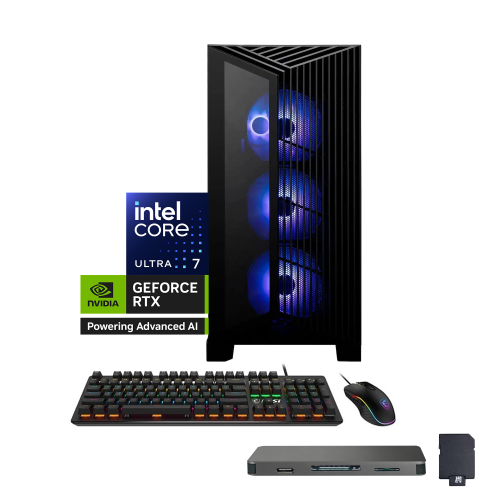
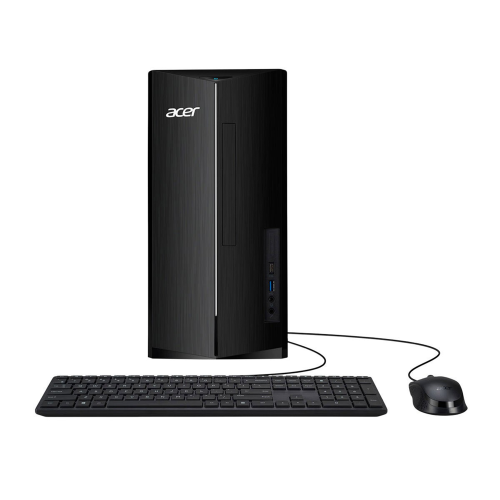
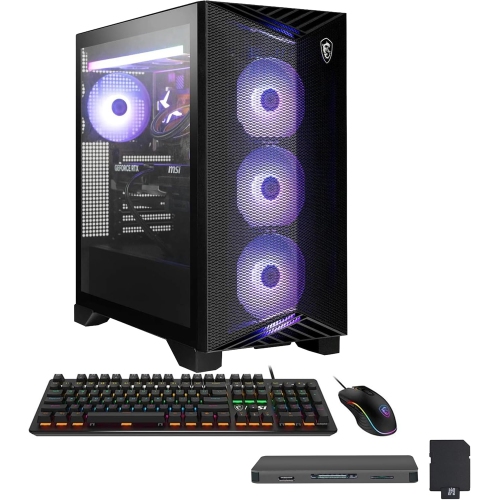
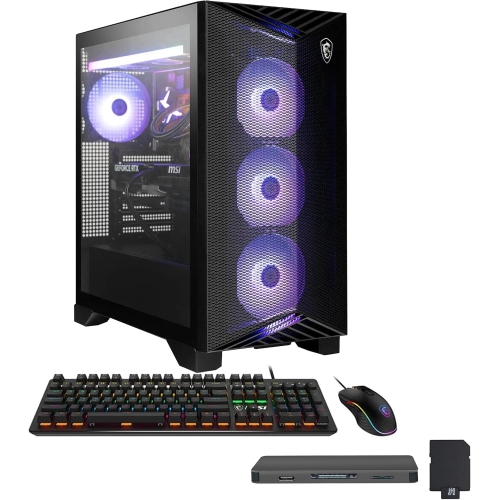
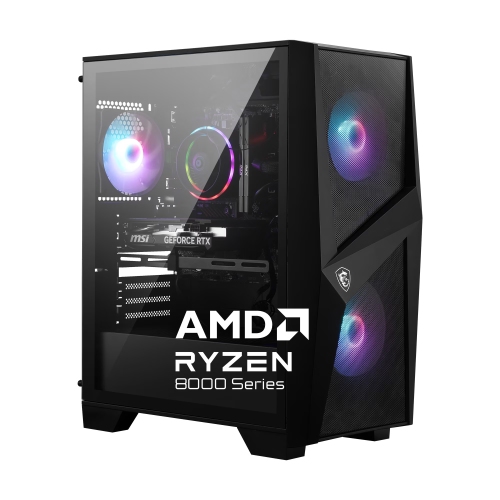
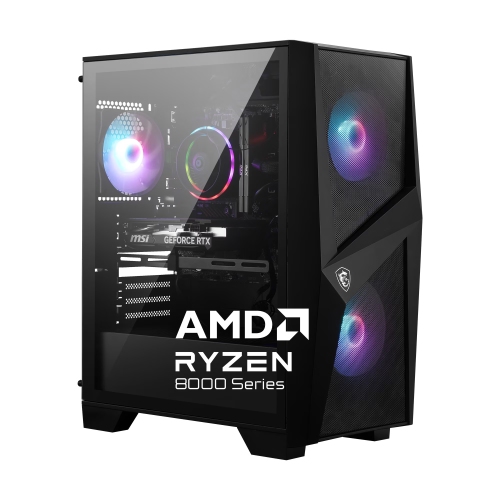
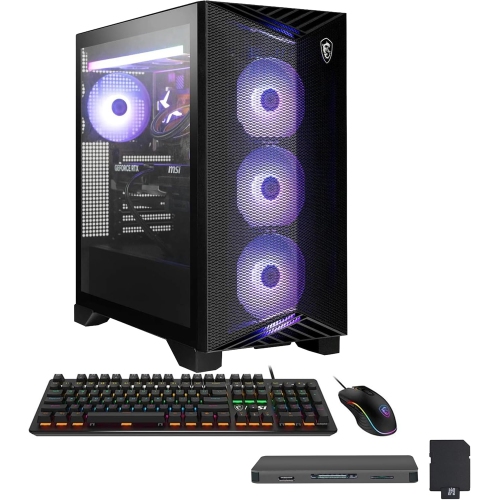
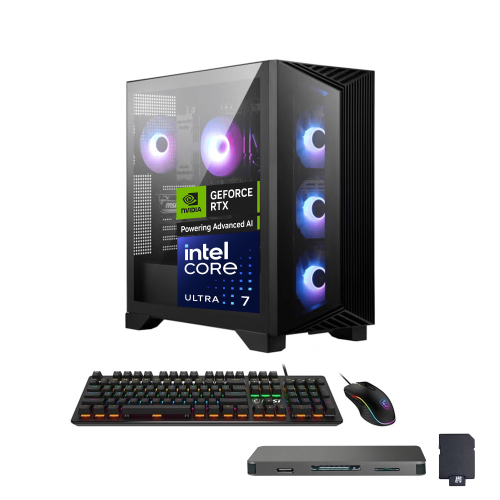
A desktop that fits your workload and workspace
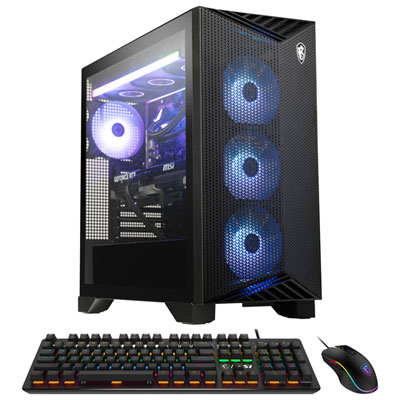
Desktop computers give a fixed workspace the flexibility to support everyday productivity, gaming, and creative projects without building a system from separate components. The category includes space-saving mini PCs, conventional office towers, and gaming desktops with room for dedicated graphics and substantial cooling. Their strengths differ: a compact computer can handle documents, browser-based applications, and video calls while leaving more desktop space free, whereas a larger performance tower can be better suited to demanding games, video editing, and 3D work. The processor handles instructions across applications, so both its individual core performance and ability to manage parallel tasks matter. Someone preparing presentations while keeping a spreadsheet, messaging app, and several research tabs open has different needs from someone rendering a detailed animation. Memory also affects how comfortably those tasks can run together. A configuration with 16GB of RAM can suit many everyday and gaming uses, while 32GB or more may be helpful for larger creative projects or heavier multitasking, depending on the software. Graphics performance deserves particular attention for gaming and visual workloads. Integrated graphics can be sufficient for routine office tasks and media playback; a dedicated graphics card is more relevant to demanding games, accelerated editing, and some design applications. Resolution changes the workload, too, with 4K gaming generally placing greater demands on graphics hardware than 1080p at comparable settings. High refresh rate play also depends on the game, processor, graphics card, and display working together. Storage contributes a different kind of responsiveness. An SSD can make starting the computer, launching applications, and opening files feel quicker than with a traditional hard drive. Capacity matters separately from speed: game libraries, raw photographs, and video footage can fill a drive much faster than documents. A desktop’s suitability therefore comes from the whole configuration rather than a single headline specification, especially when it needs to handle both work and entertainment.
Physical design affects how naturally a desktop fits into daily life. A mini PC can make sense on a shallow work surface or in a shared study area, while a full-size tower needs enough room for its case, cables, and ventilation clearances. Width, depth, and height tell only part of that story: rear connectors need accessible space, and a side panel may need room to open for maintenance. Placing a tower inside a tightly enclosed cabinet can restrict airflow, even when the cabinet appears large enough to hold it. Case construction also shapes appearance, handling, and durability. Steel panels provide a rigid enclosure, aluminium can reduce chassis weight, and tempered-glass panels make internal components and lighting visible. Glass still requires careful handling, particularly around its edges, while mesh panels and ventilation openings need regular attention to prevent dust buildup. Cooling may use fans and heatsinks, a liquid-cooling assembly, or a combination, depending on the design. Neither a larger case nor liquid cooling alone guarantees quieter operation; fan settings, component demands, and airflow all contribute to sound levels. That distinction matters when a desktop sits beside a microphone for voice calls or shares a room with someone studying. Connections are equally important to a comfortable setup. Front or top USB ports make frequently used accessories easier to reach, while rear ports help keep permanent connections tidy. Multiple monitors require compatible video outputs, suitable cables, and support for the intended resolutions and refresh rates. On systems with dedicated graphics, displays generally connect to the graphics card rather than the motherboard’s video ports. Wi-Fi and Bluetooth support vary by configuration, while an Ethernet connection can provide consistent wired networking. Expansion options vary as well: accessible memory slots, drive connections, and standard components may simplify future changes, but compact layouts, power supply limits, and component clearances can restrict upgrades. A larger enclosure can offer more room without guaranteeing that every replacement part will fit.
The right desktop can serve very different people, even within the same household. A student working through research papers and online coursework may value responsive multitasking, clear video calls, and space for a second screen. A player interested in competitive games may place greater emphasis on consistent frame rates and a display that can show them, while someone who edits family videos may care more about storage capacity, memory, and application compatibility. Creative and technical software can have precise hardware requirements, so the processor, graphics hardware, operating system, and supported drivers all need to match the intended applications. A desktop can also make a thoughtful gift for a student, home-office user, or gaming enthusiast when their software needs and workspace are understood. A tower does not necessarily include a monitor, keyboard, mouse, speakers, or webcam; those details affect how complete the setup will feel from the first day. For shared computers, separate user profiles help keep school files, work documents, and personal settings organized. Long-term care is mostly a matter of practical habits: keeping drinks away from the case, leaving vents unobstructed, and removing dust according to the manufacturer’s directions. The computer should be powered down and unplugged before permitted internal cleaning, with liquids kept away from components. Software updates, security settings, and regular backups also support dependable everyday use. An external backup drive or a suitable online backup service can protect important files beyond the computer’s internal storage. For someone who needs to carry a computer between locations, the MSI Laptop Shop provides a related path to portable computing. A desktop remains a strong fit when the priority is a dedicated workstation, flexible screen placement, comfortable peripherals, and a configuration matched to the tasks that happen there most often.
Top selling and popular products
-
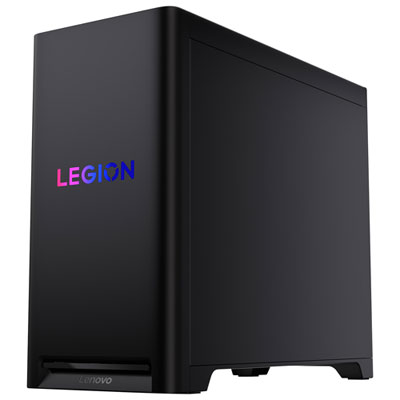 Your price for this item is $3499.99
-
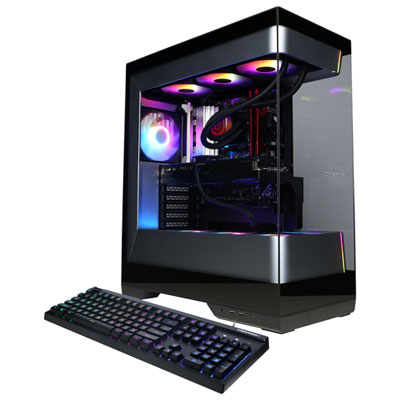 Your price for this item is $3559.99
-
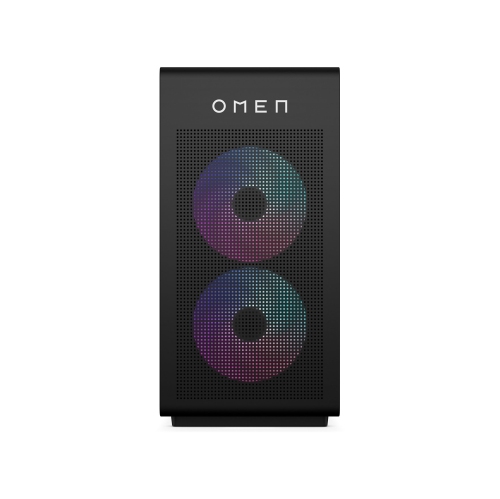 Your price for this item is $7958.99
-
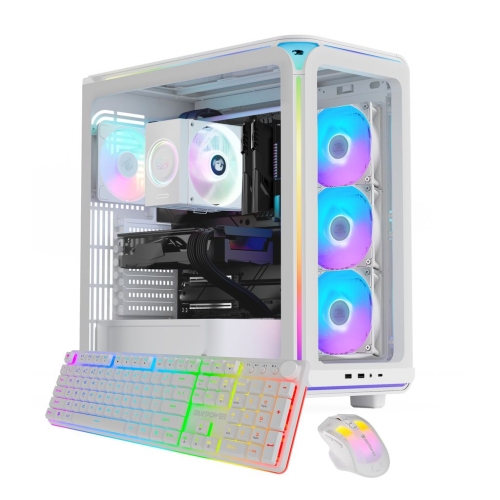 Your price for this item is $2999.99
-
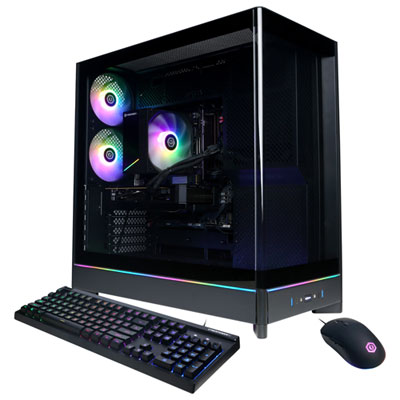 Your price for this item is $2149.99
-
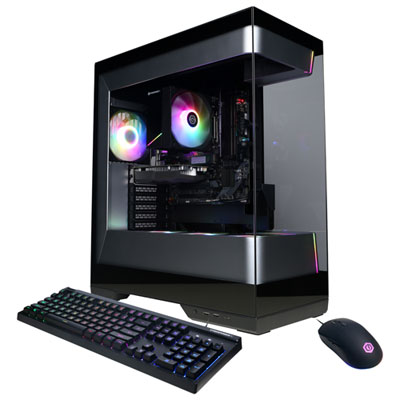 Your price for this item is $1549.99
-
 Your price for this item is $7579.99
-
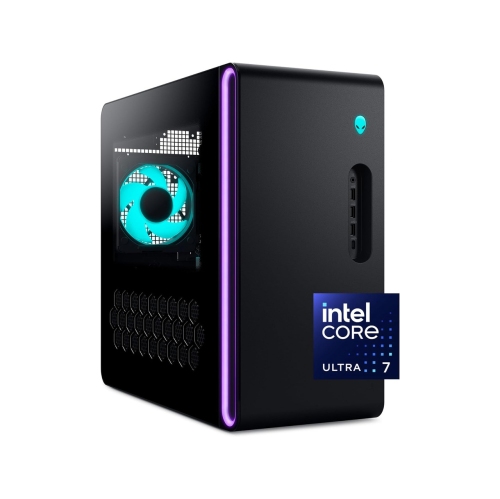 Your price for this item is $3150.49
Discover more categories related to MSI Desktops
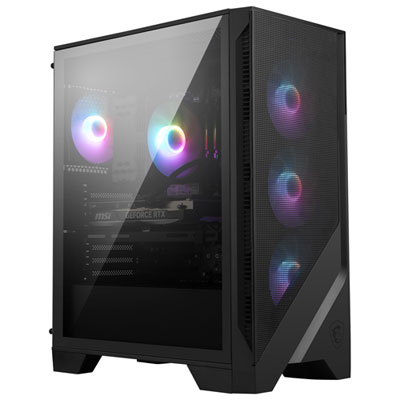
Top Collections:
Best Black Friday Deals This Year, Best Black Friday Deals On Electronics, Kindle Devices, Pokemon Centers, Best Black Friday Deals On Apple Products, Best Cameras for Sports Photography, Dyson Airwrap, Pokémon 30th Celebration Cards, Apple iPhone 17 Pro, Canon G7X Cameras
Some products may be subject to Environmental Handling Fees
(EHF) depending on your province.
Learn more about EHFs.