Multi Graphics Cards
Multi Graphics Cards offer enhanced performance and versatility for gaming, creative projects, and demanding computing tasks. Whether building a custom PC or upgrading an existing setup, explore a range of options designed to support advanced graphics needs. Find solutions that help boost productivity, improve visual experiences, and support multiple displays. Discover the possibilities with Multi Graphics Cards and take your system to the next level.
Sort
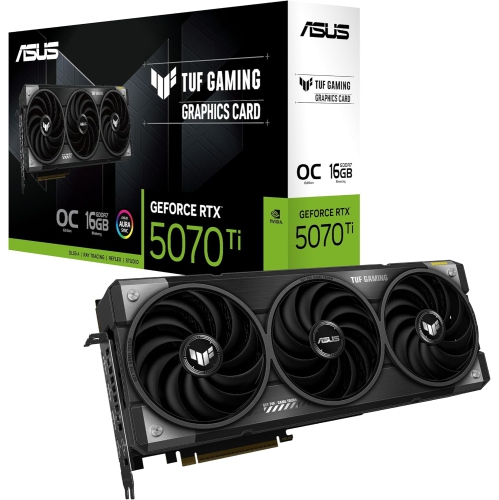
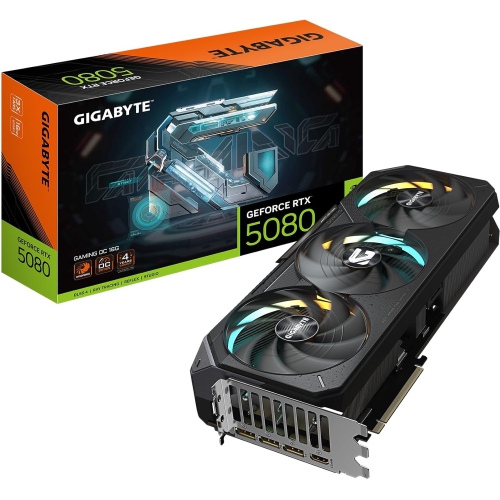
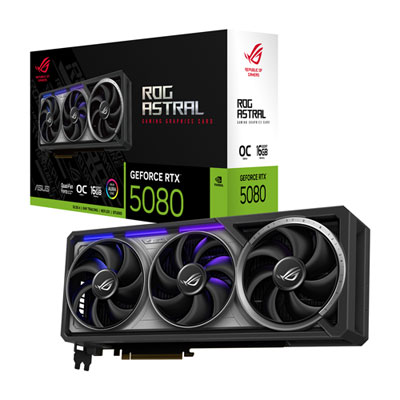
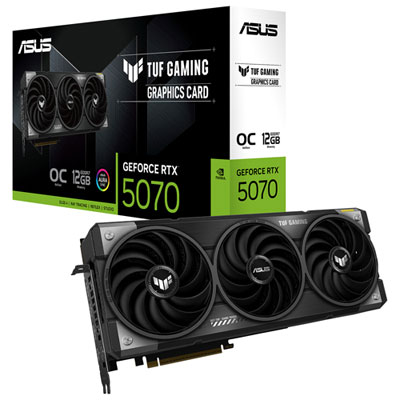
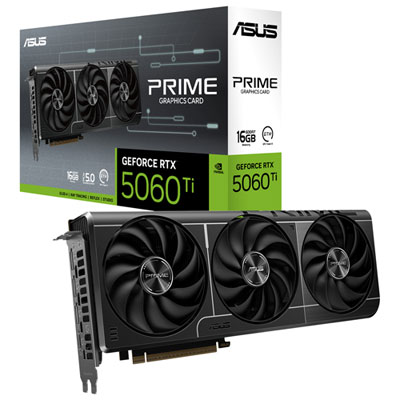
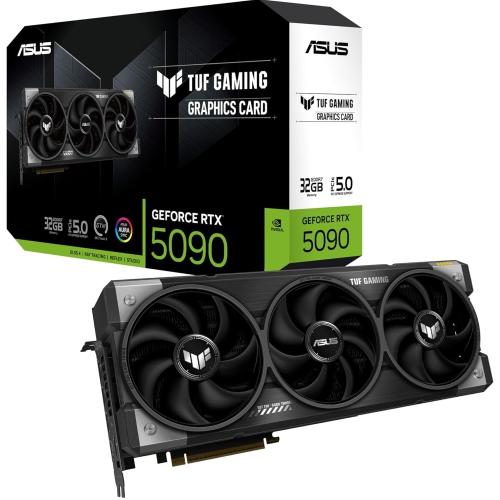
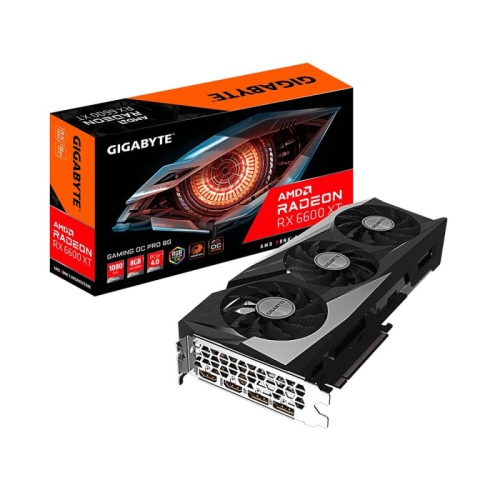
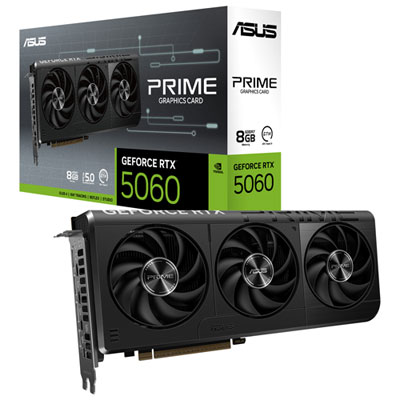
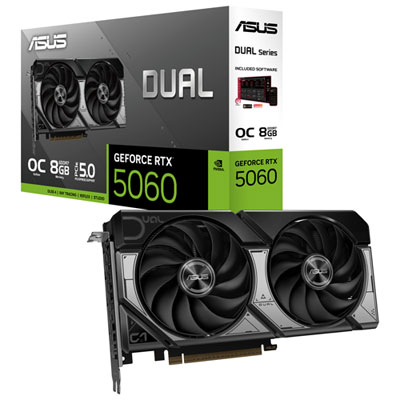
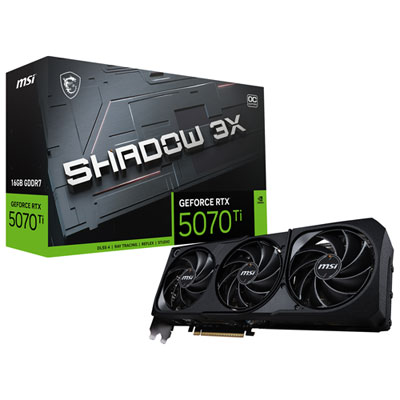
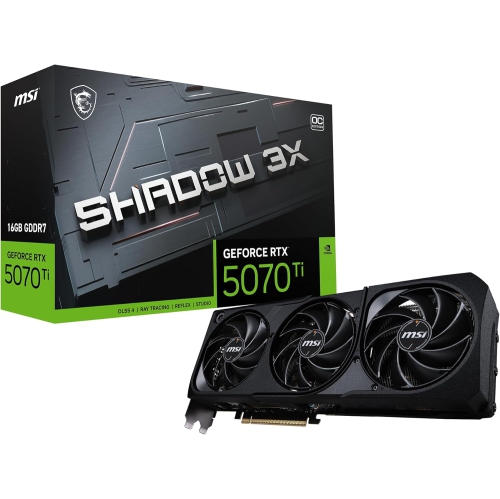
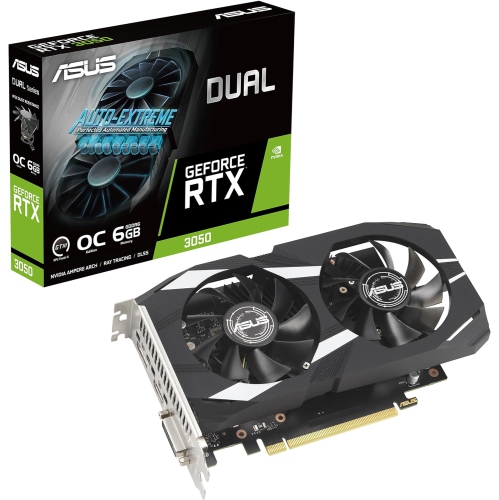
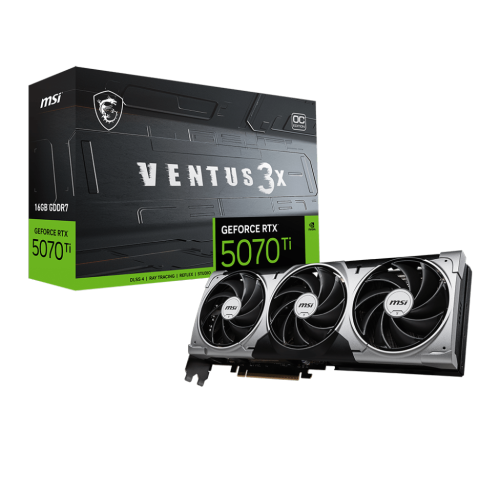
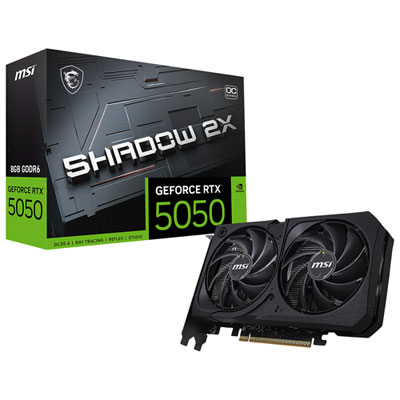
Why multiple GPUs still matter for demanding professional workloads
For those exploring the world of multi graphics cards, it’s important to understand the unique advantages and considerations that come with building or upgrading a system to support multiple GPUs. While the days of linking two or more graphics cards for gaming performance have largely passed, the use of multiple GPUs remains essential for specific professional and creative applications. Multi graphics card setups are most often found in workstations used for 3D rendering, video editing, scientific simulations, AI research, and high-performance computing (HPC). These environments demand immense graphical processing power, and certain software can efficiently distribute workloads across several GPUs, drastically reducing render times and enabling real-time previews of complex visualizations. Multi-monitor setups are another scenario where more than one graphics card can be beneficial, especially when driving five or more displays for trading desks, immersive simulation rigs, or advanced command centres. As the weather warms and creative projects or academic research ramp up, many professionals and enthusiasts consider expanding their systems’ capabilities with an additional GPU.
Before investing in a multi graphics card configuration, it’s crucial to evaluate your system’s compatibility and power requirements. Multi-GPU setups require a motherboard with sufficient PCIe slots and spacing, a high-wattage power supply unit (PSU) to handle the increased load, and robust case cooling to manage the extra heat generated by multiple cards running simultaneously. It’s also important to ensure that the cards you select are supported by your chosen applications; not all software can leverage multiple GPUs, and some are optimized for single-card performance. For the best results, many experts recommend matching GPUs from the same manufacturer and model to avoid driver conflicts and maximize efficiency. Those building for AI, deep learning, or rendering will appreciate how a well-matched pair of cards can unlock new possibilities in parallel processing and computational speed. If you’re considering this path, whether for a home studio, research lab, or an advanced gaming cave with a wall of monitors, it’s always wise to double-check compatibility and explore your options with our selection of Compatible Graphics Cards.
Multi graphics card systems also make thoughtful gifts for professionals, students, or hobbyists who push the boundaries of what their computers can do. Imagine the excitement of an aspiring animator or engineer unboxing a second GPU, ready to accelerate their workflow just as summer projects kick off or as the pace of work picks up in early fall. However, it’s worth noting that for most everyday users and gamers, a single high-performance graphics card is often the better choice due to improved driver support, lower power consumption, and more consistent performance in the latest applications. For those who truly need the extra horsepower and flexibility that multi-GPU rigs provide, careful planning and the right hardware can deliver a transformative experience—whether you’re rendering photorealistic scenes, crunching massive data sets, or creating an immersive multi-display environment.
Before investing in a multi graphics card configuration, it’s crucial to evaluate your system’s compatibility and power requirements. Multi-GPU setups require a motherboard with sufficient PCIe slots and spacing, a high-wattage power supply unit (PSU) to handle the increased load, and robust case cooling to manage the extra heat generated by multiple cards running simultaneously. It’s also important to ensure that the cards you select are supported by your chosen applications; not all software can leverage multiple GPUs, and some are optimized for single-card performance. For the best results, many experts recommend matching GPUs from the same manufacturer and model to avoid driver conflicts and maximize efficiency. Those building for AI, deep learning, or rendering will appreciate how a well-matched pair of cards can unlock new possibilities in parallel processing and computational speed. If you’re considering this path, whether for a home studio, research lab, or an advanced gaming cave with a wall of monitors, it’s always wise to double-check compatibility and explore your options with our selection of Compatible Graphics Cards.
Multi graphics card systems also make thoughtful gifts for professionals, students, or hobbyists who push the boundaries of what their computers can do. Imagine the excitement of an aspiring animator or engineer unboxing a second GPU, ready to accelerate their workflow just as summer projects kick off or as the pace of work picks up in early fall. However, it’s worth noting that for most everyday users and gamers, a single high-performance graphics card is often the better choice due to improved driver support, lower power consumption, and more consistent performance in the latest applications. For those who truly need the extra horsepower and flexibility that multi-GPU rigs provide, careful planning and the right hardware can deliver a transformative experience—whether you’re rendering photorealistic scenes, crunching massive data sets, or creating an immersive multi-display environment.
Top selling and popular products
-
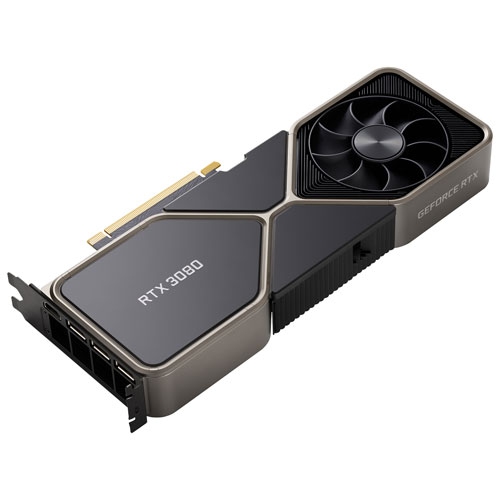 Your price for this item is $1399.99
 -
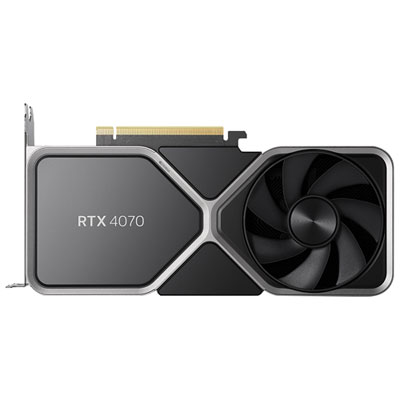 Your price for this item is $739.99
 -
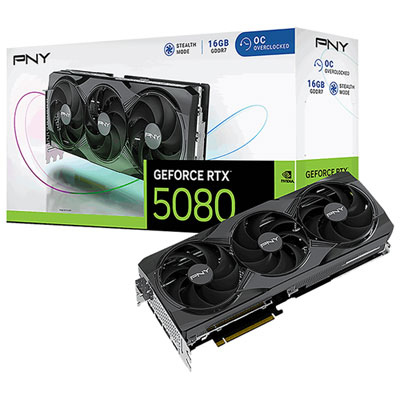 Your price for this item is $2399.99
 -
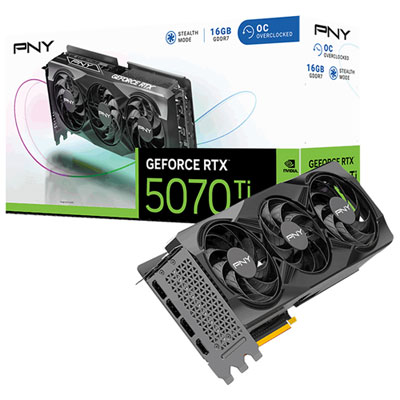 Your price for this item is $1769.99
 -
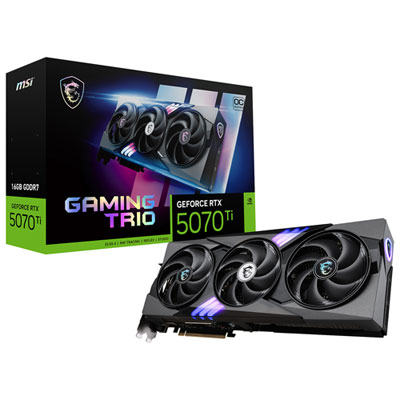 Your price for this item is $1799.99
 -
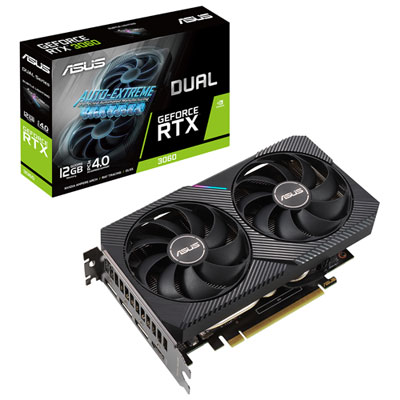 Your price for this item is $699.99
 -
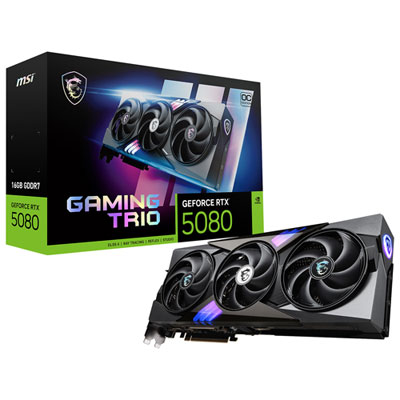 Your price for this item is $2749.99
 -
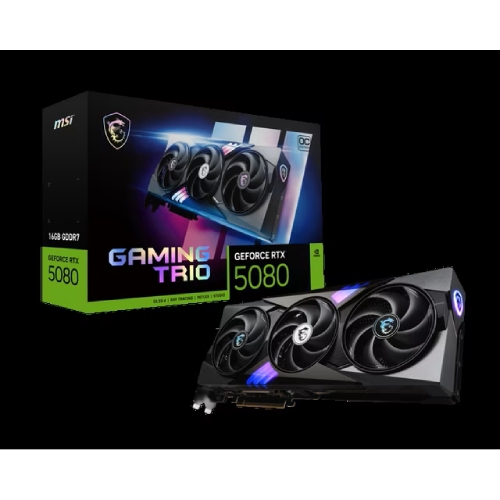 Your price for this item is $5699.99
Discover more categories related to Multi Graphics Cards
Top Collections:
Pokemon Centers, Kindle Devices, Best Budget Office Chairs, Apple iPhones 16, Best Laptops for Writers, iPhone 15 Apple, Canon G7X Cameras, Refurbished Apple Laptops, Alarm Clock, Motorola Razr Phones
Some products may be subject to Environmental Handling Fees
(EHF) depending on your province.
Learn more about EHFs.