Multiple Monitor Graphics Cards
Multiple Monitor Graphics Cards are designed to help you expand your workspace and boost productivity by supporting multiple displays from a single computer. Whether you're a creative professional, gamer, or multitasker, these graphics cards make it easier to manage several applications at once and enjoy immersive visual experiences. Explore a wide selection of Multiple Monitor Graphics Cards to find the right solution for your setup and take your computing experience to the next level.
Sort
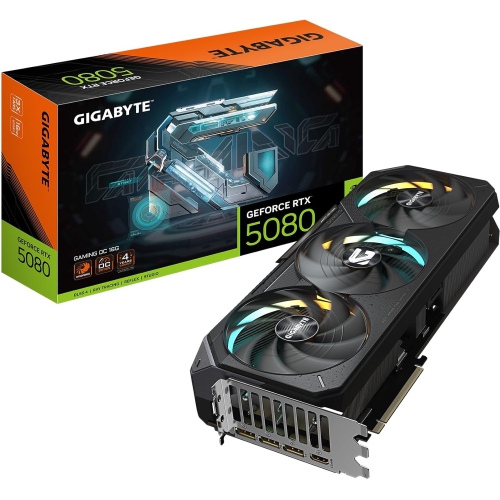
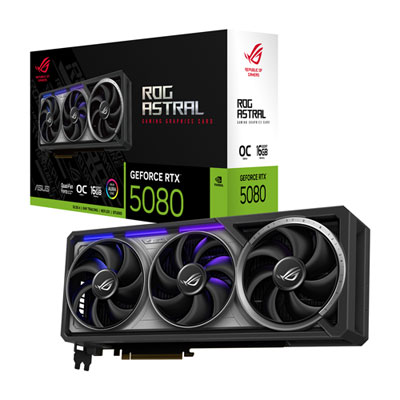
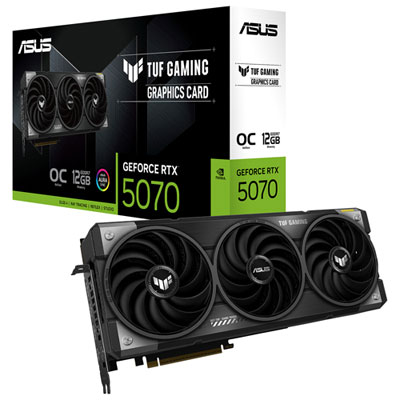
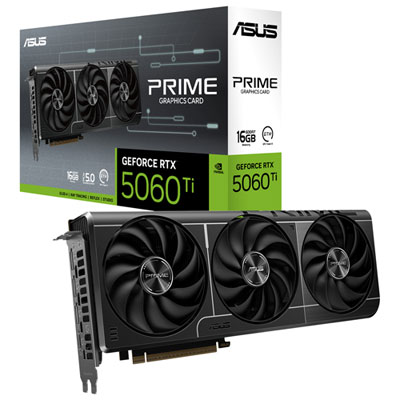
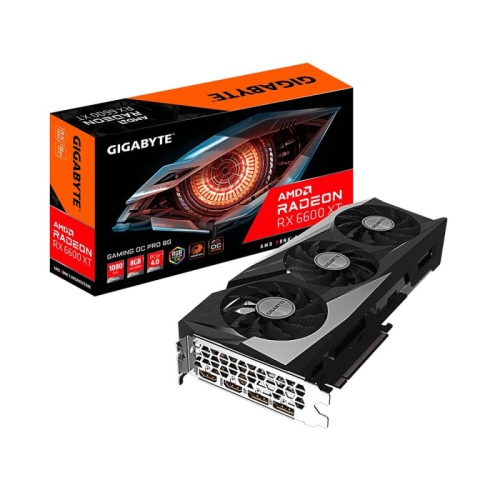
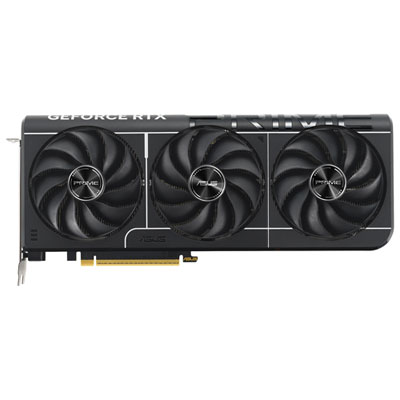
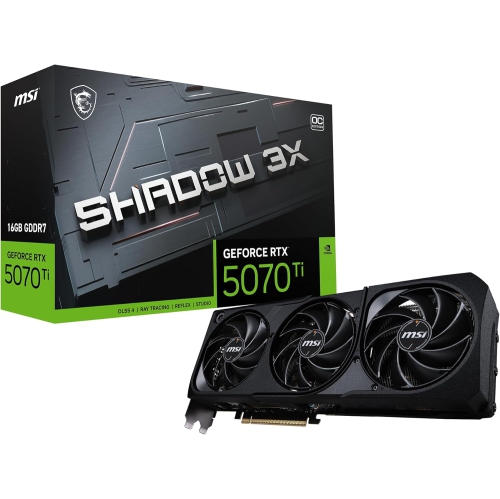
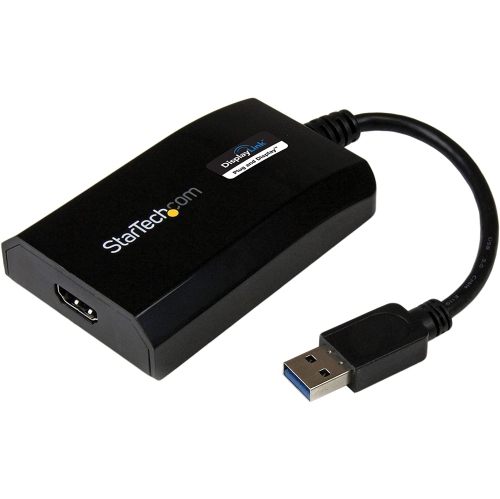

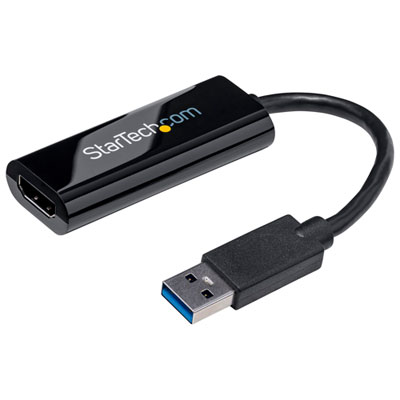
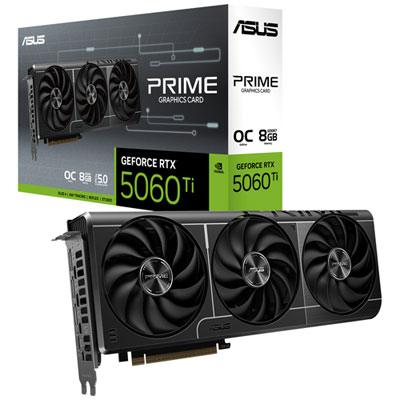
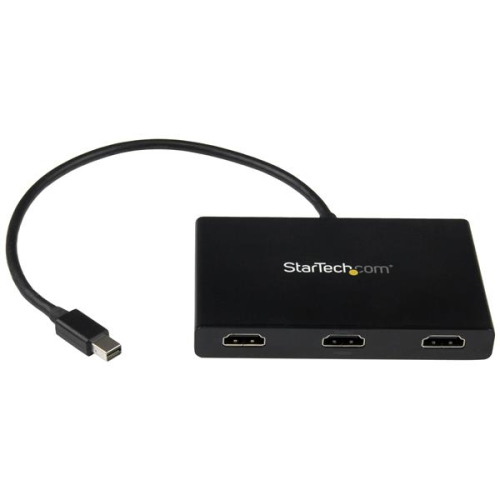
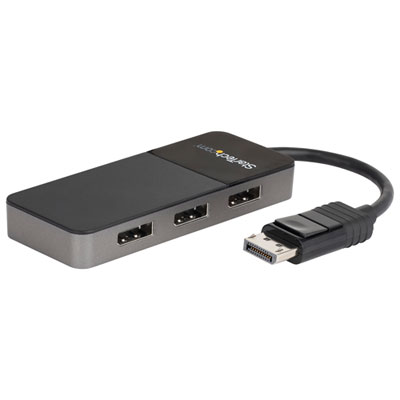
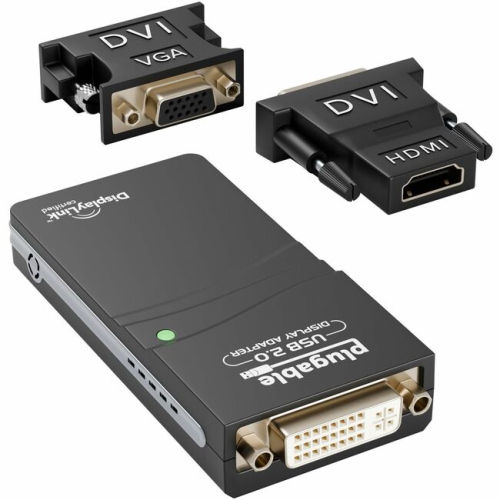
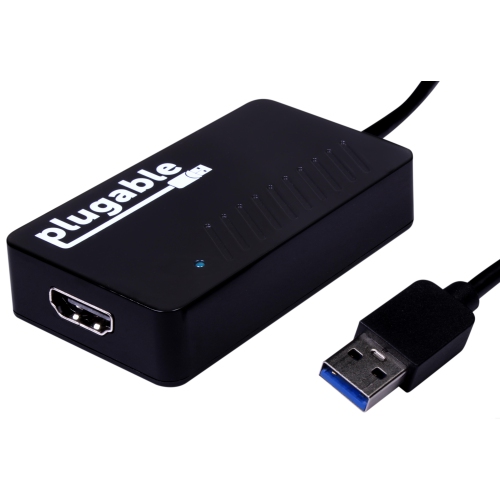
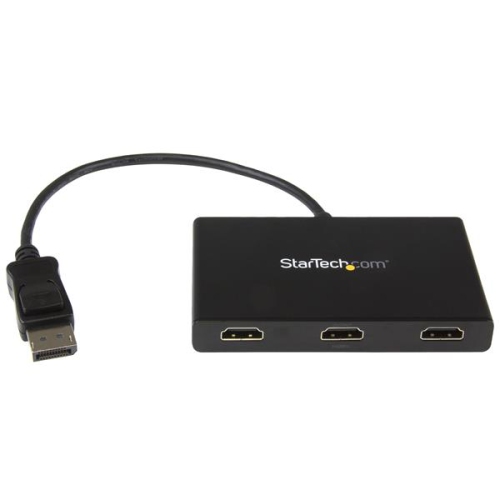
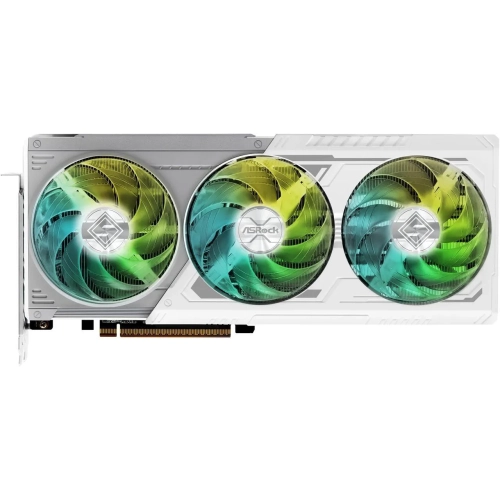
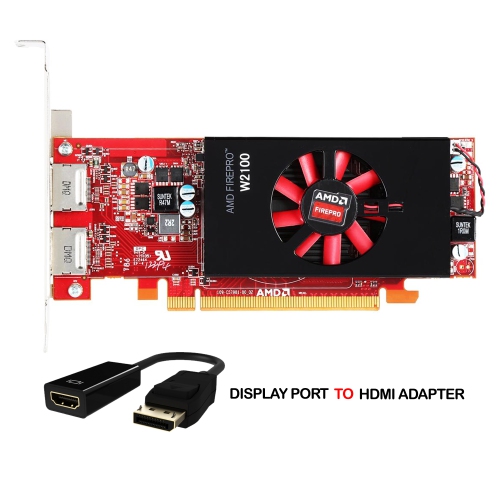
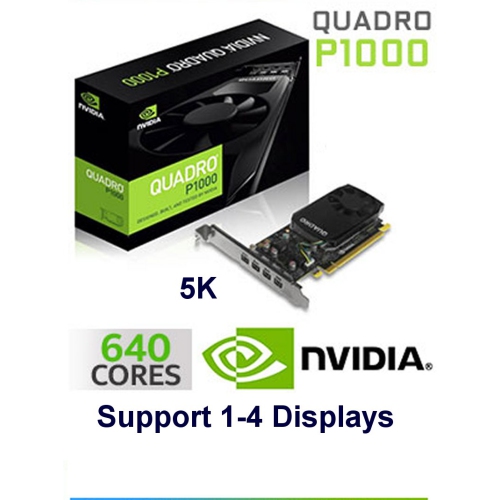
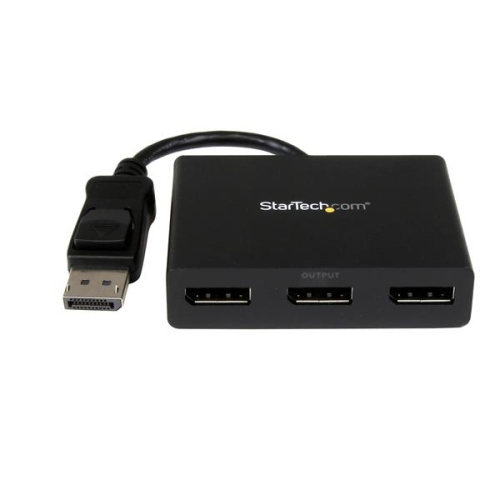
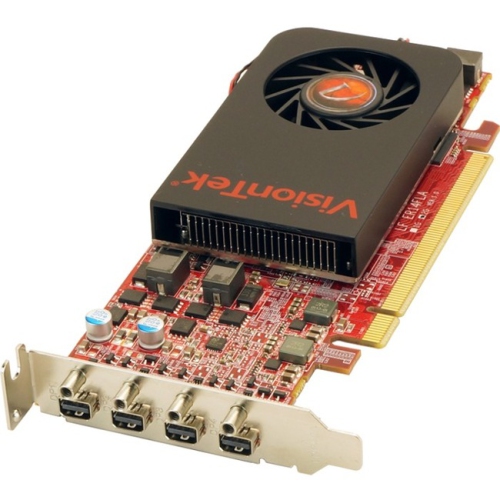
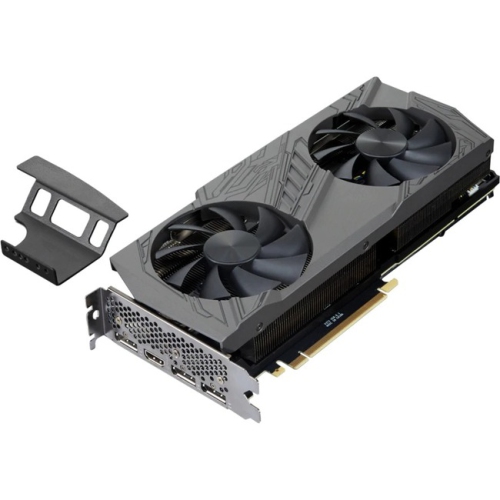
Multi-display setups for productive work, gaming, and creative tasks
For anyone looking to boost productivity, enhance their gaming experience, or create an efficient workspace, multiple monitor graphics cards provide the foundation for seamless multi-display setups. As the weather warms and projects shift from spring into summer, many people find themselves rethinking their home office or entertainment area—whether it’s to support remote work, keep up with fast-paced gaming, or manage complex creative tasks. Graphics cards that support multiple monitors are designed to handle the demands of extended desktops, making it easier to juggle everything from spreadsheets and video calls to immersive open-world games and video editing timelines. These cards are not only for tech enthusiasts or professionals; they are also a thoughtful gift for students heading off to university, digital artists looking to expand their creative canvas, or anyone who wants to streamline multitasking at home or in the office.
When considering a graphics card for a multi-monitor setup, it’s important to look at the number and type of display outputs—such as HDMI, DisplayPort, or DVI—to ensure compatibility with your monitors. Many modern cards offer support for two, three, or even more screens, with some specialized options available for high-density applications like digital signage, trading floors, or control rooms. For gamers, cards with higher processing power and memory ensure smooth frame rates across multiple high-resolution displays, creating an immersive panoramic view for racing, simulation, or strategy games. On the other hand, business users or content creators may prioritize stability and colour accuracy, using multiple monitors to keep reference material, editing tools, and communication channels all visible at once. In the summer months, as families prepare for new routines or students set up dorm rooms, multi-monitor graphics cards can transform a single workspace into a flexible hub for learning, entertainment, and creativity.
Choosing the right card also means thinking about your current and future needs. Will you be expanding your setup later, or do you need to run resource-intensive applications across several screens? Consider the power supply and physical space inside your PC case, as some high-performance cards are larger and require additional connectors. For those with compact systems or limited desk space, low-profile cards can offer multi-monitor support without taking up too much room. No matter your requirements, there’s a wide range of options to fit different budgets and technical needs. To explore more choices and find a card that matches your multi-display ambitions, check out the dedicated selection on the Multi Graphics Cards page, where you’ll find solutions for work, play, and everything in between.
When considering a graphics card for a multi-monitor setup, it’s important to look at the number and type of display outputs—such as HDMI, DisplayPort, or DVI—to ensure compatibility with your monitors. Many modern cards offer support for two, three, or even more screens, with some specialized options available for high-density applications like digital signage, trading floors, or control rooms. For gamers, cards with higher processing power and memory ensure smooth frame rates across multiple high-resolution displays, creating an immersive panoramic view for racing, simulation, or strategy games. On the other hand, business users or content creators may prioritize stability and colour accuracy, using multiple monitors to keep reference material, editing tools, and communication channels all visible at once. In the summer months, as families prepare for new routines or students set up dorm rooms, multi-monitor graphics cards can transform a single workspace into a flexible hub for learning, entertainment, and creativity.
Choosing the right card also means thinking about your current and future needs. Will you be expanding your setup later, or do you need to run resource-intensive applications across several screens? Consider the power supply and physical space inside your PC case, as some high-performance cards are larger and require additional connectors. For those with compact systems or limited desk space, low-profile cards can offer multi-monitor support without taking up too much room. No matter your requirements, there’s a wide range of options to fit different budgets and technical needs. To explore more choices and find a card that matches your multi-display ambitions, check out the dedicated selection on the Multi Graphics Cards page, where you’ll find solutions for work, play, and everything in between.
Top selling and popular products
-
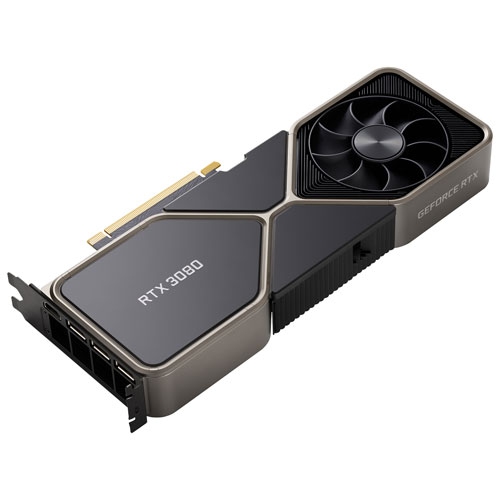 Your price for this item is $1399.99
 -
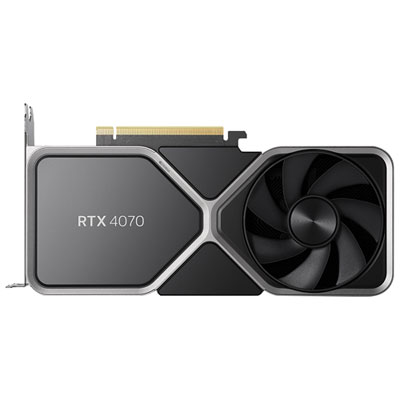 Your price for this item is $739.99
 -
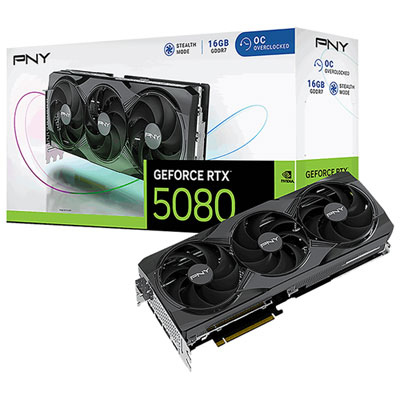 Your price for this item is $2399.99
 -
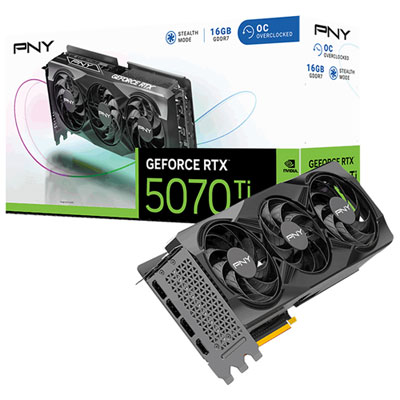 Your price for this item is $1769.99
 -
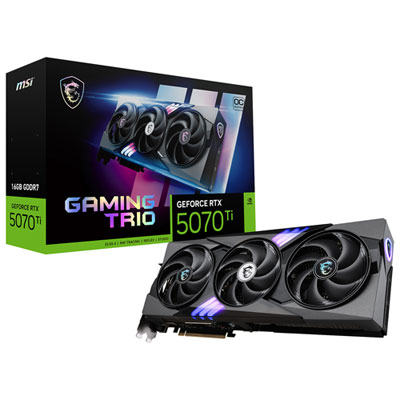 Your price for this item is $1799.99
 -
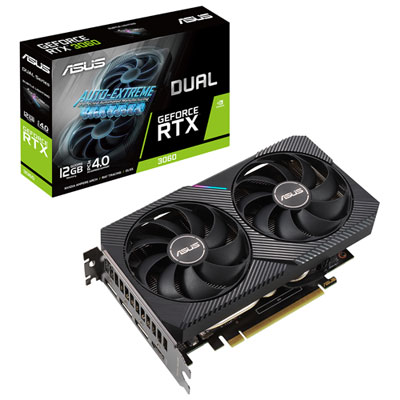 Your price for this item is $699.99
 -
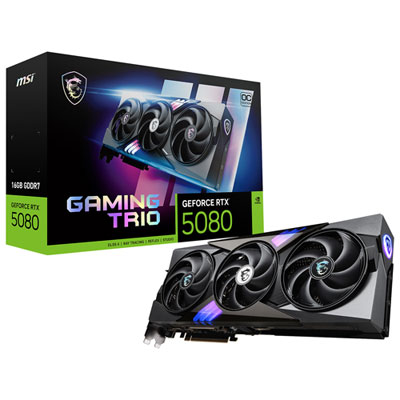 Your price for this item is $2749.99
 -
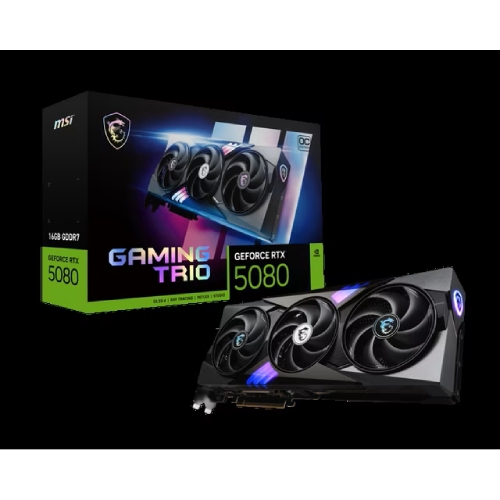 Your price for this item is $5699.99
Discover more categories related to Multiple Monitor Graphics Cards

Top Collections:
Pokemon Centers, Kindle Devices, Best Budget Office Chairs, Apple iPhones 16, Best Laptops for Writers, iPhone 15 Apple, Canon G7X Cameras, Refurbished Apple Laptops, Alarm Clock, Motorola Razr Phones
Some products may be subject to Environmental Handling Fees
(EHF) depending on your province.
Learn more about EHFs.