Multi Page Document Scanners
Multi Page Document Scanners make it easy to efficiently organize, digitize, and manage large volumes of paperwork at home or in the office. Designed for speed and reliability, these devices help streamline your workflow by quickly converting stacks of documents into digital files. Whether you’re handling business records, personal files, or school projects, Multi Page Document Scanners offer a practical solution for anyone looking to simplify document management and improve productivity. Explore a wide selection to find the right scanner that fits your needs.
Sort
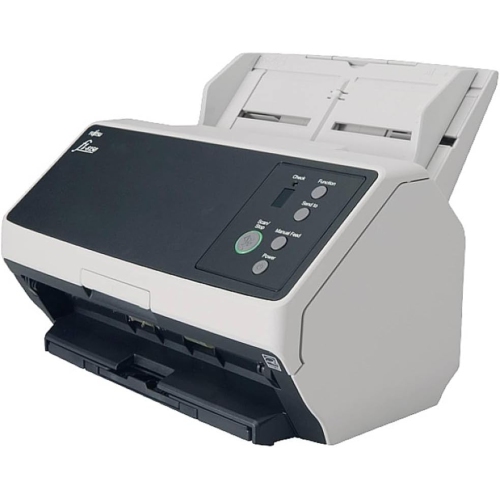
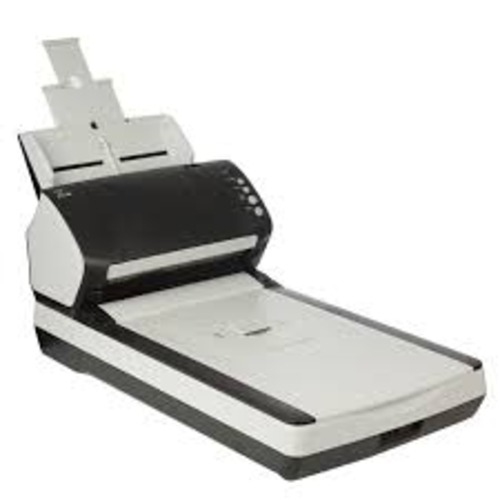

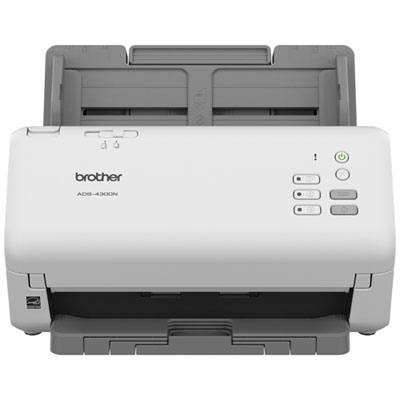
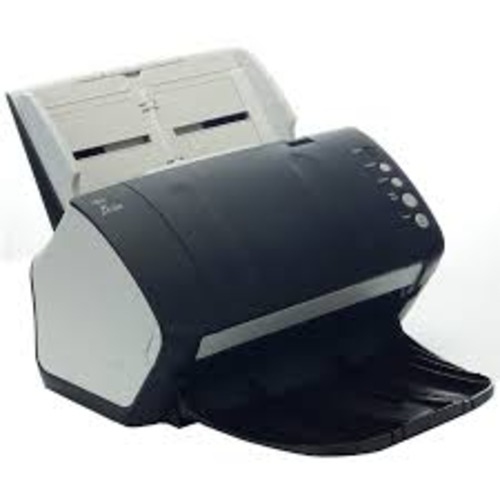
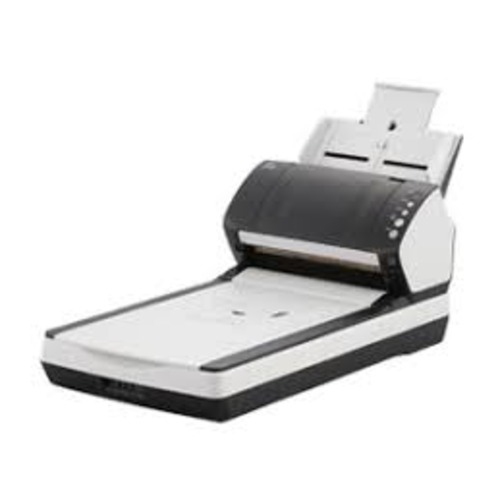
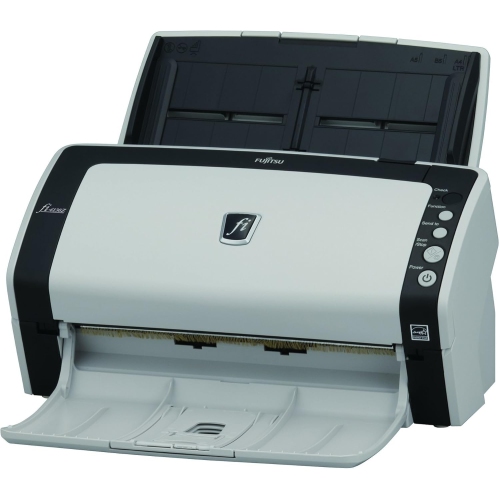
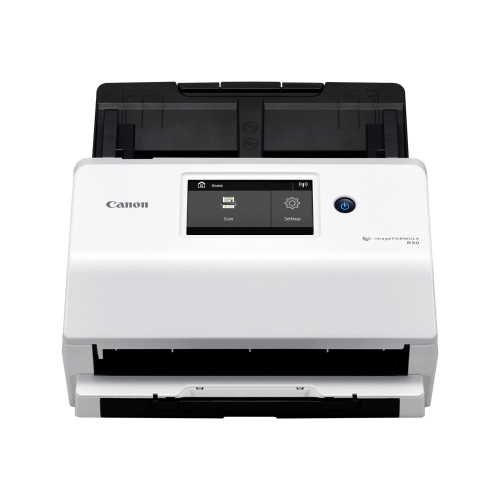
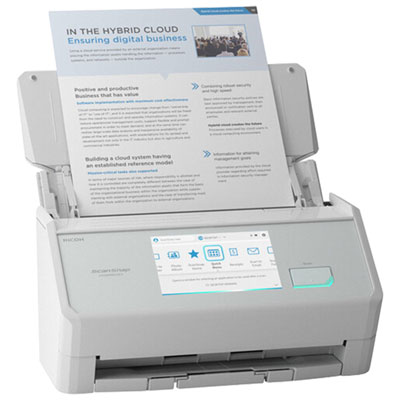
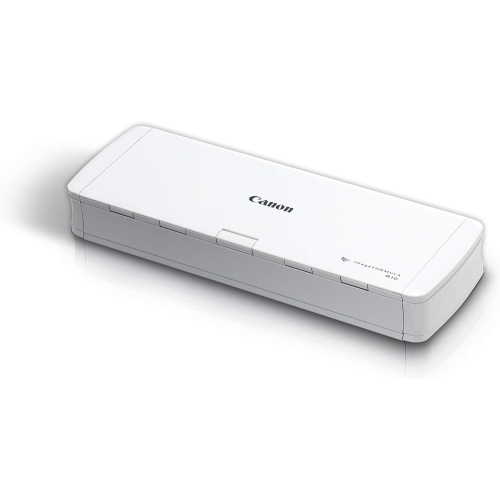
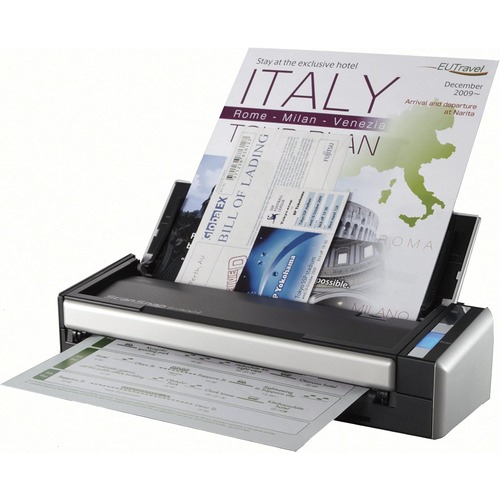
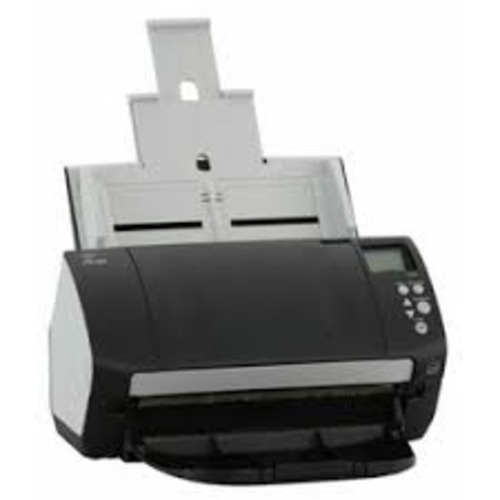
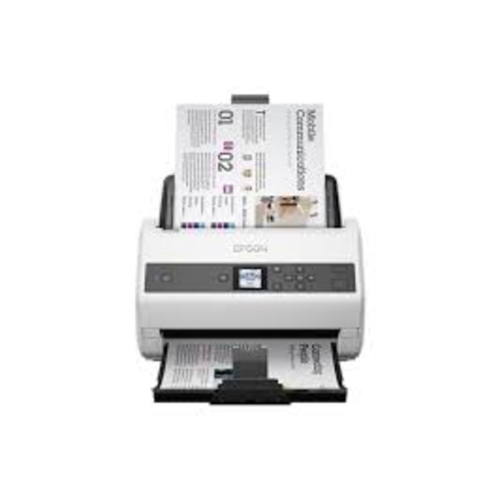
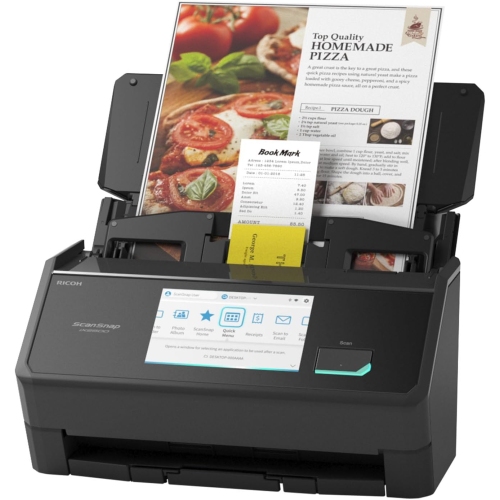
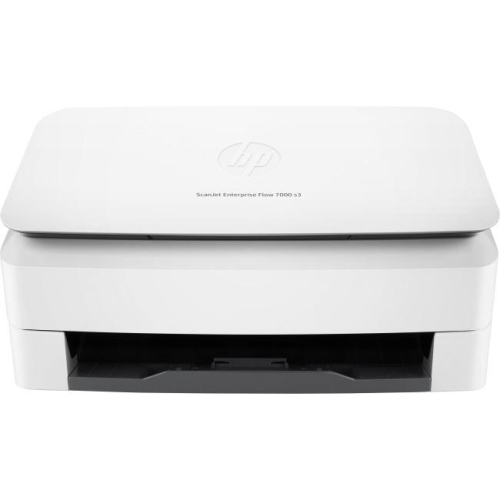
From paper stacks to searchable digital files
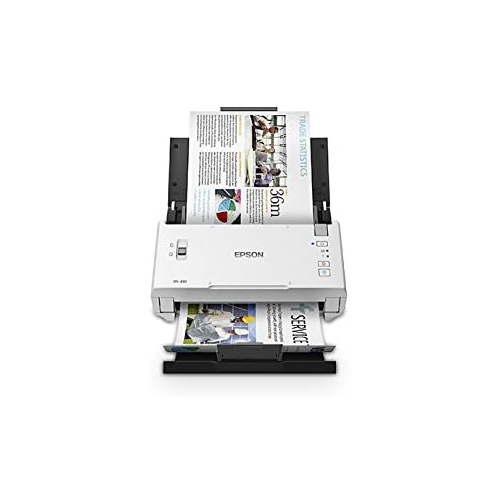
Multi-page document scanners turn stacks of paper into digital files using an automatic document feeder (ADF), which feeds individual sheets through the scanner without requiring each page to be placed on a glass surface. They are useful wherever paperwork arrives in batches: signed agreements, expense receipts, application forms, invoices, or household records that need to be filed together. Multi-page models belong to the broader category of Automatic Document Scanners, with designs suited to occasional home filing, regular home-office work, and shared business use. For an accountant processing client documents, keeping a complete file in order matters as much as capturing clear text. For a family organizing school forms and insurance paperwork, the convenience may be simply turning a folder of loose sheets into one clearly named PDF. Compatible scanning software can combine pages into a single document or separate a batch into individual files, depending on the settings and features supported. Searchable PDFs use optical character recognition, often called OCR, to make printed text searchable, helping someone locate an invoice number or a name without opening every page. OCR accuracy depends on the original document, scan quality, language support, and software, so faint printing and handwritten notes may still need review. Resolution and colour settings also affect the results. Everyday typed documents generally need different settings from pages with small diagrams, coloured annotations, or detailed signatures. Higher resolution captures more detail but usually creates larger files and can slow processing, while greyscale or black-and-white settings may suit straightforward text. Colour scanning preserves distinctions such as highlighted passages and coloured stamps. The most useful output is not always the largest file; it is a readable, complete document that works with the intended filing system. Scanners that support saving preferred settings make repeated tasks more consistent, whether that means a searchable PDF for correspondence or separate image files for records that need further processing.
ADF capacity, duplex scanning, and paper handling shape how comfortably a multi-page document scanner fits a routine. The feeder capacity describes how many sheets can be loaded at once, rather than the total number of pages a device can process in a day. A larger feeder can reduce interruptions during substantial batches, while a smaller feeder may be sufficient for a handful of forms between other tasks. Duplex scanning captures both sides of a sheet, which is particularly useful for contracts, statements, and forms with instructions or signatures on the reverse. Some scanners capture both sides in a single pass; others use a different feeding method, so duplex capability and single-pass duplex capability are worth distinguishing. Scan speeds are commonly expressed in pages per minute, while images per minute can count each scanned side separately. Actual completion time also includes file processing and saving, and varies with resolution, colour settings, connection type, and software. A scanner’s recommended daily volume offers a separate indication of its intended workload, helping distinguish occasional batch scanning from sustained office use. Paper compatibility deserves the same attention as speed. Letter-size correspondence, legal-size agreements, narrow receipts, and business cards do not all feed in the same way, and supported sizes and paper weights vary. Adjustable guides help keep sheets aligned, while features such as double-feed detection can flag situations where two pages travel through together. Mixed-size batch support can be helpful when a file contains several document formats, but curled receipts, sticky notes, staples, and folded corners still need attention before feeding. Fragile originals, bound pages, and photographs may require a flatbed or a supported carrier sheet rather than direct passage through an ADF. A student digitizing course handouts has different handling needs from an administrator scanning thick application packages. Matching the feeder and paper path to those documents helps reduce stoppages, missed pages, and unnecessary handling of originals.
Connectivity determines where scanned files can go and how easily the scanner fits into an existing setup. A USB connection suits a scanner used beside one computer, while Wi-Fi or Ethernet support can make sense for compatible shared workflows. Network scanning features differ between models: some depend on software running on a computer, while others support selected destinations through built-in controls. Direct scanning to a USB drive, email, a network folder, or cloud storage should be checked individually rather than assumed from the presence of wireless connectivity. Operating system support is equally important, particularly when several people use different computers or when a workplace relies on particular document-management software. Mobile scanning features may offer another route for supported phones and tablets, although setup and destination options vary. For confidential paperwork, practical details include who can access saved files, whether shared destinations require authentication, and how documents are handled after scanning. Physical fit matters too. A compact scanner may occupy little space when closed but need room in front and behind for its trays and paper path. A stable position beside the computer is more comfortable than balancing incoming sheets against a keyboard or letting completed pages fall off the desk. Folding trays and protective covers can help keep a lightly used scanner tidy between batches. Durability depends on more than the outer casing: feed rollers, separation pads, hinges, and tray supports all experience repeated use. Replaceable wear parts and accessible cleaning areas are useful considerations for frequent scanning. Dust, paper fibres, adhesive residue, and correction fluid can affect feeding or leave marks on scans, so cleaning should follow the manufacturer’s directions with approved materials. Removing staples, allowing ink to dry, and checking originals before loading also help protect the paper path. Together, dependable feeding, readable output, suitable connections, and manageable upkeep make multi-page scanning a practical part of keeping documents organized, whether the task is clearing a household filing drawer or processing paperwork throughout the working day.
ADF capacity, duplex scanning, and paper handling shape how comfortably a multi-page document scanner fits a routine. The feeder capacity describes how many sheets can be loaded at once, rather than the total number of pages a device can process in a day. A larger feeder can reduce interruptions during substantial batches, while a smaller feeder may be sufficient for a handful of forms between other tasks. Duplex scanning captures both sides of a sheet, which is particularly useful for contracts, statements, and forms with instructions or signatures on the reverse. Some scanners capture both sides in a single pass; others use a different feeding method, so duplex capability and single-pass duplex capability are worth distinguishing. Scan speeds are commonly expressed in pages per minute, while images per minute can count each scanned side separately. Actual completion time also includes file processing and saving, and varies with resolution, colour settings, connection type, and software. A scanner’s recommended daily volume offers a separate indication of its intended workload, helping distinguish occasional batch scanning from sustained office use. Paper compatibility deserves the same attention as speed. Letter-size correspondence, legal-size agreements, narrow receipts, and business cards do not all feed in the same way, and supported sizes and paper weights vary. Adjustable guides help keep sheets aligned, while features such as double-feed detection can flag situations where two pages travel through together. Mixed-size batch support can be helpful when a file contains several document formats, but curled receipts, sticky notes, staples, and folded corners still need attention before feeding. Fragile originals, bound pages, and photographs may require a flatbed or a supported carrier sheet rather than direct passage through an ADF. A student digitizing course handouts has different handling needs from an administrator scanning thick application packages. Matching the feeder and paper path to those documents helps reduce stoppages, missed pages, and unnecessary handling of originals.
Connectivity determines where scanned files can go and how easily the scanner fits into an existing setup. A USB connection suits a scanner used beside one computer, while Wi-Fi or Ethernet support can make sense for compatible shared workflows. Network scanning features differ between models: some depend on software running on a computer, while others support selected destinations through built-in controls. Direct scanning to a USB drive, email, a network folder, or cloud storage should be checked individually rather than assumed from the presence of wireless connectivity. Operating system support is equally important, particularly when several people use different computers or when a workplace relies on particular document-management software. Mobile scanning features may offer another route for supported phones and tablets, although setup and destination options vary. For confidential paperwork, practical details include who can access saved files, whether shared destinations require authentication, and how documents are handled after scanning. Physical fit matters too. A compact scanner may occupy little space when closed but need room in front and behind for its trays and paper path. A stable position beside the computer is more comfortable than balancing incoming sheets against a keyboard or letting completed pages fall off the desk. Folding trays and protective covers can help keep a lightly used scanner tidy between batches. Durability depends on more than the outer casing: feed rollers, separation pads, hinges, and tray supports all experience repeated use. Replaceable wear parts and accessible cleaning areas are useful considerations for frequent scanning. Dust, paper fibres, adhesive residue, and correction fluid can affect feeding or leave marks on scans, so cleaning should follow the manufacturer’s directions with approved materials. Removing staples, allowing ink to dry, and checking originals before loading also help protect the paper path. Together, dependable feeding, readable output, suitable connections, and manageable upkeep make multi-page scanning a practical part of keeping documents organized, whether the task is clearing a household filing drawer or processing paperwork throughout the working day.
Top selling and popular products
-
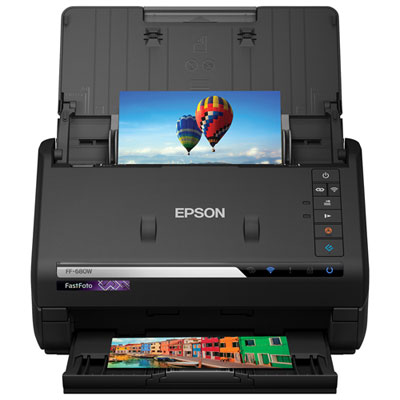 Your price for this item is $699.99
 -
 Your price for this item is $107.99
 -
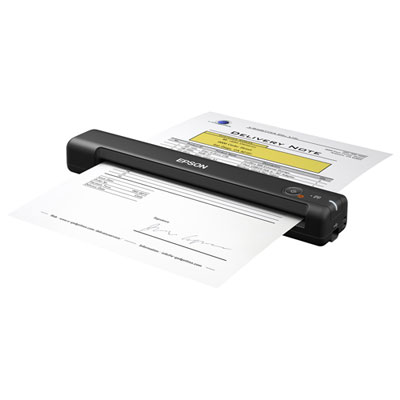 Your price for this item is $179.99
 -
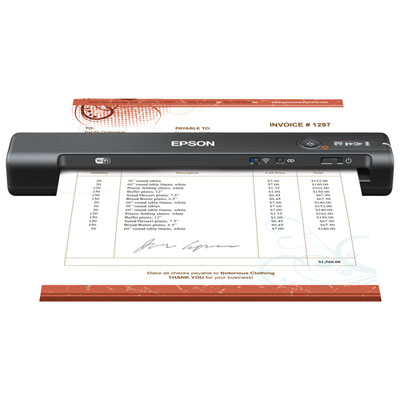 Your price for this item is $179.99
 -
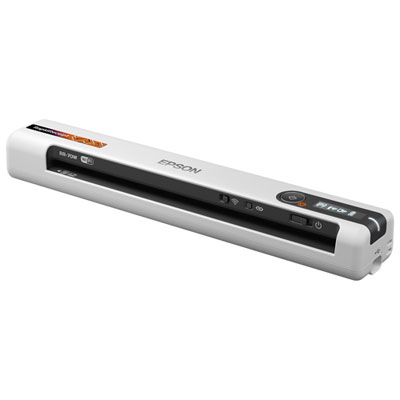 Your price for this item is $289.99
 -
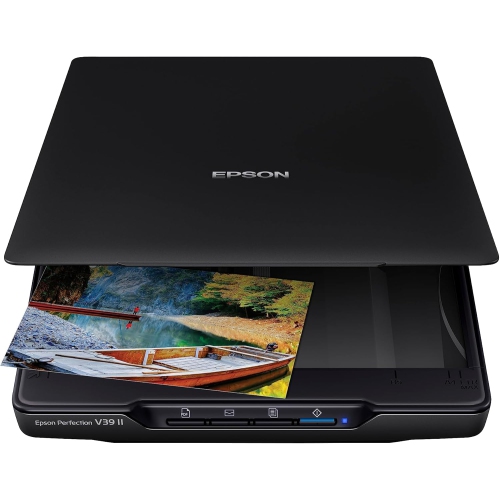 Your price for this item is $228.99
 -
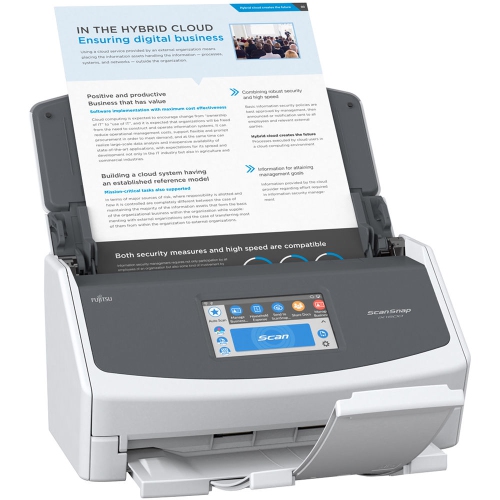 Your price for this item is $804
 -
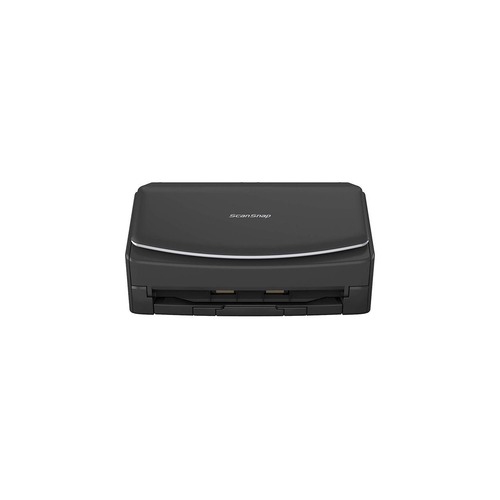 Your price for this item is $800
Discover more categories related to Multi Page Document Scanners
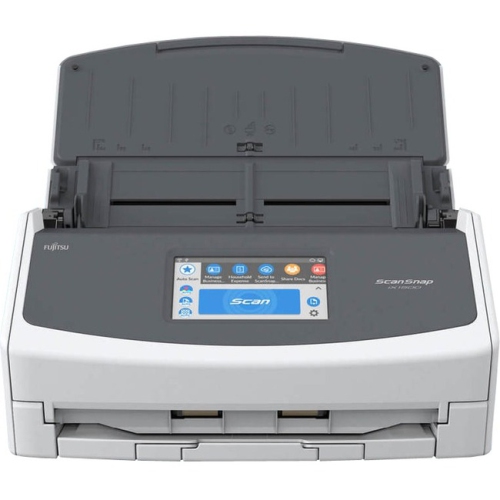
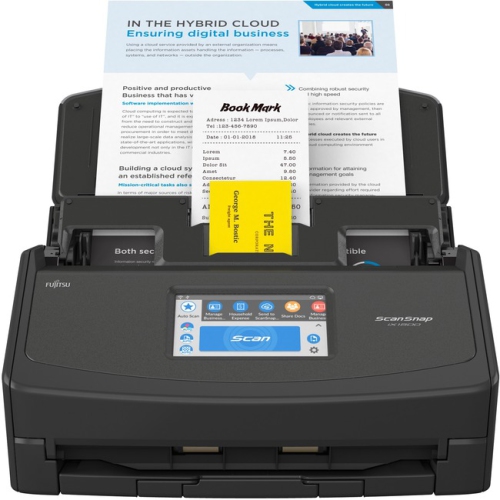
Top Collections:
Pokemon Centers, Best Cameras for Sports Photography, Kindle Devices, Samsung Galaxy Phones, Canon G7X Cameras, Pokémon 30th Celebration Cards, Refurbished Apple Laptops, iPhone 15 Apple, Laptops for Students, Budget Smartphones
Some products may be subject to Environmental Handling Fees
(EHF) depending on your province.
Learn more about EHFs.