Must Have iPad Accessories
Elevate your tablet experience with must have iPad accessories designed to help you get more from your device. Whether you're looking to boost productivity, enhance entertainment, or keep your iPad protected on the go, the right accessories make all the difference. Explore a wide selection of must have iPad accessories perfect for work, creativity, and everyday convenience. Find everything you need to personalize and optimize your iPad for any situation.
Sort





Your iPad model matters as much as your routine
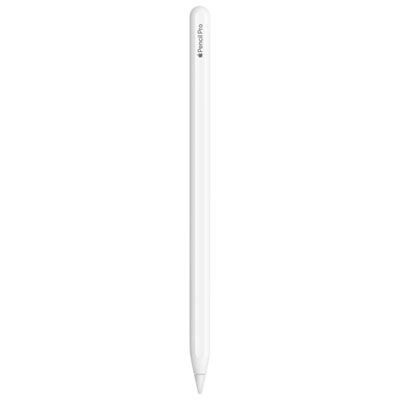
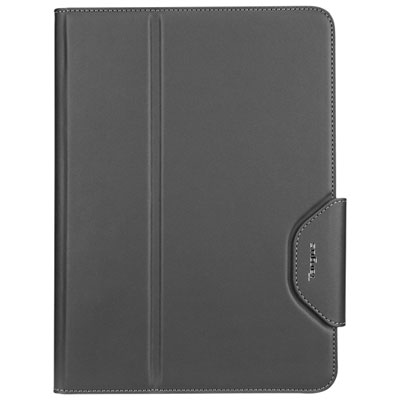
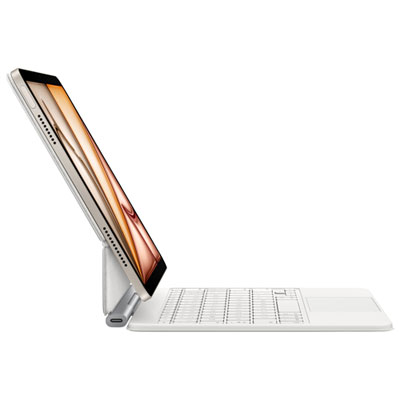
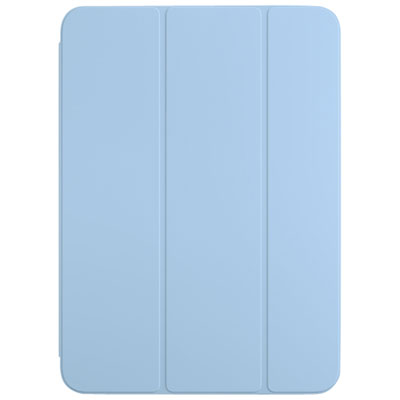
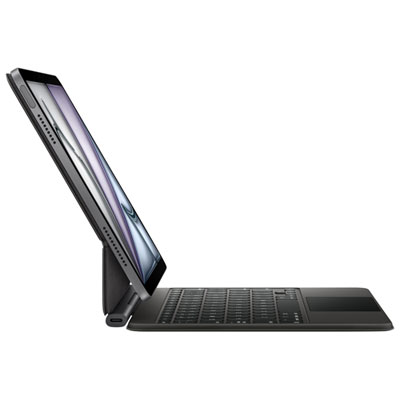
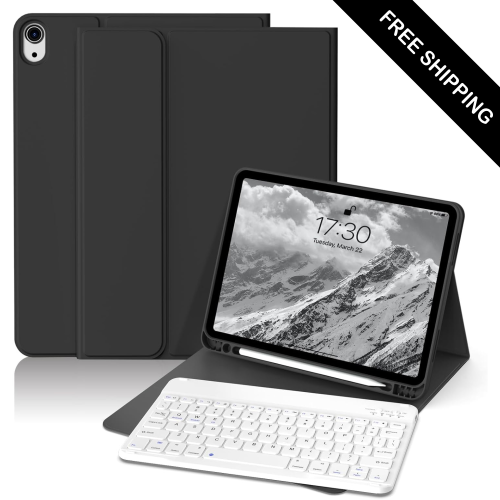
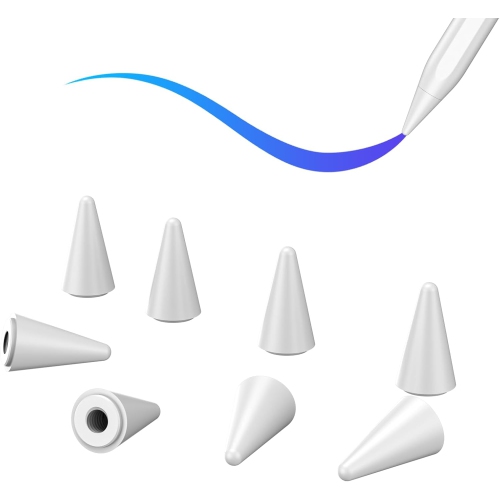
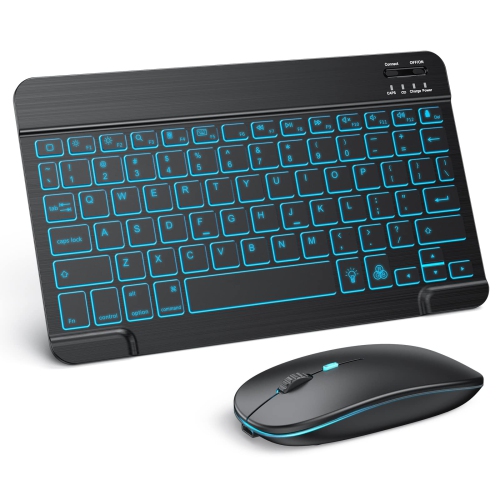
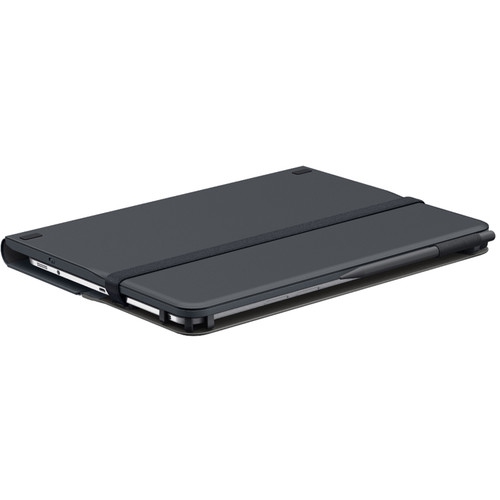
Must-have iPad accessories include protective cases, screen protectors, keyboards, styluses, stands, and compatible charging accessories, with the most useful combination depending on how the tablet is used. A lightweight setup for reading on the sofa has different needs from one carried between classrooms or used for presentations. Protection starts with fit: the iPad model, generation, and screen size determine whether a case leaves the cameras, speakers, buttons, and charging port accessible. Similar-looking tablets can have different dimensions, so screen size alone does not establish compatibility. Slim folio covers keep bulk down and often fold into a support for reading or watching videos, while more substantial cases may add reinforced corners, textured grips, or hand straps for use while standing. Flexible shells can make a tablet easier to hold, and rigid back panels help maintain the case’s shape. Fabric and leather-style finishes offer different textures, but their care requirements vary; a surface that wipes clean easily can be especially practical for a shared family tablet. Raised edges can help keep the screen and camera lenses away from a flat tabletop, though no case makes a device damage-proof. Screen protectors add another layer between the display and everyday contact. Tempered glass provides a smooth surface, while matte films can reduce reflections and create more resistance under a stylus tip. That added texture may also affect display clarity and nib wear, making the choice particularly relevant for drawing and handwriting. A protector should leave sensors unobstructed and work with the edges of the chosen case. Before fitting one, a clean screen and a dust-free surface help prevent trapped specks and lifted corners. For ongoing care, a soft, lint-free cloth is useful for removing fingerprints, with cleaning methods matched to the tablet and accessory manufacturers’ directions. Together, a well-fitted case and suitable screen protector support everyday handling without making the tablet unnecessarily bulky.
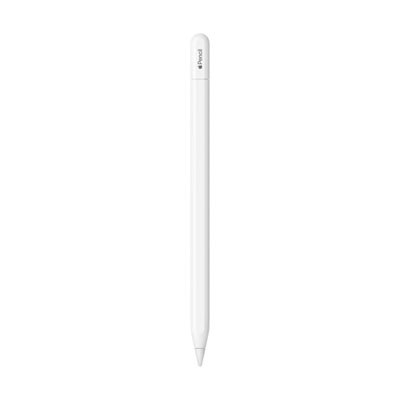
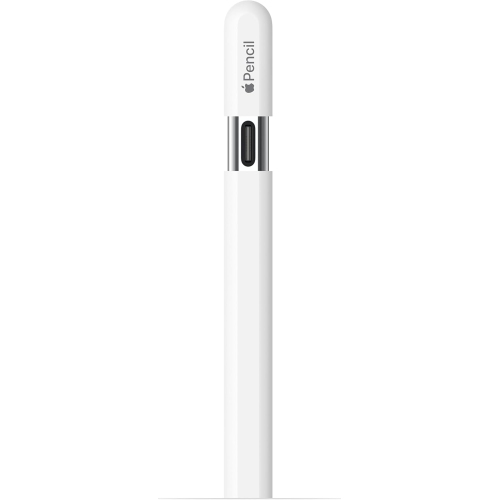
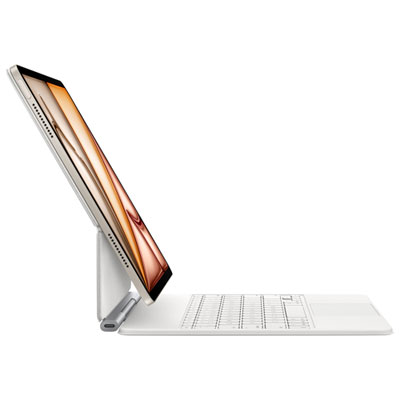
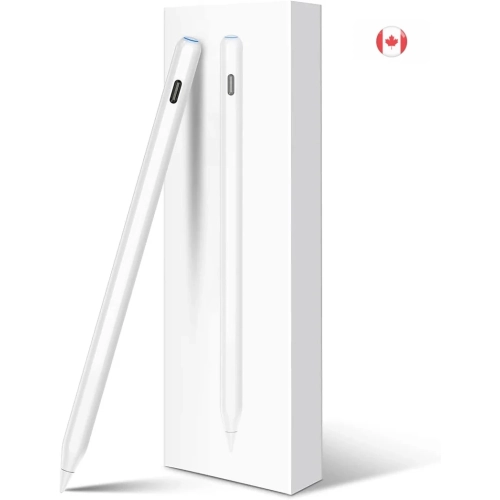
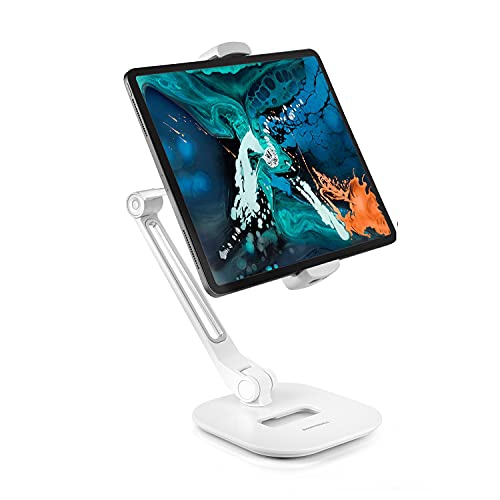
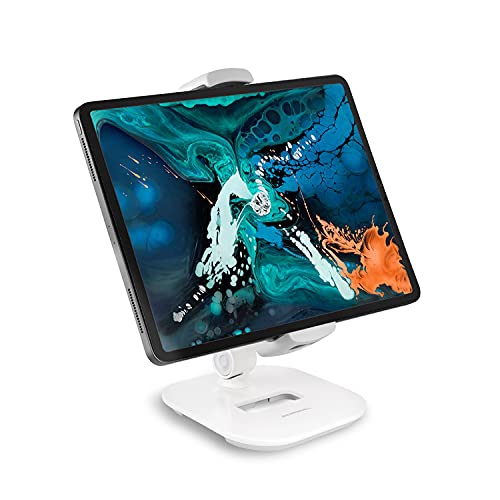
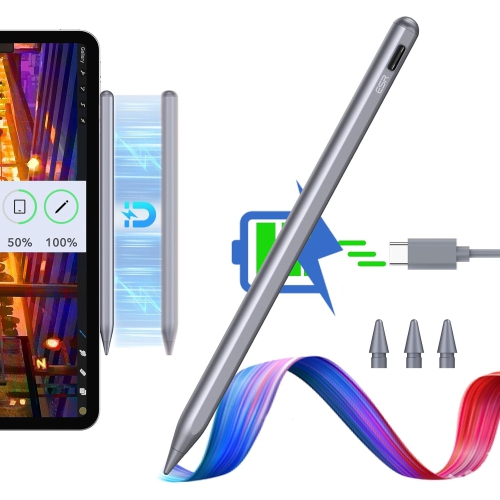
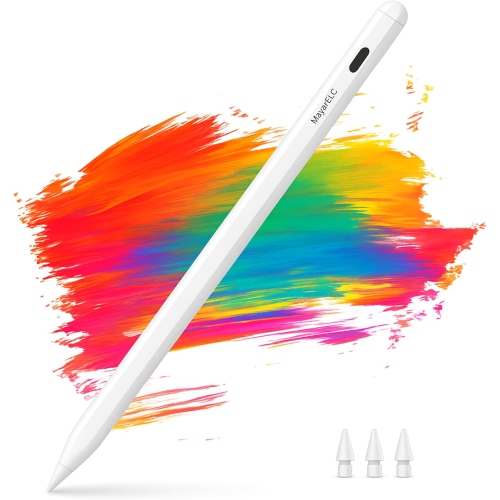
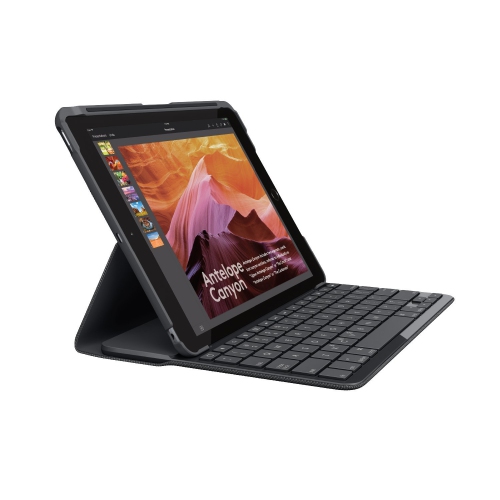
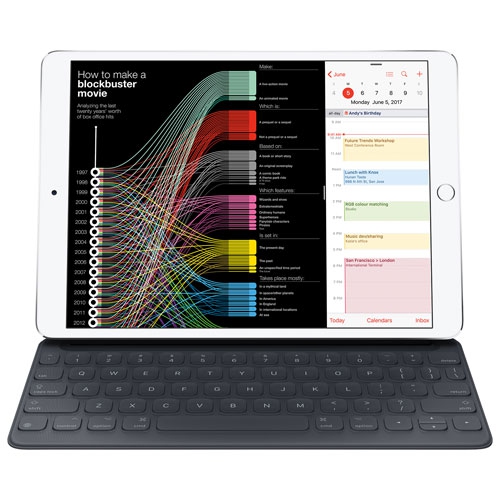
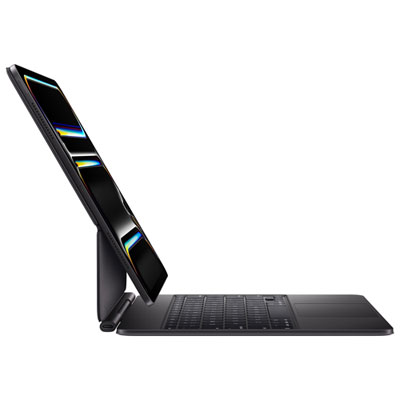
For schoolwork, correspondence, and creative projects, iPad accessories can make a familiar touchscreen more comfortable to use for longer tasks. A keyboard is particularly useful for someone writing assignments, replying to messages, or editing documents away from a desk. Keyboard cases keep the typing surface attached to the tablet, while separate keyboards offer more flexibility in positioning and can leave less weight in the hand when reading. Key spacing, shortcut support, keyboard layout, and the strength of the tablet support all affect the experience. A compact keyboard may be convenient in a backpack, but someone typing several pages at a time may prefer more room between keys. A trackpad or mouse can help with selecting text and moving between supported apps, although app behaviour and available controls vary. Styluses suit a different kind of interaction, from annotating lecture slides to sketching a room layout or marking changes on a document. Compatibility matters here too: charging methods, pairing requirements, palm rejection, pressure sensitivity, and tilt support are not the same across all styluses and iPad models. Some basic styluses need no pairing, while advanced drawing features require a compatible tablet, stylus, and app. Grip shape and weight become noticeable during a long note-taking session, and a secure holder helps keep a stylus from disappearing into the bottom of a bag. A stand rounds out a desk or countertop setup by holding the screen at a useful angle. Adjustable designs can bring a video call closer to eye level, while a low, stable position is better suited to drawing or tapping through a recipe. The base should remain steady during touch input and accommodate the tablet’s case if it stays on. Headphones can also be useful for lessons, calls, and entertainment in shared spaces; comfort, microphone performance, connection type, and straightforward controls matter more than features that will rarely be used.
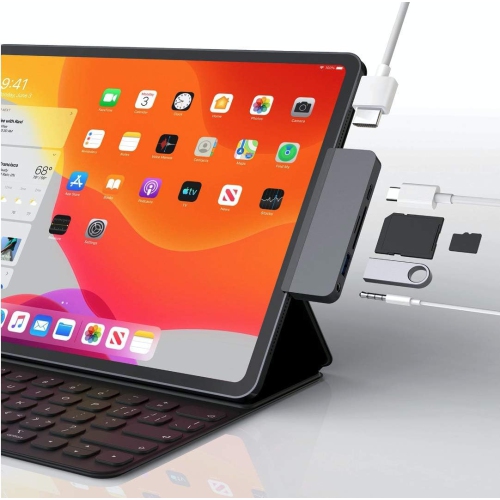
Charging and connectivity accessories support the less visible parts of an iPad setup: keeping enough power for a day away from a socket, connecting a display, or transferring files from another device. The tablet’s charging port determines the required cable connection, and charging performance depends on the compatibility and capabilities of the tablet, cable, and power adapter together. Cable length is worth considering in practical terms. A shorter lead keeps a desk tidier, while a longer one can reach a wall socket beside a reading chair without pulling against the port. Reinforced connectors and a flexible cable jacket can help with repeated handling, but cables still benefit from gentle loops rather than tight bends when packed away. Portable power banks can be useful for travel or long study sessions, provided their output and connections suit the tablet. Their size and weight also matter when the goal is a light everyday bag. For compatible iPad models, hubs and adapters can add connections for displays, memory cards, wired audio, or other supported equipment. The presence of a matching plug does not guarantee every function will work: external display support, file access, charging through a hub, and accessory power needs depend on the tablet, software, and adapter specifications. A padded sleeve or organizer can keep these smaller pieces together and help prevent hard connectors from rubbing against the screen in transit. For a gift, the recipient’s exact iPad model and daily habits are more useful starting points than a long list of features. A reader may appreciate a comfortable stand, a student may make regular use of a keyboard and stylus, and a frequent traveller may value compact charging accessories and a protective sleeve. For someone who carries a phone alongside a tablet, the Must Have iPhone Accessories collection offers a related place to explore phone-focused additions. The strongest tablet setup is one whose accessories fit properly, travel comfortably, and earn their place through regular use.
For schoolwork, correspondence, and creative projects, iPad accessories can make a familiar touchscreen more comfortable to use for longer tasks. A keyboard is particularly useful for someone writing assignments, replying to messages, or editing documents away from a desk. Keyboard cases keep the typing surface attached to the tablet, while separate keyboards offer more flexibility in positioning and can leave less weight in the hand when reading. Key spacing, shortcut support, keyboard layout, and the strength of the tablet support all affect the experience. A compact keyboard may be convenient in a backpack, but someone typing several pages at a time may prefer more room between keys. A trackpad or mouse can help with selecting text and moving between supported apps, although app behaviour and available controls vary. Styluses suit a different kind of interaction, from annotating lecture slides to sketching a room layout or marking changes on a document. Compatibility matters here too: charging methods, pairing requirements, palm rejection, pressure sensitivity, and tilt support are not the same across all styluses and iPad models. Some basic styluses need no pairing, while advanced drawing features require a compatible tablet, stylus, and app. Grip shape and weight become noticeable during a long note-taking session, and a secure holder helps keep a stylus from disappearing into the bottom of a bag. A stand rounds out a desk or countertop setup by holding the screen at a useful angle. Adjustable designs can bring a video call closer to eye level, while a low, stable position is better suited to drawing or tapping through a recipe. The base should remain steady during touch input and accommodate the tablet’s case if it stays on. Headphones can also be useful for lessons, calls, and entertainment in shared spaces; comfort, microphone performance, connection type, and straightforward controls matter more than features that will rarely be used.
Charging and connectivity accessories support the less visible parts of an iPad setup: keeping enough power for a day away from a socket, connecting a display, or transferring files from another device. The tablet’s charging port determines the required cable connection, and charging performance depends on the compatibility and capabilities of the tablet, cable, and power adapter together. Cable length is worth considering in practical terms. A shorter lead keeps a desk tidier, while a longer one can reach a wall socket beside a reading chair without pulling against the port. Reinforced connectors and a flexible cable jacket can help with repeated handling, but cables still benefit from gentle loops rather than tight bends when packed away. Portable power banks can be useful for travel or long study sessions, provided their output and connections suit the tablet. Their size and weight also matter when the goal is a light everyday bag. For compatible iPad models, hubs and adapters can add connections for displays, memory cards, wired audio, or other supported equipment. The presence of a matching plug does not guarantee every function will work: external display support, file access, charging through a hub, and accessory power needs depend on the tablet, software, and adapter specifications. A padded sleeve or organizer can keep these smaller pieces together and help prevent hard connectors from rubbing against the screen in transit. For a gift, the recipient’s exact iPad model and daily habits are more useful starting points than a long list of features. A reader may appreciate a comfortable stand, a student may make regular use of a keyboard and stylus, and a frequent traveller may value compact charging accessories and a protective sleeve. For someone who carries a phone alongside a tablet, the Must Have iPhone Accessories collection offers a related place to explore phone-focused additions. The strongest tablet setup is one whose accessories fit properly, travel comfortably, and earn their place through regular use.
Top selling and popular products
-
 Your price for this item is $89.99
-
 Your price for this item is $49.99
-
 Your price for this item is $159.99
-
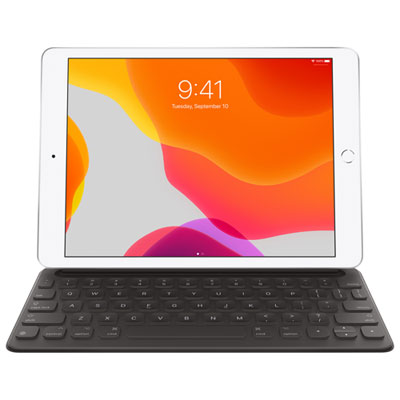 Your price for this item is $218.97
-
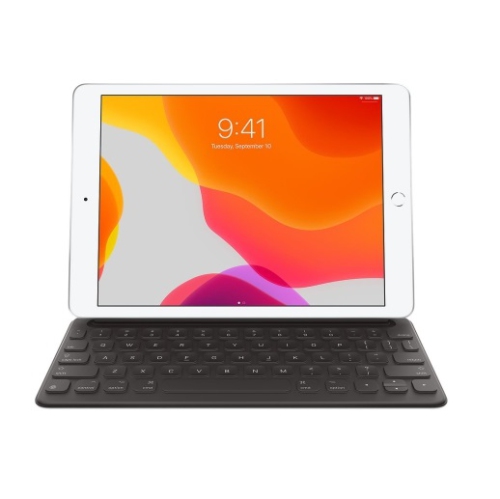 Your price for this item is $149
-
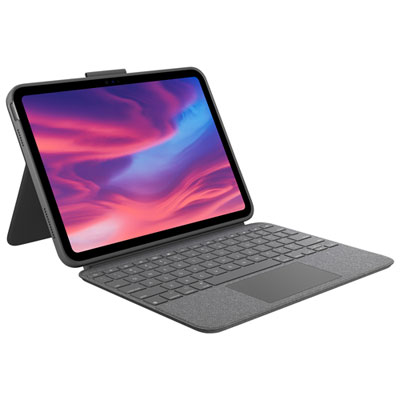 Your price for this item is $219.99
-
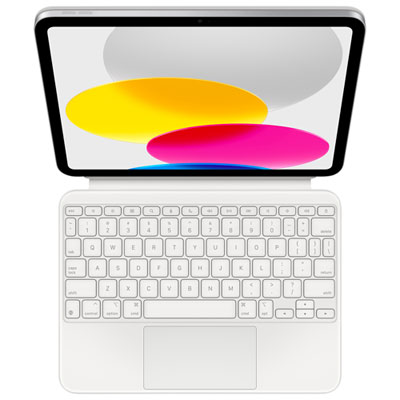 Your price for this item is $329.99
-
 Your price for this item is $449.99
Discover more categories related to Must Have iPad Accessories

Top Collections:
Best Black Friday Deals This Year, Best Black Friday Deals On Electronics, Kindle Devices, Pokemon Centers, Best Black Friday Deals On Apple Products, Best Cameras for Sports Photography, Dyson Airwrap, Pokémon 30th Celebration Cards, Apple iPhone 17 Pro, Canon G7X Cameras
Some products may be subject to Environmental Handling Fees
(EHF) depending on your province.
Learn more about EHFs.