iPad Accessories
Enhance your tablet experience with a wide selection of iPad accessories designed to help you get the most out of your device. Whether you’re looking to boost productivity, protect your investment, or enjoy added convenience, there’s an accessory to suit every need. Explore options that make it easy to personalize your setup and streamline daily tasks. Find the perfect iPad accessories to complement your lifestyle and elevate how you use your device every day.
Sort
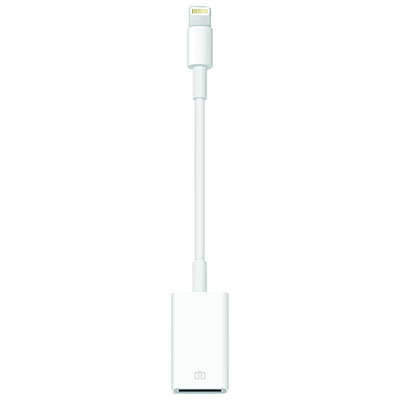
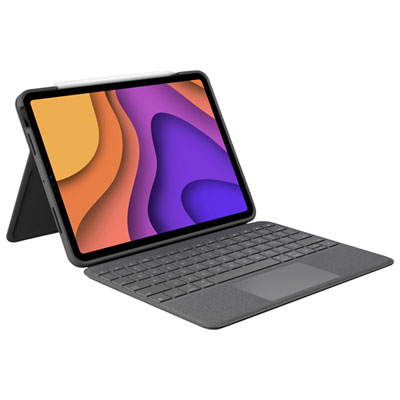
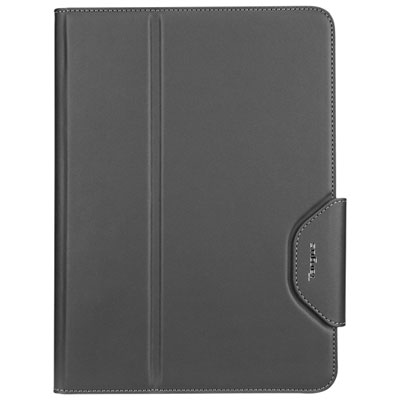
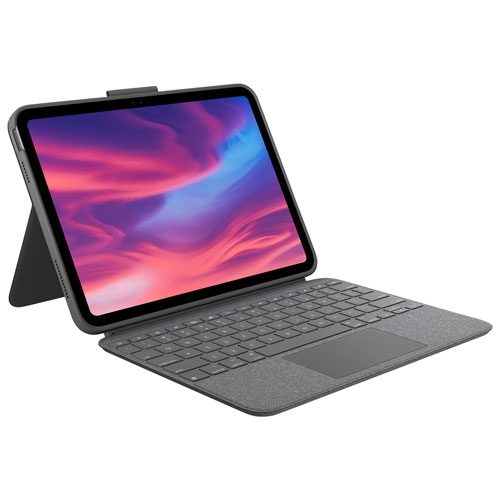

Protection and comfort that fit your iPad routine
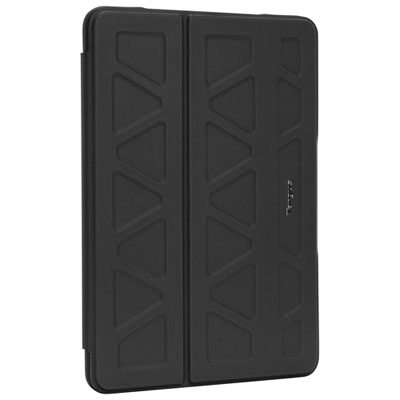
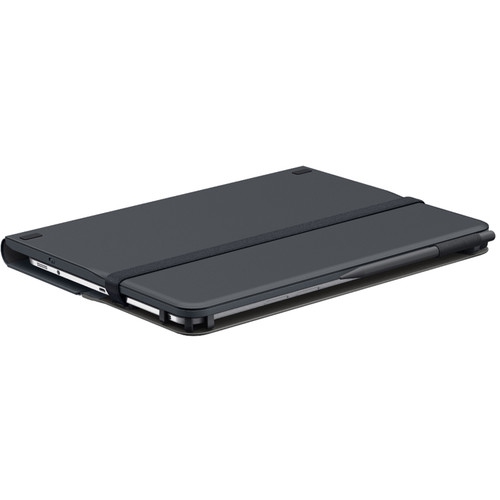
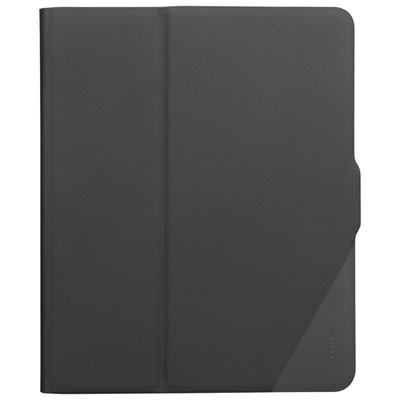
iPad accessories support everyday tasks such as typing, drawing, reading, video calls, and watching films, while adding protection and making a tablet easier to carry. The most useful combination depends on where the device spends its time: tucked into a backpack between classes, propped beside a desktop monitor, or shared around the kitchen table. Protective cases range from slim folio styles to reinforced designs with cushioned corners, hand straps, or built-in stands. Smooth synthetic covers can be easy to wipe clean, flexible edges can make a case easier to fit, and rigid shells can add structure without the bulk of a separate bag. Fabric finishes offer a different feel but may require more attention to spills and marks. Fit matters beyond screen size because tablets with similar dimensions can have different camera positions, button layouts, speaker openings, and charging connections. A compatible case should leave those areas accessible without pressing against controls or interfering with an attached keyboard or stylus. Raised edges can help keep the screen and camera from touching a flat surface, although no case makes a tablet immune to damage. Screen protectors add another layer between the display and everyday contact. Clear glass styles preserve a smooth feel, while matte finishes can reduce reflections and create more friction under a stylus tip; that texture may also slightly soften the appearance of the display. Sleeves and carrying bags add cushioning during travel, especially when a tablet shares space with notebooks, cables, and other essentials. Separate compartments help prevent loose objects from rubbing against the screen or collecting around exposed connectors. For care, a soft, lint-free cloth and cleaning methods approved for the tablet and accessory materials are preferable to abrasive pads or harsh cleaners. Dust trapped inside a case deserves attention too, particularly along edges where grit can rub against the device. A well-fitting cover that is easy to remove and clean can be more practical than a heavier design that feels awkward during daily use.
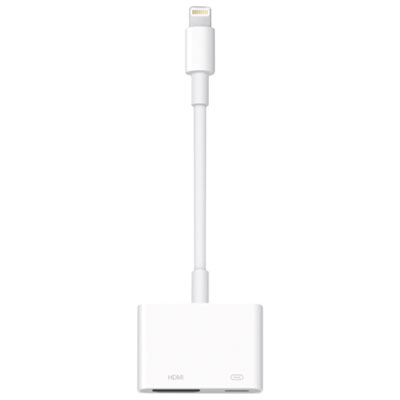
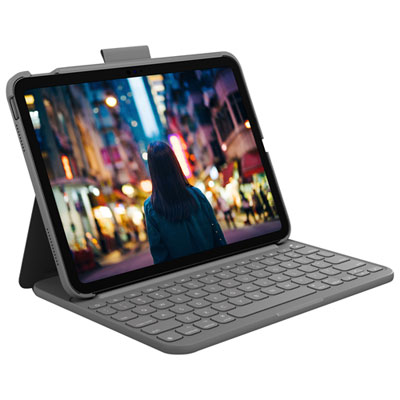
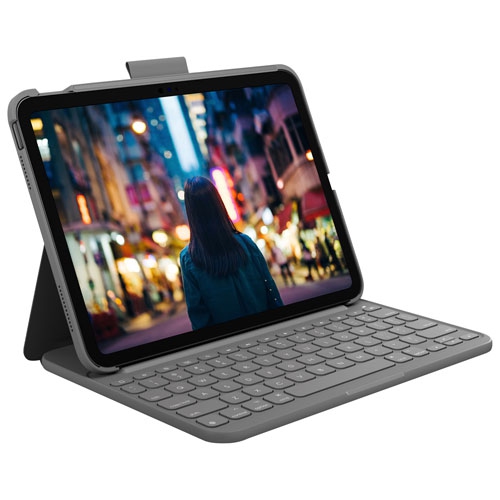
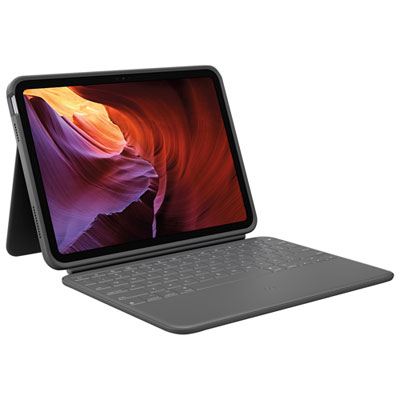
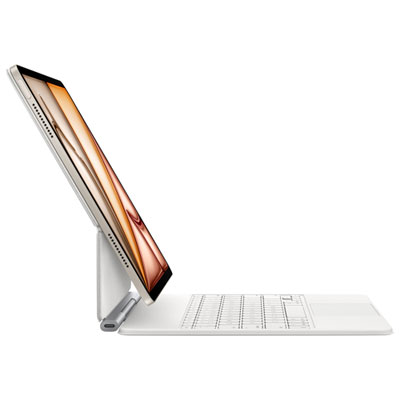
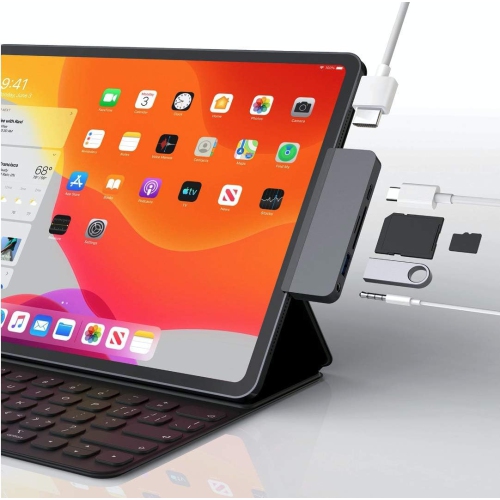
Keyboards, stands, pointing devices, and connection accessories can make an iPad more comfortable for longer stretches of work or study. A keyboard cover keeps typing and protection together, while a separate wireless keyboard allows more freedom to position the screen at eye level and keep the keys closer to the edge of a desk. Key spacing, key travel, shortcut support, and the stability of the typing surface all affect how comfortable that setup feels when writing an assignment or answering a long chain of messages. Backlit keys can improve visibility in a dim room, but battery life and charging needs vary between designs. Trackpads and mice offer another way to navigate supported apps, select text, and move between documents, with functionality depending on the tablet software and accessory compatibility. Stands range from compact folding supports to weighted desktop bases and adjustable arms. A stable base and a secure grip matter when tapping the screen, while adjustable height and tilt can make it easier to alternate between reading, typing, and video calls. For a shared work surface, a folding stand leaves room for paperwork when the tablet is put away. Clamps require a suitable surface thickness and enough clearance around the mounting point. Charging cables, power adapters, and hubs serve different purposes, even when their connectors look alike. A cable that charges a device may not support the same data transfer or display functions as another cable, and an adapter’s rated output does not mean every connected device will charge at that rate. Hubs can add connections for storage, audio, or an external display, subject to the tablet’s capabilities and the hub’s specifications. Connector type, power requirements, cable length, and space around the case opening are useful considerations for a tidy setup. Headphones and microphones can support calls, recorded lessons, and entertainment, with comfort, connection type, and microphone placement shaping the experience. Keeping cables loosely coiled and avoiding sharp bends near the plugs can reduce strain during repeated packing and unpacking.
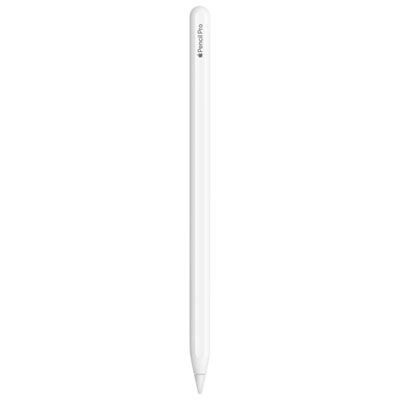
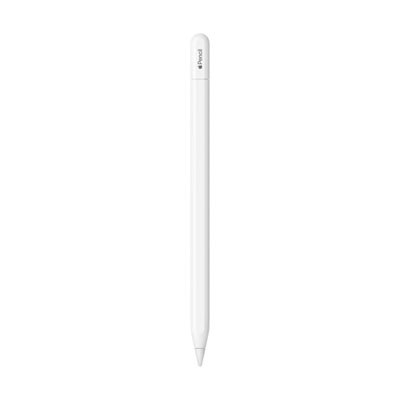
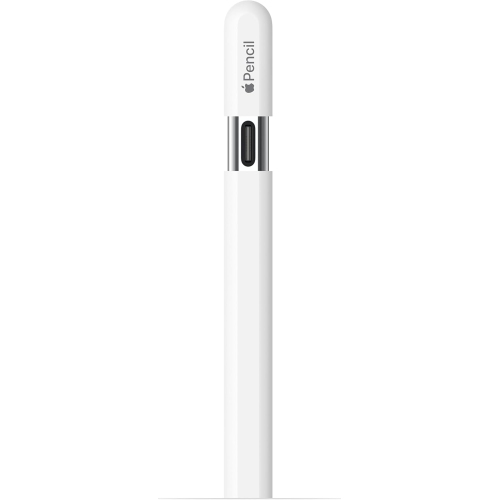
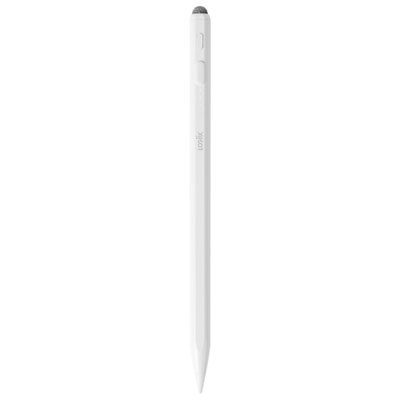
For sketching, handwritten notes, and digital illustration, Ipad Drawing Accessories include tools that influence both control and comfort. An active stylus can make marking up a document or drawing a fine outline feel more precise than using a fingertip, but features vary considerably. Pressure sensitivity, tilt recognition, palm rejection, shortcut controls, and magnetic attachment are separate capabilities rather than features every stylus shares. Support depends on the exact tablet, stylus, and app combination, so compatibility is more informative than appearance alone. A stylus that attaches magnetically does not necessarily charge through that connection, and some designs need a separate cable or replaceable battery. For students taking handwritten notes, reliable palm rejection and a comfortable grip may matter more than advanced drawing controls. For someone building layered illustrations, supported pressure and tilt response can provide more variation in line weight and shading. Grip sleeves can change the feel of a narrow barrel, while replacement tips help maintain consistent contact as the original tip wears. Textured screen surfaces can increase resistance during drawing, though they may also lead to faster tip wear. An angled stand can support a relaxed drawing position, provided it stays steady under hand pressure and leaves enough room for the wrist. These details also make accessories thoughtful gifts for people who already use a tablet regularly. A commuter may appreciate a protective sleeve with a secure closure, a student may use a compact keyboard, and an enthusiastic reader may prefer a lightweight stand that adjusts easily. The recipient’s tablet generation, existing accessories, and daily habits help determine whether a gift will fit into their routine. Colour, texture, closure style, and overall weight add a personal element without replacing the need for compatibility. Accessories that are comfortable to handle, straightforward to clean, and suited to the way a tablet is actually used are more likely to become part of everyday life rather than remain tucked in a drawer.
Keyboards, stands, pointing devices, and connection accessories can make an iPad more comfortable for longer stretches of work or study. A keyboard cover keeps typing and protection together, while a separate wireless keyboard allows more freedom to position the screen at eye level and keep the keys closer to the edge of a desk. Key spacing, key travel, shortcut support, and the stability of the typing surface all affect how comfortable that setup feels when writing an assignment or answering a long chain of messages. Backlit keys can improve visibility in a dim room, but battery life and charging needs vary between designs. Trackpads and mice offer another way to navigate supported apps, select text, and move between documents, with functionality depending on the tablet software and accessory compatibility. Stands range from compact folding supports to weighted desktop bases and adjustable arms. A stable base and a secure grip matter when tapping the screen, while adjustable height and tilt can make it easier to alternate between reading, typing, and video calls. For a shared work surface, a folding stand leaves room for paperwork when the tablet is put away. Clamps require a suitable surface thickness and enough clearance around the mounting point. Charging cables, power adapters, and hubs serve different purposes, even when their connectors look alike. A cable that charges a device may not support the same data transfer or display functions as another cable, and an adapter’s rated output does not mean every connected device will charge at that rate. Hubs can add connections for storage, audio, or an external display, subject to the tablet’s capabilities and the hub’s specifications. Connector type, power requirements, cable length, and space around the case opening are useful considerations for a tidy setup. Headphones and microphones can support calls, recorded lessons, and entertainment, with comfort, connection type, and microphone placement shaping the experience. Keeping cables loosely coiled and avoiding sharp bends near the plugs can reduce strain during repeated packing and unpacking.
For sketching, handwritten notes, and digital illustration, Ipad Drawing Accessories include tools that influence both control and comfort. An active stylus can make marking up a document or drawing a fine outline feel more precise than using a fingertip, but features vary considerably. Pressure sensitivity, tilt recognition, palm rejection, shortcut controls, and magnetic attachment are separate capabilities rather than features every stylus shares. Support depends on the exact tablet, stylus, and app combination, so compatibility is more informative than appearance alone. A stylus that attaches magnetically does not necessarily charge through that connection, and some designs need a separate cable or replaceable battery. For students taking handwritten notes, reliable palm rejection and a comfortable grip may matter more than advanced drawing controls. For someone building layered illustrations, supported pressure and tilt response can provide more variation in line weight and shading. Grip sleeves can change the feel of a narrow barrel, while replacement tips help maintain consistent contact as the original tip wears. Textured screen surfaces can increase resistance during drawing, though they may also lead to faster tip wear. An angled stand can support a relaxed drawing position, provided it stays steady under hand pressure and leaves enough room for the wrist. These details also make accessories thoughtful gifts for people who already use a tablet regularly. A commuter may appreciate a protective sleeve with a secure closure, a student may use a compact keyboard, and an enthusiastic reader may prefer a lightweight stand that adjusts easily. The recipient’s tablet generation, existing accessories, and daily habits help determine whether a gift will fit into their routine. Colour, texture, closure style, and overall weight add a personal element without replacing the need for compatibility. Accessories that are comfortable to handle, straightforward to clean, and suited to the way a tablet is actually used are more likely to become part of everyday life rather than remain tucked in a drawer.
Top selling and popular products
-
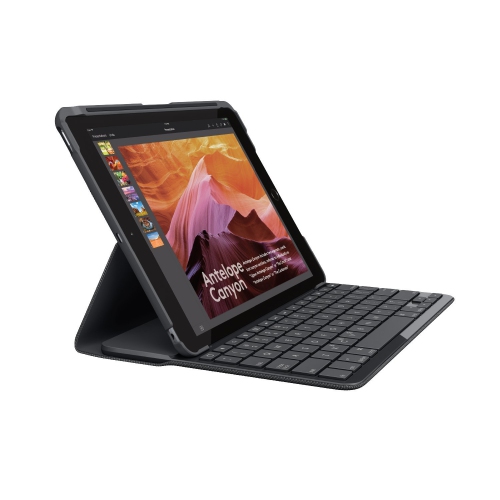 Your price for this item is $89.99
-
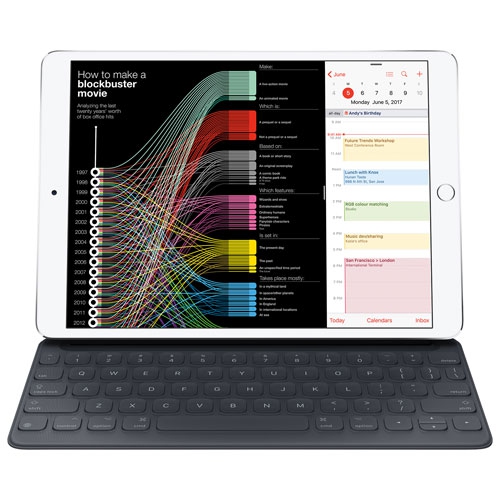 Your price for this item is $49.99
-
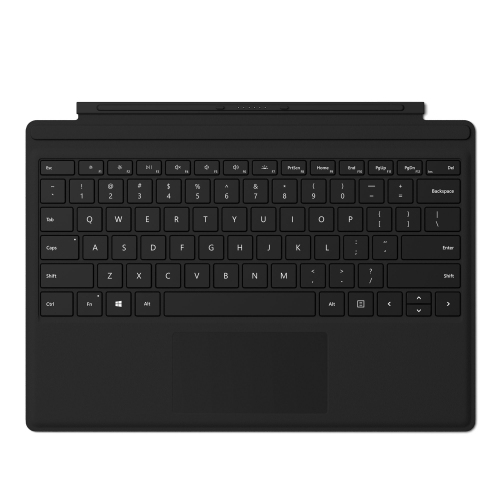 Your price for this item is $159.99
-
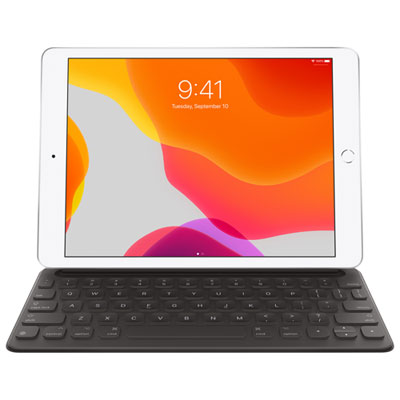 Your price for this item is $218.97
-
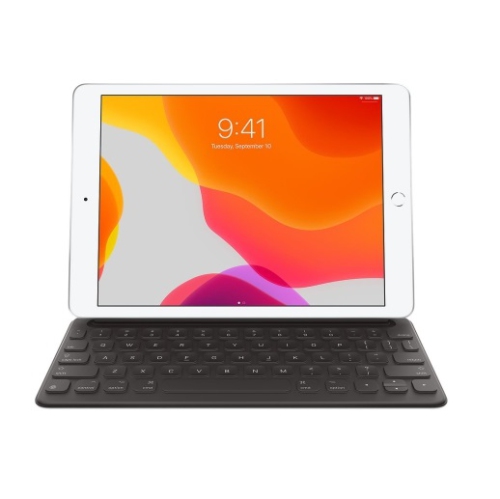 Your price for this item is $149
-
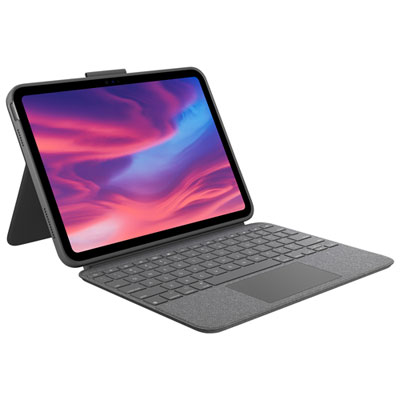 Your price for this item is $219.99
-
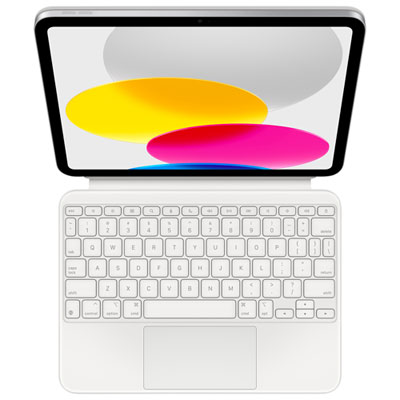 Your price for this item is $329.99
-
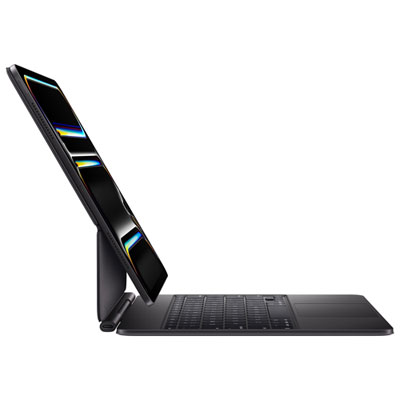 Your price for this item is $449.99
Discover more categories related to iPad Accessories

Top Collections:
Best Black Friday Deals This Year, Best Black Friday Deals On Electronics, Kindle Devices, Pokemon Centers, Best Black Friday Deals On Apple Products, Best Cameras for Sports Photography, Dyson Airwrap, Pokémon 30th Celebration Cards, Apple iPhone 17 Pro, Canon G7X Cameras
Some products may be subject to Environmental Handling Fees
(EHF) depending on your province.
Learn more about EHFs.