Network Rack Mounts
Organizing and securing your network equipment is essential for maintaining a smooth and efficient operation. Network rack mounts provide a space-saving solution for storing servers, switches, and other hardware in a neat and orderly fashion. With various sizes and configurations available, you can easily find the perfect network rack mounts to suit your specific needs. Keep your workspace tidy and ensure easy access to your networking gear with these durable and versatile mounting solutions.
Sort

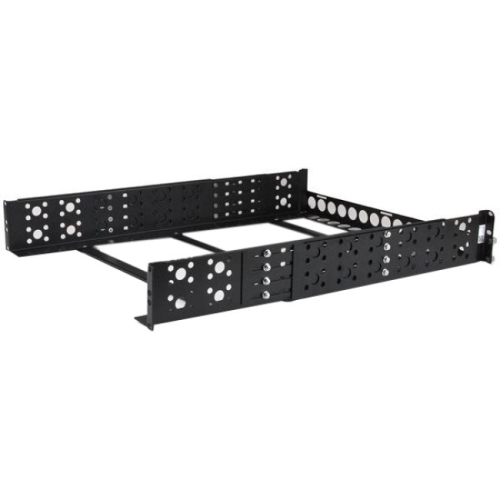
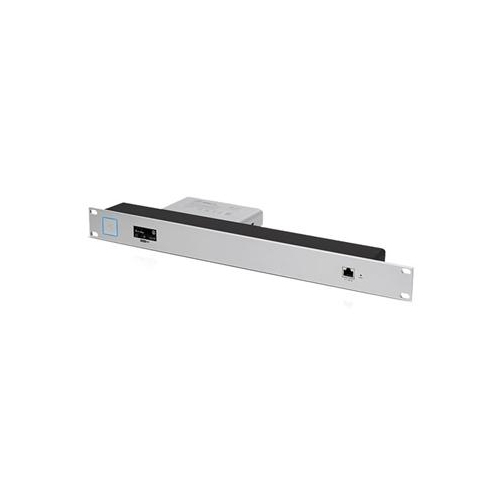
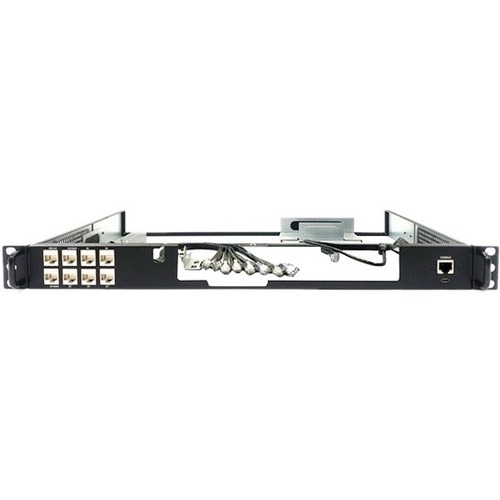
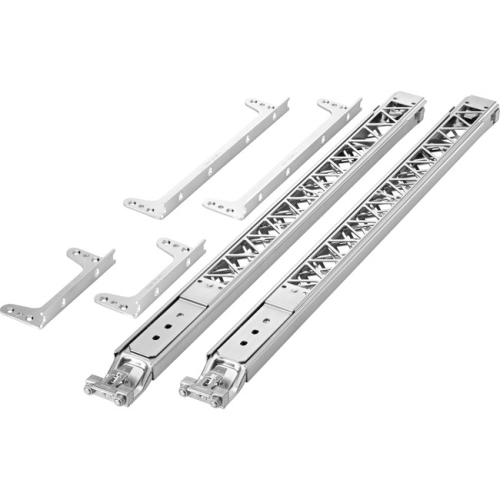


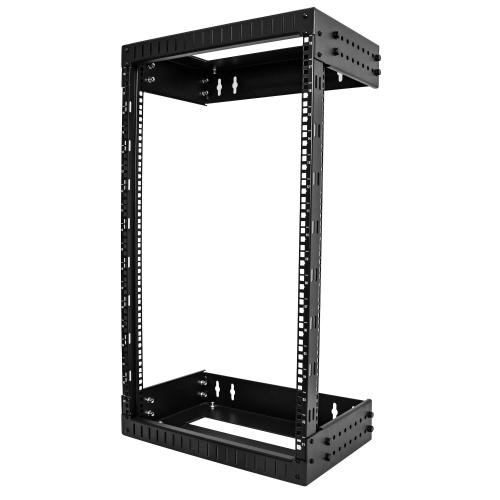

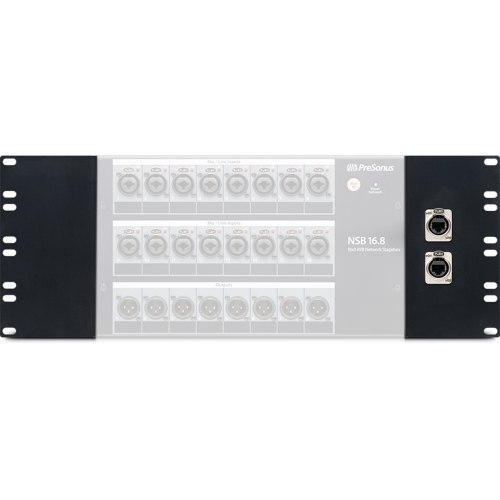
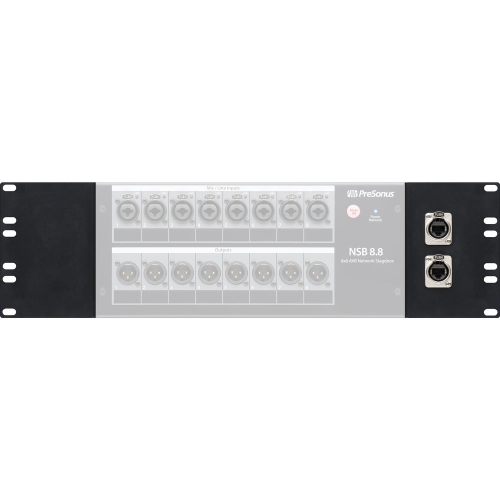
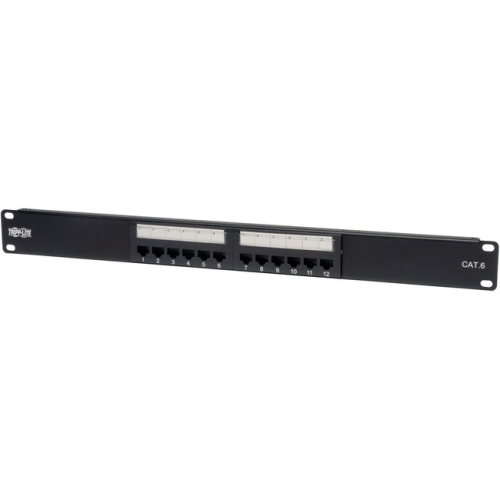
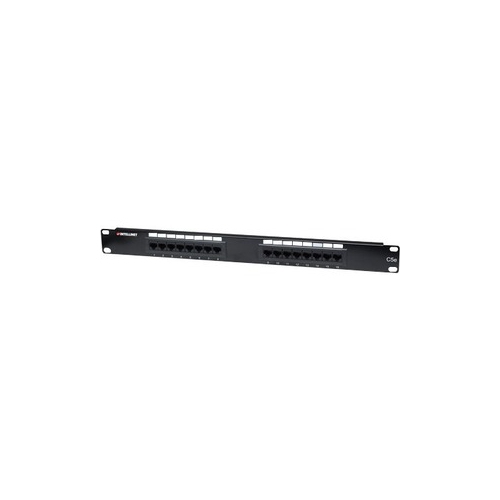

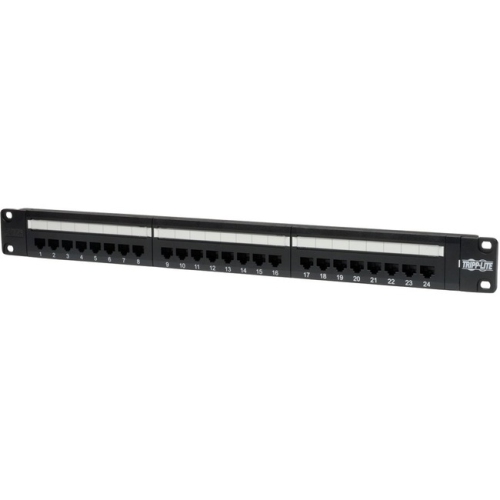

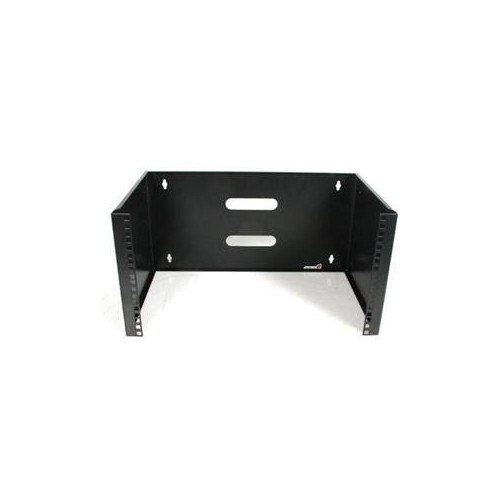
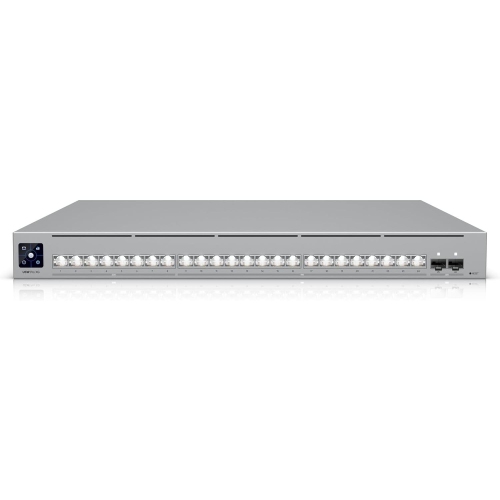
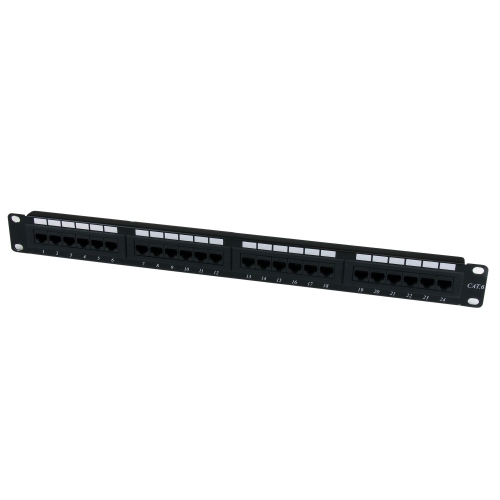
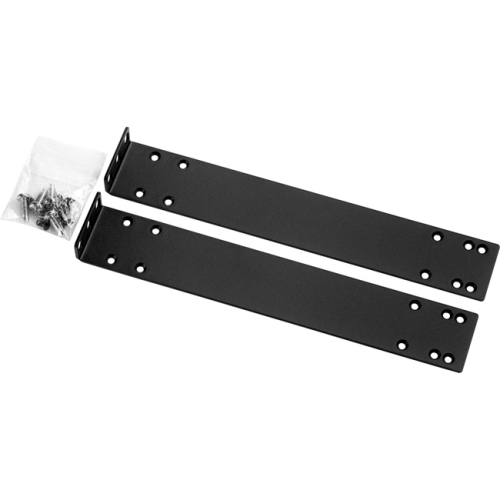
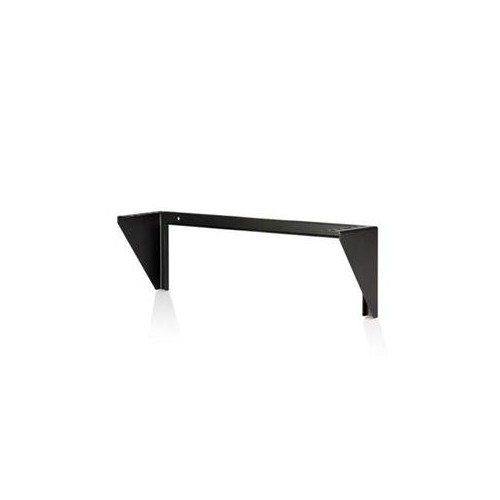
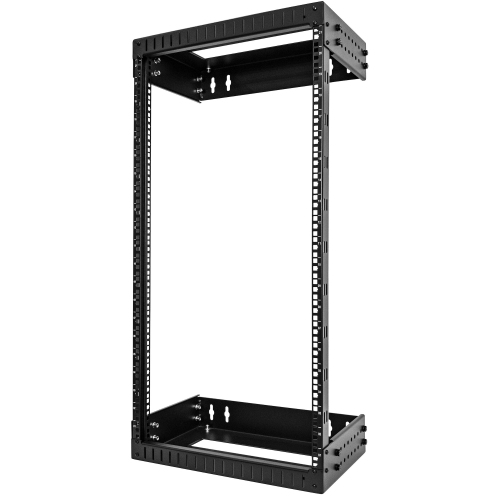
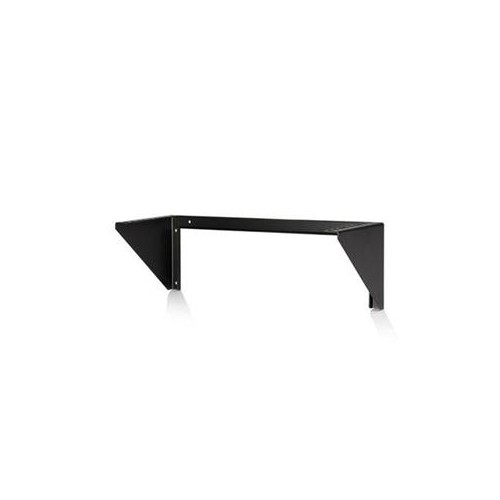
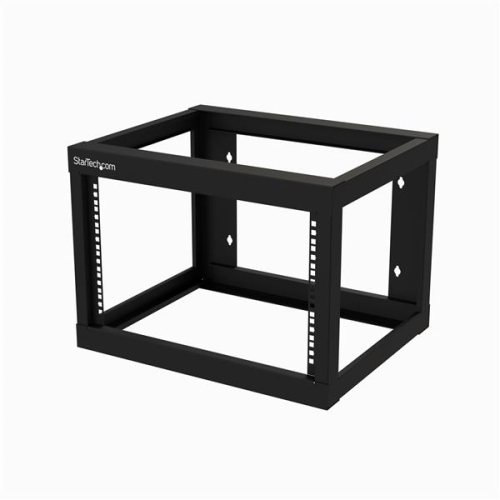
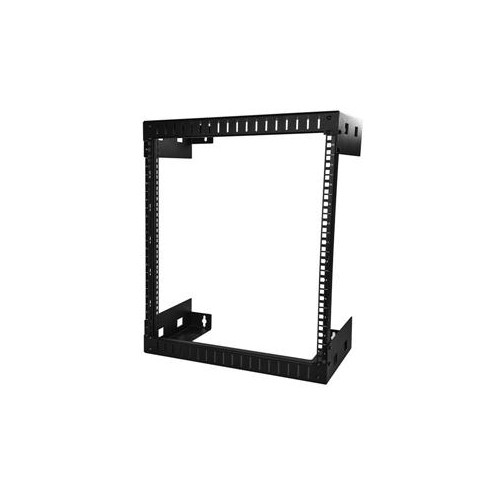
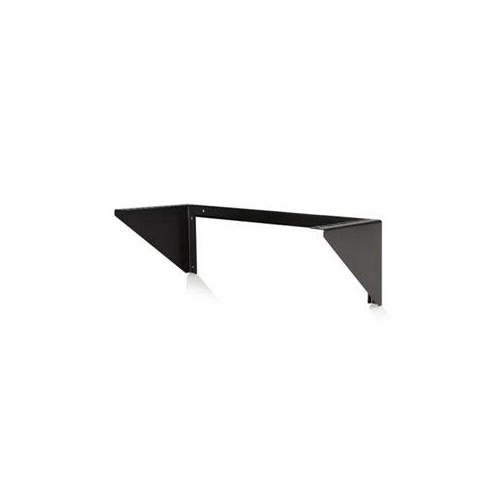

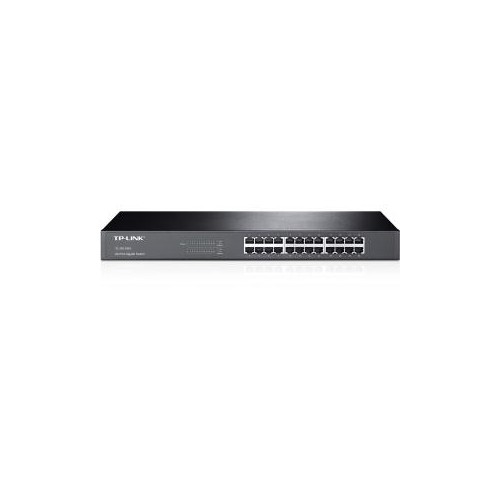
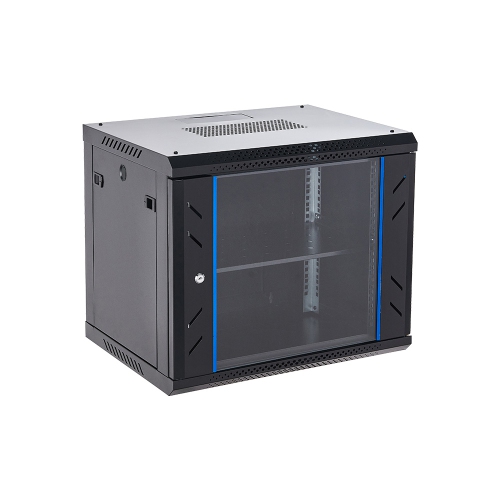
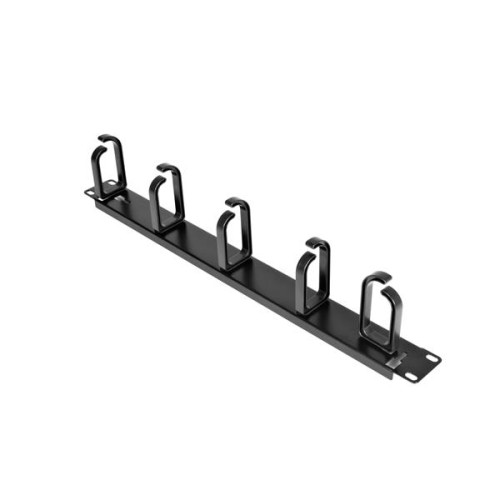
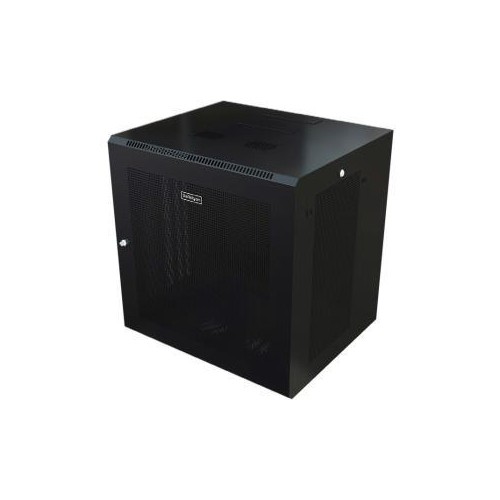












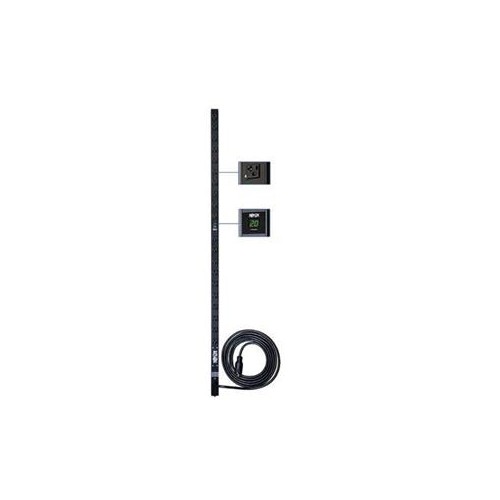
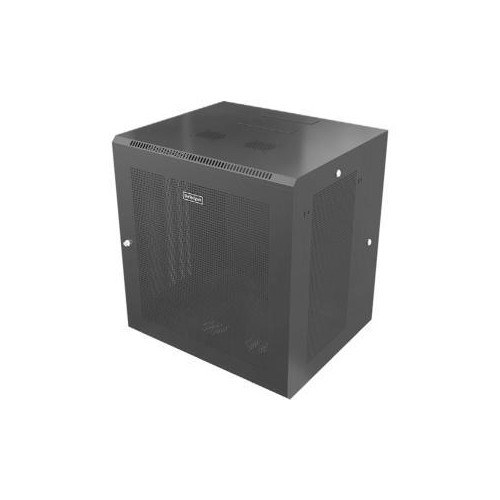
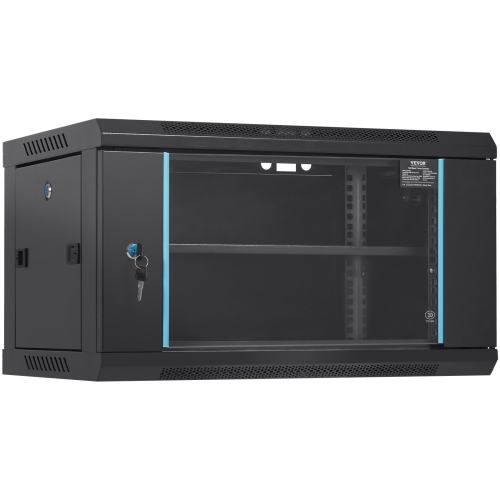
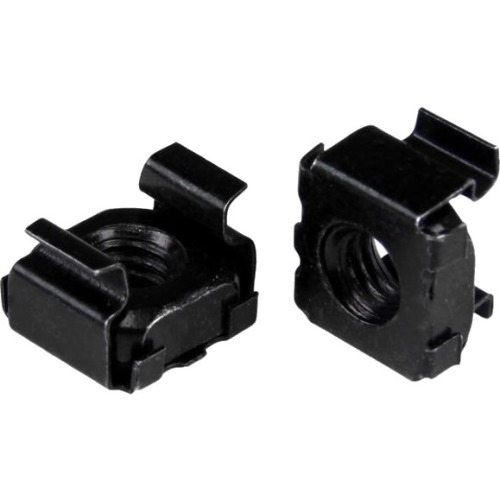
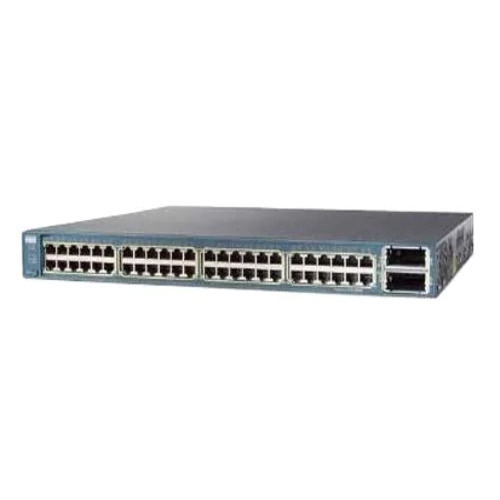
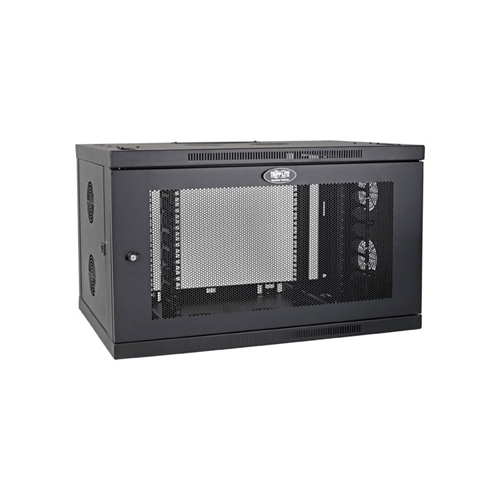


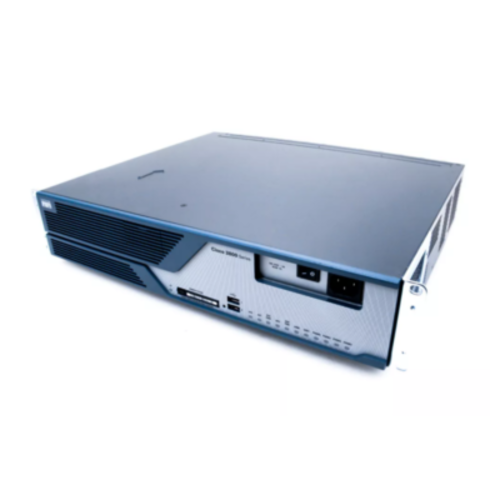
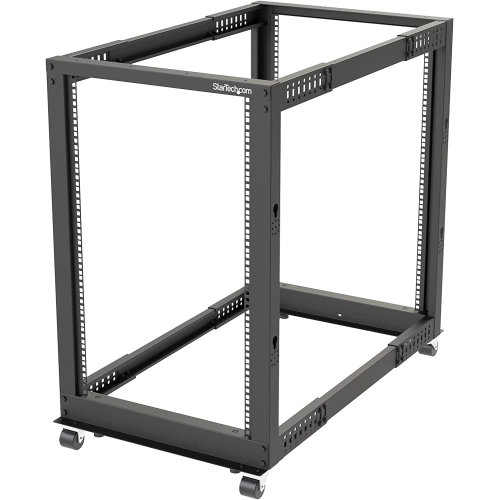
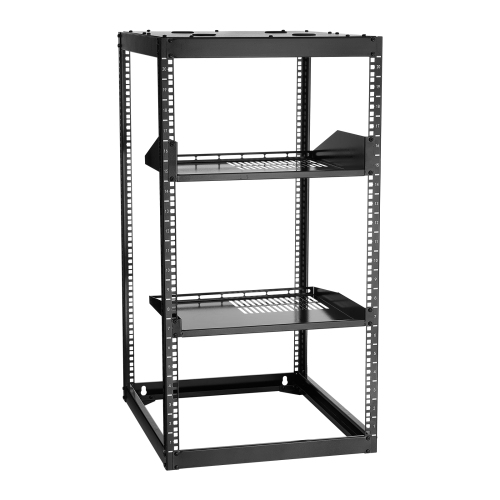
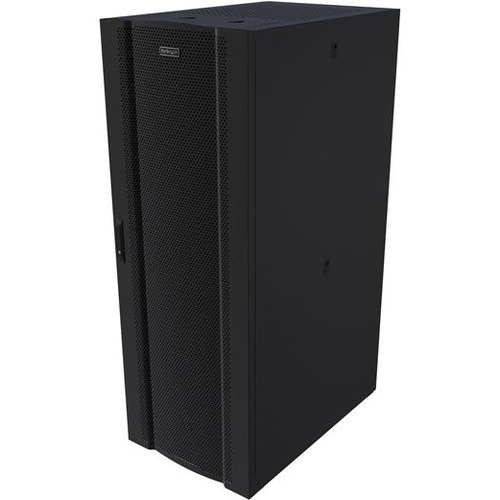
Organized network equipment starts with the right rack setup
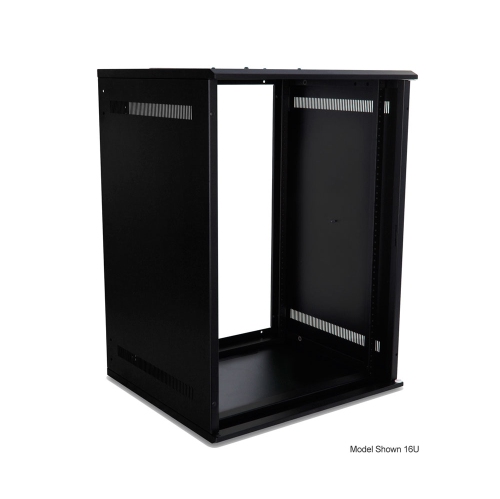
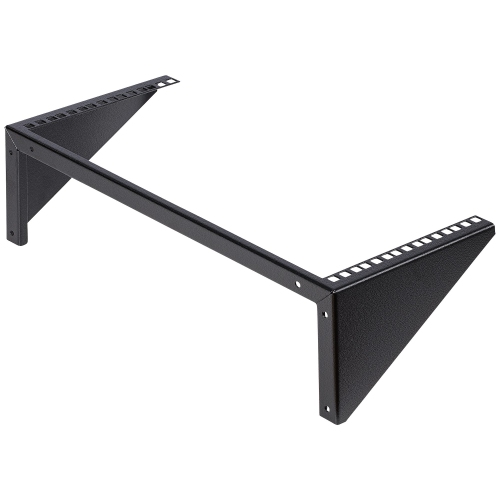
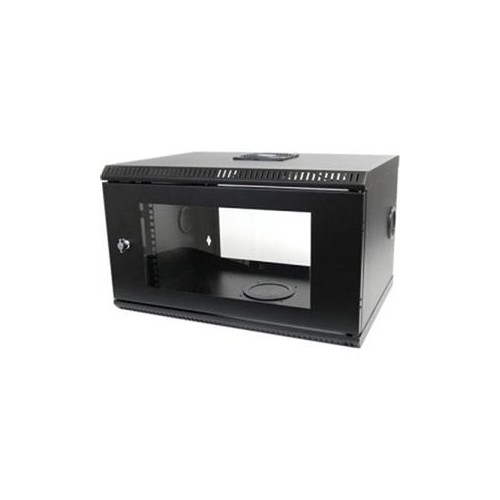
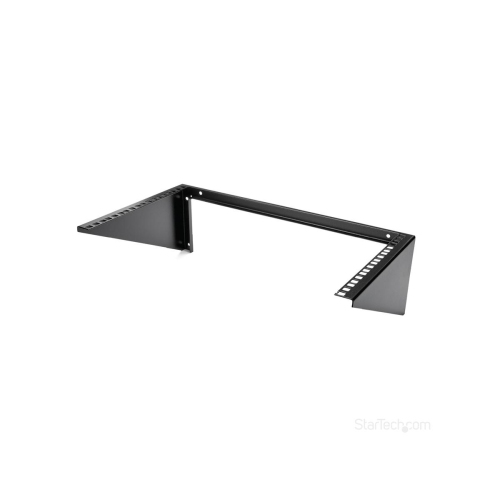
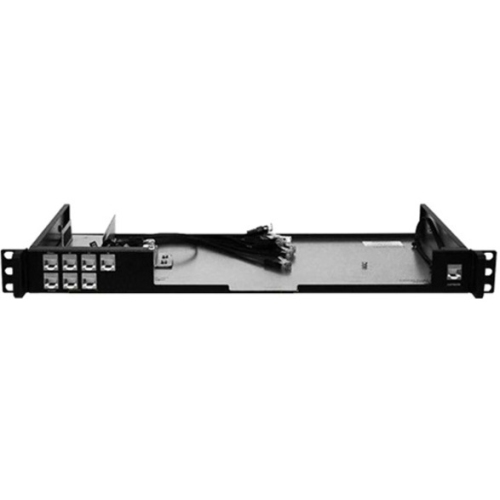
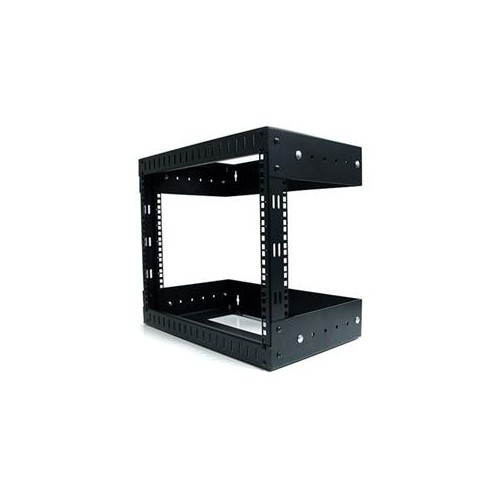
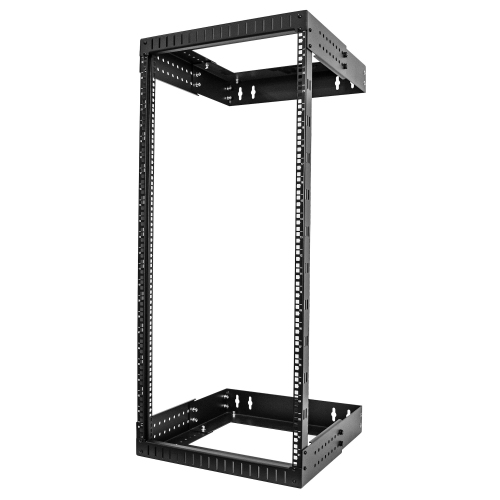
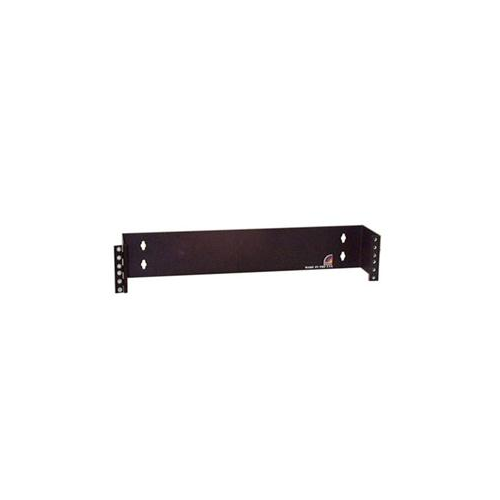
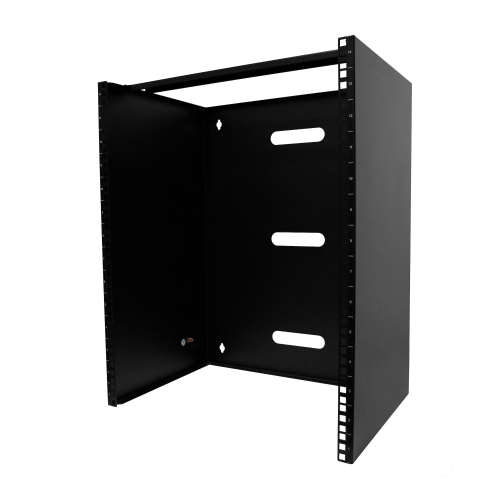
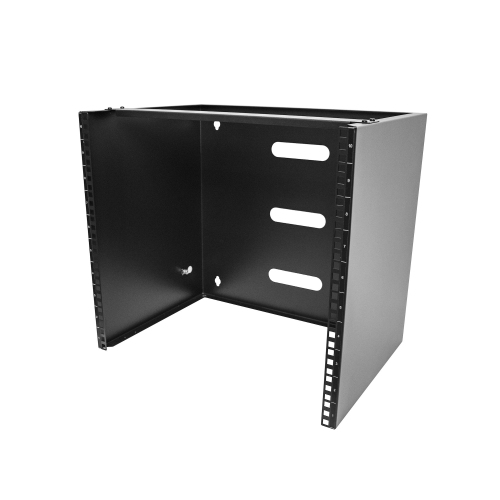
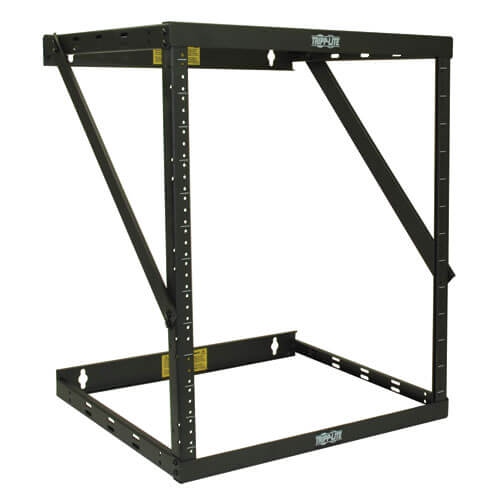
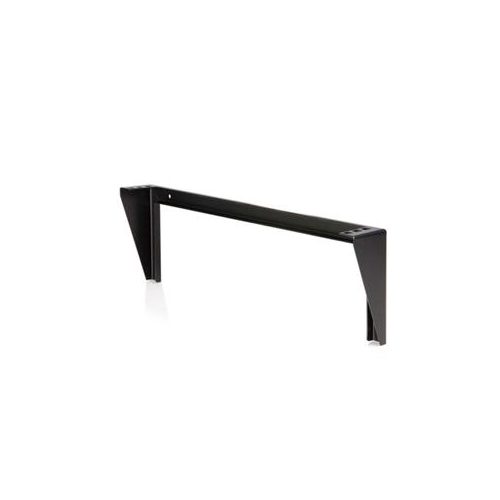
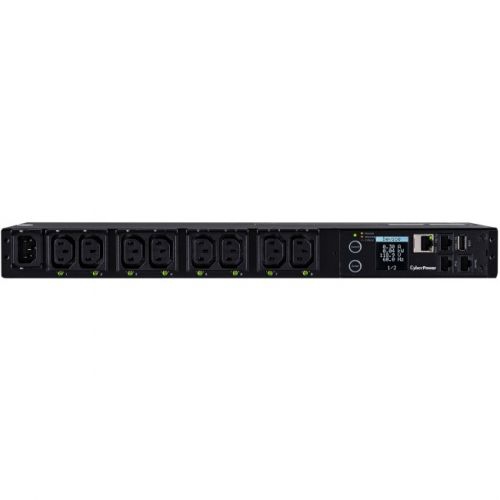
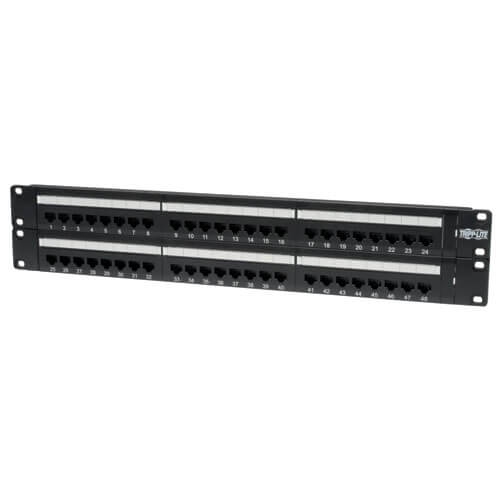
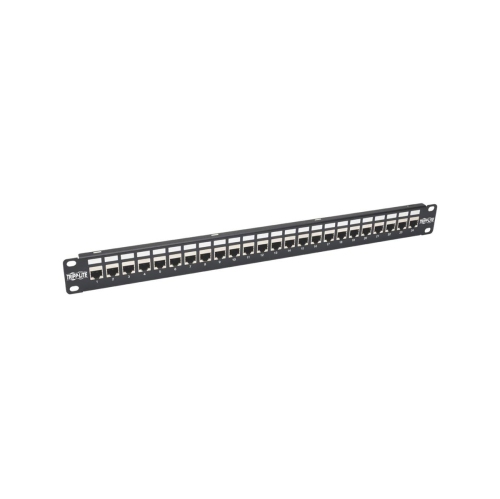
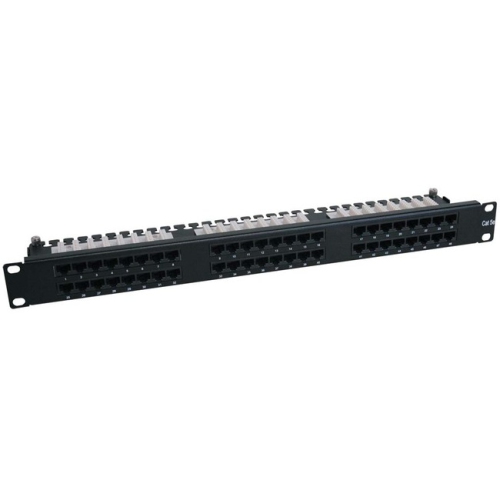
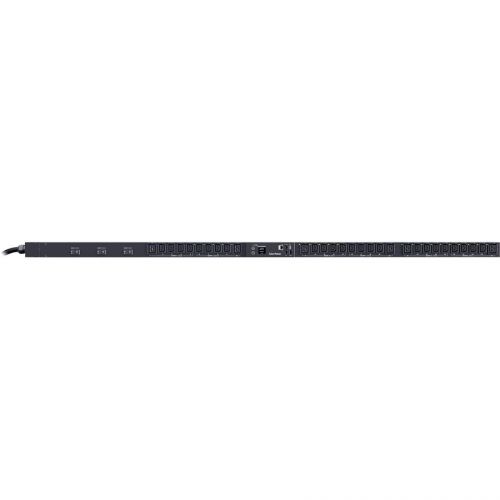
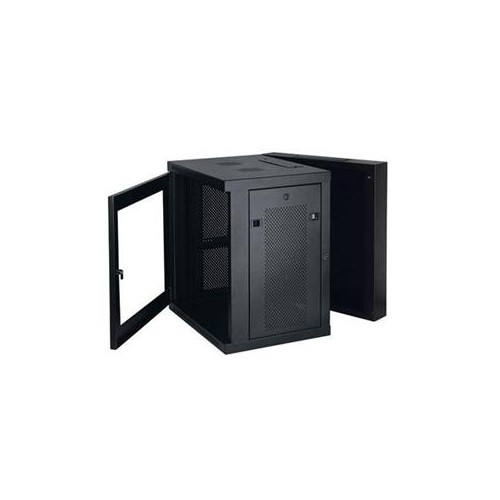
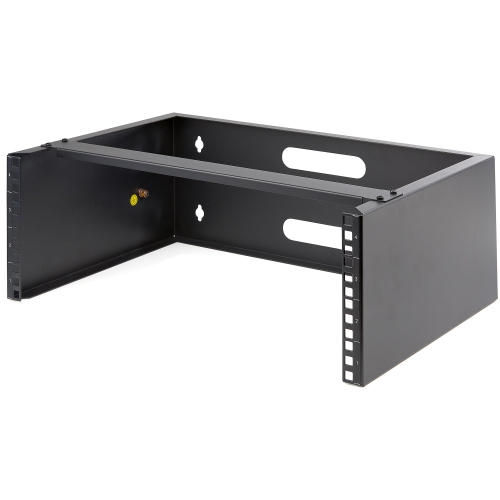
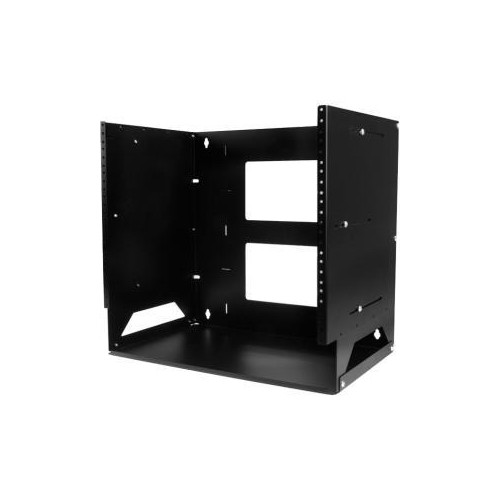
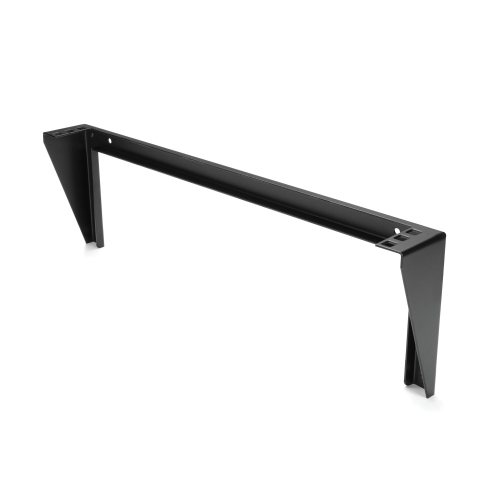
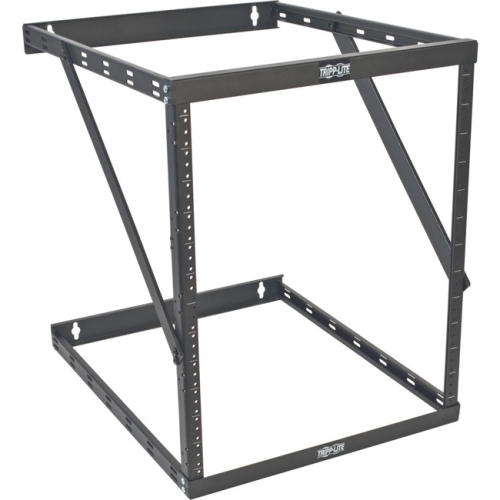
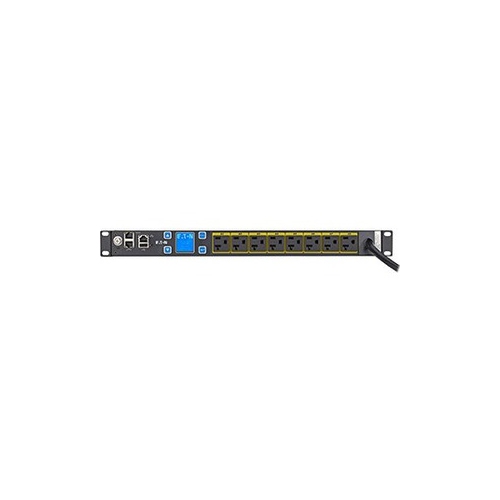
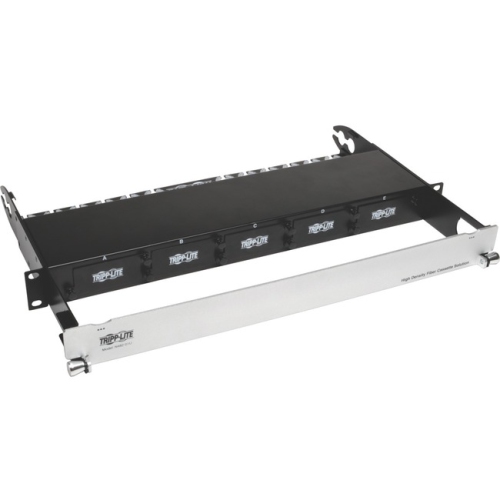
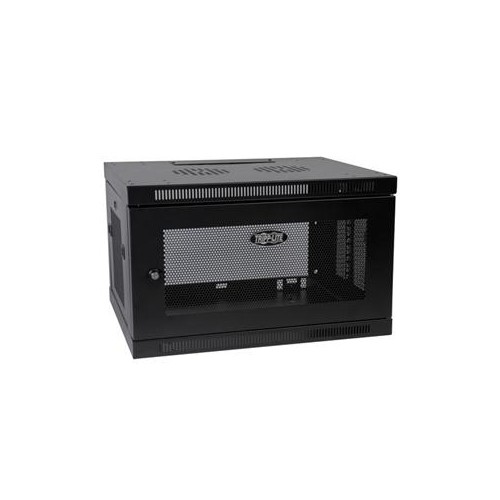
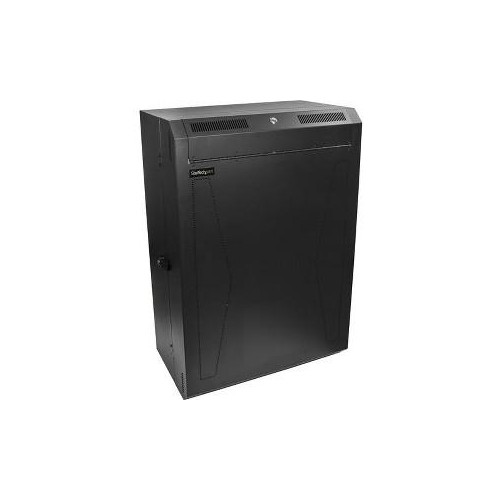
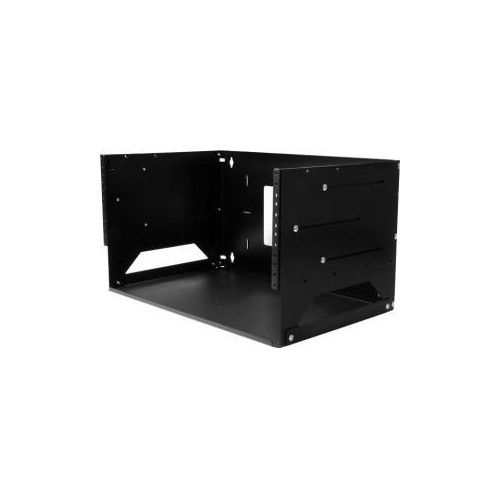
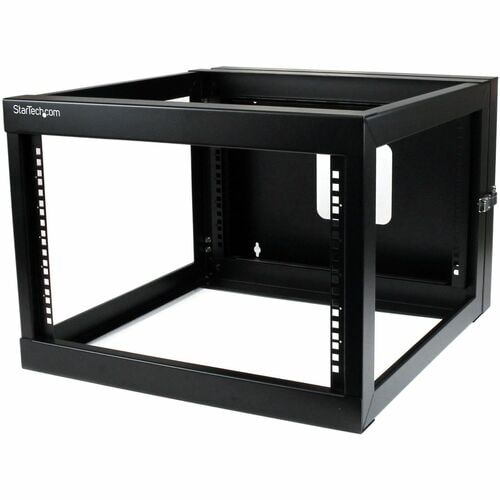
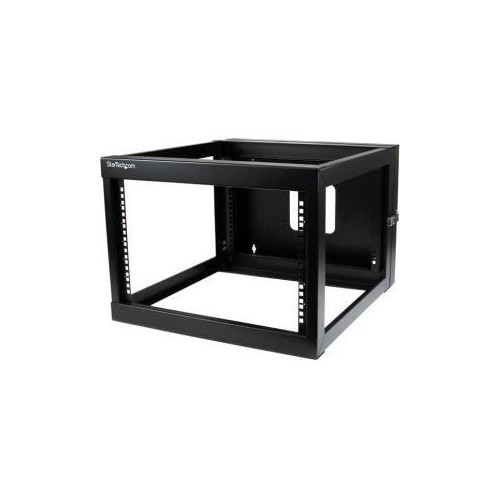
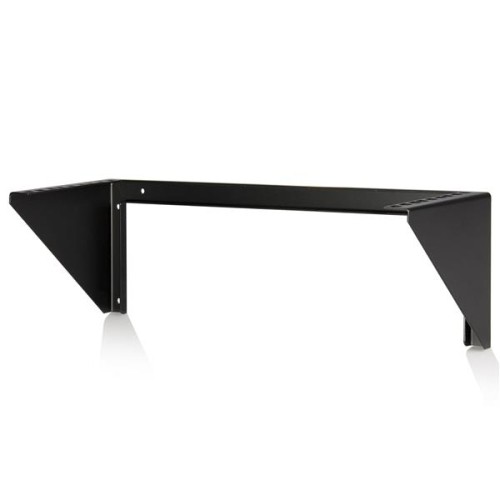
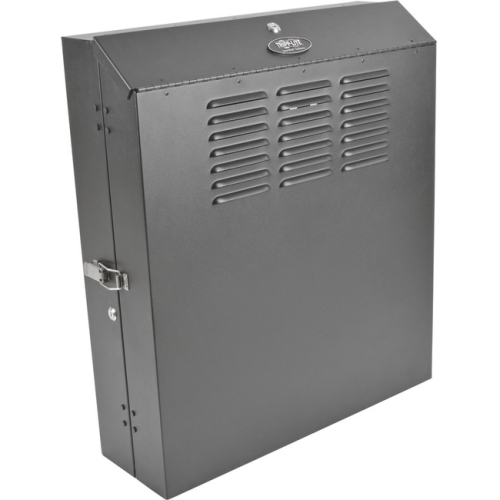
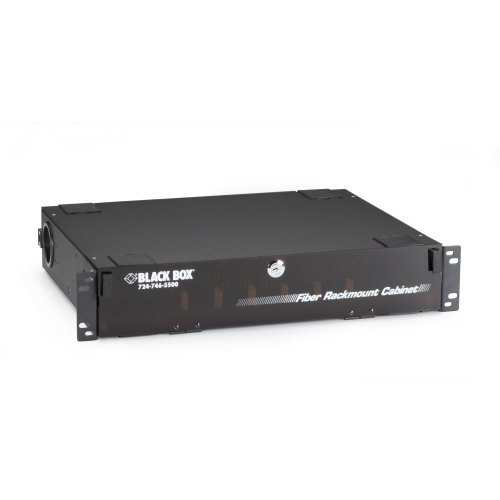
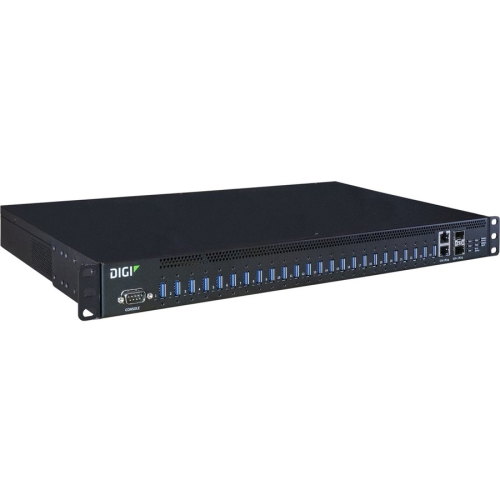
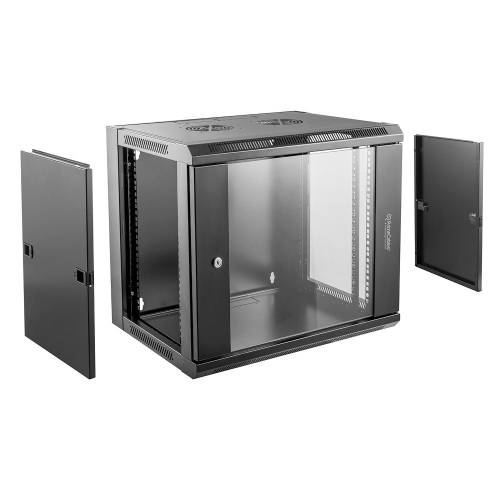
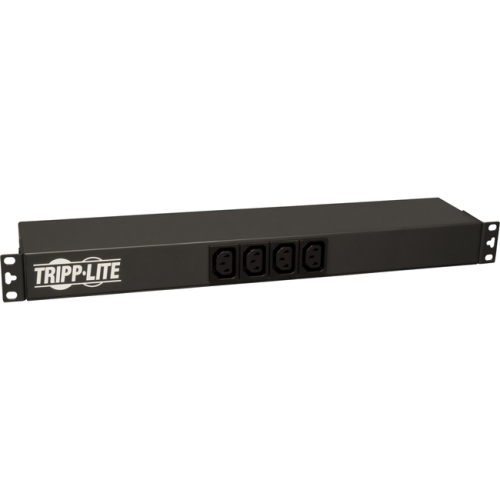
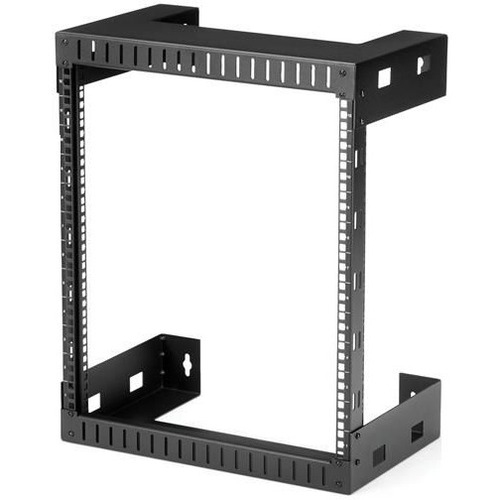
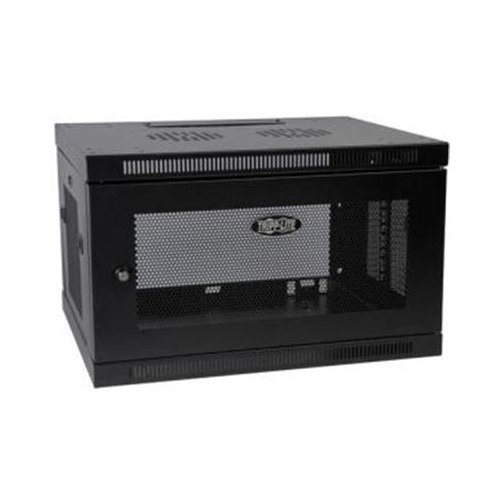
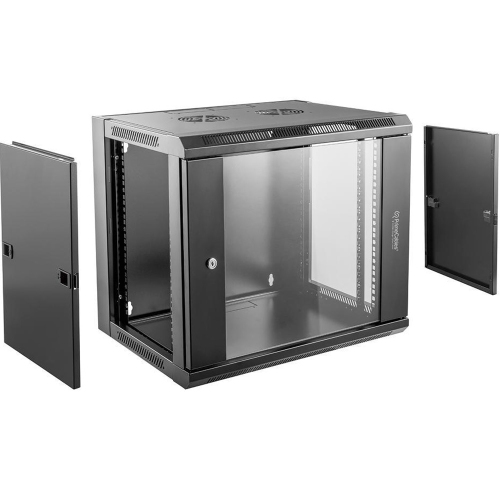
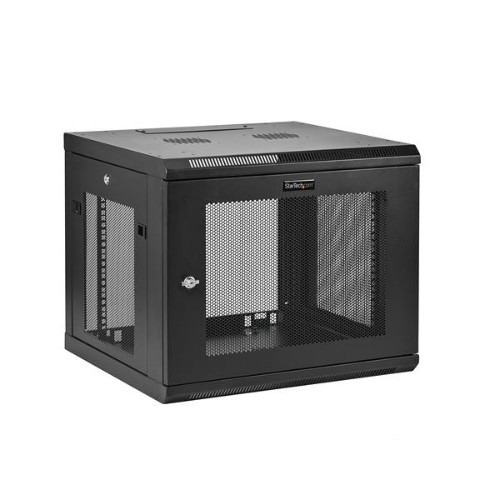
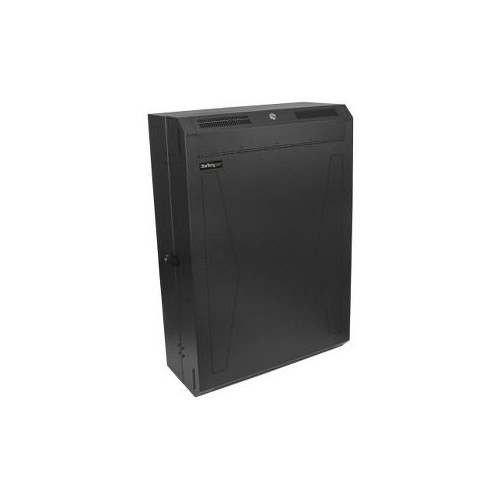
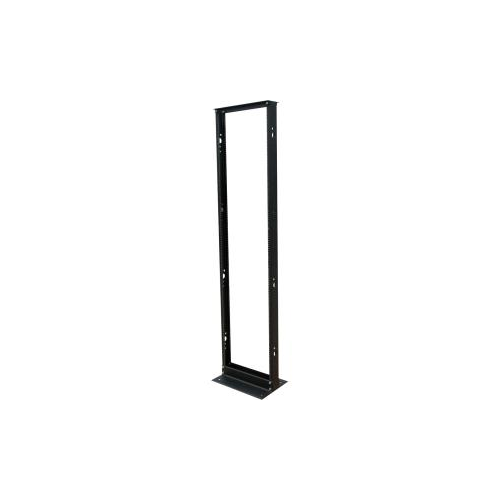
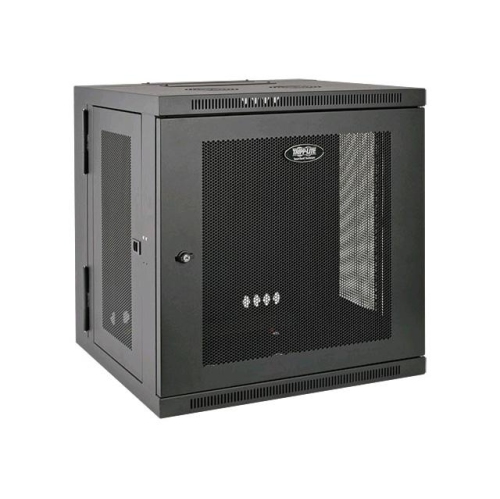
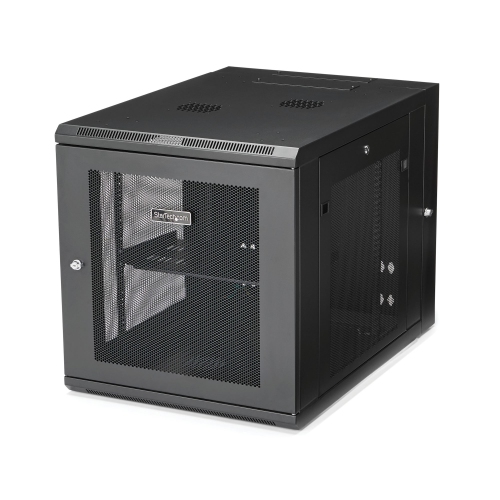
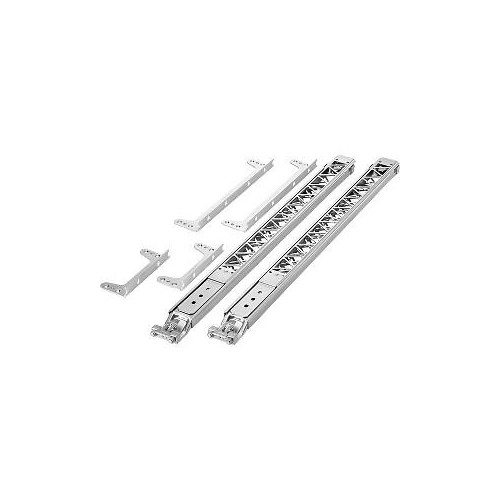
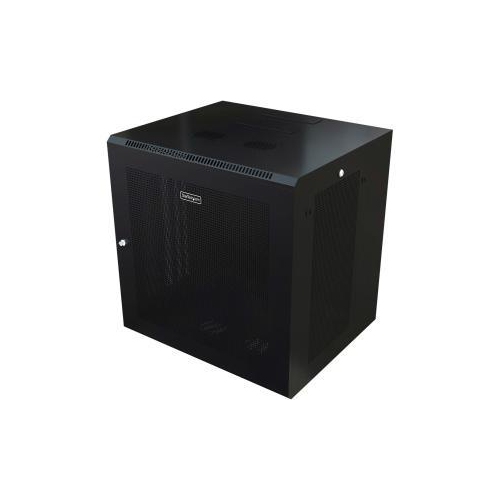
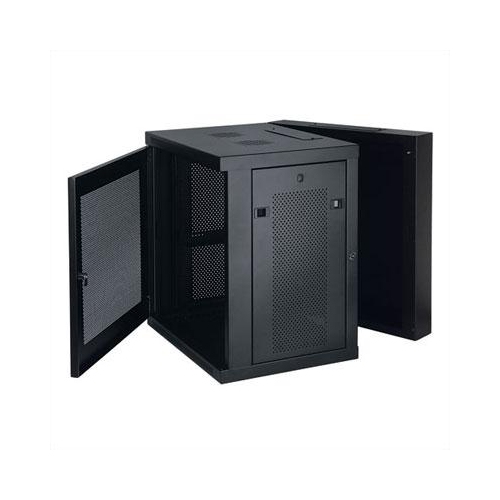
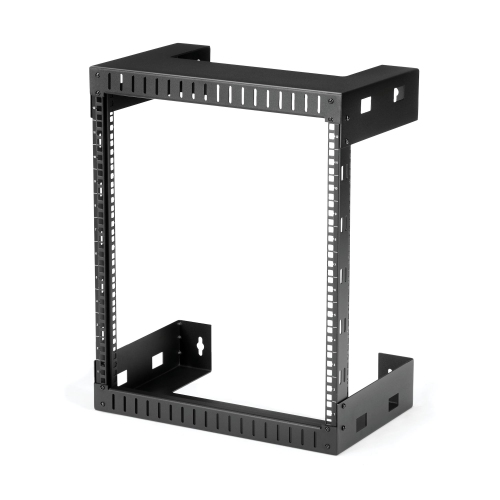
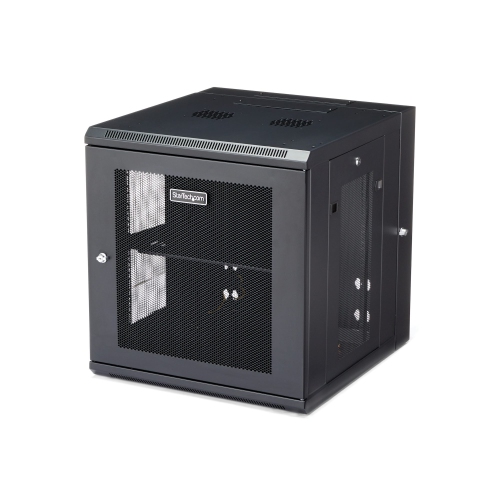
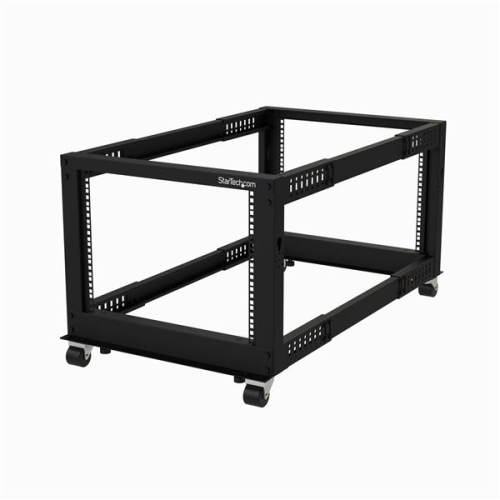
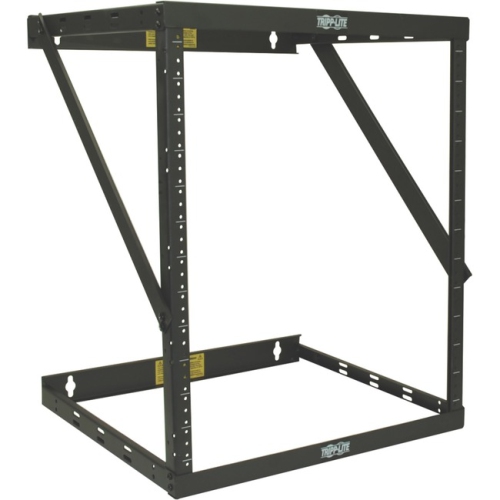
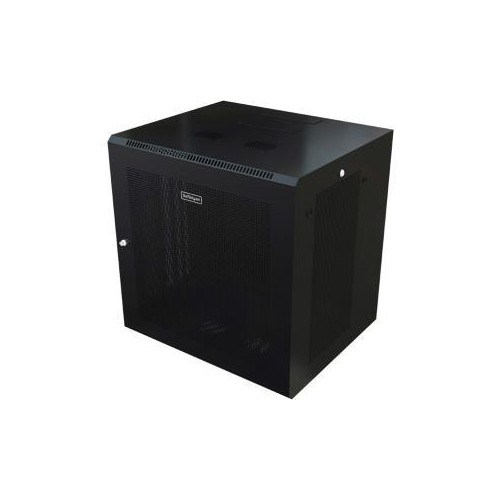
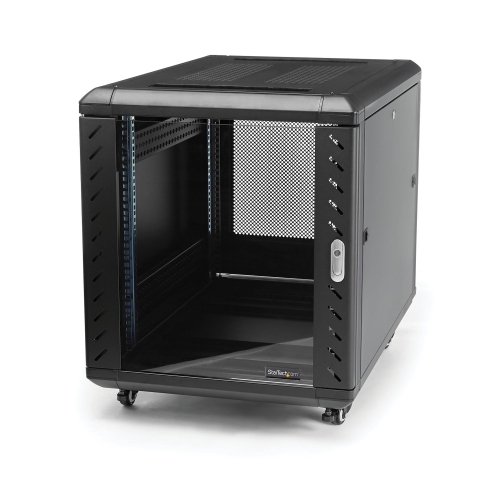
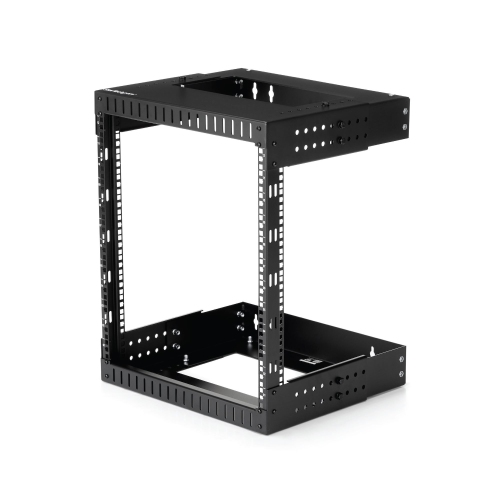
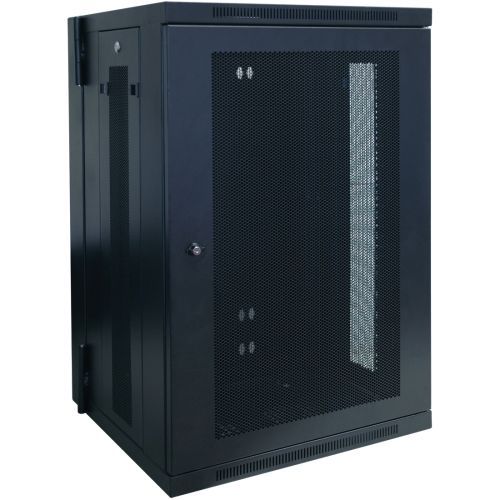
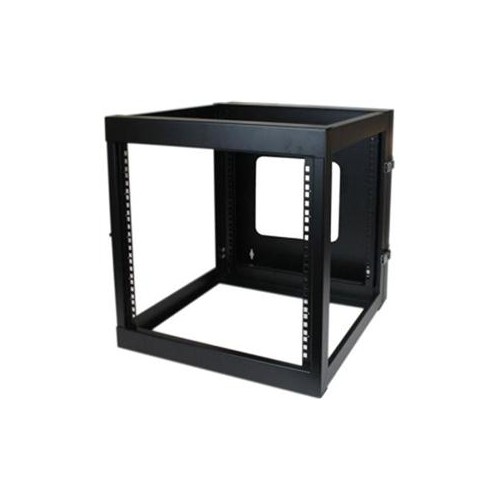
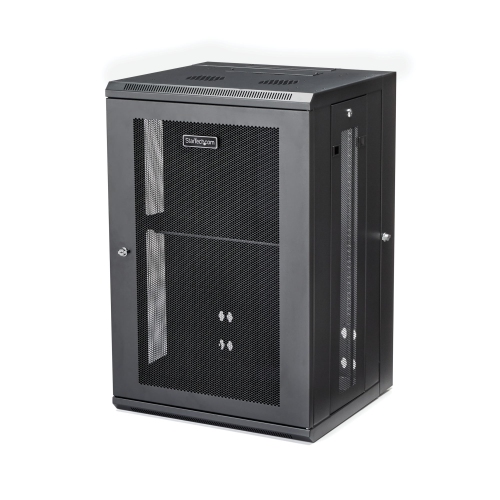
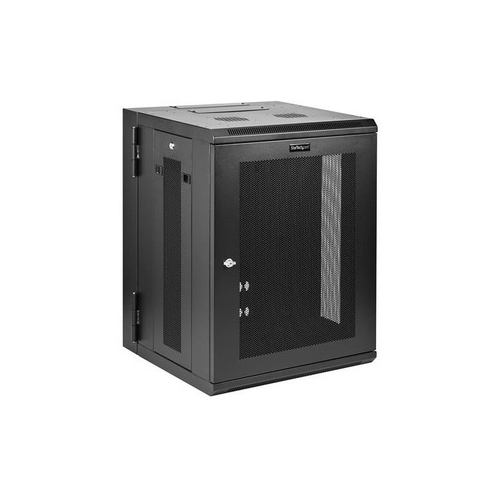
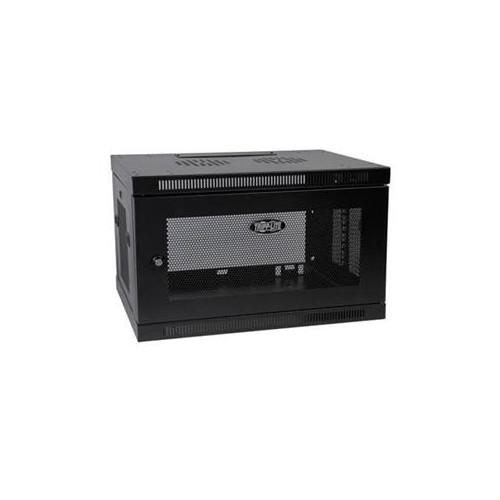
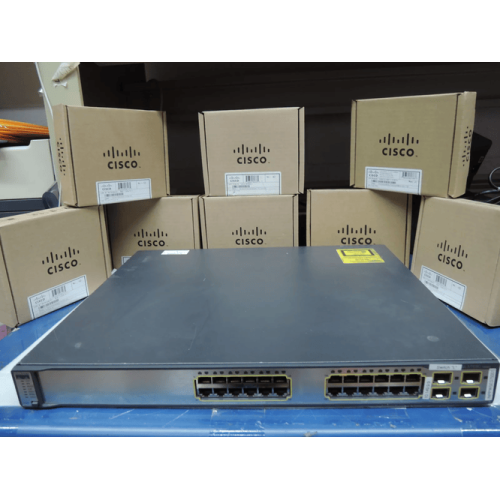
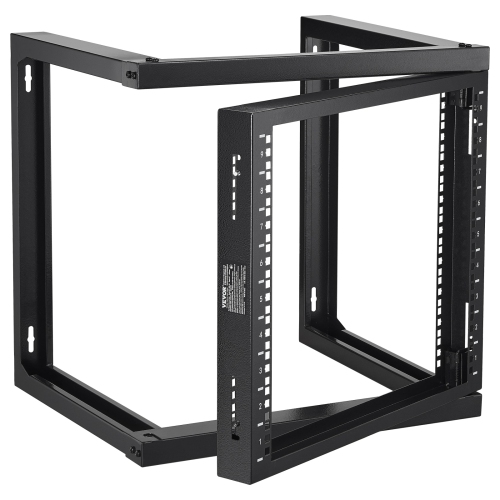
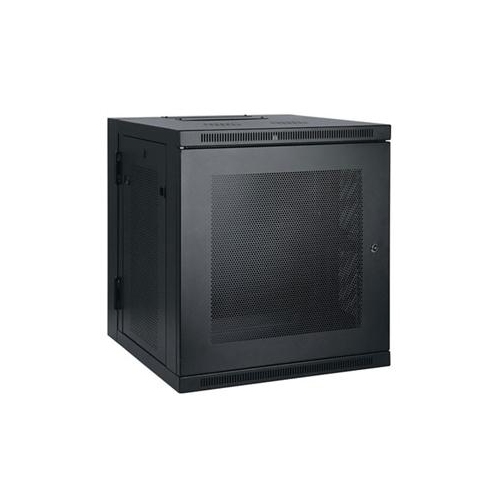
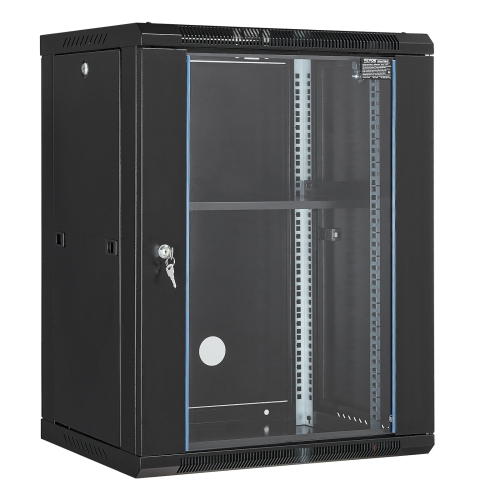
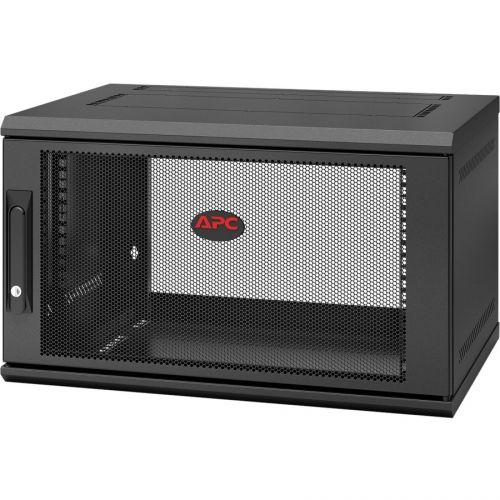
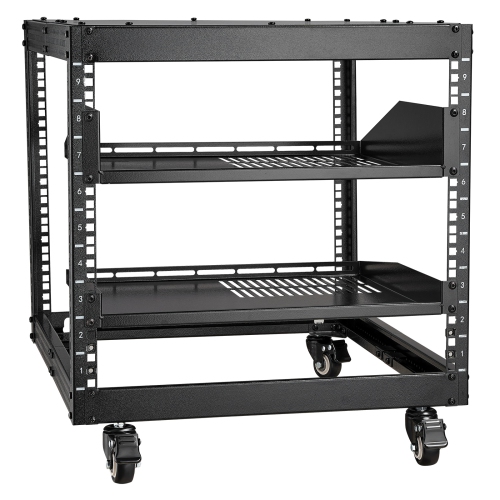
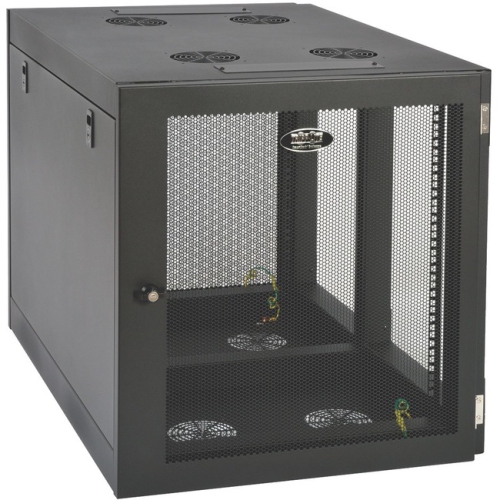
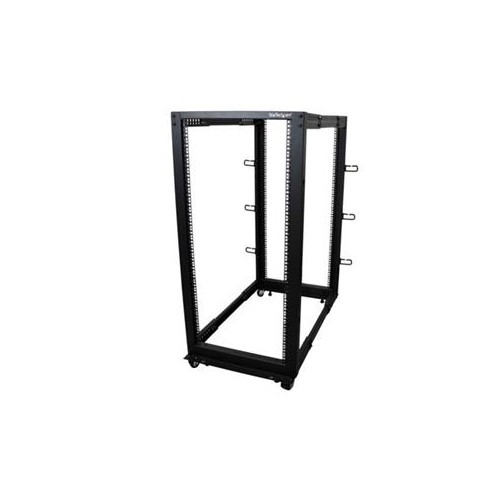
Network rack mounts provide a practical way to organize, protect, and access the equipment that keeps a home, office, studio, classroom, or small business connected. Rather than leaving switches, routers, patch panels, modems, and compact servers stacked on a desk or tucked into a cupboard, a rack mount creates a dedicated structure for arranging them in a logical order. Most professional networking equipment is designed around a standard 19-inch width, making compatibility an important starting point when comparing options. Rack units, shown as “U,” describe the available vertical space: one rack unit equals 1.75 inches. A compact 4U or 6U enclosure may suit a smaller installation with a few network components, while a taller rack offers room for additional hardware, power distribution, and future upgrades. Wall-mount cabinets can be a useful choice where floor space is limited, particularly in a home office, retail back room, security room, or communications closet. Their enclosed design helps keep equipment contained and can offer added protection from accidental bumps, dust, and unauthorized access. Open-frame racks, by contrast, provide straightforward access from the front and rear, generous airflow, and a convenient layout for installations where security and visual concealment are less important. Vertical wall-mount brackets are another low-profile option for compatible equipment, allowing selected devices to sit close to a wall or beneath a desk without requiring a full cabinet. Each style serves a different purpose, so the best network rack mount depends on the available space, the equipment being installed, and how often the system will need to be adjusted.
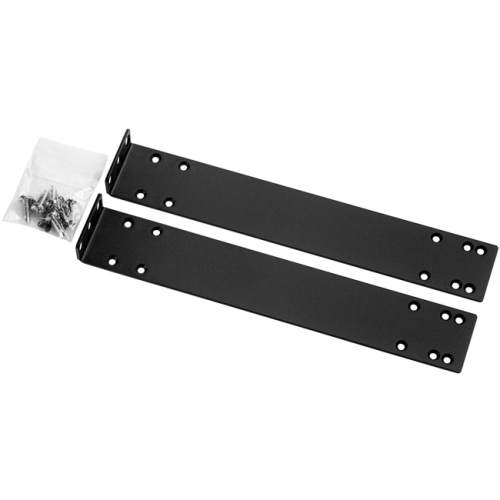
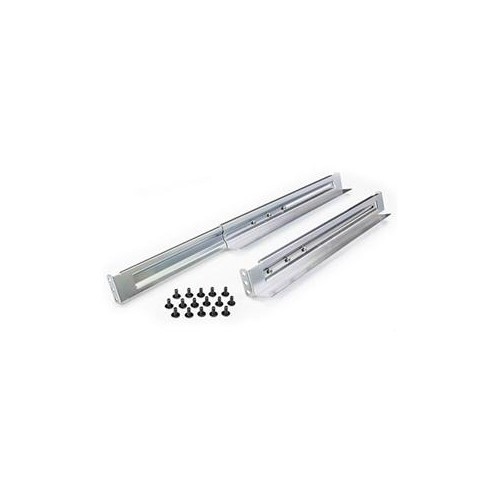
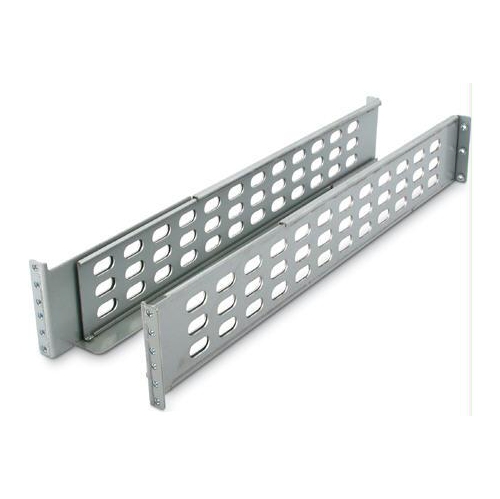
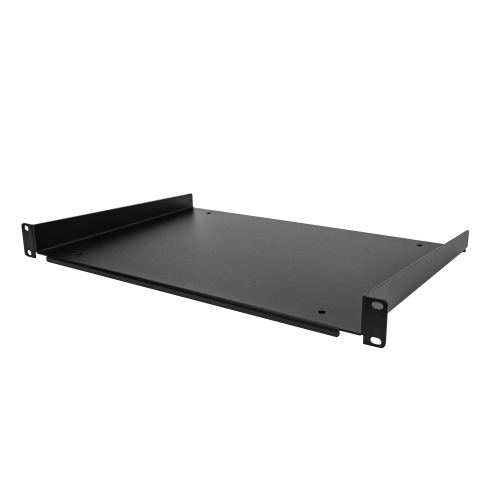
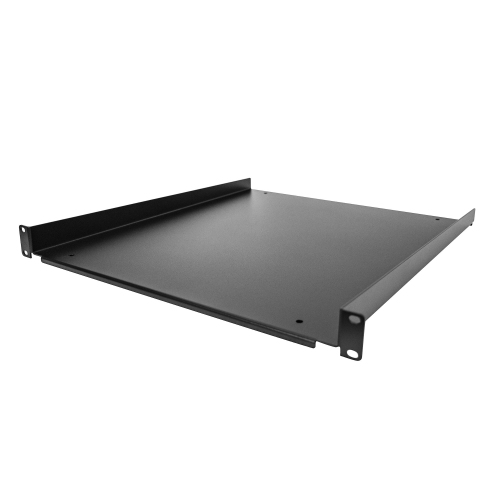
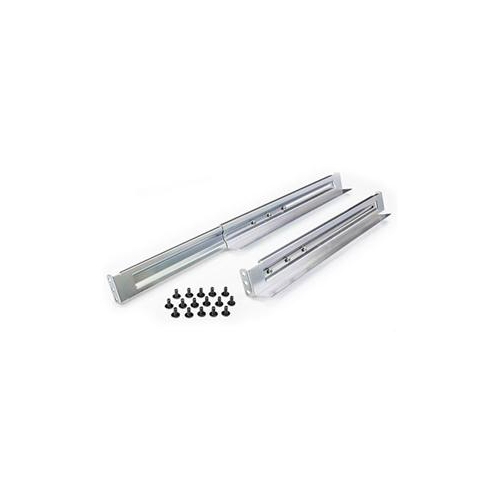
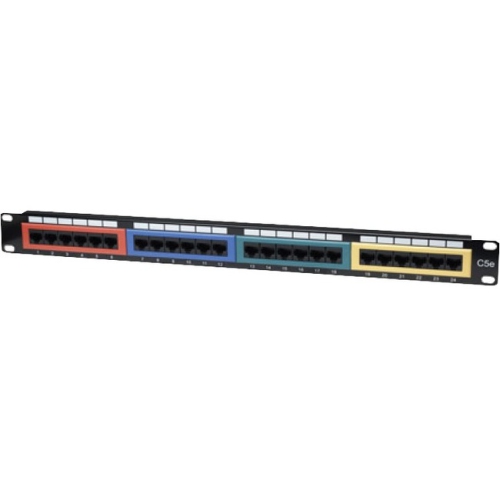
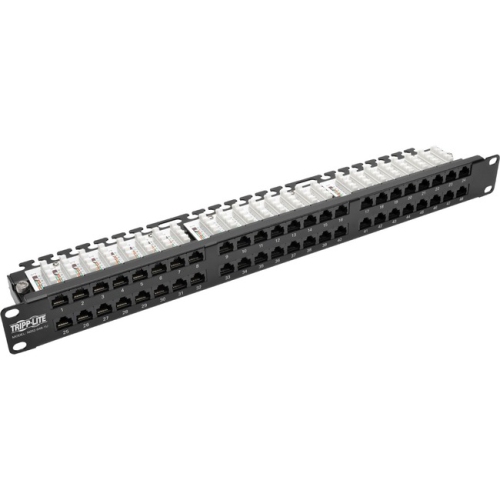
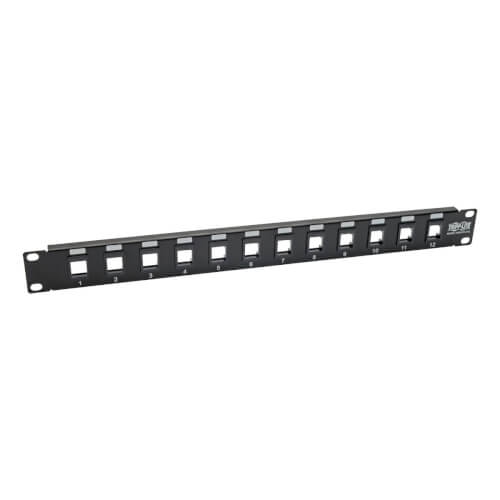
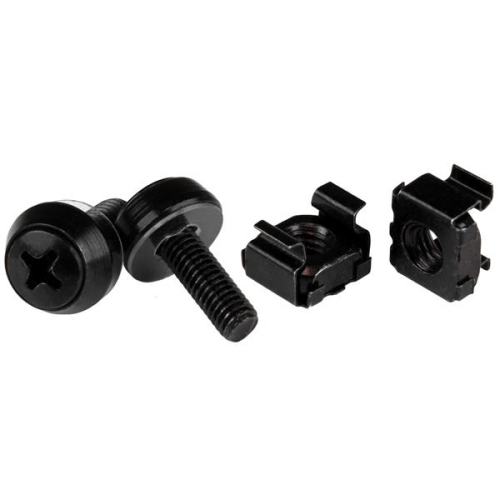
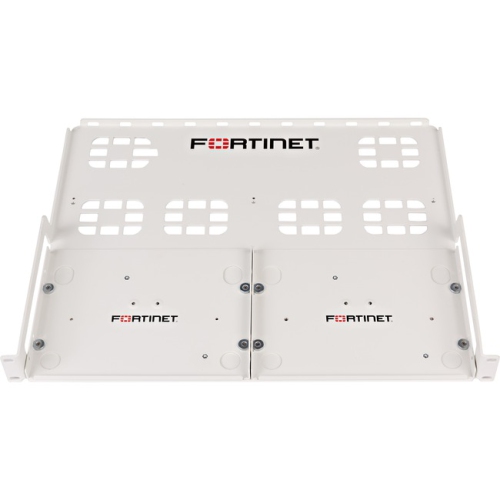
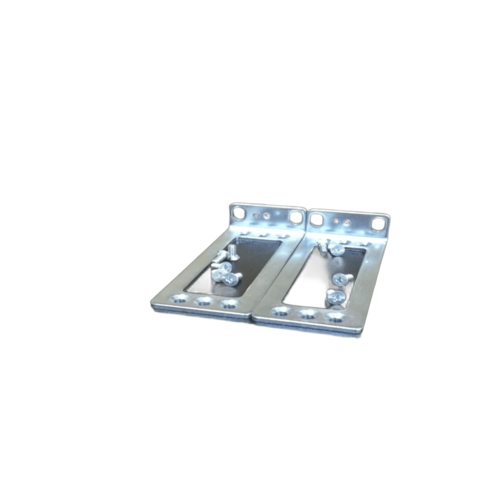
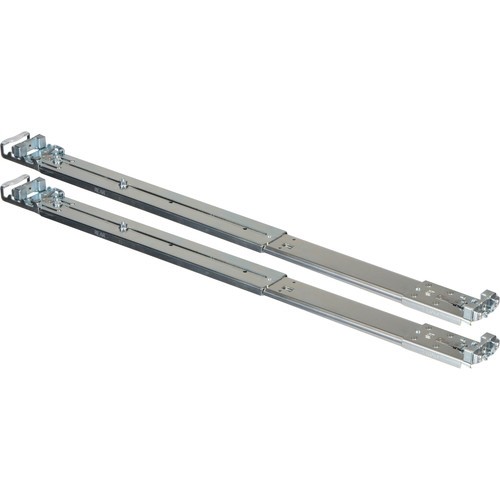
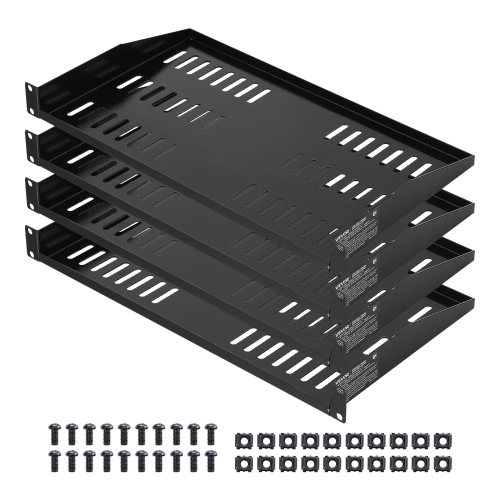
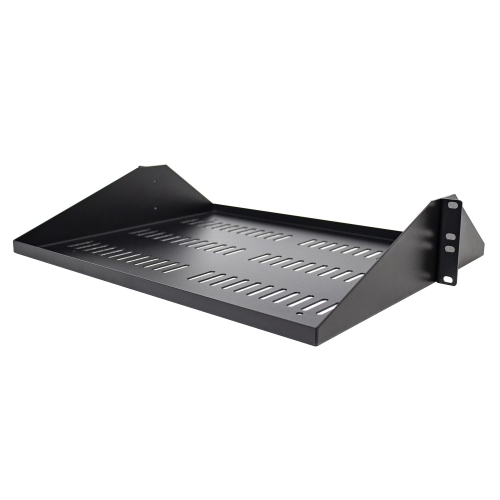
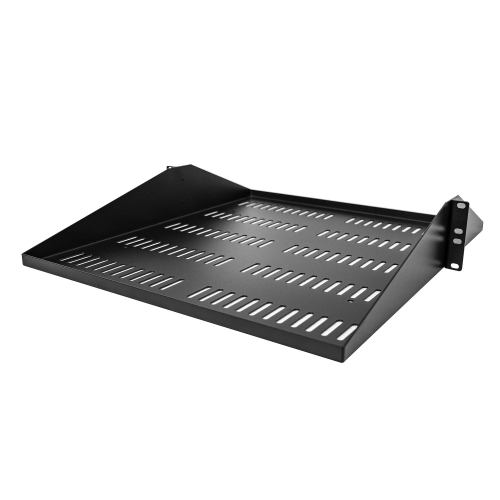
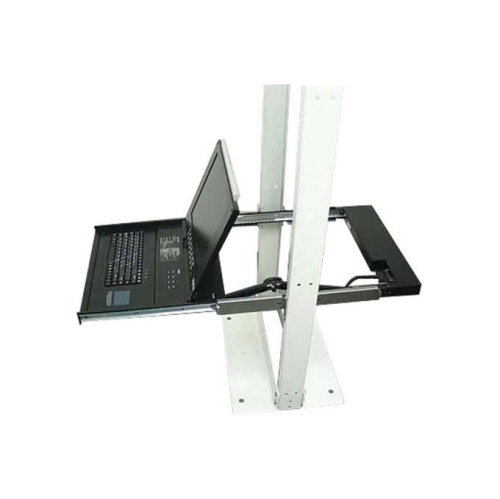
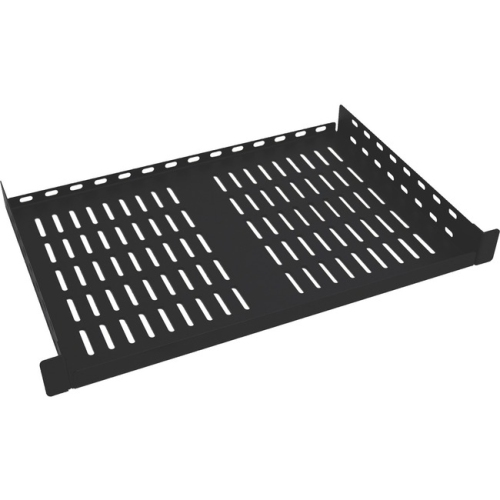
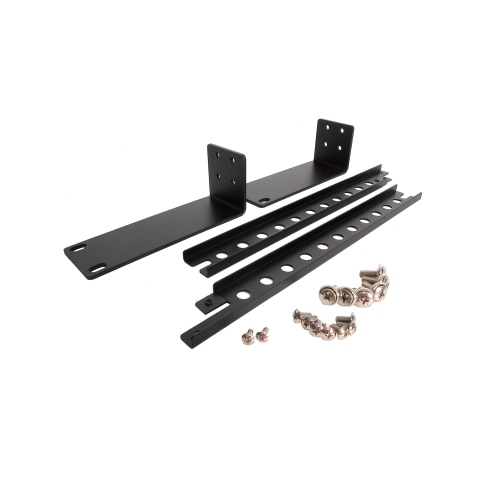
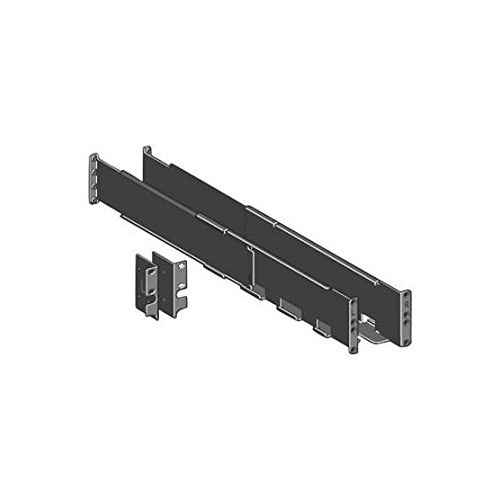
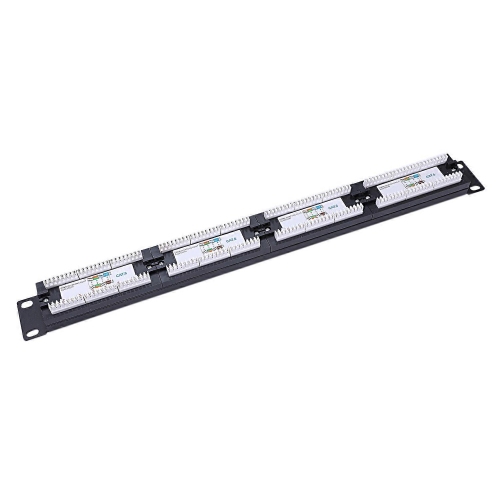
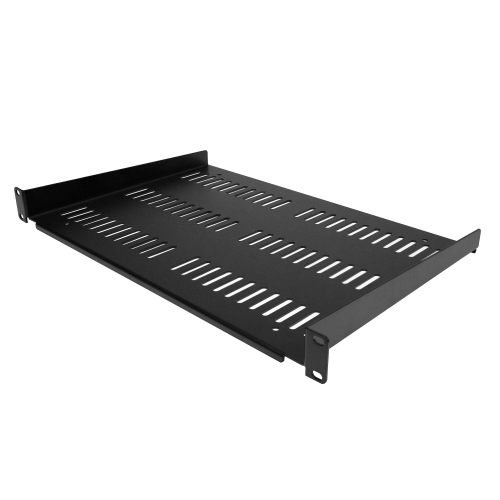
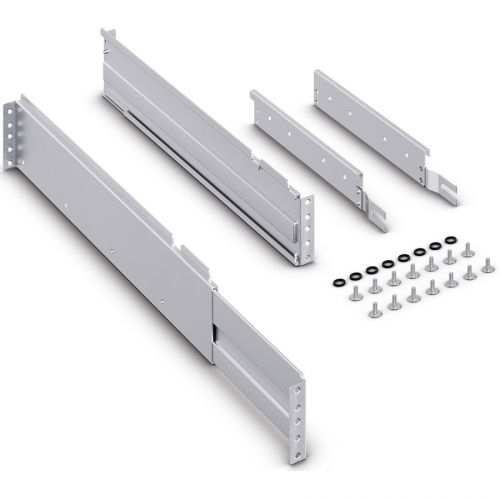
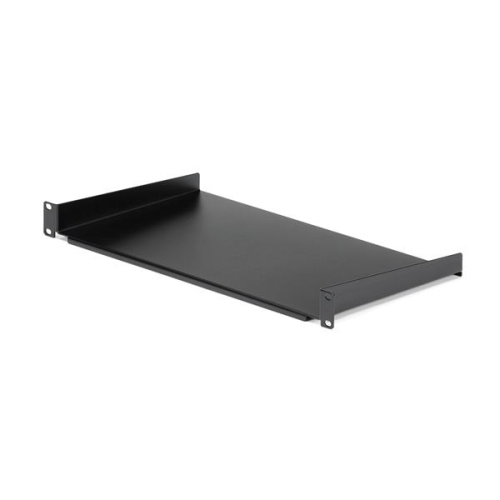
Before choosing a network rack mount, measure every device rather than relying on rack height alone. Width is often standardized, but depth can vary considerably, and a device that fits the front rails may still extend beyond the back of a shallow cabinet. Leave enough clearance for power plugs, network cables, ventilation, and access to rear controls. Weight capacity is equally important, especially when installing heavy servers, battery backups, storage hardware, or several devices on a single structure. Check whether the mount includes the appropriate cage nuts, screws, rails, shelves, or mounting hardware, and confirm that the hardware suits the surface where it will be installed. A solid wall and suitable anchors are essential for wall-mounted equipment; drywall alone may not provide enough support for a loaded enclosure. Adjustable rails can make installation easier when equipment has different depths, while removable side panels or hinged doors can simplify maintenance in a tight room. Cable management deserves attention from the beginning. Patch cables should be routed neatly without sharp bends, strain, or pressure on the ports, and power cables should be kept organized so that one adjustment does not disturb the entire setup. For equipment that is not designed to attach directly to rack rails, a compatible shelf can provide a stable platform; shoppers comparing storage and support options may also find useful configurations among Rack Mount Shelves. Planning for a little extra capacity helps prevent a crowded installation later, particularly for growing networks, expanding smart-home systems, video surveillance setups, media servers, or increasingly capable home labs.
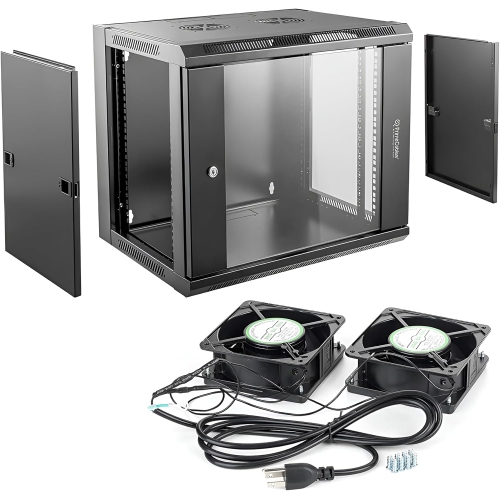
Airflow, accessibility, and the surrounding environment can have a noticeable effect on long-term performance. Enclosed cabinets can help protect equipment, but they should not block the vents on routers, switches, or servers. In warmer rooms or installations with several heat-producing devices, an enclosure with active top-panel cooling fans may help move warm air away from the equipment. Leave room around ventilation openings and avoid placing a rack directly beside a radiator, in a cramped unventilated cupboard, or where seasonal temperature changes are especially pronounced. An open-frame rack offers maximum airflow and quick access for troubleshooting, making it a natural fit for a workshop, utility room, or enthusiast’s home lab. A locking cabinet may be better for a shared office, reception area, classroom, or business where network hardware needs to remain secure. Network rack mounts are useful for professional installers, IT teams, remote workers, streamers, photographers, gamers, and anyone building a dependable connected space at home. They can also make a thoughtful gift for a technology enthusiast who is assembling a home lab or upgrading a compact office, especially when paired with compatible network equipment and clearly planned cable routing. Picture the difference between a tangle of blinking devices under a desk and a clean, labelled rack where each connection can be traced in seconds: the latter is easier to maintain, easier to expand, and far less frustrating when a cable needs to be replaced. During the cooler months, a well-arranged rack can also keep equipment off the floor and away from clutter that gathers around work areas. Whether the installation is a small wall-mounted setup or a full-height frame, selecting the right dimensions, weight rating, ventilation, security features, and expansion room helps create an orderly foundation for reliable networking.
Before choosing a network rack mount, measure every device rather than relying on rack height alone. Width is often standardized, but depth can vary considerably, and a device that fits the front rails may still extend beyond the back of a shallow cabinet. Leave enough clearance for power plugs, network cables, ventilation, and access to rear controls. Weight capacity is equally important, especially when installing heavy servers, battery backups, storage hardware, or several devices on a single structure. Check whether the mount includes the appropriate cage nuts, screws, rails, shelves, or mounting hardware, and confirm that the hardware suits the surface where it will be installed. A solid wall and suitable anchors are essential for wall-mounted equipment; drywall alone may not provide enough support for a loaded enclosure. Adjustable rails can make installation easier when equipment has different depths, while removable side panels or hinged doors can simplify maintenance in a tight room. Cable management deserves attention from the beginning. Patch cables should be routed neatly without sharp bends, strain, or pressure on the ports, and power cables should be kept organized so that one adjustment does not disturb the entire setup. For equipment that is not designed to attach directly to rack rails, a compatible shelf can provide a stable platform; shoppers comparing storage and support options may also find useful configurations among Rack Mount Shelves. Planning for a little extra capacity helps prevent a crowded installation later, particularly for growing networks, expanding smart-home systems, video surveillance setups, media servers, or increasingly capable home labs.
Airflow, accessibility, and the surrounding environment can have a noticeable effect on long-term performance. Enclosed cabinets can help protect equipment, but they should not block the vents on routers, switches, or servers. In warmer rooms or installations with several heat-producing devices, an enclosure with active top-panel cooling fans may help move warm air away from the equipment. Leave room around ventilation openings and avoid placing a rack directly beside a radiator, in a cramped unventilated cupboard, or where seasonal temperature changes are especially pronounced. An open-frame rack offers maximum airflow and quick access for troubleshooting, making it a natural fit for a workshop, utility room, or enthusiast’s home lab. A locking cabinet may be better for a shared office, reception area, classroom, or business where network hardware needs to remain secure. Network rack mounts are useful for professional installers, IT teams, remote workers, streamers, photographers, gamers, and anyone building a dependable connected space at home. They can also make a thoughtful gift for a technology enthusiast who is assembling a home lab or upgrading a compact office, especially when paired with compatible network equipment and clearly planned cable routing. Picture the difference between a tangle of blinking devices under a desk and a clean, labelled rack where each connection can be traced in seconds: the latter is easier to maintain, easier to expand, and far less frustrating when a cable needs to be replaced. During the cooler months, a well-arranged rack can also keep equipment off the floor and away from clutter that gathers around work areas. Whether the installation is a small wall-mounted setup or a full-height frame, selecting the right dimensions, weight rating, ventilation, security features, and expansion room helps create an orderly foundation for reliable networking.
Top selling and popular products
-
 Your price for this item is $1303.99
 -
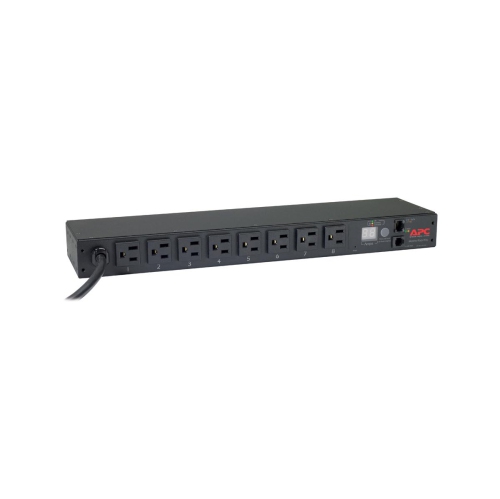 Your price for this item is $748.99
 -
 Your price for this item is $611.68
 -
 Your price for this item is $407.99
 -
 Your price for this item is $260.68
 -
 Your price for this item is $264.99
 -
 Your price for this item is $54.99
 -
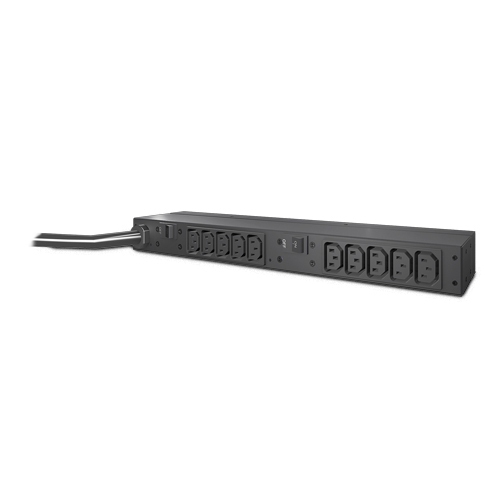 Your price for this item is $532.37
Discover more categories related to Network Rack Mounts
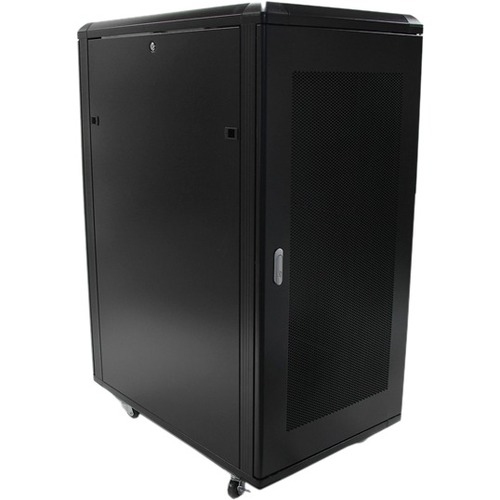
Top Collections:
Pokemon Centers, Best Cameras for Sports Photography, Kindle Devices, Samsung Galaxy Phones, Canon G7X Cameras, Pokémon 30th Celebration Cards, Refurbished Apple Laptops, iPhone 15 Apple, Laptops for Students, Budget Smartphones
Some products may be subject to Environmental Handling Fees
(EHF) depending on your province.
Learn more about EHFs.