Rack Mount Shelves
Looking to optimize your storage space while keeping your equipment organized and easily accessible? Look no further than our collection of rack mount shelves. These versatile shelves are designed to fit seamlessly into your existing rack system, providing a convenient solution for storing servers, networking equipment, audio/video components, and more. With a range of sizes and weight capacities available, you'll be able to find the perfect rack mount shelf to suit your needs. Say goodbye to clutter and hello to efficient organization with our selection of rack mount shelves.
Sort
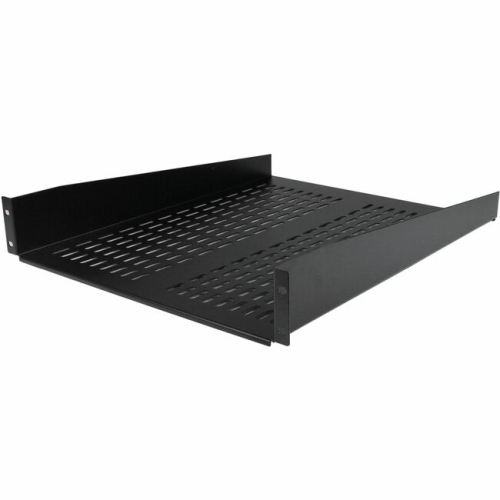
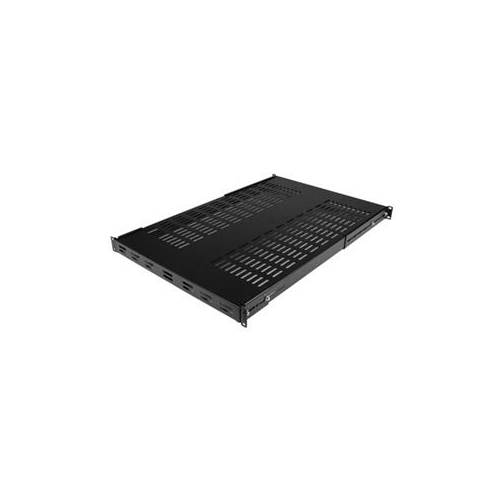
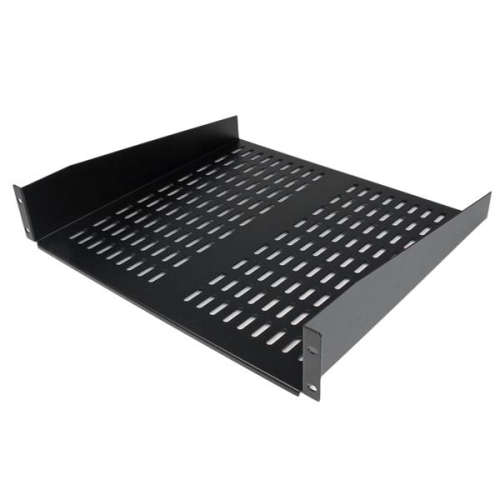
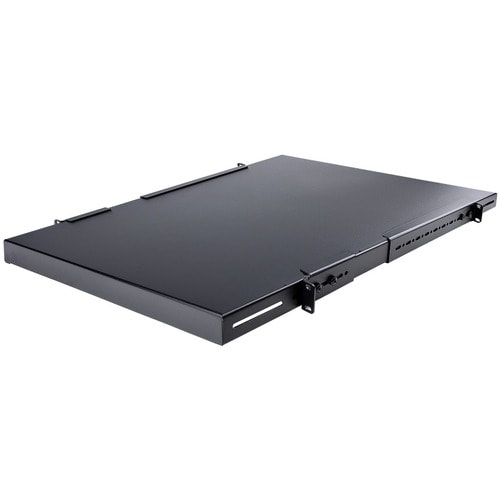
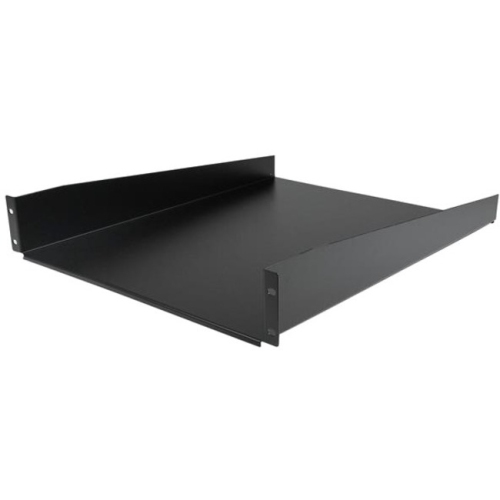
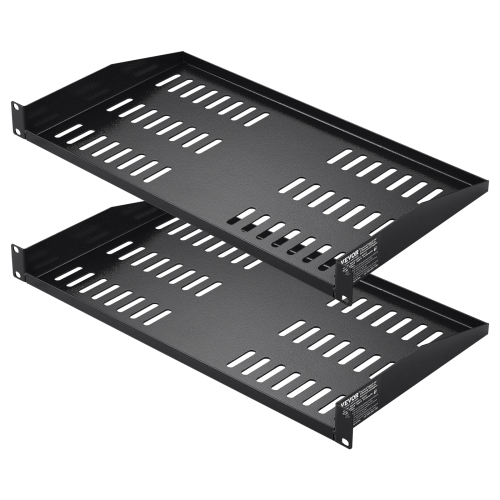
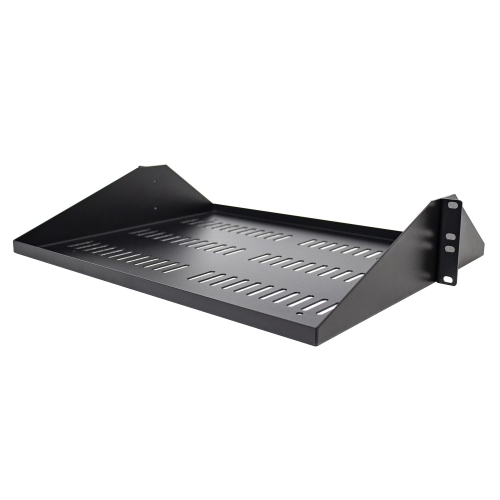
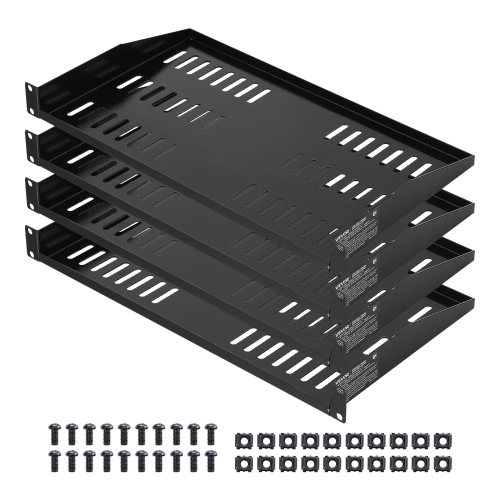

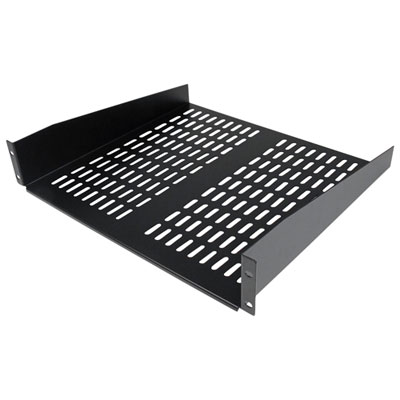
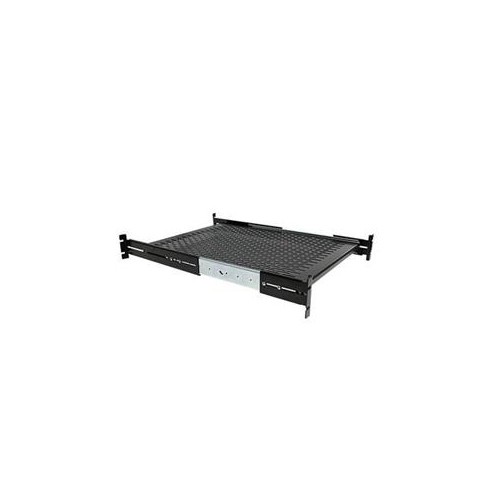
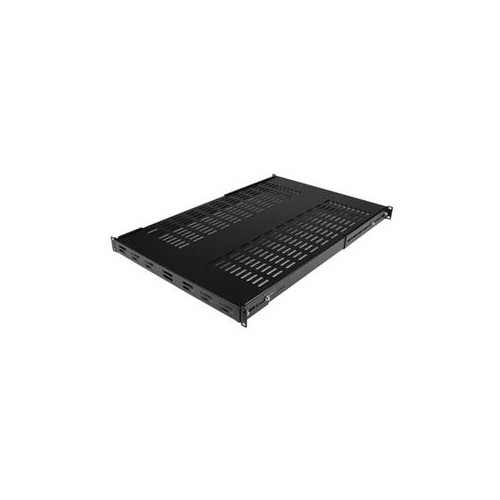
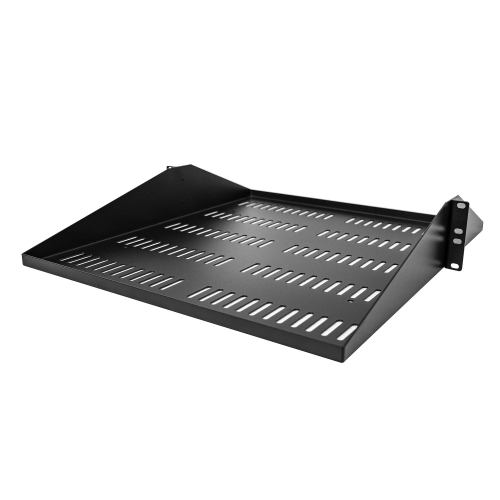
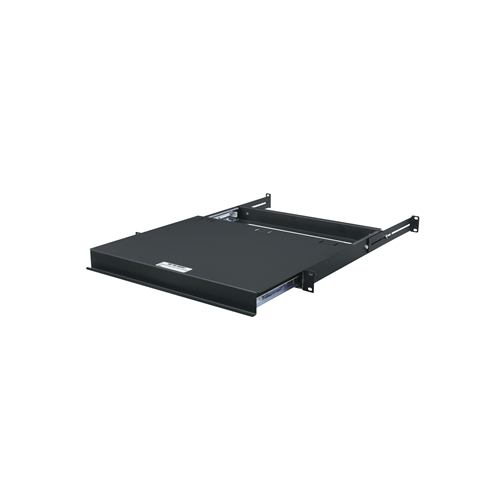
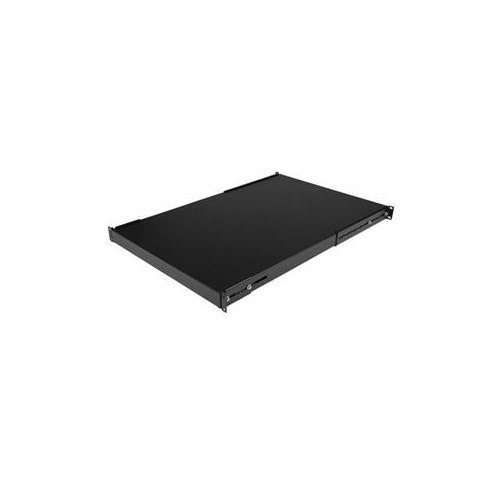
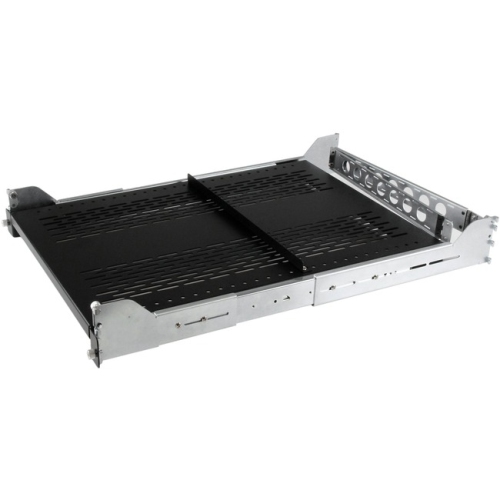
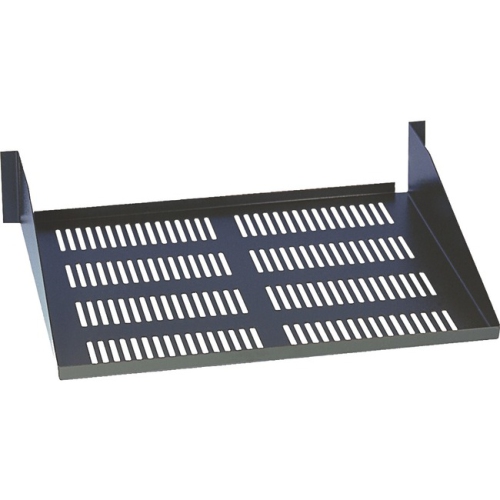
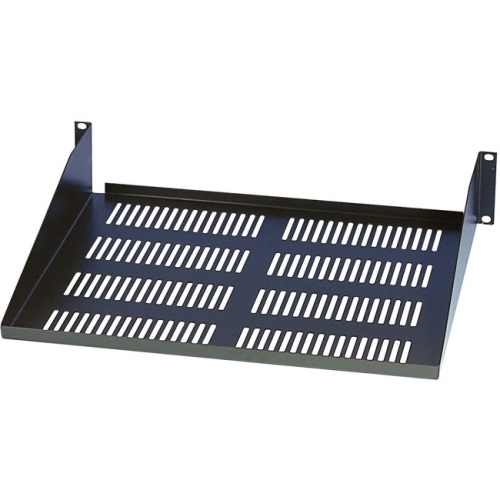
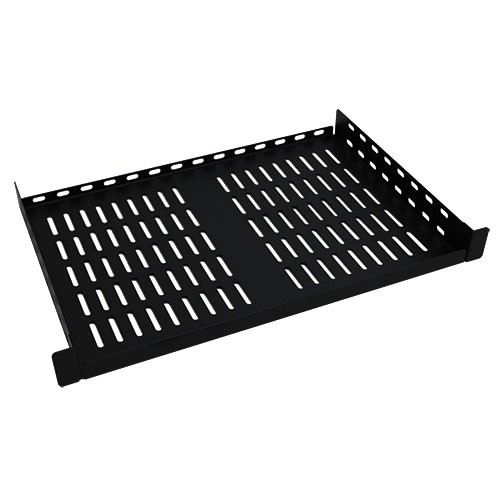
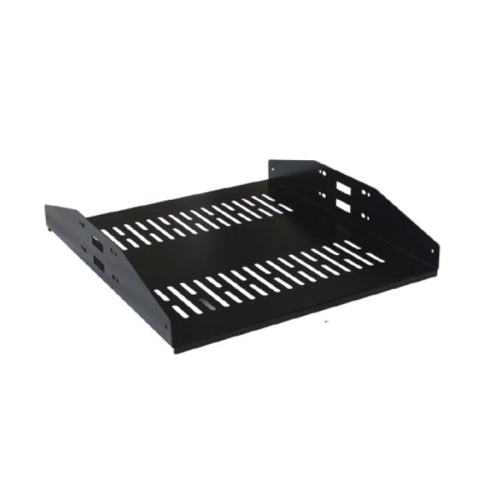
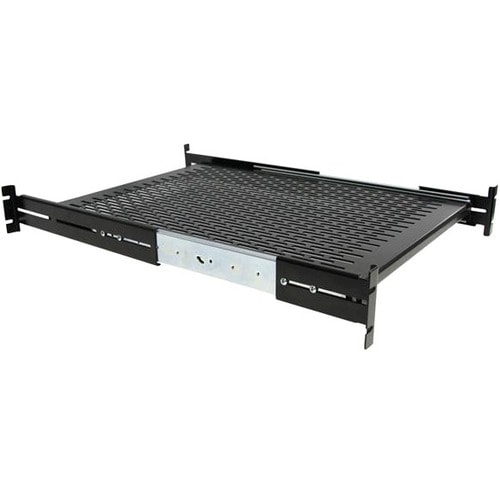
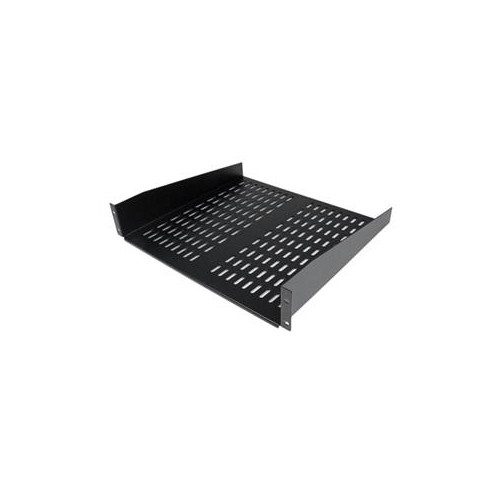
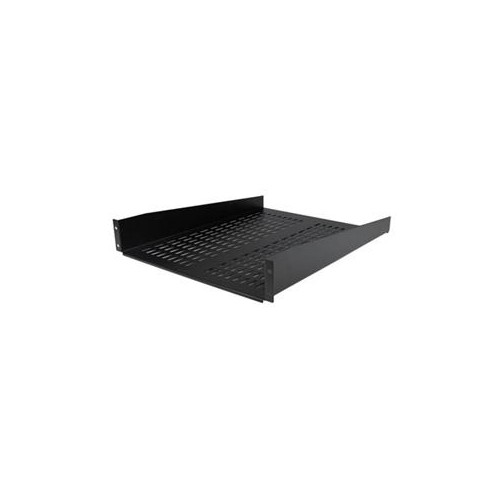
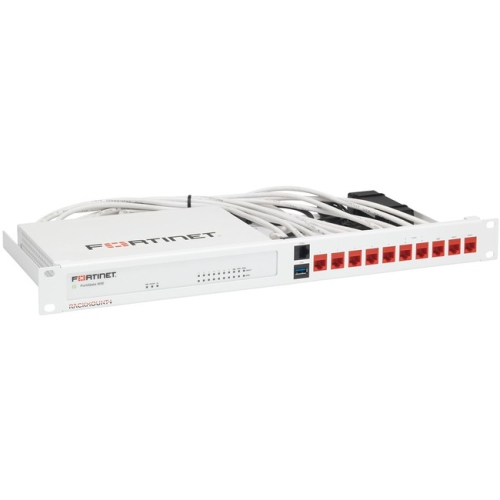
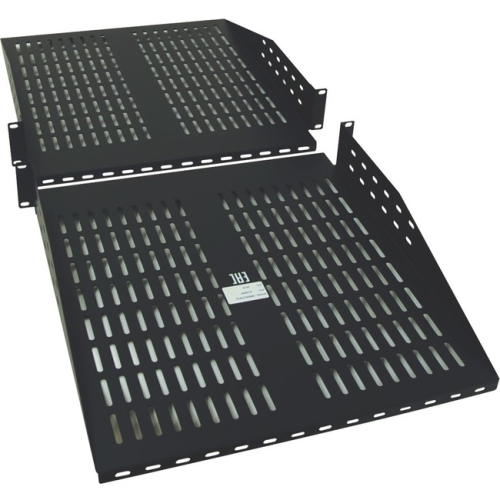
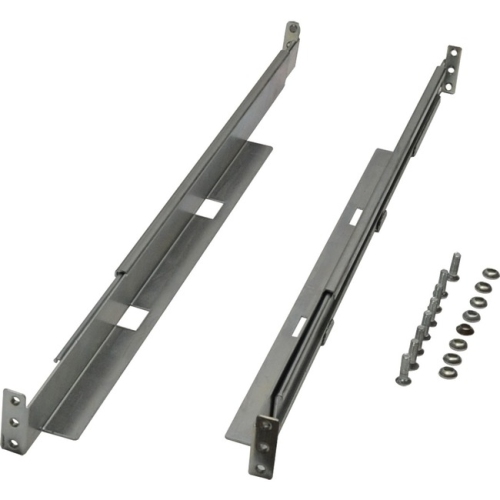
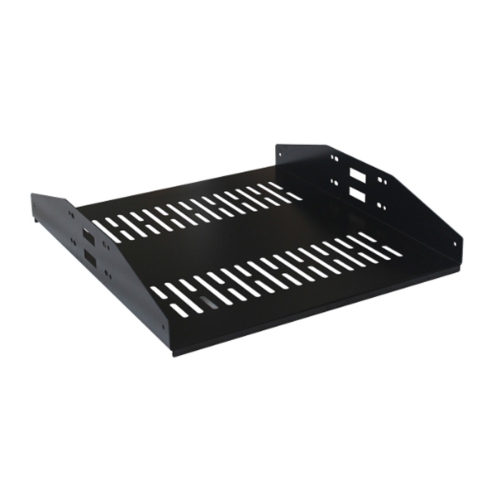
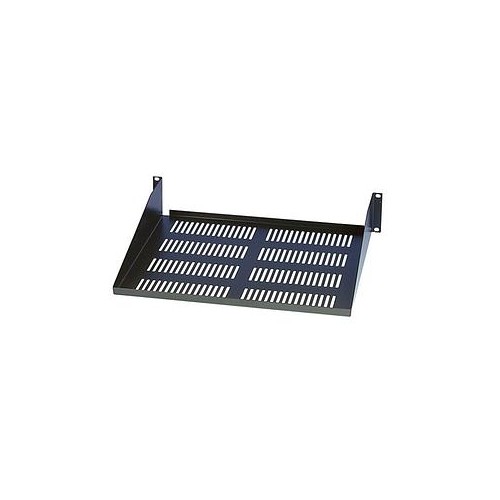
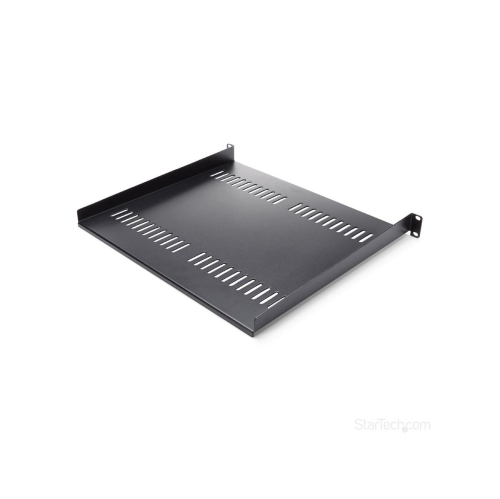
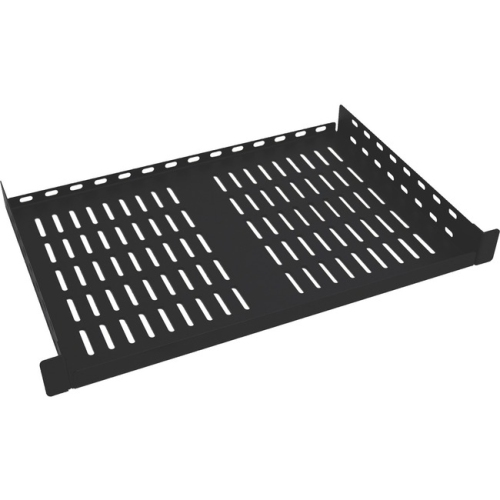
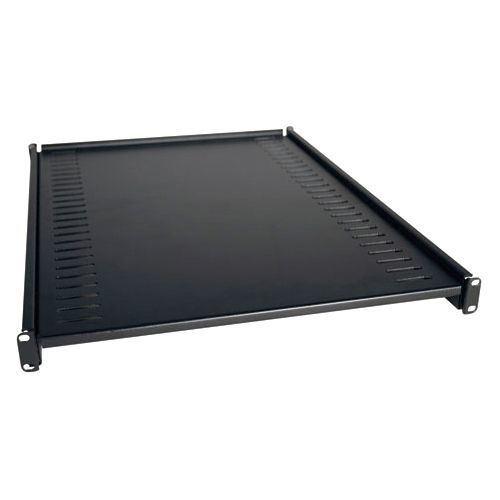

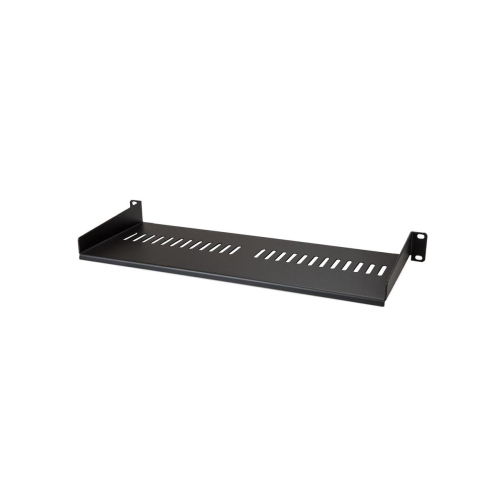
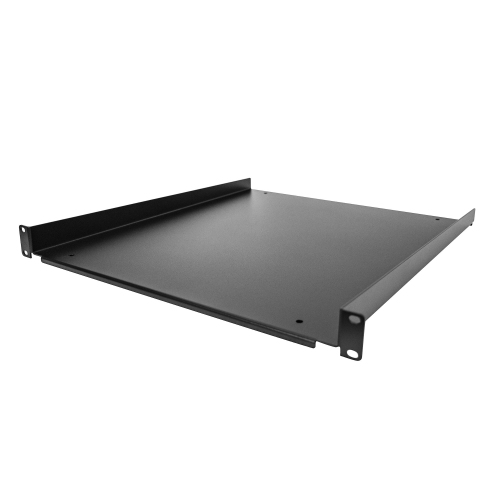
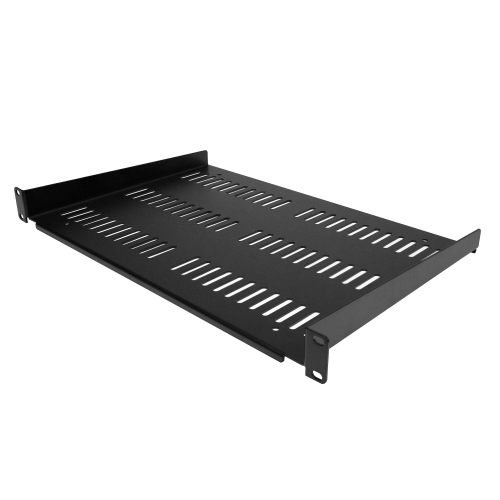
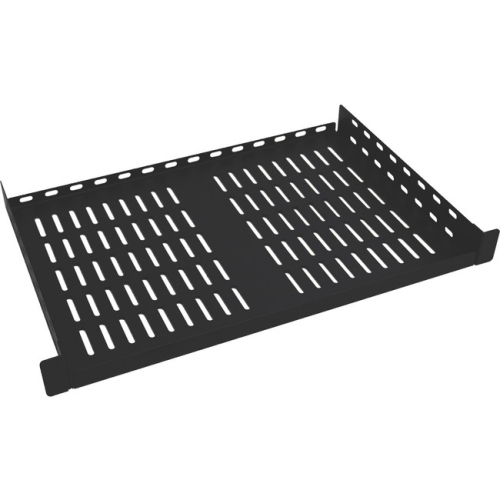
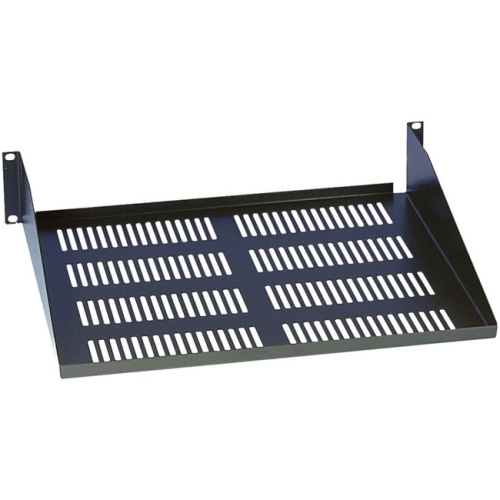
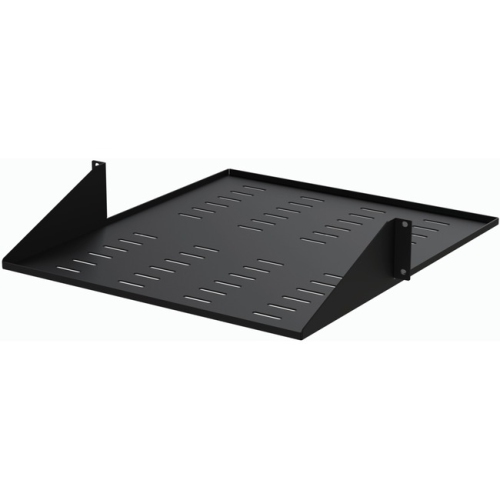

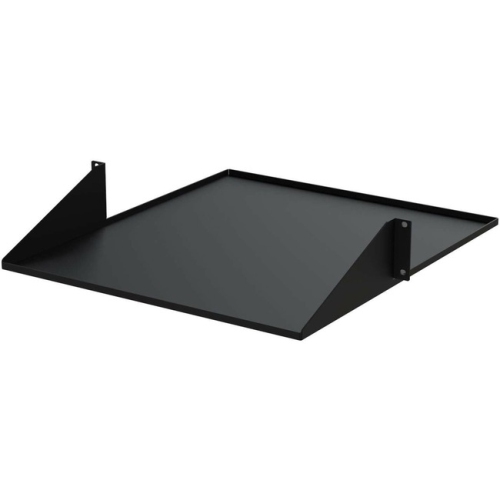
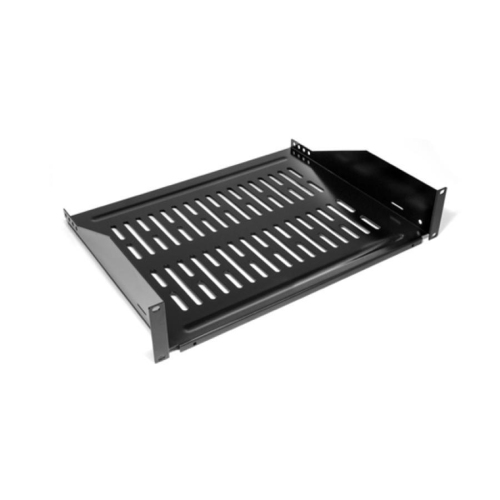
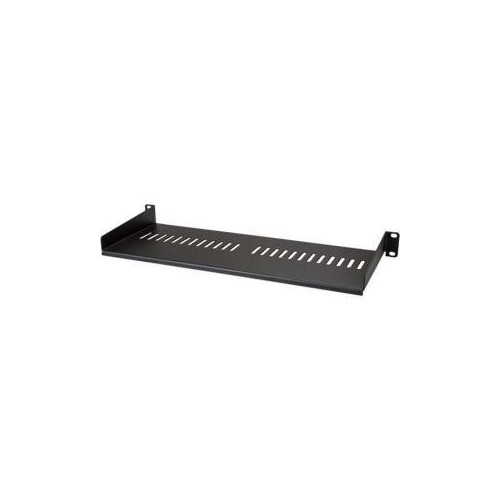
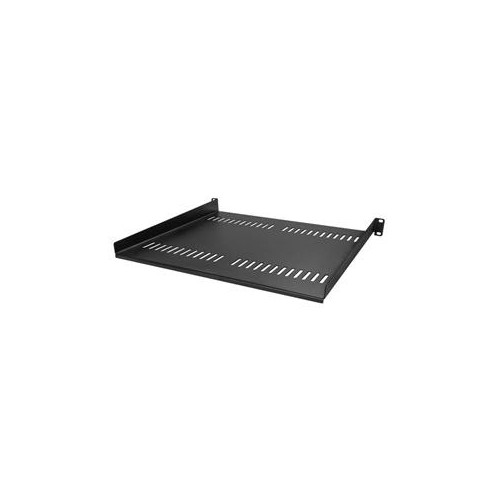


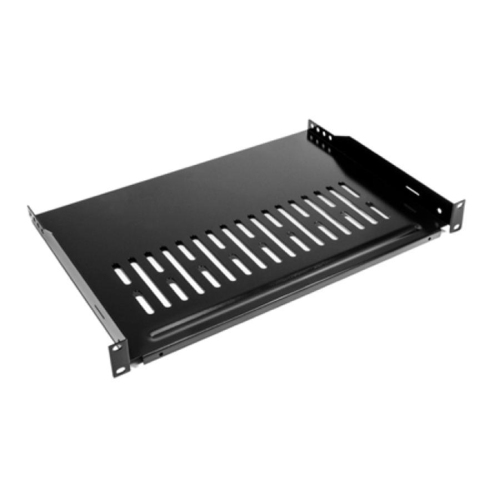
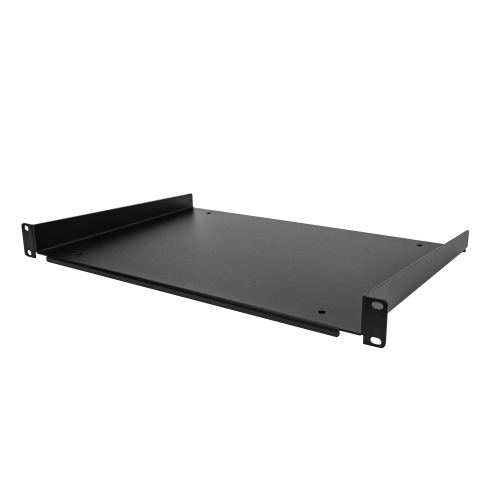
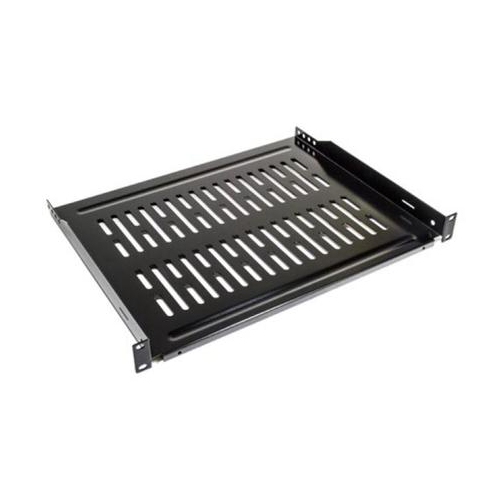
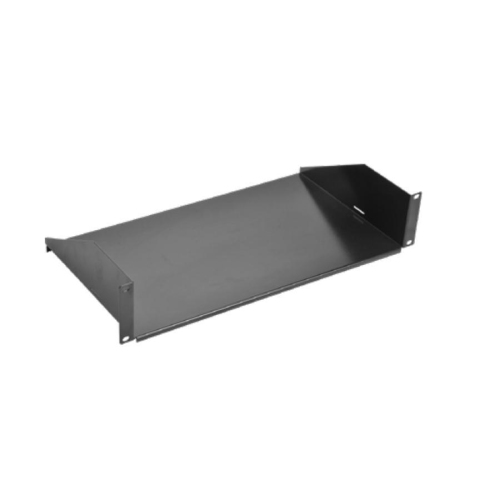
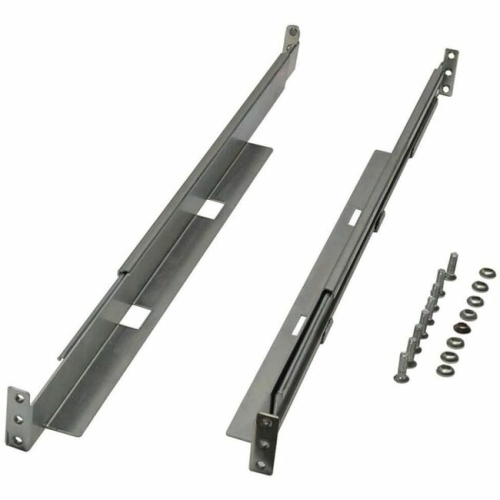
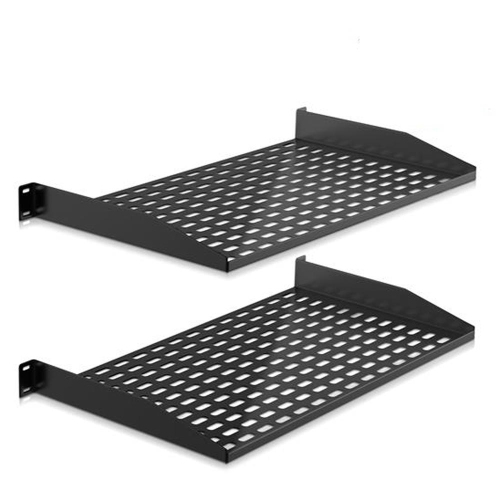

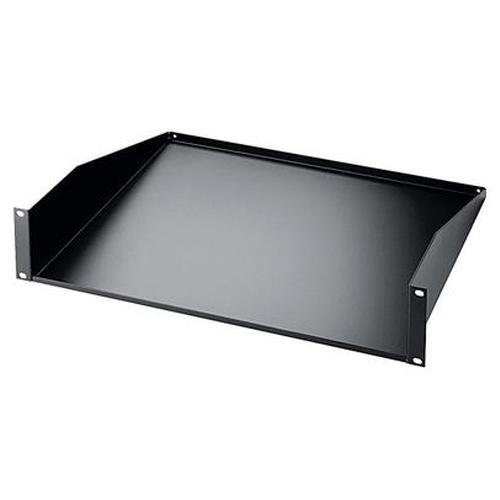
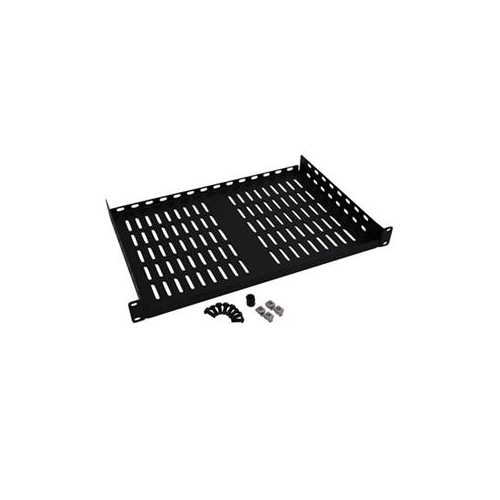
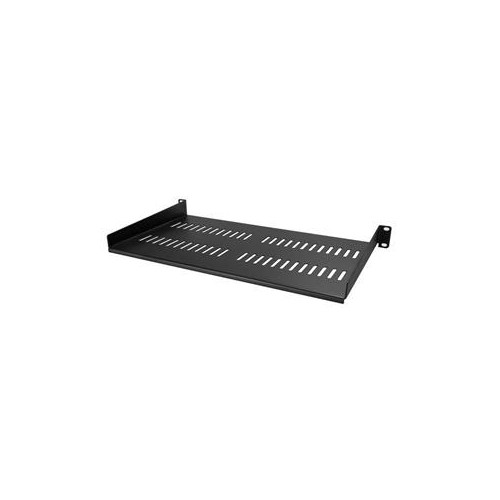
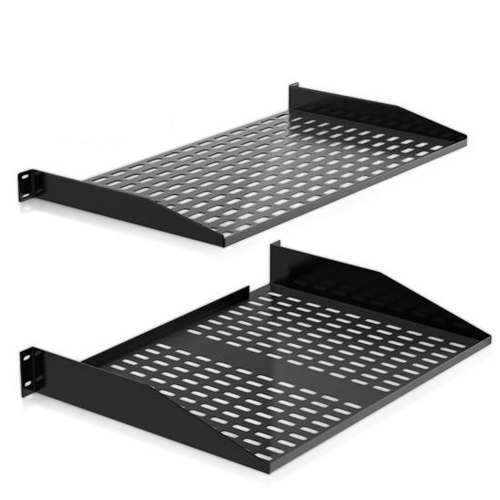
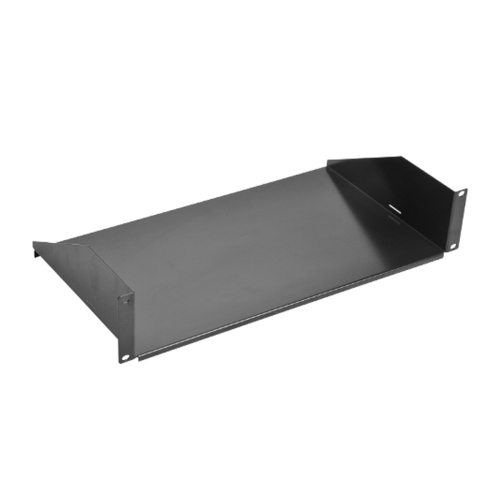
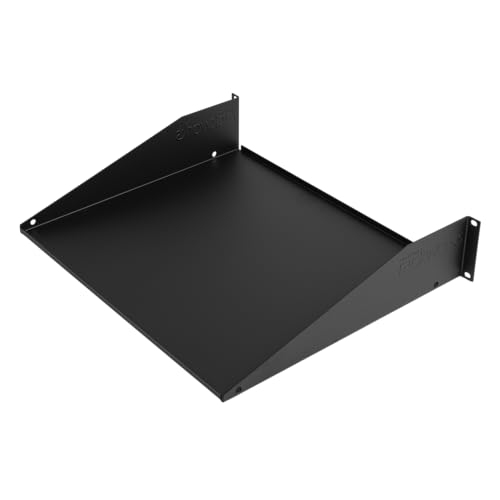
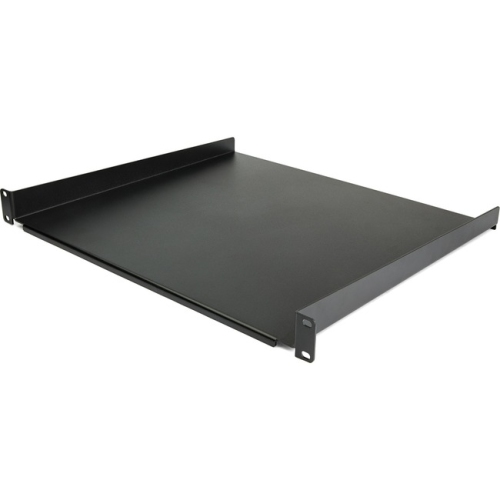
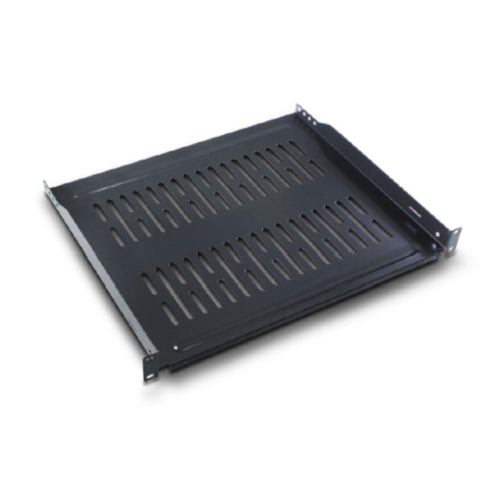
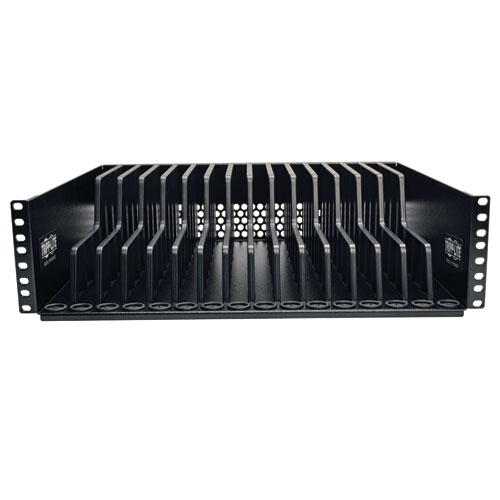
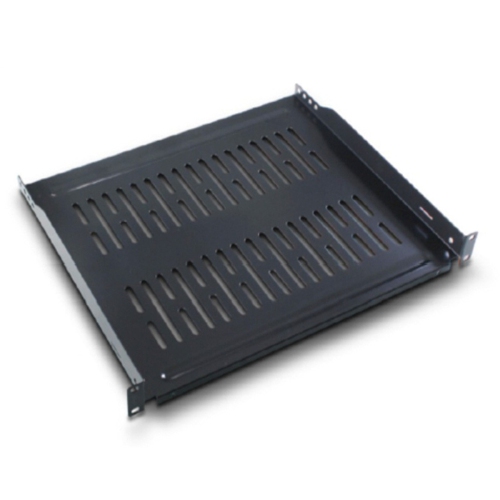
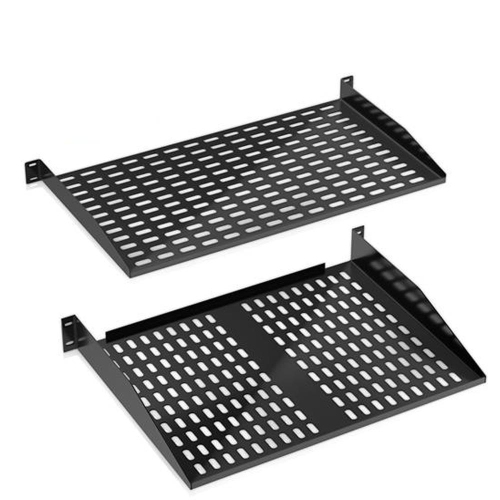

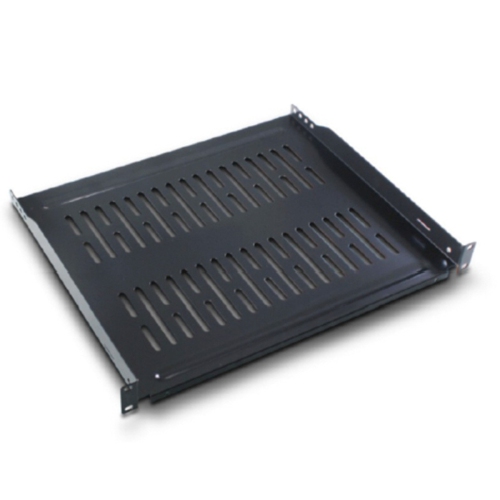
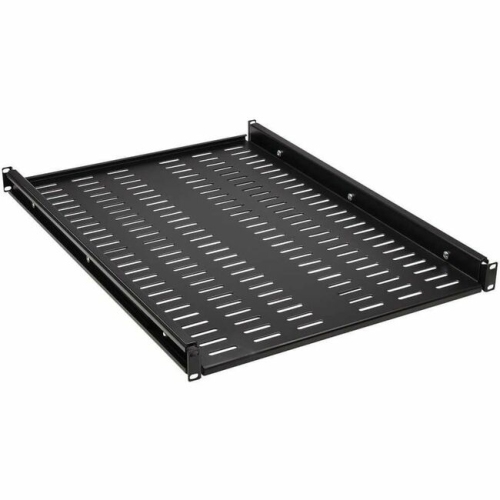
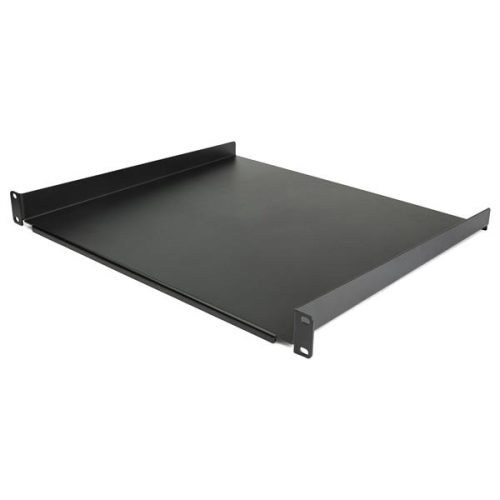
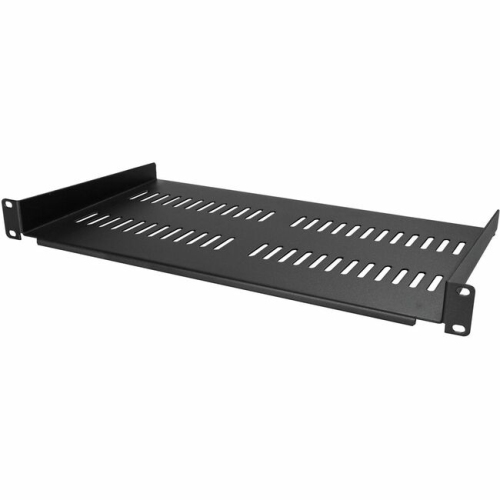
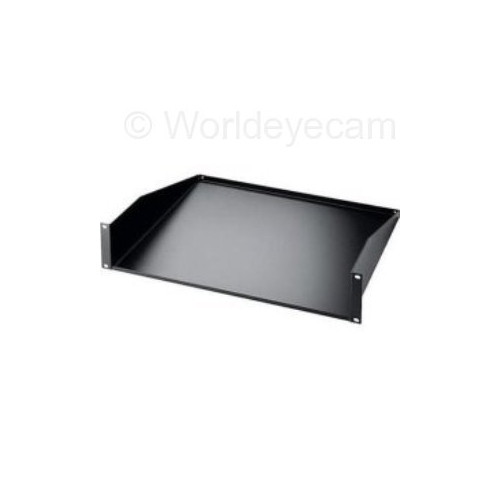
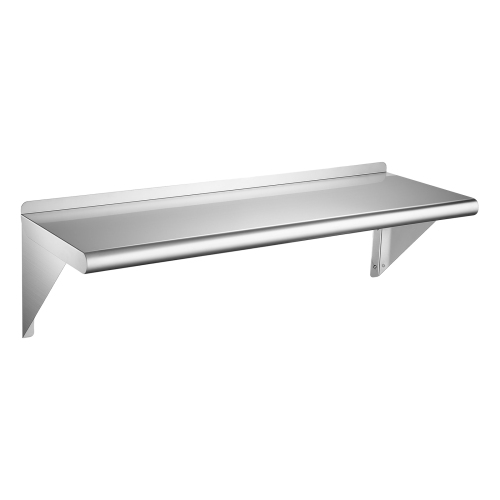
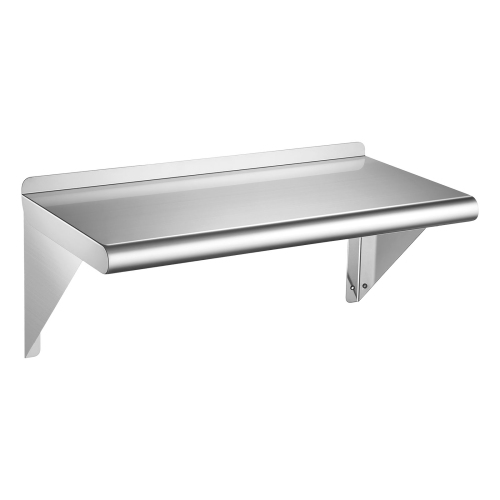
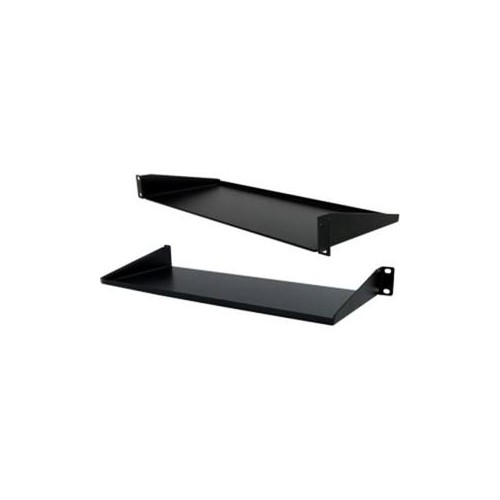

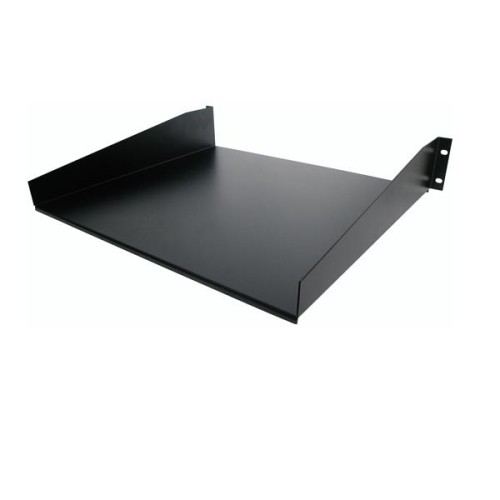
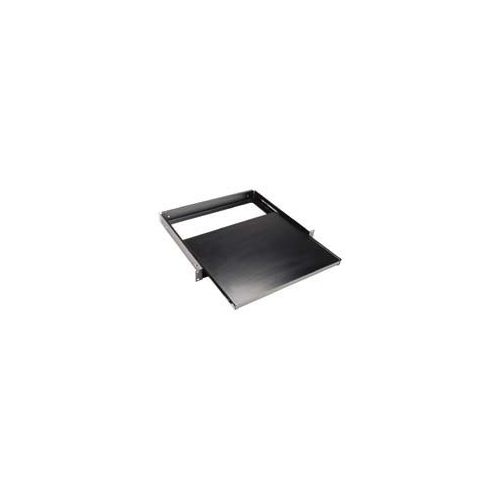
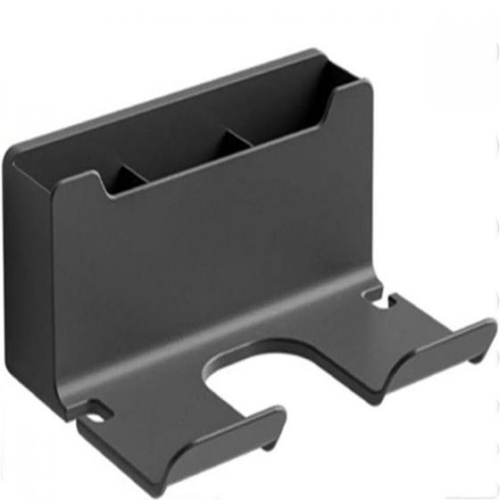
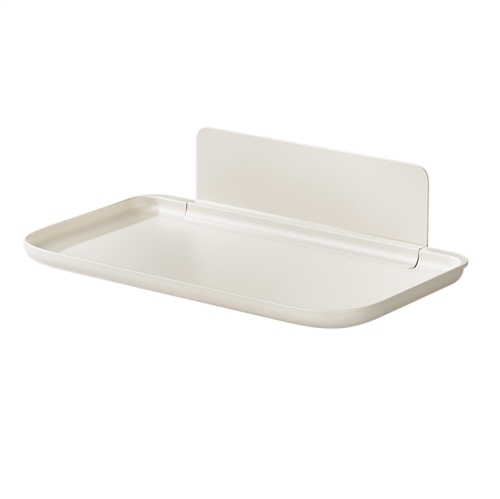

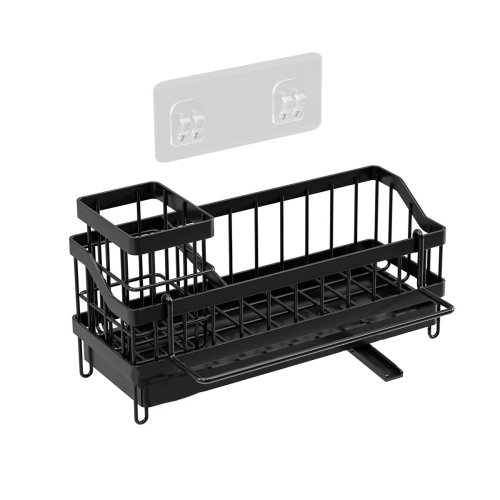
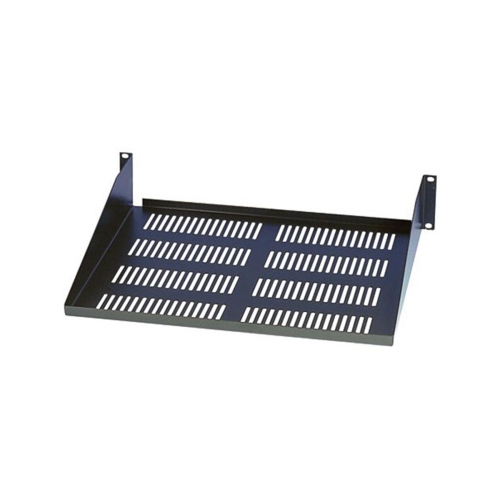
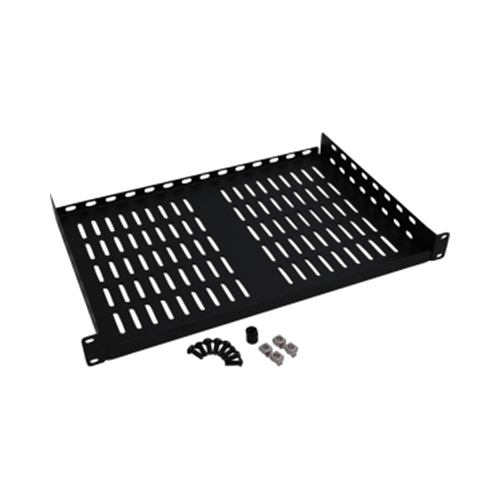
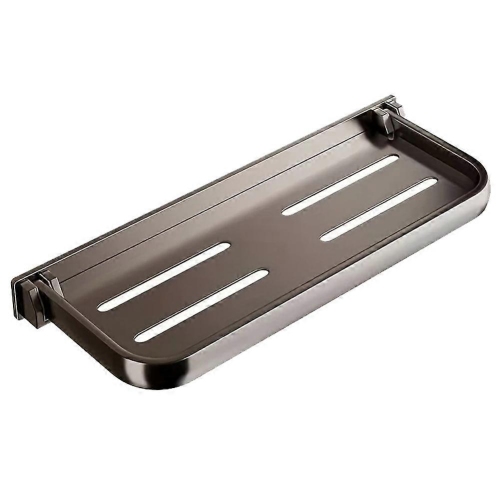
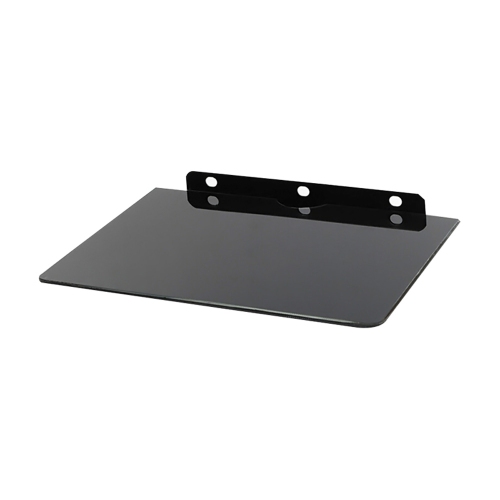
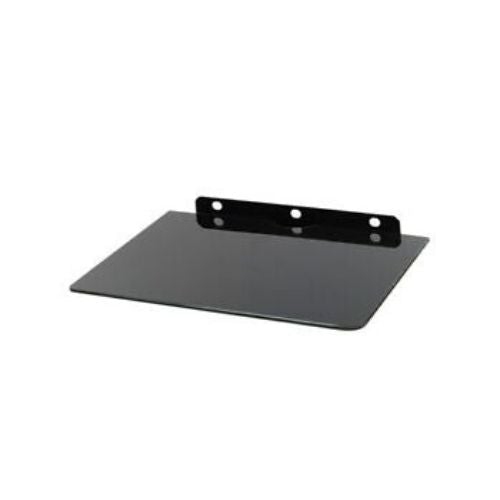
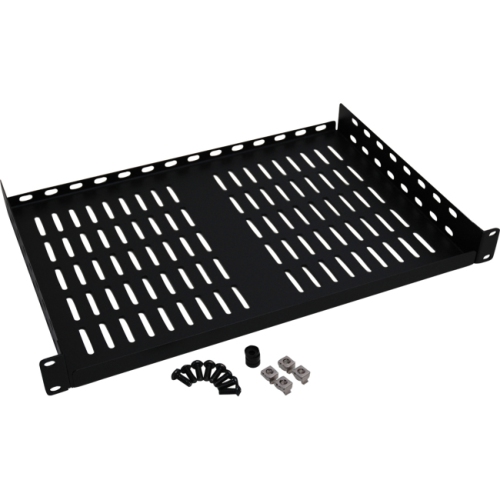

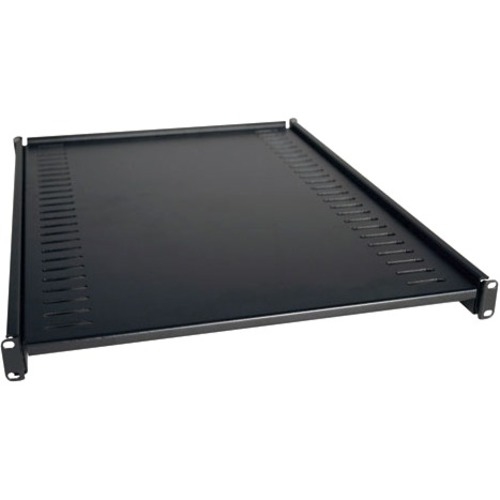




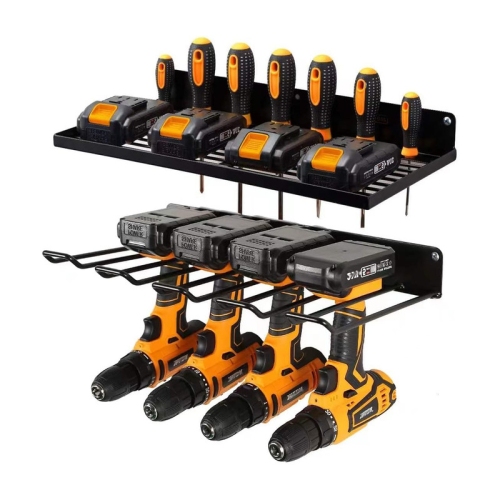


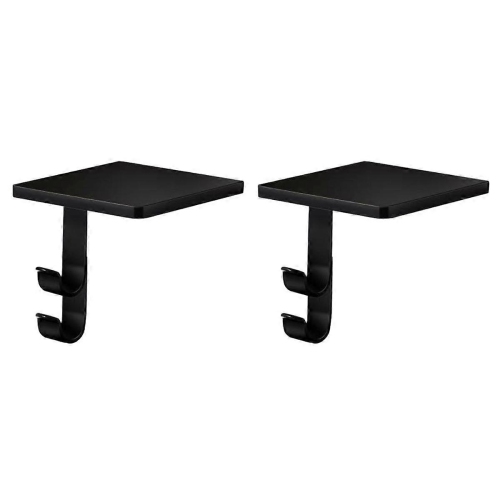
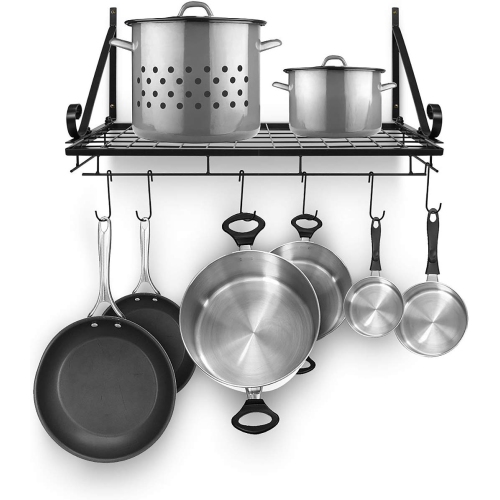
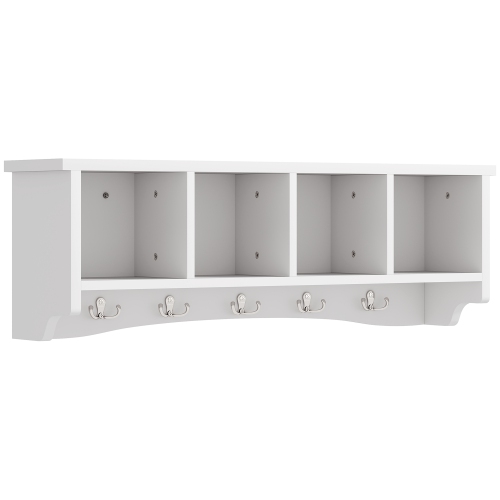
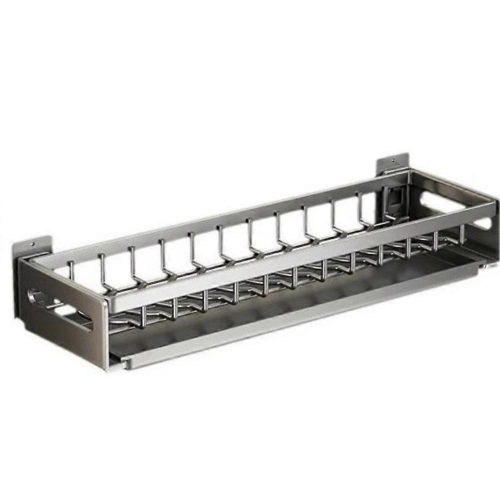
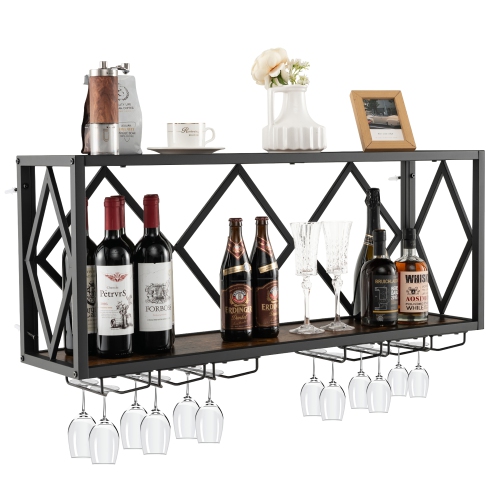
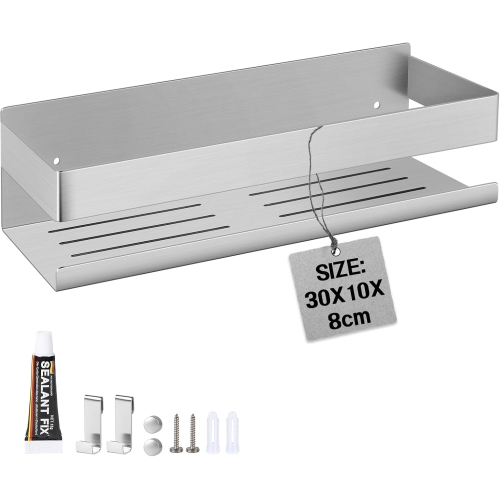
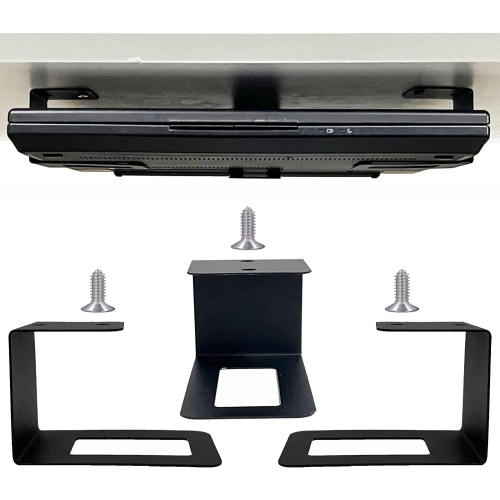
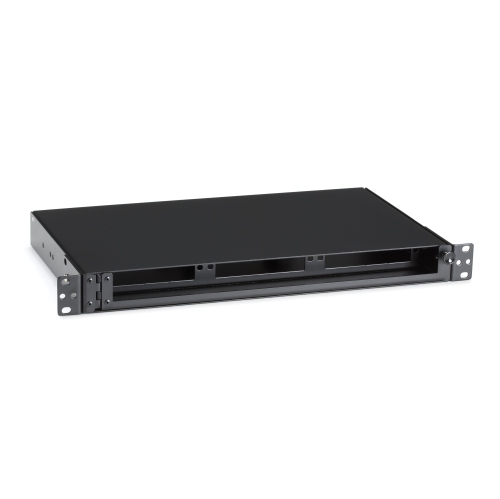
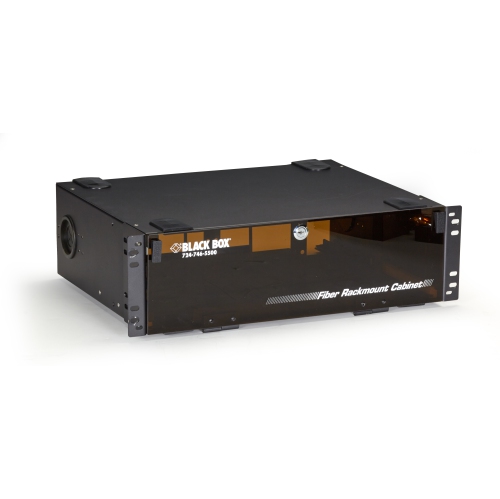
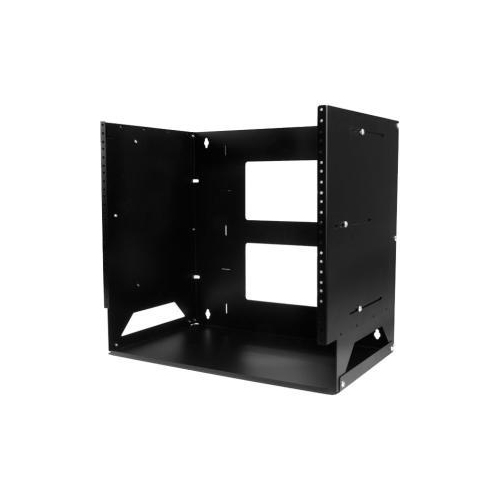


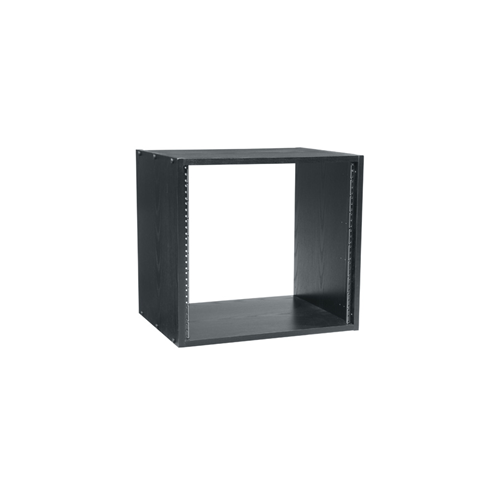
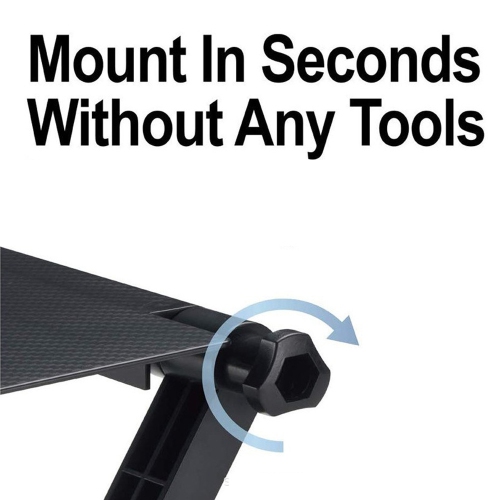

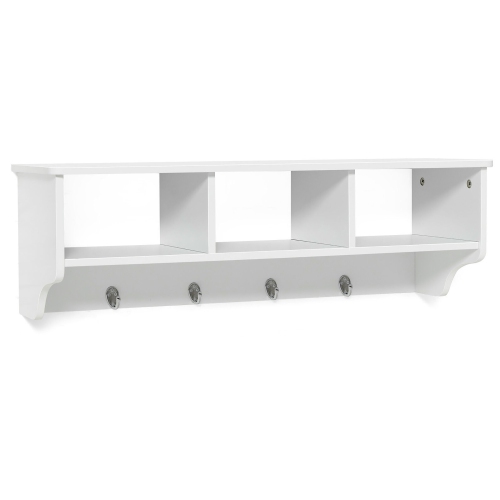
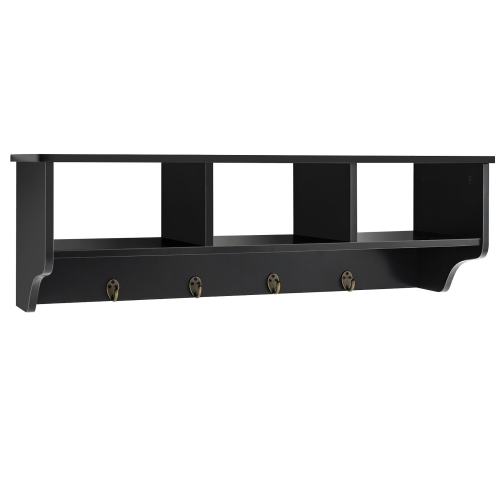
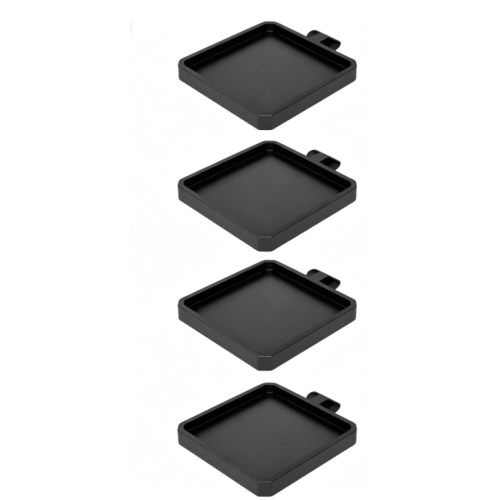

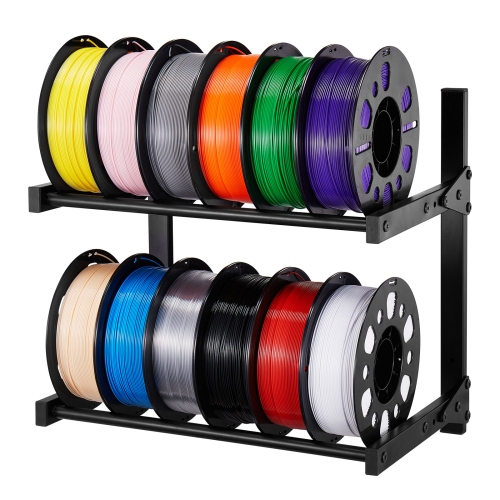
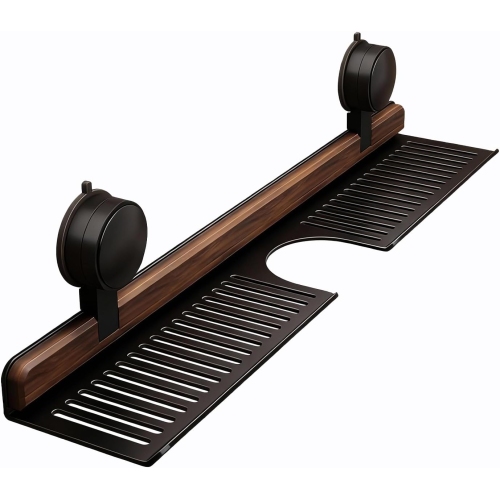
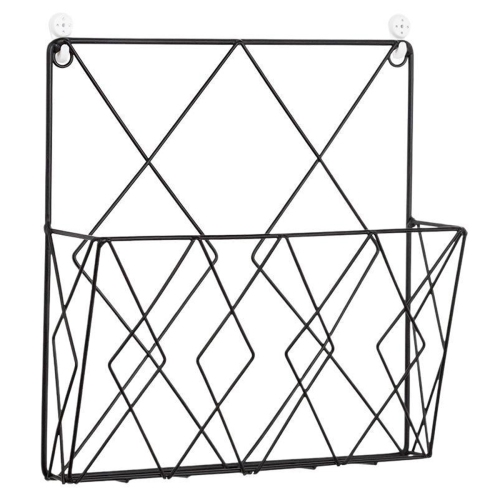
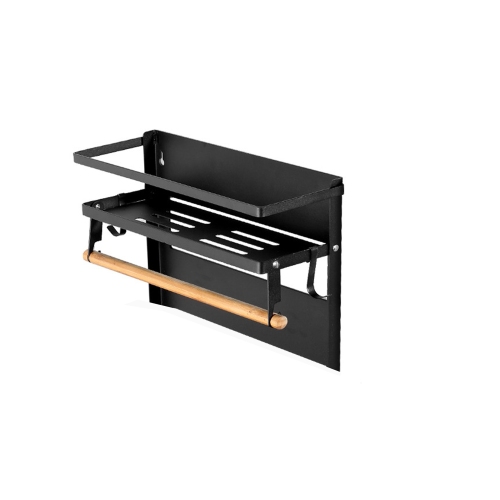
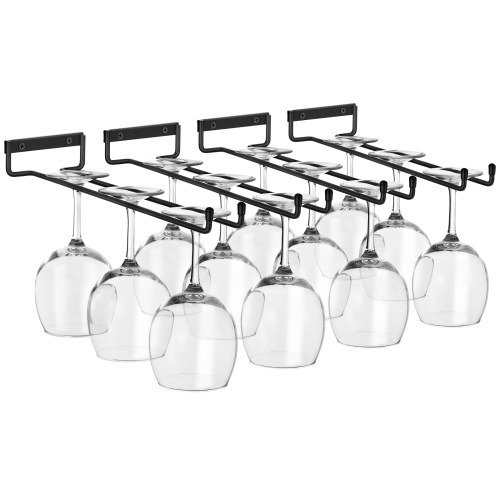
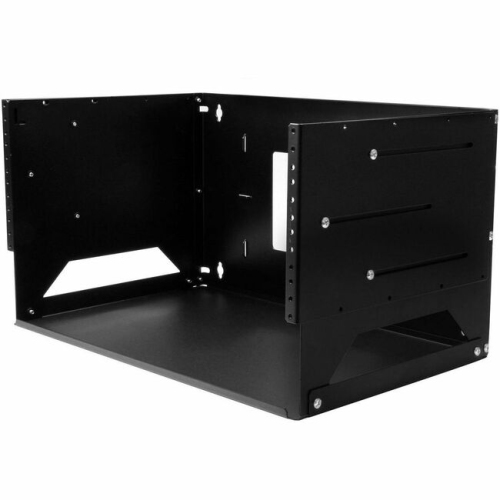

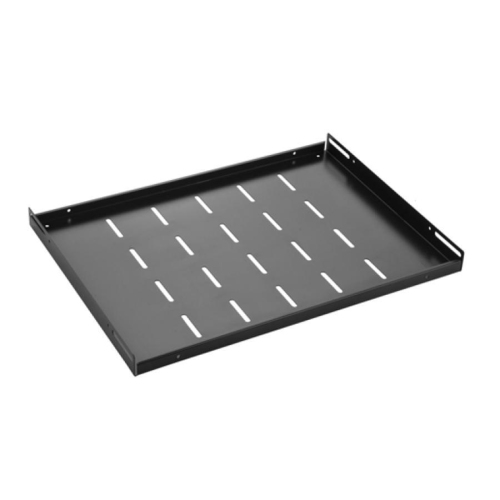

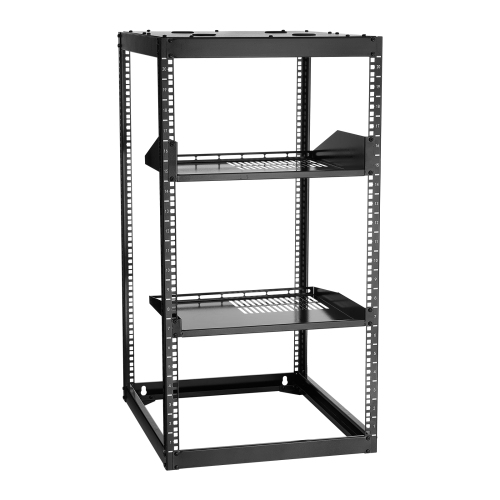
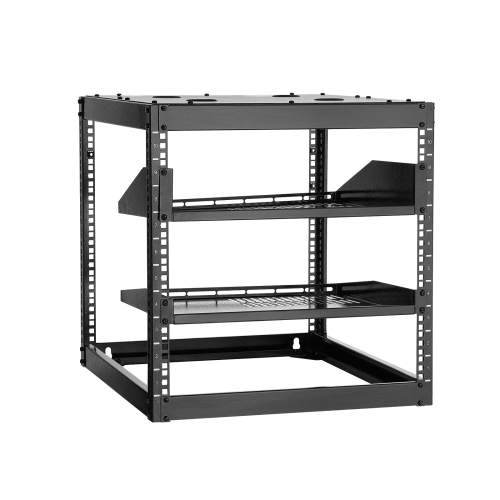
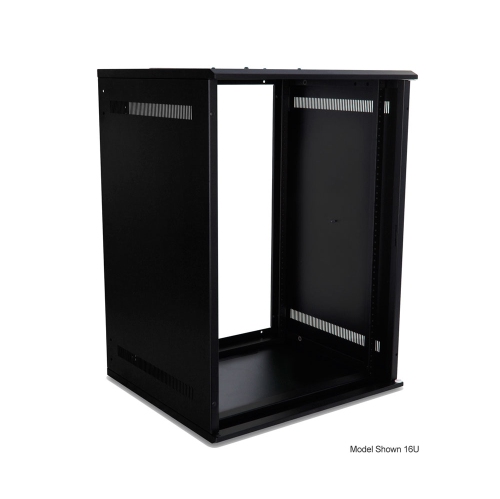
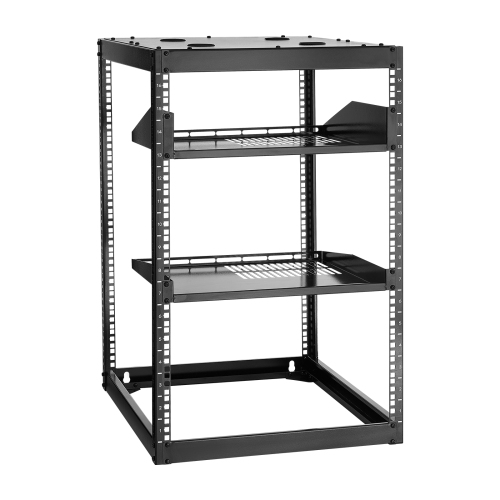
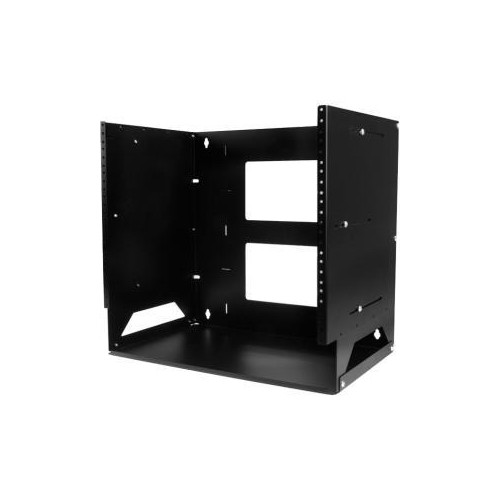
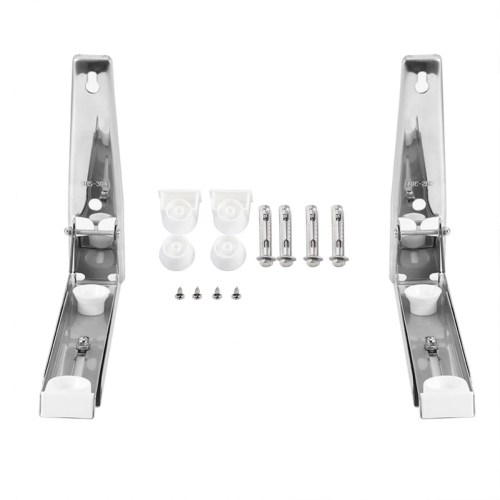
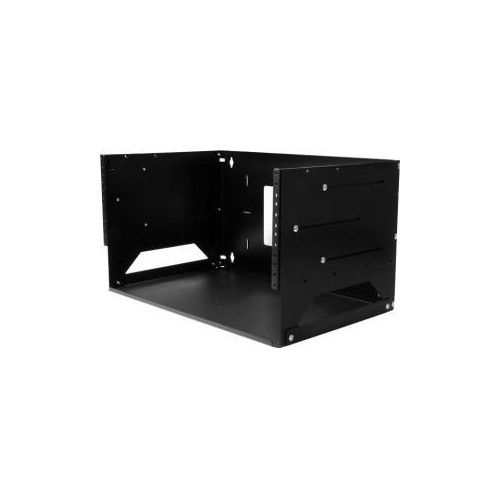
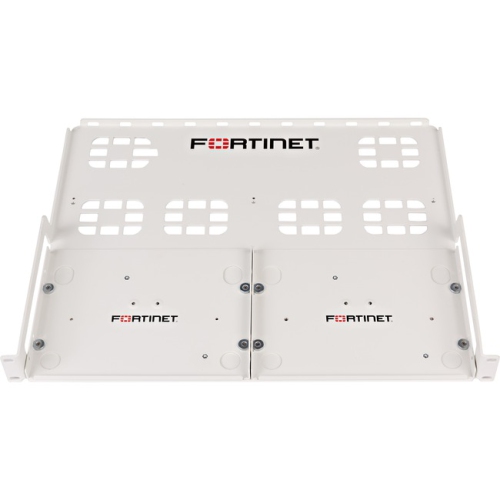


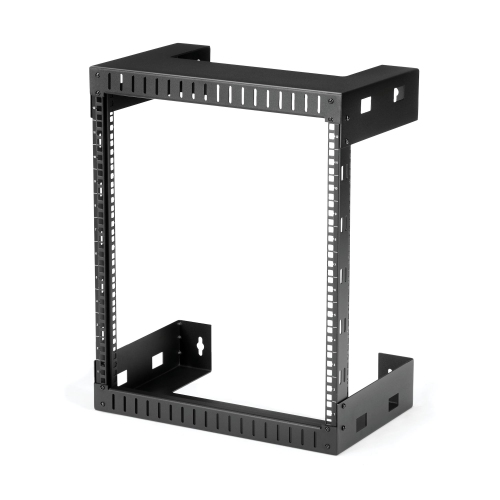
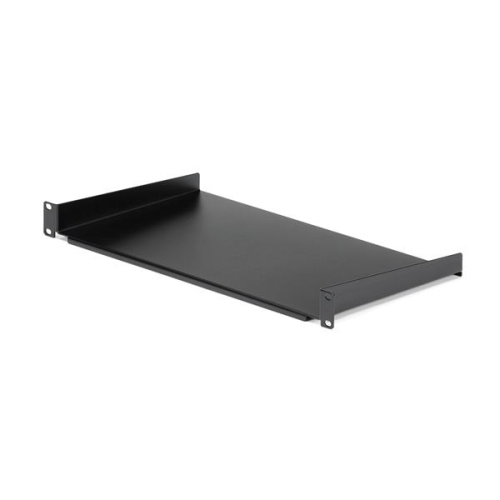
Practical rack support for equipment without mounting brackets
Rack mount shelves give equipment without its own mounting brackets a practical place in an organized rack. They create a flat support surface for compact network devices, small computers, audio components, and other electronics that would otherwise sit on a desk or cabinet floor. In a home networking setup, a shelf can keep a modem and router close to the patch panel while leaving their connections accessible. In a recording space, it can hold a desktop audio interface alongside rack-mounted processors. Offices, retail spaces, classrooms, and audiovisual installations also use these shelves to bring several components together without requiring every device to have the same chassis design. The result is a more deliberate layout, with equipment supported at useful heights and cables routed towards the devices they serve. Shelves vary in width, depth, mounting style, and load capacity, so their suitability depends on both the rack and the equipment being placed inside it. A nominal 19-inch rack format, for example, describes the mounting interface rather than the usable width of the shelf surface. Side flanges, mounting brackets, and the rack’s own structure can reduce the space available for a device. Equipment feet matter too: all feet should rest securely on the platform rather than hanging over an edge or sitting across an opening. For setups centred on computing and network hardware, Server Rack Shelves offer a closely related category for organizing equipment within a compatible rack. Whether the installation supports a few household connections or a shared workspace, the shelf’s role is straightforward: provide dependable support while preserving access to controls, ports, and power connections. A well-matched shelf can also make the rack easier to maintain, since individual devices have a defined position instead of being stacked loosely on top of one another. That separation is particularly useful when a power adapter needs replacing or a cable must be traced without disturbing neighbouring equipment.
Fit involves more than matching the rack’s nominal width. The distance between the front and rear mounting posts, the clearance behind a closed door, and the depth of the equipment all influence which shelf designs make sense. A shallow shelf may suit a compact device in a wall-mounted cabinet, while deeper equipment generally needs a larger platform and an appropriate support arrangement. Cantilever shelves attach at one pair of mounting posts and extend into the rack, making them useful where rear mounting points are absent or unnecessary for the intended load. Four-post shelves attach at the front and rear, distributing support across the rack structure; adjustable mounting brackets can accommodate a stated range of post depths. Neither design should be assumed to fit every rack, and the published load rating applies only when the shelf is installed as specified. The mounting hardware must also match the rack’s hole style, whether that means compatible cage nuts and screws or fasteners for threaded rails. Vertical space is another consideration. Rack units describe increments of mounting height, but the space an installation needs includes the shelf, the equipment above it, and any clearance required by the equipment manufacturer. A low-profile shelf does not make a tall device occupy less room. Cable plugs and power connections add depth as well, especially when cables need a gentle bend behind the chassis. Fixed shelves provide a stationary platform for equipment that rarely needs to move, while sliding designs can make rear connections or service points easier to reach. Sliding mechanisms require suitable clearance and careful attention to their load limits, including any separate rating for use while extended. Pulling equipment forward also shifts weight, so the rack must be installed and secured according to its own requirements. For a tidy, usable arrangement, capacity is best understood as a combination of weight, dimensions, access, and stability rather than a single number on a specification sheet.
Materials and construction affect how a rack mount shelf performs through repeated equipment changes and routine maintenance. Steel is common because it provides a rigid platform, while aluminium designs can reduce the shelf’s own weight; material alone, however, does not establish load capacity. Metal thickness, folded edges, reinforcement, brackets, and attachment points all contribute to the finished shelf’s strength. Powder-coated finishes provide a protective surface, though rough handling and dragging metal equipment across the platform can still leave scratches. Solid shelves offer a continuous base, while vented or perforated designs provide openings that can help preserve airflow where the equipment layout allows it. Those openings are not a substitute for the clearances specified for each device, and stacking electronics directly over intake or exhaust vents can restrict cooling even on a perforated shelf. Raised edges may help contain equipment, but they should not obstruct front controls or side connections. Where movement is a concern, compatible retention accessories may be useful, provided they do not cover vents or put pressure on fragile housings. Cable management contributes just as much to everyday usability: supported cable runs reduce strain on ports, and a little planned service slack makes it easier to reach a connection without tugging on nearby leads. In an audiovisual rack, separating signal cables from power runs where practical can also make troubleshooting more manageable. Care is generally simple and should follow the shelf manufacturer’s directions. Dust can be removed with a soft, dry cloth, while any permitted cleaning solution should be applied to the cloth rather than sprayed towards installed electronics. Periodic checks for loose fasteners, damaged finishes, or signs of bending are especially worthwhile after equipment has been added or repositioned. Heavier components are generally better placed lower in the rack, within the ratings of both the shelf and the rack itself. For network administrators, technicians, audio enthusiasts, and people building a more orderly home setup, a suitable shelf is a modest component with an important job: keeping equipment supported, accessible, and arranged so that the whole installation remains practical to use.
Fit involves more than matching the rack’s nominal width. The distance between the front and rear mounting posts, the clearance behind a closed door, and the depth of the equipment all influence which shelf designs make sense. A shallow shelf may suit a compact device in a wall-mounted cabinet, while deeper equipment generally needs a larger platform and an appropriate support arrangement. Cantilever shelves attach at one pair of mounting posts and extend into the rack, making them useful where rear mounting points are absent or unnecessary for the intended load. Four-post shelves attach at the front and rear, distributing support across the rack structure; adjustable mounting brackets can accommodate a stated range of post depths. Neither design should be assumed to fit every rack, and the published load rating applies only when the shelf is installed as specified. The mounting hardware must also match the rack’s hole style, whether that means compatible cage nuts and screws or fasteners for threaded rails. Vertical space is another consideration. Rack units describe increments of mounting height, but the space an installation needs includes the shelf, the equipment above it, and any clearance required by the equipment manufacturer. A low-profile shelf does not make a tall device occupy less room. Cable plugs and power connections add depth as well, especially when cables need a gentle bend behind the chassis. Fixed shelves provide a stationary platform for equipment that rarely needs to move, while sliding designs can make rear connections or service points easier to reach. Sliding mechanisms require suitable clearance and careful attention to their load limits, including any separate rating for use while extended. Pulling equipment forward also shifts weight, so the rack must be installed and secured according to its own requirements. For a tidy, usable arrangement, capacity is best understood as a combination of weight, dimensions, access, and stability rather than a single number on a specification sheet.
Materials and construction affect how a rack mount shelf performs through repeated equipment changes and routine maintenance. Steel is common because it provides a rigid platform, while aluminium designs can reduce the shelf’s own weight; material alone, however, does not establish load capacity. Metal thickness, folded edges, reinforcement, brackets, and attachment points all contribute to the finished shelf’s strength. Powder-coated finishes provide a protective surface, though rough handling and dragging metal equipment across the platform can still leave scratches. Solid shelves offer a continuous base, while vented or perforated designs provide openings that can help preserve airflow where the equipment layout allows it. Those openings are not a substitute for the clearances specified for each device, and stacking electronics directly over intake or exhaust vents can restrict cooling even on a perforated shelf. Raised edges may help contain equipment, but they should not obstruct front controls or side connections. Where movement is a concern, compatible retention accessories may be useful, provided they do not cover vents or put pressure on fragile housings. Cable management contributes just as much to everyday usability: supported cable runs reduce strain on ports, and a little planned service slack makes it easier to reach a connection without tugging on nearby leads. In an audiovisual rack, separating signal cables from power runs where practical can also make troubleshooting more manageable. Care is generally simple and should follow the shelf manufacturer’s directions. Dust can be removed with a soft, dry cloth, while any permitted cleaning solution should be applied to the cloth rather than sprayed towards installed electronics. Periodic checks for loose fasteners, damaged finishes, or signs of bending are especially worthwhile after equipment has been added or repositioned. Heavier components are generally better placed lower in the rack, within the ratings of both the shelf and the rack itself. For network administrators, technicians, audio enthusiasts, and people building a more orderly home setup, a suitable shelf is a modest component with an important job: keeping equipment supported, accessible, and arranged so that the whole installation remains practical to use.
Top selling and popular products
-
 Your price for this item is $1303.99
 -
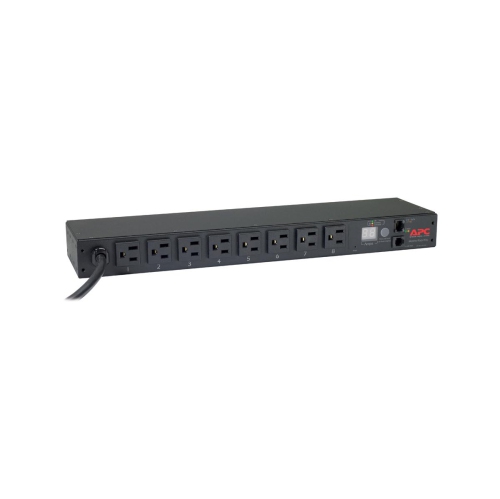 Your price for this item is $748.99
 -
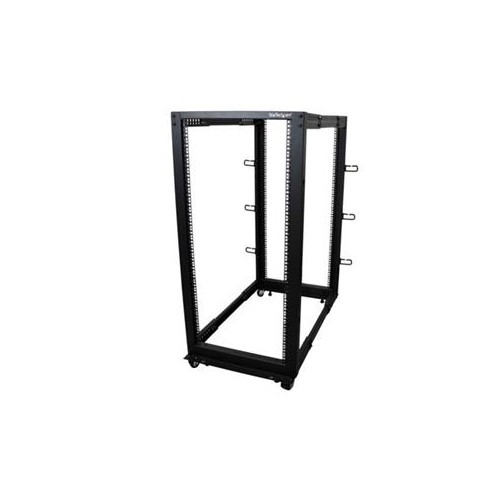 Your price for this item is $611.68
 -
 Your price for this item is $407.99
 -
 Your price for this item is $260.68
 -
 Your price for this item is $264.99
 -
 Your price for this item is $54.99
 -
 Your price for this item is $532.37
Discover more categories related to Rack Mount Shelves

Top Collections:
Pokemon Centers, Best Cameras for Sports Photography, Kindle Devices, Samsung Galaxy Phones, Canon G7X Cameras, Pokémon 30th Celebration Cards, Refurbished Apple Laptops, iPhone 15 Apple, Laptops for Students, Budget Smartphones
Some products may be subject to Environmental Handling Fees
(EHF) depending on your province.
Learn more about EHFs.