Office Inkjet Printers
Looking to upgrade your office printing setup? Our selection of office inkjet printers offers a range of features to meet your business needs. From high-speed printing for busy work environments to crisp and vibrant color output for professional documents, these inkjet printers deliver reliable performance and quality results. Whether you're printing reports, presentations, or marketing materials, our office inkjet printers are designed to streamline your workflow and enhance productivity.
Sort

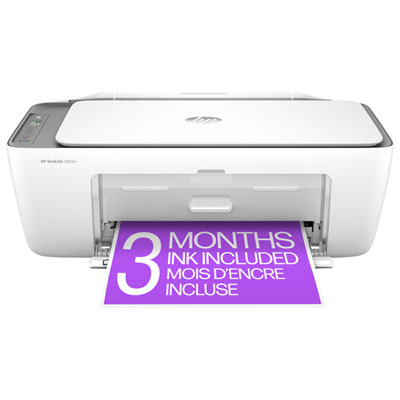
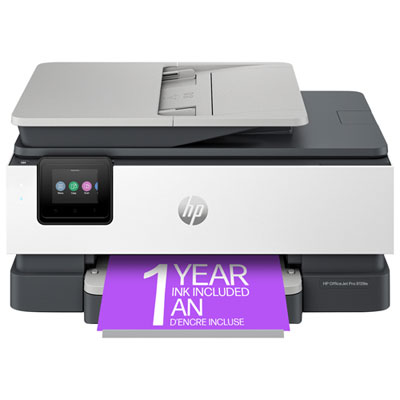
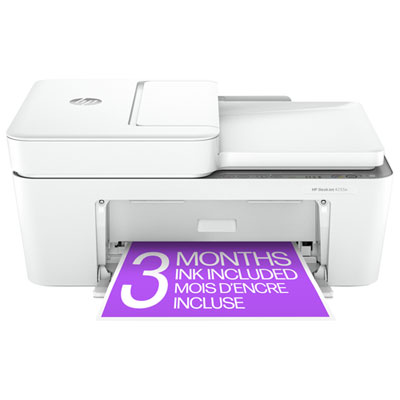
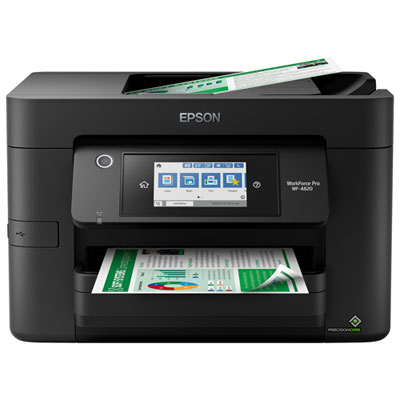
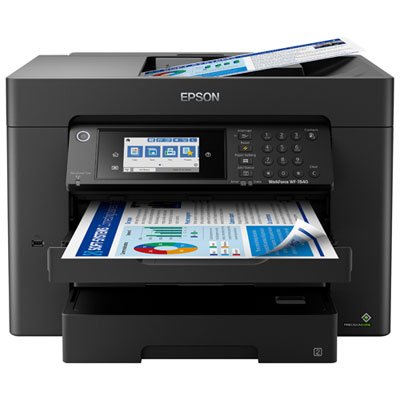
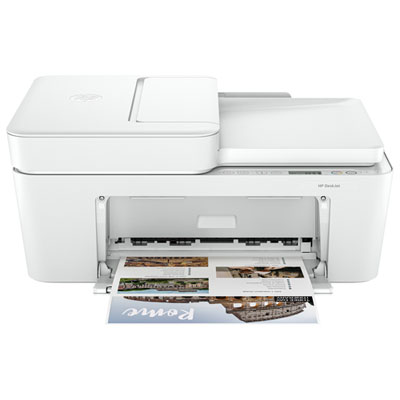
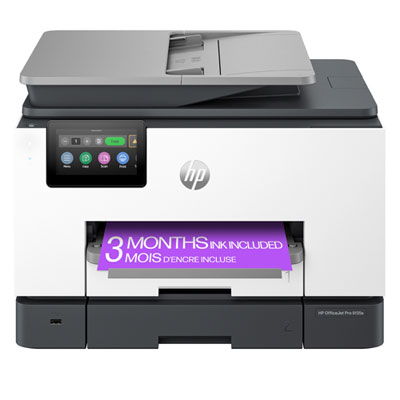
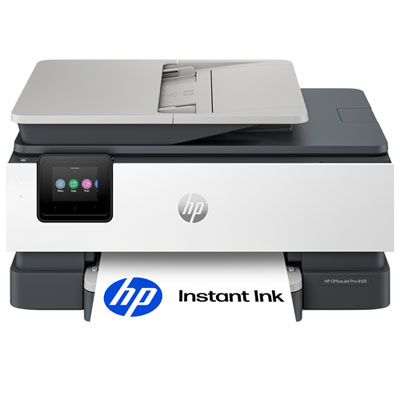
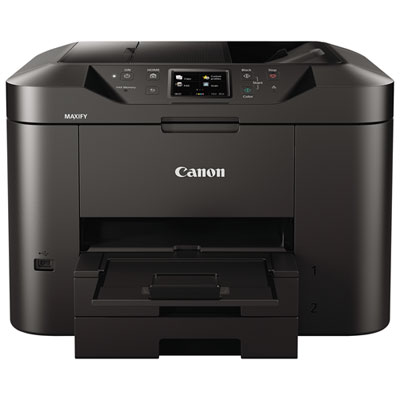
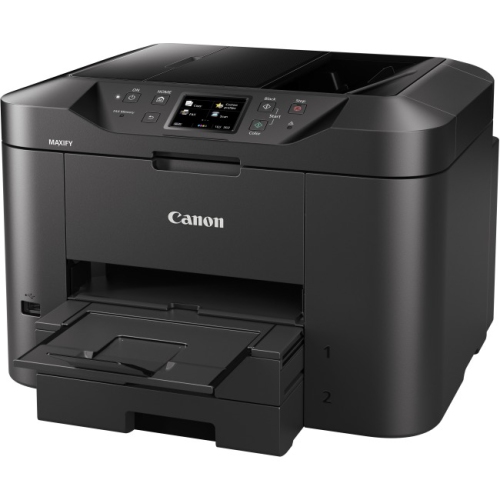
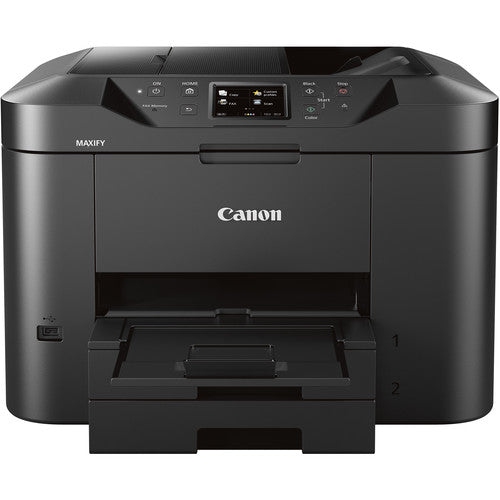
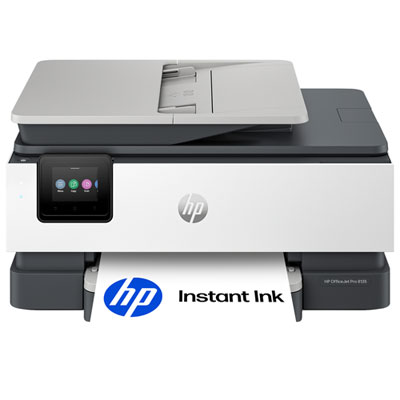
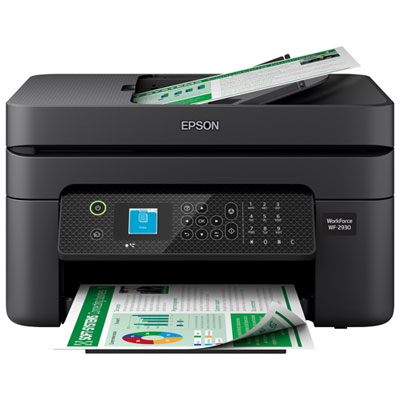
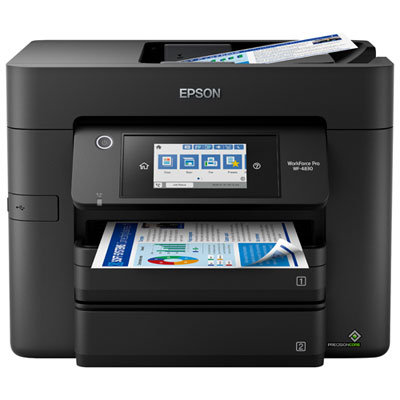
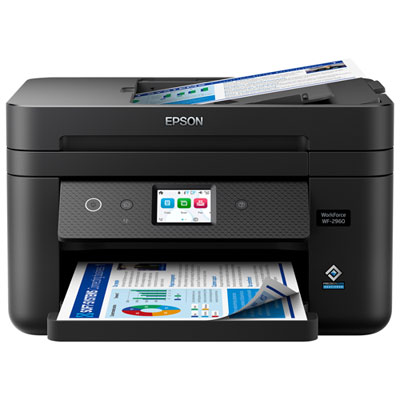

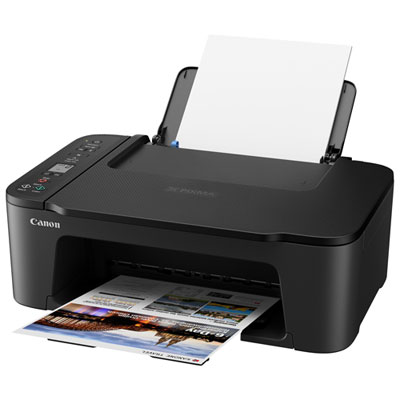
Features that simplify busy office printing and paperwork
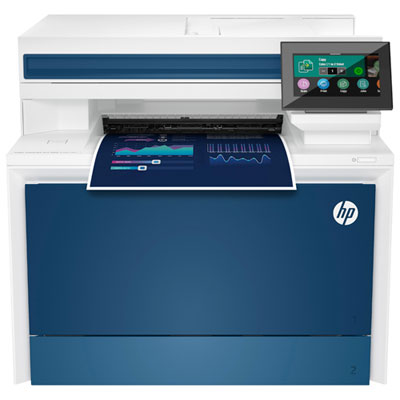
Office inkjet printers are designed to handle the everyday demands of a home office, small business, classroom, or shared workspace while keeping printing, scanning, copying, and faxing together in one convenient device. Compared with a basic home printer, an office-focused inkjet model typically offers faster print speeds, a larger paper tray, more durable internal components, and features that make repeated document work easier. They are well suited to printing invoices, forms, meeting agendas, shipping labels, reports, contracts, lesson materials, and colour presentations, as well as the occasional family document or school project. Many models support both black-and-white and colour printing, allowing crisp text for routine paperwork and vivid graphics for charts, handouts, menus, flyers, and client-facing materials. When selecting an office inkjet printer, consider the kind of work it will handle most often. A compact model may fit comfortably on a desk in a spare room, while a higher-capacity option can be more practical for a reception area, home-based business, or office where several people print throughout the day. Print speed is usually listed as pages per minute, with separate ratings for black and colour documents. Black printing is often faster, making it useful for longer contracts or reports, while colour speed matters when producing presentations, graphics, or other documents where appearance is important. Paper capacity also deserves attention: a tray that holds more sheets can reduce interruptions during a busy workday, especially when printing multi-page documents or preparing a large batch of materials. Some printers include separate trays for different paper sizes or types, which is helpful when switching between standard letter paper, envelopes, cardstock, and photo paper.
An all-in-one office inkjet printer can simplify a surprising number of small tasks. A flatbed scanner is useful for preserving signed forms, receipts, photographs, and identification documents, while an automatic document feeder, often called an ADF, allows multiple pages to be scanned, copied, or faxed without placing each sheet on the glass by hand. For anyone who regularly processes applications, expense reports, school records, or client paperwork, an ADF can save considerable time. Automatic two-sided printing is another practical feature, particularly for reports, drafts, instructional materials, and internal documents. With duplex printing, the printer turns the page and prints on both sides automatically, reducing the need to manage pages manually and helping create a more compact stack of paper. Some models also support two-sided scanning or copying, which can be especially useful for double-sided forms and longer office files. Connectivity is just as important as the printer’s mechanical features. Wi-Fi makes it possible to place the printer in a shared area without running a cable to every workstation, while mobile printing support lets users send documents from compatible phones and tablets. USB connections can provide a dependable direct link for a primary computer, and Ethernet may be valuable in an office with a wired network. Look for a clear display or touchscreen if several people will use the printer, as straightforward menus make it easier to change settings, check supplies, select a paper tray, or resolve a simple paper or ink alert. For a quieter home workspace, a model with a design suited to moderate noise levels can be more comfortable during calls or focused work. Before buying, review the recommended monthly print volume and compare it with your typical workload. A printer used for a few pages each week has different needs from one supporting a busy real estate office, tutoring service, clinic, or online shop. Choosing a model with enough capacity for regular use can help keep print jobs moving smoothly during busier periods.
Ink supply is a major part of the ownership experience, particularly for people who print frequently or use a lot of colour. Standard cartridges can be convenient for occasional printing, while high-capacity cartridges or refillable ink tanks may be a better fit for regular workloads. Page-yield estimates indicate approximately how many pages a cartridge or tank can produce, although actual results vary with coverage, image size, font, and print settings. A document filled with dense colour will use more ink than a mostly blank page with a short paragraph. Checking the cost and availability of replacement ink before choosing a printer can make ongoing expenses easier to plan. Some office inkjet printers also offer separate black and colour supplies, so only the depleted colour needs to be replaced. Features such as draft mode, adjustable print quality, and borderless printing give users more control over ink use and the finished appearance. For a small office, it can be helpful to select a printer with simple supply monitoring and easy-to-read alerts, so staff know when a cartridge or tank needs attention before an important document is due. Office inkjet printers can also make thoughtful gifts for a student moving into a residence, a family member setting up a home business, or someone creating a dedicated workspace during the cooler months. A printer that can scan, copy, and print from a computer or mobile device adds practical value without requiring several separate machines. Those comparing running costs and day-to-day features can also explore Efficient Inkjet Printers to find options suited to frequent document work. With the right combination of speed, paper handling, connectivity, scanning features, and ink capacity, an office inkjet printer can become a dependable part of the workspace, ready for everything from a single signed page to a full afternoon of reports, forms, and colour presentations.
An all-in-one office inkjet printer can simplify a surprising number of small tasks. A flatbed scanner is useful for preserving signed forms, receipts, photographs, and identification documents, while an automatic document feeder, often called an ADF, allows multiple pages to be scanned, copied, or faxed without placing each sheet on the glass by hand. For anyone who regularly processes applications, expense reports, school records, or client paperwork, an ADF can save considerable time. Automatic two-sided printing is another practical feature, particularly for reports, drafts, instructional materials, and internal documents. With duplex printing, the printer turns the page and prints on both sides automatically, reducing the need to manage pages manually and helping create a more compact stack of paper. Some models also support two-sided scanning or copying, which can be especially useful for double-sided forms and longer office files. Connectivity is just as important as the printer’s mechanical features. Wi-Fi makes it possible to place the printer in a shared area without running a cable to every workstation, while mobile printing support lets users send documents from compatible phones and tablets. USB connections can provide a dependable direct link for a primary computer, and Ethernet may be valuable in an office with a wired network. Look for a clear display or touchscreen if several people will use the printer, as straightforward menus make it easier to change settings, check supplies, select a paper tray, or resolve a simple paper or ink alert. For a quieter home workspace, a model with a design suited to moderate noise levels can be more comfortable during calls or focused work. Before buying, review the recommended monthly print volume and compare it with your typical workload. A printer used for a few pages each week has different needs from one supporting a busy real estate office, tutoring service, clinic, or online shop. Choosing a model with enough capacity for regular use can help keep print jobs moving smoothly during busier periods.
Ink supply is a major part of the ownership experience, particularly for people who print frequently or use a lot of colour. Standard cartridges can be convenient for occasional printing, while high-capacity cartridges or refillable ink tanks may be a better fit for regular workloads. Page-yield estimates indicate approximately how many pages a cartridge or tank can produce, although actual results vary with coverage, image size, font, and print settings. A document filled with dense colour will use more ink than a mostly blank page with a short paragraph. Checking the cost and availability of replacement ink before choosing a printer can make ongoing expenses easier to plan. Some office inkjet printers also offer separate black and colour supplies, so only the depleted colour needs to be replaced. Features such as draft mode, adjustable print quality, and borderless printing give users more control over ink use and the finished appearance. For a small office, it can be helpful to select a printer with simple supply monitoring and easy-to-read alerts, so staff know when a cartridge or tank needs attention before an important document is due. Office inkjet printers can also make thoughtful gifts for a student moving into a residence, a family member setting up a home business, or someone creating a dedicated workspace during the cooler months. A printer that can scan, copy, and print from a computer or mobile device adds practical value without requiring several separate machines. Those comparing running costs and day-to-day features can also explore Efficient Inkjet Printers to find options suited to frequent document work. With the right combination of speed, paper handling, connectivity, scanning features, and ink capacity, an office inkjet printer can become a dependable part of the workspace, ready for everything from a single signed page to a full afternoon of reports, forms, and colour presentations.
Top selling and popular products
-
 Your price for this item is $249.99
 -
 Your price for this item is $173.68
 -
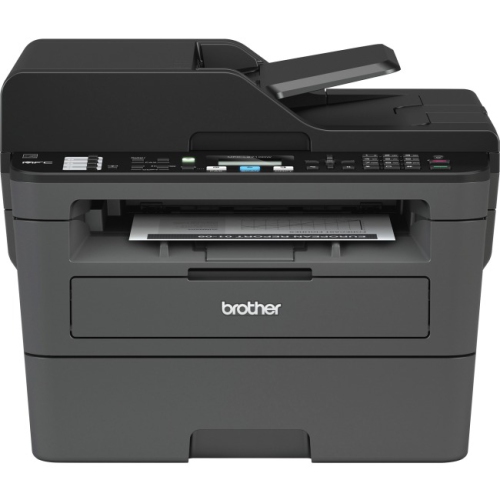 Your price for this item is $309.47
 -
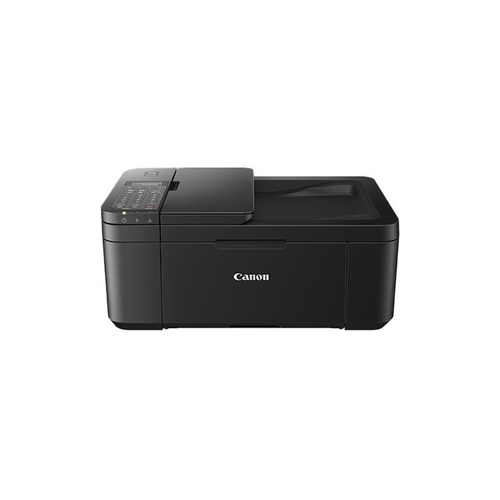 Your price for this item is $247.92
 -
 Your price for this item is $79.99
 -
 Your price for this item is $214.99
 -
 Your price for this item is $199.99
 -
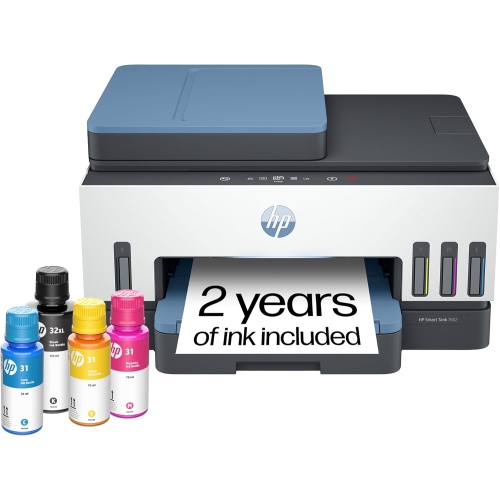 Your price for this item is $569.89
Discover more categories related to Office Inkjet Printers
Top Collections:
Pokemon Centers, Kindle Devices, Best Budget Office Chairs, Apple iPhones 16, Best Laptops for Writers, iPhone 15 Apple, Canon G7X Cameras, Refurbished Apple Laptops, Alarm Clock, Motorola Razr Phones
Some products may be subject to Environmental Handling Fees
(EHF) depending on your province.
Learn more about EHFs.