Office Printers
Looking for a reliable and efficient office printer to streamline your workday? Look no further! Our selection of office printers offers a wide range of features to meet your printing needs, whether you require high-speed printing for a busy office environment or crisp, professional-quality prints for presentations and reports. With options that include wireless connectivity, automatic duplex printing, and multifunction capabilities, finding the perfect office printer to enhance productivity is easier than ever.
Sort



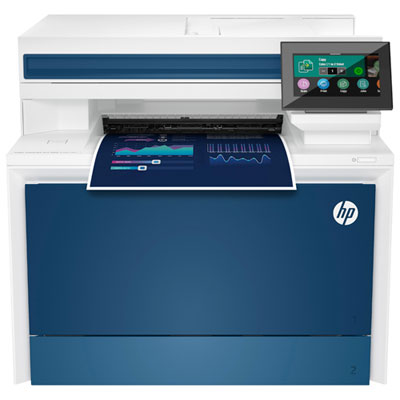
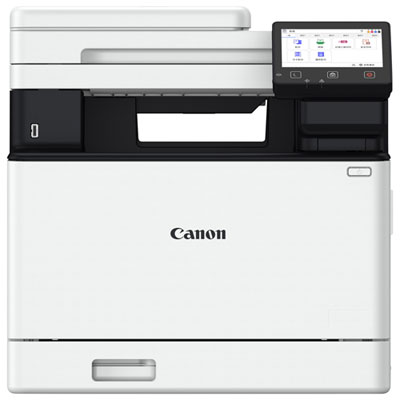
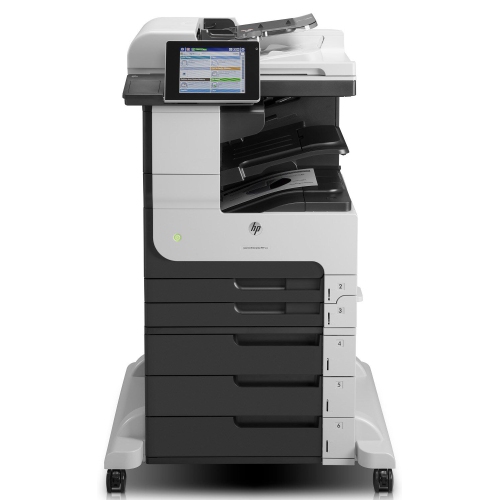


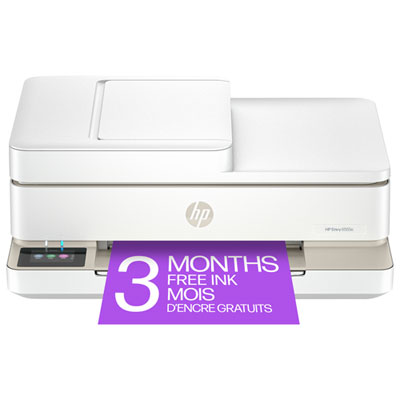
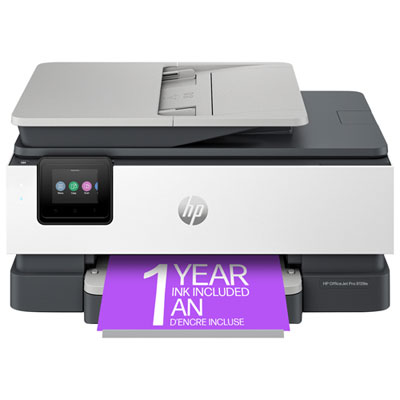
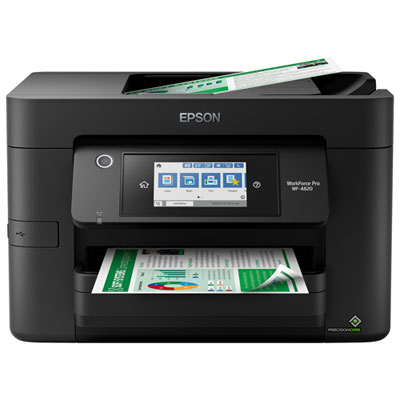
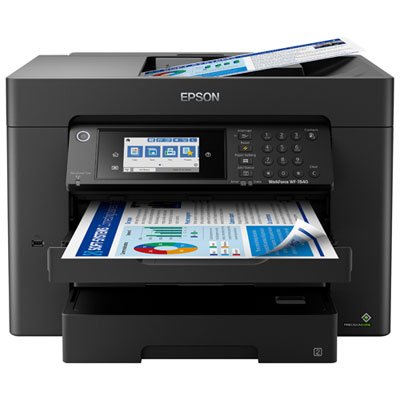
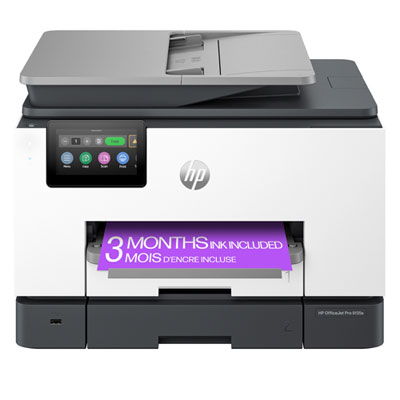
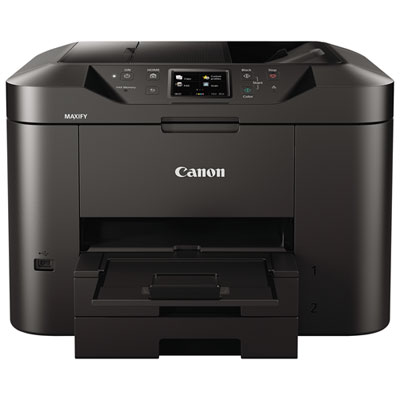
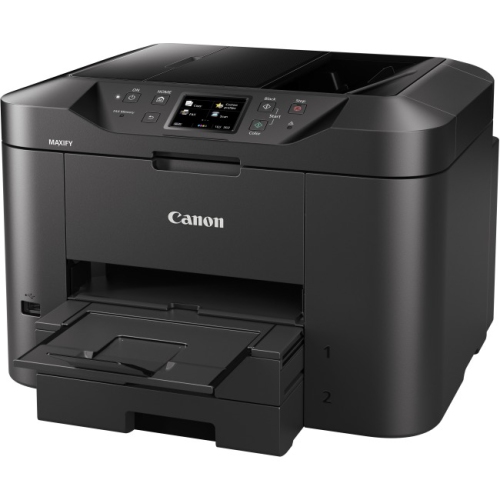
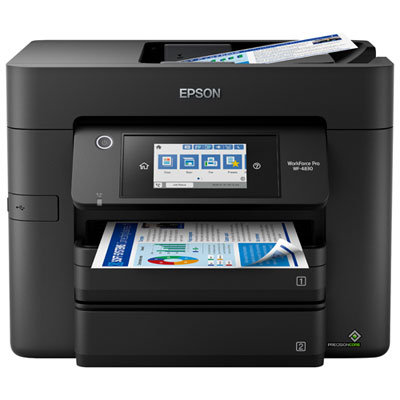
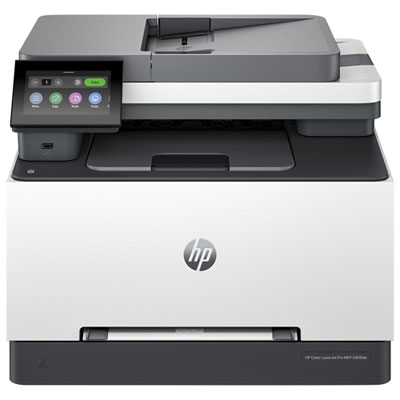
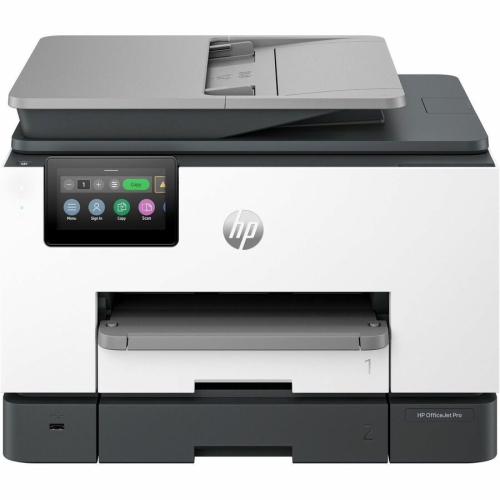
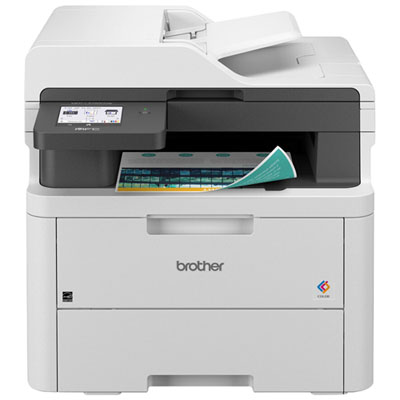
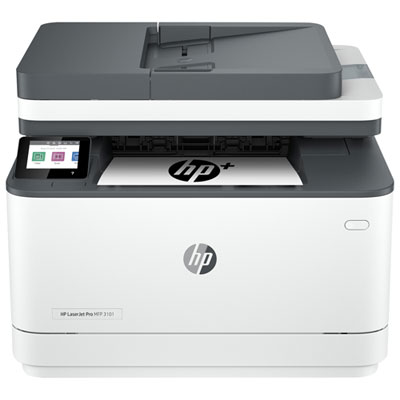
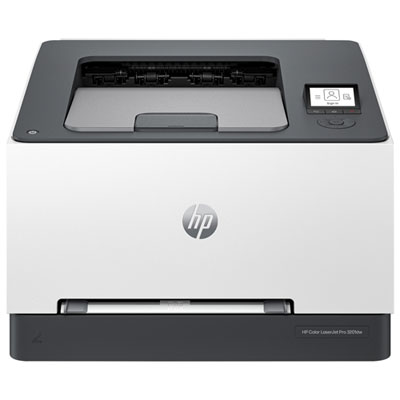
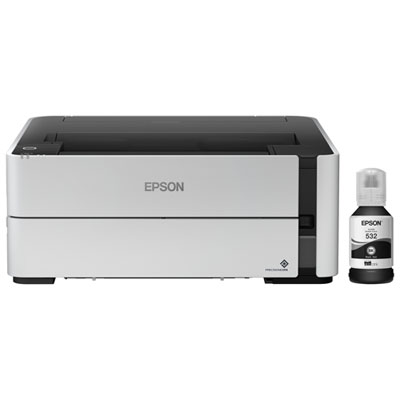
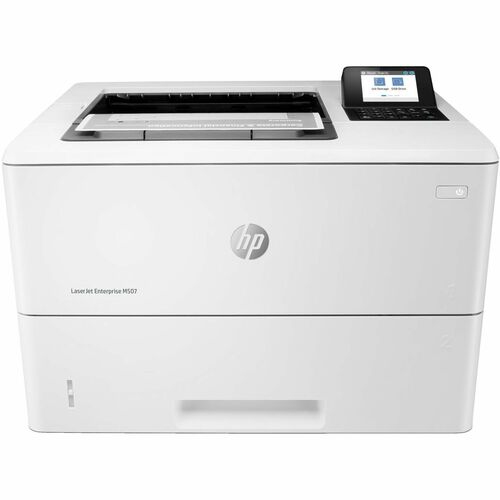
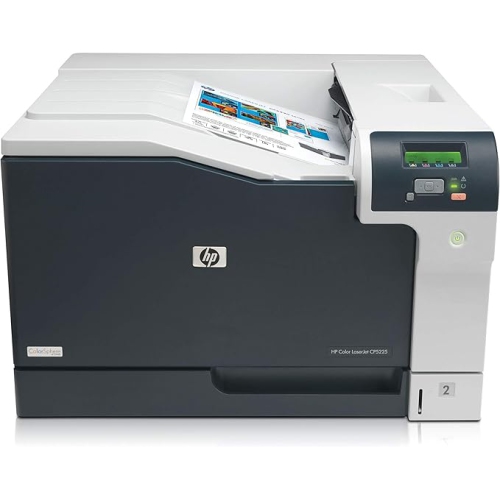
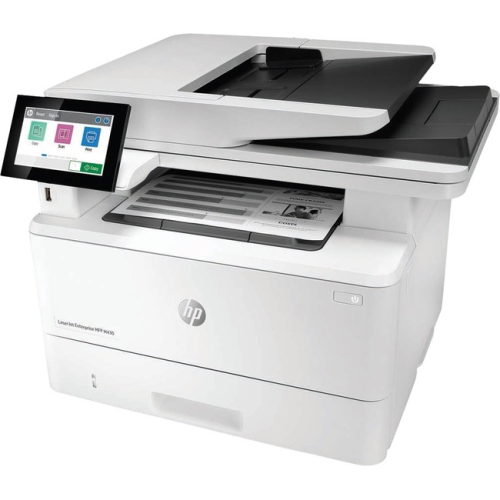
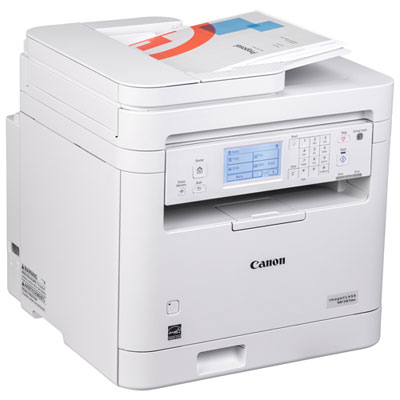
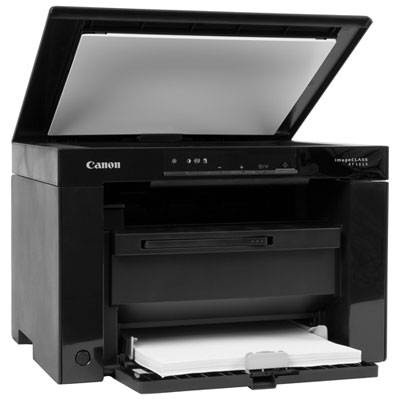
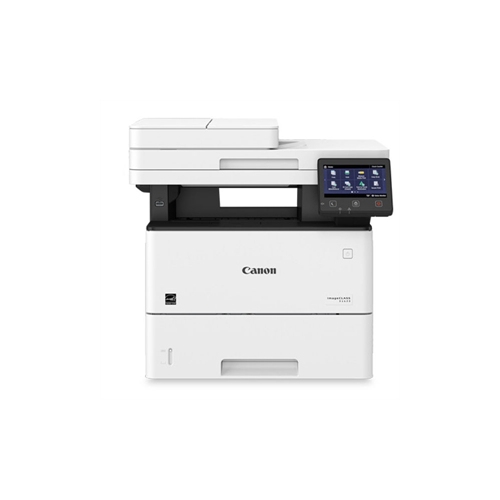
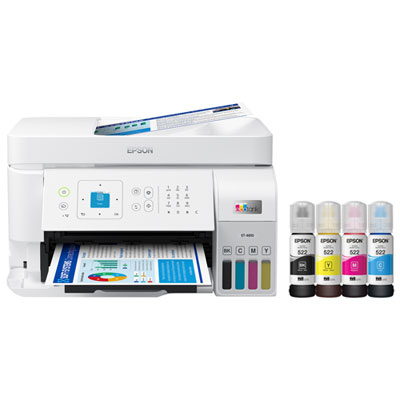
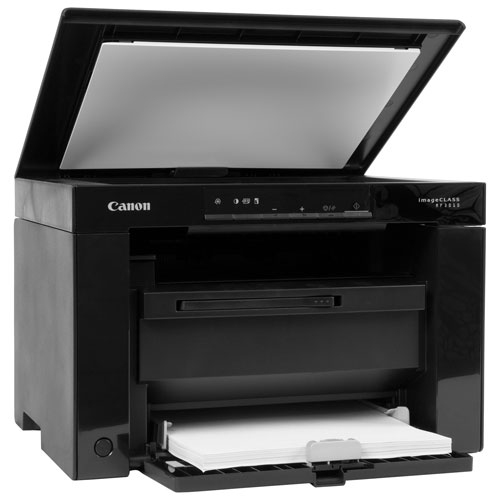
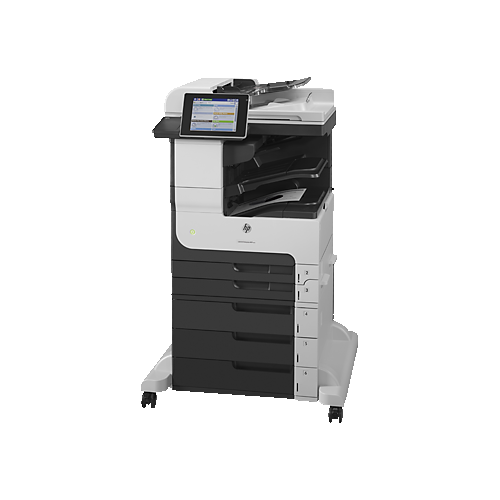
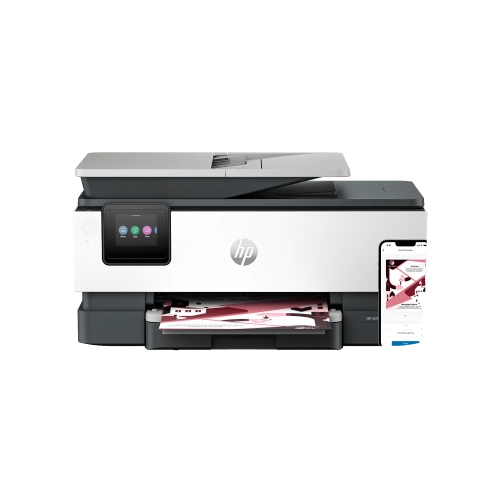
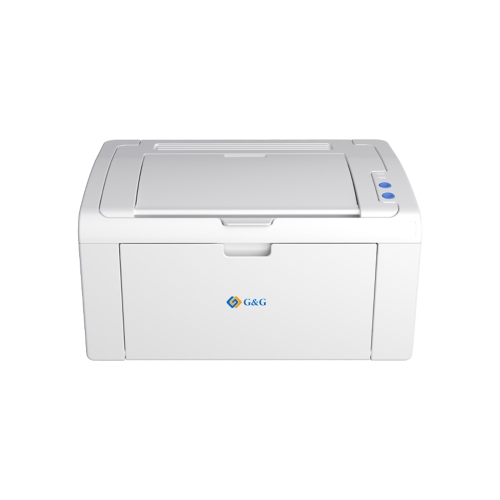
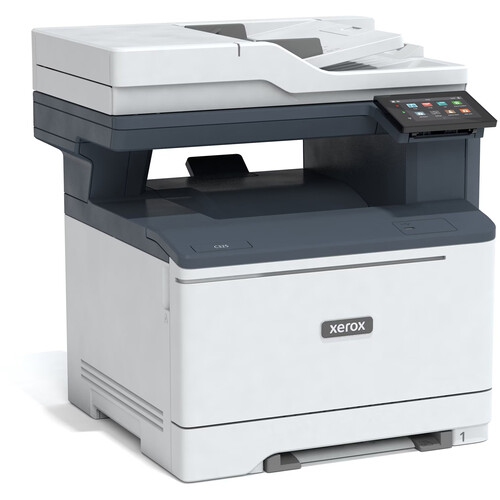
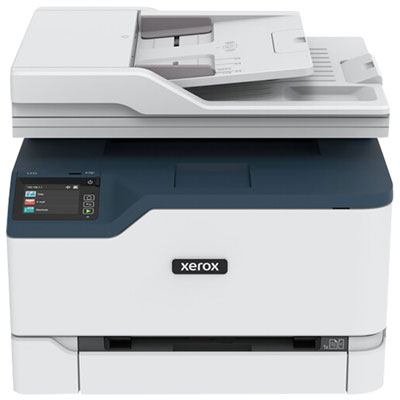
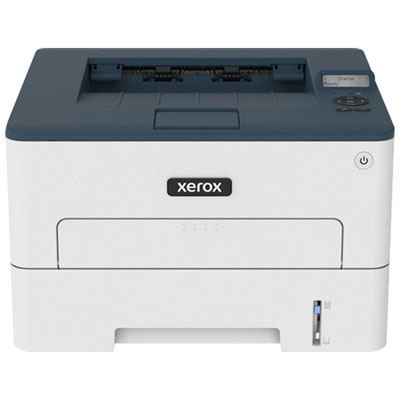
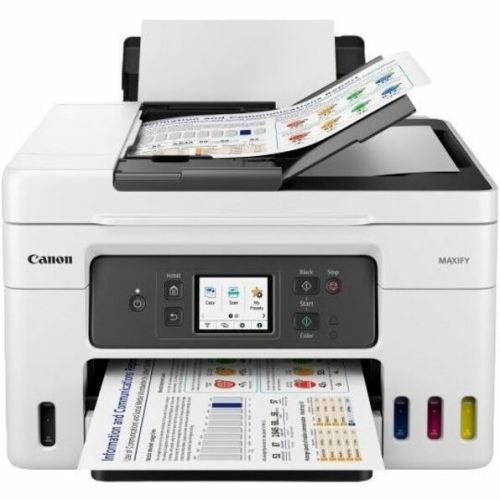
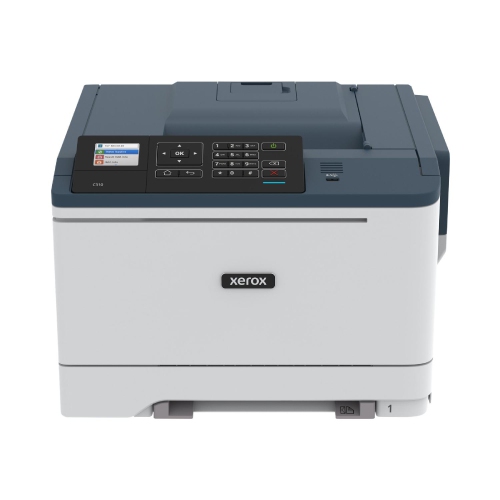
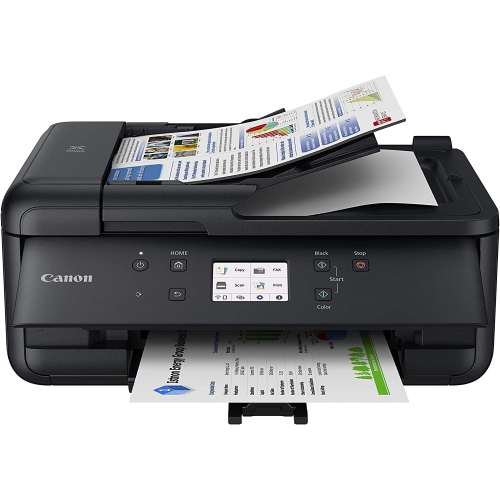
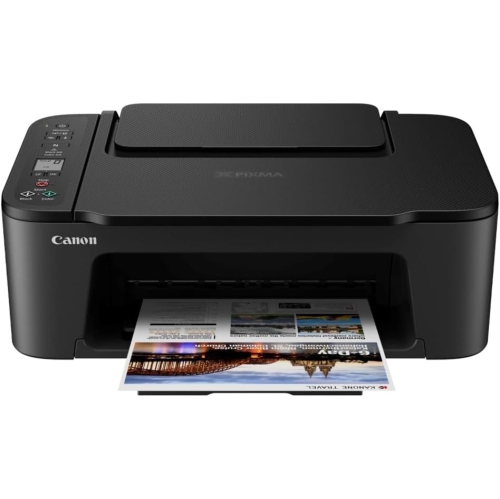
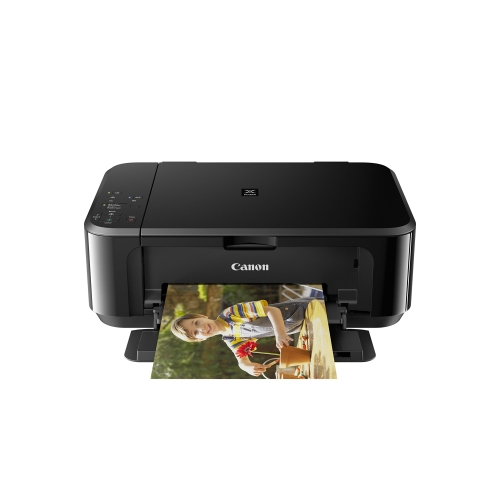
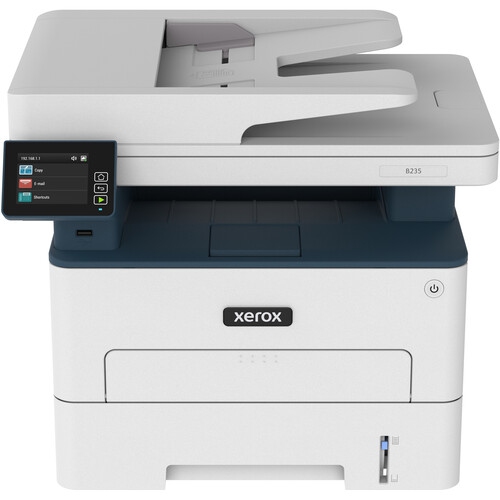
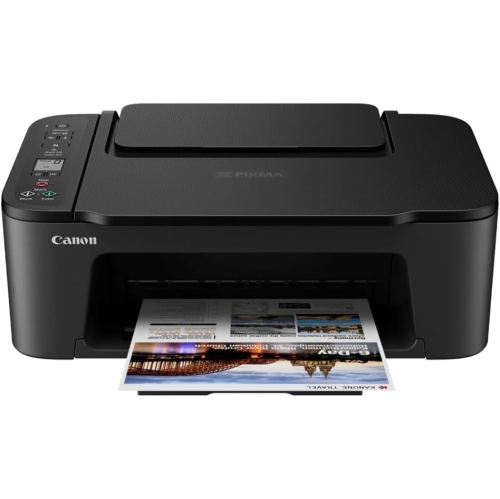
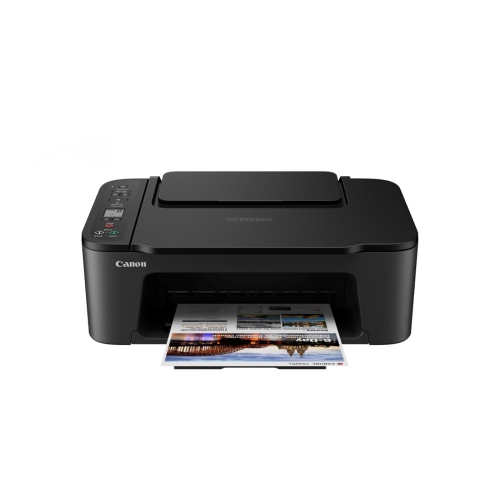
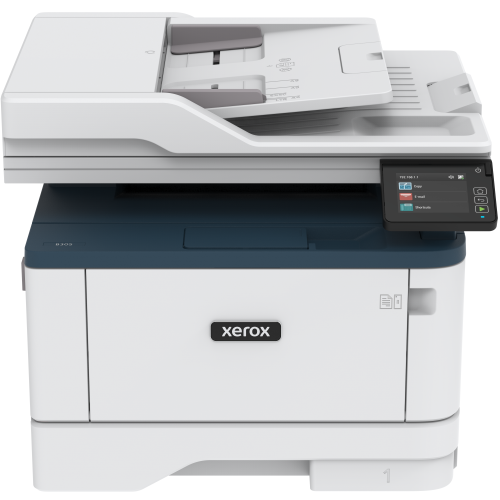
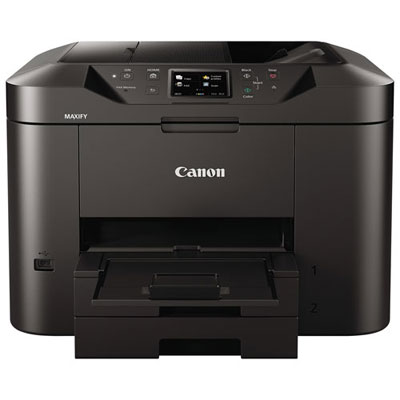
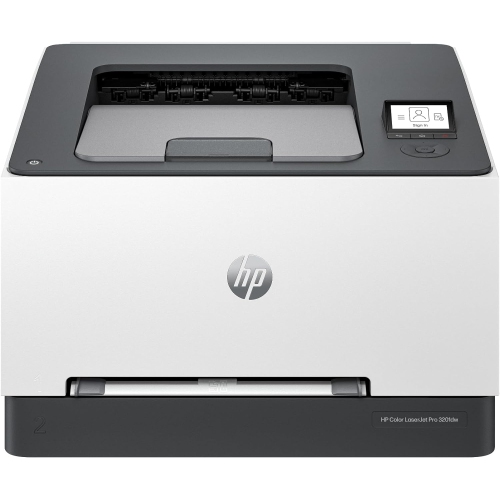
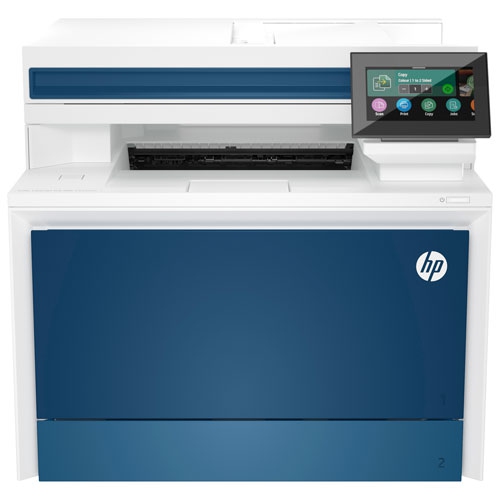
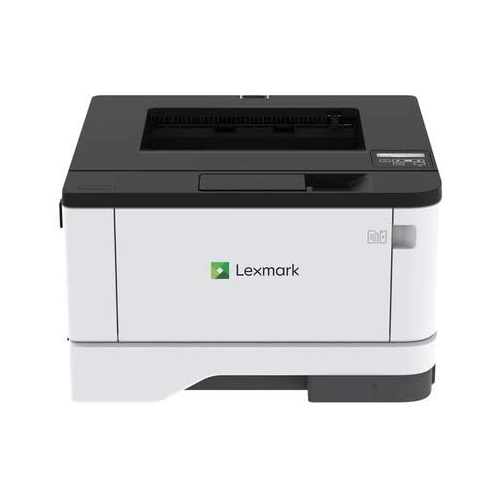
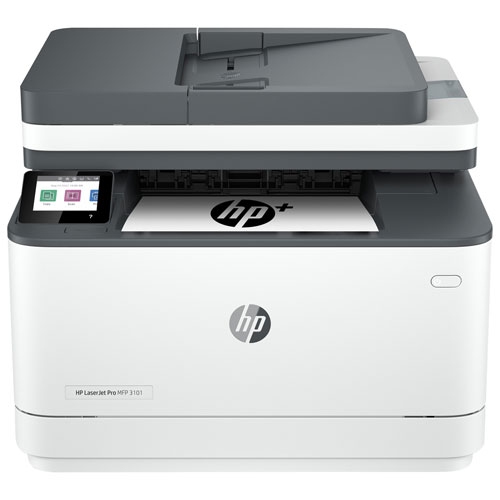
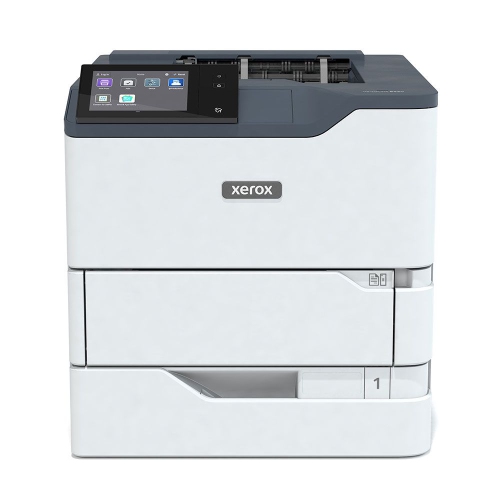
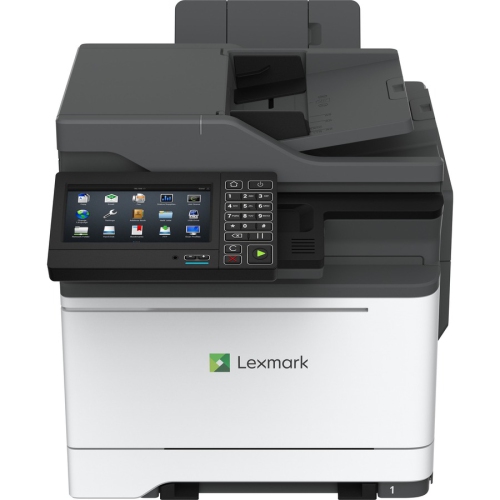
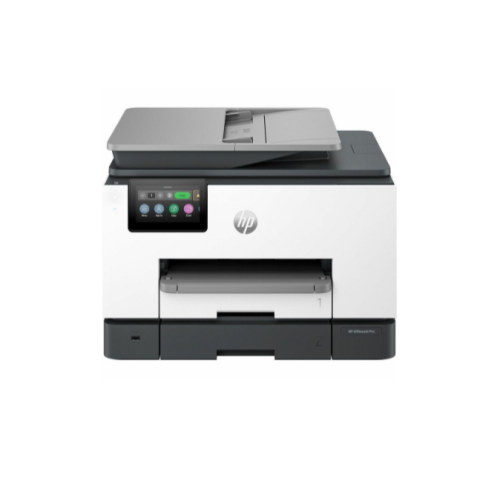
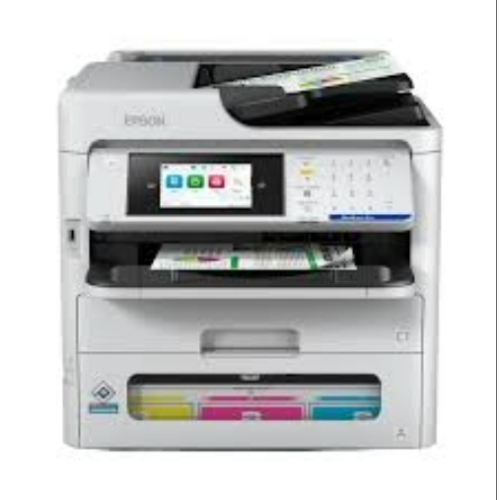
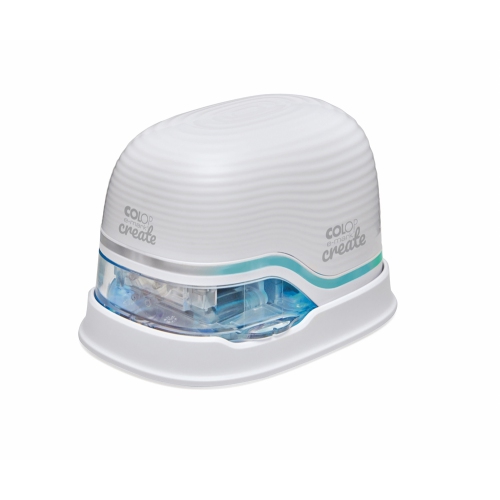
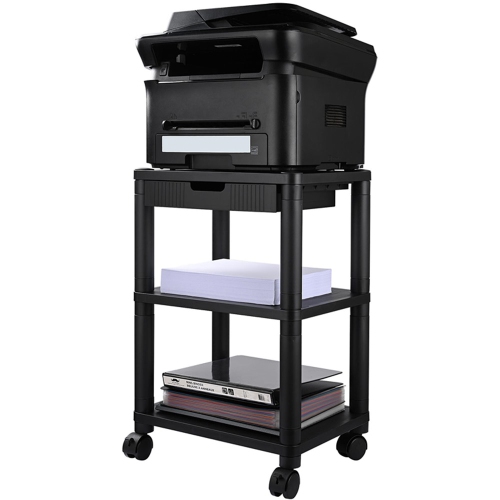
Guidance for matching print features to your workload
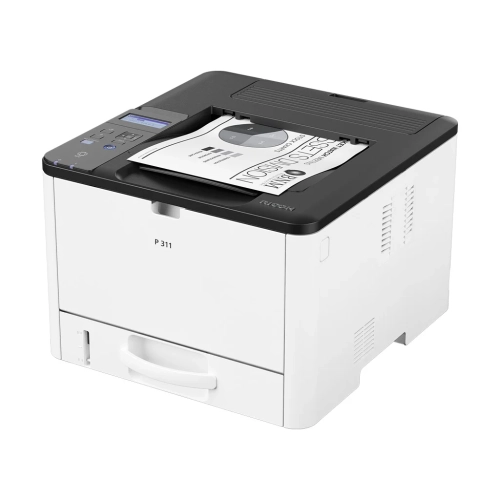
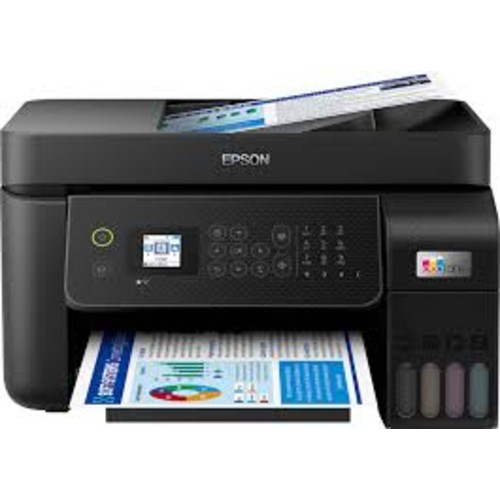
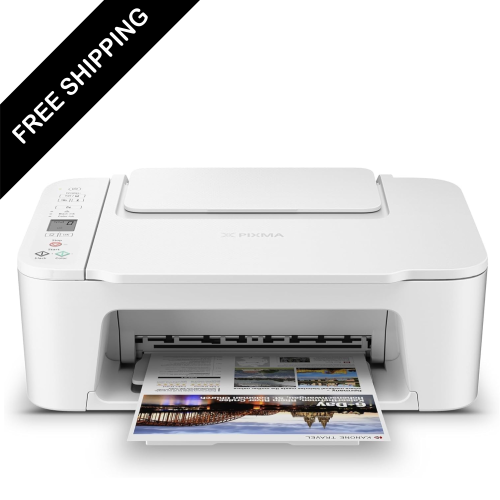
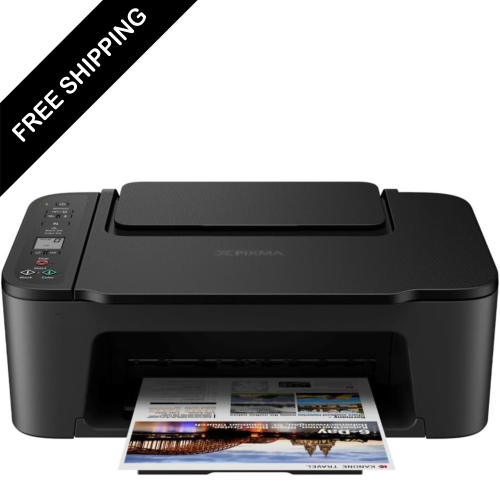
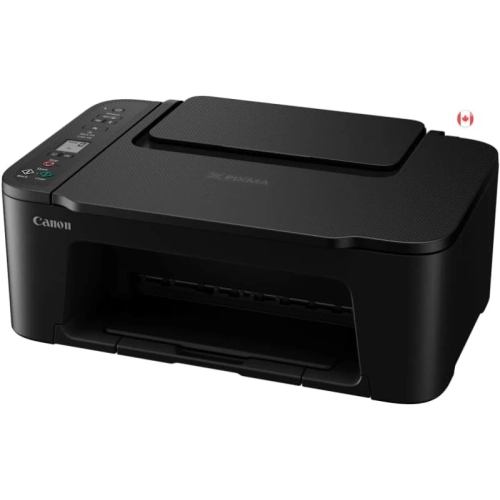
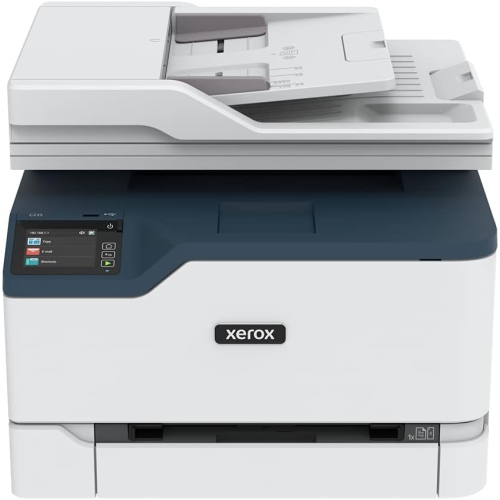
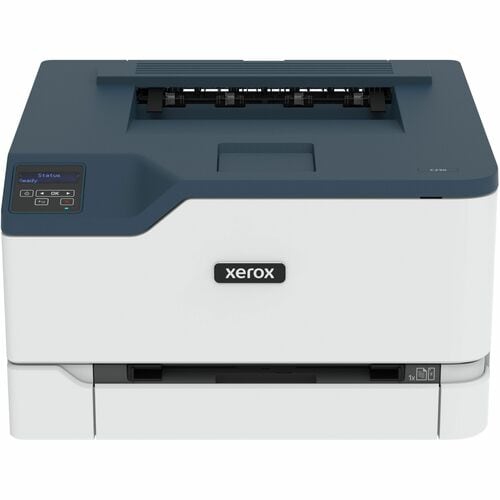
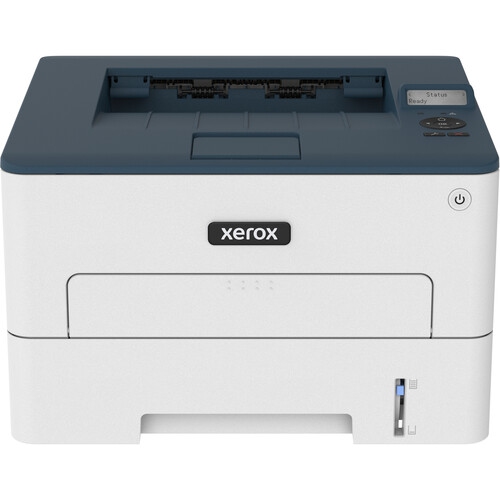
Office printers help turn digital work into clear, useful documents for home offices, workplaces, classrooms, studios, and small businesses. They can be used for everyday paperwork such as invoices, shipping labels, forms, meeting notes, reports, contracts, and reference materials, as well as occasional colour projects such as presentations, charts, menus, signs, and marketing pieces. A printer can also make a home workspace feel more complete when important information needs to be reviewed away from a screen. During the warmer months, it may be used for travel itineraries, event details, rental documents, or activity sheets, while the cooler months often bring more indoor planning, schoolwork, budgeting, and business administration. The right choice depends on the type and volume of printing expected. Inkjet printers are often well suited to colour documents, graphics, photographs, and mixed-use spaces where printing needs vary from one day to the next. Laser printers are designed for crisp text and efficient high-volume output, making them a practical fit for offices that regularly print multi-page documents. Multifunction models add copying and scanning, which can be especially helpful for signing, archiving, sharing, or sending paperwork without needing several separate devices. For a home office, a compact printer may be enough for occasional forms and a few pages at a time. A busy office may benefit from a larger unit with faster print speeds, a higher paper capacity, and controls designed for frequent use. Families, students, tutors, freelancers, and people who manage a small business from home may all appreciate having dependable printing close at hand, especially when a document must be prepared, signed, or submitted on a firm deadline.
When comparing office printers, start with the features that match the way documents are handled. Print speed is measured in pages per minute, but the practical experience also depends on how quickly the printer warms up, processes a file, and produces the first page. Automatic duplex printing can print on both sides of a sheet without requiring manual page turning, which is useful for reports, handouts, proposals, and longer documents. An automatic document feeder can scan or copy multiple pages in sequence, while a flatbed scanner is useful for books, photographs, identification documents, and delicate originals. Colour capability may be important for diagrams, branded materials, classroom activities, or presentations, whereas a monochrome printer can be a straightforward choice for text-heavy office work. Consider the paper sizes and media types the printer supports as well. Most everyday documents use standard 8.5 x 11-inch paper, but envelopes, labels, cardstock, legal-size pages, and specialty sheets may require specific feed trays or settings. A printer with separate paper trays can save time when switching between different formats, while an adjustable output tray can help keep pages neat as a larger job is completed. Wireless connectivity allows computers, tablets, and phones to send files from different areas of a home or office, and some models also support printing through mobile apps or cloud services. Wired connections can be useful for a dedicated workstation or a business environment where a direct connection is preferred. A clear display, simple controls, and easy access to paper and cartridges can make a noticeable difference when several people share the same printer. For offices with sensitive documents, look for practical security features such as user access controls, secure printing, and protection for stored or transmitted files.
It is also worth looking beyond the purchase price and considering the ongoing experience of owning an office printer. Check whether replacement cartridges are easy to find, how many pages they are rated to produce, and whether the printer uses separate colour cartridges or a combined colour cartridge. Page yield ratings are estimates, but they provide a useful way to compare expected running costs across different models. A printer intended for occasional use may have different maintenance needs from one that produces hundreds of pages each week, so reviewing the recommended monthly volume and duty cycle can help prevent choosing a model that feels underpowered for the workload. Size matters too: measure the available desk, shelf, or cabinet space and leave room for paper loading, cable connections, ventilation, and opening the scanner lid or cartridge compartment. Noise levels, sleep settings, and automatic wake functions can be important in a shared workspace or a quiet room. If several people will use the printer, network setup and compatibility with common operating systems should be considered before purchase. These products can make thoughtful gifts for a student setting up a study area, a new graduate organizing a first home office, a teacher preparing learning materials, or a friend starting a small service business. They are also useful additions to a household where forms, tickets, recipes, craft templates, schedules, and school assignments regularly need to move from a screen to paper. For a broader look at related solutions, explore Office Printing Equipment to compare printers and other tools that can support a more organized, capable workspace.
When comparing office printers, start with the features that match the way documents are handled. Print speed is measured in pages per minute, but the practical experience also depends on how quickly the printer warms up, processes a file, and produces the first page. Automatic duplex printing can print on both sides of a sheet without requiring manual page turning, which is useful for reports, handouts, proposals, and longer documents. An automatic document feeder can scan or copy multiple pages in sequence, while a flatbed scanner is useful for books, photographs, identification documents, and delicate originals. Colour capability may be important for diagrams, branded materials, classroom activities, or presentations, whereas a monochrome printer can be a straightforward choice for text-heavy office work. Consider the paper sizes and media types the printer supports as well. Most everyday documents use standard 8.5 x 11-inch paper, but envelopes, labels, cardstock, legal-size pages, and specialty sheets may require specific feed trays or settings. A printer with separate paper trays can save time when switching between different formats, while an adjustable output tray can help keep pages neat as a larger job is completed. Wireless connectivity allows computers, tablets, and phones to send files from different areas of a home or office, and some models also support printing through mobile apps or cloud services. Wired connections can be useful for a dedicated workstation or a business environment where a direct connection is preferred. A clear display, simple controls, and easy access to paper and cartridges can make a noticeable difference when several people share the same printer. For offices with sensitive documents, look for practical security features such as user access controls, secure printing, and protection for stored or transmitted files.
It is also worth looking beyond the purchase price and considering the ongoing experience of owning an office printer. Check whether replacement cartridges are easy to find, how many pages they are rated to produce, and whether the printer uses separate colour cartridges or a combined colour cartridge. Page yield ratings are estimates, but they provide a useful way to compare expected running costs across different models. A printer intended for occasional use may have different maintenance needs from one that produces hundreds of pages each week, so reviewing the recommended monthly volume and duty cycle can help prevent choosing a model that feels underpowered for the workload. Size matters too: measure the available desk, shelf, or cabinet space and leave room for paper loading, cable connections, ventilation, and opening the scanner lid or cartridge compartment. Noise levels, sleep settings, and automatic wake functions can be important in a shared workspace or a quiet room. If several people will use the printer, network setup and compatibility with common operating systems should be considered before purchase. These products can make thoughtful gifts for a student setting up a study area, a new graduate organizing a first home office, a teacher preparing learning materials, or a friend starting a small service business. They are also useful additions to a household where forms, tickets, recipes, craft templates, schedules, and school assignments regularly need to move from a screen to paper. For a broader look at related solutions, explore Office Printing Equipment to compare printers and other tools that can support a more organized, capable workspace.
Top selling and popular products
-
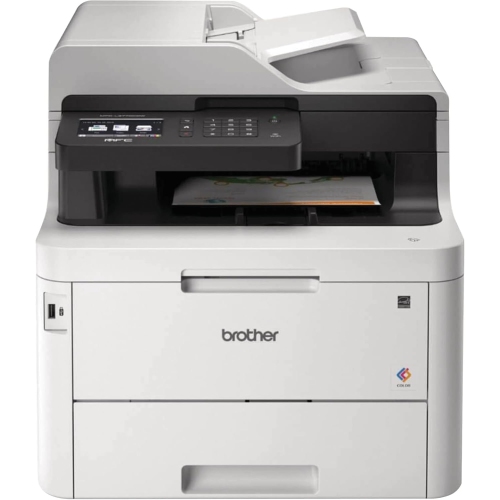 Your price for this item is $799
 -
 Your price for this item is $929.89
 -
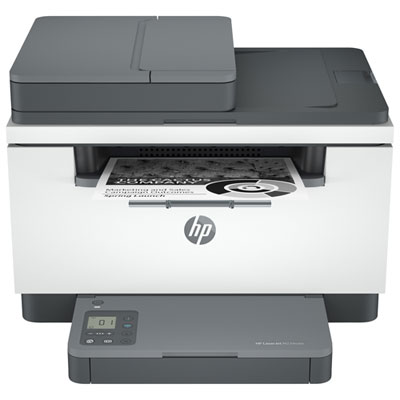 Your price for this item is $199.99
 -
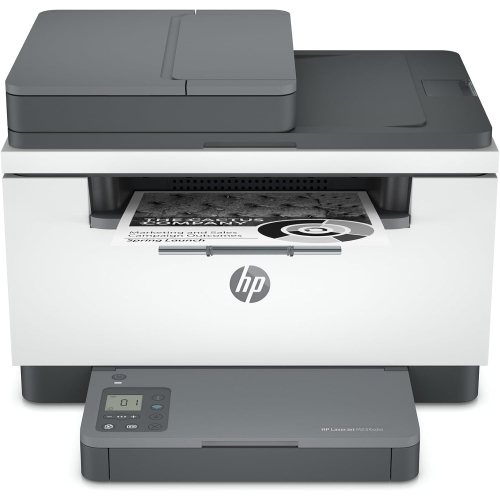 Your price for this item is $371.83
 -
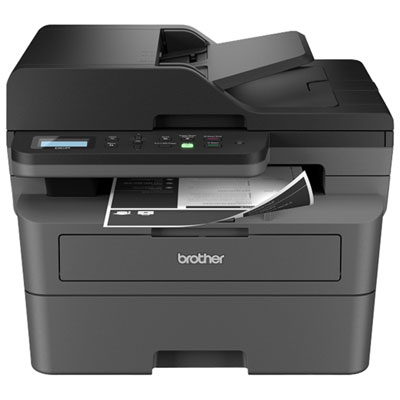 Your price for this item is $319.99
 -
 Your price for this item is $477.68
 -
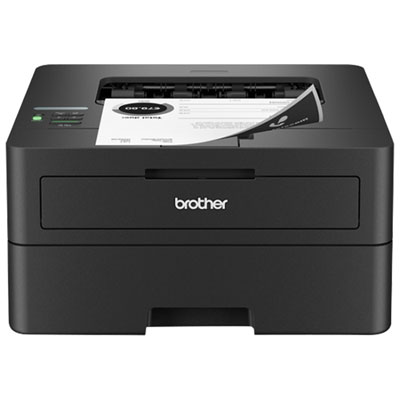 Your price for this item is $249.99
 -
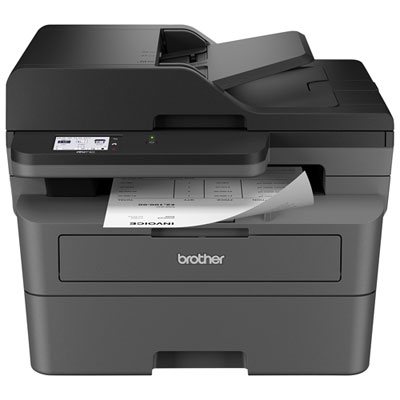 Your price for this item is $299.99
Discover more categories related to Office Printers
Top Collections:
Pokemon Centers, Kindle Devices, Best Budget Office Chairs, Apple iPhones 16, Best Laptops for Writers, iPhone 15 Apple, Canon G7X Cameras, Refurbished Apple Laptops, Alarm Clock, Motorola Razr Phones
Some products may be subject to Environmental Handling Fees
(EHF) depending on your province.
Learn more about EHFs.