Monitoring Systems
Stay connected and keep a watchful eye on your home or business with our range of monitoring systems. Whether you're looking for security cameras, smart doorbells, or complete home surveillance kits, we have everything you need to enhance your peace of mind. Monitor your property remotely, receive alerts in real-time, and ensure the safety of your loved ones and belongings with our selection of cutting-edge monitoring solutions.
Sort

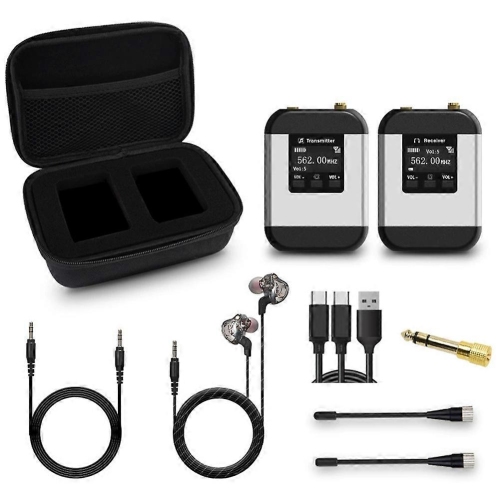
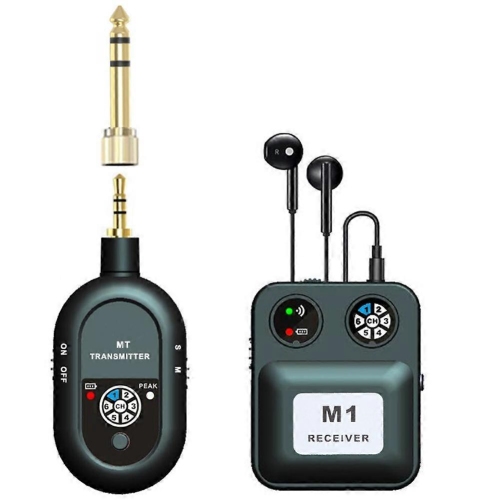
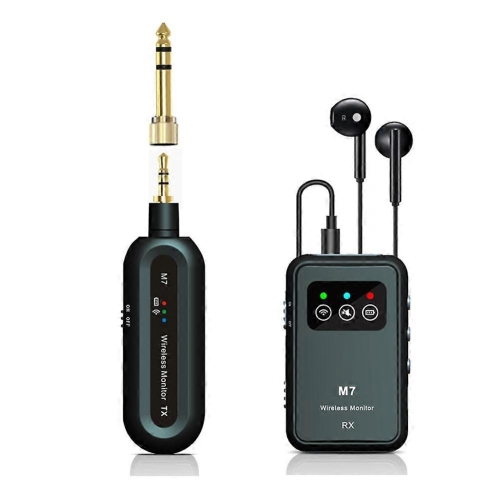
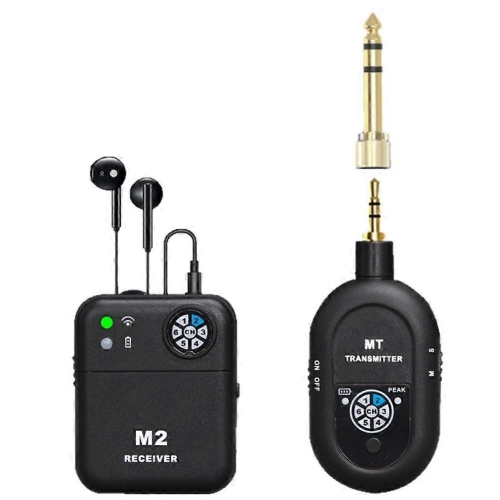
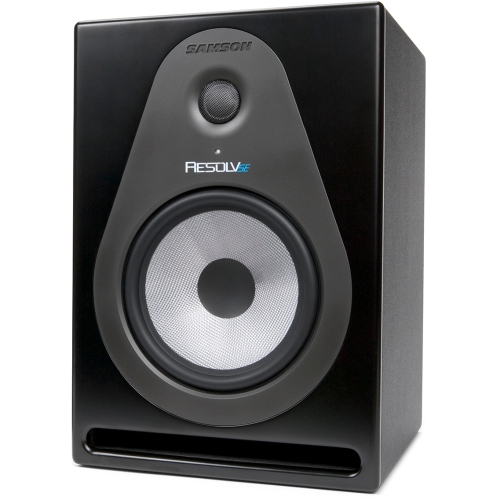
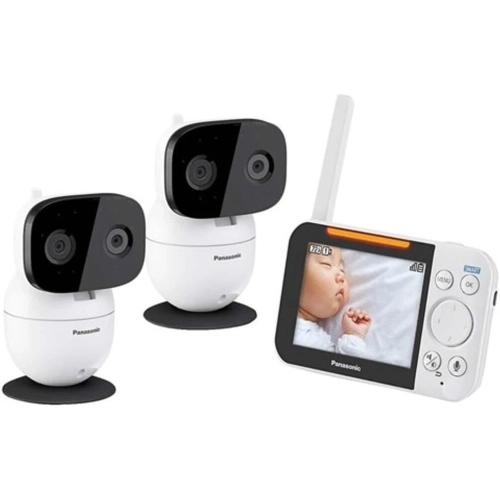
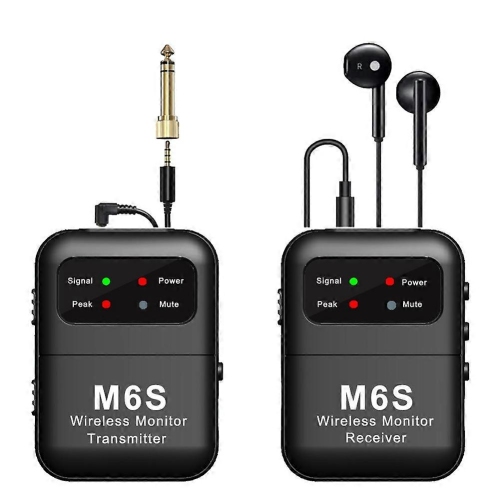
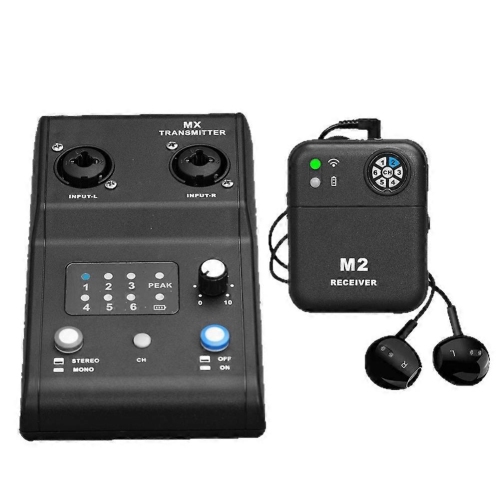
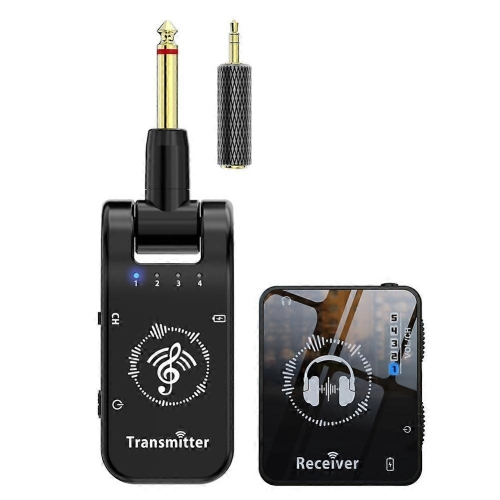
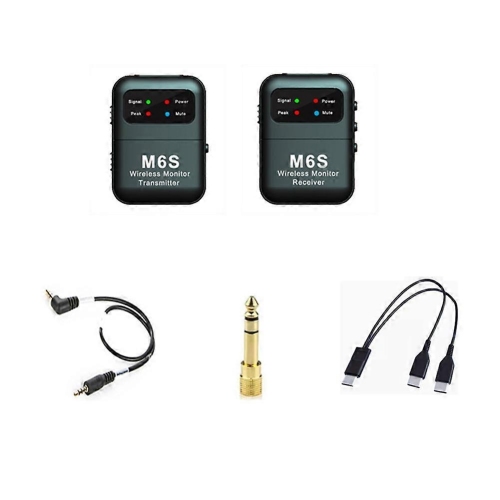
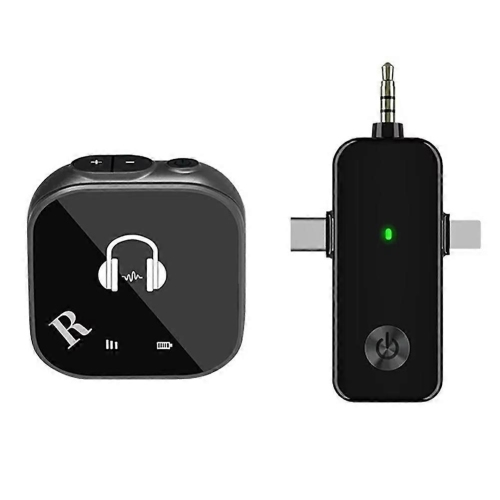
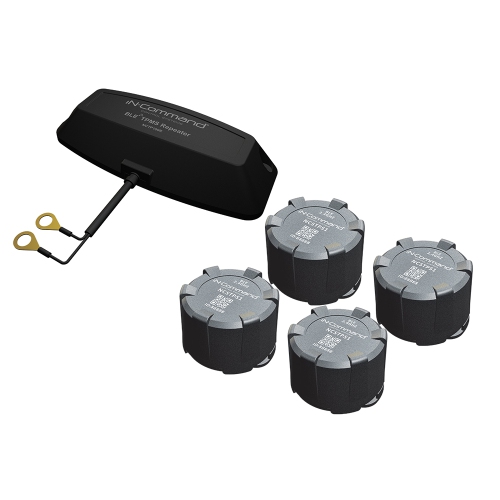
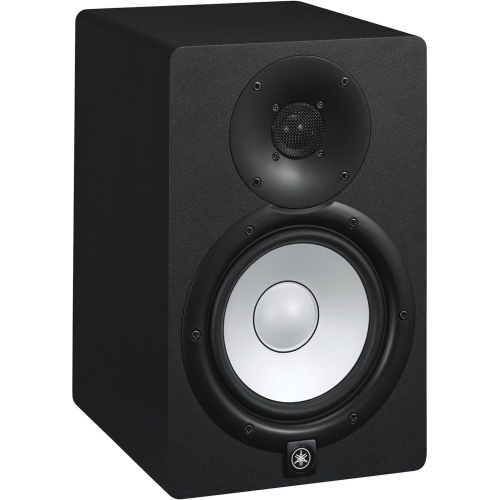
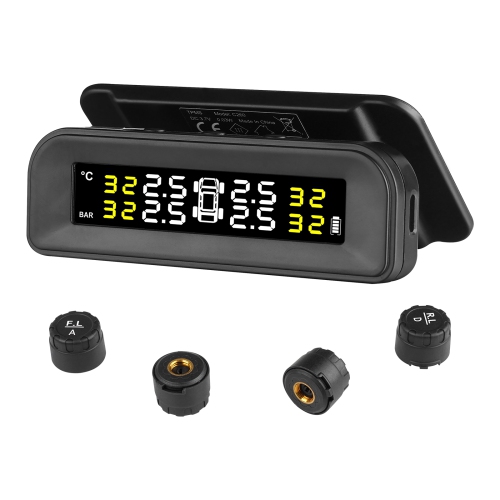
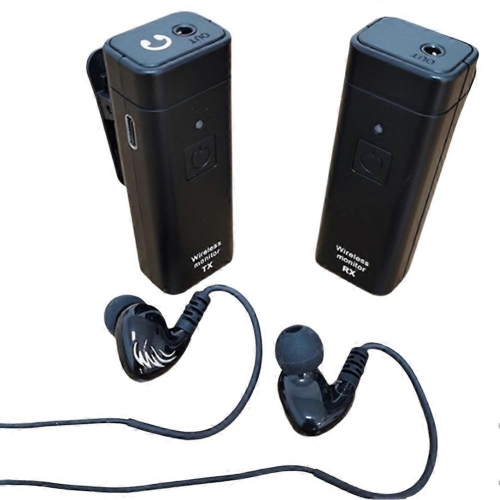
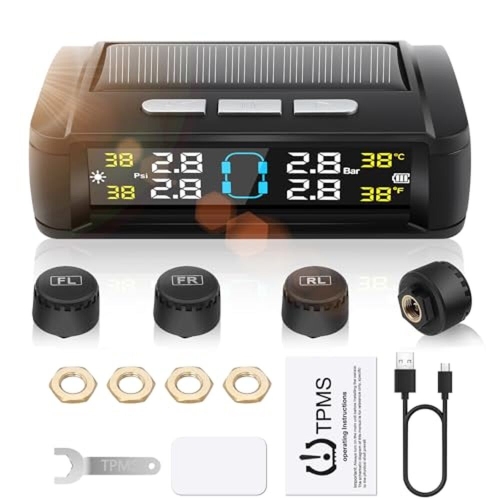
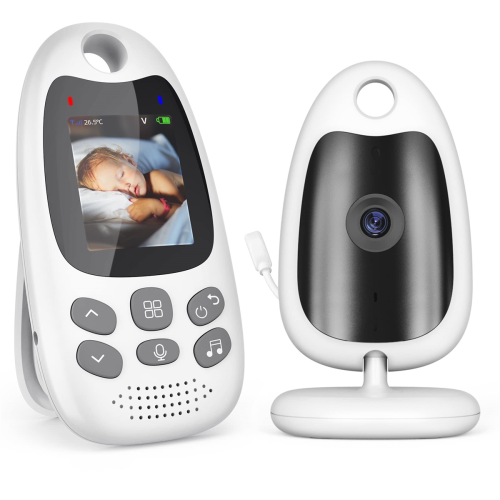
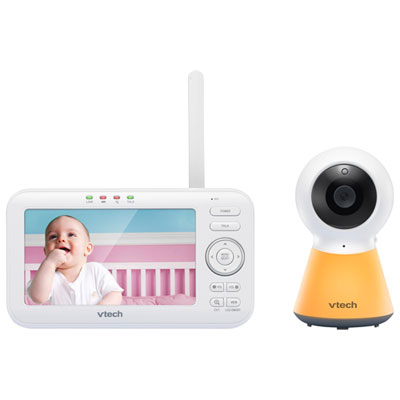
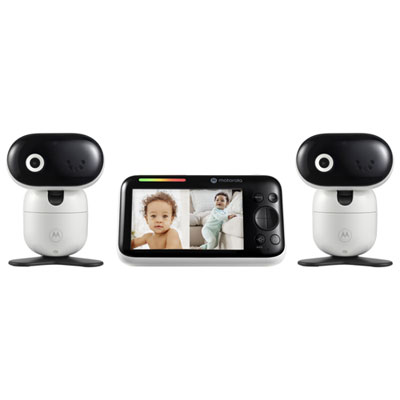
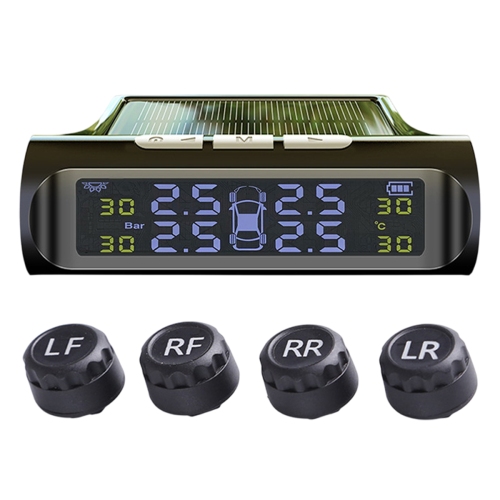
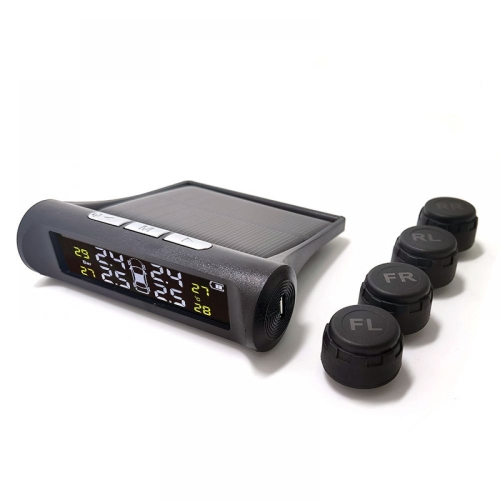
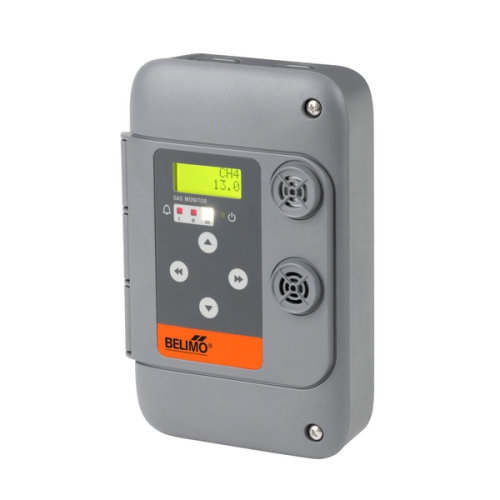
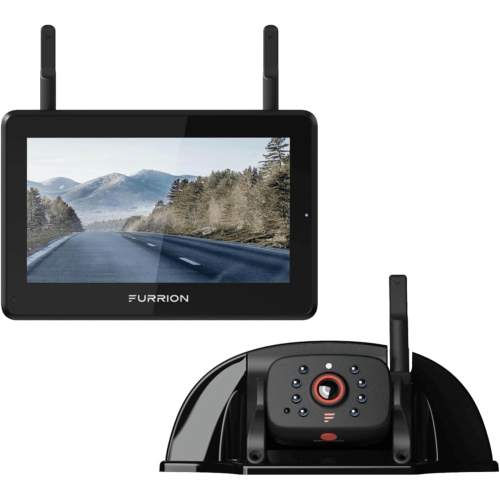
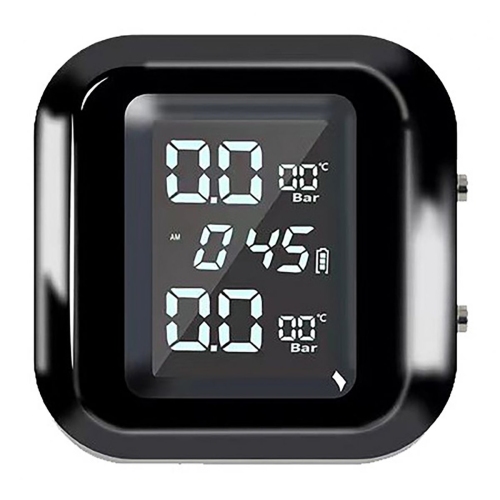
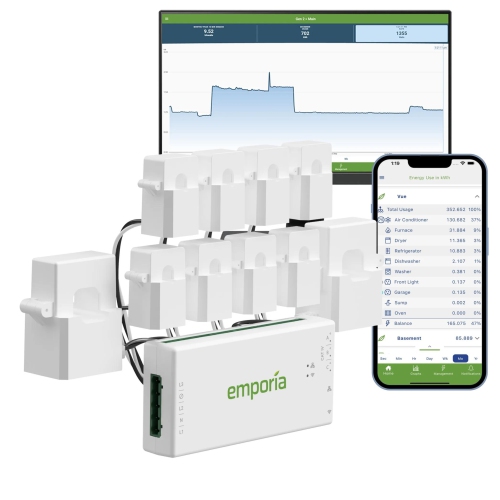

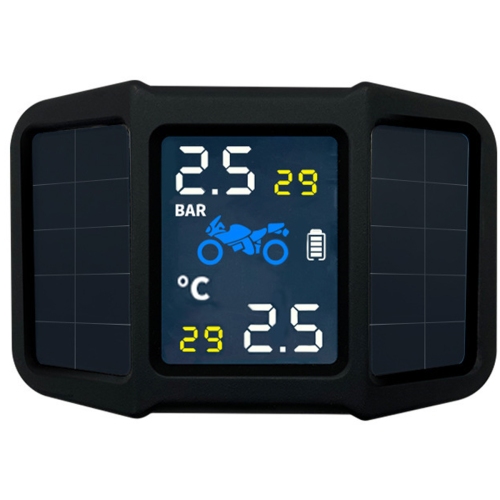
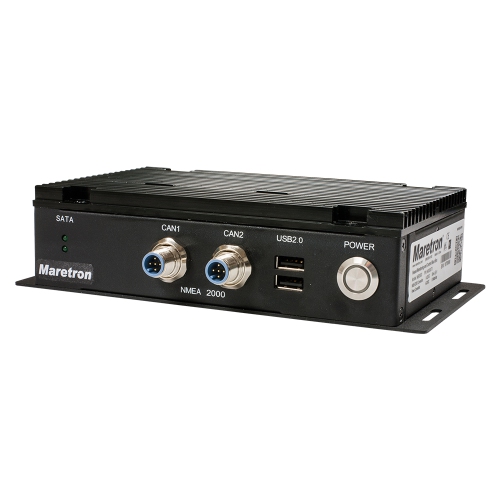
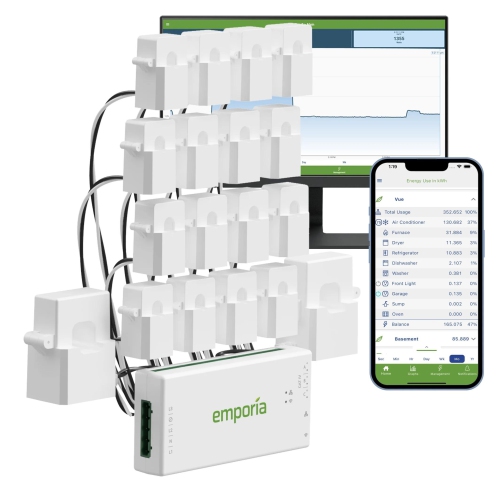
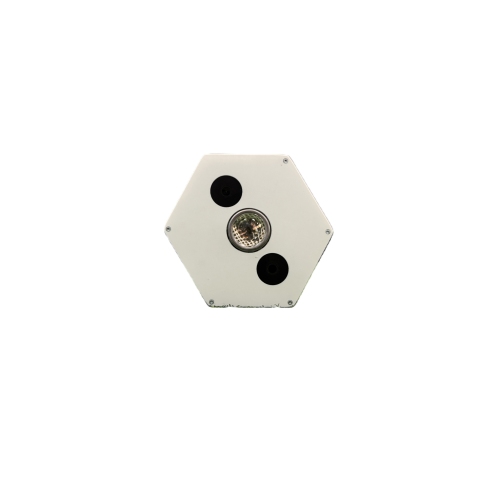
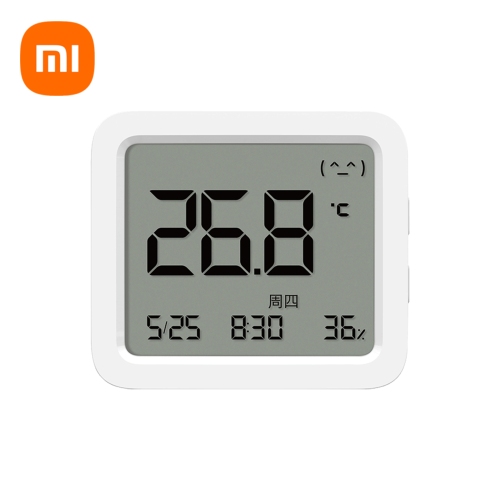
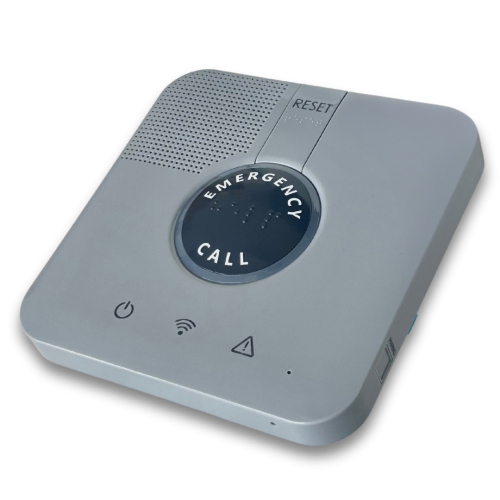
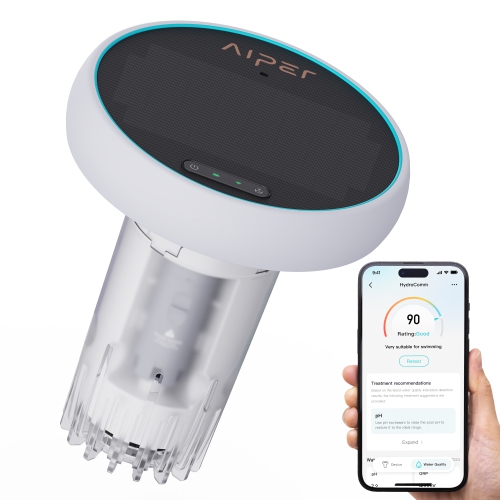
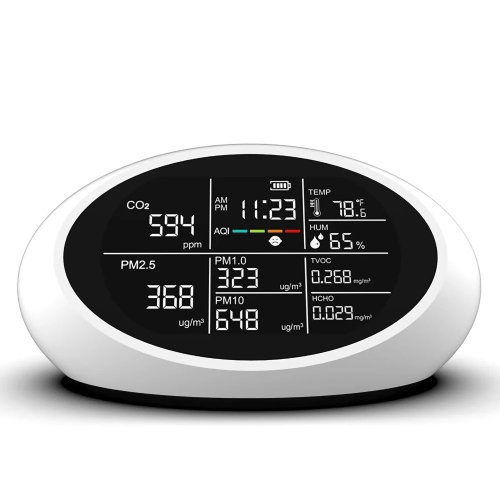
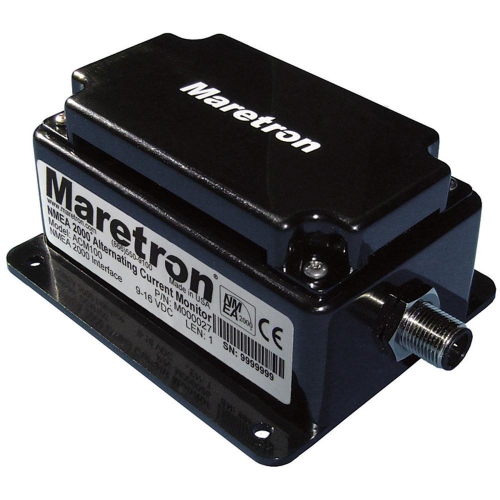
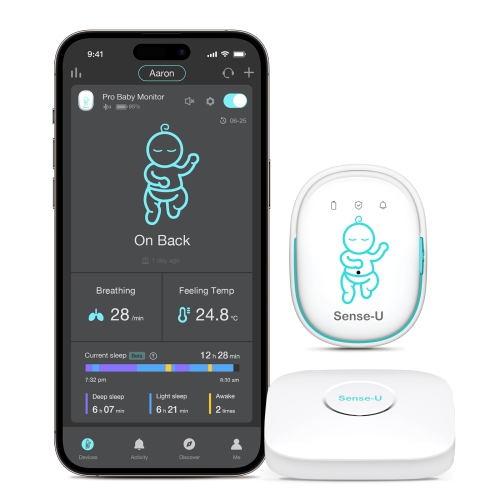


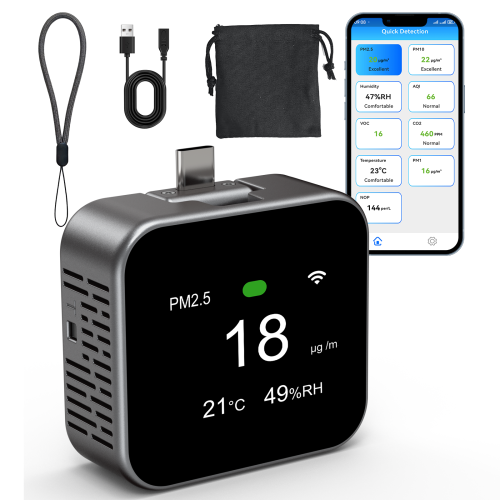
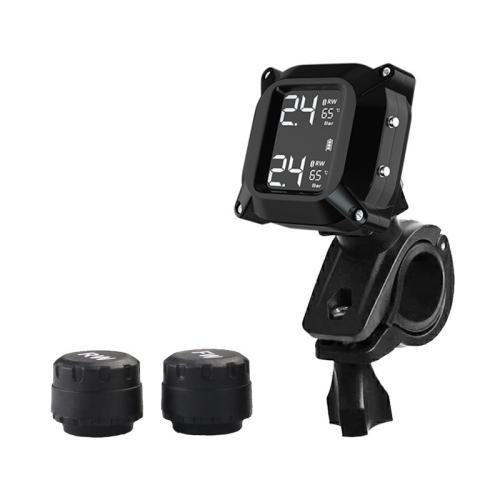
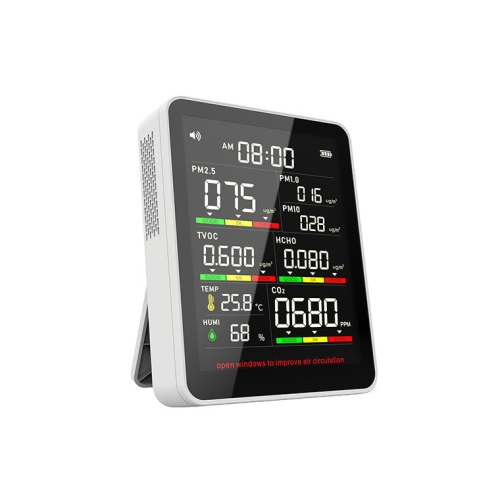
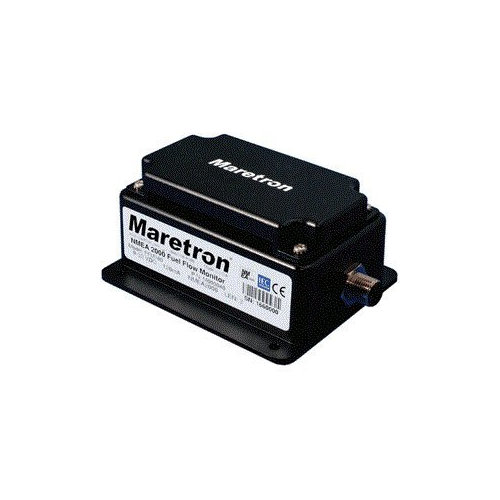
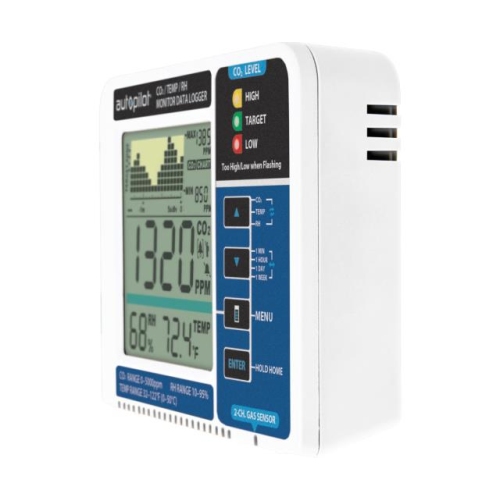
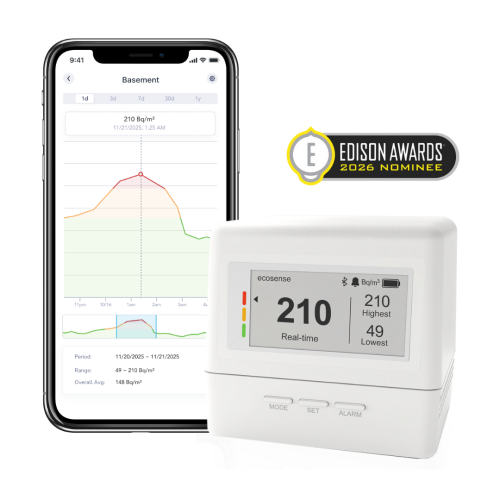
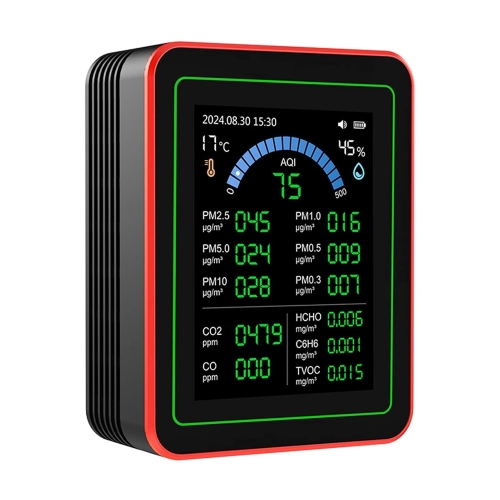
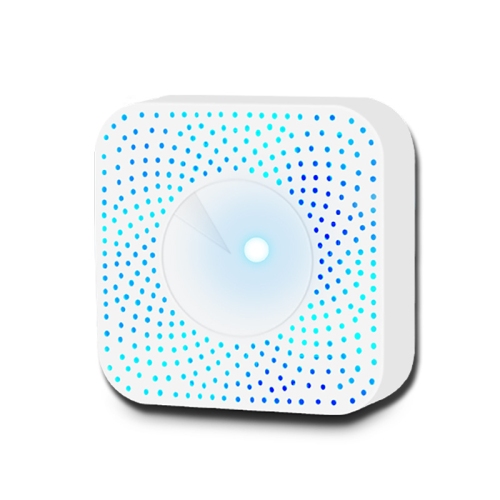
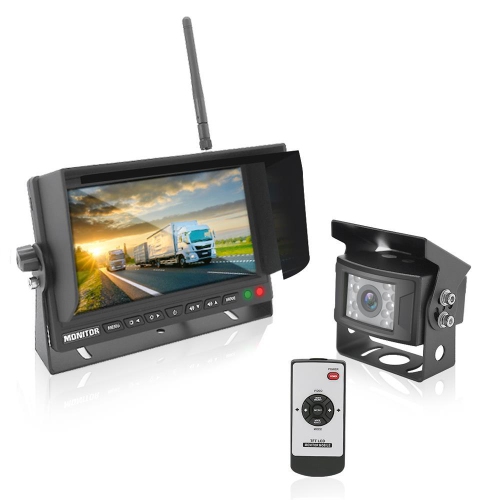
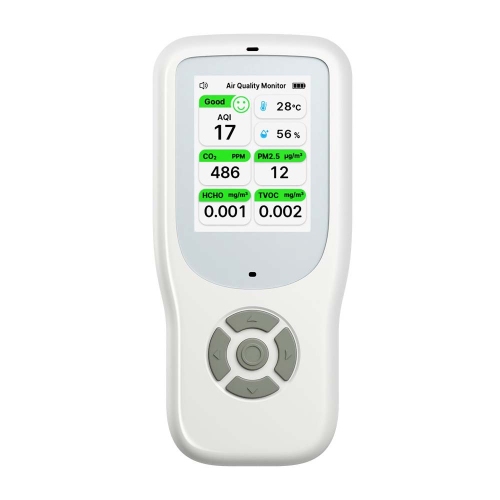
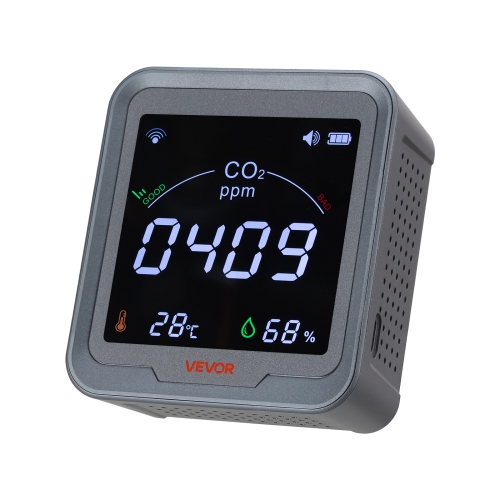
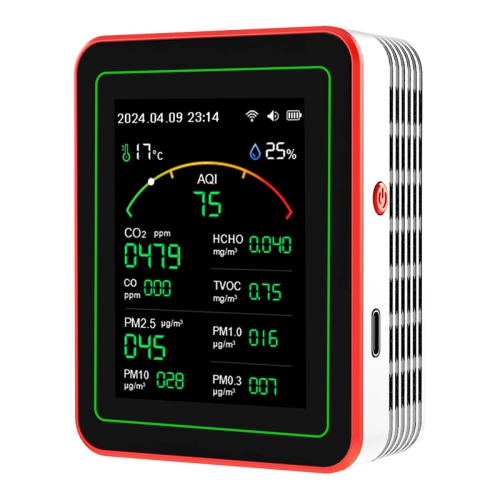
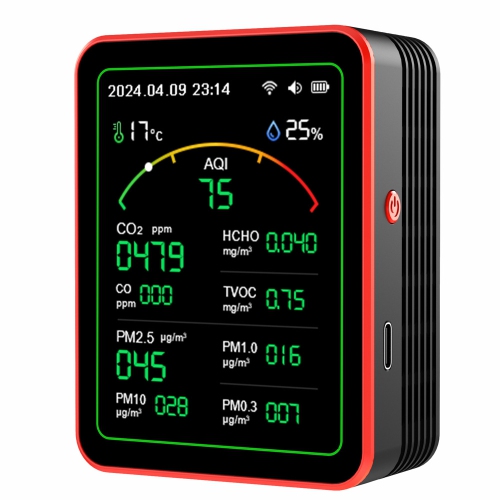
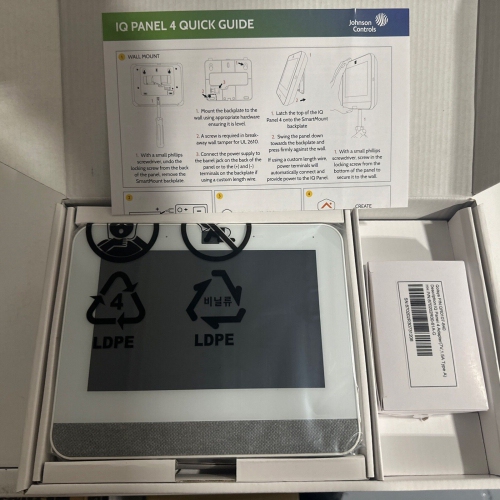
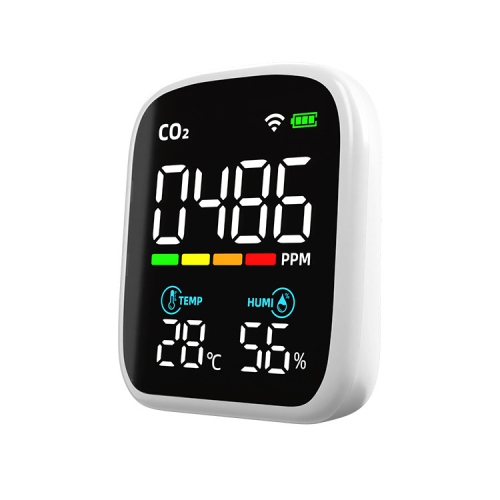
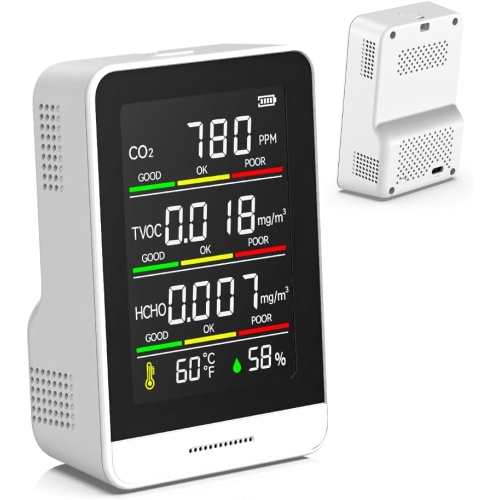
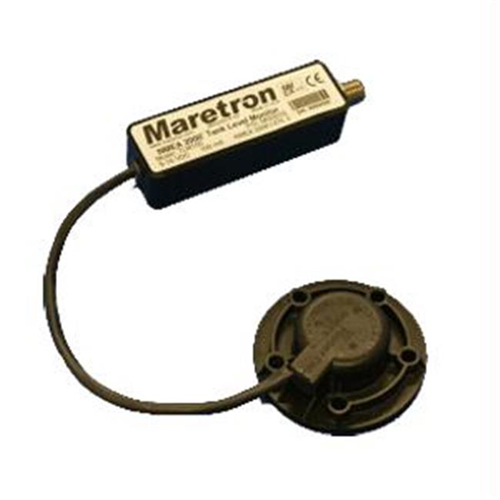
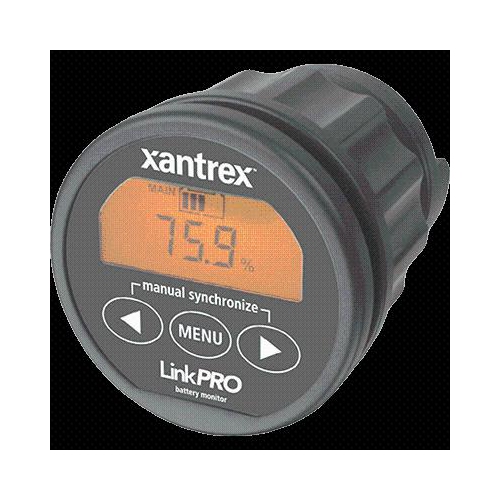
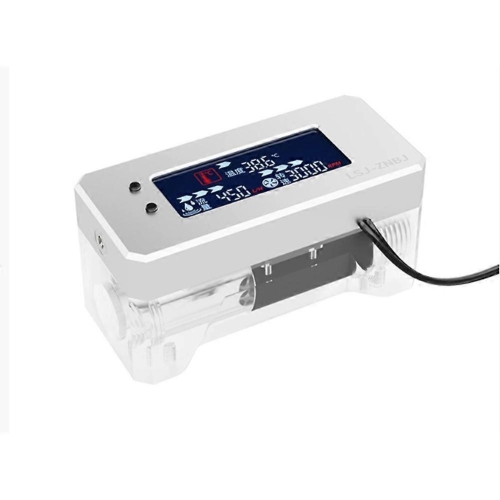
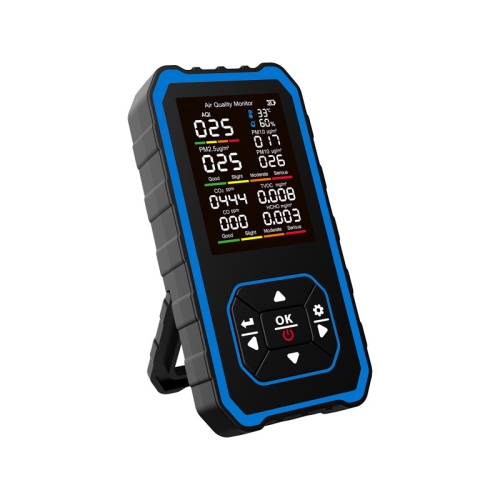
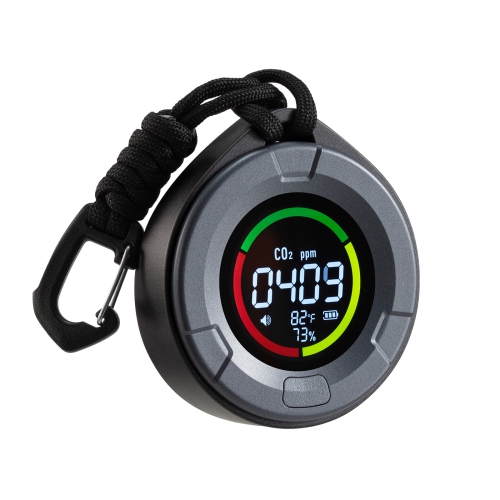

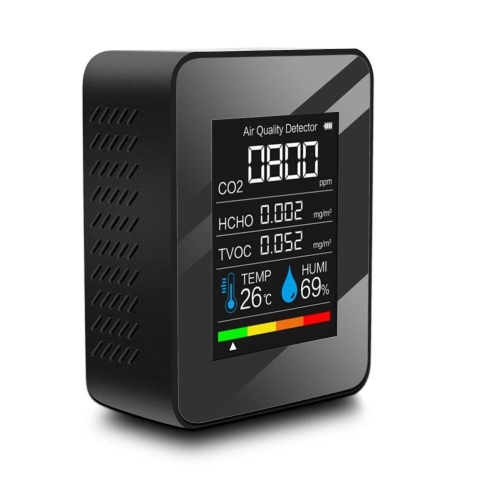
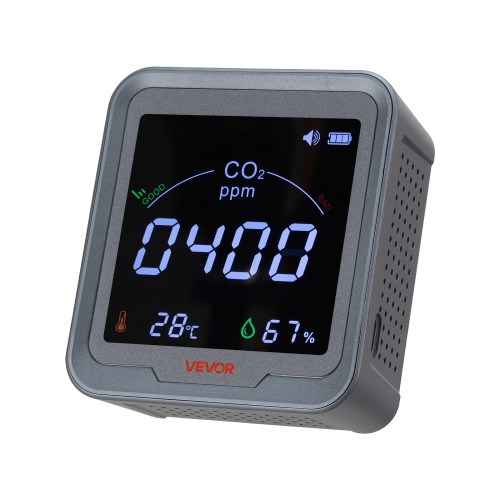
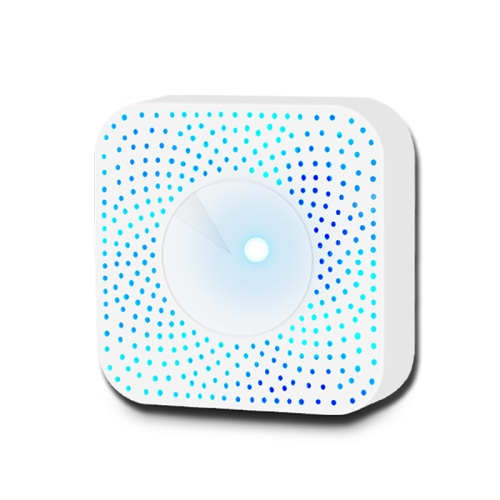
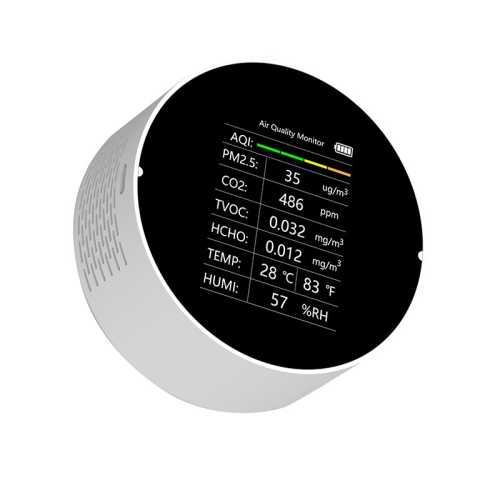
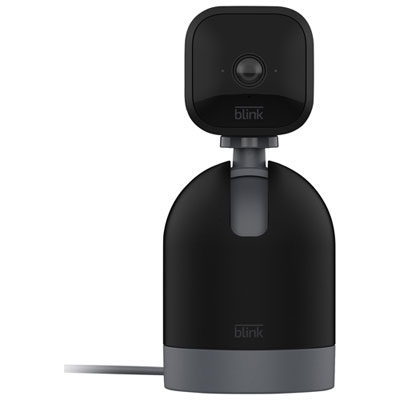
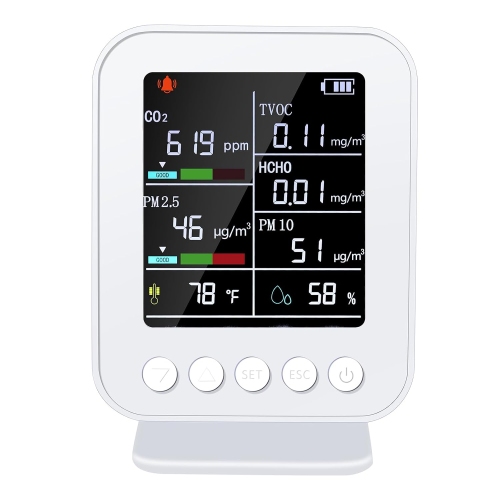
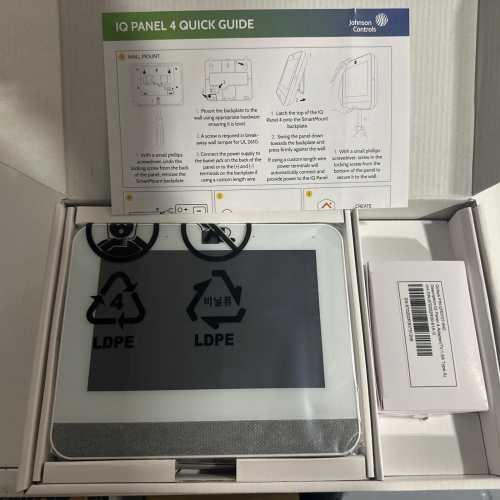
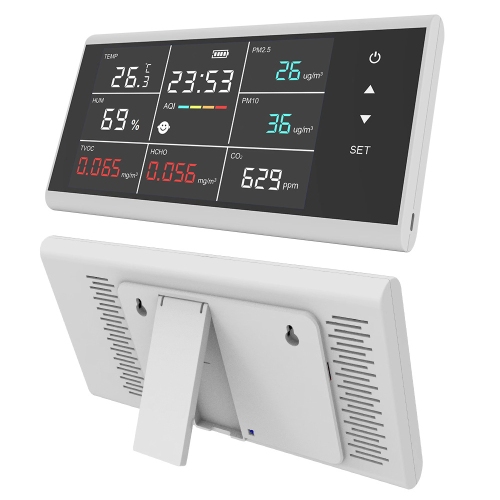
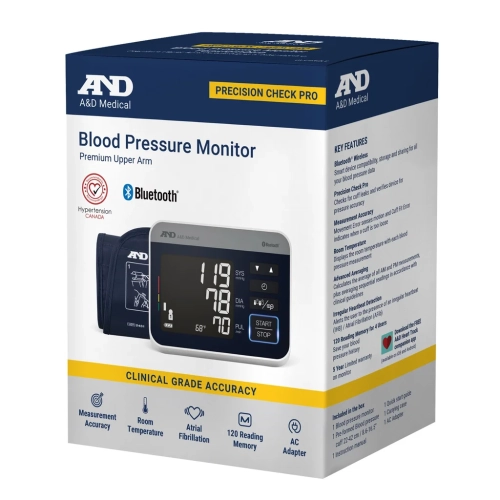
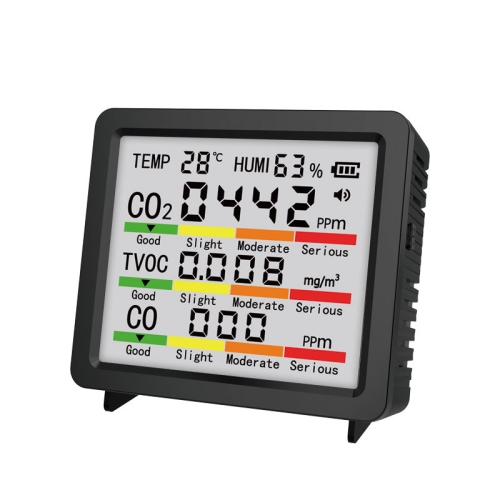

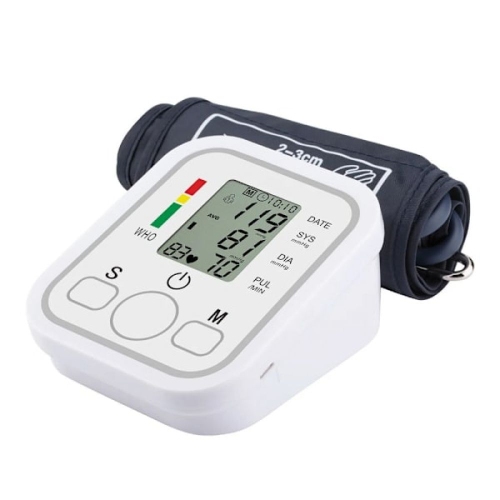
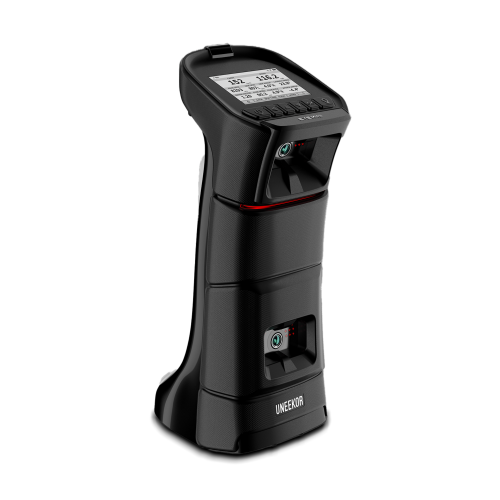
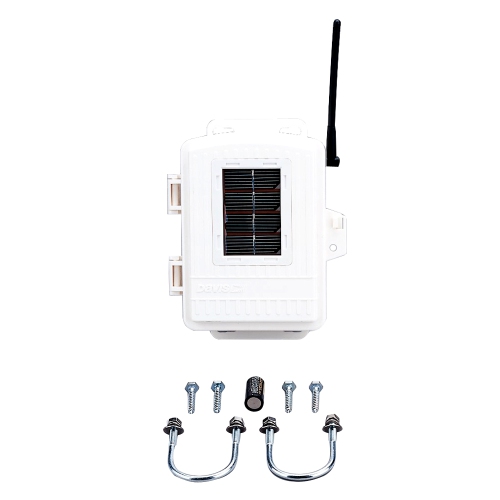
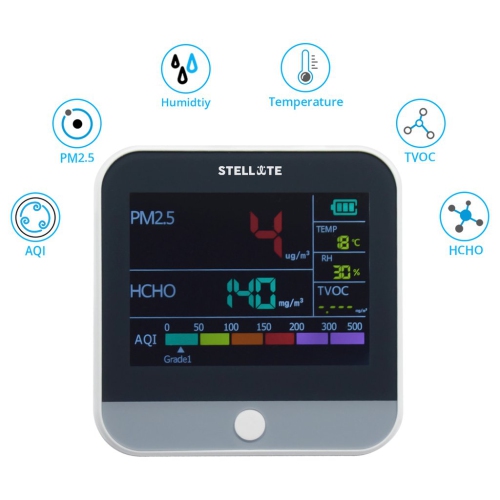
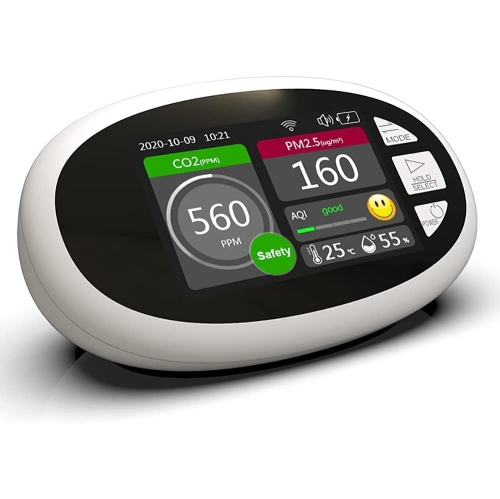
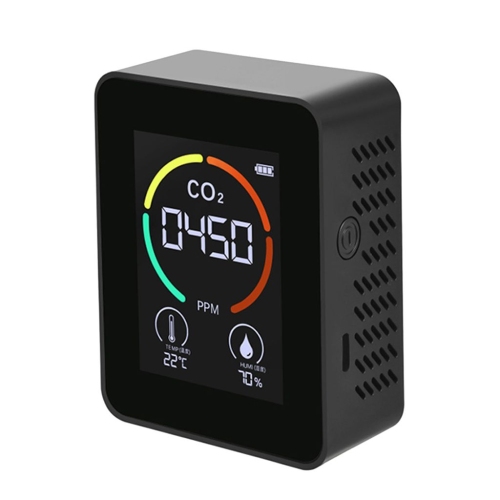
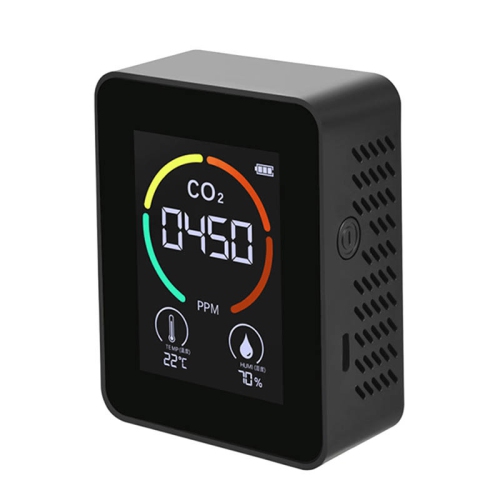
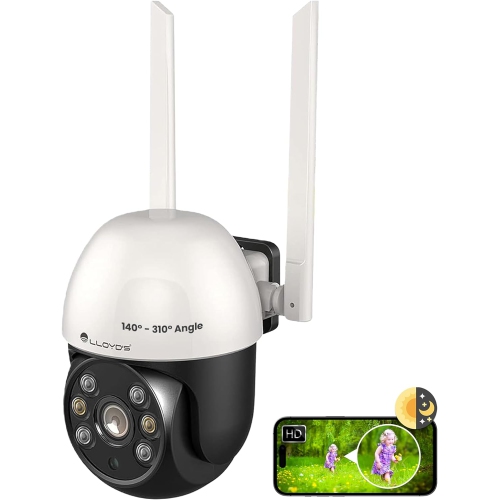
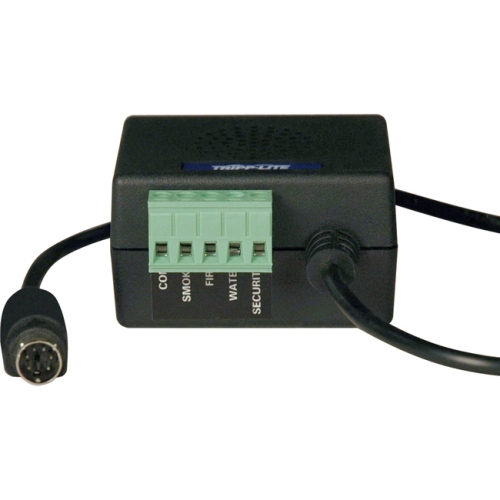
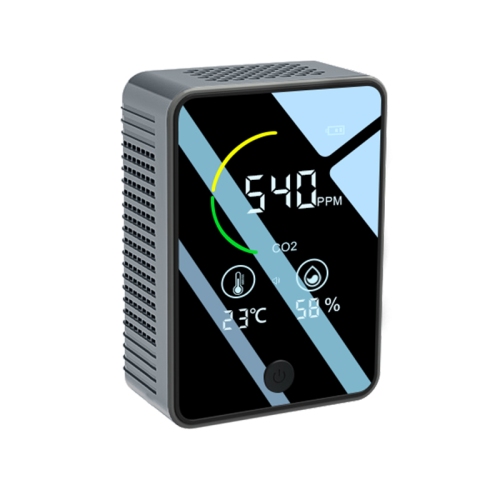
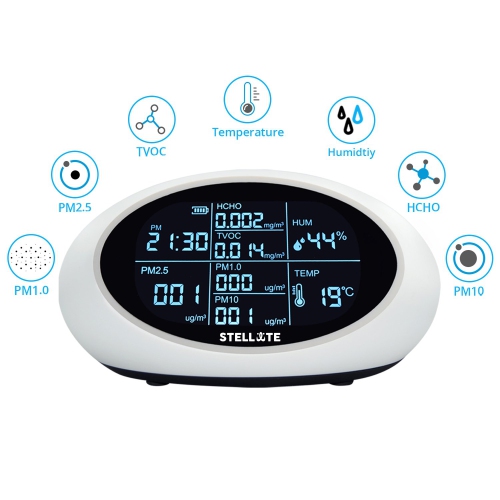
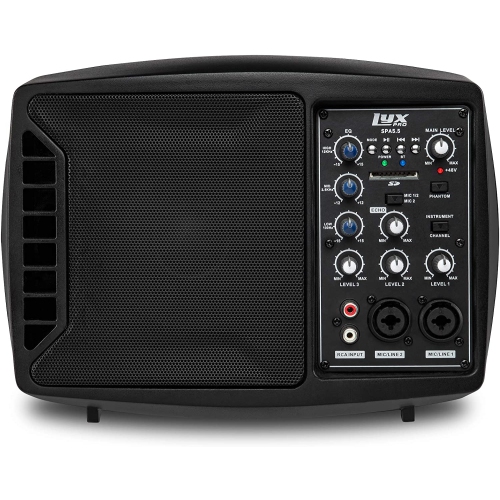
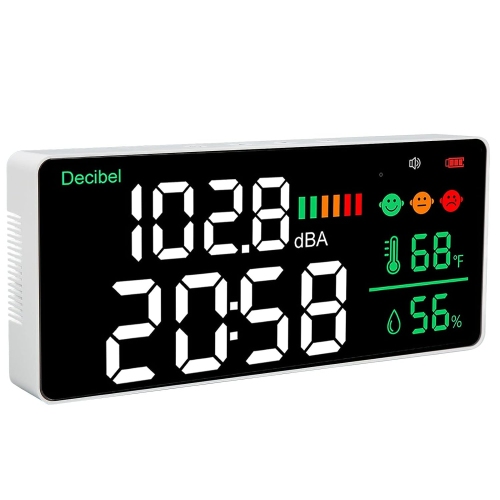
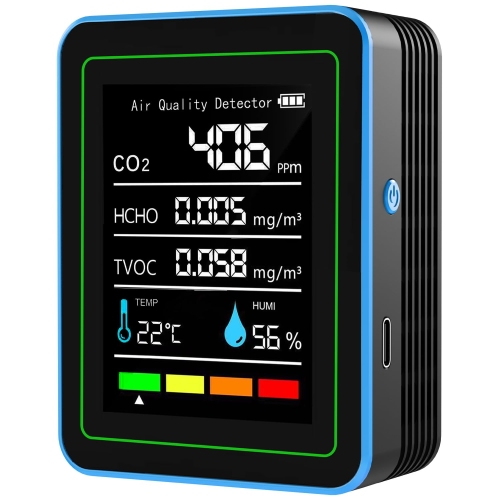
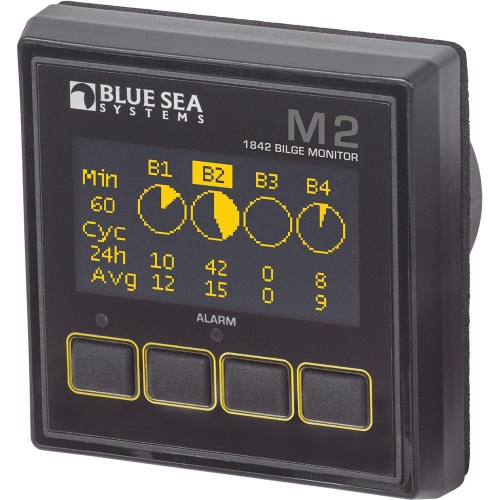
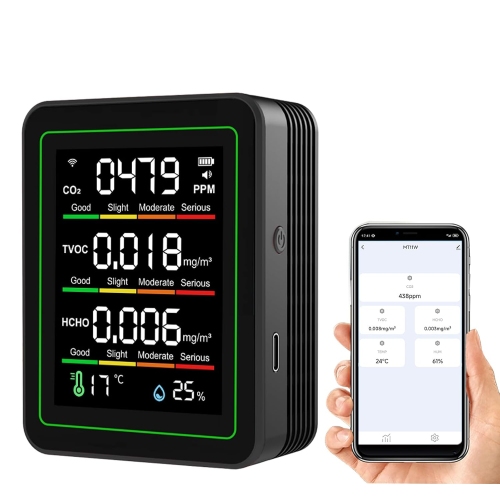
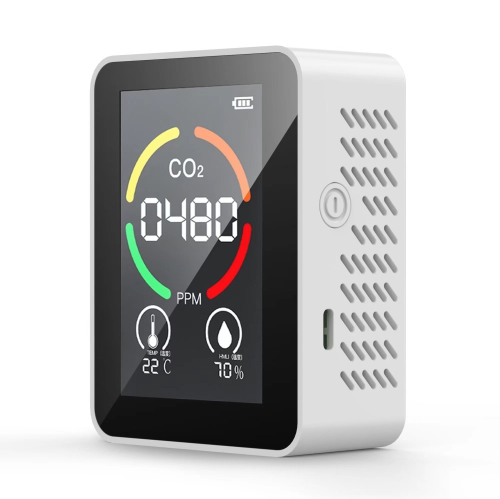
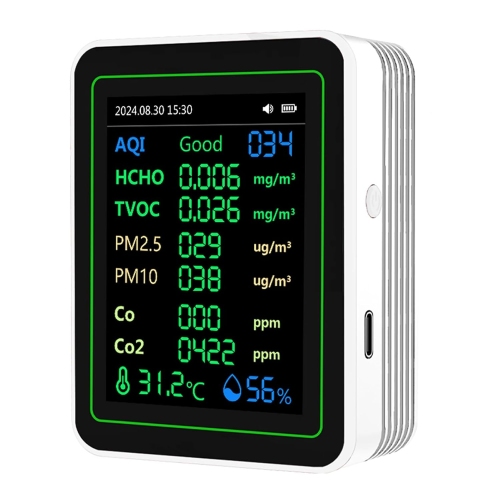
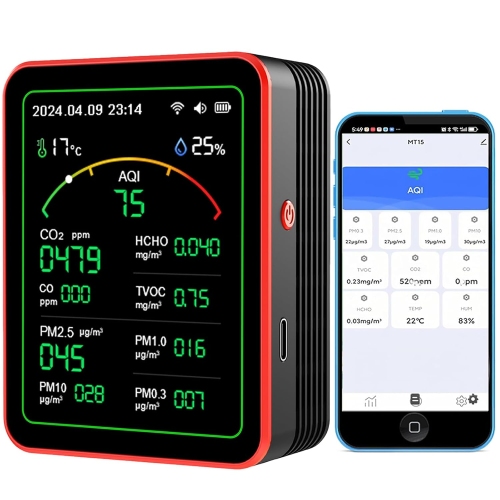
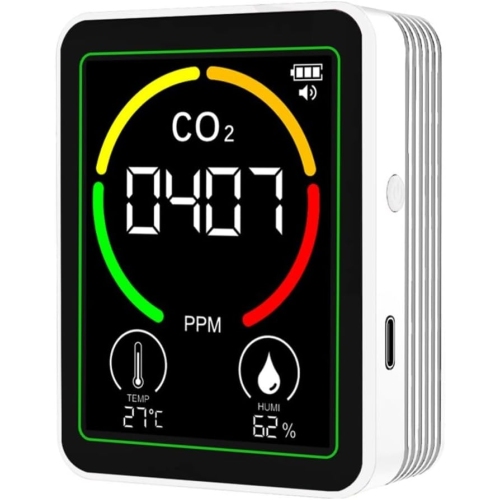

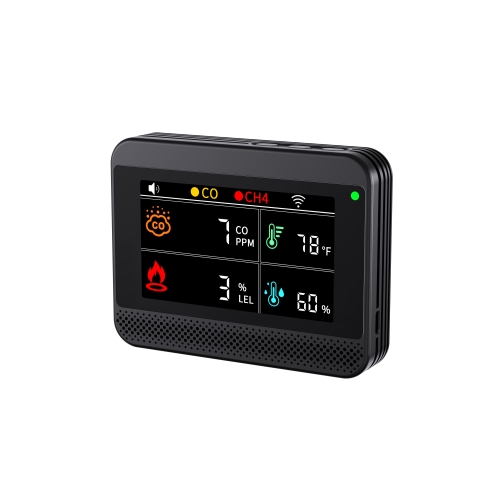
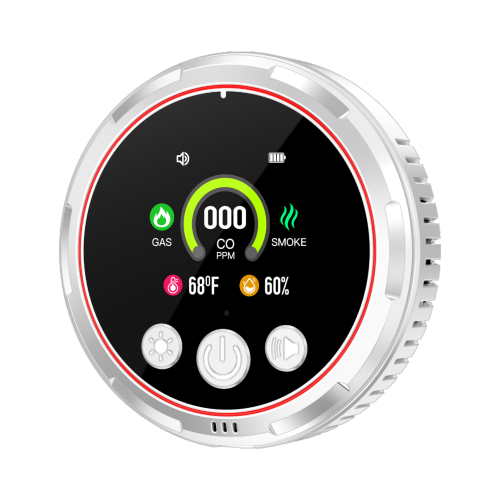
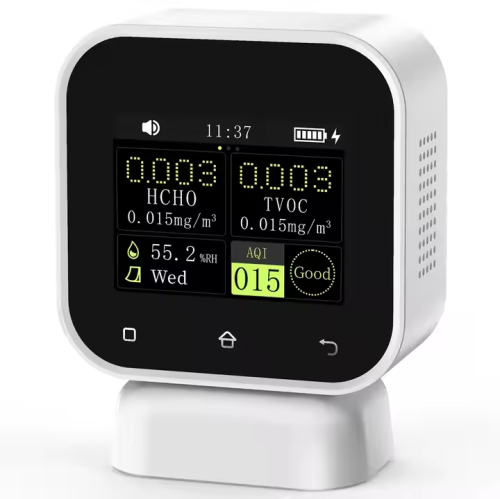
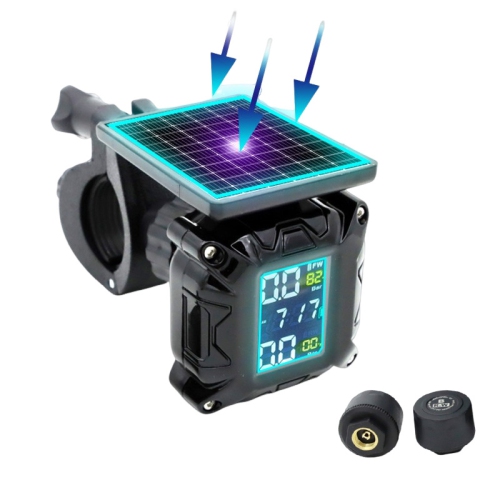

See important activity, performance, and conditions in one place
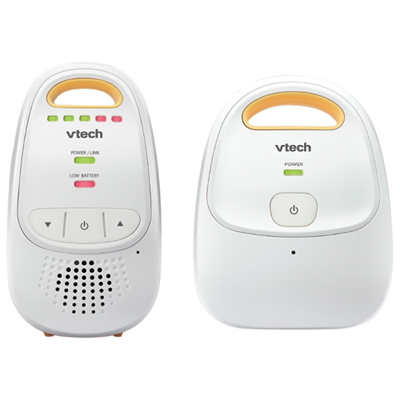
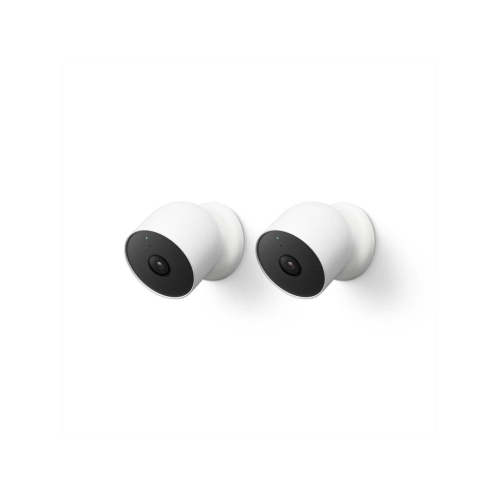
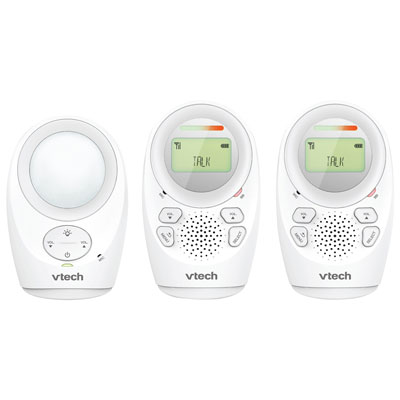
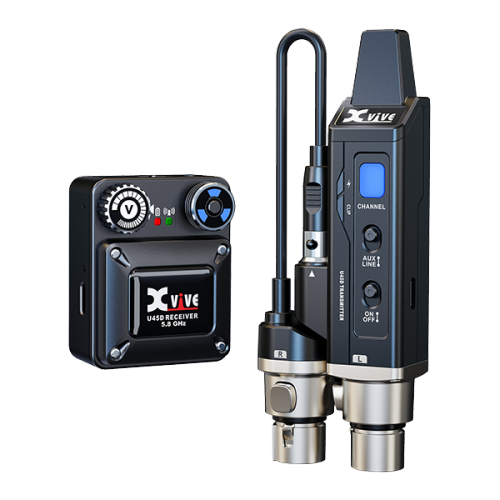
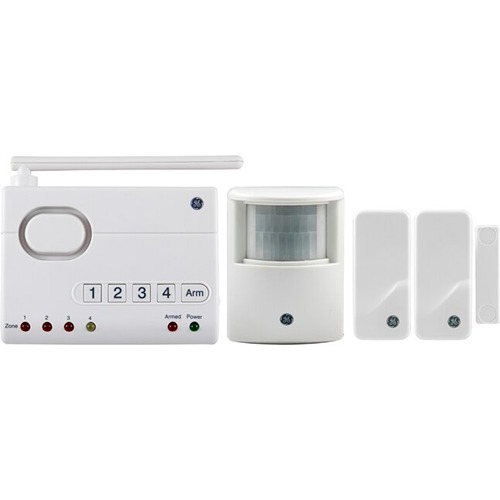
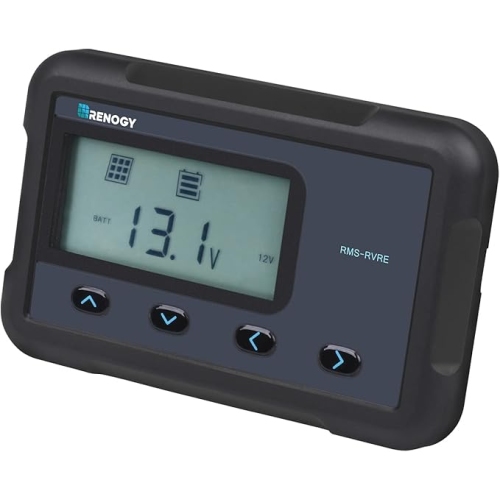
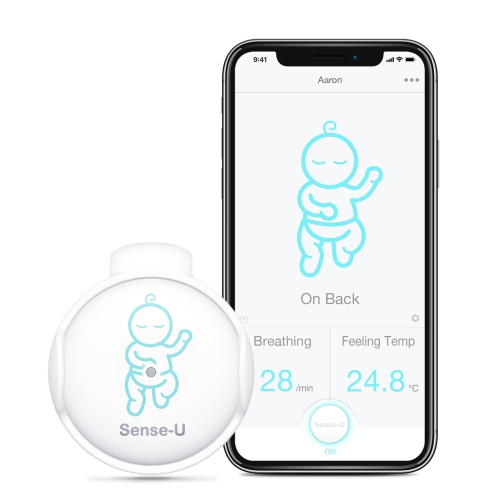
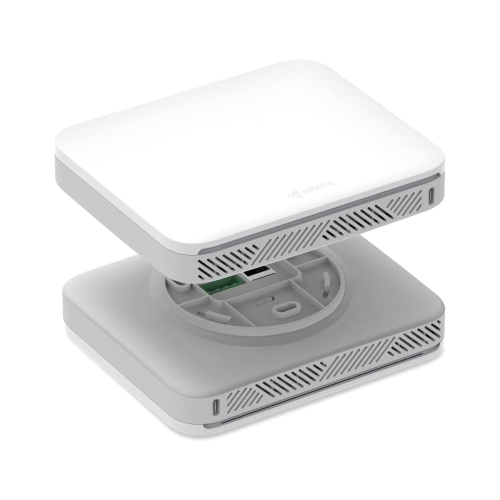
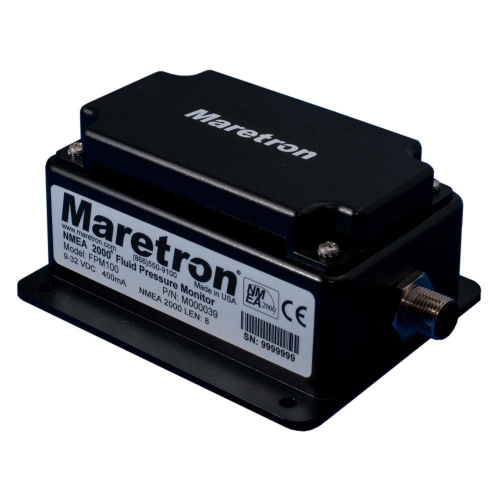
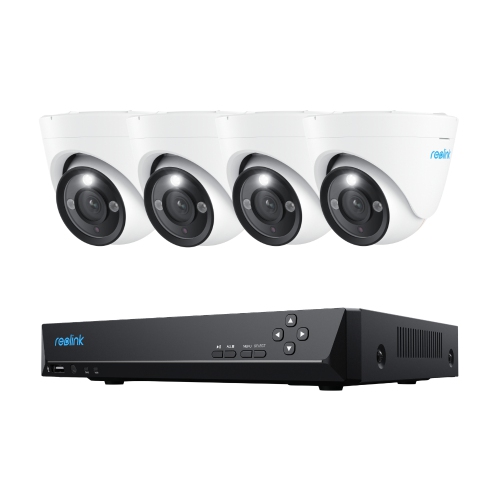
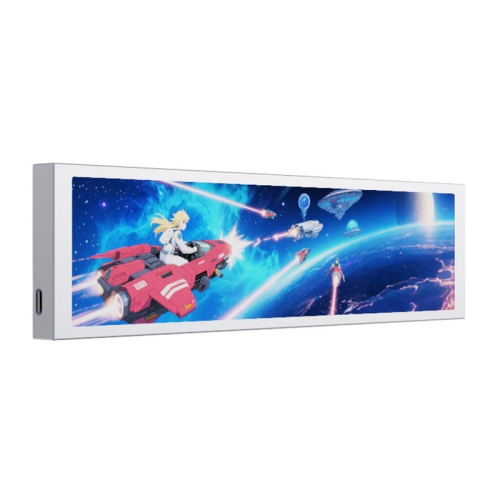
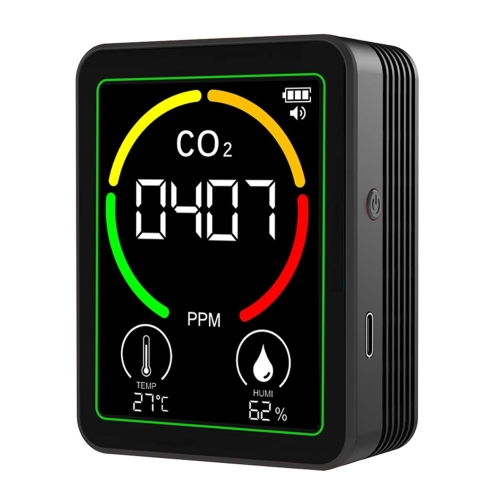
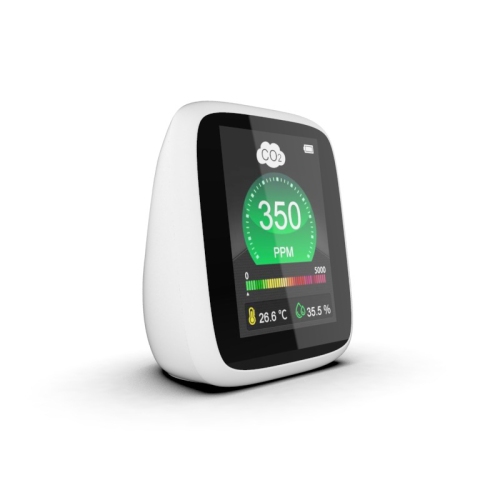
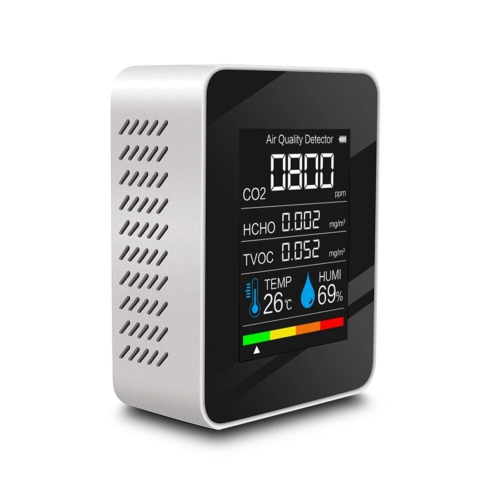
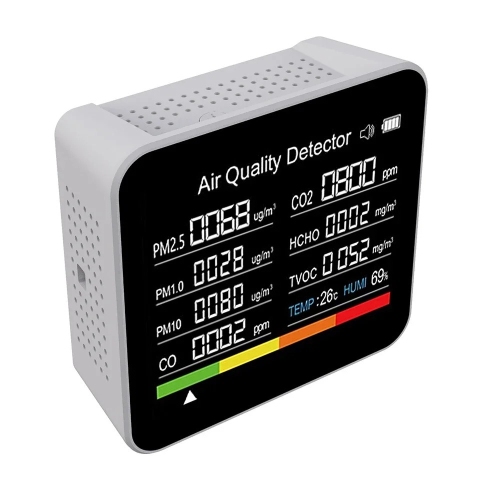
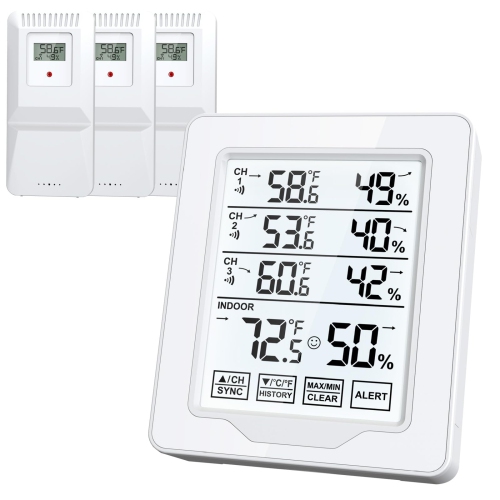
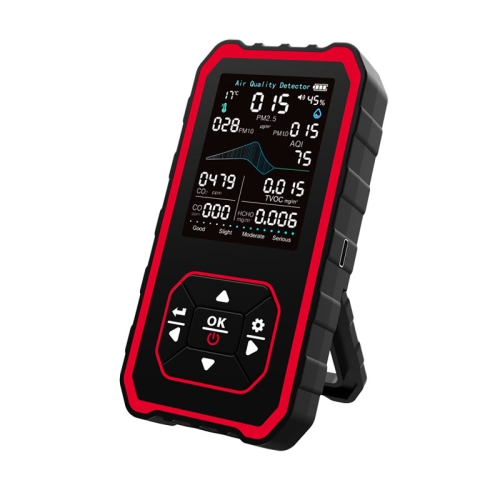
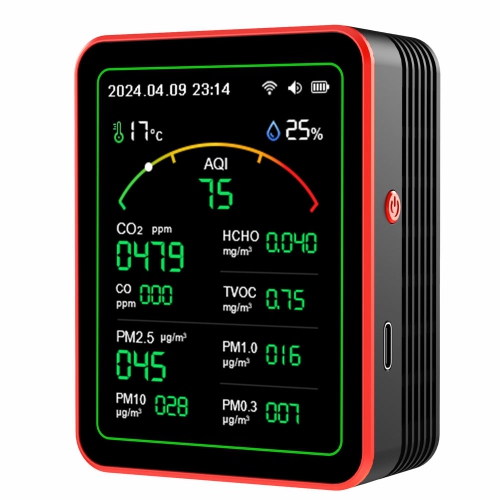
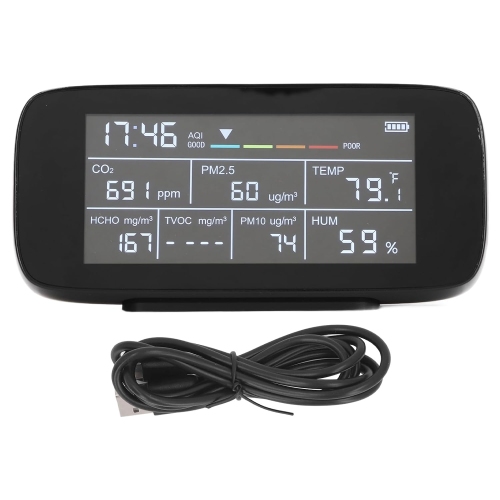
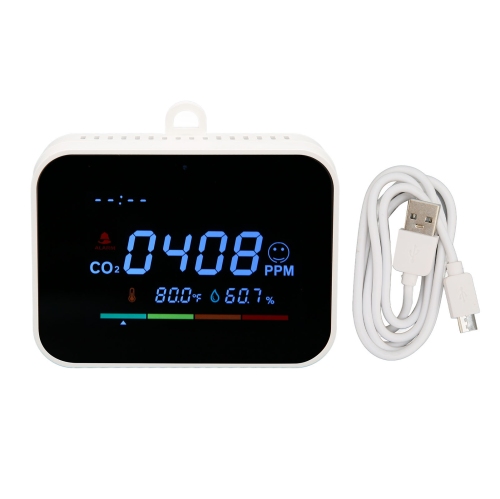
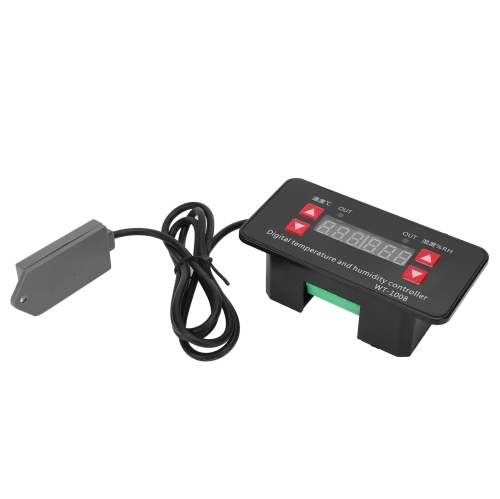
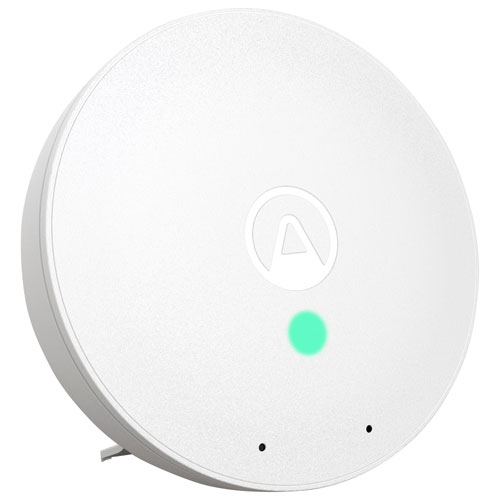
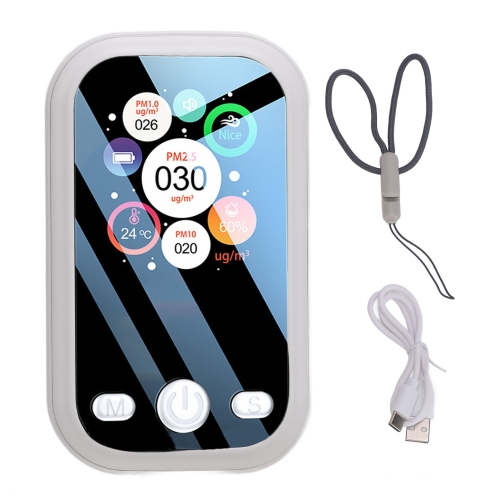
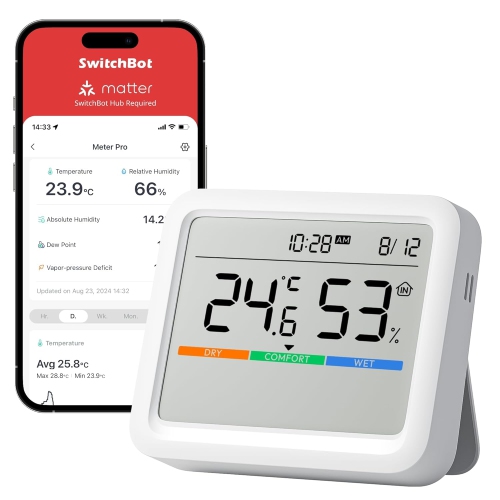
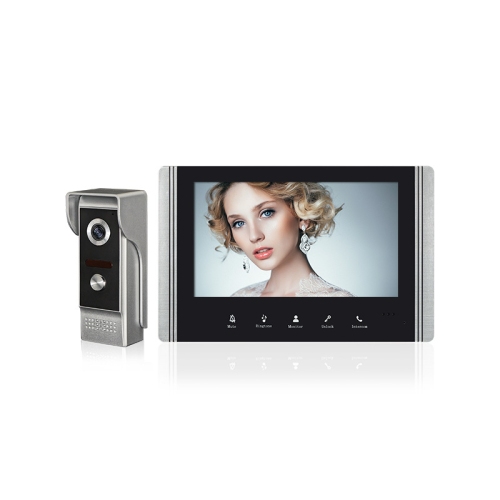
Monitoring systems help you keep track of what matters, whether that means activity around your home, the performance of a computer network, conditions in a room, or the status of equipment in a small business. At their core, these systems collect information through cameras, sensors, software agents, connected devices, or other monitoring hardware, then present that information in a form that is easy to understand. Some setups provide a live view, while others record data over time so you can identify patterns, compare performance, or investigate an event after it happens. A well-chosen system can make a busy environment feel more manageable by bringing important details into one place. A homeowner may use monitoring equipment to check doors, windows, rooms, or outdoor areas while away. A parent or caregiver may want visibility into activity in another part of the home. A small business owner may keep an eye on entrances, inventory areas, customer spaces, or equipment. In an office, monitoring tools can help staff follow network traffic, server activity, device health, and signs of slowdowns before they interrupt work. For anyone who has spent a late evening trying to determine why a connection dropped or why a device stopped responding, having a clear dashboard and timely notification can save considerable time.
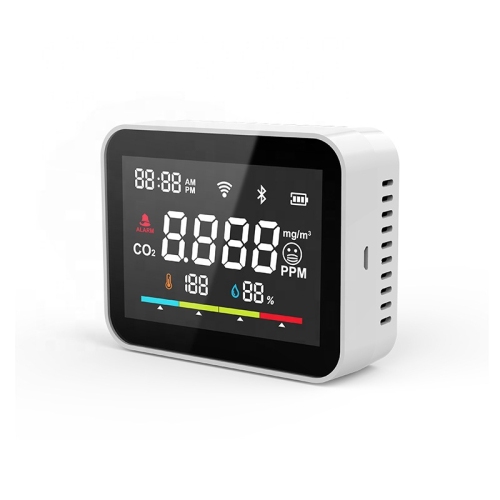
When comparing monitoring systems, start by defining exactly what needs to be observed and how the information will be used. A security-focused setup may rely on cameras, motion detection, door or window sensors, two-way audio, recording, and mobile access. Consider the areas that need coverage, including entrances, hallways, garages, yards, storage spaces, and other locations where activity may be difficult to see directly. Image quality, viewing angle, night visibility, recording options, and the ability to receive alerts are all important. If the system will be used outdoors, look for equipment suited to changing temperatures and exposure to the elements. For indoor use, placement and privacy deserve equal attention; a camera or sensor should monitor the intended area without creating an uncomfortable arrangement for household members, visitors, or employees. Systems designed for computer and network monitoring work differently. They may track processor load, memory use, storage capacity, connection status, traffic, application performance, and error logs. In this case, compatibility with existing computers, routers, operating systems, and network equipment is essential. A setup with multiple screens can make it easier to view dashboards, live feeds, charts, and alerts together; shoppers building a broader workstation may also wish to explore Monitor Triple options. For environmental or equipment monitoring, check the type and range of measurements available. Temperature, humidity, water presence, air conditions, power activity, and machine status may each require a different sensor or connection method. Confirm whether readings are shown in real time, stored for later review, or both, and check how frequently information is updated. A system that records useful history can reveal gradual changes, such as a room becoming warmer during the day or a device using more power than expected, while alerts can draw attention to an urgent issue as soon as a preset limit is reached.
Connectivity and notification features can shape the everyday experience just as much as the monitoring hardware itself. Some systems connect through Wi-Fi, wired networks, Bluetooth, or dedicated hubs, and each approach has practical advantages. Wi-Fi can simplify placement, particularly when running cables is difficult, while a wired connection may be preferable for fixed equipment that needs consistent communication. A hub-based setup can help coordinate several sensors, but it is important to confirm what is included and how many compatible devices can be added later. App access may allow you to review live information from a phone or tablet, change settings, acknowledge an alert, or share access with another authorised person. Email, text, audible, and on-screen notifications can each suit different situations. A notification should be noticeable without becoming so frequent that important warnings are ignored. Look for adjustable sensitivity, activity zones, schedules, and threshold controls so the system can respond to the environment rather than every minor change. Storage is another key consideration. Local storage can keep recordings or logs on a connected device, while network storage or subscription-based options may offer remote access and extended history. Review retention periods, storage capacity, backup methods, and any ongoing fees before choosing a setup. It is also wise to check account permissions, encryption, software updates, and compatibility with the devices already in use. These details matter for a family managing a home, a retailer overseeing a compact storefront, a landlord checking a shared property, or a technician responsible for several workstations. Monitoring systems can also make practical gifts for new homeowners, students setting up a first apartment, relatives who want added awareness around their property, or anyone creating a more organised home office. The best choice depends on the recipient’s space, technical comfort, and daily routine rather than on the largest number of features. A simple system with clear controls may be more useful than a complex setup that takes considerable effort to configure. Before completing a purchase, measure the intended area, identify available power and network connections, count the number of locations to monitor, and consider how alerts will fit into everyday life. During the cooler months, monitoring can be especially useful for keeping an eye on indoor temperature, entrances, storage areas, and equipment while routines change and more time is spent inside. With the right combination of sensors, displays, recording, and alerts, a monitoring system provides practical awareness, helps highlight problems early, and gives you dependable information for making timely decisions.
When comparing monitoring systems, start by defining exactly what needs to be observed and how the information will be used. A security-focused setup may rely on cameras, motion detection, door or window sensors, two-way audio, recording, and mobile access. Consider the areas that need coverage, including entrances, hallways, garages, yards, storage spaces, and other locations where activity may be difficult to see directly. Image quality, viewing angle, night visibility, recording options, and the ability to receive alerts are all important. If the system will be used outdoors, look for equipment suited to changing temperatures and exposure to the elements. For indoor use, placement and privacy deserve equal attention; a camera or sensor should monitor the intended area without creating an uncomfortable arrangement for household members, visitors, or employees. Systems designed for computer and network monitoring work differently. They may track processor load, memory use, storage capacity, connection status, traffic, application performance, and error logs. In this case, compatibility with existing computers, routers, operating systems, and network equipment is essential. A setup with multiple screens can make it easier to view dashboards, live feeds, charts, and alerts together; shoppers building a broader workstation may also wish to explore Monitor Triple options. For environmental or equipment monitoring, check the type and range of measurements available. Temperature, humidity, water presence, air conditions, power activity, and machine status may each require a different sensor or connection method. Confirm whether readings are shown in real time, stored for later review, or both, and check how frequently information is updated. A system that records useful history can reveal gradual changes, such as a room becoming warmer during the day or a device using more power than expected, while alerts can draw attention to an urgent issue as soon as a preset limit is reached.
Connectivity and notification features can shape the everyday experience just as much as the monitoring hardware itself. Some systems connect through Wi-Fi, wired networks, Bluetooth, or dedicated hubs, and each approach has practical advantages. Wi-Fi can simplify placement, particularly when running cables is difficult, while a wired connection may be preferable for fixed equipment that needs consistent communication. A hub-based setup can help coordinate several sensors, but it is important to confirm what is included and how many compatible devices can be added later. App access may allow you to review live information from a phone or tablet, change settings, acknowledge an alert, or share access with another authorised person. Email, text, audible, and on-screen notifications can each suit different situations. A notification should be noticeable without becoming so frequent that important warnings are ignored. Look for adjustable sensitivity, activity zones, schedules, and threshold controls so the system can respond to the environment rather than every minor change. Storage is another key consideration. Local storage can keep recordings or logs on a connected device, while network storage or subscription-based options may offer remote access and extended history. Review retention periods, storage capacity, backup methods, and any ongoing fees before choosing a setup. It is also wise to check account permissions, encryption, software updates, and compatibility with the devices already in use. These details matter for a family managing a home, a retailer overseeing a compact storefront, a landlord checking a shared property, or a technician responsible for several workstations. Monitoring systems can also make practical gifts for new homeowners, students setting up a first apartment, relatives who want added awareness around their property, or anyone creating a more organised home office. The best choice depends on the recipient’s space, technical comfort, and daily routine rather than on the largest number of features. A simple system with clear controls may be more useful than a complex setup that takes considerable effort to configure. Before completing a purchase, measure the intended area, identify available power and network connections, count the number of locations to monitor, and consider how alerts will fit into everyday life. During the cooler months, monitoring can be especially useful for keeping an eye on indoor temperature, entrances, storage areas, and equipment while routines change and more time is spent inside. With the right combination of sensors, displays, recording, and alerts, a monitoring system provides practical awareness, helps highlight problems early, and gives you dependable information for making timely decisions.
Top selling and popular products
-
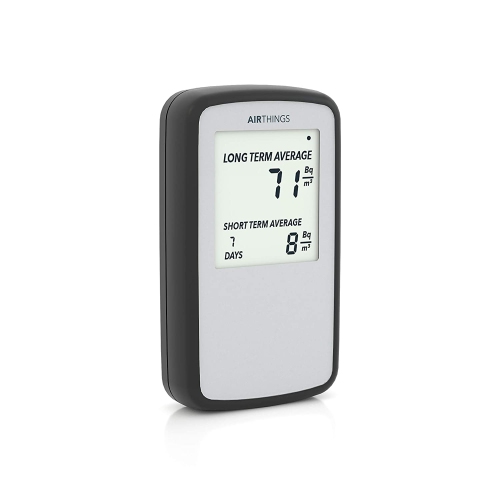 Your price for this item is $301.99
 -
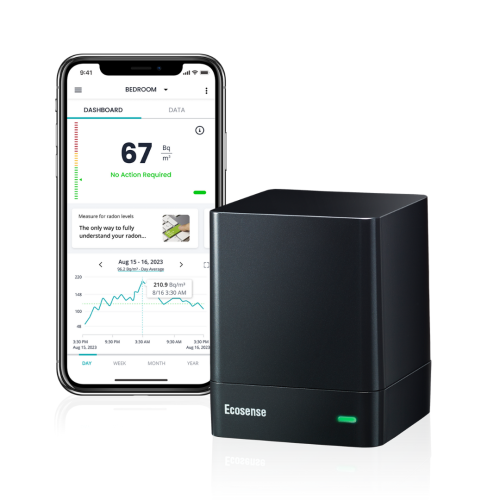 Your price for this item is $169
 -
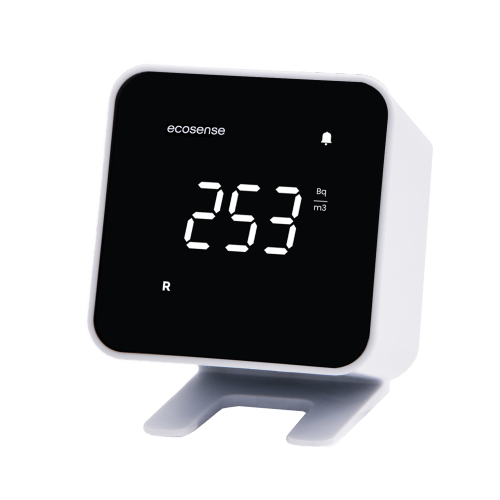 Your price for this item is $139
 -
 Your price for this item is $255.89
 -
 Your price for this item is $207.68
 -
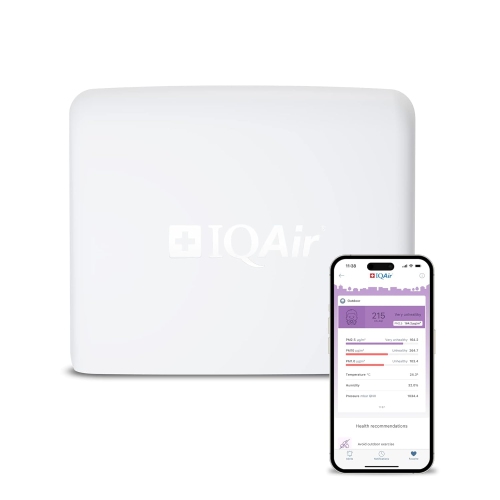 Your price for this item is $429.99
 -
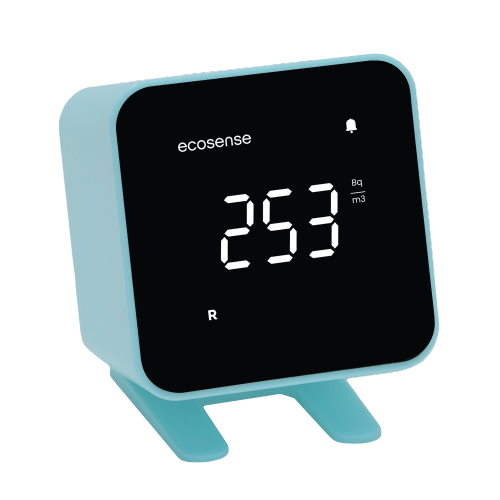 Your price for this item is $139
 -
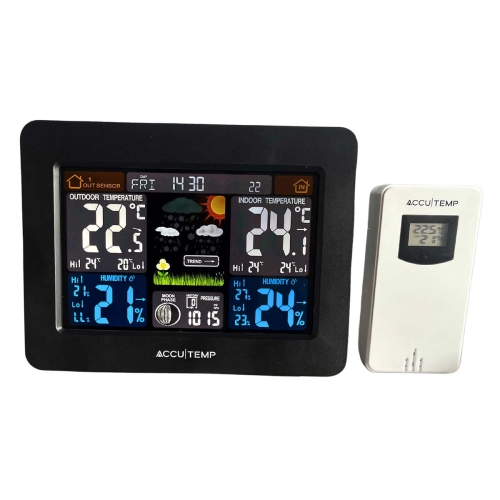 Your price for this item is $68.83
Discover more categories related to Monitoring Systems



Top Collections:
Pokemon Centers, Kindle Devices, Best Budget Office Chairs, Canon G7X Cameras, Apple iPhones 16, Samsung Galaxy Phones, Refurbished Apple Laptops, Laptops for Students, iPhone 15 Apple, Budget Smartphones
Some products may be subject to Environmental Handling Fees
(EHF) depending on your province.
Learn more about EHFs.