Personal Printers
Personal Printers offer a convenient solution for handling everyday printing tasks at home or in a small office. With a range of options designed to fit various needs and spaces, these printers make it easy to produce high-quality documents, photos, and more. Whether you’re managing school assignments, work reports, or creative projects, Personal Printers provide reliable performance to keep you productive. Explore the selection to find the perfect fit for your workspace and printing requirements.
Sort
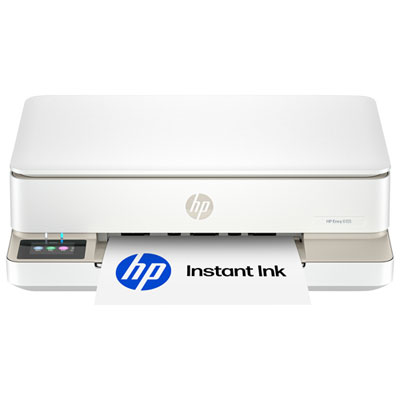
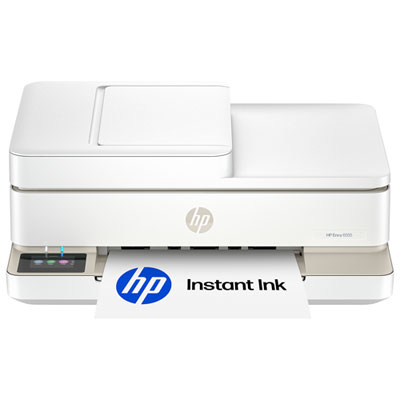
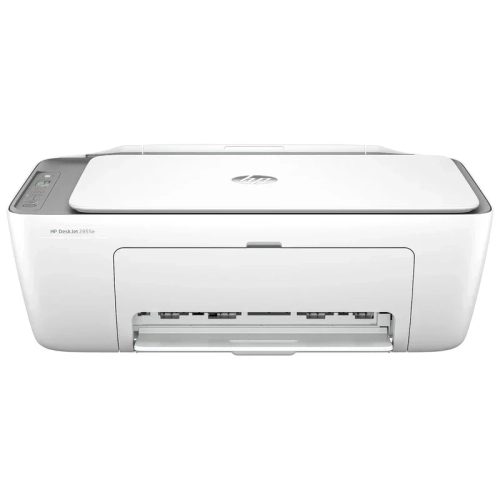
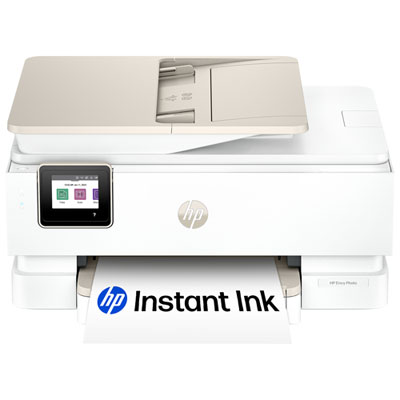
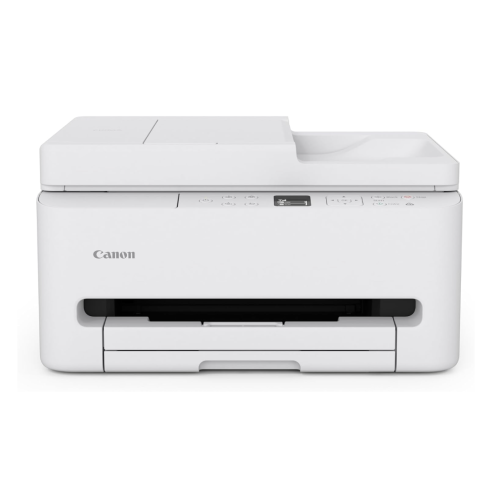
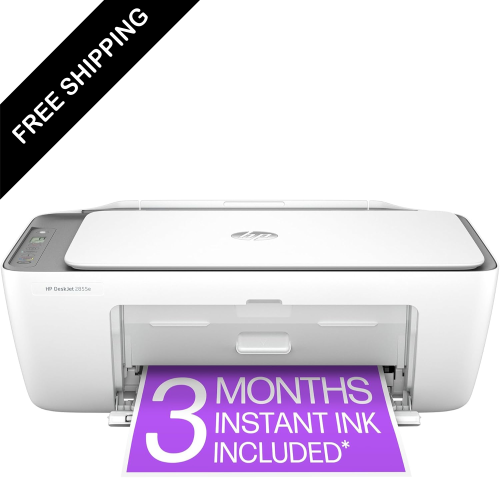
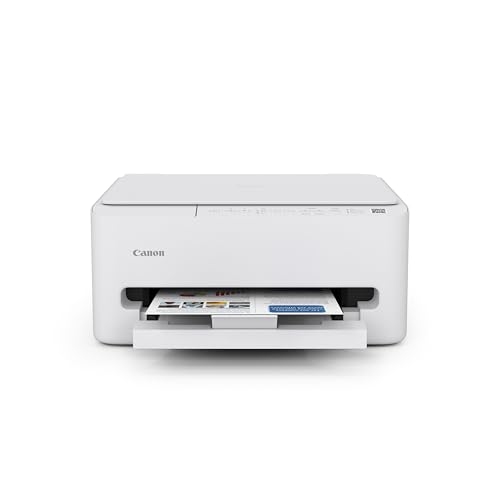
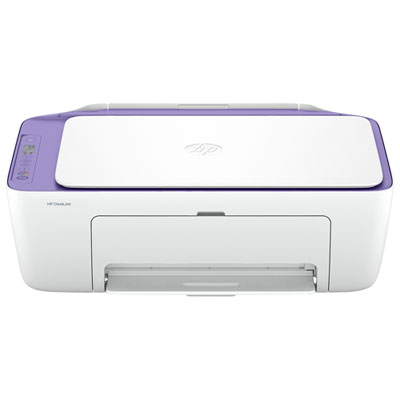
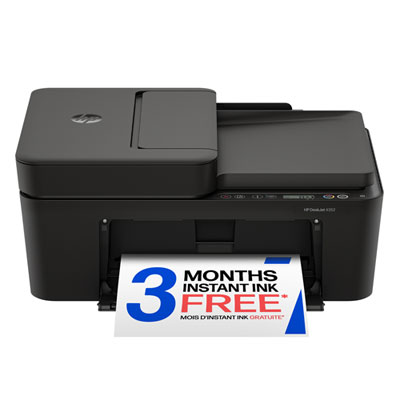
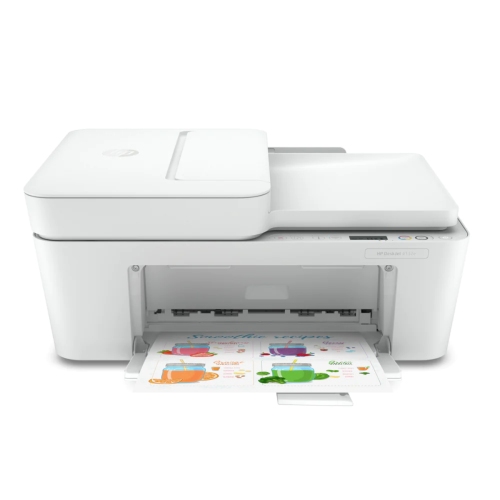
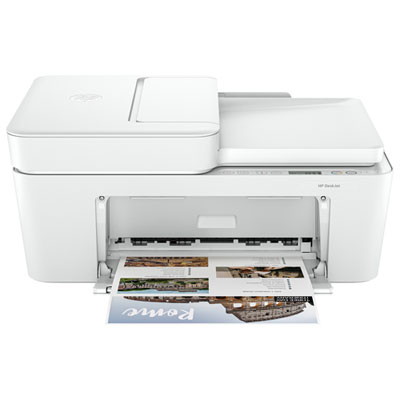
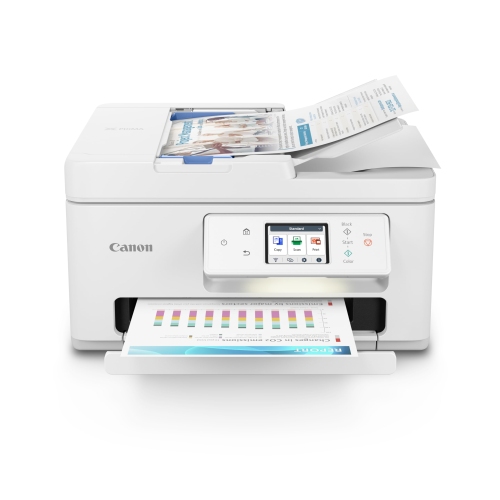
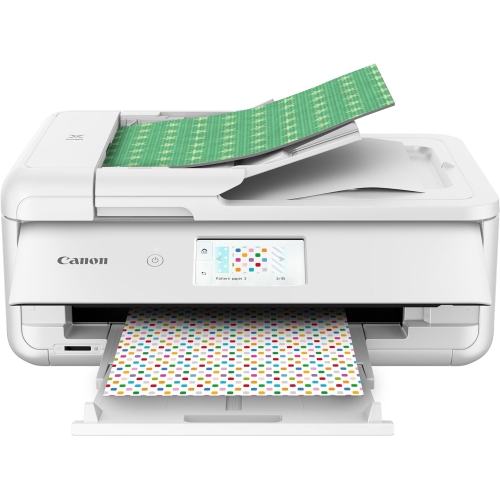
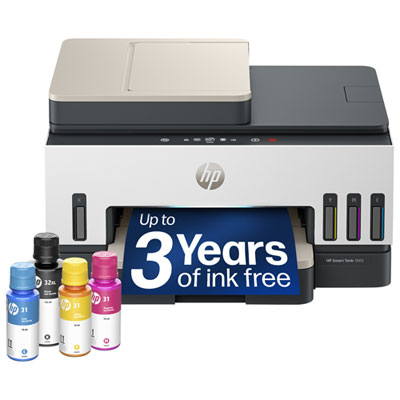
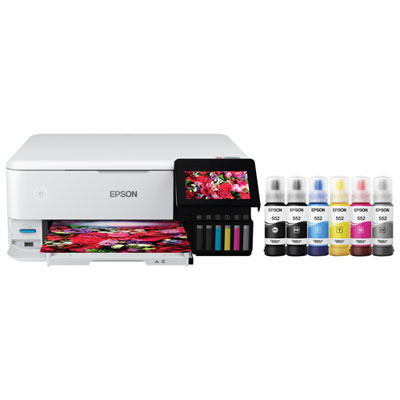
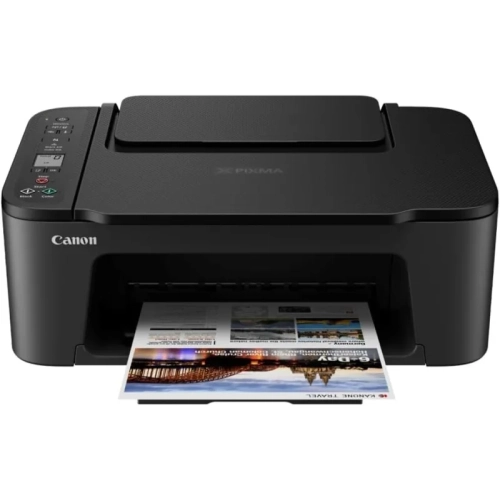
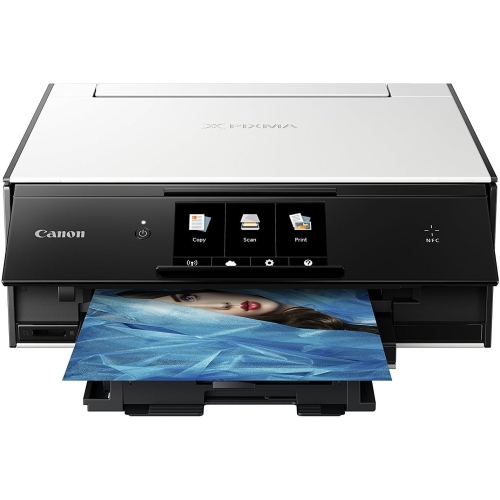
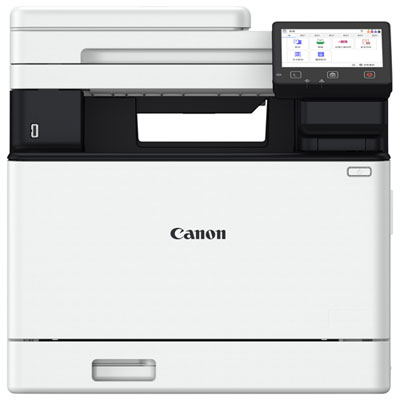
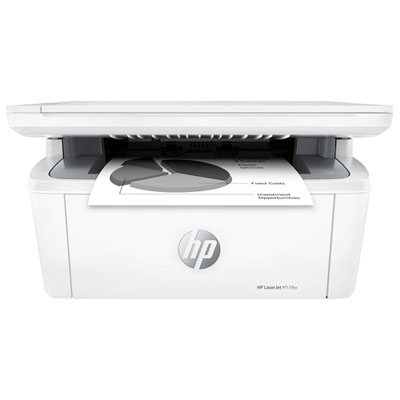
Your printing habits matter more than headline specifications
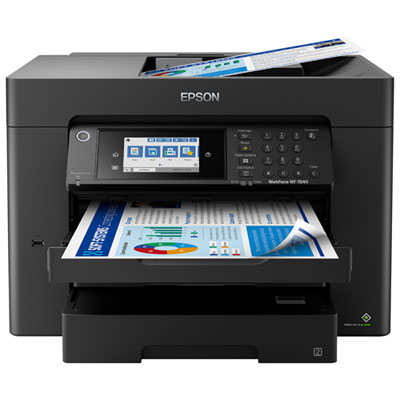
Personal printers make it convenient to turn digital files into documents, school assignments, photos, and other everyday essentials at home. The most suitable type depends on what gets printed, how often it is needed, and whether scanning and copying are part of the routine. Inkjet printers are versatile options for households that print a mixture of black-and-white text, colour graphics, and occasional photos. They apply liquid ink to paper, with results influenced by the ink system, paper quality, and selected print settings. Monochrome laser printers focus on black-and-white output and are well suited to text-heavy tasks such as printing course readings, forms, recipes, and reference documents. Their toner is a powder rather than a liquid, so it does not dry out between print jobs, although the printer still requires appropriate storage and maintenance. Colour laser printers extend that capability to charts, diagrams, and presentation materials, while photo-focused printers place greater emphasis on image reproduction and compatible photo media. Cartridge-based and refillable ink tank printers also differ in how their supplies are replaced and maintained, making the refill process and expected printing frequency useful considerations. For a student printing annotated lecture notes, crisp lettering and dependable paper handling may matter more than glossy photo output. A household making scrapbook pages or printing family pictures may place greater value on colour quality, borderless printing support, and a choice of paper finishes. Compact photo printers serve a more specialized purpose and may support only particular photo sizes rather than full-page documents. Portable personal printers suit people who need to print away from a fixed desk, though battery operation, charging requirements, and supported paper sizes vary by model. These differences make intended use more meaningful than a single headline specification: an everyday document printer and a dedicated photo printer can both produce excellent results while serving very different needs.
A personal printer also needs to fit the way a household works, from the devices sending files to the space where finished pages collect. Single-function printers concentrate on printing, while all-in-one printers combine printing with scanning and copying; some also include fax capability. A flatbed scanner accommodates individual sheets, photographs, and suitable book pages, while an automatic document feeder simplifies scanning or copying a stack of loose pages. Two-sided printing and two-sided scanning are separate features, so support for one does not necessarily mean support for the other. Automatic two-sided printing is especially useful for multipage readings and longer documents, while manual two-sided printing requires pages to be reloaded in the correct orientation. Wi-Fi connectivity can allow compatible computers, phones, and tablets to share a printer without a direct cable connection. Mobile printing depends on the printer’s supported software and the device being used, and some functions may require a manufacturer’s app or an account. Wi-Fi Direct, where supported, provides a connection between a device and the printer without using a household router. USB offers a direct connection to a compatible computer, although cable requirements and device ports need to match. Physical fit involves more than the dimensions of a closed printer. Input trays, output supports, scanner lids, rear paper feeds, and access panels can all require additional clearance. A shallow shelf may hold the main body but leave too little room to load paper or remove a jam. A stable desk or cabinet with access to a suitable electrical outlet gives the printer a practical home without blocking walkways. Noise and placement matter in shared rooms, particularly when printing overlaps with studying or video calls. Print speed figures offer a useful point of comparison, but the time before the first page appears and the complexity of a file also affect how quickly a small job finishes.
Paper compatibility and straightforward care help personal printers deliver consistent results over time. Standard letter-size paper suits many household documents, while legal-size sheets, envelopes, labels, cardstock, and photo paper require support for the relevant dimensions, thickness, and feed method. Inkjet and laser media are not always interchangeable: coatings and adhesives must be appropriate for the printing technology, particularly because laser printing uses heat to bond toner to the page. Photo paper can change the appearance of an image substantially, with glossy finishes emphasizing contrast and matte finishes reducing reflections. Borderless printing is limited to supported paper sizes and settings, and a high resolution figure alone does not guarantee accurate colour or fine photographic detail. For everyday text, the correct paper setting and a clean, well-maintained printer often matter more than selecting the highest quality mode for every page. Paper stored flat in a dry location is less likely to curl or feed unevenly, and correctly adjusted tray guides help sheets enter straight. Inkjet maintenance may include nozzle checks and printhead cleaning according to the manufacturer’s instructions, especially after a period without printing. Laser printers may eventually need replacement imaging components or other maintenance parts in addition to toner, depending on their design. Accessible supply compartments, clearly marked controls, and understandable status messages can make regular upkeep easier. Durability also depends on using the printer within its recommended print volume rather than treating a maximum duty cycle as an everyday target. For occasional household use, predictable operation and simple maintenance can be more useful than a large paper tray or advanced office features. Within the broader category of Paper Printers, personal models balance these practical details with the needs of an individual or household. A good fit handles the pages that matter most, connects reliably to the devices already in use, and leaves enough room for everyday life around it.
Top selling and popular products
-
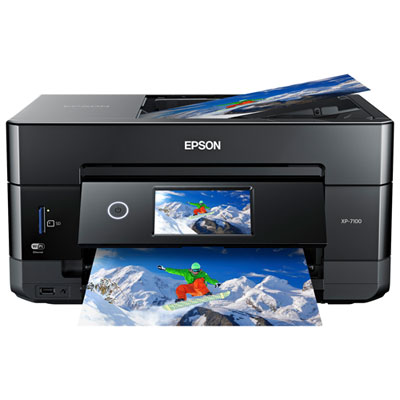 Your price for this item is $249.99
-
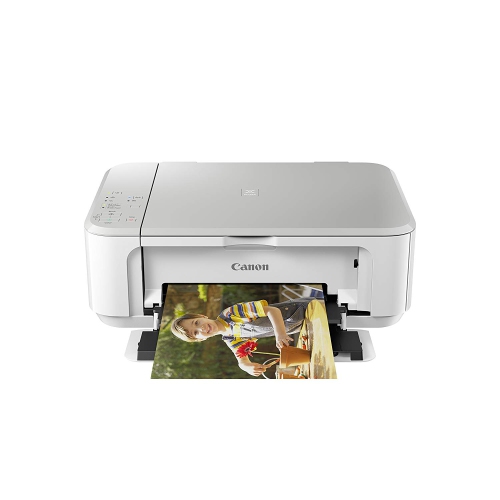 Your price for this item is $173.68
-
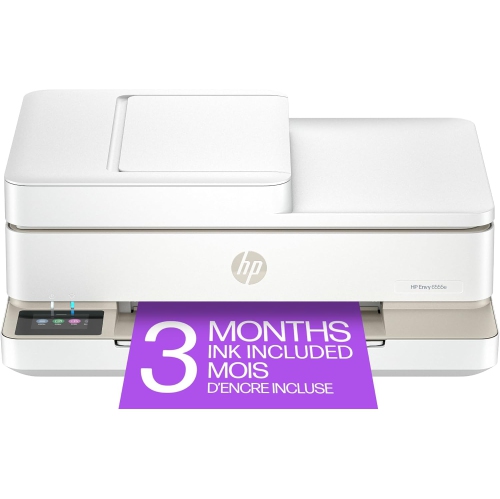 Your price for this item is $139.99
-
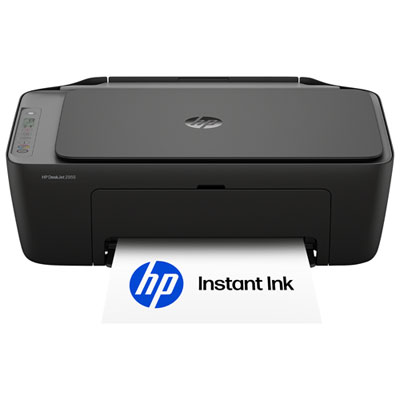 Your price for this item is $49.99
-
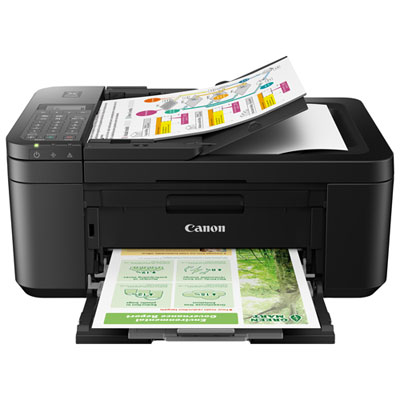 Your price for this item is $69.99
-
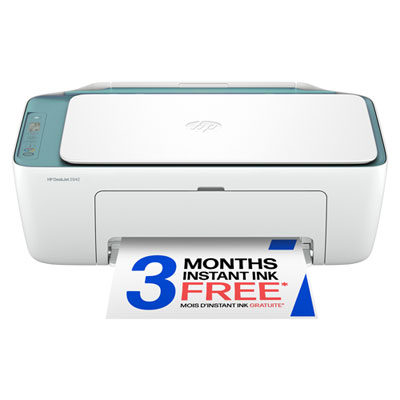 Your price for this item is $49.95
-
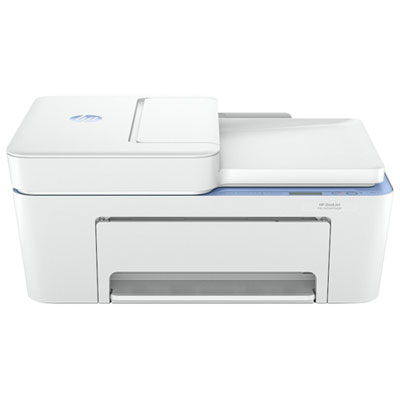 Your price for this item is $49.99
-
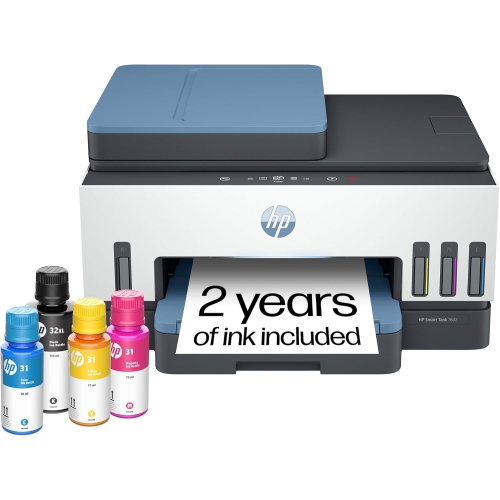 Your price for this item is $569.89
Discover more categories related to Personal Printers
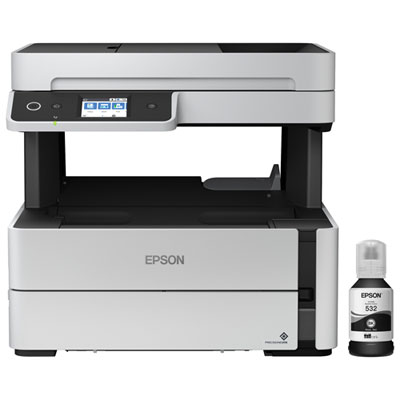
Top Collections:
Best Black Friday Deals This Year, Best Black Friday Deals On Electronics, Kindle Devices, Dyson Airwrap, Best Black Friday Deals On Apple Products, Best Cameras for Sports Photography, Portable Snow Blowers, PS5 Pro Consoles, Pokemon Centers, Candle Warmer Lights
Some products may be subject to Environmental Handling Fees
(EHF) depending on your province.
Learn more about EHFs.