Poe Network Switches
Looking to enhance your network infrastructure with reliable and efficient connectivity solutions? Explore our selection of PoE network switches designed to streamline data and power transmission in one seamless package. Whether you're setting up a small office network or upgrading your home setup, PoE switches offer a convenient and cost-effective way to power your devices while ensuring smooth communication across your network. Discover the benefits of PoE technology and find the perfect switch to meet your networking needs.
Sort











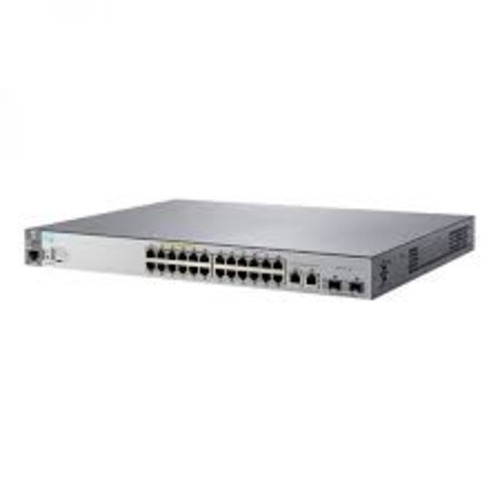

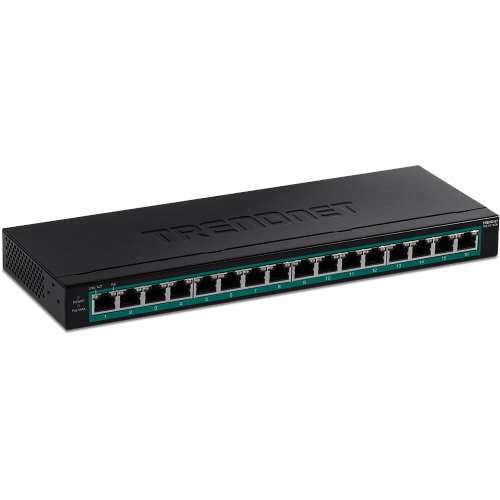
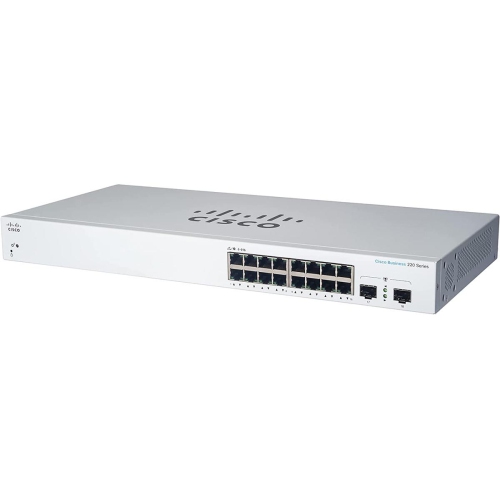
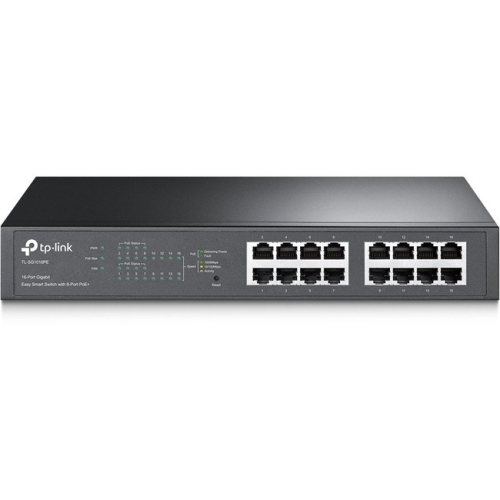

Power, ports and planning for connected devices
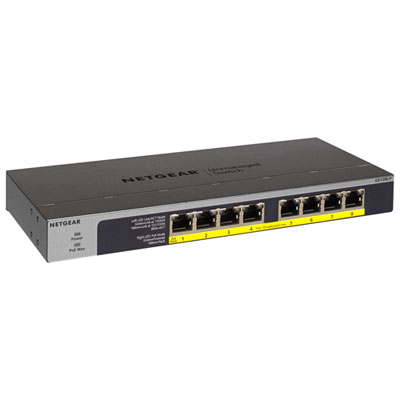
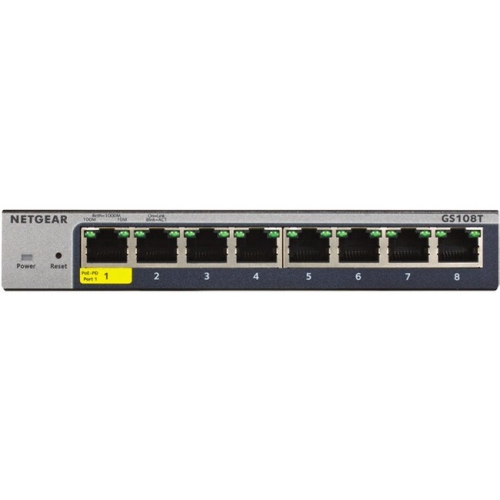
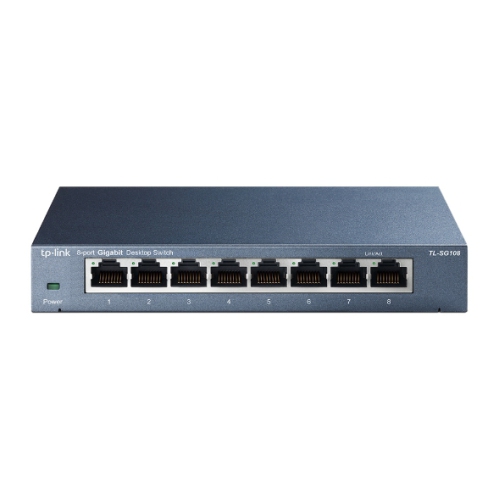
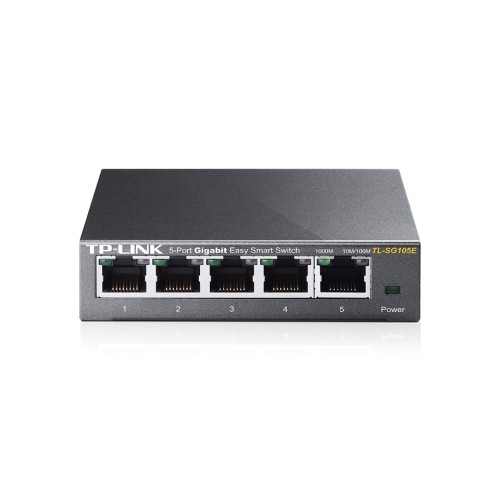
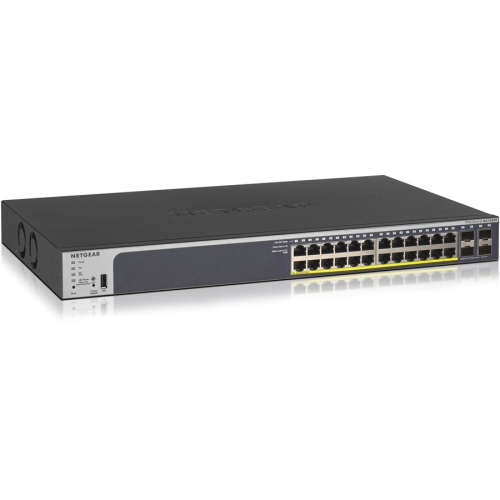
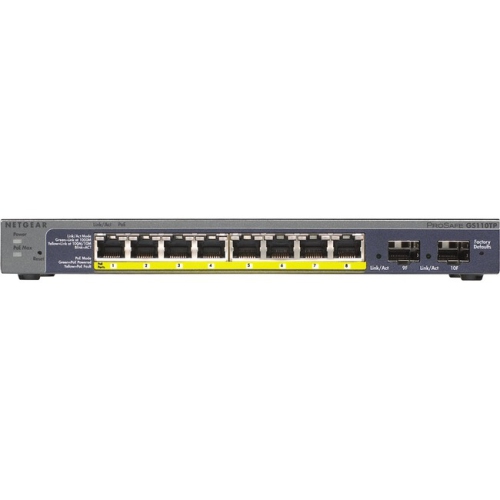
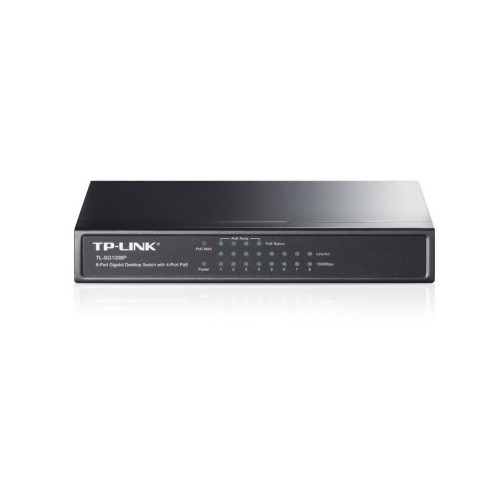
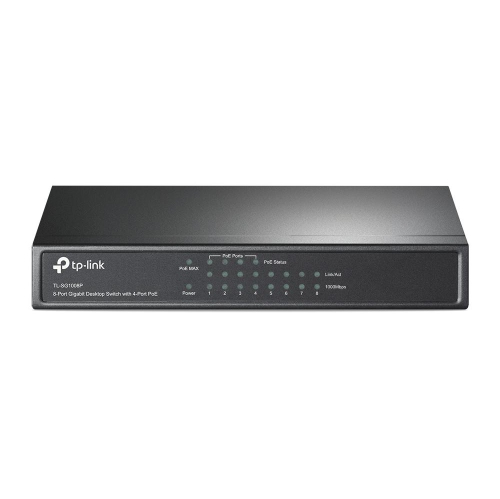
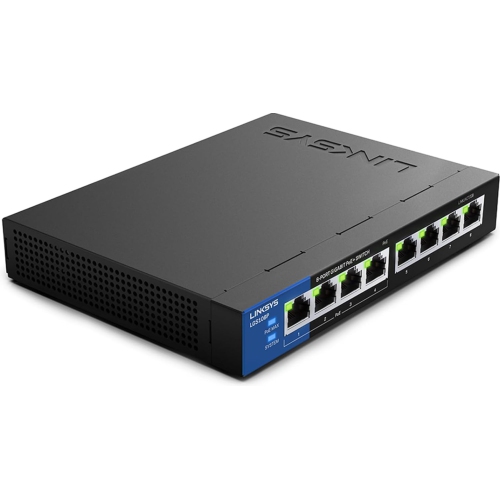
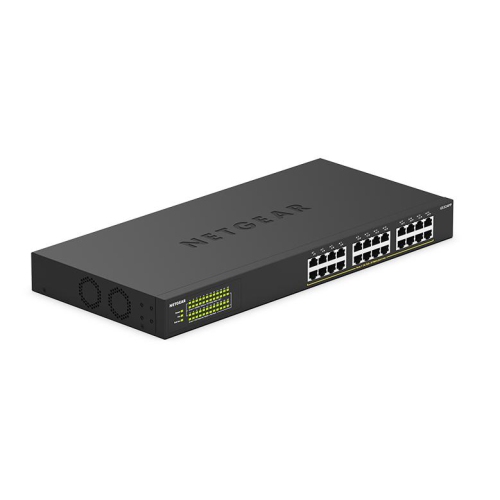
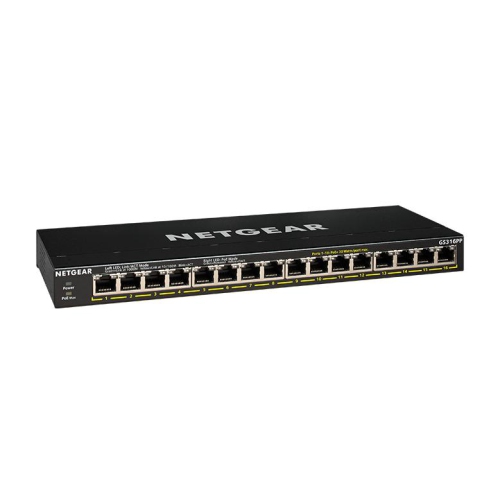
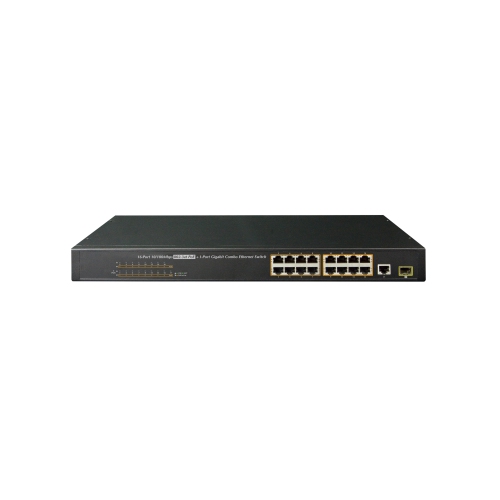
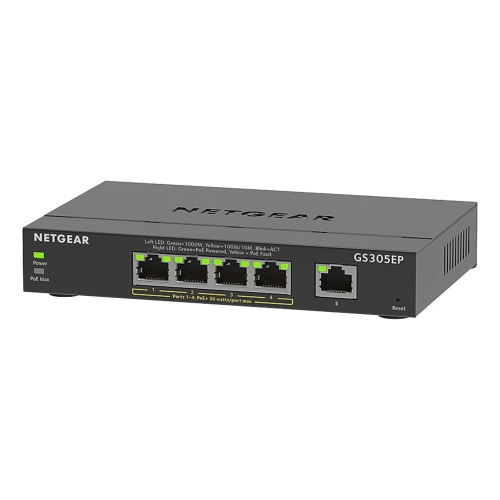
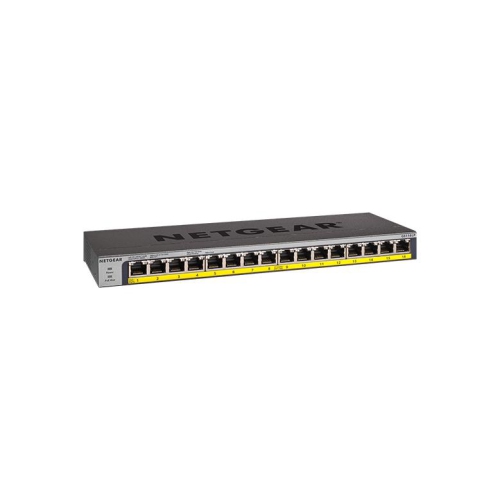
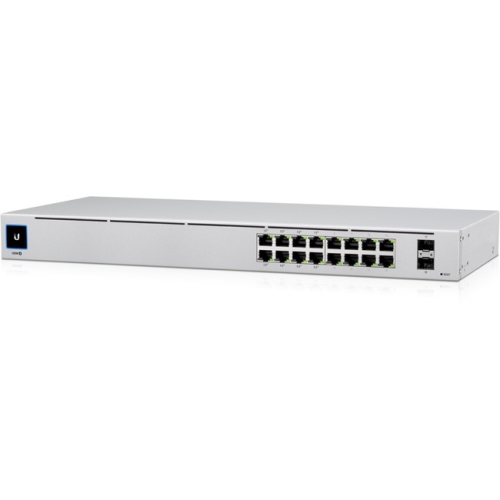
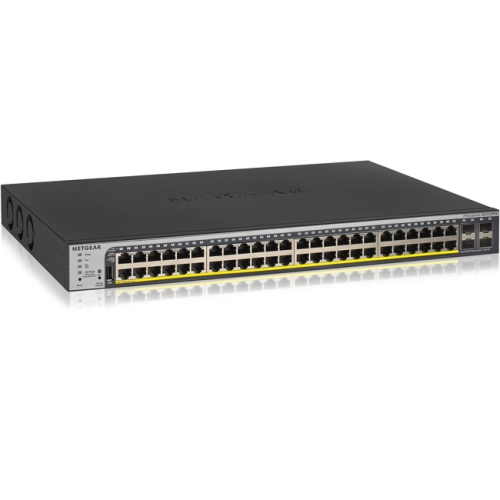
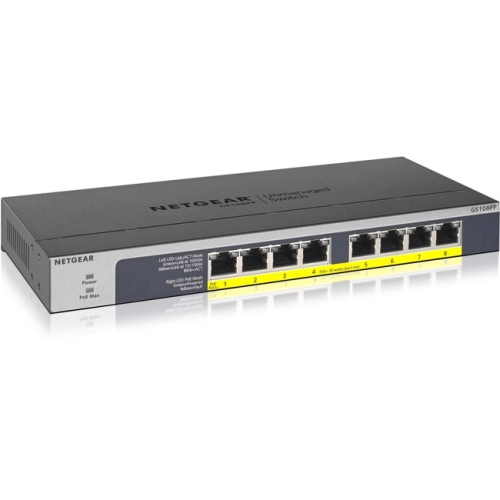
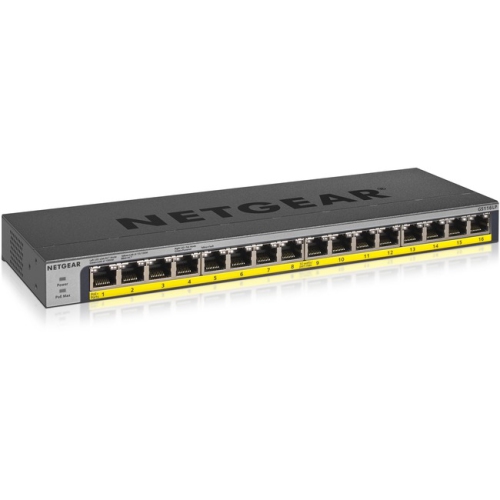
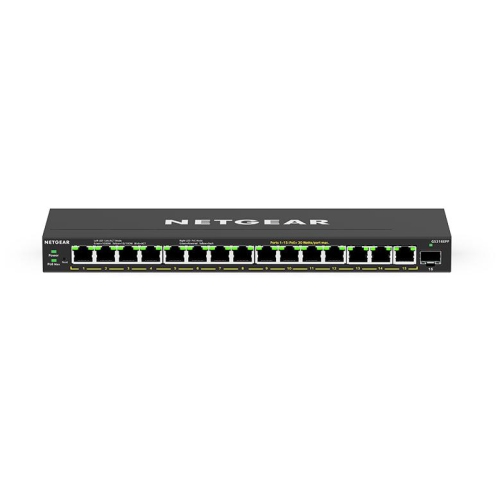
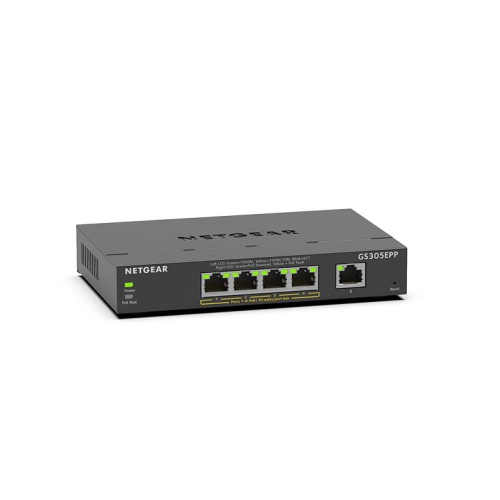
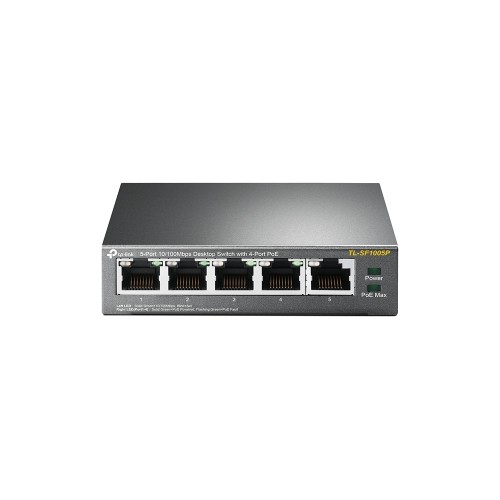
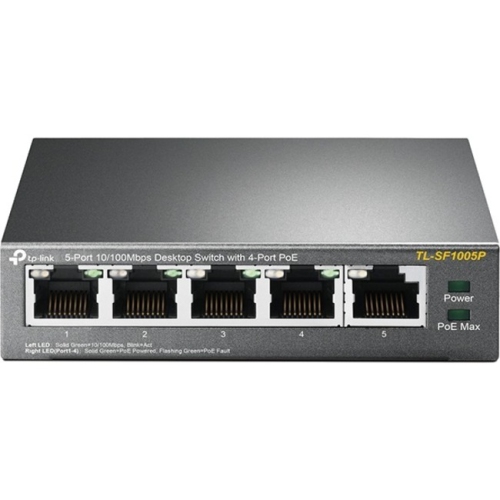
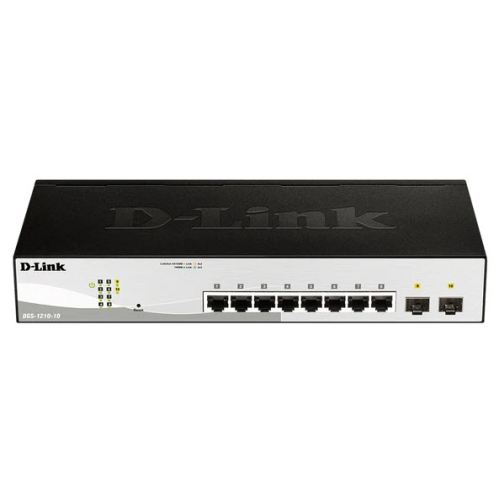
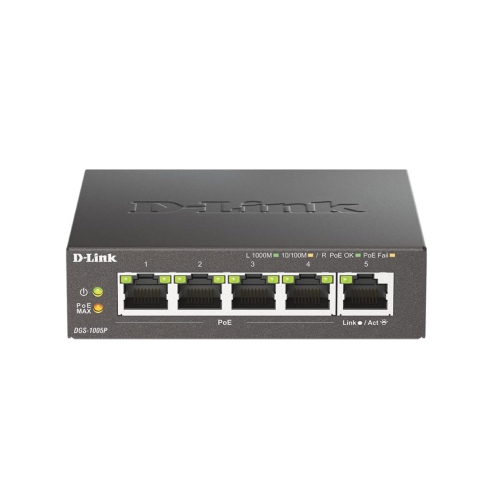
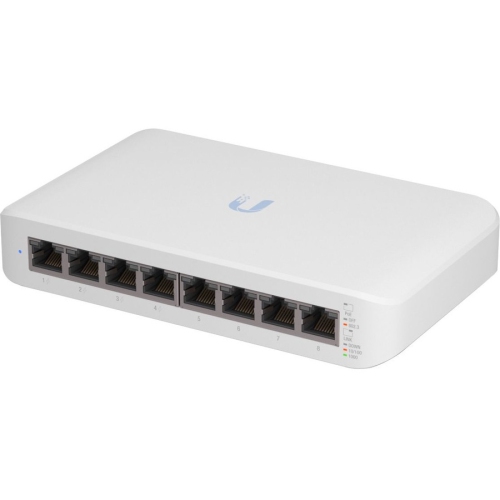
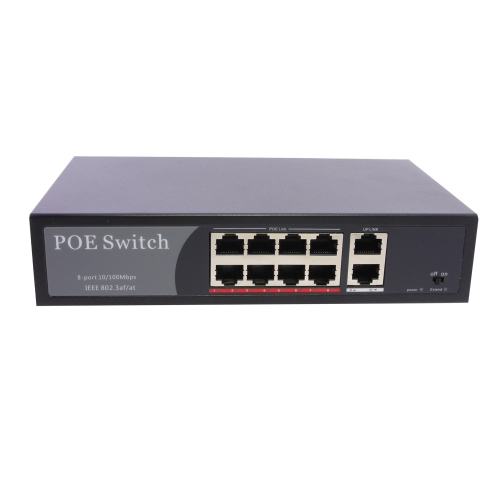
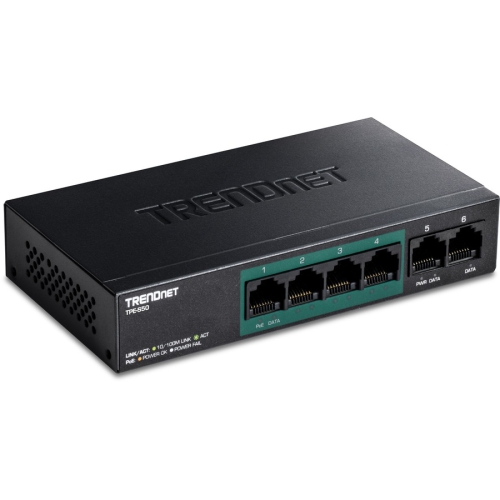
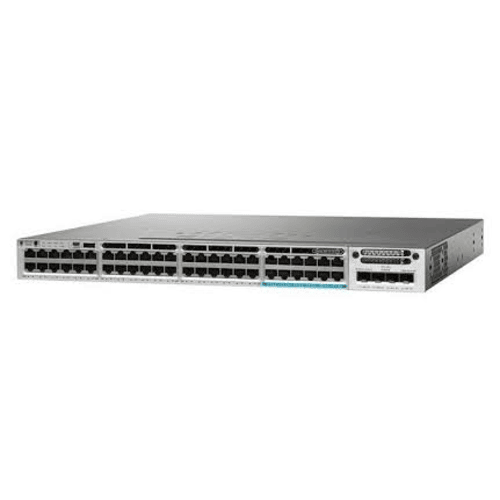
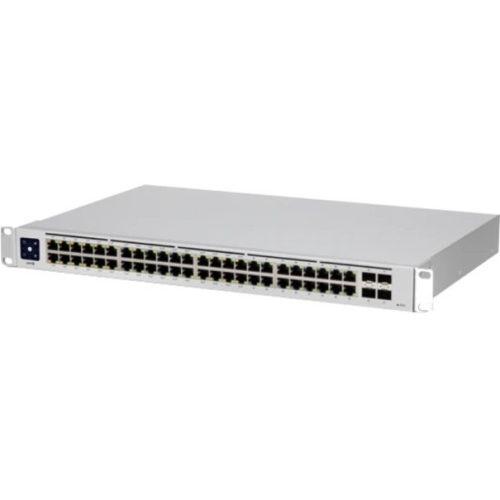
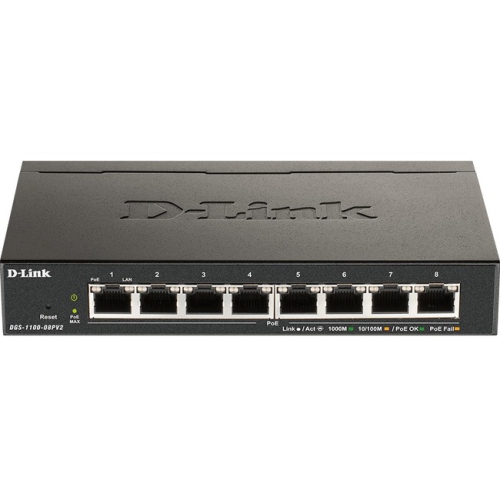
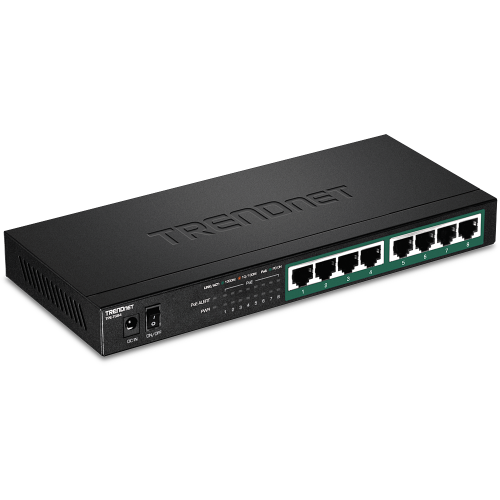
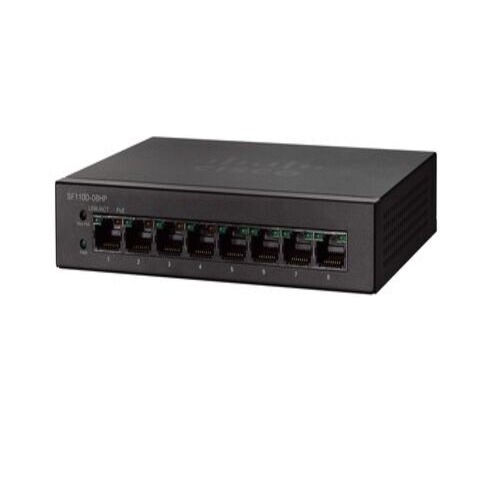
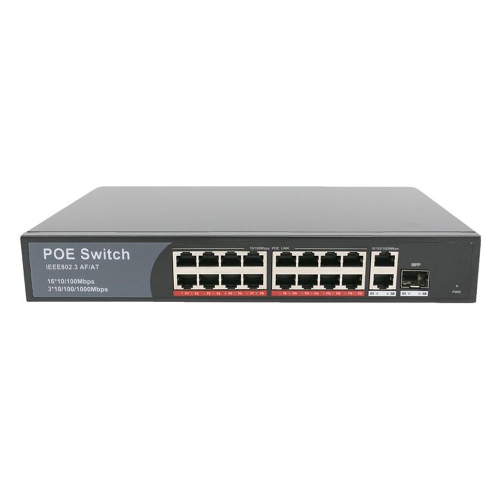
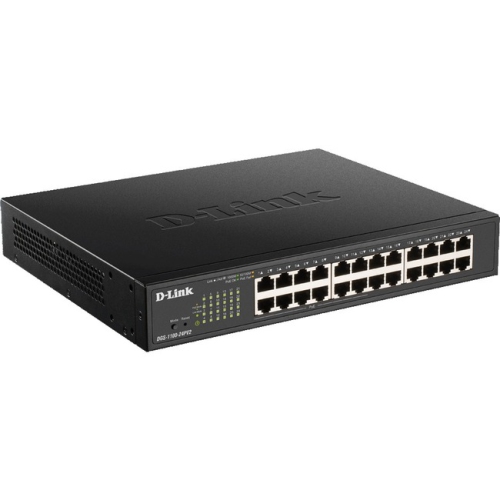
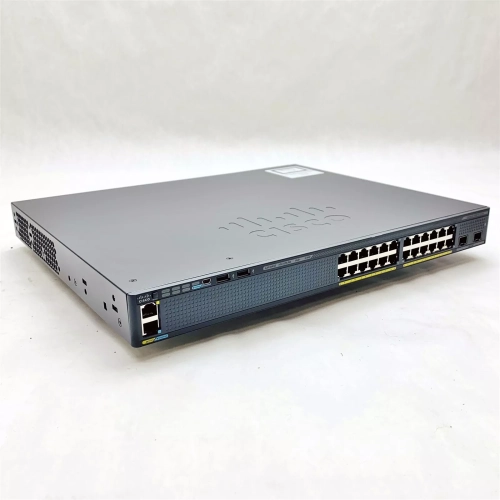
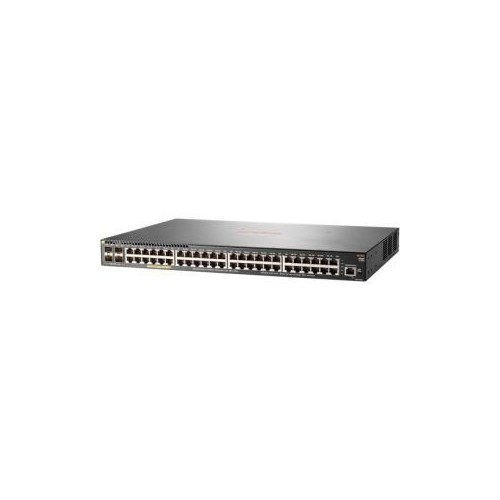
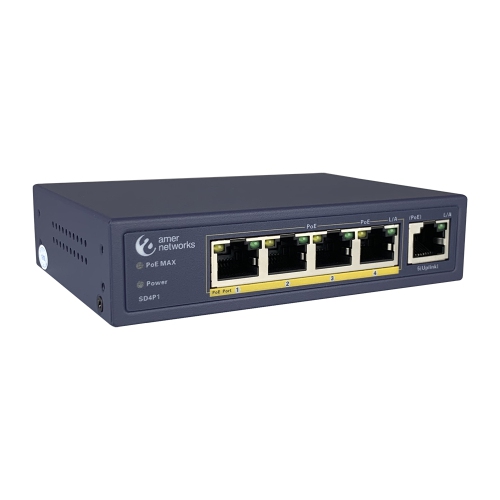
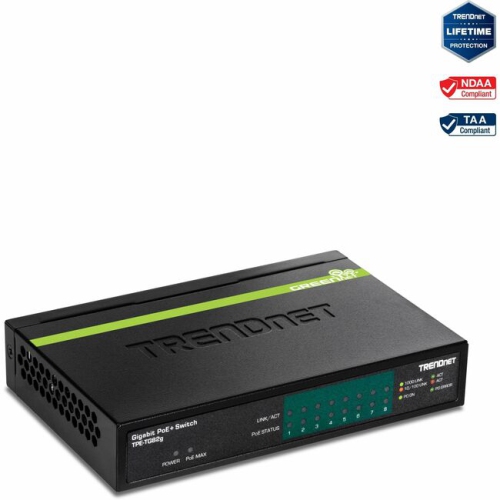
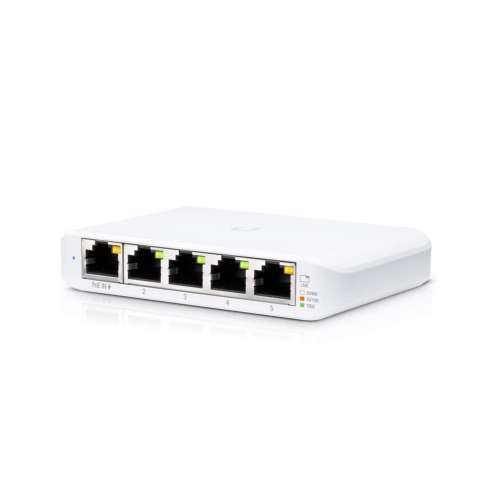
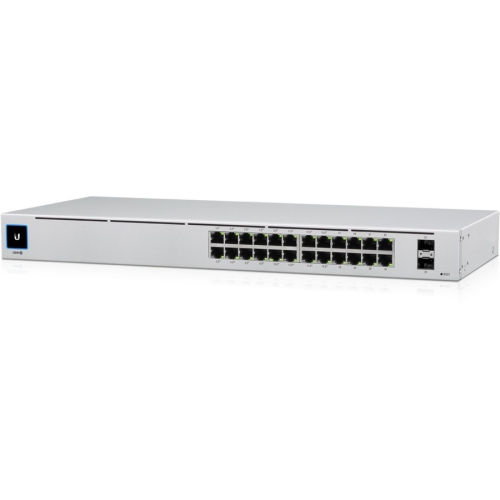
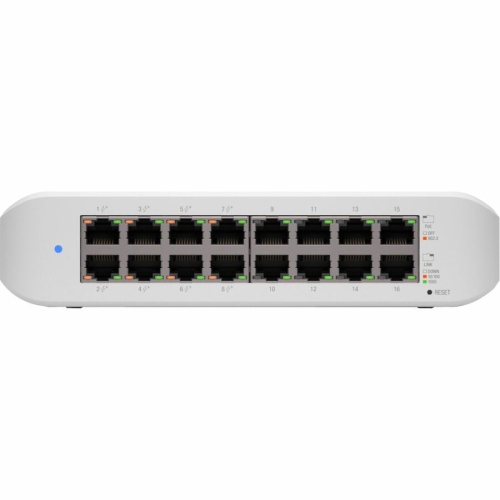
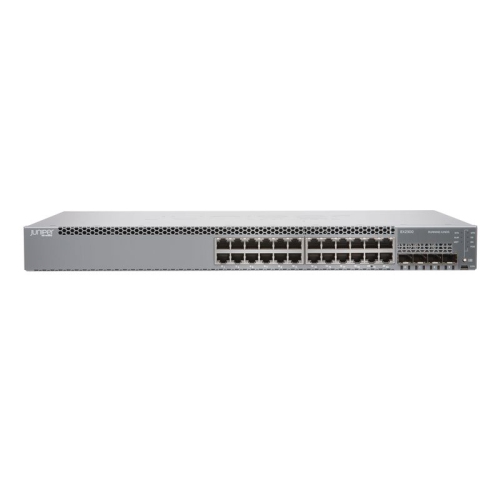
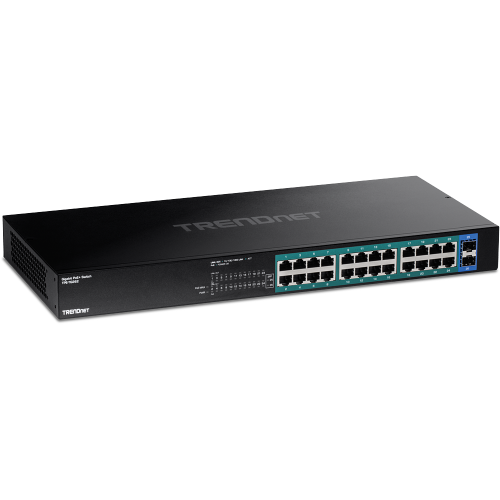
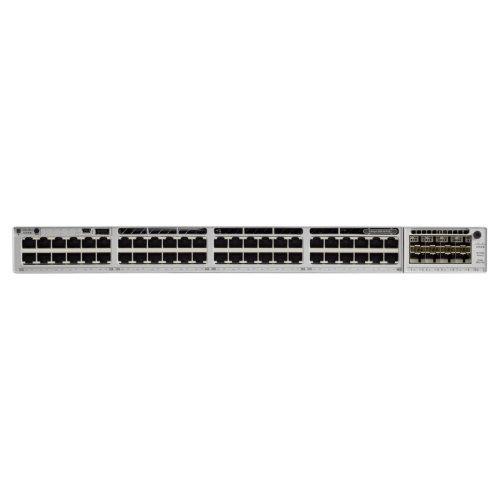
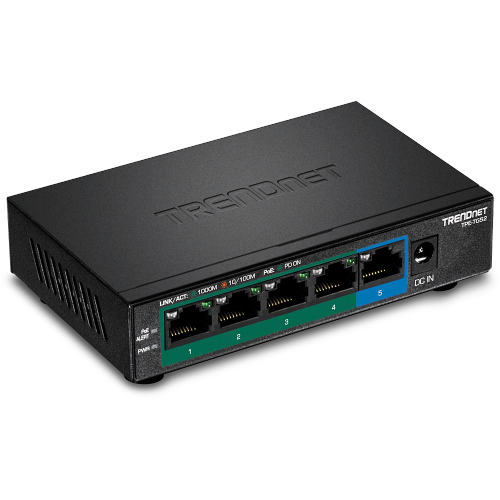
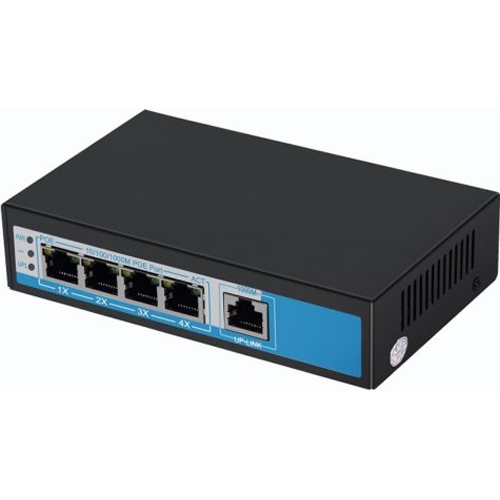
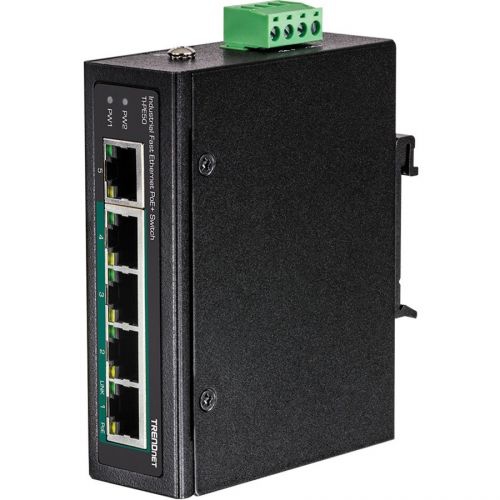
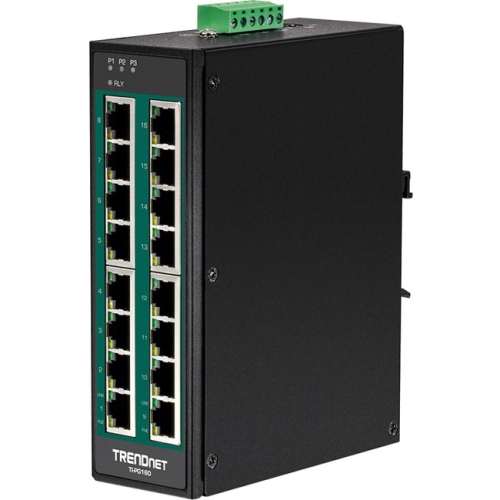
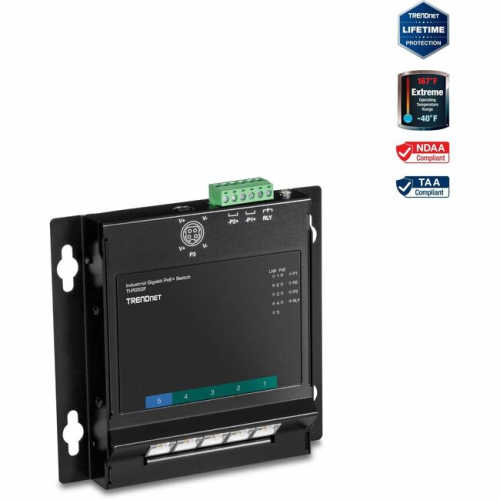
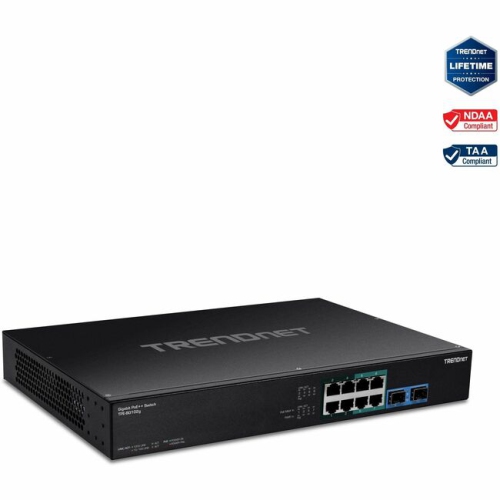
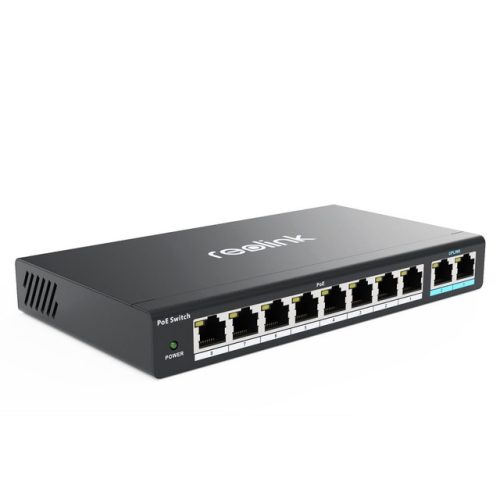
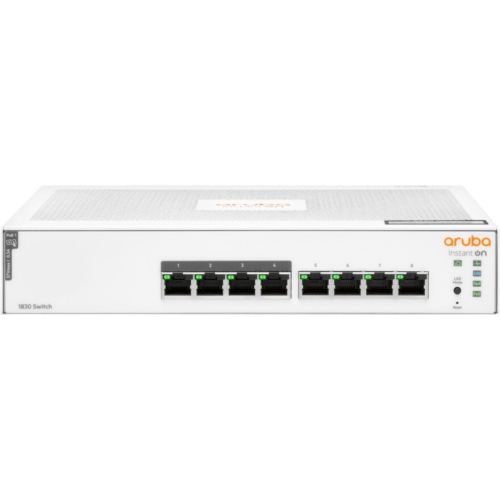
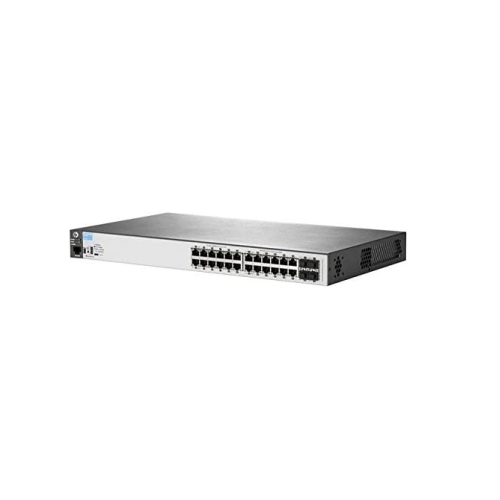
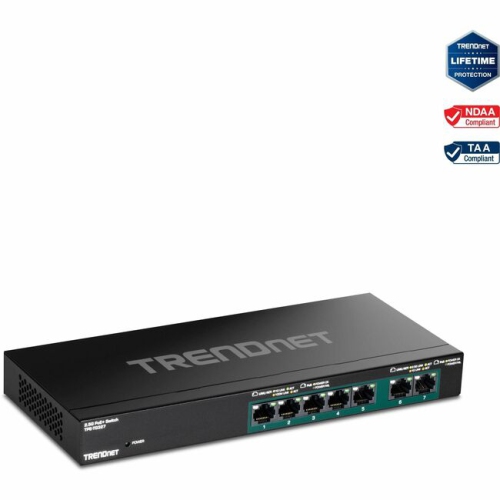
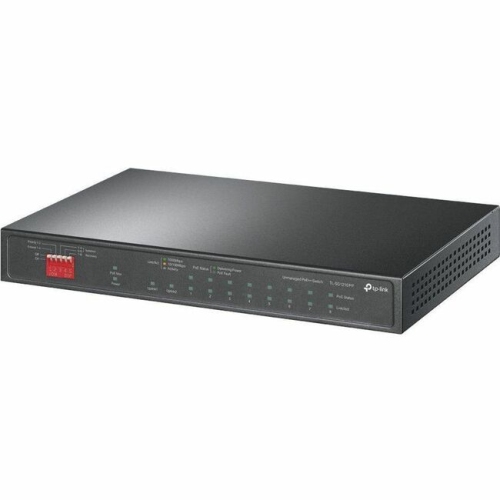
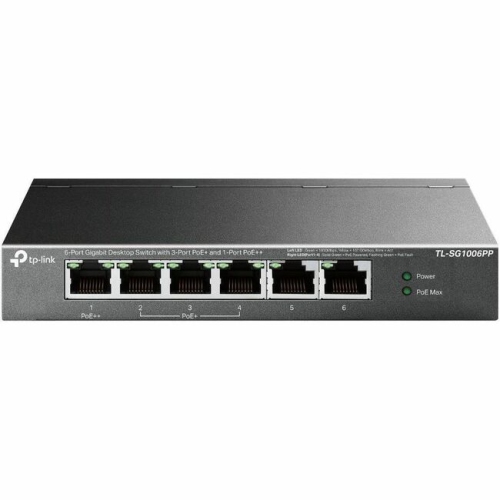
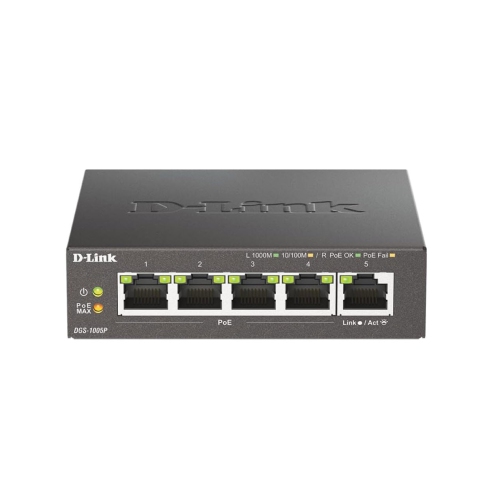
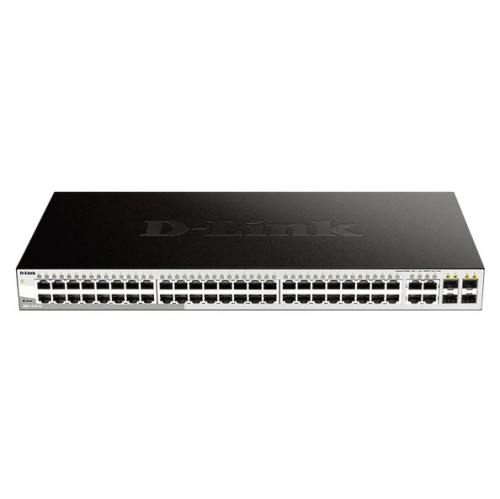
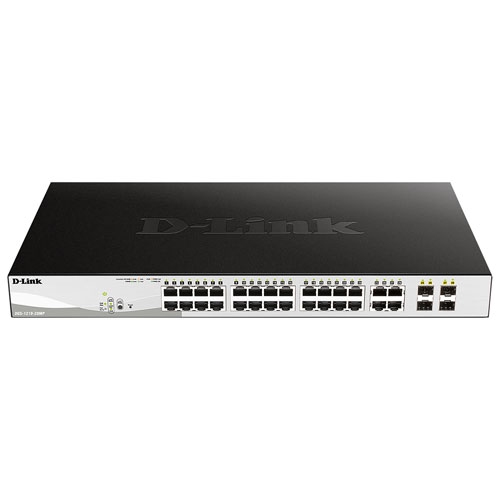
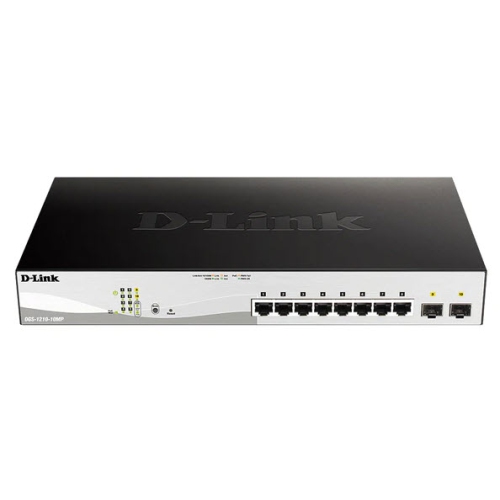
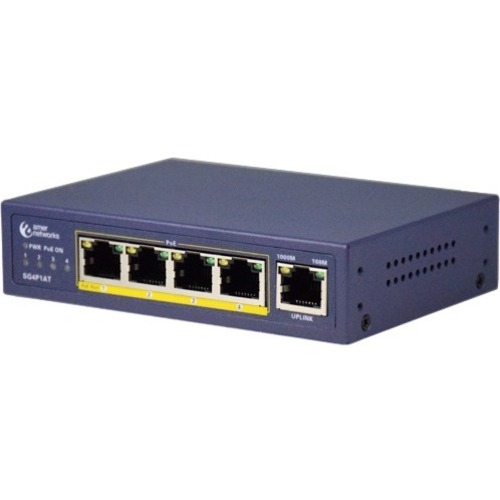
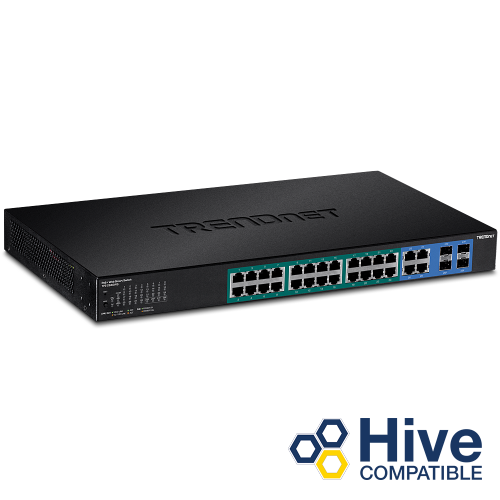
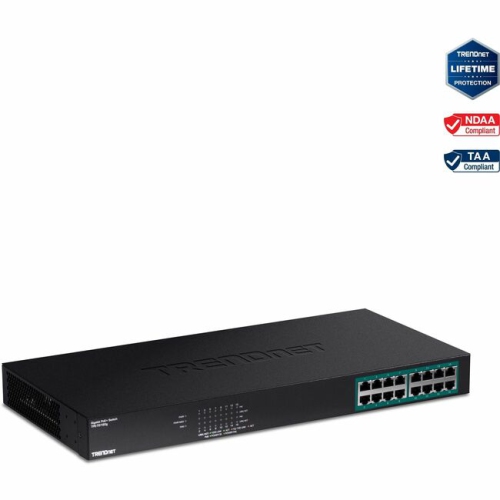
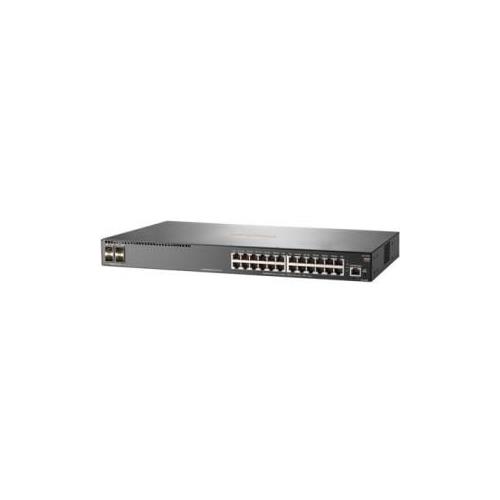
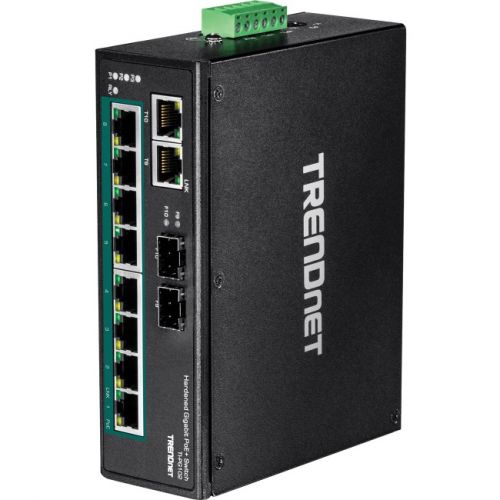
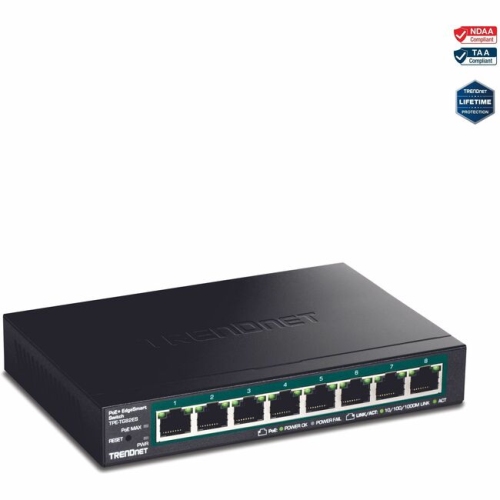
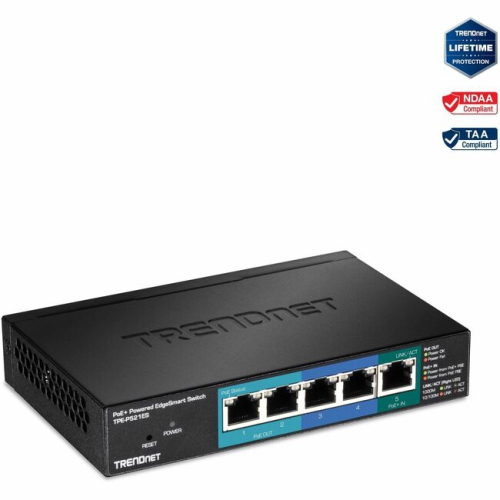
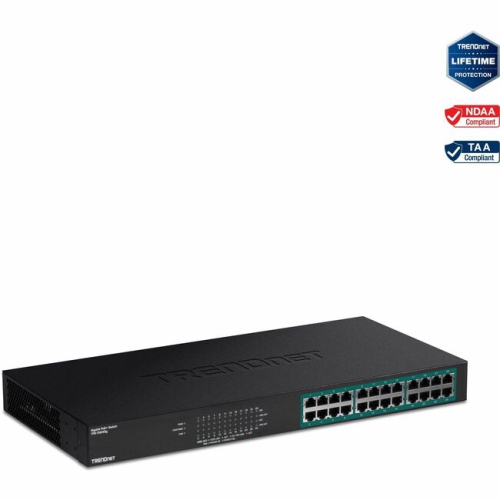
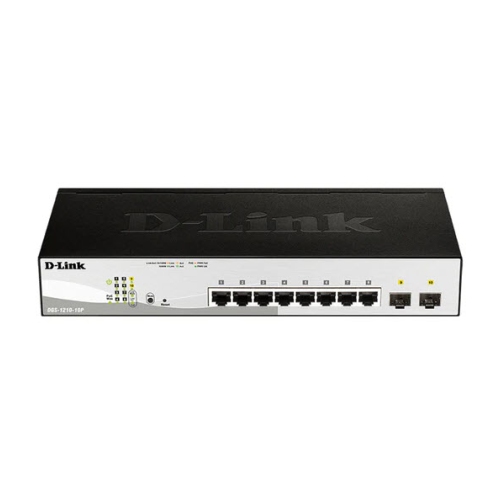
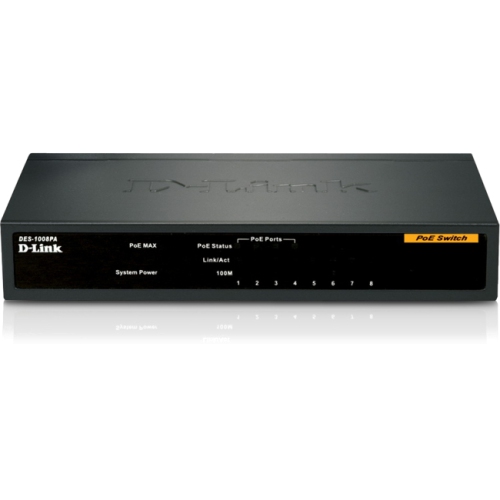
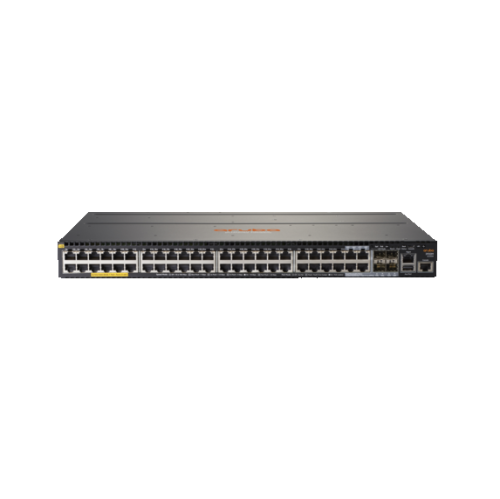
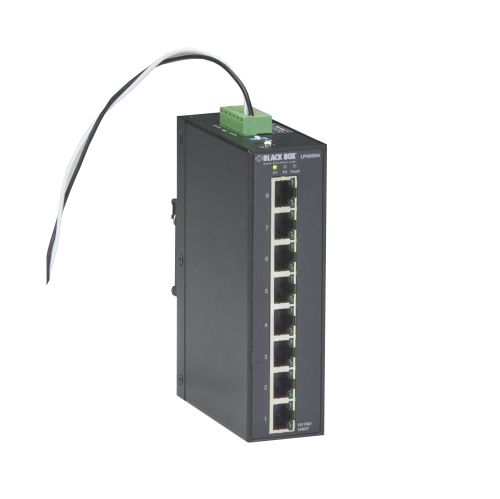
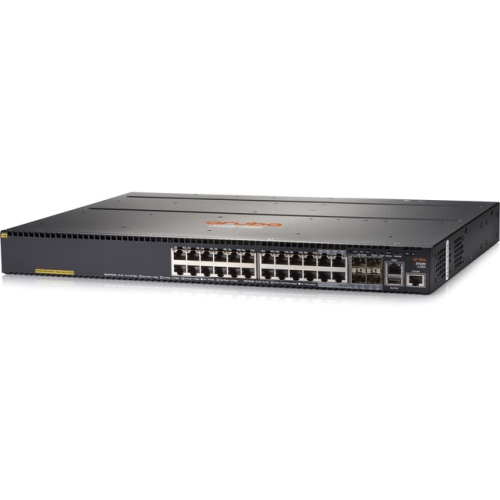
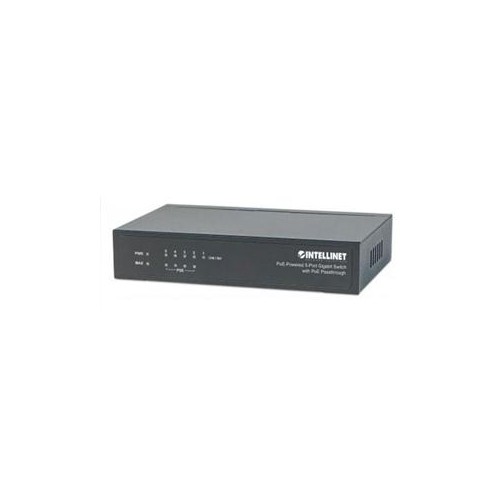
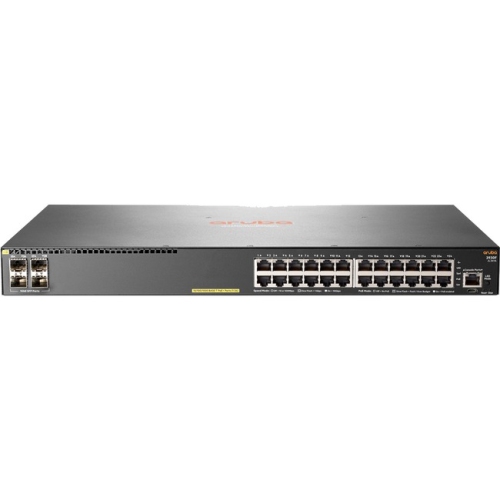
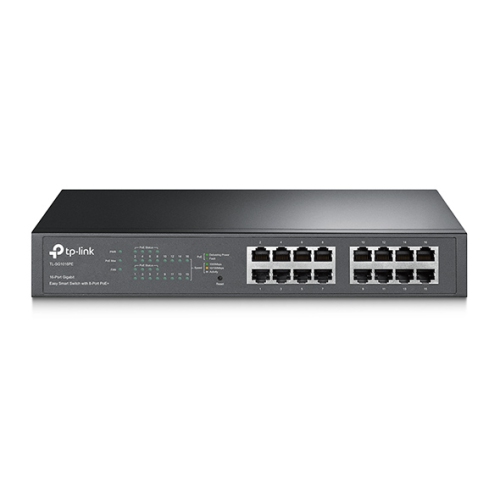
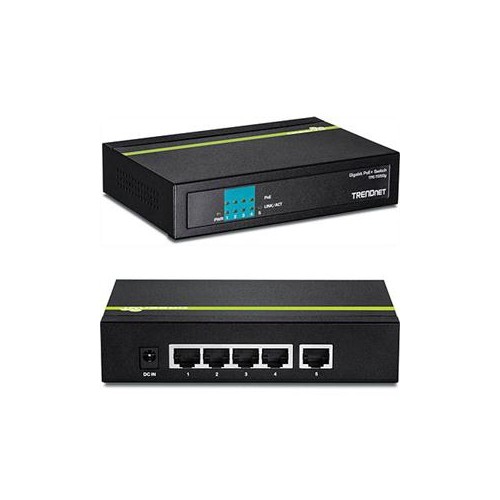
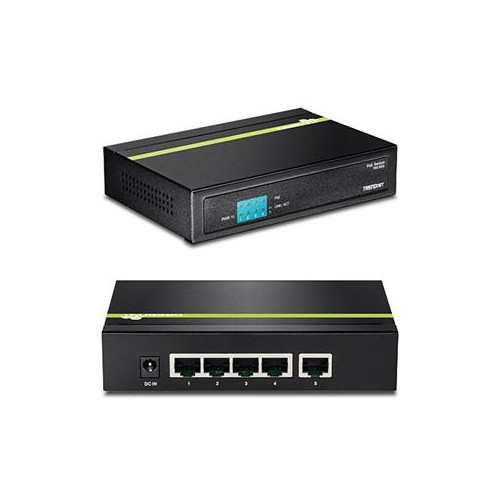
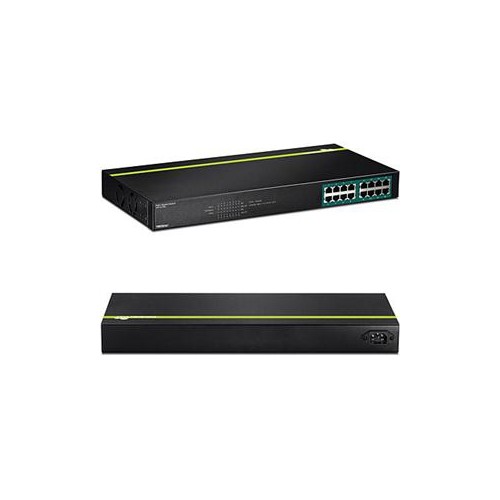
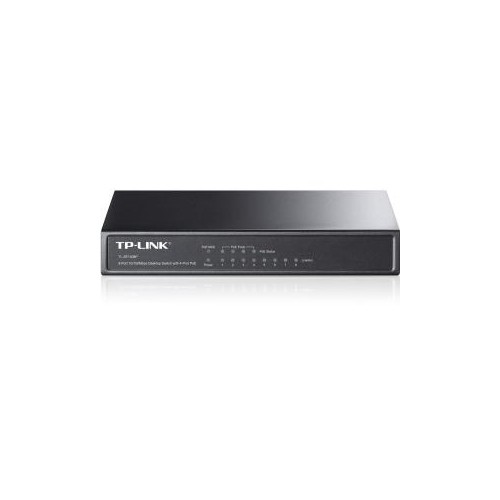
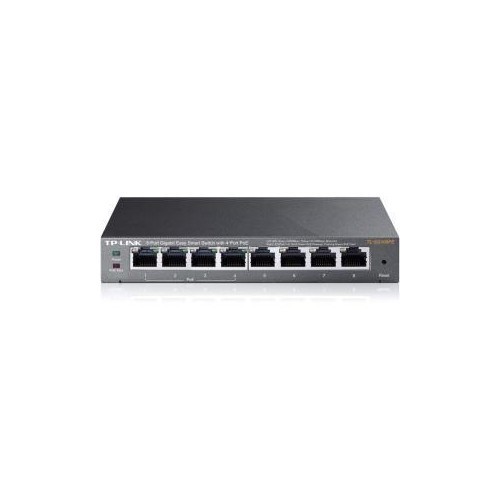
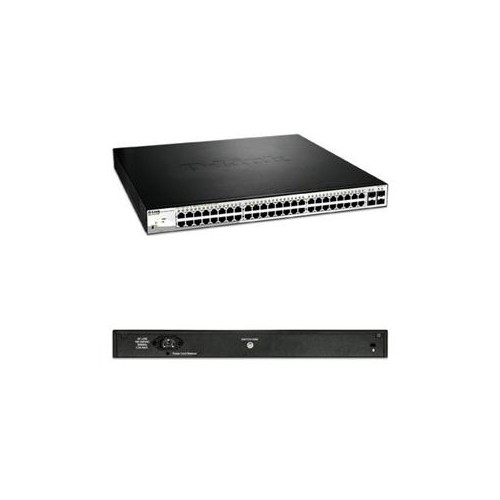
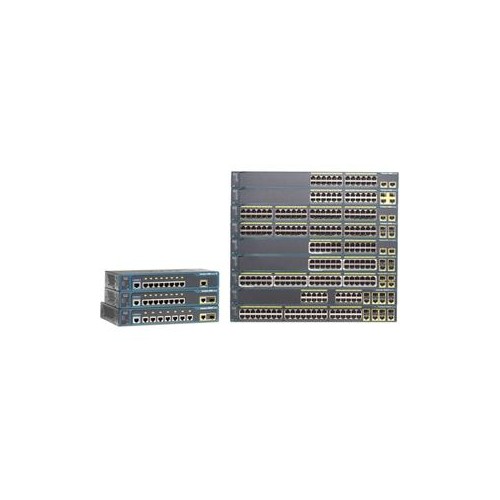
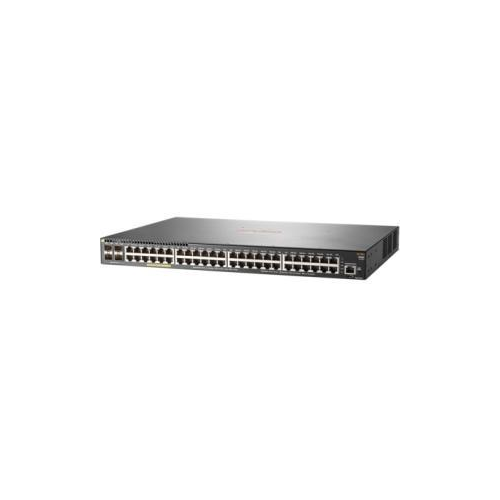
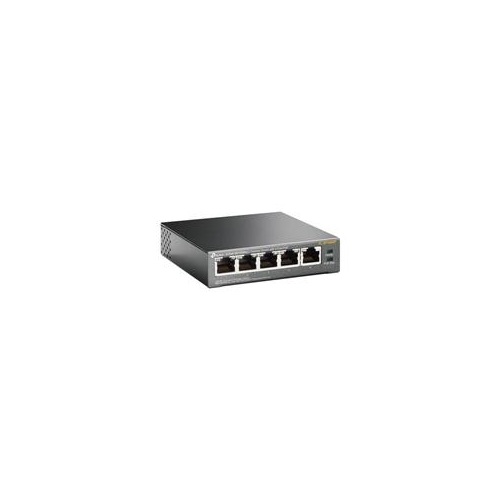
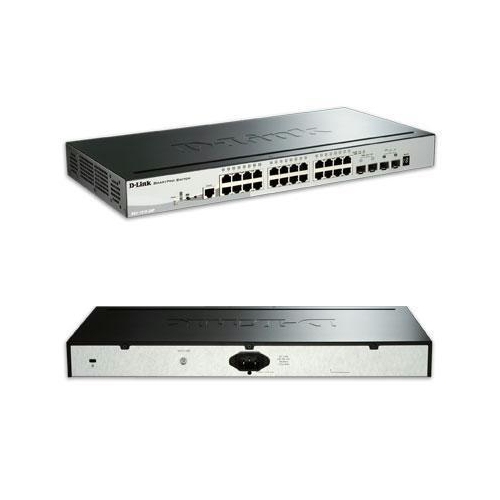
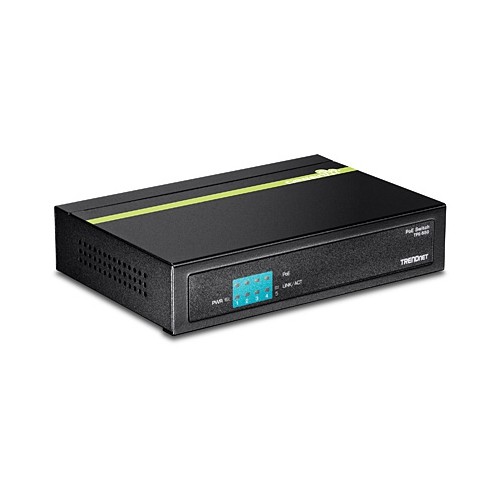
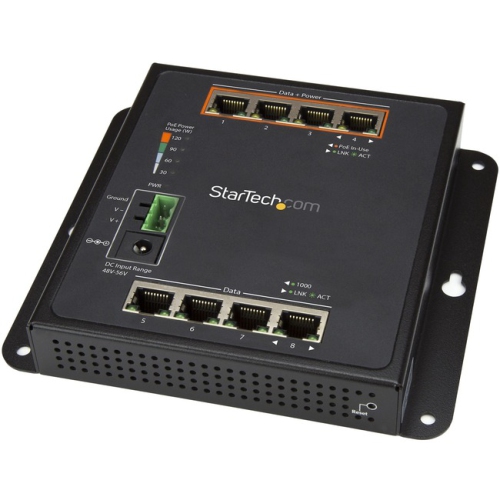
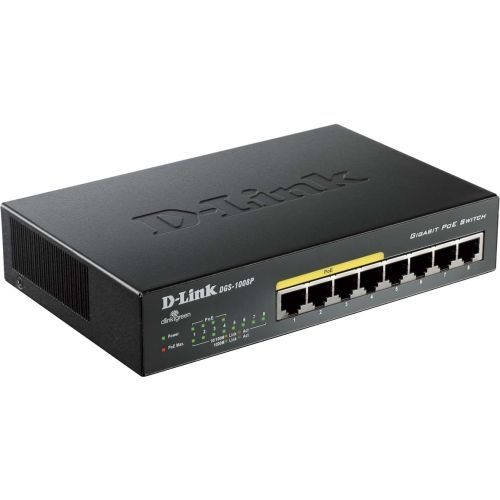
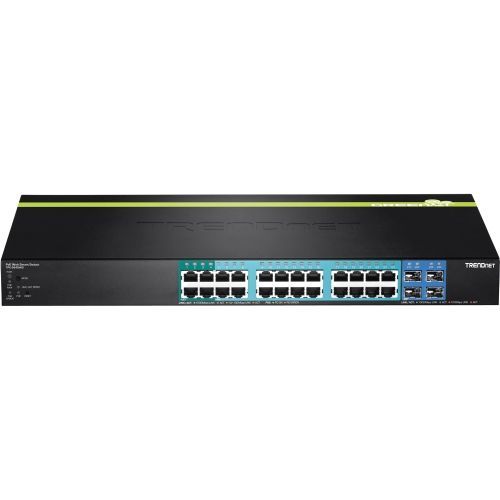
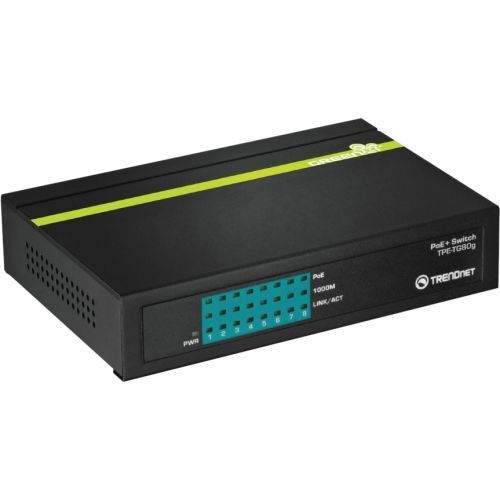
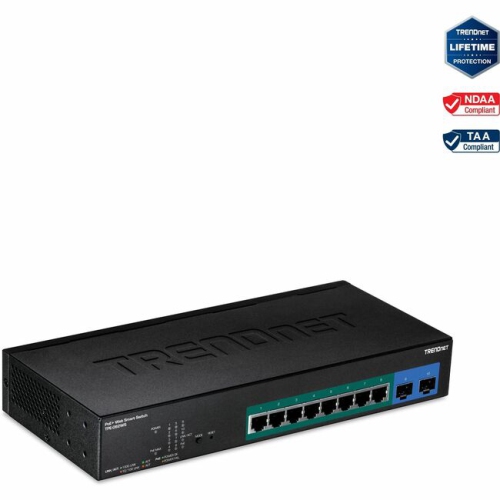
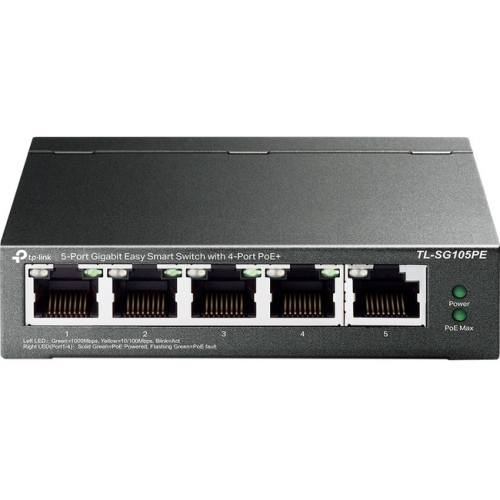
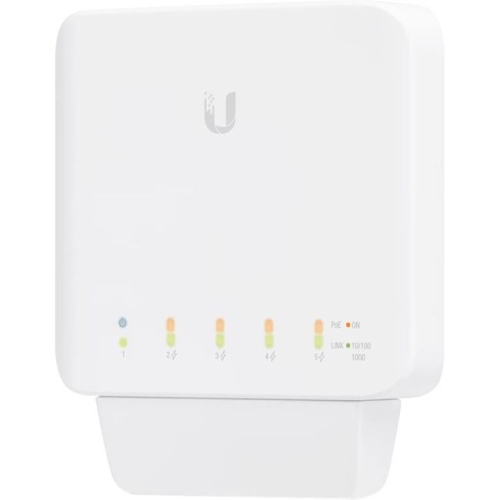
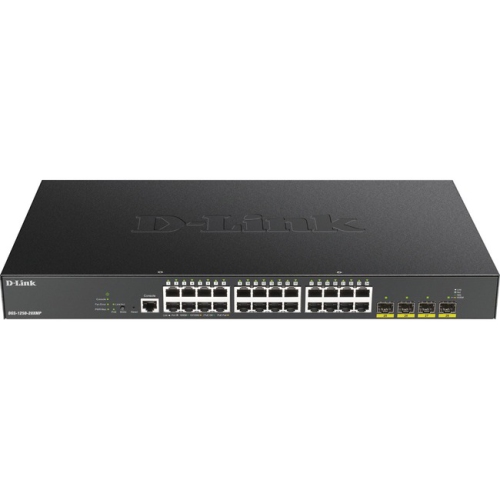
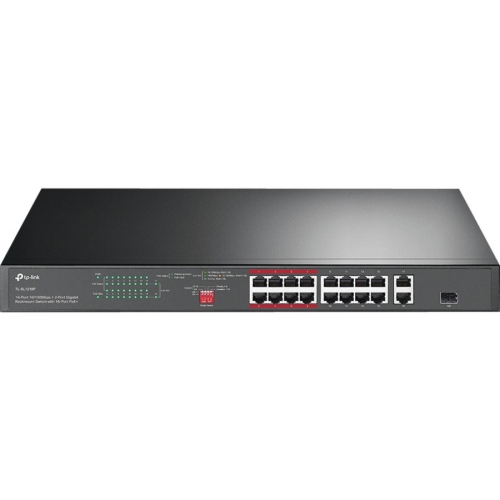
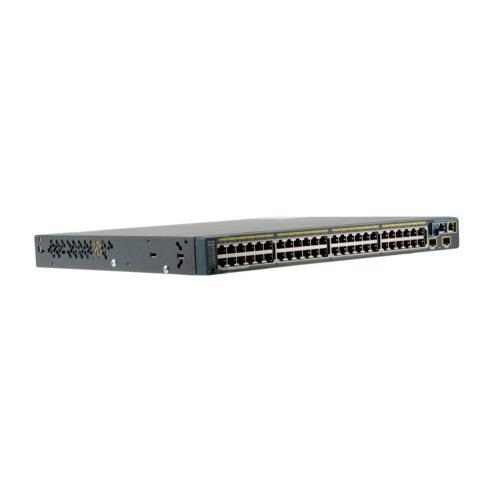
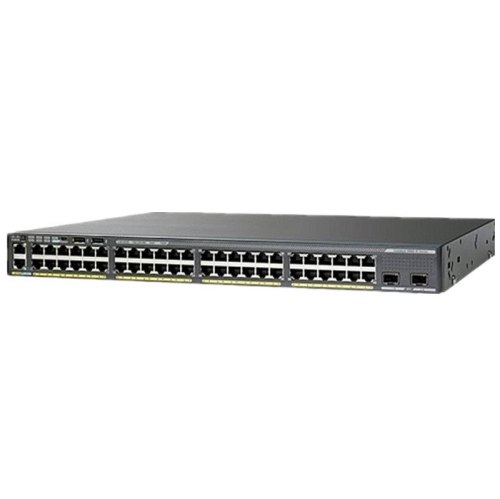
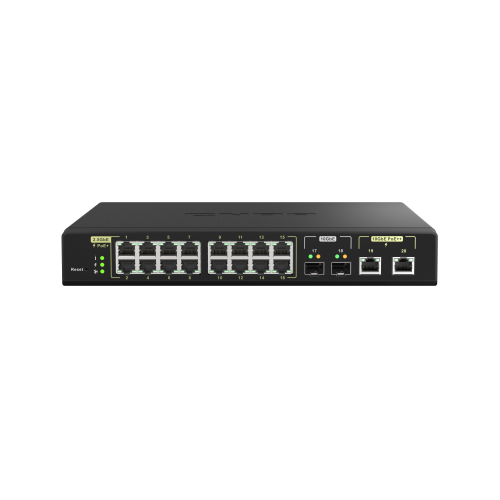
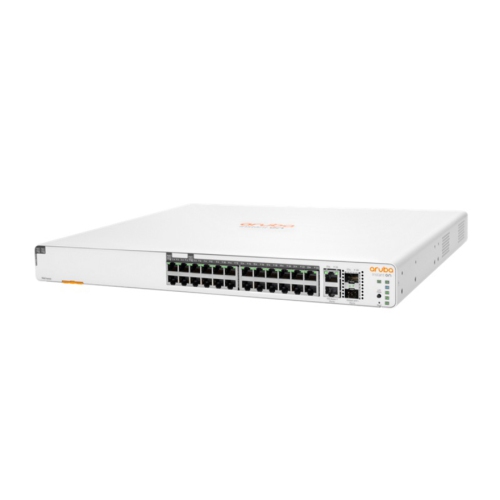
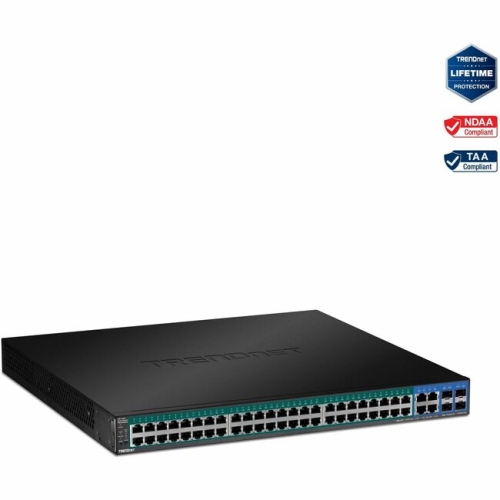
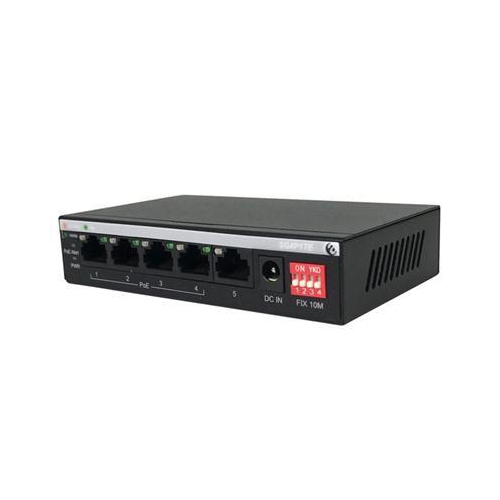
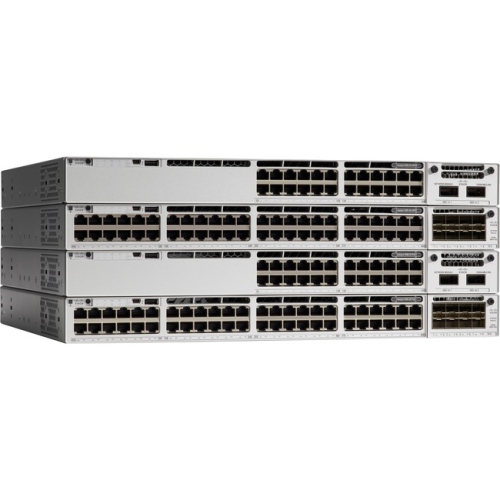
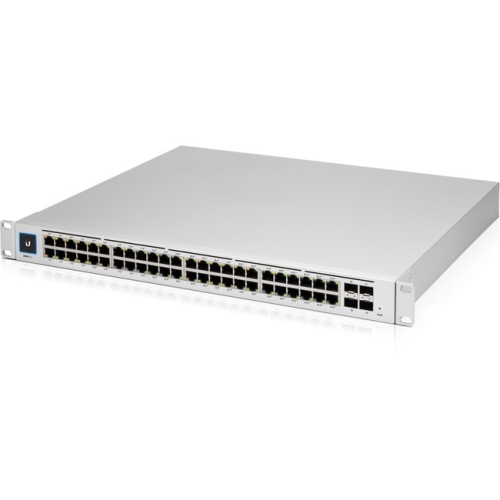
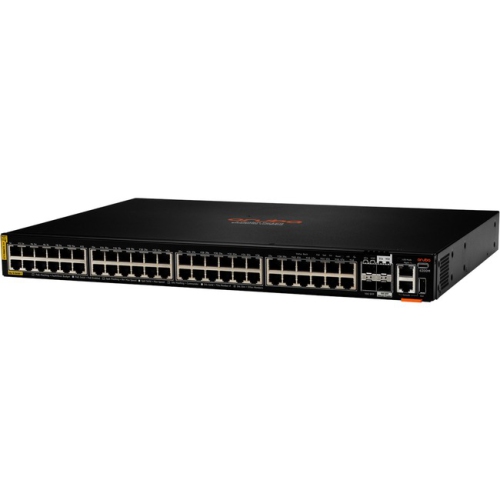
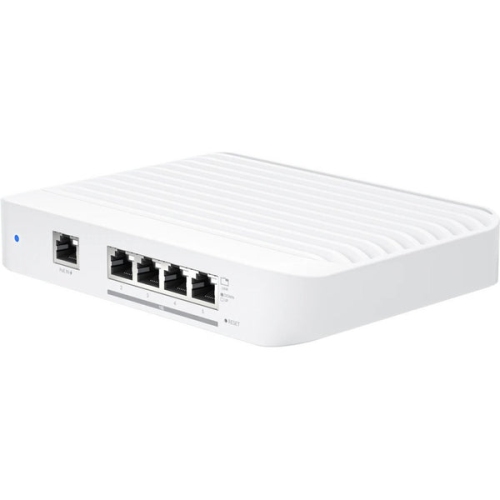
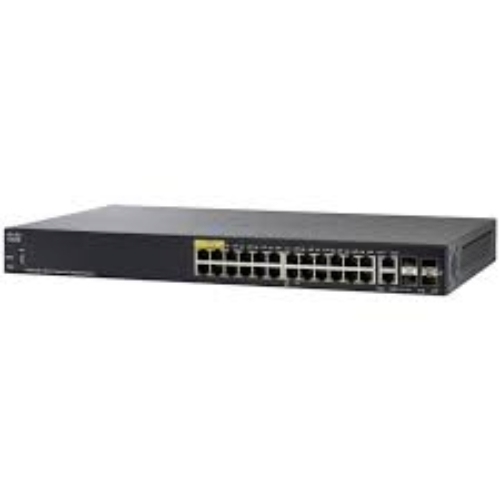
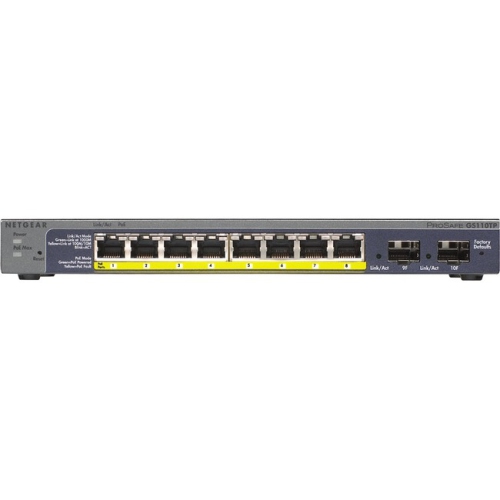
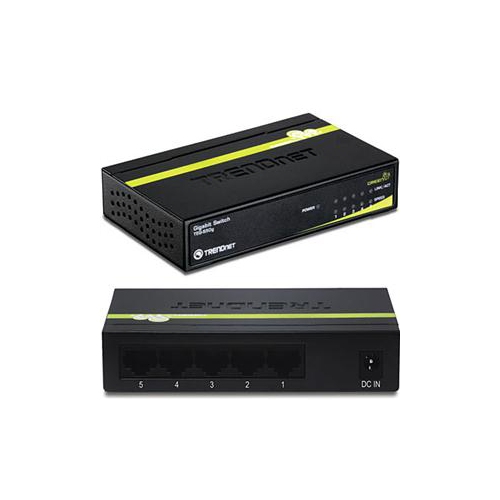
Power over Ethernet (PoE) switches make it easier to connect compatible network devices by sending data and electrical power through the same Ethernet cable. Instead of running one cable to a network connection and another to a nearby wall outlet, a PoE setup can support devices such as wireless access points, IP security cameras, VoIP desk phones, intercoms and other network-connected equipment from a central switch. This can be especially useful when a device needs to be placed in a ceiling, hallway, reception area, workshop or outdoor enclosure where a convenient power outlet may not be available. A PoE network switch typically connects to your router through one port, while the remaining ports connect to powered devices. For example, a five-port model generally leaves four ports for endpoints once the router connection is in use, while an eight-, 16- or 24-port model can accommodate larger installations and room for future additions. When planning a network, count every device that needs a wired connection, then consider whether you may add another camera, access point or phone later. A little extra capacity can make the installation easier to expand without replacing the switch. For wired performance across computers, access points, cameras and other connected equipment, explore POE Gigabit Switches.
The most important specifications to compare are port count, network speed and the switch’s total power budget. Gigabit Ethernet supports data speeds of up to 1,000 Mbps on compatible connections, helping move video feeds, large files and busy network traffic smoothly. PoE standards also determine how much power can be delivered. Standard PoE, commonly associated with IEEE 802.3af, can provide up to 15.4 watts from the switch port, while PoE+ or IEEE 802.3at can provide up to 30 watts per port. Higher-power equipment may require a switch supporting IEEE 802.3bt, often called PoE++ or higher-power PoE, with the exact available wattage depending on the switch and the connected device. Always check the device requirements and compare them with the switch’s total power budget rather than looking only at the maximum output of one port. A switch with a 120-watt budget, for instance, may support several lower-power cameras and access points, but it may not run multiple high-power devices at their maximum draw at the same time. Leave some capacity for startup demands and future equipment. Ethernet cable quality matters as well: Cat5e or better is commonly used for Gigabit Ethernet and PoE, and standard cable runs are generally limited to approximately 100 metres between network devices. For longer distances or challenging building layouts, a different network design may be needed. It is also worth checking whether the switch includes uplink ports, fan noise information, a wall-mounting option, rack compatibility and status lights that make it easier to identify link and power activity.
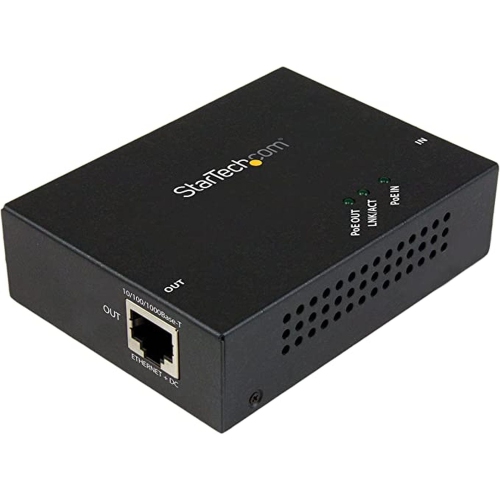
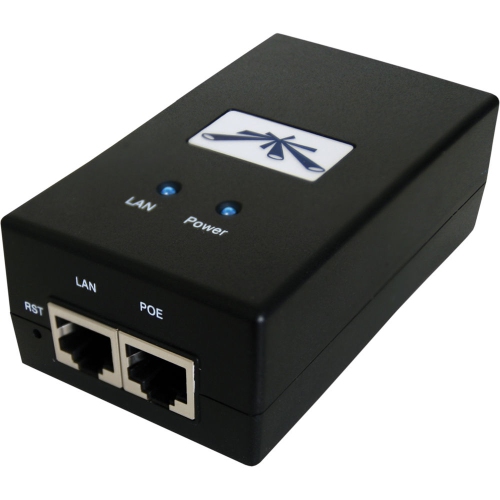
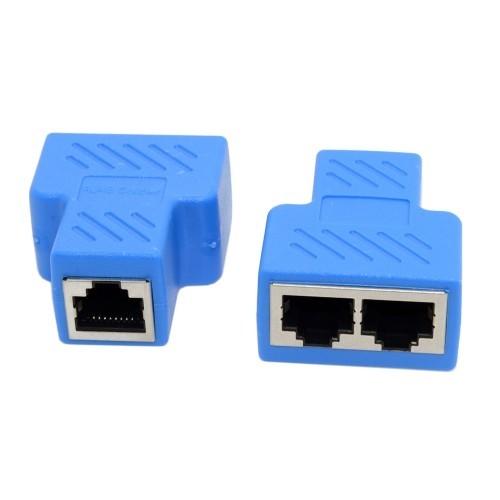
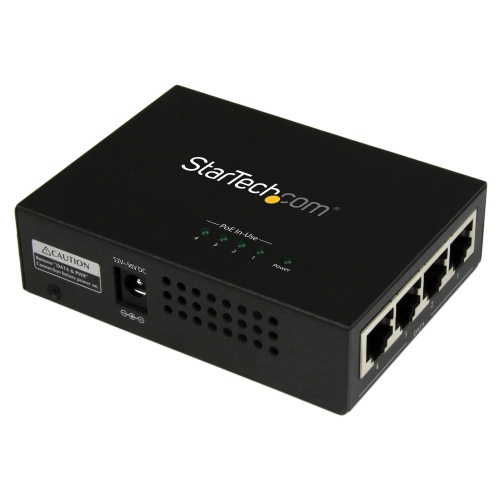
Choose the switch type according to how much control you want over the network. Unmanaged PoE switches are designed for straightforward installations: connect the router, connect compatible devices and allow the switch to handle the basic data and power connection automatically. They suit homes, small offices, studios, retail spaces and simple camera systems where plug-and-play operation is the priority. Managed PoE switches offer more detailed configuration and monitoring, which can be valuable for a business, multi-room property or security installation. Depending on the model, management features may include VLAN support for separating cameras, phones, guest access and other traffic; Quality of Service controls for prioritizing voice or video; port scheduling; power monitoring; traffic statistics; and remote rebooting of compatible devices. Remote power cycling can be convenient when an access point or camera is mounted high on a wall, installed above a suspended ceiling or positioned in a less accessible area. Before buying, confirm that each powered device supports PoE or plan to use a compatible splitter or injector where appropriate; a standard Ethernet port alone does not automatically provide power. Think about where the switch will be installed, whether ventilation is available, how cables will be routed and whether the equipment will remain accessible for troubleshooting. During the cooler months, indoor network upgrades can be a practical project for improving coverage in a home office, preparing a small business for added devices or organizing a camera system before darker evenings. PoE network switches are also a thoughtful choice for someone setting up a home lab, office or connected workspace, particularly when a single, tidy cable run can simplify the entire installation.
The most important specifications to compare are port count, network speed and the switch’s total power budget. Gigabit Ethernet supports data speeds of up to 1,000 Mbps on compatible connections, helping move video feeds, large files and busy network traffic smoothly. PoE standards also determine how much power can be delivered. Standard PoE, commonly associated with IEEE 802.3af, can provide up to 15.4 watts from the switch port, while PoE+ or IEEE 802.3at can provide up to 30 watts per port. Higher-power equipment may require a switch supporting IEEE 802.3bt, often called PoE++ or higher-power PoE, with the exact available wattage depending on the switch and the connected device. Always check the device requirements and compare them with the switch’s total power budget rather than looking only at the maximum output of one port. A switch with a 120-watt budget, for instance, may support several lower-power cameras and access points, but it may not run multiple high-power devices at their maximum draw at the same time. Leave some capacity for startup demands and future equipment. Ethernet cable quality matters as well: Cat5e or better is commonly used for Gigabit Ethernet and PoE, and standard cable runs are generally limited to approximately 100 metres between network devices. For longer distances or challenging building layouts, a different network design may be needed. It is also worth checking whether the switch includes uplink ports, fan noise information, a wall-mounting option, rack compatibility and status lights that make it easier to identify link and power activity.
Choose the switch type according to how much control you want over the network. Unmanaged PoE switches are designed for straightforward installations: connect the router, connect compatible devices and allow the switch to handle the basic data and power connection automatically. They suit homes, small offices, studios, retail spaces and simple camera systems where plug-and-play operation is the priority. Managed PoE switches offer more detailed configuration and monitoring, which can be valuable for a business, multi-room property or security installation. Depending on the model, management features may include VLAN support for separating cameras, phones, guest access and other traffic; Quality of Service controls for prioritizing voice or video; port scheduling; power monitoring; traffic statistics; and remote rebooting of compatible devices. Remote power cycling can be convenient when an access point or camera is mounted high on a wall, installed above a suspended ceiling or positioned in a less accessible area. Before buying, confirm that each powered device supports PoE or plan to use a compatible splitter or injector where appropriate; a standard Ethernet port alone does not automatically provide power. Think about where the switch will be installed, whether ventilation is available, how cables will be routed and whether the equipment will remain accessible for troubleshooting. During the cooler months, indoor network upgrades can be a practical project for improving coverage in a home office, preparing a small business for added devices or organizing a camera system before darker evenings. PoE network switches are also a thoughtful choice for someone setting up a home lab, office or connected workspace, particularly when a single, tidy cable run can simplify the entire installation.
Top selling and popular products
-
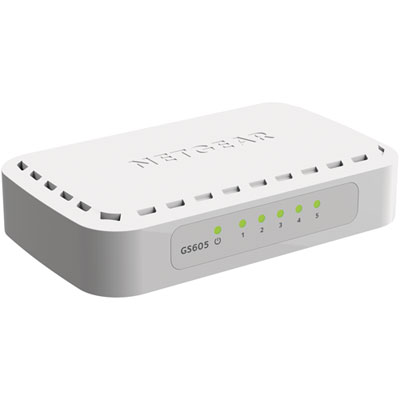 Your price for this item is $34.99
 -
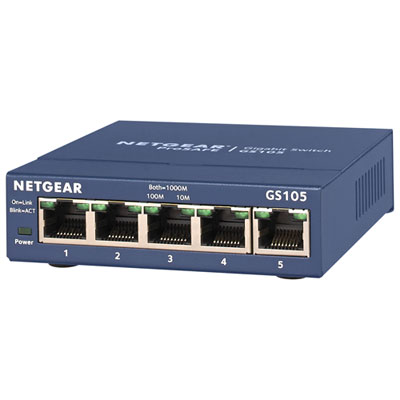 Your price for this item is $44.99
 -
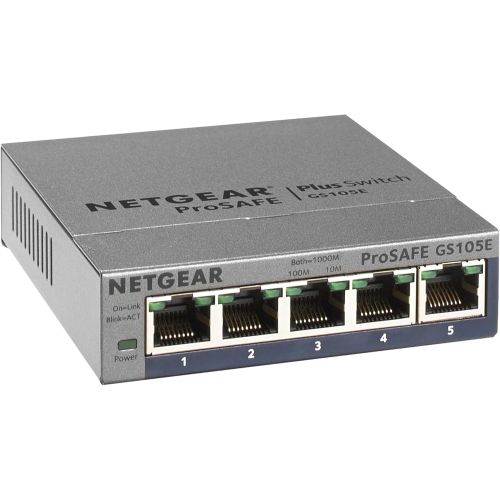 Your price for this item is $52.68
 -
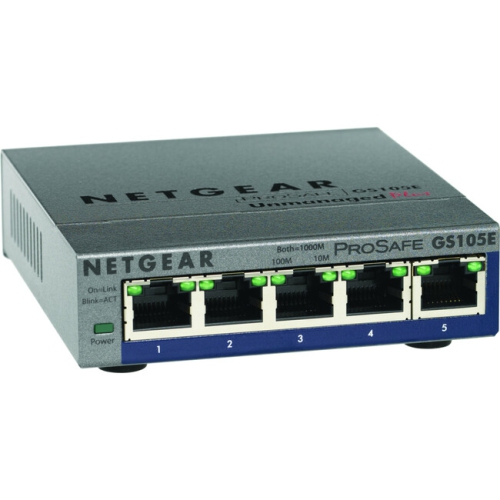 Your price for this item is $76.99
 -
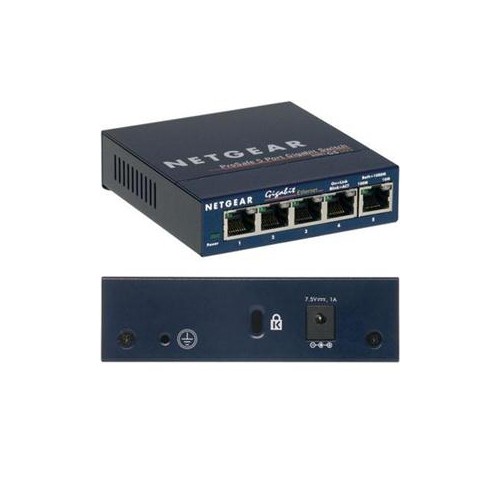 Your price for this item is $49.68
 -
 Your price for this item is $52.68
 -
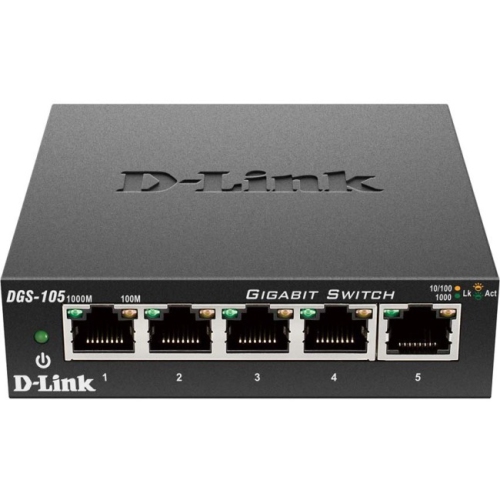 Your price for this item is $24.99
 -
 Your price for this item is $49.99
Discover more categories related to Poe Network Switches

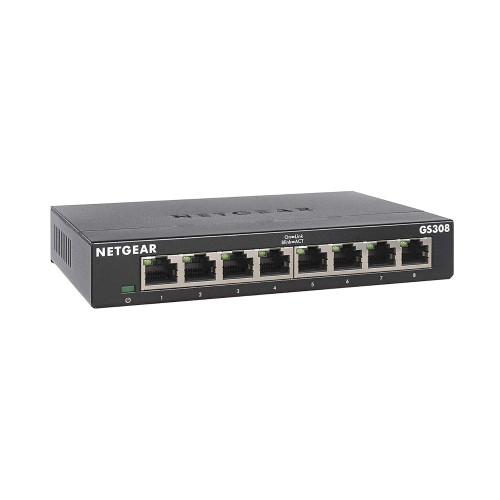
Top Collections:
Pokemon Centers, Kindle Devices, Best Budget Office Chairs, Apple iPhones 16, Best Laptops for Writers, iPhone 15 Apple, Canon G7X Cameras, Refurbished Apple Laptops, Alarm Clock, Motorola Razr Phones
Some products may be subject to Environmental Handling Fees
(EHF) depending on your province.
Learn more about EHFs.