Portable Drawing Tablets
Portable Drawing Tablet options make it easy to create, edit, and share your artwork wherever inspiration strikes. Perfect for students, professionals, and hobbyists alike, these devices offer a flexible solution for digital sketching, note-taking, and design work on the go. Whether you’re working from a coffee shop or traveling between classes, a Portable Drawing Tablet provides the freedom to bring your creative ideas to life anytime, anywhere. Explore a wide range of models to find the right fit for your artistic needs and lifestyle.
Sort
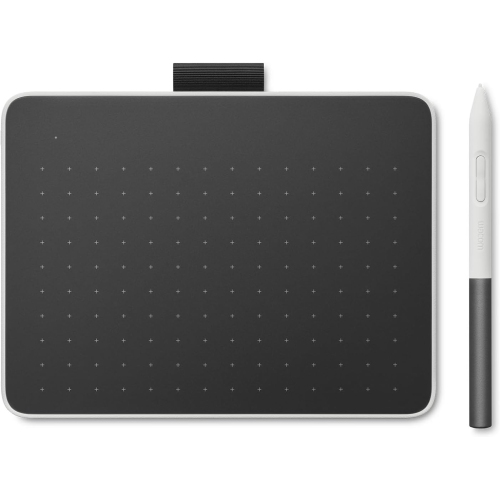
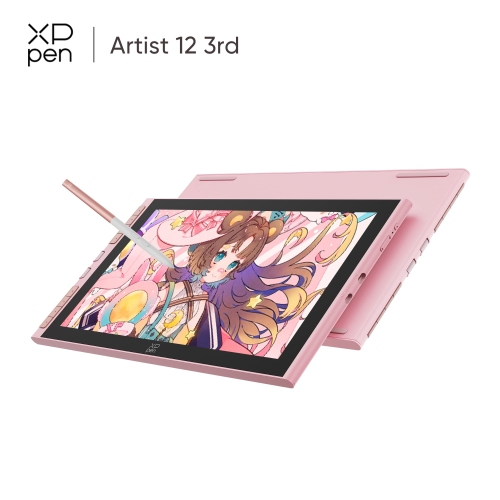
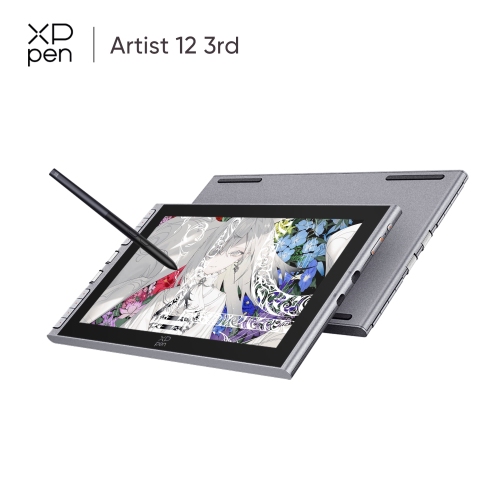
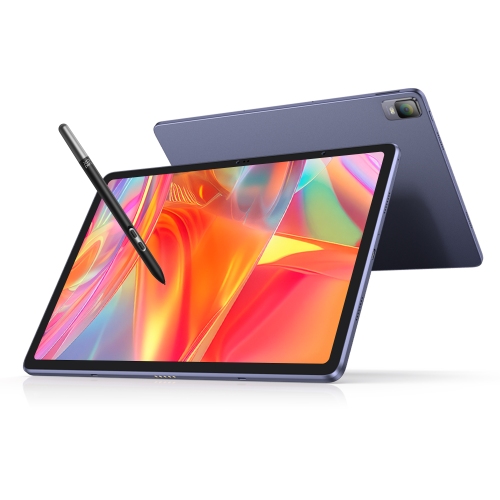
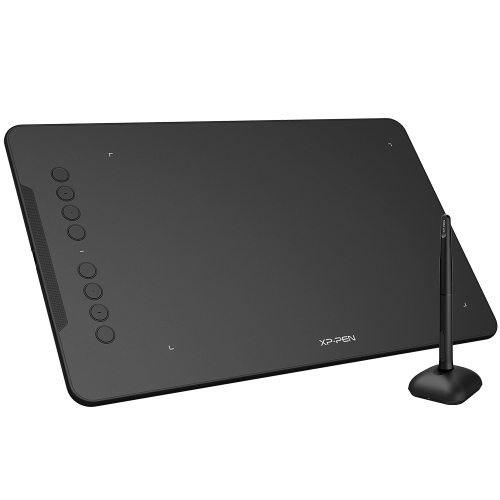
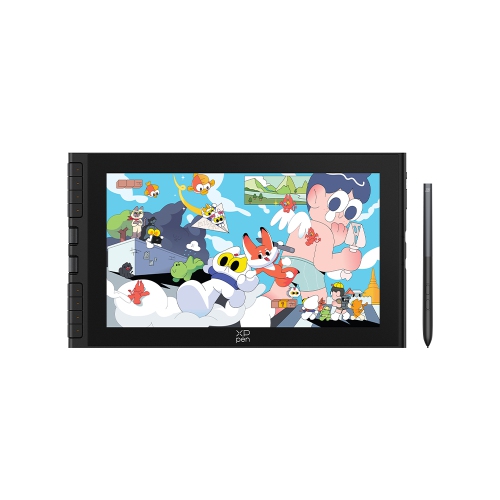
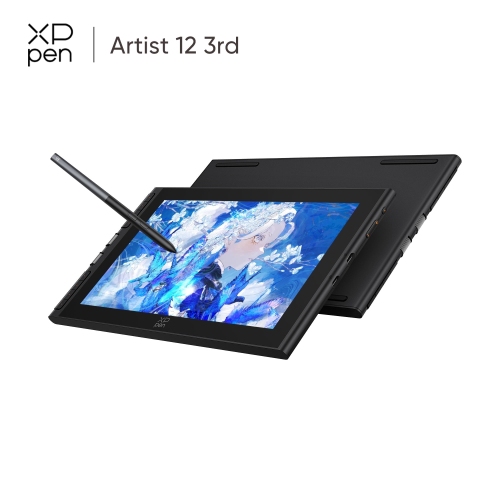
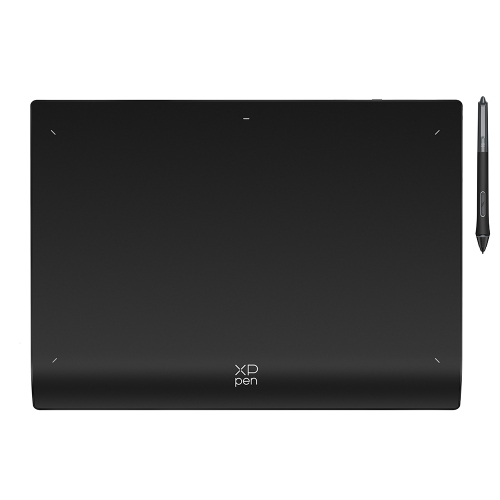
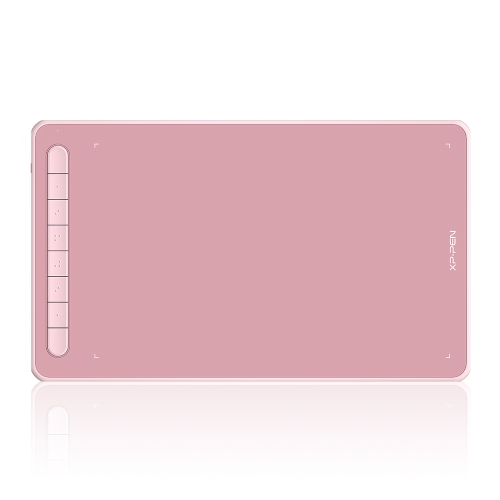
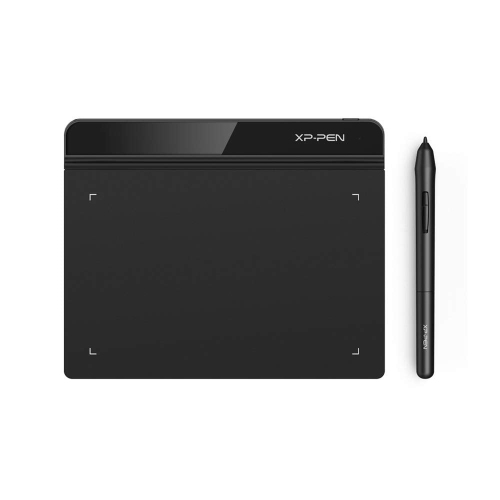
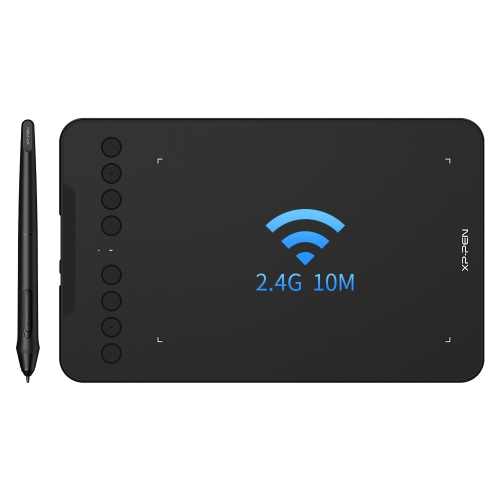
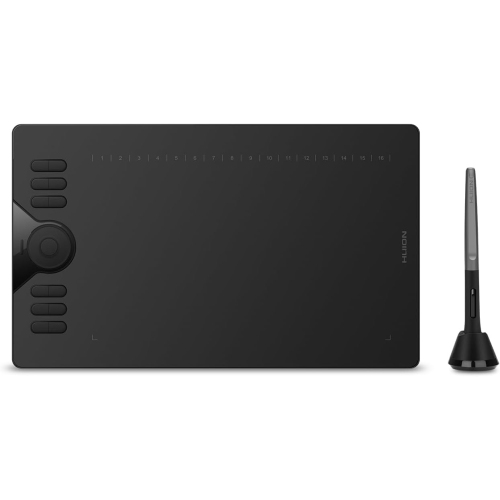

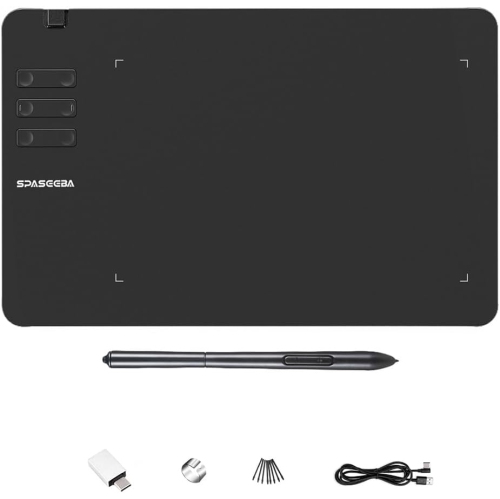
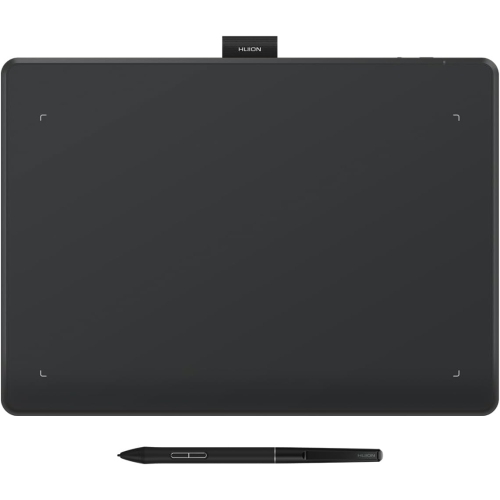
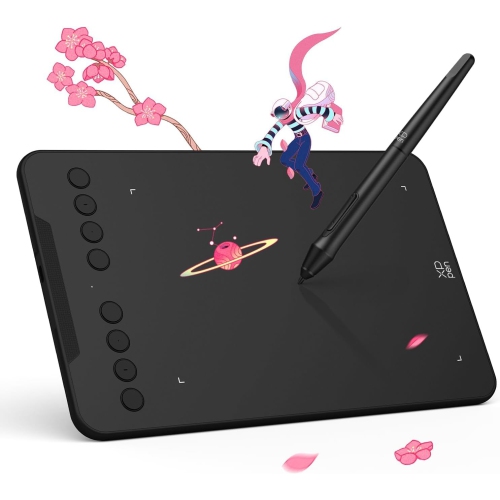
What makes a drawing setup truly portable
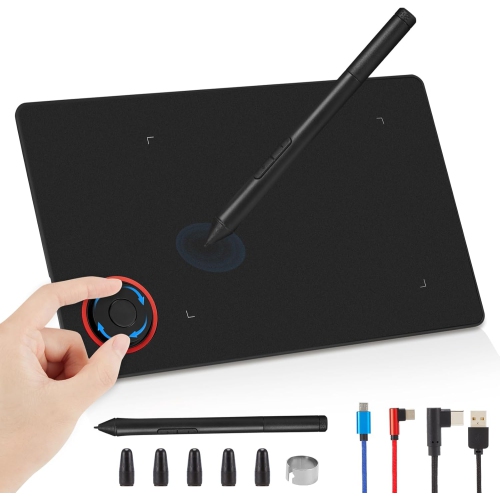
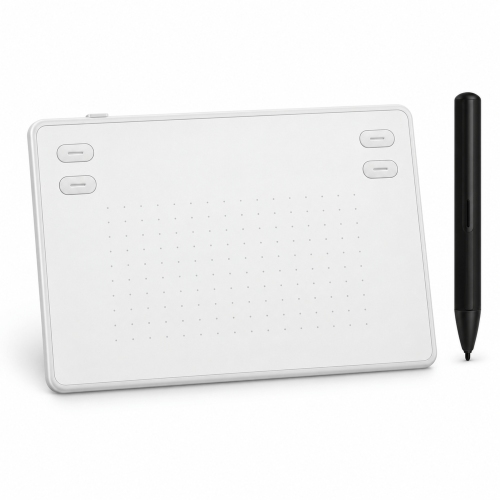
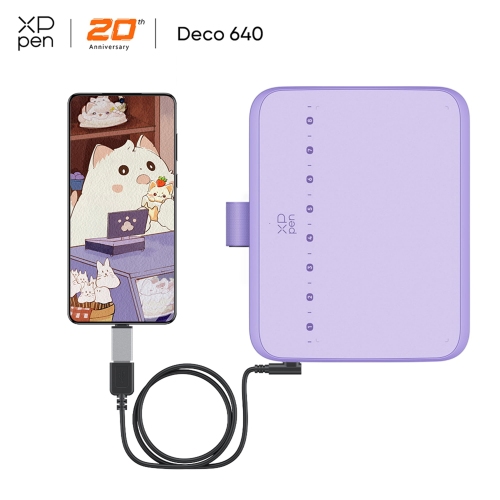
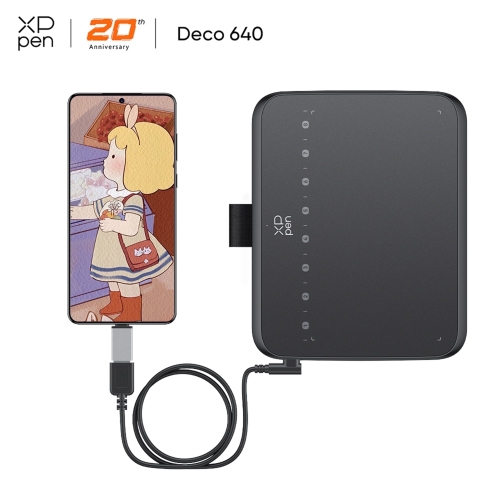
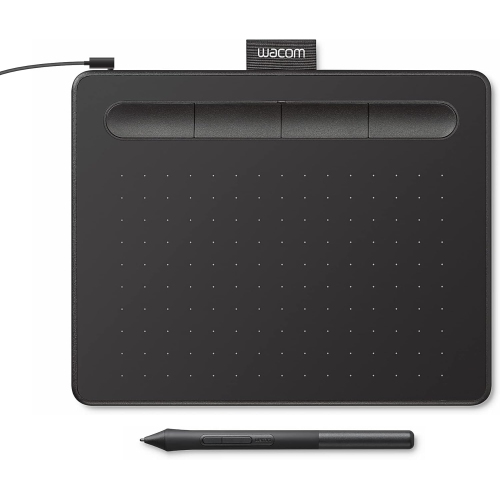
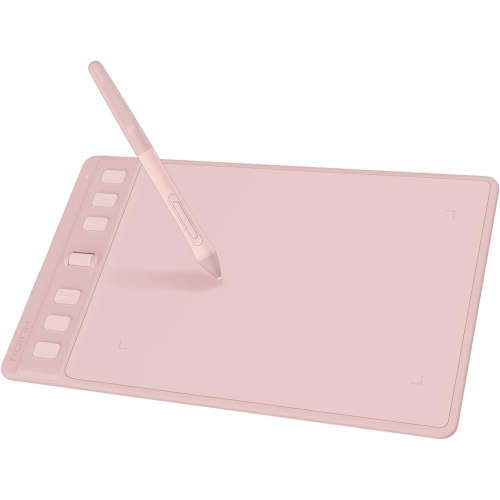
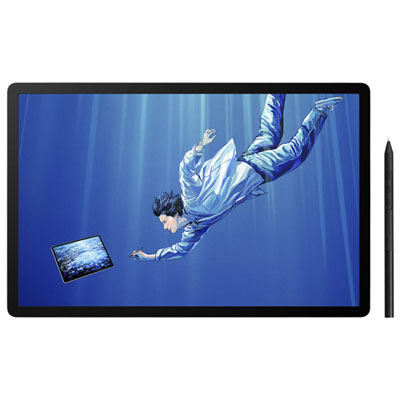
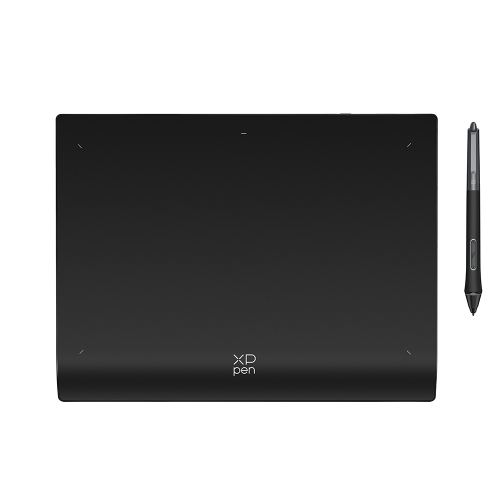
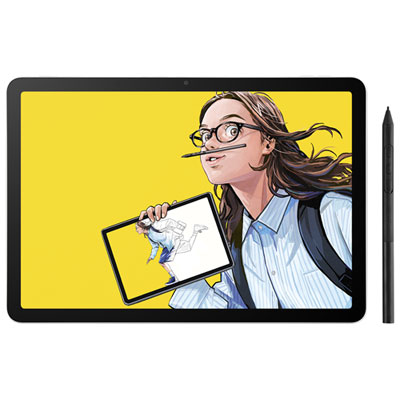
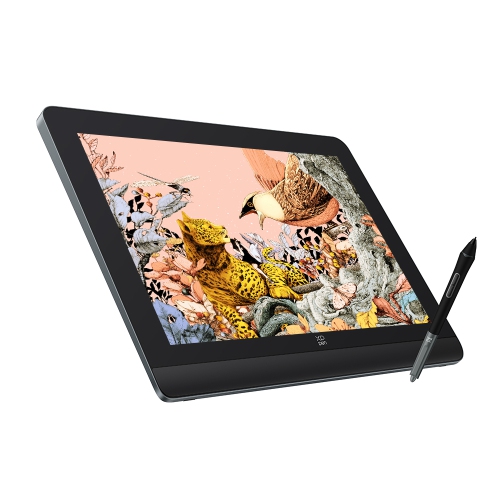
Portable drawing tablets bring digital sketching, illustration, painting, and handwritten annotation into a format that can travel between a desktop, classroom, studio, and café table. Screen-equipped models fall into two main categories: standalone drawing tablets, which run their own operating system and drawing apps, and portable pen displays, which connect to a compatible computer or, in some cases, a supported mobile device. A standalone tablet lets an artist open a canvas and draw without carrying a separate computer, while a pen display provides a drawing surface for software running on its connected host. Compact, screenless pen tablets offer another portable option: the stylus moves across a pressure-sensitive pad while the artwork appears on a connected screen. That arrangement takes some hand-eye adjustment but can suit someone who already carries a laptop. Portability depends on the whole setup, not just the tablet’s weight. A slim pen display may still need a laptop, power supply, stand, and cables, whereas a standalone device carries its processing hardware and battery inside its frame. For someone sketching characters during a commute or collecting visual ideas between classes, quick access to a drawing app and comfortable handheld use can matter more than a large canvas. An illustrator working between home and a shared studio may prefer a compact display that connects to an established desktop workflow. Software compatibility is central to both approaches: mobile and desktop versions of an art application can differ in brush tools, file support, and features. Connections also deserve attention because a USB-C port does not automatically support video output or provide enough power for every pen display. Some setups need separate video and power connections, and wireless capability, where offered, may apply only to particular functions. The most useful portable drawing setup is one that supports the artist’s preferred software and fits comfortably into the places where drawing actually happens.
The feel of a portable drawing tablet comes from the relationship between its active drawing area, screen, stylus, and physical construction. A smaller surface slips more easily into a bag and leaves room beside a laptop, while a larger one gives broad brush strokes and detailed line work more space. The active area can be smaller than the tablet’s outer dimensions, so bezel width and usable canvas space both affect how compact a device feels. On a display, higher resolution can make fine lines and small interface controls appear sharper, although screen size and app scaling also influence readability. Colour coverage describes the range of colours a screen can show; colour accuracy and calibration support are separate considerations for artwork intended for print or viewing on other displays. A matte or textured surface can reduce reflections and add resistance beneath the pen, while a smoother finish allows the nib to glide with less friction. Neither feels exactly like every kind of paper, and personal preference plays a large part. Pressure sensitivity allows supported brushes to respond to changes in pen force, but the number of pressure levels alone does not determine drawing quality. Light initial activation, steady line tracking, low delay, and reliable performance near the screen’s edges can be more noticeable when drawing delicate contours or slowly inking a curved line. Tilt support can help compatible brushes mimic shading with the side of a pencil. Palm rejection, where supported, lets the drawing hand rest more naturally on the screen, though behaviour varies by device and app. Stylus designs also differ: some work without charging, while others need battery power for certain functions. Pen shape, grip texture, shortcut buttons, and replacement nib options affect everyday comfort. Glass surfaces, plastic housings, and metal frames each contribute differently to weight and rigidity, but construction alone does not make a tablet resistant to drops. A stable stand or folding cover can make longer drawing sessions more comfortable without forcing the wrist into a steep angle.
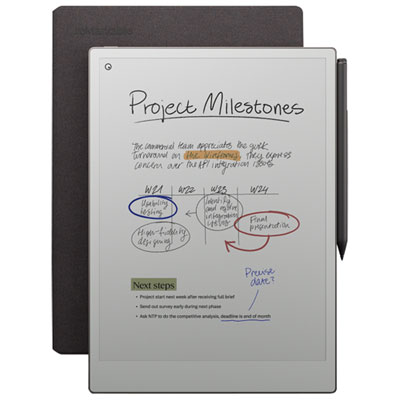
Portable drawing tablets serve a wide range of creative routines, from a student marking up a diagram to a hobbyist painting a pet portrait or an illustrator refining a client sketch away from the main workstation. Beginners may appreciate a straightforward drawing app and an uncluttered workspace, while experienced artists often rely on customizable shortcuts, layered files, and consistent brush behaviour across devices. For animation, comics, or detailed illustration, the ability to organize references and move projects between applications can be as important as the pen itself. Storage needs grow with canvas dimensions, layer counts, and saved versions, and a flattened image does not preserve the same editing flexibility as a native project file. Local storage and offline app access are useful when an internet connection is unreliable; online file services can help transfer work when a connection is available. Battery life varies with brightness, workload, wireless use, and the app, so a quoted runtime may not reflect a long session with a complex canvas. For note-taking, brief handwritten messages, or simple reusable sketches rather than detailed layered artwork, Digital Writing Pads offer a related category with a different emphasis; saving and transfer capabilities vary by design. Everyday care helps keep a drawing surface comfortable to use. A clean microfibre cloth removes fingerprints, and any cleaning solution should follow the device manufacturer’s directions. Dust or grit trapped under a nib can affect the surface, while worn nibs may change the drawing feel. A fitted sleeve, protected cable connections, and a secure place for the stylus help prevent damage during transport. Screen protectors need to be compatible with the device and may alter clarity, texture, or pen response. As a birthday or graduation gift, a portable drawing tablet can suit an art student, aspiring illustrator, or creative hobbyist, especially when its operating system, required accessories, and preferred apps match the recipient’s existing setup.
Top selling and popular products
-
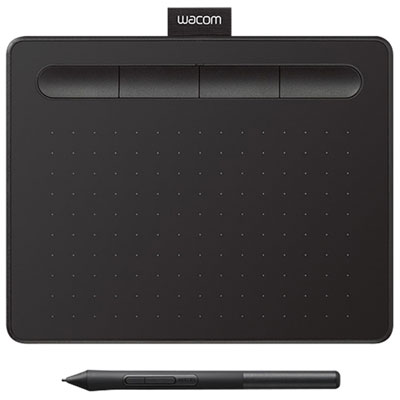 Your price for this item is $89.99
-
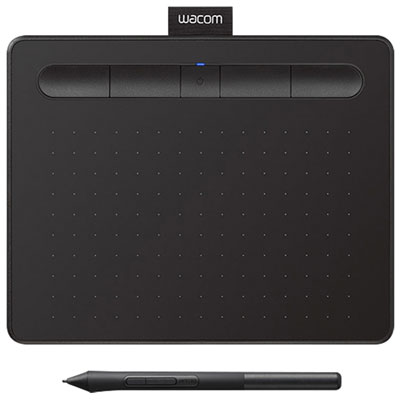 Your price for this item is $139.99
-
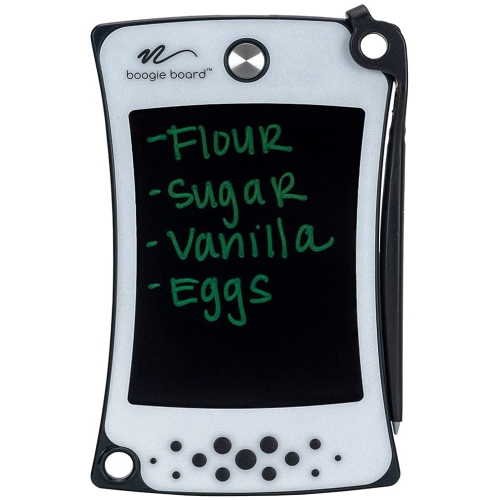 Your price for this item is $21.97
-
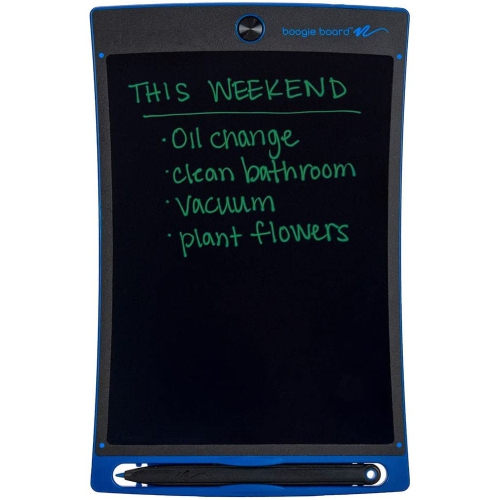 Your price for this item is $39.97
-
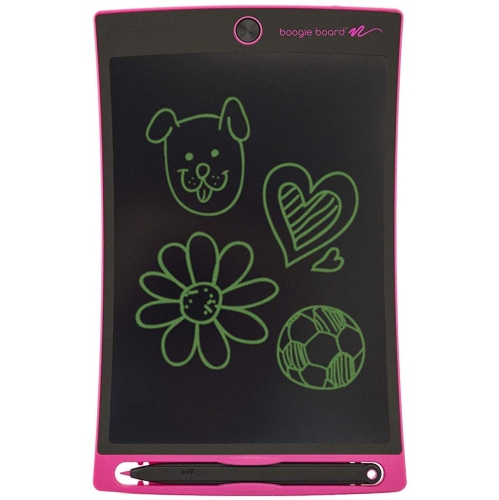 Your price for this item is $39.97
-
 Your price for this item is $319.99
-
 Your price for this item is $699.99
-
 Your price for this item is $2118.68
Discover more categories related to Portable Drawing Tablets
Top Collections:
Best Black Friday Deals This Year, Best Black Friday Deals On Electronics, Kindle Devices, Pokemon Centers, Best Black Friday Deals On Apple Products, Best Cameras for Sports Photography, Dyson Airwrap, Pokémon 30th Celebration Cards, Apple iPhone 17 Pro, Canon G7X Cameras
Some products may be subject to Environmental Handling Fees
(EHF) depending on your province.
Learn more about EHFs.