Screenless Drawing Tablets
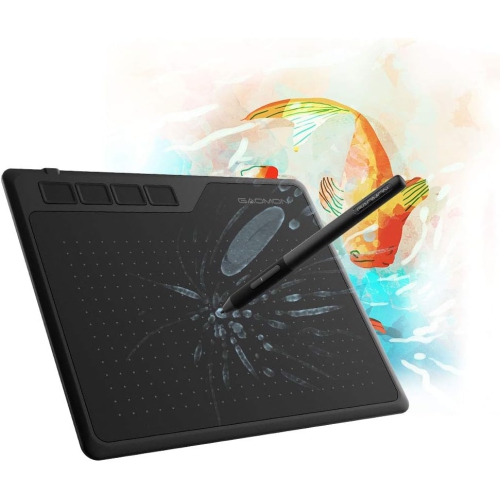
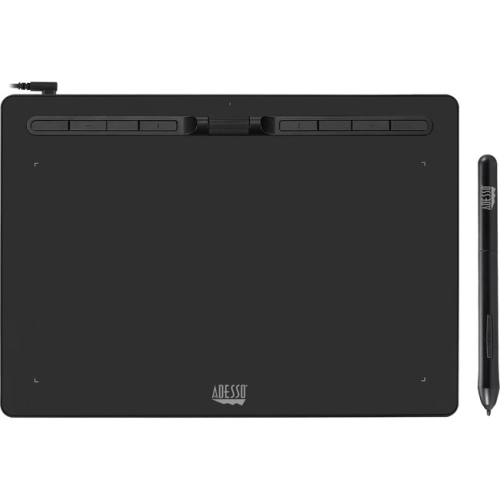
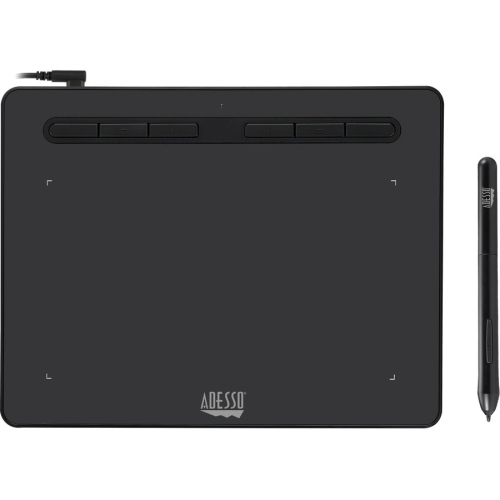
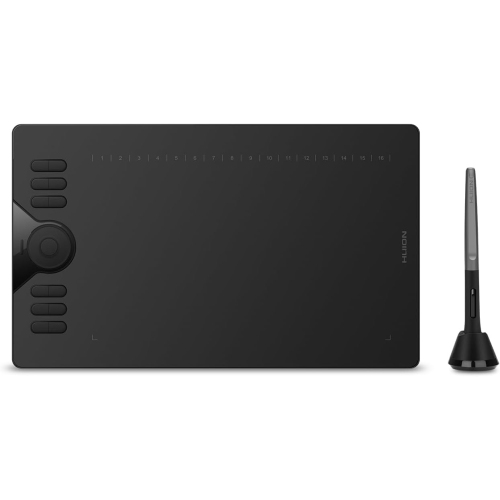
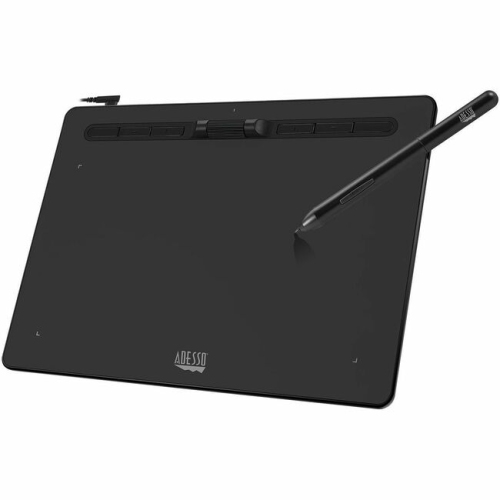
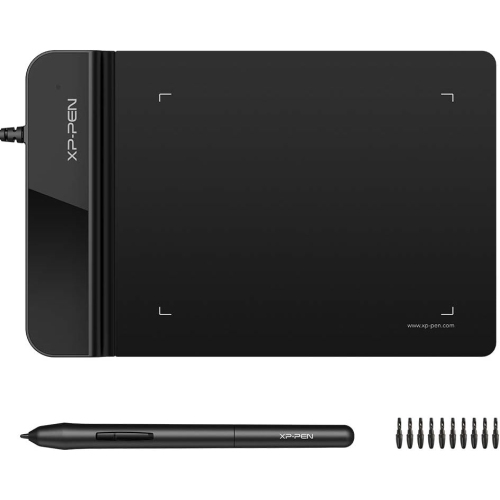
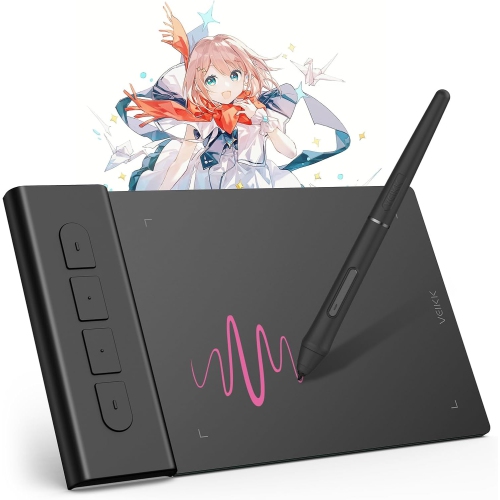
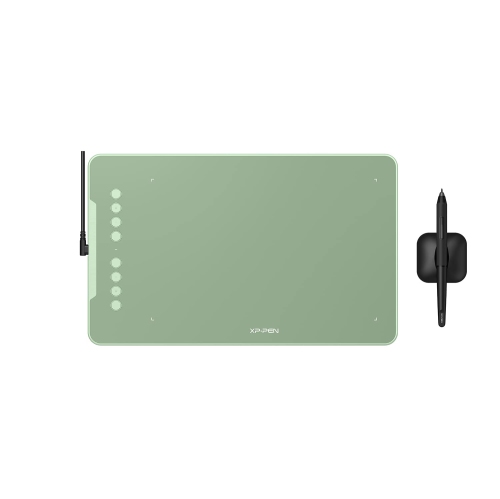
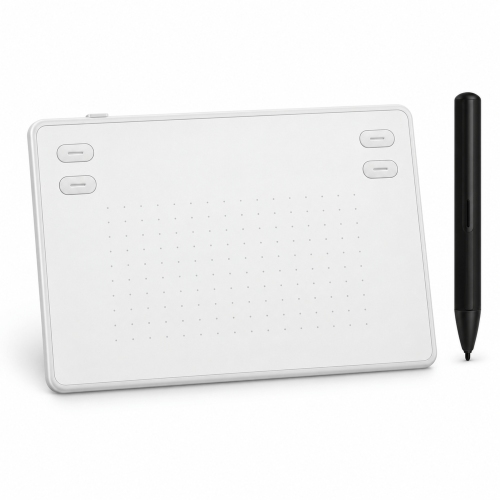
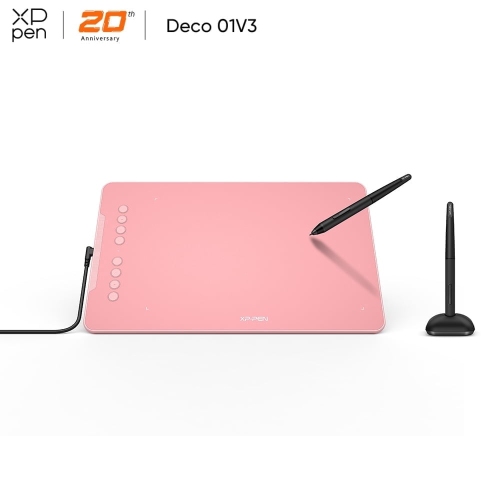
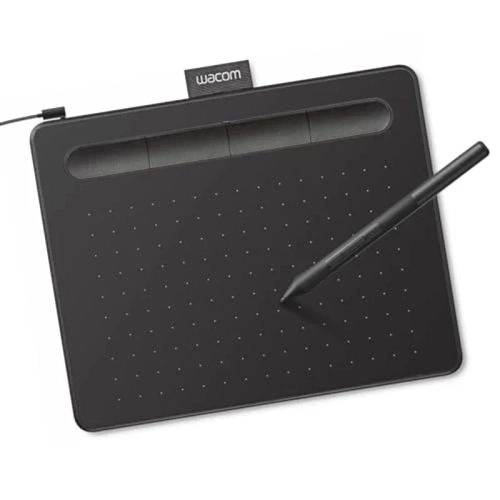
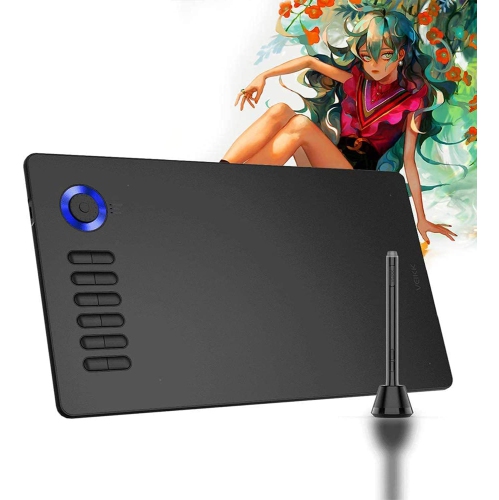
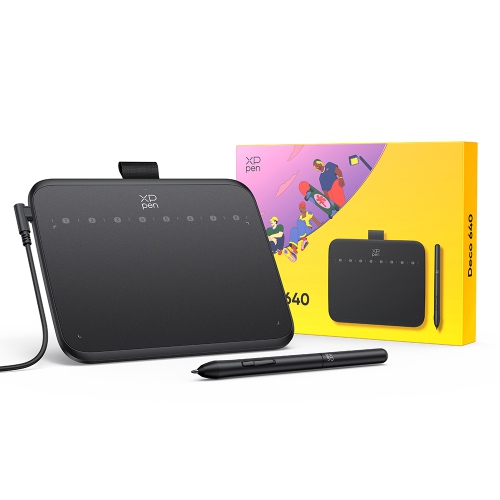
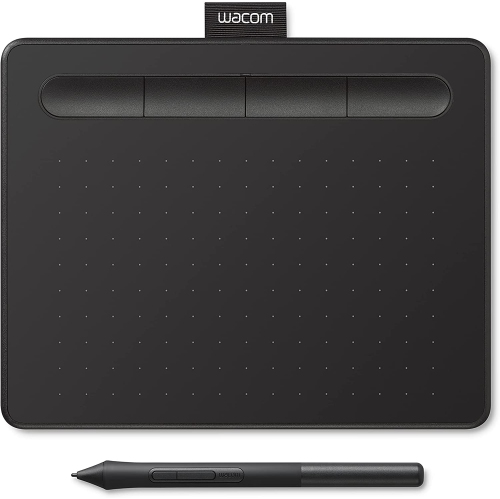
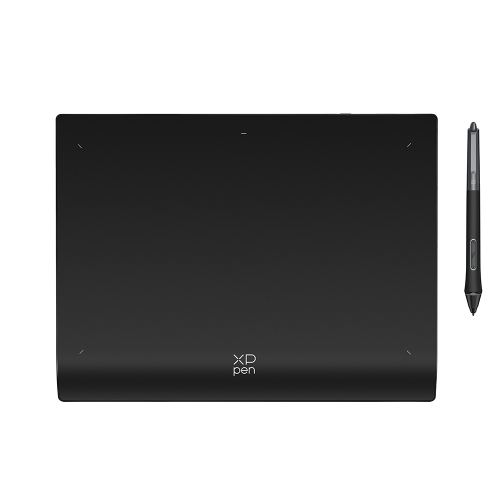
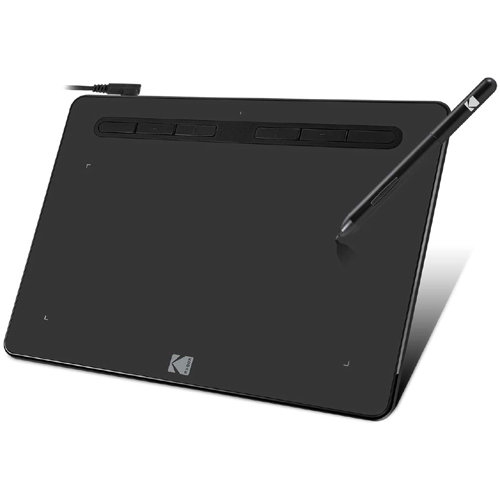
Screenless drawing tablets let you sketch or write on a pen-sensitive surface while viewing your work on a connected device’s display. Compare graphics pen tablets by active drawing area, pen features and shortcut controls for digital art or handwritten study notes. Check each model’s connection, operating system and software requirements to find an option that fits your setup.
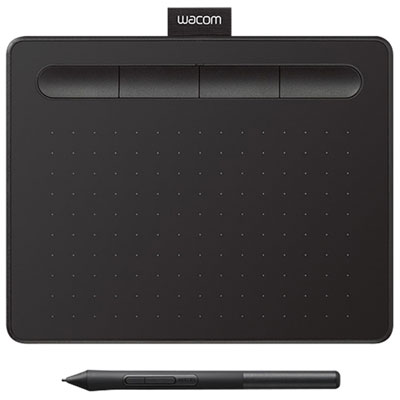
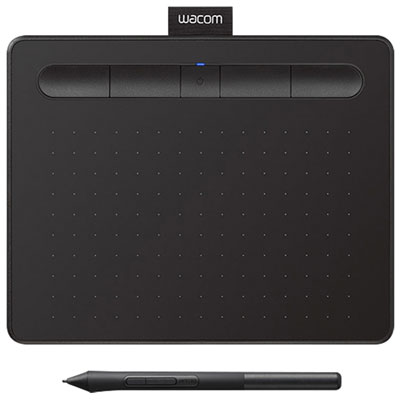
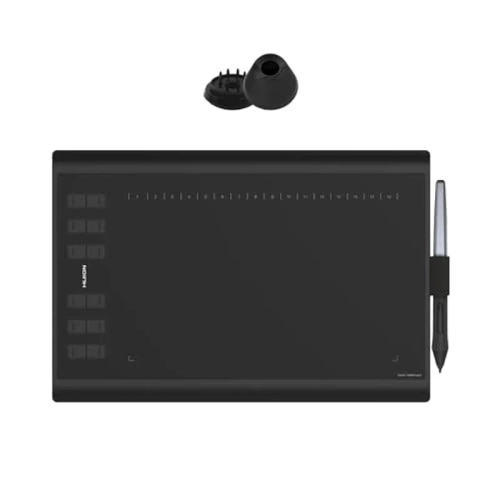
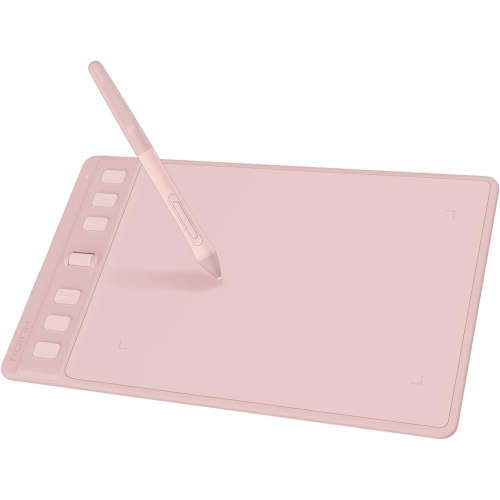
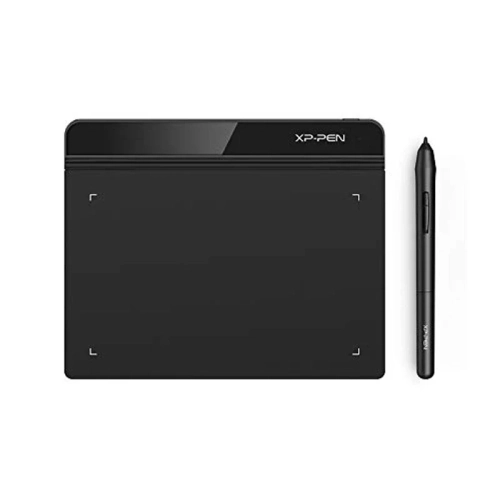
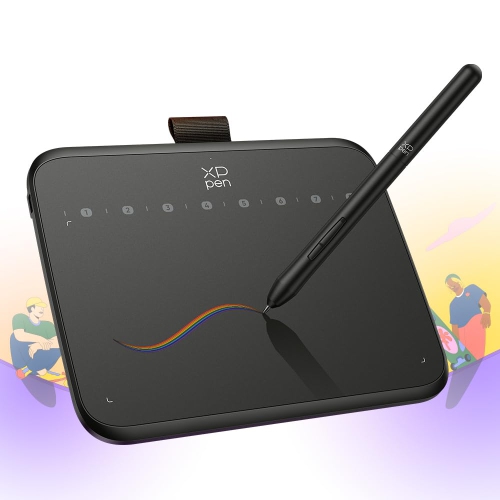
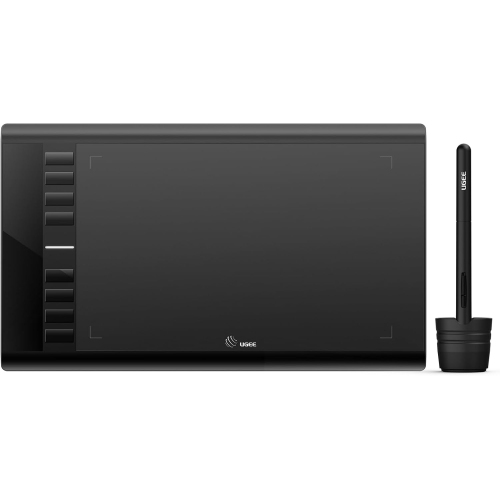
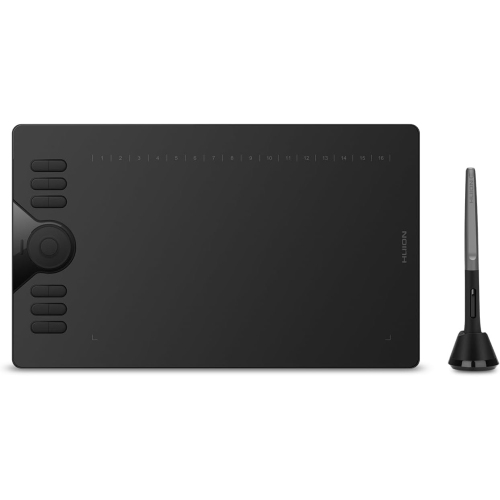
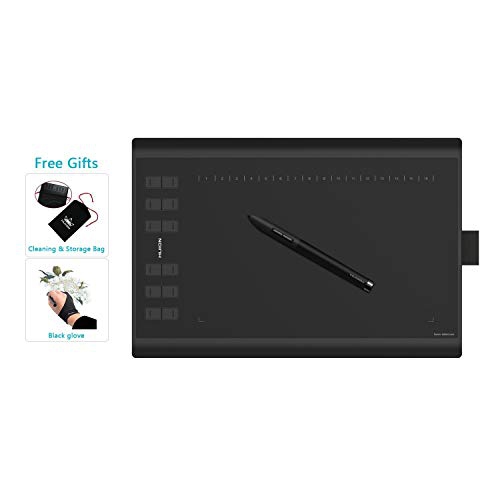
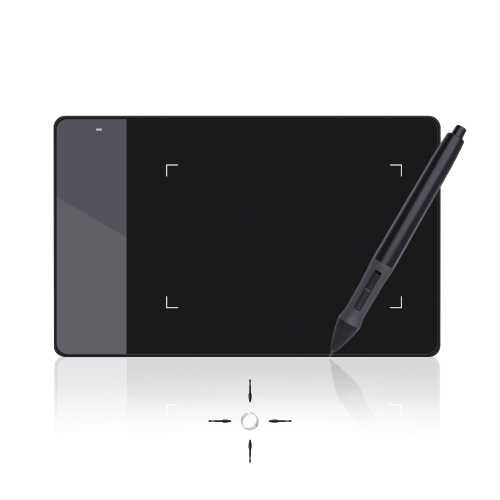
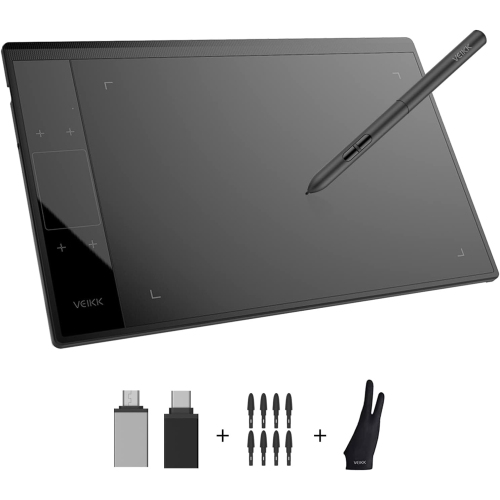
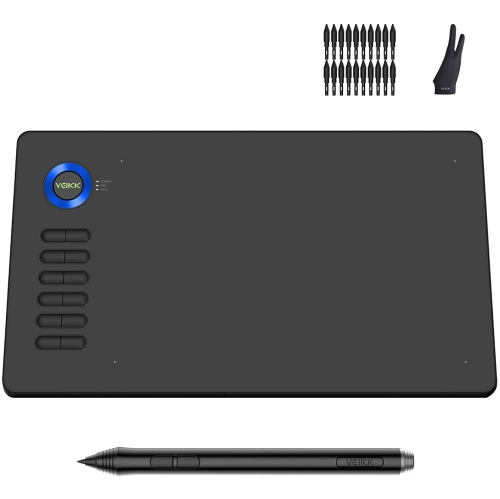
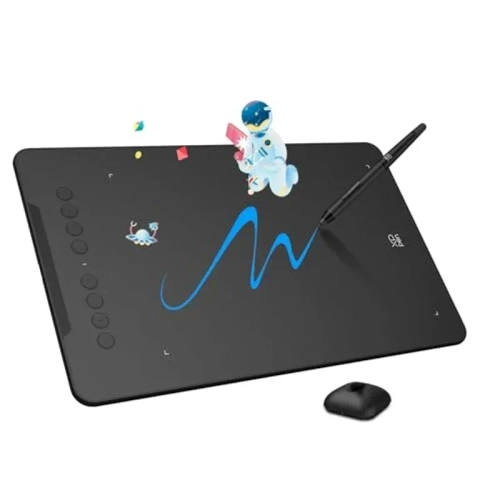
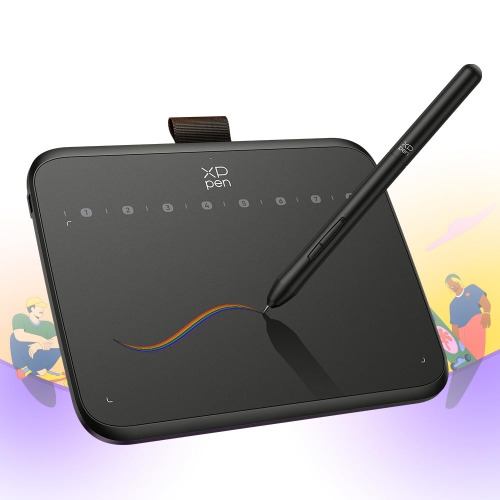
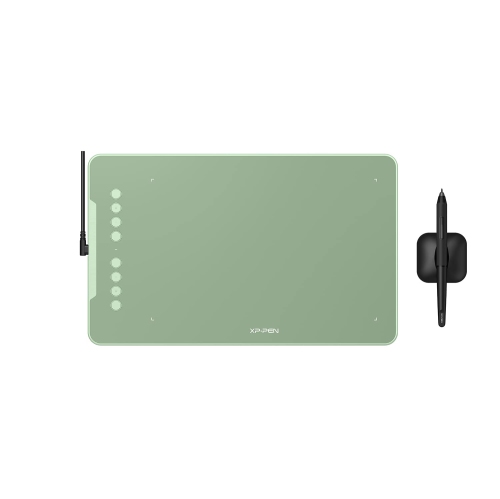
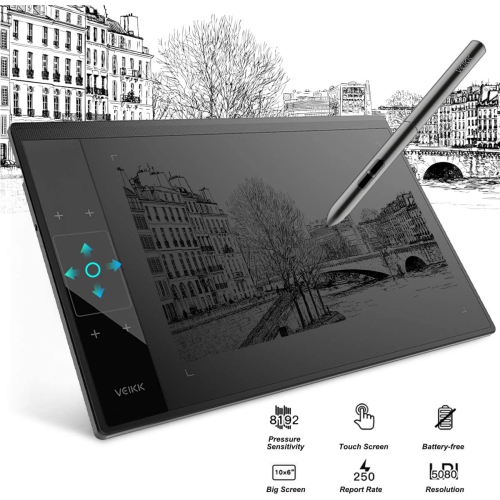


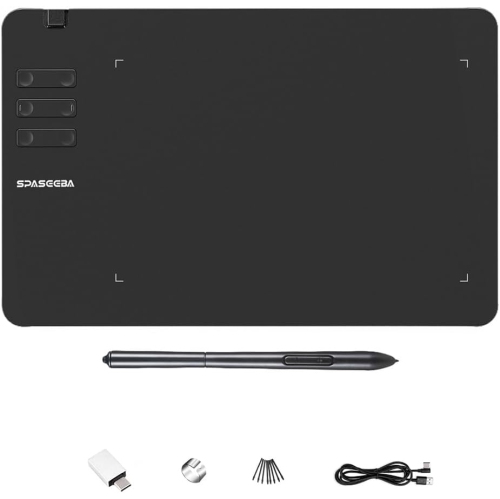
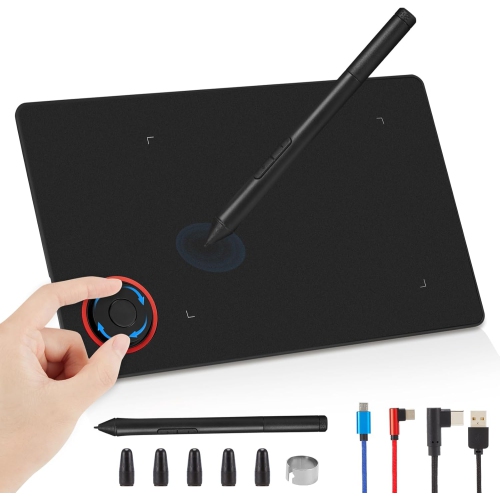
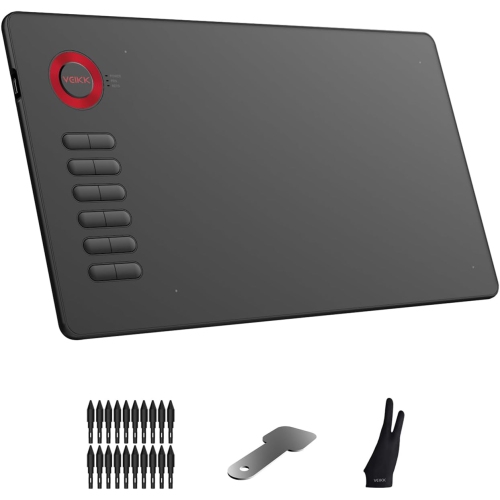
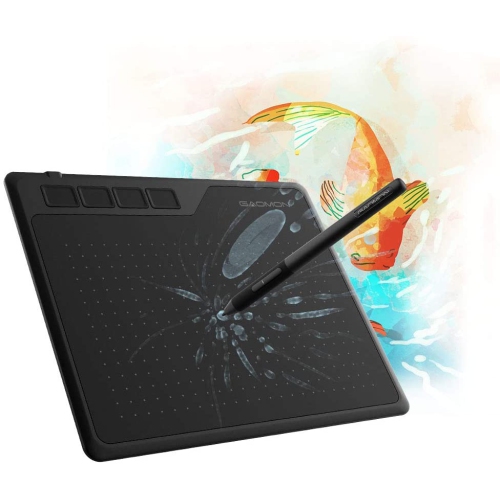

FAQ
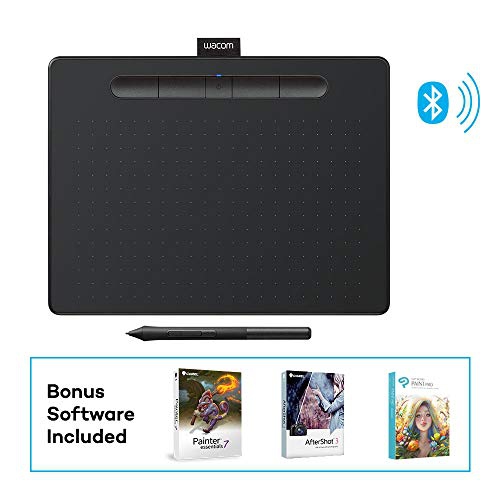
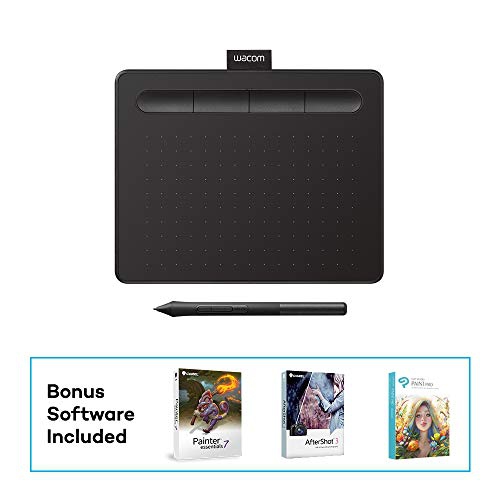
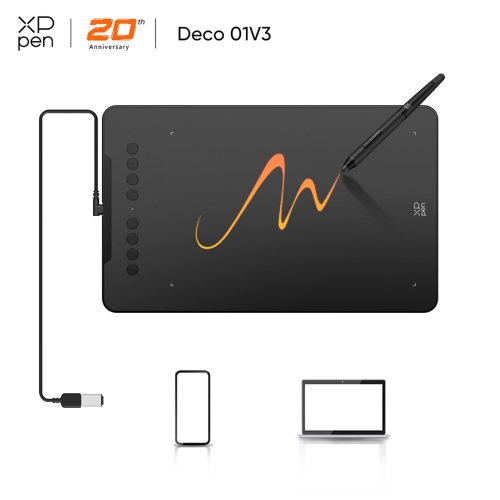
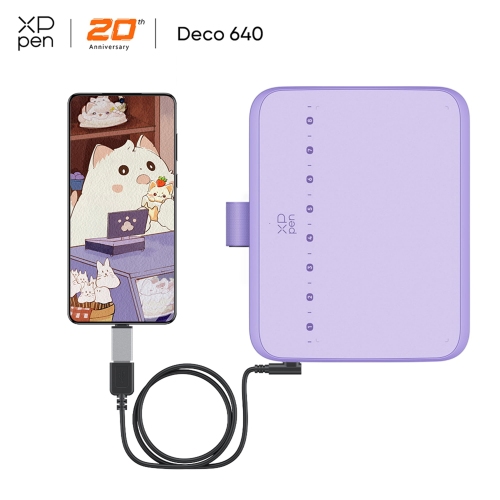
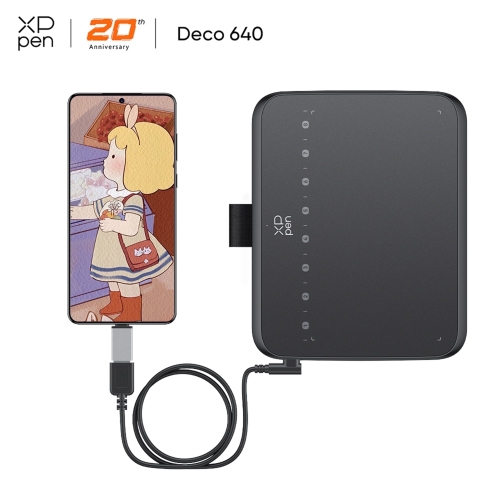
A screenless graphics pen tablet needs a compatible host device to run software and display your work. Some models support certain phones or other mobile devices as well as computers. Check the model’s supported devices, operating systems and connection requirements.
Yes, with compatible software that accepts pen input. You can write notes, draw diagrams or annotate documents where the app supports those tools. Converting handwriting into typed text is a separate software function, so check your chosen app if that is part of your workflow.
Pressure sensitivity detects how firmly you press the pen, while tilt support detects its angle. Compatible drawing software can use those inputs to change effects such as line thickness, opacity or shading. Check both tablet support and the settings of the brush or tool you plan to use.
No. Battery-free describes the stylus’s power requirements, not how the tablet connects to your device. A tablet with a battery-free pen may use a cable, a supported wireless connection or both. Check the tablet’s connectivity and charging details separately.
A standard screenless graphics pen tablet captures input from its compatible stylus; it does not scan existing paper artwork. To work from a paper sketch, first digitize it separately, then import the image into a compatible drawing program.
Top selling and popular products
Discover more categories related to Screenless Drawing Tablets
Some products may be subject to Environmental Handling Fees (EHF) depending on your province. Learn more about EHFs.