Power Adapters for Dell
Whether you're a frequent traveler, a remote worker, or just in need of a reliable replacement, finding the right power adapter for your Dell device is essential. With this wide selection of power adapters specifically designed for Dell laptops and tablets, you can ensure that your device stays charged and is ready to go whenever and wherever you need it. From compact and lightweight options for on-the-go convenience to high-powered adapters for demanding tasks, our collection has everything you need to keep your Dell device powered up and running smoothly.
Sort














































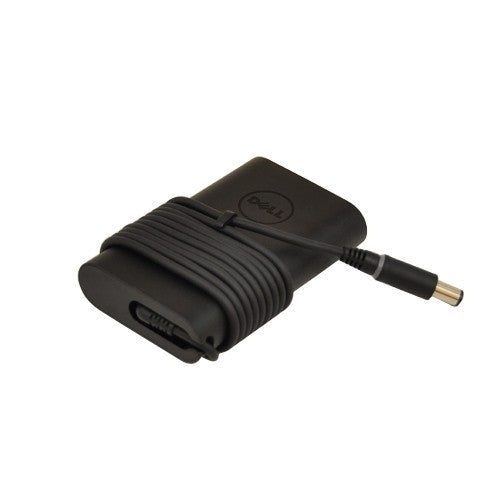


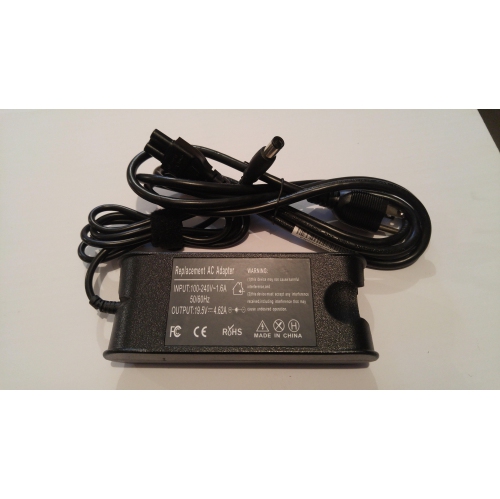


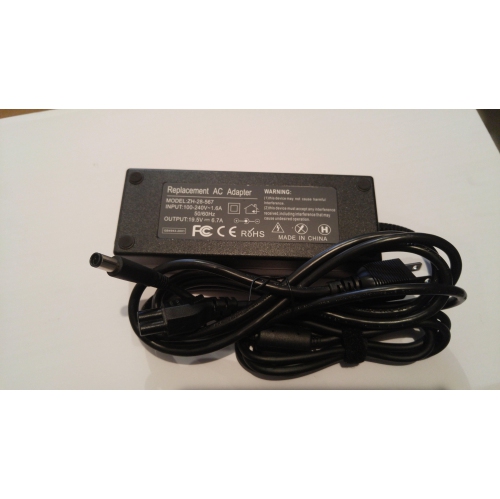


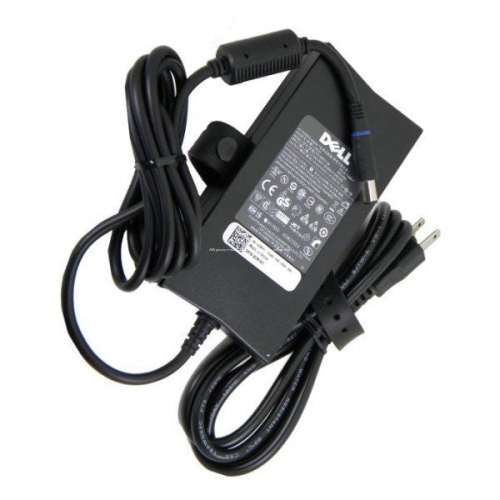














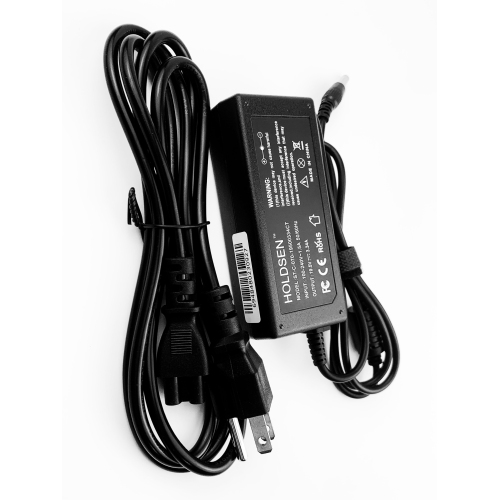


Why charger compatibility goes beyond wattage and plug fit
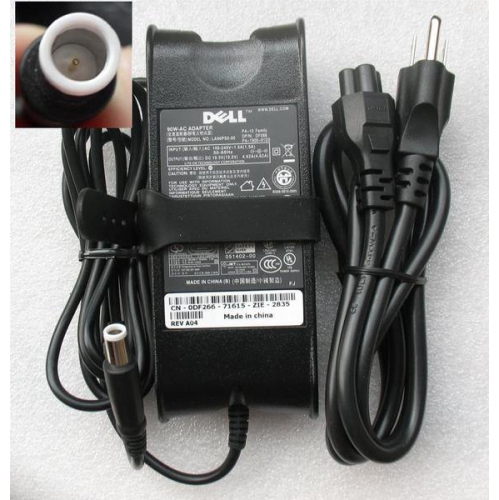
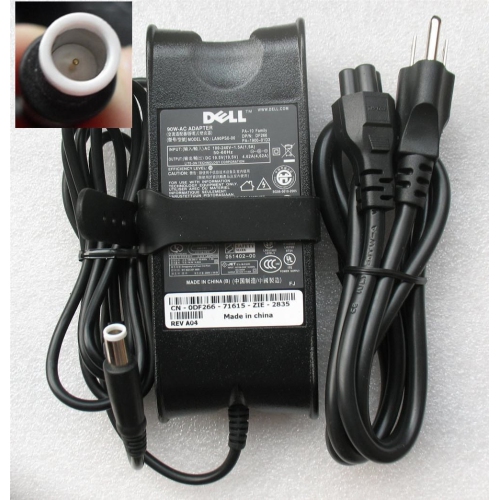
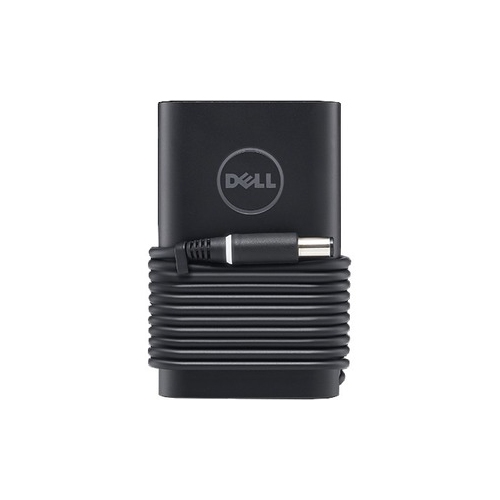
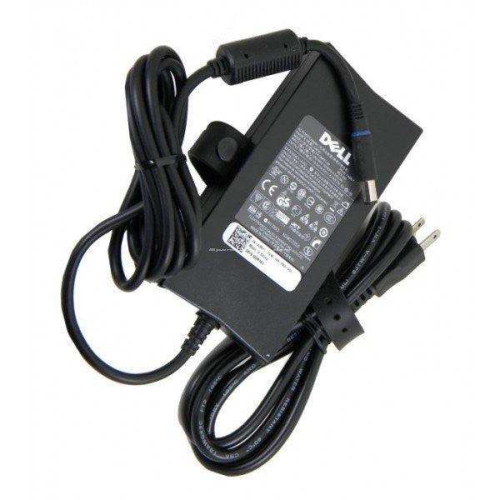
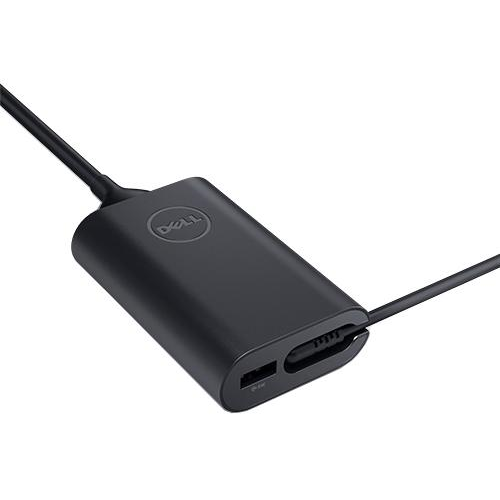
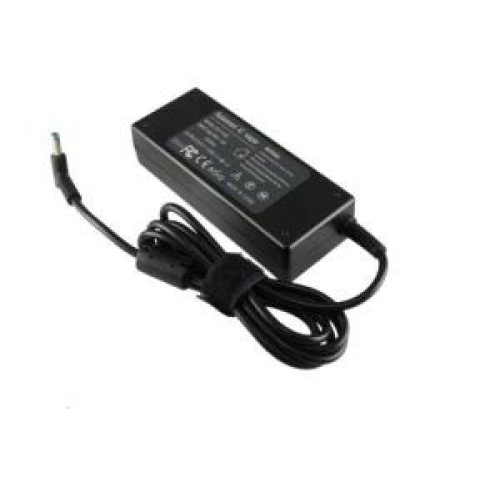
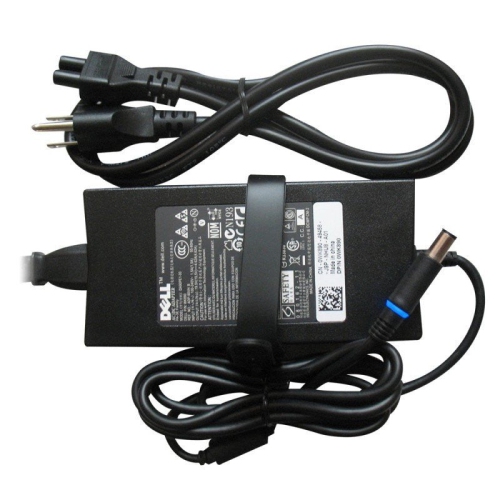
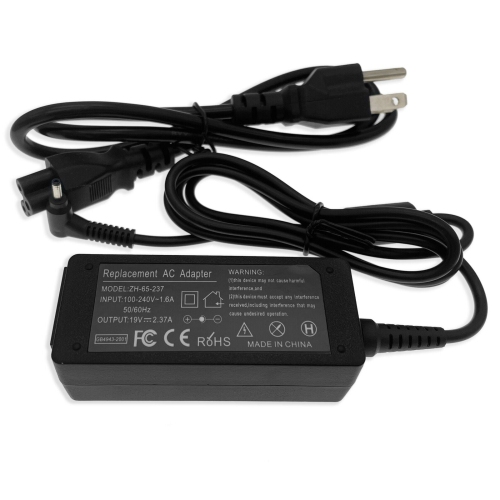
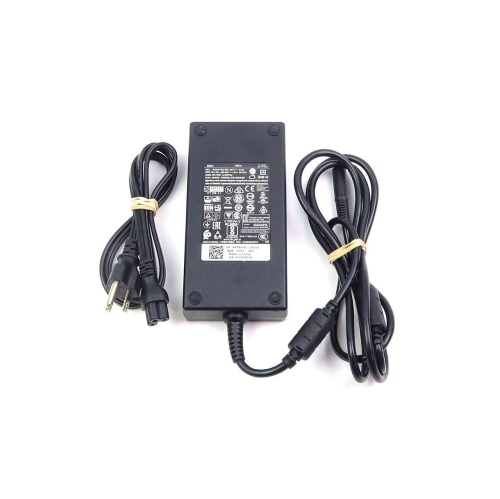
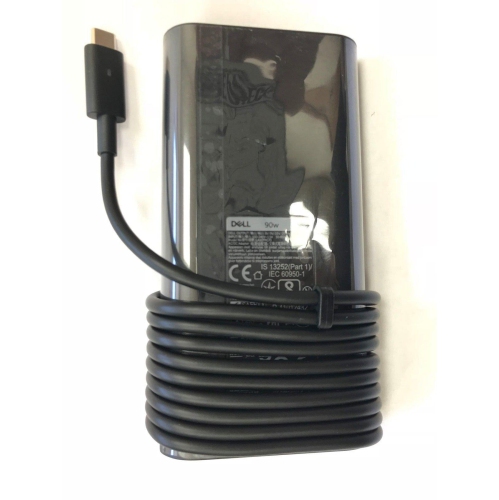
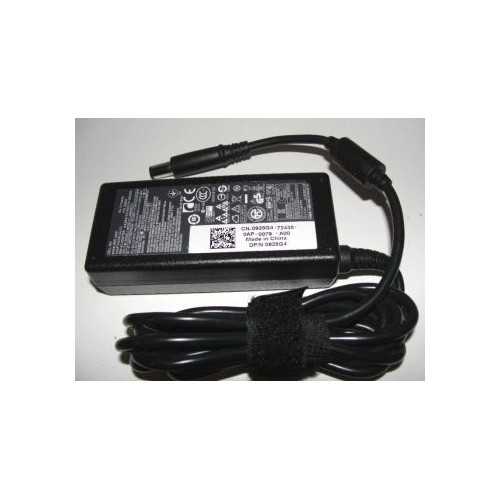
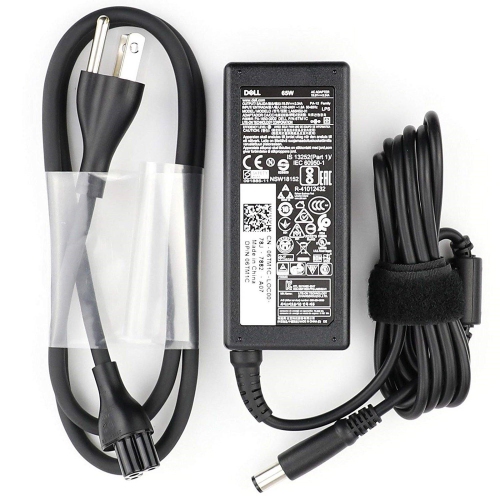
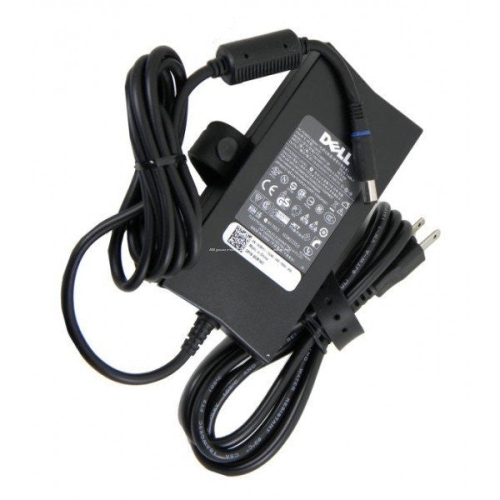
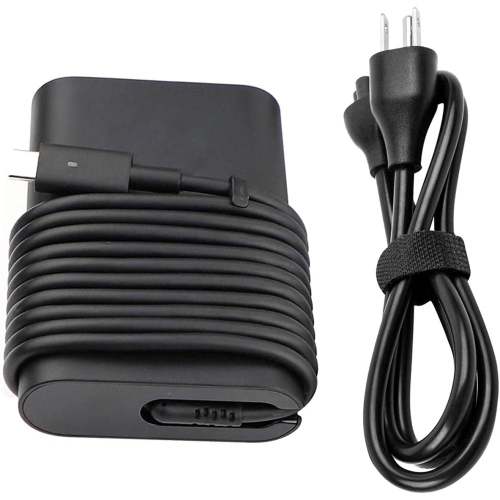
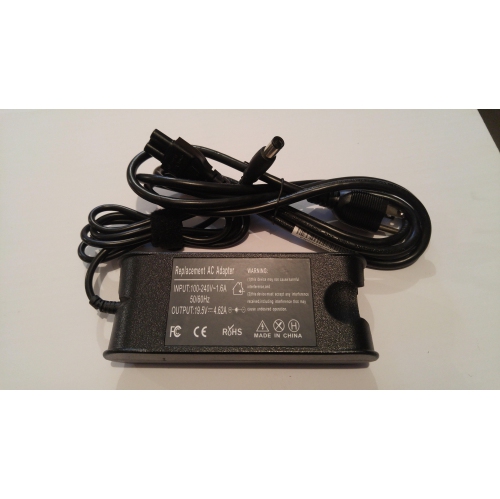
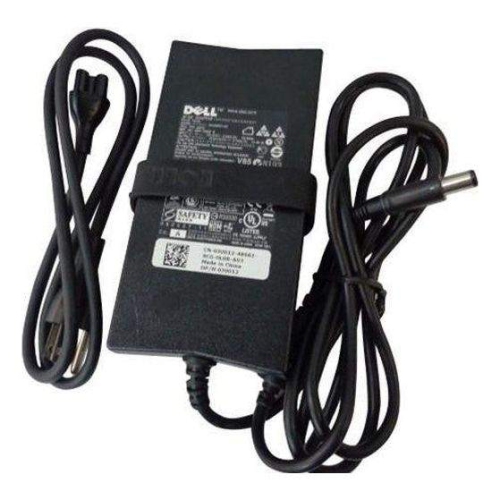
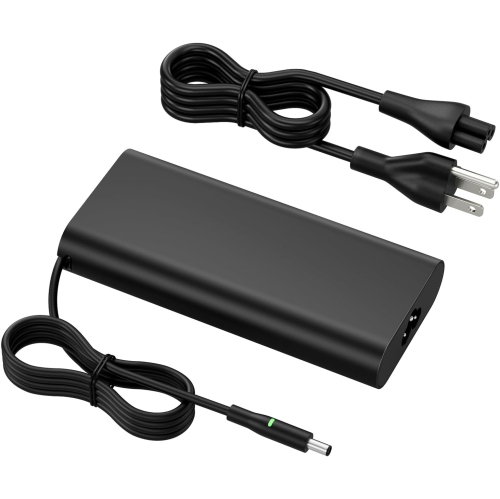
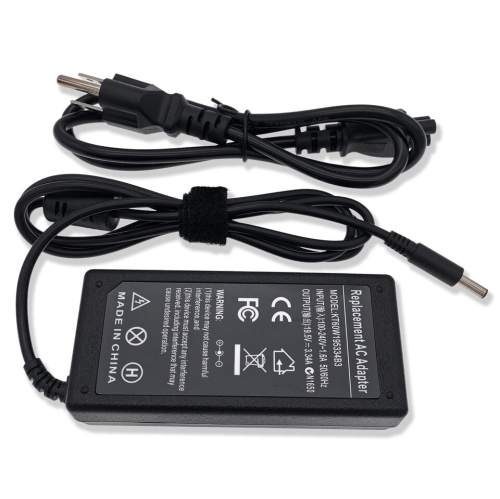
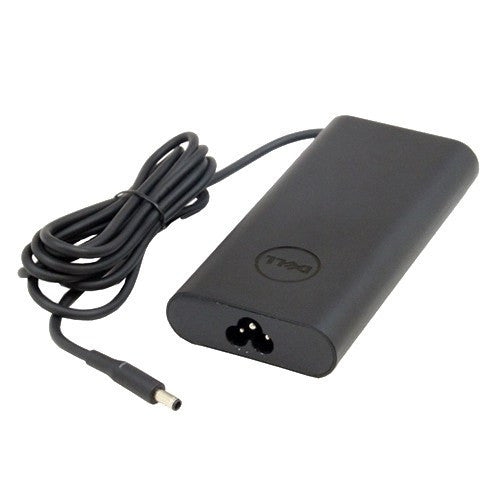
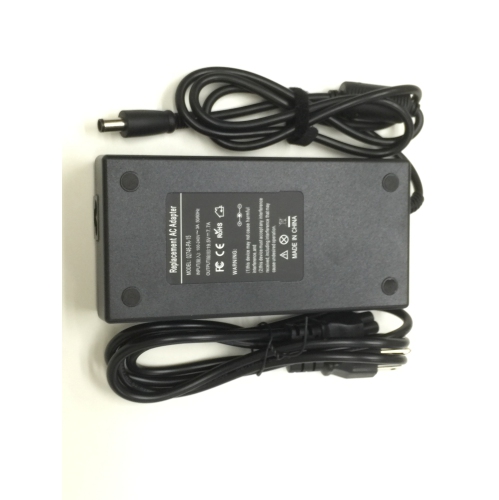
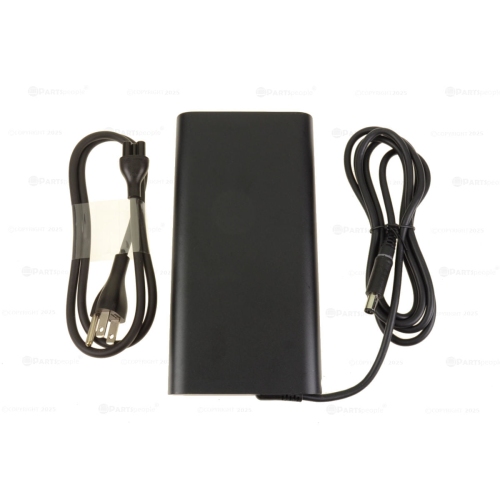
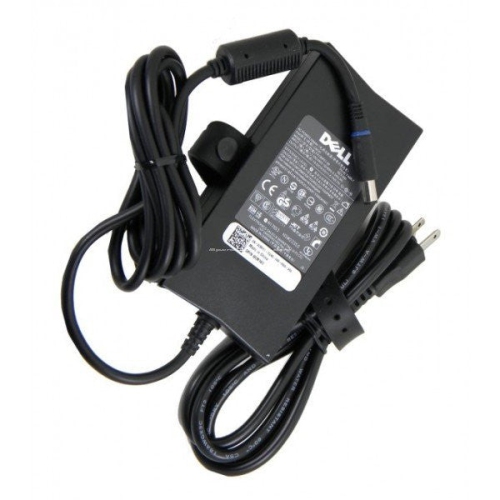
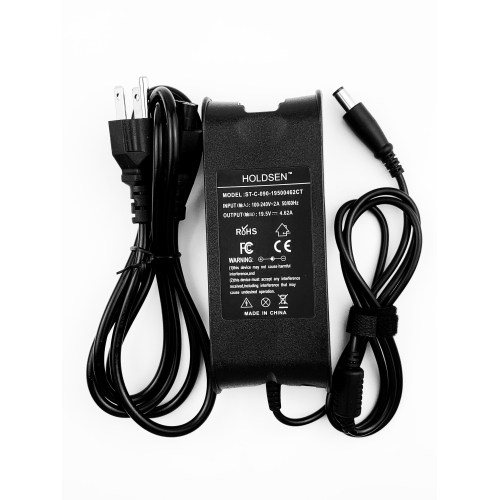
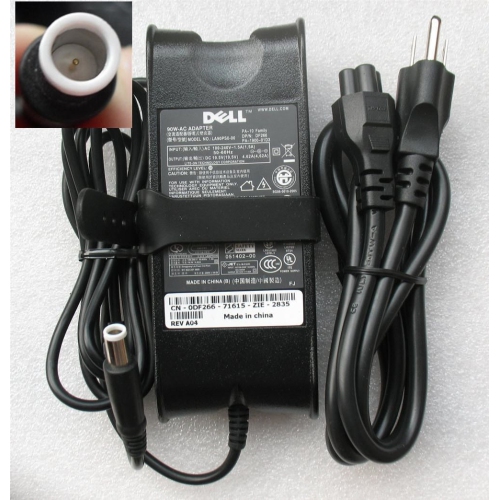
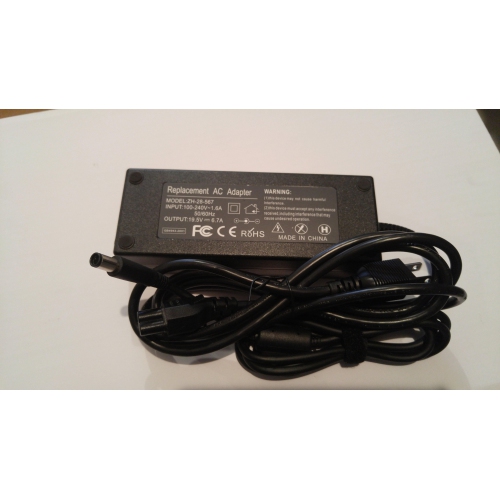
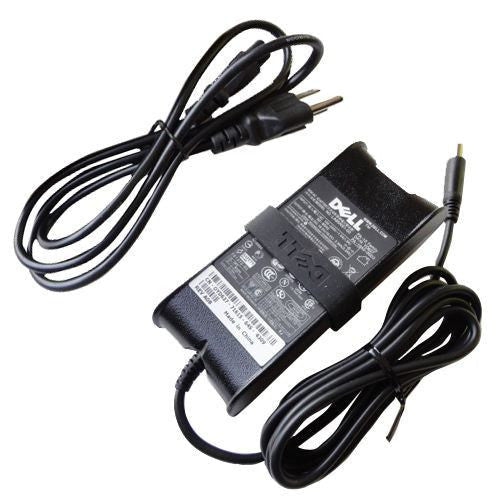
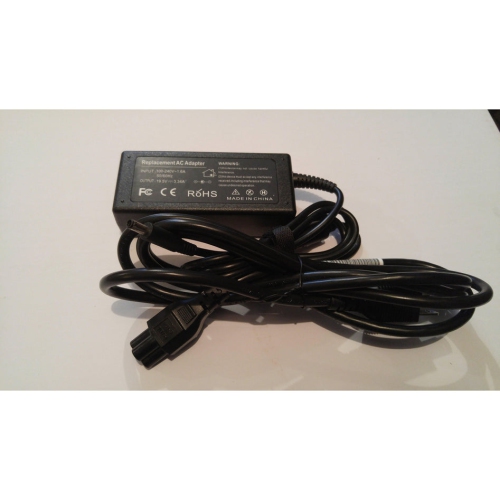
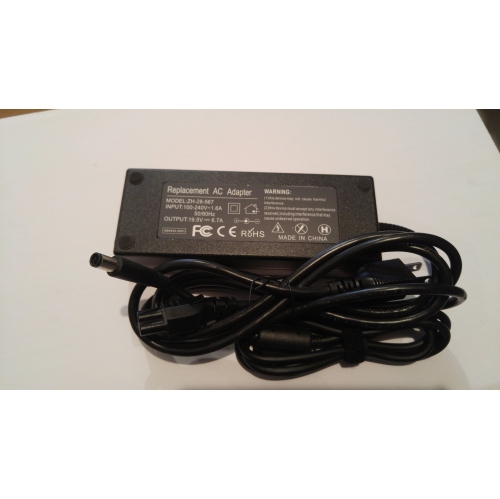
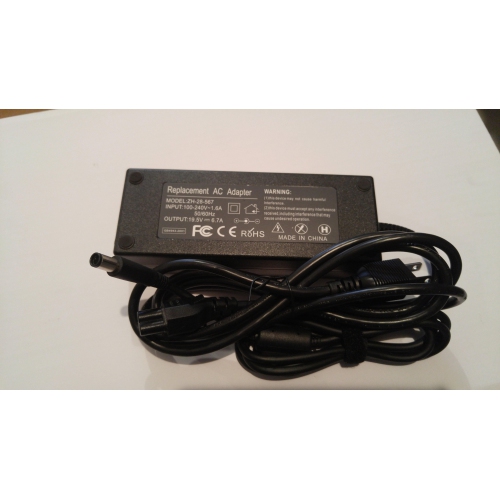
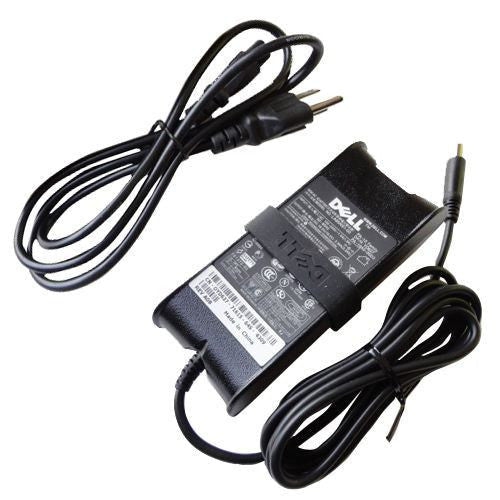
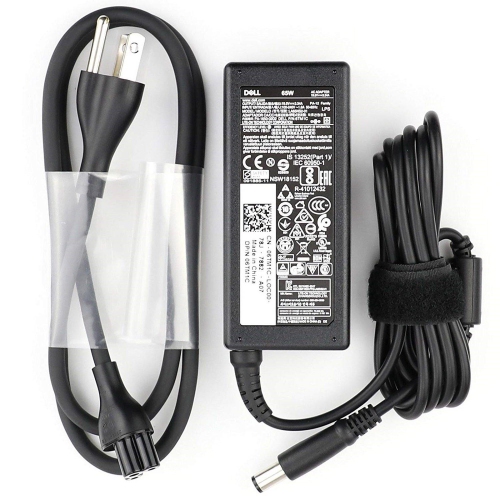
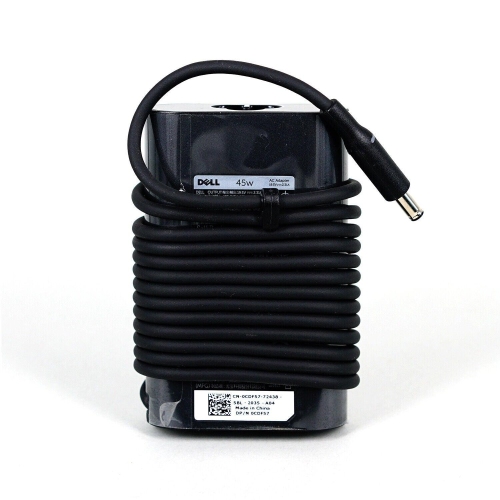
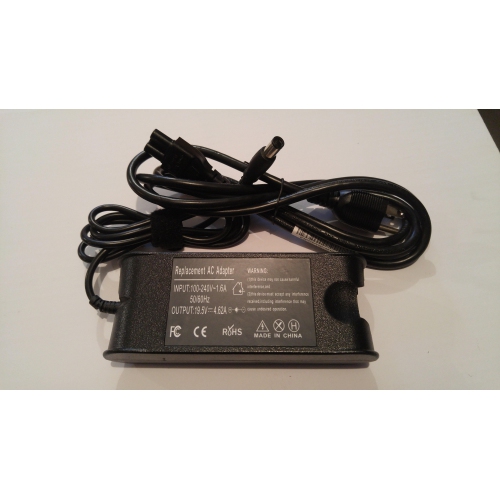
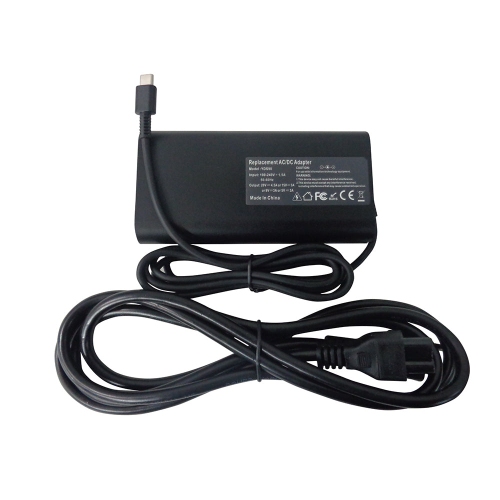
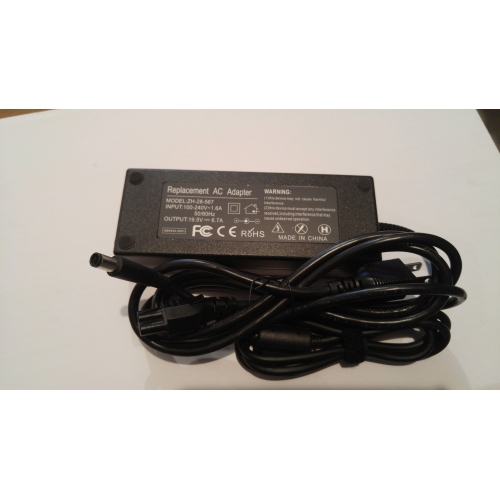
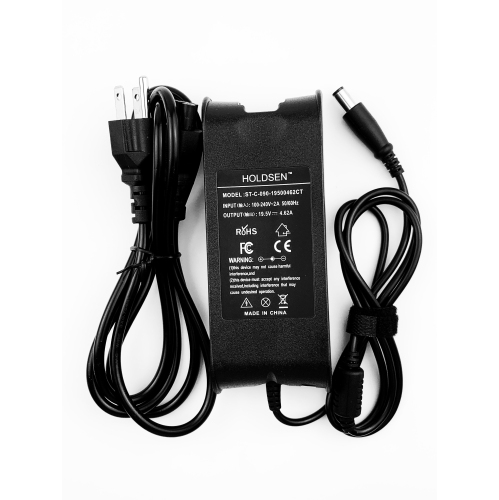
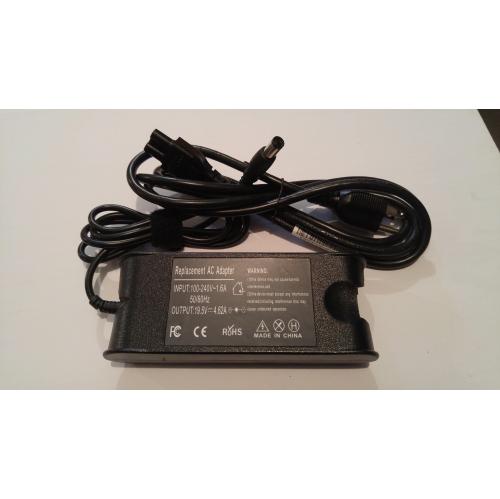
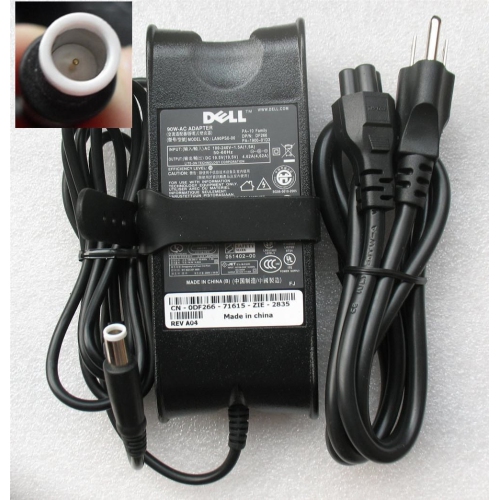
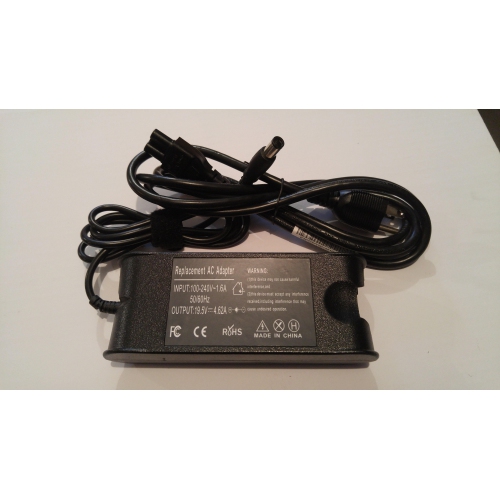
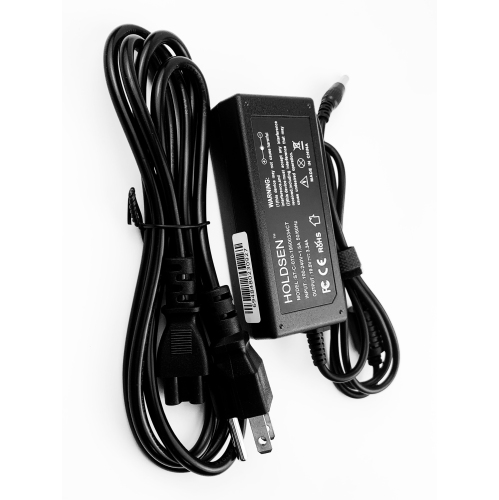
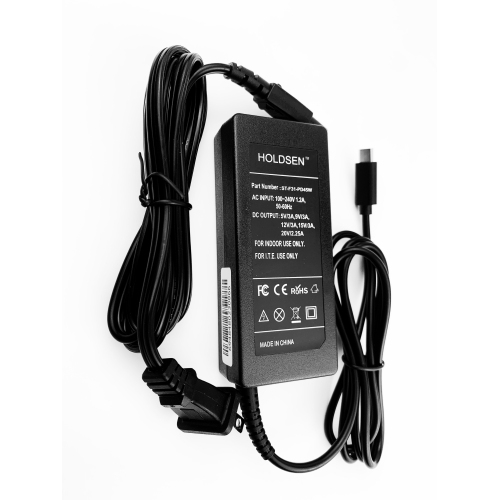
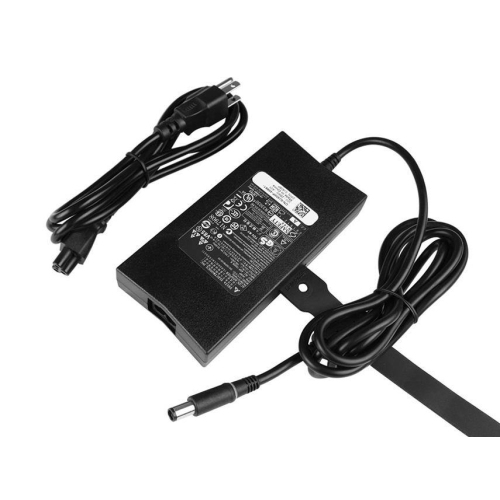
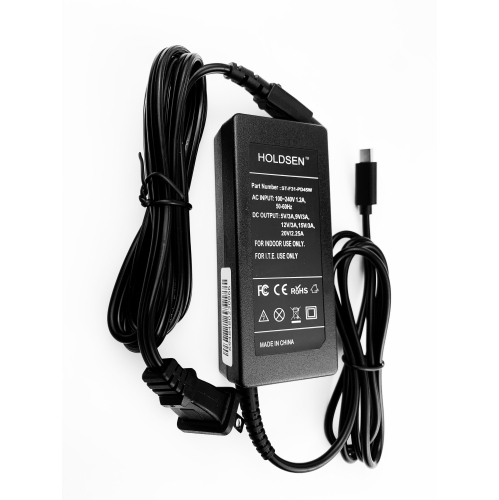
Power adapters for Dell laptops convert wall power into the direct current a compatible computer needs to operate and charge its battery. Common wattages range from 45W to 240W, although some systems require power outside that range. Compatibility depends on more than wattage: the output voltage, connector, and charging technology must also suit the laptop. Depending on the model, the connection may be a round barrel plug, such as a 4.5 mm or 7.4 mm connector, or a USB-C connector that supports USB Power Delivery. These connections are not interchangeable simply because they serve the same purpose. Barrel connectors can differ in outer diameter, inner dimensions, and centre-pin design, while a USB-C port must specifically support charging input to accept power. The laptop’s model number, original adapter label, and manufacturer’s specifications provide useful reference points; a Service Tag can also help locate the correct specifications through the manufacturer’s support information. For a barrel-style adapter, the specified output voltage and polarity must match, and its current rating must meet the computer’s requirements. A higher wattage alone does not establish compatibility, particularly when the laptop relies on adapter identification through the connector. USB-C charging adds another consideration: the adapter, cable, and laptop need to support the appropriate power delivery capabilities together. Some laptops also use manufacturer-specific charging arrangements that a general-purpose USB-C adapter may not fully support. The practical difference becomes clear during everyday use. A smaller laptop used for documents and browsing may have different power needs from a larger system running demanding software or graphics-intensive tasks. A suitable adapter supports the laptop’s intended operation rather than merely fitting its charging socket. That distinction matters for a replacement at a permanent desk, a second charger kept in a work bag, or a dedicated power connection beside a study space.
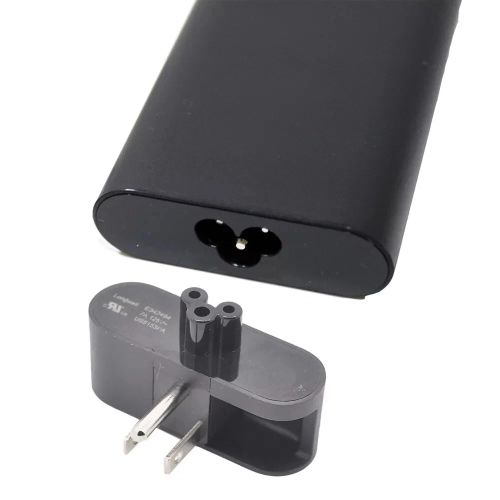
Power adapters are useful wherever a laptop needs a dependable place to plug in, from a kitchen-table workspace to a shared office or classroom. A second compatible adapter can reduce the need to reach behind furniture and disconnect a carefully arranged desk each time the computer travels. For students carrying a laptop between lectures and a residence room, or professionals moving between a home office and a workplace, the adapter’s size, weight, and cable arrangement affect how comfortably it fits into the routine. Compact housings take up less room in a bag, while adequate cable length helps bridge the distance between an outlet and a desk without leaving the cord stretched across a walkway. The stated cable length may refer to only one section, so the wall cord and laptop-side lead both contribute to usable reach. Typical construction includes a moulded housing, insulated wiring, and reinforced sections where cables enter the adapter or connector. Those strain-relief sections are especially relevant when a charger is packed and unpacked frequently. Detachable wall cords can make storage more manageable, although any replacement cord needs the correct connector and electrical rating. Connector shape also affects fit around the laptop: a straight plug projects outward, while an angled plug changes the direction of the cable and may suit some desk layouts better. Neither style should put sideways pressure on the charging port. For USB-C adapters with a separate cable, the cable’s supported charging wattage matters as much as the adapter’s stated output. Multiport adapters introduce another distinction, because their total output may be divided between connected devices. A laptop that receives adequate power when connected alone may receive less when a phone or another accessory is added. Similarly, charging through a docking station can leave less power for the computer than the adapter’s full rating, depending on the dock’s requirements. These details influence whether a setup can support work, connected accessories, and battery charging at the same time.
Durability depends partly on construction and partly on how the adapter is handled between uses. A power brick needs space for heat to dissipate during operation rather than being covered by bedding, papers, or clothing. Cables last better when stored in loose loops instead of being wound tightly around the housing, particularly near the connector and strain relief. Holding the plug when disconnecting it avoids pulling on the wire, and keeping the connector free of debris helps it seat properly without force. Frayed insulation, exposed wiring, a cracked housing, or a bent connector are reasons to stop using an adapter and have the damaged component assessed or replaced. For use in Canada, recognized Canadian electrical safety certification and an appropriate wall plug are important considerations; a grounded connection should remain grounded wherever the design requires it. Travel adds a separate compatibility check. An adapter labelled for 100–240V AC input may accept the voltage supplied in many destinations, but the label remains the reference, and a plug adapter changes the physical connection rather than converting voltage. Charging performance also depends on the condition of the laptop itself. An underpowered adapter may lead to slow charging, reduced performance, or battery drain during demanding use, but similar symptoms can result from a damaged port, cable fault, or battery issue. A laptop that runs while plugged in but no longer holds a useful charge may need attention beyond its external power supply. Compatible Laptop Batteries for Dell address a different part of the power system, with battery fit and specifications assessed separately from adapter compatibility. Keeping those roles distinct helps make sense of replacement needs: the adapter supplies power from an outlet, while the battery stores energy for unplugged use. A well-matched power setup supports both everyday charging and the flexibility to move the laptop when work or study takes it away from the desk.
Power adapters are useful wherever a laptop needs a dependable place to plug in, from a kitchen-table workspace to a shared office or classroom. A second compatible adapter can reduce the need to reach behind furniture and disconnect a carefully arranged desk each time the computer travels. For students carrying a laptop between lectures and a residence room, or professionals moving between a home office and a workplace, the adapter’s size, weight, and cable arrangement affect how comfortably it fits into the routine. Compact housings take up less room in a bag, while adequate cable length helps bridge the distance between an outlet and a desk without leaving the cord stretched across a walkway. The stated cable length may refer to only one section, so the wall cord and laptop-side lead both contribute to usable reach. Typical construction includes a moulded housing, insulated wiring, and reinforced sections where cables enter the adapter or connector. Those strain-relief sections are especially relevant when a charger is packed and unpacked frequently. Detachable wall cords can make storage more manageable, although any replacement cord needs the correct connector and electrical rating. Connector shape also affects fit around the laptop: a straight plug projects outward, while an angled plug changes the direction of the cable and may suit some desk layouts better. Neither style should put sideways pressure on the charging port. For USB-C adapters with a separate cable, the cable’s supported charging wattage matters as much as the adapter’s stated output. Multiport adapters introduce another distinction, because their total output may be divided between connected devices. A laptop that receives adequate power when connected alone may receive less when a phone or another accessory is added. Similarly, charging through a docking station can leave less power for the computer than the adapter’s full rating, depending on the dock’s requirements. These details influence whether a setup can support work, connected accessories, and battery charging at the same time.
Durability depends partly on construction and partly on how the adapter is handled between uses. A power brick needs space for heat to dissipate during operation rather than being covered by bedding, papers, or clothing. Cables last better when stored in loose loops instead of being wound tightly around the housing, particularly near the connector and strain relief. Holding the plug when disconnecting it avoids pulling on the wire, and keeping the connector free of debris helps it seat properly without force. Frayed insulation, exposed wiring, a cracked housing, or a bent connector are reasons to stop using an adapter and have the damaged component assessed or replaced. For use in Canada, recognized Canadian electrical safety certification and an appropriate wall plug are important considerations; a grounded connection should remain grounded wherever the design requires it. Travel adds a separate compatibility check. An adapter labelled for 100–240V AC input may accept the voltage supplied in many destinations, but the label remains the reference, and a plug adapter changes the physical connection rather than converting voltage. Charging performance also depends on the condition of the laptop itself. An underpowered adapter may lead to slow charging, reduced performance, or battery drain during demanding use, but similar symptoms can result from a damaged port, cable fault, or battery issue. A laptop that runs while plugged in but no longer holds a useful charge may need attention beyond its external power supply. Compatible Laptop Batteries for Dell address a different part of the power system, with battery fit and specifications assessed separately from adapter compatibility. Keeping those roles distinct helps make sense of replacement needs: the adapter supplies power from an outlet, while the battery stores energy for unplugged use. A well-matched power setup supports both everyday charging and the flexibility to move the laptop when work or study takes it away from the desk.
Top selling and popular products
-
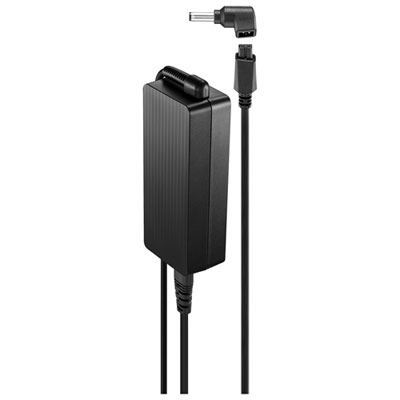 Your price for this item is $69.99
-
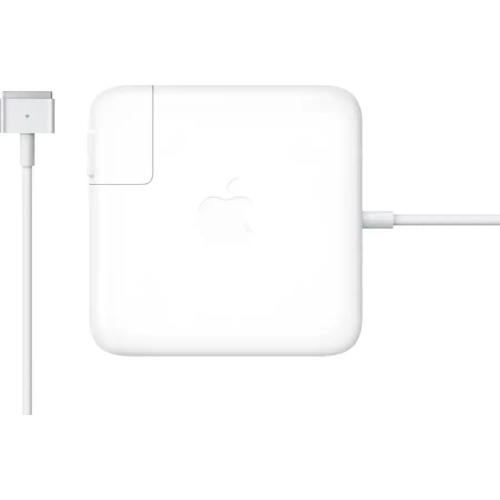 Your price for this item is $117.37
-
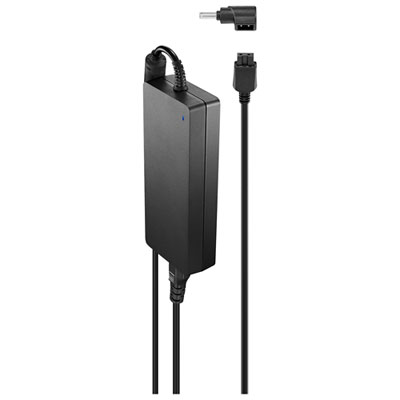 Your price for this item is $109.99
-
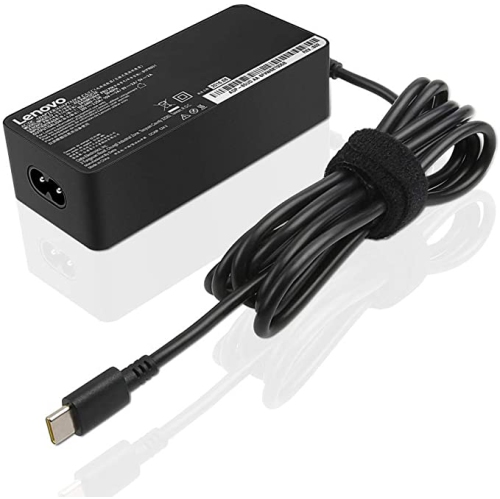 Your price for this item is $67
-
 Your price for this item is $49.99
-
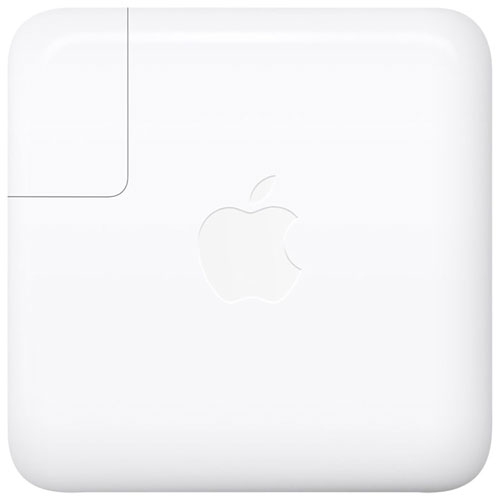 Your price for this item is $71
-
 Your price for this item is $46.68
-
 Your price for this item is $68.68
Discover more categories related to Power Adapters for Dell
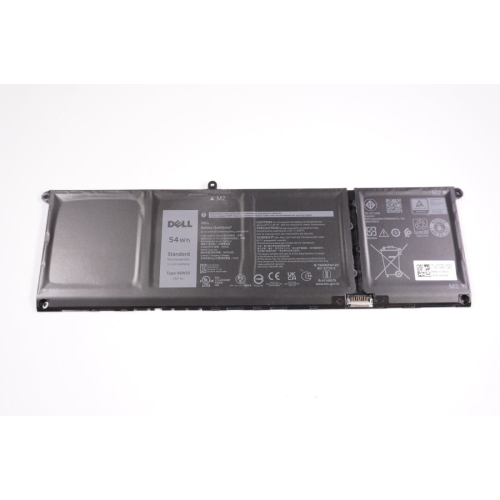

Top Collections:
Pokemon Centers, Pokémon 30th Celebration Cards, Best Budget Office Chairs, Kindle Devices, Best Cameras for Sports Photography, Canon G7X Cameras, Best Black Friday Deals On Electronics, Best Laptops for Writers, iPhone 15 Apple, Jackery Power Stations
Some products may be subject to Environmental Handling Fees
(EHF) depending on your province.
Learn more about EHFs.